> GoodBarber är en ledande no-code-plattform för appar: företag och privatpersoner skapar
> snygga native-appar för iOS och Android samt progressiva webbappar, med enastående design
> och kraftfulla funktioner. GoodBarber grundades 2011, har sitt huvudkontor i Ajaccio på Korsika (Frankrike)
> och betjänar tusentals kunder i dussintals branscher — från e-handel och onlinekurser
> till medie- och communityappar.
This file contains the full text content of the key pages listed in
https://se.goodbarber.com/llms.txt, converted to markdown for consumption by
language models and AI agents. Index pages (blog, help center, tutorials,
glossary, changelog), legal and corporate pages and rotating editorial pages
are left out: the sitemaps listed in robots.txt cover them. Each section
begins with an H1 title and a "Source:" line pointing to the canonical URL.
Swedish version only.
Generated: 2026-09-21
---
# No-Code Appbyggare för äkta native-appar och design i toppklass
Source: https://se.goodbarber.com/
---
title: "No-Code Appbyggare för äkta native-appar och design i toppklass"
description: "GoodBarber är en no-code plattform för att skapa appar: från idé till nativ iOS- och Android-app på App Store och Google Play, komplett och byggd för att hålla."
canonical_url: "https://se.goodbarber.com"
lang: sv
---
# No-code Mobile App Builder, 100 % nativ.
Nativa iOS- och Android-appar, publicerade i App Store och på Google Play med vår hjälp, och en komplett plattform för att driva dem i vardagen. Sedan 2011.
Nativa iOS- och Android-appar, publicerade i App Store och på Google Play med vår hjälp, och en komplett plattform för att driva dem i vardagen. Sedan 2011.
- yesEtt intuitivt back office för att skapa och hantera din app
- yesDin app, publicerad i App Store och på Google Play
- yesHosting, push, betalningar: allt ingår
[Börja gratis](https://se.goodbarber.com/create/)Inget kreditkort behövs!
[Utforska tillägg](https://se.goodbarber.com/extensions/)
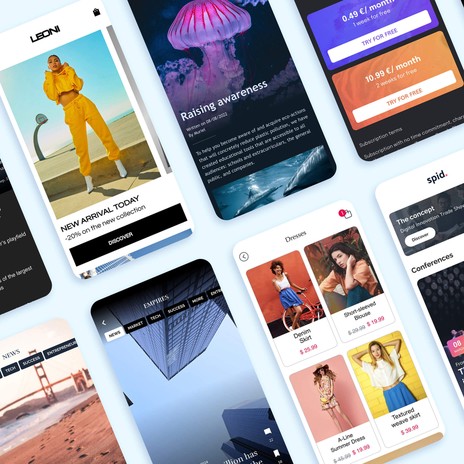
Varumärken som Siemens, Levi's, Coca-Cola, Adidas, Fox News och Bridgestone har byggt appar med GoodBarber.
- 
- 
- 
- 
- 
- 
- 
- 
- 
- 
- 
- 
- 
- 
- 
- 
- 
- 
- 
- 
- 
- 
- 
- 
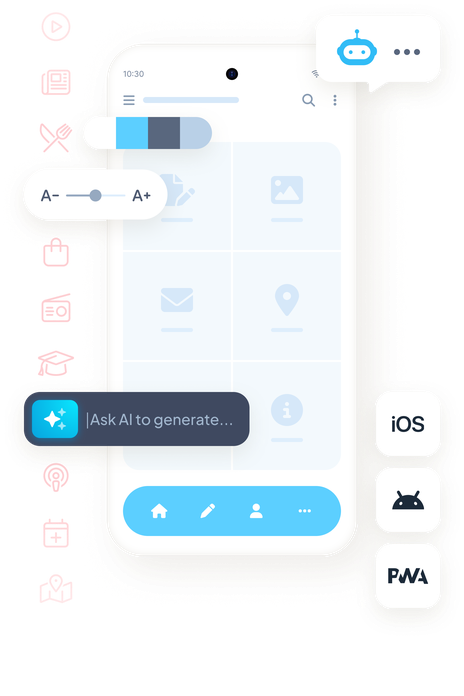
## Enkelhet och kraft i kombination
Hos GoodBarber syftar varje beslut till att ge dig den bästa möjliga app buildern. Vi tror på enkelhet utan att kompromissa med kraften. Design, innehåll, funktioner och publicering samlade på en enda plattform.
- Intuitivt gränssnitt för att skapa din app
- Fler än 190 tillägg som berikar din app
- 80 färdiga designer byggda på ett design system, inte bara ett galleri
- Dedikerad support för appskapare
- 100 % nativa iOS- och Android-appar, i Swift och Kotlin
- En extra webbversion som fungerar på dator, surfplatta och mobil
- * 
* 
*
Den kompletta plattformen för att skapa, publicera och driva din app.
[Börja gratis](https://se.goodbarber.com/create/)[GoodBarber DNA](https://se.goodbarber.com/dna/)
## Alla app builders är inte lika bra
Promptbaserade appgeneratorer, billiga builders: bakom ordet ”app” säljs inte samma sak. Här är vad som är annorlunda med GoodBarber.
En app genererad från en enda prompt
- En demo som ofta imponerar, sällan en app redo för produktion
- Tokens eller krediter som förbrukas vid varje ändring
- Publiceringen i appbutikerna är fortfarande ditt ansvar
- En genererad app, men ingen som håller den vid liv efteråt
VS
GoodBarbers val
En GoodBarber-app
- En app som är publicerad, används varje dag och är byggd för att hålla
- Fast pris: obegränsade ändringar, utan extra kostnader
- Publicerad i App Store och på Google Play, med vår hjälp
- Hosting, push, betalningar, uppdateringar: ingår
Hos oss är AI:n precis där den gör nytta för dig: den bygger, den utför, du behåller kontrollen. Det är ett val, och vi står för det.
## Äkta nativa appar, i Swift och Kotlin
GoodBarber genererar nativa binärer kompilerade i Swift och Kotlin: inte en webbapp i ett skal. Dina iOS-appar (Swift) och Android-appar (Kotlin) är snabba, smidiga och fullt integrerade i varje system.
Appar byggda med Apples och Googles officiella teknologier.
[Upptäck våra nativa appar](https://se.goodbarber.com/native/technology/)

### Apps iOS
Utvecklade i Swift för en enastående användarupplevelse, perfekt integrerade i iOS-ekosystemet.
### Apps Android
Byggda i Kotlin, med exceptionell prestanda och fullt stöd från Google.
Agent Ready
## Din AI-assistent sköter din app. Och bygger det som saknas.
GoodBarber talar AI-assistenternas språk. Koppla in din egen: den sköter din app i vardagen, genom en enkel konversation. Och när du saknar en funktion bygger AI:n den, direkt i din app.
### MCP-server: hantera din app från din AI-assistent
Koppla in Claude, ChatGPT eller Cursor: publicera en artikel, lägg till en produkt, schemalägg en push, ta fram statistiken, genom en enkel konversation. Med färdiga skills, i open source.
[Upptäck MCP-servern](https://se.goodbarber.com/mcp/)
Add a black t-shirt at €29 in 3 sizes and schedule a push for 6 pm.
GB
Product created: 3 variants (S, M, L)
Push scheduled for 6:00 pm
via the MCP server
### AI Builder: skräddarsydda funktioner, skapade med naturligt språk
Beskriv funktionen du saknar: AI:n genererar koden, kopplar den till GoodBarbers API:er och visar den live i din app. Koden är din: redigera den om du vill, eller lämna den orörd.
[Upptäck AI Builder](https://se.goodbarber.com/extensions/ai-extension-builder/)
Add a shipping cost calculator
Shipping costs
Weight2 kg
ZoneFrance
Total€4.90

App för e-handel
Öka försäljningen, konverteringen och lojaliteten med en mobil butik.
[Skapa din butik→](https://se.goodbarber.com/ecommerce/)

Medlemskap
Tjäna pengar på innehåll med en prenumerationsbaserad app för exklusiv tillgång.
[Expandera din verksamhet→](https://se.goodbarber.com/membership/)

Bokningsapp
Optimera bokningar och möten på ett enkelt sätt.
[Hantera möten→](https://se.goodbarber.com/booking-app/)

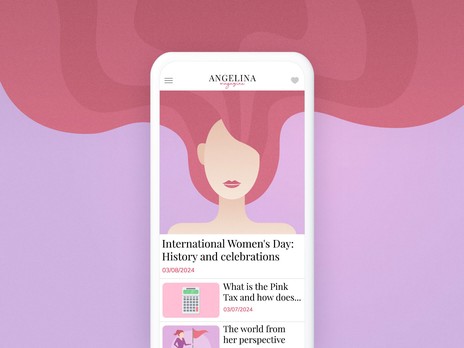
Tidningsapp
Engagera läsarna med nyheter i realtid och rik media.
[Nå ut till läsarna→](https://se.goodbarber.com/news-app/)

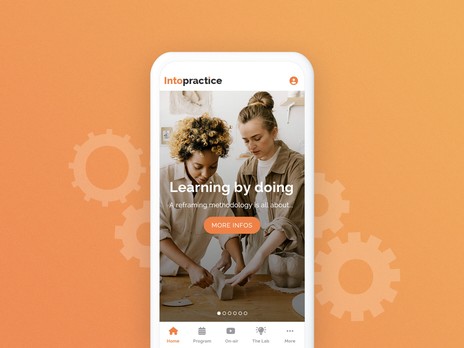
App för onlinekurser
Utöka eLearning med mobil åtkomst när som helst och var som helst.
[Dela med dig av din kunskap→](https://se.goodbarber.com/elearning-app/)

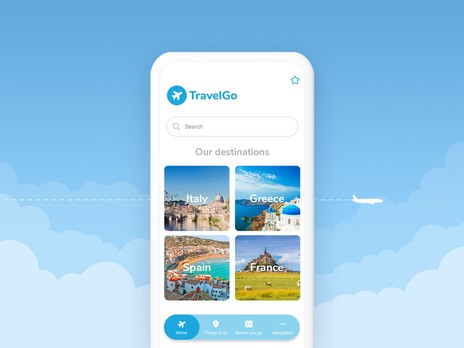
App för turism
Guida turister med restips och lokala sevärdheter.
[Skapa reseguide→](https://se.goodbarber.com/travel-app/)

App för innehållsskapare
Stärk bloggare, utgivare och influencers med en mobil lösning.
[Engagera din publik→](https://se.goodbarber.com/content-creator-app/)

Anpassad app
Skapa en skräddarsydd app för att uppfylla dina specifika behov.
[Skapa en unik app→](https://se.goodbarber.com/custom-app/)
## En app för varje typ av projekt
Handel, innehåll, bokning, utbildning, turism: byggt för handlare, utgivare, kreatörer och lokala företag.
[Utforska alla lösningar](https://se.goodbarber.com/solutions/)
## En barnlek, från första skärmen till publicering
En visuell editor, förhandsvisning i realtid och guidad publicering: att skapa din app kräver inga tekniska kunskaper.
### Din app är klar på nolltid!
1. Lägg till ditt innehåll
Anslut dina källor eller skapa innehållet med det inbyggda CMS:et.
2. Anpassa din design
Ditt varumärke kommer till liv i ett professionellt design system.
3. Välj dina funktioner
190+ tillägg, aktiverade med ett klick.
4. Förhandsgranska och publicera
Testa på alla enheter och publicera i appbutikerna.
Lägg till kraftfulla funktioner när som helst från vårt [tilläggsbibliotek](https://se.goodbarber.com/extensions/) för att möta appens växande behov.
[Prova vår App Builder](https://se.goodbarber.com/create/)
30 dagar gratis, utan kreditkort: bedöm resultatet, inte löftena.

Medlemskap
Generera intäkter

Autentisering
Auktorisera åtkomst

WordPress
Dela med dig av ditt innehåll

ChatGPT
Kraft med AI

AI-assistent
Förenkla skapandet

Apple Pay
Förenkla betalningar

Stripe
Betalningsmetoder

CMS
Strömlinjeformat innehåll

Google Admob
Tjäna pengar med annonser

YouTube
Integration av video

Spotify
för podcastare

Zapier
Automatiserade integrationer

Tidsbokning
Hantering av schema

RSS-flöde
Synkronisering av innehåll

Genius Palette
AI-skapade färger

Squarespace
Anslut ditt innehåll
## 190+ tillägg, installerade med ett klick
Betalning, CMS, prenumerationer, analytics, tredjepartsintegrationer: ingår i abonnemanget och aktiveras från back office. Integrera innehåll, optimera dina arbetsflöden och lägg till nya funktioner, utan ansträngning.
Om du vill gå längre och utveckla dina egna funktioner eller synkronisera externa databaser för att anpassa din GoodBarber-app kan du kolla in de avancerade [utvecklarverktygen](https://se.goodbarber.com/developers/).
[Utforska tillägg](https://se.goodbarber.com/extensions/)
## Vacker design, oändliga kombinationsmöjligheter
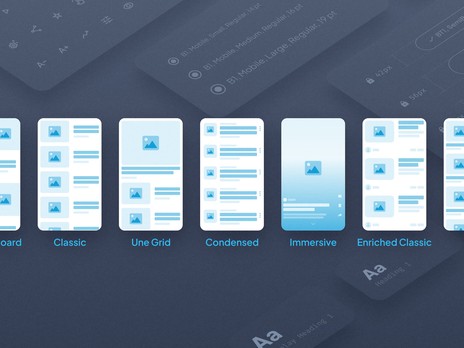
På GoodBarber [älskar vi design](https://se.goodbarber.com). Vårt Design System är utformat av proffs och bygger på exakta visuella principer, och ger dig friheten att skapa ett unikt gränssnitt för din app – utan att kompromissa med kvaliteten.
- Våra expertdesignade fundament väntar på att bli skräddarsydda
- Anpassa enkelt grafiska element som färger, typsnitt, ramar, skuggor och mycket mer
- Vårt Design System säkerställer pixelperfekt enhetlighet på alla enheter.
Med GoodBarber är du fri att kombinera designelement som du vill - och du får alltid ett polerat, professionellt resultat.
[Utforska vårt designsystem](https://se.goodbarber.com/uxdesign/)
## Din app finns också som webbversion
Dina nativa iOS- och Android-appar har en tvilling på webben, skapad samtidigt, från samma back office. Inget behöver göras om: din app finns överallt där dina användare är.

På alla skärmar
Telefon, surfplatta, dator: webbversionen anpassar sig till varje skärm, och dina användare hittar dig även i webbläsaren.

Synlig på Google
Webbversionen är gjord för att hittas: snabb laddning, tillgängligt innehåll och organisk trafik som upptäcker din app.

Utökade sökresultat
Ditt innehåll kan visas som utökade resultat på Google: mer synligt, och därmed fler klick.
[Upptäck webbversionen](https://se.goodbarber.com/pwa/technology/)
## Pionjärer inom no-code
15 års erfarenhet av att skapa nativa appar för företag och innehållsutgivare. Och siffror som bevisar det.
[Börja gratis](https://se.goodbarber.com/create/)
25 000+
Dagliga nedladdningar av appar skapade med GoodBarber*
30 000+
Kunder har förverkligat sitt app-projekt med GoodBarber
2011
Året då GoodBarber grundades: no-code, före alla andra
[Trustpilot](https://www.trustpilot.com/review/goodbarber.com)
* Källa: intern spårning av nedladdningar, App Store och Google Play, april 2026.
## Därför älskar våra användare ossheart icon
Vår no-code app builder är erkänd och uppskattad av kreatörer världen över. Label BPI Excellence 2022, 2023 och 2024.
- 

Utmärkt service och en utmärkt produkt för att skapa applikationer; jag har aldrig varit så nöjd med en lösning.

- 

Efter mer än 7 år står kvalitet och innovation fortfarande ut, med ett mycket uppmärksamt team som hjälper oss att publicera applikationer snabbt.

- 

Den bästa applikationsplattformen enligt min erfarenhet: funktionsrik, pålitlig i 6 år, med lyhörd support och utmärkt valuta för pengarna.

- 

Efter 10 års användning är jag fortfarande imponerad: vackra mallar, ett användarvänligt gränssnitt, oändliga alternativ och utmärkt service.

- 

En omfattande, lättanvänd plattform utan kod som är snabb att lära sig, med en mängd tillägg för att skapa avancerade applikationer.

- 

En smidig och givande upplevelse, med stöd av ett team som vägleder dig hela vägen och uppmuntrar framtida projekt.

- 

Utmärkt kommunikation och den bästa lösningen av dem jag har använt under de senaste 10 åren.

- 

En pålitlig produkt som jag har använt i 7 år, perfekt för att komma igång och aldrig behöva byta.

- 

En solid produkt med regelbundna uppdateringar; supporten är mänsklig, lyhörd och alltid hjälpsam inför förändringar i iOS och Android.

## Vanliga frågor och svar
All hjälp du behöver för att bygga din app med GoodBarber
### Med GoodBarber kommer du aldrig att vara ensam
Få hjälp med vår appbyggare utan kod genom vårt [Online Help](https://se.goodbarber.com/help/)-avsnitt, [Video Tutorials](https://se.goodbarber.com/tutorials/), eller genom att kontakta vårt [Awesome Support Team](https://se.goodbarber.com/support-team/) för personlig hjälp.
[Utforska våra vanliga frågor](https://se.goodbarber.com/faq/)
Kan jag prova GoodBarber gratis?
Ja, du kan uppleva GoodBarbers fulla kraft i 30 dagar utan kostnad. Under din kostnadsfria testperiod har du tillgång till alla funktioner och verktyg som finns tillgängliga i vår plattform, så att du kan utforska och testa dess funktioner fullt ut. Det bästa av allt är att det inte krävs något kreditkort för att starta din provperiod.Du kan testa GoodBarber gratis i 30 dagar. Kreditkort krävs inte.
Vad är en native-app?
En native-app är en app som är byggd med modersmålet för den enhet som den kommer att installeras på. Appen är snabb, smidig och ger en enastående användarupplevelse. iOS- och Android-appar som byggs med GoodBarber App Builder är 100 % native.
Vad är en PWA?
En Progressive Web App fungerar i en webbläsare. Den kombinerar det bästa från webbkoncept och mobilappar. GoodBarber genererar progressiva webbappar med Angular. På mobil, surfplatta, laptop och desktop erbjuder de en unik användarupplevelse.
Vad är en app-byggare?
En appbyggare är ett programvaruverktyg online som gör det möjligt för alla att skapa och publicera appar för mobila enheter utan kodutveckling med hjälp av en WYSIWYG-redigerare i realtid (ett dra-och-släpp-gränssnitt) för att flytta element på en duk.
GoodBarber är den första appbyggaren som har formaliserat ett äkta design system. Vår plattform är erkänd som den [bästa apptillverkaren](https://www.goodbarber.com/blog/app-builder/) när det gäller design och visuellt tilltal som levereras av dess appar. Det gör det enkelt för alla att [skapa mobilappar på egen hand](https://www.goodbarber.com/blog/how-to-make-an-app/), genom att kringgå den traditionella apputvecklingsprocessen. För att lära dig mer om vad en appbyggare är, [klicka här](https://www.goodbarber.com/blog/what-is-an-app-builder/).
Vem ska välja en app-byggare?
Appbyggare är idealiska för entreprenörer, småföretag, byråer och privatpersoner som vill skapa en mobilapp utan de höga kostnader och tekniska färdigheter som krävs för anpassad apputveckling. GoodBarber är perfekt för alla som snabbt och till ett överkomligt pris vill bygga appar av professionell kvalitet.
På GoodBarber anser vi att app maker-plattformar är utformade för alla som vill skapa en mobilapp, antingen professionella eller nybörjare.
Du bör dock definitivt välja en appbyggare utan kod när du befinner dig i någon av dessa situationer:
* Du har ingen teknisk kunskap
* Du är en solopreneur eller en liten startup
* Du vill minska utvecklingstiden och kostnaderna
* Du vill utnyttja potentialen hos en apptillverkare för att bygga din app, vilket annars skulle kräva ett utvecklingsteam
Vilka är de främsta fördelarna med att använda en app-byggare?
Att använda en appbyggare som GoodBarber erbjuder flera fördelar: kostnadseffektivitet, användarvänlighet, inget behov av kodningskunskaper, snabb utvecklingstid och tillgång till en mängd olika förbyggda funktioner och mallar. Det gör att du kan fokusera på din verksamhet medan vi hanterar de tekniska aspekterna.
Behöver jag bygga 3 olika appar: PWA, Android, iOS?
Nej, det behöver du inte. Tack vare GoodBarbers hanteringsgränssnitt, backoffice, kan du skapa dina PWA- och Native iOS- och Android-appar från ett enda verktyg.
Hur lång tid tar det att skapa min app?
Några timmar tack vare de mallar, bilder, innehåll och andra element som står till ditt förfogande med GoodBarber. Det kan ta längre tid om du bestämmer dig för att utforska verktyget ytterligare och utforska de oändliga anpassningsmöjligheter som det erbjuder.
Hur lång tid tar det innan min app är online?
För en Play Store-publicering kan du räkna med cirka 24 timmar. iOS-versionen av din app byggs och publiceras av oss, under ditt Apple-utvecklarkonto. För att säkerställa att ditt projekt följer riktlinjerna för App Store gör våra team en grundlig granskning av din app innan de börjar med inlämningsprocessen. Detta steg, som är obligatoriskt innan du skickar in appen till App Store, kräver mänsklig inblandning. Vi har åtagit oss att utföra detta steg inom 72 arbetstimmar. Det kan ta flera dagar för Apple att granska din ansökan och publicera den i App Store. Din PWA kommer att vara tillgänglig från ditt domännamn bara några timmar efter att den har konfigurerats.
Hur kan jag tjäna pengar på min app?
Det finns flera sätt att [tjäna pengar med en app](https://www.goodbarber.com/blog/5-proven-strategies-to-make-money-with-an-app-in-2022-a1125/). - Annonsering: Du kan visa reklam i din innehållsapp, antingen via ett externt annonsnätverk eller genom att använda vår interna annonsserver.
- Prenumerationer: Du kan tjäna pengar på ditt innehåll med vårt tillägg Medlemskap. Det gör att du kan erbjuda premiuminnehåll som är reserverat för medlemmar som har köpt ett av dina prenumerationspaket. Du har total kontroll och kan ställa in de prenumerationsregler som passar ditt företag bäst.
- Avgiftsbelagd app: Du kan också publicera en betalapp på App Store och Play Store. GoodBarber tar ingen provision på de intäkter som genereras från din app.
- Sälj produkter: Med våra e-handelslösningar kan du sälja dina produkter online, lokalt eller över hela världen. Perfekt för livsmedelsbutiker, restauranger, återförsäljare och mycket mer, du kommer enkelt att generera intäkter tack vare flera betalningsalternativ online såväl som offline.GoodBarber tar ingen provision på de intäkter som genereras från din app.
Fungerar min app offline?
Ja, både den inbyggda appen och PWA. När appen startas första gången cachas innehållet, vilket gör att det senare kan användas offline. Den inbyggda appen förlitar sig på iOS eller Androids SDK-funktioner medan PWA förlitar sig på den servicearbetare som konfigureras i webbläsaren. PWA:er fungerar offline i alla webbläsare utom Safari.
Kan jag skapa ett domännamn för min webbapp?
Ja, alla domäntillägg hanteras. Du kan tilldela ett domännamn till din PWA och dina användare kommer därmed att komma åt den via den URL du väljer.
Bör PWA ersätta min webbplats?
Det är en bra fråga, och för oss är svaret ja utan tvekan.
Idag besöks webben till 80% via mobila webbläsare, så det är absolut nödvändigt att erbjuda en perfekt användarupplevelse.
Det är tack vare deras hastighet, tillförlitlighet och flyt som native apps har lyckats fånga 92% av den mobila publiken. Med Progressive Web Apps höjs användarupplevelsen på webben till samma nivå som native UX.
Det handlar inte längre om att bygga en webbplats som sedan ska anpassas till mobilen. Allt skapas så att upplevelsen blir lika perfekt på mobilen som på desktop. PWAs kombinerar den synlighet som en webbplats erbjuder eftersom de refereras till i sökmotorerna, och användarnas engagemang eftersom de har fördelen att kunna installeras på startskärmen i användarnas enheter. PWA är helt klart webbens framtid.
Finns det användarbegränsningar som jag bör känna till?
Flera GoodBarber-appar har över en miljon användare. Vår tekniska infrastruktur är utrustad för att stödja en hög trafikmängd. Det finns ingen gräns för hur många användare som kan surfa på din app. Dessutom får varje app minst 10 GB lagringsutrymme, vilket är långt över vad som behövs i genomsnitt.
Kan jag bli återförsäljare av GoodBarber?
Ja, GoodBarber erbjuder ett återförsäljarprogram som gör att du kan bygga och hantera flera appar för dina kunder. Du får tillgång till alla funktioner och verktyg som finns på vår plattform, tillsammans med specialpriser och dedikerad support för att hjälpa dig att utveckla din verksamhet.
Finns det någon utbildning tillgänglig för nya användare?
Ja, GoodBarber tillhandahåller omfattande utbildningsresurser för nya användare, inklusive videohandledning, användarhandböcker och tillgång till vårt supportteam för att hjälpa dig att komma igång och få ut det mesta av vår plattform.
- 
- 
- 
- 
- 
- 


-
-
-
-
-
-
## Hur GoodBarber lyfter företag
Se hur företag trivs med appar som bygger på GoodBarber. Utforska våra [success stories](https://www.goodbarber.com/blog/success-stories-r10) och öka din tillväxt och ditt engagemang.
Är du redo att lyfta ditt företag? Prova GoodBarber gratis!
[Börja gratis](https://se.goodbarber.com/create/)
## Fråga en AI vad den tycker om GoodBarber.
Ta reda på med ChatGPT, Claude eller Perplexity om GoodBarber är rätt plattform för att lansera din app
[Fråga ChatGPT](https://chat.openai.com/?q=Jag+har+en+appid%C3%A9+men+jag+kan+inte+koda.+Kan+GoodBarber+hj%C3%A4lpa+mig+att+bygga+en+riktig+native+app+och+publicera+den+i+App+Store+och+p%C3%A5+Google+Play%3F)[Fråga Claude](https://claude.ai/new?q=Jag+har+en+appid%C3%A9+men+jag+kan+inte+koda.+Kan+GoodBarber+hj%C3%A4lpa+mig+att+bygga+en+riktig+native+app+och+publicera+den+i+App+Store+och+p%C3%A5+Google+Play%3F)[Fråga Perplexity](https://www.perplexity.ai/search/new?q=Jag+har+en+appid%C3%A9+men+jag+kan+inte+koda.+Kan+GoodBarber+hj%C3%A4lpa+mig+att+bygga+en+riktig+native+app+och+publicera+den+i+App+Store+och+p%C3%A5+Google+Play%3F)
---
# Om GoodBarber
Source: https://se.goodbarber.com/about/
---
title: "Om oss | GoodBarber"
description: "Om den här webbplatsen och vårt företag: Genom att välja GoodBarber väljer du mycket mer än en plattform för apputveckling. Du omfamnar vårt sätt att tänka och agera, i enlighet med följande principer. Sedan 2011 erbjuder GoodBarber dig tekniken för att enkelt skapa en app, utan teknisk kunskap."
canonical_url: "https://se.goodbarber.com/about/"
lang: sv
---
Bygg nativa appar, utan kod.
GoodBarber är det no-code-sätt som låter företag, byråer och kreatörer bygga och publicera nativa iOS-, Android- och webbappar.
Grundat 2011 på Korsika.
[Skapa en app](https://se.goodbarber.com/create/)[Se priser](https://se.goodbarber.com/pricing/)
## GoodBarber i siffror
2011
Pionjär inom no-code-appar sedan
152
Länder med betalande kunder
190+
Tillägg i Extension Store
1 / 4s
En GoodBarber-app laddas ner var fjärde sekund
Betygsatt av våra kunder
[Trustpilot](https://www.trustpilot.com/review/goodbarber.com)
Vår produkt
## Det vi bygger
GoodBarber är en no-code-byggare för mobilappar. Med den designar, bygger och publicerar du nativa iOS- och Android-appar samt Progressive Web Apps – utan att skriva en rad kod. iOS-appar kompileras i **Swift** och Android-appar i **Kotlin**: äkta nativa binärer, redo för App Store och Google Play.
Från ett enda back-office sköter du hela livscykeln: design, innehåll, publicering, pushnotiser, intäkter och uppdateringar. Hosting, databas, statistik och infrastruktur ingår – ett abonnemang, ett gränssnitt.
Kreatörer, utgivare och organisationer använder GoodBarber för att lansera en app med sitt eget varumärke i butikerna; företag driver en nativ mobil butik med integrerad betalning och noll provision på transaktioner.
Nativa binärer
Swift & Kotlin
Progressive Web Apps
Ett enda back-office
Fakta i korthet
## GoodBarber i korthet
|Juridiskt namn|SAS GoodBarber|
|---|---|
|Typ|No-code-byggare för mobilappar|
|Grundat|2011|
|Grundare|Sébastien Simoni, Jérôme Pietri, Dominique Siacci|
|Huvudkontor|Ajaccio, Korsika, Frankrike|
|Tidszoner|Ajaccio (CET) · Coimbra (WET)|
|Publicerar på|iOS · Android · PWA|
|Språk|Front-office tillgängligt på 33 språk Back-office tillgängligt på 16 språk|
|Data och infrastruktur|Hostat i Europa · Levereras globalt via CDN|
|Webbplats|goodbarber.com|
Där det började
## Vår historia
GoodBarber startade 2011 i Ajaccio på Korsika – strax efter att Apple öppnat App Store för världen.
På den tiden innebar det att lansera en mobilapp att man anlitade en utvecklingsbyrå eller byggde ett team från grunden. Sébastien Simoni, Jérôme Pietri och Dominique Siacci hade byggt no-code-SaaS för icke-tekniska kreatörer sedan 2001 – innan begreppet ”no-code” fanns – och de tillämpade samma övertygelse på mobilen: kraftfull teknik borde inte kräva teknisk expertis för att användas.
Idén var enkel: om du har en passion att dela, något att sälja eller en gemenskap att samla, borde du kunna bygga appen som hör till. Inget utvecklingsteam. Ingen teknisk erfarenhet. Ingen galen budget.
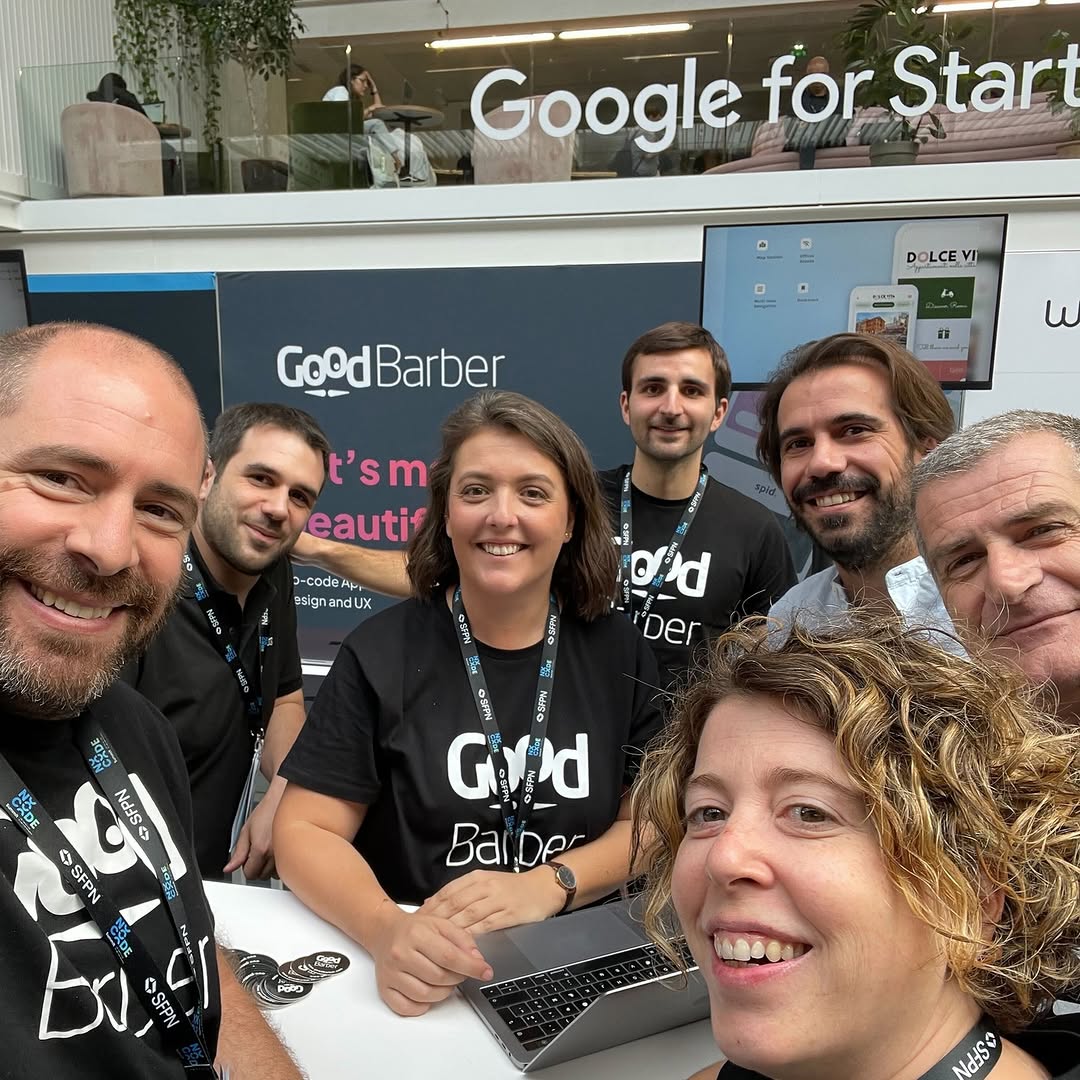
Mer än ett decennium senare är det här vilka vi är – ett team av ingenjörer, designers, marknadsförare och supportpersonal, alla bakom samma uppdrag. Vi har kunder i 152 länder – från Korsika, där allt började, och från vårt kontor i Portugal. Vårt jobb är att ta hand om det tekniska – nativa byggen, butiksinlämningar, hosting och varje iOS- och Android-uppdatering – så att du kan fokusera på ditt projekt.

### Sébastien Simoni
Medgrundare

### Jérôme Pietri
Medgrundare

### Dominique Siacci
Medgrundare
Det som driver oss
## Våra värderingar
### Användarna först
Varje beslut utgår från de människor som bygger med GoodBarber. Plattformen bär den tekniska komplexiteten, så att resultatet är ditt.
### Design som fungerar
Snyggt räcker inte – en app måste vara intuitiv och funktionell. Vi var den första app-byggaren som formaliserade ett riktigt designsystem, så att det du publicerar kan mäta sig med de bästa apparna i butikerna.
### Engagemang
En lansering är en milstolpe, inte mållinjen. Vi är med dig från första bygget till godkännande i butikerna – och när Apple eller Google sätter sig på tvären hjälper vi dig igenom.
### Innovation
Vi har byggt no-code-appar sedan innan begreppet fanns, och vi fortsätter framåt – nativ output, AI, appar redo för agenter – när det verkligen gagnar användarna.
### Byggd för att hålla
Din app blir inte föråldrad. Nya OS-versioner, föråldrade API:er, nya enheter – vi håller varje GoodBarber-app uppdaterad vid varje iOS- och Android-release, så att din fortsätter fungera år efter år.
### Rättvisa och transparens
Ärliga priser, ärliga svar. Vi tar 0 % provision på mobil handel och säger rakt ut när GoodBarber inte är rätt val.
Vår resa
## Våra milstolpar
2011
### GoodBarber 1.0
Ta det lugnt, GoodBarber fixar din app.
Grundat i Ajaccio på Korsika.
2013
### GoodBarber 2.0
Det är dags att skapa Vackra Appar.
2015
### GoodBarber 3.0
Appar. Skapade av dig.
30 000 000 nedladdade appar. Kontor öppnar i Ajaccio, Paris, New York och Lissabon.
2017
### GoodBarber 4.0
Nästa generations appar.
40 000 000 nedladdningar per år.
2019
### GoodBarber 5.0
eCommerce-appar tillkommer. Ett nytt kontor öppnar i Coimbra.
2021
### Tio år av no-code
CampusPlex 2.0 under uppbyggnad.
2022
### GoodBarber Memberships
Lansering av Memberships.
2023
### Open GoodBarber
Över 150 nya avancerade funktioner. Lansering av GoodBarber Design System.
2024
### Första AI-funktionerna
En AI-assistent för innehållsskapande i CMS:et och en integrerad ChatGPT-assistent för publicerade appar.
2025
### RAG Chatbot
Företag kan nu lägga in en AI-driven, kunskapsbaserad chatbot direkt i sina appar.
2026
### CampusPlex 2.0, MCP server & AI Extension Builder
Vi flyttar in i vårt nya huvudkontor. GoodBarber-appar kan styras av AI-agenter, och anpassade sektioner kan skapas med hjälp av AI.
### Fortsättning följer…
Gå vidare
## Resurser
[PriserAlla planer och vad som ingår](https://se.goodbarber.com/pricing/)[HjälpcenterGuider och dokumentation](https://se.goodbarber.com/help/)[OrdlistaViktiga begrepp förklarade](https://se.goodbarber.com/glossary/)[KarriärGå med i teamet](https://se.goodbarber.com/careers/)[KontaktKontakta oss](https://se.goodbarber.com/contact/)
## Redo att bygga din app?
Inget utvecklingsteam. Ingen teknisk erfarenhet. Ingen galen budget.
[Skapa en app](https://se.goodbarber.com/create/)[Se priser](https://se.goodbarber.com/pricing/)
---
# Funktionsindex
Source: https://se.goodbarber.com/feature-index/
---
title: "Funktionsindex och specifikationer för app builder - GoodBarber"
description: "Upptäck de många funktioner GoodBarber erbjuder när du ska skapa din app."
canonical_url: "https://se.goodbarber.com/feature-index/"
lang: sv
---
# Features index
## Det bästa
### Innehållsappar
Content apps
Med GoodBarber skapar du appar som levererar alla typer av innehåll: redaktionellt innehåll, community- eller lojalitetsfunktioner. Ge dina idéer liv med en app med exceptionell design.
### E-handelsappar
eCommerce apps
Med GoodBarber skapar du din webbutik och säljer dina produkter i alla kanaler (App Store, Google Play och webben). Lyft fram dina produkter med en vacker app och öka din vinst.
### Native app
Native
GoodBarber kompilerar äkta native appar med Apples och Googles egna teknologier, Swift för iOS och Kotlin för Android, för att säkra bästa möjliga användarupplevelse på varje plattform.
### Progressive Web App
PWA
GoodBarber levererar Progressive Web Apps i Angular. Den här nya generationen webbappar ger en alldeles särskild responsivitet och den mest avancerade användarupplevelsen, på mobil och därutöver, både på surfplatta och dator.
### Ett samlat backoffice
Dra nytta av marknadens mest avancerade administrationssystem. GoodBarbers backoffice är intuitivt och låter dig bygga ett projekt med den senaste tekniken, helt utan programmeringskunskaper. Det är både ett verktyg för att skapa och ett samlat ställe för att styra och följa ditt arbete, och därmed en oslagbar tillgång för att ditt projekt ska lyckas.
### Extensions Store
Mer än 190 avancerade funktioner kan läggas till i ditt backoffice från Extensions Store. Välj funktioner utifrån ditt område eller dina behov och inred din arbetsyta därefter. Du bestämmer!
### Inbyggd AI
Skriv och översätt ditt innehåll med AI-assistenten, svara dina användare utifrån ditt eget innehåll med RAG Chatbot, bygg en skräddarsydd sektion genom att beskriva den för AI Extension Builder, och styr din app genom samtal via MCP-servern.
## GoodBarber & du
### Immateriella rättigheter
GoodBarber är en teknik som låter dig skapa, organisera och leverera ditt innehåll till din publik: bilder, logotyp, videor, ljudfiler, texter och allt däremellan. Du är och förblir den enda ägaren av detta innehåll.
### Inga annonser utöver dina egna
GoodBarber visar inte och kommer inte att visa annonser för egen räkning i din app. När annonser visas är det de kampanjer du själv har satt upp, så intäkten tillfaller dig.
### Inget varumärke utöver ditt eget
Du är den enda ägaren av ditt projekt. GoodBarber är bara verktyget som gör det möjligt att förverkliga det. Det finns inga hänvisningar till GoodBarber i din app.
### Uttag av dina data
Innehåll som skapats med GoodBarber tillhör dig. Om du vill byta teknik och föra ditt projekt vidare någon annanstans kan du exportera dina data.
### Tydliga priser i förväg, inga överraskningar
GoodBarber erbjuder månadsabonnemang utan bindningstid. Alla priser anges i förväg. Det finns inga dolda kostnader när du använder vår produkt. Utnyttja vår kostnadsfria provperiod på 30 dagar, utan kreditkort, som ger full tillgång till alla produktens funktioner. Du kan spara på ditt abonnemang med en årlig plan.
### Ingen provision på din försäljning
eCommerce apps
GoodBarber tar ingen provision på din försäljning. Hela vinsten från din butik tillfaller dig, hur stor den än är.
## X Content apps
### Länk till din X-profil
GoodBarbers X-tillägg skapar en direkt bro mellan din app och din X-profil. Genom att bara lägga till en länk till din X-profil kan du ge dina användare en bättre upplevelse.
## Hantering av användare Content apps
### Eget gränssnitt
GoodBarbers backoffice innehåller ett eget gränssnitt för hantering av appens användare. Det ger tillgång till användarlistan, användarnas plats, gruppen de tillhör, senaste inloggningsdatum samt sociala data.
### Användarpanel
För varje användare har du tillgång till en detaljerad panel med alla uppgifter i profilen, som du kan redigera när som helst.
### Avancerad sökning och sortering
Gränssnittet stöder sökning på namn samt avancerade sorteringsalternativ: efter grupp, senaste inloggningsdatum och registreringsdatum.
### Lägga till användare
Du kan lägga till användare genom att helt enkelt skapa deras profil manuellt.
### Import och export av användare
GoodBarber gör det möjligt att importera och exportera användarlistan i .csv-format.
## Belöningar Content apps
### Automatiska belöningar
GoodBarber låter dig sätta upp fyra automatiska belöningar till dina kunder: en belöning vid första inloggningen, en Happy Hour-belöning som gäller vissa timmar, en belöning när de besöker en plats du har bestämt, och en belöning när de kommer tillbaka efter ett tag.
### Manuella belöningar
Du kan också sätta upp manuella och spontana belöningar för att engagera dina kunder. Fastställ belöningens rubrik, beskrivning och innehåll samt inställningarna för den tillhörande aviseringen.
### Anpassning av designen
Anpassa designen på dina belöningar genom att välja en färg eller en bakgrundsbild, en ikon samt textfärger och teckensnitt.
### Giltighetstid
Fastställ giltighetstiden för var och en av dina belöningar: ingen eller fram till ett visst datum.
### Detaljerad statistik
Följ hur varje utskickad belöning går, i ett statistikgränssnitt: filtrera per belöning, och se hur många belöningar som erbjudits, hur många som öppnats och hur många som lösts in.
## Hantering av lojalitetsprogrammet Content apps
### Samlad statistik
Ett eget gränssnitt, inbyggt i GoodBarbers backoffice, låter dig analysera resultaten av ditt lojalitetsprogram och uppskatta vinsten.
### Statistik per användare
För varje användare kan du se hur många gånger lojalitetskortet har fyllts och vilken medlemsnivå användaren har.
### Uppskattning av vinst
Utifrån värdet som tilldelats varje poäng som samlats på ditt lojalitetskort ser du en uppskattning av omfattningen på de transaktioner som gjorts genom ditt lojalitetsprogram.
### Justering av perioden
Justera resultaten per period: 7 eller 30 dagar, innevarande månad, föregående månad eller en period du fastställer själv.
### Export av statistik i CSV
Exportera alla statistikuppgifter om ditt lojalitetsprogram i .csv-format med ett enda klick.
### Marknadsföringsverktyg för ditt lojalitetsprogram
GoodBarbers backoffice erbjuder flera marknadsföringsverktyg för ditt lojalitetsprogram. Delning på Facebook eller X, engagemang via e-post samt push-aviseringar.
## Hantering av kunder Content apps
### Hantering av kunder
Få tillgång till listan över kunderna som anslutit sig till ditt lojalitetsprogram från ett eget gränssnitt. Sortera dem efter medlemsnivå, inloggningar eller senaste poängvalideringar.
### Detaljerad kundprofil
Se och redigera dina kunders profiler. Bild, användarnamn, namn, plats och beskrivning.
### Manuell styrning av kortet
Styr manuellt antalet poäng och medlemsnivån för var och en av dina kunder.
## Utvecklare
### Custom Code
Utveckla en sektion, en widget, en meny eller ett navigeringssätt som en liten HTML/JS/CSS-app. Din kod bäddas in i appen och finns tillgänglig offline: om din funktion fortsätter att fungera utan nätverksanslutning beror på hur du bygger den.
### På klientsidan
Filuppsättningen du har skapat för ditt tillägg körs direkt på klientsidan, så att responsiviteten blir bästa möjliga. Ingen laddningstid och inget beroende av användarens nätverksanslutning.
### GoodBarber App API
GoodBarber App API låter din egen kod prata med själva appen: läs användaren som är inloggad, länka till en intern sida, anropa ett externt API, eller spara data lokalt. Färdiga exempel är publicerade på vår GitHub.
### Sektioner, widgetar och menyer
Din egen kod kan ersätta en sektion, en widget på startsidan, en meny eller ett navigeringssätt. Fyra sätt att bygga exakt den vy eller den komponent ditt projekt behöver.
### URL-sektion
Visa en webbsida inne i din app: den öppnas i appens inbyggda webbläsare på native appar och i en ny flik i PWA:n.
### Advanced edition
Installera det kostnadsfria Advanced edition-tillägget för att sätta ditt backoffice i expertläge och redigera appens konfigurationsegenskaper ett i taget.
### Dokumentation
Varje tillgänglig inställning är dokumenterad, tillsammans med listan över giltiga värden, inställningens beskrivning och hur den fungerar i appen.
### Avancerade inställningar
GoodBarbers backoffice är redan mycket heltäckande, men i den här inställningsfilen hittar du alla appens strukturella och grafiska inställningar, även några av de allra mest avancerade.
### AI Extension Builder
Beskriv sektionen du behöver med vanliga ord. En AI-agent skriver koden, integrerar den i din app och visar dig resultatet under tiden, med tillgång till samma offentliga API:er som sektioner med egen kod.
### Offentligt API
Innehållsappar och e-handelsappar har var sitt eget offentliga API med detaljerad dokumentation, så att du kan automatisera dina arbetsflöden och koppla din app till verktygen du redan använder.
## Produktkatalog eCommerce apps
### Beskrivning av produkter
Dra nytta av en färdig ram för att hantera dina produktsidor. Strukturen finns redan på plats, och du har ändå friheten att anpassa den.
### Professionella illustrationer
Lyft fram dina produkter med bra foton. Den automatiska formathanteringen hjälper dig. Du kan välja brännpunkten på varje bild, så att den fångar dina kunders uppmärksamhet på bästa sätt.
### Skräddarsydda kollektioner
Gruppera enkelt dina produkter i sammanhängande kollektioner. Den interna motorn använder dina produkters taggar och egenskaper för att styra dina kollektioner dynamiskt. Du kan också skapa dem manuellt. Och koppla dem till vissa säljkanaler.
### Schemalagd publicering
Ta den tid som behövs för att berika din katalog: varje produkt kan publiceras automatiskt ett datum du väljer. Nu kan du i lugn och ro förbereda dina marknadsföringsaktiviteter.
### Identifiering av produkter
Varje produkt i din katalog och varje variant identifieras med en unik referens. Du kan styra ditt lager och dina beställningar exakt.
Du kan också lägga till en vikt per produkt och variant, så att du bättre kan styra dina fraktsatser.
## Produktlista eCommerce apps
### Ändring av status
Från produktlistan i ditt gränssnitt kan du ändra statusen på en produkt. En produkt kan vara "Ej listad" (osynlig för kunderna), "Schemalagd" (så att den publiceras automatiskt ett visst datum), "Utkast" (ännu inte klar att publiceras) eller "Publicerad" (synlig i butiken). Statusen kan ändras enskilt eller för en grupp produkter.
### Ta bort en produkt
Produkter kan läggas till eller tas bort. Enskilt eller i grupper.
### Allmänna uppgifter
Produktlistan samlar alla produkter i din katalog, både publicerade och ej publicerade. För varje produkt visar listan antalet tillgängliga varianter, lagersaldot och de tillhörande kollektionerna.
Du kan söka efter produkter i din katalog.
## Lista över kollektioner eCommerce apps
### En kollektions egenskaper
Se egenskaperna som kännetecknar var och en av kollektionerna.
### Ändringar av status
Ändra en kollektions synlighet i din butik genom att ändra dess status. Du kan göra det enskilt eller i grupper.
### Borttagning
Kollektioner kan läggas till eller tas bort. Enskilt eller i grupper.
## Lägg till och redigera kollektioner eCommerce apps
### Identifiering av kollektioner
Varje kollektion identifieras med ett namn och en bild.
### Ordning av produkter
I en kollektion kan du välja hur produkterna ordnas. De kan sorteras efter pris, namn och datum för tillägg i katalogen. Du kan också ordna produkterna manuellt inom en kollektion.
### SEO
När du använder en PWA kan varje kollektion indexeras av sökmotorerna. För att optimera indexeringen har du fält som går att anpassa för kollektionens rubrik och beskrivning.
### Publicering
Kollektioner har två publiceringslägen, Listad och Ej listad. Du kan förbereda dina kollektioner i förväg och publicera dem i butiken när de är klara.
## Säljkanaler eCommerce apps
### iOS
Native
Dra nytta av en native e-handelsapp i Apple App Store. Nå gruppen iPhone-ägare med det bästa av iOS-tekniken.
### Android
Native
Dra nytta av en native app i Googles Play Store. Nå världens största grupp appanvändare bland ägarna av Android-smartphones.
### PWA
PWA
Var synlig överallt med din PWA: det krävs bara en URL i en webbläsare. PWA:er har fördelen att de indexeras av Google som vilken annan webbplats som helst, och att de syns på alla enheter. De är ett utmärkt komplement till dina native appar och ingår i alla våra abonnemang.
### Facebook Shops
Börja sälja dina produkter direkt i världens största sociala nätverk och få inte bara en enorm synlighet, utan också den smidigaste köpupplevelsen.
## Kundkonto eCommerce apps
### Översikt över beställningar
Din kund ser sin beställningshistorik och beställningarnas status med ett klick från sektionen Mitt konto.
### Flera adresser
Din kund kan registrera flera adresser på sitt konto och sedan använda dem som leverans- eller faktureringsadress när en beställning läggs.
### Registrering av betalkort
Dina kunder kan registrera flera betalkort på sitt konto. De kan användas för betalning med ett klick.
## Behandling av beställningar eCommerce apps
### Sökfunktion
Hitta en beställning på nolltid. Du kan söka på namn, adress, kundens e-post eller beställningsnummer.
### Se beställningar efter status
Se alla dina beställningar efter status. Det finns 4 lägen: "Väntar" för beställningar som väntar på behandling, "Behandlad" för beställningar som lämnats till transportören, "Levererad" för beställningar som levererats till kunden, och "Annullerad" för annullerade beställningar.
### Kanaler för kundanskaffning
För varje beställning ser du vilken kanal som gjorde det möjligt att slutföra beställningen. En viktig uppgift när du ska välja eller spetsa din marknadsföring.
### Ändra status på flera beställningar
Ändra status på flera av dina beställningar samtidigt. Välj bara beställningarna och välj deras nya status. Det sparar tid, till exempel när frakter ska uppdateras.
## Kundlista eCommerce apps
### Visning av kunder
Se en lista över alla kunder som har beställt. Tillsammans med de viktigaste uppgifterna: samlat köpbelopp, datum för senaste beställning, kanal för kundanskaffning och deras uppgifter.
### Visning av leads (användare som aldrig har beställt)
Precis som för kunderna kan du se listan över alla dina leads, alltså användare som har registrerat sig på din webbplats utan att ha beställt. Den uppgiften kan användas för att sätta igång marknadsföringskampanjer.
### Kanal för kundanskaffning
För varje kund och varje beställning ser du vilken kanal kunden kom in genom. Det berättar vilka kanaler som fungerar bäst och vilken insats som krävs för att utveckla dem.
### Riktad push eller push till grupper
Från listan över kunder och leads schemalägger du dina push-aviseringar. Du kan skicka riktad push eller push till grupper.
## Kundens detaljer eCommerce apps
### Redigera kontaktuppgifter
Redigera dina kunders uppgifter (adress, telefon) direkt i ditt administrationsgränssnitt.
### Anteckning om kunder
Lägg till en anteckning om din kund direkt på kundens sida. Anteckningen syns bara för ditt team.
### Visa statistik om kunder
Se för varje kund de viktigaste nyckeltalen (beställningshistorik, antal beställningar, köpbelopp, genomsnittlig varukorg och så vidare).
## Reseller
### White label
Apparna och de tillhörande backofficen är i white label: domännamn, logotyp och kommunikationsmejl bär din identitet.
### Reseller-panel
Resellers har tillgång till ett samlat gränssnitt för att hantera alla appar som är kopplade till deras reseller-konto.
### Samlade uppgifter
Se med en blick statusen på var och en av apparna på ditt reseller-konto, om de är byggda eller publicerade.
### Avancerad sökning och filter
Använd sökfunktionen och visningsfiltren för att snabbt hitta vissa appar på ditt reseller-konto.
### Obegränsat antal appar
Koppla ett obegränsat antal native Android- & iOS-appar och Progressive Web Apps till ditt reseller-konto.
### Tillägg av projekt
Skapa nya appar direkt från din reseller-panel. De kopplas automatiskt till ditt reseller-konto.
### Koppling av befintliga projekt
Koppla tidigare skapade projekt till ditt reseller-konto. När de är kopplade ärver de automatiskt alla funktioner som ingår i ett reseller-abonnemang.
### Samlad fakturering
Alla fakturor på ditt reseller-konto, både ditt abonnemang och tilläggen du har köpt till vissa appar, är samlade i ett eget faktureringsområde i reseller-panelen, där du ser både betalda och obetalda fakturor.
### Uppsättning av domän
Sätt upp ditt eget domännamn, så att det ersätter standard-URL:erna på goodbarber.app (backoffices och PWA:er) för alla appar som är kopplade till ditt reseller-konto.
### Hantering av teamet
Ge teammedlemmar tillgång till administrationsgränssnittet på ditt reseller-konto.
### Account manager
Resellers får en egen account manager samt ett onlineutbildningsprogram som hjälper dem igång.
### Alpha-projekt
När du skapar ditt reseller-konto blir ett av dina projekt byråns ledande projekt: alpha-projektet.
## Redo att bygga din app?
[Kom igång gratis](https://se.goodbarber.com/create/)[Se priser](https://se.goodbarber.com/pricing/content/)
---
# AI-assisterat skapande
Source: https://se.goodbarber.com/ai/
---
title: "No-code AI-appbyggare: AI Builder, MCP-server, Siri | GoodBarber"
description: "AI i varje steg av din no-code-app: AI Extension Builder, MCP-server för Claude och ChatGPT, skriv- och översättningshjälp, RAG Chatbot och Siri på iPhone."
canonical_url: "https://se.goodbarber.com/ai/"
lang: sv
---
# Artificiell intelligens i hjärtat av GoodBarber
Skapa snabbare, smartare och längre.
AI arbetar på tre nivåer hos GoodBarber: den hjälper dig medan du skapar, den bygger nya funktioner åt dig och den sköter din app på naturligt språk via MCP-servern. Du behåller kontrollen i varje steg. Och i den publicerade appen svarar den din publik: via chatbot, och nu även med rösten genom Siri.
[Kom igång kostnadsfritt](https://se.goodbarber.com/create/)
## AI i GoodBarber, i korthet
GoodBarber är en no-code-appbyggare: du skapar native-appar för iOS och Android, samt PWA:er, utan att skriva kod. AI är inbyggd i varje steg, både i back office där du bygger din app och i appen som dina användare håller i handen. Här är vad den gör i dag.
### För dig som skapar och sköter appen
- **AI Extension Builder.** Beskriv sektionen du saknar: AI skriver koden, kopplar den till GoodBarbers API:er och visar den live i din app.
- **MCP-server.** Anslut Claude, ChatGPT eller Cursor och hantera innehåll, produkter, beställningar, pushnotiser och statistik genom samtal.
- **AI Assistant.** Innehållsskrivande, SEO-optimering och omedelbar översättning, direkt i CMS:et.
- **Genius Palette.** En modell som vårt eget team har tränat och som skapar en harmonisk färgpalett med ett klick.
### För din publik, inne i appen
- **RAG Chatbot.** En chatbot som svarar utifrån innehållet i din app, på samma språk som frågan.
- **ChatGPT-tillägg.** En samtalsassistent som du själv ställer in: roll, ton, omfattning.
- **Siri, på iPhone.** Dina användare frågar Siri vad som är nytt i din app. Funktionen bygger på App Intents, Apples egen teknik.
Skapande · AI Extension Builder
## Skapa skräddarsydda funktioner, på vanligt språk
Beskriv funktionen du saknar: AI Extension Builder skriver koden, kopplar den till GoodBarbers API:er och visar den live i din app. Utan att skriva en rad kod, utan att anlita en utvecklare.
Add a shipping cost calculator
Shipping cost
Weight2 kg
ZoneFrance
Total€4.90
Drift · Agent ready · MCP-server
## Sköt din app från din AI-assistent
Koppla Claude, Cursor eller ChatGPT till GoodBarbers MCP-server och hantera produkter, beställningar, pushkampanjer och statistik genom samtal. 44 Claude Skills med öppen källkod, klara att använda.
[Ta reda på mer →](https://se.goodbarber.com/mcp/)
Add a black t-shirt at €29 in 3 sizes and schedule a push for 6 pm.
GB
Product created: 3 variants (S, M, L)
Push scheduled for 6:00 pm
via the MCP server
Publik · Siri · iPhone
## Öppna dörrarna till din app för Siri
För en röstassistent är de flesta appar stängda lådor. Din öppnar sitt innehåll för Siri: artiklar, videor, foton, poddar. Dina användare frågar ”Hej Siri, vad är nytt i min app?” och Siri svarar med ditt senaste innehåll. Du behöver inte ställa in något.
Du pratar med din AI-assistent. Din publik pratar med Siri.
Lanseras gradvis i iOS-appar. [Siri Actions: MCP för din iOS-app →](https://www.goodbarber.com/blog/siri-actions-the-mcp-of-your-ios-app-a1616/)
Hey Siri, what’s new on City News?
3 new items on City News. The latest, in Local:
Local
Saturday market sets up on the harbor
Forty local producers, from 8 am, all summer.
via App Intents, Apple’s native technology
## Integrerade AI-assistenter till din tjänst
Spara tid och förbättra kvaliteten på ditt innehåll.

### Assisterad innehållsskrivning
Generera kvalitetstexter med bara ett klick, t.ex. artiklar eller produktbeskrivningar. Spara tid samtidigt som du förbättrar din varumärkesimage.


### SEO-optimering
Låt AI föreslå de bästa titlarna, taggarna eller nyckelorden. Din app förtjänar att synas och rankas högt – AI:n ser till att den gör det.
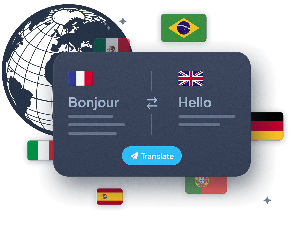

### Omedelbar flerspråkig översättning
Distribuera din app internationellt utan språkbarriärer. Översätt ditt innehåll automatiskt, samtidigt som du behåller den ursprungliga tonen och avsikten.
[Ta reda på mer](https://se.goodbarber.com/extensions/ai-assistant/)
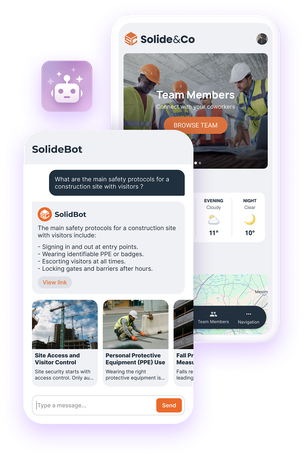
## RAG Chatbot, AI:n som svarar med ditt innehåll
Lägg till ett mer naturligt och alltid relevant sätt att få tillgång till information i din app
[RAG Chatbot](https://se.goodbarber.com/extensions/rag-chatbot-ai/) kombinerar semantisk sökning och textgenerering. För varje fråga identifierar den de mest relevanta passagerna i ditt innehåll och formulerar sedan ett flytande och exakt svar, direkt från din app. Dina användare kommer omedelbart att hitta den information de letar efter, utan ansträngning.
- 
Tillförlitliga svar
AI baseras på innehållet i din app för att säkerställa att svaren är relevanta.
- 
Enkel integration
Aktivera tillägget med ett klick, välj en AI-modell och anpassa chatbotens utseende så att den passar din design.
- 
Verktyg som utvecklas
Kompatibelt med [prenumerationer](https://se.goodbarber.com/extensions/in-app-purchase/), anpassningsbart och alltid uppdaterat tack vare kontinuerlig indexering av ditt innehåll.
[Aktivera RAG Chatbot](https://se.goodbarber.com/extensions/rag-chatbot-ai/)
## AI-assisterad design
En konsekvent visuell identitet, skapad med bara några klick.
En högpresterande app är också en vacker app. Genius Palette hjälper dig att definiera en harmonisk visuell identitet. AI genererar automatiskt en konsekvent och professionell palett.
- 
1-klicks proffspalett
- 
Skräddarsydd design
- 
Tidsbesparing för icke-designers
[Ta reda på mer](https://se.goodbarber.com/extensions/genius-palette/)

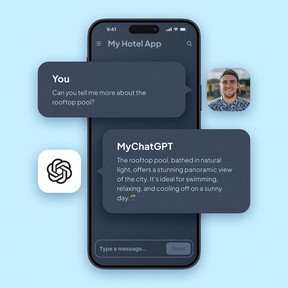

## GoodBarber x ChatGPT: kraften i konversationen
En intelligent chatbot för kundrelationer 24/7.
ChatGPT-tillägget förvandlar din app till ett ultramodernt konversationsgränssnitt. Oavsett om det handlar om att informera, vägleda eller underhålla dina användare skapar du en flytande, naturlig och alltid tillgänglig dialogkanal.
- 
**Personlig chatbot** med svar som är skräddarsydda för din bransch
- 
**Dynamiska svar**, genererade från ditt innehåll
- 
**Mänsklig interaktion**, samtidigt som utbyten automatiseras
[Aktivera ChatGPT](https://se.goodbarber.com/extensions/chatgpt/)
## Vanliga frågor
De frågor vi oftast får om AI i GoodBarber.
**Med GoodBarber är du aldrig ensam**
Få hjälp via vår [Onlinehjälp](https://se.goodbarber.com/help/), våra [videohandledningar](https://se.goodbarber.com/tutorials/) eller vårt [supportteam](https://se.goodbarber.com/support-team/).
[Utforska våra vanliga frågor](https://se.goodbarber.com/help/)
Kan jag skapa en app med AI på GoodBarber?
Ja. Du bygger din app i vårt no-code back office, och AI hjälper till i varje steg: Genius Palette för färgerna, AI Assistant för att skriva, optimera och översätta ditt innehåll, AI Extension Builder för att skapa en skräddarsydd sektion genom att beskriva den. Resultatet är en äkta native-app för iOS och Android, publicerad i appbutikerna, plus en PWA.
Vad är skillnaden mellan GoodBarber och en AI-appgenerator som Lovable eller Bolt?
De verktygen genererar en webbapp från en prompt mycket snabbt, och det är deras styrka. GoodBarber producerar native-appar, i Swift för iOS och Kotlin för Android, och tar hand om det som kommer efter skapandet: publicering i appbutikerna, pushnotiser, betalningar, uppdateringar vid varje ny version av iOS och Android. Hos oss hjälper AI dig att bygga snabbare inom en ram som håller över tid.
Har GoodBarber en MCP-server?
Ja, och den är i produktion. Du ansluter Claude, ChatGPT, Cursor eller en annan klient som är kompatibel med Model Context Protocol, du loggar in och sedan hanterar du din app genom samtal: innehåll, produkter, beställningar, pushnotiser, statistik. Varje åtgärd är begränsad till din app. Design och layout sköts fortfarande i back office.
Kan min GoodBarber-app svara Siri?
Ja, på iPhone. Med Siri Actions frågar dina användare ”Hej Siri, vad är nytt i min app?” och Siri svarar med ditt senaste innehåll: artiklar, videor, foton, poddar. Funktionen bygger på App Intents, Apples egen teknik, och kräver ingen konfiguration. Den lanseras gradvis i iOS-appar. Inget ändras på Android.
Vad är skillnaden mellan RAG Chatbot och ChatGPT-tillägget?
RAG Chatbot svarar utifrån innehållet i din app: den hämtar de relevanta avsnitten och formulerar sedan svaret. Det är rätt val när exaktheten är viktig. ChatGPT-tillägget är en allmän samtalsassistent som du ställer in med en brief (roll, ton, omfattning) och din egen OpenAI-nyckel. Båda kan finnas i samma app.
Vilka AI-modeller använder GoodBarber?
RAG Chatbot och ChatGPT-tillägget bygger på OpenAI:s modeller, och du väljer modell efter dina behov av kvalitet och kostnad. Genius Palette är en modell som vi själva har tränat för en specifik uppgift: att skapa färgpaletter som passar appar. Med MCP-servern använder du den AI-assistent du själv väljer, med ditt eget abonnemang.

## Lägg i en högre växel med AI
Skapa smartare appar, snabbare.
Artificiell intelligens är inte längre ett alternativ. Med GoodBarber blir den en konkret tillgång för din app.
[Kom igång kostnadsfritt](https://se.goodbarber.com/create/)
---
# Native-teknik
Source: https://se.goodbarber.com/native/technology/
---
title: "iOS- och Android-appar App Builder - Native App Builder"
description: "Skapa inbyggda appar för iOS och Android utan kodning med GoodBarber App builder. Native-appar ger bättre prestanda och en mer sömlös användarupplevelse."
canonical_url: "https://se.goodbarber.com/native/technology/"
lang: sv
---
# iOS- och Android-appar App Builder - Native App Builder
# Unleash the power of true native apps with GoodBarber
100% native applications for unrivalled quality and performance on iOS and Android
Create real native apps developed in Swift and Kotlin, optimized for speed, fluidity and an unforgettable user experience. **Try it for free and feel the difference of real native apps.**
[Creating a native app](https://se.goodbarber.com/create/)
## GoodBarber native apps: the premium choice
100% native: excellent apps, specifically designed for each platform
Why go native?
[Vad är en native app?](https://se.goodbarber.com/glossary/native-app/)

Swift for iOS
Perfectly adapted to the Apple ecosystem, with intuitive interfaces and fluid animations.

Kotlin for Android
Maximum performance and guaranteed compatibility, backed by the official Google framework.
## Native performance: a superior experience for your users
### Speed: immediate response time
A native app starts up faster and reacts instantly to user actions. This is made possible by direct integration with iOS and Android systems, eliminating any latency.
#### Why is speed crucial?
Icon representing a satisfied user, illustrating the importance of responsiveness.
Users abandon an app after just 3 seconds of delay. **With a native app, you offer them responsiveness that builds loyalty from the very first interaction.**
[https://portal.ww-cdn.com/portal_static/images/native_technology/videos/AdaloVSGB.53b477131c00.webm](https://portal.ww-cdn.com/portal_static/images/native_technology/videos/AdaloVSGB.53b477131c00.webm)
### Fluidity: smooth navigation
Native apps offer a smooth, natural experience thanks to impeccable visual transitions and dynamic animations.
1. 1Intuitive navigation, with no jerks or slowdowns.
2. 2Perfectly integrated animations (transitions, zooms or effects).
3. 3Fast execution for complex functions such as interactive maps or image galleries.
#### Perfect adaptability for every platform

On iOS, we use Swift UI to create beautiful interfaces that guarantee **seamless interactions with the rest of the Apple ecosystem.**.

On Android, our teams use Compose to design **modern, intuitive interfaces adapted to a wide range of devices.**.
[https://portal.ww-cdn.com/portal_static/images/native_technology/videos/UI_Highlights.1f877c02f375.webm](https://portal.ww-cdn.com/portal_static/images/native_technology/videos/UI_Highlights.1f877c02f375.webm)

## Exclusive, directly integrated functions
Bell icon representing push notifications.
### Powerful and engaging push notifications
#### Native apps can send a wide variety of notifications:
- Arrow icon for quick or direct action
Quick actions
Reply to a message or interact directly from the notification.
- Multimedia content icon with images and videos.
Enriched content
Add large images or videos to capture attention.
- Map icon symbolizing location-based notifications.
Geofences and beacons
Send ultra-targeted messages based on your users' location, such as an in-store promotion or an event alert.
Light bulb icon symbolizing the effectiveness of push notifications.
**With open rates 4 times higher than email**, native push notifications are an essential tool for building loyalty and engaging your users.
Offline mode icon
### An app that's always available thanks to offline mode
#### Native apps guarantee smooth operation without a connection. Thanks to optimized local storage, they can :
- Icon symbolizing the download of anticipated content.
Load essential content in advance.
- Icon representing cached storage.
Cache viewed items for quick offline access.
- Circular arrow icon symbolizing automatic synchronization.
Automatically synchronize data as soon as the network is restored.
Light bulb icon indicating optimized offline operation.
**For example**, a tourism app can display interactive maps and guides without an Internet connection, ensuring a seamless experience for the user.
Icon of puzzle pieces symbolizing the integration of advanced functions.
### Perfect integration of advanced functions
#### Native apps exploit all the hardware capabilities of smartphones, such as :
- Marker icon representing GPS and geolocation.
GPS and geolocation
- Camera icon illustrating sensors.
Camera and sensors
- Credit card icon representing integrated payments like Apple Pay and Google Pay.
Integrated payments (Apple Pay and Google Pay)
## Distribution on blinds: maximize your reach and credibility
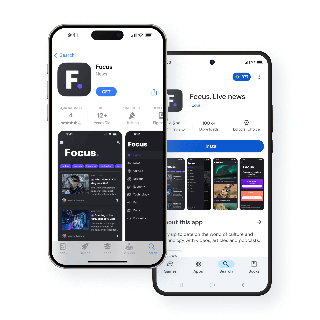

### Why are we on the App Store and Google Play?
- Eye icon illustrating maximum visibility of applications on blinds
Maximum visibility
Your apps are accessible to millions of users ready to download them.
- Shield icon symbolizing the credibility and security guaranteed by blind validation
Enhanced credibility
Validation by blinds guarantees the **security and quality** of your applications.
- Currency icon representing simplified monetization via integrated purchases
Simplified monetization
Offer integrated purchases or paid apps directly via the stores.
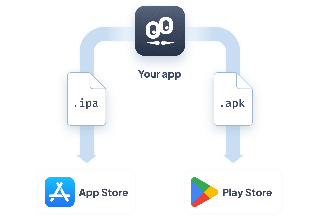
### How GoodBarber simplifies publishing for you
We automatically generate the necessary files (.ipa and .apk) for iOS and Android, and guide you through the submission process.
Our experts make sure your apps meet Apple's and Google's strict criteria for smooth publication.
## Why choose GoodBarber?

### The power of 100% native
Since its inception, GoodBarber has made the exclusive choice of native. **This technical choice guarantees maximum performance, full compatibility with iOS and Android devices, and a premium user experience.**

### Proven expertise
**Each app is tested on over 30 different devices** to guarantee optimum fluidity and seamless compatibility.

### Extended reach with Progressive Web Apps
In addition to your native apps, GoodBarber offers [Progressive Web Apps](https://se.goodbarber.com/pwa/technology/) (PWA). Available via a browser, **they enable you to expand your audience and offer a high-quality user experience**, close to that of native apps.
[Creating a native app](https://se.goodbarber.com/create/)
---
# Progressiv webbapp (PWA)
Source: https://se.goodbarber.com/pwa/technology/
---
title: "PWA: ramverk och teknik som används av Progressive Web Apps"
description: "Service Worker är den teknik som ger PWA:erna deras kraft, men det är inte den enda. Upptäck de olika tekniker som används för att skapa en Progressive Web App."
canonical_url: "https://se.goodbarber.com/pwa/technology/"
lang: sv
---
# PWA: ramverk och teknik som används av Progressive Web Apps
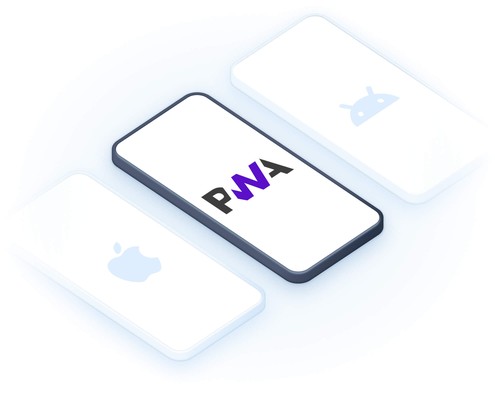
# Revolutionera din närvaro på nätet med GoodBarbers PWA:er
Snabba, kraftfulla och oemotståndliga appar, tillgängliga för alla
Progressiva webbappar (PWA) kombinerar det bästa från webb och mobil. Erbjud dina användare en uppslukande, snabb och engagerande upplevelse, samtidigt som du maximerar din synlighet online med avancerade SEO-verktyg. [Vad är en Progressive Web App?](https://se.goodbarber.com/glossary/progressive-web-app/)
[Skapa en PWA](https://se.goodbarber.com/create/)
## Varför välja en Progressive Web App?
### En uppslukande upplevelse som överskrider gränserna för traditionella webbappar.
#### Installation med ett klick
Dina användare kan lägga till din PWA på sin startskärm för direkt åtkomst.

#### Offline-drift
Tack vare en intelligent cache förblir ditt viktiga innehåll tillgängligt även utan internet.
#### Blixtsnabb prestanda
Dina sidor laddas omedelbart, även på långsamma anslutningar.
#### Push-meddelanden på webben
Engagera dina besökare i realtid, direkt från deras webbläsare.
## Komplettera din strategi med inbyggda appar
### Kombinera det bästa från PWA:er och inbyggda appar
Ikon som föreställer en handskakning för att symbolisera komplementariteten mellan PWA:er och inbyggda appar.
Tillsammans bildar de en vinnande duo för en komplett digital strategi som kan tillgodose alla dina behov och uppnå dina mål.
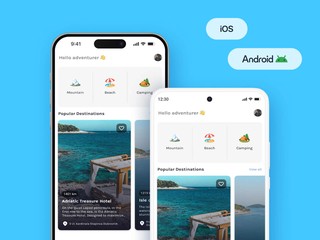
#### Dina inbyggda appar
Idealisk för oöverträffad prestanda och sömlös integration med hårdvarufunktioner.
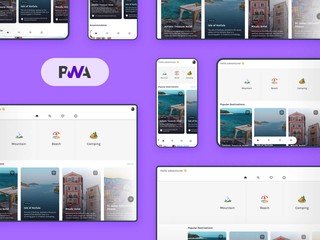
#### Din PWA
Utformad för att utöka din publik och maximera ditt genomslag på webben.
## Den tekniska kraften bakom din PWA
GoodBarbers PWA:er utnyttjar de mest avancerade webbteknikerna för att ge dina användare en högpresterande, sömlös, säker och kompromisslös upplevelse.

### Angular, hjärtat i GoodBarbers PWA:er
GoodBarber förlitar sig på Angular, ett ramverk med öppen källkod som utvecklats av Google, för att leverera dynamiska, snabba och tillförlitliga Progressive Web Apps.
Tack vare Angular drar dina PWA:er nytta av den senaste webbtekniken för en smidig och säker användarupplevelse, direkt från webbläsaren.
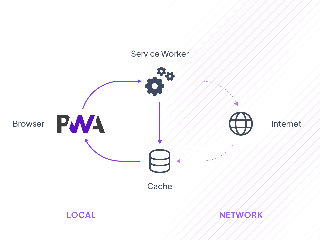
Kugghjul som representerar den tekniska driften av Service Workers.
#### Service Workers
Aktivera offlinedrift, snabb navigering och push-meddelanden, även när appen är stängd.
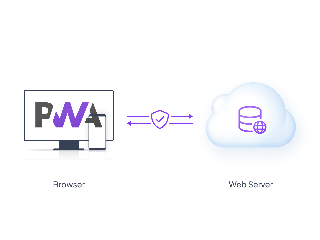
Hänglås som symboliserar HTTPS-anslutningssäkerhet.
#### HTTPS
Säkerställ en säker anslutning för att skydda dina användare och skapa förtroende.
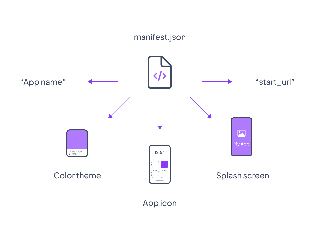
JSON-fil som representerar Web App Manifest som används för att konfigurera en PWA.
#### Manifest för webbapplikationer
Förvandla din webbplats till en uppslukande app med en ikon, en personlig startskärm och navigering i helskärm.
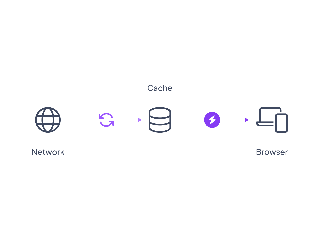
Disk som symboliserar intelligent cachad lagring.
#### Intelligent cachelagring
Säkerställer omedelbar laddning genom att lagra ofta använda objekt.
## Maximera din synlighet med GoodBarbers PWA:er
Öka din trafik, locka fler kvalificerade besökare och omvandla dem till lojala kunder med integrerade SEO-verktyg.

### Metatitlar och beskrivningar
Få fler klick med kraftfulla taggar, viktiga för att [förbättra din SEO.](https://se.goodbarber.com/extensions/meta-title-description/).

### Automatiska omdirigeringar
Rikta varje besökare till rätt sida och [förbättra din SEO.](https://se.goodbarber.com/extensions/automatic-redirect/)

### Social optimering
Skapa förhandsvisningar som är perfekta för att dela på sociala nätverk och [göra ditt innehåll mer engagerande.](https://se.goodbarber.com/extensions/social-sharing-optimization/)

### Anpassade webbadresser
Strukturera dina adresser för optimal referenshantering med [URL:er som är utformade för sökmotorer.](https://se.goodbarber.com/extensions/custom-url/).

### Sitemap och Search Console
Gör det lättare för Google att indexera dina sidor med [verktyg som optimerar din synlighet.](https://se.goodbarber.com/extensions/sitemap-search-console/)

### Anpassat domännamn
Skapa en unik professionell identitet och [förbättra din närvaro på nätet.](https://se.goodbarber.com/extensions/custom-domain/)

### Schema.org
Markera ditt innehåll i resultaten för att [förbättra din synlighet i sökmotorer.](https://se.goodbarber.com/extensions/schema/)
## Varför välja GoodBarber för din PWA?
1
### Spjutspetsteknik
Pilikon som pekar på text
Snabba, högpresterande och säkra PWA:er, utan ansträngning.
2
### Integrerad SEO
Pilikon som pekar på text
Allt du behöver för att maximera din synlighet på nätet.
3
### Perfekt komplementaritet med inbyggda appar
Pilikon som pekar på text
Kombinera webbtillgänglighet och mobil kraft.
[Skapa en PWA](https://se.goodbarber.com/create/)
---
# UX-design
Source: https://se.goodbarber.com/uxdesign/
---
title: "Design System - Riktlinjer för appdesign och UX för att bygga de bästa mobilapparna"
description: "Vårt designsystem sammanställer de riktlinjer för UX och appdesign som används för att bygga dina appar via vår appbyggare för att uppnå visuell enhetlighet på alla plattformar."
canonical_url: "https://www.goodbarber.com/uxdesign/"
lang: sv
---
# Design System - Riktlinjer för appdesign och UX för att bygga de bästa mobilapparna

# GoodBarber Designsystem
## Upptäck hur vi revolutionerar skapandet av appar för sömlösa, vackra upplevelser på alla plattformar.
[Utforska vårt designsystem](https://se.goodbarber.com/uxdesign/foundations)
### GoodBarbers designsystem
GoodBarber Design System är en heltäckande lösning som fungerar som ett ramverk, en verktygslåda och en grafisk manual för designers och utvecklare. Det erbjuder **utvecklande riktlinjer** för ett konsekvent designspråk, vilket säkerställer effektivitet och skalbarhet.
Den fastställer gemensamma designprinciper och mönster samtidigt som den tillåter flexibilitet och anpassning vid behov. I slutändan hjälper det till att effektivisera apputvecklingen och **skapa vackra och funktionella appar.**
[Grundläggande Grundläggande principer för sammanhängande och konsekvent mallkonstruktion på alla plattformar.](https://se.goodbarber.com/uxdesign/foundations)[Atomer Viktiga komponenter som garanterar visuell konsekvens och effektiviserar arbetsflödet.](https://se.goodbarber.com/uxdesign/atomic-components)[Komponenter Återanvändbara element som byggstenar för sammanhängande och användarvänliga gränssnitt.](https://se.goodbarber.com/uxdesign/ui-components)
### Varför dessa designriktlinjer?
GoodBarber, en appbyggare utan kod som lanserades 2011, ger användare möjlighet att skapa fantastiska native-appar eller Progressive Web Apps utan ansträngning. Genom att upprätthålla vårt engagemang för excellens tillhandahåller vi kontinuerligt **de bästa lösningarna för vackert appskapande.**
I GoodBarbers tidiga dagar var UX-design inte helt förstådd, vilket gjorde apputveckling utmanande utan konsekventa riktlinjer. Vår resa ledde oss till att utveckla GoodBarber Design System, som erbjuder omfattande **riktlinjer och bästa praxis** för att uppnå **visuell konsistens, effektivisera utvecklingen** och säkerställa en **konsistent användarupplevelse.**
Genom att dela våra designprinciper ger vi användarna möjlighet att uppnå **konsistens, effektivitet och skalbarhet** i sin apputveckling, vilket förbättrar den övergripande kvaliteten på de appar som skapas med vår teknik.

**Utvecklare** har tillgång till de tekniska specifikationerna för sidorna och komponenterna: deras storlek, deras positionering, deras beteenden och deras egenskaper.

**Designers** kan förlita sig på en uppsättning avståndsregler, teckenstorlekar, bildförhållanden eller färgfördelning för att skapa nya sidor.
### Målsättningar
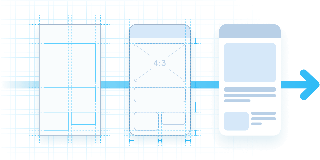
Effektivisera skapandet och produktionen av mallar genom att implementera konstruktionsprinciper.

Säkerställ visuell konsekvens mellan sidorna i en app på olika plattformar.

Garantera en smidig och optimal användarupplevelse
### GoodBarbers designprinciper
Bra design borde vara standard, inte din börda. GoodBarber var den första app-byggaren som formaliserade ett riktigt designsystem, så att du skapar snygga och funktionella appar utan att bära designarbetet. Sex principer gör det möjligt.
#### Design genom system
Varje skärm byggs ihop från ett enda formellt designsystem (grunder, atomer och komponenter), så att konsekvens är garanterad genom konstruktion och inte beror på din disciplin.
Ett äkta system i tre lager med över 100 färdiga layouter. Det första som formaliserats i en no-code-app-byggare.
#### Ingen designbörda
Du gör de kreativa valen (tema, färger, innehåll); systemet sköter tyst avstånd, typografi, former och konsekvens.
Ingen designpanel att lära sig, ingen avståndsskala att planera. Åsidosätt vilket standardvärde du vill när det behövs.
#### Native som standard
En enda konfiguration ger tre motorer: nativt iOS (Swift), nativt Android (Kotlin) och en Progressive Web App (Angular).
Kompilerade Swift- och Kotlin-binärer plus en PWA. Ingen WebView-wrapper.
#### Ställ in en gång, konsekvent överallt
Färg, typografi, avstånd, former och skuggor definieras en gång som semantiska roller och återanvänds överallt, så att en ändrad temainställning uppdaterar hela appen konsekvent.
Fyra semantiska färgroller, 18 enhetskalibrerade typografinivåer, ett gutter-system för flera enheter.
#### Läsbar som standard
Paletterna är utformade med kontrast och läsbarhet i åtanke, och varje kontroll behåller en bekväm tryckyta, även där elementet ser litet ut.
Genius Palette (en egen AI) och bekväma tryckytor på varje kontroll.
#### En finish du känner
Nativ output låser upp ett sinnligt lager som de flesta no-code-appar hoppar över. Det är dessa detaljer som får en app att kännas hantverksmässig, inte genererad.
Haptisk feedback, motion design, en genomgående mediaspelare, en flytande TabBar.
GoodBarber utformar varje app utifrån sex principer: design genom system, ingen designbörda, native som standard, ställ in en gång och konsekvent överallt, läsbar som standard och ett sinnligt lager av finish. Tillsammans är de skälet till att någon utan designbakgrund lanserar en app som ser professionellt designad ut.
Utforska GoodBarber Design System och ta del av kraften i sömlös appdesign!
[Utforska vårt designsystem](https://se.goodbarber.com/uxdesign/foundations)
---
# Kontrollpanel
Source: https://se.goodbarber.com/dashboard/
---
title: "GoodBarber App Builder: Den ultimata CMS-panelen"
description: "Upptäck den kraftfulla, mångsidiga och lättanvända instrumentpanelen GoodBarber för att enkelt bygga din app i realtid."
canonical_url: "https://se.goodbarber.com/dashboard/"
lang: sv
---
# Den ultimata instrumentpanelen för dina mobilappar
Det bästa verktyget på marknaden för att skapa och hantera högpresterande mobilappar, utan kompromisser.
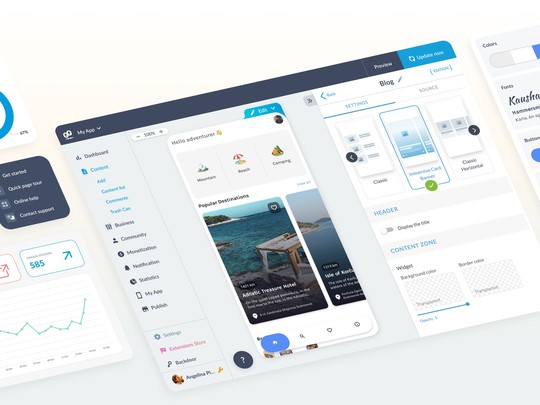
## Ett intuitivt gränssnitt för alla
GoodBarber erbjuder ett ultraergonomiskt gränssnitt som guidar dig steg för steg. **Lätt att ta till sig**, oavsett om du är **nybörjare eller expert**, förenklar den din dagliga rutin samtidigt som den erbjuder avancerade anpassningsalternativ för erfarna användare.
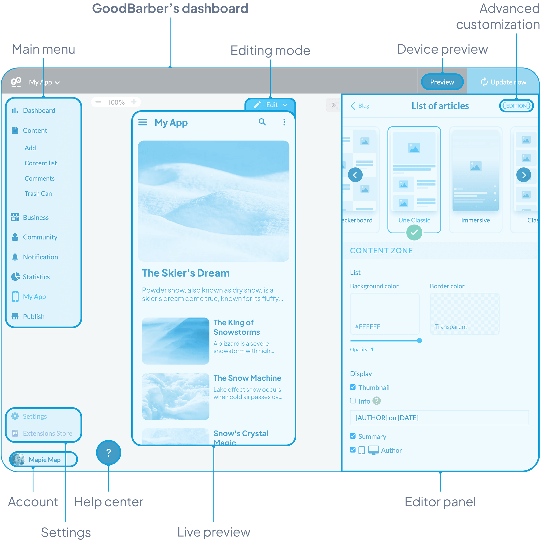

### Design och kundanpassning
Du kan enkelt ändra stilen och den visuella strukturen i din app så att den återspeglar ditt varumärke.

### Val av funktioner
Integrera användbara sektioner och funktioner för din app från vår tilläggsbutik.

### Hantering av innehåll
Oavsett om du skapar en innehålls- eller e-handelsapp kan du hantera dina produkter, artiklar och sidor på ett enkelt sätt.
## Förhandsgranskning i realtid
Modifiera din app och visualisera omedelbart resultatet på alla medier: **smartphone, surfplatta, bärbar dator, stationär dator**. Den här viktiga funktionen gör att du kan garantera perfekt renderingskonsistens, utan gissningar.
## Ett gränssnitt som anpassar sig till dig
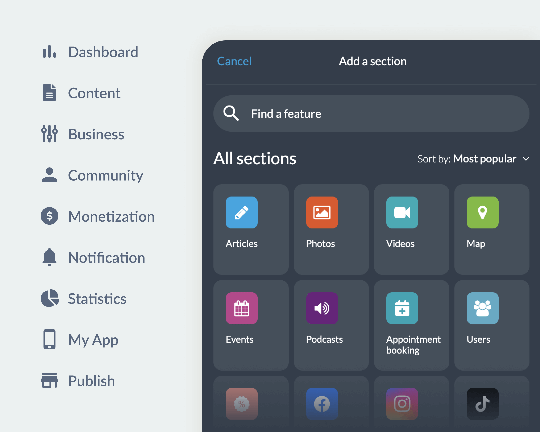
Din instrumentpanel är dynamisk och skalbar. **Tack vare Extension Store kan du enkelt lägga till funktioner i din app enligt dina behov**. Instrumentpanelen anpassar sig till dina val och visar bara de verktyg och alternativ du behöver, vilket gör apphanteringen smidig och optimerad.
[Utforska tillägg](https://se.goodbarber.com/extensions/)
## Allt i ett: från design till intäktsgenerering
Hantera alla aspekter av din app från en enda, ergonomisk instrumentpanel:
- **Anpassning**: Ändra enkelt designen på din app.
- **Hantering av innehåll**: Lägg till och organisera dina produkter och artiklar.
- **Engagemang**: Skicka push-meddelanden till dina användare.
- **Prestationsspårning** : Visa statistik på ett ögonblick.
GoodBarbers mångsidighet gör den till en av de mest kompletta lösningarna på marknaden.

## Flerspråkig och för samarbete
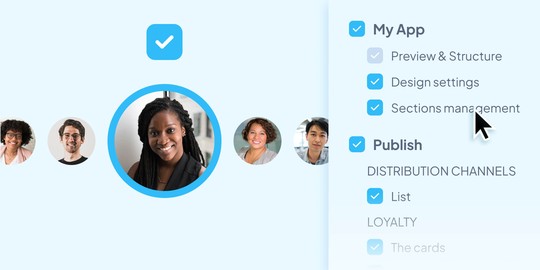
GoodBarber underlättar samarbete med åtkomsthantering för olika användare (ägare, administratörer, redaktörer) och skräddarsydda behörigheter för var och en. **Varje medlem i ditt team kan konfigurera sitt gränssnitt på det språk som passar dem**.
### Flerspråkigt gränssnitt
Finns på 16 modersmål för smidig hantering, oavsett användare.
### Anpassad åtkomst och behörigheter
Definiera exakt vilka avsnitt och funktioner som är tillgängliga för varje medarbetare.
## Ett kraftfullt integrerat CMS
GoodBarbers back office content management system (CMS) centraliserar alla viktiga funktioner för professionell hantering av dina artiklar, gallerier, videor och podcasts. **Skapa, publicera och hantera effektivt, utan teknisk komplexitet**.
[Appar för innehåll](https://se.goodbarber.com/cms/)
[Appar för innehåll](https://se.goodbarber.com/cms/)
## Ett utrymme dedikerat till e-handelsapplikationer
Öka din försäljning med ett omfattande utbud av e-handelsverktyg. **Hantera lager, säkra betalningar och kampanjer**, samtidigt som du optimerar dina konverteringar med detaljerad statistik.
[Appar för e-handel](https://se.goodbarber.com/cms-commerce/)

### Produkthantering
Lager, kampanjer och varianter samlade i ett gränssnitt.

### Integrerad marknadsföring
Push-meddelanden, lojalitetsprogram och personliga erbjudanden.

### Avancerad statistik
Analys av prestanda för att maximera konverteringarna.
[Appar för e-handel](https://se.goodbarber.com/cms-commerce/)
---
# Appbyggare
Source: https://se.goodbarber.com/app-builder/
---
title: "App Builder | Skapa mobilappar på egen hand | GoodBarber"
description: "Skapa kraftfulla appar på egen hand: GoodBarber är den ultimata App Builder-plattformen för att skapa kraftfulla, högpresterande mobilappar."
canonical_url: "https://se.goodbarber.com/app-builder/"
lang: sv
---
# Den bästa mobila App Builder
GoodBarber är den bästa appbyggaren för att skapa kraftfulla och funktionsrika mobilapplikationer. Oavsett om du letar efter en DIY-appbyggare för att anpassa varje detalj själv eller söker en användarvänlig plattform för att snabbt lansera din app, är GoodBarber det perfekta valet
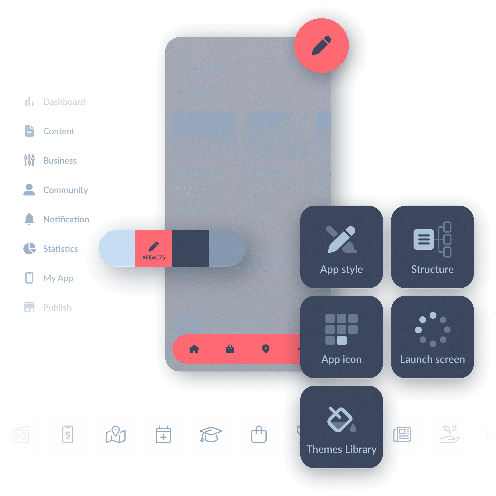
## Förenkla skapandet av appar med en appbyggare
Ett tillgängligt alternativ till traditionell utveckling av mobilappar
Att bygga mobilappar kan verka komplicerat och dyrt, särskilt när man förlitar sig på specialiserade utvecklare. En appbyggare erbjuder en tillgänglig lösning som gör det möjligt för vem som helst, även **utan tekniska färdigheter**, att designa funktionella appar.
### Möjligheter för alla
- Nybörjare som skapar appar kan nu enkelt starta sina projekt.
- Etablerade företag kan utveckla appar snabbare och till en lägre kostnad.
- Utvecklare kan påskynda sin prototypprocess.
GoodBarber stärker också entreprenörer genom att tillhandahålla en komplett DIY-appbyggare, vilket ger full kontroll över processen från design till lansering.

#### De viktigaste fördelarna med en app-byggare
En snabb, ekonomisk och flexibel lösning för dina applikationer

Kostnadsminskning
Skapa och hantera din app utan outsourcing, till en lägre kostnad.

Tidsbesparande
Lansera din app på några dagar, inte månader.

Total kontroll
Anpassa varje aspekt av din app själv med hjälp av vår intuitiva WYSIWYG-redigerare.

Flexibilitet och skalbarhet
Lägg enkelt till nya funktioner utan att börja om från början.

## Det bästa valet för ditt projekt
GoodBarber är en otroligt komplett och lättanvänd appbyggare. Här är varför det är det bästa valet för appskapare och professionella utvecklare av mobilappar.
## Maximal enkelhet, spektakulära resultat
Skapa fantastiska appar med ett ultraintuitivt verktyg
**Med GoodBarber är enkelhet kärnan i upplevelsen.** Vår plattform är en av de mest intuitiva på marknaden och erbjuder en drag-och-släpp-appbyggare som gör det möjligt för alla appskapare att designa en professionell app utan tekniska färdigheter.
Resultatet är imponerande: vackra, högpresterande appar rika på funktioner, skräddarsydda efter dina specifika behov. Oavsett om du bygger en **iOS-app**, en **Android-app** eller en **PWA**, tillhandahåller GoodBarber de verktyg du behöver.
Från design och prestanda till funktionalitet får du en **komplett, professionell app med lätthet**, som drivs av verktyg som är betrodda av branschexperter.
<
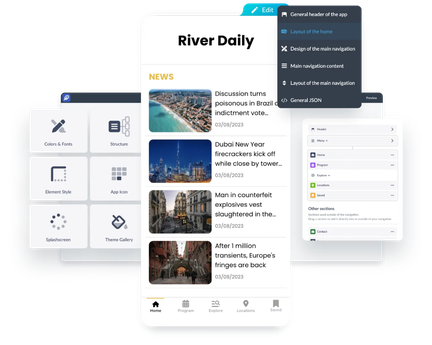[GoodBarber DNA](https://se.goodbarber.com/dna/)
## Äkta native-appar för optimal prestanda
Kraften hos inbyggd teknik i dina händer
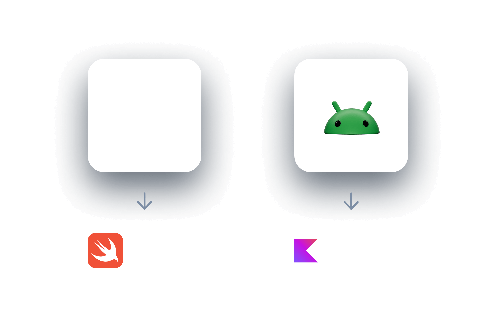
Med GoodBarber kan du skapa inbyggda appar för iOS och Android, vilket garanterar maximal prestanda, hastighet och sömlös integration med enhetsfunktioner som push-notiser, GPS och offline-läge.
Med inbyggda appar får du:
- **Fullständig enhetsfunktionalitet** → Använd avancerade funktioner på ett effektivt sätt.
- **Högsta prestanda** → Snabb, smidig och utformad för iOS och Android.
- **Förbättrad användarupplevelse** → Optimerade gränssnitt för sömlös interaktion.
Dessutom kan du öka din räckvidd med en Progressive Web App (PWA). PWA:er är tillgängliga på alla enheter via webbläsare och ökar din synlighet samtidigt som de bibehåller en hög prestandanivå.
[Om inbyggda appar](https://se.goodbarber.com/native/technology/)
## Skapa valfri app med GoodBarber
För alla dina projekt, från e-handel till innehållsappar
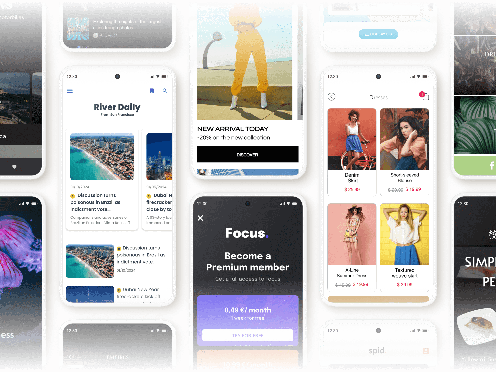
Oavsett om du letar efter en **eCommerce app builder** för att starta din onlinebutik, en **content app builder** för ditt medieprojekt eller en webbappsbyggare för att öka din synlighet, ger GoodBarber alla verktyg du behöver.
Med affärsfunktioner som är skräddarsydda för varje bransch, låter vår plattform dig bygga **högpresterande, användarvänliga appar** - oavsett om det gäller handel, innehållspublicering eller evenemangshantering.
<
[Se alla våra lösningar](https://se.goodbarber.com/solutions/)
## Extensions Store
Avancerade funktioner till hands
- 
Meta Pixel & App-händelser
Analys av användarbeteende
- 
ChattGPT
AI-drivna appar
- 
Slack
Kommunikation i teamet
- 
Google Analytics
Användningsstatistik
- 
Genius palett
AI-skapade färger
- 
Tidsbokning
Hantering av schema
- 
System för innehållshantering
Strömlinjeformat innehåll
- 
YouTube
Integration av video
- 
Mailchimp
Strategi för e-postmarknadsföring
- 
Autentisering
Auktorisera åtkomst
- 
RSS-flöde
Synkronisering av innehåll
- 
Typform
Formulärintegration
- 
Zapier (för e-handel)
- 
Google Kalkylark
Hantering av data
- 
Google-annonser
Optimering av annonser
- 
AI-assistent
Förenkla skapandet
- 
Apple Pay
Förenkla betalningar
- 
Luftbar form
Inlämning av uppgifter
- 
Meta Pixel & App-händelser
Analys av användarbeteende
- 
ChattGPT
AI-drivna appar
- 
Slack
Kommunikation i teamet
- 
Google Analytics
Användningsstatistik
- 
Genius palett
AI-skapade färger
- 
Tidsbokning
Hantering av schema
- 
System för innehållshantering
Strömlinjeformat innehåll
- 
YouTube
Integration av video
- 
Mailchimp
Strategi för e-postmarknadsföring
- 
Autentisering
Auktorisera åtkomst
- 
RSS-flöde
Synkronisering av innehåll
- 
Typform
Formulärintegration
- 
Zapier (för e-handel)
- 
Google Kalkylark
Hantering av data
- 
Google-annonser
Optimering av annonser
- 
AI-assistent
Förenkla skapandet
- 
Apple Pay
Förenkla betalningar
- 
Luftbar form
Inlämning av uppgifter
- 
Microsoft Excel
Organisation av data
- 
Spotify för podcastare
- 
Gör
Anslutningsdon för automation
- 
Paypal
Effektiviserade betalningar
- 
Google AdMob
Tjäna pengar med annonser
- 
Gmail
Integrering av e-post
- 
Hubspot
Optimering av affärstillväxt
- 
LottieFiles
Flytande animationer
- 
Pexels
Tillgång till fotobibliotek
- 
iBeacons
Närhetsaviseringar
- 
Randig
Betalningsmetoder
- 
Squarespace
Anslut ditt innehåll
- 
Begrepp
Automatisering av databaser
- 
Medium
Synkronisering av publikationer
- 
Vimeo
Synkronisering i realtid
- 
WordPress Plugin
Dela med dig av ditt innehåll
- 
Medlemskap
Generera intäkter
- 
Google Fonts
Bibliotek med olika teckensnitt
- 
Instagram
Social integration
- 
Microsoft Excel
Organisation av data
- 
Spotify för podcastare
- 
Gör
Anslutningsdon för automation
- 
Paypal
Effektiviserade betalningar
- 
Google AdMob
Tjäna pengar med annonser
- 
Gmail
Integrering av e-post
- 
Hubspot
Optimering av affärstillväxt
- 
LottieFiles
Flytande animationer
- 
Pexels
Tillgång till fotobibliotek
- 
iBeacons
Närhetsaviseringar
- 
Randig
Betalningsmetoder
- 
Squarespace
Anslut ditt innehåll
- 
Begrepp
Automatisering av databaser
- 
Medium
Synkronisering av publikationer
- 
Vimeo
Synkronisering i realtid
- 
WordPress Plugin
Dela med dig av ditt innehåll
- 
Medlemskap
Generera intäkter
- 
Google Fonts
Bibliotek med olika teckensnitt
- 
Instagram
Social integration
Över 190 avancerade funktioner kan läggas till i ditt backoffice via Extensions Store. Välj de specifika affärsfunktioner du behöver och organisera din arbetsyta som du vill.
[Extensions Store](https://se.goodbarber.com/extensions/)
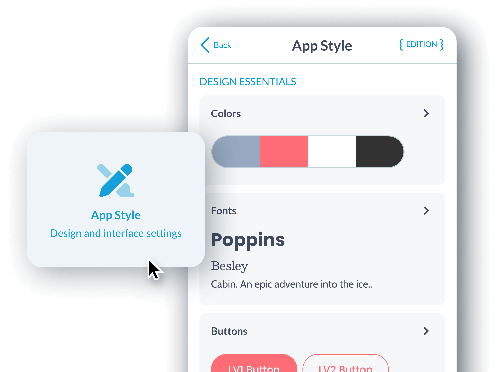
## Det bästa utseendet för din app
En vacker design tack vare den bästa appbyggaren utan kod
Hantera den övergripande stilen för din app från en enda meny: **färger, typografi, knappar, svävningseffekter och mer.**
Använd din design på alla sidor med bara ett klick. Med ett brett utbud av **förbyggda appmallar** och anpassningsalternativ kan du skapa en app som är skräddarsydd efter dina behov, utan begränsningar.
[GoodBarber älskar design](https://se.goodbarber.com/we-love-design/)
## Ett designsystem byggt för högsta kvalitet
Harmoni och konsekvens i varje steg
**GoodBarber är den första appbyggaren som har ett komplett designsystem,** som tillhandahåller en uppsättning harmoniska designregler som gäller som standard för varje sida i din applikation.
Tack vare vårt designsystem kan du säkerställa en smidig och optimal användarupplevelse samtidigt som du upprätthåller **visuell konsistens på alla dina appsidor.** Det betyder att varje element, varje knapp och varje interaktion är noggrant utformad för att erbjuda en sömlös och intuitiv upplevelse för dina användare. Du behöver inte längre oroa dig för designdetaljer, eftersom vårt system guidar dig genom processen.
- Utmärkt hantering av teckensnitt och färger
- Tydlig hierarki
- Optimal hantering av avstånd
[GoodBarber Design System](https://se.goodbarber.com/uxdesign/)
## Det bästa verktyget på marknaden
Ett intuitivt gränssnitt för professionella resultat
Njut av det mest avancerade administrationsgränssnittet på marknaden. GoodBarbers backoffice gör att du kan bygga appar med den senaste tekniken utan att behöva kunna koda. Det erbjuder ett komplett verktyg för skapande, hantering och prestandaanalys, samtidigt som det är tillgängligt för alla.
[GoodBarber kontrollpanel](https://se.goodbarber.com/dashboard/)
## Förhandsgranska och hantera din app på ett enkelt sätt
Total kontroll från backoffice och My GoodBarber-appen
Förhandsgranskning i realtid

GoodBarber låter dig testa din app innan publicering, med verktyg för förhandsgranskning i realtid.
I backoffice kan du direkt se de ändringar som gjorts i din app och se till att design och funktioner uppfyller dina förväntningar.

Min GoodBarber-app

Dessutom kan du med My GoodBarber-appen **förhandsgranska native-versionen av din app på mobilen** (iOS och Android) och testa den i dess **verkliga miljö innan** du skickar den till butikerna.
**Den här kombinationen ger dig total, sömlös kontroll över den slutliga kvaliteten på ditt projekt.**
[GoodBarber kontrollpanel](https://se.goodbarber.com/dashboard/)

## En förtroendefull relation
Genom att välja GoodBarber för ditt projekt investerar du i att bygga ett långsiktigt partnerskap.
### Du äger din app
- Med GoodBarber förblir **du ensam ägare till din app och dess innehåll.**
- Vi visar inga annonser i dina appar och **GoodBarber tar inte ut någon provision på din försäljning.**
- Du har full frihet att när som helst byta abonnemang eller exportera dina uppgifter.
### Inga konstigheter
**GoodBarber har aldrig och kommer aldrig att visa sina egna annonser i din app.** Om annonser visas är det de som du har ställt in för att generera dina egna intäkter.
**GoodBarber tar ingen provision på din försäljning.** All vinst från din butik går till dig, oavsett belopp. Du kan enkelt ändra din prenumeration, oavsett om du väljer månads- eller årsfakturering, eller att uppgradera din plan.
## Fullständigt stöd i varje skede
Kundtjänst med experter som hjälper dig att lyckas
**På GoodBarber stöder vi dig i varje steg av skapandet av din app.** Vårt kundsupportteam består av experter som är redo att svara på dina frågor, och vi tillhandahåller fullständig dokumentation, videohandledning och guider för att hjälpa dig, oavsett om du är nybörjare eller avancerad användare.

Snabb och korrekt support

Organiserade supporttrådar

5 språk, 3 tidszoner

Hjälp med inlämning till App Store

Omfattande hjälp online

Fördjupade videohandledningar

Användarna litar på oss på Trustpilot

GoodBarber-akademin
[GoodBarber Support](https://se.goodbarber.com/support-team/)
## Vanliga frågor om att skapa en app utan kod
Allt du behöver veta innan du skapar din app med GoodBarber.
Vad är en no-code appbyggare?
En no-code appbyggare är en plattform där du skapar en mobilapp via ett visuellt gränssnitt, utan att skriva kod. Med GoodBarber sätter du ihop din app av färdiga funktioner och layouter, anpassar designen och publicerar: plattformen genererar, driftar och uppdaterar appen åt dig. Det som förr krävde ett utvecklingsteam ryms i dag i en månadsprenumeration.
Skapar GoodBarber riktiga nativa appar eller bara PWA:er?
Båda. GoodBarber bygger riktiga nativa appar för iOS och Android, distribuerade via App Store och Google Play, plus en Progressive Web App som fungerar i alla webbläsare. Du hanterar allt från ett enda back office, med en gemensam innehållsbas för alla versioner.
Hur skiljer sig GoodBarber från AI-appbyggare som Lovable eller Bolt?
AI-appbyggare genererar kod från en prompt, och lämnar hosting, felsökning, säkerhet och underhåll till dig. GoodBarber är en komplett plattform: design system, nativa iOS- och Android-byggen, hosting, pushnotiser, uppdateringar och support ingår. Du fokuserar på ditt innehåll och din verksamhet, inte på att underhålla genererad kod.
Behöver jag tekniska kunskaper för att skapa en app med GoodBarber?
Nej. Hela processen är visuell: du väljer funktioner, anpassar designen och organiserar ditt innehåll utan att skriva en rad kod. Och om du kör fast hjälper vårt supportteam, hjälpcentret och videoguiderna dig genom varje steg.
Vad kostar det att skapa en app utan att koda?
Skräddarsydd apputveckling kostar ofta flera hundra tusen kronor, plus underhåll. Med GoodBarber bygger och driver du din app för en månadsprenumeration där hosting, uppdateringar och support ingår. På prissidan hittar du planen som passar ditt projekt.
Kan jag publicera min app på App Store och Google Play?
Ja. GoodBarber genererar butiksfärdiga byggen och guidar dig steg för steg genom publiceringen på App Store och Google Play. Din Progressive Web App är dessutom live på webben direkt, utan butiksgranskning.
[GoodBarber vs AI-appbyggare](https://se.goodbarber.com/vs/lovable/)[Se priser](https://se.goodbarber.com/pricing/content/)
[Starta din gratis provperiod](https://se.goodbarber.com/create/)
---
# DNA
Source: https://se.goodbarber.com/dna/
---
title: "GoodBarber App Builder: appskapande tillgängligt utan kompromisser"
description: "GoodBarber gör appskapande enkelt och tillgängligt. Bygg inbyggda iOS/Android-appar och PWA:er med en kraftfull plattform utan kodning, avancerade funktioner och expertsupport - ingen kodning krävs."
canonical_url: "https://se.goodbarber.com/dna/"
lang: sv
---
# GoodBarber App Builder: appskapande tillgängligt utan kompromisser

# GoodBarber DNA: demokratisering av appbyggande
## Vi tror att verklig kraft ligger i enkelhet: kraftfull, flexibel och tillförlitlig teknik som är utformad för att göra appskapande tillgängligt utan kompromisser.

## Ett kraftfullt ekosystem
### Mer än bara en plattform för att bygga appar
GoodBarber är ett **ekosystem** som kombinerar **enkelhet**, **prestanda** och **anpassning** för att ge liv åt dina projekt. Som **no-code-experter** gör vi appskapande till en gränslös och kraftfull upplevelse.
## Att göra appskapande tillgängligt för alla
### Vår vision
På GoodBarber anser vi att alla **entreprenörer**, **småföretag** och **stora företag** ska kunna skapa kraftfulla och intuitiva appar utan utvecklingsexpertis. Denna övertygelse är kärnan i vår no-code-strategi: att bryta ner tekniska barriärer så att vem som helst kan omvandla idéer till högpresterande mobilappar.

## No-code i hjärtat av vår plattform
### Balans mellan enkelhet och prestanda
GoodBarber byggdes med en **integrerad metod utan kod**. Vårt mål: **förenkla ditt arbetsflöde**. Vår plattform hanterar alla tekniska aspekter och erbjuder **komplexa och kraftfulla funktioner**, redo att användas och helt anpassningsbara. Fri från tekniska begränsningar kan du fokusera på det som betyder mest: ditt projekt.

Välj, anpassa och din app är klar!
**Du sparar tid och får sinnesro när du skapar högkvalitativa mobila upplevelser**, oavsett din tekniska nivå.
## Ett intuitivt backoffice med kraftfull teknik under huven
### Användarvänlighet, dold kraft
Vårt backoffice är utformat för att vara intuitivt och enkelt att använda, så att vem som helst kan bygga appar utan ansträngning. Men bakom denna enkelhet döljer sig en kraftfull motor som kan hantera de mest ambitiösa projekten. Varje funktion bygger på avancerad, beprövad teknik för att säkerställa **maximal stabilitet och prestanda**.
### Avancerade alternativ för ännu större flexibilitet
Vi vet att vissa projekt kräver funktioner som går utöver vårt gränssnitt. Det är därför vi ger tillgång till en **avancerad redigeringspanel** där du kan konfigurera och anpassa alla aspekter av ditt projekt, eller till och med **lägga till din egen kod** för att skapa skräddarsydda funktioner.
**Detta ger dig maximal flexibilitet att bygga en app som uppfyller dina exakta behov.**
[Avancerade alternativ](https://se.goodbarber.com/extensions/advanced-edition/)
## Native apps: vårt engagemang för prestanda
Ett tekniskt val som gör hela skillnaden
Få plattformar satsar på [100% natif](https://se.goodbarber.com/native/technology/)-utveckling, men vi vet att det är nyckeln till optimal prestanda. **Våra native-appar är byggda specifikt för iOS** (i Swift) och **Android** (i Kotlin) och utnyttjar enhetens kapacitet fullt ut.
Med GoodBarber får du prestanda i toppklass, vilket är avgörande för att leverera en felfri användarupplevelse:
- **Oöverträffad mjukhet**
- **Sömlös integrering av inbyggda funktioner** (kamera, GPS, push-meddelanden etc.)
- **Förbättrad säkerhet**
- **Snabb anpassning till ny teknik** och systemuppdateringar
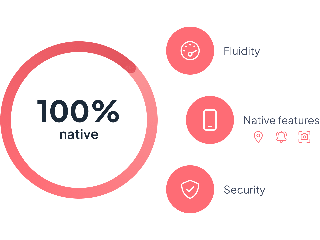
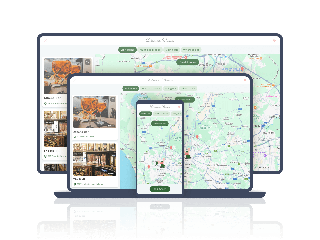
## PWA: Din app, optimerad för webben
### En högpresterande, enkel webblösning
Vi är specialiserade på högpresterande native-appar och har lagt till [PWA](https://se.goodbarber.com/pwa/technology/) för att utöka din räckvidd. **De erbjuder webbsynlighet**, optimerad för sökmotorer och plattformsoberoende användning, utan extra ansträngning.
**PWA:er är snabba, lätta, tillgängliga via en webbläsare** och innehåller avancerade funktioner som offlineåtkomst. Detta ger maximal synlighet och en plattformsoberoende kvalitetsupplevelse utan att gå via traditionella appbutiker.
## GoodBarber expertis
### Pionjärer inom no-code
Med över 15 års erfarenhet av apputveckling är GoodBarber en ledande figur inom no-code-rörelsen. Vi har förutspått den digitala omvandlingen och utvecklat verktyg som förenklar skapandet av appar samtidigt som de erbjuder professionell prestanda.

Tack vare kontinuerlig innovation kan vi hjälpa användare - från nybörjare till experter - att bygga anpassade appar utan att skriva en enda rad kod.
[Om GoodBarber](https://se.goodbarber.com/about/)
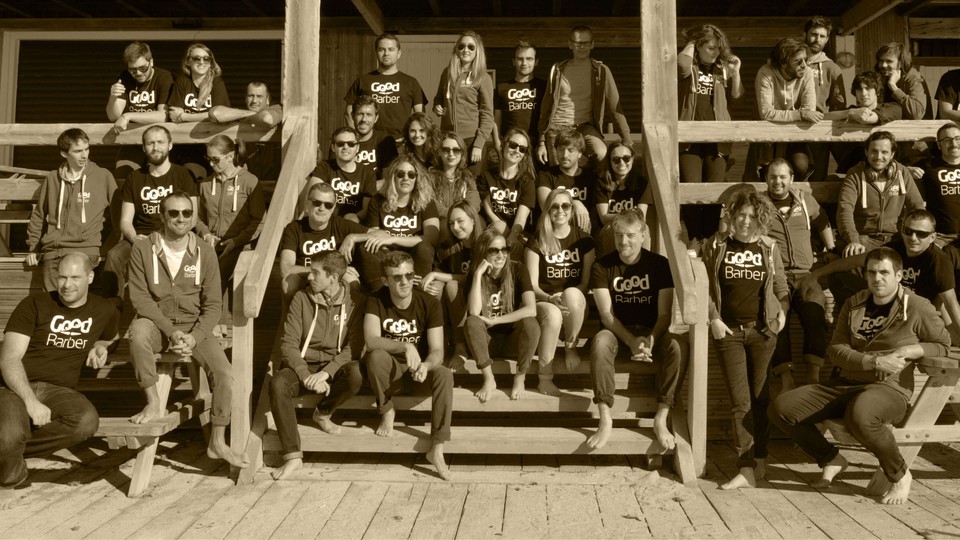

## Människocentrerat stöd
### Vägledning från idé till lansering
Utöver tekniken är vi fast beslutna att stödja alla användare så att de kan förverkliga sina projekt. Oavsett om du precis har börjat eller skalar upp ditt företag finns **våra expertteam tillgängliga för att vägleda, utbilda och ge dig råd.**
**Med GoodBarber är du aldrig ensam på din appbyggarresa.**
[Supportteam](https://se.goodbarber.com/support-team/)
## Framtiden för no-code med GoodBarber
### Fler möjligheter för app-skapare
No-code utvecklas ständigt, och på GoodBarber tänjer vi på gränserna varje dag. **Vårt mål: att göra appskapande snabbare, mer intuitivt, mer kraftfullt och tillgängligt för alla**. Tack vare vårt engagemang för 100 % native-teknik anpassar vi oss snabbt till ny teknik och ser till att du alltid har de bästa verktygen för att förverkliga dina projekt.

---
# We love design
Source: https://se.goodbarber.com/we-love-design/
---
title: "Skapa appar med enastående design utan kodning"
description: "App Builder med de vackraste anpassningsbara mallarna. Vårt engagemang för exceptionell estetik och optimal användarupplevelse är det som gör att applikationer som utvecklats med GoodBarber skiljer sig från mängden."
canonical_url: "https://se.goodbarber.com/we-love-design/"
lang: sv
---
# Skapa appar med enastående design utan kodning

# Skapa appar med enastående design
## GoodBarberheart emojiDesign
### Harmoni och samstämmighet garanteras
#### Designsystem
Hemligheten bakom GoodBarbers designkvalitet ligger i vårt designsystem.
Varje applikation drar nytta av en harmonisk uppsättning regler som skapar en konsekvent och professionell visuell upplevelse. Detta tillvägagångssätt säkerställer konsekvens, effektivitet, skalbarhet och tillgänglighet i varje steg av designprocessen.
## App Builder med de vackraste anpassningsbara mallarna
### Expertutformade layouter
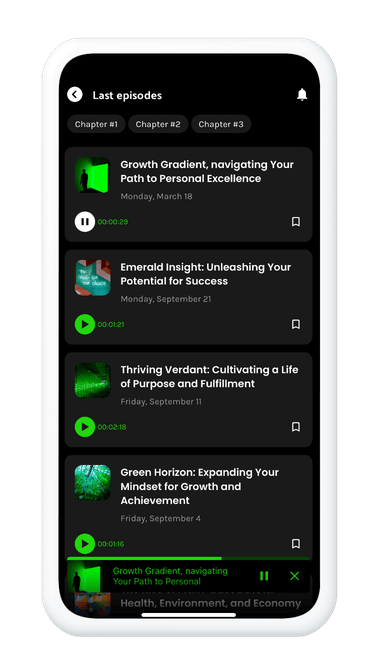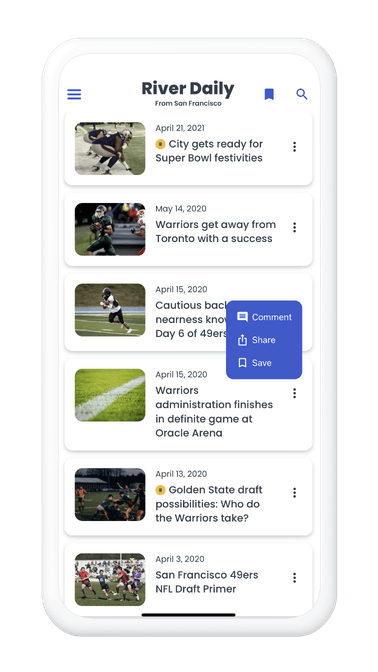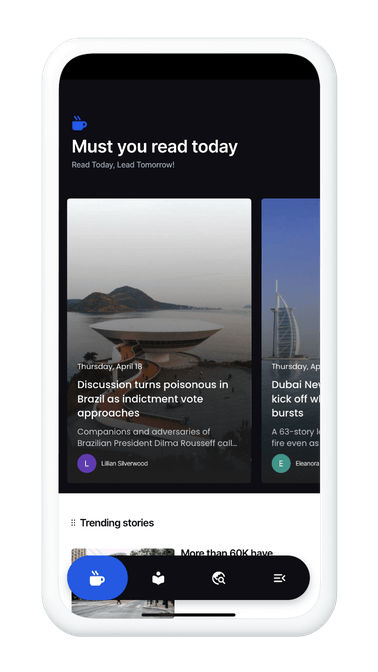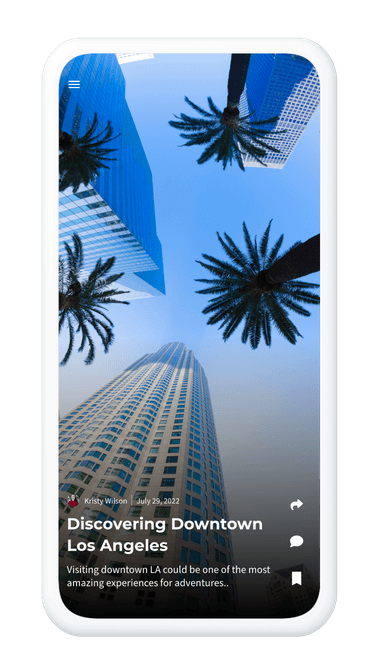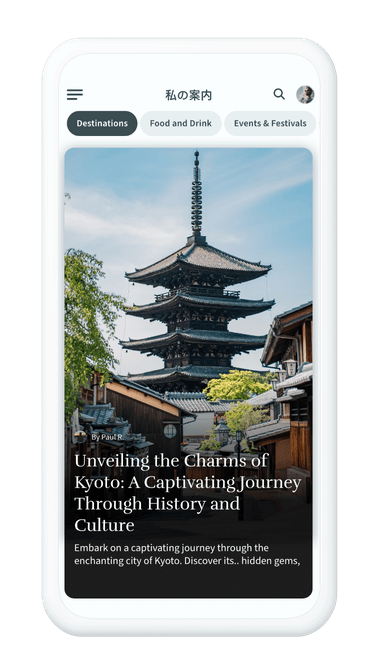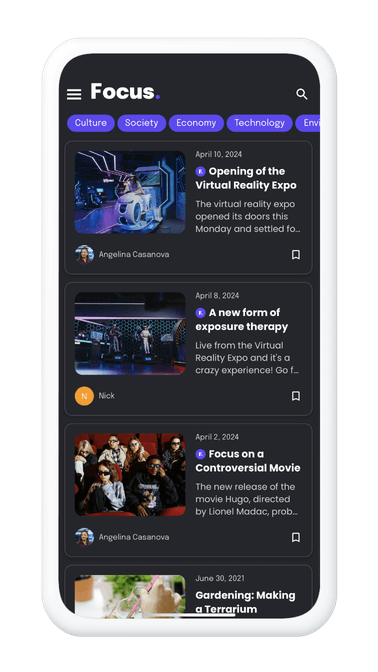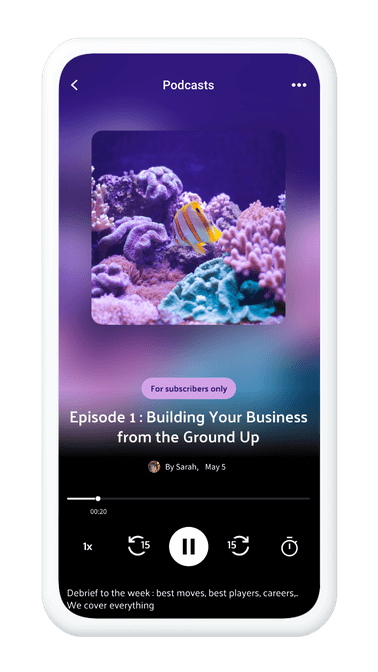
GoodBarber erbjuder ett omfattande bibliotek med visningsmallar för alla viktiga element i din applikation: huvudnavigering, widgets för startsidan, listor och innehållselement. De är skapade av våra expertdesigners.
Upptäck visuell excellens med våra uppslukande designer som omdefinierar applikationens estetik. Den flytande TabBar-menyn erbjuder flytande, elegant navigering och skapar en intuitiv användarupplevelse. I kombination med rörelsedesign blir varje interaktion - från animering av kundvagnen till kategorisering av filter - en visuell demonstration av dynamik. Med den transversala spelaren kan du utforska innehållet på ett kontinuerligt och uppslukande sätt. GoodBarber erbjuder mycket mer än enkel design, utan fullständig visuell uppslukning för exceptionella applikationer.
## Mobil, surfplatta och dator
### Ergonomi för flera skärmar
På GoodBarber ser vi ergonomi (UX) och estetik (UI) som viktiga grundpelare. Varje designelement anpassas sömlöst till alla skärmstorlekar och säkerställer konsekvent kvalitet på alla enheter, oavsett om det är en smartphone, surfplatta, bärbar dator eller stationär dator. Resultatet är en optimal, engagerande och visuellt fängslande användarupplevelse.

## Byggd för att hålla, med en långsiktig vision
### Robusta appar
På GoodBarber återspeglas vår hängivenhet till din applikations livslängd i vår långsiktiga strategiska vision. Varje del av våra skapelser, från kodrader till design, är noggrant utformade för att förutse förändrade estetiska och tekniska behov. Vi bygger starka fundament som säkerställer sömlös anpassningsbarhet och möjliggör fortsatt tillväxt. Med GoodBarber kan du skapa enastående designade applikationer idag som kommer att ligga i framkant även imorgon.
## Det är i detaljerna som din app sticker ut
### Fina anpassningar för att passa dagens smak
Utforska designkonsten, där varje detalj räknas. Anpassa utseendet på dina applikationer med omfattande designalternativ, t.ex. avrundning, skuggning, marginaler och formulärfältsstorlekar. Gå ännu längre med avancerad komponentanpassning, vilket ger dig total flexibilitet när det gäller att skapa en unik visuell upplevelse. Uttryck din kreativitet med helt anpassningsbara ikoner, som ger varje pixel en distinkt touch.
## För en unik visuell och sensorisk upplevelse
### Native-effekter
Fördjupa dina användare i en verklighetstrogen upplevelse tack vare de inbyggda effekter som ingår i GoodBarber-applikationer. Låt dem känna varje interaktion med haptiska effekter, njut av mjuka övergångar och intuitiva gester. Ge liv åt din applikation med effekter som parallax eller dynamisk header-animering som ger en sofistikerad touch och skapar en oöverträffad inlevelse för användarna.
## En arsenal av element för att förbättra dina appar
### En mängd kreativa resurser
GoodBarber ger dig ett överflöd av resurser för att berika dina skapelser. Välj från ett bibliotek med 10 000 ikoner, utforska mångfalden av Google-teckensnitt och försköna dina applikationer med bilder från Pexels-biblioteket. Dessutom ger integration av anpassade teckensnitt ytterligare flexibilitet för att säkerställa att din applikation perfekt återspeglar din visuella identitet. Använd bibliotek som LottieFiles för att lägga till otroliga animationer i din app.
Över 8.600 ikoner

Importera dina egna ikoner

Anpassat teckensnitt
Över 1000 teckensnitt

Pexels bibliotek
---
# Innehållsappar
Source: https://se.goodbarber.com/cms/
---
title: "App Builder för att skapa innehållsappar"
description: "Skapa kraftfulla och flexibla innehållsappar med GoodBarber. Med vår plattform utan kod kan du publicera artiklar, videor, podcasts och mer till iOS, Android och webben utan att behöva koda. Förändra sättet du delar innehåll på med avancerad anpassning och innovativa hanteringsverktyg."
canonical_url: "https://se.goodbarber.com/cms/"
lang: sv
---
# En skräddarsydd mobilapp för alla dina idéer
## Utforma en app som är skräddarsydd för ditt innehåll, dina tjänster eller din community.
Med GoodBarber kan du förverkliga dina projekt med en intuitiv, högpresterande mobilapp som är tillgänglig för alla, utan krav på teknisk kunskap.
[Kom igång kostnadsfritt](https://se.goodbarber.com/create/)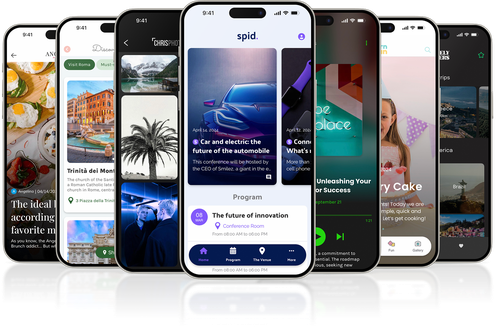
## Varför välja GoodBarber?

GoodBarber är mycket mer än ett enkelt verktyg för att skapa applikationer och erbjuder en kraftfull och lättillgänglig appbyggare.
Anslut dig till de andra entreprenörer som redan har satt sin tillit till oss.
- 
100 % inbyggda appar
Leverera en snabb och sömlös mobilupplevelse.
- 
Högpresterande PWA:er
Maximera din SEO och erbjud ett modernt webbalternativ.
- 
Intuitiv no-code
Skapa enkelt en professionell app utan en rad kod.
- 
Extension Store
Få tillgång till hundratals funktioner för att förbättra din app.
- [Skapa en app](https://se.goodbarber.com/create/)
## En lösning för alla dina projekt
### Kraftfulla verktyg, skräddarsydda efter dina specifika behov: med GoodBarber är din app helt anpassad efter dina ambitioner.

Förvandla ditt innehåll till en interaktiv app (artiklar, videor, podcasts).

Förenkla hanteringen av möten och onlinebokning av dina tjänster.

Organisera evenemang med intuitiva kalendrar och en länk till din biljettförsäljning.

Skapa aktiva gemenskaper med diskussionsforum och riktade meddelanden.

Erbjuda pedagogiska appar med många interaktiva resurser.
Ta reda på hur GoodBarber kan göra verklighet av dina idéer. [Våra lösningar](https://se.goodbarber.com/solutions/)
## Obegränsad anpassningsbarhet
### Med GoodBarber kan du skapa en design som perfekt speglar din värld. Ge liv åt en unik app som speglar dig.
- 
Moderna layouter
Elegant design för alla typer av appar.
- 
Avancerad anpassning
Justera varje detalj i din app: färger, typografi och layout.
- 
Ständigt under utveckling
Håll dig uppdaterad om trender med våra regelbundna uppdateringar.
[GoodBarberDesign](https://se.goodbarber.com/we-love-design/)
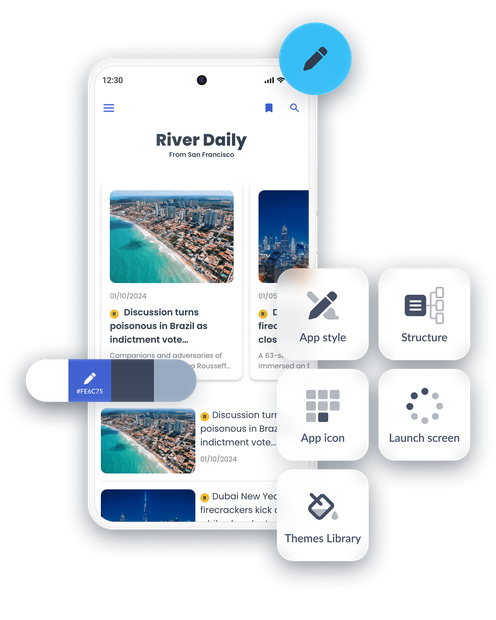
## Ett kraftfullt CMS för att hantera ditt innehåll
### Enkel och kraftfull innehållshantering
Med GoodBarber kan du dra nytta av ett integrerat CMS som är utformat för att uppfylla alla dina behov
[Upptäck GoodBarber CMS](https://se.goodbarber.com/extensions/cms/)
- 
Total flexibilitet
Skapa artiklar, gallerier, videor eller podcasts för att förbättra din app.
- 
Externa anslutningar
Importera enkelt innehåll från RSS-flöden, plattformar som YouTube eller SoundCloud eller dina egna API:er.
- 
Avancerad hantering
Lägg till, organisera och ändra ditt innehåll i realtid från ett intuitivt gränssnitt.
- 
Perfekt integration
Allt ditt innehåll visas på ett harmoniskt sätt i appens design.
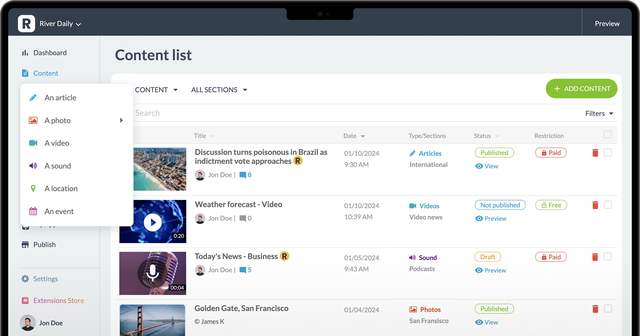
## Öka din synlighet med en optimerad PWA
### Kombinera kraften i native med synligheten på webben: ditt innehåll eller dina tjänster blir tillgängliga överallt tack vare en Progressive Web App (PWA) som kombinerar mobil prestanda och SEO.
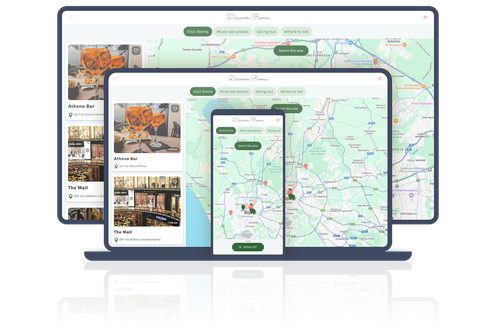
↑
Kombinera kraften i native med synligheten på webben

#### Optimerad SEO
Nå ut till en bredare publik med innehåll som är perfekt indexerat av Google.

#### Idealisk för gemenskaper och tjänster
Erbjud ett modernt webbalternativ för att möta din målgrupps olika förväntningar.

#### Universell tillgänglighet
Bläddra på alla enheter (dator, surfplatta, smartphone) utan föregående installation.

#### Omedelbara uppdateringar
Din app är alltid uppdaterad, utan att du behöver ladda ner den.
[Ta reda på mer om PWA](https://se.goodbarber.com/pwa/technology/)
## Analysera och förbättra dina prestationer
### Hantera din app med integrerade analysverktyg och exakta data för att följa upp dina resultat.
Med GoodBarber kan du följa dina resultat i realtid med hjälp av integrerad statistik (visningar, nedladdningar, engagemang). Anslut enkelt till Google Analytics eller andra tredjepartsverktyg och anpassa dina strategier tack vare detaljerade insikter och insamlade data.
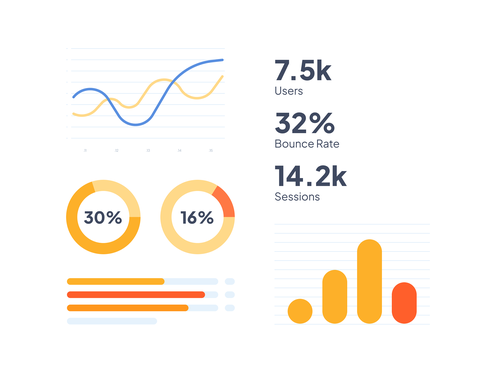

## En oöverträffad Extension Store
### Berika din app med en imponerande katalog av tillägg som du har nära till hands
- #### Användarengagemang
Chattar, riktad push och medlemsområden.
- #### Evenemang och tjänster
Kalender och bokningshantering online.
- #### Intäktsgenerering
Annonsering, prenumerationer och premiuminnehåll för att göra din app lönsam.
- #### Extern integration
Lägg till YouTube-strömmar, interaktiva kartor eller podcasts.
- #### Gå vidare med anpassad kod

Skapa dina egna moduler eller samarbeta med dina utvecklare för att uppfylla dina specifika behov med hjälp av avsnitten för anpassad kod.
- 
- 
- 
- 
- 
- 
- 
- 
- 
- 
- 
- 
- 
- 
- 
- 
- 
- 
- 
- 
- 
- 
- 
- 
- 
- 
- 
- 
- 
- 
- 
- 
- 
- 
- 
- 
- 
- 
- 
- 
- 
- 
- 
- 
- 
- 
- 
- 
Upptäck alla tillägg som finns tillgängliga i Goodbarber-butiken
[Extension Store](https://se.goodbarber.com/extensions/)

## Är du redo att skapa en högpresterande app för dina projekt?
### Din idé förtjänar de bästa verktygen.
Med GoodBarber kan du skapa en skräddarsydd app enkelt och utan begränsningar.
[Kom igång kostnadsfritt](https://se.goodbarber.com/create/)
---
# E-handelsappar
Source: https://se.goodbarber.com/cms-commerce/
---
title: "Den perfekta lösningen för mobil e-handel"
description: "Utforska GoodBarbers exceptionella förmåga att omvandla idén om en e-handelsapplikation till en dynamisk, funktionsrik verklighet med fokus på användarupplevelsen."
canonical_url: "https://se.goodbarber.com/cms-commerce/"
lang: sv
---
# Den perfekta lösningen för mobil e-handel
## Skapa en mobilbutik som är vackert designad, högpresterande, intuitiv och tillgänglig och byggd för framgång.
[Kom igång kostnadsfritt](https://se.goodbarber.com/create/)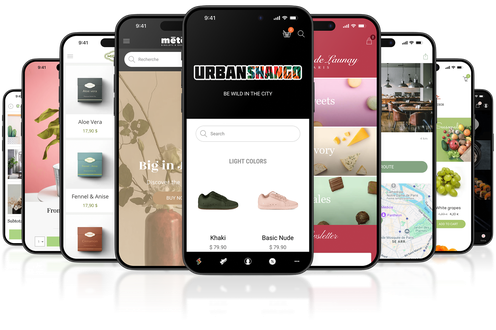
## En komplett lösning för din mobila e-handel

Ge dina kunder en sömlös, tillgänglig och högpresterande butik med vår appbyggare.
Bli en av de tusentals handlare som litar på GoodBarber, en plattform som går längre än ett vanligt CMS.
- 
100 % inbyggda appar
För en snabb, mobiloptimerad butik.
- 
En exceptionell användarupplevelse
Skapa kundlojalitet med de bästa funktionerna.
- 
Skräddarsydd design
Varje detalj återspeglar ditt varumärke och din identitet.
- 
Maximal tillgänglighet
Din e-butik inom räckhåll för dina kunder, var de än befinner sig.
## En 100 % inbyggd mobilapp för din butik
### Erbjud en överlägsen användarupplevelse på iOS och Android – överallt där dina kunder finns.

Oöverträffad hastighet
Ultrasnabba laddningstider för smidig och njutbar surfning.

Avancerade funktioner
Dra nytta av push-meddelanden, offline-läge och avancerade integrationer.

Obegränsad tillgänglighet
Din butik förblir tillgänglig för dina kunder, var och när de än behöver den.
[Upptäck inbyggda appar](https://se.goodbarber.com/native/technology/)
## En butik som speglar ditt varumärke
### Skapa en e-handelsbutik med en unik design som speglar din image och är skräddarsydd för dina behov.
Avancerad anpassning
Justera färger, typsnitt och sidlayouter.
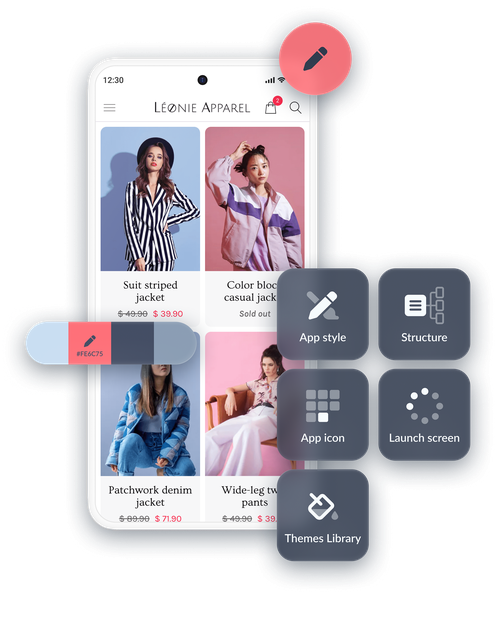
Professionella mallar
Modern design, redo att skräddarsys.
Oklanderlig design, oavsett vilken verksamhet du bedriver.
Du kan vara säker på att resultatet alltid blir perfekt och stämmer överens med din image. Upptäck alla våra lösningar för att skapa en design som passar dig.
[GoodBarberDesign](https://se.goodbarber.com/we-love-design/)
## Kraftfulla funktioner för att hantera allt
### E-handel på ett enkelt sätt

GoodBarber ger dig tillgång till en rad verktyg som är utformade för att optimera alla aspekter av din verksamhet.
1. 
Avancerad produktkatalog
Varianter, detaljerade beskrivningar och foton.
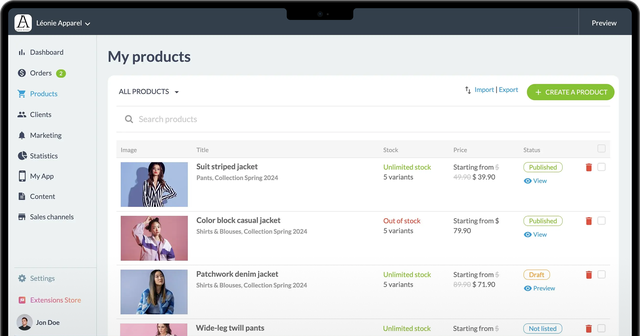
2. 
Orderhantering
Meddelanden i realtid och fullständig spårning.
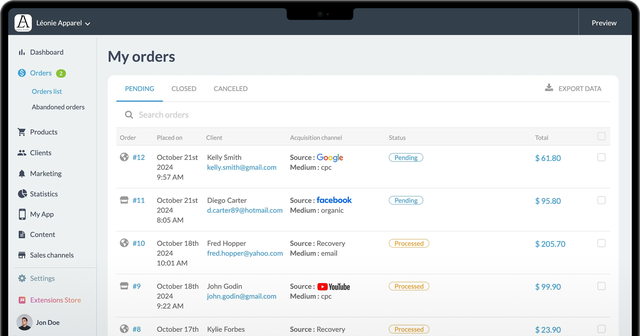
3. 
Attraktiva kampanjer
Det är enkelt att skapa kampanjkoder och rabatter.
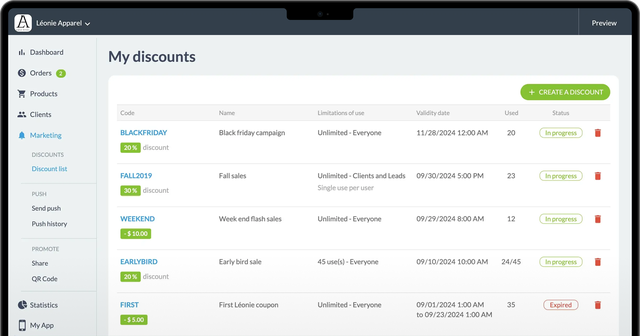
4. 
Leverans och Click & Collect
Flexibla alternativ som skräddarsys för dina kunder.
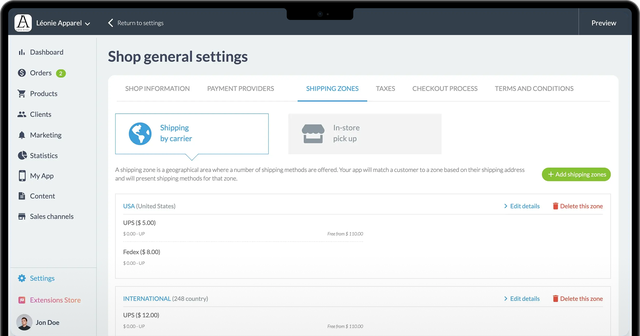
1.
2.
3.
4.
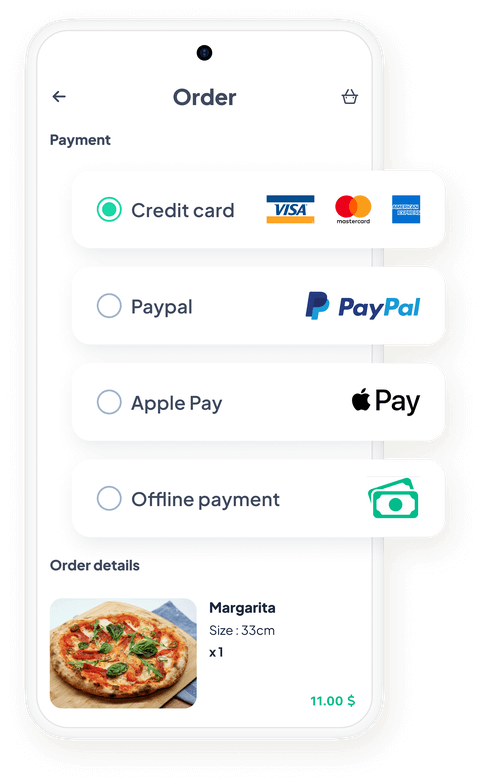
## Erbjud dina kunder en pålitlig och trevlig shoppingupplevelse
### Med GoodBarber kan dina kunder dra nytta av en smidig och säker betalningsprocess.

Optimerade onlinebetalningar
Acceptera kreditkort, PayPal, Apple Pay och mycket mer.

Betalning på plats
Perfekt för click & collect eller i butik.

Skyddade transaktioner
SSL-säkerhetsstandarder och internationell efterlevnad.

Snabb konfiguration
Aktivera dina betalningsmetoder på bara några minuter.
[Betalningslösningar online](https://se.goodbarber.com/extensions/categories/payment-gateway/)
## Öka din synlighet med en optimerad PWA
### Kombinera mobil prestanda och SEO med en Progressive Web App
Förutom inbyggda appar kan du med GoodBarber skapa en PWA för att maximera din närvaro på nätet. Den är tillgänglig i alla webbläsare och på alla enheter (smartphone, surfplatta, dator) och ökar din synlighet tack vare **högpresterande sökmotoroptimering**. Dina kunder drar nytta av omedelbara uppdateringar, utan att behöva ladda ner nya versioner.
Kombinera kraften i native med synligheten på webben
[Upptäck PWA:er](https://se.goodbarber.com/pwa/technology/)

## En lösning för alla typer av företag
### Utformad för att uppfylla dina specifika behov

Hantera dina lager och visa upp dina produkter.
[Detaljhandel→](https://se.goodbarber.com/ecommerce/)

Erbjuder onlinebeställning och leverans.
[Restauranger→](https://se.goodbarber.com/restaurant-app/)

Förenkla lokal shopping med snabb upphämtning i butik.
[Click & collect→](https://se.goodbarber.com/local-delivery-apps/)

## Är du redo att lansera din mobila butik?
### Välj referenslösningen för mobil e-handel
Erbjud dina kunder en snabb, högpresterande mobil butik som är utformad för framgång.
[Kom igång kostnadsfritt](https://se.goodbarber.com/create/)
---
# Tillägg
Source: https://se.goodbarber.com/extensions/
---
title: "Appbyggare med avancerade funktioner - App Extensions"
description: "Förbättra din innehållsapp med hjälp av de många tillägg som finns tillgängliga på GoodBarber"
canonical_url: "https://se.goodbarber.com/extensions/"
lang: sv
---
# Appbyggare med avancerade funktioner - App Extensions

Få ut mesta möjliga av din app med vår Extension StoreMer än **190 tillägg** för ditt projekt
[Innehåll](https://se.goodbarber.com/extensions/categories/content/)[Lokal butik](https://se.goodbarber.com/extensions/categories/local-shop/)[Medlemskap & inloggning](https://se.goodbarber.com/extensions/categories/memberships-login/)[Intäktsgenerering](https://se.goodbarber.com/extensions/categories/monetization/)[Meddelanden](https://se.goodbarber.com/extensions/categories/notifications/)[Viktiga saker](https://se.goodbarber.com/extensions/categories/essentials/)[Produktivitet](https://se.goodbarber.com/extensions/categories/productivity/)[Verktyg för utvecklare](https://se.goodbarber.com/extensions/categories/developer-tools/)[Alla kategorier](https://se.goodbarber.com/extensions/categories/)
Populära tillägg
[illustration for Medlemskap MedlemskapTjäna pengar i din app med medlemskap559kr/månad](https://se.goodbarber.com/extensions/in-app-purchase/)
[illustration for Tidsbokning TidsbokningVisa din tillgänglighet och låt dina kunder boka tid från din applikation170kr/månad](https://se.goodbarber.com/extensions/appointment-booking/)
[illustration for AI Extension Builder AI Extension BuilderBeskriv en funktion och AI kommer att skapa den i din appGratis](https://se.goodbarber.com/extensions/ai-extension-builder/)
[illustration for Automatisk tryckning Automatisk tryckningHar det hänt något nytt med din app? Meddela dina användare automatisktGratis](https://se.goodbarber.com/extensions/scheduled-push/)
[illustration for Direktsänt ljud Direktsänt ljudStreama direktsända radiosändningarGratis](https://se.goodbarber.com/extensions/live-audio/)
[illustration for Tidsluckor TidsluckorLåt dina kunder välja tid för leverans eller upphämtning170kr/månad](https://se.goodbarber.com/extensions/time-slots/)
[illustration for RAG Chatbot RAG ChatbotAI som reagerar på ditt innehåll500kr/månad 319kr/månad](https://se.goodbarber.com/extensions/rag-chatbot-ai/)
[illustration for AI-assistent AI-assistentFörenkla skapandet av innehåll med AI Assistant, som drivs av OpenAIGratis](https://se.goodbarber.com/extensions/ai-assistant/)
[illustration for Genomgång av appen Genomgång av appenSkapa en integrerad handledning och vägled dina användare genom den första lanseringen av din app57kr/månad](https://se.goodbarber.com/extensions/walkthrough/)
[AI, när du verkligen behöver detAI-funktioner som är utformade för att spara tid och göra din app ännu smartare varje dag.](https://se.goodbarber.com/extensions/usecases/ai-features-for-mobile-apps/)
[Utforska alla samlingar](https://se.goodbarber.com/extensions/collections/)
Lägg enkelt till ditt innehåll med det integrerade CMS
[illustration for System för innehållshantering System för innehållshanteringSkapa alla typer av innehåll direkt från ditt backofficeGratis](https://se.goodbarber.com/extensions/cms/)
[illustration for CMS-artiklar CMS-artiklarSkapa och publicera artiklar från ditt backofficeGratis](https://se.goodbarber.com/extensions/cms-article/)
[illustration for CMS-videor CMS-videorDela dina videor i din appGratis](https://se.goodbarber.com/extensions/cms-videos/)
[illustration for CMS Podcasts CMS PodcastsSänd dina podcasts i din appGratis](https://se.goodbarber.com/extensions/cms-podcasts/)
[illustration for CMS-foton CMS-fotonPublicera dina foton i din appGratis](https://se.goodbarber.com/extensions/cms-photo/)
[illustration for CMS agenda CMS agendaPublicera dina evenemang i din appGratis](https://se.goodbarber.com/extensions/cms-agenda/)
[illustration for CMS-karta CMS-kartaVisa dina intressepunkter på en kartaGratis](https://se.goodbarber.com/extensions/cms-map/)
[illustration for CMS-kontakt CMS-kontaktUnderlätta dialogen med dina användareGratis](https://se.goodbarber.com/extensions/cms-contact/)
[illustration for CMS Om CMS OmPresentera dig själv med ett särskilt avsnittGratis](https://se.goodbarber.com/extensions/cms-about/)
[illustration for CMS kommentarer CMS kommentarerÖka användarnas engagemang genom kommentarerGratis](https://se.goodbarber.com/extensions/cms-comments/)
[illustration for Bokmärke BokmärkeDina användare markerar och sparar de objekt som intresserar dem mestGratis](https://se.goodbarber.com/extensions/cms-bookmark/)
Detaljer som räknas för exceptionell design!
[illustration for Google Material-ikoner Google Material-ikonerDe mest populära ikonerna i din app just nuGratis](https://se.goodbarber.com/extensions/google-material-icons/)
[illustration for Google Fonts Google FontsNjut av världens största och mest mångsidiga samling av teckensnitt.Gratis](https://se.goodbarber.com/extensions/google-fonts/)
[illustration for Anpassat teckensnitt Anpassat teckensnittLägg till valfritt teckensnitt och få en extremt skräddarsydd designGratis](https://se.goodbarber.com/extensions/custom-font/)
[illustration for Genius palett Genius palettLita på att AI skapar din färgpalettGratis](https://se.goodbarber.com/extensions/genius-palette/)
[illustration for Pexels PexelsFå tillgång till ett bibliotek med över 500.000 högupplösta foton direkt från ditt backofficeGratis](https://se.goodbarber.com/extensions/pexels/)
[illustration for Avancerad utgåva Avancerad utgåvaAktivera de avancerade funktionerna som ger dig tillgång till dolda inställningar, för ännu större anpassning av din applikation.Gratis](https://se.goodbarber.com/extensions/advanced-edition/)
[Anpassa din app utan begränsningarMed GoodBarber Open kan du upptäcka hur varje Custom Code-tillägg kan förändra din applikation](https://se.goodbarber.com/extensions/usecases/goodbarber-open-custom-code/)
[Utforska alla samlingar](https://se.goodbarber.com/extensions/collections/)
Utveckla ditt företag på mobilen
[E-handel 98 extensions](https://se.goodbarber.com/extensions/collections/ecommerce/)
[Lokal leverans 84 extensions](https://se.goodbarber.com/extensions/collections/local-delivery/)
[Restauranger 83 extensions](https://se.goodbarber.com/extensions/collections/restaurants/)
[Livsmedelsbutiker 80 extensions](https://se.goodbarber.com/extensions/collections/groceries/)
Acceptera alla betalningsmetoder
[illustration for Apple Pay Apple PayFörenkla dina kunders betalningar, med bara ett klick och i total säkerhetGratis](https://se.goodbarber.com/extensions/apple-pay/)
[illustration for Alipay AlipayErbjud en populär betalningslösning till dina kunder från KinaGratis](https://se.goodbarber.com/extensions/alipay/)
[illustration for Bancontact BancontactErbjuda en ny betalningslösning som används i stor utsträckning i BelgienGratis](https://se.goodbarber.com/extensions/bancontact/)
[illustration for iDeal iDealErbjuda en ny betalningslösning för att vinna över den nederländska marknadenGratis](https://se.goodbarber.com/extensions/ideal/)
[illustration for EPS EPSErbjuda en ny betalningslösning för att vinna över den österrikiska marknadenGratis](https://se.goodbarber.com/extensions/eps/)
[illustration for Klarna KlarnaÖka försäljningen med ett betalningsalternativ för köp nu och betala senareGratis](https://se.goodbarber.com/extensions/klarna/)
[illustration for Paypal PaypalFörenkla utcheckningsprocessen för dina kunder genom att minska friktionen vid betalning via PaypalGratis](https://se.goodbarber.com/extensions/paypal/)
[illustration for Przelewy24 Przelewy24Erbjuda en ny betalningslösning för att vinna över den polska marknadenGratis](https://se.goodbarber.com/extensions/przelewy24/)
[illustration for Randig RandigErbjud flera betalningsmetoder och underlätta shoppingprocessen för dina kunderGratis](https://se.goodbarber.com/extensions/stripe/)
[illustration for Stripe Extended Stripe ExtendedErbjud ytterligare betalningsmetoder i din butik med Stripe ExtendedGratis](https://se.goodbarber.com/extensions/stripe-extended/)
[Behärska push-meddelanden till perfektionUpptäck alla möjligheter att fånga dina användares uppmärksamhet med notiser](https://se.goodbarber.com/extensions/usecases/mastering-push-notifications/)
[Utforska alla samlingar](https://se.goodbarber.com/extensions/collections/)
Skapa lojalitet hos publiken
[Skapare av innehåll 80 extensions](https://se.goodbarber.com/extensions/collections/content-creators/)
[Tidningar 65 extensions](https://se.goodbarber.com/extensions/collections/newspapers/)
[Onlinekurser 55 extensions](https://se.goodbarber.com/extensions/collections/online-courses/)
[Radio 62 extensions](https://se.goodbarber.com/extensions/collections/radio-station/)
Tjäna pengar med din app
[illustration for Medlemskap MedlemskapTjäna pengar i din app med medlemskap559kr/månad](https://se.goodbarber.com/extensions/in-app-purchase/)
[illustration for Google Ad Manager Google Ad ManagerKör annonser och öka intäkterna från din app med tillägget Google Ad ManagerGratis](https://se.goodbarber.com/extensions/google-ad-manager/)
[illustration for Google AdMob Google AdMobIntegrera annonser i din app och generera stadiga intäkter med Google AdMobGratis](https://se.goodbarber.com/extensions/google-admob/)
[illustration for Intern annonsserver Intern annonsserverSkapa annonskampanjer och sprid annonser som du har lagt till direkt i ditt backofficeGratis](https://se.goodbarber.com/extensions/internal-ad-server/)
[illustration for Köp en kaffe åt mig Köp en kaffe åt migTa emot donationer från din appLABLab-funktionerna är ännu inte tillgängliga i GoodBarber. Om du är intresserad kan du registrera dig för att få ett meddelande när de blir tillgängliga.](https://se.goodbarber.com/extensions/buy-me-a-coffee/)
[illustration for Donately DonatelyEn insamlingslösning för allaLABLab-funktionerna är ännu inte tillgängliga i GoodBarber. Om du är intresserad kan du registrera dig för att få ett meddelande när de blir tillgängliga.](https://se.goodbarber.com/extensions/donately/)
Alla verktyg du behöver för att väcka liv i din community
[illustration for Autentisering AutentiseringTillåt åtkomst till hela eller delar av din app endast för användare som har ett användarnamn/lösenord136kr/månad](https://se.goodbarber.com/extensions/authentication/)
[illustration for Användargrupper AnvändargrupperSkapa användargrupper och anpassa åtkomsträttigheter till delar av din app.57kr/månad](https://se.goodbarber.com/extensions/user-groups/)
[illustration for Gemenskap GemenskapHantera en grupp användare i din app57kr/månad](https://se.goodbarber.com/extensions/community/)
[illustration for Chatt ChattAktivera en snabbmeddelandetjänst i din app227kr/månad](https://se.goodbarber.com/extensions/chat/)
[illustration for Tawk.to Tawk.toLägg till en chatt i din app för att prata med dina kunderGratis](https://se.goodbarber.com/extensions/tawkto/)
[En strategisk guide till explosiv försäljningUtnyttja rean för att ta din butik till nya höjder.](https://se.goodbarber.com/extensions/usecases/guide-successful-sales-period/)
[Utforska alla samlingar](https://se.goodbarber.com/extensions/collections/)
Förenkla shoppingupplevelsen
[illustration for Snabbt köp Snabbt köpTillåt dina kunder att köpa direkt från en produktlista57kr/månad](https://se.goodbarber.com/extensions/quick-buy/)
[illustration for Köp igen Köp igenErbjud dina kunder att förnya en befintlig order med 1 klick57kr/månad](https://se.goodbarber.com/extensions/buy-again/)
[illustration for Snabb utcheckning Snabb utcheckningFörenkla utcheckningsprocessen och optimera försäljningen genom att ta bort onödiga steg57kr/månad](https://se.goodbarber.com/extensions/fast-checkout/)
[illustration for Övergiven order Övergiven orderÅterfå via e-post och push-notiser kunder som har påbörjat en order utan att ha slutfört den114kr/månad](https://se.goodbarber.com/extensions/abandoned-order/)
[illustration for Påminnelse om kundvagn Påminnelse om kundvagnNär kunderna återvänder till appen visar du innehållet i deras kundvagn i en popup57kr/månad](https://se.goodbarber.com/extensions/cart-reminder/)
[illustration for Sök efter e-handel Sök efter e-handelIntegrera en intern sökmotor i din app så att användarna kan hitta dina produkter på ett ögonblick med GoodBarbers Search-tillägg.Gratis](https://se.goodbarber.com/extensions/search-ecommerce/)
Tillägg för att samla in information
[illustration for CMS kommentarer CMS kommentarerÖka användarnas engagemang genom kommentarerGratis](https://se.goodbarber.com/extensions/cms-comments/)
[illustration for Sektion för inlämning Sektion för inlämningAnvändargenererat innehåll integrerat i din app. Interagera med din publik tack vare GoodBarber Submission SectionGratis](https://se.goodbarber.com/extensions/content-submission/)
[illustration for Form FormInteragera med dina appanvändare och samla in data med GoodBarbers formulärintegration.Gratis](https://se.goodbarber.com/extensions/form/)
[illustration for Luftbar form Luftbar formSkicka data till Airtable från din appGratis](https://se.goodbarber.com/extensions/airtable/)
[illustration for Jotform JotformIntegrera dina Jotform-formulär i din appGratis](https://se.goodbarber.com/extensions/jotform/)
[illustration for SurveyMonkey SurveyMonkeySamla in och analysera dataGratis](https://se.goodbarber.com/extensions/surveymonkey/)
[illustration for Typform TypformSkapa ett Typeform-formulär och lägg till det i din appGratis](https://se.goodbarber.com/extensions/typeform/)
[illustration for Kontaktformulär KontaktformulärDina kunder kan enkelt komma i kontakt med dig för alla sina förfrågningar.Gratis](https://se.goodbarber.com/extensions/contact-form/)
Belöna dina användare
[illustration for Lojalitetskort LojalitetskortSkapa ett unikt lojalitetsprogram för dina kunder90kr/månad](https://se.goodbarber.com/extensions/loyalty-card/)
[illustration for Klubbkort KlubbkortBelöna dina mest lojala kunder med exklusiva förmåner45kr/månad](https://se.goodbarber.com/extensions/club-card/)
[illustration for Rabattkuponger RabattkupongerÖka din försäljning med specialerbjudanden68kr/månad](https://se.goodbarber.com/extensions/couponing/)
[illustration for Lojalitetsprogram LojalitetsprogramBelöna dina kunder och öka din försäljning114kr/månad](https://se.goodbarber.com/extensions/loyalty-program/)
[illustration for Rabattkoder RabattkoderSkapa specialerbjudanden och öka försäljningen i din webbutik114kr/månad](https://se.goodbarber.com/extensions/discount/)
[Optimera synligheten och effektiviteten för din PWAVill du göra din PWA mer synlig, mer effektiv och mer engagerande?](https://se.goodbarber.com/extensions/usecases/pwa-seo-guide/)
[Utforska alla samlingar](https://se.goodbarber.com/extensions/collections/)
Rätt verktyg för att utveckla den lokala handeln
[illustration for Upphämtning i butik Upphämtning i butikFrån app till butik: Dina kunder lägger sin beställning i din app och kommer till din butik för att hämta denGratis](https://se.goodbarber.com/extensions/store-pickup/)
[illustration for Lokal leverans Lokal leveransStäll in dina leveranszoner efter postnummer eller radie och erbjud snabb leverans till ditt lokala samhälle57kr/månad](https://se.goodbarber.com/extensions/local-delivery/)
[illustration for Tidsluckor TidsluckorLåt dina kunder välja tid för leverans eller upphämtning170kr/månad](https://se.goodbarber.com/extensions/time-slots/)
[illustration for Hitta butik Hitta butikGe en snabb överblick över dina olika anläggningar och förenkla dina kunders shoppingupplevelseGratis](https://se.goodbarber.com/extensions/store-locator/)
Sänd dina program i direktsändning och i repris
[illustration for Direktsänt ljud Direktsänt ljudStreama direktsända radiosändningarGratis](https://se.goodbarber.com/extensions/live-audio/)
[illustration for Live + Live +Dra nytta av avancerade funktioner för direkt distribution av dina radiosändningar114kr/månad](https://se.goodbarber.com/extensions/live/)
[illustration for Live-video Live-videoStreama live videosändningar57kr/månad](https://se.goodbarber.com/extensions/live-video/)
[illustration for CMS Podcasts CMS PodcastsSänd dina podcasts i din appGratis](https://se.goodbarber.com/extensions/cms-podcasts/)
[illustration for CMS-videor CMS-videorDela dina videor i din appGratis](https://se.goodbarber.com/extensions/cms-videos/)
[illustration for Spotify för podcastare Spotify för podcastareStreama de podcasts du har på Spotify (Anchor) direkt till din appGratis](https://se.goodbarber.com/extensions/anchor/)
[illustration for Ausha AushaStreama de podcasts du har på Ausha direkt till din appGratis](https://se.goodbarber.com/extensions/ausha/)
[illustration for Podcast-flöde Podcast-flödeGe dina användare direkt tillgång till dina podcasts.Gratis](https://se.goodbarber.com/extensions/podcast/)
[illustration for Simplecast SimplecastStreama de podcasts som du har på Simplecast direkt till din appGratis](https://se.goodbarber.com/extensions/simplecast/)
[illustration for Spreaker SpreakerDistribuera de podcasts som du skapat med Spreaker direkt i din appGratis](https://se.goodbarber.com/extensions/spreaker/)
[illustration for YouTube YouTubePublicera automatiskt innehåll från din YouTube-kanal till din app med YouTube GoodBarber-integrationen.Gratis](https://se.goodbarber.com/extensions/youtube/)
[illustration for Vimeo VimeoVisa automatiskt det innehåll du lägger upp på Vimeo i din GoodBarber-app med vår Vimeo-integration, för synkronisering av dina inlägg i realtid.Gratis](https://se.goodbarber.com/extensions/vimeo/)
[illustration for Anpassat ljudflöde Anpassat ljudflödeIntegrera ljudfiler i din app genom att skapa din egen anpassade feed med GoodBarbers Custom Sound-integration.Gratis](https://se.goodbarber.com/extensions/custom-sound/)
[illustration for Anpassat videoflöde Anpassat videoflödeDela externt innehåll genom att skapa ditt eget anpassade flöde med GoodBarbers Custom-integration.Gratis](https://se.goodbarber.com/extensions/custom-video/)
[RSS-flöden och deras många användningsområdenÅterupptäck fördelarna med RSS-flöden för export eller import av innehåll till eller från din applikation](https://se.goodbarber.com/extensions/usecases/rss-feeds-versatile-usage/)
[Utforska alla samlingar](https://se.goodbarber.com/extensions/collections/)
Håll kontakten med meddelanden
[illustration for Automatisk tryckning Automatisk tryckningHar det hänt något nytt med din app? Meddela dina användare automatisktGratis](https://se.goodbarber.com/extensions/scheduled-push/)
[illustration for Push-meddelanden Push-meddelandenSkicka meddelanden för att hålla dina användare engagerade och informeradeGratis](https://se.goodbarber.com/extensions/push-notifications/)
[illustration for Geofencing GeofencingMed geofencing kan du definiera geografiska områden där meddelanden automatiskt skickas ut till dina appanvändareGratis](https://se.goodbarber.com/extensions/geofencing/)
[illustration for iBeacons iBeaconsAktivera automatiska meddelanden när någon av dina användare närmar sig en sändareGratis](https://se.goodbarber.com/extensions/ibeacons/)
Lägg till befintliga produkter i din katalog
[illustration for Import/export av produkter Import/export av produkterHantera din produktkatalog på rekordtid285kr/månad](https://se.goodbarber.com/extensions/product-importexport/)
[illustration for API för e-handelsapplikationer API för e-handelsapplikationerSkapa integrationer mellan din applikation och externa tjänster med hjälp av API:et för e-handelsappar. Det finns flera metoder för att skicka push-meddelanden, visa kunder och beställningar, hantera din produktkatalog, skapa marknadsföringsåtgärder eller få statistik.Gratis](https://se.goodbarber.com/extensions/api-ecommerce/)
Skapa dina egna funktioner genom att lägga till anpassad kod
[illustration for Avsnittet Anpassad kod Avsnittet Anpassad kodUtveckla dina egna funktioner med en sektion från grundenGratis](https://se.goodbarber.com/extensions/custom-code-section/)
[illustration for Navigationsläge för anpassad kod Navigationsläge för anpassad kodSkapa appens navigeringsläge från grunden.Gratis](https://se.goodbarber.com/extensions/custom-code-browsing-mode/)
[illustration for Meny för anpassad kod Meny för anpassad kodBörja från början för att skapa en skräddarsydd menyGratis](https://se.goodbarber.com/extensions/custom-code-menu/)
[illustration for Widget för anpassad kod Widget för anpassad kodSkapa dina egna widgets för att bygga upp startsidan för din appGratis](https://se.goodbarber.com/extensions/custom-code-widget/)
[illustration for Avancerad utgåva Avancerad utgåvaAktivera de avancerade funktionerna som ger dig tillgång till dolda inställningar, för ännu större anpassning av din applikation.Gratis](https://se.goodbarber.com/extensions/advanced-edition/)
Att gå vidare
Har du ett specifikt behov?Kontakta oss, vårt team är här för att hjälpa till
[Kontakta oss](https://se.goodbarber.com/custom-development/)
Utvecklare, lägg till ditt tilläggFå GoodBarber-communityn att växa genom att skicka in ditt tillägg
[Utvecklare](https://se.goodbarber.com/developers/)
[Skicka ditt tillägg](https://se.goodbarber.com/contact/)
---
# Gratis appbyggare
Source: https://se.goodbarber.com/free-app-builder/
---
title: "Gratis appbyggare: vad som faktiskt ingår | GoodBarber"
description: "Alla gratis appbyggare stannar före App Store och Google Play. Se vad gratisplanerna faktiskt ger, och testa GoodBarber gratis i 30 dagar utan kreditkort."
canonical_url: "https://se.goodbarber.com/free-app-builder/"
lang: sv
---
# Gratis appbyggare: vad som faktiskt ingår | GoodBarber
Den ärliga gratissidan
# Skapa en app gratis: vad gratis egentligen ger dig
Varje appbyggare lovar gratis. Ingen av dem publicerar din app i butikerna gratis. Här är den ärliga versionen av den sidan.
GoodBarber har ingen gratisplan, och det skyddar dig: i stället för en begränsad produkt för alltid får du hela plattformen gratis i 30 dagar, utan kreditkort, och du fattar ditt beslut med alla kort på bordet.
[Prova gratis i 30 dagar](https://se.goodbarber.com/create/)[Se priserna](https://se.goodbarber.com/pricing/)
En typisk gratisplan
- Bygg din app i editorn
- Förhandsgranska den i din mobil
- Publicera i App Store eller Google Play
- Ta bort appbyggarens logotyp från din app
GoodBarbers gratis provperiod
- Hela plattformen, varenda funktion, i 30 dagar
- Inget kreditkort krävs
- Native-funktioner för iOS och Android som du kan testa på riktigt
- En gratis PWA som du kan publicera under provperioden
Ingen gratisplan, inga dolda villkor. 30 dagar att bygga på riktigt, sedan bestämmer du.
## Vad gratisplaner innehåller, funktion för funktion
Mönstret är detsamma i hela branschen: gratis låter dig bygga och förhandsgranska. När en riktig app ska ut till riktiga användare börjar varje appbyggare ta betalt.
|Vad du behöver|Typisk gratisplan|GoodBarbers 30 dagars provperiod|Vad det innebär|
|---|---|---|---|
|Designa och bygg din app|Ingår|Ingår, med alla funktioner|Det här är gratisplanernas verkliga styrka: att testa en idé i en editor.|
|Publicera en webbapp (PWA)|Ofta, med appbyggarens varumärke synligt|En gratis PWA under provperioden|En PWA lever på webben. Ett fullgott sätt att lansera, men ingen närvaro i appbutikerna.|
|Publicera i App Store och Google Play|Betald plan, hos alla större appbyggare|Betald plan här också. Ingen publicerar native-appar gratis.|Publicering i butikerna innebär riktigt arbete och riktiga kostnader för plattformen. Ingen leverantör står för dem gratis, oavsett vad landningssidan påstår.|
|Din app under enbart ditt namn|På gratisnivån sitter appbyggarens märke kvar på din app|Din app, ditt varumärke, på alla planer|En app som gör reklam för sin appbyggare är en prototyp, inte en produkt.|
|Push-notiser|Ingår sällan i gratisnivåerna|Ingår|Push är det främsta skälet att ha en app i stället för en webbplats. Utan push faller retentionen tillbaka till webbnivå.|
|Utvecklarkonton hos Apple och Google|99 $ per år (Apple) plus 25 $ en gång (Google)|Samma avgifter. De sätts av Apple och Google, inte av din appbyggare.|De enda verkligt oundvikliga kostnaderna för att lansera en app, oavsett vem du bygger med.|
Gränserna i gratisplaner ändras ofta. Läs alltid prissidan hos varje appbyggare du överväger, även vår.
## Tre sanningar bakom ordet gratis
01
### En gratisplan bygger en demo, inte en verksamhet
Gratisnivåer tar slut precis innan din app möter sina användare: publicering i butikerna, push-notiser, ditt eget varumärke. Det är ingen bluff, det är hela kategorins affärsmodell.
Vill du bara testa en idé i mobilen är en gratisplan precis vad du behöver, och då behöver du inte oss. Vill du ha en app som dina kunder kan ladda ner, budgetera för en betald plan, oavsett appbyggare.
0
gratisplaner bland marknadens ledande appbyggare som publicerar en native-app i butikerna
02
### De oundvikliga kostnaderna kommer inte från din appbyggare
Apple tar 99 $ per år för ett utvecklarkonto. Google Play tar 25 $, en gång. Varje publicerad app betalar dem, oavsett om den byggts av en byrå, en frilansare, ett AI-verktyg eller en no-code-plattform.
En appbyggare som gömmer de här avgifterna bakom ordet gratis förbereder din första tråkiga överraskning. Vi vill hellre att du budgeterar dem från dag ett.
99 $ + 25 $
Apples årsavgift och Googles engångsavgift, satta av butikerna själva
03
### En provperiod som tar slut slår en gratisplan som aldrig gör det
Vårt val: i stället för en begränsad gratisplan byggd för att frustrera dig till att uppgradera får du allt i 30 dagar. Native-funktioner, e-handel, push-notiser, designverktyg, alltihop. Inget kreditkort, så inget kan dras utan att du vet om det.
Efter 30 dagar vet du exakt vad du skulle betala för. En begränsad gratisplan kan aldrig ge dig den klarheten, eftersom gratisversionen inte är produkten.
30
dagar med hela plattformen, utan kreditkort
## Så vad är egentligen gratis?
### Faktiskt gratis hos GoodBarber
- 30 dagar med hela plattformen, utan kreditkort
- En PWA som du kan publicera under provperioden
- Gratis tillägg i Extension Store
- Hjälpcentret, handledningarna och akademin, redan innan du skapar ett konto
### Aldrig gratis, var du än bygger
- Utvecklarkonton hos Apple och Google: 99 $ per år plus 25 $ en gång
- Att publicera en native-app i App Store och Google Play
- Att ta bort appbyggarens varumärke från din app
- Din tid. Verktyget som slösar bort den är det dyraste av alla.
## Vanliga frågor
Frågorna folk faktiskt ställer innan de väljer mellan gratis och betalt.
**Fortfarande osäker?**
Vårt hjälpcenter svarar på de praktiska frågorna, innan du betalar något.
[Utforska hjälpcentret](https://se.goodbarber.com/help/)
Kan jag verkligen skapa en app gratis?
Du kan bygga och förhandsgranska en app gratis med flera verktyg, inklusive GoodBarber under den 30 dagar långa provperioden. Att publicera en native-app i App Store eller Google Play kräver en betald plan hos alla större appbyggare, plus Apples utvecklarkonto för 99 $ per år och Googles engångsavgift på 25 $.
Har GoodBarber en gratisplan?
Nej. GoodBarber erbjuder en 30 dagars gratis provperiod med hela plattformen, utan krav på kreditkort. Vi ger dig hellre allt under en begränsad tid än en begränsad produkt för alltid: du utvärderar den riktiga produkten, sedan bestämmer du.
Vad kostar det att publicera en app i butikerna?
Två kostnader gäller alla: Apple tar 99 $ per år för ett utvecklarkonto och Google Play 25 $, en gång. Därtill kommer din appbyggares betalda plan. GoodBarbers planer finns på prissidan, med allt inkluderat: hosting, uppdateringar, push-notiser och support.
Vad händer när provperioden på 30 dagar är slut?
Du väljer en plan för att fortsätta, eller så stannar du där. Eftersom inget kreditkort krävs för att börja dras ingenting automatiskt, och det kommer ingen överraskande faktura.
Kan jag publicera en app gratis under provperioden?
Ja, som PWA: en progressiv webbapp som dina användare öppnar i webbläsaren och kan installera därifrån. Under provperioden kan du publicera en gratis PWA och testa ditt projekt med en riktig publik. Publicering av en native-app i butikerna kräver en betald plan.
Räcker en gratis appbyggare för ett företag?
För att validera en idé, ja, och det säger vi trots att vi säljer alternativet. För att driva ett företag, sällan: gratisnivåerna håller inne närvaron i butikerna, push-notiserna och ditt eget varumärke, alltså precis det som gör en app värd att ha för dina kunder.
## Fortsätt jämföra
[Vår appbyggare utan kod](https://se.goodbarber.com/app-builder/)[GoodBarber vs andra appbyggare](https://se.goodbarber.com/vs/)[Priserna, inget dolt](https://se.goodbarber.com/pricing/)
## Bygg på riktigt, gratis, i 30 dagar
Hela plattformen, inget kreditkort, inga överraskningar. Om det inte är rätt verktyg för ditt projekt vet du det innan du betalat något.
[Skapa din app](https://se.goodbarber.com/create/)[Se priserna](https://se.goodbarber.com/pricing/)
---
# CMS-funktioner
Source: https://se.goodbarber.com/feature-index/cms/
---
title: "CMS-funktioner i en app - App builder för CMS"
description: "Skapa ditt innehåll i ett robust och intuitivt innehållshanteringssystem. Publicera ditt innehåll som artiklar, videor, kartor, evenemang, poddar, ljud, bilder, direktsänt ljud, direktsänd video och mycket mer, eller koppla in ditt befintliga innehåll från tredjepartstjänster."
canonical_url: "https://se.goodbarber.com/feature-index/cms/"
lang: sv
---
# CMS
Skapa ditt innehåll i ett robust och intuitivt innehållshanteringssystem. Publicera ditt innehåll som artiklar, videor, kartor, evenemang, poddar, ljud, bilder, direktsänt ljud, direktsänd video och mycket mer, eller koppla in ditt befintliga innehåll från tredjepartstjänster.
- [CMS](#cms)
- [AI](#ai)
- [Externt innehåll](#external_content)
- [Artikel](#article)
- [Ljud](#sound)
- [Live](#live)
- [Live +](#live_plus)
- [Video](#video)
- [Direktsänd video](#live_video)
- [Bild](#photo)
- [Kalender](#calendar)
- [Tidsbokning](#appointment_booking)
- [Karta](#map)
- [Om](#about)
- [Kontakt](#contact)
- [Favoriter](#favorites)
- [Formulär](#form)
- [Kommentarer](#comments)
## CMS+
[https://portal.ww-cdn.com/portal_static/images/feature_index/videos/CMS.84dd64d92eab.mp4](https://portal.ww-cdn.com/portal_static/images/feature_index/videos/CMS.84dd64d92eab.mp4)
- ### GoodBarber CMS
Det inbyggda CMS:et låter dig skapa alla typer av innehåll direkt från backofficet: artiklar, videor, ljud, bilder, formulär, evenemang och mycket mer.
- ### Styrning av innehållets status
Allt innehåll du skapar kan få en status: Publicerad, Ej publicerad eller Utkast, så att du enkelt styr dina publiceringar.
- ### Schemalagd publicering
Du har möjlighet att skjuta upp publiceringen av innehåll genom att välja ett framtida datum och klockslag.
- ### Kategorisering av innehåll
Skapa upp till 15 kategorier per sektion för att ordna ditt innehåll, och välj bland 4 visningsmallar för kategorierna. Slå enkelt på och av varje kategori, och flytta element från en kategori till en annan.
- ### Sortering av innehåll
För varje sektion eller kategori väljer du sorteringskriteriet för ditt innehåll: efter skrivdatum, alfabetiskt eller efter antalet kommentarer.
- ### Central styrning av innehåll
Du får tillgång till en egen sida för att styra allt innehåll som skapats med CMS:et. Den här panelen har intelligenta filter, så att du enkelt hittar innehållet du söker.
- ### Framhävning av innehåll
Innehåll som förtjänar att lyftas fram i din app kan markeras som sådant i CMS:et när du skapar det.
- ### Författarprofil
Författarskapet till innehåll kan tilldelas en medlem i ditt team eller en extern författare.
- ### Redigering i flera block
Du kan strukturera innehållet i dina artiklar i olika block (text, bild, video, citat och så vidare) som påverkar layouten och säkrar bästa möjliga visning på alla skärmstorlekar.
- ### Rich Text-editor
Skrivblocken innehåller en rich text-editor, så att du enkelt redigerar layouten på din sida och framhäver din text.
- ### Positionering av innehåll
Tilldela geografiska koordinater till ditt innehåll med tanke på en möjlig visning på karta.
- ### Anpassad visning av datumformat
Flera datumformat kan användas för att tidsstämpla ditt innehåll. Välj det som är mest relevant för din publik.
- ### Avancerad anpassning av metauppgifter
Metauppgifterna som hör till ditt innehåll är viktiga för att öka engagemanget. Du har full frihet att bestämma hur dessa uppgifter visas i din app, bland annat platshållare i texten, skrivna inom klamrar, som ersätts av innehållets egna värden vid visning.
- ### Avancerad anpassning av designen
Designmässigt kan allt innehåll som skapats med CMS:et anpassas oberoende av de allmänna inställningar som gäller i övriga appen.
- ### Flikstil som går att anpassa
När du ordnar ditt innehåll i kategorier väljer du designen på flikarna som filtrerar tillgången till varje kategori.
- ### Färger, teckensnitt, justering, design på miniatyrer
Designen på innehåll skapat med CMS:et går att anpassa in i minsta detalj.
- ### Söksektion
Lägg till en intern sökfunktion i din app. Den indexerar dina artiklar, bilder, videor, ljudfiler, kartor och evenemang, och du väljer vilket innehåll den går igenom, inklusive externa källor.
- ### RSS- och iCal-flöden
Publicera innehållet i din app utanför appen. Varje CMS-sektion kan generera ett utgående flöde, RSS för artiklar, videor och poddar, RSS eller iCal för evenemang, redo att kopplas till en extern plattform.
- ### QR-kodläsare
Lägg till en sektion som öppnar ett innehåll när en QR-kod skannas, oavsett om målet ligger inne i appen eller på webben.
- ### Inställningssektion
Ge dina användare en sektion där de styr sina egna inställningar: aviseringar, textstorlek och appens kolofon.
## AI+
- ### AI-assistent
Skriv med en assistent inbyggd i CMS:et: generera ett första utkast, sammanfatta en lång text, justera tonen, eller översätt ditt innehåll utan att lämna editorn.
- ### RAG Chatbot
Lägg till en samtalsassistent som svarar utifrån ditt eget innehåll. Den indexerar artiklarna, evenemangen och kartpunkterna som publicerats i din app, så att svaren håller sig till det du faktiskt har publicerat, och länkar tillbaka till källan.
- ### ChatGPT-sektion
Lägg till en sektion där dina användare pratar med en samtalsassistent. Du sätter ramen som styr svaren den ger, och den svarar på dina användares språk.
## Externt innehåll+
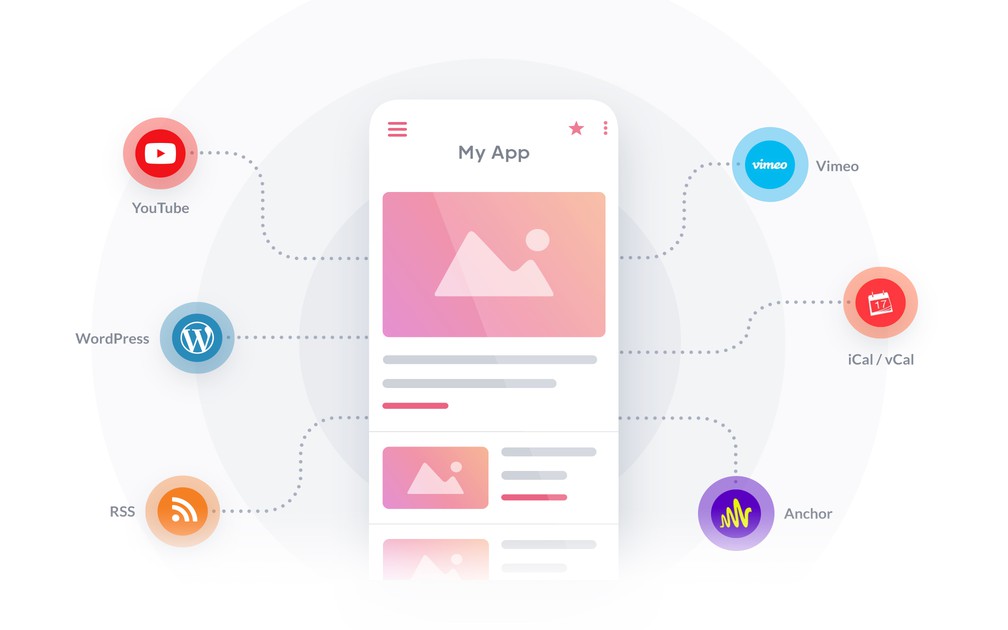
- ### Lägga till externt innehåll
Koppla in externa innehållskällor tack vare vår katalog med över 30 externa kopplingar: Youtube, Vimeo, Dailymotion, Wordpress, Squarespace, Substack, Blogger, Flickr, Simplecast, Spreaker, Google Calendar, Facebook Events och många fler.
- ### Cachning av innehåll
Ditt innehåll förbehandlas, komprimeras och cachas av GoodBarber för att säkra bästa möjliga laddningstid, visning och stabilitet för dina användare, utan att belasta servern.
- ### Cachning av bilder
Dina bilder storleksanpassas, komprimeras och cachas av GoodBarber för att säkra balansen mellan kompatibilitet och prestanda för dina användare.
- ### WordPress-tillägg
GoodBarbers tillägg för WordPress är en utökning av JSON API-tillägget, ett tillägg som används mycket i WordPress-världen. Vi har anpassat det för att säkra trafiken mellan din app och din blogg, och för att ge större frihet i synkroniseringen av innehållet.
- ### Synkronisering av innehåll
Innehåll som skapats i en extern källa synkroniseras med GoodBarber och visas i sin helhet, anpassat till mobil, surfplatta, bärbar och stationär dator.
- ### Avancerade innehållsfilter
Visningen av externt innehåll som synkroniserats med GoodBarber kan filtreras efter vissa kriterier vid källan, som kopplingarna tolkar.
- ### Rangordning efter popularitet
Rangordningen av externt synkroniserat innehåll som visas med GoodBarber kan styras efter innehållets popularitet vid källan.
- ### Sidindelning av innehåll
För att säkra bästa möjliga visning av externt innehåll som synkroniserats med GoodBarber delas innehållet in i sidor för smartare sidhantering.
- ### Egna flöden
Koppla in vilken källa som helst, även en som vi inte har någon koppling till. Publicera ditt innehåll som ett flöde i det format som förväntas, så hamnar det i de native mallarna som allt annat: artiklar, evenemang, kartpunkter, bilder, ljud eller video.
- ### Sociala nätverk
Ta in ditt sociala innehåll i appen. Dina Reddit-gemenskaper går att bläddra i, rösta på och kommentera från appen, och direkta ingångar leder till dina konton på de andra nätverken.
## Artikel+
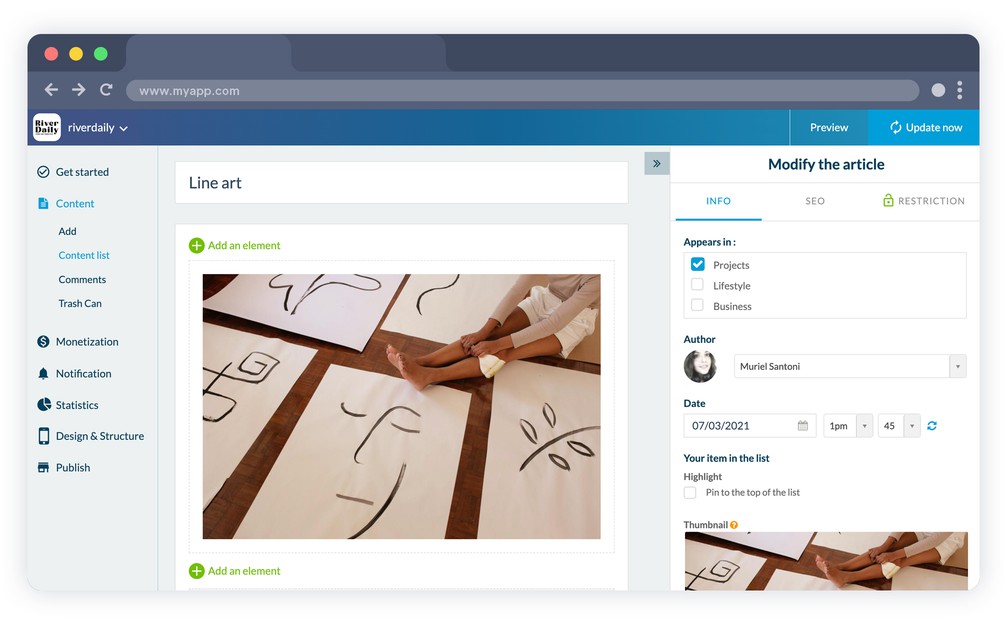
- ### 9 mallar för artikellistor
Det finns 9 visningsmallar för artikellistor. Klassisk lista, framhävd artikel, miniatyrer: du väljer utifrån din innehållstyp.
- ### 4 mallar för artikeldetaljer
Välj bland 4 mallar för visningen av artiklarnas detaljsidor.
- ### Visning av filter
Lägg enkelt till filter för att kategorisera innehållet i dina artikelsektioner. Välj designen på dina kategorier bland de 4 visningsmallarna i ditt backoffice.
- ### Optimerad för alla skärmstorlekar
Oavsett skärmstorlek, mobil, surfplatta, bärbar eller stationär, håller GoodBarber visningen av dina artiklar optimal.
- ### Bifogad PDF
Bifoga en PDF till en artikel, ett program, en meny eller en rapport, som dina läsare öppnar direkt från innehållet.
## Ljud+
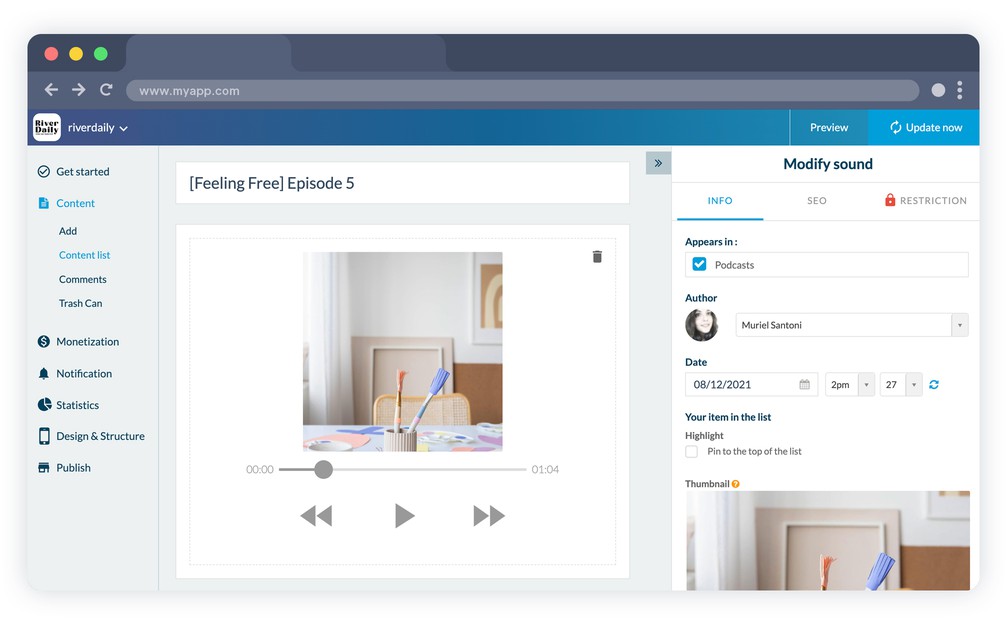
- ### Ljuduppspelning i bakgrunden
Dina native appar stöder ljuduppspelning, även när appen inte är i förgrunden. Det låter till exempel användarna fortsätta lyssna på dina poddar medan de använder andra appar.
- ### Ljudspelare som går att anpassa
Ljudspelaren i din app går att anpassa som du vill, så att dina användare får den mest medryckande upplevelsen.
- ### Grafisk equalizer
Sidorna som spelar poddar har en grafisk animation i takt med ljudet som spelas.
- ### Ljudspelare på alla sidor (webbversion)
Ljudspelaren finns på alla sidor i din progressiva webbapp.
- ### Uppladdning och drift av poddar
Du kan ladda upp dina poddar direkt till GoodBarber, det behövs ingen extern plattform. De driftas och levereras direkt till dina användare.
- ### Köp en podd
Du kan visa en kommersiell länk vid var och en av dina poddar och leda användaren till ett köp i butiken.
- ### Illustrationer till poddar
Varje avsnitt av din podd kan få en egen illustration.
- ### 3 mallar för detaljvy
Detaljvyn för varje poddavsnitt går att anpassa när du har valt en av de 3 mallar som vårt expertteam har tagit fram.
- ### Import från poddplattformar
Driftas din podd någon annanstans? Koppla den med sin RSS-länk, eller genom de särskilda kopplingarna för Spotify for Podcasters, Ausha, Simplecast och Spreaker, så hamnar varje nytt avsnitt i appen av sig självt.
- ### Spelarläge för musik eller podd
Växla ljudspelaren mellan musik och podd. I poddläge ger knapparna för föregående och nästa spår plats åt spola bakåt och spola framåt.
- ### Lyssna offline
Dina lyssnare kan ladda ner avsnitt och spela dem igen utan anslutning.
## Live+
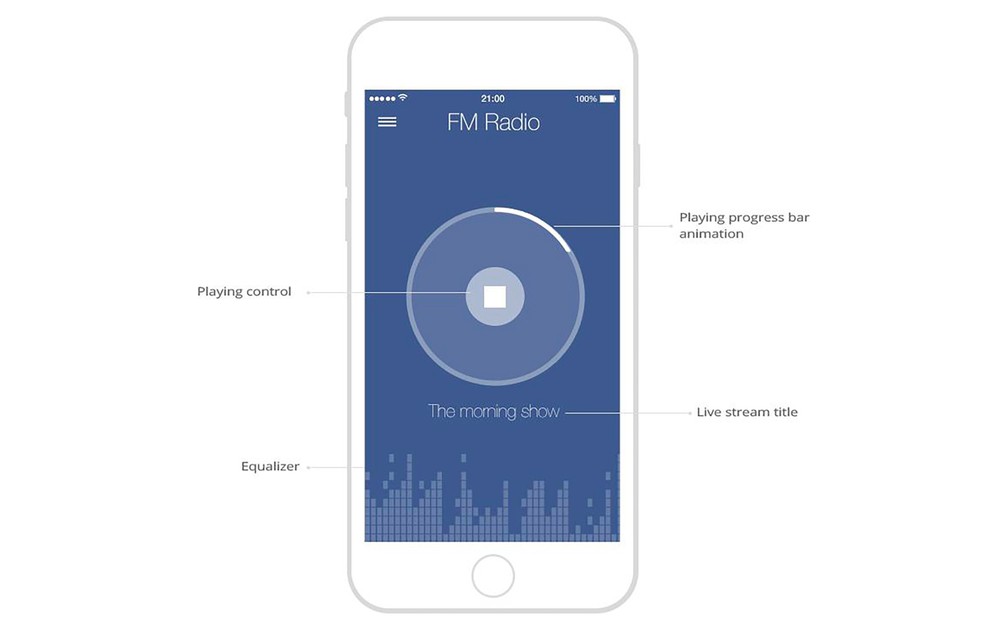
- ### Ljudspelare som går att anpassa
Spelaren som används för att lyssna på direktsänt ljud i appen går att anpassa fullt ut.
- ### Ljuduppspelning i bakgrunden
Dina native appar stöder ljuduppspelning, även när appen inte är i förgrunden. Det låter användarna fortsätta lyssna på dina direktsändningar medan de använder andra appar.
- ### Kontroller från operativsystemet
Medan direktsänt ljud sänds pratar din app med operativsystemet, så att dina användare kan använda systemets inbyggda kontroller för att styra uppspelningen.
- ### Design som går att anpassa
Sidan som Live-sektionen spelar från går att anpassa fullt ut.
- ### Styrning av on air / off air
Tillgången till Live-spelaren stängs av enligt det schema du har definierat för timmar utan sändning. Sidan som ger tillgång till spelaren går att anpassa, så att användarna får besked om den kommande direktsändningen.
## Live ++
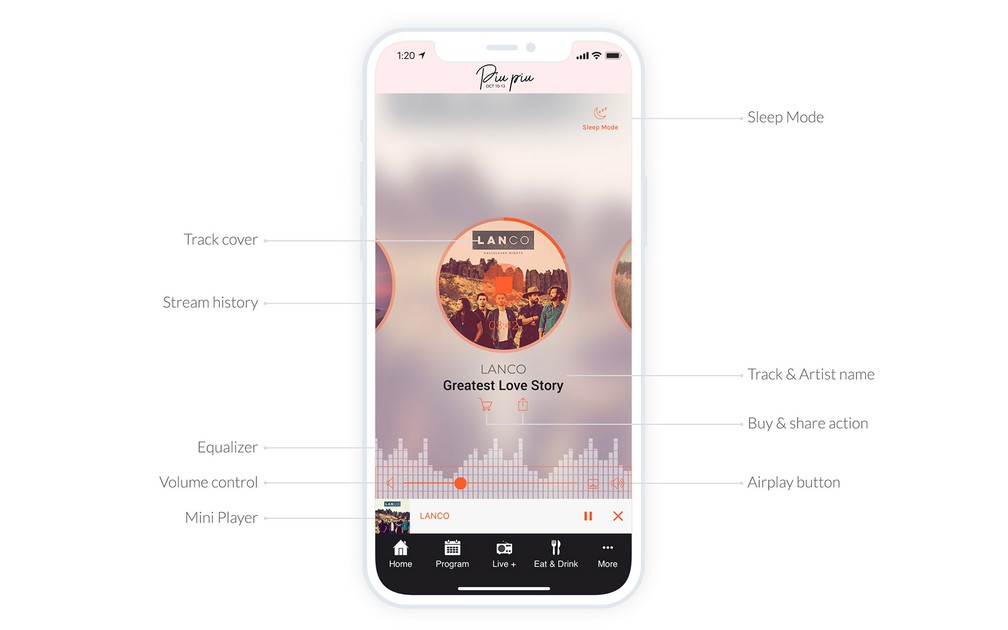
- ### Avancerad Live-spelare
Sänd en M3U-ström och visa titeln, artisten och albumbilden för spåret som spelas. Lyssnarna kan dela det, köpa det och bläddra bland de 5 senast spelade låtarna. Själva spelaren går fortfarande att anpassa fullt ut.
- ### Metauppgifter om det som spelas
Metauppgifterna om filen som strömmas visas av ljudspelaren: titel, omslag, artist och så vidare.
- ### Grafisk equalizer
Strömningssidorna i direktsändningen har en grafisk animation i takt med ljudet som sänds.
- ### Styrning av on air / off air
Tillgången till Live-spelaren stängs av enligt det schema du har definierat för timmar utan direktsändning. Sidan som ger tillgång till spelaren går att anpassa, så att användarna får besked om den kommande direktsändningen.
- ### Sleep Mode
Dina lyssnare kan ställa in en timer som stoppar strömningen automatiskt.
- ### Historik, delning och köp av spår
Lyssnarna ser spåren som just spelats, kan dela ett av dem i sociala nätverk och följa en länk för att köpa det.
## Video+
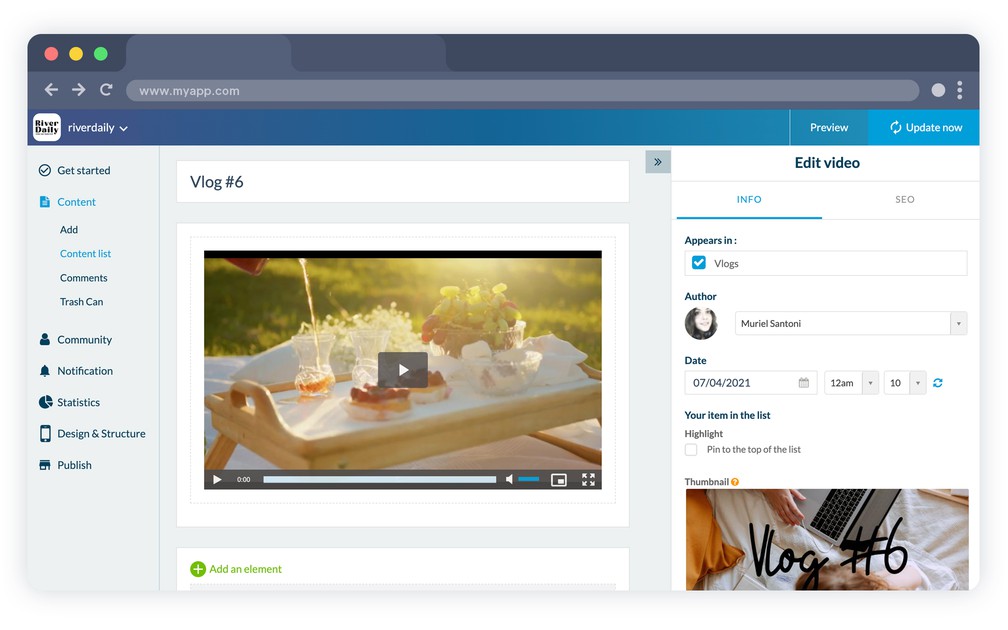
- ### Kodning och drift
Du kan ladda upp videor direkt till GoodBarber, det behövs ingen tredjepartstjänst. De kodas automatiskt i flera format för att säkra bästa möjliga stöd på olika plattformar.
- ### Videospelare
GoodBarber har en videospelare som går att anpassa och som stöds både på webben och på mobil. Allt ingår.
- ### Extern spelare
När du bäddar in en video som driftas på en tredjepartsplattform i din app används den plattformens videospelare. Allt är genomtänkt för att ge dina användare en jämn upplevelse.
- ### 4 mallar för listvy
Välj en visningsmall för din videolista bland 4 mallar som går att anpassa.
- ### 4 mallar för videodetaljer
Det finns 4 mallar för dina videors detaljsidor: lodrätt eller vågrätt verktygsfält, titelns placering, anpassa din mall.
- ### 4 visningsmallar för kategorier
Skapa kategorier för att filtrera ditt videoinnehåll, och välj bland 4 visningsmallar för kategorierna.
## Direktsänd video+
- ### Design som går att anpassa
Anpassa bakgrundsfärgen, teckensnitten i innehållsytan, spelarens huvudfärg samt bilden och texten som visas när det inte finns någon direktsändning.
- ### Styrning av on air / off air
Tillgången till Live-spelaren stängs av enligt det schema du har definierat för timmar utan sändning. Sidan som ger tillgång till spelaren går att anpassa, så att användarna får besked om den kommande sändningen.
## Bild+
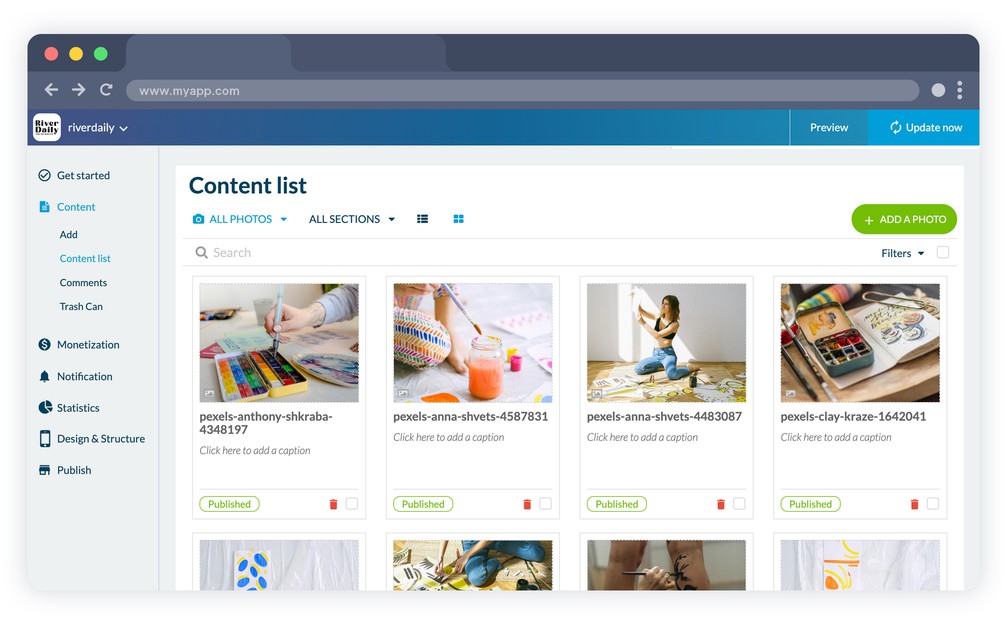
- ### 3 visningsmallar
Välj bland 3 visningsmallar för dina bildgallerier. Varje mall är utformad för att visa dina bilder på bästa sätt.
- ### Bildspel
Bilderna kan visas som bildspel i helskärm.
- ### Spara bilder
Användarna kan spara bilder i bildbiblioteket på sin enhet.
## Kalender+
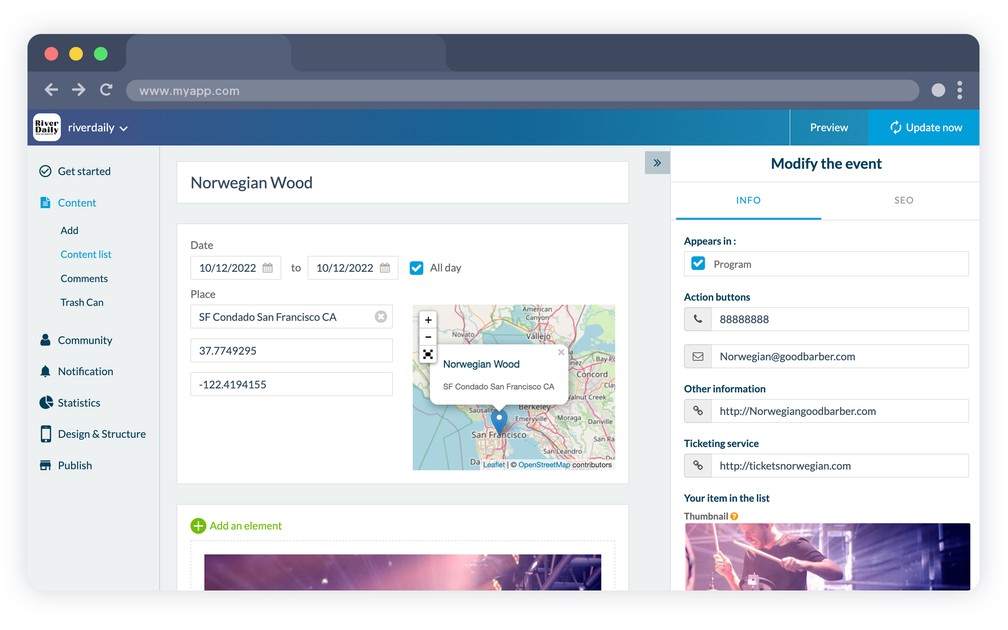
- ### Hantering av evenemang
Skapa dina evenemang direkt från backofficet och dela uppgifterna om evenemanget med dina användare.
- ### Tidszoner
Datum och klockslag för dina evenemang visas enligt tidszonen hos den användare som öppnar innehållet i kalendersektionen.
- ### Rutter
Tack vare positioneringen av evenemang kan dina användare skapa rutter med externa karttjänster som Google Maps eller Apple Maps.
- ### Ordning av evenemang efter datum
Designen på kalendersektionen är gjord för att visa flera evenemang samma dag.
- ### Visningsformat för datum
Välj visningsformatet för datum som används för dina evenemang, så att du visar det som är mest relevant för dina användare.
- ### 2 mallar för detaljsidor
Anpassa detaljsidan för dina evenemang med 2 mallar som går att anpassa.
- ### Lägga till ett evenemang i telefonens kalender
Låt användarna lägga till evenemang i kalenderappen på sin smartphone med knappen i verktygsfältet.
- ### Åtgärdsknappar
Varje evenemang har sina egna åtgärder: öppna rutten i telefonens kartapp, köpa en biljett, ringa ett nummer eller skicka ett e-postmeddelande.
- ### Kartvy
Visa alla evenemang i en sektion på en karta, så att dina användare ser vad som händer omkring dem.
## Tidsbokning+
- ### Bokning dygnet runt
Låt dina kunder se när du är ledig och boka en tid direkt från din app, när som helst på dygnet. Du fastställer dina öppettider, de väljer tiden som passar dem.
- ### Synkronisering med Google Calendar
Synkronisera en eller flera Google-kalendrar med din app. Bokningar går åt båda hållen, så att din tillgänglighet alltid stämmer, och en app kan hantera kalendrarna för flera verksamheter.
- ### Anpassat bokningsschema
Fastställ dina öppetdagar och öppettider, ange dina semesterstängningar, och definiera dina tider: hur länge varje tid varar, och hur lång tid det minst ska vara mellan två bokningar.
- ### Bokningsformulär som går att anpassa
Anpassa varje fält i formuläret dina användare fyller i för att boka: text, datum, e-post, telefonnummer och länk. Fråga efter exakt de uppgifter du behöver.
- ### Bekräftelsemejl
Efter varje bokning får både du och din användare ett bekräftelsemejl.
## Karta+
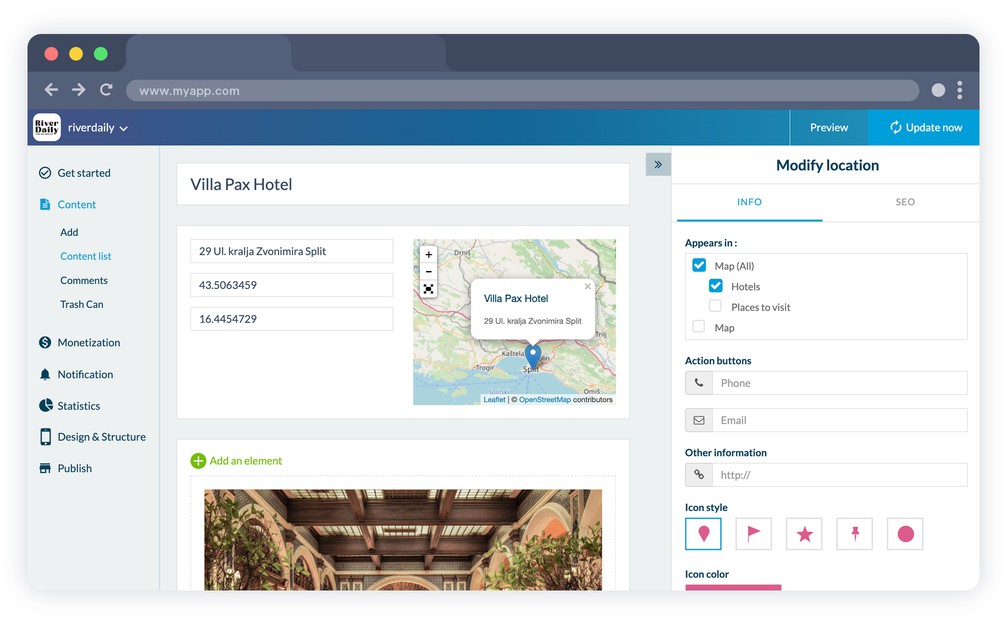
- ### Visningssätt
Kartsektionen gör det möjligt att skapa positionerade platser som sedan kan visas som lista eller på karta. I PWA:n ritas kartorna genom en extern karttjänst som du väljer själv, Google Maps Platform eller Mapbox.
- ### Beskrivning av platser
Lägg till alla typer av innehåll för att beskriva dina platser: text, bild, video eller till och med inbäddningskod.
- ### Ruttfunktion
Tack vare positioneringen av dina platser kan användarna skapa rutter fram till dem med externa karttjänster som Google Maps eller Apple Maps.
- ### KML-import
Importera en KML-fil eller en KML-URL skapad med Google Maps: platser, rutter och polygoner kommer in som de är.
- ### Egna markörer och avstånd
Välj en ikon och dess färg för varje punkt, eller ladda upp din egen, och visa dina användare hur långt det är till varje punkt från där de står.
## Om+
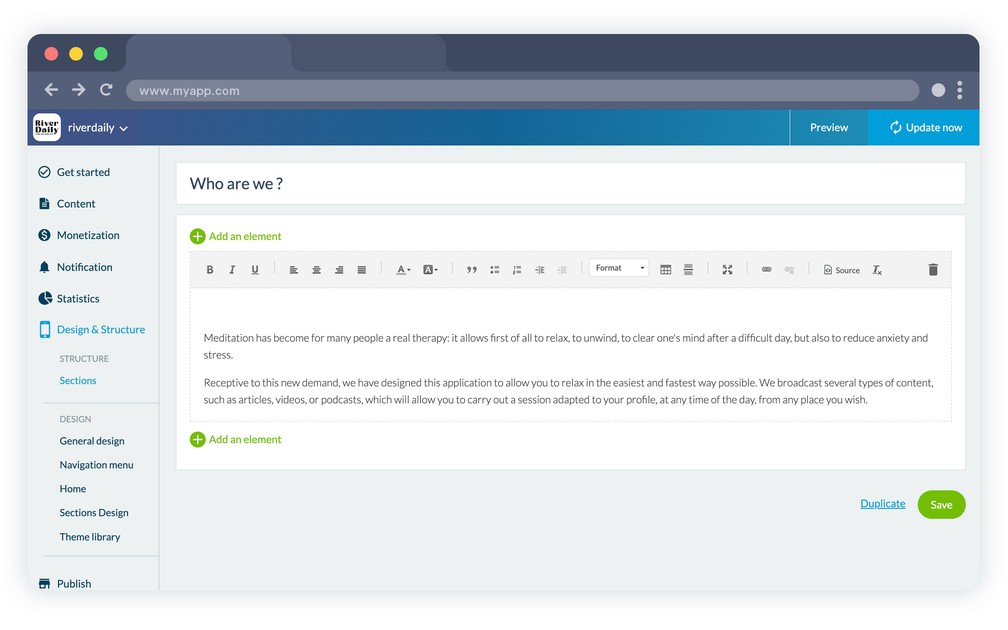
- ### 3 visningsmallar
Välj bland 3 visningsmallar för din Om-sektion.
- ### Flera block och RTE
Du kan strukturera innehållet på din sida med olika block (text, bild, video, citat och så vidare) med en avancerad och effektiv rich text-editor, så att du enkelt får den visning du vill ha och framhäver din text.
## Kontakt+

- ### 2 visningsmallar
Välj bland 2 visningsmallar för din Kontakt-sektion.
- ### Fördefinierade länktyper
Lägg till länkar så att användarna enkelt kan kontakta dig: genom sociala medier, e-post, telefonsamtal eller SMS, eller lägg till en länk till butiken eller en intern eller extern länk.
- ### Anpassning av texten
Anpassa rubriken på varje länk på din kontaktsida.
## Favoriter+
- ### Flera innehållstyper
Favoritsektionen samlar allt innehåll dina användare har bokmärkt, oavsett typ, på ett ställe. Bilder, videor, ljud eller text hamnar alla i samma sektion för en användarvänlig upplevelse.
- ### Ta bort favoriter
Listan över bokmärkt innehåll går enkelt att ändra tack vare möjligheten att ta bort element, tillsammans med filter efter innehållstyp, sortering och ångra borttagning på iOS, Android och PWA.
- ### Tillgång offline
Artiklar, bilder och poddar som lagts till i favoriter går fortfarande att läsa utan anslutning och finns tillgängliga även när den ursprungliga sidan är borta. Videor är undantaget.
## Formulär+
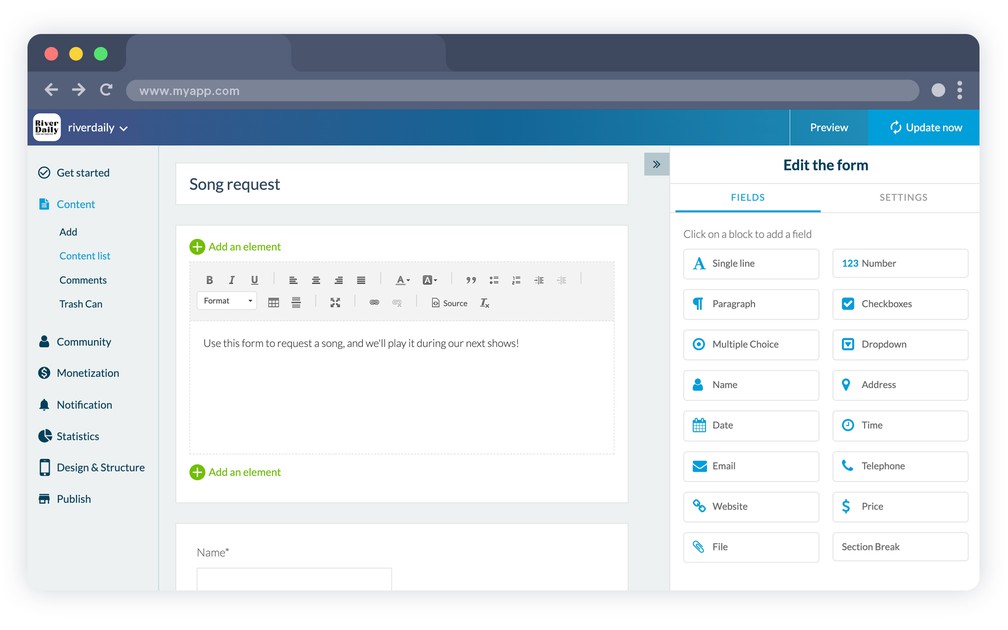
- ### 16 fälttyper
Bygg ditt formulär genom att välja bland 16 olika fälttyper: fri text, kryssrutor, flerval, rullgardinsmeny, datum, telefonnummer, fil och mycket mer.
- ### Flera block och RTE
Du kan strukturera beskrivningen av ditt formulär med olika block (text, bild, video, citat och så vidare) med en avancerad och effektiv rich text-editor, så att du enkelt får den visning du vill ha och framhäver din text.
- ### Anpassning av svarsflödet
Anpassa bekräftelsemeddelandet, felmeddelandet, texten på skicka-knappen och slutmeddelandet, välj bekräftelsesätt mellan en popup och en förhandsvisning av svaren, och skicka användarna vidare till en sida i appen efter inskickandet.
- ### Hantering av svar
Se formulärets svar direkt från backofficet, och exportera dem i .csv-format tillsammans med bifogade filer.
- ### En avisering vid varje svar
Välj mottagaren eller mottagarna av aviseringsmejlet vid varje svar som skickas in på formuläret.
- ### Formulär från tredje part
Bygger du redan dina formulär någon annanstans? Visa dina formulär från Airtable, Typeform, Jotform, Google Forms eller SurveyMonkey inne i appen, så går svaren tillbaka till tjänsten som äger dem.
## Kommentarer+
- ### Hantering av kommentarer
Hantera dina användares kommentarer från ett eget gränssnitt. Se kommentarens författare och innehåll, sektionen den hör till, publiceringsdatumet och statusen.
- ### Moderering av kommentarer
Slå på funktionen för att moderera kommentarer före eller efter publicering, och ändra deras status när som helst från ditt backoffice.
- ### Avisering när en ny kommentar kommer
Varje gång en ny kommentar kommer kan appens administratör få besked via e-post.
- ### Verifiering av användare
När du slår på verifieringsfunktionen i din app identifieras användarna automatiskt med sin profil när de skriver en kommentar, om de är inloggade.
- ### Kommentarer från källan
När kommentarerna hanteras på din egen webbplats (till exempel en WordPress-webbplats kopplad med GoodBarber-tillägget) hämtar appen dem i realtid, och kommentarer skrivna i appen publiceras direkt på din webbplats. Källorna WordPress.com, Blogger och 500px är skrivskyddade: befintliga kommentarer visas, men det går inte att skriva nya från appen.
- ### Disqus-kommentarer
Om du använder Disqus för att hantera kommentarerna på din webbplats kan du enkelt slå på Disqus-modulen och integrera den både i din native app och i din webbapp. Allt synkroniseras i realtid.
## Redo att bygga din app?
[Kom igång gratis](https://se.goodbarber.com/create/)[Se priser](https://se.goodbarber.com/pricing/content/)
---
# Designfunktioner
Source: https://se.goodbarber.com/feature-index/design/
---
title: "Funktioner för modulbaserad design i en app - App builder för modulbaserad design"
description: "Njut av den bästa kodfria app buildern och skapa en vacker design till din app"
canonical_url: "https://se.goodbarber.com/feature-index/design/"
lang: sv
---
# Modulbaserad design
Njut av den bästa kodfria app buildern och skapa en vacker design till din app
- [Allmän design](#generaldesign)
- [Startsida](#home)
- [Header](#header)
- [Navigeringssätt](#navigationmode)
- [Anpassning av navigeringen](#customnav)
- [Meny](#menu)
- [Designresurser](#design_ressources)
- [Sektioner](#sections)
## Allmän design+
[https://portal.ww-cdn.com/portal_static/images/feature_index/videos/Global_Style.ec2e912aefe2.mp4](https://portal.ww-cdn.com/portal_static/images/feature_index/videos/Global_Style.ec2e912aefe2.mp4)
- ### Anpassad till varje enhet
GoodBarber har designen under kontroll hela vägen från mobil till dator. Våra designelement anpassar sig perfekt till varje skärmstorlek, så att kvaliteten är densamma på alla enheter: smartphone, surfplatta, bärbar eller stationär dator.
- ### Global Style Tool
Styr hela stilen i din app från en enda meny: färgtema, typografi, åtgärdsknappar, hover-effekter och andra element. Skapa din design och använd den i hela din app med ett klick.
- ### Hantering av bakgrundsbilder
GoodBarber låter dig integrera bilder i din design och visa dem i bakgrunden.
- ### Marginaler som går att anpassa
Anpassa marginalerna i ditt projekt: vågräta för alla skärmar, lodräta bara för visning på mobilskärmar.
- ### Hover-effekter på texter
Lägg en hover-effekt på dina texter: understrykning, ljusare eller mörkare textfärg.
- ### Hover-effekter på bilder
Lägg en hover-effekt på dina bilder: zooma in, zooma ut eller genomskinlighet.
- ### Byte av tema
Du kan byta tema med ett klick och samtidigt behålla ditt navigeringssätt och projektets övergripande struktur och innehåll.
- ### En lösning för varje syfte
Mångfalden av mallar och bredden och kraften i de anpassningsalternativ som finns gör att du kan skapa en app som passar exakt ditt syfte.
- ### Stileditor
Styr dina stilar på global nivå för att säkra en sammanhängande design i appens olika vyer.
- ### Ändringslogg
GoodBarbers backoffice innehåller en ändringslogg där du ser historiken över alla ändringar som gjorts i ditt projekt.
- ### Uppdatering av designen utan att bygga om appen
Uppdateringar av projektets design kräver inte att du bygger om din app. När de är godkända träder de automatiskt i kraft och blir synliga för dina användare utan ytterligare åtgärd.
- ### Bildbibliotek
Spara bilder i ditt personliga bibliotek, så att du enkelt hittar dem igen senare.
- ### Selektiv ändring av bildstorlek
Bilder anpassas till flera storleksförhållanden, komprimeras och cachas för att träffa den bästa kombinationen av filstorlek, prestanda och visningskvalitet. Laddningstiderna optimeras utan att visningskvaliteten offras.
- ### Monokrom effekt
Tack vare bildeditorn i GoodBarbers backoffice kan du lägga en monokrom effekt på dina bilder.
- ### Oskärpeeffekt
Lägg en oskärpeeffekt på dina bilder med ett klick direkt från GoodBarbers backoffice tack vare den inbyggda bildeditorn.
- ### Zoomeffekt
Använd zoomeffekter när musen förs över bilderna, i datorversionen av ditt projekt.
- ### Assistent för att skapa ikon och startskärm
GoodBarbers backoffice erbjuder ett verktyg som hjälper dig att skapa din appikon och din startskärm helt från grunden.
- ### Hantering av färgövergångar
Integrera färgövergångar i designen i din app genom att välja en ur hela biblioteket (som använder tjänsten [https://uigradients.com](https://se.goodbarber.com)). När du har valt en skapas och tillämpas färgövergången automatiskt i designen i din app.
- ### Genius Palette
Överlåt din färgpalett till AI. Med ett klick skapar Genius Palette en sammanhängande, professionell färguppsättning, redo att användas i hela din design.
- ### Design System
GoodBarber vilar på ett formaliserat designsystem: grunder, atomer och komponenter plus ett bibliotek med färdiga layouter. Reglerna gäller som standard för varje sida, så att ett projekt förblir sammanhängande från vy till vy.
- ### Haptisk återkoppling och animationer
Native appar har ett sinnligt lager: haptisk återkoppling under fingret, mjuka övergångar från en lista till dess detaljvy, och rörelse som svarar på rullningen.
- ### Former på knappar och formulärfält
Bestäm formen på varje knapp i din app, fyrkantig, rundad eller rund, tillsammans med formen, storleken och etikettens placering på dina formulärfält.
- ### App Walkthrough
Guida dina användare genom den första starten med en interaktiv genomgång. Välj hur den visas, och gör skärmarna levande med Lottie-animationer.
## Startsida+
[https://portal.ww-cdn.com/portal_static/images/radio/home_buildin.6c6c5f4784f2.mp4](https://portal.ww-cdn.com/portal_static/images/radio/home_buildin.6c6c5f4784f2.mp4)
- ### Modulbaserad startsida
Startsidan är den första sektionen i din app. Den består av widgetar och är helt flexibel. Med det stora utbudet av widgetar bygger du ditt projekt så att din app blir helt sin egen.
- ### Slå på eller av
Du kan välja att slå på eller av startsidan i din app. Slår du av den beror navigeringen enbart på det navigeringssätt du väljer.
- ### 77 widgetar
Med widgetar har du en enastående frihet att organisera startsidan i din app.
- ### Innehållswidgetar
Content apps
Gör startsidan i din app mer levande med widgetar som uppdateras automatiskt varje gång nytt innehåll publiceras i ditt projekt.
- ### Navigeringswidgetar
Content apps
Ge direkt tillgång till de viktigaste sektionerna i din app med widgetar för navigering. Det perfekta sättet att leda din användare till kärnan i ditt projekt.
- ### E-handelswidgetar
eCommerce apps
Skapa direkta ingångar till dina produkter och kollektioner från startsidan i din app med widgetarna för produktlistor och kollektionslistor
- ### Kampanjwidget
eCommerce apps
Visa ett kampanjmeddelande så snart användarna kommer till startsidan i din butik. Du kan lyfta fram en produkt, en kollektion eller en lista med kollektioner. Kampanjwidgeten är mycket flexibel och hjälper dig att öka försäljningen.
- ### Halvdynamiska widgetar
Dessa widgetar låter dig bygga en startsida som uppdaterar sig själv varje gång nytt innehåll publiceras, samtidigt som användaren får en tydlig struktur att navigera appen efter.
- ### Andra widgetar
Den här kategorin samlar användbara widgetar som sökning, nyhetsbrev, annonser, nedräkning och HTML-widgetar.
- ### Uppbyggnad med dra och släpp
Det är enkelt att ordna de olika widgetarna på din startsida. Du drar dem bara dit du vill ha dem.
- ### Sorteringsalternativ
Du har ett brett urval av sätt att styra ordningen på elementen i dina innehållswidgetar: efter datum, popularitet, alfabetiskt, slumpmässigt och så vidare.
- ### Antal element
Antalet element en widget visar kan ställas in för varje enskild widget, så att du har största möjliga frihet att organisera din startsida.
- ### Widgetar med egen kod
Bygg dina egna widgetar i HTML, CSS och JavaScript, och placera dem på startsidan bredvid standardwidgetarna.
## Header+
[https://portal.ww-cdn.com/portal_static/images/feature_index/videos/Logo_Title.b8e1067a5361.mp4](https://portal.ww-cdn.com/portal_static/images/feature_index/videos/Logo_Title.b8e1067a5361.mp4)
- ### NavBar som går att anpassa
NavBaren är en strategisk plats i din app. Därför har du full kontroll över dess design och funktioner. Välj mellan 3 olika höjdformat (Small, Medium, Big) för att visa din logotyp, en rubrik eller en beskrivning.
- ### Ikoner som går att anpassa
Varje länk du lägger till i din NavBar får en ikon. Den här ikonen går att anpassa fullständigt.
- ### Lägga till genvägar
NavBaren kan visa upp till 6 genvägslänkar till viktiga sektioner i din app eller till externa källor.
- ### Hantering av genvägar
Möjligheten att anpassa utseendet på dina NavBar-genvägar gör att du kan hålla användarupplevelsen sammanhängande i hela din app.
- ### Automatisk placering
Utifrån antalet genvägar i NavBaren sköter appen automatiskt den bästa placeringen.
- ### Genvägar som går att anpassa
Designen på varje NavBar-genväg går att anpassa. Du får tillgång till ett bibliotek med över 1000 vektorikoner, kan lägga till egna ikoner och anpassa rubrikerna på länkarna.
- ### Effektalternativ
Content apps
Lägg effekter med genomskinlighet, oskärpa eller döljning på headern. Dessa diskreta effekter kan ge din app den sista finslipningen och få den att sticka ut.
- ### Automatisk styrning av effekter
Effekterna läggs automatiskt på headern av GoodBarber utifrån enheten och operativsystemet appen visas på.
- ### Header som kan varieras per sektion
Det går att sätta upp en egen header och tillhörande NavBar för varje sektion i din app.
## Navigeringssätt+
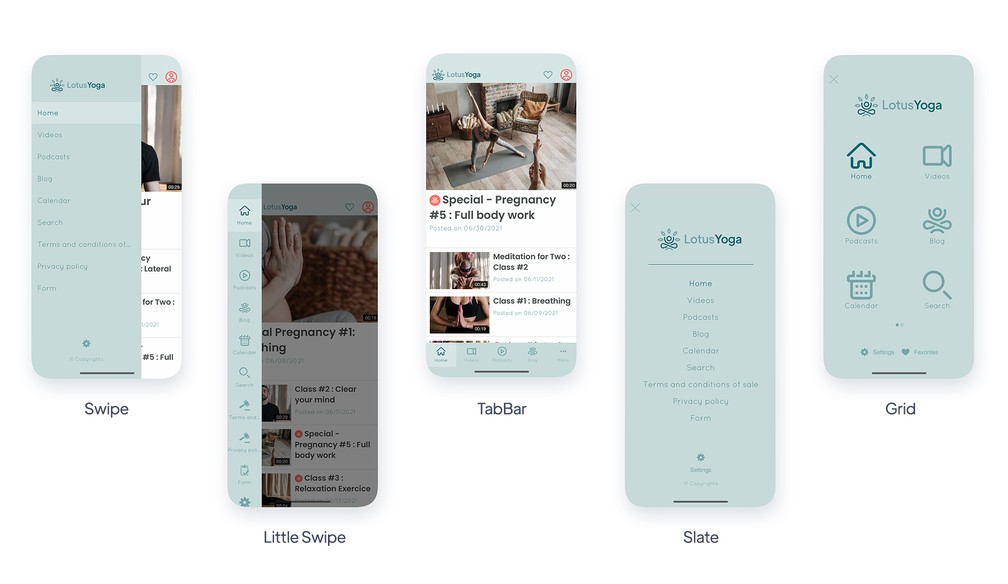
- ### Navigeringssätt som går att anpassa
Välj navigeringssättet i din app bland de föreslagna mallarna. Varje meny går att anpassa in i minsta detalj med ett obegränsat antal kombinationer, så att varje projekt blir unikt.
- ### Swipe
Ett centralt navigeringssätt för appar med många sektioner.
- ### Little Swipe
Erbjud lodrät navigering där varje ingång i din app illustreras med en ikon.
- ### TabBar
En klassiker: TabBaren är ett navigeringssätt som ger snabb tillgång till de viktigaste sektionerna i din app.
- ### Grid
Grid visar navigeringen i din app i helskärm, där varje ingång visas med en ikon.
- ### Slate
Slate visar navigeringen i din app i helskärm, där varje ingång visas med text.
- ### From scratch
Content apps
From Scratch-menyn låter dig koda din navigering genom att lägga in din egen HTML-kod.
- ### Osynlig
Content apps
Om du inte vill visa en navigeringsmeny i din app kan du slå på det osynliga navigeringssättet.
- ### Floating TabBar
En TabBar lösgjord från skärmkanten, svävande över ditt innehåll. På native appar sitter den längst ner; i webbappen visas den som en banner under headern.
## Anpassning av navigeringen+
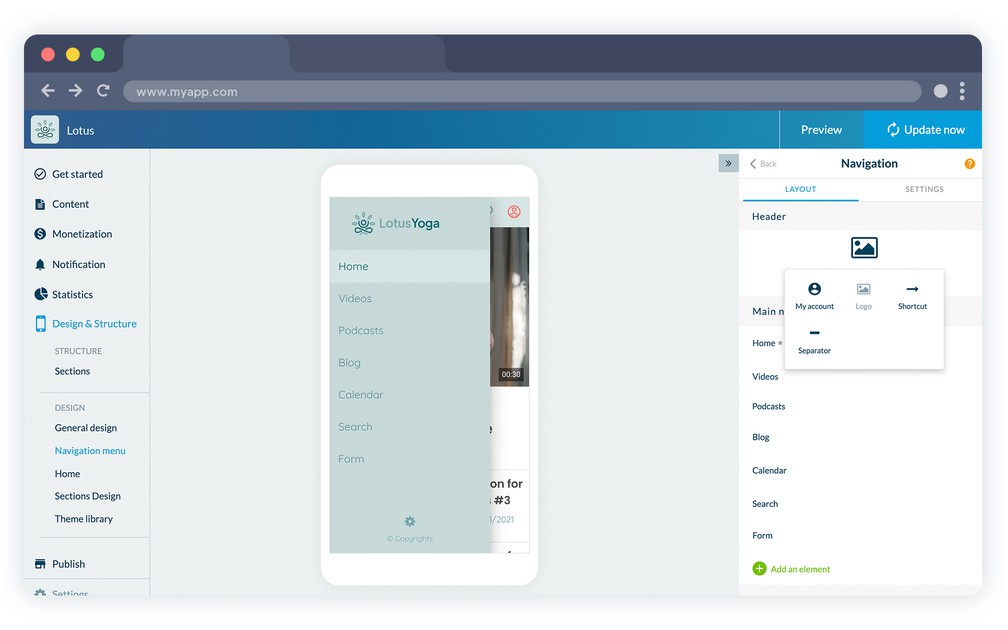
- ### Header, Body & Footer
Varje navigeringsmeny består av 3 olika delar: Header, Body och Footer, som alla går att anpassa. Det är inte obligatoriskt att visa Header och Footer.
- ### Visning av logotyp
Visa din logotyp i headern till ditt navigeringssätt genom att ladda upp logotypen eller lägga till text direkt.
- ### Länk till användarprofilen
Lägg till en direktlänk till användarens profil i ditt navigeringssätt. Redigera text, ikon och länkfärg.
- ### Lägga till genvägar
Lägg till genvägar i ditt navigeringssätt och låt användarna enkelt nå vilken sektion som helst i din app, en extern länk eller till och med utföra en åtgärd som att logga ut eller skicka ett SMS eller ett e-postmeddelande.
- ### Avdelare som går att anpassa
Lägg till avdelare i din navigeringsmeny och anpassa deras färg och höjd i pixlar.
- ### Länkområde som går att anpassa
Bygg din navigeringsmeny genom att lägga till länkar till sektioner i din app.
- ### Upphovsrätt
Lägg till ett upphovsrättsområde i projektets navigeringsmeny. Välj färg och text samt teckensnitt och teckenstorlek.
- ### Avancerade designalternativ
GoodBarber ger möjlighet till avancerad anpassning av navigeringsmenyns design. Teckensnitt, färger, justering, ikon, cellhöjd, tillägg av en rubrik och mycket mer.
- ### Menyns standardvisning
För menyerna Swipe, Little Swipe, Grid och Slate väljer du menyns standardläge: alltid dold eller alltid visad när appen startar.
## Meny+
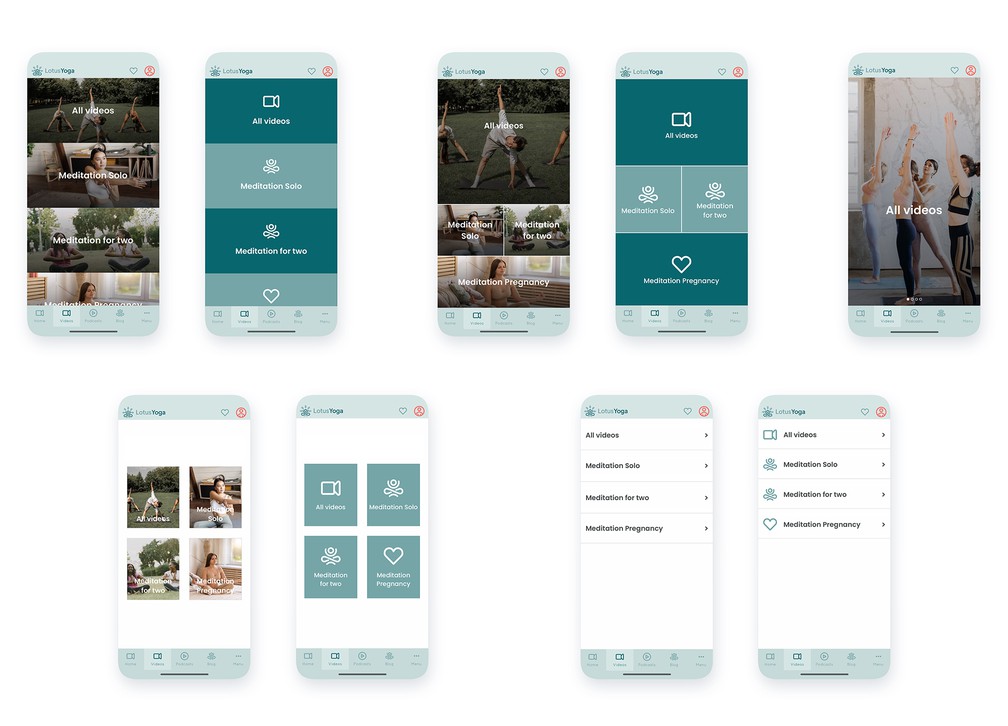
- ### 10 mallar för mellanmenyer
GoodBarber erbjuder en Meny-sektion som ger navigering i flera nivåer i din app. Du kan välja bland 10 mallar.
- ### En bild till varje element
Välj en navigering där varje ingång i menyn är en högupplöst bild, så att designen blir perfekt oavsett vilken skärmstorlek din app visas på.
- ### Avancerad design
Lägg effekter med färgövergång eller oskärpa på bilderna. Justera textens placering och logotypvalet för dina menyingångar.
- ### Automatisk uppbyggnad
Utifrån antalet ingångar i din meny sköter GoodBarber placeringen automatiskt, så att visningen alltid är inbjudande.
- ### Meny med egen kod
Skriv din meny helt från grunden i HTML, CSS och JavaScript med den inbyggda editorn och GoodBarber App API, så att navigeringen inte liknar något annat.
## Designresurser+
- ### Ikongalleri
En samling med mer än 1000 ikoner, skapade särskilt av vårt designteam och organiserade i 3 olika uppsättningar, finns i ditt backoffice.
- ### Ikoner som går att anpassa
Skapa din egen ikonsamling genom att ladda upp dina egna ikoner eller bilder direkt från projektets backoffice i .png-format, 260 px x 260 px.
- ### Professionella teman
GoodBarbers backoffice rymmer 25 professionella teman framtagna av vårt team av erfarna designers. Inspirerade av vår mobile first-filosofi är de utformade för att anpassa sig perfekt till varje enhet, i linje med dagens trender, och de går att anpassa fullt ut.
- ### Google Fonts-bibliotek
GoodBarber rymmer ett urval på mer än 400 Google Fonts som kan användas direkt i backofficet utan att lägga in extra kod.
- ### Pexels-bibliotek
GoodBarbers kunder har tillgång till fotobiblioteket Pexels direkt från backofficet, med över 500 000 högupplösta bilder.
- ### Avancerad bildsökning
Pexels-biblioteket i GoodBarbers backoffice har en avancerad sökfunktion, så att du kan sortera bilder efter tema, nyckelord eller färg.
- ### Egna teckensnitt
Ladda upp dina egna teckensnitt, .woff2 för webbappen och .ttf eller .otf för native appar, och hitta dem i alla teckensnittsväljare i backofficet bredvid Google Fonts-biblioteket.
- ### Google Material Icons
Lägg till Google Material-ikonuppsättningen i din app i stilarna solid, rounded, contour och two-tone, och använd den överallt där det finns ikoner, även i navigeringsmenyn.
## Sektioner+
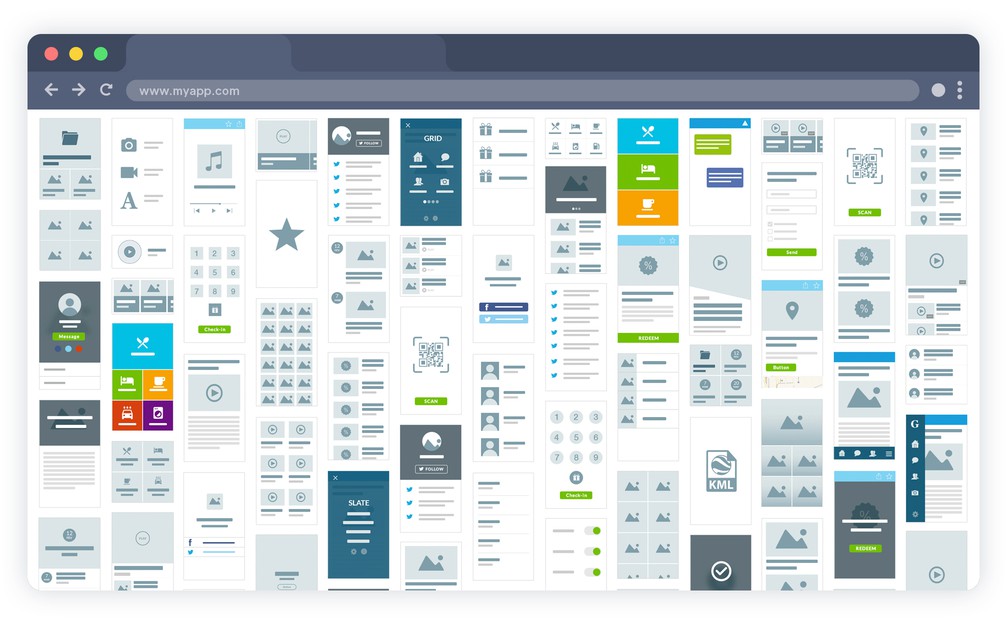
- ### 30 olika sektionstyper
GoodBarber erbjuder 30 olika sektionstyper som du kan använda för att bygga ditt projekt.
- ### Avancerade inställningar för uppgifterna som visas
För varje sektion väljer du vilka uppgifter som ska visas, till exempel datumet eller författaren i en artikelsektion.
- ### Anpassning av verktygsfältet
Content apps
För varje sektion väljer du vilka åtgärder som är tillgängliga i verktygsfältet: kommentarer, delning, textstorlek och bokmärkning av elementet.
- ### Tillgång till kommentarer
Content apps
Ge användarna tillgång till kommentarssidan från varje innehållsvy.
- ### Direktlänk för delning i sociala medier
Lägg till direkta delningslänkar till sociala medier på varje innehållssida.
- ### Gradvis laddning av sidan
Intuitiva gester låter användaren hämta fram extra innehåll vid behov när en sektion besöks. Det ger snabbare visning och bättre användarupplevelse.
- ### Global svävande knapp
En åtgärdsknapp som svävar över ditt innehåll och förblir tillgänglig i hela appen, med den etikett du väljer.
## Redo att bygga din app?
[Kom igång gratis](https://se.goodbarber.com/create/)[Se priser](https://se.goodbarber.com/pricing/content/)
---
# Native och PWA-funktioner
Source: https://se.goodbarber.com/feature-index/native/
---
title: "Funktioner för native appar i en app - App builder för native appar"
description: "Inga kompromisser med tekniken din app är byggd på. Swift, Kotlin och andra native tekniker som garanterar bästa möjliga prestanda i din app."
canonical_url: "https://se.goodbarber.com/feature-index/native/"
lang: sv
---
# Native appar
Inga kompromisser med tekniken din app är byggd på. Swift, Kotlin och andra native tekniker som garanterar bästa möjliga prestanda i din app.
- [Native app](#native)
- [Progressive Web App](#pwa)
- [Pålitlig arkitektur](#architecture)
- [Domän & SSL](#domain)
- [Hantering av bilder](#images)
## Native app+
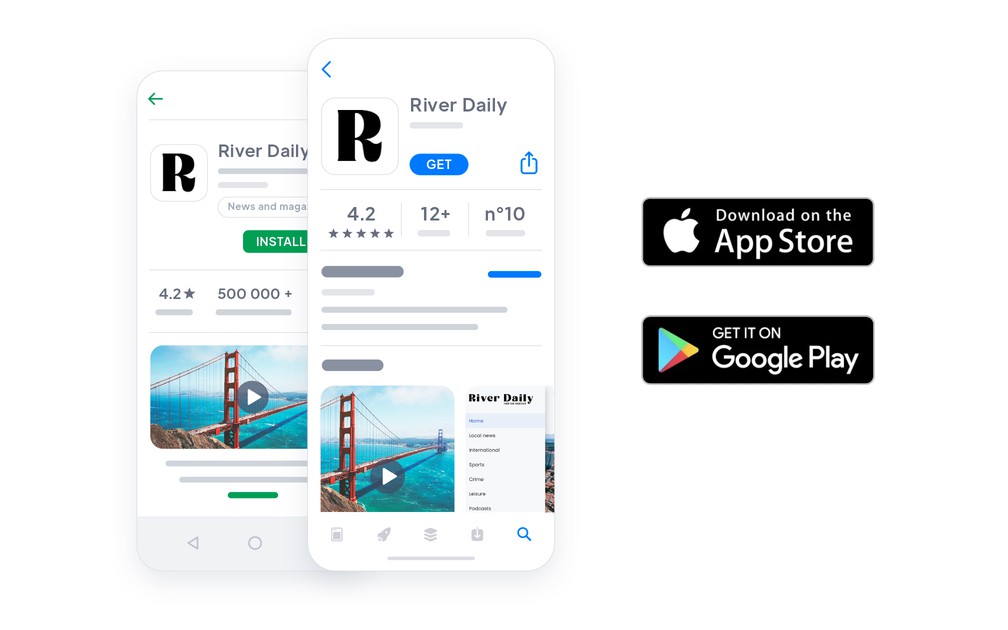
- ### Inbyggt cachesystem
En egen algoritm optimerar cachningen av de olika delarna i din app för att säkra optimal och snabb prestanda, oavsett nätverksanslutning.
- ### Hög prestanda
Vi har tagit hänsyn till prestandakraven från den allra första kodraden som skrevs för våra native appar. Allt är utformat för snabb visning och stabilitet, och dessutom gör vårt utvecklarteam regelbundet prestandatester för att hålla samma nivå.
- ### Användning offline
Ditt innehåll synkroniseras från ditt backoffice och lagras direkt i appen. Innehåll som visats med anslutning förblir tillgängligt offline, så att dina användare kan fortsätta bläddra utan nätverk.
- ### Avancerad testning på många enheter
Vi har fler än 30 enheter med iOS och Android, bland de vanligaste på marknaden, så att vi kan testa grundligt och säkerställa att GoodBarber-appar fungerar oavsett vilken enhet som används.
- ### Inbäddad kod vid behov
Inga dolda bibliotek, inga onödiga SDK:er, inga förinstallerade komponenter. Din app innehåller bara den kod som funktionerna du har slagit på faktiskt behöver, och den koden försvinner igen när du slår av en funktion och bygger appen på nytt.
- ### SwiftUI och Jetpack Compose
Gränssnitten byggs med de ramverk som varje plattform rekommenderar i dag: SwiftUI på iOS och Jetpack Compose på Android.
## Progressive Web App+
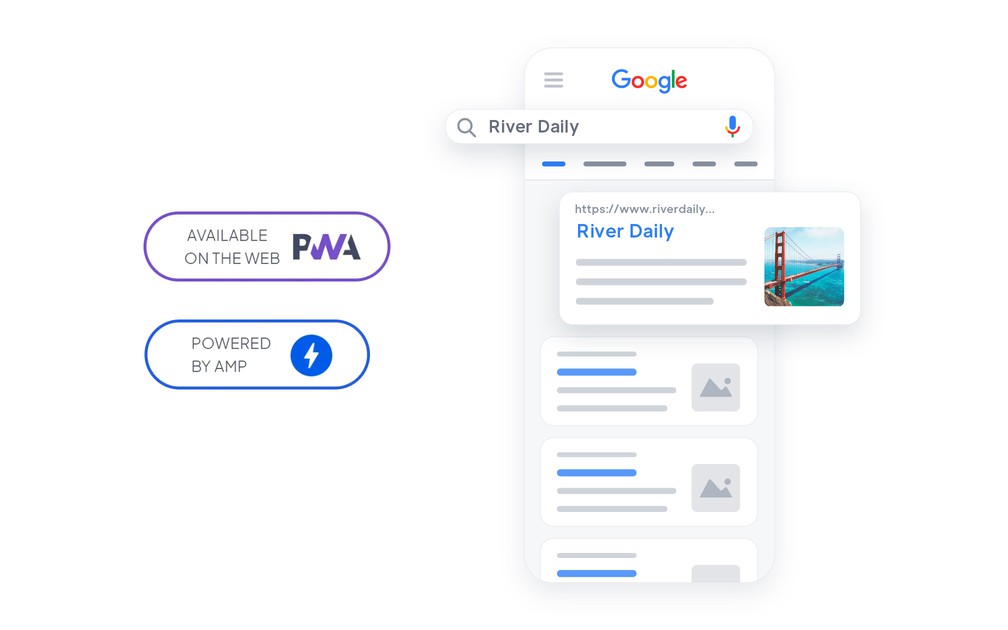
- ### Slå på eller av
Du kan när som helst välja att slå på eller av åtkomsten till din webbapp. När du slår av din webbapp kan du automatiskt skicka användarna vidare till att ladda ner din native app i stället.
- ### 404-sida som går att anpassa
Felsidan som visas när innehåll saknas eller en länk är fel går att anpassa som du vill. Du kan leda dina användare till det mest relevanta stället.
- ### Cookiemeddelande
Din webbapp använder cookies för att ge bästa möjliga användarupplevelse. GoodBarber har som standard en funktion som informerar användarna om att webbappen använder cookies. Det här meddelandet går att anpassa till 100 %.
- ### Publiceringsassistent
Innan du publicerar din webbapp guidas du genom några få viktiga steg: uppsättning av domännamn, aktivering av SSL-certifikat och fastställande av dina SEO-metadata. Vi har koll, så att du inte missar något.
- ### Angular-ramverk
Din webbapp är utvecklad med Angular-ramverket i senaste generationen. Det är en garanti för att dina användare får nytta av den mest avancerade teknik som finns.
- ### Helt responsiv
Designen på din webbapp är helt responsiv, vilket betyder att den automatiskt anpassar sig till varje skärmstorlek, från den minsta till den största, utan behov av extra anpassning.
- ### Hög prestanda
Service workers håller din webbapp snabb och användbar offline: en intelligent cache håller ditt viktigaste innehåll tillgängligt utan anslutning, och dina sidor laddas direkt, även på ett långsamt nätverk.
- ### SEO-vänlig HTML-kod
HTML-koden i din webbapp är utformad så att sökmotorerna indexerar den på bästa möjliga sätt. Sidstrukturen är redan optimerad och HTML-taggarna organiserade så att motorerna lätt kan gå igenom dem och lyfta fram ditt innehåll.
- ### Snabb visning
Din webbapp stöder mekanismer som får den att upplevas snabb för dina användare. Utöver prestandaoptimering är den utformad för att visas i på varandra följande lager, så att känslan liknar en native app.
- ### SASS
Alla stilmallar är förbehandlade med SASS för att optimera laddningstid och kompatibilitet med marknadens olika webbläsare.
- ### Server Side Rendering
Din webbapp levereras från servrar som förgenererar visningen åt klienten, vilket minskar nätverkstrafiken och ökar kompatibiliteten med äldre webbläsare.
- ### Installation
Manifestet för din webbapp gör det möjligt att installera den på användarnas hemskärm när de besöker din webbapp från mobilen, och att anpassa beteendet tillsammans med ikon, startskärm och mer. Ett sätt att öka engagemanget och få lojala användare.
- ### Optimerat paket
Innan din webbapp publiceras byggs den, vilket bidrar till att komprimera och optimera den uppsättning filer som levereras till dina användare. För dina användare laddas och läses bara den nödvändiga delen av koden, vilket ger snabb laddning och drift.
- ### Laddning vid behov
Data laddas först när användarna ber om att få se dem, vilket ger snabbare visning och minimal dataförbrukning för användarna.
- ### GoodBarbers designsystem
Din webbapp är byggd på GoodBarbers designsystem: formaliserade komponenter, enhetliga avstånd och rörelser. Vi var den första app buildern som formaliserade ett riktigt designsystem, så att det du publicerar kan mäta sig med de bästa apparna i butikerna.
- ### Google AMP
Generera Accelerated Mobile Pages för ditt CMS-innehåll, artiklar, evenemang, kartor, poddar och videor, och för dina produktsidor, så att sökmotorerna kan leverera en förenklad version som öppnas direkt.
- ### Drift offline
Service workers cachar ditt innehåll vid första starten, så att webbappen fortsätter fungera utan anslutning, går från sida till sida utan att ladda om, och fortfarande tar emot aviseringar när den är stängd.
- ### Privat PWA
Lägg din webbapp bakom ett lösenord när den inte är avsedd för det öppna nätet: bara de du ger den till kommer in.
## Pålitlig arkitektur+
- ### Hög tillgänglighet och kapacitet
PWA
Din webbapp driftas på en tekniskt robust infrastruktur som är rustad att leverera mer än hundra miljoner sidvisningar i månaden. Redundanta servrar förhindrar avbrott i tjänsten.
- ### Vår egen infrastruktur, utformad efter dina behov
Vi har flera systemadministratörer i teamet vars uppgift är att utforma och driva vår utrustning och vår molninfrastruktur. Infrastrukturen är utformad för att förutse våra kunders behov, både när det gäller lagring och beräkningskraft.
- ### 15 års erfarenhet
GoodBarbers tekniska infrastruktur är resultatet av ett sammansvetsat teams arbete, med över 15 års erfarenhet av att skapa och drifta SaaS-tjänster.
- ### Inga extra tillägg behövs
GoodBarber innehåller hela uppsättningen mekanismer som säkrar prestandan och stabiliteten i både din native app och din webbapp. Det är inte nödvändigt att ta till extra cachetillägg.
- ### Trippel säkerhetskopiering
Alla dina data säkerhetskopieras dagligen på flera geografiska platser för att garantera största möjliga kontinuitet.
- ### Driftas i Europa
Dina data och dina användares data ligger i ett privat moln som driftas i Europa och når resten av världen genom ett innehållsleveransnätverk.
- ### Integritet hanterad från början
Drift, de samtycken du samlar in och de behörigheter din app begär, läggs fast från projektets början i stället för att lappas på när appen väl är byggd.
## Domän & SSL+
- ### Installation av ditt eget domännamn
Du kan anpassa adressen som användarna når din webbapp från genom att sätta upp ditt eget domännamn. Alla domänändelser stöds.
- ### Full DNS-hantering
Det går att överlåta hanteringen av domännamnets DNS-servrar helt till GoodBarber. Det är det enklaste sättet att sätta upp ett domännamn för din webbapp.
- ### Uppsättning av CNAME
Om du vill hantera domännamnets DNS-servrar själv kan du enkelt skapa en CNAME-post hos din registrar, så att din webbapp går att nå från ditt domännamn.
- ### Integrerat SSL-certifikat
Din webbapp är alltid tillgänglig via HTTPS. Innan du sätter upp ett domännamn når du den från en kostnadsfri GoodBarber-URL som innehåller ett SSL-certifikat. Så snart du sätter upp ditt eget domännamn sköter GoodBarber registreringen av SSL-certifikatet för din domän.
- ### Installation av eget SSL-certifikat
Om du vill kan du också installera ditt eget SSL-certifikat för din webbapp, till exempel ett med utökad validering.
## Hantering av bilder+
- ### Uppladdning med dra och släpp
Integrera enkelt bilder i ditt innehåll med dra och släpp.
- ### Anpassad komprimering
Bilder anpassas till flera storleksförhållanden, komprimeras och cachas för att träffa den bästa kombinationen av filstorlek, prestanda och visningskvalitet. Laddningstiderna optimeras utan att visningskvaliteten offras.
- ### Gradvis laddning
Bara bilderna som ska visas för användaren direkt laddas: först bilderna högst upp på sidan, sedan resten. Det ger dina användare en snabbare webbapp och native app med bättre prestanda.
- ### CDN ingår
Alla bilder som driftas av GoodBarber levereras genom ett globalt CDN. Ditt innehåll levereras från den plats som är närmast dina användare, utan extra kostnad.
- ### SEO på bilder
Dina bilder får HTML-taggar som gör det lättare för sökmotorerna att indexera dem.
## Redo att bygga din app?
[Kom igång gratis](https://se.goodbarber.com/create/)[Se priser](https://se.goodbarber.com/pricing/content/)
---
# eCommerce-funktioner
Source: https://se.goodbarber.com/feature-index/ecommerce/
---
title: "E-handelsfunktioner i en app - App builder för e-handel"
description: "Försäljning på mobil ger de bästa konverteringsgraderna. Få tillgång till funktioner som får din verksamhet att lyfta."
canonical_url: "https://se.goodbarber.com/feature-index/ecommerce/"
lang: sv
---
# E-handel
Försäljning på mobil ger de bästa konverteringsgraderna. Få tillgång till funktioner som får din verksamhet att lyfta.
- [E-handel](#ecommerce)
- [Hantering av produkter](#product_management)
- [Backoffice](#back_office)
- [Betalflöde](#checkout)
- [Betalleverantörer](#payment_providers)
- [Beställningens detaljer](#orders_details)
- [Frakt](#shipping)
- [Marknadsföring](#marketing)
## E-handel+
- ### Allt i ett
Utnyttja hela kraften i GoodBarber-appar för att skapa din webbutik. Det är den nya generationen e-handel, helt ägnad åt mobilen. E-handelsfunktionerna ger automatiskt hela kraften från de stora plattformarna.
- ### Universell åtkomst
Med native appar (iOS och/eller Android) och PWA-versioner når e-handelsappar alla kunder och potentiella kunder. Native appar ger dina lojala kunder det bästa tekniken kan erbjuda. PWA:er och deras format som anpassar sig låter dig vara närvarande på alla skärmtyper (smartphones, surfplattor, datorer).
- ### ASO och SEO
Native appar indexeras i Apples och Googles butiker (App Store, PlayStore).
PWA:er nås via URL:er och kan indexeras precis som vanliga webbplatser.
Du får en enastående närvaro i alla säljkanaler.
- ### Enkel betalning
Betalning har aldrig varit enklare för dina kunder: betalning med ett klick, digitala plånböcker (Apple Pay) och sparade kort. Betalning är nu en enkel sak. Våra partner Stripe och PayPal garanterar den bästa tekniken till en låg kostnad.
- ### E-handel med katalog
Din katalog kan rymma 10 produkter eller hundratals. Allt styrs med ett klick: varianter (storlek, färger, material och så vidare), lagersaldo som uppdateras automatiskt, bilder och beskrivningar, pris (försäljningspris, reapris) och SKU. Kollektioner ger dig ett intuitivt sätt att gruppera och visa upp dina produkter.
- ### Marknadsföringsverktyg
Engagera dina kunder direkt från appens backoffice med färdiga marknadsföringsverktyg: push-aviseringar, e-postmallar, rabatter och kampanjverktyg.
## Hantering av produkter+
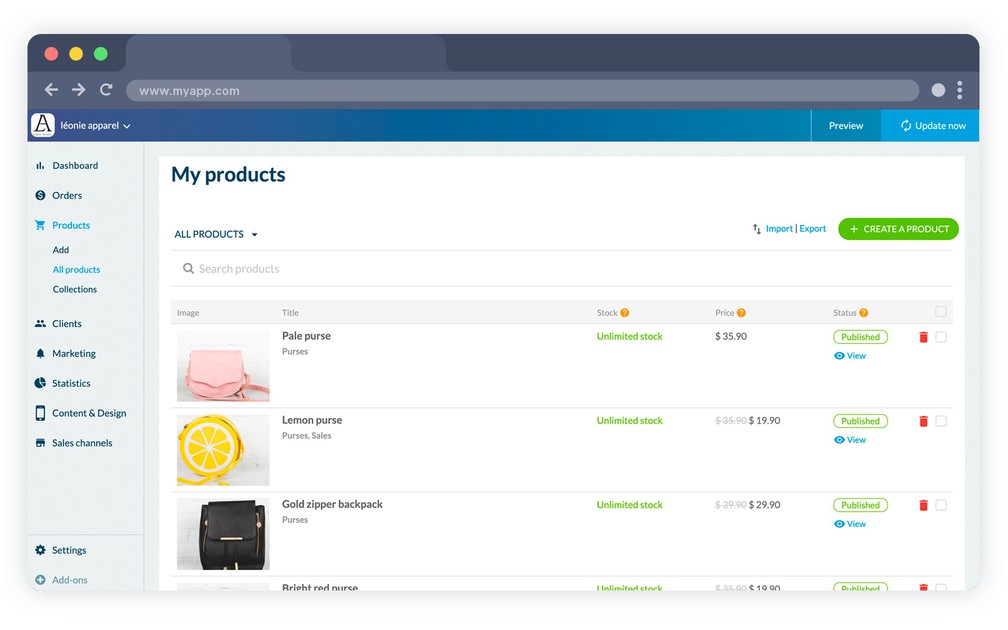
- ### Brännpunkt
Centrera bilden av dina produkter exakt där du vill ha den. Ett enkelt drag i markören, och din bild är rätt centrerad. Det görs direkt på produktsidan på ett mycket enkelt sätt.
- ### Produktminiatyr
Dina produktminiatyrer skapas automatiskt utifrån din standardbild. Du kan enkelt ändra den genom att välja en annan bild och ange den som källa till din miniatyr.
- ### Varianter
Skapa snabbt varianterna av var och en av dina produkter. Storlek, färger, material eller vilken annan variation som helst. Varje variant har sina egna egenskaper (bilder, referens, lager, pris). Det går att skapa 100 varianter per produkt.
- ### Försäljningspris / jämförpris
Varje variant har ett försäljningspris. Det är försäljningspriset som visas i din butik. Du kan också ange ett jämförpris som fungerar som referenspris.
- ### Lagerhantering
Styr ditt lager från ditt administrationsgränssnitt. För varje produkt och varje variant anger du ett startlager. Efter varje försäljning uppdateras lagret med såld mängd avdragen.
Du har också möjlighet att ange ett obegränsat lager.
- ### Lägg produkt i en kollektion
Varje produkt kan läggas till i kollektioner. En kollektion är en grupp produkter som kan visas upp i din webbutik.
- ### Taggar
Taggar är nyckelord som beskriver dina produkter. Du kan använda taggar för att skapa automatiska kollektioner (till exempel taggen "Herr" för att skapa en kollektion "Herr")
- ### Liknande produkter
Längst ner på varje produkt kan du visa liknande produkter för att föreslå fler köpidéer eller alternativ till produkten.
- ### SEO
När du använder en PWA indexeras alla dina produkter av sökmotorerna. Varje produkt har en title-tagg och en meta description-tagg. Du kan också anpassa produkternas slug.
- ### PDF
Behöver du lägga till en bruksanvisning eller dokument på vissa produkter? Du kan lägga till en PDF per produktsida
- ### Slutsåld
Behåll dina slutsålda produkter i katalogen med etiketten "slutsåld". Med det här alternativet har dina kunder fortfarande tillgång till hela din katalog, även när en produkt tillfälligt inte finns i lager.
- ### Import och export av produkter
Bygg din katalog i en enda åtgärd: importera dina produkter från en enda CSV-fil med varianter, beskrivningar och priser, och exportera dem i ett format som dina partner eller dina egna verktyg kan läsa.
- ### Quick Buy
Låt dina kunder lägga en produkt i varukorgen direkt från en produktlista eller en kollektion, utan att öppna produktsidan.
- ### Lagertabell
Utöver lagret som satts på varje produkt och variant visar en egen meny hela katalogen i en tabell, sorterad och filtrerad, där du redigerar mängderna på plats och exporterar hela partiet.
- ### Produktsökning
Lägg till en intern sökfunktion i din butik. Den går igenom rubriker, beskrivningar och taggar och visar priset på varje träff.
- ### Produktvideor
Lägg till en eller flera videor på en produktsida bredvid fotona.
- ### Kollektioner i flera nivåer
Dela upp en stor katalog i kollektioner och underkollektioner, så att kunden smalnar av i stället för att skrolla.
## Backoffice+
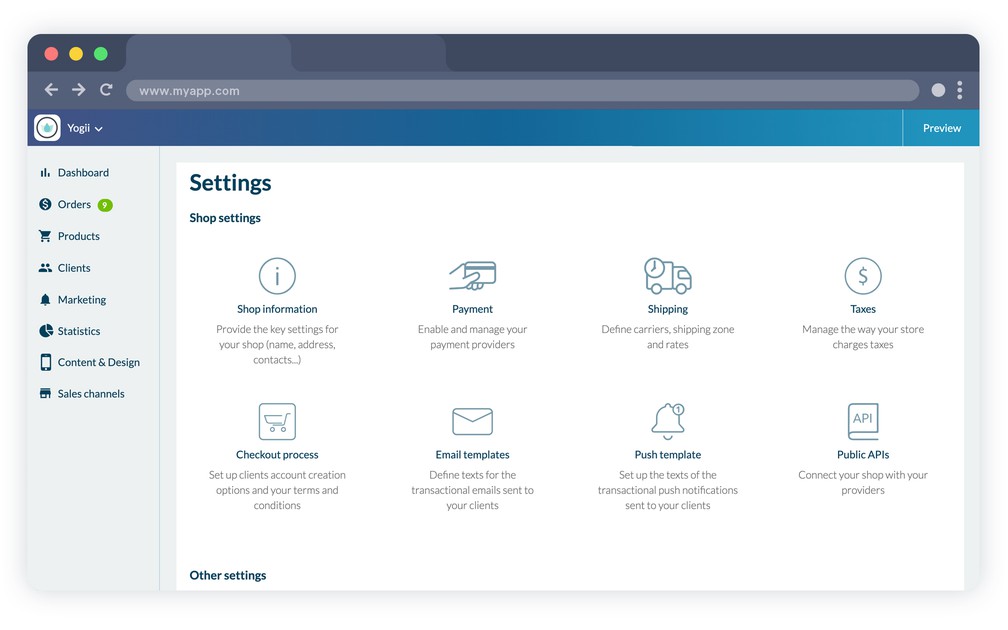
- ### Tillgängligt på 16 språk
GoodBarbers backoffice finns på 16 språk: franska, engelska, italienska, spanska och portugisiska. Alla dessa översättningar är gjorda av anställda på deras modersmål.
- ### Hantering av abonnemang
Ändra enkelt ditt abonnemang från månadsvis till årsvis, eller uppgradera.
- ### Filhantering
Utnyttja lagringsutrymme för dina filer och organisera dem i mappar. Elementen är därefter tillgängliga från en egen URL.
- ### Skatter
Hur gör man en invecklad skattehantering enkel? Det har vi gjort åt dig i samarbete med en specialist som underhåller en uppdaterad officiell lista över skattesatser. För varje fraktzon och varje land kan du nu hantera dina skatter automatiskt. Du kan också hantera satserna som gäller i din butik manuellt.
- ### Uppgifter om butiken
Sätt alla uppgifter om din butik på plats i ett svep.
Först kontaktuppgifterna: adress, e-post, telefon och förstås namnet på din butik. Sedan måttenheterna (vikt och valuta). Fortsätt med dina sociala medier: Facebook, Instagram, X (Twitter). Till sist lägger du till de juridiska uppgifterna som står längst ner på dina fakturor. Så där! Du är klar.
- ### Egen URL
Koppla ditt domännamn till ditt backoffice om du inte vill nå det från GoodBarber.com
- ### Get Started-skärm
Första gången du loggar in i ditt backoffice går en Get Started igenom alla backofficets viktigaste funktioner, så att du kommer igång.
- ### Guide
GoodBarbers backoffice erbjuder en guide som hjälper dig hela vägen att skapa din app.
- ### Offentliga API:er
Du kan koppla din butiksapp till tredjepartstjänster som hjälper dig att automatisera och effektivisera din verksamhet.
En detaljerad dokumentation guidar utvecklarna genom inställningarna.
- ### MCP-server
Driv din butik från Claude, ChatGPT eller vilken AI-assistent som helst som talar MCP: skapa produkter, uppdatera priser och media, gå igenom beställningar och kunder, allt genom samtal.
## Betalflöde+
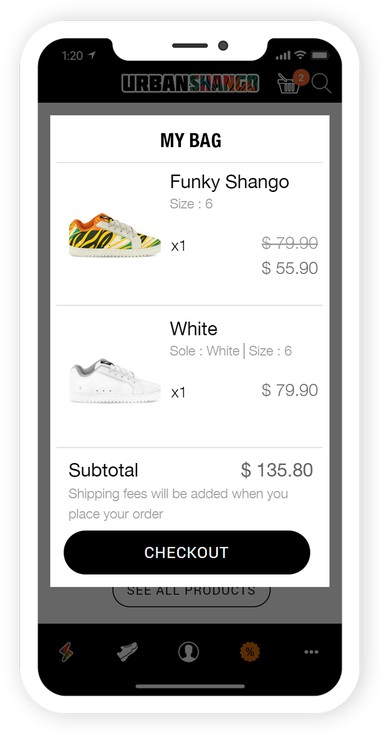
- ### Automatisk inloggning
Dina kunder verifieras automatiskt efter första inloggningen. De känns igen så snart appen startar. Ett starkt argument för snabbare köp i din butik.
- ### Bestående varukorg
Med automatisk inloggning blir varukorgen bestående: dina kunder kan lägga produkter i korgen, lämna appen och komma tillbaka och fortsätta sin beställning senare. De hittar samma varukorg igen och kan slutföra sin beställning som på Amazon.
- ### Betalsätt
Bestäm betalflödet i din e-handel. Du kan bestämma att det krävs ett konto för att beställa, eller att betalningen kan ske som gäst. Du har möjlighet att testa, jämföra och ändra dina inställningar när som helst.
- ### Buy again
En kund upprepar en tidigare beställning med ett klick: alla produkter från den beställningen läggs tillbaka i varukorgen, och de upprepade beställningarna markeras som sådana i historiken.
- ### Påminnelse om varukorgen
När en kund kommer tillbaka till din app med varor kvar från ett tidigare besök visar en popup varukorgen och tar dem direkt till betalningen.
- ### Snabb betalning
Formuläret frågar bara efter det som det valda leveranssättet faktiskt kräver, så att inget onödigt står mellan varukorgen och betalningen.
- ### Meddelanden från kunden
Vid betalningen kan din kund lämna meddelanden om sin beställning, en portkod eller ett leveransönskemål, som du läser i beställningens detaljer. Det är något annat än den interna anteckning du skriver till ditt eget team.
## Betalleverantörer+
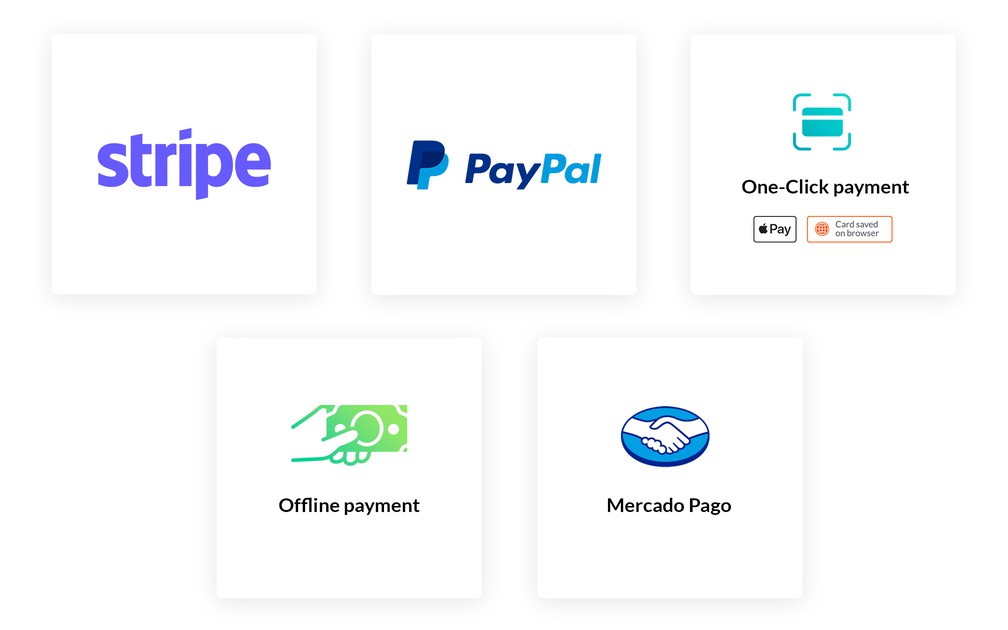
- ### Digitala plånböcker: Apple Pay & Google Pay
Gör dina kunders köp så enkla som det bara går med integrationen av digitala plånböcker. Dessa native lösningar skickar din kunds adress direkt till din app och godkänner betalningen utan att något behöver skrivas om. Perfekt för att spara tid, mycket enkelt att hantera och en betydligt bättre konverteringsgrad.
- ### Betalning med ett klick
Payment Request API är en lösning som använder ett betalkort registrerat i en webbläsare.
- ### Stripe
Din app är native inställd för att koppla till betallösningen Stripe. Du behöver bara öppna ett konto hos dem (5 min), så är din butik redo att registrera sina första försäljningar.
GoodBarber tar inga avgifter på transaktionerna. Stripe är dessutom en av de billigaste lösningarna på marknaden.
- ### Paypal
Betallösningen Paypal uppskattas av kunderna för sin säkerhet och tillförlitlighet.
Den finns native på plats, och du behöver bara skapa ett konto hos Paypal för att komma igång och ta emot dina första betalningar.
- ### Betalning utanför nätet
Du kan finnas på nätet även utan att erbjuda betalning på nätet eller öppna konton hos betallösningar. Med betalning utanför nätet väljer du det betalsätt som passar dig bäst: postförskott, check, banköverföring och så vidare. En extra fördel: många föredrar fortfarande kontanter till sina dagliga köp eller vill inte lämna kortuppgifter på nätet. Genom att erbjuda ett läge utanför nätet når du en bredare publik och ökar din försäljning.
- ### Stripe Extended
Möt dina kunders behov i länder med egna betalsätt, som iDEAL som är populär i Nederländerna, eller Bancontact som används mycket i Belgien. Tillägget Stripe Extended låter dig erbjuda fler betalalternativ, så att kunder över hela världen kan handla i din butik: Alipay, Bancontact, EPS, iDEAL, Klarna, Przelewy24 och fler.
- ### Testbetallösning
Kör hela beställningsflödet genom en testlösning före publiceringen, och byt till riktiga betalningar när du är nöjd.
## Beställningens detaljer+
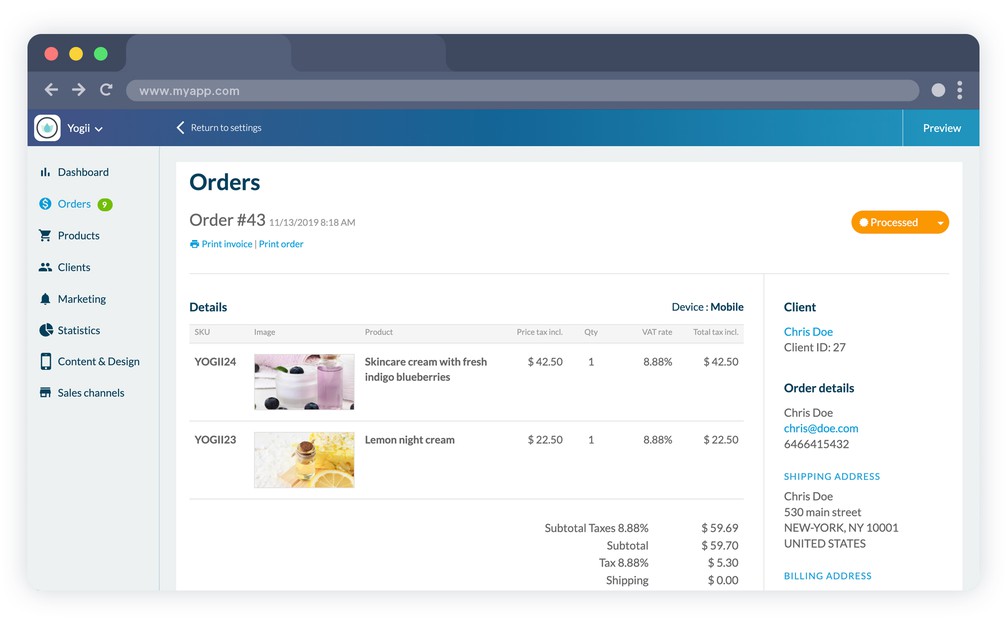
- ### Ändring av en beställnings status
En beställnings status ändras med ett klick. Klicka på knappen med beställningens nuvarande status. De andra möjliga statusarna visas. Välj den nya statusen, och så är det klart. En ändring av en beställnings status utlöser automatiskt ett e-postmeddelande till din kund. Kunden är därmed alltid informerad om hur långt beställningen har kommit.
- ### Skicka e-post om beställningsstatus igen
När en beställning byter status skickas automatiskt ett e-postmeddelande till kunden. Om kunden säger att det inte har kommit fram kan du bara titta i beställningens händelsehistorik. En åtgärdsknapp låter dig skicka aviseringen igen utan att skriva om den.
- ### Anteckning på beställningen
Vissa beställningar kan ha särskilda instruktioner. Anteckningsfältet i ditt administrationsgränssnitt är gjort för det. Lägg till de instruktioner eller förberedelseanteckningar som behövs. De syns bara för dina team och inte för kunden.
- ### Spårning av beställningen
Till varje beställning hör ett fält för att lägga in URL:en till spårningen av det skickade paketet. Länken delas med din kund, så att hen kan följa sin beställning.
- ### Utskrift av en beställning
En beställningssedel genereras för varje beställning en kund slutför. Den finns i detaljerna för varje beställning. Den kan skrivas ut åt den som plockar beställningen.
- ### Utskrift av en faktura
En faktura genereras varje gång en beställning slutförs. Den här fakturan finns i detaljerna för varje beställning. Den kan skrivas ut och läggas till beställningens fraktdokument.
- ### Ändra leveransadress
Du kan ändra leveransadressen på en beställning. Det är särskilt användbart om kunden meddelar ett inmatningsfel efter beställningen, eller om du själv upptäcker ett fel.
- ### Genväg till återbetalning
Från beställningen hoppar du direkt till motsvarande transaktion hos din betalleverantör för att göra en återbetalning.
- ### Export av beställningar
Exportera dina beställningar, så att du kan använda dem igen i din bokföring eller i dina egna verktyg.
- ### Fakturor via e-post
Skicka fakturan till din kund via e-post utöver att skriva ut den.
## Frakt+
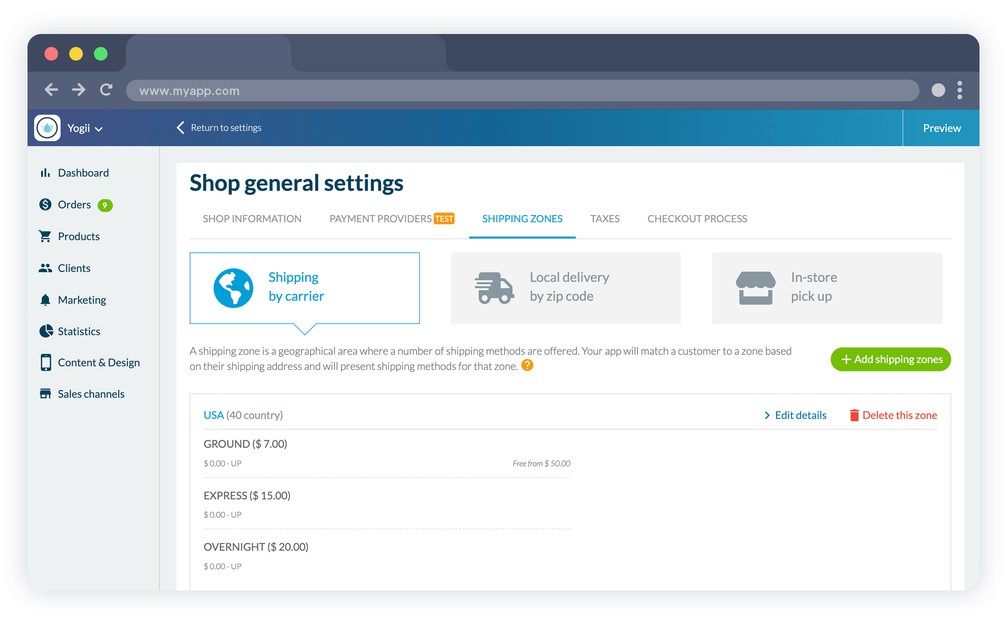
- ### Fraktzoner
Du väljer de geografiska områden du vill täcka. För varje zon kan du skapa rätt transportörer. Skicka lokalt, bara till vissa länder eller till hela världen: allt är genomtänkt och sätts enkelt upp med några få klick.
- ### Anpassade satser
För varje fraktzon sätter du upp transportörerna och leveranstiderna. Det ger ett verkligt mervärde som kunden kan välja till vid beställning.
Hitta den bästa ekonomiska balansen genom att välja den beräkningsmetod som passar din e-handel: beställningens vikt eller beställningens belopp.
- ### Fri frakt
Fri frakt är mycket populärt bland kunderna och en stark utlösare för köp. För e-handlarna är det däremot dyrt. I gränssnittet fastställer du villkoren (högsta vikt, minsta varukorgsvärde, vald transportör) som begränsar kostnaderna och samtidigt gör dina kunder nöjda.
- ### Tidsintervall
Sätt upp öppettiderna för din butik: öppettider, hämtningstider, leveranstider och semesterstängningar.
Du kan till och med fastställa antalet tidsintervall per dag och den minsta tiden mellan en beställning och det första lediga tidsintervallet, så att du får tillräckligt med tid att göra i ordning.
När dina kunder väljer lokal leverans eller hämtning i butik kan de välja bland de lediga tidsintervallen.
- ### Lokal leverans
Sätt upp dina leveranszoner efter radie eller postnummer.
Efter radie: fastställ zoner runt din butik med en minsta och största radie, och täck områdena där dina närmaste kunder finns.
Efter postnummer: sätt upp leveranszoner efter postnummer, så kontrollerar vi automatiskt att din kunds postnummer stämmer med din leveranszon. Dina kunder beställer från din app, och inom några timmar står dina produkter vid deras dörr.
- ### Hämtning i butik
Lika enkelt som från app till butik. Sänk dina kostnader för emballage och frakt, samtidigt som du hjälper dina kunder att spara tid och pengar genom att hämta sin beställning i din butik.
Med det här alternativet har du ytterligare en chans att ge en enastående kundupplevelse, locka besökare till din fysiska butik och få ett extra tillfälle att öka försäljningen med strategiskt placerade produkter och impulsköp.
- ### Butiksfinnare
Visa dina försäljningsställen i butiken, med adresserna du anger från backofficet, så att dina kunder ser var de hittar dig.
## Marknadsföring+
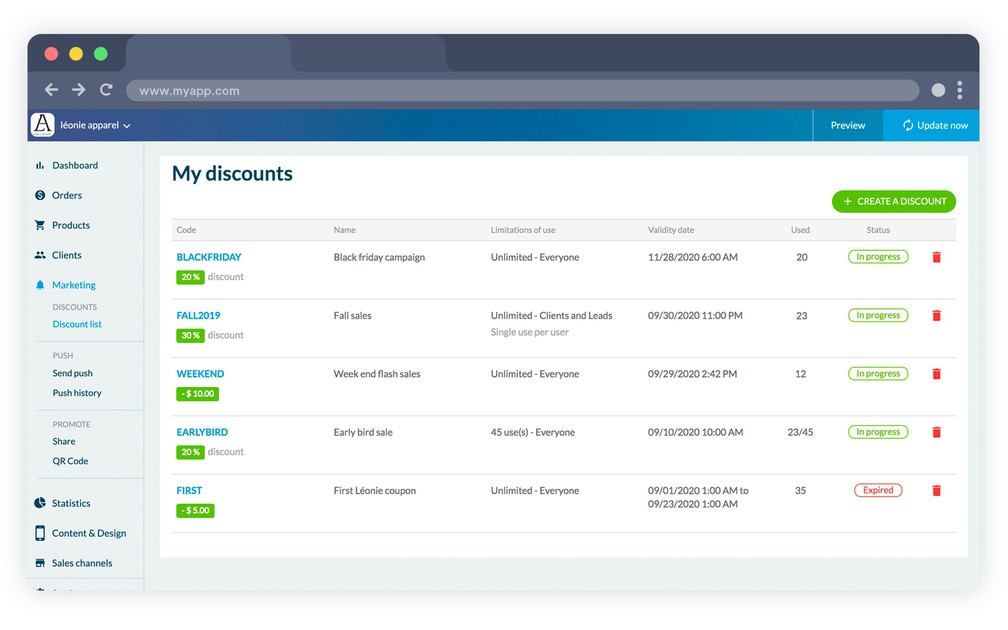
- ### Rabatter
Erbjud dina kunder rabatter. Skapa dem direkt från backofficet genom att välja ett belopp eller en procentsats, deras omfattning, deras giltighetsdatum och deras användningsgräns
- ### Generera rabattkoder
Välj dina egna rabattkoder, eller generera dem direkt med verktyget i backofficet.
- ### Rabattlista
Se med en blick listan över rabatterna du har skapat, oavsett status: tidigare, pågående eller kommande. Listan visar också antalet använda rabatter, vilket är användbart för att beräkna konverteringsgraden på din kampanj.
- ### Push-aviseringar
Skicka aviseringar manuellt till dina kunder när du vill kommunicera något enstaka till kunder och leads.
- ### Sändning av push-aviseringar på namn
Rikta dig till dina kunder och leads på namn eller i grupper, och skapa en allt mer personlig kommunikation.
- ### Avbrutna beställningar
Se varje beställning en kund har börjat på utan att slutföra, och få tillbaka kunden via e-post, med push-avisering eller båda, med dina egna meddelandemallar. Ytterligare en lista visar vilka av dem som kom tillbaka, och genom vilken kanal.
- ### Lojalitetsprogram
Dina kunder samlar poäng vid varje köp, utan att du behöver göra något. När de når gränsen du har satt blir poängen en rabattkod, och automatiska e-postmeddelanden och aviseringar berättar det för dem, även innan poängen går ut.
- ### Blogg
Lägg till en blogg i din butik: artiklar med egna mallar för lista och detalj, indexerade av sökmotorerna i webbversionen.
## Redo att bygga din app?
[Kom igång gratis](https://se.goodbarber.com/create/)[Se priser](https://se.goodbarber.com/pricing/content/)
---
# Push-notisfunktioner
Source: https://se.goodbarber.com/feature-index/push/
---
title: "Funktioner för push-aviseringar i en app - App builder för push-aviseringar"
description: "Leverera rätt avisering vid rätt tidpunkt. Oavsett om den utlöses av tid eller plats får din publik det relevanta meddelandet rakt i handen."
canonical_url: "https://se.goodbarber.com/feature-index/push/"
lang: sv
---
# Push-aviseringar
Leverera rätt avisering vid rätt tidpunkt. Oavsett om den utlöses av tid eller plats får din publik det relevanta meddelandet rakt i handen.
- [Push-aviseringar](#push_notifications)
- [SMS-aviseringar](#sms_notifications)
- [Platslarm](#geo_alerts)
## Push-aviseringar+
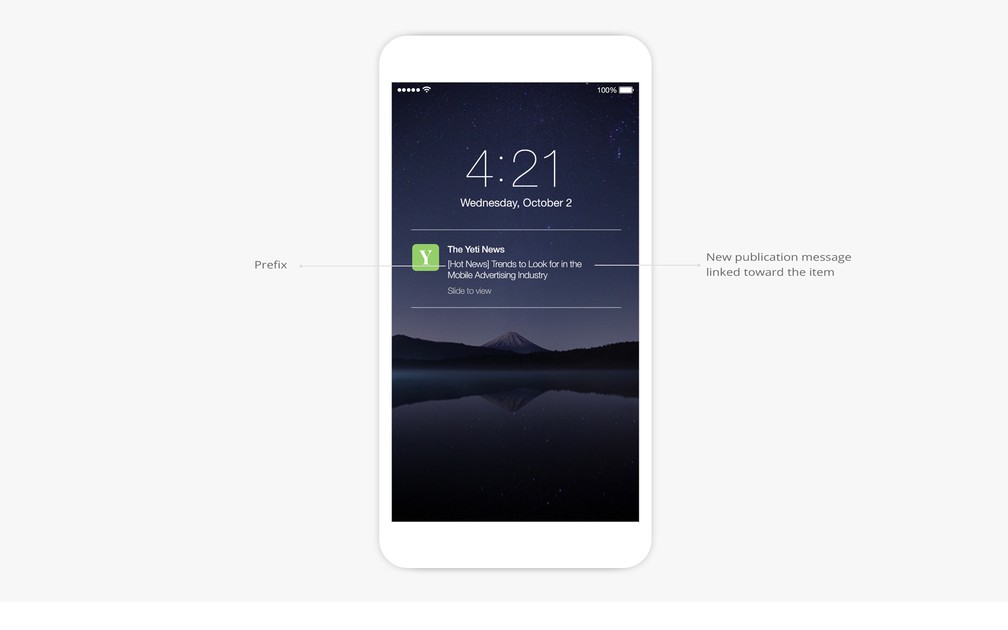
- ### Rikta dig till användare efter deras beteende
NativePWA
Rikta dig till användarna som ska få push-aviseringar utifrån hur många gånger de har öppnat appen de senaste 30 dagarna. På native appar kan du också rikta dig efter appversion eller bara nå användarna som aldrig har fått en push-avisering tidigare.
- ### Rikta dig till användare efter deras enhet
NativePWA
Rikta dig till användarna som ska få push-aviseringar utifrån vilken enhet de använder.
- ### Geografisk målgruppsanpassning
Native
Rikta dig till användarna som ska få push-aviseringar utifrån deras geografiska plats.
- ### Målgruppsanpassning på namn
eCommerce apps
Rikta dig till dina kunder och potentiella kunder på namn eller i grupper, och bygg en ännu mer personlig kommunikation.
- ### Skicka aviseringar i webbläsaren
PWA
Skicka push-aviseringar som dina användare får direkt i sin webbläsare, på mobil, surfplatta och dator. Push-aviseringar på webben stöds av Chrome, Firefox och Opera (Desktop & Android), Edge Android samt Safari (iOS 16.4+ när PWA:n är tillagd på hemskärmen, macOS Ventura+).
- ### Val av aviseringsljud och märke
iOSContent apps
Anpassa aviseringarna genom att välja ljudet som hör till dem och genom att slå på eller av visningen av märket på iOS.
- ### Statistik över push-aviseringar
Analysera hur dina aviseringar går med statistik över öppningsfrekvens och klickfrekvens.
- ### Skydd mot översvämning
Ett säkerhetssystem på servern förhindrar misstag som upprepade utskick eller oavsiktlig sändning av ett stort antal push-aviseringar på mycket kort tid.
- ### Begränsning av sändningstid
För automatiska push-aviseringar kan du välja timmarna då användarna får aviseringar: när som helst, i bestämda tidsfönster eller under ett visst tidsintervall.
- ### Sändning av manuella aviseringar till användarna
Du kan skicka aviseringar manuellt till dina användare när du vill kommunicera något enstaka till din publik.
- ### Val av åtgärd när aviseringen öppnas
Fastställ åtgärden som utlöses när användarna öppnar push-aviseringen: öppning av appen, vidarebefordran till startsidan eller en viss sektion, eller en extern länk.
- ### Schemaläggning av framtida sändningar
Schemalägg sändningen av manuella push-aviseringar exakt genom att välja datum och klockslag. Slå på lokal tid för att träffa rätt hos internationella användare.
- ### Förhandsvisning av aviseringen i realtid
Ditt GoodBarber-backoffice låter dig se i realtid hur din avisering kommer att visas på dina användares enheter.
- ### Beräkning av antalet mottagare i realtid
Se i realtid antalet mottagare av din push-avisering utifrån de målgruppsregler du har använt.
- ### Full historik över skickade aviseringar
Se den fulla historiken över skickade push-aviseringar med rubrik, beskrivning, avsändare, sändningsdatum och aviseringens status.
- ### Automatisk push när innehåll publiceras
Skapa sändningsregler för automatiska push-aviseringar när nytt innehåll publiceras i vilken sektion som helst i din app.
- ### Tillägg av ett prefix till aviseringen
Lägg ett prefix till dina automatiska push-aviseringar.
- ### Transaktionella push-aviseringar
eCommerce apps
Anpassa push-aviseringarna som skickas till dina kunder i de olika stegen i beställningsflödet: orderbekräftelse, behandling av beställningen, annullering av beställningen.
- ### Rikta dig till prenumeranter
Skicka en avisering till dina prenumeranter, eller till användarna som ännu inte har prenumererat, med köpen de har gjort i appen som målgruppskriterium.
## SMS-aviseringar+
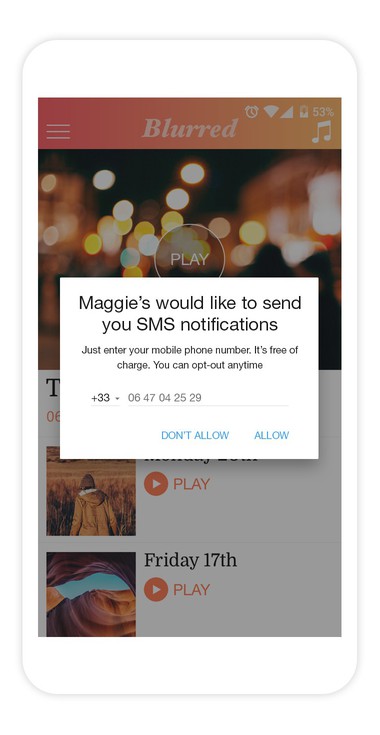
- ### Skicka SMS
Skicka aviseringar direkt till dina användares mobil via SMS.
- ### Meddelanden på 140 tecken
Se antalet mottagare, och skriv meddelanden på 140 tecken från ditt backoffice, så att ett enda SMS skickas till varje mottagare.
- ### Historik
Se enkelt historiken över meddelandena som skickats till dina användare, från ditt GoodBarber-backoffice.
- ### Större räckvidd
SMS-aviseringar fungerar på alla mobilmodeller i 221 länder.
## Platslarm+
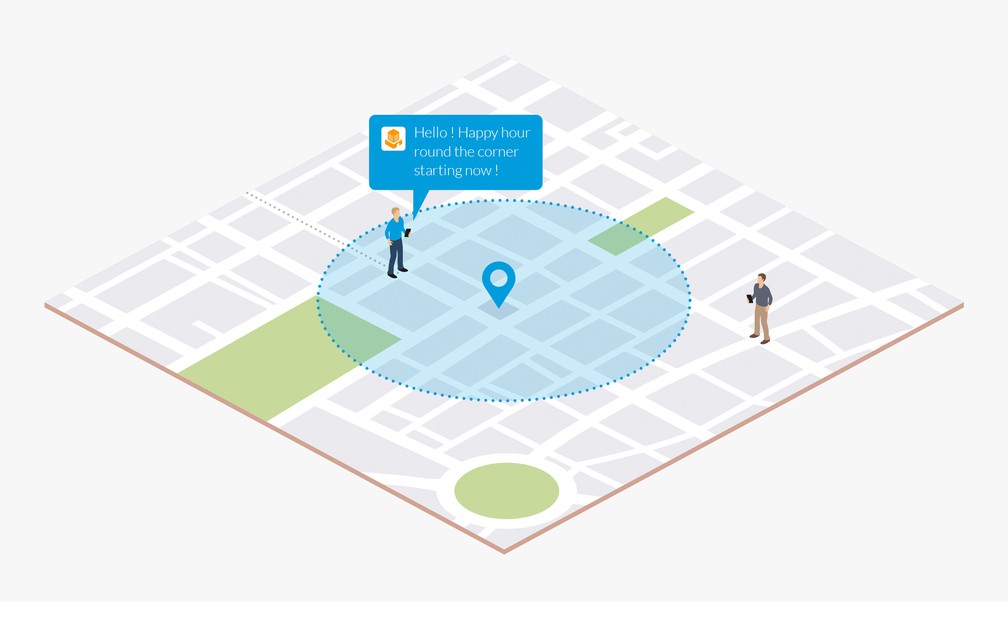
- ### Geofence
Native
Fastställ geografiska områden som används för att utlösa visningen av aviseringar.
- ### Aviseringar
Native
Visa aviseringar när en användare går in i, lämnar eller stannar en bestämd tid i en geofence-zon.
- ### Beacon
Native
Hantera en uppsättning iBeacons för att utlösa visningen av aviseringar.
- ### Beacon-layout som går att anpassa
Native
GoodBarbers backoffice låter dig ange den beacon-layout du vill ha för din uppsättning beacons.
- ### Utlösningsavstånd
Native
Bestäm inom vilket avstånd dina beacons utlöser visningen av aviseringar.
## Redo att bygga din app?
[Kom igång gratis](https://se.goodbarber.com/create/)[Se priser](https://se.goodbarber.com/pricing/content/)
---
# Användar- och inloggningsfunktioner
Source: https://se.goodbarber.com/feature-index/login/
---
title: "Inloggningsfunktioner i en app - App builder för inloggning"
description: "Bygg och utveckla din gemenskap med enastående verktyg för att hantera användarna i din app."
canonical_url: "https://se.goodbarber.com/feature-index/login/"
lang: sv
---
# Inloggning
Bygg och utveckla din gemenskap med enastående verktyg för att hantera användarna i din app.
- [Inloggning](#login)
- [Användargrupper](#user_groups)
- [Profil](#profile)
- [UGC](#ugc)
- [Chatt](#chat)
- [Användarlista](#users_list)
- [Lojalitetskort](#loyalty_card)
- [Klubbkort](#club_card)
- [Kuponger](#coupons)
## Inloggning+
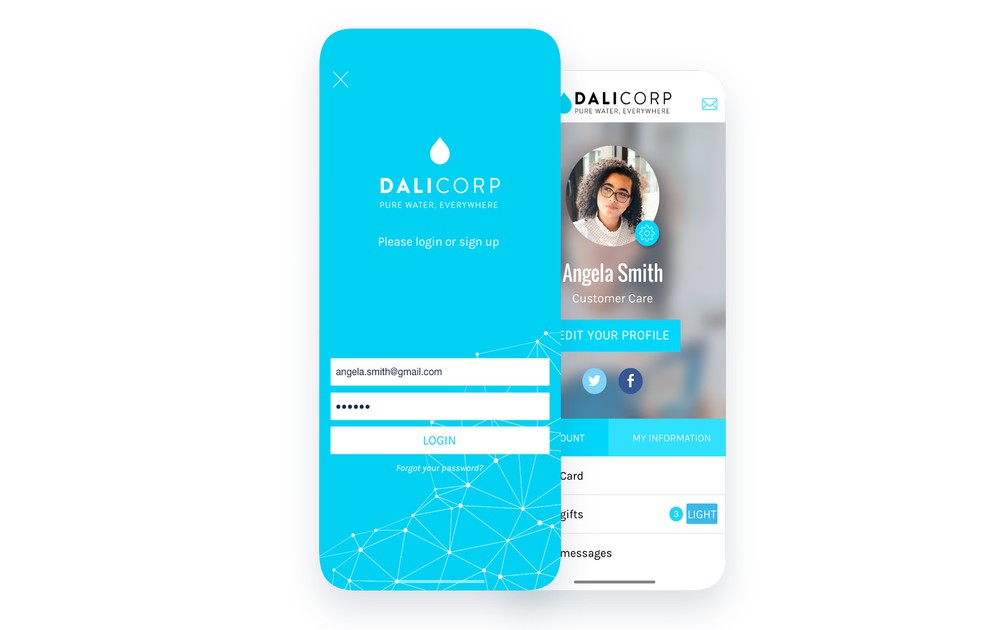
- ### 3 visningsmallar
Välj bland 3 visningsmallar för inloggningssidan.
- ### Inbyggd användardatabas
Din app har en verifieringsfunktion så att användarna kan registrera sig och logga in direkt utan att behöva använda en tredjepartstjänst.
- ### Registrering i 2 steg
Insamlingen av de användaruppgifter som krävs vid registrering sker i 2 steg, så att inloggningsuppgifter hålls åtskilda från frågor om sammanhanget.
- ### Möjlighet till åtkomst utan inloggning
Det går att göra inloggning valfritt för att komma åt appen.
- ### Möjlighet att registrera sig
Det går att låta användaren skapa ett konto för att komma åt appen eller delar av den.
- ### Användarvillkor
Fastställ användarvillkoren som användarna måste godta när de registrerar sig i din app. Kryssrutan för godkännande slås på med det kostnadsfria Advanced edition-tillägget.
- ### Registrera dig / logga in med Facebook
Ge möjlighet att registrera sig och logga in i din app med Facebook.
- ### Registrera dig / logga in med X
Native
Ge möjlighet att registrera sig och logga in i din app med X.
- ### Användarprofil som går att anpassa
Du kan anpassa fälten som visas i användarprofilerna, och sättet de visas på i appen.
- ### Fält som går att anpassa
Bygg användarprofilen för medlemmarna i din app med fält som går att anpassa.
- ### Obligatoriska eller valfria fält
Bestäm vilka fält som är obligatoriska eller valfria i registreringsflödet.
- ### Offentliga, privata eller osynliga uppgifter
För varje fält i profilen fastställer du vilka som är synliga för alla andra användare av appen (offentliga), bara synliga för användaren själv (privata) och bara synliga för appens ägare (osynliga).
- ### Dubbel opt-in
Kräv validering av e-postadressen vid registrering: användaren får en bekräftelselänk och kan logga in först när adressen är bekräftad.
- ### Sign in with Apple
Låt dina användare registrera sig och logga in med sitt Apple-ID, på iOS, på Android och i webbappen. Apple kräver det så snart du erbjuder en annan social inloggning.
## Användargrupper+
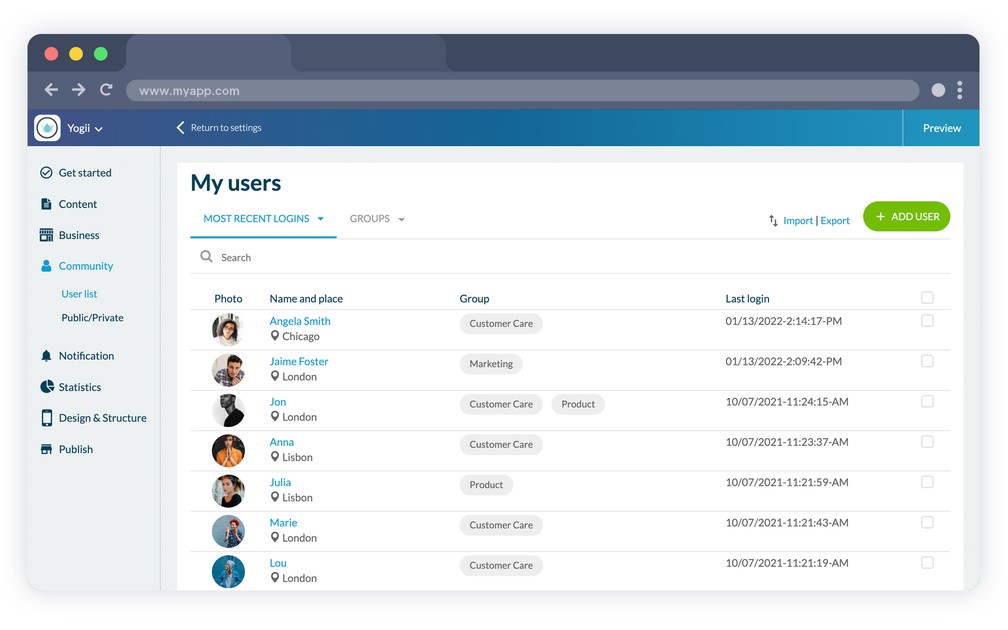
- ### Tilldelning av användare till grupper
Hantera dina användare genom att skapa användargrupper.
- ### Styrning av behörigheter per grupp
Bestäm vilka begränsningar som gäller för varje användargrupp. Fastställ vilka delar av din app som är tillgängliga och vilka som har begränsad åtkomst.
- ### Behörigheter till appen
Bestäm om du vill begränsa åtkomsten till hela din app för vissa användargrupper.
- ### Behörigheter till varje sektion
Fastställ för varje grupp vilka sektioner av din app som är tillgängliga eller begränsade.
- ### Anpassning av sidan med begränsad åtkomst
Anpassa designen och innehållet på sidan som visas vid begränsad åtkomst.
- ### Offentlig gruppsektion
Visa dina grupper inne i appen: en sektion där användarna ser profilerna och grupperna de tillhör, synlig för alla eller begränsad som vilken annan sektion som helst.
## Profil+
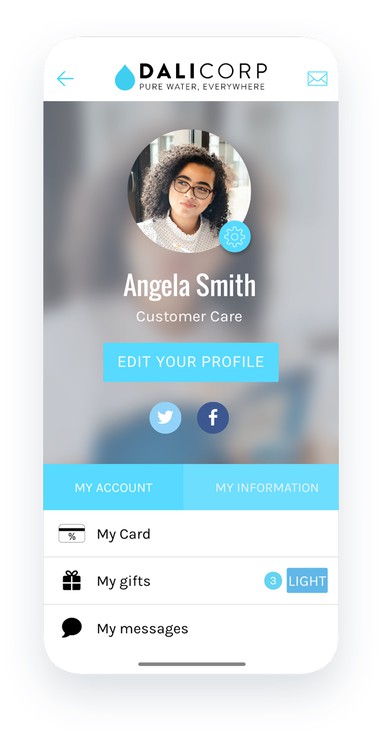
- ### Redigering av användaruppgifter
Dina användare kan redigera uppgifterna i sin profil från appen.
- ### Tillgång till historiken över mottagna aviseringar
Native
Från sin profil ser användarna en historik över alla push-aviseringar de har fått.
- ### Styrning av prenumeration på automatiska push-aviseringar
Native
Låt dina användare bestämma vilka schemalagda push-kampanjer de vill prenumerera på.
- ### Genvägar till andra funktioner
Från sin profil når användarna andra funktioner, till exempel lojalitetskortet.
## UGC+
- ### Inskickningssektion
Inskickningssektionen låter användarna skicka text, bilder eller video till appens ägare genom appen
- ### Flera typer av innehåll
Användarna kan skicka olika typer av innehåll: text, bild eller video.
- ### Avisering till ägaren
Varje gång en användare skickar in nytt innehåll får ägaren en avisering via e-post med en kopia av innehållet som tagits emot.
- ### Moderering och publicering
Innehåll som skickats in av dina användare publiceras inte av sig självt. Du granskar det och publicerar det från backofficet, så att du behåller kontrollen över vad som visas i appen.
## Chatt+
- ### 3 mallar för samtalslistan
Välj din visningsmall bland 3 olika stilar: fyrkantig profilbild, rundad eller utan bild.
- ### Funktioner tillgängliga från samtalslistan
Med en enkel gest på ett element i listan visas funktioner för att markera samtalet som läst, ta bort det, blockera användaren eller anmäla det som stötande. En blockerad användare kan inte längre skicka meddelanden, och blockeringen kan hävas när som helst.
- ### 3 samtalsmallar
Välj din visningsmall bland 3 olika stilar: fyrkantig eller rundad med profilbild, eller utan bild.
- ### Avisering när ett meddelande kommer
När användaren får ett meddelande får hen en avisering i realtid.
- ### Anmäl ett samtal
Användaren kan när som helst anmäla ett samtal som stötande.
- ### Chatt för kundsupport
Utöver meddelanden mellan dina användare kan du lägga till en supportchatt i din app genom integrationen med Tawk.to och svara på frågor från din egen konsol.
## Användarlista+
- ### 2 visningsmallar
Välj bland 2 visningsmallar för användarlistan. Kartvyn är en egen vy som du kan slå på utöver den (bara native appar).
- ### Sortering av användare
Användarlistan kan visa användare utifrån 3 kriterier: alla, senaste inloggningar eller användare i närheten (i närheten: bara native appar).
- ### Kartvy
Native
Användarlistan kan visas på karta utifrån användarnas geografiska plats.
- ### Användarprofil
Varje användare har en offentlig profil som är synlig för appens andra användare. Du bestämmer fält för fält om varje uppgift är offentlig, privat eller dold.
## Lojalitetskort+
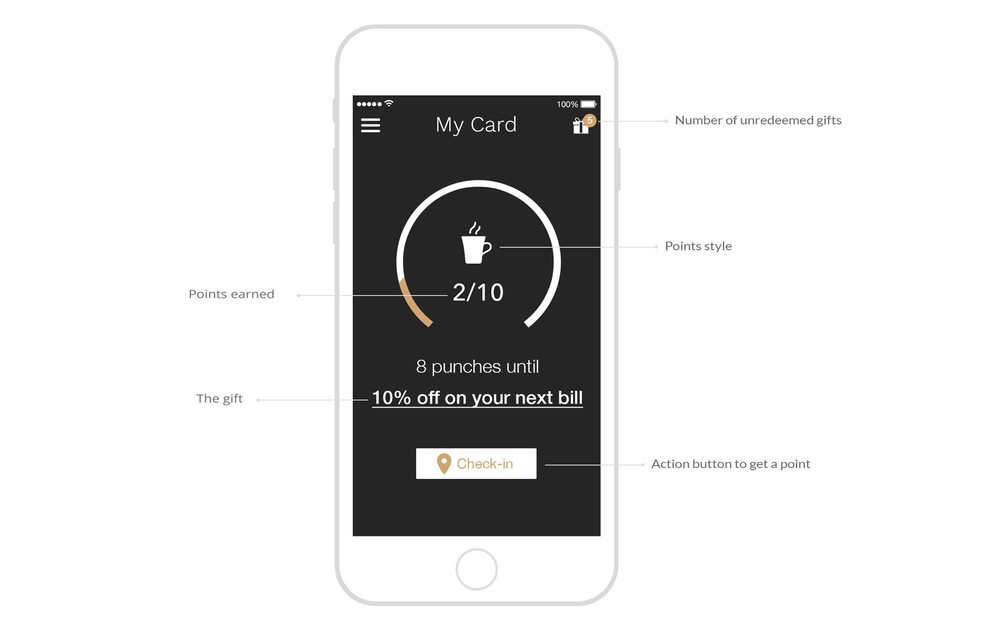
- ### Samla poäng
GoodBarber erbjuder en funktion med lojalitetskort där användarna kan samla poäng, och den går att anpassa fullt ut från backofficet.
- ### Anpassning av kortet
Antalet poäng per kort går att anpassa, tillsammans med värdet som hör till varje poäng och som används för att beräkna din avkastning.
- ### 3 kortmallar
Välj bland 3 visningsmallar för lojalitetskortet: runt, fyrkantigt eller med räknare.
- ### Design som går att anpassa
Stilar, färger, teckensnitt, ikoner: anpassa varje enskild detalj på ditt lojalitetskort.
- ### 3 valideringssätt
Fastställ hur poängen som samlats på lojalitetskortet valideras: skanning av QR-kod, manuell incheckning inom ett avgränsat geografiskt område eller delning i sociala medier.
- ### Reklammaterial
För validering med skanning av QR-kod finns ett ark som går att skriva ut, så att du kan dela QR-koden med kunderna. URL:en till QR-koden finns också i ditt backoffice.
- ### Hantering av gåvor när kortet är fullt
Fastställ gåvan användarna får när de har fyllt sitt lojalitetskort: rubrik, beskrivning, gåvans innehåll, erbjudandets slutdatum och avancerade designalternativ.
- ### Historik över belöningar
Användaren ser en historik över inlösta belöningar med datumet de användes, direkt i lojalitetskortssektionen eller från sin användarprofil.
- ### Lista över tillgängliga belöningar
Välj bland 2 visningsmallar för listan över tillgängliga belöningar: listvy eller helskärm.
- ### Anpassning av belöningarnas design
Stilar, färger, teckensnitt, ikoner: anpassa belöningarnas utseende in i minsta detalj.
- ### Anpassning av bekräftelseskärmarnas design
Anpassa färgerna och teckensnitten som används på skärmarna där belöningar löses in: bekräftelse- eller felskärm, avläsning av QR-kod eller bekräftelse av användning.
## Klubbkort+
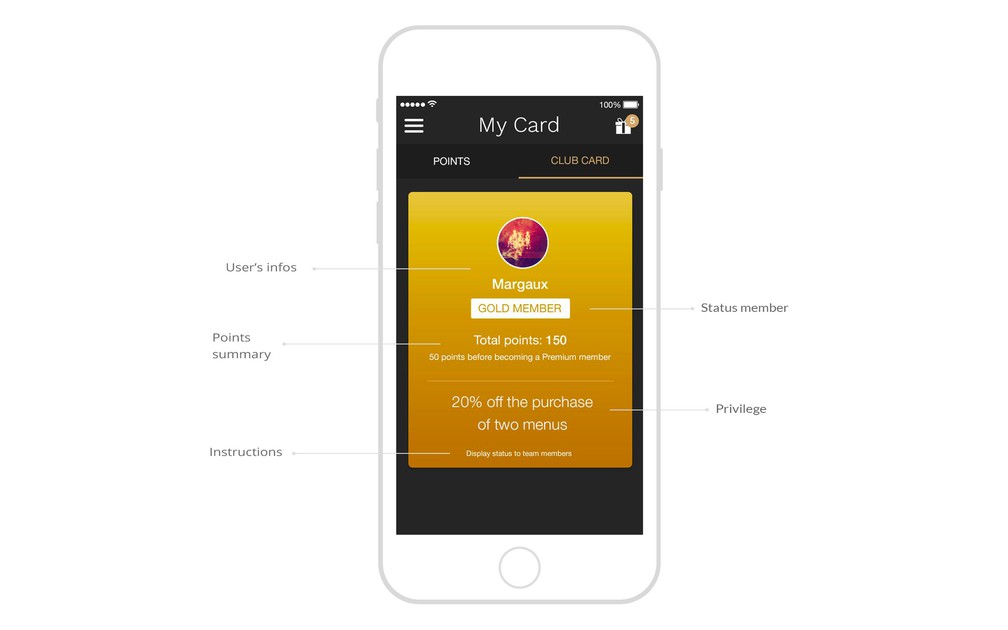
- ### Kopplat till lojalitetskortet
GoodBarber ger möjlighet att skapa 3 medlemsnivåer för dina kunder, som de får tillgång till när de har samlat ett visst antal lojalitetspoäng, och det är du som fastställer antalet.
- ### Anpassning av designen
Anpassa designen på ditt klubbkort: namn, färger, bakgrundsbilder, teckensnitt och mycket mer.
- ### Fastställande av förmåner
Fastställ de livslånga förmåner som hör till varje medlemsnivå på ditt klubbkort.
## Kuponger+
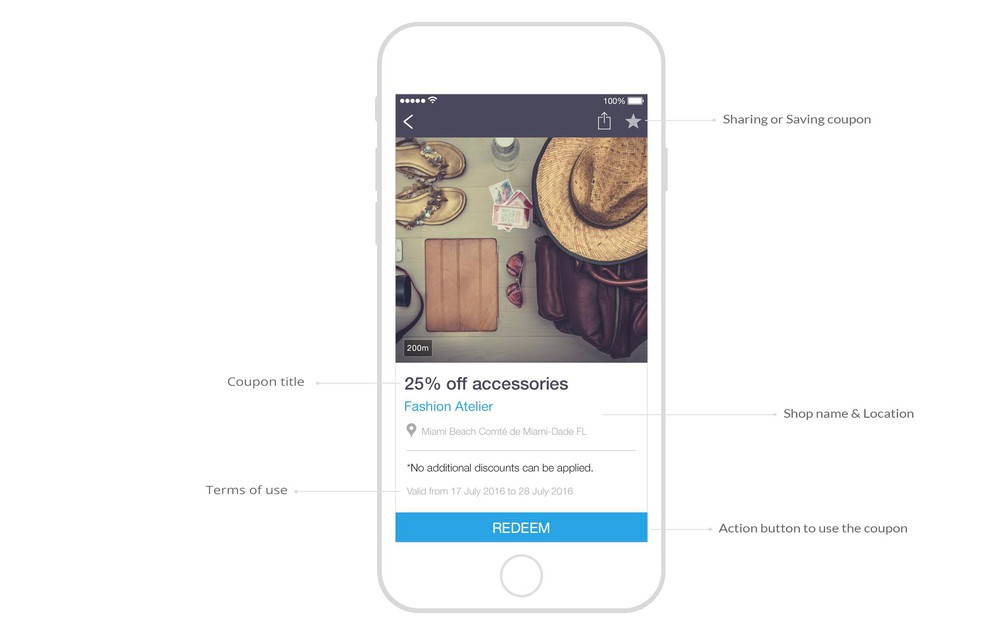
- ### Hantering av kuponger
Skapa och dela dina rabattkuponger. Hantera dem från ditt backoffice, och ändra enkelt deras status, aktiv eller inaktiv.
- ### 2 valideringssätt
GoodBarber erbjuder två olika sätt att validera dina kuponger: inlösen i appen eller användning av en rabattkod.
- ### Avancerade användarvillkor
Fastställ användarvillkoren för dina rabattkuponger: giltighetstid, antal gånger de kan användas, och antal gånger per kund.
- ### Kategorisering av kuponger
Skapa kategorier för dina rabattkuponger, och välj bland 3 visningsmallar för kategorierna.
- ### Avancerad anpassning av designen
Anpassa dina kuponger genom att välja en bild och en bakgrundsfärg och genom att anpassa textens teckensnitt och färg.
- ### Positionering av kuponger
För varje kupong har du möjlighet att lägga till en plats, vilket är användbart om du har flera butiker.
- ### Statistik över användning av kuponger
Analysera hur dina kuponger går med ett statistikverktyg som visar antalet inlösta kuponger i kalendervy samt utifrån din kundlista och vem som löste in dem.
- ### 2 mallar för kuponglistan
Anpassa designen på din kuponglista, och välj mellan två mallar.
- ### Styrning av uppgifterna som visas i kuponglistan
Välj vilka uppgifter som ska visas i kuponglistan, till exempel giltighetsdatumet.
- ### Avancerad design på kupongsidan
Anpassa kupongsidan i varje enskild detalj. Sidans viktigaste grafiska element går att redigera, så att designen stämmer med din grafiska identitet.
- ### Funktion för att spara en kupong
Dina användare har möjlighet att spara kuponger till senare.
- ### En historik över inlösta kuponger
Dina användare ser en historik över alla kuponger de har löst in.
- ### En lista över sparade kuponger
Dina användare har tillgång till en lista över tillgängliga kuponger som de har sparat tidigare.
- ### Anpassning av bekräftelseskärmarnas design
Anpassa designen på bekräftelseskärmen som visas när en kupong används, genom att redigera texten och färgerna.
## Redo att bygga din app?
[Kom igång gratis](https://se.goodbarber.com/create/)[Se priser](https://se.goodbarber.com/pricing/content/)
---
# Back office-funktioner
Source: https://se.goodbarber.com/feature-index/backoffice/
---
title: "Backoffice-funktioner i en app - App builder för backoffice"
description: "Den bästa arbetsytan som någonsin utformats för att bygga din app."
canonical_url: "https://se.goodbarber.com/feature-index/backoffice/"
lang: sv
---
# Backoffice
Den bästa arbetsytan som någonsin utformats för att bygga din app.
- [Backoffice](#backoffice)
- [Hantering av teamet](#team_management)
- [Skapande](#creation)
- [Språk och texter](#languages_texts)
- [My GoodBarber](#my_goodbarber)
- [Indexering](#indexation)
## Backoffice+
[https://portal.ww-cdn.com/portal_static/images/feature_index/videos/Preview_Themes.cb9b06bb7560.mp4](https://portal.ww-cdn.com/portal_static/images/feature_index/videos/Preview_Themes.cb9b06bb7560.mp4)
- ### Extension Store
Extension Store rymmer mer än 190 tillägg, organiserade efter verksamhetstyp. Det är oftast kostnadsfritt att aktivera dessa extra funktioner, och de ger nya möjligheter i ditt backoffice.
- ### Hantering av tillägg
Tilläggen hanteras i ett eget gränssnitt, där du med en blick ser alla tillägg du har aktiverat och kan slå av dem eller ta bort dem.
- ### Tillgängligt på 16 språk
GoodBarbers backoffice finns på 16 språk, bland annat franska, engelska, italienska, spanska, katalanska, portugisiska, brasiliansk portugisiska, turkiska, japanska, arabiska och tyska.
- ### Hantering av abonnemang
Du kan enkelt ändra faktureringen av ditt abonnemang från månadsvis till årsvis, eller uppgradera till ett annat abonnemang.
- ### Filhantering
Du får lagringsutrymme för dina filer, med möjlighet att organisera dem i mappar. Elementen är därefter tillgängliga från en egen URL.
- ### White label-alternativ
Med White Label-tillägget (ingår i Reseller-abonnemang) tar du bort GoodBarbers varumärke från de backoffice-sidor du delar med tredje part. Själva apparna (iOS, Android, PWA) bär inget GoodBarber-varumärke.
- ### URL som går att anpassa
Du kan koppla ditt domännamn till ditt backoffice om du inte vill nå det från en goodbarber.com-URL.
- ### Introduktionsskärm
Första gången du loggar in i ditt backoffice välkomnas du med förklaringar av alla de viktigaste funktionerna, så att du kommer igång ordentligt.
- ### Guide
GoodBarbers backoffice har en skapandeassistent som guidar dig genom de viktigaste stegen i att skapa din app.
- ### Universal Links
Du kan aktivera Universal Links (iOS) och App Links (Android) för din app. När en användare som redan har installerat din app klickar på någon av dessa länkar öppnas den native appen automatiskt på en viss innehållssida. Om användaren ännu inte har laddat ner din app öppnas PWA:n.
- ### MCP-server
Koppla din app till Claude, ChatGPT eller vilken AI-assistent som helst som talar MCP, och styr ditt innehåll genom samtal. Servern finns på varje app, med en egen URL och API-nyckel.
- ### AI Extension Builder
Beskriv sektionen du behöver med vanliga ord. En AI-agent skriver koden, integrerar den i din app och visar dig resultatet under tiden, med tillgång till samma offentliga API:er som sektioner med egen kod.
- ### Automatiseringar med Zapier och Make
Koppla din app till de tjänster du redan använder, utan att skriva kod. Via Zapier och Make kan en händelse i din app, en ny användare, en ny beställning eller en ny bokning, utlösa en åtgärd någon annanstans: ditt e-postverktyg, ditt CRM, din bokföring eller dina kalkylark. Det fungerar också åt andra hållet, från dessa tjänster tillbaka till appen.
- ### Privacy Center
Ett ställe för dina integritetsinställningar: uppgifterna om din personuppgiftsansvarige, de samtycken du samlar in och de behörigheter din app begär.
- ### Appar för barn
Att publicera i butikernas barnkategorier innebär egna regler. Slå på det här, så stängs de funktioner reglerna förbjuder, användningsstatistik, platsdata, sociala inloggningar och extern annonsering, av i hela appen.
- ### Offentligt API
Innehållsappar har ett eget offentligt API vid sidan av e-handels-API:et, så att du kan koppla din app till verktygen du redan använder och bygga det arbetsflöde du behöver.
## Hantering av teamet+
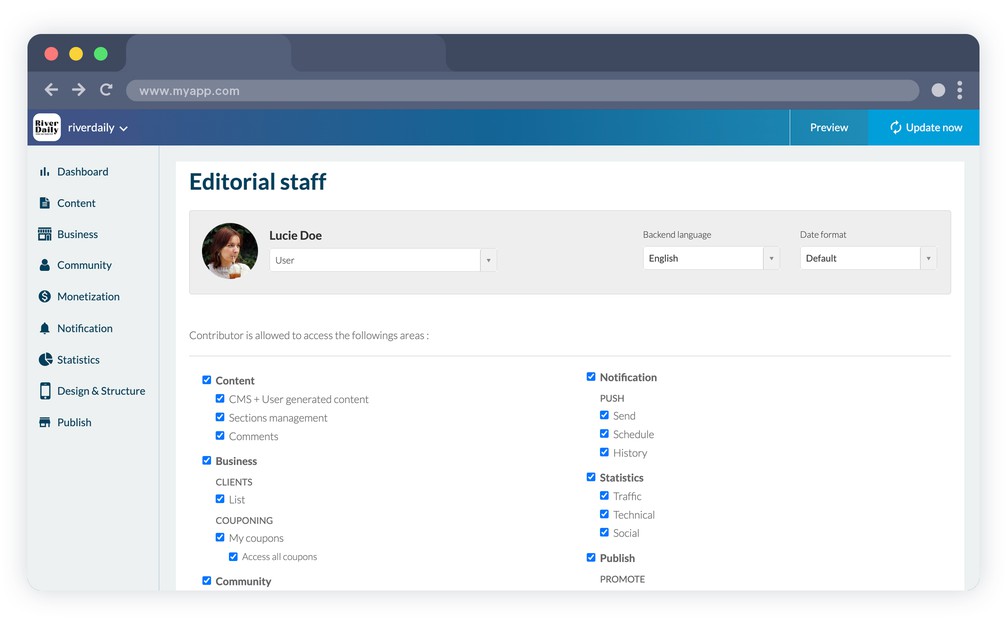
- ### Teammedlemmar
Ge ditt team tillgång till appens backoffice. Antalet medarbetarkonton beror på ditt abonnemang: 1 med Standard, upp till 3 med Premium, obegränsat från Pro-abonnemanget och med Reseller-abonnemang.
- ### Åtkomst på flera nivåer
Content apps
Ägare, administratör eller användare: välj vilken status varje medlem i ditt team har, och bestäm exakt vilka menyer och vilket innehåll var och en har tillgång till.
- ### Inloggningshistorik
Se historiken över inloggningar till projektets backoffice för varje medarbetare.
- ### Användarinställningar
Varje medarbetare kan när som helst ändra språket i sitt backoffice, datumformatet och tidszonen, samt redigera sina personuppgifter och sitt lösenord.
- ### Överföring av ägarskap
En app kan ha hur många administratörer du än behöver, men bara en ägare. Ägarskapet kan överlåtas, till exempel när en byrå levererar ett projekt till sin kund.
## Skapande+
- ### Omedelbar förhandsvisning
Modulen för omedelbar förhandsvisning i ditt backoffice ger dig visuell återkoppling på varje enskild ändring du gör i ditt projekt.
- ### Förhandsvisning på flera skärmar
Förhandsvisningsmodulen låter dig följa hur dina ändringar ser ut på alla skärmtyper: smartphones, surfplattor, bärbara och stationära datorer.
- ### Kontextberoende verktygsfält
Verktygsfältet för att konfigurera ditt projekt anpassar sig dynamiskt efter vad du håller på med. Det föreslår alltid rätt verktyg vid rätt tillfälle.
- ### Avancerad sökning i sektioner
Filtrera dina sektioner efter typ, eller sök efter dem på namn i sökfunktionen i det kontextberoende verktygsfältet.
- ### Grafiskt gränssnitt
I varje steg av uppsättningen av ditt projekt hjälper ikoner, rubriker och visuella effekter dig att lätt förstå vad dina åtgärder gav för resultat.
- ### Kopiering av app (på begäran)
Content apps
På begäran kopierar vårt supportteam ett projekt, dess sektioner, innehåll, data och designinställningar, till ett annat av dina projekt. Det är en betaltjänst med villkor som beskrivs i hjälpcentret. Resellers kan teckna abonnemang på obegränsad kopiering från sin reseller-panel.
## Språk och texter+
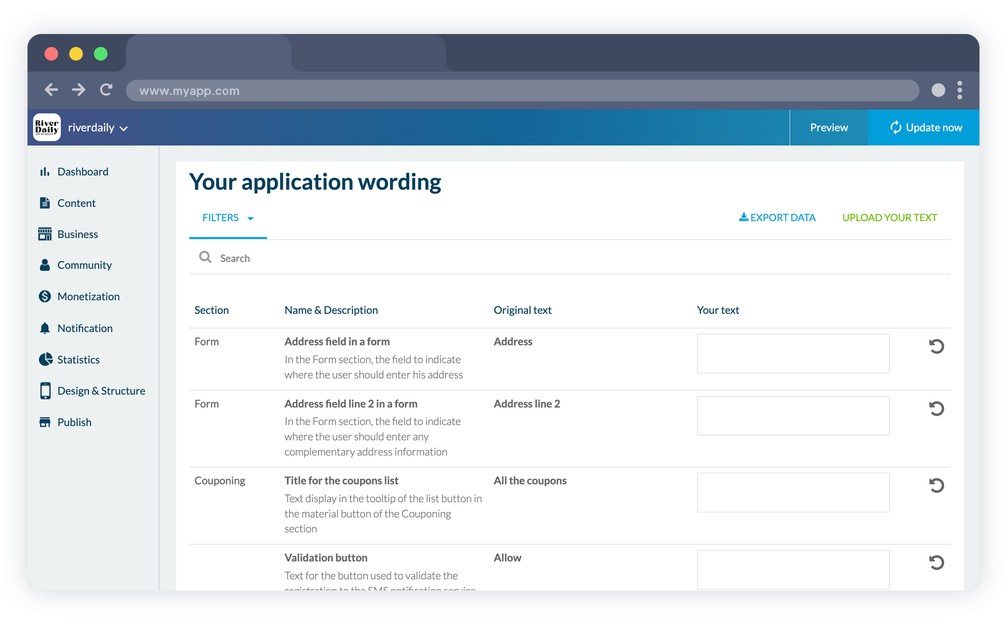
- ### 33 språk tillgängliga
GoodBarber-appar kan visas på 33 språk, bland annat engelska, franska, italienska, portugisiska, turkiska, finska och japanska.
- ### Generiska texter går att anpassa
Från ett eget gränssnitt kan du redigera alla generiska texter i din app. Använd sökfunktionen för att hitta texten du vill anpassa. En förklarande text visar i vilket sammanhang den används.
- ### Hantering av generiska texter
Vid ett stort antal ändringar gör verktyget för export och import av textvariabler i .csv-format det enkelt att hantera ändringarna.
- ### Avancerad sökning
Gränssnittet för att hantera appens texter har en sökfunktion som gör det lättare att hitta texterna som ska ändras.
- ### Filter per sida
Textvariablerna är organiserade efter de sektioner i appen där de visas, så att de är lättare att hitta och så att du ser i vilket sammanhang de används.
- ### Flerspråkiga projekt
En app talar ett språk. För att vända dig till flera målgrupper skapar du ett projekt per språk, och från och med det andra gäller ett eget pris.
## My GoodBarber+
- ### Testa din native app i realtid
Appen My GoodBarber låter dig testa den native versionen av ditt projekt i realtid, innan det publiceras i butikerna.
- ### Sändning av push-aviseringar
Du kan när som helst skicka push-aviseringar till dina användare direkt från appen My GoodBarber.
- ### Kontakt med supporten
Appen My GoodBarber låter dig kontakta vårt tekniska supportteam.
- ### Tillgång till användningsstatistik
Håll koll på dina resultat med appen My GoodBarber, som ger direkt tillgång till användningsstatistiken för din app.
- ### Hantering av flera appar
Se och hantera alla appar som är kopplade till ditt Account ID från appen My GoodBarber.
- ### My GoodBarber Shop Companion
eCommerce apps
Ännu en app, för butiksägare: följ dina beställningar från telefonen, få en avisering om varje enskild, och styr dina tidsintervall utan att öppna backofficet.
## Indexering+
- ### Index och No-Index
Om ditt innehåll eller din webbplats inte är avsedd att vara offentlig kan du slå av sökmotorernas indexering av din webbapp.
- ### META-taggar
Anpassa META-titel och META-beskrivning på tre nivåer: för hela webbappen, för varje sektion och för varje element. Taggar på element genereras automatiskt utifrån titeln eller innehållet, och går att skriva om ett i taget.
- ### HEAD-tagg
Du kan anpassa innehållet i HEAD-taggen så att den rymmer viss metadata.
- ### Webbplatskarta & Search Console
En webbplatskarta låter sökmotorerna gå igenom din webbapp och indexera alla dess sidor. Koppla den till Google Search Console för att följa hur dina sidor går, och se var det går att förbättra.
- ### IndexNow
Berätta för sökmotorerna i samma stund något ändras. Med IndexNow anmäls varje innehåll du publicerar, uppdaterar eller tar bort direkt till sökmotorerna som stöder protokollet, i stället för att vänta på nästa genomgång.
- ### Strukturerade data (Schema.org)
Strukturerade data i Schema.org-format hjälper sökmotorerna att förstå vad dina sidor innehåller. De genereras för webbappen som helhet och för varje element, artiklar, produkter, evenemang och videor, och de matar de utökade resultaten som sticker ut i sökningen.
- ### Robots.txt & AI-robotar
Välj vilka sökmotorer och vilka AI-robotar som får komma åt din webbapp. De färdiga inställningarna sträcker sig från största möjliga synlighet till strikt sekretess, och ett manuellt läge låter dig redigera filen själv.
- ### Automatiska omdirigeringar
När adressen till ett innehåll ändras skickas besökare och sökmotorer automatiskt vidare till den nya. Inga brutna länkar, inga 404, och SEO-värdet på den gamla URL:en bevaras.
- ### Egna URL:er
Skriv om adresserna till ditt innehåll och dina produkter på flera nivåer, så att du bygger URL:er som läses väl både av dina besökare och av sökmotorerna.
- ### Förhandsvisning vid delning
Bestäm hur dina sidor ser ut när de delas. Sätt taggarna för Open Graph och X Cards, titel, beskrivning och högupplöst bild, samt den kanoniska URL:en för varje sida.
## Redo att bygga din app?
[Kom igång gratis](https://se.goodbarber.com/create/)[Se priser](https://se.goodbarber.com/pricing/content/)
---
# Statistik- och annonsfunktioner
Source: https://se.goodbarber.com/feature-index/ads/
---
title: "Funktioner för statistik & annonser i en app - App builder för statistik & annonser"
description: "Få den stora bilden, hitta trenderna som fungerar och tjäna pengar på din trafik"
canonical_url: "https://se.goodbarber.com/feature-index/ads/"
lang: sv
---
# Statistik & annonser
Få den stora bilden, hitta trenderna som fungerar och tjäna pengar på din trafik.
- [Statistik & panel](#statistics_dashboard)
- [Extern statistik](#external_statistics)
- [Intjäning](#monetization)
- [Abonnemang](#inapppurchase)
- [Externa annonsnätverk](#external_ad_networks)
## Statistik & panel+
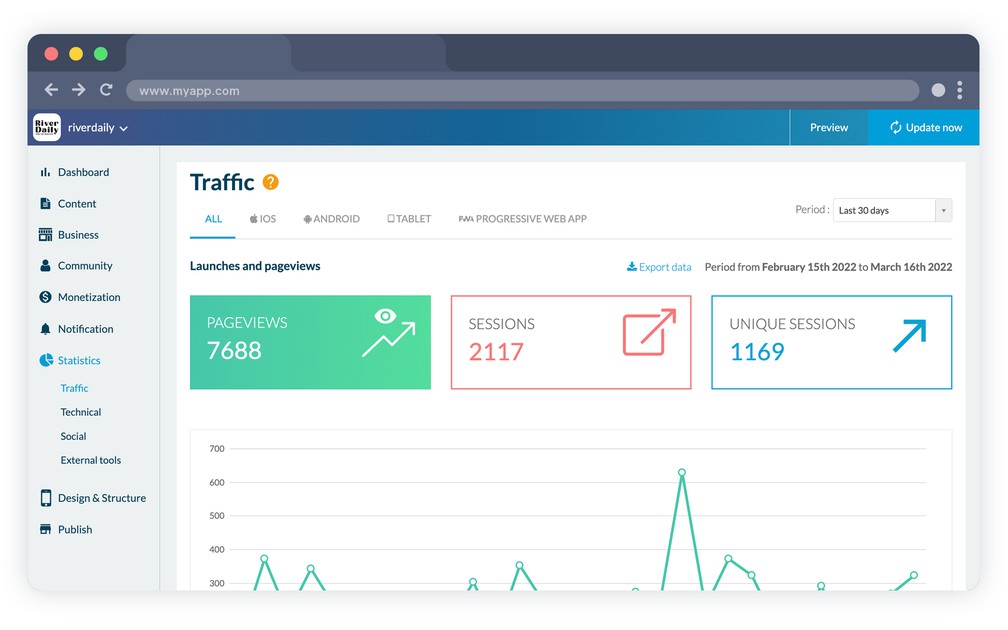
- ### Trafik
Analysera antalet starter, unika sessioner och sidvisningar.
- ### Filtrering efter period
Analysera statistiken inom en period du fastställer själv.
- ### Filtrering efter plattform
Native
Analysera statistiken per plattform.
- ### Obegränsad historik
Det finns ingen tidsgräns för hur länge statistiken för din app sparas.
- ### Nedladdningar
Native
Analysera antalet nedladdningar av din app, dag för dag eller vecka för vecka, eller från det första publiceringsdatumet i butikerna.
- ### Sessionens längd
Analysera hur mycket tid dina användare lägger i din app.
- ### Versioner av operativsystem och enhetsmodeller
Content appsNative
Analysera vilka versioner av operativsystem och vilka enhetsmodeller som används för att besöka din app.
- ### Positionerad
Content apps
Analysera var dina användare kommer ifrån: land, stad, språk.
- ### Export
Exportera statistiken för din app i .csv-format för vidare analys i ett annat verktyg.
- ### Samlad försäljning
eCommerce apps
Se direkt försäljningen din butik har genererat. Du får en direkt överblick över försäljningen i alla säljkanaler. Och en jämförelse med föregående period.
- ### Min apps publiceringsstatus
Se din apps publiceringsstatus med en blick. Det hjälper dig att veta vad du bör göra.
- ### Antal försäljningar
eCommerce apps
Följ antalet försäljningar under perioden. Och jämför direkt utvecklingen mot föregående period.
- ### Konverteringsgrad
eCommerce apps
Justera din marknadsföring och dina butiksinställningar utifrån din konverteringsgrad. Konverteringsgraden mäter försäljningarna som genomförts mot dem som inte slutförts. Den här graden jämförs med föregående period, så att du kan mäta din utveckling.
- ### Annan försäljningsstatistik
eCommerce apps
Få flera nyckeltal om din butik: konverteringstratt, tillägg i varukorgen, betalflöde och slutförda försäljningar. Nyckeltalen visas i förhållande till föregående period, så att du kan mäta din butiks resultat.
- ### Bästsäljare
eCommerce apps
Håll koll på bästsäljarna i din butik. Det låter dig följa lagersaldot. Och de marknadsföringsåtgärder som bör sättas in.
- ### Försäljning per enhet
eCommerce apps
Se vilka typer av enheter dina kunder använder för att handla. En värdefull uppgift om du längre fram vill lägga till en ny säljkanal som dina kunder gillar.
- ### Genomsnittlig varukorg
eCommerce apps
Vid sidan av samlad försäljning och antalet beställningar visar panelen den genomsnittliga varukorgen i din butik under perioden du väljer.
## Extern statistik+
- ### Google Analytics
PWANative
Koppla ditt Google Analytics-konto till din PWA och till dina native appar, på native-sidan genom Firebase, och få detaljerad statistik över hur din app används.
- ### Countly
Native
Du kan använda Countly för att få ytterligare statistik över användningen av din app.
- ### Meta Pixel & App Events
Integrera Meta Pixel (PWA) och Facebook App Events SDK (native) för att följa dina användares beteende.
- ### Google Tag Manager
PWA
Koppla din webbapp till Google Tag Manager: klistra in ditt container-ID i backofficet, och fastställ sedan dina taggar och utlösare från Googles gränssnitt utan att röra appen igen.
- ### AppsFlyer
Native
Koppla din app till ditt AppsFlyer-konto och mät vad dina marknadsföringskampanjer faktiskt ger, installation för installation.
## Intjäning+
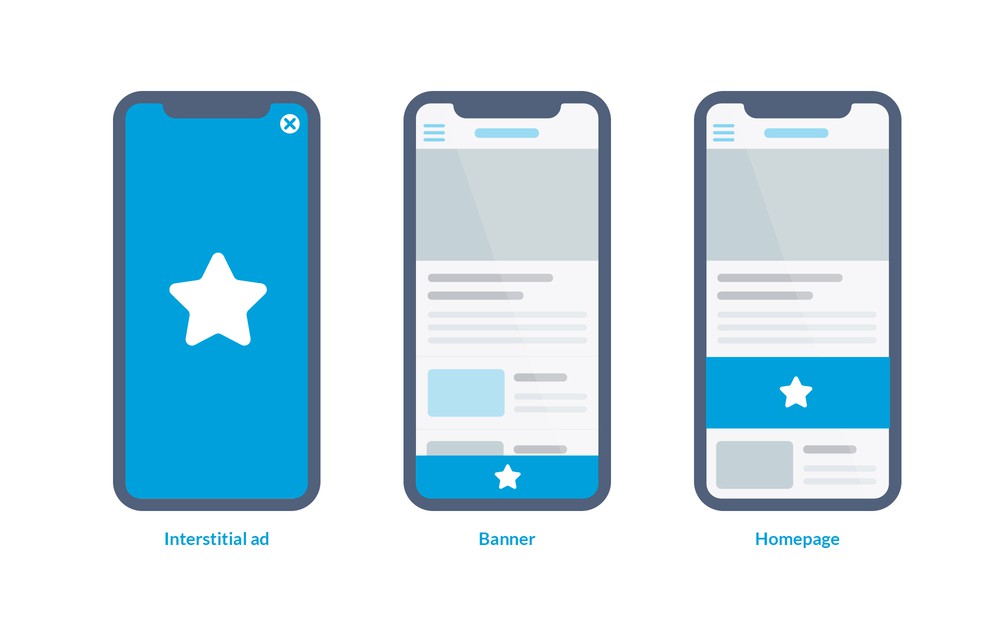
- ### Intern annonsserver
Använd GoodBarbers annonsserver för att visa annonser i din app.
- ### Hantering av kampanjer
Skapa och hantera annonskampanjer för att visa interstitiella annonser eller banners i din app.
- ### Visningsregler
För varje kampanj fastställer du ramarna för visningen av annonserna: antal visningar, antal klick och tidsperiod.
- ### Format som anpassar sig
Annonsernas format anpassas till skärmstorleken på enheten de visas på, så att visningen blir optimal.
- ### Interstitiella annonser
Visa interstitiella annonser när appen öppnas, eller medan innehållet läses.
- ### Banners
Visa annonser i bannerformat på alla sidor i din app.
- ### Rotation av visningar
Rotationen av annonsvisningar inom en kampanj styrs automatiskt.
- ### Statistik
Analysera hur dina kampanjer går med detaljerad statistik.
## Abonnemang+
[https://portal.ww-cdn.com/portal_static/images/addons/iap/Video1_LP_IAP.7167695a11c0.mp4](https://portal.ww-cdn.com/portal_static/images/addons/iap/Video1_LP_IAP.7167695a11c0.mp4)
- ### Abonnemang med automatisk förnyelse
Skapa intäkter och bygg en lojal användarbas med återkommande abonnemang
- ### Begränsning av innehåll
Nyckelfunktioner för att få ut mest möjliga av det begränsade innehållet. Med förhandsvisningen ger du dina användare en glimt av det begränsade innehållet. Använd Premium-märket för att locka användare som de stora abonnemangsbaserade apparna gör.
- ### Uppsättning av abonnemang
Skapa dina abonnemang så att de passar dina behov: veckovis, månadsvis eller årsvis, med ditt eget pris och dina egna introduktionserbjudanden.
- ### Kostnadsfri provperiod
Koppla en viss provperiod till vart och ett av abonnemangen. Det är en period då användaren har tillgång till det premiuminnehåll det valda abonnemanget ger rätt till, utan att debiteras.
- ### Hantering av prenumeranter:
En ny meny för att ordna dina prenumeranter efter deras abonnemangsstatus (aktiv, utgången, Grace Period eller Account Hold) och dina användare (icke-prenumeranter). Klicka på någon av dem för att se detaljerade uppgifter (e-post, abonnemangshistorik och så vidare) eller för att ge bort ett abonnemang. Prenumeranter i Grace Period eller Account Hold uppmanas att uppdatera sitt betalsätt.
- ### Anpassning av e-post
Anpassa varje e-postmeddelande som skickas till dina prenumeranter.
- ### Fler alternativ
Ge dina prenumeranter andra förmåner utöver ditt exklusiva innehåll. Du kan välja att stänga av annonser för dina prenumeranter, så att de får innehåll utan reklam
- ### Rabattkoder
Dela ut Apple-erbjudandekoder och rabattkoder till Google Play för att öppna ett abonnemang, vinna tillbaka en tidigare prenumerant eller köra en kampanj.
## Externa annonsnätverk+
- ### Annonsnätverk
Native
3 annonsnätverk kan slås på för din app: Google AdMob, Google Ad Manager och Meta Audience Network (genom AdMob-mediering).
- ### Annonsnätverk
PWA
2 annonsnätverk kan slås på för din app: AdSense och Google Ad Manager
- ### Enkel hantering
Du behöver bara ställa in några få parametrar för att börja tjäna pengar på din app.
- ### Inbyggd SDK
Native
SDK:erna för de externa annonsnätverken är redan inbyggda. De uppdateras regelbundet.
- ### Inställningar per plattform
Varje plattform skiljer sig från den andra, och därför går det att fylla i annonstaggarna som hör till varje plattform.
- ### Prioritering av kampanjer
Om flera kampanjer är uppsatta kan du fastställa en prioritetsordning, så att annonsutrymmet i din app utnyttjas på bästa möjliga sätt.
- ### Prioritering per plattform
Reglerna för kampanjernas visningsprioritet kan fastställas för varje plattform (iOS, Android, webb).
- ### Admob-mediering
Admob-mediering låter dig visa annonser från andra annonsnätverk och styra dem alla från ett ställe. Allt är samlat: all din statistik på en plattform, styrning av målgruppsinställningarna och flera källor för att fylla ditt annonsutrymme.
Koppla dina placeringar i Meta Audience Network till ditt AdMob-konto (AdMob-mediering), och låt AdMob styra vilka annonser som visas och ge en bättre användarupplevelse tack vare de högre krav som ställs på annonsörerna, vilket minskar risken för bedrägeriannonser.
- ### Native annonser
Native
Utöver banners och interstitiella annonser glider native annonser in i dina artikellistor och tar deras utseende, så att annonsen läses som en del av sidan. De kommer från Meta Audience Network genom AdMob-mediering.
- ### Samtyckeshantering och ads.txt
Att visa annonser i Europa innebär att samtycke måste hämtas in först: en samtyckesplattform byggd på Googles TCF-ramverk är inbyggd. Du anger också dina ads.txt- och app-ads.txt-filer, som nätverken läser för att veta vem som har rätt att sälja ditt annonsutrymme.
## Redo att bygga din app?
[Kom igång gratis](https://se.goodbarber.com/create/)[Se priser](https://se.goodbarber.com/pricing/content/)
---
# Support- och publiceringsfunktioner
Source: https://se.goodbarber.com/feature-index/support/
---
title: "Äkta mänsklig support för att bygga din app"
description: "I varje steg av bygget, och efter att din app har publicerats, står ett team av engagerade människor redo att hjälpa dig få ut mest möjliga av GoodBarber"
canonical_url: "https://se.goodbarber.com/feature-index/support/"
lang: sv
---
# Äkta mänsklig support
I varje steg av bygget, och efter att din app har publicerats, står ett team av engagerade människor redo att hjälpa dig få ut mest möjliga av GoodBarber
- [Support](#support)
- [Bygget](#the_build)
## Support+
- ### GoodBarber Help Center
GoodBarber ger tillgång till en stor kunskapsbas med detaljerade hjälpsidor på nätet och videor steg för steg.
- ### Dokumentation för utvecklare
Det finns detaljerad dokumentation som guidar utvecklare genom vissa inställningar.
- ### Teknisk support
Native
En riktig människa svarar på ditt mejl inom en arbetsdag, måndag till fredag. Skriv på ditt eget språk: vi svarar på det, eller på engelska om det är ett språk vi inte täcker. Teamet arbetar från våra kontor i Ajaccio på Korsika och i Coimbra i Portugal.
- ### AI-supportassistent
En AI-assistent finns tillgänglig från ditt backoffice. Den svarar utifrån GoodBarbers supportkunskap och läget i ditt eget projekt, hänvisar dig till rätt dokumentation och kan öppna ett ärende hos supportteamet när det behövs.
- ### GoodBarber Academy
Kostnadsfria kurser som gör dig bättre på att bygga din app, var och en att läsa i ett svep, både för innehållsappar och för butiker.
- ### Skräddarsydd utveckling
När ett projekt behöver något plattformen inte gör tar vårt team sig an skräddarsydd utveckling.
## Bygget+
- ### Guide till bygget
En guide steg för steg tar dig genom genereringen av din app: utvecklarkonton, certifikat och själva bygget.
- ### GoodBarber Takes Care
Överlåt bygget och inskickandet av dina iOS- och Android-appar till GoodBarber-teamet. De publicerar på dina egna utvecklarkonton, tar fram skärmbilderna till butikerna i alla storlekar som krävs och hanterar avslag från Apple och Google. Tjänsten fungerar med inskickningskrediter, en per inskickning och per butik.
- ### Guide till publiceringen
Ännu en guide tar vid när appen är byggd: skapande av din sida i App Store Connect och Google Play Console, ifyllnad av uppgifterna butikerna kräver, och själva inskickandet.
- ### GoodBarber Review
iOS
När du överlåter publiceringen av din iOS-app till GoodBarber Takes Care går vårt team igenom den före inskickandet, utan extra kostnad. Genomgången omfattar en grundlig kontroll av din app och vid behov en lista med rekommendationer som ökar chanserna att bli publicerad i App Store. Teamet genererar sedan appen och skickar den till Apple.
- ### Automatisk generering av skärmbilder
Med GoodBarber Takes Care tar vårt team fram skärmbilderna Apple och Google kräver, i alla storlekar de ber om. Publicerar du själv förklarar en guide hur du tar fram dem utifrån webbversionen av din app.
- ### Automatiserat bygge
iOSAndroid
När du sätter igång att bygga din app skickar du en förfrågan till en av våra byggservrar, som är 100 % automatiserade. Du kan snabbt hämta den körbara filen utan att behöva vänta på mänsklig inblandning, och du kan fortsätta att publicera din app.
- ### Loggning
En historik över publicerade versioner ger dig överblick över de större uppdateringarna som gjorts på din app.
- ### Bakåtkompatibilitet
När du uppdaterar inställningarna i din app tillämpas ändringarna även på tidigare publicerade versioner, så länge de är kompatibla.
- ### Förnyelse av certifikat
Ett förenklat flöde låter dig förnya dina byggcertifikat från ditt backoffice. Förnya dem innan de går ut, så att du undviker avbrott.
- ### Universell nedladdnings-URL
En enda smart URL skickar dina användare till rätt version av din app utifrån enheten de använder.
- ### Betatestning med TestFlight
iOS
Testa din app innan den går live: bjud in dina testare via e-post, så installerar de iOS-versionen av din app genom Apples TestFlight.
- ### Privat och olistad distribution
Alla appar hör inte hemma på en offentlig sida i en butik. Publicera olistad i App Store, distribuera genom Apple Business Manager, eller dela ut ett Android Ad Hoc-bygge, en exakt kopia av appen som publiceras i Play Store.
- ### Integritetsdeklarationer till butikerna
Båda butikerna ber dig ange vad din app samlar in. Guider visar vilka datatyper det gäller och vad de används till, så att du fyller i Google Play Data safety och Apple App Privacy utan att gissa.
## Redo att bygga din app?
[Kom igång gratis](https://se.goodbarber.com/create/)[Se priser](https://se.goodbarber.com/pricing/content/)
---
# GoodBarber MCP
Source: https://se.goodbarber.com/mcp/
---
title: "GoodBarber MCP — Koppla AI-assistenter till din app | GoodBarber"
description: "GoodBarber MCP är en Model Context Protocol-server som låter AI-assistenter som Claude och ChatGPT agera i din GoodBarber-app — hantera produkter, beställningar, push-notiser, innehåll och statistik via konversation. Läs vad det är, vad du kan göra med det och vem det passar."
canonical_url: "https://se.goodbarber.com/mcp/"
lang: sv
---
# GoodBarber MCP — Koppla AI-assistenter till din app | GoodBarber
Agent-redo
# GoodBarber MCP
Koppla AI-assistenter och agentflöden till din GoodBarber-app. Assistenter som Claude och ChatGPT kan hantera ditt innehåll, din butik, beställningar, marknadsföring och kunder — via konversation, säkert avgränsat till din app.
[Se hur du kopplar upp](#directories)[Vad du kan göra](#use-cases)
Finns i Claudes kopplingskatalog och ChatGPT:s pluginkatalog. Fungerar med alla MCP-kompatibla assistenter.
Din AI-assistent
Du
Schemalägg en push till ikväll för att annonsera sommarreän.
Assistent
Klart. Din push-notis är schemalagd till 18:00.
Push-notis schemalagd
Grunderna
## Vad är MCP?
MCP står för **Model Context Protocol** — en öppen standard som låter AI-assistenter ansluta till externa system på ett strukturerat, förutsägbart sätt, i stället för att kopiera information fram och tillbaka.
GoodBarber uppfann inte protokollet. Vi byggde **en server som talar det** — så att din assistent kan arbeta med din app ungefär som du gör från back office, men via naturligt språk.
**Din AI-assistent**Frågar på vanligt språk
**GoodBarber MCP**En väldefinierad koppling
**Din GoodBarber-app**Innehåll · butik · åtgärder
Lägg till en produkti din butik
Schemalägg en pushnotis
Uppdatera en artikeli ditt CMS
Avgränsat till din appgör bara vad du tillåter
I praktiken
## Vad gör GoodBarber MCP?
Det kopplar AI-assistenter och agentflöden till din apps **innehåll, butik och vardagliga åtgärder**. Be din assistent utföra en uppgift, och den gör det i din app när du är inloggad.
Varje åtgärd är **avgränsad till din egen app** — en assistent gör bara vad du tillåter. [Vad är MCP?](https://se.goodbarber.com/glossary/mcp/)
## Vad du kan göra med det
Konkreta uppgifter du kan lämna till en assistent idag.
### Hantera din butik
Lägg till produkter, ange varianter och priser och organisera dina kollektioner — utan att lämna konversationen.
### Hantera beställningar
Slå upp en beställning, kontrollera statusen, uppdatera frakt och håll uppfyllnaden i rörelse.
### Kör marknadsföring
Schemalägg en push-notis-kampanj eller skapa en rabattkod på några sekunder.
### Uppdatera innehåll
Publicera eller redigera artiklar och evenemang, och hantera media i din app.
### Kundinsikter och analys
Hitta en kund, kontrollera lojalitetsstatus och granska nedladdningar, sidvisningar och sessionstid.
## Vem det är för
GoodBarber MCP är för alla som vill koppla AI-assistenter till sin app.
### Utvecklare
Koppla din GoodBarber-app till de assistenter och agentverktyg du redan använder.
### Produkt- och marknadsföringsteam
Utför vardagliga uppgifter — innehåll, kampanjer, katalog — via konversation, utan back office.
### Byråer och återförsäljare
Hantera apparna du sköter åt kunder snabbare, och bygg assistentdrivna flöden ovanpå.
### Avancerade byggare
Utforska AI-nativa, agentdrivna sätt att driva och växa din app.
## Varför det spelar roll
I takt med att assistenter blir mer handlingsorienterade blir en strukturerad koppling till ditt app-ekosystem en verklig fördel.
#### En verklig fördel
Få app-byggare är agent-redo. GoodBarber levererar en MCP-server som är tillgänglig för alla kunder och finns i Claudes och ChatGPT:s kataloger, plus 44 färdiga Skills.
#### Mindre rutinarbete
Lämna repetitiva uppgifter till en assistent och håll fokus på besluten.
#### Agentflöden
Länka ihop åtgärder, från innehåll till handel, i den assistent du redan använder.
#### Nya integrationer
En standardkoppling öppnar din app för ett växande ekosystem av MCP-medvetna verktyg.
## Hitta GoodBarber i din assistent
GoodBarber finns i Claudes kopplingskatalog och i ChatGPT:s pluginkatalog. Sök, anslut, logga in med den publika API-nyckeln från ditt backoffice: inget att klistra in.
### I Claude
Öppna Customize, sedan Connectors, sök efter GoodBarber och klicka på Connect. Claude.ai, Claude Desktop och Claude mobile.
[Öppna posten i Claude](https://claude.ai/directory/424480c2-9956-40d4-8af3-5db873be30ed)[Guide för Claude](https://se.goodbarber.com/connect-claude-app/)
### I ChatGPT
Sök efter GoodBarber i ChatGPT:s katalog och anslut pluginen. Inget Developer mode, och gratisplanen fungerar.
[Öppna posten i ChatGPT](https://chatgpt.com/plugins/plugin_asdk_app_6a16d2ac52508191887344ea891be616?q=goodbarber)[Guide för ChatGPT & Codex](https://se.goodbarber.com/connect-chatgpt-app/)
### I vilken annan MCP-klient som helst
Cursor, VS Code, Windsurf, Codex CLI, Gemini CLI, n8n: ett kommando eller en URL, sedan samma inloggning.
[Se kommandona](#one-command)
## Anslut med ett kommando
En server för alla klienter. Välj din, klistra in kommandot och logga sedan in med den publika API-nyckeln från ditt backoffice.
Claude Code
`claude mcp add goodbarber --transport http https://mcp.goodbarber.dev/mcp/sse`
Codex CLI
`codex mcp add goodbarber --url https://mcp.goodbarber.dev/mcp/sse`
`codex mcp login goodbarber`
Gemini CLI
`gemini mcp add --transport http goodbarber https://mcp.goodbarber.dev/mcp/sse`
Cursor · VS Code · Windsurf
```
{
"mcpServers": {
"goodbarber": {
"url": "https://mcp.goodbarber.dev/mcp/sse"
}
}
}
```
För Cursor, VS Code och Windsurf klistrar du in detta i din MCP-konfigurationsfil.
## Vanliga frågor
**Vad är GoodBarber MCP?**
GoodBarber MCP är en Model Context Protocol-server från GoodBarber. Den låter AI-assistenter ansluta till din GoodBarber-app och utföra uppgifter — hantera innehåll, butik, beställningar, marknadsföring och kunder — via naturligt språk, avgränsat till din egen app.
**Vilka AI-assistenter kan jag använda?**
Alla MCP-kompatibla assistenter. GoodBarber finns i Claudes kopplingskatalog och i ChatGPT:s pluginkatalog, och samma server fungerar med Cursor, VS Code, Codex CLI, Gemini CLI, n8n och andra MCP-medvetna klienter.
**Vad kan jag göra med det?**
Du kan lägga till och uppdatera produkter, organisera kollektioner, hantera beställningar, schemalägga push-notiser, skapa rabattkoder, publicera artiklar och evenemang samt granska din apps statistik — bara genom att fråga din assistent.
**Är det säkert?**
Ja. Du loggar in innan något händer, och varje åtgärd är avgränsad till din egen app — en assistent kopplad till din app kan inte nå någon annans. Du behåller kontrollen och kan koppla från när som helst.
**Hur kopplar jag upp det?**
I Claude, öppna Customize, sedan Connectors, sök efter GoodBarber och klicka på Connect. I ChatGPT, hitta GoodBarber i pluginkatalogen och anslut den. Alla andra MCP-klienter: peka dem mot https://mcp.goodbarber.dev/mcp/sse. I samtliga fall loggar du in med den publika API-nyckeln från ditt backoffice. Steg-för-steg-guiderna för Claude och ChatGPT finns länkade nedan.
**Ingår det i mitt GoodBarber-abonnemang?**
GoodBarber MCP är en del av GoodBarber-plattformen — det finns inget separat MCP-abonnemang. Allt du behöver är en GoodBarber-app och en MCP-kompatibel AI-assistent.
**Vad är skillnaden mellan MCP-servern och de 44 Skills?**
MCP-servern är den aktiva kopplingen din assistent använder för att agera i din app. De 44 Skills är färdiga, öppen källkod-recept som omsluter vanliga GoodBarber-flöden så att assistenter kan köra dem direkt. De fungerar tillsammans: Skills anropar MCP-servern. Skills publiceras på GitHub och återförsäljare kan märka om dem.
## Nästa steg
Koppla din assistent, läs om hur [din app blev AI-agent-redo](https://www.goodbarber.com/blog/your-goodbarber-app-is-now-ai-agent-ready-44-skills-for-claude-code-cursor-and-any-mcp-client-a1520/), bläddra bland de öppen källkod-Skills eller ta kontakt. Läs också [varför en AI-backend slår att bygga egna AI-agenter](https://www.goodbarber.com/blog/your-app-is-an-ai-backend-why-agent-ready-beats-building-ai-agents-a1522/). Nytt: GoodBarber finns i Claudes kopplingskatalog och i [ChatGPT:s pluginkatalog](https://www.goodbarber.com/blog/goodbarber-is-now-in-the-chatgpt-plugin-directory-a1598/).
[Den kompletta MCP-guiden](https://se.goodbarber.com/mcp-complete-guide/)[Koppla Claude: steg-för-steg-guide](https://se.goodbarber.com/connect-claude-app/)[Anslut ChatGPT och Codex](https://se.goodbarber.com/connect-chatgpt-app/)[GoodBarber Skills på GitHub](https://github.com/goodbarber/goodbarber-skills)[Utforska GoodBarber AI](https://se.goodbarber.com/ai/)[Hjälpcenter](https://se.goodbarber.com/help/)[Kontakta oss](https://se.goodbarber.com/contact/)
## Sätt en AI-assistent i arbete på din app
Koppla GoodBarber MCP till den assistent du redan använder.
[Se hur du kopplar upp](#directories)[Bläddra bland Skills](https://github.com/goodbarber/goodbarber-skills)
---
# Koppla Claude till din app
Source: https://se.goodbarber.com/connect-claude-app/
---
title: "GoodBarber-koppling för Claude — hantera din app via chatt"
description: "GoodBarber finns i Claudes kopplingskatalog. Sök efter GoodBarber i Claude, klicka på Connect och hantera produkter, innehåll och push-notiser i en konversation."
canonical_url: "https://se.goodbarber.com/connect-claude-app/"
lang: sv
---
# GoodBarber-koppling för Claude — hantera din app via chatt
GoodBarber × Claude
# Koppla din GoodBarber-app till Claude
Hela din GoodBarber-backoffice, styrd genom konversation. Lista och redigera produkter, uppdatera priser och lager, publicera artiklar och evenemang och skicka push-notiser till din publik — allt på naturligt språk.
Den här kopplingen fungerar med **Claude.ai (webb), Claude Desktop och Claude mobile** och finns i Claudes kopplingskatalog.
Fungerar även med ChatGPT och Codex —[se guiden](https://se.goodbarber.com/connect-chatgpt-app/)
[Lägg till kopplingen](#setup)[Se exempelprompter](#usage)
Claude.ai (webb)Claude DesktopClaude mobil
Claude · GoodBarber ansluten
Du
Höj priset på produkten "Korsikansk honung" med 5 euro och skicka sedan en push för att tillkännage det.
Claude
Jag hittade "Korsikansk honung" för 18 €. Jag uppdaterar priset till 23 € och skickar en push-notis till dina kunder.
Bekräfta: uppdatera pris & skicka push
### Nytt: GoodBarber finns i Claudes kopplingskatalog
GoodBarber-kopplingen finns nu i Claudes kopplingskatalog. I Claude öppnar du Customize, sedan Connectors, söker efter GoodBarber och klickar på Connect: inget att klistra in, ingen anpassad koppling att skapa. Guiden nedan går igenom den vägen, vägen via en anpassad koppling och Claude Code.
[Öppna posten](https://claude.ai/directory/424480c2-9956-40d4-8af3-5db873be30ed)
## Förutsättningar
Två konton är allt du behöver för att komma igång.
### Ett GoodBarber-konto
Med minst en app.
- Fungerar med alla appar — funktioner för Shop, CMS, Community och Membership stöds.
- Kopplingen är begränsad till en enda app — den som hör till den API key du använder.
### Ett Claude-konto
Free, Pro, Max, Team eller Enterprise.
- Vissa Claude-abonnemang kan begränsa antalet anpassade kopplingar — kontrollera Anthropics aktuella abonnemangsvillkor.
- På **Team / Enterprise** kan en administratör behöva aktivera kopplingen för organisationen: medlemmar ser en Request-knapp i katalogen, och administratörer godkänner förfrågan via Organization settings.
## Installation — lägg till kopplingen
Två vägar till samma resultat: från katalogen på ungefär trettio sekunder, eller via URL om du hellre lägger till servern själv. Båda slutar på GoodBarbers inloggningsskärm.
### Väg A: från Claudes kopplingskatalog
Den rekommenderade vägen på Claude.ai, Claude Desktop och Claude mobile. Ungefär trettio sekunder, inget att klistra in.
1. #### Öppna Connectors i Claude
I Claude, öppna **Customize**, sedan **Connectors**.
2. #### Hitta GoodBarber och klicka på Connect
Sök efter **GoodBarber** i katalogen och klicka på **Connect**. GoodBarbers inloggningsskärm öppnas.
3. #### Ange din API key och godkänn
Klistra in en API key från din GoodBarber-backoffice. Varje nyckel är knuten till en app: det är den app som Claude kommer att hantera. Godkänn åtkomsten.
4. #### Klart
GoodBarber visas nu bland dina kopplingar och dess verktyg är tillgängliga i dina konversationer. När en uppgift kräver det kan Claude dessutom föreslå GoodBarber-kopplingen på eget initiativ.
På ett **Team**-abonnemang ser medlemmar som inte kan aktivera kopplingar en **Request**-knapp i stället för Connect. Förfrågan går till administratörerna i din organisation, som aktiverar GoodBarber för alla via Organization settings, sedan Connectors.
### Väg B: via URL, som anpassad koppling
Samma server, tillagd för hand. Praktiskt när din organisation begränsar kopplingar från katalogen, eller när du ansluter via en white label-slutpunkt som Reseller.
1. #### Öppna Connectors i Claude
I Claude, öppna **Customize**, sedan **Connectors**.
2. #### Lägg till en anpassad koppling
Klicka på **Add custom connector**.
3. #### Klistra in URL:en till GoodBarbers MCP-server
`https://mcp.goodbarber.dev/mcp/sse`
4. #### Lämna OAuth-fälten tomma
Lämna fälten OAuth Client ID / Secret tomma — GoodBarber registrerar din klient automatiskt (Dynamic Client Registration).
5. #### Klicka på Add
Klicka på **Add**. GoodBarbers inloggningsskärm visas.
6. #### Ange din API key och godkänn
På GoodBarbers inloggningsskärm anger du en API key från din GoodBarber-backoffice. Varje nyckel är knuten till en app — det är den app som Claude kommer att hantera. Godkänn åtkomsten.
7. #### Klart
GoodBarbers verktyg är nu tillgängliga i dina Claude-konversationer.
Din session är begränsad till den enda app som är knuten till din API key. Vilka verktyg du ser beror på vilka tjänster som är aktiverade för den appen (Shop, CMS, Community, Membership).
### Använder du Claude Code?
Ett kommando lägger till GoodBarber-kopplingen. Vid det första verktygsanropet öppnar Claude Code GoodBarbers auktoriseringssida: klistra in din publika API-nyckel och bekräfta.
`claude mcp add goodbarber --transport http https://mcp.goodbarber.dev/mcp/sse`
## Användning — exempelprompter
När du är ansluten är det bara att fråga Claude på vanligt språk. Här är några exempel för att komma igång.
Vill du gå vidare? Bläddra bland våra skills med öppen källkod för Claude på [github.com/goodbarber/goodbarber-skills](https://github.com/goodbarber/goodbarber-skills)
### Katalog & produkter
- Lista mina senaste produkter med pris och lager.
- Visa detaljerna för [product name].
- Höj priset på [product name] med 5 euro.
- Skapa en ny produkt som heter [name].
### Innehåll (CMS)
- Lista mina senaste artiklar.
- Skapa en publicerad artikel med titeln [title] som tillkännager [message].
- Skapa ett evenemang den [date] som heter [name].
### Beställningar & kunder
- Visa mina senaste beställningar och deras leveransstatus.
- Markera beställning #[id] som skickad.
- Lista mina kunder.
### Marknadsföring
- Skicka en push-notis till mina kunder för att tillkännage [message].
Claude ber om din bekräftelse innan någon känslig åtgärd — att skapa, uppdatera, ta bort eller skicka en push.
## Vad du kan göra
Exakt vilken uppsättning verktyg som är tillgänglig beror på vilka tjänster som är aktiverade för din GoodBarber-app.
|Område|Funktioner|
|---|---|
|Shop|Bläddra bland, skapa och redigera produkter, hantera priser och lager, visa och uppdatera beställningar och leveranser, visa kunder, skicka push-notiser.|
|CMS|Skapa och redigera artiklar, evenemang, fotogallerier och videor.|
|Community / Membership|Visa aktiva prenumeranter, skicka push-notiser.|
## Säkerhet & integritet
Din anslutning är privat, begränsad till en enda app och kan återkallas när som helst.
#### OAuth 2.1 med PKCE
Autentiseringen använder OAuth 2.1 med PKCE. Din GoodBarber API key delas aldrig med Claude.
#### Begränsad till en enda app
Varje anslutning är begränsad till en enda app — Claude kan bara komma åt den app du godkänt, aldrig andra GoodBarber-konton.
#### Återkalla när som helst
Du kan återkalla åtkomsten när som helst från ditt GoodBarber-konto, eller genom att ta bort kopplingen i Claude.
#### Integritetspolicy
Läs hur vi hanterar dina uppgifter i vår [Integritetspolicy.](https://se.goodbarber.com/privacy/)
## Support
Behöver du hjälp med att ansluta eller använda GoodBarber-kopplingen? Vi finns här för dig.
[Kontakta oss](https://se.goodbarber.com/contact/)[Besök vårt hjälpcenter](https://se.goodbarber.com/help/)
## Driv din app från en konversation
Koppla GoodBarber till Claude och hantera dina produkter, ditt innehåll och dina push-notiser på vanligt språk.
[Lägg till kopplingen](#setup)[Se exempelprompter](#usage)
---
# Koppla ChatGPT till din app
Source: https://se.goodbarber.com/connect-chatgpt-app/
---
title: "GoodBarber MCP: Anslut ChatGPT & Codex — GoodBarber"
description: "Anslut ChatGPT eller OpenAI Codex till din GoodBarber-app via MCP. Hantera produkter, push-notiser och medlemmar med valfri OpenAI-assistent."
canonical_url: "https://se.goodbarber.com/connect-chatgpt-app/"
lang: sv
---
# GoodBarber MCP: Anslut ChatGPT & Codex — GoodBarber
GoodBarber MCP
# Anslut ChatGPT och Codex till din GoodBarber-app
GoodBarber talar MCP, den öppna standarden för AI-assistenter. Anslut ChatGPT eller OpenAI Codex och styr din app i klartext — produkter, innehåll, medlemmar, push.
[Kom igång med Codex](#codex)[Kom igång med ChatGPT](#chatgpt)
CodexChatGPT (desktop & webb)
GoodBarber
Du
Skicka en push-notis till alla mina kunder om vårrealisationen.
ChatGPT
Klart — din push-notis för vårrealisationen har skapats och ställts i kö för utsändning till dina kunder.
Push skapad och köad
GoodBarber har en egen MCP-server. ChatGPT når den via GoodBarber-pluginen i sin katalog, och Codex ansluter till den direkt. Konfigurera en gång med ditt GoodBarber-konto, sedan styr du appen från den assistent du redan använder.
### GoodBarber finns i ChatGPT:s pluginkatalog
GoodBarber-pluginen finns i ChatGPT:s katalog: sök efter GoodBarber, anslut och styr din app med naturligt språk. Inget Developer mode behövs. Stegen finns nedan, tillsammans med Codex och anslutningen till den fullständiga MCP-servern.
[Öppna posten](https://chatgpt.com/plugins/plugin_asdk_app_6a16d2ac52508191887344ea891be616?q=goodbarber)[Läs nyheten](https://www.goodbarber.com/blog/goodbarber-is-now-in-the-chatgpt-plugin-directory-a1598/)
För utvecklare
## Codex
OpenAI Codex-appen är en fullständig MCP-klient. Lägg till GoodBarber en gång i inställningarna så är den tillgänglig i alla dina projekt.
### En GoodBarber-app
- En aktiv GoodBarber-app
- Administratörsåtkomst till den app du vill ansluta
### Codex-appen
- OpenAI Codex-appen installerad på din dator
- Ett inloggat OpenAI-konto
1. #### Öppna MCP servers i Codex
I Codex-appen, gå till Settings, sedan Integrations och sedan MCP servers.
2. #### Lägg till ett anpassat MCP
Klicka på Connect to a custom MCP för att öppna anslutningsformuläret.
3. #### Namnge kopplingen
Skriv GoodBarber i namnfältet.
4. #### Välj Streamable HTTP
Under Transport, välj Streamable HTTP (inte STDIO).
5. #### Klistra in server-URL:en
`https://mcp.goodbarber.dev/mcp/sse`
6. #### Lämna Bearer token tomt
Fyll inte i fältet för Bearer token. Att lämna det tomt är det som aktiverar den säkra inloggningen.
7. #### Spara
Klicka på Spara. Codex öppnar din webbläsare för att godkänna anslutningen.
8. #### Godkänn GoodBarber
Logga in på GoodBarber och godkänn åtkomsten. Du skickas tillbaka till Codex, nu ansluten.
9. #### Du är ansluten
GoodBarbers verktyg är nu tillgängliga i Codex. Be den hantera din app i klartext.
Obs: fältet för Bearer token måste vara tomt. Klistrar du in ett token där hoppar Codex över GoodBarber-inloggningen och anslutningen kommer inte att godkännas.
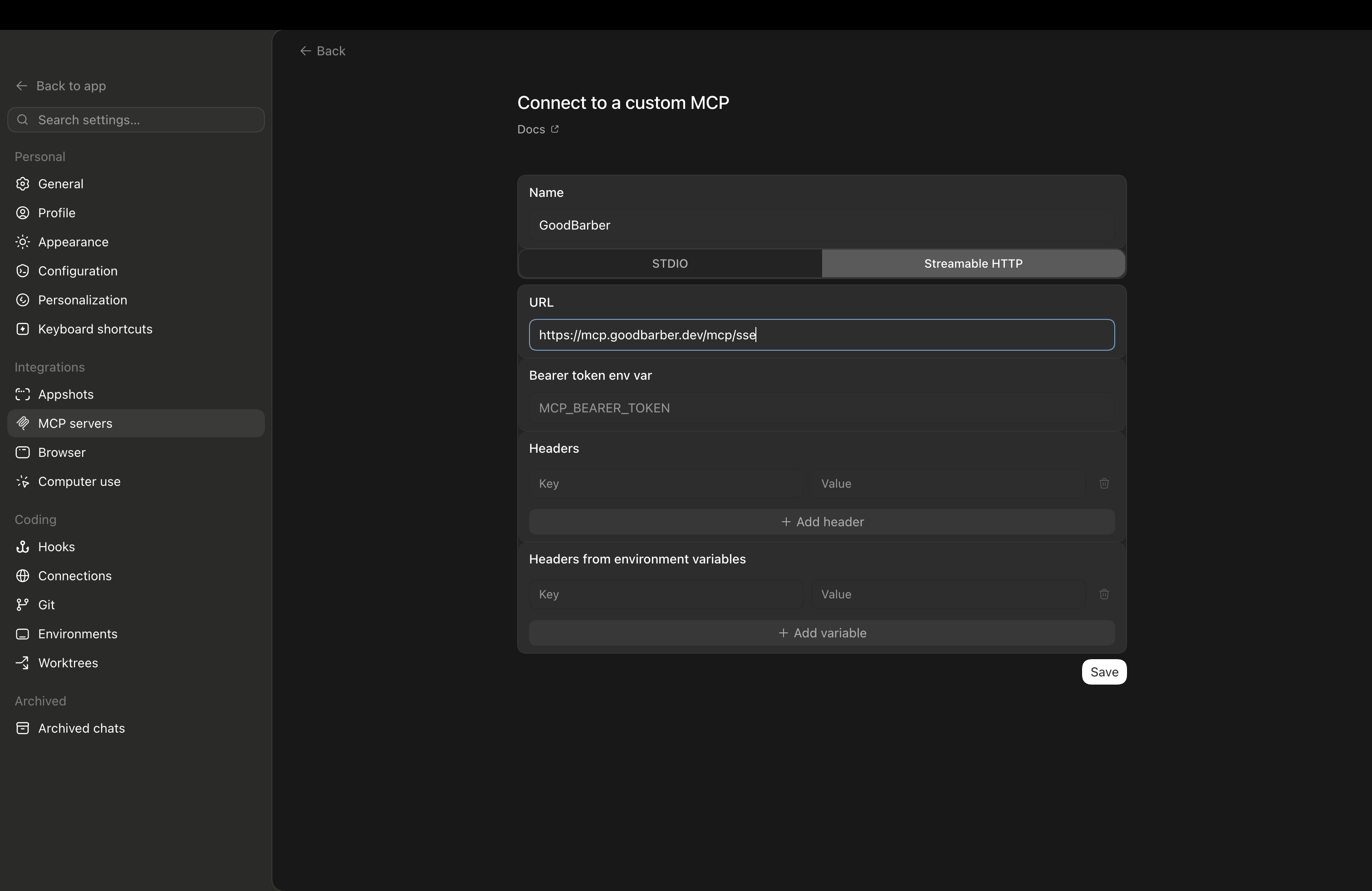
*Formuläret Connect to a custom MCP: namnge GoodBarber, välj Streamable HTTP, ange server-URL:en och lämna Bearer token tomt.*
### Använder du Codex CLI?
Två kommandon: det första registrerar GoodBarber-servern, det andra öppnar auktoriseringssidan där du klistrar in din publika API-nyckel.
`codex mcp add goodbarber --url https://mcp.goodbarber.dev/mcp/sse`
`codex mcp login goodbarber`
För alla
## ChatGPT (desktop & webb)
Två metoder: Installera GoodBarber-pluginet från ChatGPTs pluginkatalog eller lägg till hela MCP-servern som ett anpassat plugin i utvecklarläge.
### En GoodBarber-app
- En aktiv GoodBarber-app
- Administratörsåtkomst till den app du vill ansluta
### Ett ChatGPT-konto
- Ett ChatGPT-konto. För metod B beror tillgången till utvecklarläge på ditt konto och reglerna för din arbetsyta.
- Utvecklarläge aktiverat, endast för metoden med ett anpassat plugin.
### Väg A: GoodBarber-pluginen från ChatGPT:s katalog
Den rekommenderade vägen för alla: inget Developer mode, och gratisplanen fungerar.
1. #### Hitta GoodBarber i ChatGPT
Öppna pluginkatalogen i ChatGPT och sök efter **GoodBarber**, eller öppna pluginsidan direkt via knappen ovan.
2. #### Anslut och logga in
Klicka på **Connect**. Logga in på GoodBarber med en API-nyckel från ditt backoffice och godkänn åtkomsten. Varje nyckel är knuten till en app: det är den app som ChatGPT kommer att hantera.
3. #### Fråga i valfritt samtal
Nämn GoodBarber, eller fråga bara rakt ut: skapa en artikel, slå upp en medlem, skicka en push-notis. Skrivåtgärder ber om din bekräftelse innan de körs.
### Metod B: hela MCP-servern som ett anpassat plugin
Lägg till GoodBarbers MCP-server i ChatGPT genom att följa stegen nedan. Den här metoden kräver tillgång till utvecklarläge.
1. #### Aktivera utvecklarläge
Öppna **Inställningar** i ChatGPT och sedan **Säkerhet och inloggning**. Aktivera **Utvecklarläge** i avsnittet **Utvecklarläge**.
2. #### Lägg till ett nytt plugin
Öppna **Plugins** i inställningarna och klicka på **Bläddra bland plugins**. Klicka på knappen **+** längst upp till höger på sidan Plugins för att öppna formuläret **Nytt plugin**.
3. #### Ge pluginet ett namn
Ange **GoodBarber** i fältet **Namn**. Ikonen och beskrivningen är valfria.
4. #### Ange serverns URL
`https://mcp.goodbarber.dev/mcp/sse`
5. #### Välj OAuth
Ställ in autentisering på OAuth så att ChatGPT loggar in dig på GoodBarber på ett säkert sätt.
6. #### Skapa pluginet och ge GoodBarber åtkomst
Läs varningen från ChatGPT, markera **Jag förstår och vill fortsätta** och klicka på **Skapa**. Följ sedan stegen för att logga in på GoodBarber och godkänn åtkomsten till din app.
7. #### Använd GoodBarber i en konversation
Starta en ny konversation i ChatGPT och lägg till **GoodBarber** från verktygsmenyn. Du kan sedan till exempel be om: ”Lista artiklarna i min app.”
Developer mode är en betafunktion, så gränssnittet kan förändras med tiden, och skrivåtgärder ber dig bekräfta innan de körs. Tillgången till Developer mode kan bero på ditt konto och reglerna för din arbetsyta.
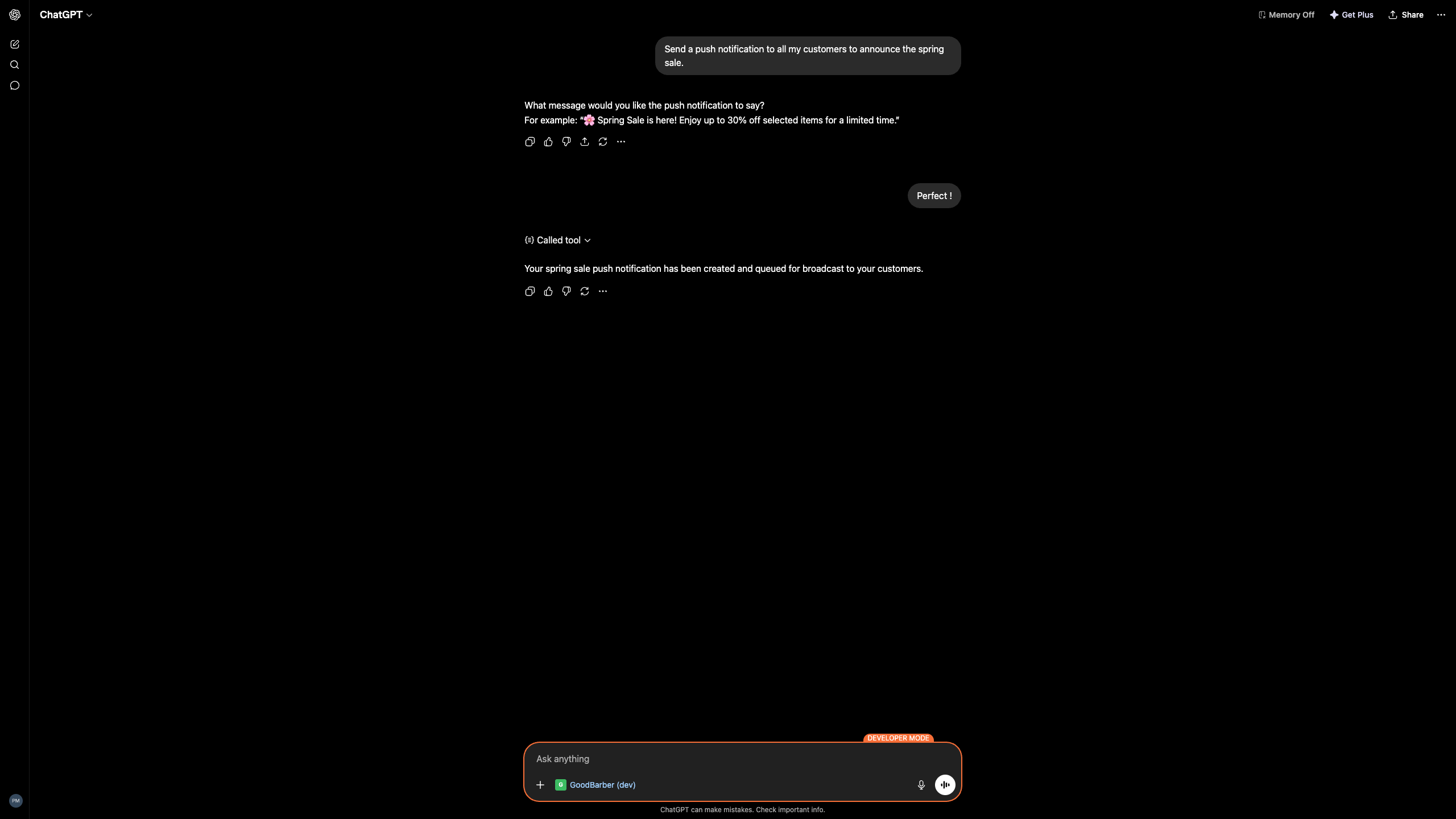
*ChatGPT anropar GoodBarber för att skapa och köa en push-notis.*
## Vad du kan göra med det
Förfrågningar i klartext; GoodBarber utför arbetet i din app. Några saker vårt team testade:
### Innehåll
Skapa en publicerad artikel med titeln Spring Sale som annonserar 20% rabatt på hela katalogen till och med den 30 juni.
Skapade och publicerade artikeln, med 20%-rabatt-annonsen.
### Push-notiser
Skicka en push till alla mina kunder om vårrealisationen.
Skapade pushen och lade den i kö för utsändning, efter att du godkänt texten.
### Föredrar du en Custom GPT?
Du kan också ansluta GoodBarber via en Custom GPT med Actions — en annan väg än MCP, praktisk när du hellre vill dela en färdig assistent med ditt team. Vi länkar GoodBarber GPT här när den är live i GPT Store.
## Bra att veta
Några ärliga begränsningar innan du börjar.
#### Codex använder Streamable HTTP
I Codex, välj transportalternativet Streamable HTTP — instruktionerna ovan använder rätt alternativ.
#### Tillgängliga åtgärder beror på din plan
Vilka GoodBarber-åtgärder assistenten kan utföra beror på din GoodBarber-plan och dina administratörsrättigheter.
#### Developer mode är i beta (vägen via anpassad koppling)
Developer mode är en betafunktion i ChatGPT; tillgänglighet och beteende kan ändras, så det är värt att hålla koll på OpenAIs sida. Vägen via pluginen använder det inte.
#### Du behåller kontrollen
Skrivåtgärder ber om din bekräftelse innan de körs, och du kan återkalla åtkomsten när som helst.
## Din app förblir din
Att ansluta en assistent innebär inte att du lämnar ifrån dig nycklarna.
#### Säker inloggning
Du ansluter via OAuth: du loggar in på GoodBarber och godkänner åtkomsten. Inget lösenord eller token delas med assistenten.
#### Begränsat till dina rättigheter
Assistenten kan bara göra det som ditt eget GoodBarber-konto redan tillåter — inget mer.
#### Återkalla när som helst
Koppla bort GoodBarber från Codex eller ChatGPT när du vill; åtkomsten upphör omedelbart.
#### Integritet by design
GoodBarber håller sina integritetsåtaganden för varje anslutning. Läs vår integritetspolicy.
## Vad du gör härnäst
[Läs mer om GoodBarber MCP](https://se.goodbarber.com/mcp/)[Föredrar du Claude? Läs den guiden](https://se.goodbarber.com/connect-claude-app/)[Utforska GoodBarber-funktionerna på GitHub](https://github.com/goodbarber/goodbarber-skills)[Besök hjälpcentret](https://se.goodbarber.com/help/)
## Styr din app via ett samtal
Anslut GoodBarber till ChatGPT eller Codex och hantera produkter, innehåll, medlemmar och push i klartext.
[Kom igång med Codex](#codex)[Kom igång med ChatGPT](#chatgpt)
---
# GoodBarber MCP: den kompletta guiden
Source: https://se.goodbarber.com/mcp-complete-guide/
---
title: "GoodBarber MCP: Den kompletta guiden (2026)"
description: "GoodBarbers MCP-server kopplar Claude, ChatGPT och alla AI-agenter till din app. Varje integration, handledning och arbetsflöde på ett ställe."
canonical_url: "https://se.goodbarber.com/mcp-complete-guide/"
lang: sv
date: 2026-09-09
last_updated: 2026-09-09
---
# GoodBarber MCP: Den kompletta guiden (2026)
Den kompletta guiden
# GoodBarber MCP: den kompletta guiden
GoodBarbers MCP-server kopplar din app till Claude, ChatGPT och alla andra AI-assistenter, så att du kan driva ditt innehåll, din butik och dina kampanjer genom konversation. Allt vi har publicerat om det, samlat på ett ställe. [Vad är MCP?](https://se.goodbarber.com/glossary/mcp/)
[Anslut din assistent](https://se.goodbarber.com/connect-claude-app/)[Bläddra bland guiderna](#cluster)
Fungerar med Claude, ChatGPT och alla MCP-kompatibla assistenter.
Senast uppdaterad: september 2026
Din AI-assistent
Du
Schemalägg en push i kväll för att meddela sommarrean.
Assistent
Klart. Din push är schemalagd till kl. 18:00.
Push-notis schemalagd
Grunderna
## Vad är GoodBarber MCP?
GoodBarber MCP är en server som låter en AI-assistent styra din app direkt. Den talar Model Context Protocol, den öppna standarden som introducerades 2024, så att en assistent som Claude eller ChatGPT kan arbeta med din app på samma sätt som du gör från backoffice, bara genom konversation.
Den täcker den operativa sidan av din app: innehåll, push-notiser, produkter, beställningar och medlemmar. Den rör inte din design eller layout, som förblir i dina händer i GoodBarber-byggaren. MCP är en snabbare väg in, inte en ersättning för kontrollpanelen du känner.
[Se sidan för MCP-servern](https://se.goodbarber.com/mcp/)
**Din AI-assistent**Frågar på vanligt språk
**GoodBarber MCP**En säker anslutning
**Din GoodBarber-app**Innehåll, butik, åtgärder
## MCP-ekosystemet 2026
På knappt ett år gick MCP från en ny standard till delad branschinfrastruktur.
97M+
nedladdningar av MCP SDK per månad
Anthropic, 2025-2026
9,400+
Publika MCP-servrar
Official MCP Registry, 2026
41%
av företagen kör MCP i produktion
Stacklok, State of MCP 2026
$45B
marknad för agentbaserad AI till 2030, upp från 8,5 miljarder dollar 2026
Deloitte
MCP donerades till Linux Foundation i slutet av 2025, vilket gjorde det till en neutral, branschövergripande standard, samma sorts öppna hem som förvaltar Linux och Kubernetes.
## Vad din AI kan göra med GoodBarber MCP
När anslutningen är klar kan en assistent sköta den dagliga driften av din app, och du godkänner varje åtgärd.
### Innehåll och artiklar
Skapa utkast, redigera, publicera och ordna om artiklar, evenemang, sidor, foton, videor och poddar i ditt CMS.
### Push-notiser
Skriv, rikta och schemalägg push-kampanjer, till alla eller till specifika användargrupper.
### Produkter och butik
Lägg till och uppdatera produkter, varianter, kollektioner, priser och media i din butik.
### Beställningar och rabattkoder
Slå upp beställningar, uppdatera leveransstatus och skapa rabattkoder för en kampanj.
### Medlemmar och statistik
Slå upp användare och medlemskap, hantera prenumerationer och läs statistiken för din app.
### Hantering av flera appar
Byråer driver en hel portfölj av kundappar via en enda assistent.
## Alla artiklar om GoodBarber MCP
Hela biblioteket, grupperat efter var du befinner dig på din resa.
### Börja här, grunderna
[Vi presenterar GoodBarbers MCP-serverLanseringsnyheten: vad servern är och din första smak av att driva en app genom konversation.](https://www.goodbarber.com/blog/your-app-now-on-voice-command-introducing-goodbarber-s-mcp-server-a1490/)[Använd ChatGPT med GoodBarber, helt utan kodDen kodfria ingången för icke-tekniska ägare, med färdiga prompter att kopiera.](https://www.goodbarber.com/blog/use-chatgpt-with-goodbarber-run-your-app-without-code-a1525/)[Skapa push-notiser med AISkapa utkast och schemalägg push-notiser direkt från en prompt.](https://www.goodbarber.com/blog/the-goodbarber-mcp-server-goes-further-create-push-notifications-with-ai-a1514/)
### För avancerade användare
[Varför en AI-backend slår att bygga AI-agenterDet strategiska argumentet för en agentredo plattform framför en påklistrad chatbot.](https://www.goodbarber.com/blog/your-app-is-an-ai-backend-why-agent-ready-beats-building-ai-agents-a1522/)[Automatisera din app med n8n och MCPBygg flerstegsflöden utan kod ovanpå MCP-servern.](https://www.goodbarber.com/blog/how-to-automate-your-goodbarber-app-with-n8n-and-mcp-%E2%80%94-no-code-required-a1523/)[Agentredo appar: varför din app måste kunna styras av AITankarna bakom att göra din app användbar för vilken AI-agent som helst 2026.](https://www.goodbarber.com/blog/agent-ready-apps-why-your-app-must-be-ai-operable-in-2026-a1527/)[Vertikala AI-agenter för din appAktivera den vertikala agenten som redan finns i din app — varje Skill blir en agent som din AI kan köra.](https://www.goodbarber.com/blog/vertical-ai-agents-for-your-app-%E2%80%94-no-code-required-a1534/)[Sköt din redaktionella kalender med en agentEn redaktionell agent som planerar, skriver utkast och schemalägger ditt innehåll.](https://www.goodbarber.com/blog/ai-content-publishing-run-your-app-s-editorial-calendar-with-an-agent-a1532/)
### För byråer
[10 appar, 1 agent, 20 minuter om dagenSå driver byråer en hel portfölj av kundappar via en enda assistent.](https://www.goodbarber.com/blog/10-apps-1-agent-20-minutes-a-day-manage-multiple-goodbarber-apps-with-ai-a1533/)
### RAG och chatbotar
[RAG Chatbot: AI som svarar utifrån ditt innehållDen kundvända chatboten som svarar användare med enbart ditt publicerade innehåll.](https://www.goodbarber.com/blog/rag-chatbot-ai-that-answers-using-your-published-content-a1465/)[Bästa praxis för din RAG ChatbotSå matar, finjusterar och avgränsar du chatboten så att svaren förblir tillförlitliga.](https://www.goodbarber.com/blog/best-practices-to-set-up-your-rag-chatbot-using-goodbarber-a1484/)
## Så kommer du igång
Tre steg, ingen kod, några minuter.
1
### Anslut din assistent
Sök efter GoodBarber i Claudes kopplingskatalog eller ChatGPT:s pluginkatalog och klicka på Connect, eller peka Cursor och vilken annan MCP-klient som helst mot MCP-endpunkten. Logga in med den publika API-nyckeln från ditt backoffice.
2
### Testa en riktig uppgift
Be agenten att göra något litet, som att skapa ett utkast till en push eller rätta ett stavfel i en artikel, och granska och godkänn sedan resultatet.
3
### Väx in i arbetsflöden
Gå vidare till schemalagt innehåll, flerstegsautomationer eller att hantera flera appar samtidigt. Guiderna ovan tar dig resten av vägen.
Snabbaste vägen: ett kommando i Claude Code, be sedan din assistent om det du behöver.
`claude mcp add goodbarber --transport http https://mcp.goodbarber.dev/mcp/sse`
[Alla klienter, på utvecklarsidan](https://se.goodbarber.com/developers/)
[Öppna sidan för MCP-servern](https://se.goodbarber.com/mcp/)
## Vanliga frågor
**Vad kan jag göra med GoodBarber MCP som jag inte kunde tidigare?**
Driv din app genom konversation i stället för att klicka dig fram i kontrollpanelen. En assistent kan skapa utkast och publicera innehåll, förbereda push-notiser, uppdatera dina produkter och beställningar, skapa rabattkoder och slå upp medlemmar, allt från en prompt, medan du granskar varje åtgärd.
**Behöver jag kunna koda?**
Nej. Den vanligaste ingången är att ansluta en assistent du redan använder, som ChatGPT, och ge den instruktioner på vanligt språk. Att koda låter dig bygga mer avancerade automationer, men det krävs inte.
**Vilka AI-assistenter fungerar med GoodBarber MCP?**
Vilken MCP-kompatibel klient som helst, eftersom MCP är en öppen standard. Det inkluderar Claude, ChatGPT, Claude Code, Cursor och automationsverktyg som n8n. GoodBarber finns i Claudes kopplingskatalog och i ChatGPT:s pluginkatalog.
**Är GoodBarber MCP tillgängligt i alla abonnemang?**
MCP-servern är en del av GoodBarber-plattformen, det finns ingen separat MCP-prenumeration. Allt du behöver är en GoodBarber-app och en MCP-kompatibel assistent.
**Hur skiljer sig det här från AI Extension Builder?**
AI Extension Builder använder AI för att skapa en ny sektion i din app vid byggtillfället, den hjälper dig att skapa appen. MCP låter en assistent styra din live-app genom konversation, efter att den är byggd. Den ena bygger, den andra driver.
## Sätt en AI-assistent i arbete på din app
Anslut GoodBarber MCP till assistenten du redan använder.
[Anslut din assistent](https://se.goodbarber.com/connect-claude-app/)[Bläddra bland Skills på GitHub](https://github.com/goodbarber/goodbarber-skills)
---
# Alternativ till GoodBarber (översikt)
Source: https://se.goodbarber.com/vs/
---
title: "GoodBarber-alternativ (2026): GoodBarber vs de andra no-code- och AI-plattformarna"
description: "Alla våra jämförelser med no-code- och AI-plattformarna för app-byggande — Adalo, Thunkable, Bubble, Glide, Base44, Emergent, Rork. GoodBarber publicerar äkta nativa iOS- och Android-appar, allt inkluderat."
canonical_url: "https://se.goodbarber.com/vs/"
lang: sv
date: 2026-06-05
last_updated: 2026-06-23
---
# GoodBarber-alternativ (2026): GoodBarber vs de andra no-code- och AI-plattformarna
Jämförelser 2026
# Jämför GoodBarber med de andra no-code- och AI-plattformarna
GoodBarber bygger äkta nativa iOS- och Android-appar, utan kod. Här är våra ärliga jämförelser med de viktigaste no-code- och AI-plattformarna på marknaden.
Senaste uppdatering: Juni 2026
[Kom igång gratis](https://se.goodbarber.com/create/)[Se priser](https://se.goodbarber.com/pricing/content/)
## Kort sagt: vilket alternativ ska du välja?
**För en nativ mobilapp, publicerad i App Store och Google Play med inbyggd push, e-handel och användarkonton, är GoodBarber den direkta vägen** — allt ingår, utan tredjepartstjänster att sätta ihop. Mobila byggare, webbplattformar och AI-generatorer svarar var och en mot ett olika behov. Skillnaden ligger i det faktiska resultatet.
## GoodBarber mot alternativen: helhetsbilden
Den sista kolumnen visar vad varje verktyg är gjort för.
|Plattform|Nativa iOS- & Android-appar|Inbyggd push|Mobil e-handel|Data i Europa|Främst gjort för…|
|---|---|---|---|---|---|
|GoodBarber|Swift + Kotlin kompilerat|Upp till 250 000/månad|22 gateways, 0 % provision|EU-servrar|Nativa mobilappar, icke-tekniska team|
|Mobila no-code-verktyg||||||
|Adalo|Via nativ build|Via eget system|Delvis||Mobilappar på ett datadrivet canvas|
|Thunkable|Nativ påstådd (omdebatterad)|Via nativa funktioner|Ingen e-handel||Blockbaserade mobilappar, makers & utbildning|
|FlutterFlow|Native Flutter-build|Via integrationer|Ingen e-handel||Flutter-appar, utvecklare och tekniska team|
|BuildFire|Nativ påstådd (omdebatterad)|Ingår, med nivågräns|Delvis||Plugin-baserade mobilappar + nyckelfärdiga builds|
|Webb- & affärsplattformar||||||
|Bubble|Webb / wrapper|Via plugins|Via plugins||No-code-webbappar, tekniska profiler|
|Glide|Webb & PWA|Borttaget i dec. 2024|Ingen e-handel||Interna webbverktyg från data|
|AppSheet|Web & PWA|Via automatisering|Ingen e-handel||Datadrivna affärsappar från kalkylark|
|AI-app-generatorer||||||
|Base44|Webbapp via AI|Ingen nativ push|Ingen e-handel||Allt-i-ett-webbapp genererad med AI|
|Emergent|Genererad full-stack-app|Ingen nativ push|Ingen e-handel||Full-stack-prototypning via AI-prompt|
|Rork|Genererad React Native|Ingen nativ push|Ingen e-handel||Mobil app-generering via AI|
|Lovable|AI-genererad webbapp|Ingen nativ push|Ingen e-handel||Webbappar genererade via AI-prompt|
|Bolt.new|AI-genererad, koden är din|Ingen nativ push|Ingen e-handel||Produktionskod du äger – för utvecklare|
Se hela tabellen
En sammanfattande jämförelse — varje rad utvecklas, källhänvisas och nyanseras på sin egen sida. ◐ = delvis / beroende på konfiguration. Nya jämförelser läggs till regelbundet.
## Alla jämförelser, per kategori
Grupperade efter verktygstyp — kriteriet som förändrar jämförelsen mest.
Mobila no-code-verktyg
[Adalo GoodBarber vs Adalo Ett visuellt canvas styrt av en databas. Den verkliga frågan: skalbarhet och total kostnad när appen växer. Se jämförelsen](https://se.goodbarber.com/vs/adalo/)[Thunkable GoodBarber vs Thunkable Blockbaserad uppbyggnad ärvd från MIT App Inventor, med ett nytt AI-lager. Den verkliga frågan: vad det nativa resultatet faktiskt är, och driften över tid. Se jämförelsen](https://se.goodbarber.com/vs/thunkable/)[FlutterFlow GoodBarber vs FlutterFlow En kraftfull Flutter-baserad builder för utvecklare. GoodBarber kompilerar nativa Swift- och Kotlin-appar och sköter hela pipelinen ända till butikerna — ingen toolchain på dig. Se jämförelsen](https://se.goodbarber.com/vs/flutterflow/)[BuildFire GoodBarber vs BuildFire Båda plattformarna delar samma filosofi: du konfigurerar kompletta, färdigbyggda funktioner i stället för att sätta ihop en app block för block. Se jämförelsen](https://se.goodbarber.com/vs/buildfire/)
Webb- & affärsplattformar
[Bubble GoodBarber vs Bubble Web-first no-code-plattform riktad mot tekniska profiler. GoodBarber siktar på den nativa mobilappen för icke-tekniska team. Se jämförelsen](https://se.goodbarber.com/vs/bubble/)[Glide GoodBarber vs Glide Förvandlar kalkylark (Sheets, Airtable, SQL) till interna webbverktyg. GoodBarber publicerar äkta nativa appar i butikerna. Se jämförelsen](https://se.goodbarber.com/vs/glide/)[AppSheet GoodBarber vs AppSheet Förvandlar kalkylark till datadrivna affärsappar. GoodBarber publicerar riktiga nativa appar i butikerna, med ett back office för att driva dem. Se jämförelsen](https://se.goodbarber.com/vs/appsheet/)
AI-app-generatorer
[Base44 GoodBarber vs Base44 Genererar en allt-i-ett-webbapp med AI. GoodBarber tar fram en strukturerad nativ app, publicerad och hållbar. Se jämförelsen](https://se.goodbarber.com/vs/base44/)[Emergent GoodBarber vs Emergent Genererar en full-stack-app på minuter. GoodBarber är byggt för att hålla den igång över tid. Se jämförelsen](https://se.goodbarber.com/vs/emergent/)[Rork GoodBarber vs Rork Genererar mobilappar (React Native) med AI. GoodBarber lägger till hela infrastrukturen: hosting, butiker, back office. Se jämförelsen](https://se.goodbarber.com/vs/rork/)[Lovable GoodBarber vs Lovable Genererar en webbapp från en prompt. GoodBarber skapar en strukturerad nativ app, publicerad och byggd för att hålla. Se jämförelsen](https://se.goodbarber.com/vs/lovable/)[Bolt.new GoodBarber vs Bolt.new Genererar produktionskod du äger och kan exportera till GitHub. GoodBarber ger dig den hanterade plattformen för att driva appen varje dag — utan kodeditor. Se jämförelsen](https://se.goodbarber.com/vs/bolt/)
## Var du börjar, utifrån ditt projekt
Vet du inte vilken jämförelse du ska läsa först? Utgå från ditt behov.
- Jag kommer från ett kalkylark eller ett internt verktyg → [GoodBarber vs Glide](https://se.goodbarber.com/vs/glide/)
- Jag tvekar kring en kraftfull no-code-webbplattform → [GoodBarber vs Bubble](https://se.goodbarber.com/vs/bubble/)
- Jag jämför två mobila no-code-verktyg → [vs Adalo](https://se.goodbarber.com/vs/adalo/) eller [vs Thunkable](https://se.goodbarber.com/vs/thunkable/)
- Jag har genererat en app med AI och vill till produktion → [vs Base44](https://se.goodbarber.com/vs/base44/), [vs Emergent](https://se.goodbarber.com/vs/emergent/) eller [vs Rork](https://se.goodbarber.com/vs/rork/)
- Jag vill ha en nativ app i butikerna → det är här GoodBarber sticker ut mest konsekvent
- Jag hanterar flera kundappar (byrå) → [Reseller-programmet](https://se.goodbarber.com/reseller/)
## Det GoodBarber ger, oavsett konkurrent
Utöver varje jämförelse återkommer fyra konstanter mot alla plattformar.
### Äkta nativa appar
En Swift-+-Kotlin-binär, inte en WebView. Publicerad i App Store och Google Play.
1 / 4 sen nedladdning, i 152 länder, sedan 2011
### Allt ingår i abonnemanget
Hosting, CMS, push, analys, e-handel — allt i abonnemanget, utan tredjepartstjänst.
0 %i provision på din försäljning — 22 betal-gateways
### Omöjligt att göra fel
Ingen databas att modellera, ingen skärm att koppla. Och ett designsystem som gör de rätta valen åt dig: resultatet förblir professionellt, vad du än bygger.
80färdiga teman — WCAG-kontrast och typografi ordnade åt dig
### Dina data i Europa
All data på europeiska servrar — en konkret poäng för GDPR.
Nr 1app builder i Europa — topp 3 i världen
## Vanliga frågor
Allt du behöver veta innan du jämför GoodBarber med en annan plattform.
**Med GoodBarber är du aldrig ensam**
Få hjälp via vår onlinehjälp, våra videohandledningar och vårt supportteam.
[Utforska våra vanliga frågor](https://se.goodbarber.com/help/)
Vad är det bästa alternativet till GoodBarber?
Det beror på vad du vill skapa. För en nativ mobilapp publicerad i App Store och Google Play, med inbyggd push, e-handel och användarkonton, täcker GoodBarber hela behovet i ett enda abonnemang. Om ditt projekt är en webbapp eller ett internt verktyg är plattformar som Bubble eller Glide gjorda för det. Jämför utifrån förväntat resultat (nativ app vs webb) och total kostnad, inte bara ingångspriset.
Skapar GoodBarber äkta nativa appar?
Ja. GoodBarber kompilerar nativt till Swift (iOS) och Kotlin (Android) från back office — inte en webb-wrapper. Apparna publiceras i App Store och Google Play, med en hjälptjänst för inlämningen (GBTC) vid behov.
Vad kostar GoodBarber jämfört med alternativen?
GoodBarber börjar på 4080kr/år (340kr/månad motsvarande) — hosting, databas, CMS, analys och PWA inkluderat. Det nativa iOS-+-Android-resultatet finns från 7440kr/år (620kr/månad) med Premium-planen. Den rätta jämförelsen är den totala ägandekostnaden: GoodBarber inkluderar i abonnemanget det som andra verktyg fakturerar separat.
Kan man migrera till GoodBarber från en annan plattform?
Ja. Dina data och ditt innehåll kan importeras via API:et och CMS:et. Gränssnittets struktur måste konfigureras om eftersom arkitekturerna skiljer sig åt, men back office är utformat för att göra detta steg snabbt för icke-tekniska team. Varje jämförelsesida beskriver de specifika migreringspunkterna.
Är dessa jämförelser neutrala?
Vi skriver ärliga jämförelser: varje konkurrent har användningsfall där den är rätt val, och det säger vi. Varje påstående bygger på data som går att verifiera. Målet är att hjälpa dig välja verktyget som passar ditt projekt.
## Redo att bygga din nativa app?
Kom igång gratis — utan kreditkort. Din app, publicerad i App Store och Google Play, med allt inkluderat.
[Kom igång gratis](https://se.goodbarber.com/create/)[Se priser](https://se.goodbarber.com/pricing/content/)
---
# GoodBarber vs Adalo
Source: https://se.goodbarber.com/vs/adalo/
---
title: "GoodBarber vs Adalo (2026): nativa appar, skalbarhet och total kostnad jämförda"
description: "GoodBarber skapar äkta nativa iOS- och Android-appar med integrerad infrastruktur. Adalo erbjuder en visuell flerskärms-canvas som drivs av en Postgres-databas. Två tillvägagångssätt, två skalbarhetstak — den ärliga jämförelsen."
canonical_url: "https://se.goodbarber.com/vs/adalo/"
lang: sv
date: 2026-06-03
last_updated: 2026-06-03
---
# GoodBarber vs Adalo (2026): nativa appar, skalbarhet och total kostnad jämförda
Jämförelse 2026
# GoodBarber vs Adalo
Nativa iOS- & Android-appar vs en no-code-canvas som drivs av en databas: två tillvägagångssätt, två skalbarhetstak.
Senaste uppdatering: Juni 2026
GoodBarber utgår från en mobilupplevelse du konfigurerar; Adalo utgår från ett dataschema du modellerar — och den skillnaden i utgångspunkt avgör allt som följer.
[Kom igång gratis](https://se.goodbarber.com/create/)[Se priser](https://se.goodbarber.com/pricing/content/)
GoodBarber
- Nativa iOS- & Android-appar (Swift + Kotlin)
- Native push, e-handel 0 %, CMS, användarkonton
- 190+ extensions, CSS/HTML, AI Extension Builder
- Hosting + databas i Europa — allt ingår
Adalo
- Visuell flerskärms-canvas + Collections Postgres
- Publicering i App Store & Google Play (angivet)
- Hosting och databas ingår
- Begränsad skalbarhet bortom ~5 000 användare
Om du bygger en app för tusentals användare med monetisering, native push och en livscykel på lång sikt, så **uppfyller GoodBarber dessa kriterier redan från basabonnemanget**. Behöver du ett verktyg för snabb visuell prototypning kring en databas är det värt att utvärdera Adalo.
## GoodBarber vs Adalo: funktion för funktion
Båda plattformarna riktar sig till projekt utan utvecklare — men deras interna arkitektur avgör vad du kan bygga, hur långt du kan nå och vad du måste lägga till separat.
|Funktion|GoodBarber|Adalo|Vad det betyder för dig|
|---|---|---|---|
|Nativ iOS- & Android-app|Kompilerade Swift + Kotlin-binärer|Angivet — runtime inte offentligt specificerad|GoodBarber publicerar äkta nativa binärer; Adalos outputtyp offentliggörs inte|
|Progressive Web App|Ingår från Standard-abonnemanget|Ingår|Båda täcker PWA-användningsfallet|
|Komma igång utan datamodellering|Guidad konfiguration — extensions, CSS/HTML eller en AI-prompt efter behov|Collections-schema (Postgres) måste definieras före byggandet|GoodBarber utgår från upplevelsen; Adalo från dataschemat|
|Push-notiser|Ingår, segmenterade, upp till 250 000/månad|Ingår (via « Announcements & Notifications »)|Båda erbjuder push — GoodBarber nativt integrerat, Adalo via sitt notissystem|
|Hosting & databas|Ingår i alla abonnemang, data hostad i Europa|Ingår (Postgres via Collections)|Båda inkluderar hosting; GoodBarber hostar i Europa — en konkret punkt för GDPR|
|Köp i appen (StoreKit / Google Play Billing)|Från Premium-abonnemanget (nativt Apple + Google-flöde)|Kräver tredjepartsintegrationen IAPHUB|GoodBarber integrerar storens faktureringsflöde nativt; Adalo överlåter det till en extern tjänst|
|Mobil e-handel med 0 % provision|22 betallösningar, 0 % GoodBarber-provision|E-handelsflöde endast via IAPHUB|GoodBarber håller inte tillbaka något av dina intäkter; Adalo är beroende av en tredjepartstjänst|
|Hjälp med publicering i storen|GBTC-tjänst — 91 % återhämtningsgrad vid avslag från Apple|Erbjuds inte|GoodBarber kan hantera dina inlämningar till App Store och Google Play|
|Skalbarhet i produktion|Infrastruktur byggd för tillväxt|Försämring rapporterad över ~5 000 användare|För ett projekt i tillväxt bör frågan om skalbarhet ställas före valet|
|Data hostad i Europa|All data på EU-servrar|Servrar placerade i USA (St. Louis, MO)|En konkret skillnad för projekt som omfattas av GDPR eller riktar sig till en europeisk publik|
|Redo för AI (MCP-server)|Hantera din app via AI-agenter (Claude, Cursor…)|Inte tillgänglig|GoodBarber-appar kan styras med vilken MCP-kompatibel assistent som helst|
|Komponenter & extensions|190+ extensions, ett klick från back-office|Marketplace med 50+ extra komponenter|Båda erbjuder utbyggbarhet — GoodBarber med en 3× bredare katalog|
## Tre skillnader som förändrar allt
01
### Prototyp-canvas vs produktionsinfrastruktur
Adalo är byggt kring en flerskärms-canvas där du sätter samman vyer, kopplar åtgärder och kopplar Collections Postgres. Det är ett kraftfullt tillvägagångssätt för valideringsfasen: du ser appen ta form, skärm för skärm, databas inkluderad. Användaromdömen bekräftar att verktyget är värdefullt för MVP:er och funktionella prototyper.
Men just denna modell visar sina gränser när användarbasen växer. Försämrad prestanda över ~5 000 aktiva användare är dokumenterad i tredjepartsomdömen — en strukturell begränsning som drabbar projekt med tillväxtambitioner. GoodBarber är designat för hela livscykeln: lansering, daglig drift och skalning, utan att teamet behöver lämna sin back-office.
1 / 4 s
En nedladdning var 4:e sekund — i 152 länder, sedan 2011.
02
### Monetisering: nativt flöde vs tredjepartsintegration
För att monetisera en mobilapp via storen — abonnemang, digitala köp, premium-innehåll — är den tekniska standarden Apple StoreKit för iOS och Google Play Billing för Android. Dessa flöden hanterar fakturering, kvittoverifiering och efterlevnad av storens regler från början till slut.
GoodBarber integrerar båda flödena nativt från Premium-abonnemanget. Adalo överlåter denna funktionalitet till IAPHUB, en tredjepartsintegration som du konfigurerar och underhåller separat. Det är ingen detalj: varje tillagt lager är ett beroende, en potentiell kostnad och en friktionspunkt om storens villkor ändras. För en app vars affärsmodell vilar på monetisering i appen är denna arkitekturskillnad strukturell.
0 %
GoodBarber-provision på mobila e-handelstransaktioner — 22 betallösningar, online- och offline-betalning.
03
### Anpassningstak — med eller utan utgångspunkt
Adalo erbjuder en flexibel canvas: du börjar från noll och sätter samman de block du väljer. Den friheten är verklig — och har sin baksida: varje skärm, varje övergång, varje datakoppling är ditt ansvar.
GoodBarber fungerar annorlunda. Navigering, innehållsstruktur, push-notiser, användarkonton och e-handel är förhandsdesignade och redo att konfigurera. Med den strukturerade utgångspunkten förblir anpassningstaket mycket högt: design tokens, CSS/HTML-injektion, 190+ extensions och AI Extension Builder (i Beta) som låter dig skapa vilken skräddarsydd sektion som helst via en prompt — den genererade koden kopplas direkt till GoodBarbers API:er och publiceras i den nativa appen. Du börjar inte från noll, men du kan nå mycket högt.
190+
Tillgängliga extensions — plus AI Extension Builder för att skapa dina skräddarsydda sektioner via en prompt.
## Den verkliga kostnaden, bortom det angivna priset
Adalos pris täcker inte allt: att publicera nativt och sälja i appen kräver **utvecklarkonton, integrationer och högre planer**. Här är vad som ingår på varje sida.
### GoodBarber — från 340kr/mån
340kr/mån (årlig fakturering)
- Hosting och databas (data i Europa)
- CMS och back-office
- Push-notiser (10 000/månad)
- Integrerad analys
- PWA-output
- 0 % provision på e-handelstransaktioner
Nativa iOS- + Android-appar — från 620kr/mån
- Nativ iOS- + Android-output (Swift + Kotlin)
- Nativa köp i appen (Apple StoreKit / Google Play Billing)
- Användarautentisering, lojalitet, bokning
- 20 extensions ingår
- Hjälp med publicering i storen (GBTC)
[Se priser](https://se.goodbarber.com/pricing/content/)
### Adalo
—
- Hosting och Postgres-databas ingår
- Visuell canvas och Collections i abonnemanget
- Apple- ($99/år) och Google-utvecklarkonton ($25) på egen bekostnad
- Köp i appen via IAPHUB (separat tredjepartsabonnemang)
- White-label tillgängligt från Team-abonnemanget ($128/mån vid årlig)
- Skalbarhet bortom ~5 000 användare måste valideras efter användning
Adalos aktuella priser finns på adalo.com/pricing.
GoodBarber inkluderar i sitt abonnemang **hosting, push, analys och store-stöd**.
Hos Adalo kräver monetisering i appen och publicering ytterligare abonnemang och konfigurationer.
## Vilken plattform är rätt för dig?
### Välj GoodBarber om…
- Du vill ha en äkta nativ iOS- och Android-app publicerad i storen
- Din app är avsedd för slutanvändare snarare än internt bruk
- Du förväntar dig tillväxt bortom några tusen aktiva användare
- Du behöver monetisering i appen utan att vara beroende av tredjepartstjänster
- Ditt team vill driva appen dagligen från en strukturerad back-office utan utvecklare
- GDPR-efterlevnad och datahosting i Europa är viktigt för din verksamhet
- Du vill ha skräddarsydda funktioner utan att rekrytera — AI Extension Builder gör det möjligt att skapa dem via en prompt
- Du är en byrå som hanterar flera kundappar (Reseller-program)
### Välj Adalo om…
- Du snabbt prototypar en datadriven app för att validera ett koncept eller presentera en MVP
- Ditt projekt drivs av en grundare eller ett litet team som är bekväm med datamodellering
- Din målanvändarbas förblir under några tusen aktiva personer
- Du inte behöver nativ monetisering i appen direkt
## Vanliga frågor
Frågorna som team oftast ställer oss när de jämför GoodBarber och Adalo.
**Med GoodBarber är du aldrig ensam**
Få hjälp via vår [Onlinehjälp](https://se.goodbarber.com/help/), våra [videohandledningar](https://se.goodbarber.com/tutorials/) eller vårt [supportteam](https://se.goodbarber.com/support-team/).
[Utforska våra vanliga frågor](https://se.goodbarber.com/help/)
Är GoodBarber bättre än Adalo?
Det beror på ditt projekts fas och dina tillväxtbehov. GoodBarber är gjort för mobilappar i produktion — med en infrastruktur som skalar, nativ monetisering i appen och integrerat store-stöd. Adalo utmärker sig i valideringsfaserna: dess visuella canvas och dess Postgres-databas gör det möjligt att bygga en funktionell prototyp snabbt. Om ditt mål är en app som är publicerad i storen, driven dagligen och avsedd att växa, är GoodBarber den mest direkta vägen.
Skapar Adalo äkta nativa iOS- och Android-appar?
Adalo anger att de publicerar i App Store och Google Play från ett enda projekt, men specificerar inte offentligt om deras appar kompileras i nativ Swift/Kotlin eller produceras via ett hybridramverk. GoodBarber kompilerar nativt i Swift (iOS) och Kotlin (Android) från samma back-office — äkta binärer, med full tillgång till operativsystemets funktioner och nativ prestanda.
Vad kostar GoodBarber jämfört med Adalo?
GoodBarber börjar på 4080kr/år (motsvarande 340kr/mån) — hosting, databas i Europa, CMS, analys, PWA och push ingår. Nativa iOS- + Android-appar är tillgängliga från 7440kr/år (620kr/mån) med Premium-abonnemanget, nativ monetisering i appen inkluderad. Adalo erbjuder ett Starter-abonnemang för $36/mån (eller $28,80/mån vid årlig), men monetisering i appen kräver IAPHUB separat, och Apple/Google-utvecklarkonton är på egen bekostnad. Den korrekta jämförelsen är den totala ägandekostnaden, inte bara abonnemangsraden.
Är GoodBarber begränsat i anpassning jämfört med Adalo?
Nej. GoodBarber utgår från en strukturerad grund — förhandsdesignad navigering, push, CMS, e-handel — och erbjuder ett mycket högt anpassningstak: design tokens, CSS/HTML, 190+ extensions och AI Extension Builder (i Beta) för att skapa skräddarsydda sektioner via en prompt. Du sätter inte samman blocken från noll, men du kan nå så långt som ett projekt kräver — utan att rekrytera en utvecklare.
Kan man migrera från Adalo till GoodBarber?
Ditt innehåll och dina användardata kan importeras via GoodBarbers API och CMS. Gränssnittsstrukturen måste konfigureras om — de två plattformarna har fundamentalt olika arkitekturer. GoodBarbers back-office är designat för att göra denna övergång snabb för team utan teknisk profil: de vanligaste appstrukturerna är redo att konfigurera utan skräddarsydd utveckling.
Lämpar sig GoodBarber för att skapa community- eller lojalitetsappar?
Ja. Användarautentisering, meddelanden, segmenterad push, lojalitetskort, kuponger och stämpelkort ingår i Premium-abonnemanget. Dessa funktioner är förhandsdesignade och kan konfigureras från back-office — utan tredjepartsintegration. GoodBarber bygger för dessa användningsfall sedan 2011.
## Redo att skapa din nativa app?
Kom igång gratis — utan kreditkort. Din app, publicerad i App Store och Google Play, med allt inkluderat.
[Kom igång gratis](https://se.goodbarber.com/create/)[Se priser](https://se.goodbarber.com/pricing/content/)
---
# GoodBarber vs Thunkable
Source: https://se.goodbarber.com/vs/thunkable/
---
title: "GoodBarber vs Thunkable (2026): native output och blocktaket jämfört"
description: "GoodBarber kompilerar till nativa Swift- och Kotlin-binärer och inkluderar ett komplett back-office. Thunkable bygger appar av visuella logikblock, med ett arv från MIT App Inventor och en omtvistad runtime-arkitektur. Två sätt att se på no-code — den ärliga jämförelsen."
canonical_url: "https://se.goodbarber.com/vs/thunkable/"
lang: sv
date: 2026-06-05
last_updated: 2026-06-05
---
# GoodBarber vs Thunkable (2026): native output och blocktaket jämfört
Jämförelse 2026
# GoodBarber vs Thunkable
Thunkable låter dig bygga en app genom att koppla samman visuella logikblock; GoodBarber låter dig konfigurera funktioner som redan är utvecklade — och den skillnaden i mekanik avgör allt som händer när appen växer.
Senaste uppdatering: Juni 2026
Om du lär dig att bygga appar eller prototypar ett enkelt till måttligt projekt är Thunkables block-canvas en av de mest tillgängliga ingångarna i kategorin. Om du publicerar en konsumentapp som måste vara otvetydigt nativ i butikerna och fungera i åratal uppfyller GoodBarber dessa kriterier redan från prenumerationen.
[Börja gratis](https://se.goodbarber.com/create/)[Se priser](https://se.goodbarber.com/pricing/content/)
GoodBarber
- Nativa iOS- och Android-appar (Swift + Kotlin), kompilerade till binärer
- Funktioner redo att konfigurera: push, 0 % e-handel, CMS, konton
- Djup anpassning: 190+ tillägg, CSS/HTML, AI Extension Builder
- Hosting, EU-databas och stöd för butikspublicering ingår
Thunkable
- Dra-och-släpp-sammansättning av komponenter + logikblock (MIT App Inventor)
- Native output marknadsförd; blocktolkningslager omtvistat på stora appar
- Data i externa tjänster (Firebase, Airtable, Sheets) — inget CMS
- Ingen källkodsexport; appen behöver en aktiv prenumeration för att förbli online
Lära dig eller prototypa en enkel till måttlig app? Thunkables block-canvas är en utmärkt ingång. Publicera en nativ app du ska driva och utveckla i åratal? Det är GoodBarber.
## GoodBarber vs Thunkable: funktion för funktion
Båda verktygen bygger appar utan traditionell kodning, men de siktar mot olika mållinjer — och det är den interna arkitekturen som avgör hur långt du kan nå.
|Funktion|GoodBarber|Thunkable|Vad det betyder för dig|
|---|---|---|---|
|Nativ iOS- och Android-app|Kompilerade Swift- + Kotlin-binärer|Nativ marknadsförd; blocktolkningslager (omtvistat)|GoodBarber levererar otvetydigt nativa binärer; Thunkables runtime-arkitektur debatteras|
|Progressive Web App|Ingår från Standard-planen|Webboutput på alla nivåer|Båda täcker PWA-fallet — en äkta cross-platform-styrka hos Thunkable|
|Byggmodell|Konfigurera integrerade funktioner|Sätt samman komponenter + koppla logikblock|GoodBarber utgår från färdiga funktioner; Thunkable från byggstenar du kopplar en i taget|
|Komma igång utan tekniska kunskaper|Guidad uppsättning — djup anpassning när du behöver den|Mycket tillgänglig i början; kräver mer skicklighet när logiken växer|GoodBarber håller insatsen konstant; med block växer arbetet med komplexiteten|
|Push-aviseringar|Ingår, segmenterade, upp till 250 000/månad|Ingår (nativa)|Båda erbjuder nativ push|
|Hosting|Ingår i alla planer|Ingår så länge prenumerationen är aktiv|Utan prenumeration går den publicerade Thunkable-appen offline|
|Databas|Ingår, data lagrad i Europa|Extern — Firebase, Airtable, Sheets att sätta upp och underhålla|Med Thunkable bygger och underhåller du din egen backend|
|Redaktionellt CMS-back-office|Byggt för icke-tekniska redaktörer|Innehåll i externa datakällor|Att publicera innehåll i GoodBarber görs utan att röra ett kalkylblad eller en Firebase-konsol|
|Mobil e-handel med 0 % provision|22 gateways, 0 % GoodBarber-provision|Ingen inbyggd modul — måste byggas via API|Om du säljer i appen täcker GoodBarber hela fallet utan tredjepartsbygge|
|Källkodsexport|Ej tillämpligt (hanterad plattform)|Ingen export — appen lever bara inuti Thunkable|Med Thunkable kan du inte ta koden och lämna om du når ett tak|
|AI-funktioner|AI Extension Builder, RAG-chatbot, MCP-server + 44 Skills|AI Builder (prompt-to-app), Discuss Mode, bildgenerering|Båda har ett AI-lager — GoodBarber täcker även driften av den live appen|
|Stöd för butikspublicering|GBTC-tjänst — 91 % återhämtning vid Apple-avslag|Självhanterad — egna Apple- och Google-utvecklarkonton krävs|Vårt team kan hantera dina inlämningar till App Store och Google Play|
|Data lagrad i Europa|All data på EU-servrar|USA-baserad plattform (San Francisco)|En konkret poäng för GDPR-känsliga projekt eller en europeisk publik|
|Idealprofil|Icke-tekniska team, små och medelstora företag, butiker, byråer|Lärande, utbildning, makare som prototypar cross-platform|Rätt val beror på din horisont: prototypa och lära, eller publicera och driva|
## Tre skillnader som ändrar allt
01
### Det marknadsförda «native» vs. den otvetydiga kompilerade binären
Thunkables marknadsföring beskriver en verkligt nativ iOS- och Android-output. Flera community-källor beskriver däremot ett blocktolkningslager (ibland liknat vid en WebView) som inför ett prestandatak på större appar. Den exakta runtime-arkitekturen är omtvistad mellan officiella och tredjepartskällor — vilket, för en app du tänker låta växa, är precis den fråga du inte vill lämna öppen.
GoodBarber lämnar inget sådant tvivel: iOS kompilerar till nativ Swift, Android till nativ Kotlin — kompilerade binärer, inte ett tolkat lager. Det räknas för prestandan när appen växer, för OS-nivå-integration och för butiksgranskning.
1 ned. / 4 s
i 152 länder, sedan 2011
02
### Blocktaket vs. den integrerade funktionen
Det mest konsekventa temat i Thunkables recensioner är inte en saknad funktion — det är en kurva. Blockmodellen är underbar i början och svårare att hantera när appen växer: «att hantera dussintals sammankopplade block blir ohanterligt». Med blocksammansättning växer arbetet med appens komplexitet — fler skärmar, mer logik, fler block att koppla, felsöka och hålla prestandastarka.
Med GoodBarbers integrerade ansats kommer e-handel, push och innehållshantering färdigutvecklade för att klara belastning och gränsfall — appens komplexitet blir inte din underhållsbörda. För en prototyp är blocktaket osynligt. För en konsumentapp du tänker låta växa är det hela frågan.
≈ 1/10
av totalkostnaden för skräddarsydd mobilutveckling — stack ingår i prenumerationen
03
### Djup anpassning — utan att börja från noll
Thunkable erbjuder en verkligt flexibel canvas: du kopplar de block du vill, och även de lägre nivåerna öppnar gratis tredjepartsintegrationer. Den friheten är verklig — men den har en baksida: varje skärm och varje datakoppling är ditt ansvar, utan inbyggt CMS eller e-handel som avlastar dig.
GoodBarber utgår från en strukturerad grund — navigering, push, CMS, konton, e-handel färdigutvecklade — och håller ett mycket högt anpassningstak: design tokens, CSS/HTML-injektion, 190+ tillägg och AI Extension Builder (i Beta) som bygger vilken skräddarsydd sektion som helst via en prompt. Du börjar inte från noll, men du kan nå mycket högt — och du är inte låst till plattformen.
190+
tillägg, plus CSS/HTML och AI-byggda skräddarsydda sektioner
## Den verkliga kostnaden: vad som ingår i priset
Prenumerationspriset berättar inte hela historien. Det som räknas är vad du får för det — och vad du själv måste sätta samman och underhålla separat.
### GoodBarber — från 340kr/månad
340kr/månad (årlig fakturering — 4080kr/år)
- Hosting och databas (data i Europa)
- CMS och back-office
- Push-aviseringar (10 000/månad)
- Inbyggd analys
- PWA-output
- 0 % provision på e-handelstransaktioner
Nativa iOS- + Android-appar — från 620kr/månad
- Nativ iOS- + Android-output (Swift + Kotlin)
- Nativa köp i appen (Apple StoreKit / Google Play Billing)
- Användarautentisering, lojalitet, bokning
- 20 tillägg ingår
- Stöd för butikspublicering (GBTC)
[Se priser](https://se.goodbarber.com/pricing/content/)
### Thunkable
—
- Gratisplan för att komma igång (ingen butikspublicering)
- En live publicerad app en nivå upp, enskild app
- Obegränsat publicerade appar reserverade för toppplanen
- Data-backend (Firebase, Airtable, Sheets) betalas separat
- Apple- ($99/år) och Google Play- ($25) utvecklarkonton på din bekostnad
Thunkables aktuella priser finns på thunkable.com/pricing.
GoodBarber samlar hosting, databas, push, CMS, e-handel och nativa builds i en prenumeration. Med Thunkable flyttar butikspublicering upp en nivå och data-backenden betalas och underhålls separat.
## Vilken plattform är rätt för dig?
### Välj GoodBarber om…
- Du vill ha otvetydigt nativa iOS- och Android-appar — kompilerad Swift och Kotlin — under ditt eget varumärke
- Du är ett icke-tekniskt team som hanterar innehåll, push och e-handel från ett back-office, inte från ett kalkylblad och en block-canvas
- Du bygger för lång sikt: en app du driver dagligen och utvecklar i åratal
- Din app innehåller e-handel och du behöver 0 % provision med integrerade betalningsgateways
- Du vill ha hela din stack — hosting, databas, push, CMS, betalningar, analys — i en prenumeration
- Du vill ha skräddarsydda funktioner utan att anställa — AI Extension Builder skapar dem via en prompt
- GDPR-efterlevnad och datahosting i Europa är viktigt för din verksamhet
### Välj Thunkable om…
- Du lär dig att bygga appar eller lär ut det — MIT App Inventor-arvet gör det till en av de bästa ingångarna
- Du vill ha en lekfull, tillgänglig canvas för att prototypa enkla till måttliga appar cross-platform
- Ditt projekt sannolikt inte växer till en stor, logiktung app där blocktaket dyker upp
- Du är bekväm med att hantera din egen data-backend och inte behöver ett inbyggt CMS eller e-handelsmodul
## Vanliga frågor
Här är frågorna som team oftast ställer till oss när de jämför GoodBarber och Thunkable.
**Med GoodBarber står du aldrig ensam**
Få hjälp via vår online-Hjälp, våra video-Tutorials eller vårt Support-team.
[Utforska våra FAQ:er](https://se.goodbarber.com/help/)
Är GoodBarber bättre än Thunkable?
Det beror på ditt mål. Thunkable är utmärkt för att lära sig bygga appar, undervisa och prototypa enkla till måttliga cross-platform-projekt — MIT App Inventor-arvet och blockmodellen gör det till en av de mest tillgängliga ingångarna. GoodBarber är byggt för en konsumentapp som måste vara otvetydigt nativ i butikerna, drivas dagligen från ett back-office och växa under åren. Om ditt projekt är en app som publiceras och drivs på lång sikt är GoodBarber den mest direkta vägen.
Bygger Thunkable verkligen nativa appar?
Thunkable marknadsför sin output som äkta nativa iOS- och Android-appar. Flera community-källor beskriver dock ett blocktolkningslager (ibland liknat vid en WebView) som inför ett prestandatak på större appar, och den exakta runtime-arkitekturen är omtvistad mellan officiella och tredjepartskällor. GoodBarber kompilerar till nativa Swift- och Kotlin-binärer utan den tvetydigheten.
Vad kostar GoodBarber jämfört med Thunkable?
GoodBarber börjar på 4080kr/år (motsvarar 340kr/månad) — hosting, databas i Europa, CMS, analys, PWA och push ingår. Nativa iOS- + Android-appar finns från 7440kr/år (620kr/månad) med Premium-planen, e-handel och butiksstöd inkluderat. Med Thunkable flyttar publicering av en live app upp en nivå och din data-backend (Firebase, Airtable, Sheets) betalas separat, utöver Apple- och Google-utvecklarkonton. Rätt jämförelse är den totala ägandekostnaden, inte bara prenumerationsraden.
Inkluderar Thunkable e-handel och ett CMS?
Nej. Thunkable har ingen dokumenterad inbyggd e-handelsmodul och inget dedikerat redaktionellt CMS: innehåll lever i externa datakällor som Firebase, Airtable eller Google Sheets, och ett betalningslager skulle behöva sättas samman via API-integration. GoodBarber inkluderar både ett strukturerat CMS-back-office och ett komplett e-handelslager med 0 % provision och 22 betalningsgateways.
Kan man exportera sin källkod från Thunkable eller migrera till GoodBarber?
Thunkable tillåter inte rå källkodsexport — appen lever bara inuti deras plattform och måste behålla en aktiv prenumeration för att förbli online, vilket recensenter ofta nämner som vendor lock-in. Om migrering: ditt innehåll och dina data kan importeras till GoodBarber via API och CMS; gränssnittsstrukturen måste konfigureras om, eftersom de två plattformarna har olika arkitekturer. GoodBarbers back-office är byggt för att göra det steget snabbt för icke-tekniska team.
Är Thunkables blocktak verkligen ett problem?
Inte för varje projekt. För ett skolprojekt, en MVP eller en prototyp förblir blockmodellen snabb och förlåtande. Taket dyker upp när appen växer: recensenter rapporterar konsekvent att dussintals sammankopplade block blir ohanterliga och att tolkningslagret kan göra komplexa appar långsammare. GoodBarber konfigurerar färdigutvecklade funktioner i stället för att sätta samman atomära block, så att appens komplexitet inte direkt översätts till din underhållsbörda.
## Jämför GoodBarber med andra plattformar
[GoodBarber vs Adalo](https://se.goodbarber.com/vs/adalo/)[GoodBarber vs Glide](https://se.goodbarber.com/vs/glide/)[GoodBarber vs Bubble](https://se.goodbarber.com/vs/bubble/)[GoodBarber vs Emergent](https://se.goodbarber.com/vs/emergent/)[GoodBarber vs Base44](https://se.goodbarber.com/vs/base44/)
## Redo att bygga din nativa app?
Börja gratis — utan kreditkort. Din app, publicerad i App Store och Google Play, med allt inkluderat.
[Börja gratis](https://se.goodbarber.com/create/)[Kontakta oss](https://se.goodbarber.com/contact/)
---
# GoodBarber vs FlutterFlow
Source: https://se.goodbarber.com/vs/flutterflow/
---
title: "GoodBarber vs FlutterFlow (2026): Flutter-kodexport vs. integrerad plattform, jämförda"
description: "FlutterFlow är en visuell utvecklingsmiljö som matar ut Flutter-/Dart-kod och riktar sig till utvecklare som vill exportera sin kod. GoodBarber är en integrerad plattform för icke-tekniska team som vill ha en native-app publicerad och driftad utan att någonsin öppna en IDE. Den ärliga jämförelsen."
canonical_url: "https://se.goodbarber.com/vs/flutterflow/"
lang: sv
date: 2026-06-05
last_updated: 2026-06-05
---
# GoodBarber vs FlutterFlow (2026): Flutter-kodexport vs. integrerad plattform, jämförda
Jämförelse 2026
# GoodBarber vs FlutterFlow
FlutterFlow genererar en exporterbar Flutter-/Dart-kodbas, för utvecklare. GoodBarber kompilerar äkta native iOS- och Android-appar — och tillhandahåller back office för att driva dem utan att någonsin öppna en IDE.
Senaste uppdatering: Juni 2026
Den kodorienterade visuella utvecklingsmiljön mot den europeiska allt-i-ett-plattformen: vad som verkligen skiljer dem åt, bortom kodägande.
[Börja gratis](https://se.goodbarber.com/create/)[Se priser](https://se.goodbarber.com/pricing/content/)
GoodBarber
- Native Swift- (iOS) och Kotlin- (Android) binärer, kompilerade från back office och publicerade i båda butikerna
- Dedikerat CMS, segmenterade push, konton, e-handel, analys — varje åtgärd har sin egen skärm, inget databasschema, ingen extern integration
- Fast abonnemang från 340kr/månad — hosting, databas, push och EU-datalagring ingår, inget pris per plats
- 190+ tillägg, CSS/HTML-injektion, AI Extension Builder (Beta) för att generera skräddarsydda sektioner
FlutterFlow
- En Flutter-/Dart-kodbas som kompileras till iOS, Android och webb — exporterbar kod, ingen inlåsning
- Visuell canvas med 200+ UI-element, Flutter-widgetträdslogik, branching och teamsamarbete
- Pris per plats ($39 till $150+/plats/månad); hosting, databas, push och betalning via Firebase, Supabase, OneSignal, Stripe, RevenueCat
- Inget inbyggt CMS eller drifts-back office — innehållshantering efter lansering sker via en extern integration
Att äga och exportera en Flutter-kodbas: FlutterFlow. En native-app publicerad i butikerna, driftad dagligen av ett team utan utvecklare: GoodBarber.
## GoodBarber vs FlutterFlow: funktion för funktion
Vad varje plattform gör — och vad det innebär för ditt projekt.
|Funktion|GoodBarber|FlutterFlow|Vad det innebär för dig|
|---|---|---|---|
|iOS-utdata|Native Swift (kompilerad binär)|Flutter / Dart kompilerat till iOS (cross-platform)|GoodBarber matar ut native Swift; FlutterFlow kapslar in en enda Flutter-kodbas — en kompromiss om plattformstrohet i utbyte mot en delad källa|
|Android-utdata|Native Kotlin (kompilerad binär)|Flutter / Dart kompilerat till Android (cross-platform)|Samma logik: animationer, OS-integration och efterlevnad av butiksgranskningar talar för kompilerat native|
|Progressive Web App|PWA-motor ingår, från samma konfiguration|Flutter Web-utdata från samma projekt|Här glänser FlutterFlow: en källa för iOS, Android och webb; hos GoodBarber är PWA:n en separat, inkluderad motor|
|Hosting & databas|Ingår i abonnemanget|Extern (Firebase / Supabase att koppla in och betala)|Hos FlutterFlow är datastacken en tredjepartstjänst med egen fakturering; hos oss ingår den i planen|
|Push-notiser|Ingår, segmenterade, upp till 250 000/månad|Extern (OneSignal-integration)|GoodBarber-push skickas från back office utan tredjepartskonto; hos FlutterFlow är det ett extra OneSignal-abonnemang|
|CMS / innehållshantering|Dedikerat integrerat gränssnitt|Ingår inte — Strapi-/Noloco-/AppSheet-integration krävs|Det är den strukturella luckan nr 1 för ett redaktionsteam: utan CMS innebär att publicera en artikel en extern integration eller ett skräddarsytt adminområde|
|Back office för daglig drift|Fullständigt hanteringsgränssnitt, lokaliserat på 16 språk|Endast utvecklingscanvas|FlutterFlow är byggt för att utveckla, inte för att driva innehåll dagligen — det finns ingen driftskonsol|
|E-handel / betalningar|Ingår, 0 % GoodBarber-provision, 22 gateways|Extern (Stripe / RevenueCat att konfigurera)|För att sälja i appen erbjuder GoodBarber ett enda flöde; hos FlutterFlow kopplar och hanterar du varje tjänst separat|
|Hjälp med butikspublicering|GBTC-tjänst tillgänglig|Användarens ansvar (konton, certifikat, listningar)|FlutterFlow exporterar bygget och stannar där; GBTC hanterar Apple-avslag med 91 % återhämtning|
|Kodägande / export|Hanterad plattform, native-binärer (ingen kodexport)|Fullständig Dart-/Flutter-kodexport, ingen inlåsning|Om kodportabilitet är strategiskt svarar FlutterFlow på det behovet nativt|
|Prismodell|Fast abonnemang (340kr/månad till 1190kr/månad, faktureras årligen)|Per plats ($39 till $150+/plats/månad) + externa stackkostnader|Hos FlutterFlow är varje teammedlem på Growth-/Business-nivåerna ytterligare en plats; hos oss betalar priset för appen|
|Inlärningskurva|Mjuk — timmar till en publicerbar app|Brant — canvasen mobiliserar Flutters vokabulär och logik|FlutterFlows „no-code"-positionering förutsätter i praktiken Flutter-förtrogenhet; GoodBarber är byggt för icke-tekniska team|
|Data lagrad i Europa|All data på EU-servrar — GDPR som standard|Inte offentligt angivet (inget SOC 2 eller ISO 27001 listat)|För en reglerad sektor eller en GDPR-känslig europeisk marknad ändrar datasuveränitet förutsättningarna|
|Idealprofil|Redaktionsteam, lokala företag, byråer som driver appen utan utvecklare|Utvecklare och utvecklarnära team som vill exportera Flutter|Rätt val beror på vem som driver appen tisdag morgon, tre år efter lanseringen|
## Tre skillnader som förändrar allt
01
### Att äga Flutter-koden är inte att driva appen
FlutterFlows löfte är äkta: din immateriella egendom är din Dart-kod — exporterbar, portabel, underhållbar i vilken Flutter-miljö som helst, oberoende av plattformens överlevnad. För en utvecklare eller en teknisk grundare löser det ägandet ett verkligt problem. Men att äga en kodbas och att driva en produkt är två olika jobb. Att publicera en guide måndag morgon, skicka en riktad push till resenärer i Lissabon, lägga till en produktvariant från en surfplatta: i en FlutterFlow-app går var och en av dessa uppgifter via kod, en tredjepartstjänst, eller ett adminområde du själv måste bygga.
GoodBarber vänder på logiken. Vi lämnar inte över kod, vi ger dig produkten redan driftsklar: back office täcker varje daglig uppgift — ett fält att redigera, inte en Cloud Function att skriva. Det är det ägande ett icke-tekniskt team faktiskt behöver.
4 s
en nedladdning var 4:e sekund, på appar vi driver sedan 2011 — inte sådana vi lämnar tillbaka som kod.
02
### Det saknade CMS:et är ett redaktionsteams dagliga arbete som försvinner
FlutterFlow innehåller inget CMS — dess egen community bekräftar det: innehållshantering efter lansering sker via integration av Strapi, Noloco eller AppSheet, direkt redigering av Firebase-/Supabase-databasen, eller bygge av ett skräddarsytt adminområde i appen. Canvasen är byggd för att utveckla, inte för att driva innehåll varje vecka. Inget av dessa alternativ är realistiskt för ett litet redaktionsteam utan löpande utvecklarstöd.
GoodBarber levererar ett CMS byggt just för detta, integrerat i abonnemanget. Teamet publicerar artiklar, evenemang och aviseringar utan kod, utan databasschema, utan extern integration — och samma back office hanterar konton, push och e-handel.
16
språk — back office är lokaliserat så att varje medlem i ett multinationellt redaktionsteam arbetar på sitt eget.
03
### Anpassning: utan att välja mellan att koda allt i Dart eller inte anpassa något
FlutterFlows argument är kontroll på låg nivå: egen Dart, skräddarsydda Flutter-widgets, REST-API:er, Cloud Functions. Det är verklig kraft om du har det tekniska teamet för att utnyttja den — och en skuld om du inte har, särskilt som granskare rapporterar en canvas som blir trög bortom ett dussin skärmar och plattformsuppdateringar som bryter befintliga projekt.
GoodBarber ställer frågan annorlunda. Den strukturerade grunden — Smart Design, navigering, CMS, konton, push, betalning — sparar veckor av rördragning. Ovanpå förblir taket högt: CSS- och HTML-injektion, 190+ tillägg i Store, och AI Extension Builder (i Beta) som genererar vilken skräddarsydd sektion som helst via prompt — den producerade koden kopplas till våra API:er och landar i din native-app, utan att starta från ett tomt blad.
190+
tillägg i Store, plus AI Extension Builder (Beta) för att generera vilken skräddarsydd sektion som helst — utan att starta från ett tomt blad.
## Den verkliga kostnaden: vad som ingår i priset
Det annonserade abonnemanget berättar bara en del av historien — och ännu mindre när priset räknas per plats och hosting, databas, push och betalning kommer som separata fakturor.
### GoodBarber från 340kr/månad
340kr/månad (4080kr/år)
- Hosting och databas (data i Europa)
- CMS och fullständig back office
- Push-notiser (10 000/månad på startplanen)
- Inbyggd analys
- PWA-utdata
- 0 % provision på e-handelstransaktioner
Native iOS- + Android-appar startar från 620kr/månad (Premium årsvis — 7440kr/år)
- Native iOS- + Android-utdata (Swift + Kotlin)
- Köp i appen (Apple StoreKit / Google Play Billing)
- Användarautentisering, lojalitet, bokning
- 20 tillägg ingår
- Hjälp med butikspublicering (GBTC)
[Se priser](https://se.goodbarber.com/pricing/content/)
### FlutterFlow — pris per plats + externa stackkostnader
—
- Pris per plats: från $39/månad (Basic) till $150+/plats (Business); på Growth och Business är varje extra medlem ytterligare en plats
- Hosting och databas via Firebase eller Supabase — separata abonnemang
- Push via OneSignal, betalningar via Stripe eller RevenueCat — var och en med egen fakturering och kvotmodell
- CMS ingår inte — extern integration eller skräddarsytt adminområde på din bekostnad
FlutterFlows aktuella priser finns på flutterflow.io/pricing.
En FlutterFlow Business-plats för $150/månad, plus Firebase, plus OneSignal, plus Stripe-avgifter, plus ett externt CMS överstiger snabbt ett fast GoodBarber-abonnemang — samtidigt som det levererar mindre integrerad kapacitet.
## Vilken plattform är rätt för dig?
### Välj GoodBarber om…
- Du vill ha äkta native iOS- och Android-appar publicerade i butikerna, med hjälp vid inlämning
- Du är ett redaktionsteam, community manager eller lokalt företag som uppdaterar din app regelbundet utan utvecklare — artiklar, produkter, push, evenemang
- Du vill ha ett CMS, push, konton och e-handel som konfigureras, utan att koppla in Firebase, OneSignal eller Stripe vid sidan om
- Du verkar på en reglerad eller integritetskänslig marknad (EU, utbildning, offentlig sektor, barninnehåll) och behöver data lagrad i Europa och en native IAB TCF v2-samtyckesplattform
- Din budget måste vara förutsägbar — ett fast abonnemang, inte ett pris per plats som växer med teamet
- Du behöver skräddarsydda funktioner men föredrar att generera dem via prompt på en strukturerad grund framför att skriva och underhålla Dart (AI Extension Builder)
- Du är en byrå som driver flera kundappar (Reseller-program)
### Välj FlutterFlow om…
- Du har en utvecklare eller medgrundare som behärskar Flutter — eller vill lära dig det — och att exportera Dart-koden är en strategisk tillgång
- Ditt projekt kräver tung affärslogik, skräddarsydda widgets eller plattformsintegrationer bortom en konfigurerad plattform, och du kan underhålla Dart
- Du bygger en single-codebase-produkt som riktar sig till iOS, Android och webb från en källa, och kompromissen om plattformstrohet är acceptabel
- Du är en byrå eller konsultfirma som söker en visuell accelerator för Flutter-projekt som levereras till kunder som källkod
- Du är ett enterprise-team med intern Flutter-kapacitet och vill standardisera på en visuell utvecklingsmiljö med branching och samarbete
## Vanliga frågor
De frågor vi får oftast vid beslutstillfället.
**Med GoodBarber är du aldrig ensam**
Få hjälp via vår [Onlinehjälp](https://se.goodbarber.com/help/), våra [videohandledningar](https://se.goodbarber.com/tutorials/) eller vårt [supportteam](https://se.goodbarber.com/support-team/).
[Utforska våra vanliga frågor](https://se.goodbarber.com/help/)
Är GoodBarber bättre än FlutterFlow?
Inte absolut — de två verktygen besvarar olika behov. FlutterFlow är en solid visuell utvecklingsmiljö för den som behärskar Flutter: 200+ UI-element, fullständig Dart-kodexport, iOS- + Android- + webb-utdata från en källa, och en trovärdig enterprise-kundbas. GoodBarber besvarar en annan fråga: att producera en äkta native-app publicerad i butikerna och driva den dagligen med ett icke-tekniskt team — publicera innehåll, skicka push, sälja, skicka in uppdateringar — utan att någonsin öppna en IDE.
Producerar FlutterFlow native iOS- och Android-appar?
Inte i betydelsen native Swift eller native Kotlin. FlutterFlow genererar Flutter- (Dart-) kod, som sedan kompileras till iOS och Android via Flutter-ramverket — en cross-platform-ansats från en kodbas, inte native kompilering. GoodBarber kompilerar native Swift för iOS och native Kotlin för Android, vilket har betydelse för animationers mjukhet, OS-integration och efterlevnad av App Store-granskningar.
Innehåller FlutterFlow ett CMS?
Nej. FlutterFlow innehåller inget gränssnitt för innehållshantering — dess community och tredjeparts-tutorials bekräftar att innehållshantering efter lansering kräver integration av ett externt CMS (Strapi, Noloco, AppSheet), direkt redigering av databasen, eller bygge av ett skräddarsytt adminområde i appen. GoodBarber inkluderar ett dedikerat CMS i abonnemanget, utformat så att ett icke-tekniskt team kan publicera utan kod.
Vad kostar GoodBarber jämfört med FlutterFlow?
GoodBarber startar från 4080kr/år (motsvarande 340kr/månad), med native iOS- + Android-utdata från 7440kr/år (620kr/månad) — hosting, databas, push, e-handel med 0 % provision och butikshjälp ingår. FlutterFlow tar betalt per plats ($0 till $150+/plats/månad) och utesluter den underliggande stacken: hosting, databas, push och betalning går via Firebase, Supabase, OneSignal, Stripe eller RevenueCat, var och en med eget abonnemang. Den rätta jämförelsen är den totala ägandekostnaden, inte basabonnemangsraden.
Kan jag migrera ett FlutterFlow-projekt till GoodBarber?
FlutterFlow-kod är exporterbar som Dart, och innehåll lagrat i Firebase/Supabase eller inkopplade tredjepartstjänster är exporterbart i standardformat. På GoodBarber-sidan är appen inte en portning av Flutter-koden: den konfigureras om i back office, där ditt innehåll, dina produkter och användarkonton importeras via vårt API och CMS:et. För ett icke-tekniskt team är denna omkonfigurering vanligtvis snabbare än att underhålla en exporterad Dart-kodbas.
## Jämför GoodBarber med andra plattformar
[GoodBarber vs Emergent](https://se.goodbarber.com/vs/emergent/)[GoodBarber vs Base44](https://se.goodbarber.com/vs/base44/)[GoodBarber vs Rork](https://se.goodbarber.com/vs/rork/)[GoodBarber vs Bubble](https://se.goodbarber.com/vs/bubble/)[GoodBarber vs Glide](https://se.goodbarber.com/vs/glide/)[GoodBarber vs Adalo](https://se.goodbarber.com/vs/adalo/)
## Redo att driva en native-app, inte bara exportera dess kod?
Börja gratis — inget kreditkort. Dina native iOS- och Android-appar, publicerade i App Store och Google Play, med ett back office byggt för att driva dem varje dag — CMS, push och e-handel ingår, ingen extern stack att sätta ihop.
[Börja gratis](https://se.goodbarber.com/create/)[Prata med teamet](https://se.goodbarber.com/contact/)
---
# GoodBarber vs BuildFire
Source: https://se.goodbarber.com/vs/buildfire/
---
title: "GoodBarber vs BuildFire (2026): kompilerad native, pris och efterlevnad jämförda"
description: "GoodBarber och BuildFire delar samma metod — du konfigurerar färdiga funktioner — men skiljer sig på tre punkter: kompilerad, verifierbar native, ett allt-inkluderat abonnemang från 340kr/månad, och data som lagras i Europa. Den ärliga jämförelsen."
canonical_url: "https://se.goodbarber.com/vs/buildfire/"
lang: sv
date: 2026-06-23
last_updated: 2026-06-23
---
# GoodBarber vs BuildFire (2026): kompilerad native, pris och efterlevnad jämförda
Jämförelse 2026
# GoodBarber vs BuildFire
Båda plattformarna delar samma filosofi: du konfigurerar kompletta, färdigbyggda funktioner i stället för att sätta ihop en app block för block.
Senaste uppdatering: Juni 2026
Den verkliga skillnaden är inte metoden — det är vad plattformen levererar i slutänden: vilken sorts native, prisets struktur och var dina data finns.
[Kom igång gratis](https://se.goodbarber.com/create/)[Se priser](https://se.goodbarber.com/pricing/content/)
GoodBarber
- Kompilerade native-binärer för iOS (Swift) och Android (Kotlin) — dokumenterad arkitektur
- Allt ingår i abonnemanget: hosting, databas, push, e-handel med 0 % provision
- Från 340kr/månad, publicerat pris — native från 620kr/månad
- All data lagras uteslutande på europeiska servrar (GDPR)
BuildFire
- Rikt plugin-bibliotek (150+) + SDK/API för utvecklare
- SOC 2-certifierad, Professional Services för färdigbyggda lösningar
- "Native-appar" utlovas, renderingsarkitekturen inte offentligt dokumenterad
- Self-service från 165 $/månad; köp i appen och push per nivå
Om du vill ha verifierbar native, ett allt-inkluderat pris som inte klättrar nivå för nivå, och dina data i Europa, är GoodBarber den direkta vägen. Om du söker en leverantör som bygger appen åt dig och en SOC 2-certifiering för inköp på storkundsnivå, är BuildFire värd att utvärdera.
## GoodBarber vs BuildFire: funktion för funktion
Två mogna plattformar, samma konfigurera-i-stället-för-koda-approach — här är var standarderna skiljer sig.
|Funktion|GoodBarber|BuildFire|Vad det betyder för dig|
|---|---|---|---|
|Native iOS-output|Kompilerad Swift — dokumenterad arkitektur|"Native" utlovas, renderingsarkitekturen inte offentligt dokumenterad|Du vet exakt vad som körs på dina användares enheter|
|Native Android-output|Kompilerad Kotlin — dokumenterad arkitektur|"Native" utlovas, arkitekturen inte dokumenterad|Samma transparens på Android-sidan|
|Progressive Web App|Ingår|Ingår|Båda täcker användningsfallet PWA|
|Komma igång utan tekniska kunskaper|Guidad uppsättning — 190+ extensions, CSS/HTML eller AI-prompt|Visuell builder + plugin-marknadsplats; SDK/API för att gå längre|GoodBarbers tak kräver ingen utvecklare|
|Push-notiser|Ingår, upp till 250 000/månad beroende på plan|Ingår, men begränsat per nivå (100K till 300K/månad)|Du behöver inte byta nivå för måttlig volym|
|Hosting och databas|Ingår i alla planer|Ingår (lagringskvoter per nivå)|Båda inkluderar hosting; kontrollera mot dina kvoter|
|Köp i appen|Ingår från Premium, utan begränsning|Endast 1 på Growth (315 $/månad), obegränsat på Scale (440 $/månad)|Ett handelstungt projekt pressas mot de högre nivåerna hos BuildFire|
|E-handel|Komplett e-handelsmotor, 0 % provision|Partiell — katalog, kuponger, Shopify-integration|GoodBarber tar inget av dina mobila e-handelstransaktioner|
|Hjälp med publicering på app-butikerna|GBTC-tjänst — 91 % återhämtning på avslag från Apple|Professional Services (färdigbyggt, mot offert)|GoodBarber sköter dina inlämningar utan att fakturera ett skräddarsytt projekt|
|AI-redo|Back-office-AI + MCP + 44 Claude Skills + chatbot för slutanvändaren|Hanterings-AI via ChatGPT/MCP-integration|Hos GoodBarber driver AI:n appen och kan prata med dina slutanvändare|
|Data lagrad i Europa|All data på EU-servrar|SOC 2-certifierad; datalokalisering och EU-hosting inte dokumenterade|En konkret skillnad för GDPR-efterlevnad och datasuveränitet|
|Inbäddad kod på begäran|Inga oanvända SDK:er i binären|Inte dokumenterat|Dina appar innehåller mindre, inte bara deklarerar mindre|
|Återförsäljarmodell|Fast avgift, obegränsat antal appar, 0 % provision|Plattformsavgift + kostnad per aktiv app|Förutsägbar ekonomi oavsett hur många kundappar du driver|
|Startpris|340kr/månad (Standard), native från 620kr/månad|165 $/månad (Standard)|GoodBarbers ingångspris är markant lägre|
## Tre skillnader som ändrar allt
01
### "Native" som påstås vs kompilerad, verifierbar native
BuildFire marknadsför "native-appar" och publicerar på App Store och Google Play — men dess renderingsarkitektur (äkta native eller hybrid-/WebView-container) är inte offentligt dokumenterad. GoodBarber kompilerar till Swift för iOS och Kotlin för Android: äkta native-binärer, med full tillgång till operativsystemet och native-prestanda.
Skillnaden är ingen teknisk fotnot — den märks varje gång appen öppnas, och i det ögonblick du ska passera App Store-granskningen.
1 / 4 s
1 nedladdning var 4:e sekund — i 152 länder, sedan 2011.
02
### Ett allt-inkluderat abonnemang vs nivåer med mätare
Hos BuildFire börjar self-service på 165 $/månad, och flera funktioner ransoneras per nivå: ett enda köp i appen på Growth-planen (315 $/månad), obegränsat först på Scale (440 $/månad); push begränsat från 100K till 300K/månad. Ett projekt som växer pressas mekaniskt uppåt.
GoodBarber inkluderar det väsentliga redan från ingångsplanen — hosting, databas, push, e-handel med 0 % provision — till ett publicerat pris som inte utlöses av en mätare.
0 %
provision på mobila e-handelstransaktioner — du behåller hela din marginal.
03
### Djupgående anpassning — utan att anställa en utvecklare
BuildFire öppnar taket med en SDK och ett API: kraftfullt, men det är en utvecklares väg. GoodBarber levererar ett formaliserat designsystem — 80 teman, automatisk WCAG-efterlevnad, typografi enligt gyllene snittet: det strukturella arbetet är redan gjort.
Från den basen anpassar du på varje nivå: design tokens, CSS/HTML-injektion, 190+ extensions som installeras med ett klick, och AI Extension Builder (i Beta) som bygger vilken skräddarsydd sektion som helst via prompt. Taket är högt — du behöver bara inte ett tekniskt team för att nå det.
190+
extensions som installeras med ett klick, plus AI Extension Builder för det skräddarsydda.
## Den verkliga kostnaden: vad som ingår i priset
Abonnemangspriset säger inte hela sanningen. Det som räknas är vad du får för det — och vad du måste låsa upp genom att klättra en nivå.
### GoodBarber — från 340kr/månad
340kr/månad (årlig fakturering)
- Hosting och databas (data i Europa)
- CMS och redaktionellt back-office
- Push-notiser (10 000/månad)
- Inbyggd analys
- PWA-utdata
- 0 % provision på transaktioner
Nativa iOS- + Android-appar — från 620kr/månad
- Nativ iOS- + Android-utdata (Swift + Kotlin)
- Köp i appen (Apple StoreKit / Google Play Billing)
- Användarautentisering, lojalitet, bokning
- 20 tillägg ingår
- Hjälp vid butikspublicering (GBTC)
[Se priser](https://se.goodbarber.com/pricing/content/)
### BuildFire
165 $/månad (Standard)
- Self-service från 165 $/månad (Standard)
- Köp i appen begränsat till 1 på Growth (315 $/månad)
- Obegränsat först på Scale (440 $/månad)
- Push begränsat per nivå (100K till 300K/månad)
- Färdigbyggda lösningar och återförsäljarpriser mot förfrågan
Aktuella priser för BuildFire finns på buildfire.com/pricing.
Hos GoodBarber finns det en app i produktion behöver redan i ingångspriset. Hos BuildFire flyttar växande användning upp dig en nivå.
## Vilken plattform är rätt för dig?
### Välj GoodBarber om…
- Du vill ha verifierbar native — äkta Swift- och Kotlin-binärer
- Du vill ha ett publicerat och förutsägbart pris, utan nivåer som utlöses av användning
- GDPR-efterlevnad och data lagrad i Europa är viktigt för dig
- Du säljer online och vägrar all provision på dina transaktioner
- Du skapar skräddarsydda funktioner via prompt framför en SDK
- Du vill styra appen med AI och erbjuda en chatbot till dina slutanvändare
- Du är en byrå som driver flera appar mot en fast avgift (Återförsäljare)
### Välj BuildFire om…
- Du föredrar att helt delegera byggandet av appen till ett team (design, utveckling, publicering) framför att bygga den själv
- Du behöver en SOC 2-certifiering för inköp på storkundsnivå
- Du föredrar en återförsäljarmodell med kostnad per aktiv app
- Du vill ha en USA-baserad leverantör med support i nordamerikanska tidszoner
## Vanliga frågor
Svaren på de frågor en påläst kund faktiskt ställer innan beslutet.
**Med GoodBarber är du aldrig ensam**
Få hjälp via vår onlinehjälp, våra videohandledningar eller vårt supportteam.
[Utforska våra vanliga frågor](https://se.goodbarber.com/help/)
Är GoodBarber bättre än BuildFire?
Det beror på vad du värderar. GoodBarber passar bättre om du vill ha kompilerad, verifierbar native (Swift + Kotlin), ett allt-inkluderat och förutsägbart pris, och dina data i Europa. BuildFire passar bättre om du vill lämna över utvecklingen till ett Professional Services-team och har ett behov av SOC 2-certifiering för dina inköp. Båda delar samma konfigurationsmetod; de skiljer sig på output-standarder och affärsmodellen.
Är BuildFires appar verkligen native?
BuildFire publicerar på App Store och Google Play och beskriver sina appar som "native", men den underliggande renderingsarkitekturen (äkta native eller hybrid-/WebView-container) är inte offentligt dokumenterad. GoodBarber dokumenterar sin egen utan tvetydighet: vi kompilerar till Swift för iOS och Kotlin för Android, från en enda konfiguration i back-office.
Hur mycket kostar GoodBarber jämfört med BuildFire?
GoodBarber börjar på 4080kr/år (motsvarande 340kr/månad), och native iOS + Android-output är tillgänglig från 7440kr/år (620kr/månad) med Premium-planen — hosting, databas, push, e-handel med 0 % provision och hjälp med publicering ingår. Hos BuildFire börjar self-service på 165 $/månad, och vissa funktioner låses först upp när du klättrar en nivå. Den rätta jämförelsen handlar om total ägandekostnad.
Var lagras data?
GoodBarber lagrar all kund- och slutanvändardata uteslutande på servrar i Europa — en grund för GDPR- och BDSG-efterlevnad. BuildFire lyfter fram en SOC 2-certifiering men dokumenterar inte offentligt datalokalisering eller specifikt europeisk hosting.
Kan man migrera från BuildFire till GoodBarber?
Innehåll och data kan importeras via GoodBarbers API och CMS. Själva app-strukturen byggs om — de två plattformarna har olika arkitekturer — men eftersom båda fungerar genom att konfigurera färdiga funktioner är övningen bekant, och back-office är utformat för att göra det steget snabbt.
Passar GoodBarber utan tekniska kunskaper?
Ja. Back-office kräver ingen kod och ingen koppling av skärmar. Push-notiser, köp i appen, autentisering och e-handel är förbyggda och konfigurerbara via ett visuellt gränssnitt. Och när du behöver gå bortom standarden skapar AI Extension Builder skräddarsydda sektioner via prompt — utan SDK, utan utvecklare. Vi bygger för icke-tekniska team sedan 2011.
## Jämför GoodBarber med andra plattformar
[GoodBarber vs Bubble](https://se.goodbarber.com/vs/bubble/)[GoodBarber vs Glide](https://se.goodbarber.com/vs/glide/)[GoodBarber vs Adalo](https://se.goodbarber.com/vs/adalo/)[GoodBarber vs Emergent](https://se.goodbarber.com/vs/emergent/)
## Redo att bygga din nativa app?
Kom igång gratis — utan bankkort. Din app, publicerad på App Store och Google Play, med allt inkluderat.
[Kom igång gratis](https://se.goodbarber.com/create/)[Prata med teamet](https://se.goodbarber.com/contact/)
---
# GoodBarber vs Bubble
Source: https://se.goodbarber.com/vs/bubble/
---
title: "GoodBarber vs Bubble (2026): nativa appar, priser och funktioner jämförda"
description: "GoodBarber och Bubble löser inte samma problem. Den ena bygger nativa iOS- och Android-appar för icke-tekniska team. Den andra bygger webbapplikationer för utvecklare. Den ärliga jämförelsen."
canonical_url: "https://se.goodbarber.com/vs/bubble/"
lang: sv
date: 2026-06-01
last_updated: 2026-06-01
---
# GoodBarber vs Bubble (2026): nativa appar, priser och funktioner jämförda
Jämförelse 2026
# GoodBarber vs Bubble
Nativa iOS- & Android-appar vs. web-first no-code: två plattformar som inte löser samma problem.
Senaste uppdatering: Juni 2026
Två no-code-plattformar, två olika filosofier — och framför allt två sorters output som inte är utbytbara. **Att välja börjar med att veta vilket output du förväntar dig.**
[Kom igång gratis](https://se.goodbarber.com/create/)[Se priser](https://se.goodbarber.com/pricing/content/)
GoodBarber
- Nativa iOS- & Android-appar (Swift + Kotlin)
- Nativ push, e-handel, användarkonton, CMS
- Extensions, CSS/HTML, AI Extension Builder
- Hosting + databas + stores — allt inkluderat
Bubble
- Webbapplikationer (ingen nativ output som standard)
- Full kontroll över datastrukturen
- Komplex, skräddarsydd affärslogik
- Kräver ett tekniskt team från början
Om ditt mål är **en app som går att ladda ner i App Store och Google Play** är GoodBarber den direkta vägen. Om ditt mål är en komplex webbapplikation som drivs av ett tekniskt team är Bubble värt att utvärdera.
## GoodBarber vs Bubble: funktion för funktion
Båda verktygen är no-code, men deras output är fundamentalt olika.
|Funktion|GoodBarber|Bubble|Vad det betyder för dig|
|---|---|---|---|
|Nativ iOS- & Android-app|Kompilerade Swift- + Kotlin-binärer|Webbapplikation (nativ plugin från tredje part tillgänglig)|Endast GoodBarber publicerar direkt i App Store och Google Play med äkta nativ prestanda|
|Progressive Web App|Ingår från Standard-planen|Ingår|Båda täcker PWA-användningsfallet|
|Komma igång utan tekniska kunskaper|Guidad konfiguration — extensions, CSS/HTML eller en AI-prompt när du behöver det|Datamodellering och koppling av skärmar krävs från början|GoodBarbers ingång är lättillgänglig; taket är högt|
|Push-notiser|Ingår, segmenterade, upp till 250 000/månad|Tredjepartsintegration krävs|GoodBarber-push är nativ och redo från back-office — utan Zapier, utan extern tjänst|
|Hosting & databas|Ingår i alla planer (data i Europa)|Ingår (kapacitet växer med användningen)|Båda inkluderar hosting; GoodBarbers pris är fast — inga otrevliga överraskningar när din app växer|
|Hjälp med publicering i stores|GBTC-tjänst tillgänglig|Erbjuds inte|Vårt team kan hantera dina inlämningar till App Store och Google Play — 91 % återhämtningsgrad vid Apple-avslag|
|Köp i appen (StoreKit / Google Play Billing)|Från Premium-planen|Skräddarsydd implementering krävs|GoodBarber hanterar Apples och Googles faktureringsflöde nativt|
|E-handel med 0 % provision|22 betalningsgateways, 0 % GoodBarber-provision|Extern betalningskonfiguration krävs|GoodBarber tar inget av dina intäkter från mobil e-handel|
|AI-redo (MCP-server)|Hantera din app via AI-agenter|Inte tillgänglig|GoodBarber-appar kan styras med Claude, Cursor eller vilken MCP-kompatibel assistent som helst|
|Data lagrad i Europa|All data på EU-servrar|Infrastruktur baserad i USA|En konkret skillnad för GDPR-efterlevnad och datasuveränitet|
|Inlärningskurva|Mjuk — timmar till en första publiceringsbar app|Brant — dagar till veckor för arkitekturen|GoodBarber förkortar time-to-market; Bubble belönar teknisk investering med större flexibilitet|
|Idealisk profil|Icke-tekniska team, små och medelstora företag, mobilapp-byråer|Tekniska grundare, utvecklare av skräddarsydda webbappar|Rätt val beror på ditt output och ditt team|
## Tre skillnader som ändrar allt
01
### Nativ app vs webbapp — det är inte samma produkt
Bubble bygger webbapplikationer. De körs i en webbläsare eller i en WebView — de är inte nativa applikationer i teknisk mening. GoodBarber kompilerar till Swift för iOS och Kotlin för Android: äkta nativa binärer, med full tillgång till OS-funktionerna, nativ prestanda och distribution i App Store och Google Play.
Om dina användare laddar ner din app från App Store räknas den här skillnaden varje dag de använder den.
1 / 4 s
En nedladdning var 4:e sekund — i 152 länder, sedan 2011.
02
### Du bygger appen — inte dess arkitektur
Bubble ger dig ett tomt blad och en databasmotor. Innan du designar en enda skärm modellerar du din datastruktur, definierar dina typer, kopplar dina åtgärder och tänker som en back-end-utvecklare. Det är kraftfullt — och det är rätt tillvägagångssätt för komplex, skräddarsydd affärslogik.
GoodBarber utgår från motsatt håll. Navigering, innehållsstruktur, push-notiser, användarkonton och e-handel är förbyggda och redo att konfigurera. Du ägnar din tid åt din app, inte åt dess rörmokeri.
14 år
Av infrastruktur — produktbeslut som du inte behöver fatta igen.
03
### Djup anpassning — utan att börja från noll
Bubbles tomma blad är äkta frihet. Det är också ett äkta krav: varje skärm, varje interaktion, varje databindning är ditt arkitektoniska ansvar.
GoodBarber innehåller ett formaliserat designsystem — 80 teman, automatisk WCAG-efterlevnad, typografi enligt gyllene snittet — det strukturella arbetet är redan gjort. Utifrån den grunden anpassar du på alla nivåer: design tokens, CSS/HTML-injektion, 190+ extensions och AI Extension Builder (i Beta) som låter dig skapa vilken skräddarsydd sektion som helst via en prompt. Den genererade koden ansluter direkt till GoodBarber-API:erna och publiceras i din nativa app.
Taket är högt. Du behöver bara inte börja från noll för att nå det.
190+
Tillgängliga extensions — plus AI Extension Builder för att skapa dina skräddarsydda sektioner via en prompt.
## Den verkliga kostnaden, bortom det angivna priset
Hos Bubble räcker inte instegspriset till en färdig app: runtomkring återstår en stack som du själv måste **sätta ihop — och betala för**. Låt oss bryta ner vad varje pris verkligen täcker.
### GoodBarber — från 340kr/månad
340kr/månad (årlig fakturering)
- Hosting och databas (data i Europa)
- CMS och back-office
- Push-notiser (10 000/månad)
- Inbyggd analys
- PWA-output
- 0 % provision på e-handelstransaktioner
Nativa iOS- + Android-appar — från 620kr/månad
- Nativ iOS- + Android-output (Swift + Kotlin)
- Köp i appen (Apple StoreKit / Google Play Billing)
- Användarautentisering, lojalitet, bokning
- 20 extensions ingår
- Hjälp med publicering i stores (GBTC)
[Se priser](https://se.goodbarber.com/pricing/content/)
### Bubble
—
- Hosting och databas ingår vid en initial kapacitet
- Flexibilitet i affärslogik och datamodeller
- Serverkostnader som ökar med komplexitet och användare
- Nativ mobil-output via en extra plugin från tredje part
- Inlämning till stores helt på din bekostnad
Bubbles aktuella priser finns på bubble.io/pricing.
GoodBarber-planen innehåller **allt som en nativ app i produktion behöver**.
Med Bubble sätter du ihop stacken själv.
## Vilken plattform passar dig?
### Välj GoodBarber om…
- Du vill ha en äkta nativ iOS- och Android-app
- Ditt team inte har utvecklare eller har begränsad teknisk kapacitet
- Du behöver lansera på veckor, inte månader
- Du vill ha push, e-handel och användarkonton utan att integrera tredjepartstjänster
- Du behöver skräddarsydda funktioner — och föredrar att skapa dem via en prompt framför att anlita en utvecklare
- GDPR-efterlevnad och lagring av data i Europa är viktigt för din verksamhet
- Du är en byrå som hanterar flera kundappar
### Välj Bubble om…
- Du bygger en komplex webbapplikation med skräddarsydd affärslogik
- Du har ett tekniskt team som är bekvämt med datamodellering
- Ditt projekt kräver icke-standardiserade arbetsflöden som ingen förkonfigurerad plattform täcker
- En webbapplikation — och inte en nativ mobilapp — passar ditt användningsfall
## Vanliga frågor
All hjälp du behöver för att välja mellan GoodBarber och Bubble.
**Med GoodBarber är du aldrig ensam**
Få hjälp via vår [Onlinehjälp](https://se.goodbarber.com/help/), våra [Videohandledningar](https://se.goodbarber.com/tutorials/) eller vårt [Supportteam](https://se.goodbarber.com/support-team/).
[Utforska våra vanliga frågor](https://se.goodbarber.com/help/)
Är GoodBarber bättre än Bubble?
Det beror på vad du bygger. GoodBarber är bättre lämpat för nativa mobilappar — det producerar äkta Swift- (iOS) och Kotlin-binärer (Android), inkluderar hosting och push-notiser och kräver ingen teknisk konfiguration. Bubble är bättre lämpat för skräddarsydda webbapplikationer med komplexa datamodeller och affärslogik. Om ditt mål är en app i App Store eller Google Play är GoodBarber den mest direkta vägen.
Kan GoodBarber ersätta Bubble för ett mobilappsprojekt?
För de flesta mobila användningsfall — innehållspublicering, appar för lokala företag, e-handel, communityappar, tjänsteappar — ja. GoodBarber täcker dessa behov med funktioner som är redo att konfigurera, djup designanpassning och nativ output. När du behöver något som går längre låter AI Extension Builder dig skapa skräddarsydda sektioner via en prompt; den genererade koden ansluter till plattformens API:er och publiceras i den nativa appen. För projekt som kräver mycket specifik webblogik med skräddarsydda datamodeller från dag ett kan Bubbles arkitektur passa bättre.
Publicerar Bubble nativa iOS- och Android-appar?
Bubble bygger webbapplikationer. Det finns en nativ wrapper-plugin från tredje part, men nativ iOS- och Android-output är inte kärnan i Bubble-produkten. GoodBarber kompilerar nativt till Swift och Kotlin från samma konfiguration i back-office — utan plugin, utan wrapper.
Hur mycket kostar GoodBarber jämfört med Bubble?
GoodBarber börjar på 4080kr/år (motsvarar 340kr/månad). Nativ iOS- + Android-output är tillgänglig från 7440kr/år (620kr/månad) med Premium-planen — hosting, databas, push-notiser, store-hjälp och iOS- + Android- + PWA-output, allt inkluderat. Bubbles pris börjar lägre men skalar med serverkapaciteten, och nativ mobil-output kräver ytterligare konfiguration. Rätt jämförelse är den totala ägandekostnaden, inte den grundläggande prenumerationsraden.
Kan man migrera från Bubble till GoodBarber?
Innehåll och användardata kan importeras via GoodBarbers API och CMS. Själva appstrukturen måste byggas om — de två plattformarna har olika arkitekturer. GoodBarbers back-office är utformad för att göra detta steg snabbt för icke-tekniska team: de flesta standardappmönster är redo att konfigurera utan skräddarsydd utveckling.
Är GoodBarber lämpligt för användare utan tekniska kunskaper?
Ja. Back-office kräver ingen datamodellering, ingen koppling av skärmar, ingen kod. Funktioner som push-notiser, köp i appen, användarautentisering och e-handel är förbyggda och konfigurerbara via ett visuellt gränssnitt. Vi har byggt för icke-tekniska team sedan 2011.
## Redo att bygga din nativa app?
Kom igång gratis — utan kreditkort. Din app, publicerad i App Store och Google Play, med allt inkluderat.
[Kom igång gratis](https://se.goodbarber.com/create/)[Se priser](https://se.goodbarber.com/pricing/content/)
---
# GoodBarber vs Glide
Source: https://se.goodbarber.com/vs/glide/
---
title: "GoodBarber vs Glide (2026): nativa iOS- & Android-appar vs data-first webbverktyg jämförda"
description: "GoodBarber publicerar äkta nativa appar i App Store och Google Play. Glide förvandlar kalkylark till webbverktyg. Två filosofier, två outputs — den ärliga jämförelsen."
canonical_url: "https://se.goodbarber.com/vs/glide/"
lang: sv
date: 2026-06-02
last_updated: 2026-06-02
---
# GoodBarber vs Glide (2026): nativa iOS- & Android-appar vs data-first webbverktyg jämförda
Jämförelse 2026
# GoodBarber vs Glide
Nativ mobilapp vs data-first webbverktyg: två no-code-plattformar som inte löser samma problem.
Senaste uppdatering: Juni 2026
GoodBarber utgår från en mobilupplevelse som ska byggas. Glide utgår från data du redan har och som ska visualiseras. **Att välja börjar med att veta vilket output du förväntar dig.**
[Kom igång gratis](https://se.goodbarber.com/create/)[Se priser](https://se.goodbarber.com/pricing/content/)
GoodBarber
- Nativa iOS- & Android-appar (Swift + Kotlin)
- Nativ push, e-handel, användarkonton, CMS
- Extensions, CSS/HTML, AI Extension Builder
- Hosting + databas + stores — allt inkluderat
Glide
- Webbappar och PWA:er (ingen nativ output)
- Förvandla kalkylark till operativa verktyg
- Interna portaler och affärsverktyg för team
- Push borttagen sedan december 2024
Om ditt mål är **en app som går att ladda ner i App Store och Google Play** är GoodBarber den direkta vägen. Om ditt mål är ett internt webbverktyg utifrån ett kalkylark är Glide gjort för det.
## GoodBarber vs Glide: funktion för funktion
Båda verktygen skapar no-code-gränssnitt, men deras output är fundamentalt olika — vilket gör vissa direkta jämförelser missvisande.
|Funktion|GoodBarber|Glide|Vad det betyder för dig|
|---|---|---|---|
|Nativ iOS- & Android-app|Kompilerade Swift- + Kotlin-binärer|Endast webbapplikation|Endast GoodBarber publicerar direkt i App Store och Google Play med äkta nativ prestanda|
|Progressive Web App|Ingår från Standard-planen|Ingår|Båda täcker PWA-fallet — om webben räcker passar båda|
|Publicering i App Store & Google Play|Direkt nativ output + GBTC-tjänst|Stöds inte nativt|GoodBarber hanterar hela inlämningscykeln; Glide har inte denna output|
|Push-notiser|Ingår, segmenterade, upp till 250 000/månad|Borttagen sedan december 2024|En central engagemangskanal som saknas i Glide — nativ och närvarande i GoodBarber|
|No-code-start|Guidad konfiguration + extensions, CSS/HTML, AI|Tillgänglig om du behärskar dina källdata|GoodBarber utgår från en app att konfigurera; Glide från ett kalkylark att koppla|
|Hosting & databas|Ingår i alla planer, data i Europa|Ingår (kopplat till din datakälla)|Båda inkluderar hosting; GoodBarber centraliserar dessutom datan på plattformssidan|
|Hjälp med publicering i stores|GBTC-tjänst — 91 % återhämtningsgrad hos Apple|Ej tillämpligt|GBTC hanterar dina App Store-inlämningar åt dig, med en beprövad återhämtningsgrad|
|Köp i appen (StoreKit / Google Play Billing)|Från Premium-planen|Inte nativt|GoodBarber integrerar Apples och Googles faktureringsflöde nativt|
|Mobil e-handel|22 gateways, 0 % GoodBarber-provision|Inte byggt för mobil e-handel|Om du säljer i appen täcker GoodBarber hela fallet; Glide är inte positionerat på den här marknaden|
|Data lagrad i Europa|All data på EU-servrar|Infrastruktur baserad i USA|En konkret punkt för GDPR-efterlevnad och datasuveränitet|
|AI-redo (MCP-server)|Hantera din app via AI-agenter (Claude, Cursor…)|Inte tillgänglig|GoodBarber-appar kan styras med valfri MCP-kompatibel assistent|
|Idealisk profil|Icke-tekniska team, små och medelstora företag, lokala företag, byråer som bygger mobilappar|Team som automatiserar interna arbetsflöden utifrån befintlig strukturerad data|Rätt val beror på din förväntade output och din målgrupp|
## Tre skillnader som ändrar allt
01
### Nativ app vs webbverktyg: två produkter, två målgrupper
Glide utmärker sig i ett specifikt fall: att ta befintlig data i Google Sheets, Airtable eller en SQL-databas och göra om den till ett webbarbetsverktyg för ett internt team. Det är ett verkligt värde för operativa team som hanterar lager, scheman eller supportärenden.
GoodBarber löser ett annat problem: att bygga en **nativ mobilapplikation, publicerad i App Store och Google Play**, för slutanvändare. Outputen är en binär kompilerad i Swift (iOS) och Kotlin (Android) — inte en WebView, inte ett inkapslat webbgränssnitt. När dina användare laddar ner din app från stores märks skillnaden vid varje interaktion.
1 / 4 s
En nedladdning var 4:e sekund — i 152 länder, sedan 2011.
02
### Nativ push vs tyst engagemang
Push-notiser är en av de mest effektiva engagemangskanalerna för en mobilapp — och det är precis det **Glide tog bort från sin produkt i december 2024**.
GoodBarber integrerar push nativt: segmenterat, schemaläggbart, med direkt åtkomst från back-office och utan tredjepartstjänst. Planerna inkluderar mellan 10 000 och 250 000 pushar per månad beroende på prenumerationsnivå. Om din retentionsstrategi bygger på proaktiv kommunikation med dina användare gör den här punkten skillnad.
250k
Push-notiser/månad inkluderade i Pro-planen — utan tredjepartsprenumeration.
03
### Djup anpassning — utan att börja från noll
Glide erbjuder presentationsflexibilitet inom sin data-first-logik: du anpassar vyn till din data. Den grafiska anpassningen förblir bunden till vad dina datakällor kan producera.
GoodBarber innehåller ett formaliserat designsystem — den första app builder som strukturerat ett äkta no-code-designsystem: 80 teman, automatisk WCAG-efterlevnad, typografi enligt gyllene snittet, semantiska färgtokens. Utifrån den grunden anpassar du på alla nivåer: **design tokens, CSS/HTML-injektion, 190+ extensions**, och AI Extension Builder (Beta) som låter dig skapa vilken skräddarsydd sektion som helst via en prompt — den genererade koden ansluter direkt till GoodBarber-API:erna och publiceras i din nativa app.
Taket är högt. Du behöver inte börja från noll för att nå det.
190+
Tillgängliga extensions — plus AI Extension Builder för att skapa dina sektioner via en prompt.
## Den verkliga kostnaden, bortom det angivna priset
Glides planer är tydliga, men de betalar för ett **webbverktyg för din data** — inte en app publicerad i storen. Här är vad varje abonnemang verkligen täcker.
### GoodBarber — från 340kr/månad
340kr/månad (årlig fakturering)
- Hosting och databas (data i Europa)
- CMS och back-office
- Push-notiser (10 000/månad)
- Inbyggd analys
- PWA-output
- 0 % provision på e-handelstransaktioner
Nativa iOS- + Android-appar — från 620kr/månad
- Nativ iOS- + Android-output (Swift + Kotlin)
- Köp i appen (Apple StoreKit / Google Play Billing)
- Användarautentisering, lojalitet, bokning
- 20 extensions ingår
- Hjälp med publicering i stores (GBTC)
[Se priser](https://se.goodbarber.com/pricing/content/)
### Glide
—
- Webbgränssnitt ingår i basabonnemanget
- Datakälleanslutning krävs (Google Sheets, Airtable, SQL…)
- Nativ mobil-output inte tillgänglig
- Push-notiser borttagna sedan december 2024
- Inlämning till stores ej tillämpligt
Glides aktuella priser finns på glide.com/pricing.
GoodBarber innehåller **allt som en nativ app i produktion behöver**.
Med Glide får du ett kraftfullt webbverktyg för din data — men inte en app i stores.
## Vilken plattform passar dig?
### Välj GoodBarber om…
- Du vill ha en äkta nativ iOS- och Android-app, publicerad i stores
- Du behöver push-notiser för att engagera dina användare
- Ditt team inte har utvecklare eller har begränsad teknisk kapacitet
- Du vill ha push, e-handel, användarkonton och CMS utan att sätta ihop tredjepartstjänster
- Du söker skräddarsydda funktioner — och föredrar att skapa dem via en prompt framför att anlita en utvecklare
- GDPR-efterlevnad och lagring av data i Europa är viktigt för din verksamhet
- Du är en byrå som hanterar flera kundappar (Reseller-program)
- Du driver appen dagligen: innehåll, push, statistik, e-handel — från en back-office byggd för att hålla
### Välj Glide om…
- Ditt projekt handlar om att göra befintlig data tillgänglig som ett webbgränssnitt
- Du driver ett internt verktyg för ett team (lagerhantering, planering, operativ uppföljning)
- Din datakälla redan är strukturerad i Google Sheets, Airtable eller en SQL-databas
- En webbapplikation — och inte en nativ app i stores — passar ditt användningsfall
## Vanliga frågor
Här är frågorna som team oftast ställer oss när de jämför de två plattformarna.
**Med GoodBarber är du aldrig ensam**
Få hjälp via vår [Onlinehjälp](https://se.goodbarber.com/help/), våra [Videohandledningar](https://se.goodbarber.com/tutorials/) eller vårt [Supportteam](https://se.goodbarber.com/support-team/).
[Utforska våra vanliga frågor](https://se.goodbarber.com/help/)
Är GoodBarber bättre än Glide?
Det beror på ditt projekt. GoodBarber är byggt för nativa mobilappar publicerade i App Store och Google Play — med push, e-handel och användarkonton integrerade. Glide är byggt för att göra om befintlig data till webbverktyg för team. Om ditt mål är en app som dina kunder kan ladda ner är GoodBarber den direkta vägen. Om ditt mål är ett internt operativt verktyg utifrån ett kalkylark är Glide värt att utvärdera.
Publicerar Glide nativa iOS- och Android-appar?
Nej. Glide skapar webbappar och PWA:er. Publicering i App Store eller Google Play stöds inte nativt. GoodBarber kompilerar nativt till Swift (iOS) och Kotlin (Android) från samma konfiguration i back-office — utan plugin, utan tredjeparts-wrapper.
Hur mycket kostar GoodBarber jämfört med Glide?
GoodBarber börjar på 4080kr/år (340kr/månad motsvarande) — hosting, databas, CMS, analys och PWA ingår. Nativ iOS- + Android-output är tillgänglig från 7440kr/år (620kr/månad) med Premium-planen. Rätt jämförelse är den totala ägandekostnaden: GoodBarber inkluderar i sitt abonnemang det som andra verktyg tar betalt för separat. Glides aktuella priser finns på glide.com/pricing.
Erbjuder GoodBarber push-notiser?
Ja — push är nativ och ingår från Standard-planen (10 000 pushar/månad). Den är segmenterbar, schemaläggbar och hanterbar från back-office utan någon tredjepartstjänst. Glide tog bort push-notiser från sin produkt i december 2024.
Kan man migrera från Glide till GoodBarber?
Din data och ditt innehåll kan importeras via GoodBarbers API och CMS. Gränssnittsstrukturen behöver konfigureras om — de två plattformarna har olika arkitekturer. GoodBarbers back-office är utformad för att göra det här steget snabbt för icke-tekniska team: de flesta standardappstrukturer är redo att konfigurera utan skräddarsydd utveckling.
Är GoodBarber lämpligt för team utan utvecklare?
Ja. Back-office kräver ingen datamodellering, ingen koppling av skärmar, ingen kod. Funktioner som push-notiser, köp i appen, användarautentisering och e-handel är förbyggda och konfigurerbara via ett visuellt gränssnitt. Vi har byggt för icke-tekniska team sedan 2011.
## Redo att bygga din nativa app?
Kom igång gratis — utan kreditkort. Din app, publicerad i App Store och Google Play, med allt inkluderat.
[Kom igång gratis](https://se.goodbarber.com/create/)[Se priser](https://se.goodbarber.com/pricing/content/)
---
# GoodBarber vs AppSheet
Source: https://se.goodbarber.com/vs/appsheet/
---
title: "GoodBarber vs AppSheet (2026): konsument-app vs internt affärsverktyg jämfört"
description: "AppSheet, Googles no-code-verktyg, är byggt för att automatisera interna affärsprocesser utifrån dina data. GoodBarber publicerar äkta nativa konsument-appar i App Store och Google Play. Två olika frågor — den ärliga jämförelsen."
canonical_url: "https://se.goodbarber.com/vs/appsheet/"
lang: sv
date: 2026-06-05
last_updated: 2026-06-05
---
# GoodBarber vs AppSheet (2026): konsument-app vs internt affärsverktyg jämfört
Jämförelse 2026
# GoodBarber vs AppSheet
Mobil konsument-app vs internt, datadrivet affärsverktyg: två no-code-verktyg som svarar på två olika frågor.
Senaste uppdatering: Juni 2026
AppSheet bygger interna verktyg utifrån dina affärsdata. GoodBarber publicerar konsument-appar under ditt varumärke i butikerna. Den verkliga frågan är inte «no-code eller inte», utan: vem är appen till för?
[Kom igång gratis](https://se.goodbarber.com/create/)[Se priser](https://se.goodbarber.com/pricing/content/)
GoodBarber
- Nativa iOS- & Android-appar under ditt varumärke (Swift + Kotlin)
- Push till externa användare, 0 % e-handel, redaktionellt CMS
- 190+ tillägg, CSS/HTML, AI Extension Builder
- Hosting i Europa + databas + butiker — ett abonnemang
AppSheet
- Googles no-code-verktyg för interna affärsprocesser
- Djup Google Workspace-integration
- Datakälla krävs innan du kan bygga
- Ingen offentlig butiksnotering under ditt varumärke
Om din app är till för kunder som laddar ner den från butikerna är GoodBarber den direkta vägen. Om den är till för dina interna team och dina data redan finns i Google Sheets är AppSheet värt en ordentlig titt.
## GoodBarber vs AppSheet: funktion för funktion
AppSheet förutsätter autentiserade kollegor i en organisation; GoodBarber anonyma kunder på en offentlig marknad. Tabellen utgår från den skillnaden.
|Funktion|GoodBarber|AppSheet|Vad det betyder för dig|
|---|---|---|---|
|Nativ iOS- & Android-app|Kompilerade Swift- + Kotlin-binärer, butiksnotering under ditt varumärke|Container-app (AppSheet-varumärke) eller privat APK/IPA|Bara GoodBarber publicerar en fristående app under ditt namn, med din ikon och din butikssida|
|Progressive Web App|Ingår från Standard-planen|Inte dokumenterad som nativ utdata|Om du också siktar på webben genererar GoodBarber PWA:n från samma back-office|
|Målanvändare|Konsument — anonyma användare, offentliga nedladdningar|Intern — autentiserade medlemmar, privat distribution|Detta är den grundläggande skillnaden: vem appen tjänar avgör allt det andra|
|Kom igång utan tekniska kunskaper|Guidad uppsättning — djup anpassning via tillägg, CSS/HTML eller AI-prompt|Snabbt, men en databas måste finnas först|GoodBarber utgår från upplevelsen; AppSheet från det strukturerade dataschemat|
|Push (konsumentanvändare)|Segmenterade kampanjer till dina externa slutanvändare|Endast interna autentiserade användare|För att återaktivera kunder som laddat ner din app täcker GoodBarbers push detta — det gör inte AppSheet|
|Redaktionellt CMS-back-office|Byggt för icke-tekniska redaktörer|Innehåll finns i anslutna kalkylblad|Att publicera en artikel eller guide betyder inte att redigera ett kalkylblad|
|E-handel / betalning|Ingår, 0 % provision, 22 betalningsgateways|Ingen inbyggd modul|För att sälja i appen täcker GoodBarber hela flödet; AppSheet har varken katalog eller kassa|
|Hosting & databas|Ingår, data hostad i Europa|Ingår (Google Cloud), nativ DB eller extern källa|Båda inkluderar infrastrukturen; GoodBarber hostar i Europa — en konkret punkt för GDPR|
|Hjälp vid butikspublicering|GBTC-tjänst — 91 % återhämtningsgrad vid Apple-avslag|Ej tillämpligt (ingen konsumentnotering)|Apple avslår ~42 % av de första inlämningarna; vårt team kan hantera den processen åt dig|
|Google Workspace-integration|Delvis — ingen nativ Sheets/Drive-anslutning|Djup — Sheets, Drive, Gmail, Calendar, Docs|Om din organisation körs på Google Workspace ansluter AppSheet utan friktion|
|Fältarbete (streckkod, NFC, GPS, offline)|Delvis via tillägg|Nativa — lager, inspektioner, signaturer, foton|För mobil datainsamling i fältmiljöer har AppSheet verkligt djup|
|Prismodell|Per app — 340kr/mån vid start, 620kr/mån för nativ|Per användare (10 $/användare/mån) eller 50 $/mån/app|Per-användare blir ohållbart så snart tusentals anonyma användare tillkommer|
## Tre skillnader som ändrar allt
01
### Konsument-app under ditt varumärke vs intern app i AppSheet-containern
AppSheet distribuerar sina appar i sin container-app (publicerad under varumärket AppSheet) eller som privat APK/IPA för intern distribution — ett tillvägagångssätt tänkt för definierade team inom en organisation. Det är inte rätt verktyg för en app som kunder upptäcker och laddar ner från butikerna.
GoodBarber kompilerar till Swift (iOS) och Kotlin (Android): din app publiceras fristående, under ditt namn, med din ikon och din egen butikssida. Vår GBTC-tjänst sköter Apples granskningsprocess — en process som avslår omkring 42 % av de första inlämningarna.
91 %
Återhämtningsgrad på appar som avslagits av Apple vid första inlämningen — hanterat av vårt GBTC-team (senaste 12 månaderna).
02
### Push, CMS, e-handel: att driva en konsument-app, inte bara automatisera ett arbetsflöde
AppSheet är utmärkt på att mobilisera en process: formulär, utlösare, datasynkronisering i Google Workspace. Men push är där förbehållet interna autentiserade användare, innehåll finns i kalkylblad, och det finns varken produktkatalog eller kassa. Att driva en konsument-app ligger utanför dess område.
GoodBarber inkluderar dessa tre lager nativt i ett abonnemang: segmenterade push-kampanjer till dina externa slutanvändare, ett CMS för icke-tekniska redaktörer och en fullständig e-handelskassa. Det är det dagliga arbetet med att driva en app, inte bara att lansera den.
0 %
GoodBarber-provision på mobila e-handelstransaktioner — 22 betalningsgateways, online och offline.
03
### Djup anpassning — utan att modellera ett kalkylblad först
AppSheet inför ett startvillkor: en datakälla måste finnas innan du kan bygga en enda skärm. Allt innehåll — text, bild, logik — finns först i ett kalkylblad eller en ansluten databas. Det är sammanhängande för strukturerade affärsdata; det är en broms för en visuell varumärkesidentitet och redaktionellt innehåll.
GoodBarber har med sig ett formaliserat designsystem — den första app builder som strukturerade ett äkta no-code design system. Utifrån den grunden anpassar du på varje nivå: design tokens, CSS/HTML-injektion, 190+ tillägg och AI Extension Builder (beta), som skapar vilken skräddarsydd sektion som helst via prompt — den genererade koden ansluter till GoodBarbers API:er och publiceras i din nativa app. Taket är högt: du behöver inte strukturera ett dataschema för att nå det.
190+
Tillgängliga tillägg — plus AI Extension Builder för att skapa dina sektioner via prompt.
## Den verkliga kostnaden: vad som ingår i priset
Abonnemangspriset säger inte allt — särskilt när de två verktygen inte fakturerar per samma enhet.
### GoodBarber — från 340kr/månad
340kr/månad (årlig fakturering)
- Hosting och databas (data i Europa)
- CMS och redaktionellt back-office
- Push-notiser (10 000/månad)
- Inbyggd analys
- PWA-utdata
- 0 % provision på transaktioner
Nativa iOS- + Android-appar — från 620kr/månad
- Nativ iOS- + Android-utdata (Swift + Kotlin)
- Köp i appen (Apple StoreKit / Google Play Billing)
- Användarautentisering, lojalitet, bokning
- 20 tillägg ingår
- Hjälp vid butikspublicering (GBTC)
- Obegränsat antal slutanvändare
[Se priser](https://se.goodbarber.com/pricing/content/)
### AppSheet
10 $/användare/månad (Core)
- Core-plan ingår i de flesta betalda Google Workspace-konton
- Kostnaden växer med varje användare — 200 personer = 2 000 $/månad
- Publisher Pro (50 $/mån/app): utan konsument-push, e-handel eller butiksnotering under ditt varumärke
- Omdistribution av varumärkes-APK/IPA krävs var 18:e månad
AppSheets aktuella priser finns på about.appsheet.com/pricing.
AppSheets per-användare är förutsägbart för ett definierat internt team. För en konsument-app med tusentals anonyma användare täcker GoodBarbers abonnemang per app hela stacken — push, CMS, e-handel, butiker — utan att fakturera per användare.
## Vilken plattform är rätt för dig?
### Välj GoodBarber om…
- Du vill ha en konsument-app publicerad under ditt varumärke i App Store och Google Play
- Din app riktar sig till anonyma externa användare — kunder, inte anställda
- Du hanterar innehåll, push och e-handel från ett back-office, inte ett kalkylblad
- Din app innehåller e-handel och du vill ha 0 % provision
- Du vill ha skräddarsydda funktioner skapade via prompt (AI Extension Builder)
- GDPR-efterlevnad och datahosting i Europa spelar roll
- Du vill ha hela din stack i ett abonnemang
- Du är en byrå som hanterar flera kundappar
### Välj AppSheet om…
- Du bygger ett internt verktyg som distribueras privat inom din organisation
- Din organisation körs på Google Workspace och du läser/skriver i Sheets, Drive eller anslutna databaser
- Ditt användningsfall omfattar fältarbete: lager, inspektioner, streckkoder, NFC, GPS, offline
- Din användarbas är en definierad, autentiserad grupp där pris per användare förblir hanterbart
## Vanliga frågor
Det här är frågorna som team oftast ställer till oss när de jämför GoodBarber och AppSheet.
**Med GoodBarber är du aldrig ensam**
Få hjälp via vår onlinehjälp, våra videohandledningar eller vårt supportteam.
[Utforska våra vanliga frågor](https://se.goodbarber.com/help/)
Är GoodBarber bättre än AppSheet?
Det beror på vem som använder din app. AppSheet är byggt för att mobilisera en intern affärsprocess — inspektioner, lager, CRM — för ett autentiserat team, särskilt i en Google Workspace-miljö. GoodBarber är byggt för att publicera en mobil konsument-app under ditt varumärke, driven dagligen av ett icke-tekniskt team med push, CMS och e-handel. Om dina användare är kunder som laddar ner din app är GoodBarber den direkta vägen.
Kan AppSheet publicera en app i App Store och Google Play under mitt eget varumärke?
Inte via standardarbetsflödet. AppSheet-appar distribueras i AppSheet-container-appen (under varumärket AppSheet) eller som privat APK/IPA för intern distribution. Att publicera en fristående konsument-app under ditt eget varumärke i butikerna är inte det användningsfall AppSheet är designat för. GoodBarber kompilerar nativt till Swift och Kotlin och publicerar din app under ditt namn, med din ikon och din butikssida.
Stöder AppSheet push-notiser för en konsument-app?
AppSheets push är designad för interna autentiserade användare, inte för de anonyma externa användarna av en konsument-app. Om din app behöver skicka kampanjer eller redaktionellt innehåll till kunder som laddat ner den täcker AppSheet inte detta. GoodBarber inkluderar segmenterad push till dina slutanvändare från Standard-planen.
Vad kostar GoodBarber jämfört med AppSheet?
GoodBarber börjar på 4080kr/år (340kr/månad motsvarande) — hosting i Europa, CMS, analys, PWA och push ingår. Nativa iOS- + Android-appar är tillgängliga från 7440kr/år (620kr/månad) med Premium-planen, för ett obegränsat antal slutanvändare. AppSheet fakturerar per användare (10 $/användare/månad vid Core): förutsägbart för ett litet internt team, ohållbart för en konsument-app med tusentals anonyma användare. Den rätta jämförelsen är den totala ägandekostnaden, inte basabonnemangsraden.
Vad är skillnaden mellan AppSheet och GoodBarber för e-handel?
AppSheet har ingen inbyggd e-handels- eller betalningsmodul: ingen produktkatalog, ingen kassa. GoodBarber inkluderar ett fullständigt e-handelslager med 0 % provision på transaktioner och 22 betalningsgateways i varje eCommerce Apps-plan. För en app som säljer till sina användare är det en strukturell skillnad i arkitekturen.
Kan man migrera från AppSheet till GoodBarber?
Ditt innehåll och dina data kan importeras via GoodBarbers API och CMS — även från en export av dina kalkylblad. App-strukturen behöver byggas om: AppSheet utgår från ett dataschema, GoodBarber från en upplevelse som ska konfigureras. GoodBarbers back-office är designat för att göra det här steget snabbt för icke-tekniska team.
## Jämför GoodBarber med andra plattformar
[GoodBarber vs Bubble](https://se.goodbarber.com/vs/bubble/)[GoodBarber vs Glide](https://se.goodbarber.com/vs/glide/)[GoodBarber vs Adalo](https://se.goodbarber.com/vs/adalo/)[GoodBarber vs Emergent](https://se.goodbarber.com/vs/emergent/)
## Redo att bygga din nativa app?
Kom igång gratis — utan kreditkort. Din konsument-app, publicerad under ditt varumärke i App Store och Google Play, med allt inkluderat.
[Kom igång gratis](https://se.goodbarber.com/create/)[Prata med teamet](https://se.goodbarber.com/contact/)
---
# GoodBarber vs Base44
Source: https://se.goodbarber.com/vs/base44/
---
title: "GoodBarber vs Base44 (2026): AI-genererad webbapp vs operabel native app, jämförda"
description: "Base44, förvärvat av Wix 2025, genererar en komplett webbapp från en konversation med en AI. GoodBarber kompilerar äkta iOS- och Android-appar och håller dem vid liv över tid. Den ärliga jämförelsen."
canonical_url: "https://se.goodbarber.com/vs/base44/"
lang: sv
date: 2026-06-03
last_updated: 2026-06-03
---
# GoodBarber vs Base44 (2026): AI-genererad webbapp vs operabel native app, jämförda
Jämförelse 2026
# GoodBarber vs Base44
En webbapp genererad i konversation med en AI, eller en native app byggd för att hålla.
Senaste uppdatering: Juni 2026
Base44 — förvärvat av Wix i juni 2025 för 80 miljoner dollar — är en prompt-styrd app-generator: du chattar med en AI och plattformen producerar en fungerande webbapplikation. GoodBarber kompilerar äkta native iOS- och Android-appar, publicerar dem i storen och ger ditt team back-officet för att hålla dem vid liv över tid.
[Kom igång gratis](https://se.goodbarber.com/create/)[Se priser](https://se.goodbarber.com/pricing/content/)
GoodBarber
- Nativa iOS- (Swift) och Android-binärer (Kotlin), publicerade i App Store och Google Play
- Strukturerat back-office: CMS, push, konton, e-handel, analys
- Fast abonnemang från 340kr/mån — hosting och kvoter inkluderade, utan credits
- 190+ extensions, CSS/HTML, AI Extension Builder (Beta)
Base44
- Responsiva webbappar — ingen native iOS-/Android-binär
- Konversationsbaserat byggande: du beskriver, AI:n genererar, du promptar igen
- Prissättning per message-credit + integrations-credit (16 $ till 160 $/månad)
- Ingen native push, inga köp i appen, ingen förkopplad mobilnavigering
Om du snabbt vill generera ett affärswebbverktyg eller en MVP som lever i en webbläsare, är Base44 byggt exakt för det. Om ditt projekt måste existera som native app på dina användares iPhone och Android, med push, köp i appen och ett icke-tekniskt team som driver den, är GoodBarber rätt val.
## GoodBarber vs Base44: funktion för funktion
Vad varje plattform inkluderar, och vad det förändrar för ditt projekt.
|Funktion|GoodBarber|Base44|Vad det betyder för dig|
|---|---|---|---|
|Nativ iOS- & Android-app|Swift + Kotlin-binärer kompilerade från back-office|Webbapp öppnad i webbläsaren — den « mobila versionen » går via lägg-till-på-hemskärm|På en användares iPhone öppnar Base44-ikonen en webbplats; GoodBarber-ikonen öppnar en äkta native applikation|
|Progressive Web App|Inkluderad, genererad från samma konfiguration|Responsiv webbplats, kan läggas till på hemskärmen|Båda fungerar i webbläsaren — GoodBarber begränsar sig inte till det|
|Nativa push-notiser|Inkluderade, segmenterade, upp till 250 000/månad beroende på plan|Stöds inte nativt i detta skede|På Base44 är riktig iOS-push (badge, ljud, bakgrundsleverans) inte tillgänglig — en viktig engagemangskanal mindre på mobil|
|Köp i appen (StoreKit / Play Billing)|Integrerade, konfigurerbara i back-office|Stöds inte|Om du säljer abonnemang eller digitalt innehåll i appen påbjuder Apple och Google sitt betalningskretslopp — Base44 kopplar inte in det|
|Skapande via prompt|AI Extension Builder (Beta) för att generera skräddarsydda sektioner i en strukturerad app|Produktens kärna — hela appen byggs i konversation med AI:n|Båda utnyttjar generativ AI — Base44 för att bygga från noll, GoodBarber för att utöka en redan strukturerad bas|
|Back-office för den dagliga driften|CMS, push, konton, e-handel, analys — dedikerade visuella gränssnitt|Redigering huvudsakligen via dialogrutan; datastruktur härledd av AI:n|Uppdatera en post, segmentera en push eller behandla en order: med GoodBarber är det ett klick; med Base44 är det ofta en ny prompt|
|Hosting & databas|Inkluderat i alla planer, fast pris|Inkluderat, men användning räknad i « integrations-credits » (2 000 till 50 000/månad)|GoodBarber: identisk faktura varje månad. Base44: integrationsförbrukningen begränsar vad appen kan göra innan du måste gå upp en plan|
|Användarautentisering|Konton, social inloggning, lojalitet, chatt, segment|Autentisering tillgänglig från projektets start|Båda täcker detta behov — GoodBarber lägger till de bruksklara marknadsföringsbyggstenarna (segment, lojalitet, kuponger)|
|Hjälp med publicering i storen|GBTC-tjänst — 91 % återhämtning vid avslag från Apple|« Web view »-logik för storen, utan native pipeline|Base44 byggdes inte för att klara Apples granskning som native applikation; GoodBarber gjorde det, och vårt team följer inlämningen|
|Mobil e-handel|Katalog, kundvagn, 22 betallösningar, 0 % GoodBarber-provision|Ska byggas i webbappen, utan förkopplat kretslopp|För att sälja i appen ger GoodBarber den kompletta motorn; Base44 låter dig sätta ihop den från AI:n och integrationer|
|Djup anpassning / kod|CSS, HTML, 190+ extensions, AI Extension Builder (Beta)|Kodredigering i appen från de betalda planerna, GitHub från Builder och uppåt|Båda låter dig röra koden — GoodBarber i en strukturerad bas, Base44 i en helt genererad webbapp|
|Prismodell|Fast abonnemang: 340kr/mån (PWA) till 1190kr/mån (Pro), faktureras årligen|Credits: 16 $/månad (100 meddelanden) till 160 $/månad (1 200 meddelanden), gratisplan med 25 meddelanden|Base44-fakturan beror på ditt iterationstempo via prompt; GoodBarbers är känd i förväg|
|Data hostad i Europa|All data på EU-servrar — GDPR-nativ|Wix-infrastruktur (israelisk grupp, hosting huvudsakligen utanför EU)|För en reglerad sektor eller en GDPR-känslig europeisk marknad förändrar datasuveränitet ärendet|
|Idealprofil|Media, varumärken, retail, byråer, tjänster som måste driva appen dagligen|Solo-grundare, interna team, prototypare som vill ha ett webbverktyg levererat på timmar|Det rätta valet beror på slutleveransen — ett AI-drivet affärswebbverktyg, eller en native app publicerad i storen|
## Tre skillnader som förändrar allt
01
### En ikon som öppnar en webbplats, eller en äkta app i iPhonen
Det är frågan man undviker när man pratar om genererings-AI: vad hamnar, konkret, på din användares telefon? Base44 producerar en webbapplikation. Utmärkt för ett internt verktyg eller en MVP du kan visa en investerare imorgon, läggs den till på hemskärmen via webbläsaren — dess övergång till « app »-läge i storen vilar på en web-view-logik, utan nativa push-notiser eller köp i appen i Apple/Google-mening.
GoodBarber kompilerar för iOS i Swift och för Android i Kotlin från ditt back-office, och vårt GBTC-team kan ta över inlämningen ända fram till publicering. Det är en annan typ av objekt, med en annan typ av närvaro på telefonen — och en annan nivå av användarförtroende.
1 / 4 s
En nedladdning var 4:e sekund på de nativa GoodBarber-apparna, sedan 2011.
02
### Ett team som driver appen dagligen, utan att gå genom konversationen igen
Base44 sätter AI:n i centrum: du beskriver, AI:n genererar, du promptar igen för att korrigera eller berika. För byggfasen är det snabbt. Men när appen väl är i produktion går varje innehållsjustering, varje korrigering av en rubrik, varje nytt push-segment — per konstruktion — genom samma konversationskanal och förbrukar message-credits. Själva datastrukturen härleds av AI:n, vilket gör finredigering mindre förutsägbar.
GoodBarber skiljer två moment. Skapandet sker i back-office, med, vid behov, AI Extension Builder för de skräddarsydda sektionerna. Driften — publicera en artikel, skicka en push till ett segment, lägga till en produkt, läsa dagens försäljning — går genom dedikerade skärmar, utformade så att ett redaktions-, marknads- eller säljteam kan agera utan att bero på en prompt eller en räknare.
16 språk
Ett back-office-gränssnitt tillgängligt på 16 språk — för lokala team som arbetar på sitt eget språk.
03
### En plattform med Wix i ryggen, eller en plattform byggd för mobilappen sedan 2011
Wix förvärv av Base44 i juni 2025, för 80 miljoner dollar kontant, är en stark signal om produktens bana: resurser, distribution, integration i Wix Vibe Coding-ekosystem. Det är en webb-bana — Wix historiska DNA.
GoodBarber har ett annat DNA: sedan 2011 är objektet som byggs en native mobilapplikation, publicerad i storen. Det översätts till en iOS- och Android-pipeline behärskad från början till slut, ett back-office optimerat för multi-app och team, och nativa mobilfunktioner — segmenterad push, geofences, köp i appen, vertikala affärsmoduler — som inte är integrationer tillagda i efterhand utan kärnan i produkten. Och ovanpå denna bas förblir taket högt: **190+ extensions** i Storen, tillgänglig CSS och HTML, och **AI Extension Builder** för att generera skräddarsydda sektioner via prompt — AI:ns snabbhet, i en bas gjord för mobil.
Sedan 2011
15 år av att bygga en native iOS- + Android-pipeline, inte en integration tillagd i efterhand.
## Den verkliga kostnaden, bortom det angivna priset
Base44 fakturerar på **två parallella räknare** — message-credits och integrations-credits — som töms med användningen. Här är, post för post, vad varje pris täcker.
### GoodBarber — från 340kr/mån
340kr/mån (årlig fakturering — 4080kr/år)
- Hosting och databas (data i Europa)
- CMS och komplett back-office
- Push-notiser (10 000/månad på instegsplanen)
- Integrerad analys
- PWA-output
- 0 % provision på e-handelstransaktioner
Nativa iOS- + Android-appar — från 620kr/mån (Premium årligen — 7440kr/år)
- Nativ iOS- + Android-output (Swift + Kotlin)
- Köp i appen (Apple StoreKit / Google Play Billing)
- Användarautentisering, lojalitet, bokning
- 20 extensions inkluderade
- Hjälp med publicering i storen (GBTC)
[Se priser](https://se.goodbarber.com/pricing/content/)
### Base44
—
- Gratisplan: 25 message-credits, 100 integrations-credits/månad
- Starter — 16 $/månad: 100 meddelanden, 2 000 integrationer
- Builder — 40 $/månad: 250 meddelanden, 10 000 integrationer + GitHub + domän
- Pro — 80 $/månad: 500 meddelanden, 20 000 integrationer
- Elite — 160 $/månad: 1 200 meddelanden, 50 000 integrationer
- Ingen native push, inga köp i appen, ingen store-pipeline
- Årspriser visade (~20 % besparing vs månadsvis)
Base44s aktuella priser finns på base44.com/pricing.
Med GoodBarber driver du din app utan att titta på en räknare. Med Base44 naggar varje meddelande till AI:n och varje integrationsanrop på en kvot — och appen lever i webbläsaren, inte på telefonen.
## Vilken plattform är rätt för dig?
### Välj GoodBarber om…
- Ditt projekt måste existera som en äkta native iOS- och Android-applikation i storen, inte som en webbgenväg
- Du behöver segmenterade push-notiser som kommer fram även när appen är stängd — en äkta mobil engagemangskanal
- Du säljer eller planerar att sälja i appen, med köp i appen eller e-handel och 0 % GoodBarber-provision
- Ditt redaktions-, marknads- eller säljteam måste kunna driva appen dagligen utan att gå genom en prompt igen
- Du vill ha en budget känd i förväg, utan message- eller integrations-credit-räknare
- Du behöver skräddarsydda sektioner men föredrar att generera dem i en strukturerad bas (AI Extension Builder)
- Hosting av data i Europa är ett krav för din marknad eller din efterlevnad
- Du är en byrå och driver flera kundappar (Reseller-program)
### Välj Base44 om…
- Du bygger ett affärswebbverktyg, en intern dashboard eller en MVP som kan levereras samma dag
- Du är bekväm med tanken att iterera i konversation med AI:n för att utveckla produkten
- Din målgrupp använder huvudsakligen en desktop-webbläsare eller en hemskärmsgenväg — inte intensiv mobilanvändning
- Wix-ekosystemet (domäner, distribution, marknadsföringsintegrationer) är redan din referensmiljö
## Vanliga frågor
Frågorna vi oftast får vid valet.
**Med GoodBarber är du aldrig ensam**
Få hjälp via vår [Onlinehjälp](https://se.goodbarber.com/help/), våra [videohandledningar](https://se.goodbarber.com/tutorials/) eller vårt [supportteam](https://se.goodbarber.com/support-team/).
[Utforska våra vanliga frågor](https://se.goodbarber.com/help/)
Är GoodBarber bättre än Base44?
Inte i absoluta termer — de två verktygen producerar inte samma sak. Base44 utmärker sig i att generera en komplett webbapplikation i konversation med en AI, med hosting, databas och autentisering redan inkopplade; det är ett prompt-styrt webbgenereringsverktyg, nu med Wix i ryggen. GoodBarber utmärker sig i att kompilera äkta native iOS- och Android-appar, publicera dem i storen och ge ett icke-tekniskt team skärmarna för att hålla dem vid liv. Den användbara frågan är inte « vilket är bättre » utan « vad du levererar till dina användare: en webbplats eller en native app? ».
Publicerar Base44 i App Store och Google Play?
Base44 producerar webbapplikationer. Den « mobila närvaron » går huvudsakligen via lägg-till-på-hemskärm från webbläsaren, och store-inlämningen vilar på en web-view-logik — inte en kompilerad native binär. Vissa rent nativa funktioner, som systemlevererade push-notiser eller fullständigt offline-läge, stöds inte nativt i detta skede. GoodBarber, däremot, kompilerar i Swift och Kotlin och går genom vår GBTC-tjänst för inlämningen — 91 % återhämtning på appar som ursprungligen avvisats av Apple.
Hur mycket kostar GoodBarber jämfört med Base44?
GoodBarber börjar på 4080kr/år (motsvarande 340kr/mån) för PWA:n, med hosting, CMS, push och analys inkluderat. Nativ iOS- + Android-output kommer på 7440kr/år (620kr/mån) på Premium-planen, store-hjälp inkluderad. Base44 börjar på 16 $/månad (Starter, 100 message-credits + 2 000 integrations-credits), stiger till 40 $/månad för Builder-planen och toppar på 160 $/månad för Elite (1 200 meddelanden / 50 000 integrationer). Vid jämförbar annonserad budget jämför du två olika leveranser: en AI-driven webbapp, eller en native app publicerad i storen.
Vad förändrar Wix förvärv av Base44 för mitt projekt?
Wix förvärvade Base44 i juni 2025 för 80 miljoner dollar kontant, plus prestationsbaserade earn-outs fram till 2029. Konkret fortsätter Base44 att existera som en separat produkt, integrerad i Wix « Vibe Coding »-erbjudande. För ett webbprojekt som passar in i Wix-ekosystemet (domäner, marknadsföring, distribution) är det sammanhängande. För ett native mobilapp-projekt publicerat i storen förblir Base44 ett webbgenereringsverktyg — och Wix stöd förändrar inte leveransens natur.
Hur håller ett icke-tekniskt team appen vid liv dagligen på Base44?
På Base44 är AI:n den huvudsakliga redigeringskanalen: själva datastrukturen härleds av AI:n, och de flesta ändringar går genom dialogrutan (med förbrukning av message-credits), medan Visual Edit används för riktade finjusteringar. Det är mycket flytande att iterera på formen. För operationer med hög volym — publicera tio artiklar i veckan, segmentera en push, behandla ordrar — förblir ett back-office med dedikerade skärmar snabbare och mer förutsägbart. Vårt är designat exakt för de teamen.
Kan man migrera en Base44-app till GoodBarber?
Innehållet och databasen i ett Base44-projekt är exporterbara (plattformen exponerar datastrukturerna och, från Builder-planen, en GitHub-integration). På GoodBarber-sidan är appen inte en portning av webbkod: den konfigureras om i back-office, där din katalog, dina artiklar och dina användarkonton importeras via vårt API och CMS. För ett icke-tekniskt team är denna omkonfiguration vanligtvis snabbare än att underhålla en exporterad webbapp för hand.
## Jämför GoodBarber med andra plattformar
[GoodBarber vs Emergent](https://se.goodbarber.com/vs/emergent/)[GoodBarber vs Bubble](https://se.goodbarber.com/vs/bubble/)[GoodBarber vs Glide](https://se.goodbarber.com/vs/glide/)[GoodBarber vs Adalo](https://se.goodbarber.com/vs/adalo/)
## Redo att gå från en idé till en äkta native app?
Kom igång gratis — utan kreditkort. Din iOS- och Android-app, publicerad i storen, med ett back-office designat för att hålla den vid liv.
[Kom igång gratis](https://se.goodbarber.com/create/)[Prata med teamet](https://se.goodbarber.com/contact/)
---
# GoodBarber vs Emergent
Source: https://se.goodbarber.com/vs/emergent/
---
title: "GoodBarber vs Emergent (2026): prompt-to-app vs driftsplattform, jämförda"
description: "Emergent genererar en fungerande app från en prompt på 25 minuter. GoodBarber är byggt för att hålla den vid liv i åratal. Den ärliga jämförelsen mellan genereringshastighet och operativ hållbarhet."
canonical_url: "https://se.goodbarber.com/vs/emergent/"
lang: sv
date: 2026-06-03
last_updated: 2026-06-03
---
# GoodBarber vs Emergent (2026): prompt-to-app vs driftsplattform, jämförda
Jämförelse 2026
# GoodBarber vs Emergent
Generera en app på 25 minuter eller hålla den vid liv i åratal: två löften, två produkter.
Senaste uppdatering: Juni 2026
Emergent är en prompt-to-app-generator. GoodBarber är en plattform som täcker hela en apps liv — skapande, drift, utveckling över flera år. **Att välja är att veta vad du gör efter lanseringen.**
[Kom igång gratis](https://se.goodbarber.com/create/)[Se priser](https://se.goodbarber.com/pricing/content/)
GoodBarber
- Nativa iOS- (Swift) & Android-binärer (Kotlin)
- Komplett back-office: CMS, push, konton, e-handel
- Fast abonnemang från 340kr/mån — allt inkluderat
- 190+ extensions + AI Extension Builder (Beta)
Emergent
- React Native via Expo, kod exporterbar till GitHub
- Prompt-baserad generering på ~25 minuter (multi-agent)
- Credit-baserade priser: 20 $ eller 200 $/månad
- Inget CMS-gränssnitt — uppdateringar via re-prompt eller kod
Om du vill ha en **snabb prototyp att visa imorgon** eller ditt team behärskar GitHub sparar Emergent verklig tid. Om du vill ha en app som ditt redaktions- eller marknadsteam kan hålla vid liv i tre år **utan att öppna en terminal igen**, är GoodBarber rätt val.
## GoodBarber vs Emergent: funktion för funktion
Två olika löften: genereringshastighet å ena sidan, operativ hållbarhet å andra. Tabellen nedan visar konkret vad var och en täcker — och vad som ligger på dig.
|Funktion|GoodBarber|Emergent|Vad det betyder för dig|
|---|---|---|---|
|Nativ iOS- & Android-app|Swift + Kotlin-binärer kompilerade från back-office|React Native via Expo — manuell nativ build|GoodBarber sköter den nativa pipelinen ända fram till storen; hos Emergent ligger det på dig att öppna Xcode och ett Apple Developer-konto|
|Progressive Web App|Inkluderad, genererad från samma konfiguration|Webbapp distribuerad på Emergents infrastruktur|Båda täcker webbfallet — GoodBarber kombinerar det med nativt utan extra konfiguration|
|Back-office för den dagliga driften|CMS, push, konton, e-handel — allt i ett visuellt gränssnitt|Inget gränssnitt för innehållsredigering|Hos Emergent kräver uppdatering av en artikel en ny prompt (credits förbrukas), redigering av MongoDB eller ingrepp i koden|
|Skapa skräddarsydda funktioner|AI Extension Builder (Beta) — custom-sektioner via prompt, kopplade till GoodBarbers API:er|Produktens kärna — full generering via prompt med multi-agent-system|Båda utnyttjar generativ AI — GoodBarber för att utöka en strukturerad bas, Emergent för att bygga allt från grunden|
|Push-notiser|Inkluderade, segmenterade, upp till 250 000/månad beroende på plan|Inte dokumenterade i produkten|Hos Emergent integrerar du en tredjepartstjänst (Firebase, OneSignal) och kopplar den själv|
|Hosting & databas|Inkluderat i alla planer, fast pris|Inkluderat (hosting + MongoDB), förbrukning i credits|GoodBarber: förutsägbar faktura. Emergent: en aktiv deployment förbrukar ensam ~50 credits/månad av Standard-planens 100|
|Ägande och export av koden|Ingen export av källkoden (värdet ligger i den hanterade tjänsten)|Full GitHub-export (React, Python/FastAPI, MongoDB)|Om kodportabilitet är ett strategiskt krav uppfyller Emergent det nativt|
|Hjälp med publicering i storen|GBTC-tjänst — 91 % återhämtning vid avslag från Apple|Store-inlämning 100 % på dig (Xcode, Apple Developer-konto)|GBTC-tjänsten absorberar Apples oförutsägbarhet; hos Emergent är det ett fullvärdigt utvecklingsprojekt|
|Köp i appen & e-handel|StoreKit + Google Play Billing, 22 betallösningar, 0 % provision|Implementering att koda eller integrera|För att sälja i appen tillhandahåller GoodBarber det färdiga kretsloppet redo att aktivera; Emergent förutsätter en utvecklare till hands|
|Redo för AI (MCP-server)|MCP-server + 44 Claude Skills — styrs via Claude, Cursor, ChatGPT|Byggd med AI, inte driven av tredjepartsagenter|Utöver genereringen låter GoodBarber en AI-agent driva appen dagligen (innehåll, push, beställningar)|
|Prismodell|Fast abonnemang: 340kr/mån (PWA) till 1190kr/mån (Pro), faktureras årligen|Credits: 20 $/månad för 100 credits, 200 $/månad för 1 000 credits|Emergents kostnad beror på antalet iterationer; GoodBarbers kostnad är känd i förväg|
|Data hostad i Europa|All data på EU-servrar|Amerikansk infrastruktur (certifierad SOC 2 Type I, ISO 27001)|GDPR-nativ å ena sidan, amerikansk enterprise-compliance å andra — beroende på din marknad och dina krav|
|Idealprofil|Redaktions-, marknads-, SMB- och byråteam som måste driva appen dagligen|Tekniska grundare, produktteam bekväma med GitHub, engångsprojekt eller korta MVP:er|Det rätta valet beror på vad du gör efter lanseringen, inte bara före|
## Tre skillnader som förändrar allt
01
### Att generera en app är inte att hålla den vid liv
Emergent gör en sak anmärkningsvärt bra: generera en fungerande app på 25 minuter som körs. Dess multi-agent-system — planering, frontend, backend, tester, deployment — producerar ett verkligt resultat, med självkorrigering när en integration misslyckas vid första försöket. För en prototyp, en investerardemo eller ett internt verktyg är det mätbart sparad tid.
Resten av en apps liv — publicera en ny artikel varje tisdag, skicka en push till ett användarsegment, lägga till en kampanj, hantera 200 beställningar — är inte ett genereringsproblem. **Det är ett driftsproblem.** GoodBarber är byggt för den andra halvan av historien: ett strukturerat back-office där varje daglig åtgärd har sitt gränssnitt, utan re-prompt, utan credit, utan väntande utvecklare.
1 / 4 s
En nedladdning var 4:e sekund — på appar som drivits sedan 2011.
02
### React Native via Expo vs kompilerad nativ binär
Emergent producerar React Native via Expo. Det är plattformsoberoende mobilkod, ett verkligt steg upp från en webb-wrapper — men någon måste fortfarande öppna Xcode, sätta upp ett Apple Developer-konto och styra inlämningen till App Store. **Avståndet mellan « appen körs i editorn » och « appen finns i storen » är fortfarande ett utvecklingsprojekt.**
GoodBarber kompilerar till ren Swift för iOS och Kotlin för Android, direkt från back-office-konfigurationen, utan JavaScript-brygga eller tredjeparts-runtime. Pipelinen går hela vägen till storen: vårt GBTC-team kan ta över inlämningen, med **91 % återhämtning på appar som ursprungligen avvisats av Apple**.
91 %
GBTC-återhämtningsgrad på appar som ursprungligen avvisats av Apple (42 % av de första iOS-inlämningarna avvisas).
03
### Anpassa utan att välja mellan att koda allt eller inte anpassa något
Emergents argument är total frihet: koden är din, exporterbar till GitHub, redigerbar rad för rad. Det är kraftfullt om du har teamet att underhålla den. **Det är en skuld om du inte har det.**
GoodBarber ställer debatten annorlunda. Den strukturerade basen — Smart Design, 80 teman, CMS, push, konton — sparar veckorna av grundarbete. Ovanpå förblir taket högt: CSS- och HTML-injektion, **190+ extensions** i Storen, och **AI Extension Builder** (i Beta) som via prompt genererar vilken skräddarsydd sektion som helst — den producerade koden kopplas till våra API:er och publiceras i din nativa app. Du anpassar på djupet utan att börja från noll vid varje specifikt behov.
190+
Tillgängliga extensions — plus AI Extension Builder för att skapa dina sektioner via prompt.
## Den verkliga kostnaden, bortom det angivna priset
Med en **credit-baserad fakturering** säger det angivna priset nästan ingenting: den verkliga kostnaden beror på hur ofta du anlitar AI:n. Här är vad varje modell täcker.
### GoodBarber — från 340kr/mån
340kr/mån (årlig fakturering — 4080kr/år)
- Hosting och databas (data i Europa)
- CMS och komplett back-office
- Push-notiser
- Integrerad analys
- PWA-output
- 0 % provision på e-handelstransaktioner
Nativa iOS- + Android-appar — från 620kr/mån (Premium årligen — 7440kr/år)
- Nativ iOS- + Android-output (Swift + Kotlin)
- Köp i appen (Apple StoreKit / Google Play Billing)
- Användarautentisering, lojalitet, bokning
- 20 extensions inkluderade
- Hjälp med publicering i storen (GBTC)
[Se priser](https://se.goodbarber.com/pricing/content/)
### Emergent
—
- Standard-plan för 20 $/månad för 100 credits
- Pro-plan för 200 $/månad för 1 000 credits
- En aktiv deployment förbrukar ensam ~50 credits/månad
- Varje designiteration eller prompt-baserad fix förbrukar ytterligare credits
- Store-inlämning och tredjepartstjänster (push, betalning) att lägga till separat
Emergents aktuella priser finns på emergent.sh/pricing.
Med GoodBarber **kostar appen lika mycket vare sig du rör den varje dag eller en gång i månaden**.
Med Emergent förbrukar varje ändring en räknare — och hälften av räknaren går redan åt till att hålla appen online.
## Vilken plattform är rätt för dig?
### Välj GoodBarber om…
- Din app kommer att uppdateras regelbundet av ett redaktions-, marknads- eller säljteam — utan utvecklare i loopen
- Du vill ha äkta nativa iOS- och Android-appar publicerade i storen, med en hjälpande hand för inlämningen
- Du behöver segmenterade push-notiser och analys från dag ett, utan att integrera en tredjepartstjänst
- Du säljer (eller planerar att sälja) i appen och vill ha 0 % provision på transaktioner
- Din budget måste vara förutsägbar — inte kopplad till antalet iterationer eller projektets komplexitet
- Du behöver skräddarsydda funktioner men föredrar att skapa dem via prompt framför att underhålla ett GitHub-repo
- Hosting av data i Europa är ett krav för din marknad eller din bransch
- Du är en byrå som hanterar flera kundappar (Reseller-program)
### Välj Emergent om…
- Du prototypar snabbt, i en enda session, för att validera en idé eller visa en demo
- Ditt team är bekvämt med GitHub och kan underhålla ett React/Python/MongoDB-projekt över tid
- Fullt ägande av källkoden är ett icke förhandlingsbart strategiskt krav
- Du bygger ett internt verktyg eller ett engångsprojekt vars underhåll inte ska bäras av icke-tekniska profiler
## Vanliga frågor
Frågorna vi oftast får vid valet mellan GoodBarber och Emergent.
**Med GoodBarber är du aldrig ensam**
Få hjälp via vår [Onlinehjälp](https://se.goodbarber.com/help/), våra [videohandledningar](https://se.goodbarber.com/tutorials/) eller vårt [supportteam](https://se.goodbarber.com/support-team/).
[Utforska våra vanliga frågor](https://se.goodbarber.com/help/)
Är GoodBarber bättre än Emergent?
Det beror på vad du mäter. På tiden som krävs för att få en första körande app är Emergent oslagbar — dess generering på 25 minuter är verklig. På det som händer sedan — redigera innehåll utan att prompta om, skicka en push, sälja, publicera i storen, utveckla appen över tre år — är GoodBarber byggt för det sedan 2011. De två verktygen besvarar två olika frågor: hur länge för att generera, och hur länge för att hålla vid liv.
Varför tala om en « credit-paradox » hos Emergent?
På Emergents Standard-plan för 20 $/månad får du 100 credits — och en aktiv deployment förbrukar ensam runt 50 varje månad. Du har alltså omkring femtio credits kvar för att iterera, fixa buggar eller justera designen innan du måste byta till Pro-planen för 200 $/månad. Med GoodBarber är abonnemanget fast: att redigera appen tio gånger om dagen ändrar inte fakturan.
Producerar Emergent äkta nativa iOS- och Android-appar?
Emergent genererar React Native via Expo — plattformsoberoende mobilkod som körs av en JavaScript-runtime. Det är inte exakt jämförbart med en binär kompilerad i Swift och Kotlin som den GoodBarber producerar, men det är ett verkligt steg framåt från en enkel WebView. Skillnaden räknas mest vid publiceringen: hos Emergent är inlämningen till App Store och Google Play fortfarande ett fullvärdigt utvecklingsprojekt.
Hur hanterar man innehållet dagligen hos Emergent?
Emergent tillhandahåller inget CMS-gränssnitt. För att uppdatera en artikel, en produkt eller en post måste du antingen prompta om AI:n (förbruka credits), redigera MongoDB-databasen direkt eller ändra källkoden som exporterats till GitHub. Det är hanterbart för en teknisk grundare; det är en blockering för ett självständigt redaktions- eller marknadsteam. Vårt back-office byggdes just för det teamet.
Hur mycket kostar GoodBarber jämfört med Emergent?
GoodBarber börjar på 4080kr/år (motsvarande 340kr/mån) för PWA:n. Nativ iOS- + Android-output är tillgänglig från 7440kr/år (620kr/mån) med Premium-planen — hosting, databas, push-notiser, store-hjälp och iOS- + Android- + PWA-output, allt inkluderat. Emergent annonserar ett basabonnemang för 20 $/månad, men den verkliga fakturan beror på förbrukade credits — en aktiv deployment absorberar redan hälften, och frekventa iterationer driver snabbt mot planen för 200 $/månad.
Kan man migrera från Emergent till GoodBarber?
Innehållet och användardata från en Emergent-app kan importeras via vårt API och vårt CMS — MongoDB exporterar utan problem, och GoodBarbers datastruktur är dokumenterad. Själva appen byggs om på GoodBarber-sidan: ingen portning av React-kod, utan en direkt konfiguration i back-office, vilket vanligtvis är snabbare för ett icke-tekniskt team än att underhålla den exporterade källkoden.
## Jämför GoodBarber med andra plattformar
[GoodBarber vs Bubble](https://se.goodbarber.com/vs/bubble/)[GoodBarber vs Glide](https://se.goodbarber.com/vs/glide/)[GoodBarber vs Adalo](https://se.goodbarber.com/vs/adalo/)
## Redo att skapa en app som lever efter lanseringen?
Kom igång gratis — utan kreditkort. Din nativa app, publicerad i App Store och Google Play, med ett back-office för att hålla den vid liv varje dag.
[Kom igång gratis](https://se.goodbarber.com/create/)[Prata med teamet](https://se.goodbarber.com/contact/)
---
# GoodBarber vs Rork
Source: https://se.goodbarber.com/vs/rork/
---
title: "GoodBarber vs Rork (2026): mobile-first AI-generering vs strukturerad plattform, jämförda"
description: "Rork genererar React Native (Pro) eller native SwiftUI (Max) från en prompt, kompilerat på moln-Macar. GoodBarber ger en strukturerad bas och ett back-office för att hålla appen vid liv i vardagen. Den ärliga jämförelsen."
canonical_url: "https://se.goodbarber.com/vs/rork/"
lang: sv
date: 2026-06-05
last_updated: 2026-06-05
---
# GoodBarber vs Rork (2026): mobile-first AI-generering vs strukturerad plattform, jämförda
Jämförelse 2026
# GoodBarber vs Rork 2026
Att regenerera appen vid varje iteration, eller att låta den utvecklas på en stabil bas.
Senaste uppdatering: Juni 2026
Rork är en av de sällsynta mobile-first AI-generatorerna: React Native via Expo i Pro, native SwiftUI kompilerat på moln-Macar i Max. GoodBarber lägger en strukturerad bas — Smart Design, CMS, konton, push, e-handel — som ett icke-tekniskt team utvecklar i åratal utan att gå genom en prompt igen. Spänningen är inte « native vs web view »: den ligger mellan en app som regenereras varje sprint och en app som drivs från ett back-office.
[Kom igång gratis](https://se.goodbarber.com/create/)[Se priser](https://se.goodbarber.com/pricing/content/)
GoodBarber
- Nativa iOS- (Swift) + Android-binärer (Kotlin)
- Strukturerat back-office: CMS, push, konton, e-handel
- Fast abonnemang från 340kr/mån — hosting och push inkluderade
- 190+ extensions + AI Extension Builder (Beta)
Rork
- Rork Pro: React Native + Expo, från 25 $/månad
- Rork Max: native iOS-SwiftUI, kompilerat på moln-Mac (200 $/månad)
- Byggande via prompt, credits som löper ut den 1:a i månaden
- Inget back-office: varje uppdatering är en re-prompt eller en commit
För att prototypa snabbt eller själv styra ett React Native / Swift-projekt är Rork ett av de mest genomarbetade AI-verktygen på mobil. För att hålla en app vid liv i vardagen med ett redaktions-, marknads- eller säljteam — utan att öppna en kodeditor igen — är GoodBarber rätt val.
## GoodBarber vs Rork: funktion för funktion
Tretton rader för att se vad som ingår, vad som saknas och vad det konkret förändrar för ditt projekt.
|Funktion|GoodBarber|Rork|Vad det betyder för dig|
|---|---|---|---|
|Nativ iOS- & Android-app|Swift + Kotlin-binärer kompilerade från back-office|Rork Pro: React Native via Expo; Rork Max: SwiftUI endast iOS|Rork täcker båda plattformarna i Pro och förblir iOS-only i Max; GoodBarber kompilerar för iOS och Android från samma konfiguration.|
|Kompilering och store-publicering|Integrerad pipeline + GBTC-tjänst för inlämning|Rork Max: moln-Macar + App Store-inlämning i två klick; Rork Pro: build på dig|Rork Max tar bort den lokala Xcode-friktionen; GBTC hanterar Apples avslag (91 % återhämtning) bortom själva buildet.|
|Progressive Web App|Inkluderad, genererad från samma konfiguration|Webbmål stöds för Pro-appar (React Native Web)|Båda täcker webbfallet — GoodBarber gör det till en förstklassig kanal, inte en biprodukt av mobil-buildet.|
|Back-office för den dagliga driften|CMS, push, konton, e-handel — dedikerade visuella gränssnitt|Inget administrationsgränssnitt: varje ändring går genom en ny prompt, koden eller databasen|På Rork förbrukar det att lägga till en artikel eller ändra ett pris credits eller öppnar IDE:n; hos oss är det ett fält du redigerar i back-office.|
|Skapa skräddarsydda funktioner|AI Extension Builder (Beta) — custom-sektioner genererade via prompt och kopplade till våra API:er|Produktens kärna — hela appen genereras och ändras via prompt|Båda utnyttjar generativ AI — Rork för att bygga och regenerera i loop, GoodBarber för att utöka en redan strukturerad bas.|
|Push-notiser|Inkluderade, segmenterade, upp till 250 000/månad beroende på plan|Levereras inte som standard — ska integreras via en tredjepartstjänst (Firebase, OneSignal)|På Rork är det ditt projekt att koppla Firebase och skriva segmenteringslogiken; hos oss är det en modul du aktiverar med ett klick.|
|Stabilitet mot regressioner|Riktade ändringar i back-office, utan att röra resten|Vid varje re-prompt omtolkar AI:n kontexten — risk för regressioner på redan validerade skärmar|Ju större appen blir, desto längre är avsikten AI:n måste följa; på GoodBarber destabiliserar det inte de andra att redigera en skärm.|
|Projektets granskbarhet och läsbarhet|Visuell konfiguration, versioner och historik i back-office|Exporterbar källkod, men den AI-genererade strukturen kräver ett tekniskt öga för att granskas|För ett icke-tekniskt team är det fortfarande ett hinder att läsa vad AI:n faktiskt producerade; på GoodBarber-sidan syns allt i skärmar.|
|Köp i appen & e-handel|StoreKit + Google Play Billing, 22 betallösningar, 0 % GoodBarber-provision|Att koda eller integrera via tredjepartsmoduler|För att sälja i appen tillhandahåller GoodBarber det färdiga kretsloppet redo att aktivera; Rork förutsätter en utvecklare eller en exakt re-prompt.|
|Hosting & databas|Inkluderat i alla planer, fast pris|Inte inkluderat som standard — Supabase, Firebase eller en custom-backend att koppla in|GoodBarber: en enda, förutsägbar faktura. Rork: Rork-abonnemang + tredjeparts-backend-tjänster att lägga till.|
|Prismodell|Fast abonnemang: 340kr/mån (PWA) till 1190kr/mån (Pro), faktureras årligen|Credits: 25 $/månad (Junior) till 200 $/månad (Senior / Max), credits som löper ut den 1:a i månaden|På Rork överförs ingenting om du inte itererar denna månad; på GoodBarber betalar ditt abonnemang för appen, inte för iterationstempot.|
|Data hostad i Europa|All data på EU-servrar — GDPR-nativ|Amerikansk infrastruktur; tredjeparts-backend (Supabase, Firebase) efter ditt val|För en reglerad sektor eller en GDPR-känslig europeisk marknad förändrar datasuveränitet ärendet.|
|Redo för AI (MCP-server)|MCP-server + 44 Claude Skills — appen drivs av Claude, Cursor, ChatGPT|Byggd med AI, inte driven av tredjepartsagenter|GoodBarber nöjer sig inte med att använda AI för att bygga: en agent kan driva appen dagligen (innehåll, push, beställningar).|
## Tre skillnader som förändrar allt
01
### Att regenerera appen vid varje iteration, eller att ändra den på plats
Rorks centrala argument är starkt: öppna en webbläsare, beskriv en app, se Claude generera SwiftUI eller React Native och kompilera det på en moln-Mac på under 30 sekunder. Det är en verklig mobil-bedrift, och för en prototyp eller en MVP är det en game changer. Baksidan hänger ihop med AI:ns natur: vid varje prompt omtolkar modellen kontexten — och ju större projektet blir, desto högre är risken för en tyst regression på en redan validerad skärm.
GoodBarber vänder på ordningen. Basen — Smart Design, navigering, CMS-sektioner, konton, push, e-handel — är lagd och hållen. Dina ändringar gäller på en exakt plats i back-office, utan att röra resten. Du behåller AI:ns snabbhet för det som behöver den (AI Extension Builder genererar custom-sektioner på begäran), men du behöver inte regenerera hela appen för att lägga till ett fält.
1 / 4 s
En nedladdning var 4:e sekund på appar som drivits sedan 2011 — inte regenererade varje sprint.
02
### Inget back-office på Rork-sidan: varje uppdatering är en re-prompt eller en commit
Det är den direkta konsekvensen av « allt via prompt »-modellen. Rork har ingen administrationsskärm: för att publicera en ny artikel varje tisdag, ändra ett pris, segmentera en push eller se dagens försäljning måste du antingen prompta om AI:n (och förbruka credits som löper ut den 1:a i månaden), redigera källkoden exporterad till GitHub eller öppna den tredjeparts-backend du har kopplat in. Helt fint om du är ensam vid rodret och tekniskt bekväm; en blockering för ett redaktions-, marknads- eller säljteam som måste komma vidare självständigt.
Vårt back-office byggdes för just det teamet: ett strukturerat CMS, segmenterade push i några klick, konton och analys i samma gränssnitt. Och eftersom detta gränssnitt självt är en produkt som vi designar med samma designstandarder som apparna det producerar, används det varje dag på 16 språk av team som aldrig har öppnat en IDE.
16 språk
Ett back-office-gränssnitt tillgängligt på 16 språk — för lokala team som styr appen på sitt eget språk.
03
### Anpassning: inget val mellan att regenerera allt eller att inte anpassa något
Rork satsar på total frihet: genererad kod, exporterbar till GitHub, redigerbar rad för rad. Det är värdefullt om du har en React Native- eller Swift-utvecklare i huset. Det är teknisk skuld om den personen inte finns, och varje utveckling kräver antingen en ny exakt prompt eller ett manuellt ingrepp i koden.
GoodBarber ställer debatten annorlunda. Den strukturerade basen sparar veckor av grundarbete — designsystem, navigering, sektioner, konton, push, betalning, allt är redan inkopplat. Ovanpå förblir taket högt: CSS- och HTML-injektion, 190+ extensions i Storen, och AI Extension Builder (i Beta) för att generera vilken skräddarsydd sektion som helst via prompt — den producerade koden kopplas till våra API:er och landar i din nativa app, utan att börja från en blank sida vid varje behov.
190+
Extensions tillgängliga i Storen — plus AI Extension Builder för skräddarsydda behov.
## Den verkliga kostnaden, bortom det angivna priset
Rork fakturerar efter användning — **credits som löper ut den 1:a i varje månad** — och hostingen är fortfarande att koppla in (och betala för) separat. Här är vad varje pris verkligen täcker.
### GoodBarber — från 340kr/mån
340kr/mån (årlig fakturering — 4080kr/år)
- Hosting och databas (data i Europa)
- CMS och komplett back-office
- Push-notiser (10 000/månad på instegsplanen)
- Integrerad analys
- PWA-output
- 0 % provision på e-handelstransaktioner
Nativa iOS- + Android-appar — från 620kr/mån (7440kr/år)
- Nativ iOS- + Android-output (Swift + Kotlin)
- Köp i appen (Apple StoreKit / Google Play Billing)
- Autentisering, lojalitet, bokning
- 20 extensions inkluderade
- Hjälp med publicering i storen (GBTC)
[Se priser](https://se.goodbarber.com/pricing/content/)
### Rork
—
- Gratisplan: 35 credits/månad (daglig gräns på 5)
- Junior 25 $/månad, Middle 50 $/månad, Senior 100 $/månad (React Native + Expo)
- Max-plan 200 $/månad — obegränsade moln-builds, native iOS-SwiftUI, App Store-inlämning
- Scale-planer upp till 1 800 $/månad för stora volymer
- Credits nollställs den 1:a i månaden, ingen överföring
- Hosting och databas ingår inte — Supabase, Firebase eller en custom-backend att koppla in och betala separat
Rorks aktuella priser finns på rork.com/pricing.
Med GoodBarber kostar din app lika mycket vare sig du ändrar den tio gånger om dagen eller en gång i månaden. Med Rork naggar varje prompt på en räknare, räknaren nollställs varje 1:a, och hostingen är fortfarande att koppla in på annat håll.
## Vilken plattform är rätt för dig?
### Välj GoodBarber om…
- Din app uppdateras regelbundet av ett redaktions-, marknads- eller säljteam — utan utvecklare i loopen
- Du vill ha äkta nativa iOS- och Android-appar publicerade i båda storarna, från en enda konfiguration
- Du behöver segmenterade push-notiser och analys från dag ett, utan att integrera en tredjepartstjänst
- Du säljer (eller planerar att sälja) i appen och vill ha 0 % provision på transaktioner
- Din budget måste vara förutsägbar — inte kopplad till antalet prompts eller de backend-tjänster du lägger till vid sidan av
- Du behöver skräddarsydda funktioner men föredrar att generera dem via prompt i en strukturerad bas (AI Extension Builder)
- Hosting av data i Europa är ett krav för din marknad eller din efterlevnad
- Du är en byrå och driver flera kundappar (Reseller-program)
### Välj Rork om…
- Du är utvecklare eller teknisk designer och friheten i den genererade koden (React Native eller SwiftUI) är icke förhandlingsbar
- Du prototypar i en enda session, validerar en idé snabbt, och underhållet vilar inte på icke-tekniska profiler
- Din målgrupp är iOS-only och du vill ha den kortaste vägen från en prompt till en App Store-build utan att öppna Xcode (Rork Max)
- Du är bekväm med att själv koppla in Supabase, Firebase eller en custom-backend och orkestrera push, betalning och auth
## Vanliga frågor
Frågorna vi oftast får vid valet.
**Med GoodBarber är du aldrig ensam**
Få hjälp via vår [Onlinehjälp](https://se.goodbarber.com/help/), våra [videohandledningar](https://se.goodbarber.com/tutorials/) eller vårt [supportteam](https://se.goodbarber.com/support-team/).
[Utforska våra vanliga frågor](https://se.goodbarber.com/help/)
Är GoodBarber bättre än Rork?
Inte i absoluta termer — de två verktygen besvarar olika behov. Rork är en utmärkt AI-generator för mobilappar, särskilt med sitt Max-erbjudande som kompilerar native SwiftUI på moln-Macar och skickar in till App Store i två klick. GoodBarber är designat för det som kommer efter den första versionen: ett strukturerat back-office så att ett icke-tekniskt team driver appen i åratal — redigera innehåll, skicka push, sälja, utveckla appen — utan att gå genom en prompt igen eller öppna koden.
Varför tala om regressioner på Rork?
Vid varje meddelande som skickas till AI:n omtolkar modellen appens nuvarande tillstånd för att producera den begärda ändringen. På ett ungt projekt är det smidigt; allteftersom koden växer ökar risken att en re-prompt destabiliserar en redan validerad skärm — det är inneboende i AI-generering. GoodBarber undviker detta problem genom design: varje ändring är riktad i back-office, och orörda skärmar rör sig inte.
Producerar Rork Max äkta nativa iOS-appar?
Ja, Rork Max är förmodligen det mest ambitiösa native-erbjudandet bland AI-generatorerna: SwiftUI kompilerat med Xcode på moln-Macar, direkt App Store-inlämning från webbläsaren. Det är en äkta nativ iOS-binär — men endast iOS (ingen Android), och utan administrations-back-office för att hålla appen vid liv i vardagen. GoodBarber kompilerar i Swift och Kotlin från samma konfiguration, och GBTC-tjänsten följer inlämningen med 91 % återhämtning på appar som ursprungligen avvisats av Apple.
Hur hanterar man innehållet dagligen på Rork?
Rork tillhandahåller inget administrationsgränssnitt. För att publicera en artikel, ändra ett pris eller lägga till en produkt måste du antingen prompta om AI:n (och förbruka credits som löper ut den 1:a i månaden), redigera källkoden exporterad till GitHub eller öppna den tredjeparts-backend du har kopplat in (Supabase, Firebase…). Vårt back-office är designat just för redaktions-, marknads- eller säljteam som måste komma vidare utan att vara beroende av en utvecklare.
Hur mycket kostar GoodBarber jämfört med Rork?
GoodBarber börjar på 4080kr/år (motsvarande 340kr/mån) för PWA:n, och på 7440kr/år (620kr/mån) för nativa iOS- + Android-appar med store-hjälp — hosting, databas, push och analys inkluderat. Rork börjar på 25 $/månad (Junior, React Native via Expo) och stiger till 200 $/månad för Rork Max (native iOS-SwiftUI), med en hosting och en backend att lägga till vid sidan av (Supabase, Firebase…) — utan att glömma att credits nollställs varje 1:a i månaden.
Kan man migrera en Rork-app till GoodBarber?
Rork-koden är exporterbar till GitHub, och innehållet lagrat i tredjeparts-backenden (Supabase, Firebase…) är exporterbart i ett standardformat. På GoodBarber-sidan är appen inte en portning av React Native- eller Swift-kod: den konfigureras om i back-office, där dina artiklar, produkter eller användarkonton importeras via vårt API och CMS. För ett icke-tekniskt team är denna omkonfiguration vanligtvis snabbare än att underhålla ett exporterat projekt.
## Jämför GoodBarber med andra plattformar
[GoodBarber vs Emergent](https://se.goodbarber.com/vs/emergent/)[GoodBarber vs Base44](https://se.goodbarber.com/vs/base44/)[GoodBarber vs Bubble](https://se.goodbarber.com/vs/bubble/)[GoodBarber vs Glide](https://se.goodbarber.com/vs/glide/)[GoodBarber vs Adalo](https://se.goodbarber.com/vs/adalo/)
## Redo att bygga en app som lever efter den första prompten?
Kom igång gratis — utan kreditkort. Dina nativa iOS- och Android-appar, publicerade i båda storarna, med ett back-office designat för att hålla dem vid liv varje dag.
[Kom igång gratis](https://se.goodbarber.com/create/)[Prata med teamet](https://se.goodbarber.com/contact/)
---
# GoodBarber vs Lovable
Source: https://se.goodbarber.com/vs/lovable/
---
title: "GoodBarber vs Lovable (2026): React-webbappgenerator vs nativ plattform, jämförda"
description: "Lovable genererar en full-stack-webbapp (React + Supabase) från en prompt, med enkelriktad export till GitHub. GoodBarber kompilerar äkta nativa iOS- och Android-appar och tillhandahåller back-office för att driva dem i åratal. Den ärliga jämförelsen."
canonical_url: "https://se.goodbarber.com/vs/lovable/"
lang: sv
date: 2026-06-05
last_updated: 2026-06-05
---
# GoodBarber vs Lovable (2026): React-webbappgenerator vs nativ plattform, jämförda
Jämförelse 2026
# GoodBarber vs Lovable
Lovable genererar en React-webbapp via en prompt. GoodBarber kompilerar äkta nativa iOS- och Android-appar — och tillhandahåller back-office för att hålla dem vid liv i åratal.
Senaste uppdatering: Juni 2026
Den mest kända AI-appgeneratorn mot den europeiska allt-i-ett-plattformen: vad som verkligen skiljer dem åt, bortom hastigheten till prototypen.
[Börja gratis](https://se.goodbarber.com/create/)[Se priser](https://se.goodbarber.com/pricing/content/)
GoodBarber
- Nativa iOS- (Swift) och Android-binärer (Kotlin), publicerade i båda butikerna
- Strukturerad back-office: CMS, segmenterade push, konton, e-handel, analys
- Fast abonnemang från 340kr/månad — hosting, databas och push ingår
- 190+ tillägg, CSS/HTML-injektion, AI Extension Builder (Beta)
Lovable
- Full-stack-webbapp via prompt: React + TanStack Start på Supabase, levererad som URL
- Känd för den visuella kvaliteten i första utkastet
- Enkelriktad export av koden till GitHub; auth och DB via Lovable Cloud
- Kreditbaserad prissättning: gratis, Pro 25 $/månad, Business 50 $/månad
Webbapp och överta koden på GitHub: Lovable. Nativ app i butikerna, driven dagligen av ett team: GoodBarber.
## GoodBarber vs Lovable: funktion för funktion
Vad varje plattform gör — och vad det betyder för ditt projekt.
|Funktion|GoodBarber|Lovable|Vad det betyder för dig|
|---|---|---|---|
|Nativ iOS- & Android-app|Swift- + Kotlin-binärer kompilerade från back-office|Endast webb — Capacitor-/Expo-wrapper möjlig men tillhandahålls inte av plattformen|Lovable står för det: «fokuserad på webbapplikationer». För en nativ närvaro i butikerna sköter GoodBarber pipelinen från början till slut; på Lovable är mobil-wrapping ett separat utvecklingsprojekt|
|Publicering i App Store & Google Play|Integrerad pipeline + GBTC-inlämningstjänst|Inte tillämpligt — ingen nativ binär att lämna in|Om närvaro i butikerna räknas (upptäckbarhet, förtroendesignal, köp i appen) är det GoodBarber; distribueras appen via URL räcker Lovable|
|Progressive Web App|Ingår, genererad från samma konfiguration som de nativa apparna|Möjlig — via tredjepartskonfiguration (t.ex. Progressier) eller en specifik prompt|Båda täcker webbfallet; GoodBarber kombinerar det med nativt utan extra konfiguration, Lovable stannar där|
|Push-notiser|Ingår, segmenterade, upp till 250 000/månad beroende på plan|Extern — tredjepartstjänst krävs (Progressier, OneSignal…), konfigureras och betalas separat|På Lovable finns ingen skärm för push-schemaläggning eller -segmentering i back-office; hos oss är det en modul du slår på med ett klick|
|Redaktionellt CMS|Komplett — utkast, schemaläggning, publiceringsflöde, mediehantering|Delvis — Lovable Cloud erbjuder ett gränssnitt för dataredigering, inte ett publicerings-CMS|Att driva en veckovis redaktionell produktion på Lovable kräver att man bygger det lagret från grunden; hos oss är det innehållsteamets dagliga gränssnitt|
|Konton & autentisering|Autentisering, användarkonton och chatt ingår från Premium|Ingår via Lovable Cloud — en av funktionerna som verkligen är integrerade|Båda täcker kontolagret snyggt; skillnaden ligger i det som omger det (push, CMS, nativ output)|
|Köp i appen & e-handel|StoreKit + Google Play Billing, 22 gateways, 0 % GoodBarber-provision|Stripe via API (extern konfiguration); ingen StoreKit / Play Billing|Apples / Googles kretsar för köp i appen är förbehållna nativa appar — för att sälja betalt innehåll i appen krävs en nativ binär, inbyggd hos oss|
|Hosting & databas|Ingår i alla planer, fast pris — data i Europa|Ingår via Lovable Cloud / Supabase|Ingen tredjepartstjänst att koppla på någon av sidorna; skillnaden ligger i prisets förutsägbarhet och dataens placering|
|Stabilitet när projektet växer|Förkopplade moduler med definierade gränser — att ändra push rör inte e-handeln|I takt med att appen växer rapporterar användare ett behov av att migrera till en lokal utvecklingsmiljö|På Lovable skriver AI:n om projektet vid varje prompt — ökande regressionsrisk; på GoodBarber är varje ändring riktad och lämnar resten orörd|
|Skapa skräddarsydda funktioner|AI Extension Builder (Beta) — skräddarsydda sektioner genererade via prompt, kopplade till våra API:er och publicerade i den nativa appen|Kärnprodukt — hela appen genereras och ändras via prompt|Båda använder generativ AI: Lovable för att producera hela appen, GoodBarber för att utöka en redan strukturerad grund utan att regenerera allt|
|Ägande och export av koden|Ingen export av källkoden (värdet ligger i den hanterade tjänsten)|Enkelriktad export till GitHub (React + Supabase)|Om att överta koden i en klassisk utvecklingsmiljö är ett strategiskt krav, tillgodoser Lovable det behovet nativt|
|Prismodell|Fast abonnemang: 340kr/månad (PWA) till 1190kr/månad (Pro), faktureras årligen|Krediter: gratis, Pro 25 $/månad (100 krediter), Business 50 $/månad — varje AI-meddelande förbrukar en kredit|På Lovable kan en AI-felsökningsloop förbruka krediter utan att lösa problemet; på GoodBarber betalar abonnemanget för appen, inte antalet interaktioner|
|Data lagrad i Europa|All data på EU-servrar — GDPR-native|Infrastruktur knuten till Supabase (region konfigurerbar); leverantör baserad i Stockholm|För en reglerad sektor eller en GDPR-känslig europeisk marknad är datasuveränitet som standard fortfarande ett konkret argument|
|AI-redo (MCP-server)|MCP-server + 44 Claude Skills — appen drivs via Claude, Cursor, ChatGPT|Byggd med AI, men inte driven av tredjepartsagenter när den väl är levererad|Utöver genereringen låter GoodBarber en AI-agent driva appen dagligen (innehåll, push, beställningar)|
|Idealisk profil|Redaktions-, marknads- och retailteam samt byråer som måste driva appen dagligen|Grundare och produktteam som är bekväma med kod, webbprojekt, prototyper och interna verktyg|Rätt val beror på vad du gör efter prototypen, inte bara på hur snabbt du kommer dit|
## Tre skillnader som förändrar allt
01
### En React-webbapp vs nativa binärer publicerade i butikerna
Lovable är tydlig med sin omfattning: plattformen genererar en webbapplikation — React med TanStack Start och rendering på serversidan, baserad på Supabase — tillgänglig via URL. Det är en modern, stabil stack, och för ett internt verktyg, en instrumentpanel eller en web-first-produkt är det precis rätt leverans. Men att publicera i App Store eller Google Play kräver en nativ binär — Swift för iOS, Kotlin för Android — som Lovable inte producerar. Extern wrapping via Capacitor eller Expo är tekniskt tänkbar men stöds inte av plattformen, och UX-kompromisserna med en WebView-wrapper väger tungt för en genomarbetad varumärkesupplevelse.
GoodBarber kompilerar direkt till ren Swift för iOS och Kotlin för Android, utifrån back-office-konfigurationen. Samma konfiguration genererar även en PWA: tre oberoende utdata, en enda uppsättning. Och vårt GBTC-team kan ta över inlämningen — med 91 % återhämtning på appar som ursprungligen avvisats av Apple.
42 %
av de första iOS-inlämningarna avvisas av Apple — GBTC räddar 91 % av dem, medan en webbapp inte ens når fram till butikens dörr.
02
### Avståndet mellan en lanserad app och en produkt som fungerar
Det är den mest konsekventa återkopplingen från Lovable-användare: «när appar blir större behöver man ofta migrera till lokal utveckling». Modellen är optimerad för den inledande sprinten — minuter från prompt till prototyp — men när hela appen är en kodartefakt som AI:n skriver om vid varje meddelande blir varje ändring en regressionsrisk. Och eftersom push, det redaktionella CMS:et och köp i appen inte är inbyggda innebär det att driva en riktig innehållsapp att man bygger och kopplar samman dessa lager ett i taget.
GoodBarbers arkitektur är den omvända: förkopplade moduler med definierade gränser. Att lägga till en push rör inte e-handeln; att uppdatera en artikel i CMS:et påverkar inte navigeringen. Back-office är ett stabilt dagligt gränssnitt — innehålls-, marknads- och driftsteam arbetar var för sig utan att utlösa sidoeffekter på annat håll. Det är det som gör det möjligt att driva appar sedan 2011, i 152 länder.
4 s
en nedladdning var 4:e sekund, på appar vi har drivit sedan 2011 — inte regenererat vid varje prompt.
03
### Anpassning: inget val mellan att bygga om allt i kod eller att inte anpassa något
Lovables argument är friheten i den genererade koden: exporterbar till GitHub, redigerbar rad för rad. Det är kraftfullt om du har ett team som kan ta över detta React/Supabase-projekt och driva det i en klassisk utvecklingsmiljö. Det är teknisk skuld om det teamet inte finns — och eftersom GitHub-exporten är enkelriktad är vägen tillbaka till plattformen inte den avsedda.
GoodBarber ställer frågan annorlunda. Den strukturerade grunden — Smart Design, CMS, konton, push, e-handel — sparar dig veckor av rörmokeri. Ovanpå förblir taket högt: CSS- och HTML-injektion, 190+ tillägg i Store och AI Extension Builder (i Beta) som via prompt genererar vilken skräddarsydd sektion som helst — den producerade koden kopplas till våra API:er och landar i din nativa app. Du behåller AI:ns hastighet för det som behöver den, utan att börja från ett blankt blad eller underhålla ett helt repo för hand.
190+
tillägg i Store, plus AI Extension Builder (Beta) för att via prompt generera vilken skräddarsydd sektion som helst — utan att börja från ett blankt blad.
## Den verkliga kostnaden: vad som ingår i priset
Det annonserade abonnemanget berättar bara en del av historien — och ännu mindre när modellen är kreditbaserad och den färdiga appen behöver tredjepartstjänster för att existera på mobilen.
### GoodBarber från 340kr/månad
340kr/månad (4080kr/år)
- Hosting och databas (data i Europa)
- Redaktionellt CMS och komplett back-office
- Push-notiser (10 000/månad på startplanen)
- Inbyggd analys
- PWA-output
- 0 % provision på e-handelstransaktioner
Nativa iOS- + Android-appar börjar på 620kr/månad (Premium årligen — 7440kr/år)
- Nativ iOS- + Android-output (Swift + Kotlin)
- Köp i appen (Apple StoreKit / Google Play Billing)
- Användarautentisering, lojalitet, bokning
- 20 tillägg ingår
- Hjälp med publicering i butikerna (GBTC)
[Se priser](https://se.goodbarber.com/pricing/content/)
### Lovable — basabonnemang + krediter + tredjepartstjänster för mobil
—
- Gratis plan; Pro för 25 $/månad (100 krediter); Business för 50 $/månad (SSO, teamutrymme, rollbaserad åtkomst)
- Varje meddelande till AI:n förbrukar en kredit — inklusive promptarna för att rätta AI:ns egna fel, som kan hamna i felsökningsloopar
- Auth, databas och hosting ingår via Lovable Cloud (med förbrukningsbaserad fakturering ovanpå basplanen)
- För att rikta in sig på mobil: tredjeparts push-tjänst, Apple Developer-konto (99 $/år), Google-konto (25 $/år) och en wrapping-verktygskedja att lägga till separat
Lovables aktuella priser finns på lovable.dev/pricing.
Med GoodBarber är det annonserade talet det verkliga talet: ditt abonnemang betalar för en nativ app i båda butikerna, möjlig att driva utan räknare. Med Lovable betalar abonnemanget för en krediträknare — och att nå butikerna kräver fortfarande att du staplar push, utvecklarkonton och wrapping-verktyg.
## Vilken plattform passar dig?
### Välj GoodBarber om…
- Din app måste publiceras nativt i App Store och Google Play — inte som en inpackad webbapp
- Du bygger en innehålls- eller handelsapp där det redaktionella CMS:et och push är kärnan i den dagliga driften
- Du vill ha äkta nativa iOS- och Android-appar kompilerade från en enda konfiguration
- Ett innehålls-, marknads- eller säljteam måste hålla appen vid liv utan att prompta på nytt eller öppna koden
- Din budget måste vara förutsägbar — inte kopplad till antalet krediter eller AI:ns felsökningsloopar
- Du behöver skräddarsydda funktioner men föredrar att generera dem via prompt i en strukturerad grund (AI Extension Builder)
- Att lagra data i Europa är ett krav för din marknad eller din efterlevnad
- Du är en byrå och driver flera kundappar (Reseller-program)
### Välj Lovable om…
- Du bygger en webbapplikation — internt verktyg, instrumentpanel, kundportal, web-first-tjänst — och distribution i butikerna inte är ett krav
- Du behöver en övertygande prototyp att visa den här veckan, och den visuella kvaliteten i första utkastet räknas
- Du eller ditt team är bekväma med kod och planerar att exportera till GitHub för att slutföra utvecklingen
- Applikationslogiken är relativt fristående och kräver inte en komplex operativ back-office efter lanseringen
## Vanliga frågor
Frågorna vi oftast hör när valet ska göras.
**Med GoodBarber är du aldrig ensam**
Få hjälp via vår [Onlinehjälp](https://se.goodbarber.com/help/), våra [videohandledningar](https://se.goodbarber.com/tutorials/) eller vårt [supportteam](https://se.goodbarber.com/support-team/).
[Utforska våra vanliga frågor](https://se.goodbarber.com/help/)
Är GoodBarber bättre än Lovable?
Det beror på vad du bygger. Lovable är en av de mest genomarbetade AI-appgeneratorerna på marknaden, särskilt när det gäller den visuella kvaliteten i första utkastet och hastigheten till en klickbar webbprototyp. GoodBarber svarar på en annan fråga: att producera en äkta nativ app, publicerad i App Store och Google Play, möjlig att driva dagligen av ett icke-tekniskt team — redigera innehåll, skicka push, sälja, vidareutveckla appen i åratal — utan att prompta på nytt eller överta koden för hand.
Producerar Lovable äkta nativa iOS- och Android-appar?
Nej. Lovable anger det själv: plattformen är fokuserad på webbapplikationer. Den genererar en React-app (Supabase-backend) tillgänglig via URL, installerbar på hemskärmen som PWA. En nativ app — kompilerad i Swift eller Kotlin och distribuerad via butikerna — kräver andra verktyg. Wrapping via Capacitor eller Expo är tekniskt möjligt men stöds inte av plattformen. GoodBarber kompilerar i Swift för iOS och Kotlin för Android från samma konfiguration.
Har Lovable ett CMS för redaktionsteam?
Inte i publiceringsbemärkelse. Lovable Cloud erbjuder ett gränssnitt för datahantering för att visa och redigera poster utan att skriva SQL. Det finns ingen utkast/publicerad-status, inget redaktionellt flöde, ingen innehållskalender — de funktionerna skulle behöva byggas in i den genererade appen. GoodBarbers redaktionella CMS är en förstklassig funktion, utformad så att ett innehållsteam dagligen kan publicera, schemalägga och hantera sina sektioner.
Varför tala om felsökningsloopar och krediter på Lovable?
Lovable debiterar varje interaktion med AI:n i krediter, inklusive promptarna som används för att rätta AI:ns fel. Användare rapporterar att AI:n kan fastna på en bugg — till och med införa nya när den rättar gamla — samtidigt som den förbrukar krediter. I takt med att projektet växer kopplas den verkliga kostnaden bort från det annonserade abonnemanget. Med GoodBarber är planen fast: att redigera appen tio gånger om dagen ändrar inte fakturan.
Hur mycket kostar GoodBarber jämfört med Lovable?
GoodBarber börjar på 4080kr/år (340kr/månad motsvarande) för PWA:n och på 7440kr/år (620kr/månad) för nativa iOS- + Android-appar med hjälp i butikerna — hosting, databas, push (30 000/månad) och redaktionellt CMS ingår. Lovable Pro börjar på 25 $/månad med en kreditmodell; men för en mobilapp i produktion måste du lägga till en push-tjänst, ett Apple Developer-konto (99 $/år), ett Google-konto (25 $/år) och en wrapping-verktygskedja — den effektiva kostnaden överstiger vida det annonserade abonnemanget.
Kan man migrera en Lovable-app till GoodBarber?
Innehållet och användarna i en Lovable-app kan exporteras: Supabase exporterar i standardformat och koden går till GitHub. På GoodBarber är appen inte en portering av React-koden: den konfigureras om i back-office, där dina artiklar, produkter och konton importeras via vårt API och CMS:et. För ett icke-tekniskt team är den omkonfigureringen vanligtvis snabbare än att överta och underhålla ett exporterat React/Supabase-projekt.
## Jämför GoodBarber med andra plattformar
[GoodBarber vs Emergent](https://se.goodbarber.com/vs/emergent/)[GoodBarber vs Base44](https://se.goodbarber.com/vs/base44/)[GoodBarber vs Rork](https://se.goodbarber.com/vs/rork/)[GoodBarber vs Bubble](https://se.goodbarber.com/vs/bubble/)[GoodBarber vs Glide](https://se.goodbarber.com/vs/glide/)[GoodBarber vs Adalo](https://se.goodbarber.com/vs/adalo/)
## Redo att publicera en äkta nativ app i butikerna?
Börja gratis — utan kreditkort. Dina nativa iOS- och Android-appar, publicerade i App Store och Google Play, med en back-office utformad för att driva dem varje dag — utan krediträknare.
[Börja gratis](https://se.goodbarber.com/create/)[Prata med teamet](https://se.goodbarber.com/contact/)
---
# GoodBarber vs Bolt.new
Source: https://se.goodbarber.com/vs/bolt/
---
title: "GoodBarber vs Bolt.new (2026): kodgenerator vs hanterad plattform, jämförda"
description: "Bolt.new (StackBlitz) genererar produktionsfärdig kod som du äger och exporterar till GitHub, från en prompt, i webbläsaren. GoodBarber kompilerar riktiga nativa iOS- och Android-appar och ger dig back-office för att driva dem i åratal. Den ärliga jämförelsen mellan att äga koden och att driva produkten."
canonical_url: "https://se.goodbarber.com/vs/bolt/"
lang: sv
date: 2026-06-08
last_updated: 2026-06-08
---
# GoodBarber vs Bolt.new (2026): kodgenerator vs hanterad plattform, jämförda
Jämförelse 2026
# GoodBarber vs Bolt.new
Bolt.new genererar en produktionsfärdig kodbas, exporterbar till GitHub — för utvecklare. GoodBarber kompilerar riktiga nativa iOS- och Android-appar och ger dig back-office för att driva dem utan att någonsin öppna en kodredigerare.
Senaste uppdatering: Juni 2026
Kodgeneratorn i webbläsaren mot den europeiska allt-i-ett-plattformen: vad som verkligen skiljer dem åt, bortom att äga koden.
[Kom igång gratis](https://se.goodbarber.com/create/)[Se priser](https://se.goodbarber.com/pricing/content/)
GoodBarber
- Nativa iOS- & Android-appar (Swift + Kotlin)
- Dedikerat CMS, segmenterade push, konton, e-handel, analys — varje åtgärd har sin egen skärm, inget databasschema, ingen extern integration
- Fast abonnemang från 340kr/månad — hosting, databas, push och EU-datalagring ingår, inget pris per plats
- 190+ extensions, CSS/HTML, AI Extension Builder
Bolt.new
- Fullständig källkod, exporterbar och synkroniserad med GitHub — du äger allt, ingen inlåsning på kodnivå
- Ett verkligt utvecklarekosystem: Figma-import, 170+ Bolt-kopplingar, Design System Agents, val mellan Claude Opus, Sonnet eller Haiku
- Genererar en webbapp (React, Next.js, Vue…); mobilen går via React Native med Expo, distributionspipeline på dig
- Tokenbaserad prissättning; CMS, push och betalning går via tredjepartstjänster som ska kopplas och betalas separat
Äga och exportera en kodbas: Bolt.new. En nativ app publicerad i butikerna och driven dagligen av ett team utan utvecklare: GoodBarber.
## GoodBarber vs Bolt.new: funktion för funktion
Vad varje plattform gör — och vad det betyder för ditt projekt.
|Funktion|GoodBarber|Bolt.new|Vad det betyder för dig|
|---|---|---|---|
|Nativ iOS- och Android-app|Swift- + Kotlin-binärer kompilerade från back-office|Webbapp som standard; mobil via React Native + Expo, distributionspipeline på dig|Med Bolt är det ditt projekt att installera den lokala verktygskedjan (Node.js, EAS CLI), öppna Apple- och Google-konton och signera koden; GoodBarber sköter den nativa pipelinen ända till butiken|
|Hjälp med butikspublicering|GBTC-tjänst tillgänglig|På dig — utvecklarkonton ($99/år Apple, $25 Google), certifikat, manuella inskick|Bolt genererar koden men stannar vid butiksgränsen; GBTC hanterar Apples avslag med 91 % återhämtning|
|Webb / PWA|PWA-motor ingår, från samma konfiguration|Inte nativ — via tredjepartsintegration (Progressier)|Båda kan täcka webben; hos Bolt kräver det installerbara PWA-formatet att en extern tjänst kopplas in|
|Hosting & databas|Ingår i abonnemanget|Ingår (Bolt Cloud + databaser)|Ingen tredjepartstjänst att koppla på någondera sidan — skillnaden är dataplats och prisförutsägbarhet|
|Push-notiser|Ingår, segmenterade, upp till 250 000/månad|Ingår inte — tredjepartstjänst krävs (Progressier)|Hos Bolt lägger push till ett konto, en konfiguration och en månadskostnad som saknas på prissidan; hos oss är det en modul du slår på från back-office|
|CMS / innehållshantering|Dedikerat integrerat gränssnitt|Innehållet finns i källkoden|Hos Bolt innebär uppdatering av innehåll efter lansering en kodändring och en ny driftsättning, eller ett externt headless-CMS att hantera utöver|
|Back office för daglig drift|Fullständigt hanteringsgränssnitt, lokaliserat på 16 språk|Ingen — uppgifter efter lansering går via kod eller tredjeparts-dashboards|Att skicka en push till ett segment eller publicera en artikel är ett fält att redigera hos oss; hos Bolt är det en commit eller ett externt verktyg att lära sig|
|E-handel / betalningar|Ingår, 0 % GoodBarber-provision, 22 gateways|Via Stripe-integration (extern, transaktionsavgifter, separat Stripe-gränssnitt)|För att hantera order och betalningar dagligen erbjuder GoodBarber ett enda flöde; hos Bolt jonglerar du med flera dashboards|
|Skapa skräddarsydda funktioner|AI Extension Builder (Beta) — skräddarsydda sektioner genererade via prompt, kopplade till våra API:er|Produktens kärna — hela appen genereras och ändras via prompt, koden är tillgänglig|Båda använder generativ AI — Bolt för att bygga och lämna över all kod, GoodBarber för att utöka en redan strukturerad grund|
|Kodägande / export|Hanterad plattform, native-binärer (ingen kodexport)|Fullständigt ägande, export och tvåvägs GitHub-synkronisering|Om kodportabilitet och frånvaron av inlåsning är strategiskt, möter Bolt det behovet nativt|
|Utvecklarekosystem|Tillägg, MCP, API:er — utformade för operatörer|Figma-import, 170+ Bolt-kopplingar, Design System Agents, val av Claude-modell|Bolt vänder sig först till en välutrustad teknisk profil; GoodBarber vänder sig till teamet som driver appen|
|Prismodell|Fast abonnemang (340kr/månad till 1190kr/månad, faktureras årligen)|Tokenbaserat: gratisplan (1 milj./mån), Pro $25/mån (10 milj./mån), Teams $30/medlem|Hos Bolt töms tilldelningen snabbt vid iterativ utveckling av en komplex funktion; hos oss betalar abonnemanget för appen, inte volymen AI-utbyten|
|Data lagrad i Europa|All data på EU-servrar — GDPR som standard|Infrastruktur i USA|För en reglerad sektor eller en GDPR-känslig europeisk marknad förändrar datasuveränitet fallet|
|AI-redo (MCP-server)|MCP-server + 44 Claude Skills — appen styrs av Claude, Cursor, ChatGPT|Byggd med AI, men styrs inte av tredjepartsagenter efter leverans|Utöver generering låter GoodBarber en AI-agent sköta appen dagligen (innehåll, push, order)|
|Idealprofil|Redaktionsteam, lokala företag, byråer som driver appen utan utvecklare|Utvecklare, tekniska produktteam, webbprojekt med stort behov av kodportabilitet|Rätt val beror på vem som tar över efter första versionen — och vad den personen behöver göra varje vecka|
## Tre skillnader som förändrar allt
01
### Att äga den genererade koden är inte att driva produkten
Det Bolt ger dig är verkligt: fullt ägande av koden, fritt exporterbar till GitHub, din för alltid. För en utvecklare som validerar en idé innan den lämnas över till ett ingenjörsteam, eller för ett internt verktyg som underhålls av en teknisk person, är den modellen helt rimlig. Men att äga en kodbas och att driva en produkt är två olika yrken. En månad efter lanseringen behöver någon publicera nytt innehåll på torsdag, skicka en push för en helgkampanj, hantera en retur och skicka in en butiksuppdatering — och i en Bolt-genererad kodbas går var och en av dessa uppgifter via en kodändring, en ny driftsättning eller ett tredjeparts-dashboard som lärs in separat.
GoodBarber vänder på logiken: vi lämnar inte över koden, vi ger dig produkten redan körbar. Back-office täcker varje daglig uppgift — ett fält att redigera, inte en commit att pusha. Det är gjort för teamet som håller appen vid liv, inte bara det som lanserar den.
1 / 4 s
En nedladdning var 4:e sekund — på appar vi driver sedan 2011, inte lämnar tillbaka som kod.
02
### Butikspipelinen är ditt ansvar — eller så sköter vi den åt dig
Bolts mobila väg går genom Expo och React Native, och dokumentationen är ärlig om vad det kräver: Node.js, EAS CLI och Git installerade lokalt, ett Apple Developer-konto för $99/år, ett Google Play-konto för $25, signeringscertifikat att konfigurera och manuella inskick till App Store Connect och Google Play Console. Bolt genererar koden; hela pipelinen som leder till butiken stannar på din sida — och utan ett supportteam för att navigera ett avslag hanterar du den ensam.
GoodBarber kompilerar till ren Swift för iOS och Kotlin för Android, från back-office-konfigurationen, utan JavaScript-brygga eller tredjeparts-runtime. Pipelinen går hela vägen till butiken: vårt GBTC-team kan sköta inskicket, hantera Apples granskningsprocess, rädda en avvisad build och få appen publicerad — utan att du konfigurerar ett enda certifikat.
91 %
av de avvisade iOS-inskicken räddade av GBTC — medan Apple avvisar 42 % av de första inskicken.
03
### Anpassning: inte ett val mellan att koda allt eller anpassa ingenting
Bolts argument är kodens frihet: genererad, exporterbar, redigerbar rad för rad, utbyggbar av vilken utvecklare som helst. Det är kraftfullt om du har det tekniska teamet att hålla den vid liv. Det är en skuld om du inte har det, för varje ändring kräver antingen en ny prompt som förbrukar tokens, eller ett manuellt ingrepp i repot.
GoodBarber ramar in det annorlunda. Den strukturerade grunden — Smart Design, navigering, CMS, konton, push, betalning — sparar dig veckor av rörmokeri. Ovanpå förblir taket högt: CSS- och HTML-injektion, 190+ tillägg i Store, och AI Extension Builder (i Beta) som via prompt genererar vilken skräddarsydd sektion som helst — den resulterande koden kopplas till våra API:er och landar i din nativa app, utan att börja från ett tomt blad eller hålla koll på en tokenmätare vid varje specifikt behov.
190+
tillägg i Store, plus AI Extension Builder för att via prompt generera vilken skräddarsydd sektion som helst.
## Den verkliga kostnaden: vad som ingår i priset
Det annonserade abonnemanget berättar bara en del av historien — och ännu mindre när en tokenmätare styr takten på dina iterationer och push, CMS och betalning går via tredjepartstjänster som kopplas parallellt.
### GoodBarber — från 340kr/mån
340kr/mån (årlig fakturering)
- Hosting och databas (data i Europa)
- CMS och back-office
- Push-notiser (10 000/månad)
- Integrerad analys
- PWA-output
- 0 % provision på e-handelstransaktioner
Nativa iOS- + Android-appar — från 620kr/mån
- Nativ iOS- + Android-output (Swift + Kotlin)
- Nativa köp i appen (Apple StoreKit / Google Play Billing)
- Användarautentisering, lojalitet, bokning
- 20 extensions ingår
- Hjälp med publicering i storen (GBTC)
[Se priser](https://se.goodbarber.com/pricing/content/)
### Bolt.new — basabonnemang + tokens + tredjepartstjänster
—
- Gratisplan: 1 milj. tokens/månad (daglig gräns på 300 K). Pro för $25/månad — 10 milj. tokens/månad, oanvända tokens rullar över, egen domän. Teams för $30/medlem/månad; Enterprise på offert
- Hosting och databas ingår (Bolt Cloud), men push (Progressier), headless-CMS och e-handel (Stripe, transaktionsavgifter) ska kopplas och betalas separat
- Iterativ utveckling av en komplex funktion tömmer token-tilldelningen snabbt
- Infrastruktur och data lagrade i USA
Bolt.news aktuella priser finns på bolt.new/pricing.
Med GoodBarber betalar ditt abonnemang för en komplett operativ stack på en enda faktura, oavsett om du rör appen tio gånger om dagen eller en gång i månaden. Med Bolt betalar abonnemanget för tokens — och push, CMS och betalning kommer som separata fakturor som prissidan inte visar.
## Vilken plattform är rätt för dig?
### Välj GoodBarber om…
- Du vill ha riktiga nativa iOS- och Android-appar i butikerna, med hjälp vid inskicket
- Du är en icke-teknisk operatör — förlag, handlare, kommun, förening — som hanterar innehåll, push och e-handel från ett gränssnitt, inte ett kod-repo
- Du bygger för lång sikt: en app som drivs dagligen, uppdateras regelbundet och måste utvecklas under år
- Du säljer (eller planerar att sälja) i appen och vill ha 0 % provision på transaktioner, med 22 integrerade betalningsgateways
- Din budget måste vara förutsägbar — inte indexerad mot antal förbrukade tokens eller tredjepartstjänster som läggs till vid sidan av
- Du behöver skräddarsydda funktioner men föredrar att generera dem via prompt i en strukturerad grund framför att underhålla ett GitHub-repo (AI Extension Builder)
- Datalagring i Europa är ett krav för din marknad eller efterlevnad
- Du är en byrå och driver flera kundappar (Reseller-program)
### Välj Bolt.new om…
- Du bygger en webbapplikation — en sajt, ett verktyg, en webbprodukt — snarare än en nativ mobilapp för distribution i butiker
- Du vill gå mycket snabbt på en prototyp eller MVP; Bolt är bland de snabbaste på marknaden för första bygget
- Du är bekväm med kod, eller en utvecklare tar över efter genereringsfasen
- Kodportabilitet är strategiskt: du vill äga allt, exportera det till GitHub och fritt utöka eller lämna över det
- Figma-import, tvåvägs GitHub-synkronisering och de 170+ Bolt-kopplingarna spelar roll i ditt arbetsflöde
## Vanliga frågor
De frågor vi får oftast när beslutet ska fattas.
**Med GoodBarber är du aldrig ensam**
Få hjälp via vår [Onlinehjälp](https://se.goodbarber.com/help/), våra [videohandledningar](https://se.goodbarber.com/tutorials/) eller vårt [supportteam](https://se.goodbarber.com/support-team/).
[Utforska våra vanliga frågor](https://se.goodbarber.com/help/)
Är GoodBarber bättre än Bolt.new?
Inte i absoluta termer — de två verktygen svarar på olika behov. Bolt.new är en av de snabbaste kodgeneratorerna på marknaden: produktionsfärdig kod, Figma-import, GitHub-synkronisering, fullt ägande av resultatet. För ett tekniskt team som vill gå snabbt och behålla kontrollen över koden är det ett seriöst val. GoodBarber svarar på en annan fråga: att producera en riktig nativ app publicerad i butikerna och driva den dagligen med ett icke-tekniskt team — redigera innehåll, skicka push, sälja, skicka in uppdateringar — utan att någonsin öppna en kodredigerare igen.
Skapar Bolt.new riktiga nativa iOS- och Android-appar?
Bolt.new genererar som standard webbapplikationer. Nativ mobil distribution är möjlig via Expo och React Native, men hela distributionspipelinen — Apple Developer-konto, Google Play-konto, signeringscertifikat, EAS CLI, manuella inskick — ligger på dig. Utan utvecklarkunskaper är den processen mycket svår att slutföra. GoodBarber kompilerar till ren Swift för iOS och Kotlin för Android, och vår GBTC-tjänst sköter inskicket med 91 % återhämtning på appar som först avvisats av Apple.
Vad är skillnaden mellan Bolt.news tokenpriser och GoodBarbers abonnemang?
Bolt.new debiterar efter tokenförbrukning: Pro-planen innehåller 10 milj. tokens per månad för $25. I praktiken töms den tilldelningen snabbt vid iterativ utveckling av en komplex funktion. GoodBarber debiterar ett fast månadsabonnemang (från 340kr/månad för PWA, 620kr/månad för nativt iOS + Android) som täcker all användning utan variation — du vet vad du betalar varje månad, oavsett om du rör appen tio gånger om dagen eller en gång i månaden.
Innehåller Bolt.new ett CMS och push-notiser?
Nej. Innehållet i en Bolt-genererad app finns i källkoden: att uppdatera det efter lansering innebär en kodändring och en ny driftsättning, eller att koppla ett externt headless-CMS. Push är inte nativt och kräver en tredjepartstjänst som Progressier, med separat konto och fakturering. GoodBarber inkluderar ett strukturerat back-office-CMS och push-kampanjer i varje plan, direkt från back-office, utan en extern tjänst att koppla in.
Passar GoodBarber utvecklare som vill ha tillgång till koden?
GoodBarber är en hanterad plattform och exponerar inte källkoden. Om fullt kodägande är ett krav — för att ett utvecklarteam ska utöka appen, eller för att portabilitet är en prioritet — är Bolt.new det lämpligare valet. GoodBarber är gjort för operatörer som vill ha en hanterad produkt de kan driva dagligen, inte en kodbas att underhålla.
Kan man migrera från en Bolt.new-app till GoodBarber?
Bolt-kod är exporterbar till GitHub, och innehåll lagrat i databasen eller inkopplade tredjepartstjänster (headless-CMS, Stripe…) är exporterbart i standardformat. På GoodBarbers sida är appen inte en portning av den genererade React-koden: den konfigureras om i back-office, där ditt innehåll, dina produkter och användarkonton importeras via vårt API och CMS. För ett icke-tekniskt team är den omkonfigurationen i regel snabbare än att underhålla en exporterad kodbas.
## Jämför GoodBarber med andra plattformar
[GoodBarber vs Emergent](https://se.goodbarber.com/vs/emergent/)[GoodBarber vs Base44](https://se.goodbarber.com/vs/base44/)[GoodBarber vs Rork](https://se.goodbarber.com/vs/rork/)[GoodBarber vs Bubble](https://se.goodbarber.com/vs/bubble/)[GoodBarber vs Glide](https://se.goodbarber.com/vs/glide/)[GoodBarber vs Adalo](https://se.goodbarber.com/vs/adalo/)
## Redo att driva en app, inte bara äga dess kod?
Börja gratis — utan kreditkort. Dina nativa iOS- och Android-appar, publicerade i App Store och Google Play, med en back-office byggd för att hålla dem vid liv varje dag — ingen tokenmätare, inga tredjepartstjänster att sätta ihop.
[Kom igång gratis](https://se.goodbarber.com/create/)[Prata med teamet](https://se.goodbarber.com/contact/)
---
# E-handelsappar
Source: https://se.goodbarber.com/ecommerce/
---
title: "Skapa en shoppingapp för din webbutik - eCommerce App Builder"
description: "Skapa en app för onlineshopping och starta din e-handelsverksamhet! Bygg din detaljhandelsbutik online med en app. Shoppingmobilappar med dedikerade funktioner för försäljningsoptimering, vacker design, produktsamlingar med GoodBarber Shopping-appbyggare."
canonical_url: "https://se.goodbarber.com/ecommerce/"
lang: sv
---
# Skapa en shoppingapp för din webbutik - eCommerce App Builder
GoodBarber för eCommerce
# Skapa en shoppingapp för din webbutik
## Låt ditt varumärke sticka ut på ett enkelt sätt med en e-handelsapp
- 1-klicksbetalning med Google och Apple Pay
- Push-meddelanden (rabatter, frakt, ...)
- Spårning av leverans
- Automatisk inloggning
- Kuponger
- Påminnelse om övergivna varukorgar
[Skapa en app](https://se.goodbarber.com/create/)
Från så lite som 450kr/månad
Gratis 30-dagars provperiod
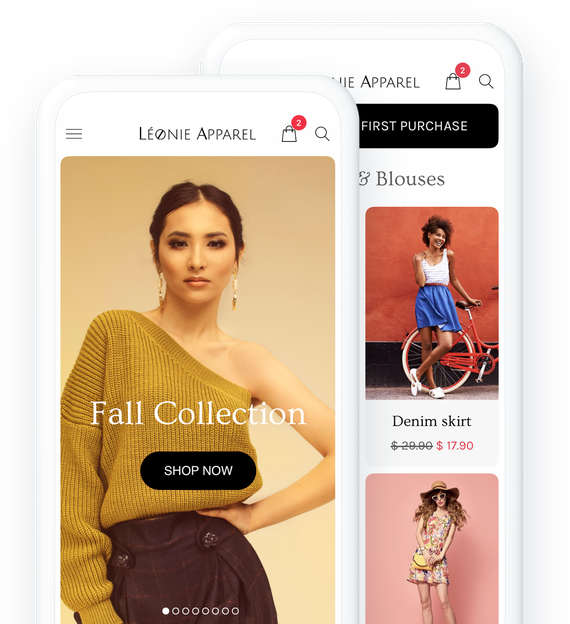
## Viktiga funktioner
### Alla funktioner du behöver för att ta din butik till nästa nivå
### Flera betalningsalternativ
Nå ut till en bredare publik med olika betalningsalternativ online och offline. Ta emot kortbetalningar genom att ansluta till ditt Stripe-konto. Aktivera PayPal för att ta emot betalning snabbare. Med digitala plånböcker (Apple Pay) görs betalningen med ett klick.

### Import/export av produkter
Importera ett obegränsat antal produkter med ett klick. Exportera dina produkter i ett format som kan återanvändas av dina partners eller i din app.
[Mer information](https://se.goodbarber.com/extensions/product-importexport/)

### Verktyg för säljoptimering
Alla verktyg du behöver för att optimera beställningsprocessen och minska antalet övergivna beställningar tack vare våra tillägg
Återställning av övergivna beställningar, köp igen, popup-påminnelse om kundvagn, snabbköpsknapp



## Skapa din vackra shoppingapp
Välj bland våra 30 vackra teman och anpassa din webbutik utan kodning
- [Kläder](#leonie-tab)
- [Mode](#urban-tab)
- [Heminredning](#metek-tab)
- [Oberoende butik](#gustoso-tab)

LEONIE ett GoodBarber-tema
[Skapa en app](https://se.goodbarber.com/create/)
Made with GoodBarber
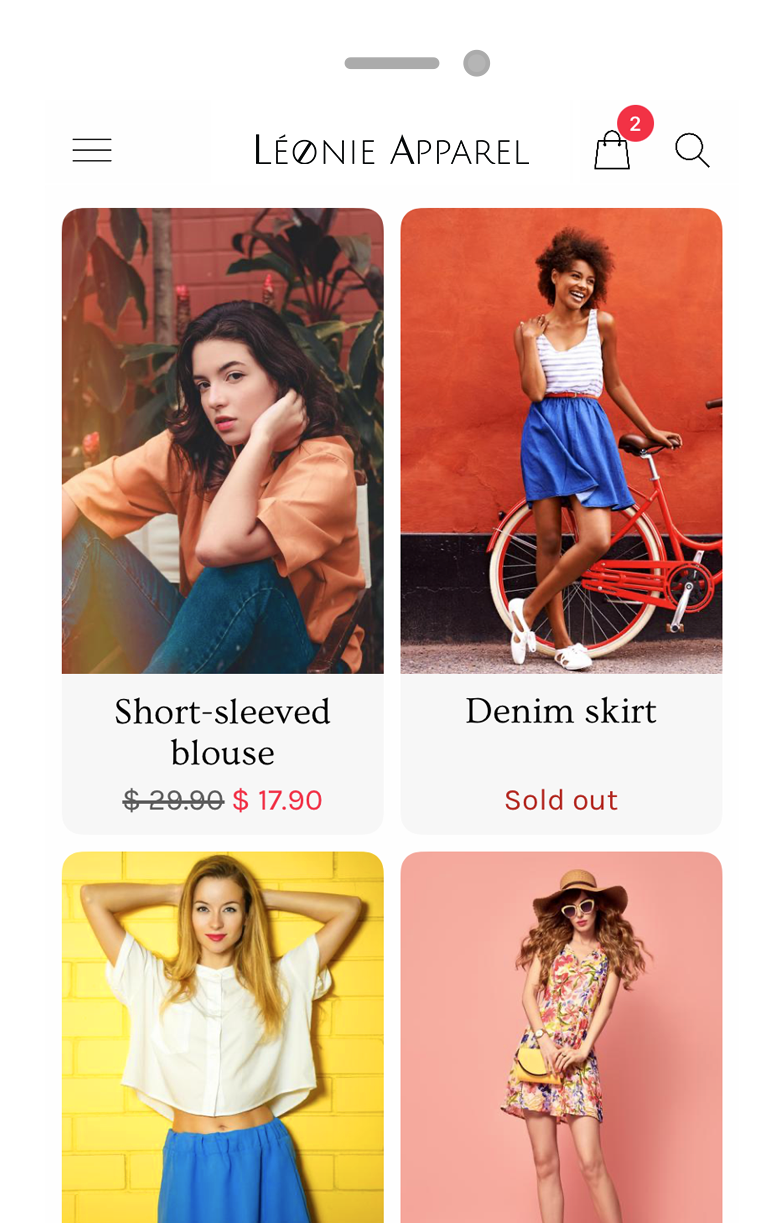

URBAN SHANGO ett GoodBarber-tema
[Skapa en app](https://se.goodbarber.com/create/)
Made with GoodBarber
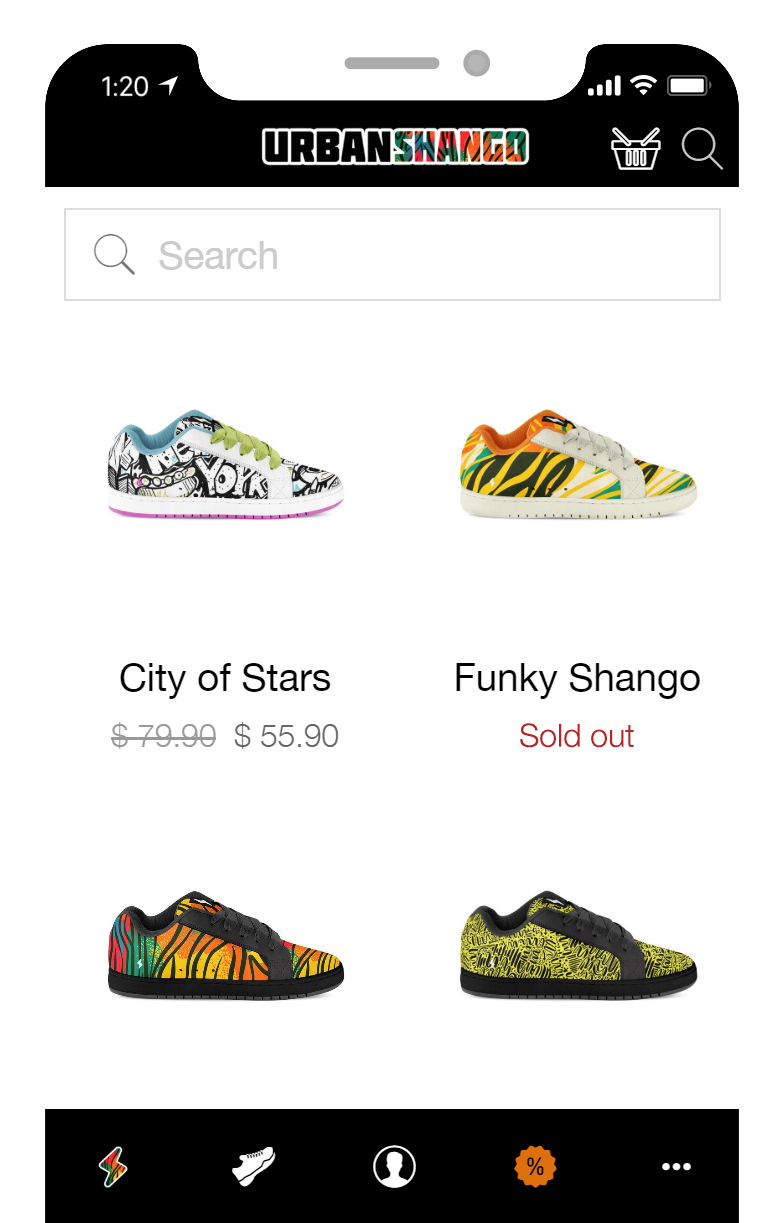

METEK ett tema för GoodBarber
[Skapa en app](https://se.goodbarber.com/create/)
Made with GoodBarber
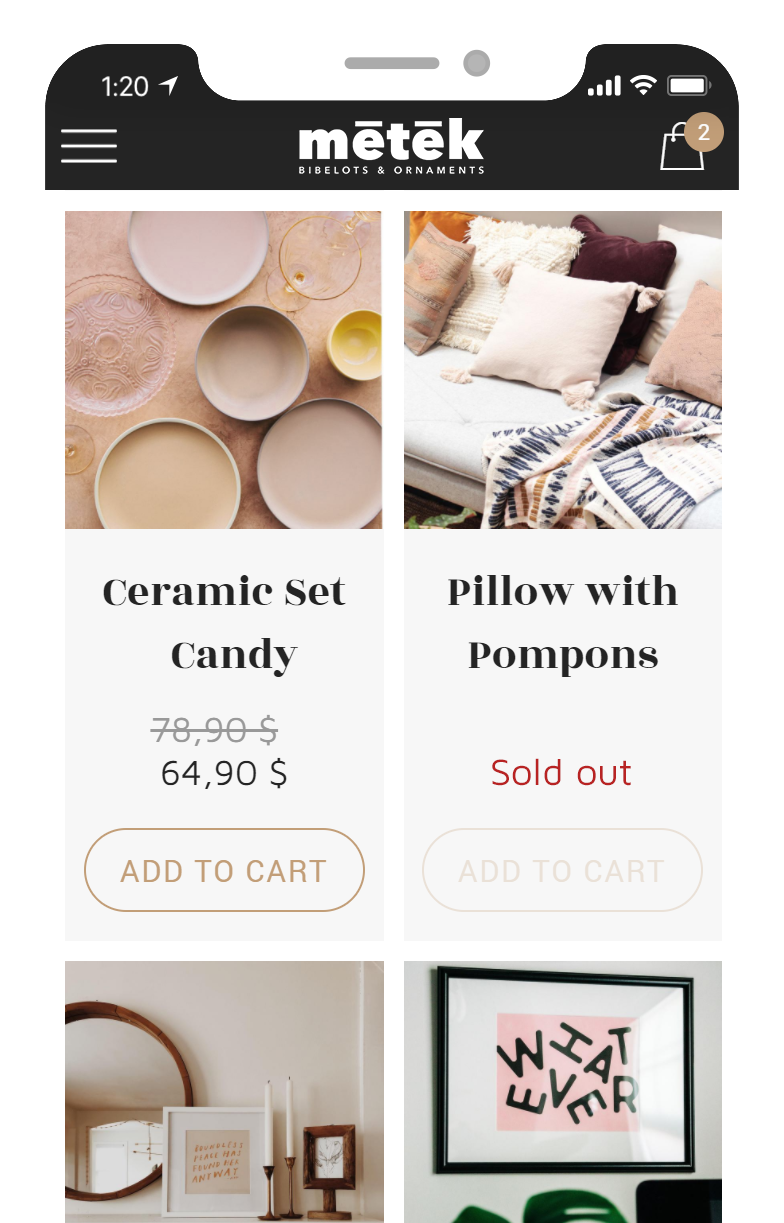

GUSTOSO ett tema för GoodBarber
[Skapa en app](https://se.goodbarber.com/create/)
Made with GoodBarber
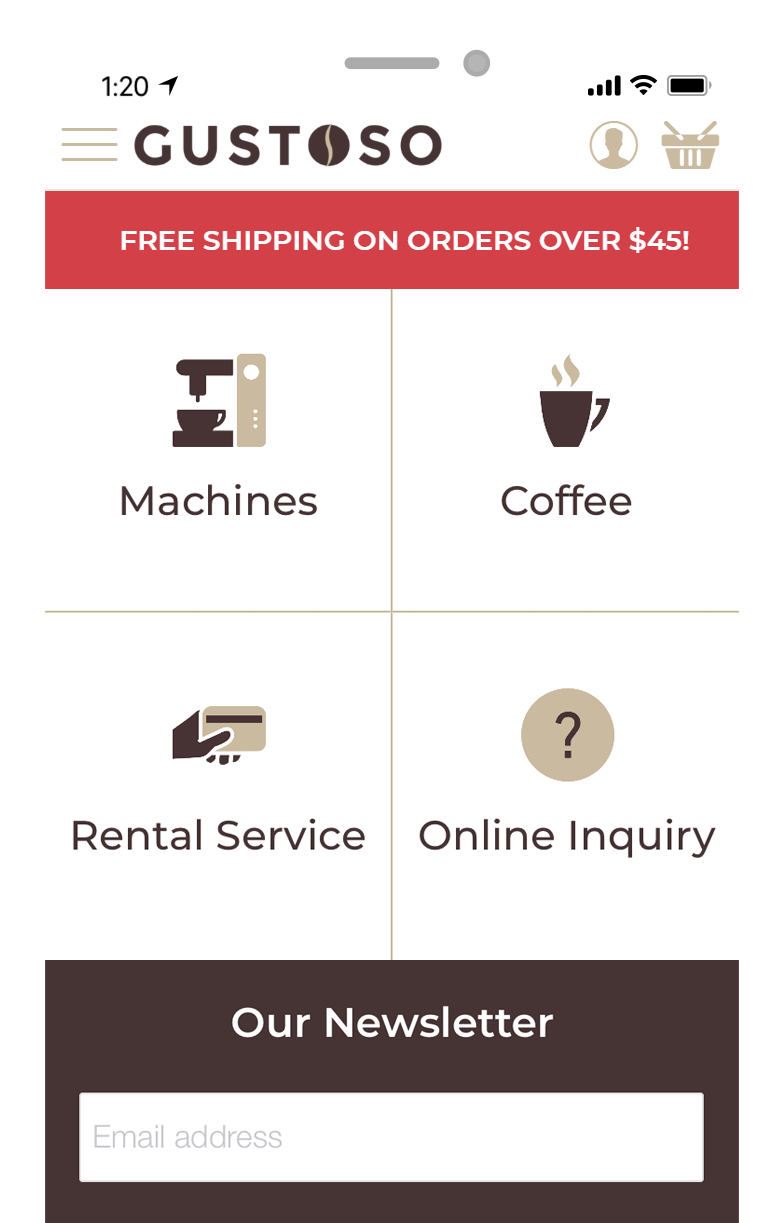
## Skapa enkelt en app för att konkurrera med de stora varumärkena
### Helt enkelt. Ingen kod krävs
## Verktyg för säljoptimering
### Minska antalet övergivna beställningar och förbättra beställningsprocessen med hjälp av [e-handelstillägg](https://se.goodbarber.com/extensions/collections/ecommerce/)

#### Övergivna order
Förlora aldrig en order igen! Återställ via e-post och push-notiser kunder som har initierat en order utan att ha slutfört den.
[Mer information](https://se.goodbarber.com/extensions/abandoned-order/)

#### Popup-påminnelse om kundvagn
När en kund återvänder till din app och varukorgen innehåller varor från ett tidigare besök, visas en popup som ger kunden direkt tillgång till kassan
[Mer information](https://se.goodbarber.com/extensions/cart-reminder/)

#### Köp igen
Dina kunder kan förnya en order med ett enkelt klick. Med knappen "Köp igen" kan de lägga till alla produkter från en befintlig order i varukorgen med ett enda klick
[Mer information](https://se.goodbarber.com/extensions/buy-again/)

#### Snabbköpsknapp
Dina kunder kan enkelt lägga till produkter i kundvagnen från startsidan (widget för produktlista) eller när de bläddrar i en kollektion. De behöver aldrig lämna den sida de surfar på
[Mer information](https://se.goodbarber.com/extensions/quick-buy/)
## Leverera den bästa kundupplevelsen på mobilen
Integrerade funktioner som ökar din konverteringsgrad
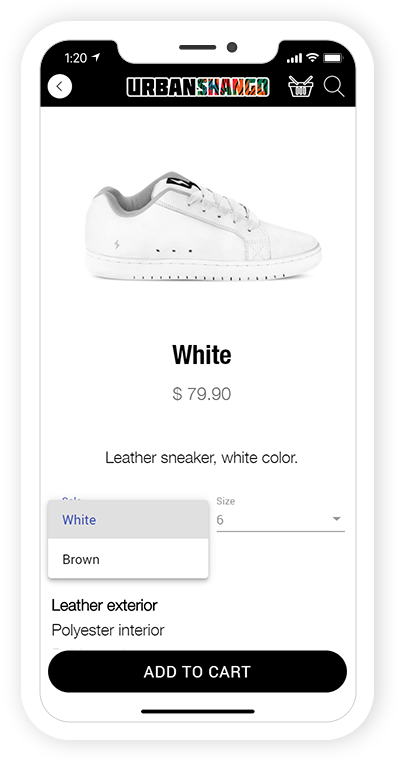
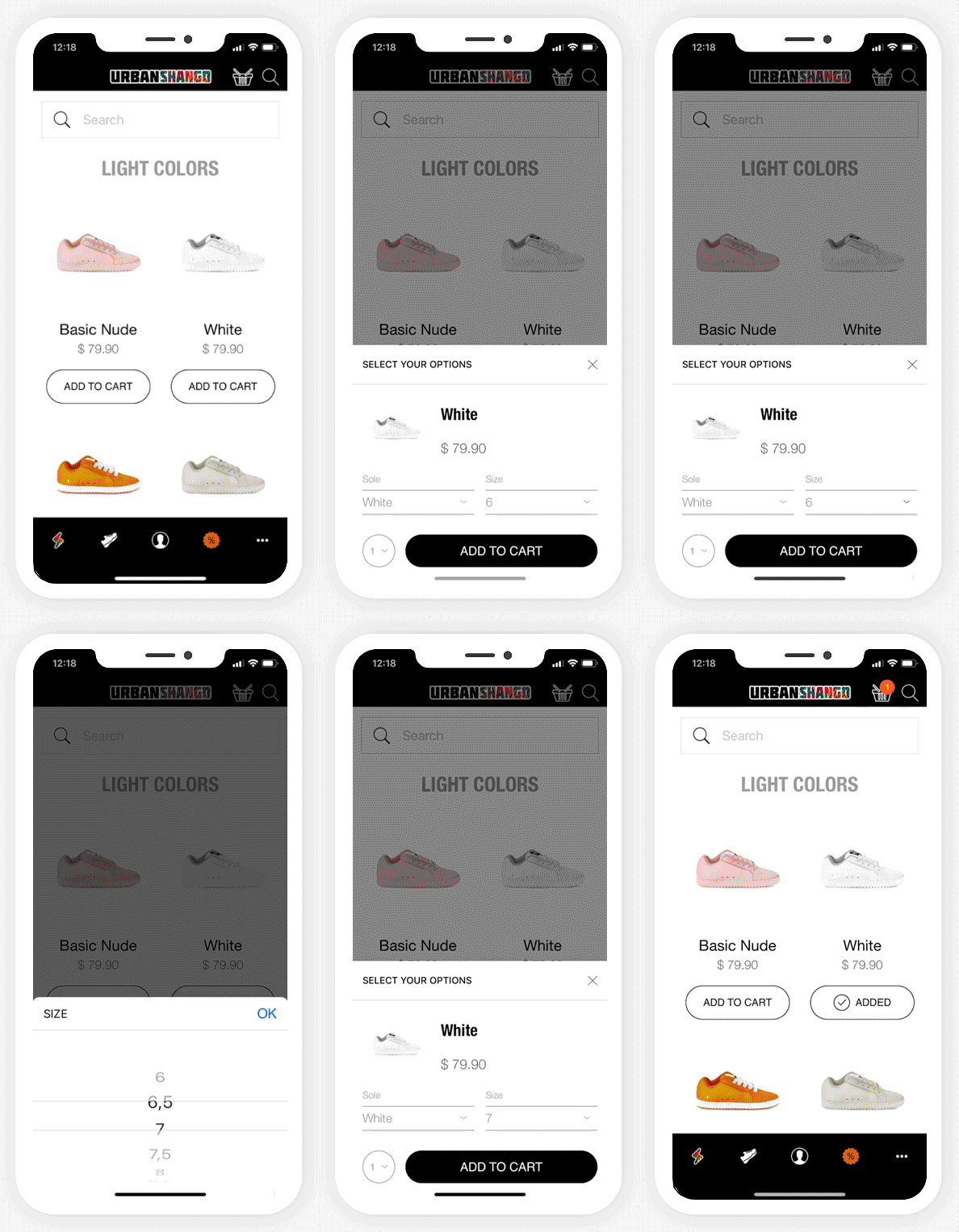
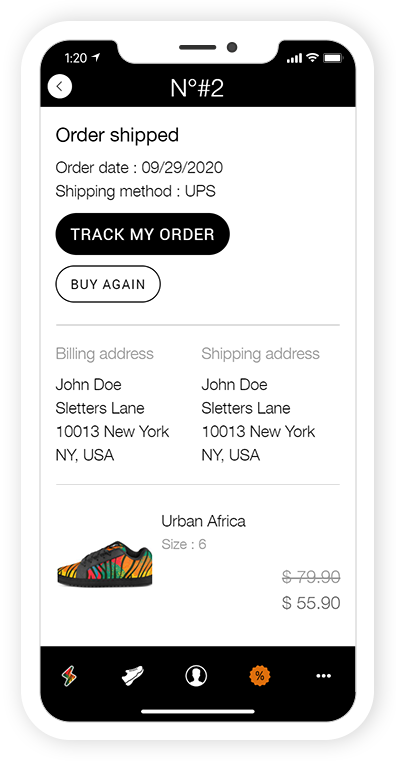
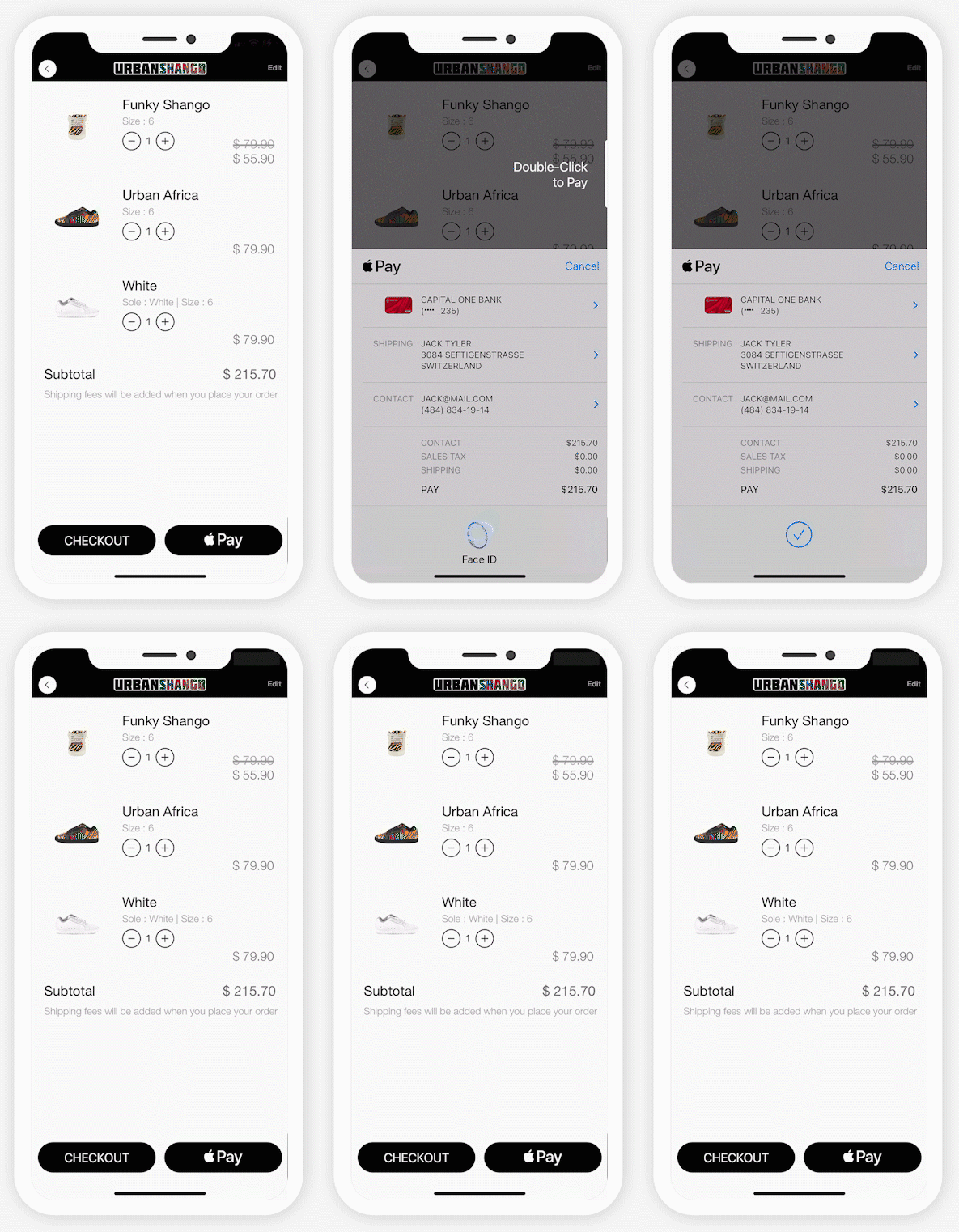
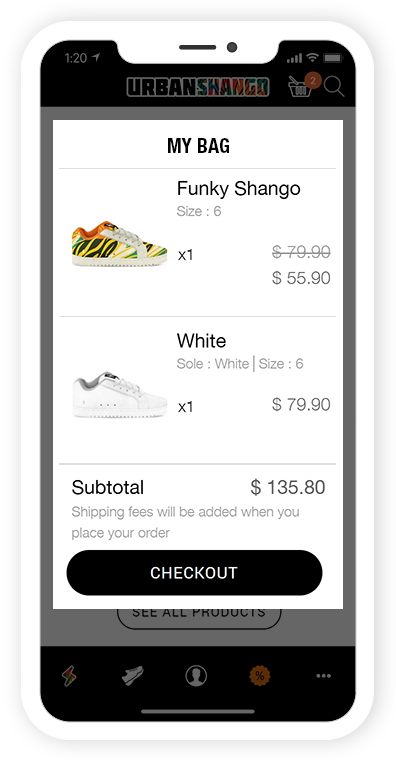
PreviousNext
Produktvarianter
Erbjud dina kunder flera alternativ av samma produkt. perfekt för mode- eller heminredningsbutiker

Snabbköpsknapp
Dina kunder beställer enkelt från en produktlista utan att någonsin lämna sidan de surfar på

Automatisk inloggning
Med integrerad inloggning identifierar sig dina kunder bara en gång. Sedan blir de omedelbart igenkända varje gång appen startas. Det bästa sättet att matcha deras förväntningar

Köp igen
Beställ enkelt från en produktlista utan att någonsin lämna sidan de surfar på.

Checka ut med ett klick
Med Digital Wallets, den mest effektiva kassan på webben, kan du optimera din kundupplevelse och öka din konverteringsgrad.

Popup-påminnelse om kundvagn
När en kund återvänder till din app och varukorgen innehåller varor från ett tidigare besök, visas en popup som ger kunden direkt tillgång till kassan

## En komplett e-handelsplattform
Allt-i-ett-appen
- [Statistik](#stats)
- [Beställningslista](#command)
- [Produkter](#product)
- [Rabatter](#coupons)
- [Frakt](#shipping)
- [Skatter](#taxes)
- [Domännamn](#domain)
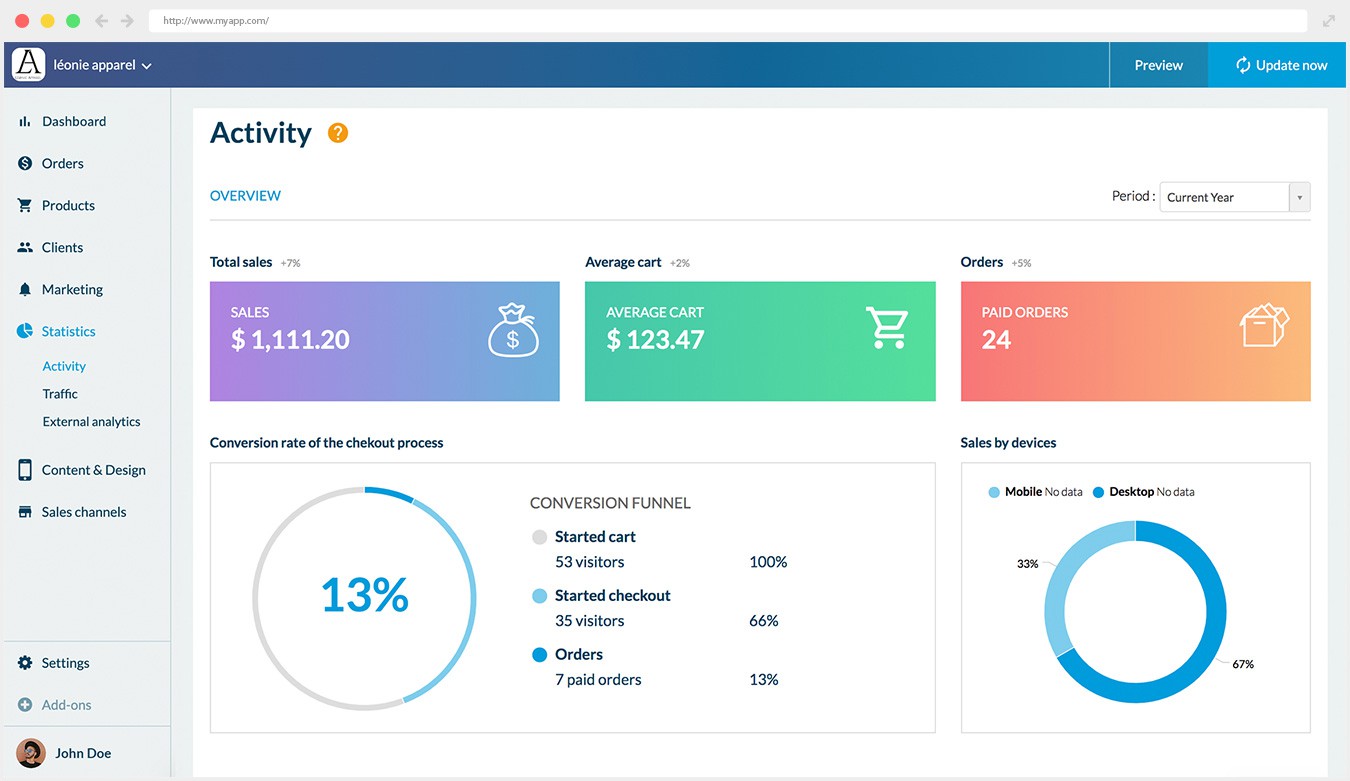
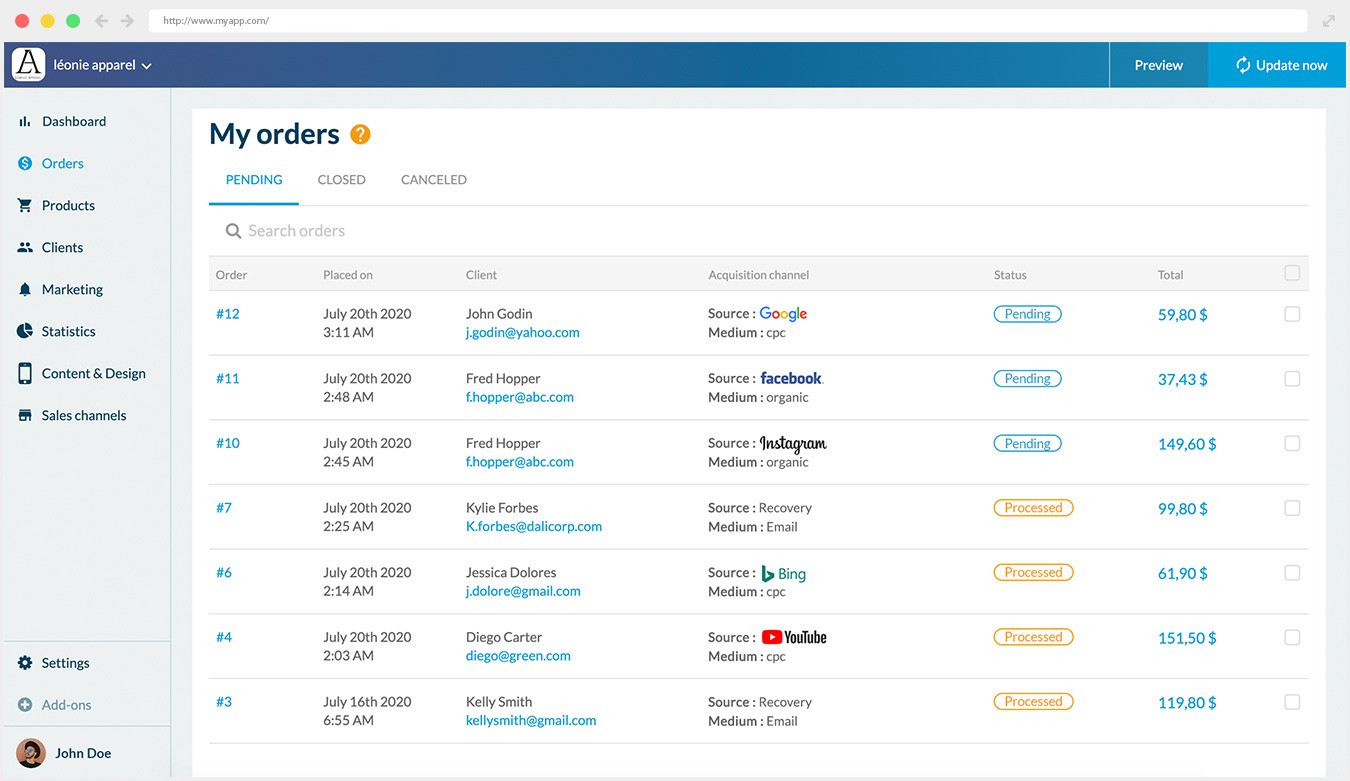
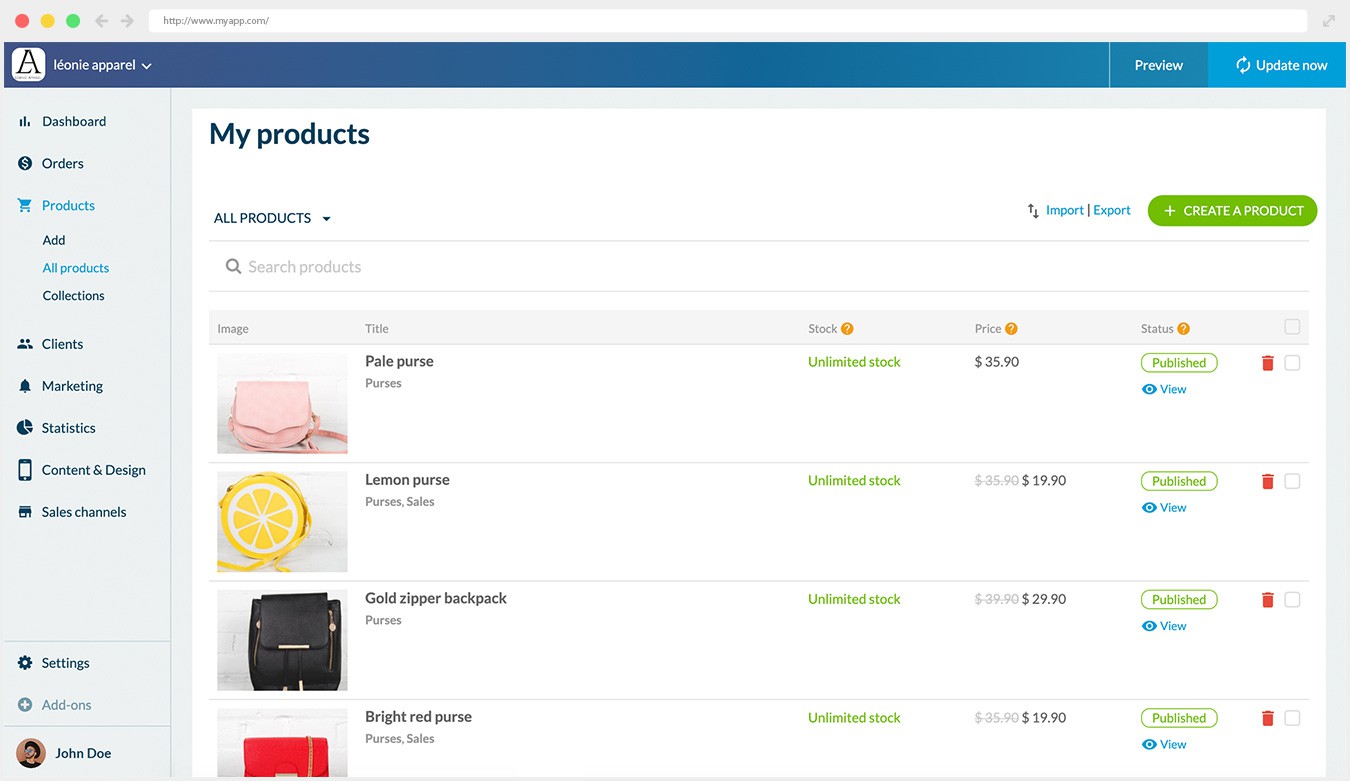
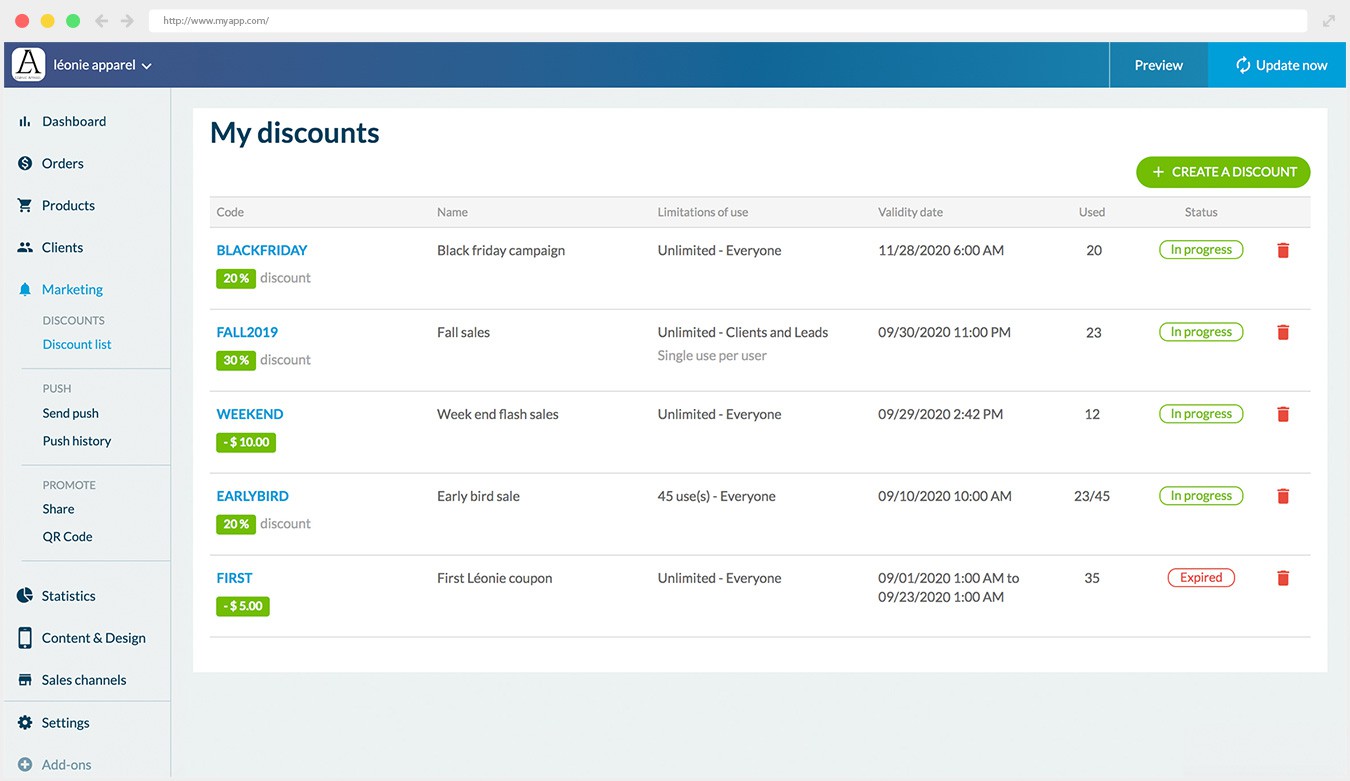
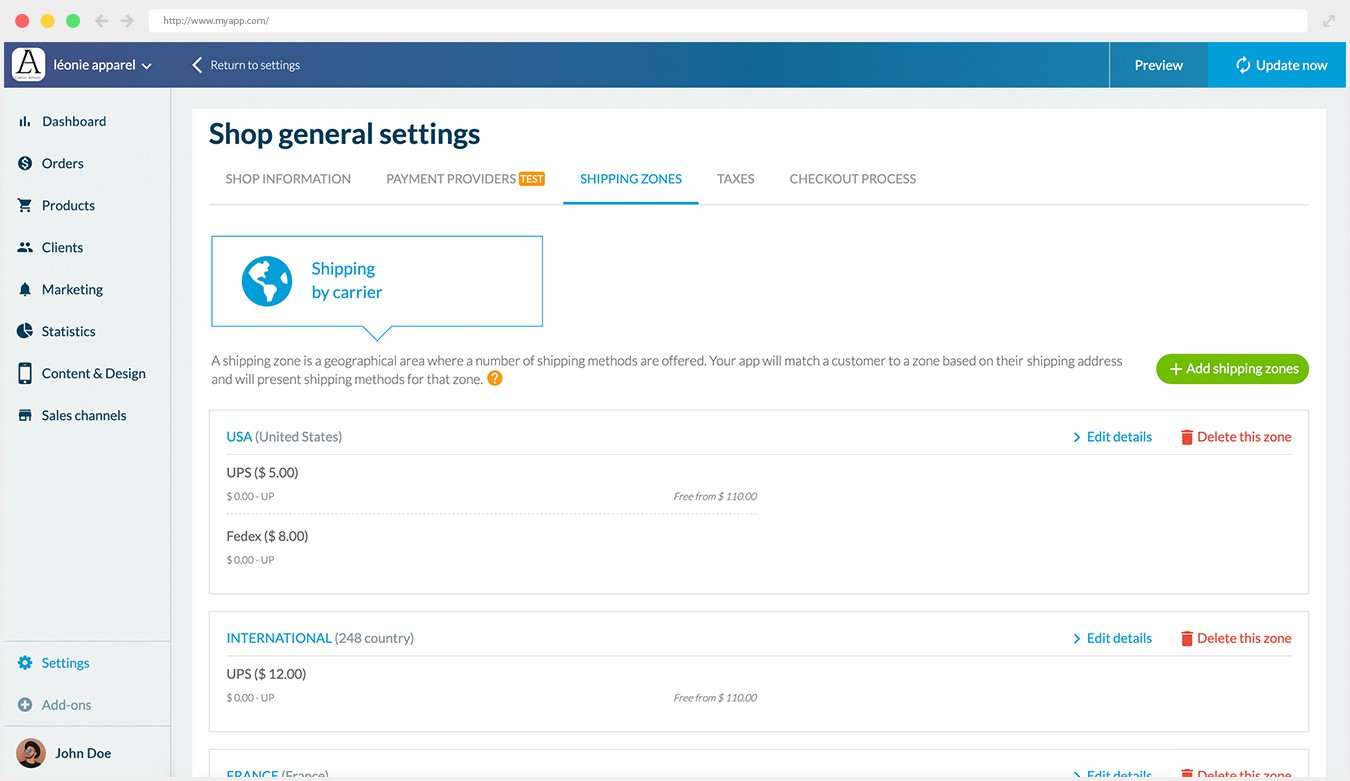
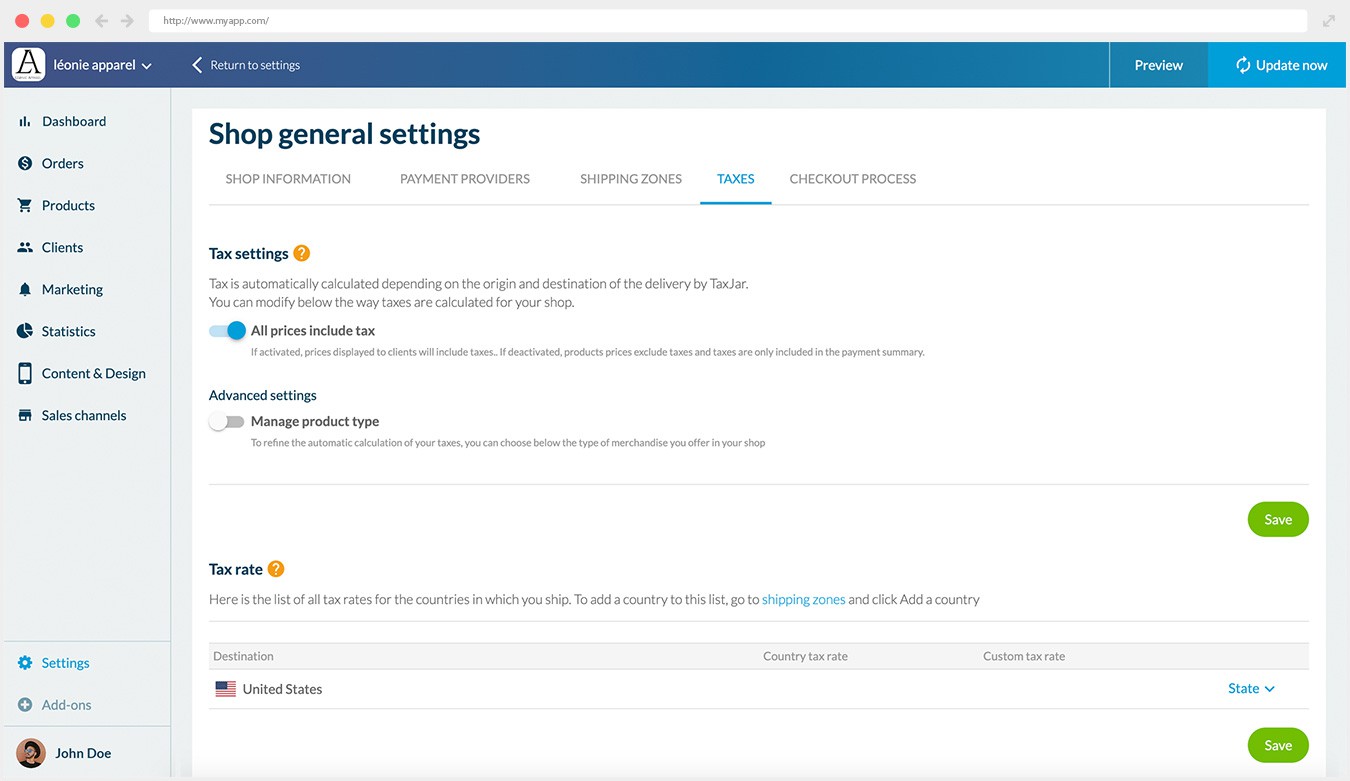
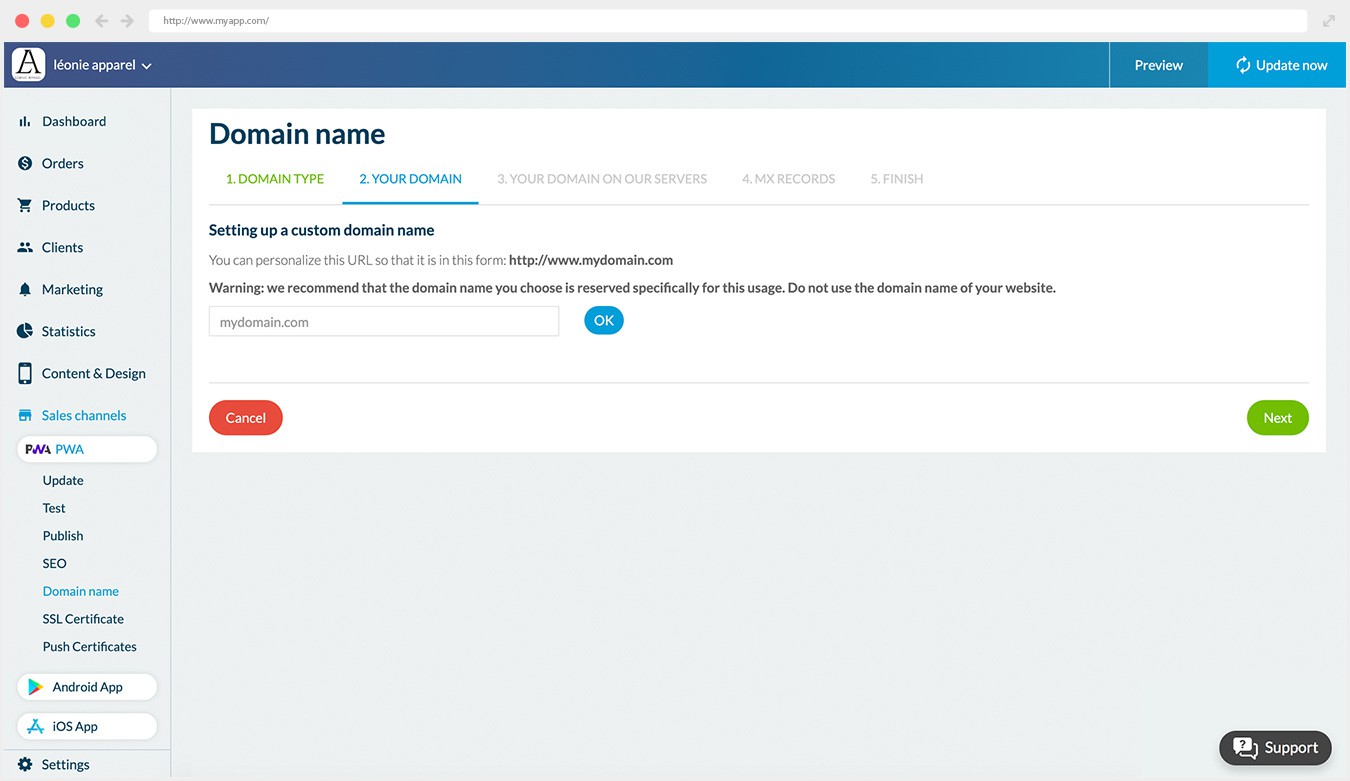
## Varför behöver ditt företag en app?
### Det bästa sättet att konvertera och bygga lojalitet

#### Shoppingappar konverterar 3x mer än responsiva webbplatser
Återförsäljare som har en app ligger steget före eftersom deras app konverterar 3 gånger mer än deras webbplats*. Ett mer tilltalande användargränssnitt, enklare och snabbare utcheckning, optimerad navigering ökar andelen användare som slutför köpet, vilket leder till högre konvertering och högre genomsnittligt ordervärde.

#### Shoppingappar ökar kundlojaliteten
Användare av mobilappar är dubbelt så benägna att återvända till din butik inom 30 dagar jämfört med en webbplats. Marknadsföringsverktyg som använder telefonens inbyggda funktioner ger möjlighet att engagera dina kunder och bygga lojalitet. (push-meddelanden, e-post)

#### Kunderna föredrar shoppingappar
70% av kunderna föredrar shoppingappar* . Shoppingappar erbjuder mer bekvämlighet, snabbhet och lagrade inställningar: dina kunder kan enkelt återuppta sin shopping där de slutade.
*Criteo
## Gör ditt bästa på alla enheter
### Säkerställ din synlighet i alla försäljningskanaler och på alla enheter
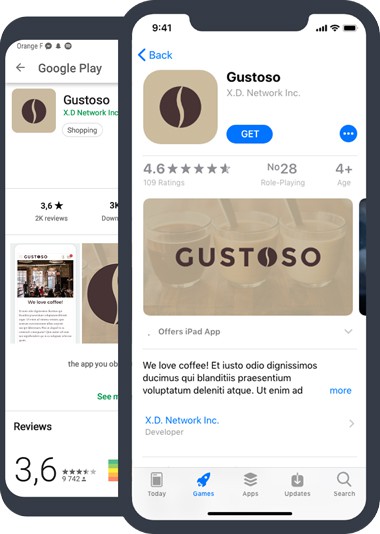
## App Store och Google Play
Native app-utveckling säkerställer att din Shopping-app är byggd för iOS- och Android-enheter. Din app drar nytta av GoodBarbers expertis inom Native Apps och utveckling av e-handelsappar. Din app kommer att finnas tillgänglig i App Store och Google Play Store. Din app drar nytta av App Store Optimization (ASO) och kundrecensioner.
100% INBYGGD APP TILLGÄNGLIG PÅ

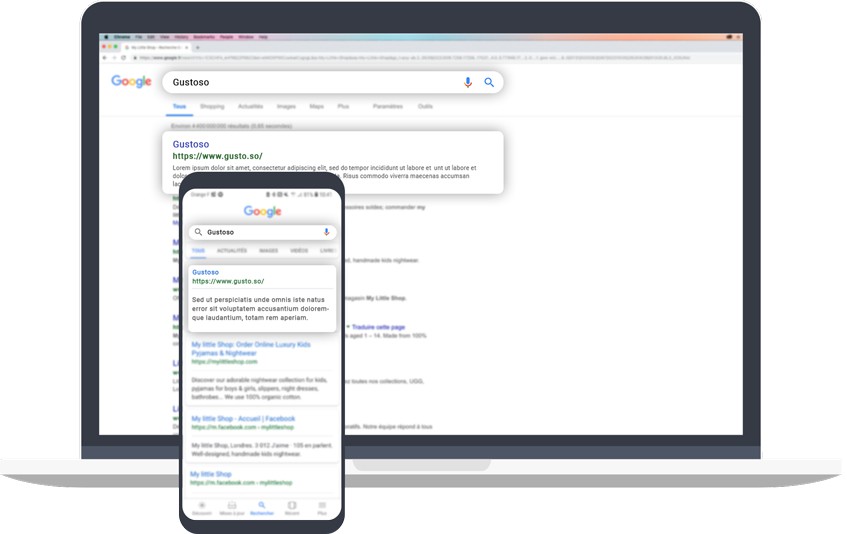
## PWA: På webben
Progressive Web App (PWA) är ett perfekt komplement till Native Apps och erbjuder dina användare ett gränssnitt för flera plattformar: de kan komma åt din webbplats för online-shopping oavsett vilken enhet de använder. PWA drar också nytta av den traditionella SEO-indexeringen.
PROGRESSIV APP MED FULL RESPONSIVITET

## Är du redo för den bästa shoppingupplevelsen på mobilen?
1. 1
**Utformad för mobila enheter** Leverera den bästa användarupplevelsen för e-handel: sömlös navigering, snabbhet, betalning med ett klick, meddelanden
2. 2
**Allt-i-ett-plattform för e-handel** Hantera dina PWA-, Android- och iOS-appar från ett unikt backoffice och dra nytta av kompletta e-handelsfunktioner.
3. 3
**Redo att lansera direkt** Inga kodningskunskaper, ingen expertutvärdering, ingen dold process. Du kan börja bygga din app omedelbart.
4. 4
**Från så lite som 450kr/månad** Vi erbjuder marknadens bästa mervärde. Till en mycket konkurrenskraftig månadsavgift.
5. 5
**Du är säker** Vi sköter den tekniska delen. Kontinuerlig innovation ingår!
[Skapa en app](https://se.goodbarber.com/create/)
Från så lite som 450kr/månad
Gratis 30-dagars provperiod
---
# Restaurangappar
Source: https://se.goodbarber.com/restaurant-app/
---
title: "Appbyggare för restauranger: skapa en app för din restaurang"
description: "Bygg en app för restauranger, food trucks, kaféer och delikatessbutiker med GoodBarber Restaurant App Builder"
canonical_url: "https://se.goodbarber.com/restaurant-app/"
lang: sv
---
# Appbyggare för restauranger: skapa en app för din restaurang
### GoodBarber för Restaurang
# Ett beställningsverktyg online för din restaurang
## Ta din restaurang till en ny nivå genom att erbjuda en app med en tjänst för onlinebeställningar
- Click & Collect
- Hemleverans
- Hantering av beställningar
- Hantering av tidsluckor
- Återkommande inköp
- Inga provisioner på försäljning
[Starta nu](https://se.goodbarber.com/create/)
Från så lågt som 450kr/månad
Gratis 30-dagars provperiod. Inget kreditkort krävs
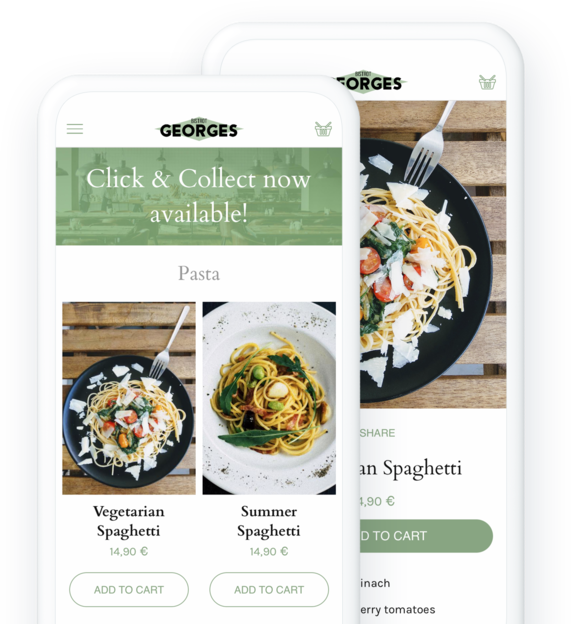
### De litar på GoodBarber

## Dina kunder vill beställa din mat via en app
Även om de fortfarande njuter av atmosfären på restauranger har konsumenterna ändrat sina vanor under de senaste åren och vill nu njuta av maten hemma också.
### Click & Collect
Erbjud dina kunder att beställa sina rätter online och hämta dem direkt i restaurangen. De kommer att kunna betala sin beställning i appen eller på plats när de hämtar upp den. En extremt flexibel lösning för alla dina kunder i området som föredrar att beställa sin mat i förväg. Det är också en idealisk lösning för dig att öppna upp för en bredare kundbas utan att behöva investera i en leveransservice.
[Om Click & Collect](https://se.goodbarber.com/extensions/store-pickup/)
### Hemleverans
Vill du leverera till dina kunder ända fram till dörren? Vi låter dig organisera din egen leveransservice. Inga pengar eller tid slösas bort på logistik, allt hanteras så att du kan fokusera på det som är viktigt: att laga mat och leverera din mat till dina lokala kunder. Leveransområden och priser, du bestämmer allt för att skapa den formel som bäst passar din organisation och dina kunders komfort.
[Om hemleverans](https://se.goodbarber.com/extensions/local-delivery/)
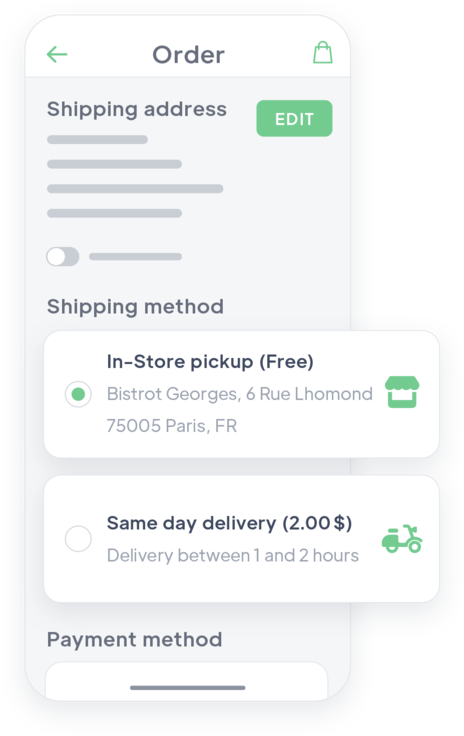
## Skapa en app för din restaurang
Nöj dig inte med de stora leveransplattformarna
### Ditt varumärke
Genom att ha en egen app kan du matcha din restaurangs varumärke. Typ av mat, inredningsstil, särskilt koncept... du lägger ner hela ditt hjärta i din restaurang. Ge den en app som återspeglar dess image: dina kunder kommer att relatera till den, och du får ett effektivt verktyg för att skilja dig från konkurrenterna.
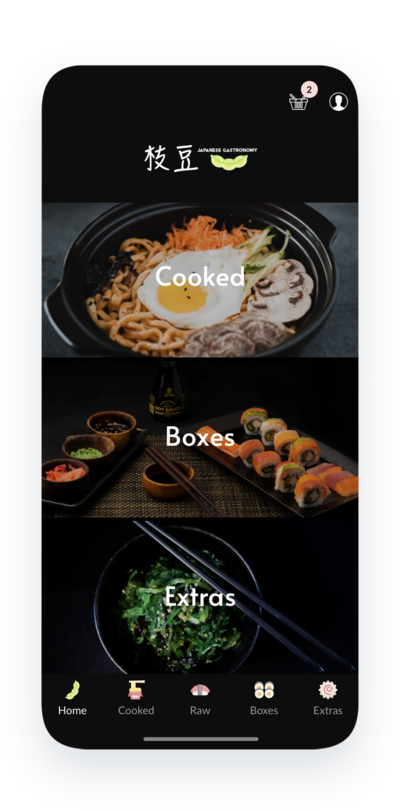
### Din kommunikation
Du kan använda din app för olika ändamål: visa din meny, lyfta fram specifika rätter eller evenemang, erbjuda rabatter, visa foton, dela recept ... allt är möjligt eftersom du är ansvarig.
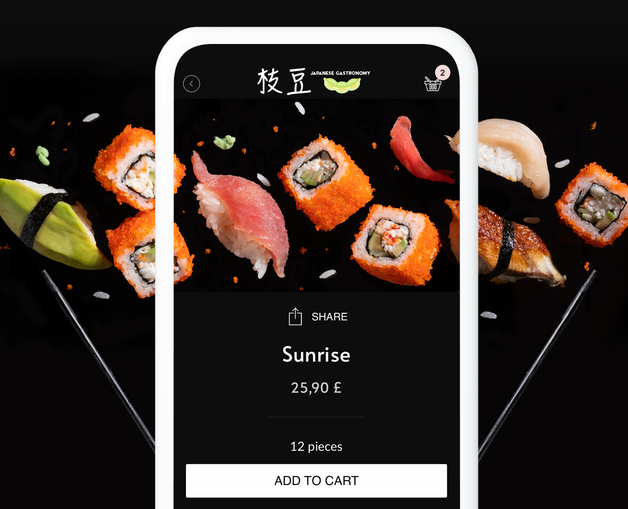
### Dina intäkter
Till skillnad från externa leveransplattformar som du kan ansluta dig till tar GoodBarber inte någon provision på försäljning som görs i din restaurangs app. Alla betalningar som samlas in i appen är dina.
## Mer än bara en beställningstjänst
Ett enkelt och allt-i-ett-backoffice
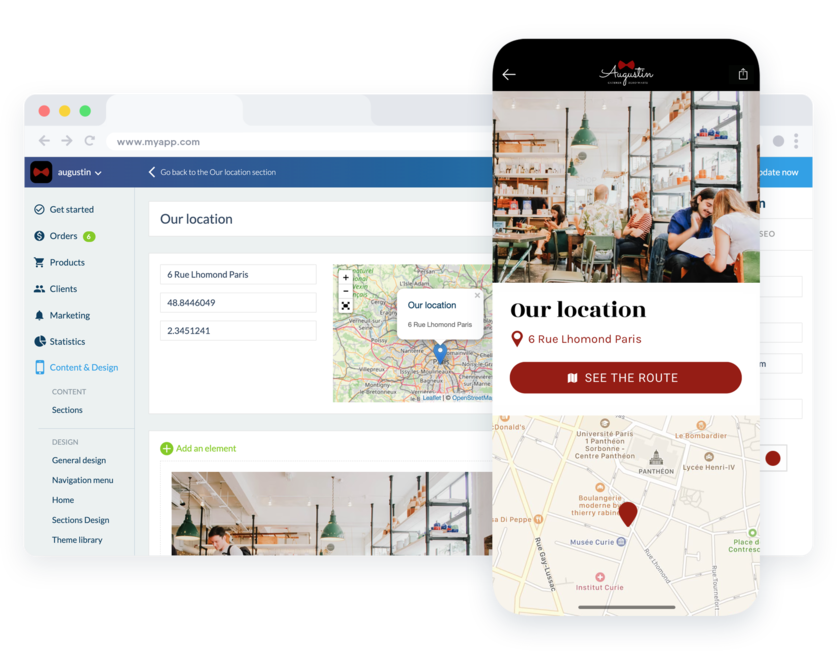
### Innehåll & design
Backoffice är det utrymme där du naturligtvis hanterar din meny, men också allt ytterligare innehåll som du vill lägga till i din app: foton, videor, artiklar, information om din restaurang ... Du skapar och ändrar ditt innehåll direkt.
### Kundfiler
All information om dina kunder och leads finns i ditt backoffice. Kontaktuppgifter, adresser, antal beställningar, inköpsfrekvens, genomsnittlig varukorg, orderhistorik - allt finns listat i en särskild meny i ditt backoffice och du kan till och med göra anteckningar i dina kunders filer. Denna information är värdefull och gör det möjligt för dig att känna din kundbas och anpassa dig till den.
### Verktyg för marknadsföring
Rabatter, push-meddelanden, QR-kod, upptäck många verktyg i ditt backoffice som gör att du kan göra din app mer tillgänglig, interagera med dina kunder eller framtida kunder, locka dem och framför allt bygga deras lojalitet.
## Ett flexibelt och lättviktigt beställningssystem för dig och dina kunder
Ta det lugnt: din app anpassar sig till ditt sätt att arbeta, inte tvärtom
### Orderhantering
Din app tar emot beställningar åt dig: när dina kunder har valt sina rätter och validerat sin varukorg skapas en beställning på din sida. Du får ett omedelbart meddelande och behöver bara oroa dig för vad som händer i köket. Du kan ändra status för varje beställning med ett enda klick: väntande, bearbetad, levererad eller till och med avbokad. Dina kunder får också ett meddelande om att statusen för deras order har ändrats. Ingen press för dig, ingen frustration för dina kunder!
### Organisation av tidsluckor
För att hjälpa dig att organisera ditt företag och erbjuda dina kunder ännu mer komfort kan du definiera tidsluckor under vilka dina kunder kan hämta sin beställning eller få den levererad. De kan välja sin tidslucka och vara säkra på att inte behöva vänta för länge på sin mat. På din sida definierar du tidsluckornas varaktighet och det maximala antalet beställningar per lucka. Du kan också välja minimitiden mellan en beställning och dess leverans eller hämtning. Kort sagt, allt görs för att du ska kunna kontrollera hanteringen av dina beställningar utan att påverka organisationen av ditt kök.
### My Shop Companion
Eftersom du som restaurangägare inte sitter vid ett skrivbord så ofta kan du hantera dina beställningar direkt i din smartphone tack vare My Shop Companion-appen. Där kan du se alla dina aktuella beställningar, sorterade efter leverans- eller upphämtningstid. Du kan direkt ändra statusen på dina beställningar för att informera ditt team och organisera dig själv, och varna dina kunder som väntar på sin mat. Om du erbjuder en leveransservice kan My Companion-appen också vara mycket användbar för att hantera kommunikationen mellan dig och din leveranspersonal: de kommer att kunna meddela dig så snart en order har levererats genom att ändra dess status på sin smartphone.
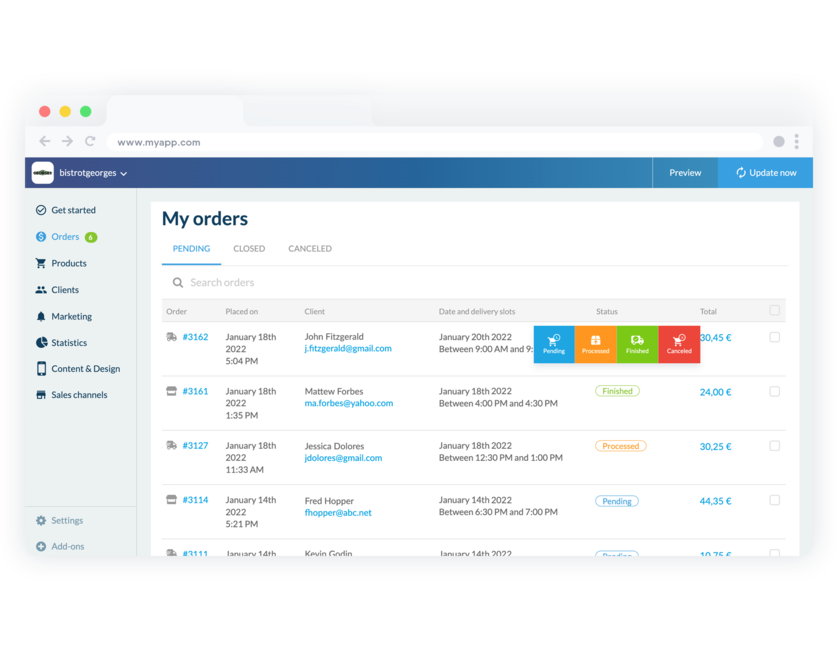
## Erbjud flera betalningslösningar och anpassa dig till ett brett spektrum av kunder
1-klicksbetalning eller personlig betalning, erbjuder en shoppingupplevelse lika smidig som på en restaurang
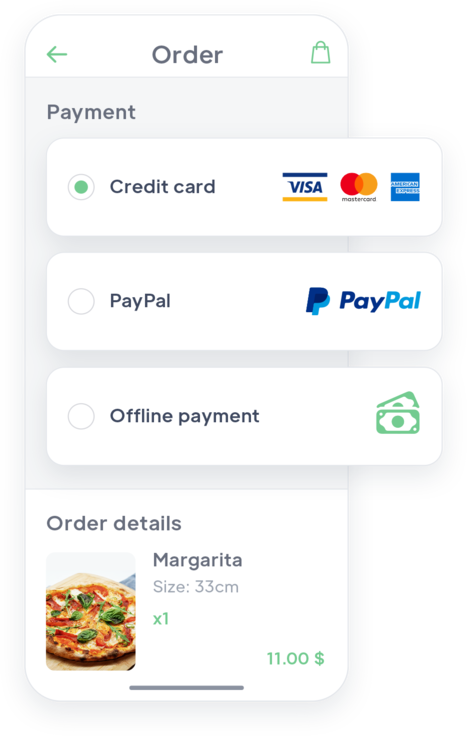
### Acceptera alla typer av betalningar
När dina kunder beställer via appen kan de betala direkt online. Bankkort, Paypal, restaurangkuponger ... Allt är möjligt! Erbjud också den snabbaste betalningsmetoden på webben: 1-klicksbetalning med Apple Pay (digitala plånböcker).
### Ta emot betalning personligen
För de kunder som vill kan du erbjuda betalning utanför appen, vid leverans eller på restaurangen vid Click & Collect. Kunden behöver inte ange sitt kreditkort i appen, utan kan validera sin beställning och sedan betala den, helt transparent.
[Läs mer om offlinebetalning](https://se.goodbarber.com/extensions/offline-payment/)
### Gör livet enklare för dina kunder
Dina kunder är där för att äta, inte för att tillbringa timmar i din app med att leta efter dina produkter eller ange sina betalningsuppgifter. Förenkla utcheckningsprocessen genom att ta bort onödiga steg: dina kunder kommer bara att bli tillfrågade om information som är specifik för deras valda leveransmetod. Ingen tid slösas bort på att fylla i onödiga uppgifter.
[Få reda på mer om snabb utcheckning](https://se.goodbarber.com/extensions/fast-checkout/)
## Öka din restaurangs intäkter
Verktyg för att verkligen öka din försäljning

### Rabatter
Skapa rabatter för dina kunder för att locka dem eller för att öka deras genomsnittliga inköp. Du kan definiera om rabatten ska gälla för hela checken eller för specifika produkter, som ett fast belopp eller som en procentsats. Du kan också skapa rabatter för specifika kunder och lägga till användningsvillkor. Rabatter kan användas för att belöna dina lojala kunder eller för att öka försäljningen av en viss maträtt.

### Påminnelse om övergiven order
Tänk om du kunde chatta med dem som komponerar sina måltider med dina rätter men inte validerar sin beställning? Det är möjligt med din app. Du har tillgång till alla övergivna beställningar i din restaurang och till motsvarande kundfil. Naturligtvis kan du skicka en påminnelse för att uppmuntra dina kunder att slutföra sin beställning.
[Upptäck mer](https://se.goodbarber.com/extensions/abandoned-order/)

### Push-notifiering
Vänta inte på att dina kunder ska tänka på din restaurang, utan väck deras intresse genom att skicka ett meddelande till dem då och då. Dina kunder är anställda som beställer lunch från dig, men dina beställningar är inte lika höga på tisdagar? Överväg att skicka ett meddelande till dem nästa tisdag kl. 11.45 för att berätta om dagens aptitretande specialrätt, med garanterade resultat.

### Återkommande beställningar
Gör livet enklare för dina stamkunder. De känner till dina rätter och har sina egna preferenser. Spara tid genom att låta dem förnya en beställning som de redan har gjort med ett enda klick. Ett alternativ som kan vara mycket användbart när de har bråttom eller är mycket hungriga.
[Upptäck mer](https://se.goodbarber.com/extensions/buy-again/)

### Lojalitetsprogram
Erbjud dina kunder ett lojalitetskort som gör det möjligt för dem att spara pengar. Du ökar kundnöjdheten och uppmuntrar till återkommande köp. Varje gång de beställer i din restaurang tjänar de poäng som ger dem en fördel att samla på sig. Det är det bästa sättet att bygga upp kundlojalitet.
[Läs mer](https://se.goodbarber.com/extensions/loyalty-program/)
## Öka din synlighet och bygg upp kundlojaliteten med samma app
Publicera din app på webben och i Apple- och Google-butikerna
### App Store och Google Play
GoodBarbers appar är specialdesignade för iOS och Android. De drar nytta av GoodBarbers expertis inom Native Apps. Din app finns tillgänglig på Apple App Store och Google Play Store. Din app drar nytta av indexering i butikerna (ASO) och kundrecensioner ger den synlighet. De inbyggda funktionerna och den makalösa användarupplevelsen som de ger gör att du kan hålla dina kunder lojala och upprätthålla kontakten med dem.
### PWA: På webben
Progressive Web App är webbversionen av din app, vilket innebär att den fungerar som en webbplats: den indexeras av Google och gör det möjligt för dig att få synlighet och nå nya kunder för din restaurang. Tack vare den kan du optimera din digitala närvaro och dra nytta av Google My Business för att marknadsföra din restaurang. PWA är multiplattform och kan ses av dina kunder på vilken enhet som helst och säkerställer den traditionella indexeringen av ditt innehåll (SEO).
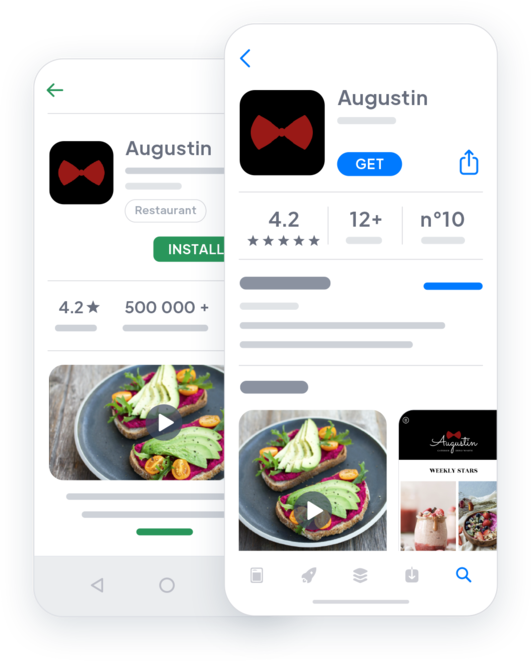

## Och så mycket mer...
### Hitta butik
Visa din restaurang på en karta och hjälp dina kunder att hitta dig direkt. Punkterna kan beskrivas med text, foton, videor eller ljud för att hjälpa dig att beskriva din anläggning. En knapp gör att dina kunder kan skapa en resplan automatiskt från sin plats.
### Kontaktformulär
Integrera ett kontaktformulär i din app så att du kan svara på dina kunders frågor eller funderingar. Du kan anpassa formulärfälten efter dina behov.
### Automatisk inloggning
Med den integrerade inloggningen identifierar sig din kund bara en gång. Sedan blir de omedelbart igenkända varje gång de startar appen. Inget annat uppfyller dina kunders förväntningar.
### Orderinstruktion
Dina kunder har möjlighet att lägga till detaljer i sin beställning tack vare ett fritt fält i kassan. Ett bra sätt att berätta om en allergi, antalet rätter de vill ha, en viss matlagning ...
### Påminnelse om kundvagn
Om en kund har lämnat din app med rätter i sin varukorg kommer en popup-ruta att visas vid nästa besök så att kunden kan slutföra sin beställning direkt.
### Snabbköpsknapp
Det gör att dina kunder enkelt kan lägga till rätter i sin kundvagn från startsidan i din app eller genom att bläddra i listan över dina rätter. De behöver aldrig lämna den sida de tittar på för att lägga en rätt i varukorgen.

### ChattGPT
Optimera din restaurangapp med en virtuell AI-assistent! Svara direkt på frågor om menyer, bokningar och praktisk information. Leverera en exceptionell matupplevelse och överlägsen kundservice med vårt integrerade tillägg.
## Varför behöver restauranger en app?
### Erbjuda avhämtning och leverans
Pandemin har förändrat konsumenternas vanor avsevärt. I USA säger 68% av konsumenterna att de är mer benägna att beställa hämtmat idag än de var före pandemin. Och den här trenden fortsätter att växa. Utöver hälsokrisen blir digitala kanaler alltmer populära bland kunder som kräver bekvämlighet och flexibilitet. En app är det bästa sättet att erbjuda en beställningstjänst till dina kunder.
### Vara oberoende av leveransplattformar
Även om det finns många fördelar med att finnas på leveransplattformar som Uber Eats, Doordash eller Deliveroo, särskilt när det gäller den synlighet som de ger din restaurang, kommer ingenting att ersätta din egen app. Att finnas på dessa plattformar är inte oförenligt med att ha en egen app för sin restaurang. Den senare gör att du kan behålla dina kunder och upprätthålla ett band med dem. Kom ihåg att under 2020 visade en studie som genomfördes av Square att 2/3 av de amerikanska kunderna föredrog att beställa sina måltider direkt från sina favoritrestauranger än via en tredje part.
### Ingen provision på försäljning
Med din app bestämmer du allt för din restaurang. Du hanterar din meny, dina beställningar, dina tidsluckor, ditt kassaflöde. Du drar nytta av de bästa teknikerna för att underlätta din försäljning och snabbt få in pengar (Apple Pay, PayPal, kreditkort etc.). Och naturligtvis dras ingen provision av från din försäljning. Allt du samlar in i din app är ditt.
## Kundens kärlek
### [GoodBarber är en kraftfull appbyggare.](https://www.trustpilot.com/reviews/60f08679f9f48702a8e6869e)
#### Melissa Okta
GoodBarber är en kraftfull appbyggare. Om du vill bygga din app med hjälp av en förbyggd mall är GoodBarber perfekt för dig. På Global Academy har vi nästan avslutat det femte året med att använda deras lättanvända förbyggda plattformar för att bygga premiumappar för våra kunder. Goodbarbers kundsupport är också utmärkt. Rekommenderas varmt.
-
-
-
-
-
### [Bra support och alltid mycket hjälpsamma svar.](https://www.trustpilot.com/reviews/60c0ca7cf9f487099ce24eb9)
Bra support och alltid mycket hjälpsamma svar. Inget är för trivialt för att teamet ska kunna svara.
-
-
-
-
-
### [Lyhörd support och oftast snabb.](https://www.trustpilot.com/reviews/60ad3c03f9f4870a94ace1d1)
Lyhörd support och vanligtvis snabb. Programvaran är den överlägset bästa på marknaden, med enorma möjligheter till konfigurationer.
-
-
-
-
-
### [Jag gillar verkligen systemet.](https://www.trustpilot.com/reviews/60551146f85d7509fc10d732)
#### Gene Hieber
Jag har varit en resller-medlem i en månad nu. Jag har byggt flera demo-appar. Jag gillar verkligen systemet. Lätt att navigera och jag har sålt ett par progressiva webbappar och arbetar också med inbyggda appar. Jag rekommenderar starkt Good Barber.
-
-
-
-
-
### [Teamet på GoodBarber har varit otroligt informativt och hjälpsamt](https://www.trustpilot.com/reviews/6054cff7f85d7509fc1090eb)
#### W. Monahan
Teamet på GoodBarber har varit otroligt informativa och hjälpsamma under både skapandet och underhållet av min app. Jag är inte så tekniskt kunnig, och de ger mig alltid bra vägledning om hur jag kan åtgärda problem eller förbättra min app. Jag letade efter olika alternativ när jag ville bygga min app, och jag är glad att jag valde det här företaget.
-
-
-
-
-
### [De hjälpte mig att skapa en vacker och framgångsrik app](https://www.trustpilot.com/reviews/60511fb2f85d75064c43947b)
#### Mary Davis
Jag har varit med GoodBarber sedan 2014 och jag kan inte säga tillräckligt bra saker om dem och min erfarenhet av dem. De hjälpte mig att skapa en vacker, framgångsrik app; de har funnits där för mig varje steg på vägen för att lösa kundproblem och hjälpa till med uppdateringar; och de har en lättanvänd, oändligt anpassningsbar instrumentpanel för att skapa appen du drömmer om - vilket är vad jag gjorde. Tack GoodBarber. Du är den bästa
-
-
-
-
-
### [Bra verktyg, det har alla funktioner du behöver för att bygga din egen app eller webbplats.](https://www.trustpilot.com/reviews/60a22025f9f4870a94a45023)
#### Manuel Ventura
Bra verktyg, det har alla funktioner du behöver för att bygga din egen app eller webbplats.
-
-
-
-
-
### [GoodBarber är en underbar plattform.](https://www.trustpilot.com/reviews/604e93b7f85d7503942a6703)
#### Mini Maestro
GoodBarber är en underbar plattform. Deras supportpersonal är hjälpsam och gränssnittet är lätt att navigera! Tack för att ni gör det möjligt för oss att ge extra stöd till våra kunder med vår kundapp.
-
-
-
-
-
### [Den bästa appbyggaren på marknaden](https://www.trustpilot.com/reviews/604c6024f85d75064c40265c)
#### Draculapp
Den bästa appbyggaren på marknaden, PWA lätt och Native iOS-hjälp för publiceringsproblem. Mycket bra support och ständiga uppdateringar. Många funktioner och vackra designlayouter och en hög anpassningsnivå. Rekommenderas för enskilda företag eller byråer med en mycket bra lösning för återförsäljarprogrammet. Och sist men inte minst, vänlig personal! Det är värt ett försök...
-
-
-
-
-
### [En av de bästa leverantörerna i branschen.](https://www.trustpilot.com/reviews/604ba651f85d75064c3fd1ab)
#### K. Linton
En av de bästa leverantörerna i branschen. Lätt att använda, väldokumenterad och utmärkt kundservice. Om du vill skapa en mobilappslösning för ditt företag eller dina kunder är GoodBarber definitivt rätt väg att gå.
-
-
-
-
-
## [Restauranger](https://se.goodbarber.com/extensions/collections/restaurants/)
Verktyg för att öka försäljningen i din restaurang
[Betalning offlineUnderlätta dina kunders shoppingupplevelse och låt dem betala utanför appen för att nå ut till en bredare publik.](https://se.goodbarber.com/extensions/offline-payment/)[Köp igenErbjud dina kunder att förnya en befintlig order med 1 klick](https://se.goodbarber.com/extensions/buy-again/)[Upphämtning i butikFrån app till butik: Dina kunder lägger sin beställning i din app och kommer till din butik för att hämta den](https://se.goodbarber.com/extensions/store-pickup/)[Lokal leveransStäll in dina leveranszoner efter postnummer eller radie och erbjud snabb leverans till ditt lokala samhälle](https://se.goodbarber.com/extensions/local-delivery/)
## Upptäck mer
### [Återförsäljare: hur säljer man en app till en restaurang?](https://www.goodbarber.com/blog/resellers-how-to-sell-an-app-to-a-restaurant-a1137/)
Med GoodBarber kan du skapa många olika appar, vi erbjuder över 500 funktioner. Så som återförsäljare kan du rikta in dig på många olika sektorer.
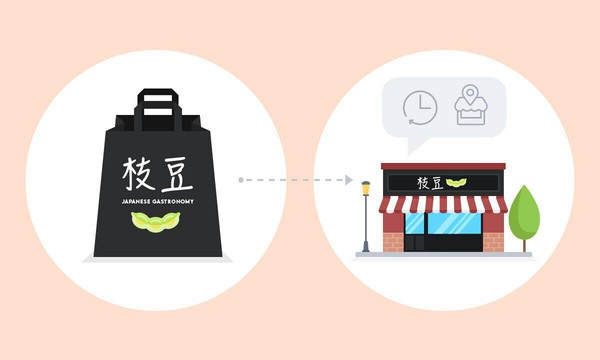
### [Edamame Restaurant: digitalisering av en familjerestaurang](https://www.goodbarber.com/blog/edamame-restaurant-digitalization-of-a-family-restaurant-a1046/)
Den period vi just gått igenom bevisade det: konsumenternas vanor förändras och företagen måste anpassa sig. Inom livsmedelsindustrin, liksom inom catering, hade förändringen av konsumtionsmönstren redan börjat långt innan hälsokrisen bröt ut.
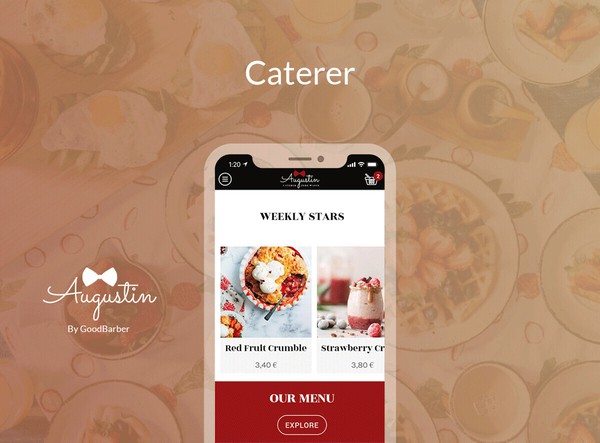
### [Så här skapar du din egen app för upphämtning och leverans](https://www.goodbarber.com/blog/how-to-create-your-own-local-delivery-pickup-app-a1010/)
Många fysiska butiker har haft en tuff situation de senaste månaderna på grund av de nedstängningar som införts i många länder på grund av covid-19.
## Prissättning
[Månadsvis](#)[Årligen](#)[En gång](#)
||Standard 450kr/månadfaktureras årsvisSpara 1380kr varje år|Premium 790kr/månadfaktureras årsvisSpara 2760kr varje år|Pro 1590kr/månadfaktureras årsvisSpara 5520kr varje år|Byrån 3290kr/månadfaktureras årsvisSpara 12000kr en gång om året|Pro 68000krEngångsbetalningSpara 178000kr på en gång|Byrån 180000krEngångsbetalningSpara 334800kr på en gång|
|---|---|---|---|---|---|---|
|Teknik|||||||
|PWA-teknik|yes|yes|yes|yes|yes|yes|
|Inhemsk teknik||Android + iOS (iPhone & iPad) (iPhone & iPad)|Android + iOS (iPhone & iPad) (iPhone & iPad)|Android + iOS (iPhone & iPad) (iPhone & iPad)|Android + iOS (iPhone & iPad) (iPhone & iPad)|Android + iOS (iPhone & iPad) (iPhone & iPad)|
|Tillgänglig i Google Play Store||yes|yes|yes|yes|yes|
|Tillgänglig på App Store||yes|yes|yes|yes|yes|
|Kapacitet|||||||
|Förvaring info 22,7kr för 10 GB|2 GB|10 GB|50 GB|100 GB|50 GB|100 GB|
|Push-meddelanden info 114kr för 100K extra push-meddelanden(per månad)|10K|30K|250K|500K|250K|500K|
|Personalkonton|1|3|obegränsad|obegränsad|obegränsad|obegränsad|
|Antal projekt|1|1|1|obegränsad|1|obegränsad|
|Sidvisningar (bandbredd & trafik)|obegränsad|obegränsad|obegränsad|obegränsad|obegränsad|obegränsad|
|Varianter per produkt|100|100|100|100|100|100|
|Nedladdningar av appar||obegränsad|obegränsad|obegränsad|obegränsad|obegränsad|
|Kundansvarig|||yes|yes|yes|yes|
|Extension StoreStort bibliotek 190+ [tillägg](https://se.goodbarber.com/extensions/). Nya tillägg varje månad info Utöka funktionerna i din app med tillägg : Automatiseringar (Zapier, Make), Analytics, Monetisering, Försäljningsoptimering, Integration (Wordpress, Squarespace, RSS).|||||||
|Gratis tillägg|Upp till 5|Upp till 20|obegränsad|obegränsad|obegränsad|obegränsad|
|Övergivna order|114kr/månad (faktureras 1140kr/år. Du sparar 2 månader)|114kr/månad (faktureras 1140kr/år. Du sparar 2 månader)|yes|yes|yes|yes|
|Leveranstider|170kr/månad (faktureras 1700kr/år. Du sparar 2 månader)|yes|yes|yes|yes|yes|
|Produktimport|285kr/månad (faktureras 2850kr/år. Du sparar 2 månader)|285kr/månad (faktureras 2850kr/år. Du sparar 2 månader)|yes|yes|yes|yes|
|Betalningar|||||||
|Ingen extra transaktionsavgift|0%|0%|0%|0%|0%|0%|
|Stripe, Apple Pay, PayPal, betalningar med ett klick, offlinebetalningar|yes|yes|yes|yes|yes|yes|
|Centrala funktioner|||||||
|NO CODE drag&drop; app-byggare|yes|yes|yes|yes|yes|yes|
|Fullständigt anpassningsbar design|yes|yes|yes|yes|yes|yes|
|System för innehållshantering(artikel, video, podcast, evenemang, karta, foto, live)|yes|yes|yes|yes|yes|yes|
|SEO-vänlig, AMP, ASO-vänlig|yes|yes|yes|yes|yes|yes|
|Support (riktig mänsklig support, av GoodBarber-teamet självt)|yes|yes|yes|yes|yes|yes|
|Pris för prenumeration på årsplan|Standard5400kr/år|Premium9480kr/år|Pro19080kr/år|Byrån39480kr/år|/år|/år|
### Skapa din restaurangapp nu
[Börja gratis](https://se.goodbarber.com/create/)
## Vanliga frågor och svar
### Hur skapar man en restaurangapp enkelt?
GoodBarber Restaurant App Builder gör det möjligt för dig att bygga en mobilapp för din restaurang på ett mycket enkelt sätt.
**Följ dessa steg för att skapa din egen restaurangapp:**- Gör allt du behöver redo för din app
- Starta din restaurangapp på GoodBarber
- Lägg till dina livsmedelsprodukter i din app
- Designa din restaurangapp
- Lägg till information om ditt restaurangföretag i din app
- Anpassa dina transaktionsmeddelanden och push-meddelanden
- Lägg till apptillägg för att leverera den bästa shoppingupplevelsen på mobilen
- Testa och publicera din restaurangapp
Det kan vara en app för att dela dina bästa bilder och videor via sociala medier för att marknadsföra din restaurang, men det kan också vara en e-handelsapp för att sälja och leverera mat.
### Hur mycket kostar det att skapa en restaurangapp?
Du kan börja köra din restaurangapp gratis med vår 30 dagars kostnadsfria provperiod.
Sedan är det upp till dig att prenumerera på den plan som bäst passar dina behov: den grundläggande planen för att skapa en restaurangapp börjar på 450kr/Månad.
Observera att ytterligare kostnader tillkommer för att publicera iOS-appar på App Store.
### Vilka lösningar erbjuder GoodBarber till en restaurang?
* Du får din egen restaurangapp till ett överkomligt pris.
* Mycket enkel lageruppdatering via Back-office eller appen "Shop Companion".
* Enkel uppdatering av öppettider och leveranstider med ett klick.
* Bygg upp en kundbas som du kan använda för kommunikationsändamål och reklamkampanjer.
* En färdig lösning för att sälja online
* En destination för Facebook- och Google-annonser
* Hantering av onlinebeställningar (Click and Collect, lokala leveransplatser)
* Skapa och uppdatera restaurangmenyer enkelt från din app
### Vilka är fördelarna med att bygga en restaurangapp med GoodBarber App Builder?
- Shoppingupplevelse med 1 klick
- Kampanjerbjudanden via kuponger
- Push-notiser för att öka försäljningen
- Många betalningsalternativ (kreditkort, Apple Pay, PayPal, kontanter, måltidsbiljett)
- Med Shop companion kommer inga nya beställningar via appen att gå om intet
- Click&collect och lokala leveranstillägg för att öppna upp nya försäljningskanaler och hantera krisen
- 1 verktyg för de 3 viktigaste mobila plattformarna
- Ett team av experter för att vägleda och hjälpa dem
- En lättanvänd NoCode App-byggare
- Ett arbetsflöde för köp som är utformat för att förbättra köpupplevelsen
- Flera alternativ för kunderna att betala för sin order
- Konfigurerbara tidsluckor för Click and Collect med maximalt antal beställningar per lucka: vi säkerställer en smidig service utan att överbelasta restaurangteamet.
- Anpassning av restaurangappens design gör det möjligt att skapa en app som perfekt matchar restaurangens visuella identitet
### Hur kan jag anpassa min restaurangapps design och användarupplevelse?
Med över 200 layoutalternativ, en imponerande temasamling och modulär design kan du skapa en unik app som återspeglar din restaurangapps varumärke
Det finns många alternativ och nivåer av anpassning. Du kan välja olika "globala stilar" för att anpassa appen i sin helhet eller kanske bara anpassa ett visst avsnitt.
Vår appbyggare för restauranger erbjuder 9 mallar för listningssidor och 4 mallar för fristående sidor.
Du kommer att kunna anpassa rubriker, teckensnitt, bakgrundsfärger och navigeringsmenyer.
### Kommer min restaurangapp att vara tillgänglig i alla länder?
Ja, den kan vara tillgänglig i alla länder. Du kommer att besluta om geodistribution och välja de länder där appen kommer att finnas tillgänglig i appbutikerna innan den publiceras i Apples App Store och Google Play Store.
### Behöver jag tekniska färdigheter för att bygga en restaurangapp?
Tack vare GoodBarber No-Code App builder behöver du inga programmeringskunskaper för att skapa din app. Du kan skapa din app för Android, iOS eller en mobil webbplats med en Progressive Web App (PWA) utan en enda rad kod.
### Erbjuder ni någon support och eftermarknadshjälp?
Ja, det stämmer verkligen! GoodBarber Support and Assistance program ger dig:
- Gratis support
- Obegränsat antal supportärenden
- Appens livstidssupport
- Support på 5 språk
- 4 kontor i 3 länder
- 3 tidszoner
### Vem är utvecklaren av min restaurangapp?
Du måste köpa ditt eget utvecklarkonto från Apple och Google. Därför är du utvecklaren av din app. GoodBarber är helt enkelt verktyget för att skapa den.
### Kan jag sälja min restaurangapp?
Ja, du kan sälja din restaurangapp. För att göra detta måste du överföra äganderätten till din app till den nya ägaren i varje appbutik.
Dessutom måste du överföra ägandet av GoodBarbers backoffice till den nya ägaren. För att göra detta måste du kontakta GoodBarbers supportteam.
[Börja gratis](https://se.goodbarber.com/create/)
Från så lågt som 450kr/månad
Gratis 30-dagars provperiod. Inget kreditkort krävs
---
# Appar för lokal leverans
Source: https://se.goodbarber.com/local-delivery-apps/
---
title: "Skapa en app för leverans - appbyggare för leverans och upphämtning i butik"
description: "Skapa din app för lokala leveranser utan kodning. Upptäck alla våra funktioner och teman för att göra leverans- och upphämtningsshoppingappar till en succé."
canonical_url: "https://se.goodbarber.com/local-delivery-apps/"
lang: sv
---
# Skapa en app för leverans - appbyggare för leverans och upphämtning i butik
GoodBarber för Hämtning och leverans
# Skapa en app för lokal leverans + upphämtning
## Utveckla ditt företag genom att erbjuda dina kunder flexibilitet och bekvämlighet
- Snabb utcheckning
- Leverans per postnummer eller radie
- Tidsluckor
- Förnyelse av en order med 1 klick
- Anteckningar från kunder
- Permanent vagn
[Skapa en app](https://se.goodbarber.com/create/)
Från så lite som 450kr/månad
Gratis 30-dagars provperiod
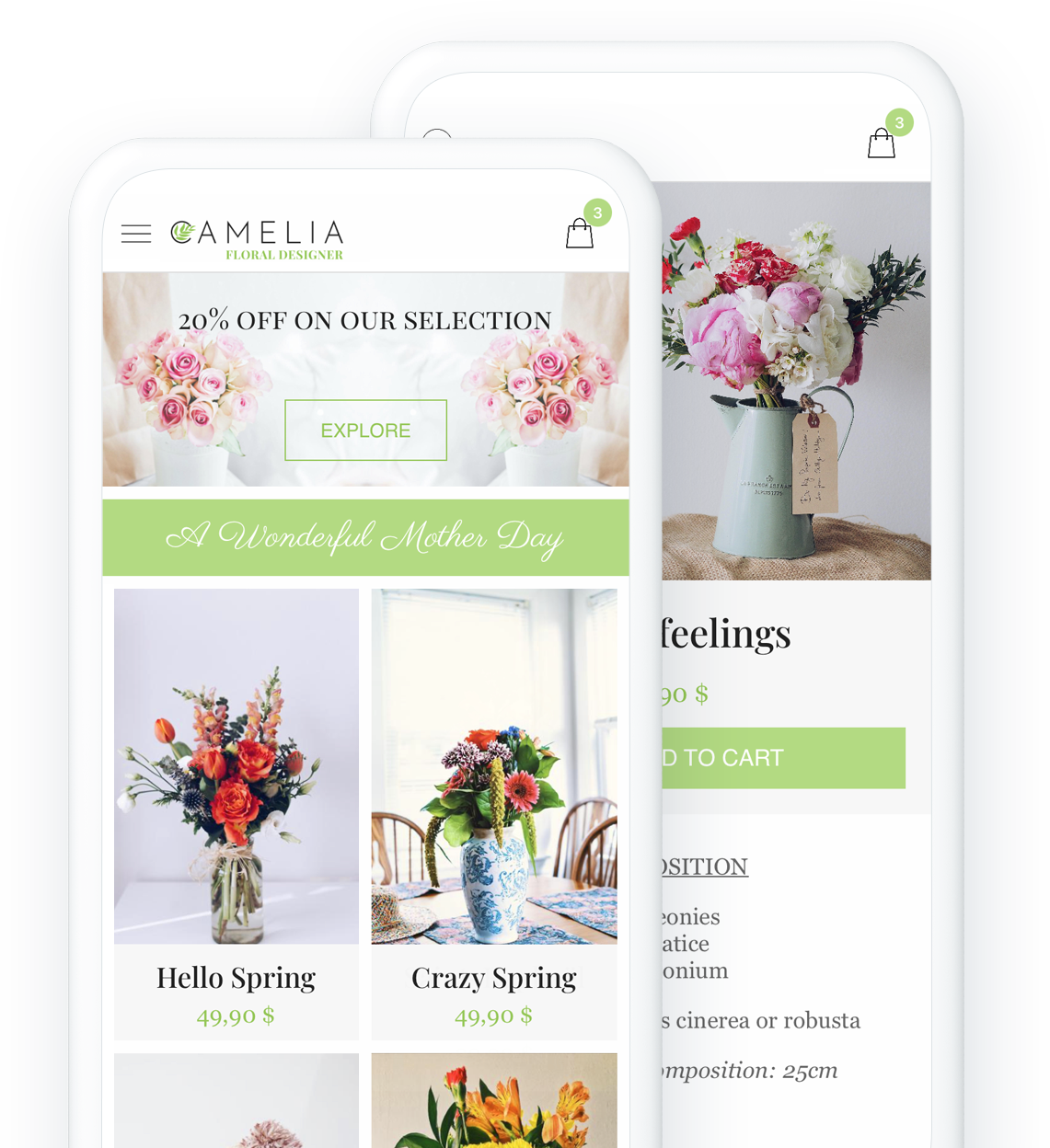
## Viktiga funktioner
### Perfekt för alla lokala företag: öka din försäljning, utöka din lokala kundbas

### Betalning offline
Underlätta dina kunders shoppingupplevelse och låt dem betala utanför appen för att nå ut till en bredare publik.
[Mer information](https://se.goodbarber.com/extensions/offline-payment/)

### Lokal leverans
Konfigurera dina leveranszoner efter postnummer eller radie och erbjud snabb leverans till dina lokala kunder
[Mer information](https://se.goodbarber.com/extensions/local-delivery/)

### Upphämtning i butik
Från app till butik: Dina kunder gör sin beställning i din app och kommer till din butik för att hämta den [Vad är klicka och hämta?](https://se.goodbarber.com/glossary/click-and-collect/)
[Mer information](https://se.goodbarber.com/extensions/store-pickup/)
### Tidsluckor
Skapa tidsluckor för vilka du vill tillåta leveranser
[Mer information](https://se.goodbarber.com/extensions/time-slots/)



## Skapa din vackra shoppingapp
Välj bland våra 30 vackra teman och anpassa din webbutik utan kodning
- [Restaurang](#bistrot)
- [Caterer](#augustin)
- [Florist](#camelia)
- [Lokal jordbrukare](#oribu)
- [Oberoende butik](#yogii)

BISTROT GEORGES ett GoodBarber-tema
[Skapa en app](https://se.goodbarber.com/create/)
Made with GoodBarber

AUGUSTIN ett GoodBarber-tema
[Skapa en app](https://se.goodbarber.com/create/)
Made with GoodBarber

CAMELIA ett GoodBarber-tema
[Skapa en app](https://se.goodbarber.com/create/)
Made with GoodBarber

ORIBU ett tema för GoodBarber
[Skapa en app](https://se.goodbarber.com/create/)
Made with GoodBarber

YOGII ett GoodBarber-tema
[Skapa en app](https://se.goodbarber.com/create/)
Made with GoodBarber
## Skapa enkelt en app och ta ditt företag till nästa nivå
### Helt enkelt. Utan en enda rad kod
## Leverera den bästa shoppingupplevelsen på mobilen
[Integrerade funktioner](https://se.goodbarber.com/extensions/collections/local-delivery/) som ökar din konverteringsgrad
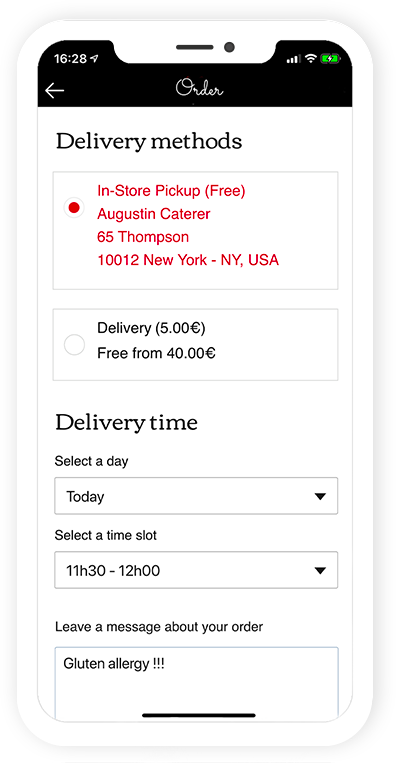
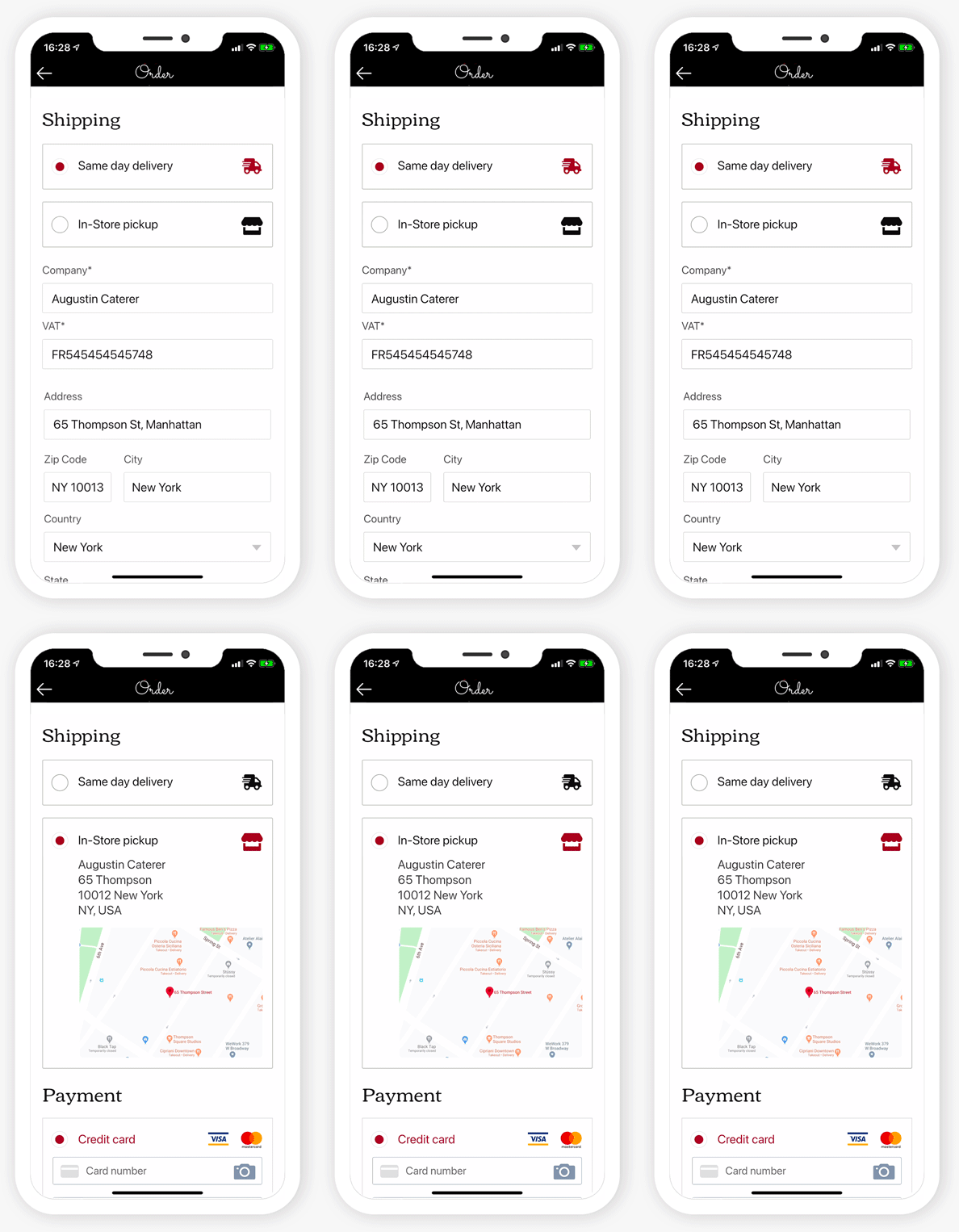
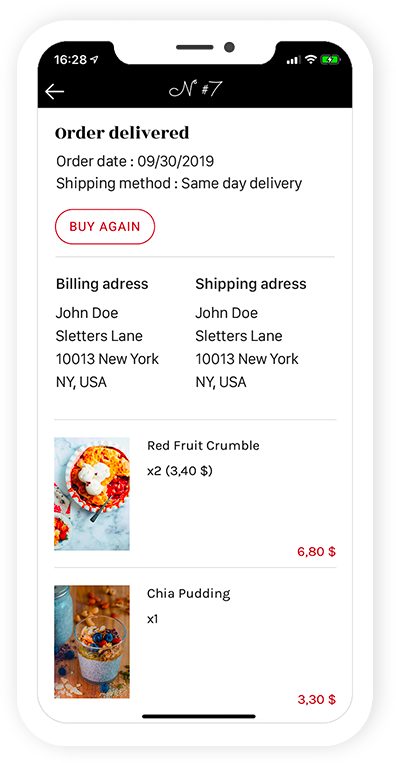
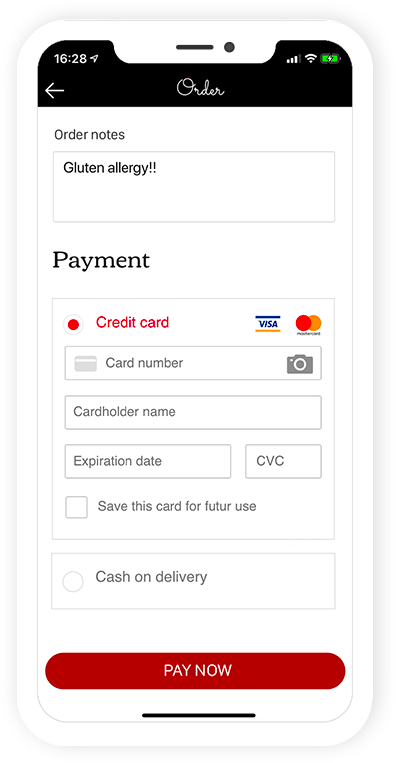
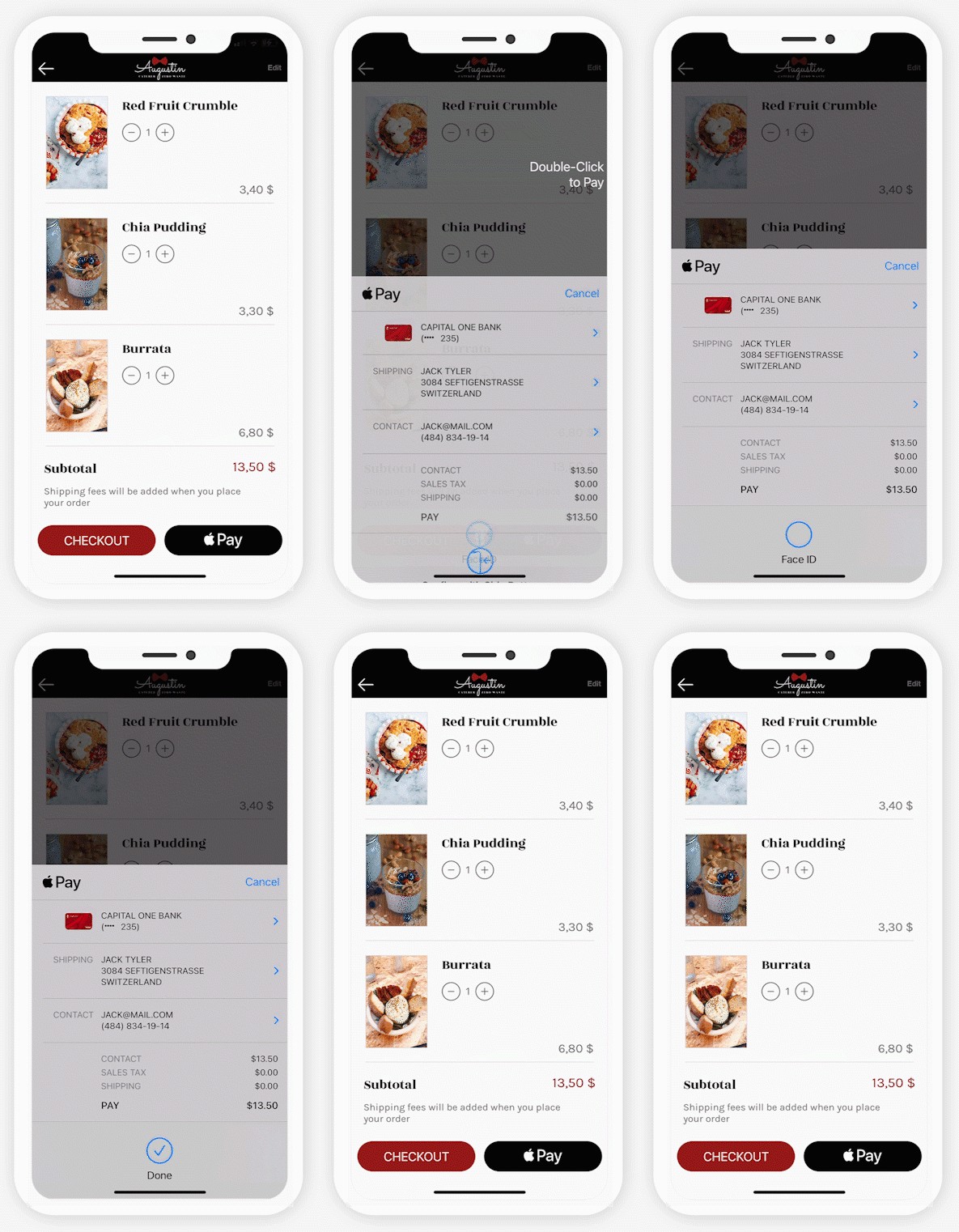
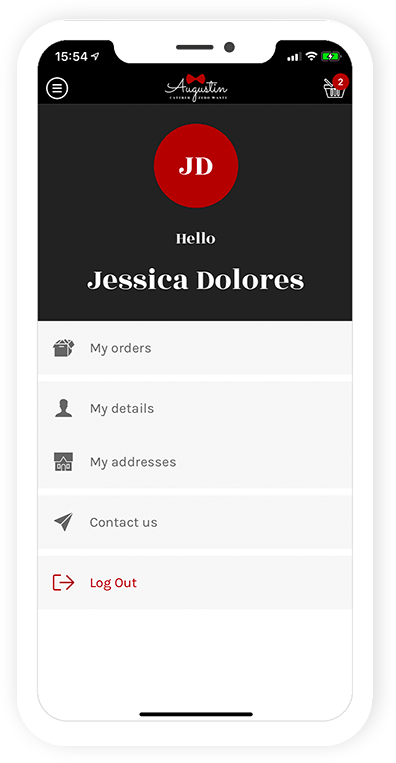
PreviousNext
Tidsluckor
Din kund kan välja en specifik tidslucka för sin leverans. Ingen mer missad leverans eller väntan hela dagen på sin beställning.

Snabb utcheckning
Förenkla utcheckningsprocessen och optimera försäljningen genom att ta bort onödiga steg. Din kund kommer endast att tillfrågas om information som är specifik för den valda leveransmetoden. Ingen tid går till spillo på att fylla i onödiga uppgifter.

Köp igen
Låt dina kunder lägga till alla produkter från en befintlig order i varukorgen med ett enda klick.

Meddelande från kund
Dina kunder kan lämna instruktioner på sin order

Betalning med ett klick
Med Digital Wallets, den mest effektiva kassan på webben, kan du optimera din kundupplevelse och öka din konverteringsgrad.

Automatisk inloggning
Med integrerad inloggning identifierar sig dina kunder bara en gång. Sedan blir de omedelbart igenkända varje gång applikationen startas. Det bästa sättet att matcha deras förväntningar

## En komplett e-handelsplattform
Allt-i-ett-appen
- [Statistik](#stats)
- [Beställningslista](#command)
- [Produkter](#product)
- [Rabatter](#coupons)
- [Frakt](#shipping)
- [Skatter](#taxes)
- [Domännamn](#domain)
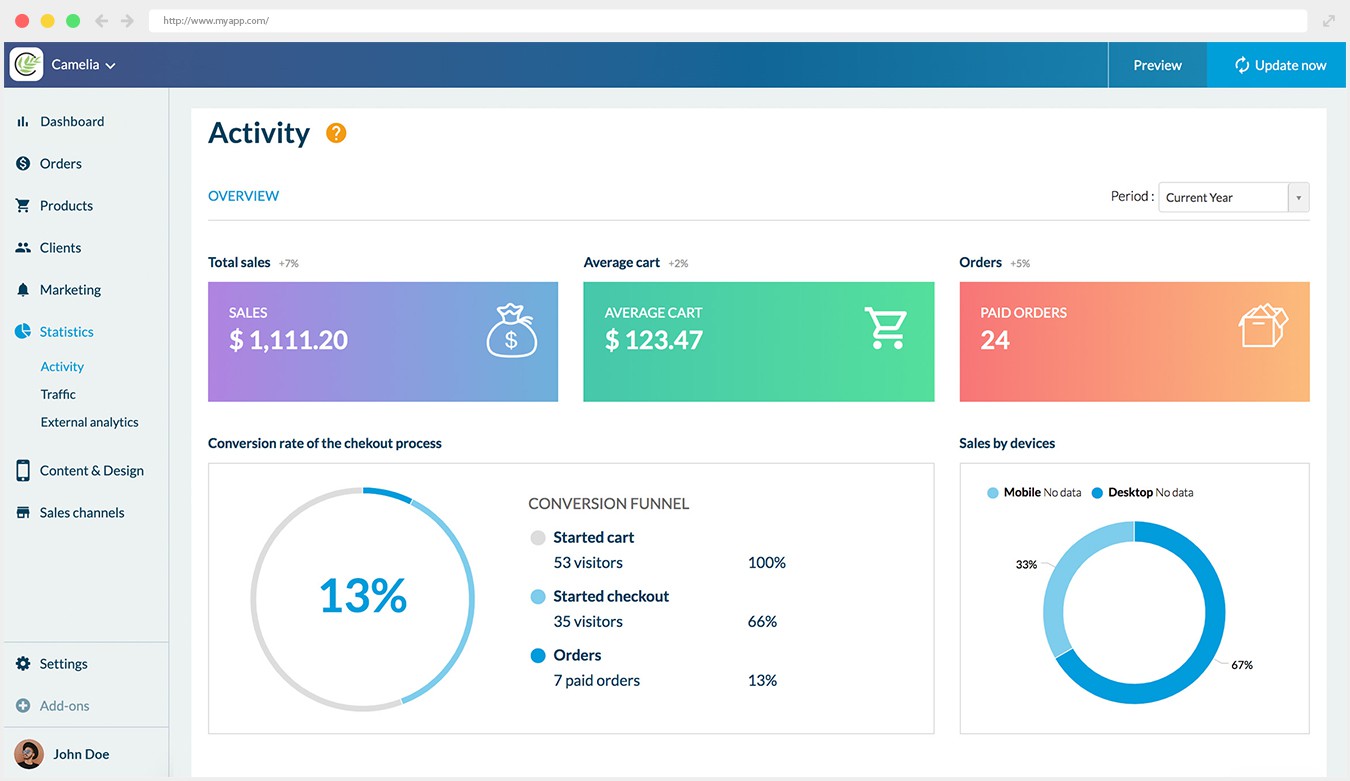
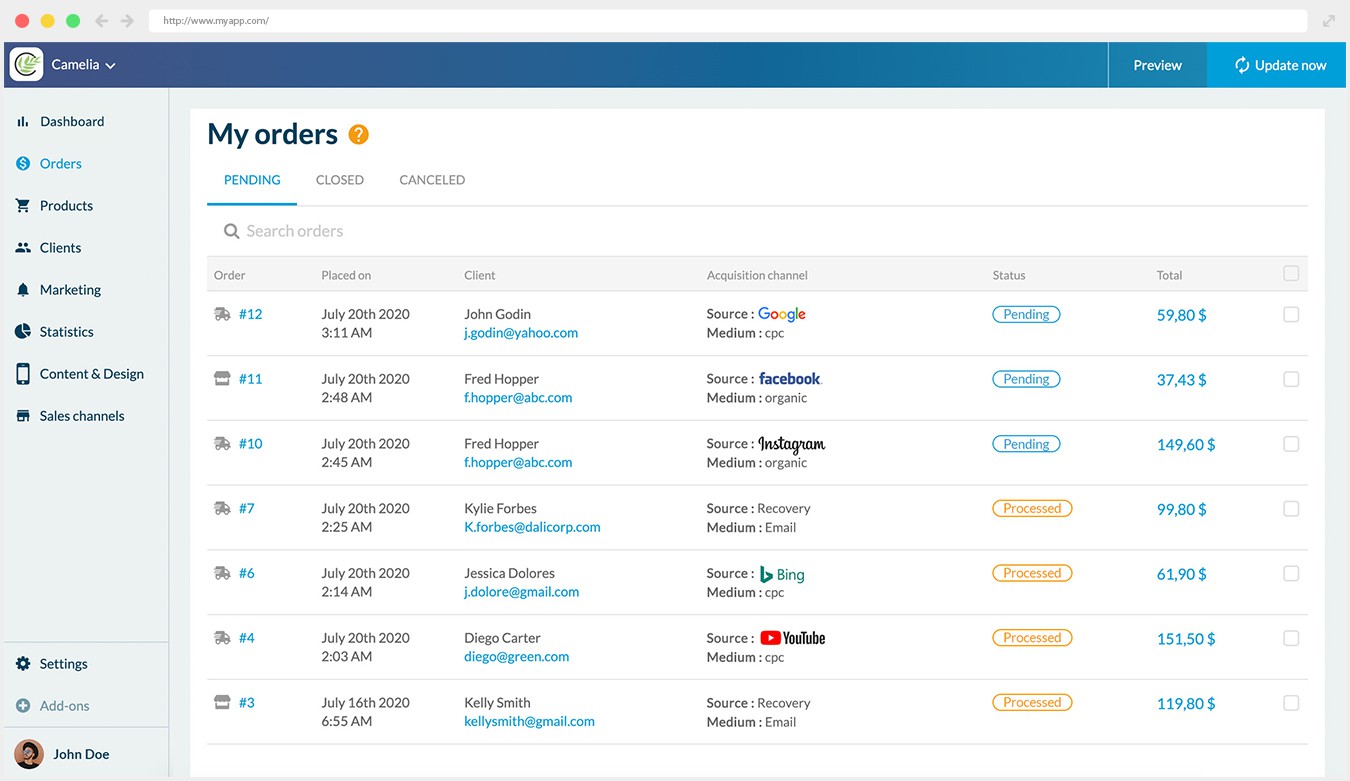
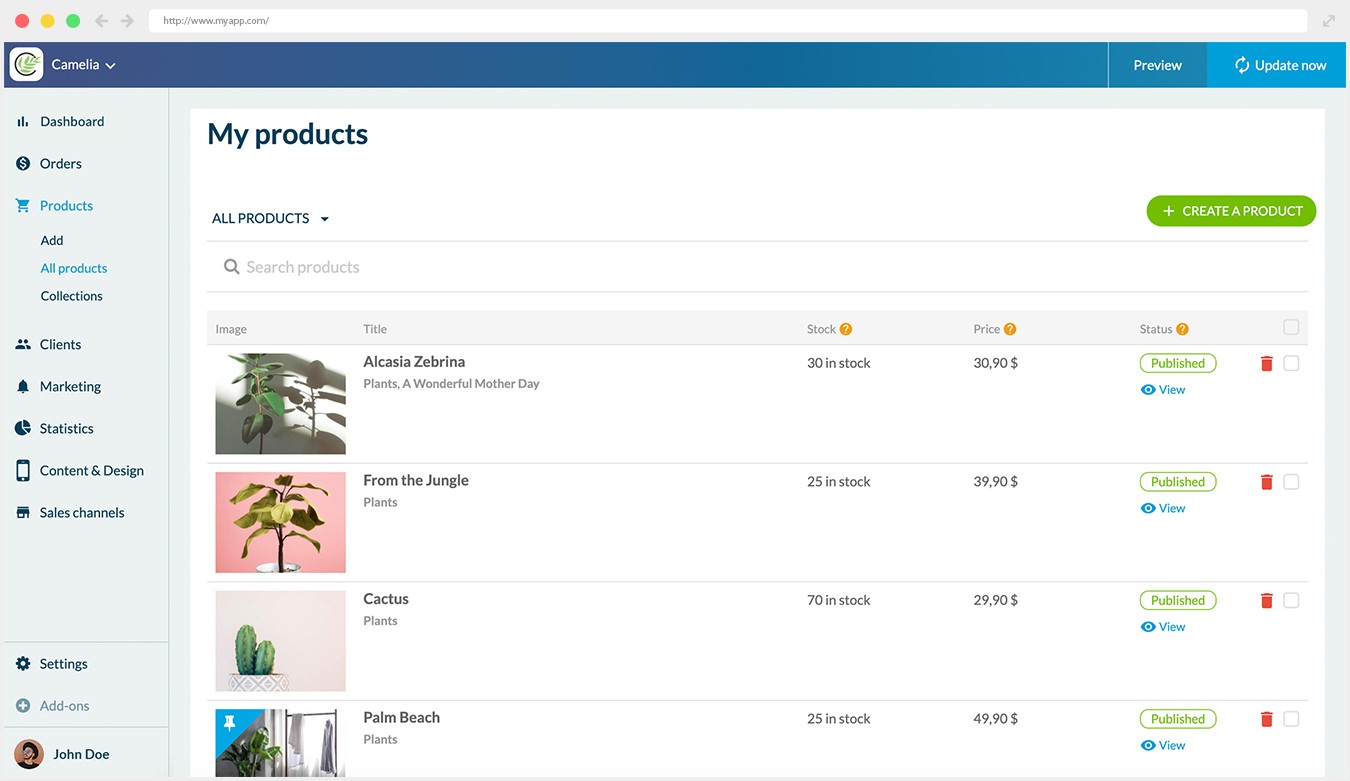
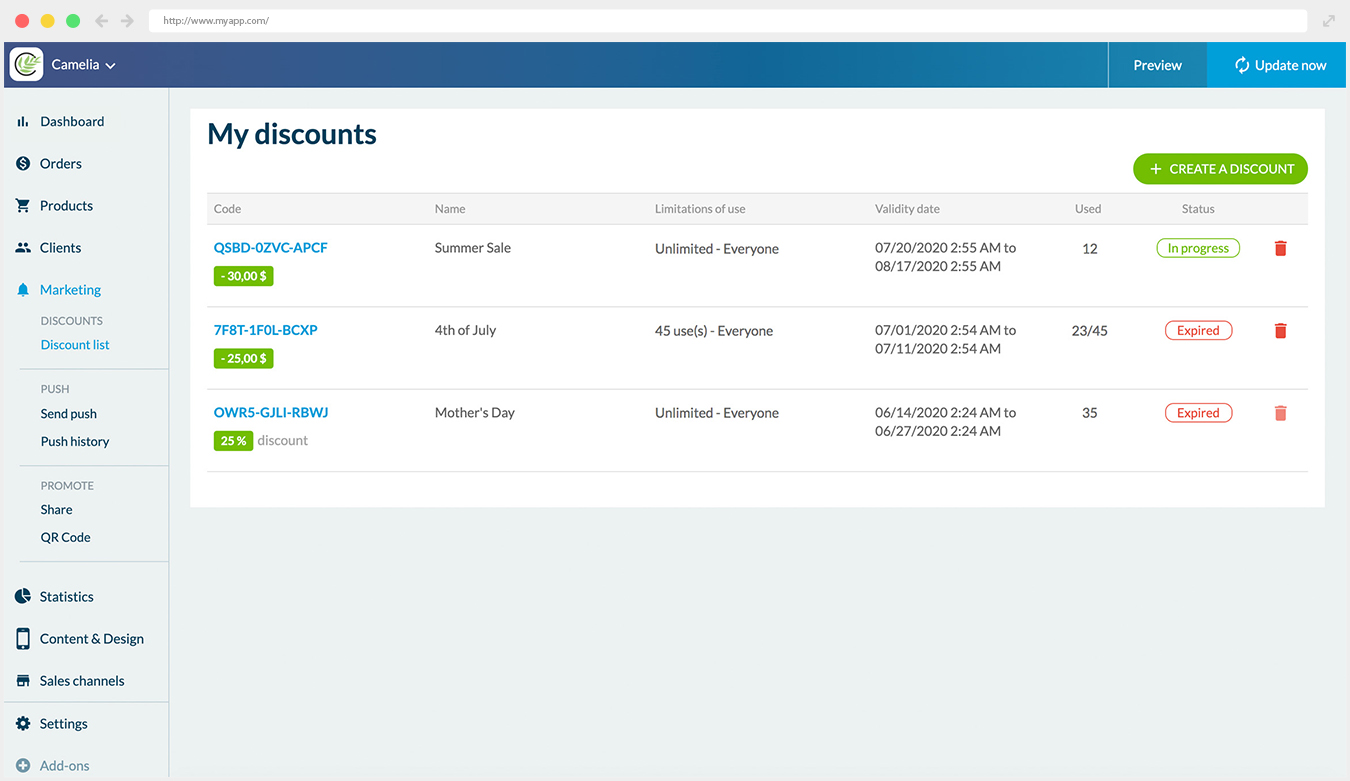
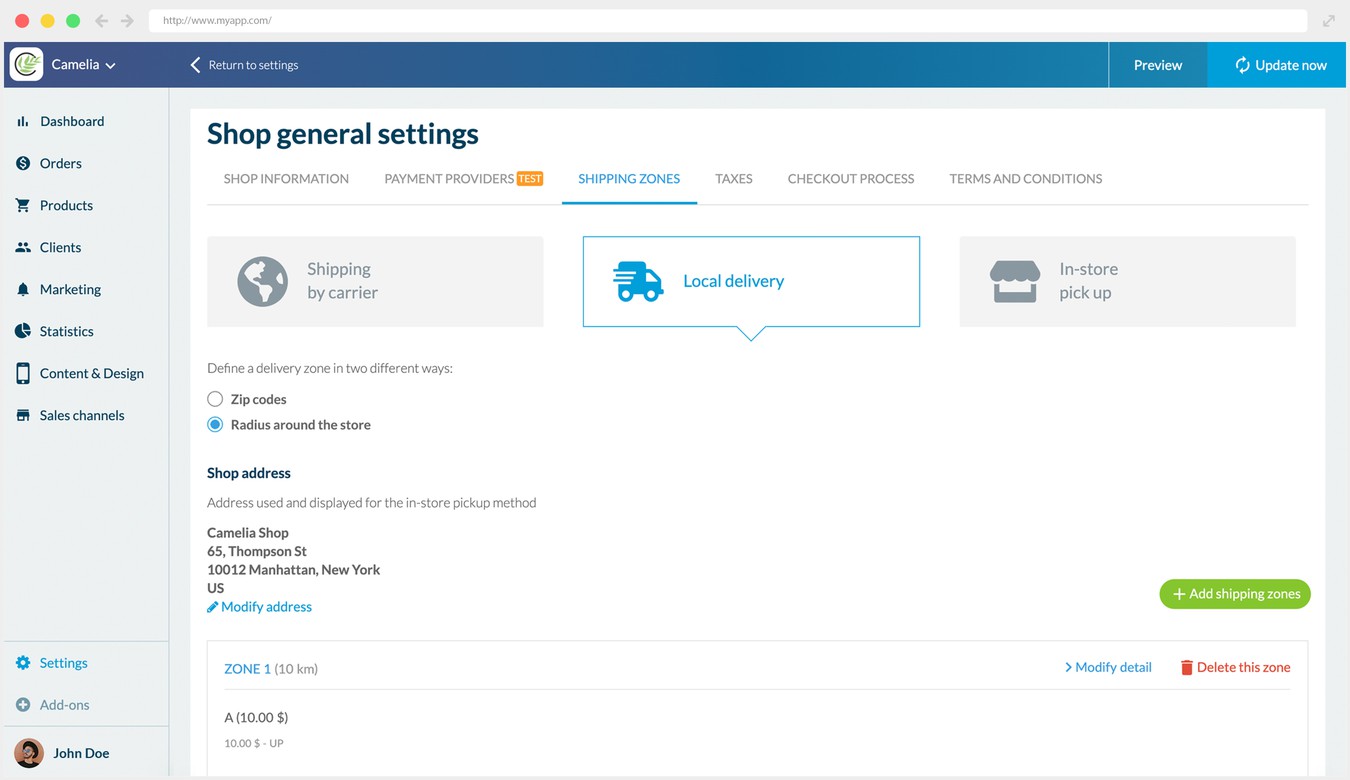
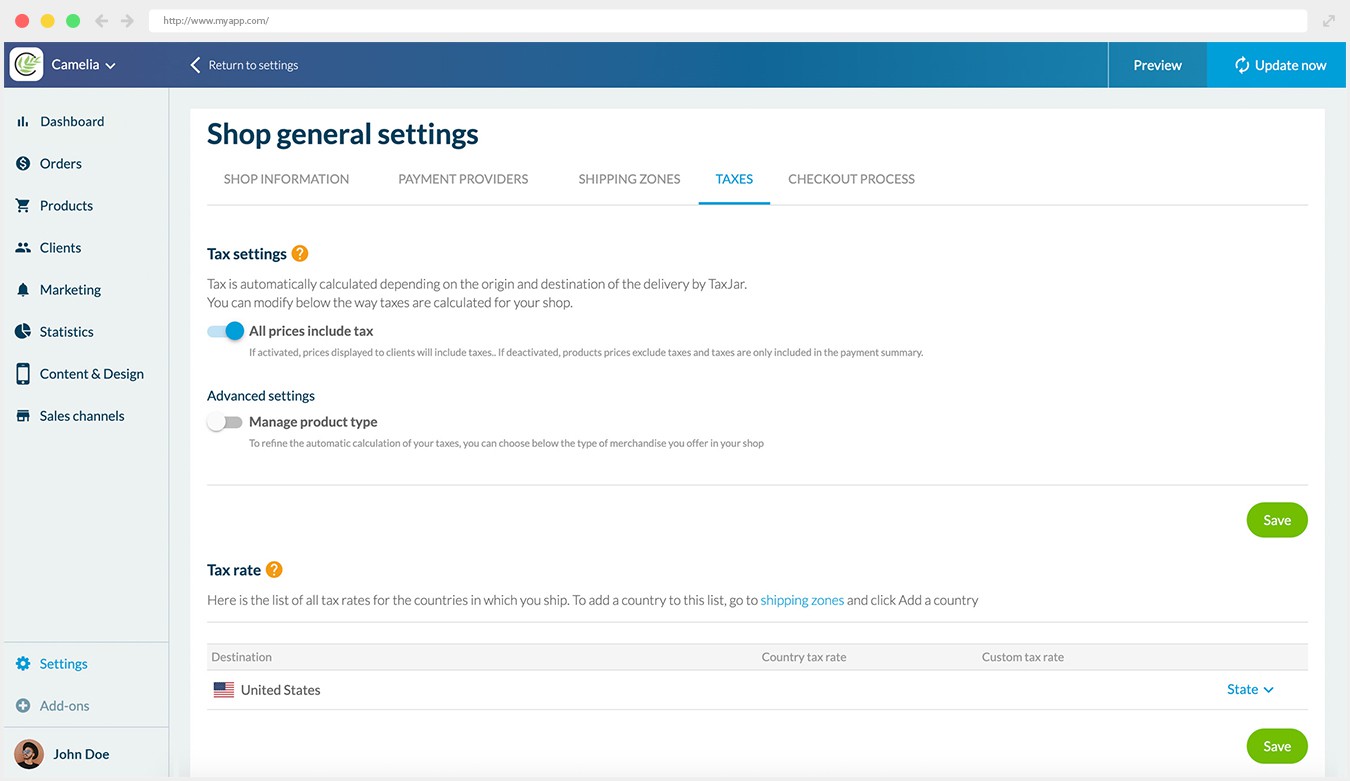
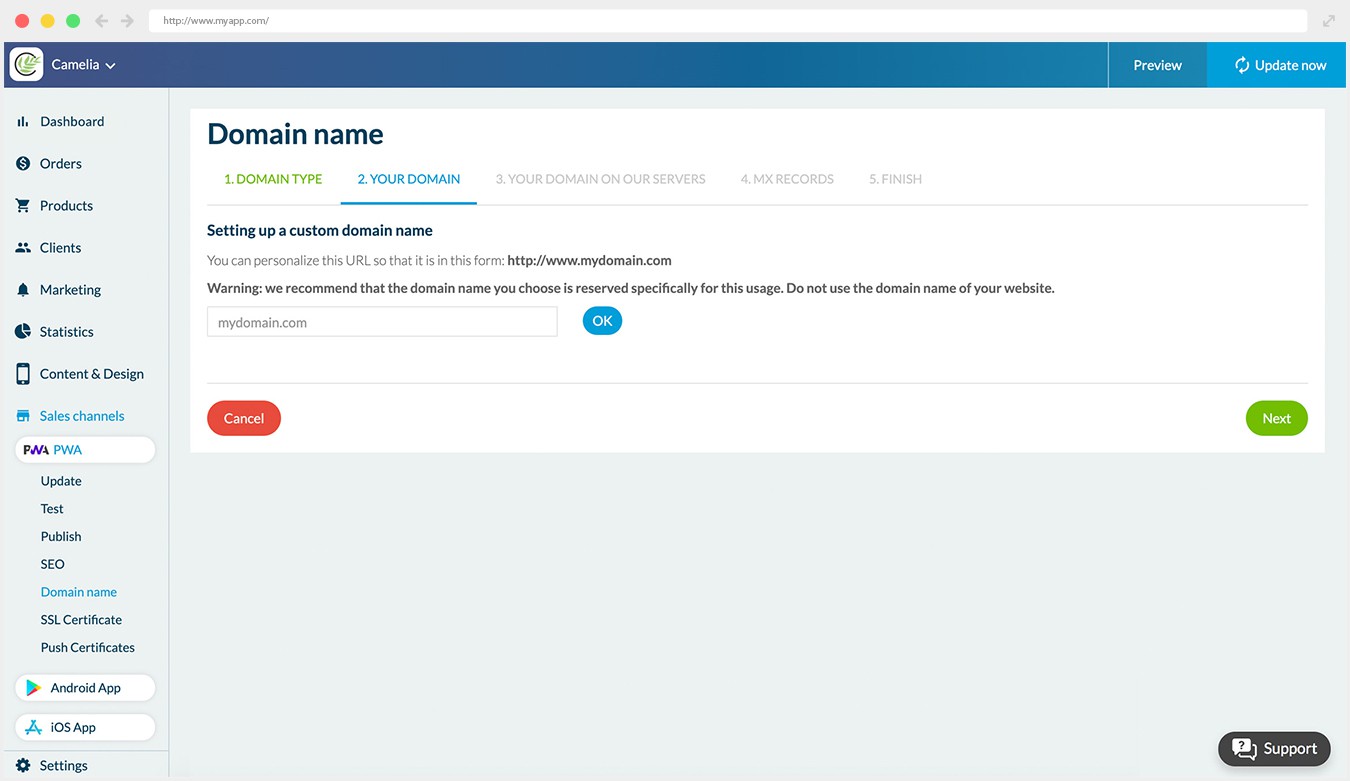
## Varför behöver ditt företag en app?
### Det bästa sättet att konvertera och bygga lojalitet

### Shoppingappar konverterar 3x mer än responsiva webbplatser
Återförsäljare som har en app ligger steget före eftersom deras app konverterar 3 gånger mer än deras webbplats*. Ett mer tilltalande användargränssnitt, enklare och snabbare utcheckning, optimerad navigering ökar andelen användare som slutför köpet, vilket leder till högre konvertering och högre genomsnittligt ordervärde.

### Shoppingappar ökar kundlojaliteten
Användare av mobilappar är dubbelt så benägna att återvända till din butik inom 30 dagar jämfört med en webbplats. Marknadsföringsverktyg som använder telefonens inbyggda funktioner ger möjlighet att engagera dina kunder och bygga lojalitet. (push-meddelanden, e-post)

### Kunderna föredrar shoppingappar
70% av kunderna föredrar shoppingappar* . Shoppingappar erbjuder mer bekvämlighet, snabbhet och lagrade inställningar: dina kunder kan enkelt återuppta sin shopping där de slutade.
*Criteo
## Gör ditt bästa på alla enheter
### Säkerställ din synlighet i alla försäljningskanaler och på alla enheter

## App Store och Google Play
Din shoppingapp är utvecklad för iOS och Android. Den drar nytta av GoodBarbers expertis inom Native Apps. Dina appar kommer att finnas tillgängliga i App Store och Google Play. Din app drar nytta av App Store Optimisation (ASO) och kundrecensioner.
100% INBYGGD APP TILLGÄNGLIG PÅ


## PWA: På webben
Progressive Web App (PWA) är ett perfekt komplement till Native Apps och erbjuder dina användare ett gränssnitt för flera plattformar: de kan komma åt din webbplats oavsett vilken enhet de använder. PWA drar också nytta av den traditionella SEO-indexeringen.
PROGRESSIV APP MED FULL RESPONSIVITET

## Är du redo för den bästa shoppingupplevelsen på mobilen?
1. 1
**Utformad för mobila enheter**
Leverera den bästa användarupplevelsen för e-handel: sömlös navigering, snabbhet, betalning med ett klick, meddelanden
2. 2
**Allt-i-ett-plattform för e-handel**
Hantera dina PWA-, Android- och iOS-appar från ett unikt backoffice och dra nytta av kompletta e-handelsfunktioner.
3. 3
**Redo att lansera direkt**
Inga kodningskunskaper, ingen expertutvärdering, ingen dold process. Du kan börja använda din app omedelbart.
4. 4
**Från så lite som 450kr/månad**
Vi erbjuder marknadens bästa mervärde. Till en mycket konkurrenskraftig månadsavgift.
5. 5
**Du är säker**
Vi sköter den tekniska delen. Kontinuerlig innovation ingår!
[Skapa en app](https://se.goodbarber.com/create/)
Från så lite som 450kr/månad
Gratis 30-dagars provperiod
---
# Tidningsappar
Source: https://se.goodbarber.com/news-app/
---
title: "Skapa en nyhetsapp - App för tidning - News App Builder"
description: "Bygg en nyhetsapp. Skapa en app för tidningar, nyhetsbyråer eller pressrum med GoodBarber News App builder. Nå dina läsare i realtid där de tillbringar mest tid: i mobilen."
canonical_url: "https://se.goodbarber.com/news-app/"
lang: sv
---
# Skapa en nyhetsapp - App för tidning - News App Builder
### GoodBarber för Tidning
# En nyhetsapp. Klart.
## Tidningar, pressbyråer eller lokala nyhetsmedier med din nyhetsapp når du dina läsare i realtid där de tillbringar mest tid: i sin telefon.
- Medlemskap
- Annonsnätverk
- Redaktionen
- Redaktionell planering
- Automatiska push-meddelanden
- Wordpress-integration
[Starta nu](https://se.goodbarber.com/create/)
Från så lågt som 340kr/månad
.
Gratis 30-dagars provperiod. Inget kreditkort krävs
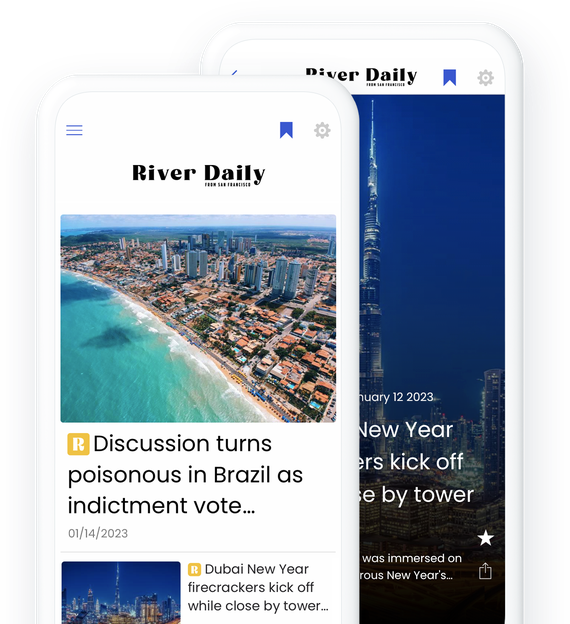
### De litar på GoodBarber

## Tjäna pengar på ditt innehåll
Två sätt att tjäna pengar på, perfekt anpassade till nyhetsappar
### Medlemskap
Det enklaste sättet att tjäna pengar på din app: erbjud vissa delar av ditt innehåll gratis samtidigt som du ger dina läsare möjlighet att uppgradera till en betald prenumeration för full tillgång. Tack vare medlemskapet kan användarna prenumerera med 1 klick (verkligen med 1 klick!). Använd push-meddelanden för att rikta in dig på din målgrupp baserat på deras medlemskapsstatus.
[Mer om medlemskap](https://se.goodbarber.com/extensions/in-app-purchase/)
[https://portal.ww-cdn.com/portal_static/images/newspaper/anim_applepay.4c09d21c06ef.mp4](https://portal.ww-cdn.com/portal_static/images/newspaper/anim_applepay.4c09d21c06ef.mp4)
### Visa annonser i din app
Du kan antingen visa annonser från fyra stora annonsnätverk (Admob, Ad Manager, Google AdSense och Facebook-annonser) eller [skapa egna annonser](https://se.goodbarber.com/extensions/internal-ad-server/), vilket ger dig möjlighet att sälja annonsplacering i din app.
[Mer om annonser](https://se.goodbarber.com/extensions/categories/monetization/)
## Bli upptäckt. Bli oförglömlig
Rankas i sökmotorer och dra nytta av App Stores ryktbarhet
### Webbapp och AMP-teknik
Progressive Web App (PWA) är webbversionen av din native app och det perfekta komplementet till den. Den är utformad för att fungera optimalt på alla enheter (mobil, surfplatta och dator) och kräver ingen nedladdning. Det är ett utmärkt verktyg för att nå en annan publik som kanske inte är så intresserad av att ladda ner din app.
PWA:er är viktiga för din SEO och indexeras inte bara av sökmotorerna, vilket hjälper dig att synas och rankas högre på SERP (Search Engine Results Pages), utan dina artiklar, videor och podcastsidor drar också nytta av [AMP-tekniken](https://se.goodbarber.com/extensions/google-amp-accelerated-mobile-pages/). Accelerated Mobile Pages-tekniken, som skapades av Google, syftar till att göra det enklare och snabbare att ladda webbsidor på mobiltelefoner. Google lyfter fram AMP genom att visa dem i AMP-karusellen högst upp på de första resultatsidorna, eller på de traditionella resultatsidorna med AMP-etiketten. När dina läsare blir mer intresserade är den smarta app-bannern det perfekta sättet att hänvisa dem till App Store och Google Play för att ladda ner din app.
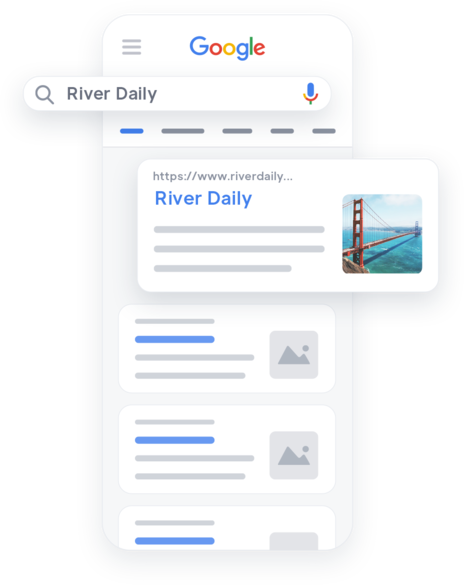

### iOS- och Android-applikationer
När dina iOS- och Android-appar har publicerats i App Store och Google Play har de många fördelar: inte bara synlighet via ASO (App Store Optimization) och ryktbarhet tack vare användarkommentarer och betyg, utan också ökad användarretention eftersom de ger den bästa upplevelsen på mobilen. Under 2020 lyckades nyhetsappar behålla tvåsiffriga retentionsnivåer, med 13,33% som fortfarande använde appen efter 30 dagar efter installationen.(*SEMRush)
Snabbhet, intuitiv navigering, tillgång till de inbyggda funktionerna i de enheter som de installeras på, push-meddelanden - inbyggda appar är den ultimata användarupplevelsen för dina läsare.

## Det moderna nyhetsrummet. Ditt sätt
Avancerade inställningar för att hantera ditt team och planera din redaktion
[https://portal.ww-cdn.com/portal_static/images/newspaper/team.c24fe877cb06.mp4](https://portal.ww-cdn.com/portal_static/images/newspaper/team.c24fe877cb06.mp4)
### Hantera ditt team
Du behöver inte göra det ensam. Med Goodbarbers backoffice kan du skapa och hantera ditt team av journalister. Som ägare av din app har du status som administratör. Med denna status kan du ge ditt team av medarbetare åtkomst till backoffice och ställa in nivån på åtkomsträttigheterna (administratör eller den mer begränsade användarstatusen) för var och en av dem. Du kan också definiera exakt var de ska bidra: åtkomst till CMS, eller push-meddelanden, vem som kan hjälpa dig att uppdatera eller publicera appen och många fler alternativ.
### Planera och hantera din redaktion
Med GoodBarbers backoffice kan du enkelt skapa, formatera, uppdatera och publicera ditt innehåll i din app. Du hittar många användbara funktioner som hjälper dig att planera och hantera ditt innehåll.
Hantering av innehållsstatus: du kan välja status för ditt innehåll (Publicerad, Schemalagd eller Utkast) för att enkelt hantera dina publikationer.
Schemaläggningsverktyget är perfekt för att välja dag och tid för publicering av dina artiklar i förväg. Du kan också skapa kortvariga publikationer genom att i förväg ange det datum då ditt innehåll ska avpubliceras.
## Push-meddelanden : Senaste nytt. I din app. Först ut.
Håll dina läsare uppdaterade och väck deras intresse med ett meddelande som kan få dem att återvända till din app
### Senaste nytt #1 funktion: Omedelbar avisering
Tack vare omedelbara [pushnotiser](https://se.goodbarber.com/extensions/push-notifications/) kan du vara först med att dela senaste nytt med dina läsare. Skriv och skicka nyheter med ett enda klick från ditt GoodBarber-backoffice.
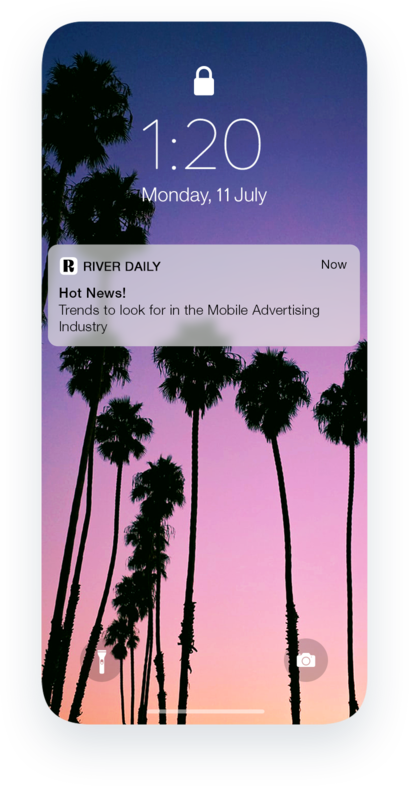
### Öka engagemanget med schemalagda meddelanden
Push-notiser är ett utmärkt marknadsföringsverktyg och en beprövad strategi för att öka engagemanget. En studie visar att push-meddelanden ökar appengagemanget med 88%. (*Business of Apps). Skapa rätt kommunikationsstrategi som är skräddarsydd för dina läsares behov med våra schemalagda pushnotiser. Planera framåt, välj ditt mål och schemalägg i enlighet med detta.
### Personliga push-meddelanden
Dina läsare kan välja vilken typ av push-meddelanden de vill få. De kommer bara att bli varnade för berättelser som är relevanta för deras intresse. När de väl har bestämt sig för att välja dina meddelanden är deras engagemang nästan en garanti.
## Allt ditt innehåll i ett och samma gränssnitt
Ett CMS för att skriva nyheterna och connectorer för att synkronisera dem
### Skapa alla typer av innehåll med vårt CMS
Med GoodBarber CMS kan du enkelt skapa och publicera innehåll i olika format: Artiklar, podcast, livevideostreaming, bilder, kartor eller evenemang. Välj bland ett brett utbud av funktioner och tillägg för att tillhandahålla de nyheter som dina läsare förväntar sig.
### Mer än 30 anslutningar
Tack vare våra anslutningar ([Wordpress](https://se.goodbarber.com/extensions/wordpress/), Youtube, RSS, Podcast Feed, Vimeo, Twitter) synkroniseras och formateras innehåll från din externa källa så att det matchar visningsstandarderna och designen i din nyhetsapp. Du behöver aldrig mer oroa dig för dubbelpublicering. Arbetet är gjort åt dig.

## Och så mycket mer
### Kommentarer
Gör det möjligt att [kommentera dina artiklar](https://se.goodbarber.com/extensions/cms-comments/) och ge dina läsare en möjlighet att göra sin röst hörd och tillhöra en gemenskap som delar deras intressen.
### Favoriter
Dina användare kan spara [sina favoritartiklar](https://se.goodbarber.com/extensions/cms-bookmark/) eller podcastavsnitt och komma tillbaka till dem senare. Den bästa användarupplevelsen för dina mest ivriga läsare.
### UGC
Ibland kommer nyheterna direkt från allmänheten. Få dina användares sida av historien eller till och med de senaste nyheterna med [användargenererat innehåll](https://se.goodbarber.com/extensions/content-submission/). De kan skicka sitt innehåll på 3 olika sätt: Text, foton eller videor.
### Kategorier
Organisera ditt innehåll i kategorier för enklare navigering och sökbarhet.
### Anpassningsbara mallar
lägg till din logotyp och ditt varumärke och visa upp ditt innehåll med vackert utformade sidor.
### Mobilvänligt backoffice
Senaste nytt att skriva när du är på språng? Lägg till och publicera innehåll i din app direkt från vårt mobilvänliga backoffice. Du kommer aldrig att missa ett tillfälle att dela nyheten först.
### Domännamn
lägg till ditt eget domännamn i din PWA för att förstärka ditt varumärke och göra det lättare för användarna att hitta och komma ihåg det.
### Social delning
Facebook, Twitter, Instagram och många fler. Dela nyheterna direkt på dina sociala medier. Med inbyggd delning kan du vidarebefordra länkar eller bilder till en annan app eller plattform utan att någonsin lämna din app
### Automationer
Anslut tusentals onlinetjänster till din GoodBarber-nyhetsapp och slösa inte tid på repetitiva uppgifter. Med [Zapier](https://se.goodbarber.com/extensions/zapier-integration/) och Make har det aldrig varit så enkelt att dela med sig av de senaste nyheterna.
## Varför din tidning behöver en app
### Dina läsare älskar nyhetsappar
Enligt Statista ägnas 41% av mobilanvändarnas digitala tid åt nyhetsappar. En mobilapp är lätt att bläddra i, snabb och ger den bästa användarupplevelsen. Med din nyhetsapp kan du dessutom erbjuda innehåll i olika format, vilket gör att du når ut till en bredare publik.
### Din nyhetsapp är lätt att tjäna pengar på
Precis som de välkända nyhetsbyråerna kan du generera intäkter från din app genom att erbjuda medlemskap och visa annonser. Medlemskap är fortfarande den mest populära strategin för intäktsgenerering för nyhetsappar och i allmänhet. Enligt App Annie drevs 97% av konsumenternas utgifter i de 250 bästa apparna i Apple App Store som inte var spelappar av prenumerationer. I Google Play Store uppgick de prenumerationsbaserade intäkterna till 91%.
### Nyhetsapp för att öka engagemanget
Nyhetsappar erbjuder många möjligheter att skapa engagemang genom att ge användarna tillgång till exklusivt innehåll, bli först med nyheter, spara sina favoriter och skicka in eget innehåll. Med verktyg som push-notiser får du en direkt kommunikationskanal med dina läsare och kan få dem att återvända till din app med ett klick.
## Kundens kärlek
### [GoodBarber är en kraftfull appbyggare.](https://www.trustpilot.com/reviews/60f08679f9f48702a8e6869e)
#### Melissa Okta
GoodBarber är en kraftfull appbyggare. Om du vill bygga din app med hjälp av en förbyggd mall är GoodBarber perfekt för dig. På Global Academy har vi nästan avslutat det femte året med att använda deras lättanvända förbyggda plattformar för att bygga premiumappar för våra kunder. Goodbarbers kundsupport är också utmärkt. Rekommenderas varmt.
-
-
-
-
-
### [Bra support och alltid mycket hjälpsamma svar.](https://www.trustpilot.com/reviews/60c0ca7cf9f487099ce24eb9)
Bra support och alltid mycket hjälpsamma svar. Inget är för trivialt för att teamet ska kunna svara.
-
-
-
-
-
### [Lyhörd support och oftast snabb.](https://www.trustpilot.com/reviews/60ad3c03f9f4870a94ace1d1)
Lyhörd support och vanligtvis snabb. Programvaran är den överlägset bästa på marknaden, med enorma möjligheter till konfigurationer.
-
-
-
-
-
### [Jag gillar verkligen systemet.](https://www.trustpilot.com/reviews/60551146f85d7509fc10d732)
#### Gene Hieber
Jag har varit en resller-medlem i en månad nu. Jag har byggt flera demo-appar. Jag gillar verkligen systemet. Lätt att navigera och jag har sålt ett par progressiva webbappar och arbetar också med inbyggda appar. Jag rekommenderar starkt Good Barber.
-
-
-
-
-
### [Teamet på GoodBarber har varit otroligt informativt och hjälpsamt](https://www.trustpilot.com/reviews/6054cff7f85d7509fc1090eb)
#### W. Monahan
Teamet på GoodBarber har varit otroligt informativa och hjälpsamma under både skapandet och underhållet av min app. Jag är inte så tekniskt kunnig, och de ger mig alltid bra vägledning om hur jag kan åtgärda problem eller förbättra min app. Jag letade efter olika alternativ när jag ville bygga min app, och jag är glad att jag valde det här företaget.
-
-
-
-
-
### [De hjälpte mig att skapa en vacker och framgångsrik app](https://www.trustpilot.com/reviews/60511fb2f85d75064c43947b)
#### Mary Davis
Jag har varit med GoodBarber sedan 2014 och jag kan inte säga tillräckligt bra saker om dem och min erfarenhet av dem. De hjälpte mig att skapa en vacker, framgångsrik app; de har funnits där för mig varje steg på vägen för att lösa kundproblem och hjälpa till med uppdateringar; och de har en lättanvänd, oändligt anpassningsbar instrumentpanel för att skapa appen du drömmer om - vilket är vad jag gjorde. Tack GoodBarber. Du är den bästa
-
-
-
-
-
### [Bra verktyg, det har alla funktioner du behöver för att bygga din egen app eller webbplats.](https://www.trustpilot.com/reviews/60a22025f9f4870a94a45023)
#### Manuel Ventura
Bra verktyg, det har alla funktioner du behöver för att bygga din egen app eller webbplats.
-
-
-
-
-
### [GoodBarber är en underbar plattform.](https://www.trustpilot.com/reviews/604e93b7f85d7503942a6703)
#### Mini Maestro
GoodBarber är en underbar plattform. Deras supportpersonal är hjälpsam och gränssnittet är lätt att navigera! Tack för att ni gör det möjligt för oss att ge extra stöd till våra kunder med vår kundapp.
-
-
-
-
-
### [Den bästa appbyggaren på marknaden](https://www.trustpilot.com/reviews/604c6024f85d75064c40265c)
#### Draculapp
Den bästa appbyggaren på marknaden, PWA lätt och Native iOS-hjälp för publiceringsproblem. Mycket bra support och ständiga uppdateringar. Många funktioner och vackra designlayouter och en hög anpassningsnivå. Rekommenderas för enskilda företag eller byråer med en mycket bra lösning för återförsäljarprogrammet. Och sist men inte minst, vänlig personal! Det är värt ett försök...
-
-
-
-
-
### [En av de bästa leverantörerna i branschen.](https://www.trustpilot.com/reviews/604ba651f85d75064c3fd1ab)
#### K. Linton
En av de bästa leverantörerna i branschen. Lätt att använda, väldokumenterad och utmärkt kundservice. Om du vill skapa en mobilappslösning för ditt företag eller dina kunder är GoodBarber definitivt rätt väg att gå.
-
-
-
-
-
## [Tidningar](https://se.goodbarber.com/extensions/collections/newspapers/)
Alla funktioner du behöver för att ge din tidning en ny dimension och locka lojala läsare
[MedlemskapTjäna pengar i din app med medlemskap](https://se.goodbarber.com/extensions/in-app-purchase/)[WordPress PluginDela automatiskt innehållet på din WordPress-webbplats i din app med GoodBarber Wordpress-plugin](https://se.goodbarber.com/extensions/wordpress/)[RSS-flödeSynkronisera ditt externa onlineinnehåll till din app med GoodBarbers integrering av RSS-flöden.](https://se.goodbarber.com/extensions/rss/)[YouTubePublicera automatiskt innehåll från din YouTube-kanal till din app med YouTube GoodBarber-integrationen.](https://se.goodbarber.com/extensions/youtube/)
## Upptäck mer
### [Hur tjänar man pengar på en mobil nyhetsapplikation?](https://www.goodbarber.com/blog/how-to-monetize-a-mobile-news-app-a1139/)
I den här artikeln kommer du att upptäcka de olika tillgängliga alternativen för en nyhetsapps ...
### [Hur visar du dina egna annonser i din app?](https://www.goodbarber.com/blog/how-to-display-your-own-ads-in-your-app-a330/)
Du har följt alla steg i guiden Så här skapar du en app...
### [Hur man skapar en nyhetsapp](https://www.goodbarber.com/blog/how-to-create-an-app-for-newspapers-a1093/)
För att tillgodose behoven hos dagens konsumenter måste du som medieföretag ha en app och sända dina nyheter i realtid.
## Prissättning
[Månadsvis](#)[Årligen](#)[En gång](#)
||Standard 340kr/månadfaktureras årsvisSpara 840kr varje år|Premium 620kr/månadfaktureras årsvisSpara 2040kr varje år|Pro 1190kr/månadfaktureras årsvisSpara 4080kr varje år|Byrån 2450kr/månadfaktureras årsvisSpara 8880kr varje år|Pro 52000krEngångsbetalningSpara 131600kr på en gång|Byrån 136000krEngångsbetalningSpara 246800kr på en gång|
|---|---|---|---|---|---|---|
|Teknik|||||||
|PWA-teknik|yes|yes|yes|yes|yes|yes|
|Inhemsk teknik||Android + iOS (iPhone & iPad) (iPhone & iPad)|Android + iOS (iPhone & iPad) (iPhone & iPad)|Android + iOS (iPhone & iPad) (iPhone & iPad)|Android + iOS (iPhone & iPad) (iPhone & iPad)|Android + iOS (iPhone & iPad) (iPhone & iPad)|
|Tillgänglig i Google Play Store||yes|yes|yes|yes|yes|
|Tillgänglig på App Store||yes|yes|yes|yes|yes|
|Kapacitet|||||||
|Förvaring info 22,7kr för 10 GB|2 GB|10 GB|50 GB|100 GB|50 GB|100 GB|
|Push-meddelanden info 114kr för 100K extra push-meddelanden(per månad)|10K|30K|250K|500K|250K|500K|
|Personalkonton|1|3|obegränsad|obegränsad|obegränsad|obegränsad|
|Antal projekt|1|1|1|obegränsad|1|obegränsad|
|Sidvisningar (bandbredd & trafik)|obegränsad|obegränsad|obegränsad|obegränsad|obegränsad|obegränsad|
|Nedladdningar av appar||obegränsad|obegränsad|obegränsad|obegränsad|obegränsad|
|Kundansvarig|||yes|yes|yes|yes|
|TilläggsbutikStort bibliotek 190+ [tillägg](https://se.goodbarber.com/extensions/). Nya tillägg varje månad info Utöka funktionerna i din app med tillägg : Automatiseringar (Zapier, Make), Analytics, Monetisering, Försäljningsoptimering, Integration (Wordpress, Squarespace, RSS).|||||||
|Gratis tillägg|Upp till 5|Upp till 20|obegränsad|obegränsad|obegränsad|obegränsad|
|Autentisering||136kr/månad (faktureras 1360kr/år. Du sparar 2 månader)|yes|yes|yes|yes|
|Chatt info Chat-tillägget kräver att Authentification-tillägget är installerat||227kr/månad (faktureras 2270kr/år. Du sparar 2 månader)|yes|yes|yes|yes|
|Medlemskap info Erbjud betalda prenumerationer till dina användare för att få tillgång till ditt innehåll. Köp görs enkelt från deras Apple / Google-konto||559kr/månad (faktureras 5590kr/år. Du sparar 2 månader). Ingen extra avgift baserad på dina intäkter.|yes|yes|yes|yes|
|Centrala funktioner|||||||
|NO CODE drag&drop; app-byggare|yes|yes|yes|yes|yes|yes|
|Fullständigt anpassningsbar design|yes|yes|yes|yes|yes|yes|
|System för innehållshantering(artikel, video, podcast, evenemang, karta, foto, live)|yes|yes|yes|yes|yes|yes|
|SEO-vänlig, AMP, ASO-vänlig|yes|yes|yes|yes|yes|yes|
|Support (riktig mänsklig support, av GoodBarber-teamet självt)|yes|yes|yes|yes|yes|yes|
|Pris för prenumeration på årsplan|Standard4080kr/år|Premium7440kr/år|Pro14280kr/år|Byrån29400kr/år|/år|/år|
### Skapa din tidningsapp nu
[Börja gratis](https://se.goodbarber.com/create/)
## Vanliga frågor och svar
### Vad är en nyhetsapp och vem är den avsedd för?
En nyhetsapp är en mobilapplikation med innehåll för att sända dina nyheter i realtid. En nyhetsapp gör att du kan erbjuda bästa möjliga användarupplevelse för dina läsare. Du kan använda den inte bara för att visa upp ditt innehåll utan också för att interagera med dina läsare genom att aktivera meddelanden för de hetaste ämnena och erbjuda nyhetsbrev som gör att läsarna kommer tillbaka för mer.
Du kan också använda de data som samlas in via din app för att bättre förstå din publik och använda denna information för att informera din innehållsstrategi.
Flera sätt att segmentera kan du rikta in dig på följande målgrupper baserat på deras intressen och nyhetsvanor:
- "Traditionella läsare", som var eller fortfarande är vana vid att konsumera tryckta medier
- "Millennials", vana vid nyhetsflöden på sociala medier
- "Expertläsare", redan experter och yrkesverksamma inom sitt område
### Hur skapar man en nyhetsapp och hur mycket kostar det?
**Följ dessa steg för att skapa din egen nyhetsapp:**
1. Välj ett tema för din nyhetsapp
2. Bygg din startskärm för nyhetsappen
3. Bygg din navigationsmeny för din app
4. Lägg till ditt innehåll i din nyhetsapp
5. Designa din startskärm och appikon
6. Testa och publicera din nyhetsapp
Du kan börja köra din NEWS-app gratis med vår 30-dagars gratis provperiod.
Därefter är det upp till dig att prenumerera på den plan som bäst passar dina behov: den grundläggande planen för att göra din News App börjar på 340kr/Månad.
Observera att ytterligare kostnader tillkommer för att publicera iOS-appar på App Store.
<
### Hur kan jag tjäna pengar på min nyhetsapp?
Det finns många strategier där ute för att tjäna pengar med en nyhetsapp:
1. Premiuminnehåll: sälj dina innehållsartiklar, podcast och videor inom prenumerationsplaner med hjälp av medlemskapsfunktionen.
2. Monetisera din nyhetsapp med tredjepartsannonseringstjänster: aktivera tredjeparts AD-nätverk (Facebook, Google Admob, Ads Manager, Google AdSense) för att visa annonser och få betalt
3. Aktivera GoodBarber Internal AD Server: Den interna annonsservern är det enklaste sättet att marknadsföra din egen nyhetsapplikation och visa skräddarsydda, anpassade splashskärmar och annonsbanners. Du kommer också att kunna välja en eller flera plattformar för att distribuera dina kampanjer: iOS och/eller Android.
4. Sälj din nyhetsapp i butikerna mot en avgift.
### Behöver jag tekniska färdigheter för att bygga en nyhetsapp?
Tack vare GoodBarber App builder behöver du inga programmeringskunskaper för att skapa din app. Du kan välja att skapa din egen online-tidning för Android, iOS eller en nyhetswebbplats med en PWA som är tillgänglig för både Desktop och Mobile.
### Hur kan jag anpassa min News-appdesign?
Med över 200 layoutalternativ, en imponerande temasamling och modulär design kan du skapa en unik app som återspeglar ditt NEWS App-varumärke
Det finns många alternativ och nivåer av anpassning. Du kan välja olika "globala stilar" för att anpassa appen i sin helhet eller bara anpassa ett visst avsnitt.
Vår News-appbyggare erbjuder 9 mallar för listningssidor och 4 mallar för artikelsidor.
Du kommer att kunna anpassa rubriker, teckensnitt, bakgrundsfärger och navigeringsmenyer.
<
### Kan jag skapa en nyhetsapp med premiuminnehåll bakom en betalvägg?
Ja, du kan bygga en nyhetsapp med Premium-innehåll som endast är tillgängligt för betalande prenumeranter.
Med vårt medlemskapstillägg kommer dina läsare att kunna prenumerera på en månads- / årsplan och få tillgång till allt ditt Premium-innehåll
<
### Kommer min NEWS-app att vara tillgänglig i alla länder?
Ja, den kan vara tillgänglig i alla länder. Du kommer att besluta om geodistribution och välja de länder där appen kommer att finnas tillgänglig i appbutikerna innan den publiceras i Apples App Store och Google Play Store.
### Erbjuder ni någon support och eftermarknadshjälp för News-appen?
Ja, det stämmer verkligen! GoodBarber Support and Assistance program ger dig:
- Gratis support
- Obegränsat antal supportärenden
- Appens livstidssupport
- Support på 5 språk
- 4 kontor i 3 länder
- 3 tidszoner
### Vem är utvecklaren av min News-app?
Du måste köpa ditt eget utvecklarkonto från Apple och Google.
Därmed är du utvecklaren av din app. GoodBarber är helt enkelt verktyget för att skapa den.
### Kan jag sälja min News-app?
Ja, du kan sälja din News-app. För att göra detta måste du överföra ägandet av din app till den nya ägaren i varje appbutik.
Dessutom måste du överföra ägandet av GoodBarbers backoffice till den nya ägaren. För att göra detta måste du kontakta Goodbarbers supportteam
[Börja gratis](https://se.goodbarber.com/create/)
Från så lågt som 340kr/månad
.
Gratis 30-dagars provperiod. Inget kreditkort krävs
---
# Radiostationsappar
Source: https://se.goodbarber.com/radio-station-app/
---
title: "Skapa en app för din radiostation - Radioapp - Appbyggare för radiostation"
description: "Skapa en app för din radiostation för iOS och Android med GoodBarber Radio App Builder"
canonical_url: "https://se.goodbarber.com/radio-station-app/"
lang: sv
---
# Skapa en app för din radiostation - Radioapp - Appbyggare för radiostation
### GoodBarber för Radiostationer
# Sänd din radio på mobilen
## Oavsett om du streamar live eller schemalägger din sändning, delar med dig av nyheter från världen, musik eller sport kan du komma närmare dina lyssnare med din egen radioapp.
- Live
- Podcasts (med offline-åtkomst)
- Hälsningar via formulärsektionen
- Viloläge
- Ljudspelare i bakgrunden
- Olika innehåll: text, video, foto, ljud
[Starta nu](https://se.goodbarber.com/create/)
Från så lågt som 340kr/månad
.
Gratis 30-dagars provperiod. Inget kreditkort krävs
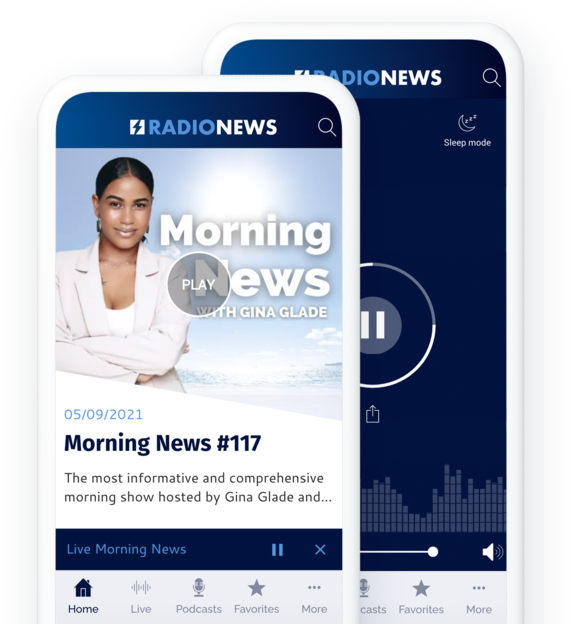
### De litar på GoodBarber

## Fokusera på det du gör bäst: radio
Vi erbjuder dig de bästa funktionerna för att sända din radio
[https://portal.ww-cdn.com/portal_static/images/radio/player_video.c87be1722ff6.mp4](https://portal.ww-cdn.com/portal_static/images/radio/player_video.c87be1722ff6.mp4)
## Dina program på begäran med Podcasts
Skapa ditt eget erbjudande om repris och låt din publik lyssna på dina program var som helst och när som helst
[https://portal.ww-cdn.com/portal_static/images/radio/backoffice_to_list.1c8ad5c5d347.mp4](https://portal.ww-cdn.com/portal_static/images/radio/backoffice_to_list.1c8ad5c5d347.mp4)
### En enkel hantering av dina podcasts
Du kan [ladda upp dina podcasts](https://se.goodbarber.com/extensions/cms-podcasts/) direkt i ditt backoffice, det finns inget behov av att använda en extern plattform. De kommer att hostas och sändas direkt till dina lyssnare. Ladda upp din fil, lägg till ytterligare innehåll och publicera eller schemalägg publiceringen av din podcast. Det är så enkelt som det.
Om du redan sänder podcasts på andra plattformar kan du ansluta dem till din app för att centralisera dina sändningar.
### Organisera dina podcasts efter dina behov
Skapa den arkitektur som bäst passar ditt innehåll och din publiceringstakt. Använd kategorierna, sorteringsalternativen eller [menyavsnitten](https://se.goodbarber.com/extensions/menu-section/) för att organisera dina podcasts, oavsett om det är efter typ av program eller efter sändningsdatum. Du har en mängd olika alternativ för att skapa den organisation som bäst passar dina behov.
### Förbättrat ljudinnehåll
Det finns ett antal sätt att förbättra dina podcasts med hjälp av visuella element. En illustration kan associeras med varje avsnitt av en podcast, så att du kan välja antingen en visuell per show eller att välja en tematisk visuell för varje avsnitt. Den detaljerade vyn av ett podcast-avsnitt kan anpassas efter att ha valt en av de 3 mallarna som skapats av våra designers.
Slutligen innehåller podcast-uppspelningssidorna en grafisk animation enligt ljudet som spelas.
<
## Mer än en radio
Täck fler ämnen med olika typer av innehåll
### Ett kraftfullt CMS
Det integrerade CMS-systemet gör att du kan skapa alla typer av innehåll direkt från backoffice. Det är det perfekta verktyget för att skapa ditt skriftliga innehåll eller för att erbjuda en mer visuell del genom att välja videosekvenser. Tack vare CMS bestämmer du allt: statushantering för varje innehållsobjekt, omedelbar, uppskjuten eller efemär publicering ...
### En effektiv centralisering av ditt befintliga innehåll
Om du redan skapar ytterligare innehåll på andra plattformar kan du ansluta dina olika innehållskällor tack vare vår katalog med mer än 30 externa anslutningar: Youtube, Vimeo, WordPress, RSS-flöden och mycket mer. Du behöver inte ändra någonting. Ditt innehåll hämtas automatiskt från dina andra plattformar till din app.
[https://portal.ww-cdn.com/portal_static/images/radio/home_buildin.6c6c5f4784f2.mp4](https://portal.ww-cdn.com/portal_static/images/radio/home_buildin.6c6c5f4784f2.mp4)
## På samma våglängd som dina lyssnare
Bygg starka relationer med din publik. Din radio är också deras
### Push-meddelanden
Använd [push-meddelanden](https://se.goodbarber.com/extensions/push-notifications/) för att meddela att nya program eller avsnitt släpps. Meddelanden skickas automatiskt och det är en vinst för alla: du marknadsför ditt innehåll och dina intresserade lyssnare är säkra på att inte missa ett enda avsnitt av deras favoritprogram.
Tänk på det också för att meddela starten av en liveshow eller för att reagera på aktuella händelser. Du kan vara säker på att dina lyssnare kommer att kunna välja vilka program eller vilken typ av meddelanden de vill ha för att hålla sig informerade.
### Formavsnitt: dina lyssnares röst
Använd formuläret för att låta din publik interagera med dig. Bygg [det formulär du behöver](https://se.goodbarber.com/extensions/form/) med 16 olika typer av fält och presentera det för dina lyssnare. Oavsett om det gäller autografförfrågningar, låtval, tävlingar eller enkätsvar är formuläret ett utmärkt tillfälle att ge din community en röst.
### Din app, dina regler.
Till skillnad från vissa plattformar kan du genom att skapa din egen app sända precis som du vill, med dina egna regler och ditt eget sätt att interagera med dina lyssnare. Du tar full kontroll över det sändningsverktyg du föredrar.
## Din radiostation i App Store, Google Play och på webben
Nå ut till dina lyssnare på alla enheter.
### Webbens kraft på din sida
Progressive Web App, den mest avancerade mobila webbplatsen, är det perfekta komplementet till din ursprungliga app. Den är utformad för att fungera optimalt på alla enheter (mobil, surfplatta och dator) och kräver ingen nedladdning. Det är ett utmärkt verktyg för att nå en annan målgrupp som kanske ännu inte är så intresserad av att ladda ner din app. Viktigt för att få synlighet, PWA:er indexeras av sökmotorerna, vilket hjälper dig att få synlighet och rankas högre på SERP (Search Engine Results Pages).
### Dra nytta av de inbyggda apparnas höga prestanda
Snabbhet, intuitiv navigering, tillgång till de inbyggda funktionerna i de enheter som de installeras på - inbyggda appar är den ultimata användarupplevelsen för dina lyssnare. En rapport om Internet Radio Trends visar att 95 % av lyssnarna lyssnar på stationer via mobilappar. Med en iOS- och Android-app kommer du inte bara att dra nytta av butikernas ryktbarhet utan också av att fler lyssnare stannar kvar.
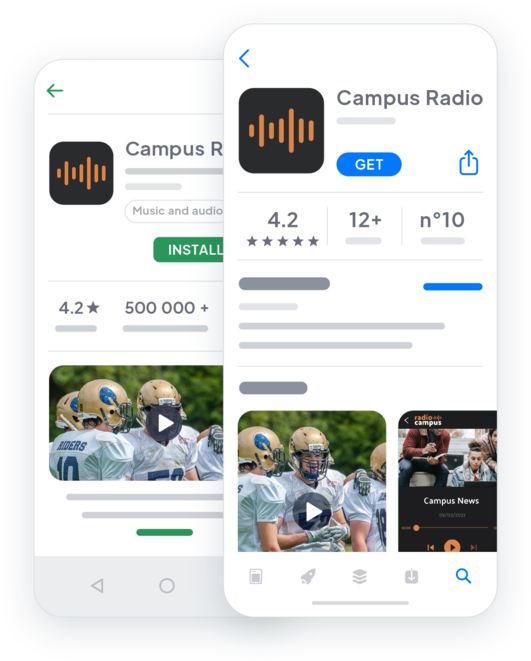

## Och så mycket mer
### Kalender
Använd en kalender för att ge lyssnarna en tydlig överblick över programschemat och för att uppmärksamma dem på program som intresserar dem.
### Statistik
Analysera GoodBarbers interna statistik och anslut ditt Google Analytics-konto för att samla värdefull information om dina lyssnares konsumtionsvanor och anpassa ditt programschema därefter.
### Bandbredd och lagring
Du drar nytta av ett stort lagringsutrymme och obegränsad bandbredd för att sända ditt innehåll.
### Lyssna på poddar offline
Dina användare kan enkelt lyssna på dina podcasts även utan nätverk tack vare favoritfunktionen. Ditt innehåll synkroniseras från ditt backoffice och lagras direkt i appen för offlineuppspelning.
### Domännamn
Du kan anpassa adressen där dina användare kommer åt din webbapp genom att installera ett anpassat domännamn. Alla domäntillägg hanteras. På så sätt behåller du din identitet och skapar enhetlighet för din målgrupp.
### Visa annonser
Sälj din apps annonsutrymme till externa annonsnätverk och generera intäkter. Överväg också att skapa [egna annonser](https://se.goodbarber.com/extensions/internal-ad-server/) för att marknadsföra dina program eller för att hedra dina partnerskap.
### Premiuminnehåll
Det här är det bästa sättet att tjäna pengar på ditt innehåll: erbjud delar av ditt innehåll gratis samtidigt som du ger dina lyssnare möjlighet att uppgradera till [en betald prenumeration](https://se.goodbarber.com/extensions/in-app-purchase/) för full tillgång.
### Automationer
Låt [Zapier](https://se.goodbarber.com/extensions/zapier-integration/) och Make göra jobbet åt dig. Anslut din GoodBarber-radioapp till tusentals andra onlinetjänster med det automatiseringsverktyg du föredrar.
## Varför behöver din radiostation en app?
### Lyssnarna föredrar en mobilapp
Radio är inte längre begränsat till att lyssnas på i bilen under pendling. Numera föredrar lyssnarna att lyssna på radio i mobilen. Faktum är att 95% av lyssnarna lyssnar via mobilappar. När man vet att 45,1 % av världens befolkning har en smartphone 2020, innebär det flera miljoner potentiella lyssnare för din radio.
### Mer än en radio
Din app visar inte bara upp din radio utan är också ditt bästa marknadsföringsverktyg. Du kan skicka riktade meddelanden till din publik med push-meddelanden och integrera en blogg och dina sociala medier för att dela ännu mer innehåll.
### Din app ger intäkter
Enligt Insider Radio kommer radions streamingannonsintäkter att uppgå till 2,3 miljarder dollar 2022. Du kan enkelt tjäna pengar på din app med GoodBarbers inbyggda funktioner: ansluta externa annonsnätverkstjänster, visa annonser för dina sponsorer eller erbjuda prenumerationer.
## Kundens kärlek
### [GoodBarber är en kraftfull appbyggare.](https://www.trustpilot.com/reviews/60f08679f9f48702a8e6869e)
#### Melissa Okta
GoodBarber är en kraftfull appbyggare. Om du vill bygga din app med hjälp av en förbyggd mall är GoodBarber perfekt för dig. På Global Academy har vi nästan avslutat det femte året med att använda deras lättanvända förbyggda plattformar för att bygga premiumappar för våra kunder. Goodbarbers kundsupport är också utmärkt. Rekommenderas varmt.
-
-
-
-
-
### [Bra support och alltid mycket hjälpsamma svar.](https://www.trustpilot.com/reviews/60c0ca7cf9f487099ce24eb9)
Bra support och alltid mycket hjälpsamma svar. Inget är för trivialt för att teamet ska kunna svara.
-
-
-
-
-
### [Lyhörd support och oftast snabb.](https://www.trustpilot.com/reviews/60ad3c03f9f4870a94ace1d1)
Lyhörd support och vanligtvis snabb. Programvaran är den överlägset bästa på marknaden, med enorma möjligheter till konfigurationer.
-
-
-
-
-
### [Jag gillar verkligen systemet.](https://www.trustpilot.com/reviews/60551146f85d7509fc10d732)
#### Gene Hieber
Jag har varit en resller-medlem i en månad nu. Jag har byggt flera demo-appar. Jag gillar verkligen systemet. Lätt att navigera och jag har sålt ett par progressiva webbappar och arbetar också med inbyggda appar. Jag rekommenderar starkt Good Barber.
-
-
-
-
-
### [Teamet på GoodBarber har varit otroligt informativt och hjälpsamt](https://www.trustpilot.com/reviews/6054cff7f85d7509fc1090eb)
#### W. Monahan
Teamet på GoodBarber har varit otroligt informativa och hjälpsamma under både skapandet och underhållet av min app. Jag är inte så tekniskt kunnig, och de ger mig alltid bra vägledning om hur jag kan åtgärda problem eller förbättra min app. Jag letade efter olika alternativ när jag ville bygga min app, och jag är glad att jag valde det här företaget.
-
-
-
-
-
### [De hjälpte mig att skapa en vacker och framgångsrik app](https://www.trustpilot.com/reviews/60511fb2f85d75064c43947b)
#### Mary Davis
Jag har varit med GoodBarber sedan 2014 och jag kan inte säga tillräckligt bra saker om dem och min erfarenhet av dem. De hjälpte mig att skapa en vacker, framgångsrik app; de har funnits där för mig varje steg på vägen för att lösa kundproblem och hjälpa till med uppdateringar; och de har en lättanvänd, oändligt anpassningsbar instrumentpanel för att skapa appen du drömmer om - vilket är vad jag gjorde. Tack GoodBarber. Du är den bästa
-
-
-
-
-
### [Bra verktyg, det har alla funktioner du behöver för att bygga din egen app eller webbplats.](https://www.trustpilot.com/reviews/60a22025f9f4870a94a45023)
#### Manuel Ventura
Bra verktyg, det har alla funktioner du behöver för att bygga din egen app eller webbplats.
-
-
-
-
-
### [GoodBarber är en underbar plattform.](https://www.trustpilot.com/reviews/604e93b7f85d7503942a6703)
#### Mini Maestro
GoodBarber är en underbar plattform. Deras supportpersonal är hjälpsam och gränssnittet är lätt att navigera! Tack för att ni gör det möjligt för oss att ge extra stöd till våra kunder med vår kundapp.
-
-
-
-
-
### [Den bästa appbyggaren på marknaden](https://www.trustpilot.com/reviews/604c6024f85d75064c40265c)
#### Draculapp
Den bästa appbyggaren på marknaden, PWA lätt och Native iOS-hjälp för publiceringsproblem. Mycket bra support och ständiga uppdateringar. Många funktioner och vackra designlayouter och en hög anpassningsnivå. Rekommenderas för enskilda företag eller byråer med en mycket bra lösning för återförsäljarprogrammet. Och sist men inte minst, vänlig personal! Det är värt ett försök...
-
-
-
-
-
### [En av de bästa leverantörerna i branschen.](https://www.trustpilot.com/reviews/604ba651f85d75064c3fd1ab)
#### K. Linton
En av de bästa leverantörerna i branschen. Lätt att använda, väldokumenterad och utmärkt kundservice. Om du vill skapa en mobilappslösning för ditt företag eller dina kunder är GoodBarber definitivt rätt väg att gå.
-
-
-
-
-
## [Radio](https://se.goodbarber.com/extensions/collections/radio-station/)
Vi erbjuder dig de bästa funktionerna för att sända din radio
[Direktsänt ljudStreama direktsända radiosändningar](https://se.goodbarber.com/extensions/live-audio/)[Live +Dra nytta av avancerade funktioner för direkt distribution av dina radiosändningar](https://se.goodbarber.com/extensions/live/)[Live-videoStreama live videosändningar](https://se.goodbarber.com/extensions/live-video/)[Spotify för podcastareStreama de podcasts du har på Spotify (Anchor) direkt till din app](https://se.goodbarber.com/extensions/anchor/)
## Upptäck mer
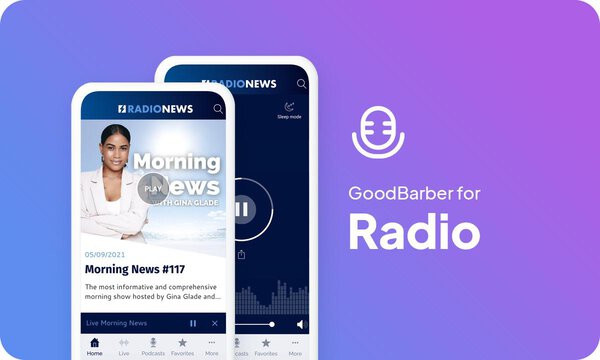
### [Hur man skapar en radioapp](https://www.goodbarber.com/blog/how-to-create-an-app-for-a-radio-station-a1094/)
Genom att erbjuda en app för din radio kan du hålla dig nära dina lyssnare och naturligtvis övertyga nya.
### [Hur visar du dina egna annonser i din app?](https://www.goodbarber.com/blog/how-to-display-your-own-ads-in-your-app-a330/)
Det finns flera sätt att tjäna pengar på din app på rätt sätt. Låt oss fokusera på annonsering.
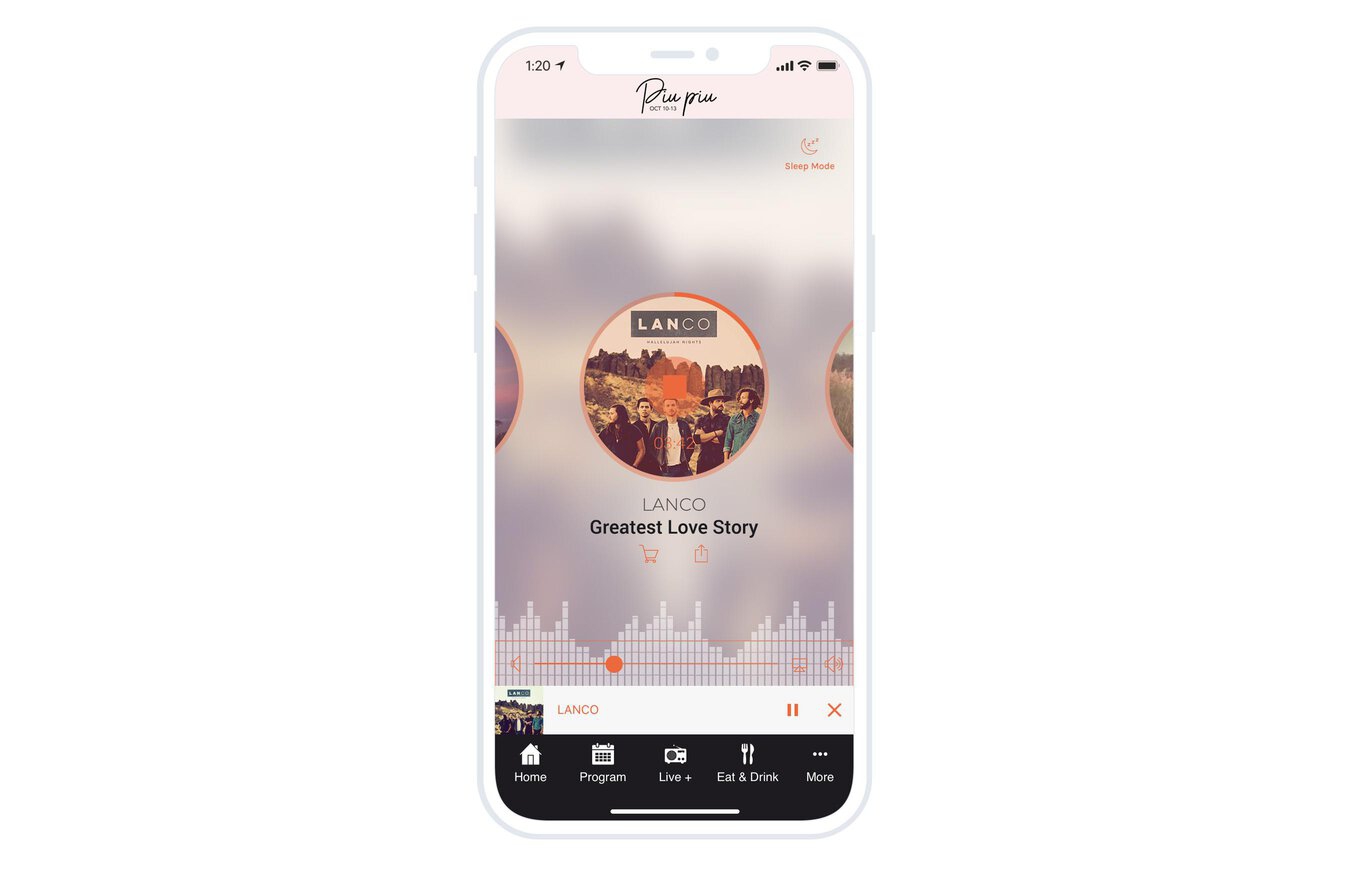
### [Förbättra din radioapp med alternativet viloläge](https://www.goodbarber.com/blog/a-new-feature-for-live-sleep-mode-a1053/)
Med Sleep Mode kan du låta lyssnarna ställa in en timer för att stänga av livesändningen.
## Prissättning
[Månadsvis](#)[Årligen](#)[En gång](#)
||Standard 340kr/månadfaktureras årsvisSpara 840kr varje år|Premium 620kr/månadfaktureras årsvisSpara 2040kr varje år|Pro 1190kr/månadfaktureras årsvisSpara 4080kr varje år|Byrån 2450kr/månadfaktureras årsvisSpara 8880kr varje år|Pro 52000krEngångsbetalningSpara 131600kr på en gång|Byrån 136000krEngångsbetalningSpara 246800kr på en gång|
|---|---|---|---|---|---|---|
|Teknik|||||||
|PWA-teknik|yes|yes|yes|yes|yes|yes|
|Inhemsk teknik||Android + iOS (iPhone & iPad) (iPhone & iPad)|Android + iOS (iPhone & iPad) (iPhone & iPad)|Android + iOS (iPhone & iPad) (iPhone & iPad)|Android + iOS (iPhone & iPad) (iPhone & iPad)|Android + iOS (iPhone & iPad) (iPhone & iPad)|
|Tillgänglig i Google Play Store||yes|yes|yes|yes|yes|
|Tillgänglig på App Store||yes|yes|yes|yes|yes|
|Kapacitet|||||||
|Förvaring info 22,7kr för 10 GB|2 GB|10 GB|50 GB|100 GB|50 GB|100 GB|
|Push-meddelanden info 114kr för 100K extra push-meddelanden(per månad)|10K|30K|250K|500K|250K|500K|
|Personalkonton|1|3|obegränsad|obegränsad|obegränsad|obegränsad|
|Antal projekt|1|1|1|obegränsad|1|obegränsad|
|Sidvisningar (bandbredd & trafik)|obegränsad|obegränsad|obegränsad|obegränsad|obegränsad|obegränsad|
|Nedladdningar av appar||obegränsad|obegränsad|obegränsad|obegränsad|obegränsad|
|Kundansvarig|||yes|yes|yes|yes|
|TilläggsbutikStort bibliotek 190+ [tillägg](https://se.goodbarber.com/extensions/). Nya tillägg varje månad info Utöka funktionerna i din app med tillägg : Automatiseringar (Zapier, Make), Analytics, Monetisering, Försäljningsoptimering, Integration (Wordpress, Squarespace, RSS).|||||||
|Gratis tillägg|Upp till 5|Upp till 20|obegränsad|obegränsad|obegränsad|obegränsad|
|Autentisering||136kr/månad (faktureras 1360kr/år. Du sparar 2 månader)|yes|yes|yes|yes|
|Chatt info Chat-tillägget kräver att Authentification-tillägget är installerat||227kr/månad (faktureras 2270kr/år. Du sparar 2 månader)|yes|yes|yes|yes|
|Medlemskap info Erbjud betalda prenumerationer till dina användare för att få tillgång till ditt innehåll. Köp görs enkelt från deras Apple / Google-konto||559kr/månad (faktureras 5590kr/år. Du sparar 2 månader). Ingen extra avgift baserad på dina intäkter.|yes|yes|yes|yes|
|Centrala funktioner|||||||
|NO CODE drag&drop; app-byggare|yes|yes|yes|yes|yes|yes|
|Fullständigt anpassningsbar design|yes|yes|yes|yes|yes|yes|
|System för innehållshantering(artikel, video, podcast, evenemang, karta, foto, live)|yes|yes|yes|yes|yes|yes|
|SEO-vänlig, AMP, ASO-vänlig|yes|yes|yes|yes|yes|yes|
|Support (riktig mänsklig support, av GoodBarber-teamet självt)|yes|yes|yes|yes|yes|yes|
|Pris för prenumeration på årsplan|Standard4080kr/år|Premium7440kr/år|Pro14280kr/år|Byrån29400kr/år|/år|/år|
### Skapa din radiostationsapp nu
[Börja gratis](https://se.goodbarber.com/create/)
## Vanliga frågor och svar
### Kan jag streama en radiostation i min app?
Ja, naturligtvis! Med GoodBarber Radio-appen kan du strömma flöden i avsnittet "Live" eller strömma poddsändningar med avsnittet Audio (Sound)
1. Aktivera LIVE eller [LIVE+](https://se.goodbarber.com/extensions/live/) tillägg
2. Lägg till och namnge avsnittet
3. Lägg till URL:en för strömmen som är kodad enligt [iOS-specifikationerna](https://developer.apple.com/streaming/), vilket är den ström som kommer att sändas som standard.
Du kan använda IceCast-tjänsten för att skapa din ström.
Om du har en ström specifikt för Android kan du också använda den.
### Kan man skapa en webbradio gratis?
Du bygger hela din radioapp och testar den gratis i 30 dagar. Att publicera den i App Store och Google Play kräver sedan ett abonnemang.
Det finns ingen permanent gratisnivå: en webbradio innebär strömningsbandbredd, hosting och underhåll i butikerna. De 30 dagarna finns för att du ska kunna bedöma resultatet innan du betalar något.
### Kan jag skapa min egen radiostation med en app?
Ja, du kan göra det. Du måste koda din ljudsignal med en dedikerad kodare.
Sedan aktiverar du tillägget "Live" eller "Live+" och hämtar webbadressen till flödet för att strömma det i det nya Live-avsnittet som skulle läggas till automatiskt.
<
### Hur mycket kostar det att skapa en radioapp?
Du kan starta din Radio-app gratis med vår 30-dagars gratis provperiod.
Därefter är det upp till dig att prenumerera på den plan som bäst passar dina behov: den grundläggande planen för att göra din Radio-app börjar på 340kr/Månad.
Observera att ytterligare kostnader tillkommer för att publicera iOS-appar på App Store.
<
### Hur tjänar jag pengar på min radioapp?
Det finns många strategier för att tjäna pengar med en radioapp
1. Premiuminnehåll: sälj ditt bästa innehåll inom prenumerationsplaner med hjälp av medlemskap. Du kan tjäna pengar på din radioapp genom att sälja följande innehåll:
- Podcasts
- Innehållsarkiv
- Sponsrade podcasts av varumärken
2. Tjäna pengar på appen med annonstjänster från tredje part: aktivera tredjepartsannonsnätverk (Facebook, Google Admob, Ads Manager, Google AdSense) för att visa annonser och få betalt
3. Aktivera GoodBarbers interna annonsserver: Den interna annonsservern är det enklaste sättet att marknadsföra din egen radioapplikation och visa skräddarsydda, anpassade splashskärmar och annonsbanners. Du kommer också att kunna välja en eller flera plattformar för att distribuera dina kampanjer: iOS och/eller Android.
4. Sälj din radioapp i butikerna mot en avgift.
### Vilka färdigheter krävs för att bygga en app för radiostationer?
Tack vare GoodBarber App builder behöver du inga programmeringskunskaper för att skapa din radioapp. Du kan välja att skapa din egen radioapp för Android, iOS eller radiostationens webbplats med en PWA som är tillgänglig för både Desktop och Mobile.
### Hur kan jag anpassa min radioapps design?
Med över 200 layoutalternativ, en imponerande temasamling och modulär design kan du skapa en unik radioapp som återspeglar din radiostations varumärke.
Du kommer att kunna anpassa rubriker, teckensnitt, bakgrundsfärger och navigeringsmenyer.
### Kommer min Radio-app att vara tillgänglig i alla länder?
Ja, den kan vara tillgänglig i alla länder. Du kommer att besluta om geodistribution och välja de länder där appen kommer att finnas tillgänglig i appbutikerna innan den publiceras i Apples App Store och Google Play Store.
### Tillhandahåller du någon support och eftermarknadshjälp för Radio App?
Ja, det stämmer verkligen! GoodBarber Support and Assistance program ger dig:
- Gratis support
- Obegränsat antal supportärenden
- Appens livstidssupport
- Support på 5 språk
- 4 kontor i 3 länder
- 3 tidszoner
### Vem är utvecklaren av min Radio-app?
Du måste köpa ditt eget utvecklarkonto från Apple och Google.
Därmed är du utvecklaren av din app. GoodBarber är helt enkelt verktyget för att skapa den.
### Kan jag sälja min Radio-app till en annan utvecklare?
Ja, du kan sälja din Radio-app. För att göra detta måste du överföra ägandet av din app till den nya ägaren i varje appbutik.
Dessutom måste du överföra ägandet av GoodBarbers backoffice till den nya ägaren. För att göra detta måste du kontakta Goodbarbers supportteam
[Börja gratis](https://se.goodbarber.com/create/)
Från så lågt som 340kr/månad
.
Gratis 30-dagars provperiod. Inget kreditkort krävs
#### Kraftfull ljud- / videospelare
Vi ger dig en spelare som gör att du kan lyssna på live-ljud och video i appen. Den här spelaren är helt anpassningsbar och låter dig enkelt sända dina radioprogram eller livevideor från din backstage.
#### Avancerad spelare
Dina lyssnare kan få tillgång till avancerad information om det spår som spelas direkt från ljudspelaren: titel, omslag, artist. De kan också köpa låten eller dela den på sociala medier med ett enda klick.
#### Spelare tillgänglig överallt i din app
GoodBarber-spelaren gör det möjligt för dina lyssnare att lyssna på din radio medan de surfar i andra delar av din app. En minispelare visas i alla delar av appen så att dina lyssnare kan styra uppspelningen av livestreamen.
#### Viloläge
Dina lyssnare kan välja hur länge de vill lyssna på programmet med hjälp av en inbyggd timer. En ikon i det övre högra hörnet av skärmen gör att de kan komma åt skärmen för timerinställning.
#### Kontinuerlig sändning av ditt radioflöde
Uppspelning av bakgrundsljud är tillgängligt på inbyggda versioner av din app: din sändning fortsätter att spelas även om dina användare lämnar appen. Så länge de inte stänger den permanent fortsätter din app att sända din radio, så att dina lyssnare samtidigt kan använda andra appar på sin smartphone.
#### Schemalagda sändningar
Ställ enkelt in de tider du vill sända live. Utanför dessa tider är spelaren otillgänglig och ersätts av en helt anpassningsbar sida som informerar dina lyssnare om nästa direktsändning.
---
# Reseappar
Source: https://se.goodbarber.com/travel-app/
---
title: "Skapa en app för reseguider för turism - Byggare av reseappar"
description: "Att välja en app för att distribuera en reseguide är det bästa alternativet för att erbjuda oöverträffad flexibilitet för resenärer."
canonical_url: "https://se.goodbarber.com/travel-app/"
lang: sv
---
# Skapa en app för reseguider för turism - Byggare av reseappar
### GoodBarber för Turism
# Lägg din reseguide i en app
## Använd en app för att dela med dig av dina restips och håll dig nära dina läsare
- Offline-åtkomst
- Uppdateringar i realtid
- Enkel hantering av innehåll
- Mycket omfattande kartor och vägbeskrivningar
- KML-import
- Kuponger
[Starta nu](https://se.goodbarber.com/create/)
Från så lågt som 340kr/månad
Gratis 30-dagars provperiod. Inget kreditkort krävs
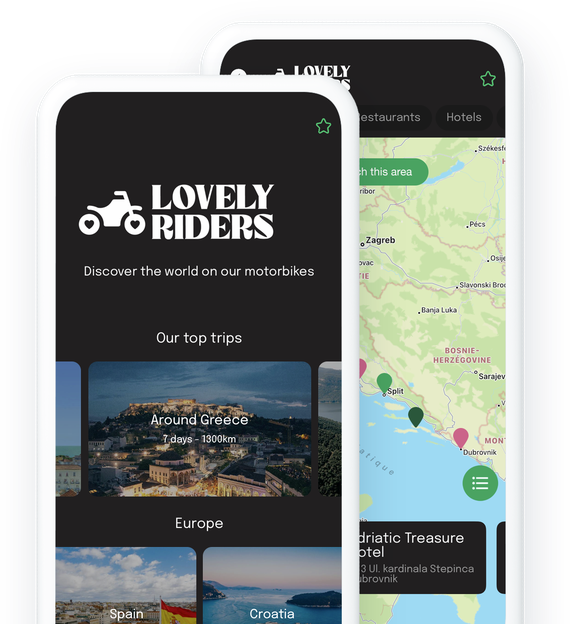
### De litar på GoodBarber

## Din reseguide har aldrig varit så lättillgänglig
Ställ upp för dina resenärer överallt, hela tiden
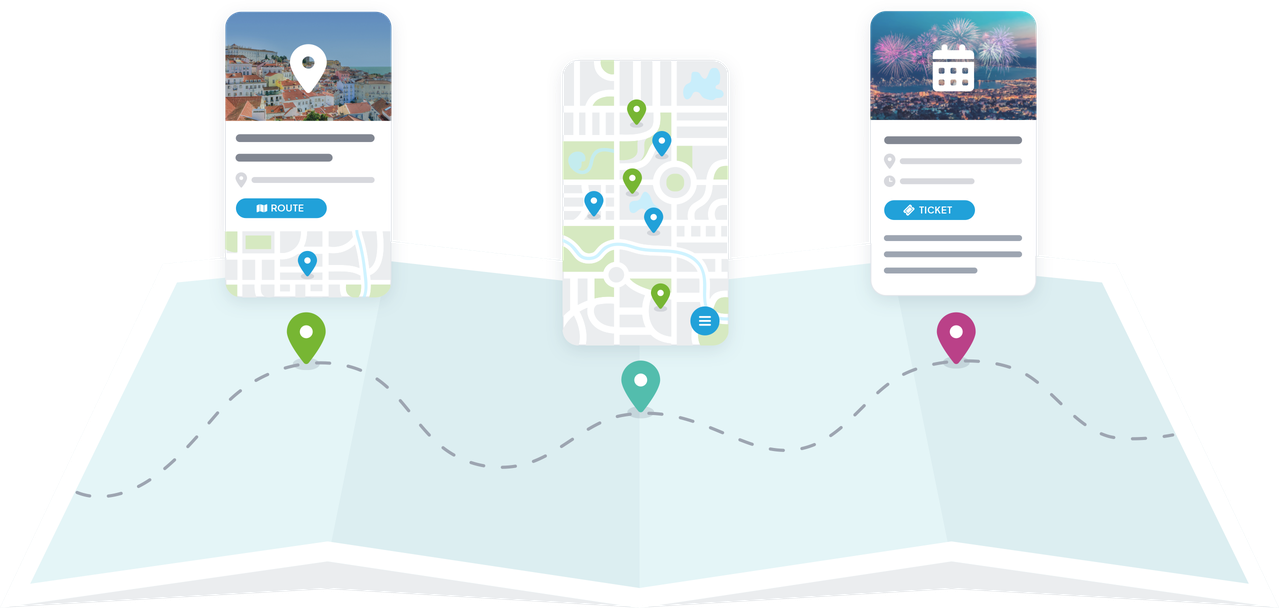
### Nomadiskt innehåll
Genom att distribuera dina restips i en app ger du dina läsare tillgång till dem när som helst och i vilket skick som helst eftersom de finns på ett objekt som de alltid har med sig: sina telefoner. Din app är mer praktisk och mindre besvärlig än en pappersguide och ryms i fickan. Detta är ett viktigt kriterium för dina nomadiska läsare som vill bära med sig så lite som möjligt på sina resor och utflykter. Din app är dina tusentals tips och rekommendationer utan krångel och utan begränsningar.
### Tillgänglig offline
Att resa kan innebära en dålig eller ingen nätverksanslutning. Få inte panik, innehållet i din app kan [vara tillgängligt offline](https://se.goodbarber.com/extensions/offline-mode/), dvs. med en svag eller till och med ingen internetanslutning. Cachningssystemet för appens element är optimerat för att garantera att appen fungerar optimalt även med en dålig anslutning. Dessutom lagras ditt innehåll direkt i dina inbyggda appar, så att det är fullt tillgängligt offline.
## Löftet om en alltid uppdaterad guide
Befria dig från papperets begränsningar och dra nytta av de möjligheter som den digitala tekniken erbjuder
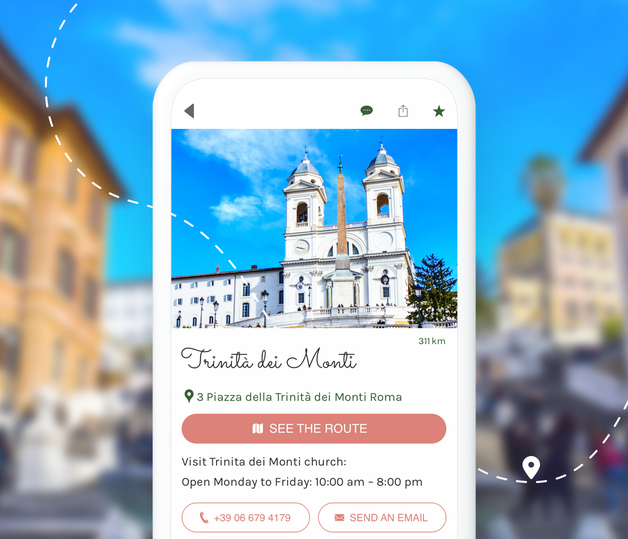
### Publicera direkt i din app
Att ha uppdaterad information är det viktigaste för resenärer. Med en app behöver du inte oroa dig för att skriva ut en ny version av din guide. Med varje förändring, restaurangstängning eller öppning, nya museipriser, ny recension om en anläggning ... kan du uppdatera ditt innehåll enkelt och direkt. Allt du behöver göra är att redigera innehållet i ditt backoffice och publicera det. Dina läsare kommer sedan att kunna njuta av dina nyredigerade tips. Det här är det bästa sättet att vara lyhörd och ge 100 % tillförlitlig information.
## Ett riktigt redaktionellt verktyg
Använd ett kraftfullt backoffice som gör att du kan hantera ditt innehåll som ett proffs
### Alla typer av innehåll
Tack vare GoodBarber CMS kan du direkt från ditt backoffice skapa alla typer av innehåll för att berika din reseguide: artiklar, videor, ljud, foton, agenda och naturligtvis geolokaliserade kartor för att presentera dina favoritplatser och evenemang. Allt står till ditt förfogande för att du ska kunna skapa en reseguide som är så uttömmande och beskrivande som du önskar.
### Olika publiceringsstatusar
För varje innehåll du skapar kan du välja dess publiceringsstatus: Publicerad, I lager eller Utkast. Och du vet hur användbart den här typen av alternativ är när du skriver så mycket innehåll som för en reseguide. Du har också möjlighet att schemalägga din publicering i förväg. Ett bra sätt att få ett försprång när du ska skriva ditt innehåll.
### Enkel hantering av innehåll
GoodBarbers backoffice är utformat och optimerat för att spara dig maximalt med tid. Du kan konsultera ditt innehåll från en dedikerad sida. Smarta filter har integrerats så att du enkelt kan hitta det innehåll du letar efter. Du kan också hantera ditt innehåll i batcher, särskilt när det gäller publiceringsstatus.
### Redaktionen
Är ni flera som bidrar till skrivandet av er reseguide? Det är inget problem. Du kan sätta upp din redaktion från ditt backoffice för att ge tillgång till dina medarbetare. Du kan lägga till ett obegränsat antal bidragsgivare och hantera åtkomstnivån för var och en: du kan välja exakt vilka menyer och innehåll i backoffice som var och en ska ha tillgång till.
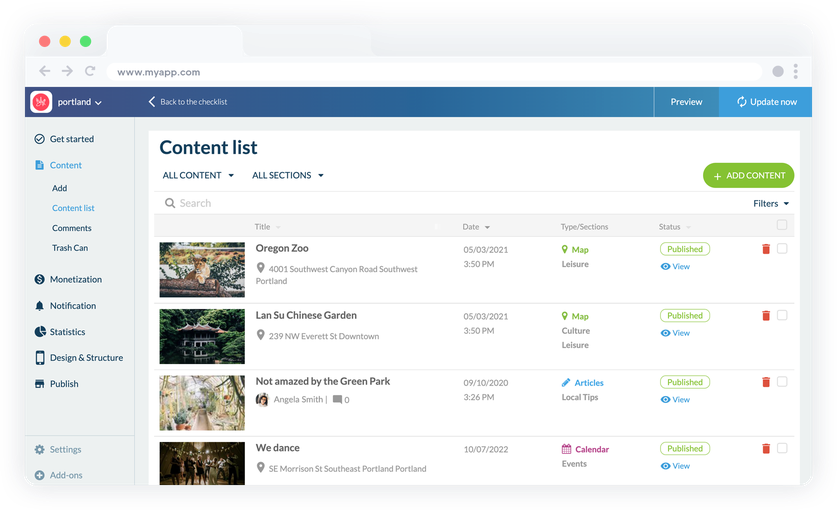
## Skapa ultrakompletta kartor
Presentera din reseguide som rika kartor och gör livet enklare för dina resenärer
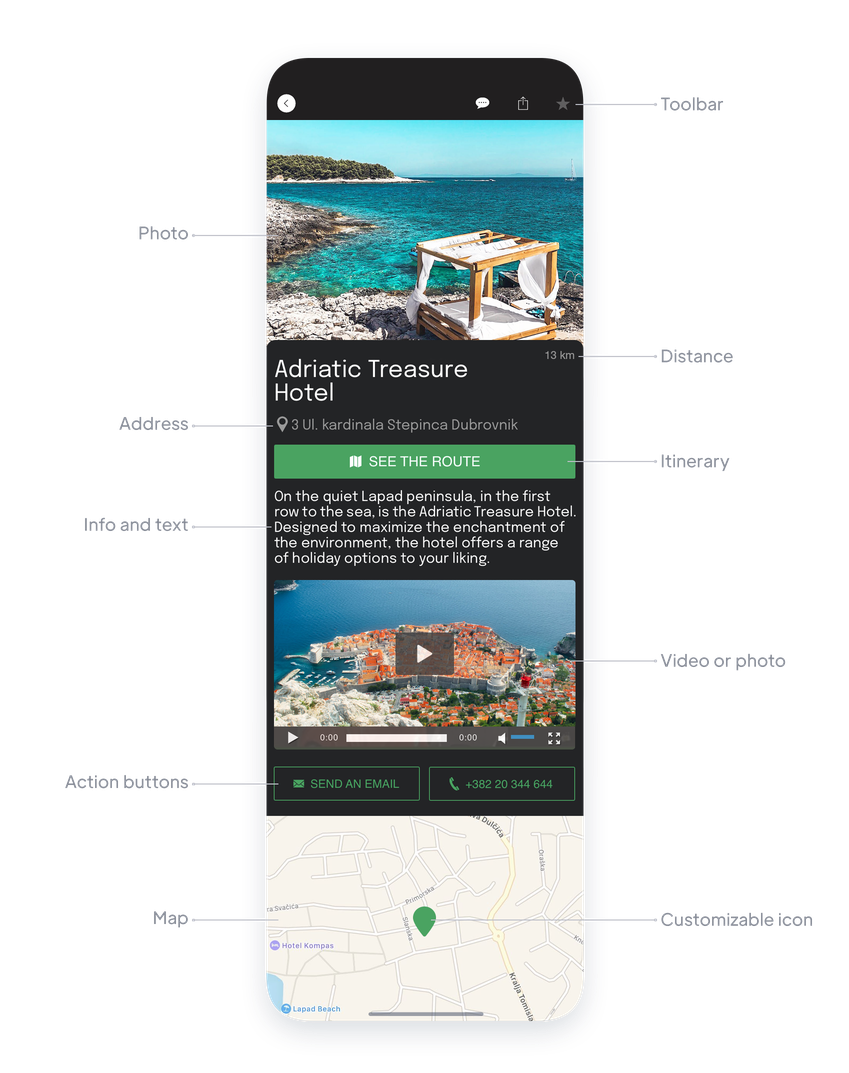
### Detaljerade punkter
Skapa ett obegränsat antal punkter som kommer att [presenteras som en karta](https://se.goodbarber.com/extensions/cms-map/) för dina användare. Ange adressen till din punkt och berika den med olika format som står till ditt förfogande: texter, videor, foton eller till och med inbäddningskod. Du kan också infoga en vägbeskrivningsknapp (Google Map eller Apple Map) som gör det möjligt för dina resenärer att enkelt hitta vägen till dina intressanta platser. Din app kommer också automatiskt att visa dem avståndet till dina intressanta platser. Ett stort plus för att hjälpa dem att organisera sina sightseeingdagar.
### Anpassningsbara ikoner
För varje punkt kan du välja den ikon och färg som ska representera den på kartan. Detta är ett utmärkt sätt att visuellt sortera dina punkter. På en global karta kan du till exempel föreställa dig att restauranger anges i en färg och hotell i en annan. Detta gör att dina resenärer snabbt kan se vilka typer av punkter de letar efter. En annan möjlig användning: använd samma ikon för alla dina poäng och använd en annan ikon för att markera dina favoriter eller dina partners ...
### Sortering av punkter
Dina punkter kan visas i en lista och sorteras enligt flera kriterier: alfabetisk ordning, antal kommentarer, publiceringsdatum, men framför allt enligt avståndet från användarens position i din app. En mycket värdefull funktion för alla resenärer som kommer att ha tillgång till dina närmaste intressanta platser.
### KML-import
Du kan också importera dina intressepunkter direkt via [en KML-fil](https://se.goodbarber.com/extensions/kml/). Du kan importera upp till 1000 punkter per fil, vilket är mycket tidsbesparande. Tack vare KML-filerna kan du också visa linjer och polygoner på kartan, om du t.ex. vill markera en viss väg eller ett större område. Perfekt för till exempel roadtrips eller vandringar.
## Allt du behöver för att strukturera och organisera ditt innehåll
En reseguide är ofta ganska tät, och du bör kunna välja arkitekturen för ditt innehåll för att göra det så trevligt att läsa som möjligt
### Kategorier
För varje innehållsavsnitt (karta, artiklar, videor etc.) kan du skapa så många kategorier som du vill för att organisera ditt innehåll. Du kan enkelt hantera visningen av varje kategori och medlemskapet för varje objekt. Kategorier är idealiska för att visa uppdelat innehåll i samma avsnitt. På en karta kan du t.ex. visa kategorier av intressanta platser: hotell, restauranger, platser att besöka.
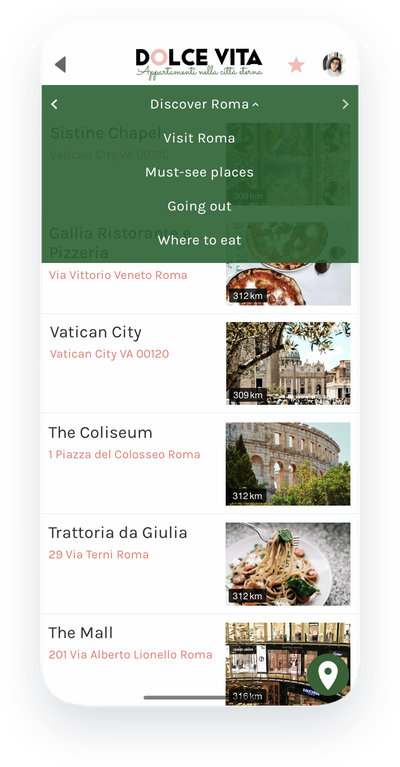
### Sektionen Meny
Du kan också skapa menyer med flera sektioner för att organisera ditt innehåll. Med [menysektioner](https://se.goodbarber.com/extensions/menu-section/) kan du lägga till en extra navigationsnivå. Med 10 mallar och många alternativ är de också en stor designtillgång. De kommer att vara de allierade i alla reseguider som täcker många ämnen, till exempel en internationell guide där du kan föreställa dig ett menyavsnitt per land till exempel.
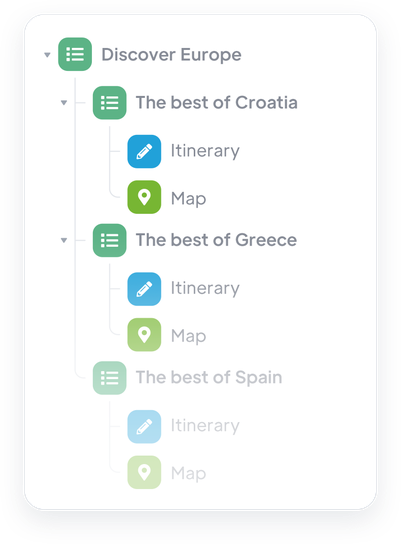
## En lönsam reseguide
Upprätta din egen strategi för att tjäna pengar på dina värdefulla resetips
### En betald app
Fördelen med en app är att den går att tjäna pengar på i Apple Store och Google Play Store. Ditt innehåll kan vara av verkligt intresse för resenärer som kommer att ha nytta av din guide under sina resor. I ditt fall, och om du kommunicerar väl om ditt mervärde, kommer användare av din app lätt att frestas att ladda ner den även om det kostar dem några euro.
### Bygga upp partnerskap
Som reseskribent betraktas du som en referens av dina läsare. Oavsett om det är din erfarenhet eller din status som lokal, respekterar resenärer som läser din guidebok din åsikt och tenderar att följa den. Det här är en bra punkt att göra med dina framtida partners som vill ha sitt utrymme i din guide. Oavsett om det är genom att skriva sponsrat innehåll eller genom att sälja dem ditt reklamutrymme, kommer din app att göra det möjligt för dig att generera inkomst.
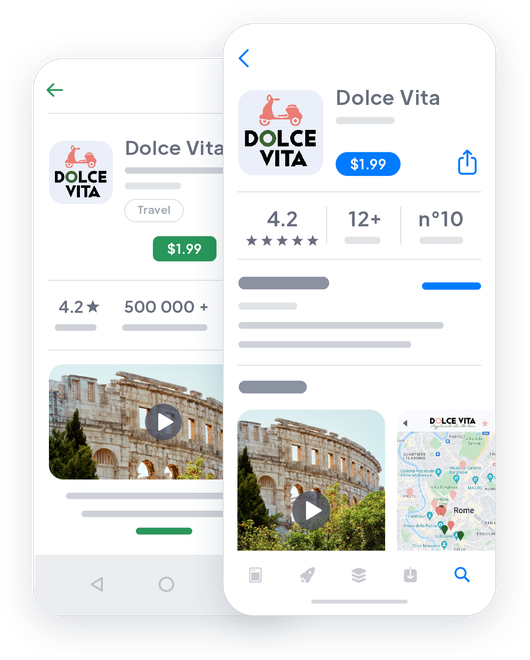

## Gör dig känd och väck uppmärksamhet med din app
Distribuera din reseguide på webben och i Apple- och Google-butikerna
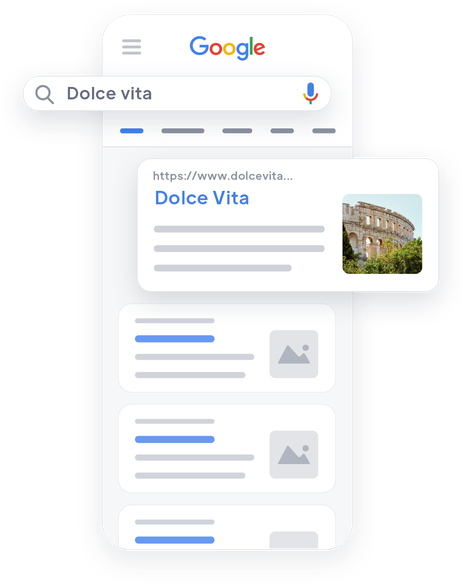

### PWA: På webben
När du skapar en app med GoodBarber har du möjlighet att aktivera Progressive Web App-versionen av din app. Den beter sig som en webbplats och har en stor fördel: den refereras av Google och är därför en verklig tillgång för din reseguide om du vill få synlighet och nå nya resenärer. Våra PWA:er drar nytta av AMP-tekniken som syftar till att underlätta och påskynda laddningen av webbsidor på mobiltelefoner. Utöver att lova dig oöverträffad prestanda på webben kommer din PWA att lyftas fram av Google i sin AMP-karusell högst upp på de första sidorna i sökresultaten.
### App Store och Google Play
De inbyggda Android- och Apple-versionerna av din app garanterar den bästa upplevelsen på mobilen. De är specialdesignade för iOS och Android och ger dig tillgång till kraftfulla funktioner som gör att du kan skapa en oöverträffad interaktion med dina läsare. Du kommer att öka deras lojalitet med en flytande, trevlig och intuitiv upplevelse. De inbyggda versionerna av din app är de element som kommer att göra din reseguide till ett måste för alla resenärer.
## Och så mycket mer...
### QR-kod
Använd en automatiskt genererad QR-kod i ditt backoffice för att marknadsföra din app. Om du är ägare till ett boende och din turistguide är ett stöd för att leverera rekommendationer till dina hyresgäster, är QR-koden det bästa sättet att ge dem snabb tillgång till din app före deras resa via e-post, eller vid ankomsten direkt i deras boende.
### Skicka sektion
Uppmuntra utbyten mellan dig och resenärer genom att ge dem en direkt kontaktkanal med dig: [Submitsection](https://se.goodbarber.com/extensions/content-submission/). Det gör det möjligt för dem att skicka text, foton och videor direkt från appen. Det är det perfekta verktyget för att få feedback från resenärer på de platser du rekommenderar.
### Rabattkuponger
Som guide kan du ge resenärerna tips men också ge dem dina kontakter för att få förmåner eller rabatter. När du har hittat dina partners kan du [skapa kuponger](https://se.goodbarber.com/extensions/couponing/) och distribuera dem direkt i din app, så att resenärerna kan använda dem. Du kommer att kunna kontrollera deras användning och använda statistik som ger dig värdefull information om hur dina partnerskap fungerar.
### Externa annonsnätverk
Sälj reklamutrymme i din turistguide till dina partners (restauranger, hotell, museer...). Du kan skapa dina egna annonser, med bilden av dina partners och visa dem i appen. Du kommer att kunna hantera dina annonseringsstrategier, antalet visningar eller klick, ordningen på dina olika annonser. Detta är ett utmärkt sätt att förhandla om dina kontrakt med dina partners.
### Favoriter
Din reseguide är full av information. För att bespara dem besväret med att söka efter relevant information och för att låta dem förbereda sina utflykter, erbjuder du ett favoritavsnitt till dina användare. De kommer att kunna lägga till allt innehåll som de anser vara relevant och hitta det med ett klick när det är dags!
### Kommentarer
Aktivera kommentarerna under ditt innehåll och låt dina läsare komma till tals. Deras kommentarer kan inte bara ge kredit till dina råd utan också ge ytterligare information till andra läsare och delta i skapandet av en gemenskap kring din turistguide.
### Genomgång av appen
Erbjud en unik turistupplevelse genom din applikation, utformad för att fängsla dina användare från allra första stund. Anpassa upptäcktsstegen och erbjud flytande, intuitiv navigering. Med [app Walkthrough](https://se.goodbarber.com/extensions/walkthrough/) kan du bygga en skräddarsydd upptäcktsväg.

### ChattGPT
Förbättra dina användares upplevelse med en [virtuell AI-assistent](https://se.goodbarber.com/extensions/chatgpt/) i din reseguide! Svara direkt på deras frågor om lokala sevärdheter, aktiviteter och rekommendationer. Erbjud en personlig och minnesvärd reseupplevelse med vårt integrerade tillägg.
## Varför behöver guideböcker en app?
### Var nära resenärerna
Att välja en app för att distribuera en reseguide är det bästa alternativet för att erbjuda oöverträffad enkelhet för resenärer. Appen finns på det som de alltid har med sig: deras telefoner. De kan konsultera den var som helst och när som helst. Förutom att vara helt nomadisk kan appen fungera utan nätverk så att resenärerna kan konsultera den från de mest avlägsna platserna i världen! Idag säger mer än 9 av 10 resenärer att de använder appar för att underlätta sina vistelser.
### Dra nytta av kraftfulla redigeringsverktyg
Att skriva och publicera omfattande och aktuellt innehåll är den största utmaningen för alla reseguider. Genom att digitalisera din guidebok med en GoodBarber-app kan du dra nytta av många fördelar: omedelbar publicering och uppdatering av innehåll, skriva innehåll i förväg, enkel korrekturläsning, hantering av ett redaktionellt team. Du sparar tid och gör processen med att skapa ditt innehåll mycket smidigare.
### Gör ditt arbete lönsamt
Att skriva en reseguide tar tid och passion. Utöver att lista platserna att se måste du testa företagen, bygga relationer med återförsäljarna. Det är den här sociala aspekten som du kan dra nytta av med en app genom att tjäna pengar på dina partnerskap. En app är också reklamutrymme som du kan sälja till dina partners. Denna intäktsgenerering kommer som ett tillägg till den eventuella inköpskostnaden för din guide som du kan fastställa genom att göra din app betald i butikerna, på samma sätt som du skulle ha debiterat pappersversionen av din guide.
## Kundens kärlek
### [GoodBarber är en kraftfull appbyggare.](https://www.trustpilot.com/reviews/60f08679f9f48702a8e6869e)
#### Melissa Okta
GoodBarber är en kraftfull appbyggare. Om du vill bygga din app med hjälp av en förbyggd mall är GoodBarber perfekt för dig. På Global Academy har vi nästan avslutat det femte året med att använda deras lättanvända förbyggda plattformar för att bygga premiumappar för våra kunder. Goodbarbers kundsupport är också utmärkt. Rekommenderas varmt.
-
-
-
-
-
### [Bra support och alltid mycket hjälpsamma svar.](https://www.trustpilot.com/reviews/60c0ca7cf9f487099ce24eb9)
Bra support och alltid mycket hjälpsamma svar. Inget är för trivialt för att teamet ska kunna svara.
-
-
-
-
-
### [Lyhörd support och oftast snabb.](https://www.trustpilot.com/reviews/60ad3c03f9f4870a94ace1d1)
Lyhörd support och vanligtvis snabb. Programvaran är den överlägset bästa på marknaden, med enorma möjligheter till konfigurationer.
-
-
-
-
-
### [Jag gillar verkligen systemet.](https://www.trustpilot.com/reviews/60551146f85d7509fc10d732)
#### Gene Hieber
Jag har varit en resller-medlem i en månad nu. Jag har byggt flera demo-appar. Jag gillar verkligen systemet. Lätt att navigera och jag har sålt ett par progressiva webbappar och arbetar också med inbyggda appar. Jag rekommenderar starkt Good Barber.
-
-
-
-
-
### [Teamet på GoodBarber har varit otroligt informativt och hjälpsamt](https://www.trustpilot.com/reviews/6054cff7f85d7509fc1090eb)
#### W. Monahan
Teamet på GoodBarber har varit otroligt informativa och hjälpsamma under både skapandet och underhållet av min app. Jag är inte så tekniskt kunnig, och de ger mig alltid bra vägledning om hur jag kan åtgärda problem eller förbättra min app. Jag letade efter olika alternativ när jag ville bygga min app, och jag är glad att jag valde det här företaget.
-
-
-
-
-
### [De hjälpte mig att skapa en vacker och framgångsrik app](https://www.trustpilot.com/reviews/60511fb2f85d75064c43947b)
#### Mary Davis
Jag har varit med GoodBarber sedan 2014 och jag kan inte säga tillräckligt bra saker om dem och min erfarenhet av dem. De hjälpte mig att skapa en vacker, framgångsrik app; de har funnits där för mig varje steg på vägen för att lösa kundproblem och hjälpa till med uppdateringar; och de har en lättanvänd, oändligt anpassningsbar instrumentpanel för att skapa appen du drömmer om - vilket är vad jag gjorde. Tack GoodBarber. Du är den bästa
-
-
-
-
-
### [Bra verktyg, det har alla funktioner du behöver för att bygga din egen app eller webbplats.](https://www.trustpilot.com/reviews/60a22025f9f4870a94a45023)
#### Manuel Ventura
Bra verktyg, det har alla funktioner du behöver för att bygga din egen app eller webbplats.
-
-
-
-
-
### [GoodBarber är en underbar plattform.](https://www.trustpilot.com/reviews/604e93b7f85d7503942a6703)
#### Mini Maestro
GoodBarber är en underbar plattform. Deras supportpersonal är hjälpsam och gränssnittet är lätt att navigera! Tack för att ni gör det möjligt för oss att ge extra stöd till våra kunder med vår kundapp.
-
-
-
-
-
### [Den bästa appbyggaren på marknaden](https://www.trustpilot.com/reviews/604c6024f85d75064c40265c)
#### Draculapp
Den bästa appbyggaren på marknaden, PWA lätt och Native iOS-hjälp för publiceringsproblem. Mycket bra support och ständiga uppdateringar. Många funktioner och vackra designlayouter och en hög anpassningsnivå. Rekommenderas för enskilda företag eller byråer med en mycket bra lösning för återförsäljarprogrammet. Och sist men inte minst, vänlig personal! Det är värt ett försök...
-
-
-
-
-
### [En av de bästa leverantörerna i branschen.](https://www.trustpilot.com/reviews/604ba651f85d75064c3fd1ab)
#### K. Linton
En av de bästa leverantörerna i branschen. Lätt att använda, väldokumenterad och utmärkt kundservice. Om du vill skapa en mobilappslösning för ditt företag eller dina kunder är GoodBarber definitivt rätt väg att gå.
-
-
-
-
-
## [Reseguider](https://se.goodbarber.com/extensions/collections/travel-guides/)
Få de mest kraftfulla verktygen för att skapa den bästa reseguiden på mobilen
[RabattkupongerÖka din försäljning med specialerbjudanden](https://se.goodbarber.com/extensions/couponing/)[WordPress PluginDela automatiskt innehållet på din WordPress-webbplats i din app med GoodBarber Wordpress-plugin](https://se.goodbarber.com/extensions/wordpress/)[KMLVisa och anpassa geolokaliserade punkter på en karta med KML-integration](https://se.goodbarber.com/extensions/kml/)[RSS-flödeSynkronisera ditt externa onlineinnehåll till din app med GoodBarbers integrering av RSS-flöden.](https://se.goodbarber.com/extensions/rss/)
## Upptäck
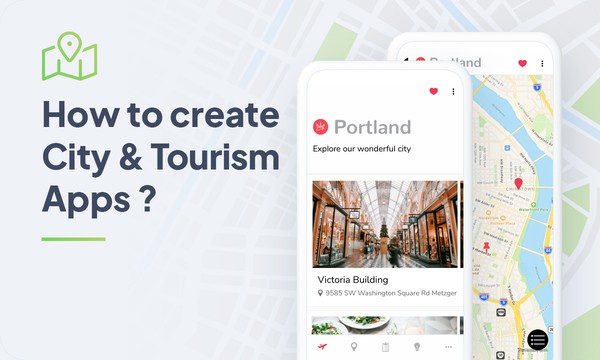
### [Hur man skapar en reseapp](https://www.goodbarber.com/blog/how-to-create-city-and-tourism-apps-a743/)
Borta är de dagar då du var tvungen att kämpa för att vika ihop dina kartor innan du lade undan dem! I dag finns all information du behöver för att upptäcka ett land eller en stad i din telefon.
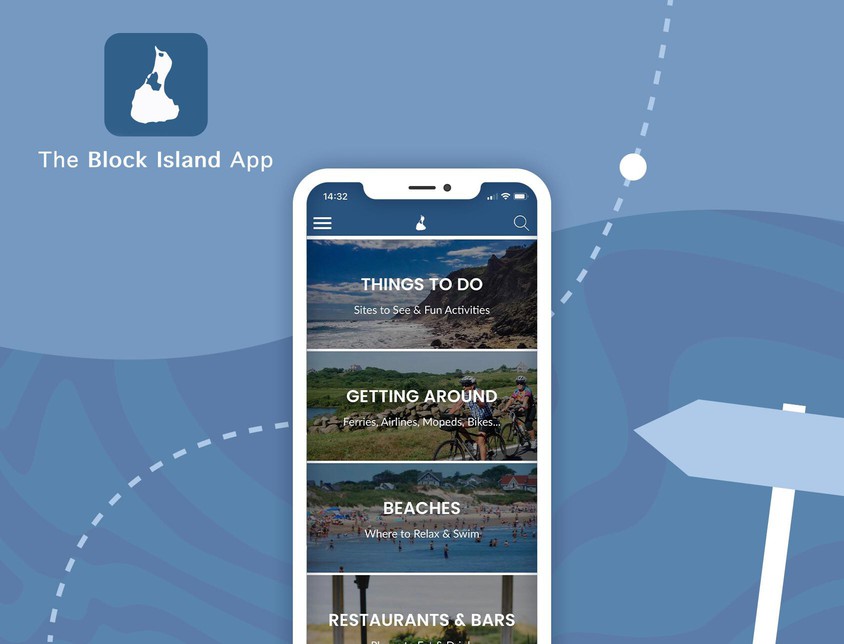
### [Block Island: en komplett turistguide, i en app](https://www.goodbarber.com/blog/block-island-a-complete-tourist-guide-in-an-app-a927/)
Att samla all information som behövdes för att upptäcka Block Island var Rob Luciers och hans brorson Will Gasners idé.
### [Hur visar du dina egna annonser i din app?](https://www.goodbarber.com/blog/how-to-display-your-own-ads-in-your-app-a330/)
Hur kan jag tjäna pengar på min mobilapp? Vi får den här frågan varje dag
## Prissättning
[Månadsvis](#)[Årligen](#)[En gång](#)
||Standard 340kr/månadfaktureras årsvisSpara 840kr varje år|Premium 620kr/månadfaktureras årsvisSpara 2040kr varje år|Pro 1190kr/månadfaktureras årsvisSpara 4080kr varje år|Byrån 2450kr/månadfaktureras årsvisSpara 8880kr varje år|Pro 52000krEngångsbetalningSpara 131600kr på en gång|Byrån 136000krEngångsbetalningSpara 246800kr på en gång|
|---|---|---|---|---|---|---|
|Teknik|||||||
|PWA-teknik|yes|yes|yes|yes|yes|yes|
|Inhemsk teknik||Android + iOS (iPhone & iPad) (iPhone & iPad)|Android + iOS (iPhone & iPad) (iPhone & iPad)|Android + iOS (iPhone & iPad) (iPhone & iPad)|Android + iOS (iPhone & iPad) (iPhone & iPad)|Android + iOS (iPhone & iPad) (iPhone & iPad)|
|Tillgänglig i Google Play Store||yes|yes|yes|yes|yes|
|Tillgänglig på App Store||yes|yes|yes|yes|yes|
|Kapacitet|||||||
|Förvaring info 22,7kr för 10 GB|2 GB|10 GB|50 GB|100 GB|50 GB|100 GB|
|Push-meddelanden info 114kr för 100K extra push-meddelanden(per månad)|10K|30K|250K|500K|250K|500K|
|Personalkonton|1|3|obegränsad|obegränsad|obegränsad|obegränsad|
|Antal projekt|1|1|1|obegränsad|1|obegränsad|
|Sidvisningar (bandbredd & trafik)|obegränsad|obegränsad|obegränsad|obegränsad|obegränsad|obegränsad|
|Nedladdningar av appar||obegränsad|obegränsad|obegränsad|obegränsad|obegränsad|
|Kundansvarig|||yes|yes|yes|yes|
|TilläggsbutikStort bibliotek 190+ [tillägg](https://se.goodbarber.com/extensions/). Nya tillägg varje månad info Utöka funktionerna i din app med tillägg : Automatiseringar (Zapier, Make), Analytics, Monetisering, Försäljningsoptimering, Integration (Wordpress, Squarespace, RSS).|||||||
|Gratis tillägg|Upp till 5|Upp till 20|obegränsad|obegränsad|obegränsad|obegränsad|
|Autentisering||136kr/månad (faktureras 1360kr/år. Du sparar 2 månader)|yes|yes|yes|yes|
|Chatt info Chat-tillägget kräver att Authentification-tillägget är installerat||227kr/månad (faktureras 2270kr/år. Du sparar 2 månader)|yes|yes|yes|yes|
|Medlemskap info Erbjud betalda prenumerationer till dina användare för att få tillgång till ditt innehåll. Köp görs enkelt från deras Apple / Google-konto||559kr/månad (faktureras 5590kr/år. Du sparar 2 månader). Ingen extra avgift baserad på dina intäkter.|yes|yes|yes|yes|
|Centrala funktioner|||||||
|NO CODE drag&drop; app-byggare|yes|yes|yes|yes|yes|yes|
|Fullständigt anpassningsbar design|yes|yes|yes|yes|yes|yes|
|System för innehållshantering(artikel, video, podcast, evenemang, karta, foto, live)|yes|yes|yes|yes|yes|yes|
|SEO-vänlig, AMP, ASO-vänlig|yes|yes|yes|yes|yes|yes|
|Support (riktig mänsklig support, av GoodBarber-teamet självt)|yes|yes|yes|yes|yes|yes|
|Pris för prenumeration på årsplan|Standard4080kr/år|Premium7440kr/år|Pro14280kr/år|Byrån29400kr/år|/år|/år|
### Skapa din app för reseguider nu
[Börja gratis](https://se.goodbarber.com/create/)
## VANLIGA FRÅGOR
### Hur skapar man en reseapp enkelt?
GoodBarber Travel App Builder gör det möjligt för dig att bygga en mobilapp för turism på ett mycket enkelt sätt.
Det kan vara en innehållsapp för att dela dina bästa reseplanerare, reseböcker, videor via sociala medier för att marknadsföra dina reseguidepublikationer, tjänster eller ett turistkontor.
### Vem är reseguideappar för?
Appar för turistguider används i allmänhet av:
- Turismföretag (hotell, B&B;, restauranger, uthyrningstjänster)
- Turismguider
- Turistbyråer
- Resebloggare
- Resebyråer
### Vilka är lösningarna och fördelarna med att bygga en reseapp med GoodBarber App Builder?
- Förse resenärer med rätt information på rätt plats (geofence)
- Visa intressanta platser på en karta ("around me" geofencing, beacons-funktioner)
- Berika intressanta platser med medieinnehåll (bilder, videogallerier, ljud, kartor)
- Föreslå en rutt till en intressepunkt (Google Maps, Apple Maps)
- Uppdatering av information i realtid
- Tillhandahålla premiuminnehåll till betalande prenumeranter
- Öka din synlighet genom SEO med hjälp av en PWA
- RSS-flöde för att distribuera innehåll på andra ställen än i appen
- Mycket kraftfullt CMS för verklig redaktionell aktivitet: batchhantering av innehåll, publiceringsalternativ, rättighetshantering och mycket mer.
- Anslutningar för att synkronisera externt innehåll
- Automatiska uppdateringar av externt innehåll
- Redigering och publicering av direktinnehåll via CMS
- Hantering av geokartor
- Funktioner för reseplanerare
- Intäktsstrategier: intern annonsering för partnerskap, extern annonsering, medlemskap
- Mycket anpassningsbar design
- Innehåll tillgängligt offline
- Innehållsorganisation efter kategori och/eller geolokalisering
- Favoritavsnitt för dina användare
- Sektion för att samla in feedback från användarna via enkäter
### Hur mycket kostar det att skapa en app för reseguider?
Du kan börja köra din Travel-app gratis med vår 30 dagars kostnadsfria provperiod.
Sedan är det upp till dig att prenumerera på den plan som bäst passar dina behov: den grundläggande planen för att skapa din reseapp börjar på 340kr/Månad.
Observera att ytterligare kostnader tillkommer för att publicera iOS-appar på App Store.
### Hur tjänar jag pengar på min reseapp?
Det finns många strategier där ute för att tjäna pengar med en reseapp:
1. Premiuminnehåll: sälj din bästa reseplanerare, resebilder och videor, lokala bästa platser och erbjudanden inom prenumerationsplaner med hjälp av medlemskapsfunktionen.
2. Monetisera din reseapp med hjälp av annonseringsfunktioner.
Vi rekommenderar 2 strategier:
- Generell stor publik: tjäna pengar på din reseapp med tredje parts annonstjänster: aktivera tredje parts AD-nätverk (Facebook, Google Admob, Ads Manager, Google AdSense) för att visa annonser och få betalt
- Kvalificerad liten publik: aktivera GoodBarber Internal Ad Server: Den interna annonsservern är det enklaste sättet att marknadsföra din Travel-mobilapplikation och visa skräddarsydda, anpassade splashskärmar och annonsbanners. Du kommer också att kunna välja en eller flera plattformar för att distribuera dina kampanjer: iOS och/eller Android.
3. Sälj din Travel-app i butikerna mot en avgift.
### Vilka färdigheter krävs för att bygga en app för turistguider?
Tack vare GoodBarber App builder behöver du inga programmeringskunskaper för att skapa din reseapp. Du kan välja att skapa din egen reseguide-app för Android, iOS eller en resewebbplats med en PWA som är tillgänglig för både Desktop och Mobile.
Med detta sagt bör du välja ett ämne som tillgodoser behovet av en grupp. Du vill visa passion, skicklighet och erfarenhet för det ämnet.
### Hur kan jag anpassa användarupplevelsen (UX) för min appdesign och turistguide?
Med över 200 layoutalternativ, en imponerande temasamling och modulär design kan du skapa en unik app som återspeglar ditt varumärke för turism
Det finns många alternativ och nivåer av anpassning. Du kan välja olika "globala stilar" för att anpassa appen i sin helhet eller kanske bara anpassa ett visst avsnitt.
Vår Travel app builder erbjuder 9 mallar för listningssidor och 4 mallar för innehållssidor.
Du kommer att kunna anpassa rubriker, teckensnitt, bakgrundsfärger och navigeringsmenyer också.
Dessutom kommer du att kunna berika din reseguideupplevelse med ljud, video, artiklar och live videostreaming för din publik under kurser och konferenser.
### Skulle min Travel-app vara tillgänglig i alla länder?
Ja, den kan vara tillgänglig i alla länder. Du kommer att besluta om geodistribution och välja de länder där appen kommer att finnas tillgänglig i appbutikerna innan den publiceras i Apples App Store och Google Play Store.
### Erbjuder ni någon support och eftermarknadshjälp för Travel-appen?
Ja, det stämmer verkligen! GoodBarbers support- och hjälpprogram tillhandahåller:
- gratis support
- obegränsat antal supportärenden
- Appens livstidsstöd
- Support på 5 språk
- 4 kontor i 3 länder
- Stöd för 3 tidszoner
### Vem är utvecklaren av min reseguide-app?
Du måste köpa ditt eget utvecklarkonto från Apple och Google. Därför är du utvecklaren av din app. GoodBarber är helt enkelt verktyget för att skapa den.
### Kan jag sälja min Travel-app till en annan utvecklare?
Ja, du kan sälja din Travel-app. För att göra detta måste du överföra äganderätten till din app till den nya ägaren i varje appbutik.
Dessutom måste du överföra ägandet av GoodBarbers backoffice till den nya ägaren. För att göra detta måste du kontakta Goodbarbers supportteam;
[Börja gratis](https://se.goodbarber.com/create/)
Från 340kr/månad
30 dagars gratis provperiod. Inget kreditkort krävs
---
# Appar för onlinekurser
Source: https://se.goodbarber.com/elearning-app/
---
title: "E-Learning App Builder: skapa plattformar för onlinekurser"
description: "Skapa en onlineplattform för lärande via en mobilapp och gör dina kurser tillgängliga från en smartphone, var som helst och när som helst."
canonical_url: "https://se.goodbarber.com/elearning-app/"
lang: sv
---
# E-Learning App Builder: skapa plattformar för onlinekurser
### GoodBarber för Onlinekurser
# Den bästa elearningupplevelsen. Levereras
## Dela kunskap med den mest kompletta plattformen för eLearning: en mobilapp
- 1 klickprenumerationer (medlemskap)
- Live-kurser
- Text, video och ljud
- Elevernas kommentarer
- Riktade push-meddelanden
- Kursplanering och organisation
[Starta nu](https://se.goodbarber.com/create/)
Från så lågt som 340kr/månad
.
Gratis 30-dagars provperiod. Inget kreditkort krävs
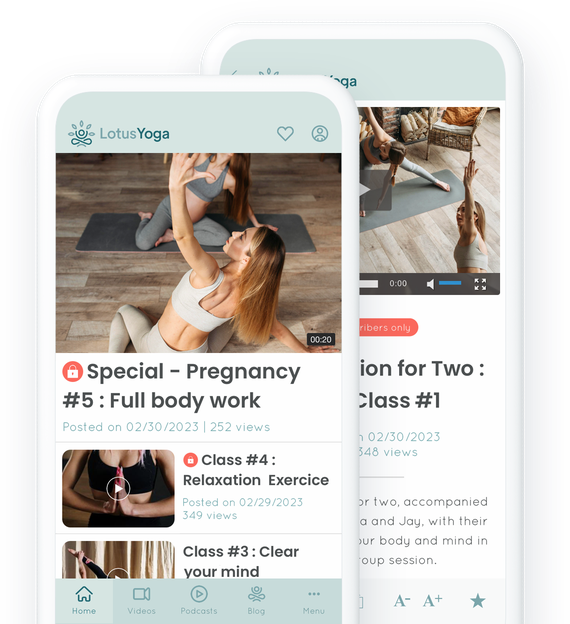
### De litar på GoodBarber

## Dina kurser i App Store, Google Play och på webben.
En 100% mobil upplevelse för användarna
### Dina kurser tillgängliga när som helst, var som helst
En mobilapp erbjuder nästa nivå av tillgänglighet till information. Dina studenter kan komma åt dina kurser var som helst från sina smartphones eller surfplattor. Under pendlingen, på rasten, när som helst när de är redo att studera. Bekvämlighet när den är som bäst.
### Den mobila upplevelsen
En smidig och enkel navigering, snabbhet och offline-åtkomst gör det enkelt och roligare att lära sig på mobilen. Med de inbyggda iOS- eller Android-apparna, eller Progressive Web App, dvs. en webbplats som beter sig som en app, är ditt innehåll perfekt anpassat till användarnas enheter och ger ett optimerat stöd för dina elever.

## Premium / Gratis innehåll
Skapa återkommande prenumerationer med tillägget Memberships
Erbjuda gratis innehåll till alla och innehåll som endast är tillgängligt för medlemmar
**[Medlemskap](https://se.goodbarber.com/extensions/in-app-purchase/):** Ett enkelt sätt att generera intäkter från din app. Erbjud vissa delar av dina onlinekurser gratis och möjlighet att uppgradera till en betald prenumeration för full tillgång. Använd push-meddelanden för att rikta in dig på dina studenter beroende på deras medlemskapsstatus.
Free
Premium
## Håll motivationen uppe med push-meddelanden
Få dina användare att återvända till sina lektioner
### Automatiska push-meddelanden
Från ditt GoodBarber-backoffice kan du [schemalägga en automatisk sändning av meddelanden](https://se.goodbarber.com/extensions/scheduled-push/) varje gång nytt innehåll läggs till i någon av appens sektioner. Perfekt för att automatiskt meddela dina användare om nyligen tillgängliga lektioner eller Live tutorials.
### Riktade push-meddelanden
Push-meddelanden är det perfekta verktyget för att få de användare som inte har följt med i undervisningen att engagera sig i dem igen. Det ger dig också möjlighet att skapa en strategi för varje användargrupp.
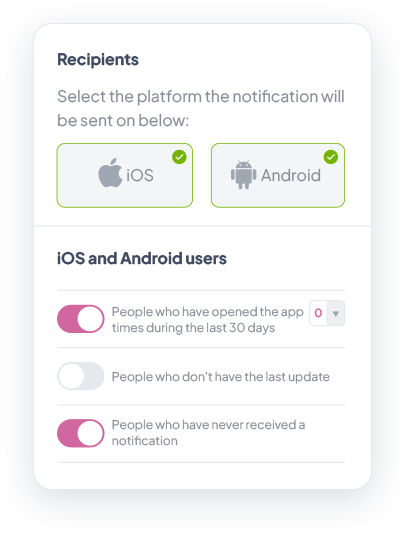
## Allt gjort på ett ställe. Enkelt och smidigt.
GoodBarber Back-office: Centralisera och organisera
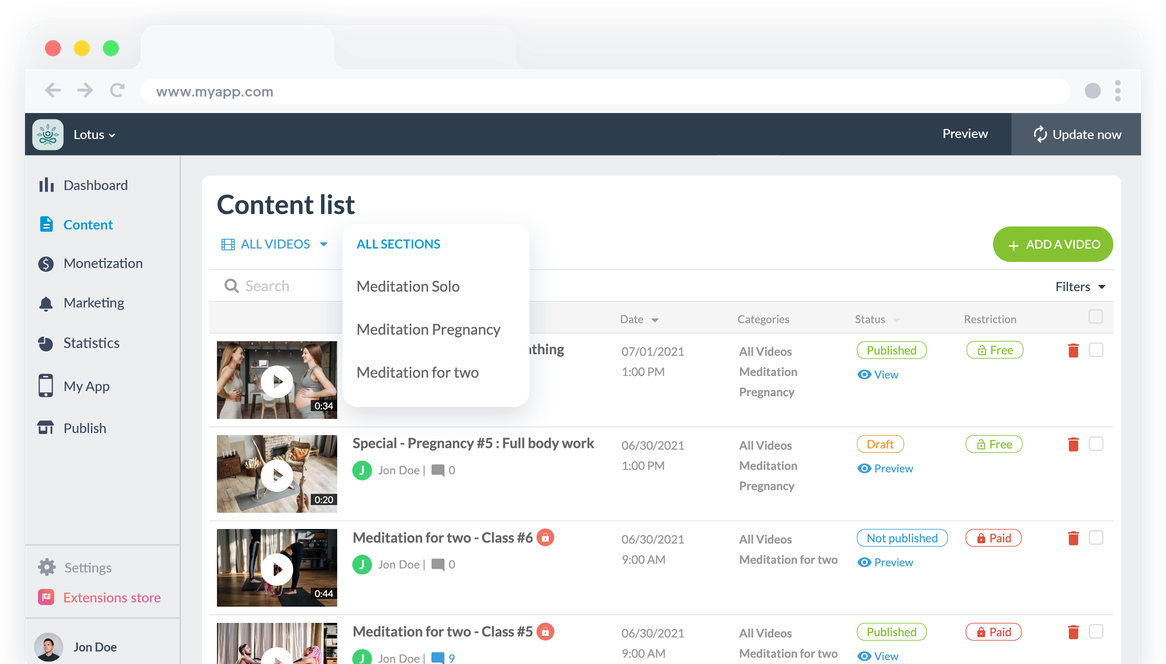
### Ett enda gränssnitt
Med ditt GoodBarber-backoffice kan du hantera allt från en enda plats. Det är intuitivt och enkelt att använda och är det perfekta verktyget för att inte bara effektivt skapa och hantera dina kurser i olika format, utan också analysera deras prestanda.
Inget behov av att jonglera med flera plattformar. Från att skicka push-meddelanden, synkronisera innehåll från andra plattformar, hantera dina användare, analysera statistik till att skapa nytt innehåll, allt görs från samma gränssnitt.
### Planera och organisera dina kurser
Med vårt CMS kan du planera och organisera dina kurser i avsnitt och kategorier. Detta gör att du kan kategorisera dina lektioner i moduler och kapitel beroende på deras ämnen. Du har också möjlighet att skapa en navigering på flera nivåer med vårt [menyavsnitt](https://se.goodbarber.com/extensions/menu-section/) och erbjuda din community en tydlig och lättnavigerad onlinekurs.
Eliminera stressen med att ständigt lägga till lektioner genom att planera ditt innehåll i förväg: med flera tillgängliga publiceringsstatusar kan du förbereda och schemalägga varje lektion för en viss tid och ett visst datum, och till och med skapa kortvarigt innehåll genom att planera dess avpubliceringsdatum i förväg.
## Skapa kurser som engagerar och informerar
Erbjud dina studenter olika innehållsformat så att de kan lära sig utan problem.
### Olika innehållsformat
Alla lär sig på olika sätt. Till exempel är videor ett känt effektivt format för att lära sig, medan podcasts blir allt mer populära. Från ditt GoodBarber-backoffice kan du direkt skapa innehåll i olika format för att möta dina användares förväntningar. Du kan också ansluta dina externa källor som dina YouTube- och Vimeo-kanaler eller till och med din podcast. Med mer än 30 connectorer hittar du garanterat det du behöver för att skapa engagerande kurser.
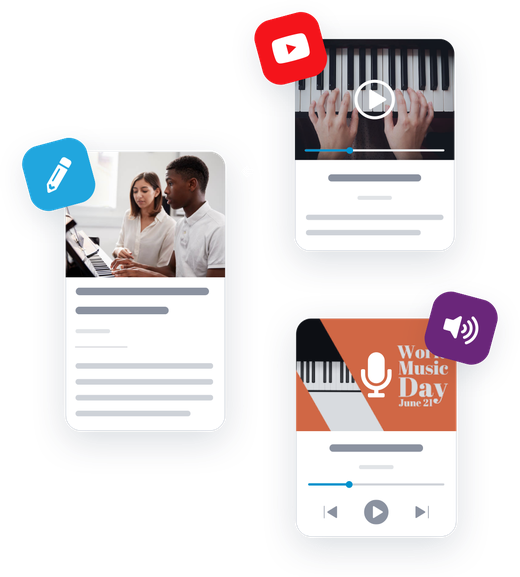
### Kurser i realtid
Inget går upp mot att gå live för att få kontakt med dina studenter och hålla dem engagerade. Med vår [Live Video](https://se.goodbarber.com/extensions/live-video/) lägger du till webbadressen till ditt liveflöde och börjar strömma, du kan också planera din sändningstid. När live-lektionen är över visas tid och datum för din nästa live.
## Hämta dessa uppgifter
Integrerad analys och externa verktyg för att bättre förstå vilka kurser som fungerar bäst
### Extern statistik
Du kan ansluta externa verktyg (Google Analytics för Firebase, Google Tag Manager, Countly) och få mer detaljerad statistik baserad på specifika händelser i din app. På så sätt kan du förbättra ditt innehåll så att det överträffar användarnas förväntningar.
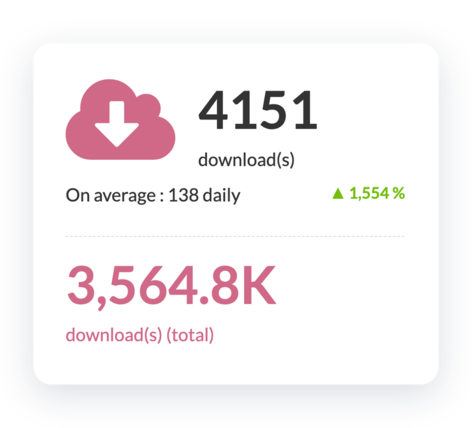
### Intern statistik
[GoodBarber dashboard](https://se.goodbarber.com/extensions/analytics-dashboard-content-apps/) ger dig detaljerad statistik över din app. Dessa data gör att du bättre kan förstå dina användares beteende och ger dig också information om mängden och typen av trafik på din app.
## Och så mycket mer
### Unik design
Anpassa din app så att den återspeglar din varumärkesidentitet. Lägg till din logotyp, färgpalett, typsnitt och välj den bästa mallen för att presentera dina kurser.
### Domännamn
Lägg till [ditt eget domännamn](https://se.goodbarber.com/extensions/custom-domain/) i din PWA för att förstärka ditt varumärke. Med en enhetlig närvaro på nätet blir det lättare att hitta dina onlinekurser,
### SÖKMOTOROPTIMERING
Öka synligheten och rankas högre i sökmotorer tack vare din PWA. Din webbapp indexeras av Google och drar även nytta av AMP (Accelerated Mobile Pages)-tekniken. Oroa dig inte, GoodBarber tar hand om allt det tekniska.
### Feedback från användare
Vårt [formuläravsnitt](https://se.goodbarber.com/extensions/form/) är perfekt för att få feedback från användarna och samla in viktiga insikter för att förbättra dina kurser.
### Förvaring
Du får tillgång till ett stort lagringsutrymme och obegränsad bandbredd för att hosta alla dina kurser.
### Video av hög kvalitet
Videokodning gör att dina kurser får rätt format och specifikationer för uppspelning, vilket ger dina användare bästa möjliga kvalitet på alla enheter.
### Automationer
Tack vare GoodBarbers connectorer för Zapier och Make har du tillgång till tusentals onlinetjänster för att automatisera och förenkla ditt arbetsflöde. Fokusera på att undervisa dina elever och låt dessa verktyg ta hand om de repetitiva uppgifterna.
### RSS-flöde
Du kan skapa RSS-flöden för att distribuera ditt innehåll som skapats via GoodBarber CMS. Så du kan enkelt distribuera dina artiklar, videor, kartor, evenemang och podcasts någon annanstans.
### Genomgång av appen
Ta kontroll över din inlärningsupplevelse redan från början, utan krångel eller bortkastad tid. [app walkthrough](https://se.goodbarber.com/extensions/walkthrough/) säkerställer en smidig introduktion och en optimal användning av din e-learning-applikation. Definiera pedagogiska steg och förenkla inlärningsprocessen.

### ChattGPT
Förbättra din e-learningplattform med en virtuell AI-assistent! Svara snabbt på frågor om kurser, resurser och tekniska problem. Erbjud personlig support och en smidig inlärningsupplevelse med [vårt integrerade tillägg](https://se.goodbarber.com/extensions/chatgpt/).
## Varför behöver din onlinekurs en app?
### Studenter älskar appar för e-lärande
Utbildning är den tredje mest populära kategorin på App Store och på Google Play är e-learning ännu högre på andra plats* (Statista).
Med en mobilapp har de tillgång till innehåll i olika och mer engagerande format: Video, podcast, livekurser.
### En eLearning-app ökar lojaliteten
Mobilappar levererar effektiva kurser och ger användarna en bättre inlärningsupplevelse. De ger också bättre interaktion med dina elever tack vare funktioner som push-notiser, kommentarer, livesessioner, chattar etc.
### Dina kurser tillgängliga 24/7
En mobilapp gör dina kurser tillgängliga på en helt ny nivå. Inga fler begränsningar vad gäller tid och plats. Dina deltagare kan enkelt komma åt sina favoritkurser var de än befinner sig och från alla enheter (smartphones, surfplattor, bärbara datorer).
## Kundens kärlek
### [GoodBarber är en kraftfull appbyggare.](https://www.trustpilot.com/reviews/60f08679f9f48702a8e6869e)
#### Melissa Okta
GoodBarber är en kraftfull appbyggare. Om du vill bygga din app med hjälp av en förbyggd mall är GoodBarber perfekt för dig. På Global Academy har vi nästan avslutat det femte året med att använda deras lättanvända förbyggda plattformar för att bygga premiumappar för våra kunder. Goodbarbers kundsupport är också utmärkt. Rekommenderas varmt.
-
-
-
-
-
### [Bra support och alltid mycket hjälpsamma svar.](https://www.trustpilot.com/reviews/60c0ca7cf9f487099ce24eb9)
Bra support och alltid mycket hjälpsamma svar. Inget är för trivialt för att teamet ska kunna svara.
-
-
-
-
-
### [Lyhörd support och oftast snabb.](https://www.trustpilot.com/reviews/60ad3c03f9f4870a94ace1d1)
Lyhörd support och vanligtvis snabb. Programvaran är den överlägset bästa på marknaden, med enorma möjligheter till konfigurationer.
-
-
-
-
-
### [Jag gillar verkligen systemet.](https://www.trustpilot.com/reviews/60551146f85d7509fc10d732)
#### Gene Hieber
Jag har varit en resller-medlem i en månad nu. Jag har byggt flera demo-appar. Jag gillar verkligen systemet. Lätt att navigera och jag har sålt ett par progressiva webbappar och arbetar också med inbyggda appar. Jag rekommenderar starkt Good Barber.
-
-
-
-
-
### [Teamet på GoodBarber har varit otroligt informativt och hjälpsamt](https://www.trustpilot.com/reviews/6054cff7f85d7509fc1090eb)
#### W. Monahan
Teamet på GoodBarber har varit otroligt informativa och hjälpsamma under både skapandet och underhållet av min app. Jag är inte så tekniskt kunnig, och de ger mig alltid bra vägledning om hur jag kan åtgärda problem eller förbättra min app. Jag letade efter olika alternativ när jag ville bygga min app, och jag är glad att jag valde det här företaget.
-
-
-
-
-
### [De hjälpte mig att skapa en vacker och framgångsrik app](https://www.trustpilot.com/reviews/60511fb2f85d75064c43947b)
#### Mary Davis
Jag har varit med GoodBarber sedan 2014 och jag kan inte säga tillräckligt bra saker om dem och min erfarenhet av dem. De hjälpte mig att skapa en vacker, framgångsrik app; de har funnits där för mig varje steg på vägen för att lösa kundproblem och hjälpa till med uppdateringar; och de har en lättanvänd, oändligt anpassningsbar instrumentpanel för att skapa appen du drömmer om - vilket är vad jag gjorde. Tack GoodBarber. Du är den bästa
-
-
-
-
-
### [Bra verktyg, det har alla funktioner du behöver för att bygga din egen app eller webbplats.](https://www.trustpilot.com/reviews/60a22025f9f4870a94a45023)
#### Manuel Ventura
Bra verktyg, det har alla funktioner du behöver för att bygga din egen app eller webbplats.
-
-
-
-
-
### [GoodBarber är en underbar plattform.](https://www.trustpilot.com/reviews/604e93b7f85d7503942a6703)
#### Mini Maestro
GoodBarber är en underbar plattform. Deras supportpersonal är hjälpsam och gränssnittet är lätt att navigera! Tack för att ni gör det möjligt för oss att ge extra stöd till våra kunder med vår kundapp.
-
-
-
-
-
### [Den bästa appbyggaren på marknaden](https://www.trustpilot.com/reviews/604c6024f85d75064c40265c)
#### Draculapp
Den bästa appbyggaren på marknaden, PWA lätt och Native iOS-hjälp för publiceringsproblem. Mycket bra support och ständiga uppdateringar. Många funktioner och vackra designlayouter och en hög anpassningsnivå. Rekommenderas för enskilda företag eller byråer med en mycket bra lösning för återförsäljarprogrammet. Och sist men inte minst, vänlig personal! Det är värt ett försök...
-
-
-
-
-
### [En av de bästa leverantörerna i branschen.](https://www.trustpilot.com/reviews/604ba651f85d75064c3fd1ab)
#### K. Linton
En av de bästa leverantörerna i branschen. Lätt att använda, väldokumenterad och utmärkt kundservice. Om du vill skapa en mobilappslösning för ditt företag eller dina kunder är GoodBarber definitivt rätt väg att gå.
-
-
-
-
-
## [Onlinekurser](https://se.goodbarber.com/extensions/collections/online-courses/)
Håll dina elever motiverade med de bästa mobila verktygen
[MedlemskapTjäna pengar i din app med medlemskap](https://se.goodbarber.com/extensions/in-app-purchase/)[Automatisk tryckningHar det hänt något nytt med din app? Meddela dina användare automatiskt](https://se.goodbarber.com/extensions/scheduled-push/)[Direktsänt ljudStreama direktsända radiosändningar](https://se.goodbarber.com/extensions/live-audio/)[Live-videoStreama live videosändningar](https://se.goodbarber.com/extensions/live-video/)
## Upptäck mer
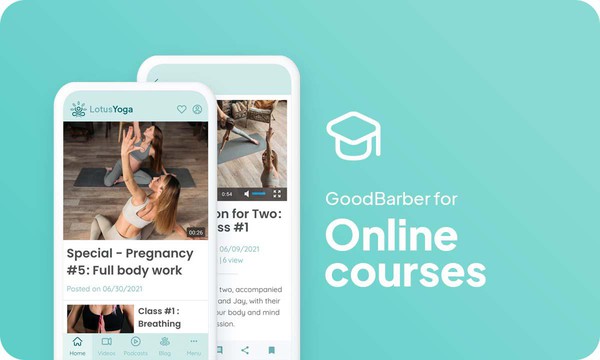
### [Hur man gör en app för onlinekurser ?](https://www.goodbarber.com/blog/how-to-create-an-app-for-online-courses-a1116/)
Att erbjuda en app för onlinekurser har många fördelar: Det är ett format som är anpassat till alla profiler, beroende på målgruppens ålder och ditt utbildningsområde.
### [GoodBarber Academy](https://academy.goodbarber.com/)
Bli en GoodBarber-expert.

### [Hur lägger man till videor i sin app?](https://se.goodbarber.com/tutorials/content/sa-har-lagger-du-till-videor-i-din-app/)
Läs om hur du lägger till en videosektion i din app.
## Prissättning
[Månadsvis](#)[Årligen](#)[En gång](#)
||Standard 340kr/månadfaktureras årsvisSpara 840kr varje år|Premium 620kr/månadfaktureras årsvisSpara 2040kr varje år|Pro 1190kr/månadfaktureras årsvisSpara 4080kr varje år|Byrån 2450kr/månadfaktureras årsvisSpara 8880kr varje år|Pro 52000krEngångsbetalningSpara 131600kr på en gång|Byrån 136000krEngångsbetalningSpara 246800kr på en gång|
|---|---|---|---|---|---|---|
|Teknik|||||||
|PWA-teknik|yes|yes|yes|yes|yes|yes|
|Inhemsk teknik||Android + iOS (iPhone & iPad) (iPhone & iPad)|Android + iOS (iPhone & iPad) (iPhone & iPad)|Android + iOS (iPhone & iPad) (iPhone & iPad)|Android + iOS (iPhone & iPad) (iPhone & iPad)|Android + iOS (iPhone & iPad) (iPhone & iPad)|
|Tillgänglig i Google Play Store||yes|yes|yes|yes|yes|
|Tillgänglig på App Store||yes|yes|yes|yes|yes|
|Kapacitet|||||||
|Förvaring info 22,7kr för 10 GB|2 GB|10 GB|50 GB|100 GB|50 GB|100 GB|
|Push-meddelanden info 114kr för 100K extra push-meddelanden(per månad)|10K|30K|250K|500K|250K|500K|
|Personalkonton|1|3|obegränsad|obegränsad|obegränsad|obegränsad|
|Antal projekt|1|1|1|obegränsad|1|obegränsad|
|Sidvisningar (bandbredd & trafik)|obegränsad|obegränsad|obegränsad|obegränsad|obegränsad|obegränsad|
|Nedladdningar av appar||obegränsad|obegränsad|obegränsad|obegränsad|obegränsad|
|Kundansvarig|||yes|yes|yes|yes|
|TilläggsbutikStort bibliotek 190+ [tillägg](https://se.goodbarber.com/extensions/). Nya tillägg varje månad info Utöka funktionerna i din app med tillägg : Automatiseringar (Zapier, Make), Analytics, Monetisering, Försäljningsoptimering, Integration (Wordpress, Squarespace, RSS).|||||||
|Gratis tillägg|Upp till 5|Upp till 20|obegränsad|obegränsad|obegränsad|obegränsad|
|Autentisering||136kr/månad (faktureras 1360kr/år. Du sparar 2 månader)|yes|yes|yes|yes|
|Chatt info Chat-tillägget kräver att Authentification-tillägget är installerat||227kr/månad (faktureras 2270kr/år. Du sparar 2 månader)|yes|yes|yes|yes|
|Medlemskap info Erbjud betalda prenumerationer till dina användare för att få tillgång till ditt innehåll. Köp görs enkelt från deras Apple / Google-konto||559kr/månad (faktureras 5590kr/år. Du sparar 2 månader). Ingen extra avgift baserad på dina intäkter.|yes|yes|yes|yes|
|Centrala funktioner|||||||
|NO CODE drag&drop; app-byggare|yes|yes|yes|yes|yes|yes|
|Fullständigt anpassningsbar design|yes|yes|yes|yes|yes|yes|
|System för innehållshantering(artikel, video, podcast, evenemang, karta, foto, live)|yes|yes|yes|yes|yes|yes|
|SEO-vänlig, AMP, ASO-vänlig|yes|yes|yes|yes|yes|yes|
|Support (riktig mänsklig support, av GoodBarber-teamet självt)|yes|yes|yes|yes|yes|yes|
|Pris för prenumeration på årsplan|Standard4080kr/år|Premium7440kr/år|Pro14280kr/år|Byrån29400kr/år|/år|/år|
### Skapa dina onlinekurser idag
[Börja gratis](https://se.goodbarber.com/create/)
## Vanliga frågor och svar
### För vem är onlinekurser appar?
OnlineCourses-appar används vanligtvis av:
- Privata lärare
- Skola
- Personliga utbildare
- Projektledare
- Musiklärare
### Vilka typer av appar för onlinekurser kan jag skapa med GoodBarber App Builder?
Använd våra videoklipp, Live Audio och Live+-funktioner i din app för onlinekurser för att paketera och distribuera:
- Privata onlinekurser
- Lektioner för kompetensutveckling
- Utbildningar
- Högskolans distanskurser
### Hur mycket kostar det att skapa en app för onlinekurser?
Du kan börja köra din Online Courses-app gratis med vår 30-dagars gratis provperiod.
Därefter är det upp till dig att prenumerera på den plan som bäst passar dina behov: grundplanen för att göra din Online Courses-app börjar på 340kr/Månad.
Observera att ytterligare kostnader tillkommer för att publicera iOS-appar på App Store.
<
### Hur kan jag tjäna pengar på min e-Learning-app?
Det finns många strategier för att tjäna pengar med en e-Learning-app:
1. Premiuminnehåll: sälj dina bästa onlinekurser, lektioner och didaktiskt innehåll inom prenumerationsplaner med hjälp av medlemskapsfunktionen.
2. Tjänar pengar på din onlinekursapp med reklamfunktioner.
Vi rekommenderar 2 strategier:
- Generisk stor publik: tjäna pengar på din onlinekursapp med tredje parts annonstjänster: aktivera tredje parts AD-nätverk (Facebook, Google Admob, Ads Manager, Google AdSense) för att visa annonser och få betalt
- Kvalificerad liten publik: aktivera GoodBarber Internal Ad Server: Den interna annonsservern är det enklaste sättet att marknadsföra din mobilapplikation för onlinekurser och visa skräddarsydda, anpassade startskärmar och annonsbanners. Du kommer också att kunna välja en eller flera plattformar för att distribuera dina kampanjer: iOS och/eller Android.
3. Sälj din Online Courses-app i butikerna mot en avgift.
### Vilka färdigheter krävs för att bygga en app för onlinekurser?
Tack vare GoodBarber App builder behöver du inga programmeringskunskaper för att skapa din onlinekursapp. Du kan välja att skapa din egen eLearning-app för Android, iOS eller en webbplats för onlinekurser med en PWA som är tillgänglig för både Desktop och Mobile.
Med detta sagt bör du välja ett ämne som uppfyller behovet för en grupp. Du vill visa passion, skicklighet och erfarenhet för det ämnet och en ganska solid undervisningsmetod.
### Hur kan jag anpassa min appdesign och användarupplevelse (UX) för e-lärande?
Med över 200 layoutalternativ, en imponerande temasamling och modulär design kan du skapa en unik app som återspeglar ditt varumärke för e-Learning-appen
Det finns många alternativ och nivåer av anpassning. Du kan välja olika "globala stilar" för att anpassa appen i sin helhet eller kanske bara anpassa ett visst avsnitt.
Vår appbyggare för onlinekurser erbjuder 9 mallar för listningssidor och 4 mallar för innehållssidor.
Du kommer också att kunna anpassa rubriker, teckensnitt, bakgrundsfärger och navigeringsmenyer.
Dessutom kommer du att kunna berika din onlinekursupplevelse med ljud, video, artiklar och live videostreaming för din publik under kurser och konferenser.
<
### Skulle min app för onlinekurser vara tillgänglig i alla länder?
Ja, den kan vara tillgänglig i alla länder. Du kommer att besluta om geodistribution och välja de länder där appen kommer att finnas tillgänglig i appbutikerna innan den publiceras i Apples App Store och Google Play Store.
### Erbjuder ni någon support och eftermarknadshjälp för appen OnLine Courses?
Ja, det stämmer verkligen! GoodBarber Support and Assistance program ger dig:
- Gratis support
- Obegränsat antal supportärenden
- Appens livstidssupport
- Support på 5 språk
- 4 kontor i 3 länder
- 3 tidszoner
### Vem är utvecklaren av min app för onlinekurser?
Du måste köpa ditt eget utvecklarkonto från Apple och Google. Därför är du utvecklaren av din app. GoodBarber är helt enkelt verktyget för att skapa den.
### Kan jag sälja min app Onlinekurser till en annan utvecklare?
Ja, du kan sälja din app Onlinekurser. För att göra detta måste du överföra ägandet av din app till den nya ägaren i varje appbutik.
Dessutom måste du överföra ägandet av GoodBarbers backoffice till den nya ägaren. För att göra detta måste du kontakta Goodbarbers supportteam
[Börja gratis](https://se.goodbarber.com/create/)
Från så lågt som 340kr/månad
.
Gratis 30-dagars provperiod. Inget kreditkort krävs
---
# Appar för internkommunikation
Source: https://se.goodbarber.com/employee-communication-app/
---
title: "Appbyggare för Employee Communication: skapa en app för intern kommunikation"
description: "Skapa en app för att kommunicera nyheter och uppdateringar till företaget direkt och i stor skala. Förbättra produktiviteten och medarbetarnas engagemang med hjälp av en mobilapp. Skapa en app för företags- och frontlinjemedarbetare"
canonical_url: "https://se.goodbarber.com/employee-communication-app/"
lang: sv
---
# Appbyggare för Employee Communication: skapa en app för intern kommunikation
### GoodBarber till kommunicera med dina anställda
# Ditt eget intranät, alltid tillgängligt
## Alla interna kommunikationsverktyg är tillgängliga på mobil och dator
- Logga in
- Kraftfullt CMS
- Push-meddelanden per användargrupp
- Personregister
- Direktmeddelanden
- Ledning av redaktionella team
[Starta nu](https://se.goodbarber.com/create/)
Från så lågt som 340kr/månad
.
Gratis 30-dagars provperiod. Inget kreditkort krävs
### De litar på GoodBarber

## Centralisera din interna kommunikation
Täck alla dina kommunikationsbehov i en enda 100 % anpassningsbar plattform
#### Ett kraftfullt CMS
Med det integrerade CMS-systemet kan du skapa eller ansluta alla typer av innehåll direkt från backoffice. Skapa innehåll direkt från CMS och hantera varje steg i innehållspubliceringen, eller använd vår katalog med mer än 30 externa anslutningar för att synkronisera dina olika innehållskällor (YouTube, WordPress, RSS-flöden och mycket mer).
#### Företagsnyheter
Dela med dig av företagets allmänna information och nyheter med en blogg! Skapa så många bloggavsnitt som du vill och/eller kategorisera dem för att göra det lättare för dina anställda att navigera och få tillgång till information.
#### Ett dynamiskt arbetsverktyg
Dra nytta av våra videosektioner för att erbjuda livligt och engagerande innehåll till dina anställda. Oavsett om det handlar om onlinekurser, mötesrapporter eller seminarieuppspelningar är videor ett utmärkt sätt att leverera innehåll på ett lättsamt, roligt och minnesvärt sätt till alla dina anställda.
#### En tydlig kalender
Använd våra kalenderavsnitt för att tydligt visa alla viktiga datum för ditt företag. Skapa olika nivåer av kalendrar för att visa viktiga tidsfrister för färdplanen samt avdelningarnas mötesagendor. Lägg till innehåll till varje händelse så att alla kan läsa om den och få en tydlig bild av företagets globala och dagliga framsteg.
#### Coaching & utbildning
Ge dina medarbetare en komplett onboarding- och utbildningsprocess för att framgångsrikt välkomna dina nya medarbetare och se till att dina team ständigt är uppdaterade. Använd de olika typerna av innehåll som finns tillgängliga, t.ex. videor, podcasts eller redaktionellt innehåll.
#### Visa upp ditt företag
Dra nytta av din företagsapp för att sprida den bild du vill ha av ditt företag. Använd våra Om-sidor för att förankra företagets kärnvärden och historia. Dina anställda kommer alltid att ha den här informationen i bakhuvudet. Med våra kartavsnitt kan du också placera ut dina kontor i rymden och skapa rutter till vart och ett av dem.
## Kommunicera i ett säkert och konfidentiellt utrymme
Endast dina medarbetare kommer att ha tillgång till ditt innehåll
### Ett modulärt system för autentisering
Säkra din app genom att lägga till en [autentiseringsmodul](https://se.goodbarber.com/extensions/authentication/) som gör det möjligt för dina medarbetare att identifiera sig och få tillgång till ditt innehåll. Bestäm dig för att låta dina medarbetare skapa ett eget konto i din app, eller tvärtom skapa en egen profil för att hålla 100% kontroll på identiteten hos din publik.
## Rikta in dig på din målgrupp med ett klick
Enkelt kommunicera rätt information till rätt personer
### Riktade meddelanden
Skicka dina [push-meddelanden](https://se.goodbarber.com/extensions/push-notifications/) på ett smart sätt med hjälp av de olika målgruppskriterier som finns tillgängliga: enligt dina medarbetares beteende (antal appöppningar under de senaste 30 dagarna, appversion eller endast användare som aldrig har fått ett push-meddelande), deras geografiska läge eller den enhet de använder.
### Avgränsade grupper av medarbetare
Dela in dina anställda i [olika grupper](https://se.goodbarber.com/extensions/user-groups/) (efter avdelning, ackrediteringsnivå eller senioritet) och kommunicera på olika sätt med varje grupp. Hantera åtkomst till olika delar av din app för varje grupp och använd dem som ett ytterligare sätt att rikta dina push-meddelanden.
## En samarbetsyta för interpersonell kommunikation
Främja samarbete och kommunikation inom dina team
### En intuitiv katalog
[Avsnittet Användarlista](https://se.goodbarber.com/extensions/community/) är perfekt för att skapa din katalog på ett ögonblick. Välj din visningsmall för användarlistan i list- eller kortläge. Du kan visa användare enligt 3 kriterier: alla, senaste anslutningar eller närmast geografiskt.
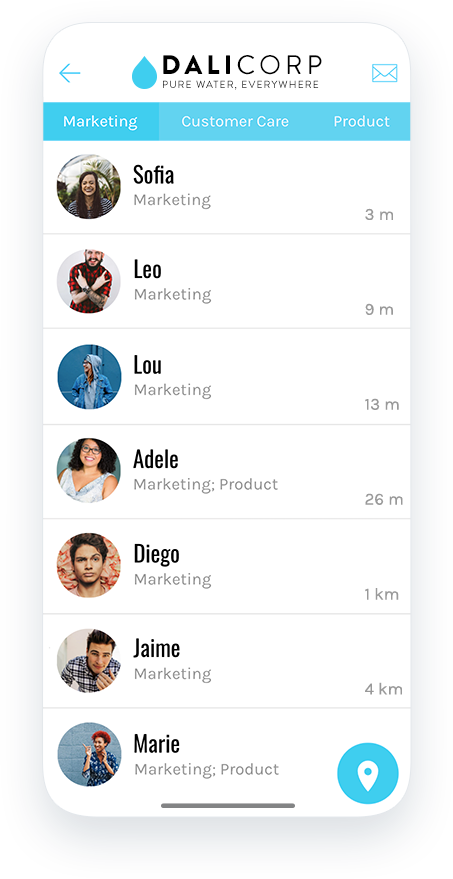
### Funktioner för återkoppling
Använd avsnitten [Form](https://se.goodbarber.com/extensions/form/) och Submit för att samla in information från din målgrupp. Från enkätsvar till förslagslådor och direktkommunikation med HR - möjligheterna är oändliga för att ge dina anställda en röst och visa dem att deras åsikter är viktiga för dig.
### Alltid mer interaktion
Hjälp dina anställda att komma i kontakt med varandra genom att lägga till en [chatt](https://se.goodbarber.com/extensions/chat/) i din app. De kommer att kunna kontakta varandra via användarlistan och utbyta textmeddelanden i total säkerhet.
## Och så mycket mer
### Anpassningsbart domännamn:
Du kan anpassa adressen där dina användare kommer åt din webbapp genom att installera ett [anpassat domännamn](https://se.goodbarber.com/extensions/custom-domain/). Alla domäntillägg stöds.
### Anpassningsbar profil:
Varje användare har en offentlig profil som är synlig för andra användare av appen. Du kan anpassa profilfälten för dina användare efter dina behov och den information du vill visa för andra anställda. Gör dessa fält obligatoriska eller inte med ett enda klick.
### Leda ett redaktionellt team:
Överlåt hanteringen av din applikation till olika medlemmar i ditt team. Hantera rättigheter och åtkomst för varje medlem och öka produktiviteten samtidigt som du säkrar ditt arbete.
### Plattform utan kod
Dra nytta av GoodBarbers kraft och mer än 500 funktioner utan att behöva skriva en enda rad kod. Inget behov av ett tekniskt team eller specifika resurser för att hantera ditt intranät. Spara värdefull tid i skapandet av din app och kommunicera med dina medarbetare i all enkelhet.
### Automationer
Tack vare GoodBarbers kopplingar till Zapier och Make kan du automatisera och förenkla ditt arbetsflöde. Med tusentals onlinetjänster att ansluta till har det aldrig varit så enkelt att dela med sig av företagsnyheter eller introducera nya medarbetare.
### Genomgång av appen
Förenkla dina medarbetares upplevelse redan från början, utan ansträngning eller bortkastad tid. Skapa en [app Walkthrough](https://se.goodbarber.com/extensions/walkthrough/) för en smidig start och en optimal användning av din app. Du definierar de förklarande stegen och säkerställer att din app används på rätt sätt.

### ChattGPT
Integrera en [virtuell assistent](https://se.goodbarber.com/extensions/chatgpt/) med artificiell intelligens i din app. Den kan svara på dina anställdas frågor baserat på information som du tillhandahåller i förväg. Det är ett utmärkt sätt att ge assistans till företagets medarbetare, oavsett om det gäller HR eller för att underlätta dina rutiner.
## Varför behöver ditt företag en app för att kommunicera med sina anställda?
### Tillgänglighet
En stor majoritet av de anställda sitter inte bakom ett skrivbord varje dag. Enligt LinkedIn tillhör faktiskt 80% av arbetskraften denna kategori. Ett företags intranät begränsar tillgängligheten till information. Med en app kan du kommunicera med dina team var som helst och se till att dina meddelanden når fram.
### Produktivitet
Medarbetare lägger i genomsnitt 9,3 timmar per vecka på att söka och samla information*. Med en app kan du konsolidera och centralisera information så att dina medarbetare alltid har den nära till hands. Källa McKinsey
### Främja engagemang
En app ger dig verktygen och utrymmet för dina medarbetare att kommunicera i en säker miljö och skapa kontakter mellan dem. De kan också kommentera företagsnyheter. Denna öppenhet kommer i sin tur att skapa en positiv arbetsmiljö.
## Det säger våra kunder
### [GoodBarber är en kraftfull appbyggare.](https://www.trustpilot.com/reviews/60f08679f9f48702a8e6869e)
#### Melissa Okta
GoodBarber är en kraftfull appbyggare. Om du vill bygga din app med hjälp av en förbyggd mall är GoodBarber perfekt för dig. På Global Academy har vi nästan avslutat det femte året med att använda deras lättanvända förbyggda plattformar för att bygga premiumappar för våra kunder. Goodbarbers kundsupport är också utmärkt. Rekommenderas varmt.
-
-
-
-
-
### [Bra support och alltid mycket hjälpsamma svar.](https://www.trustpilot.com/reviews/60c0ca7cf9f487099ce24eb9)
Bra support och alltid mycket hjälpsamma svar. Inget är för trivialt för att teamet ska kunna svara.
-
-
-
-
-
### [Lyhörd support och oftast snabb.](https://www.trustpilot.com/reviews/60ad3c03f9f4870a94ace1d1)
Lyhörd support och vanligtvis snabb. Programvaran är den överlägset bästa på marknaden, med enorma möjligheter till konfigurationer.
-
-
-
-
-
### [Jag gillar verkligen systemet.](https://www.trustpilot.com/reviews/60551146f85d7509fc10d732)
#### Gene Hieber
Jag har varit en resller-medlem i en månad nu. Jag har byggt flera demo-appar. Jag gillar verkligen systemet. Lätt att navigera och jag har sålt ett par progressiva webbappar och arbetar också med inbyggda appar. Jag rekommenderar starkt Good Barber.
-
-
-
-
-
### [Teamet på GoodBarber har varit otroligt informativt och hjälpsamt](https://www.trustpilot.com/reviews/6054cff7f85d7509fc1090eb)
#### W. Monahan
Teamet på GoodBarber har varit otroligt informativa och hjälpsamma under både skapandet och underhållet av min app. Jag är inte så tekniskt kunnig, och de ger mig alltid bra vägledning om hur jag kan åtgärda problem eller förbättra min app. Jag letade efter olika alternativ när jag ville bygga min app, och jag är glad att jag valde det här företaget.
-
-
-
-
-
### [De hjälpte mig att skapa en vacker och framgångsrik app](https://www.trustpilot.com/reviews/60511fb2f85d75064c43947b)
#### Mary Davis
Jag har varit med GoodBarber sedan 2014 och jag kan inte säga tillräckligt bra saker om dem och min erfarenhet av dem. De hjälpte mig att skapa en vacker, framgångsrik app; de har funnits där för mig varje steg på vägen för att lösa kundproblem och hjälpa till med uppdateringar; och de har en lättanvänd, oändligt anpassningsbar instrumentpanel för att skapa appen du drömmer om - vilket är vad jag gjorde. Tack GoodBarber. Du är den bästa
-
-
-
-
-
### [Bra verktyg, det har alla funktioner du behöver för att bygga din egen app eller webbplats.](https://www.trustpilot.com/reviews/60a22025f9f4870a94a45023)
#### Manuel Ventura
Bra verktyg, det har alla funktioner du behöver för att bygga din egen app eller webbplats.
-
-
-
-
-
### [GoodBarber är en underbar plattform.](https://www.trustpilot.com/reviews/604e93b7f85d7503942a6703)
#### Mini Maestro
GoodBarber är en underbar plattform. Deras supportpersonal är hjälpsam och gränssnittet är lätt att navigera! Tack för att ni gör det möjligt för oss att ge extra stöd till våra kunder med vår kundapp.
-
-
-
-
-
### [Den bästa appbyggaren på marknaden](https://www.trustpilot.com/reviews/604c6024f85d75064c40265c)
#### Draculapp
Den bästa appbyggaren på marknaden, PWA lätt och Native iOS-hjälp för publiceringsproblem. Mycket bra support och ständiga uppdateringar. Många funktioner och vackra designlayouter och en hög anpassningsnivå. Rekommenderas för enskilda företag eller byråer med en mycket bra lösning för återförsäljarprogrammet. Och sist men inte minst, vänlig personal! Det är värt ett försök...
-
-
-
-
-
### [En av de bästa leverantörerna i branschen.](https://www.trustpilot.com/reviews/604ba651f85d75064c3fd1ab)
#### K. Linton
En av de bästa leverantörerna i branschen. Lätt att använda, väldokumenterad och utmärkt kundservice. Om du vill skapa en mobilappslösning för ditt företag eller dina kunder är GoodBarber definitivt rätt väg att gå.
-
-
-
-
-
## [Kommunikation med medarbetarna](https://se.goodbarber.com/extensions/collections/employee-communication/)
Alla interna kommunikationsverktyg är tillgängliga både i mobilen och på datorn
[AutentiseringTillåt åtkomst till hela eller delar av din app endast för användare som har ett användarnamn/lösenord](https://se.goodbarber.com/extensions/authentication/)[ChattAktivera en snabbmeddelandetjänst i din app](https://se.goodbarber.com/extensions/chat/)[GemenskapHantera en grupp användare i din app](https://se.goodbarber.com/extensions/community/)[AnvändargrupperSkapa användargrupper och anpassa åtkomsträttigheter till delar av din app.](https://se.goodbarber.com/extensions/user-groups/)
## Upptäck mer
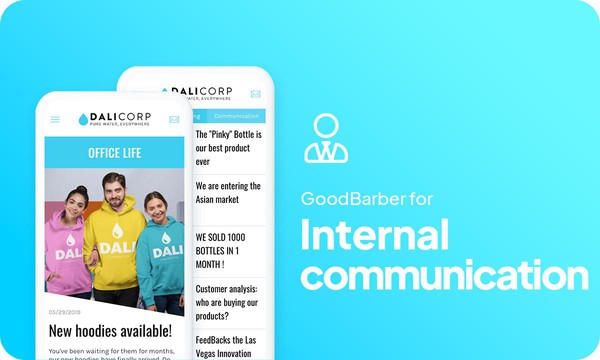
### [Hur skapar man en app för kommunikation med anställda?](https://www.goodbarber.com/blog/how-to-create-an-app-to-communicate-with-your-employees-a1121/)
Digitaliseringen, som blir alltmer närvarande i vårt samhälle, har revolutionerat den interna kommunikationen i företag.
### [Inloggning med Apple-autentiseringInloggning med Apple-autentisering](https://www.goodbarber.com/blog/sign-in-with-apple-authentication-a990/)
I och med lanseringen av iOS 13 introducerade Apple ett nytt sätt att registrera konton i appar och på webbplatser
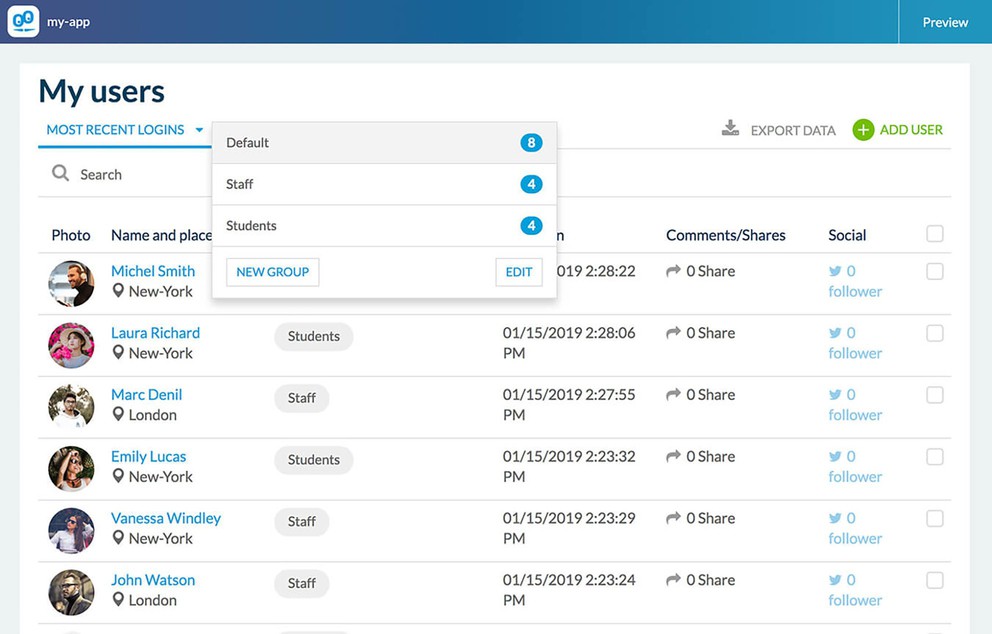
### [Finjustera åtkomsträttigheterna med tillägget "Användargrupp"](https://www.goodbarber.com/blog/empower-the-social-features-of-your-app-adding-the-new-user-group-add-on-a588/)
Tillägget "Användargrupper" ger dig möjlighet att kategorisera grupper av användare och att begränsa avsnitten i din app till specifika grupper (en eller flera för varje avsnitt).
## Prissättning
[Månadsvis](#)[Årligen](#)[En gång](#)
||Standard 340kr/månadfaktureras årsvisSpara 840kr varje år|Premium 620kr/månadfaktureras årsvisSpara 2040kr varje år|Pro 1190kr/månadfaktureras årsvisSpara 4080kr varje år|Byrån 2450kr/månadfaktureras årsvisSpara 8880kr varje år|Pro 52000krEngångsbetalningSpara 131600kr på en gång|Byrån 136000krEngångsbetalningSpara 246800kr på en gång|
|---|---|---|---|---|---|---|
|Teknik|||||||
|PWA-teknik|yes|yes|yes|yes|yes|yes|
|Inhemsk teknik||Android + iOS (iPhone & iPad) (iPhone & iPad)|Android + iOS (iPhone & iPad) (iPhone & iPad)|Android + iOS (iPhone & iPad) (iPhone & iPad)|Android + iOS (iPhone & iPad) (iPhone & iPad)|Android + iOS (iPhone & iPad) (iPhone & iPad)|
|Tillgänglig i Google Play Store||yes|yes|yes|yes|yes|
|Tillgänglig på App Store||yes|yes|yes|yes|yes|
|Kapacitet|||||||
|Förvaring info 22,7kr för 10 GB|2 GB|10 GB|50 GB|100 GB|50 GB|100 GB|
|Push-meddelanden info 114kr för 100K extra push-meddelanden(per månad)|10K|30K|250K|500K|250K|500K|
|Personalkonton|1|3|obegränsad|obegränsad|obegränsad|obegränsad|
|Antal projekt|1|1|1|obegränsad|1|obegränsad|
|Sidvisningar (bandbredd & trafik)|obegränsad|obegränsad|obegränsad|obegränsad|obegränsad|obegränsad|
|Nedladdningar av appar||obegränsad|obegränsad|obegränsad|obegränsad|obegränsad|
|Kundansvarig|||yes|yes|yes|yes|
|TilläggsbutikStort bibliotek 190+ [tillägg](https://se.goodbarber.com/extensions/). Nya tillägg varje månad info Utöka funktionerna i din app med tillägg : Automatiseringar (Zapier, Make), Analytics, Monetisering, Försäljningsoptimering, Integration (Wordpress, Squarespace, RSS).|||||||
|Gratis tillägg|Upp till 5|Upp till 20|obegränsad|obegränsad|obegränsad|obegränsad|
|Autentisering||136kr/månad (faktureras 1360kr/år. Du sparar 2 månader)|yes|yes|yes|yes|
|Chatt info Chat-tillägget kräver att Authentification-tillägget är installerat||227kr/månad (faktureras 2270kr/år. Du sparar 2 månader)|yes|yes|yes|yes|
|Medlemskap info Erbjud betalda prenumerationer till dina användare för att få tillgång till ditt innehåll. Köp görs enkelt från deras Apple / Google-konto||559kr/månad (faktureras 5590kr/år. Du sparar 2 månader). Ingen extra avgift baserad på dina intäkter.|yes|yes|yes|yes|
|Centrala funktioner|||||||
|NO CODE drag&drop; app-byggare|yes|yes|yes|yes|yes|yes|
|Fullständigt anpassningsbar design|yes|yes|yes|yes|yes|yes|
|System för innehållshantering(artikel, video, podcast, evenemang, karta, foto, live)|yes|yes|yes|yes|yes|yes|
|SEO-vänlig, AMP, ASO-vänlig|yes|yes|yes|yes|yes|yes|
|Support (riktig mänsklig support, av GoodBarber-teamet självt)|yes|yes|yes|yes|yes|yes|
|Pris för prenumeration på årsplan|Standard4080kr/år|Premium7440kr/år|Pro14280kr/år|Byrån29400kr/år|/år|/år|
### Skapa din intranätsapp nu
[Börja gratis](https://se.goodbarber.com/create/)
## Vanliga frågor och svar
### Vad är Employee Communication app?
En app för medarbetarkommunikation är en mobilapplikation som syftar till att kommunicera nyheter och uppdateringar genom företaget direkt och i stor skala. Den betraktas allmänt som ett kommunikationsverktyg som används av team för att förbättra produktiviteten och säkerställa att meddelandet tas emot vid rätt tidpunkt av rätt person.
### Vem är appen Employee Communication avsedd för?
Appar för kommunikation med anställda används vanligtvis av HR-avdelningen, kommunikationsavdelningen och chefer för socialt ansvar i företag av alla storlekar för att enkelt och effektivt kommunicera med huvudkontor och frontlinjepersonal.
### Vilka är de bästa funktionerna för mobilappar för kommunikation med anställda?
- Riktade push-meddelanden
- Hantering av olika användargrupper
- Funktioner för insamling av feedback, som formulär och enkätmoduler
- Kalender
### Vilka färdigheter krävs för att bygga en app för medarbetarkommunikation?
Även om du med GoodBarber Employee Communication app Builder inte behöver några tekniska/programmeringsfärdigheter för att bygga din app, bör du ha några mjuka färdigheter som:
- Förmåga att kommunicera effektivt
- Delningsförmåga
- Intellektuell nyfikenhet
- Vilja att bygga en stark gemenskap kring företagets värderingar
Framgång för en IC-mobilapp är dock starkt knuten till:
- God UX/design
- Respektera varumärkesdesign och grafisk profil
- Förbättra interaktionsnivån
### Hur mycket kostar det att skapa en app för medarbetarkommunikation?
Du kan börja köra din app för medarbetarkommunikation gratis med vår 30 dagars kostnadsfria provperiod.
Sedan är det upp till dig att prenumerera på den plan som bäst passar dina behov: den grundläggande planen för att göra din interna kommunikationsapp börjar på 340kr/Månad.
Observera att ytterligare kostnader tillkommer för att publicera iOS-appar på App Store.
### Hur kan jag anpassa min appdesign och användarupplevelse (UX) för min app för medarbetarkommunikation?
Med över 200 layoutalternativ, en imponerande temasamling och modulär design kan du skapa en unik app som återspeglar din Employee Communication-varumärke
Det finns många alternativ och nivåer av anpassning. Du kan välja olika "globala stilar" för att anpassa appen i sin helhet eller bara anpassa ett visst avsnitt.
Förutom 30 generiska teman erbjuder Employee Communication app builder 9 mallar för listningssidor och 4 mallar för fristående sidor.
Du kommer att kunna anpassa rubriker, teckensnitt, bakgrundsfärger och navigeringsmenyer.
Dessutom skulle du kunna förbättra kommunikationen och interaktionerna med dina användare genom några dedikerade avsnitt och funktioner:
- Chat-tillägg
- Formulärsektion: det låter dig skapa ett formulär som användare kommer att fylla i från appen för att skicka data och information du hade begärt
- Sändningssektion: det låter användare skicka innehåll direkt från din applikation
- Kontakt US-sektion: ger dina användare alla dina kontakter i ett särskilt avsnitt. I det här avsnittet kan du skapa direktlänkar till:
* Facebook
* Twitter
* Instagram
* WhatsApp
* Skype
* E-post
* Ditt telefonnummer (Ring oss-länk)
* Din appbutik URL (Rekommendera i butiken)
* Interna delar av din app (Intern länk)
* Webbplatser (Extern länk)
* Skicka ett meddelande (SMS)
### Skulle min app för medarbetarkommunikation vara tillgänglig i alla länder?
Ja, den kan vara tillgänglig i alla länder. Du kommer att besluta om geodistribution och välja de länder där appen kommer att finnas tillgänglig i appbutikerna innan den publiceras i Apples App Store och Google Play Store.
### Tillhandahåller ni någon support och service efter försäljning för appen Employee Communication?
Ja, det stämmer verkligen! GoodBarber Support and Assistance program ger dig:
- Gratis support
- Obegränsat antal supportärenden
- Appens livstidssupport
- Support på 5 språk
- 4 kontor i 3 länder
- 3 tidszoner
### Vem är utvecklaren av min app för medarbetarkommunikation?
Du måste köpa ditt eget utvecklarkonto från Apple och Google. Därför är du utvecklaren av din app. GoodBarber är helt enkelt verktyget för att skapa den.
### Kan jag sälja min app för medarbetarkommunikation?
Ja, du kan sälja din app för medarbetarkommunikation. För att göra detta måste du överföra ägandet av din app till den nya ägaren i varje appbutik.
Dessutom måste du överföra ägandet av GoodBarbers backoffice till den nya ägaren. För att göra detta måste du kontakta Goodbarbers supportteam
[Börja gratis](https://se.goodbarber.com/create/)
Från så lågt som 340kr/månad
.
Gratis 30-dagars provperiod. Inget kreditkort krävs
---
# Appar för innehållsskapare
Source: https://se.goodbarber.com/content-creator-app/
---
title: "Appbyggare för Content Creator: bygg en app för influencers och innehållsdelning"
description: "GoodBarber Content Creator-appar är utformade för att uppfylla behov och krav för bloggare, onlineutgivare, nyhetsbrevförfattare, podcasters, YouTubers, kursskapare och influencers på sociala medier."
canonical_url: "https://se.goodbarber.com/content-creator-app/"
lang: sv
---
# Appbyggare för Content Creator: bygg en app för influencers och innehållsdelning
### GoodBarber för Skapare av innehåll
# Gör din passion till ett yrke
## Skapande, distribution, sponsring: Hantera ditt innehåll från A till Ö med en app
- 1-klicks prenumeration på premiuminnehåll
- Kontroll av reklam
- Kampanjkoder
- Integration av YouTube, WordPress, Vimeo, ...
- Formulär
- Innehåll som skickas in av följare
[Starta nu](https://se.goodbarber.com/create/)
Från så lågt som 340kr/månad
.
Gratis 30-dagars provperiod. Inget kreditkort krävs
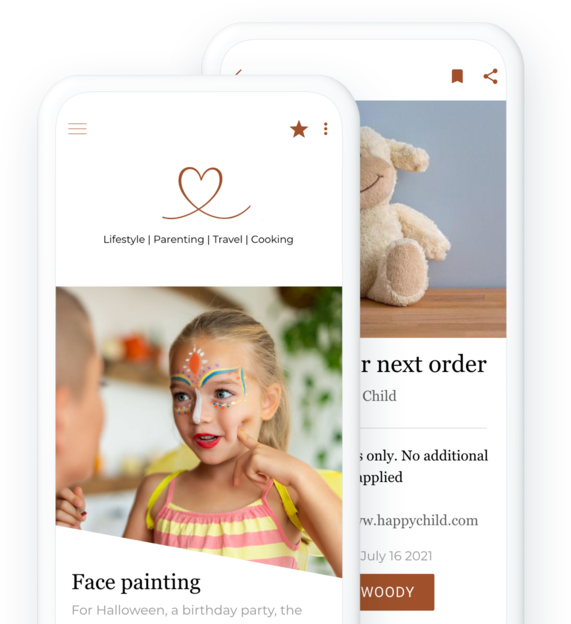
### De litar på GoodBarber

## Mervärdet av en aktiv community
det är engagemanget i din community som dina partners kommer att uppskatta
### Fokusera på kvaliteten i ditt inflytande
Du skapar innehåll som för människor samman och får din community att vilja följa dig. Att erbjuda en app till din community innebär att du erbjuder dem en makalös användarupplevelse och en unik interaktion med dig. Du skapar ditt privata utrymme, som delas mellan dig och ditt community.
### Engagemang genererar mer intäkter än siffror
Att använda en app istället för en enkel webbplats är ett bevis på ytterligare engagemang från din community. Dessutom förlitar sig varumärken inte längre enbart på storleken på communityn när de väljer ut influencers. I dag ligger fokus på relationen mellan innehållsskaparen och deras community. Mikroinfluencers blir allt mer populära eftersom de har en nära relation till sin community. Det visar sig vara effektivt och genererar ett större engagemang från prenumeranterna.
[https://portal.ww-cdn.com/portal_static/images/content_creators/engaged_value.7c6df413764b.mp4](https://portal.ww-cdn.com/portal_static/images/content_creators/engaged_value.7c6df413764b.mp4)
## Hantera dina samarbeten på ett enkelt sätt
Dra nytta av verktyg som är anpassade för att uppfylla dina partnerskap och dela exklusiva erbjudanden med din community
### Enkel och intuitiv distribution av kampanjkoder
Som innehållsskapare bygger du partnerskap med varumärken som matchar dina värderingar och ditt varumärke. Med GoodBarber kan du dela [kampanjkoder](https://se.goodbarber.com/extensions/couponing/) (fysiska eller virtuella) som du har fått för din community. Du kan skapa dem, ändra deras status och kategorisera dem så att dina följare enkelt kan komma åt det de letar efter. De behöver inte söka igenom dina olika sociala plattformar, alla dina godsaker kommer att centraliseras på ett ställe. Statistikverktyget gör att du kan analysera resultatet av dina rabattkampanjer för att förbättra dem och debriefa exakt med dina partners.
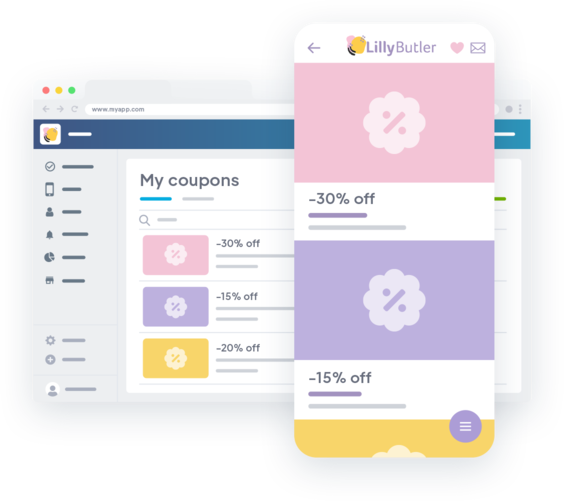
### Skapa dina egna annonser
Utöver kampanjkoder ger GoodBarber dig möjlighet att använda din apps reklamutrymmen för att lyfta fram dina samarbeten. Skapa och hantera [dina egna annonskampanjer](https://se.goodbarber.com/extensions/internal-ad-server/) för att visa interstitialer eller banners i din app. Du kontrollerar allt: innehållet i annonsen, det visuella, visningsreglerna (antal visningar, antal klick, tidsperiod) ... tillräckligt för att tillfredsställa dina partners!
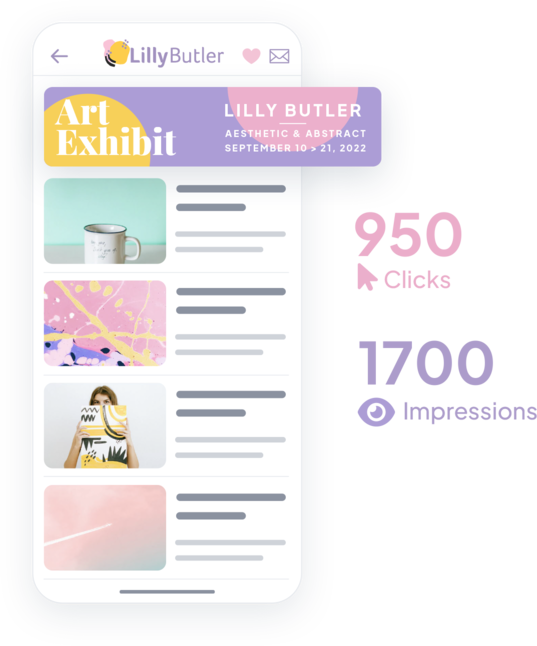
## Hela ditt varumärke i en app
Samla ditt innehåll på en särskild plats för dig och din community
[https://portal.ww-cdn.com/portal_static/images/content_creators/powerful_cms.741bfc777e37.mp4](https://portal.ww-cdn.com/portal_static/images/content_creators/powerful_cms.741bfc777e37.mp4)
### Anslut alla dina innehållskällor till din app
Om du skapar olika typer av innehåll på olika plattformar kan du ansluta alla dina innehållskällor tack vare vår katalog med mer än 30 anslutningar: Youtube, Vimeo, WordPress och många fler. På så sätt behöver du inte ändra dina vanor. Ditt innehåll hämtas automatiskt från dina andra plattformar till din app. De anpassar sig automatiskt till designen av din app för att spara ännu mer tid.
### Skapa innehåll direkt för din app
Det integrerade CMS-systemet gör att du kan skapa alla typer av innehåll direkt från backoffice. Det är det perfekta verktyget för att skapa innehåll som är exklusivt för appen för att belöna dina mest engagerade följare. Tack vare CMS har du kontroll över allt: statushantering för varje innehåll, omedelbar, fördröjd eller kortvarig publicering - det är du som bestämmer!
### Underlätta åtkomsten till dina sociala medier
Som alla innehållsskapare arbetar du med din närvaro på olika sociala medier. Genom att lägga till länkar till dina olika sidor kan du underlätta åtkomsten till dina nätverk. Du har också möjlighet att lägga till direkta delningslänkar på varje innehållssida.
## Underlätta interaktioner med din community
Att interagera med dina följare har aldrig varit så smidigt. Använd de mest anpassade verktygen för att kommunicera.
### Direkt kommunikation tack vare push-meddelanden
Oavsett om de är automatiska eller manuella kommer [pushnotiser](https://se.goodbarber.com/extensions/push-notifications/) att vara din bästa allierade för att hålla kontakten med din community. De är snabba, omedelbara eller schemalagda och framför allt kommer de direkt till ditt bästa stöd: dina följares mobiler. Använd dem som hävstång för att sälja dina prenumerationer: rikta dig till dina användare enligt deras status för att uppmuntra dem att prenumerera eller helt enkelt förbli prenumeranter.
### Interaktion på ett enkelt sätt
Med avsnitten Submit och Form kan du [samla in innehåll direkt från din community](https://se.goodbarber.com/extensions/content-submission/). Det här är ett bra sätt att interagera med dem, för enkäter, debatter eller giveaways.
## finnas på App Store och Google Play
Med GoodBarber kan du inte bara använda webben, utan även inbyggda iOS- och Android-appar.
##### Högpresterande inbyggda appar
Native-appar garanterar den bästa användarupplevelsen för varje plattform. Ditt innehåll kommer att vara perfekt anpassat till de enheter som används av ditt community. På GoodBarber är allt dessutom utformat för hastighet och stabilitet, och vårt utvecklingsteam genomför regelbundet avancerade prestandatester för att upprätthålla denna höga standard.
##### Var närvarande där din grupp finns
Som du kan se i din statistik över sociala medier älskar din community mobilen mer än något annat. Mobilen är mer intuitiv, lättare att komma åt och är det mest använda mediet. Oavsett om den är inbyggd eller webbaserad är din GoodBarber-app utformad för mobiler och ger din community en enastående upplevelse på mobilen.

## Analysera din prestation
för att bättre förstå din community och dess förväntningar
### Intern statistik
Använd [GoodBarbers statistikverktyg](https://se.goodbarber.com/extensions/analytics-dashboard-content-apps/) och analysera antalet lanseringar, unika sessioner, sidvisningar ... Filtrera dina resultat efter period eller plattform. Det finns ingen tidsgräns för att spara din appstatistik. Exportera din appstatistik i .csv-format för vidare analys i ett annat verktyg.
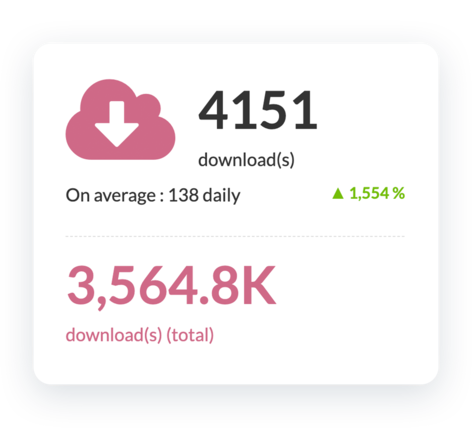
### Extern statistik
Du kan använda Google Analytics för att få ytterligare statistik om användningen av din app. För inbyggda versioner av din app kan du ansluta Firebase Analytics Count.ly och få mer information om prestandan för ditt innehåll och beteendet hos din community.
## Och så mycket mer
### Anpassad app i dina färger
GoodBarbers appdesign är helt anpassningsbar, så att du kan lägga till din egen varumärkesidentitet och få dig och din community att känna sig som hemma. Din app kommer att vara unik.
### SÖKMOTOROPTIMERING
Koden för webbversionen av din app har utvecklats för optimal indexering i sökmotorer. Sidstrukturen är redan optimerad, HTML-taggarna är organiserade så att de lätt kan läsas av motorerna och framhäver ditt innehåll.
### Kommentarer
Låt din community komma åt [kommentarssidan](https://se.goodbarber.com/extensions/cms-comments/) från varje innehåll för att skapa ännu mer interaktion. Hantera dina användares kommentarer via ett särskilt gränssnitt. Se kommentarens författare och innehåll, dess referensavsnitt, publiceringsdatum och status.
### Premiuminnehåll
Detta är det bästa sättet att tjäna pengar på ditt innehåll: erbjud delar av ditt innehåll gratis samtidigt som du ger din community möjlighet att uppgradera till en betald prenumeration för full tillgång.
### Domännamn
Du kan anpassa den adress där dina användare kommer åt din PWA genom att installera ett anpassat domännamn. Alla domäntillägg hanteras. Du behåller din identitet och upprätthåller enhetlighet mellan dina olika plattformar
### Automationer
Låt [Zapier](https://se.goodbarber.com/extensions/zapier-integration/) och Make göra jobbet åt dig. Anslut tusentals onlinetjänster till din GoodBarber och slösa inte tid på repetitiva uppgifter. Du kan fokusera på att skapa ditt innehåll.
## Varför du behöver en app som innehållsskapare
### Ligg steget före konkurrenterna
Influencervärlden är mycket konkurrensutsatt och fler och fler försöker ta sig in på denna marknad. De klassiska sociala medieplattformarna är fulla och konkurrensen är stenhård. En mobilapp kommer att få dig att sticka ut. Allt ditt innehåll är tillgängligt 24/7 för dina följare, även offline.
### Öka varumärkeslojaliteten
Som innehållsskapare är engagemanget från dina följare avgörande. Med en app erbjuder du dem den bästa användarupplevelsen och får dem att känna sig som en del av en privat gemenskap. När din app väl är installerad på deras telefon kommer din ikon alltid att vara en påminnelse om ditt varumärke.
### En effektiv marknadsföringskanal
Din mobilapp är en direkt kommunikationskanal med dina följare och därför din mest användbara marknadsföringskanal. Dra nytta av inbyggda funktioner som push-meddelanden för att få dina följare att återvända till appen för att se nytt innehåll som publicerats eller en ny rabattkod för ett av dina partnervarumärken.
## Kundens kärlek
### [GoodBarber är en kraftfull appbyggare.](https://www.trustpilot.com/reviews/60f08679f9f48702a8e6869e)
#### Melissa Okta
GoodBarber är en kraftfull appbyggare. Om du vill bygga din app med hjälp av en förbyggd mall är GoodBarber perfekt för dig. På Global Academy har vi nästan avslutat det femte året med att använda deras lättanvända förbyggda plattformar för att bygga premiumappar för våra kunder. Goodbarbers kundsupport är också utmärkt. Rekommenderas varmt.
-
-
-
-
-
### [Bra support och alltid mycket hjälpsamma svar.](https://www.trustpilot.com/reviews/60c0ca7cf9f487099ce24eb9)
Bra support och alltid mycket hjälpsamma svar. Inget är för trivialt för att teamet ska kunna svara.
-
-
-
-
-
### [Lyhörd support och oftast snabb.](https://www.trustpilot.com/reviews/60ad3c03f9f4870a94ace1d1)
Lyhörd support och vanligtvis snabb. Programvaran är den överlägset bästa på marknaden, med enorma möjligheter till konfigurationer.
-
-
-
-
-
### [Jag gillar verkligen systemet.](https://www.trustpilot.com/reviews/60551146f85d7509fc10d732)
#### Gene Hieber
Jag har varit en resller-medlem i en månad nu. Jag har byggt flera demo-appar. Jag gillar verkligen systemet. Lätt att navigera och jag har sålt ett par progressiva webbappar och arbetar också med inbyggda appar. Jag rekommenderar starkt Good Barber.
-
-
-
-
-
### [Teamet på GoodBarber har varit otroligt informativt och hjälpsamt](https://www.trustpilot.com/reviews/6054cff7f85d7509fc1090eb)
#### W. Monahan
Teamet på GoodBarber har varit otroligt informativa och hjälpsamma under både skapandet och underhållet av min app. Jag är inte så tekniskt kunnig, och de ger mig alltid bra vägledning om hur jag kan åtgärda problem eller förbättra min app. Jag letade efter olika alternativ när jag ville bygga min app, och jag är glad att jag valde det här företaget.
-
-
-
-
-
### [De hjälpte mig att skapa en vacker och framgångsrik app](https://www.trustpilot.com/reviews/60511fb2f85d75064c43947b)
#### Mary Davis
Jag har varit med GoodBarber sedan 2014 och jag kan inte säga tillräckligt bra saker om dem och min erfarenhet av dem. De hjälpte mig att skapa en vacker, framgångsrik app; de har funnits där för mig varje steg på vägen för att lösa kundproblem och hjälpa till med uppdateringar; och de har en lättanvänd, oändligt anpassningsbar instrumentpanel för att skapa appen du drömmer om - vilket är vad jag gjorde. Tack GoodBarber. Du är den bästa
-
-
-
-
-
### [Bra verktyg, det har alla funktioner du behöver för att bygga din egen app eller webbplats.](https://www.trustpilot.com/reviews/60a22025f9f4870a94a45023)
#### Manuel Ventura
Bra verktyg, det har alla funktioner du behöver för att bygga din egen app eller webbplats.
-
-
-
-
-
### [GoodBarber är en underbar plattform.](https://www.trustpilot.com/reviews/604e93b7f85d7503942a6703)
#### Mini Maestro
GoodBarber är en underbar plattform. Deras supportpersonal är hjälpsam och gränssnittet är lätt att navigera! Tack för att ni gör det möjligt för oss att ge extra stöd till våra kunder med vår kundapp.
-
-
-
-
-
### [Den bästa appbyggaren på marknaden](https://www.trustpilot.com/reviews/604c6024f85d75064c40265c)
#### Draculapp
Den bästa appbyggaren på marknaden, PWA lätt och Native iOS-hjälp för publiceringsproblem. Mycket bra support och ständiga uppdateringar. Många funktioner och vackra designlayouter och en hög anpassningsnivå. Rekommenderas för enskilda företag eller byråer med en mycket bra lösning för återförsäljarprogrammet. Och sist men inte minst, vänlig personal! Det är värt ett försök...
-
-
-
-
-
### [En av de bästa leverantörerna i branschen.](https://www.trustpilot.com/reviews/604ba651f85d75064c3fd1ab)
#### K. Linton
En av de bästa leverantörerna i branschen. Lätt att använda, väldokumenterad och utmärkt kundservice. Om du vill skapa en mobilappslösning för ditt företag eller dina kunder är GoodBarber definitivt rätt väg att gå.
-
-
-
-
-
## [Skapare av innehåll](https://se.goodbarber.com/extensions/collections/content-creators/)
Dra nytta av fantastiska verktyg för att publicera ditt innehåll, fullfölja dina partnerskap och marknadsföra dina heta erbjudanden till din community
[MedlemskapTjäna pengar i din app med medlemskap](https://se.goodbarber.com/extensions/in-app-purchase/)[WordPress PluginDela automatiskt innehållet på din WordPress-webbplats i din app med GoodBarber Wordpress-plugin](https://se.goodbarber.com/extensions/wordpress/)[SquarespaceAktivera Squarespace-anslutningen för att visa ditt innehåll i din app](https://se.goodbarber.com/extensions/squarespace/)[RSS-flödeSynkronisera ditt externa onlineinnehåll till din app med GoodBarbers integrering av RSS-flöden.](https://se.goodbarber.com/extensions/rss/)
## Upptäck mer
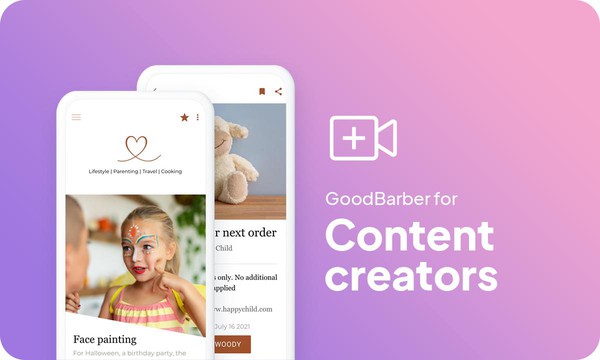
### [Hur skapar man en app för innehållsskapare?](https://www.goodbarber.com/blog/how-to-create-an-app-for-content-creators-a1119/)
Digitaliseringen har inneburit stora förändringar under de senaste åren. I ständig tillväxt har influencers och innehållsskapande blivit mer lättillgängligt, vilket öppnar nya dörrar för kommande generationer. Nya kommunikationsmedel växer fram och ger upphov till nya yrken.

### [Hur visar du dina egna annonser i din app?](https://www.goodbarber.com/blog/how-to-display-your-own-ads-in-your-app-a330/)
Det finns flera sätt att tjäna pengar på din app på rätt sätt, men låt oss fokusera på annonsering
### [Behåll dina kunder med tillägget för kupongförsäljning](https://www.goodbarber.com/blog/goodbarber-feature-highlight-couponing-a938/)
Med Couponing Add-On erbjuder vi dig ett utmärkt verktyg för att engagera och behålla dina kunder. Det förenklar också hur du hanterar och analyserar dina kupongkampanjer.
## Prissättning
[Månadsvis](#)[Årligen](#)[En gång](#)
||Standard 340kr/månadfaktureras årsvisSpara 840kr varje år|Premium 620kr/månadfaktureras årsvisSpara 2040kr varje år|Pro 1190kr/månadfaktureras årsvisSpara 4080kr varje år|Byrån 2450kr/månadfaktureras årsvisSpara 8880kr varje år|Pro 52000krEngångsbetalningSpara 131600kr på en gång|Byrån 136000krEngångsbetalningSpara 246800kr på en gång|
|---|---|---|---|---|---|---|
|Teknik|||||||
|PWA-teknik|yes|yes|yes|yes|yes|yes|
|Inhemsk teknik||Android + iOS (iPhone & iPad) (iPhone & iPad)|Android + iOS (iPhone & iPad) (iPhone & iPad)|Android + iOS (iPhone & iPad) (iPhone & iPad)|Android + iOS (iPhone & iPad) (iPhone & iPad)|Android + iOS (iPhone & iPad) (iPhone & iPad)|
|Tillgänglig i Google Play Store||yes|yes|yes|yes|yes|
|Tillgänglig på App Store||yes|yes|yes|yes|yes|
|Kapacitet|||||||
|Förvaring info 22,7kr för 10 GB|2 GB|10 GB|50 GB|100 GB|50 GB|100 GB|
|Push-meddelanden info 114kr för 100K extra push-meddelanden(per månad)|10K|30K|250K|500K|250K|500K|
|Personalkonton|1|3|obegränsad|obegränsad|obegränsad|obegränsad|
|Antal projekt|1|1|1|obegränsad|1|obegränsad|
|Sidvisningar (bandbredd & trafik)|obegränsad|obegränsad|obegränsad|obegränsad|obegränsad|obegränsad|
|Nedladdningar av appar||obegränsad|obegränsad|obegränsad|obegränsad|obegränsad|
|Kundansvarig|||yes|yes|yes|yes|
|TilläggsbutikStort bibliotek 190+ [tillägg](https://se.goodbarber.com/extensions/). Nya tillägg varje månad info Utöka funktionerna i din app med tillägg : Automatiseringar (Zapier, Make), Analytics, Monetisering, Försäljningsoptimering, Integration (Wordpress, Squarespace, RSS).|||||||
|Gratis tillägg|Upp till 5|Upp till 20|obegränsad|obegränsad|obegränsad|obegränsad|
|Autentisering||136kr/månad (faktureras 1360kr/år. Du sparar 2 månader)|yes|yes|yes|yes|
|Chatt info Chat-tillägget kräver att Authentification-tillägget är installerat||227kr/månad (faktureras 2270kr/år. Du sparar 2 månader)|yes|yes|yes|yes|
|Medlemskap info Erbjud betalda prenumerationer till dina användare för att få tillgång till ditt innehåll. Köp görs enkelt från deras Apple / Google-konto||559kr/månad (faktureras 5590kr/år. Du sparar 2 månader). Ingen extra avgift baserad på dina intäkter.|yes|yes|yes|yes|
|Centrala funktioner|||||||
|NO CODE drag&drop; app-byggare|yes|yes|yes|yes|yes|yes|
|Fullständigt anpassningsbar design|yes|yes|yes|yes|yes|yes|
|System för innehållshantering(artikel, video, podcast, evenemang, karta, foto, live)|yes|yes|yes|yes|yes|yes|
|SEO-vänlig, AMP, ASO-vänlig|yes|yes|yes|yes|yes|yes|
|Support (riktig mänsklig support, av GoodBarber-teamet självt)|yes|yes|yes|yes|yes|yes|
|Pris för prenumeration på årsplan|Standard4080kr/år|Premium7440kr/år|Pro14280kr/år|Byrån29400kr/år|/år|/år|
### Skapa din app nu
[Börja gratis](https://se.goodbarber.com/create/)
## Vanliga frågor och svar
### Vad är ett exempel på en användare av Content Creator-appen?
GoodBarber Content Creator-appar är utformade för att uppfylla behov och krav för bloggare, onlineutgivare, nyhetsbrevförfattare, podcasters, YouTubers, kursskapare, videospelstreamers och influencers på sociala medier.
### Vad är innehållsskapande?
Innehållsskapande är en process för att generera innehåll kring ett visst ämne för att tilltala en potentiell köpare "persona" och motivera dem att vidta en önskad åtgärd, vanligtvis en köphandling.
Det innehåll som genereras kan ha flera format beroende på distributionskanalen: video, podcast, blogg, infografik är de vanligaste.
<
### Vilka färdigheter bör en innehållsskapare ha?
Tack vare GoodBarber App builder behöver du inte några programmeringskunskaper för att skapa din mobilapp. Du kan välja att skapa en Content Creator-app för Android, iOS eller en webbplats med en PWA tillgänglig för både Desktop och Mobile.
Dessutom bör du välja ett ämne som tillfredsställer ett behov av kunskap, nyfikenhet för en nisch eller en stor publik. Du vill visa passion, skicklighet och erfarenhet för ett specifikt ämne, designförmågor och kommunikationsförmåga.
Community Management-tekniker rekommenderas starkt för att mata en Content Creator-app
.
### Hur mycket kostar det att skapa en app för Content Creators?
Du kan börja köra din Content Creator-app gratis med vår 30-dagars kostnadsfria provperiod.
Därefter är det upp till dig att prenumerera på den plan som bäst passar dina behov: den grundläggande planen för att göra din Creator-app börjar på 340kr/Månad.
Observera att ytterligare kostnader tillkommer för att publicera iOS-appar på App Store
.
### Hur kan jag tjäna pengar på min Content Creator-app?
Många strategier där ute för att tjäna pengar med en Content Creator-app:
1. Premiuminnehåll: sälj ditt bästa innehåll inom prenumerationsplaner med hjälp av medlemskapsfunktionen.
2. Tjäna pengar på din Content Creator-app med reklamfunktioner.
Vi rekommenderar 2 strategier:
- Generisk stor publik: tjäna pengar på din Content Creator-app med annonseringstjänster från tredje part: aktivera tredjepartsannonsnätverk (Facebook, Google Admob, Ads Manager, Google AdSense) för att visa annonser och få betalt
- Kvalificerad liten publik: aktivera GoodBarbers interna annonsserver: Den interna annonsservern är det enklaste sättet att marknadsföra din Content Creator-mobilapp och visa skräddarsydda, anpassade startskärmar och annonsbanners. Du kommer också att kunna välja en eller flera plattformar för att distribuera dina kampanjer: iOS och/eller Android.
3. Sälj din Content Creator-app i butikerna mot en avgift.
### Hur kan jag anpassa designen på min Content Creator-app?
Med över 200 layoutalternativ, en imponerande temasamling och modulär design kan du skapa en unik app som återspeglar ditt Content Creator-appvarumärke
Det finns många alternativ och nivåer av anpassning. Du kan välja olika "globala stilar" för att anpassa appen i sin helhet eller kanske bara anpassa ett visst avsnitt.
Vår Content Creator-appbyggare erbjuder 9 mallar för listningssidor och 4 mallar för fristående sidor.
Du kommer att kunna anpassa rubriker, teckensnitt, bakgrundsfärger och navigeringsmenyer.
Dessutom skulle du kunna förbättra kommunikationen och interaktionerna med dina användare genom dedikerade avsnitt och funktioner:
- Chat-tillägg
- Formulärsektion: för att skapa omröstningar och ge feedback om ditt innehåll. Det gör att du kan skapa ett formulär som användarna fyller i från appen för att skicka data och information som du har begärt
- Submission Section: för att hämta innehåll från din publik. det gör att användarna kan skicka innehåll direkt från din applikation
- Contact US-sektionen: ger dina användare alla dina kontakter i ett särskilt avsnitt. I det här avsnittet kan du skapa direktlänkar till:
* Facebook
* Twitter
* Instagram
* Whatsapp
* Skype
* E-post
* Ditt telefonnummer (Ring oss-länk)
* Din appbutik URL (Rekommendera i butiken)
* Interna delar av din app (Intern länk)
* Webbplatser (Extern länk)
* Skicka ett meddelande (SMS)
### Kan jag skapa en Content Creator-app med Premium-innehåll bakom en betalvägg?
Ja, du kan bygga en app med Premium-innehåll som endast är tillgängligt för betalande prenumeranter.
Med vårt [tillägg Medlemskap](https://se.goodbarber.com/extensions/in-app-purchase/) kommer dina läsare att kunna prenumerera på en månads- / årsplan och få tillgång till allt ditt Premium-innehåll.
### Erbjuder ni någon support och eftermarknadshjälp för Content Creator-appen?
Ja, det stämmer verkligen! GoodBarber Support and Assistance program ger dig:
- Gratis support
- Obegränsat antal supportärenden
- Appens livstidssupport
- Support på 5 språk
- 4 kontor i 3 länder
- 3 tidszoner
### Vem är utvecklaren av min Content Creator-app?
Du måste köpa ditt eget utvecklarkonto från Apple och Google.
Därmed är du utvecklaren av din app. GoodBarber är helt enkelt verktyget för att skapa den
.
### Kan jag sälja min Content Creator-app till en annan utvecklare?
Ja, du kan sälja din Content Creator-app. För att göra detta måste du överföra ägandet av din app till den nya ägaren i varje appbutik.
Dessutom måste du överföra ägandet av GoodBarbers backoffice till den nya ägaren. För att göra detta måste du kontakta Goodbarbers supportteam
[Börja gratis](https://se.goodbarber.com/create/)
Från så lågt som 340kr/månad
.
Gratis 30-dagars provperiod. Inget kreditkort krävs
---
# Skräddarsydda appar
Source: https://se.goodbarber.com/custom-app/
---
title: "Custom app Builder: mobilappar som skräddarsys efter dina specifika behov"
description: "Skapa en skräddarsydd app för dina specifika behov. Översätt din idé till en unik app som riktar sig till dina idealiska användare."
canonical_url: "https://se.goodbarber.com/custom-app/"
lang: sv
---
# Custom app Builder: mobilappar som skräddarsys efter dina specifika behov
### GoodBarber för Du
# Bygg din app à la carte
## Har du ett unikt projekt i åtanke? Tack vare vår appbyggare utan kod kan du skapa din egen app som är skräddarsydd efter dina specifika behov.
- Inbyggt CMS
- Integrationer (WordPress, YouTube, Vimeo, SquareSpace, Zapier, Make...)
- Medlemskapssystem
- Logga in
- Chatt
- Push-meddelanden
[Starta nu](https://se.goodbarber.com/create/)
Från så lågt som 340kr/månad
.
Gratis 30-dagars provperiod. Inget kreditkort krävs
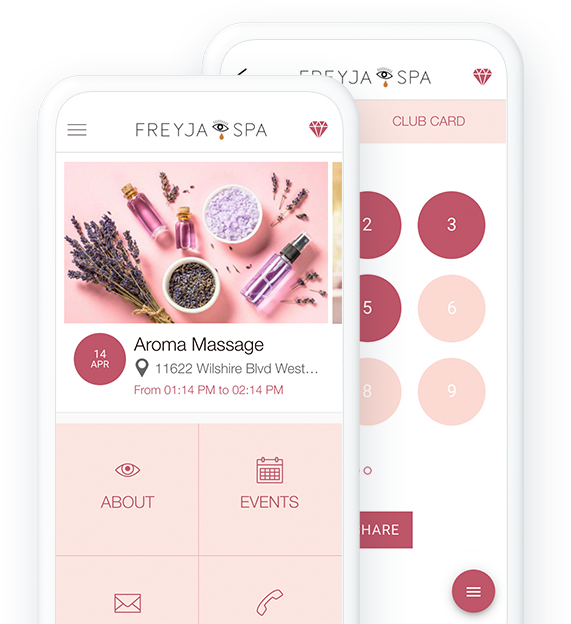
### De litar på GoodBarber

## Dela med dig av din passion
Starta från grunden eller skala upp ett befintligt projekt
### Ett inbyggt CMS för att starta ditt projekt
Med 8 olika innehållstyper (artiklar, videor, foton, ljud, intressepunkter på kartor, formulär, evenemang) och flera mallar har du allt du behöver för att skapa din egen unika app direkt från GoodBarbers backoffice.

### Gå längre med integrationer
Om du redan har en online-närvaro kan du synkronisera dina favorittjänster med din GoodBarber-app och höja nivån på ditt projekt. Mer än 30 anslutningar (Wordpress, YouTube, Vimeo, SquareSpace, Zapier, Make ...) finns tillgängliga för att anpassa ditt projekt.

## Sälj dina produkter
Bygg din webbutik på ditt eget sätt
### Allt-i-ett-lösningen
Allt du behöver för att skapa en framgångsrik e-handelsapp är redan integrerat i GoodBarbers plattform. Skapa kollektioner, lägg till dina produkter, importera/exportera katalog, rabattkampanjer, statistikverktyg, flera betalningsgateways (Stripe, PayPal, Apple Pay m.fl.).
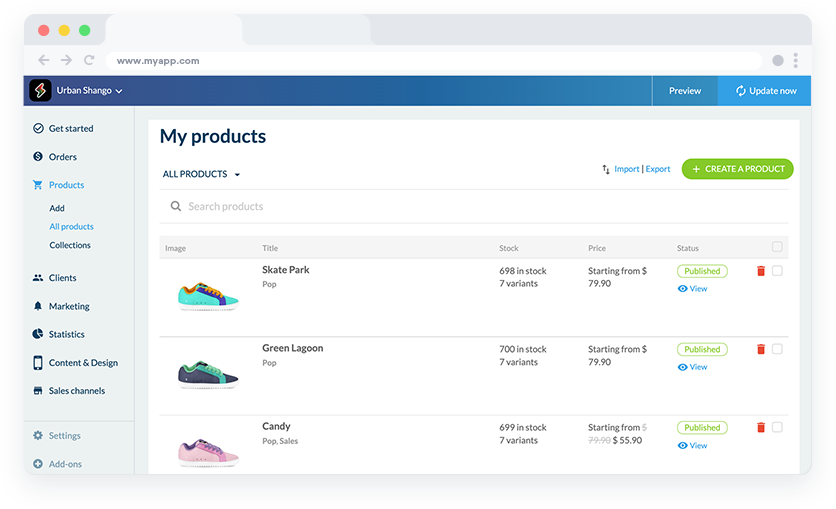
### Skala upp ditt projekt med automatiseringar och API:er
En lösning utan kod med Zapier och Make gör att du kan automatisera repetitiva uppgifter och effektivisera ditt arbetsflöde. Medan en mer avancerad lösning är tillgänglig för utvecklare med vårt offentliga API, så att de kan skapa anpassade integrationer för att hantera lager, order, leveransspårning, produktkatalog
## Tjäna pengar på ditt innehåll
Förvandla ditt innehåll till en vinst tack vare 2 inbyggda funktioner för intäktsgenerering.
### Prenumerationer
Även om din app är gratis att ladda ner kan du tjäna en stadig och pålitlig inkomst genom att erbjuda en medlemstjänst till dina användare. Vissa delar av din app är gratis, men användarna kan uppgradera till en betald prenumeration för att få full tillgång.

[https://portal.ww-cdn.com/portal_static/images/newspaper/anim_applepay.4c09d21c06ef.mp4](https://portal.ww-cdn.com/portal_static/images/newspaper/anim_applepay.4c09d21c06ef.mp4)
### Annonser
Det enklaste sättet att tjäna pengar med en app. Anslut helt enkelt tjänster från tredje part för att generera intäkter (AdMob, AdManager, Facebook) och hantera dina kampanjer för varje nätverk och plattform.
## Bygg upp din gemenskap
Hantera och engagera din community med avancerade funktioner
### Chatt
Omedelbar 1:1-meddelanden i din app i ett personligt konversationsgränssnitt som respekterar utseendet och känslan i din app.
### Användargrupper
Klassificera dina användare i olika kategorier och skapa konsekventa målgrupper i din app. Du definierar exakt vilka åtkomsträttigheter varje grupp ska ha och hanterar din community på det sätt du vill.
### Autentisering
Ge åtkomst till hela eller delar av din app endast till användare som har ett användarnamn/lösenord. Låt dina användare presentera sig själva genom att skapa ett eget registreringsformulär eller låt dem registrera sig via sina sociala medier (Facebook, Twitter, Apple)
## Distribuera och marknadsföra din app
Du finns på alla plattformar. Låt alla veta om det
#### Publicera din app
Med GoodBarber är du närvarande på de tre viktigaste distributionskanalerna: App Store, Google Play och webben. Du drar nytta av både den höga kännedomen i butikerna och den höga trafiken från webben. Vårt team finns här varje steg på vägen för att vägleda dig genom publiceringsprocessen för iOS och Android

### Marknadsför din app
Widgets, delningsknappar, QR-kod, universella länkar: Alla verktyg du behöver för att marknadsföra din app på sociala medier eller din webbplats finns tillgängliga i ditt app-backoffice.
### Engagera dina användare
Med Push-notiser har du marknadsföringsverktyget nummer 1 för mobiler och datorer i din hand. Skapa kommunikationsstrategier som är skräddarsydda för dina användare med schemalagd push, eller knuffa dina kunder tillbaka till din app med ett klick.
## Skapa din egen funktion
Nästa nivå av kundanpassning

### Plugin-avsnitt
[Spelplanen för utvecklare](https://se.goodbarber.com/extensions/collections/developers/)! Skapa ditt plugin i HTML5, CSS och JS och lägg till det i din app för att själv utveckla och lägga till specifika funktioner i din applikation
[Upptäck](https://se.goodbarber.com/extensions/custom-code-section/)

### RSS
Anslut ett RSS-flöde till din GoodBarber-app och uppdatera automatiskt ditt innehåll på din blogg, podcast eller videoavsnitt.

### Json
Den här funktionen gör att du kan utnyttja GoodBarbers fulla potential. Du får tillgång till konfigurationsfiler och får frihet att anpassa din app ännu mer.
[Upptäck](https://se.goodbarber.com/extensions/advanced-edition/)

### Anpassat flöde
Med din Custom Connector kan du gå ännu längre och skapa ditt eget anpassade flöde för att ansluta till sektionerna i din GoodBarber-app (artiklar, podcasts, videor, galleri, kartor).
## Och så mycket mer
### Domännamn
Lägg till ditt eget domännamn i din PWA för att förstärka ditt varumärke och göra det lättare för användarna att hitta och komma ihåg det.
### Rabattkuponger
Attrahera nya kunder och ge befintliga kunder incitament att besöka dig oftare
### Lojalitetskort / klubbkort
Skapa ett unikt belöningsprogram för dina kunder. Välj valideringsprocess och belöningar för Loyalty Card, och lägg till ytterligare en nivå av exklusivitet med Club Card. 3 nivåer av medlemskap för att få tillgång till exklusiva privilegier
### Live + / Live video
Avancerade funktioner för att strömma direktsänd video och/eller dina radiopodcasts.
### Formsektioner
Använd formuläret som ett sätt att kontakta dig eller för att låta din community interagera med dig. Det finns 16 olika typer av fält för att bygga ett formulär som uppfyller dina exakta behov.
### Social delning
Facebook, Twitter, Instagram och många fler. Dela ditt innehåll eller dina produkter direkt på dina sociala medier. Med inbyggd delning kan du vidarebefordra länkar eller bilder till en annan app eller plattform utan att någonsin lämna din app
### Kommentar
Gör det möjligt att kommentera dina artiklar och ge dina användare en möjlighet att göra sin röst hörd och tillhöra en gemenskap som delar deras intressen
### Favoriter
Dina användare kan spara sitt favoritinnehåll och komma tillbaka till det senare, även om de är offline. Den bästa användarupplevelsen för dina mest lojala användare
## Vad våra kunder säger
### [GoodBarber är en kraftfull appbyggare.](https://www.trustpilot.com/reviews/60f08679f9f48702a8e6869e)
#### Melissa Okta
GoodBarber är en kraftfull appbyggare. Om du vill bygga din app med hjälp av en förbyggd mall är GoodBarber perfekt för dig. På Global Academy har vi nästan avslutat det femte året med att använda deras lättanvända förbyggda plattformar för att bygga premiumappar för våra kunder. Goodbarbers kundsupport är också utmärkt. Rekommenderas varmt.
-
-
-
-
-
### [Bra support och alltid mycket hjälpsamma svar.](https://www.trustpilot.com/reviews/60c0ca7cf9f487099ce24eb9)
Bra support och alltid mycket hjälpsamma svar. Inget är för trivialt för att teamet ska kunna svara.
-
-
-
-
-
### [Lyhörd support och oftast snabb.](https://www.trustpilot.com/reviews/60ad3c03f9f4870a94ace1d1)
Lyhörd support och vanligtvis snabb. Programvaran är den överlägset bästa på marknaden, med enorma möjligheter till konfigurationer.
-
-
-
-
-
### [Jag gillar verkligen systemet.](https://www.trustpilot.com/reviews/60551146f85d7509fc10d732)
#### Gene Hieber
Jag har varit en resller-medlem i en månad nu. Jag har byggt flera demo-appar. Jag gillar verkligen systemet. Lätt att navigera och jag har sålt ett par progressiva webbappar och arbetar också med inbyggda appar. Jag rekommenderar starkt Good Barber.
-
-
-
-
-
### [Teamet på GoodBarber har varit otroligt informativt och hjälpsamt](https://www.trustpilot.com/reviews/6054cff7f85d7509fc1090eb)
#### W. Monahan
Teamet på GoodBarber har varit otroligt informativa och hjälpsamma under både skapandet och underhållet av min app. Jag är inte så tekniskt kunnig, och de ger mig alltid bra vägledning om hur jag kan åtgärda problem eller förbättra min app. Jag letade efter olika alternativ när jag ville bygga min app, och jag är glad att jag valde det här företaget.
-
-
-
-
-
### [De hjälpte mig att skapa en vacker och framgångsrik app](https://www.trustpilot.com/reviews/60511fb2f85d75064c43947b)
#### Mary Davis
Jag har varit med GoodBarber sedan 2014 och jag kan inte säga tillräckligt bra saker om dem och min erfarenhet av dem. De hjälpte mig att skapa en vacker, framgångsrik app; de har funnits där för mig varje steg på vägen för att lösa kundproblem och hjälpa till med uppdateringar; och de har en lättanvänd, oändligt anpassningsbar instrumentpanel för att skapa appen du drömmer om - vilket är vad jag gjorde. Tack GoodBarber. Du är den bästa
-
-
-
-
-
### [Bra verktyg, det har alla funktioner du behöver för att bygga din egen app eller webbplats.](https://www.trustpilot.com/reviews/60a22025f9f4870a94a45023)
#### Manuel Ventura
Bra verktyg, det har alla funktioner du behöver för att bygga din egen app eller webbplats.
-
-
-
-
-
### [GoodBarber är en underbar plattform.](https://www.trustpilot.com/reviews/604e93b7f85d7503942a6703)
#### Mini Maestro
GoodBarber är en underbar plattform. Deras supportpersonal är hjälpsam och gränssnittet är lätt att navigera! Tack för att ni gör det möjligt för oss att ge extra stöd till våra kunder med vår kundapp.
-
-
-
-
-
### [Den bästa appbyggaren på marknaden](https://www.trustpilot.com/reviews/604c6024f85d75064c40265c)
#### Draculapp
Den bästa appbyggaren på marknaden, PWA lätt och Native iOS-hjälp för publiceringsproblem. Mycket bra support och ständiga uppdateringar. Många funktioner och vackra designlayouter och en hög anpassningsnivå. Rekommenderas för enskilda företag eller byråer med en mycket bra lösning för återförsäljarprogrammet. Och sist men inte minst, vänlig personal! Det är värt ett försök...
-
-
-
-
-
### [En av de bästa leverantörerna i branschen.](https://www.trustpilot.com/reviews/604ba651f85d75064c3fd1ab)
#### K. Linton
En av de bästa leverantörerna i branschen. Lätt att använda, väldokumenterad och utmärkt kundservice. Om du vill skapa en mobilappslösning för ditt företag eller dina kunder är GoodBarber definitivt rätt väg att gå.
-
-
-
-
-
## Upptäck mer
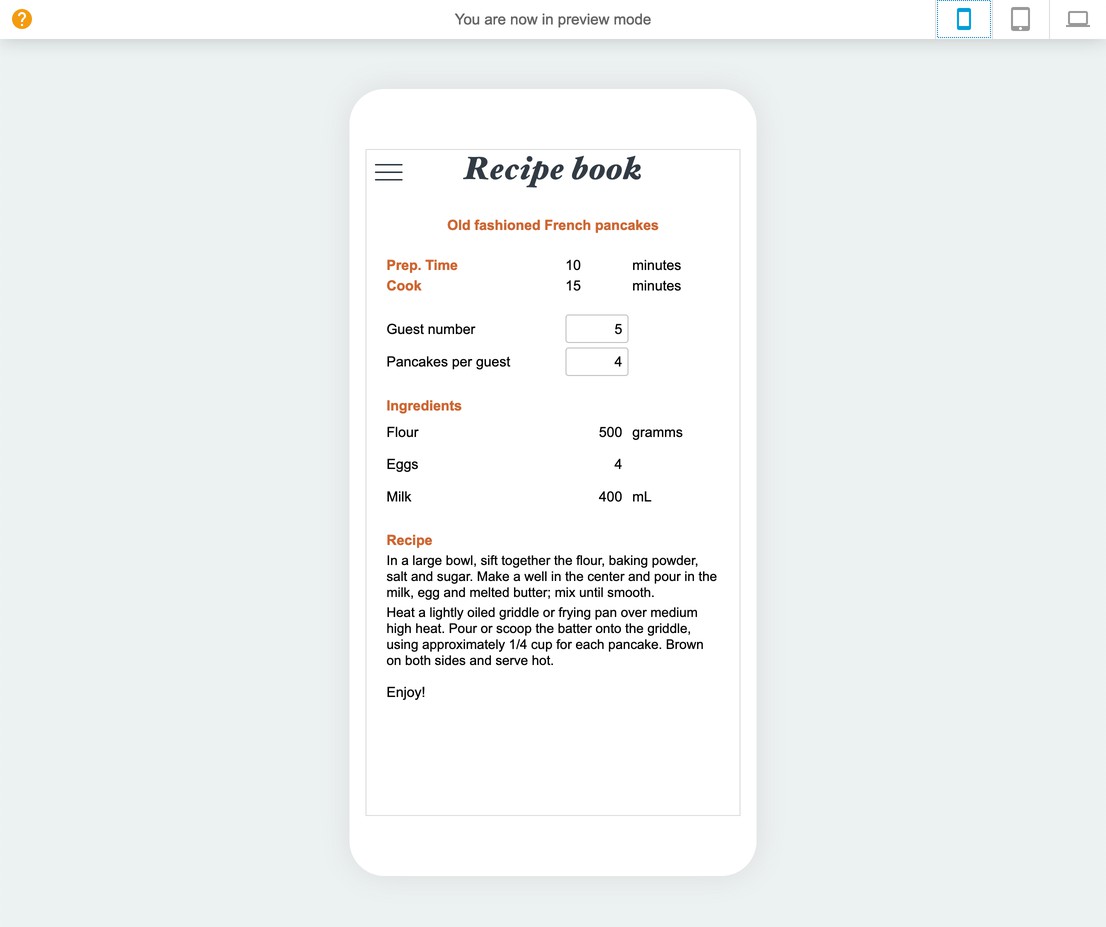
### [Konvertera en Excel-fil till en mobilapp](https://www.goodbarber.com/blog/convert-an-excel-file-into-a-mobile-app-a988/)
Plugins är en av våra lösningar för att bättre anpassa din app till dina behov.

### [Hur visar du dina egna annonser i din app?](https://www.goodbarber.com/blog/how-to-display-your-own-ads-in-your-app-a330/)
Det interna annonsnätverket är ett verktyg som tillhandahålls av GoodBarber som gör att du kan hantera annonsering manuellt.
### [Utöka logistikhanteringen med vårt API](https://www.goodbarber.com/blog/shopping-app-optimized-logistic-management-with-our-public-api-a1101/)
Våra publika API:er kan hjälpa dig att frigöra kraften i automatisering i din e-handelsapp
## Prissättning
[Månadsvis](#)[Årligen](#)[En gång](#)
||Standard 340kr/månadfaktureras årsvisSpara 840kr varje år|Premium 620kr/månadfaktureras årsvisSpara 2040kr varje år|Pro 1190kr/månadfaktureras årsvisSpara 4080kr varje år|Byrån 2450kr/månadfaktureras årsvisSpara 8880kr varje år|Pro 52000krEngångsbetalningSpara 131600kr på en gång|Byrån 136000krEngångsbetalningSpara 246800kr på en gång|
|---|---|---|---|---|---|---|
|Teknik|||||||
|PWA-teknik|yes|yes|yes|yes|yes|yes|
|Inhemsk teknik||Android + iOS (iPhone & iPad) (iPhone & iPad)|Android + iOS (iPhone & iPad) (iPhone & iPad)|Android + iOS (iPhone & iPad) (iPhone & iPad)|Android + iOS (iPhone & iPad) (iPhone & iPad)|Android + iOS (iPhone & iPad) (iPhone & iPad)|
|Tillgänglig i Google Play Store||yes|yes|yes|yes|yes|
|Tillgänglig på App Store||yes|yes|yes|yes|yes|
|Kapacitet|||||||
|Förvaring info 22,7kr för 10 GB|2 GB|10 GB|50 GB|100 GB|50 GB|100 GB|
|Push-meddelanden info 114kr för 100K extra push-meddelanden(per månad)|10K|30K|250K|500K|250K|500K|
|Personalkonton|1|3|obegränsad|obegränsad|obegränsad|obegränsad|
|Antal projekt|1|1|1|obegränsad|1|obegränsad|
|Sidvisningar (bandbredd & trafik)|obegränsad|obegränsad|obegränsad|obegränsad|obegränsad|obegränsad|
|Nedladdningar av appar||obegränsad|obegränsad|obegränsad|obegränsad|obegränsad|
|Kundansvarig|||yes|yes|yes|yes|
|TilläggsbutikStort bibliotek 190+ [tillägg](https://se.goodbarber.com/extensions/). Nya tillägg varje månad info Utöka funktionerna i din app med tillägg : Automatiseringar (Zapier, Make), Analytics, Monetisering, Försäljningsoptimering, Integration (Wordpress, Squarespace, RSS).|||||||
|Gratis tillägg|Upp till 5|Upp till 20|obegränsad|obegränsad|obegränsad|obegränsad|
|Autentisering||136kr/månad (faktureras 1360kr/år. Du sparar 2 månader)|yes|yes|yes|yes|
|Chatt info Chat-tillägget kräver att Authentification-tillägget är installerat||227kr/månad (faktureras 2270kr/år. Du sparar 2 månader)|yes|yes|yes|yes|
|Medlemskap info Erbjud betalda prenumerationer till dina användare för att få tillgång till ditt innehåll. Köp görs enkelt från deras Apple / Google-konto||559kr/månad (faktureras 5590kr/år. Du sparar 2 månader). Ingen extra avgift baserad på dina intäkter.|yes|yes|yes|yes|
|Centrala funktioner|||||||
|NO CODE drag&drop; app-byggare|yes|yes|yes|yes|yes|yes|
|Fullständigt anpassningsbar design|yes|yes|yes|yes|yes|yes|
|System för innehållshantering(artikel, video, podcast, evenemang, karta, foto, live)|yes|yes|yes|yes|yes|yes|
|SEO-vänlig, AMP, ASO-vänlig|yes|yes|yes|yes|yes|yes|
|Support (riktig mänsklig support, av GoodBarber-teamet självt)|yes|yes|yes|yes|yes|yes|
|Pris för prenumeration på årsplan|Standard4080kr/år|Premium7440kr/år|Pro14280kr/år|Byrån29400kr/år|/år|/år|
### Skapa din anpassade app nu
[Börja gratis](https://se.goodbarber.com/create/)
## Vanliga frågor och svar
### Vad är en GoodBarber anpassad app?
GoodBarber App Builder gör att du kan bygga en anpassad app för dina specifika affärsbehov, utöver de förbyggda appmallarna vi erbjuder.
Det kan vara en innehållsapp för att dela ditt bästa innehåll bland dina grupper, liksom en e-handelsapp för att sälja och leverera varor.
### Hur mycket kostar det att skapa en anpassad app?
Du kan börja köra din anpassade app gratis med vår 30-dagars gratis provperiod.
Sedan är det upp till dig att prenumerera på den plan som bäst passar dina behov: den grundläggande planen för att skapa en anpassad app börjar på 340kr / månad.
Observera att ytterligare kostnader tillkommer för att publicera iOS-appar på App Store.
### Hur tjänar jag pengar på min anpassade app?
Det finns många strategier för att tjäna pengar på en anpassad app:
1. Premiuminnehåll: sälj ditt bästa innehåll inom prenumerationsplaner med hjälp av medlemskap.
2. Tjäna pengar på din anpassade app med annonseringsfunktioner.
Vi rekommenderar 2 strategier:
- Generisk stor publik: tjäna pengar på din anpassade app med annonseringstjänster från tredje part: aktivera tredjepartsannonsnätverk (Facebook, Google Admob, Ads Manager, Google AdSense) för att visa annonser och få betalt
- Kvalificerad liten publik: aktivera GoodBarbers interna annonsserver: Den interna annonsservern är det enklaste sättet att marknadsföra din anpassade mobilapp och visa skräddarsydda, anpassade stänkskärmar och annonsbanners. Du kommer också att kunna välja en eller flera plattformar för att distribuera dina kampanjer: iOS och/eller Android.
3. Sälj din anpassade app i butikerna mot en avgift.
### Hur kan jag anpassa min egen appdesign och användarupplevelse?
Med över 200 layoutalternativ, en imponerande temasamling och modulär design kan du skapa en unik app som återspeglar ditt anpassade appvarumärke
Det finns många alternativ och nivåer av anpassning. Du kan välja olika "globala stilar" för att anpassa appen i sin helhet eller kanske bara anpassa ett visst avsnitt.
Vår anpassade appbyggare erbjuder 9 mallar för listningssidor och 4 mallar för fristående sidor.
Du kommer att kunna anpassa rubriker, teckensnitt, bakgrundsfärger och navigeringsmenyer.
<
### Kommer min app att vara tillgänglig i alla länder?
Ja, den kan vara tillgänglig i alla länder. Du kommer att besluta om geodistribution och välja de länder där appen kommer att finnas tillgänglig i appbutikerna innan den publiceras i Apples App Store och Google Play Store.
### Kan jag skapa en anpassad app med premiuminnehåll bakom en betalvägg?
Ja, du kan bygga en app med Premium-innehåll som endast är tillgängligt för betalande prenumeranter.
Med vårt tillägg Medlemskap kommer dina läsare att kunna prenumerera på en månads- / årsplan och få tillgång till allt ditt Premium-innehåll
.
### Behöver jag tekniska färdigheter för att bygga en anpassad app?
Tack vare GoodBarber No-Code App builder behöver du inga programmeringskunskaper för att skapa din app. Du kan skapa din app för Android, iOS eller en mobil webbplats med en Progressive Web App (PWA) utan en enda rad kod.
### Erbjuder ni någon support och eftermarknadshjälp?
Ja, det stämmer verkligen! GoodBarber Support and Assistance program ger dig:
- Gratis support
- Obegränsat antal supportärenden
- Appens livstidssupport
- Support på 5 språk
- 4 kontor i 3 länder
- 3 tidszoner
### Vem är utvecklaren av min app?
Du måste köpa ditt eget utvecklarkonto från Apple och Google. Därför är du utvecklaren av din app. GoodBarber är helt enkelt verktyget för att skapa den.
### Kan jag sälja min anpassade app?
Ja, du kan sälja din anpassade app. För att göra detta måste du överföra ägandet av din app till den nya ägaren i varje appbutik.
Dessutom måste du överföra ägandet av GoodBarbers backoffice till den nya ägaren. För att göra detta måste du kontakta Goodbarbers supportteam
[Börja gratis](https://se.goodbarber.com/create/)
Från så lågt som 340kr/månad
.
Gratis 30-dagars provperiod. Inget kreditkort krävs
---
# Livsmedelsappar
Source: https://se.goodbarber.com/grocery-app/
---
title: "Skapa en app för leverans av livsmedel - appbyggare för livsmedel online"
description: "Skapa en app för leverans av matvaror utan kodning och ge dina kunder möjlighet att handla online, få det levererat eller hämta det. Bygg en livsmedelsapp nu."
canonical_url: "https://se.goodbarber.com/grocery-app/"
lang: sv
---
# Skapa en app för leverans av livsmedel - appbyggare för livsmedel online
### GoodBarber för Dagligvarubutiker
# En app för hämtning och leverans i din livsmedelsbutik
## Erbjud dina kunder mer bekvämlighet och flexibilitet genom att ge dem möjlighet att handla online, få det levererat eller hämta upp det.
- Betalning med kort och kontanter
- Kollektioner och produktvarianter
- Upphämtning i butik med tidslucka
- Snabba inköp av ofta beställda produkter
- Lagerhantering / Zapier och Make-synkronisering
- Push-notis när ordern är klar
[Starta nu](https://se.goodbarber.com/create/)
Från 450kr/månad
30 dagars gratis provperiod. Inget kreditkort krävs
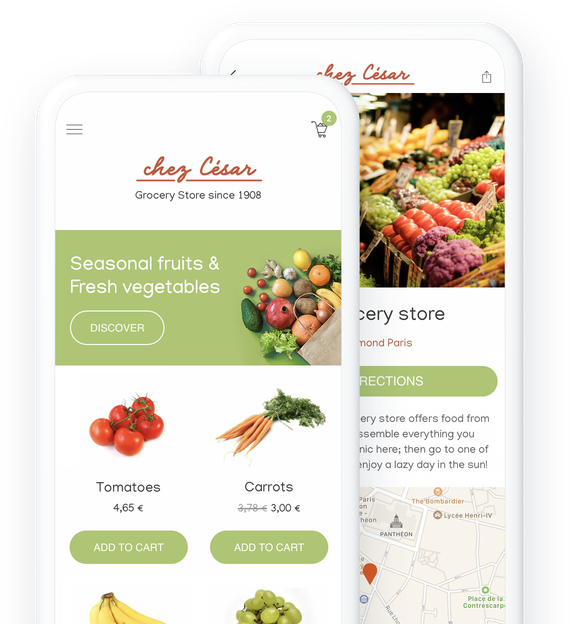
### De litar på GoodBarber

## Erbjud dina kunder möjlighet att handla online
Följa konsumenttrender och sticka ut från konkurrenterna
Ta din livsmedelsbutik till en ny dimension genom att [erbjuda tjänster som gör dina kunders liv enklare](https://se.goodbarber.com/extensions/collections/groceries/) och gör dig jämbördig med de största detaljhandlarna. Spara tid åt dina kunder, de kommer att betala tillbaka genom att vara lojala mot dig.
## Hämtning utanför butiken, leverans eller både och
Välj det sätt som fungerar bäst för din butik och dina kunder
### Hämtning utanför butiken
Ge dina kunder möjlighet att handla från din app och hämta ut varorna direkt i din butik. Dina redan lojala kunder kommer att bli glada över det här nya alternativet som sparar dem dyrbar tid. Genom att erbjuda click and collect i din matbutik kan du också locka nya kunder som bor eller arbetar i närheten av din butik.
### Lokal leverans
Vill du erbjuda en riktig leveranstjänst till dina kunder? Det är möjligt och dessutom kontrollerar du allt. Välj de geografiska områden där du kan leverera till dina kunder, ange dina priser, så är du igång! Allt dina kunder behöver göra är att fylla sin kundvagn online och välja leveranstid. Det är lätt som en plätt för både dem och dig.
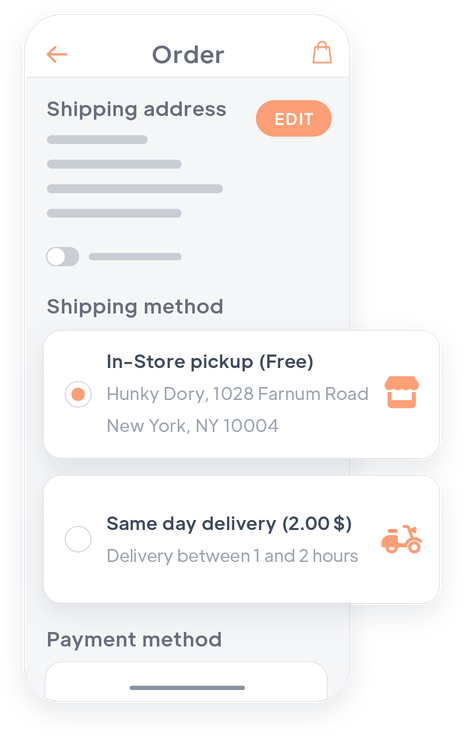
## Skapa och hantera din katalog
Ett enkelt verktyg för att hantera dina produkter online
### Skapa dina produktsidor direkt i ditt backoffice
Du kan skapa din katalog direkt från ditt GoodBarber-backoffice. Du skapar dina produktsidor, lägger till bilder, priser, beskrivning... Allt du behöver för att presentera dina produkter på bästa sätt. Du kan sedan publicera dina produktsidor eller spara dem för senare användning.
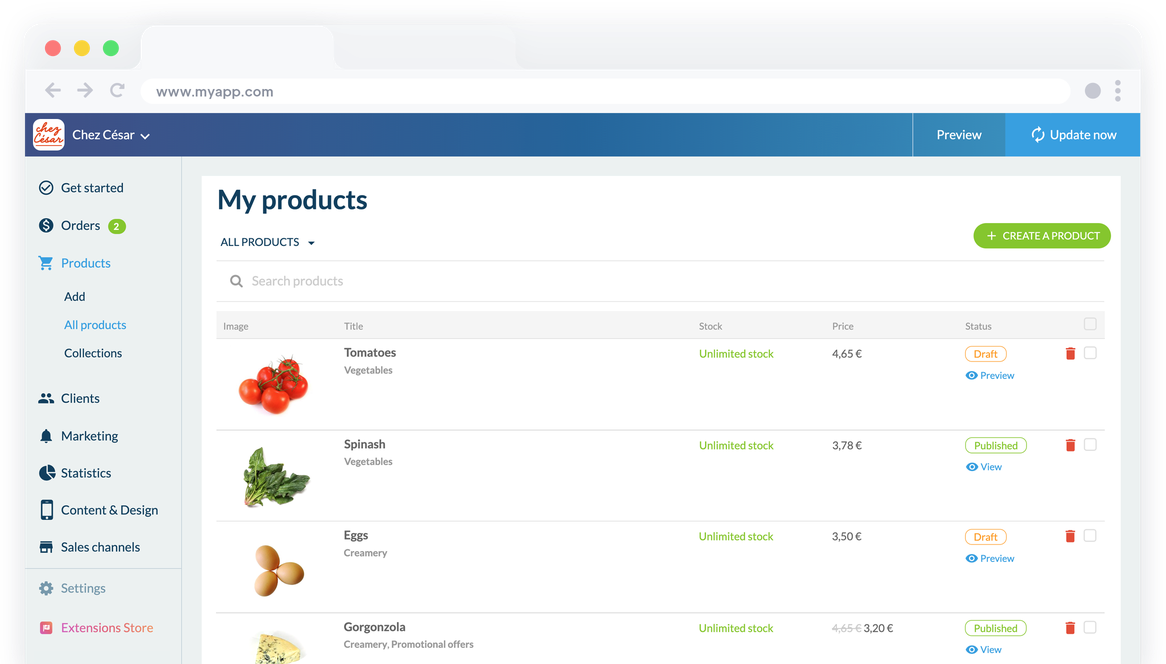
### Importera eller exportera dina produktsidor
För att hantera din katalog snabbare kan du importera den direkt från en .csv-fil. Du kan skapa din katalog med ett klick. För att uppdatera den är det lika enkelt: exportera dina produkter, ändra dem direkt i din .csv-fil och importera den sedan till ditt backoffice.
### Hantera ditt lager på ett enkelt sätt
Visa alla dina produkter på en enda backoffice-sida. Uppdatera [lager](https://se.goodbarber.com/extensions/stock-management/) i realtid och välj att visa eller dölja produkter som inte finns i lager. Använd sorteringsalternativ och filter för snabb hantering. Exportera dina data som en .csv-fil för arbete utanför backoffice. För ytterligare automatisering, använd [Zapier](https://se.goodbarber.com/extensions/zapier/) eller [Make](https://se.goodbarber.com/extensions/make/) för att synkronisera lager och få varningar för lågt lager
## Din app är lika välorganiserad som din butik
Hantera dina sektioner, dina produktdisplayer och dina kampanjer
### Flera presentationsmallar
För att få en design som passar dig och de produkter du säljer kan du välja mellan flera designmallar: 2 mallar för dina hyllor och 3 mallar för dina kollektionslistor. Alla mallar är naturligtvis anpassningsbara.
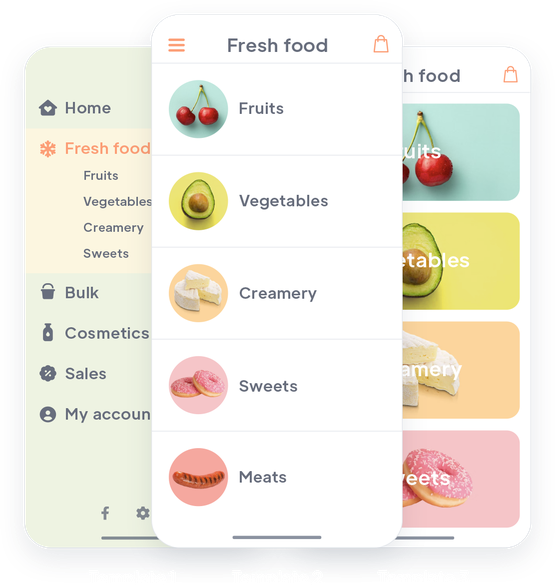
### En anpassad hierarki mellan dina sektioner
Skapa kollektionslistor för att gruppera dina produkter i stora familjer. På så sätt får du en tydlig organisation av dina produkter: dina produkter visas i kollektioner och dina kollektioner i kollektionslistor. Om du vill lägga till fler navigeringsnivåer kan du också placera samlingslistor inuti varandra.
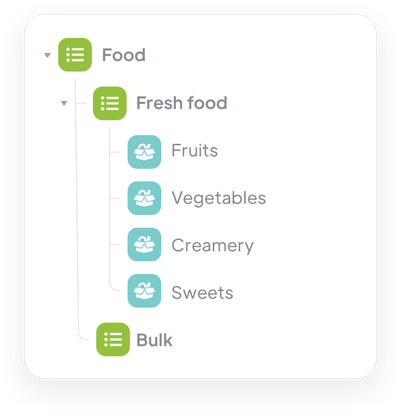
### Tydliga och överskådliga avdelningar
Organisera dina produkter i kollektioner som representerar avdelningarna i din butik. Varje produkt kan tillhöra flera kollektioner, vilket gör att du kan skapa en anpassad organisation och presentera dina permanenta avdelningar såväl som dina kampanjer eller markerade produkter.
## Samma shoppingupplevelse som i de stora återförsäljarnas appar
Alla verktyg som står till ditt förfogande för att erbjuda en smidig och professionell service
#### Automatisk inloggning
Med automatisk inloggning identifierar sig dina kunder bara en gång. Sedan blir de omedelbart igenkända varje gång de startar applikationen. Inget bättre för att möta deras förväntningar.
#### Köp igen
Föreslå dina kunder att förnya en redan gjord beställning med ett klick.
#### Snabbköpsknapp
Dina kunder kommer enkelt att kunna lägga till produkter i sin kundvagn från startsidan i din app eller genom att bläddra i en sektion. De kommer aldrig att behöva lämna den sida de tittar på.
#### Påminnelse om kundvagn
När en kund återvänder till din app och varukorgen innehåller varor från ett tidigare besök visas en popup som gör det möjligt för kunden att gå direkt till kassan.
#### Flera olika typer av betalningar tillgängliga
Kreditkort, Paypal, Apple Pay eller betalning i person, erbjud dina kunder flera betalningsalternativ och gör så många som möjligt nöjda.
#### Snabb utcheckning
Förenkla betalningsprocessen och optimera försäljningen genom att eliminera onödiga steg. Dina kunder kommer endast att tillfrågas om information som är specifik för den leveransmetod de har valt. Ingen tid slösas bort på att fylla i onödiga detaljer.
#### E-postmeddelanden om aviseringar och orderspårning
Helt anpassningsbara push-meddelanden och automatiska e-postmeddelanden skickas till dina kunder vid varje steg i beställningsprocessen.

#### Lojalitetsprogram
Erbjud dina kunder ett lojalitetskort som gör det möjligt för dem att spara pengar. Du ökar kundnöjdheten och uppmuntrar till återkommande köp.
## Kontrollera din orderhantering
Sätt upp din process för att garantera smidiga arbetsförhållanden
### Hantering av tidsluckor
Dina kunder väljer en tidslucka och vet exakt vilken dag och tid de ska hämta eller leverera sin beställning. På er sida kan ni organisera er enligt era tidsluckor. Du kan till exempel, om dina produkter tillåter det, förbereda dina beställningar i förväg. Du kan välja allt: dina öppettider, varaktigheten för varje lucka, antalet beställningar per lucka, förberedelsetiden för beställningarna osv.
### My GoodBarber Shop Companion
För att kunna hantera statusen för dina beställningar snabbt och var du än befinner dig kan du använda My GoodBarber Shop Companion-appen. Du och ditt team kan komma åt alla dina öppna beställningar med ett enda klick. De är organiserade efter leveranstidpunkt och i kronologisk ordning. På så sätt kan du ändra statusen på dina beställningar direkt från mobilen. Ett mycket användbart verktyg för att snabbt informera dina kunder om hur deras order utvecklas och för att ge din personal och ditt leveransteam snabb tillgång till aktuell information.
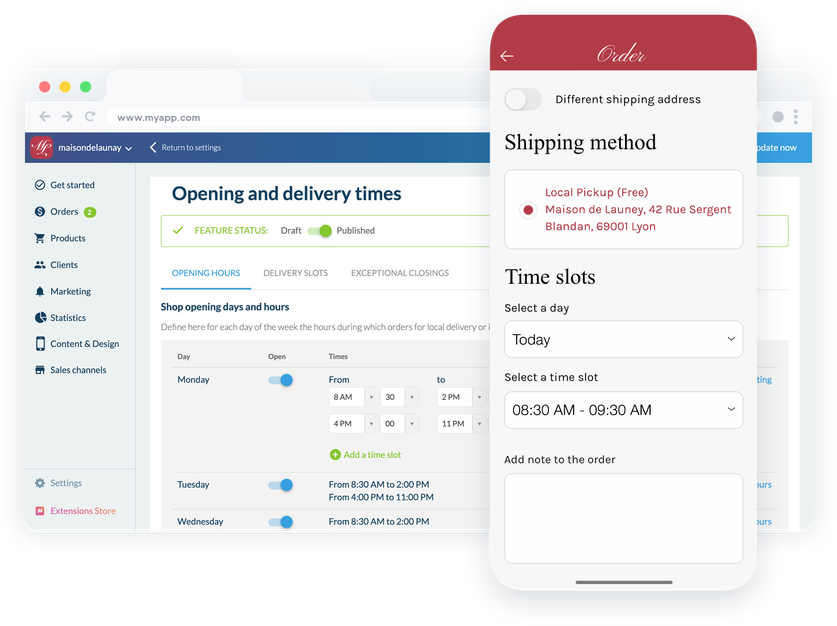
## Sprid ordet om din livsmedelsbutik
Prisvärda och lättanvända verktyg
### En app som speglar dig
Utformningen av din app är helt anpassningsbar. Du kommer att kunna visa din butiks identitet, dess färger, dess logotyp för att sticka ut från dina konkurrenter och för att se till att dina kunder befinner sig i en bekant miljö.
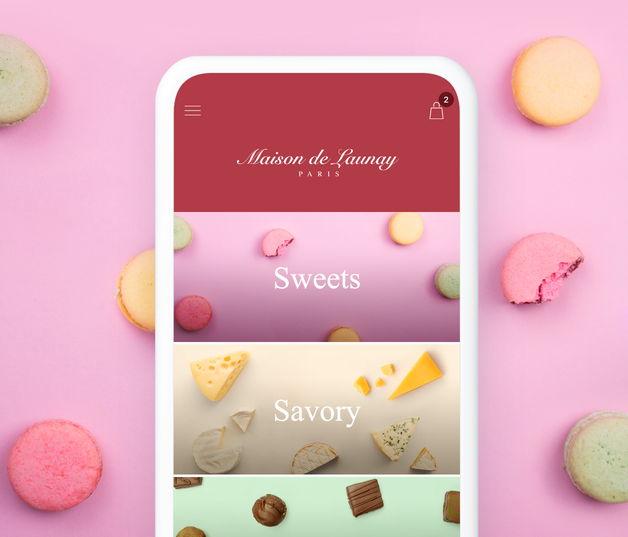
### Push-meddelanden
Förutom automatiska push-meddelanden för orderspårning kan du skicka meddelanden till dina kunder och leads för att informera dem om försäljning eller uppdateringar i din butik.
### Rabattkuponger
Skapa rabatter som du kan erbjuda dina kunder. Fast belopp eller procent, giltighetstid, användningsvillkor... Du definierar dina villkor och sedan de berättigade personerna (alla, endast kunder eller leads eller specifika kunder).
## Skapa medvetenhet och lojalitet bland dina kunder
Publicera din app på webben och i Apple- och Google-butikerna
### PWA
Progressive Web App fungerar som en webbplats. Den gör det möjligt för dig att vara närvarande på webben och därmed få synlighet och göra dig känd för en ny kundkrets. PWA är multiplattform och kan användas av dina kunder på vilken enhet som helst och säkerställer traditionell indexering av ditt innehåll i sökmotorer (SEO).
### Inbyggd iOS & Android
GoodBarber-appar är ett utmärkt sätt att bygga upp kundlojalitet. De är speciellt utformade för att köras på iOS och Android och erbjuder en makalös upplevelse för dina kunder och gör att du kan hålla dem lojala tack vare inbyggda funktioner som använder all potential i deras telefon. De finns tillgängliga i App Store och Play Store och ger din livsmedelsbutik ett mycket professionellt utseende. När de väl har installerats av dina kunder är de det bästa sättet att hålla kontakten med dem.
## Extensions Store
Tillägg som kan intressera dig

### Click and collect
Det här är nyckelfunktionen för att erbjuda click and collect: dina kunder beställer i din app och går sedan till platsen för att hämta den. Enkelt, effektivt och viktigt för att öka din försäljning.
[Upptäck](https://se.goodbarber.com/extensions/store-pickup/)

### Lokal leverans
Organisera din leveransservice genom att välja de områden där du erbjuder dig att leverera till dina kunder. Definiera de postnummer som är berättigade till leverans enligt dina möjligheter eller avgränsa helt enkelt den avståndsradie du vill täcka. Vi kommer automatiskt att verifiera att din kunds adress ingår i ditt leveransområde.
[Upptäck](https://se.goodbarber.com/extensions/local-delivery/)

### Betalning offline
För att göra din butik tillgänglig för alla kan du erbjuda offlinebetalning till dina kunder som beställer sina matvaror online. De kan göra sin beställning och betala direkt när de hämtar eller får sina varor.
[Upptäck](https://se.goodbarber.com/extensions/offline-payment/)

### Köp igen
Spara tid för dina stamkunder genom att erbjuda dem att förnya en beställning som de redan har gjort. Med ett klick läggs alla deras favoritprodukter i varukorgen: mycket praktiskt för dina kunder som är vana vid att konsumera samma typ av produkt regelbundet.
[Upptäck](https://se.goodbarber.com/extensions/buy-again/)

### Tidsluckor
Effektivisera ditt arbete genom att installera tillägget Delivery Slots: oavsett om det gäller leverans eller för klick och hämtning kommer dina kunder att ha möjlighet att välja bland tillgängliga slots. Du har kontroll över allt: öppettider, minsta tid mellan varje leverans eller hämtning, frekvens ... Det är du som bestämmer.
[Upptäck](https://se.goodbarber.com/extensions/time-slots/)

### Snabb utcheckning
En annan funktion som sparar dyrbar tid för dina kunder. Med den snabba utcheckningen förenklar du utcheckningsprocessen genom att ta bort onödiga steg. Dina kunder behöver bara fylla i sin leveransinformation.
[Upptäck](https://se.goodbarber.com/extensions/fast-checkout/)

### Snabbt köp
Quick buy-tillägget är mycket populärt för inköp av vardagsprodukter eller nödvändigheter. Det gör att dina kunder kan lägga till produkter i sin varukorg direkt från produktlistan, utan att behöva gå till produktsidorna. Viktigt för en smidig användarupplevelse.
[Upptäck](https://se.goodbarber.com/extensions/quick-buy/)

### Form
Förse dina kunder med ett kontaktformulär så att de kan kontakta dig för alla sina förfrågningar. Du kan anpassa ditt formulär efter dina behov tack vare de olika typer av fält som finns tillgängliga.
[Upptäck](https://se.goodbarber.com/extensions/contact-form/)
## Och så mycket mer...
### Liknande eller kompletterande produkter
Aktivera det här alternativet och visa produktförslag på dina produktsidor. På så sätt kan du erbjuda dina kunder produkter som liknar eller kompletterar de produkter som de tittar på och öka din försäljning.
### Beställningsanteckning
Lägg till en anteckningsruta i kassan så att dina kunder kan påpeka en detalj eller instruktion.
### Orderstatus
Hantera dina beställningar med 4 statusar: väntande, behandlad, levererad eller avbokad. Du kan ändra statusen på dina beställningar med ett klick från ditt backoffice eller My GoodBarber Shop Companion-appen. Dina kunder kommer att informeras varje gång deras orderstatus ändras.
### Anpassade leveranspriser
Du kan definiera dina leveranspriser. Gratis, betald, baserad på vikt eller pris... Du kan definiera så många leveranszoner som du vill och ange ett pris för var och en av dem.
## Varför behöver din livsmedelsbutik en app?
### Konsumenterna handlar mat på nätet
Det var redan en trend, men sedan den globala covid-19-pandemin 2020 har konsumenterna definitivt anammat modellerna med hämtning vid dörren, klick och hämtning samt leverans. Förutom att det har hälsofördelar i tider av nedstängning sparar shopping online konsumenterna tid och bekvämlighet. De kan handla var de än befinner sig och välja när de vill hämta eller leverera sin beställning. Inga fler överraskningar och inget mer slöseri med tid.
### En närvaro på nätet säkerställer ditt företags överlevnad i händelse av en kris
Covid-19 kommer att ha öppnat våra ögon för en annan sak: hur bräckliga våra fysiska företag är vid en obligatorisk stängning. Om du gör din butik hybrid idag genom att erbjuda en shoppingtjänst online kommer du att säkra din verksamhet: dina kunder kommer att vara vana vid denna nya tjänst och kommer att kunna fortsätta använda den även om din fysiska butik inte längre är tillgänglig.
### Konkurrera med de stora varumärkena och sticka ut från dina direkta konkurrenter
De stora detaljhandelsföretagen erbjuder alla leverans, upphämtning och till och med upphämtning vid bilen (drive-in) idag. Dessa tjänster är dock ännu inte helt demokratiserade för ägarna av lokala butiker. Genom att erbjuda dessa tjänster kan alla livsmedelsbutiker skilja sig från sina direkta konkurrenter och konkurrera med de stora stormarknaderna: en professionell tjänst som gör kunderna helt nöjda och som gör att de inte längre har någon anledning att föredra de stora butikerna framför er.
## Det säger våra kunder
### [GoodBarber är en kraftfull appbyggare.](https://www.trustpilot.com/reviews/60f08679f9f48702a8e6869e)
#### Melissa Okta
GoodBarber är en kraftfull appbyggare. Om du vill bygga din app med hjälp av en förbyggd mall är GoodBarber perfekt för dig. På Global Academy har vi nästan avslutat det femte året med att använda deras lättanvända förbyggda plattformar för att bygga premiumappar för våra kunder. Goodbarbers kundsupport är också utmärkt. Rekommenderas varmt.
-
-
-
-
-
### [Bra support och alltid mycket hjälpsamma svar.](https://www.trustpilot.com/reviews/60c0ca7cf9f487099ce24eb9)
Bra support och alltid mycket hjälpsamma svar. Inget är för trivialt för att teamet ska kunna svara.
-
-
-
-
-
### [Lyhörd support och oftast snabb.](https://www.trustpilot.com/reviews/60ad3c03f9f4870a94ace1d1)
Lyhörd support och vanligtvis snabb. Programvaran är den överlägset bästa på marknaden, med enorma möjligheter till konfigurationer.
-
-
-
-
-
### [Jag gillar verkligen systemet.](https://www.trustpilot.com/reviews/60551146f85d7509fc10d732)
#### Gene Hieber
Jag har varit en resller-medlem i en månad nu. Jag har byggt flera demo-appar. Jag gillar verkligen systemet. Lätt att navigera och jag har sålt ett par progressiva webbappar och arbetar också med inbyggda appar. Jag rekommenderar starkt Good Barber.
-
-
-
-
-
### [Teamet på GoodBarber har varit otroligt informativt och hjälpsamt](https://www.trustpilot.com/reviews/6054cff7f85d7509fc1090eb)
#### W. Monahan
Teamet på GoodBarber har varit otroligt informativa och hjälpsamma under både skapandet och underhållet av min app. Jag är inte så tekniskt kunnig, och de ger mig alltid bra vägledning om hur jag kan åtgärda problem eller förbättra min app. Jag letade efter olika alternativ när jag ville bygga min app, och jag är glad att jag valde det här företaget.
-
-
-
-
-
### [De hjälpte mig att skapa en vacker och framgångsrik app](https://www.trustpilot.com/reviews/60511fb2f85d75064c43947b)
#### Mary Davis
Jag har varit med GoodBarber sedan 2014 och jag kan inte säga tillräckligt bra saker om dem och min erfarenhet av dem. De hjälpte mig att skapa en vacker, framgångsrik app; de har funnits där för mig varje steg på vägen för att lösa kundproblem och hjälpa till med uppdateringar; och de har en lättanvänd, oändligt anpassningsbar instrumentpanel för att skapa appen du drömmer om - vilket är vad jag gjorde. Tack GoodBarber. Du är den bästa
-
-
-
-
-
### [Bra verktyg, det har alla funktioner du behöver för att bygga din egen app eller webbplats.](https://www.trustpilot.com/reviews/60a22025f9f4870a94a45023)
#### Manuel Ventura
Bra verktyg, det har alla funktioner du behöver för att bygga din egen app eller webbplats.
-
-
-
-
-
### [GoodBarber är en underbar plattform.](https://www.trustpilot.com/reviews/604e93b7f85d7503942a6703)
#### Mini Maestro
GoodBarber är en underbar plattform. Deras supportpersonal är hjälpsam och gränssnittet är lätt att navigera! Tack för att ni gör det möjligt för oss att ge extra stöd till våra kunder med vår kundapp.
-
-
-
-
-
### [Den bästa appbyggaren på marknaden](https://www.trustpilot.com/reviews/604c6024f85d75064c40265c)
#### Draculapp
Den bästa appbyggaren på marknaden, PWA lätt och Native iOS-hjälp för publiceringsproblem. Mycket bra support och ständiga uppdateringar. Många funktioner och vackra designlayouter och en hög anpassningsnivå. Rekommenderas för enskilda företag eller byråer med en mycket bra lösning för återförsäljarprogrammet. Och sist men inte minst, vänlig personal! Det är värt ett försök...
-
-
-
-
-
### [En av de bästa leverantörerna i branschen.](https://www.trustpilot.com/reviews/604ba651f85d75064c3fd1ab)
#### K. Linton
En av de bästa leverantörerna i branschen. Lätt att använda, väldokumenterad och utmärkt kundservice. Om du vill skapa en mobilappslösning för ditt företag eller dina kunder är GoodBarber definitivt rätt väg att gå.
-
-
-
-
-
## Upptäck
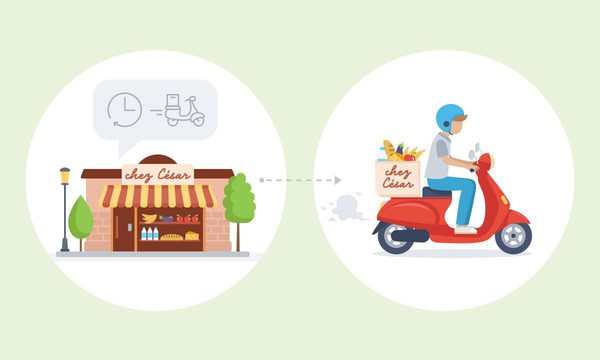
### [Chez César: en livsmedelsbutik i grannskapet som står till tjänst för sina kunder](https://www.goodbarber.com/blog/chez-cesar-a-neighborhood-grocery-store-at-the-service-of-its-clientele-a1052/)
Chez César är en livsmedelsbutik som ligger i närheten av Jardins du Luxembourg i Paris. I invånarnas minne har denna livsmedelsbutik alltid varit en del av detta grannskap, Caesar var farfars far till den nuvarande chefen.
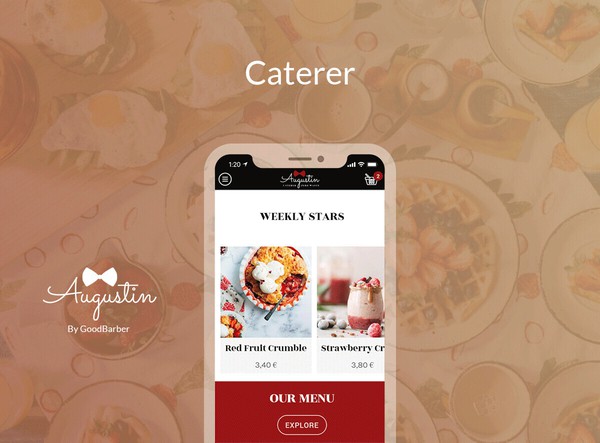
### [Så här skapar du din egen app för upphämtning och leverans](https://www.goodbarber.com/blog/how-to-create-your-own-local-delivery-pickup-app-a1010/)
Många fysiska företag har upplevt en svår situation på grund av de nedstängningsåtgärder som införts i flera länder runt om i världen för att bekämpa Covid-19.

### [Shopping app : Ett nytt tillägg för att öka konverteringen, Quick Buy-knappen](https://www.goodbarber.com/blog/shopping-app-a-new-add-on-to-increase-conversion-the-quick-buy-button-a1011/)
Enkel navigering och en smidig utcheckningsprocess. Det här är de två främsta anledningarna till att en användare stannar kvar i en shoppingapp eller lämnar den.
## Prissättning
[Månadsvis](#)[Årligen](#)[En gång](#)
||Standard 450kr/månadfaktureras årsvisSpara 1380kr varje år|Premium 790kr/månadfaktureras årsvisSpara 2760kr varje år|Pro 1590kr/månadfaktureras årsvisSpara 5520kr varje år|Byrån 3290kr/månadfaktureras årsvisSpara 12000kr en gång om året|Pro 68000krEngångsbetalningSpara 178000kr på en gång|Byrån 180000krEngångsbetalningSpara 334800kr på en gång|
|---|---|---|---|---|---|---|
|Teknik|||||||
|PWA-teknik|yes|yes|yes|yes|yes|yes|
|Inhemsk teknik||Android + iOS (iPhone & iPad) (iPhone & iPad)|Android + iOS (iPhone & iPad) (iPhone & iPad)|Android + iOS (iPhone & iPad) (iPhone & iPad)|Android + iOS (iPhone & iPad) (iPhone & iPad)|Android + iOS (iPhone & iPad) (iPhone & iPad)|
|Tillgänglig i Google Play Store||yes|yes|yes|yes|yes|
|Tillgänglig på App Store||yes|yes|yes|yes|yes|
|Kapacitet|||||||
|Förvaring info 22,7kr för 10 GB|2 GB|10 GB|50 GB|100 GB|50 GB|100 GB|
|Push-meddelanden info 114kr för 100K extra push-meddelanden(per månad)|10K|30K|250K|500K|250K|500K|
|Personalkonton|1|3|obegränsad|obegränsad|obegränsad|obegränsad|
|Antal projekt|1|1|1|obegränsad|1|obegränsad|
|Sidvisningar (bandbredd & trafik)|obegränsad|obegränsad|obegränsad|obegränsad|obegränsad|obegränsad|
|Varianter per produkt|100|100|100|100|100|100|
|Nedladdningar av appar||obegränsad|obegränsad|obegränsad|obegränsad|obegränsad|
|Kundansvarig|||yes|yes|yes|yes|
|Extension StoreStort bibliotek 190+ [tillägg](https://se.goodbarber.com/extensions/). Nya tillägg varje månad info Utöka funktionerna i din app med tillägg : Automatiseringar (Zapier, Make), Analytics, Monetisering, Försäljningsoptimering, Integration (Wordpress, Squarespace, RSS).|||||||
|Gratis tillägg|Upp till 5|Upp till 20|obegränsad|obegränsad|obegränsad|obegränsad|
|Övergivna order|114kr/månad (faktureras 1140kr/år. Du sparar 2 månader)|114kr/månad (faktureras 1140kr/år. Du sparar 2 månader)|yes|yes|yes|yes|
|Leveranstider|170kr/månad (faktureras 1700kr/år. Du sparar 2 månader)|yes|yes|yes|yes|yes|
|Produktimport|285kr/månad (faktureras 2850kr/år. Du sparar 2 månader)|285kr/månad (faktureras 2850kr/år. Du sparar 2 månader)|yes|yes|yes|yes|
|Betalningar|||||||
|Ingen extra transaktionsavgift|0%|0%|0%|0%|0%|0%|
|Stripe, Apple Pay, PayPal, betalningar med ett klick, offlinebetalningar|yes|yes|yes|yes|yes|yes|
|Centrala funktioner|||||||
|NO CODE drag&drop; app-byggare|yes|yes|yes|yes|yes|yes|
|Fullständigt anpassningsbar design|yes|yes|yes|yes|yes|yes|
|System för innehållshantering(artikel, video, podcast, evenemang, karta, foto, live)|yes|yes|yes|yes|yes|yes|
|SEO-vänlig, AMP, ASO-vänlig|yes|yes|yes|yes|yes|yes|
|Support (riktig mänsklig support, av GoodBarber-teamet självt)|yes|yes|yes|yes|yes|yes|
|Pris för prenumeration på årsplan|Standard5400kr/år|Premium9480kr/år|Pro19080kr/år|Byrån39480kr/år|/år|/år|
### Skapa din app nu
[Börja gratis](https://se.goodbarber.com/create/)
## VANLIGA FRÅGOR
### Hur skapar man enkelt en livsmedelsapp?
GoodBarber Grocery App Builder gör det möjligt för dig att bygga en mobilapp för dagligvaruhandel och leverans på ett mycket enkelt sätt.
Det kan vara en innehållsapp för att dela livsmedelsbutikens öppettider, butikslägen, matrecept och videohandledning via sociala medier och marknadsföra dina livsmedelsprodukter, priser och specialerbjudanden.
**Följ dessa steg för att skapa din egen livsmedelsapp:**
1. Få allt du behöver
2. Gör allt du behöver redo för din app
3. Starta din app för leverans av livsmedel
4. Lägg till dina produkter i din livsmedelsapp
5. Designa din livsmedelsapp
6. Lägg till din företagsinformation i din livsmedelsapp
7. Anpassa dina transaktionsmeddelanden och push-meddelanden
8. Lägg till apptillägg för att leverera den bästa shoppingupplevelsen på mobilen
9. Testa och publicera din Grocery-app
### Vem är Grocery Store-appar för?
Dagligvaruappar används vanligtvis av:
- "Nära mig"-livsmedelsbutiker
- Delikatessbutiker
- Butiker som säljer mat och färskvaror
- Alla lokala företag vars kunder kan kräva hemleverans
- Caterers
- Små stormarknader
### Vad finns det för lösningar och fördelar med att skapa en livsmedelsapp med GoodBarber App Builder?
- Produktkatalog
- Produktkatalog som enkelt kan byggas och uppdateras med import / exportfunktioner
- Förbeställningssystem
- Funktioner för upphämtning i butik
- Lokala leveransfunktioner
- Förbättra kundlojaliteten med kampanjkoder
- Direkt kontakt med kunder via push-notiser
- All-in-one komplett plattform som behövs för smidig hantering av Click and Collect (tidsluckor)
- Många funktioner för att optimera kundupplevelsen, till exempel "Quick buy"-knapp och snabb utcheckning
- Tar emot alla typer av betalningar (CB, PayPal, offline)
- "Köp igen"-tillägg för att upprepa en beställning med ett klick
- Produktlista med variationer för att erbjuda olika vikter eller paket för en viss produkt
- Skapa fraktpriser baserat på vikt
- Göra kampanjerbjudanden på en produkt
### Hur mycket kostar det att skapa en app för matleveranser?
Du kan börja köra din Grocery-app gratis med vår 30 dagars kostnadsfria provperiod.
Sedan är det upp till dig att prenumerera på den plan som bäst passar dina behov: den grundläggande planen för att skapa din Grocery-app börjar på 450kr/Månad.
Observera att ytterligare kostnader tillkommer för att publicera iOS-appar på App Store.
### Hur kan jag anpassa min appdesign och användarupplevelsen (UX) för min Grocery Shopping-app?
Med över 200 layoutalternativ, en imponerande temasamling och modulär design kan du skapa en unik app som återspeglar ditt varumärke för livsmedelsbutiker.
Det finns många alternativ och nivåer av anpassning. Du kan välja olika "globala stilar" för att anpassa din Grocery Store-app i sin helhet eller kanske bara anpassa ett visst avsnitt.
Vår appbyggare för livsmedelsbutiker erbjuder 9 mallar för listningssidor och 4 mallar för innehållssidor.
Du kommer att kunna anpassa rubriker, teckensnitt, bakgrundsfärger och navigeringsmenyer också.
Dessutom kommer du att kunna berika din appupplevelse med ljud, video, artiklar och live videostreaming för din publik under kurser och konferenser.
### Behöver jag tekniska kunskaper för att bygga en Grocery Store-app?
Tack vare GoodBarber Grocery App builder behöver du inga programmeringskunskaper för att skapa din app. Du kan skapa en Grocery-app för Android, iOS eller en mobil webbplats med hjälp av en Progressive Web App (PWA) utan att skriva en enda rad kod.
### Kommer min Grocery-app att vara tillgänglig i alla länder?
Ja, den kan vara tillgänglig i alla länder. Du kommer att besluta om geodistribution och välja de länder där appen kommer att finnas tillgänglig i appbutikerna innan den publiceras i Apples App Store och Google Play Store.
### Erbjuder ni någon support och eftermarknadshjälp för appar för leverans av dagligvaror?
Ja, det stämmer verkligen! GoodBarbers support- och hjälpprogram tillhandahåller:
- Gratis support
- Gratis support
- Obegränsat antal supportärenden
- App livstids support
- Support på 5 språk
- 4 kontor i 3 länder
- 3 tidszoner support
### Vem är utvecklaren av min Grocery Store-app?
Du måste köpa ditt eget utvecklarkonto från Apple och Google. Därför är du utvecklaren av din app. GoodBarber är helt enkelt verktyget för att skapa den.
### Kan jag sälja min Grocery-app till en annan utvecklare?
Ja, du kan sälja din Grocery-app. För att göra detta måste du överföra ägandet av din app till den nya ägaren i varje appbutik.
Dessutom måste du överföra ägandet av GoodBarbers backoffice till den nya ägaren. För att göra detta måste du kontakta Goodbarbers supportteam.
[Börja gratis](https://se.goodbarber.com/create/)
Från 450kr/månad
30 dagars gratis provperiod. Inget kreditkort krävs
---
# Eventappar
Source: https://se.goodbarber.com/event-app/
---
title: "Skapa en event-app - App builder för evenemang"
description: "Skapa din egen event-app utan kod: program, talare, push, live. Nativa iOS- och Android-appar från 340kr i månaden, faktureras årligen. Prova gratis i 30 dagar."
canonical_url: "https://se.goodbarber.com/event-app/"
lang: sv
---
# Skapa en event-app - App builder för evenemang
### GoodBarber för Evenemang
# Skapa en event-app: appen för ditt evenemang
## Bygg din app utan kod: hantera ditt evenemang före, under och efter. För konferenser, mässor, festivaler och företagsevenemang.
- Dagordning
- Förteckning över talare/deltagare
- Push-meddelanden och platsbaserade meddelanden
- Chatt
- Sponsring och annonsering
- Videoåterspelning
[Starta nu](https://se.goodbarber.com/create/)
Från så lågt som 340kr/månad
Gratis 30-dagars provperiod. Inget kreditkort krävs
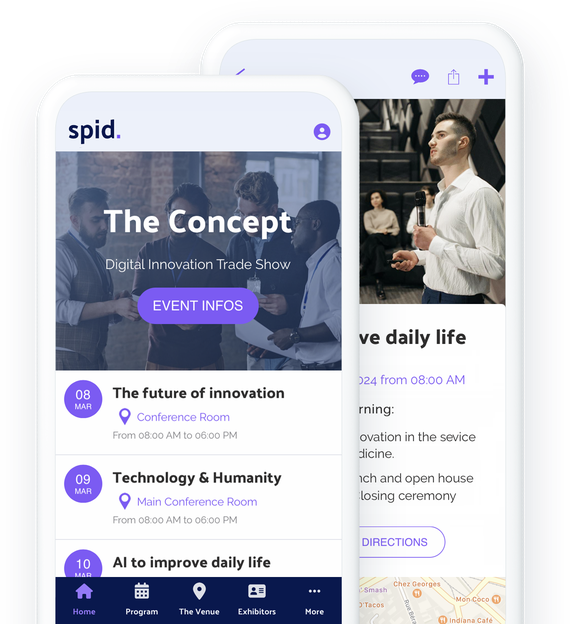
### De litar på GoodBarber

## En app: det bästa sättet att presentera ditt evenemang
Upptäck en mängd olika format för att presentera ditt koncept, dina evenemang eller bekvämligheterna runt omkring dig
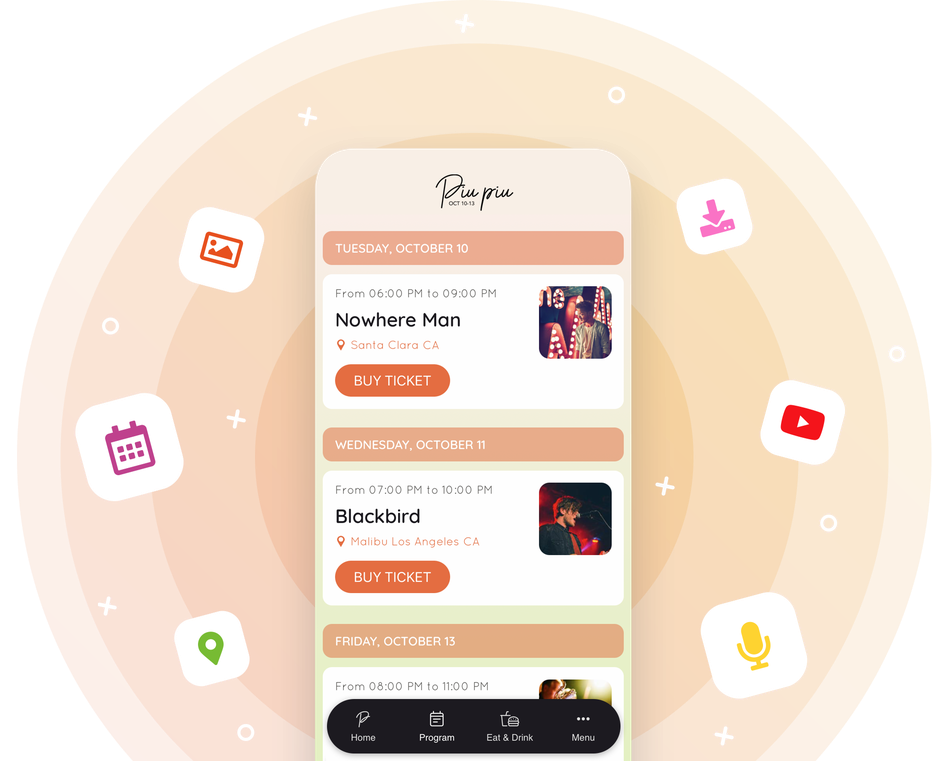
Oavsett om du driver en lokal eller anordnar tillfälliga evenemang är det viktigt att presentera sig själv för att locka publik till dina evenemang. Att välja en app är att erbjuda dig möjligheten att berätta mer om dig själv, i form av artiklar, foton, videor eller till och med ljud! Använd vårt CMS för att skapa det innehåll du behöver för att presentera dig själv, de personer som är involverade i dina evenemang, bekvämligheterna runt omkring dig eller prata om dina tidigare evenemang. Dina framtida besökare kommer att vara mer benägna att delta i dina framtida evenemang om de vet lite mer om dig, ditt tillvägagångssätt och dina värderingar. För ännu bättre flyt kan du integrera en [app Walkthrough](https://se.goodbarber.com/extensions/walkthrough/) och säkerställa perfekt inlevelse från det ögonblick som användarna öppnar din applikation. Anpassa stegen och vägled dem genom din app. Du kan vara säker på att de inte kommer att missa något!
## Presentera ditt program på ett tydligt sätt och underlätta för deltagarna
Erbjud dina besökare alla de bästa funktionerna för att se dina evenemang och komma till dem
### En tydlig evenemangslista
Tack vare kalenderavsnittet kan du presentera ditt program så tydligt som möjligt. Evenemangen sorteras efter datum och flera alternativ finns tillgängliga för att passa ditt schema bäst: Med kalenderavsnittets design kan du visa flera evenemang på samma dag och visa evenemang som äger rum samma dag med ett omnämnande av till exempel Nu eller starttiden. Tack vare dessa funktioner kan du hantera händelser som äger rum på flera dagar eller på en enda dag.
### Flera mallar för presentation av evenemang
Du kan välja mellan 3 mallar för detaljvyn av dina evenemang. Du kan naturligtvis lägga till mer eller mindre långa beskrivningar, foton, videor eller till och med inbäddad kod för att beskriva och marknadsföra varje evenemang i ditt program.
### Geolokalisering av evenemang
Det är viktigt att din publik lätt kan hitta till dina utställningar, konferenser eller andra workshops. Det är därför som varje evenemang kan geolokaliseras. Dina användare kan se var varje session äger rum, vilket kan vara särskilt användbart för en festival eller en mässa som äger rum i stora lokaler eller på olika platser. Listan över geolokaliserade evenemang kan också visas på en karta för att ge din publik en global vy.
### Resplaner och biljettförsäljning
På sidan med information om evenemanget kan du lägga till en knapp för att köpa biljett som omdirigerar användarna till din biljettjänst. Kontaktknappar och vägbeskrivningar till ditt evenemang är också tillgängliga för dina användare. Allt de behöver för att komma till ditt evenemang finns på den här sidan.
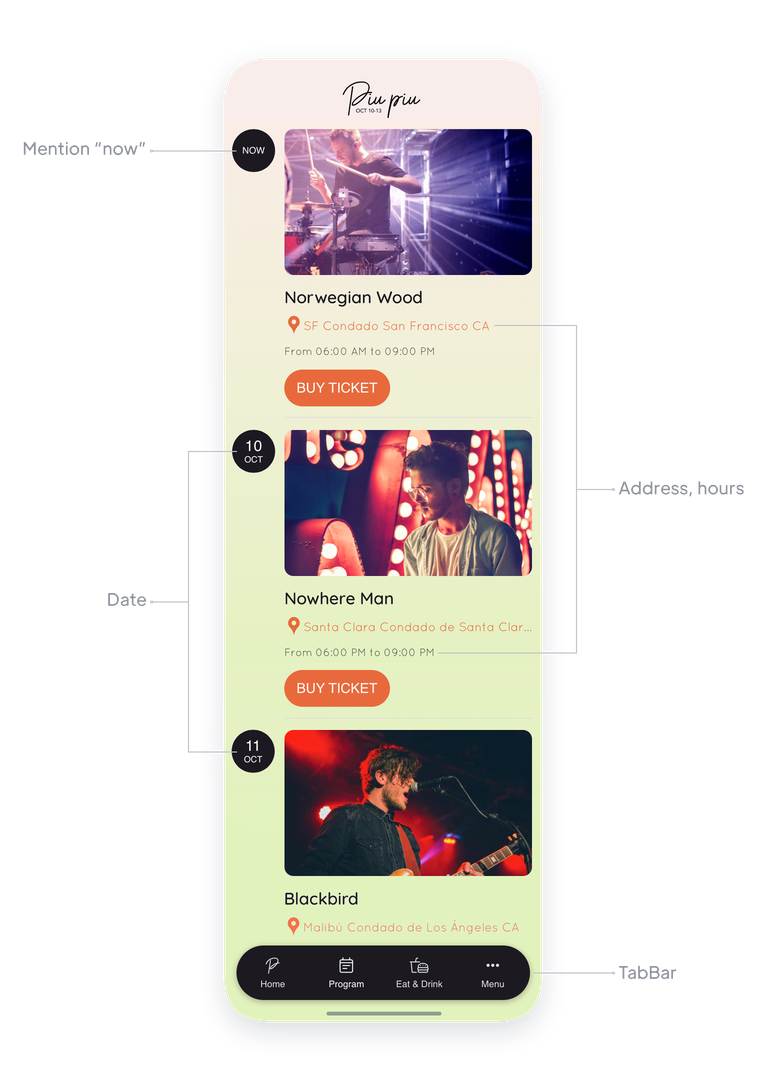
## Ge liv åt ditt evenemang
Uppmuntra till interaktion och skapa uppmärksamhet kring ditt evenemang
### Lista och kategorisera dina användare
Visa i din app listan över dina deltagare, dina talare, dina artister, dina utställare ... Oavsett vilken typ av evenemang du anordnar kommer du att öka engagemanget för ditt evenemang genom att låta deltagarna skapa en profil och se andras profiler. Användargrupper gör att du kan förtydliga din användarlista och tillhandahålla specifikt innehåll och kommunikation för varje typ av användare.
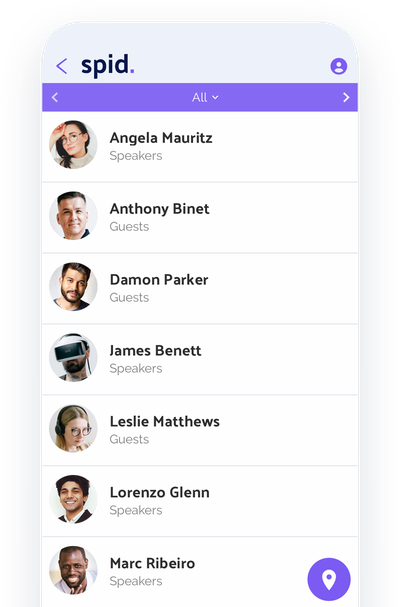
### Chatt
Finns det något bättre sätt att uppmuntra till interaktion än med ett chattverktyg? I samband med en mässa eller konferens är chatt särskilt användbart för att uppmuntra nätverkande och göra det möjligt för din publik att få ut mesta möjliga av ditt evenemang.
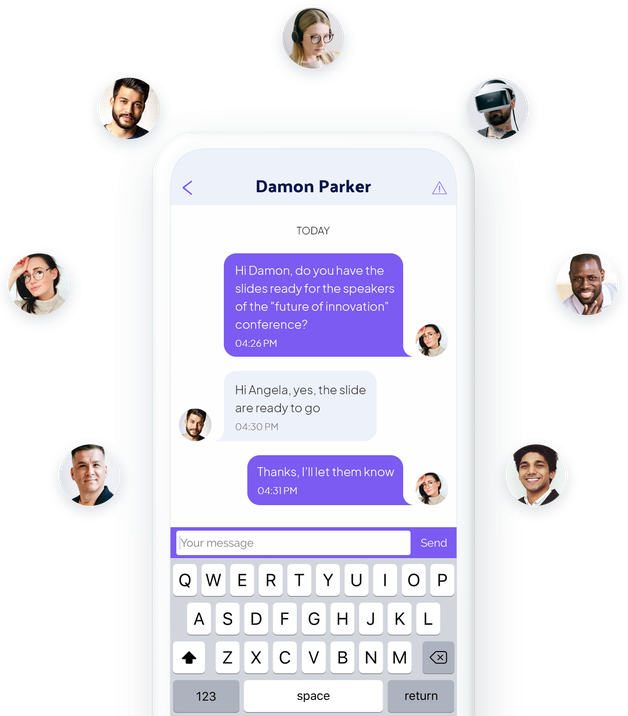
## Sänd ditt evenemang live i din app
Live-funktioner för att gå utöver det fysiska och nå ut till ett maximalt antal människor

Streama ditt evenemang live i din app som video eller ljud [med våra avancerade funktioner](https://se.goodbarber.com/extensions/collections/events/). Erbjud din publik att följa dina konferenser, konserter, föreställningar, spelsessioner ... direkt i mobilen från en fantastisk spelare. Du kan använda schemaläggningsfunktionen för att ge tillgång till dina livesessioner endast vid rätt tidpunkt. Resten av tiden kan du marknadsföra dina kommande livesessioner.
## Skapa dina egna annonser
Använd dem för att marknadsföra dina partners
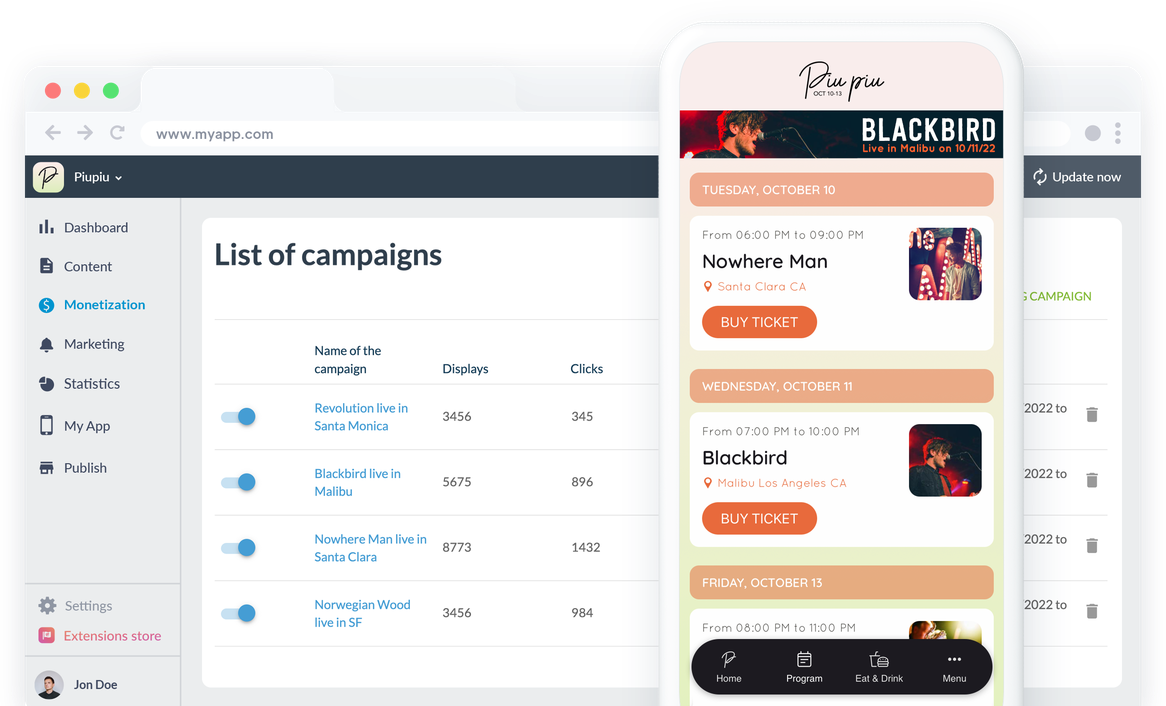
Integrera ett internt annonsnätverk i din app för att skapa dina egna personliga annonser. Lansera skärmar eller banners, använd annonsutrymmena i din app för att lyfta fram dina partners som sponsrar ditt evenemang. GoodBarbers interna annonsnätverk gör att du kan skapa anpassade kampanjer enligt flera kriterier: visningsdatum, prioriteringar, antal klick, plattformar etc. Förutom att vara ett viktigt förhandlingselement med dina partners och sponsorer kan annonserna användas för att marknadsföra dina kommande evenemang (nästa konsert i din lokal, nästa konferens på din mässa till exempel).
## Hantera riskerna med att gå live
Var lyhörd i alla lägen och håll publiken engagerad
### Push-meddelanden
Push-meddelanden är din bästa allierade för att kommunicera direkt med din publik. Använd notiser för att informera din publik om eventuella förändringar eller för att marknadsföra dina evenemang. Beroende på dina behov kan du rikta in mottagarna av dina meddelanden enligt din publiks beteende (användningsfrekvens för din app, nya användare) eller till och med deras geografiska plats, vilket kan vara särskilt användbart om du bara vill kontakta dina användare på plats.
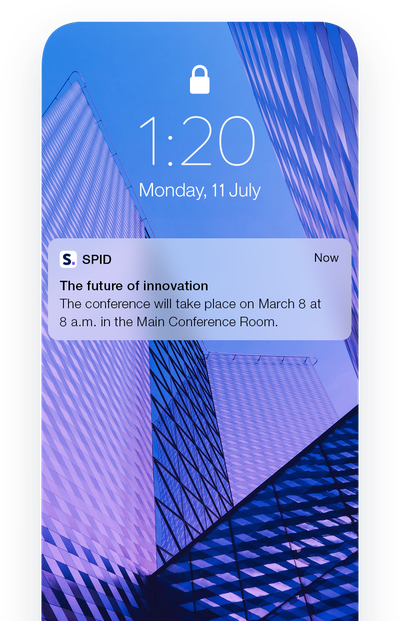
### Omedelbar uppdatering av innehåll
En förändring i ditt program? Inga problem, innehållet i din app kan skapas eller uppdateras med några få klick från ditt GoodBarber-backoffice. När du publicerar dina ändringar eller ditt nya innehåll visas det direkt i din app.
### Sektion för inlämning
Om du vill ge din publik möjlighet att interagera med dig bör du lägga till en Submission-sektion i din app. Det gör att din publik kan skicka olika typer av innehåll till dig: foton, videor och texter. Med ett klick skickas deras meddelande, vilket kan vara användbart i många situationer! Detta användargenererade innehåll kommer inte att publiceras automatiskt i appen, utan du måste publicera det manuellt från backoffice, så att du kan hålla ett öga på det innehåll som skickas och bestämma vad du vill visa eller inte i din app. Upptäck det här tillägget och dess huvudfunktioner.
## Håll kontakten med din publik
Dra nytta av ditt evenemang efter att det har avslutats
### Få ut mesta möjliga av deltagarlistan
Under ditt evenemang har dina besökare skapat sin användarprofil och fyllt i den information som du bad dem om. När evenemanget är över kan du exportera din användarlista (finns i .csv-format) för att använda den: erbjuda rabattkuponger för dina nästa evenemang, riktad kommunikation kring specifika intressen. Användarlistan gör att du kan skapa en databas kring din publik som kan vara mycket relevant: du bestämmer vilken information du ska fråga din publik när du skapar deras profil, och därför den information som finns i exporten av användarlistan.
### Samla in feedback
Din app kan också vara ett bra sätt att samla in feedback från dina deltagare för att förbättra och göra dina evenemang ännu mer attraktiva. Använd 100% anpassningsbara formulär för att samla in denna värdefulla information: 16 olika typer av fält finns tillgängliga för att tillgodose alla dina behov. När formulären har delats ut och svaren samlats in kan du exportera dem i .csv-format för att bearbeta dem i bulk. En representativ undersökning av din målgrupp är det bästa sättet att förbättra dig.
### Dela med dig av dina minnen från evenemanget
För att hålla ditt evenemang engagerat och få din publik att vilja komma tillbaka, eller prata om det, använd våra CMS-avsnitt för att publicera din sammanfattning eller dina minnen från evenemanget. Foton, videor, artiklar eller till och med podcasts - välj det format som passar dig bäst.
## Extensions Store
Tillägg som kan intressera dig

### Användargrupper
Du kan skapa grupper bland användarna av din app och erbjuda dem ett specifikt innehåll. Till exempel innehåll för besökare på en mässa och innehåll för utställare på samma mässa.
[Upptäck](https://se.goodbarber.com/extensions/user-groups/)

### Gemenskap
Visa listan över dina användare i din app för att uppmuntra interaktion mellan medlemmarna i din publik. Varje användare kommer att kunna upptäcka de andra genom att titta på listan, som du också kan presentera i form av en karta tack vare användarnas geolokalisering.
[Upptäck](https://se.goodbarber.com/extensions/community/)

### Chatt
Ge dina användare ett sätt att interagera med tillägget Chat. Tack vare den här snabbmeddelandetjänsten kan dina användare chatta med varandra direkt från appen. Perfekt för att reagera på en pågående händelse eller för att träffas.
[Upptäck](https://se.goodbarber.com/extensions/chat/)

### Geofences
Definiera geografiska zoner runt dina lokaler eller din evenemangsplats, inom vilka du kan kommunicera med din publik. Du kan ställa in automatiska meddelanden som skickas till dina användare baserat på deras beteende i dessa områden. Till exempel ett välkomstmeddelande till en festivalbesökare som anländer till din anläggning.
[Upptäck](https://se.goodbarber.com/extensions/geofencing/)

### Fyrar
Lägg till beacons på din plats. När dina användare närmar sig dessa beacons får de de meddelanden som du har ställt in. Om du till exempel anordnar en mässa kommer du att kunna ge information om de konferenser som äger rum i varje rum.
[Upptäck](https://se.goodbarber.com/extensions/ibeacons/)

### Direktsänt ljud
Använd det här tillägget för att sända ljud från dina live-evenemang. På så sätt kan du låta tusentals lyssnare följa dina evenemang på radio, direkt från din app.
[Upptäck](https://se.goodbarber.com/extensions/live-audio/)

### Live-video
Streama ditt evenemang live och på video från din app. Ett bra sätt att ta ditt evenemang från personligt till hybrid.
[Upptäck](https://se.goodbarber.com/extensions/live-video/)
## Och så mycket mer...
### Tidszoner
Dina användares tidszoner respekteras: händelser visas i din app i enlighet med tidszonen för den användare som tittar på dem.
### Format för datumvisning
Du kan välja formatet på de datum som visas på dina evenemang för att bäst passa din publiks vanor.
### Gruppering av händelser per datum
Kalenderavsnittet har utformats så att du kan visa händelser som pågår en hel dag samt flera händelser på en och samma dag.
### Kategorisering av händelser
Du kan skapa kategorier i dina kalenderavsnitt för att klassificera dina evenemang och göra navigeringen enklare för dina användare.
### Kontakt
Lägg till en kontaktsektion i din app och lägg till all din kontaktinformation. Dina användare kommer att veta hur de ska nå dig med ett klick.
### Om
Berätta mer om dig själv och ditt koncept i avsnittet Om. Du kan strukturera innehållet på den här sidan med hjälp av olika typer av block (text, foton, videor, citat).
### Favoriter
Dina användare kommer att kunna skapa sitt eget personliga program genom avsnittet Favoriter. De kommer att kunna spara alla evenemang som intresserar dem och enkelt se dem.

### ChattGPT
Förbättra din evenemangsapp med en virtuell AI-assistent! Svara snabbt på frågor om scheman, aktiviteter och evenemangsdetaljer. Leverera en smidig och engagerande evenemangsupplevelse med vårt integrerade tillägg.
## Varför är en app användbar för evenemang?
### Hybridevenemang: den nya trenden
Sedan pandemin har evenemangsarrangörer varit tvungna att återuppfinna sig själva. Om 100 % digitala evenemang inte uppfyller alla behov verkar ett hybridevenemang som är hälften digitalt, hälften fysiskt vara den perfekta lösningen i dag. Den kombinerar värmen och äktheten hos ett fysiskt evenemang med enkelheten att organisera, möjligheten till detaljerad analys och den globala räckvidden hos ett digitalt evenemang. En app är definitivt det bästa sättet att kommunicera med din publik på plats och på distans.
### Ett mångsidigt och prisvärt kommunikationsverktyg
Med en app tillgodoser du alla dina behov när det gäller kommunikation. För evenemangsarrangörer kommer appen att vara användbar före evenemanget för att informera, under evenemanget för att animera och efter evenemanget för att behålla och analysera publiken. För biografer eller teatrar kommer din app att användas för att dela dina visningstider, men också som ett biljettkontor eller ett lojalitetskort. Du sparar tid, pengar och resurser.
### Den bästa lösningen för att uppmuntra interaktion mellan deltagarna
Oavsett om det handlar om underhållning eller affärsevenemang är det viktigt att skapa ett surr kring dina evenemang för att engagera deltagarna och bygga lojalitet, till och med göra dem till ambassadörer. Och finns det något bättre sätt att uppmuntra nätverkande än med sociala funktioner? Med en app kan dina deltagare se varandras profiler, hitta varandra och till och med chatta via en chattjänst. Din app kan användas för att få kontakt med människor medan dina evenemang pågår, men också för att skapa en gemenskap bortom dina evenemang.
### Konferensapp
Program med flera pass, talarprofiler, salskartor och deltagarchatt: skapa en konferensapp som dina deltagare behåller i fickan, år efter år.
### Mässapp
Utställarkatalog, hallkartor och platsbaserade notiser leder besökarna från monter till monter, medan dina sponsorer får den synlighet de förväntar sig.
### App för företagsevenemang
Användargrupper och sektioner med begränsad åtkomst gör din app till det privata navet för ditt seminarium, din konferens eller teamdag: en plats för program, människor och uppföljning.
## Vad våra kunder säger
### [GoodBarber är en kraftfull appbyggare.](https://www.trustpilot.com/reviews/60f08679f9f48702a8e6869e)
#### Melissa Okta
GoodBarber är en kraftfull appbyggare. Om du vill bygga din app med hjälp av en förbyggd mall är GoodBarber perfekt för dig. På Global Academy har vi nästan avslutat det femte året med att använda deras lättanvända förbyggda plattformar för att bygga premiumappar för våra kunder. Goodbarbers kundsupport är också utmärkt. Rekommenderas varmt.
-
-
-
-
-
### [Bra support och alltid mycket hjälpsamma svar.](https://www.trustpilot.com/reviews/60c0ca7cf9f487099ce24eb9)
Bra support och alltid mycket hjälpsamma svar. Inget är för trivialt för att teamet ska kunna svara.
-
-
-
-
-
### [Lyhörd support och oftast snabb.](https://www.trustpilot.com/reviews/60ad3c03f9f4870a94ace1d1)
Lyhörd support och vanligtvis snabb. Programvaran är den överlägset bästa på marknaden, med enorma möjligheter till konfigurationer.
-
-
-
-
-
### [Jag gillar verkligen systemet.](https://www.trustpilot.com/reviews/60551146f85d7509fc10d732)
#### Gene Hieber
Jag har varit en resller-medlem i en månad nu. Jag har byggt flera demo-appar. Jag gillar verkligen systemet. Lätt att navigera och jag har sålt ett par progressiva webbappar och arbetar också med inbyggda appar. Jag rekommenderar starkt Good Barber.
-
-
-
-
-
### [Teamet på GoodBarber har varit otroligt informativt och hjälpsamt](https://www.trustpilot.com/reviews/6054cff7f85d7509fc1090eb)
#### W. Monahan
Teamet på GoodBarber har varit otroligt informativa och hjälpsamma under både skapandet och underhållet av min app. Jag är inte så tekniskt kunnig, och de ger mig alltid bra vägledning om hur jag kan åtgärda problem eller förbättra min app. Jag letade efter olika alternativ när jag ville bygga min app, och jag är glad att jag valde det här företaget.
-
-
-
-
-
### [De hjälpte mig att skapa en vacker och framgångsrik app](https://www.trustpilot.com/reviews/60511fb2f85d75064c43947b)
#### Mary Davis
Jag har varit med GoodBarber sedan 2014 och jag kan inte säga tillräckligt bra saker om dem och min erfarenhet av dem. De hjälpte mig att skapa en vacker, framgångsrik app; de har funnits där för mig varje steg på vägen för att lösa kundproblem och hjälpa till med uppdateringar; och de har en lättanvänd, oändligt anpassningsbar instrumentpanel för att skapa appen du drömmer om - vilket är vad jag gjorde. Tack GoodBarber. Du är den bästa
-
-
-
-
-
### [Bra verktyg, det har alla funktioner du behöver för att bygga din egen app eller webbplats.](https://www.trustpilot.com/reviews/60a22025f9f4870a94a45023)
#### Manuel Ventura
Bra verktyg, det har alla funktioner du behöver för att bygga din egen app eller webbplats.
-
-
-
-
-
### [GoodBarber är en underbar plattform.](https://www.trustpilot.com/reviews/604e93b7f85d7503942a6703)
#### Mini Maestro
GoodBarber är en underbar plattform. Deras supportpersonal är hjälpsam och gränssnittet är lätt att navigera! Tack för att ni gör det möjligt för oss att ge extra stöd till våra kunder med vår kundapp.
-
-
-
-
-
### [Den bästa appbyggaren på marknaden](https://www.trustpilot.com/reviews/604c6024f85d75064c40265c)
#### Draculapp
Den bästa appbyggaren på marknaden, PWA lätt och Native iOS-hjälp för publiceringsproblem. Mycket bra support och ständiga uppdateringar. Många funktioner och vackra designlayouter och en hög anpassningsnivå. Rekommenderas för enskilda företag eller byråer med en mycket bra lösning för återförsäljarprogrammet. Och sist men inte minst, vänlig personal! Det är värt ett försök...
-
-
-
-
-
### [En av de bästa leverantörerna i branschen.](https://www.trustpilot.com/reviews/604ba651f85d75064c3fd1ab)
#### K. Linton
En av de bästa leverantörerna i branschen. Lätt att använda, väldokumenterad och utmärkt kundservice. Om du vill skapa en mobilappslösning för ditt företag eller dina kunder är GoodBarber definitivt rätt väg att gå.
-
-
-
-
-
## Upptäck
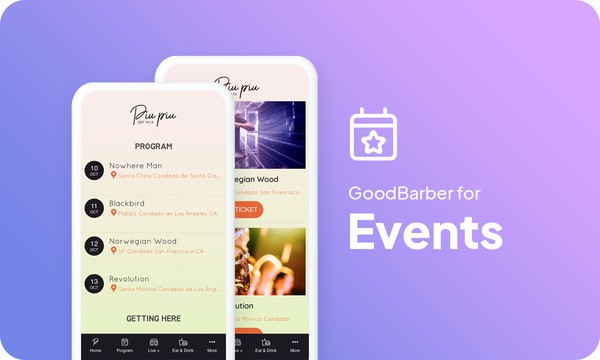
### [Hur man skapar en app för ett evenemang](https://www.goodbarber.com/blog/how-to-create-an-app-for-an-event-a1190/)
Upptäck hur du skapar en app för ett evenemang i 4 enkla steg
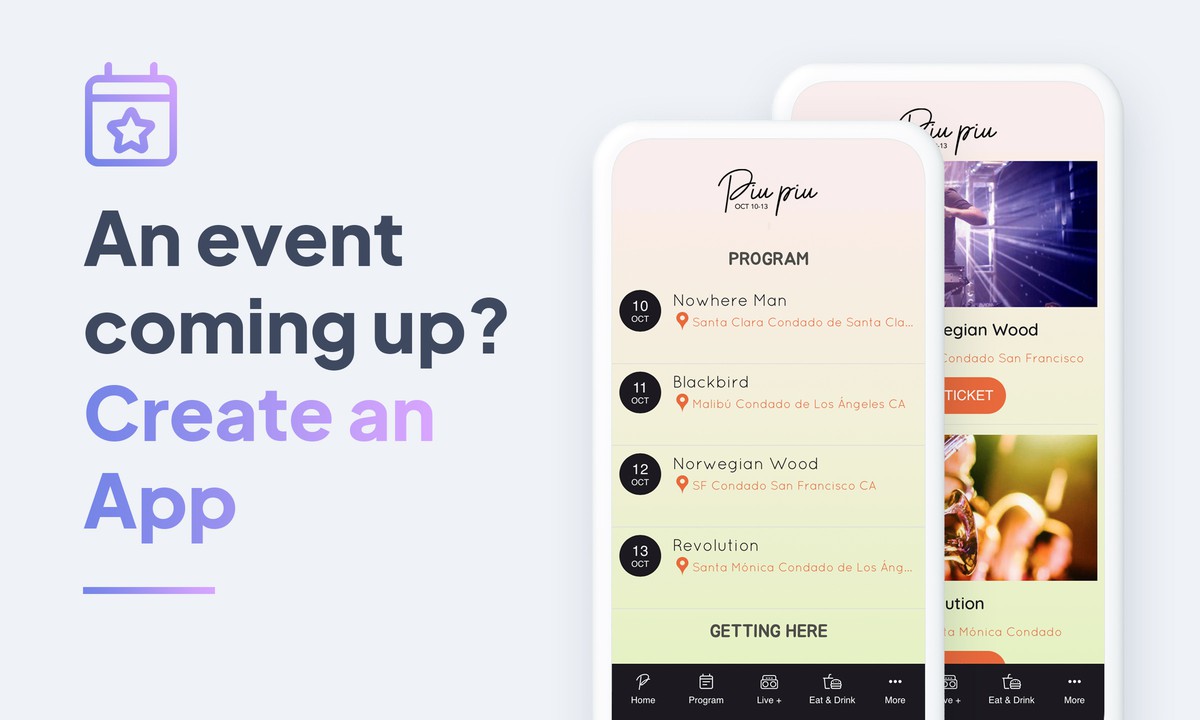
### [Är det ett evenemang på gång? Skapa en app för det](https://www.goodbarber.com/blog/have-an-event-coming-up-create-an-app-for-it-a367/)
Är du ansvarig för att vara värd för ett evenemang, driva en festival? Har du funderat på att skapa en mobilapp för att marknadsföra det?
### [Visa tidsluckor för dina evenemang](https://www.goodbarber.com/blog/display-time-slots-for-your-events-a884/)
I listvyn i din kalender är det möjligt att visa starttiden för dina evenemang. Detta är särskilt användbart för evenemang som konferenser eller festivaler, där det vanligtvis finns flera evenemang på samma dag.
## Prissättning
[Månadsvis](#)[Årligen](#)[En gång](#)
||Standard 340kr/månadfaktureras årsvisSpara 840kr varje år|Premium 620kr/månadfaktureras årsvisSpara 2040kr varje år|Pro 1190kr/månadfaktureras årsvisSpara 4080kr varje år|Byrån 2450kr/månadfaktureras årsvisSpara 8880kr varje år|Pro 52000krEngångsbetalningSpara 131600kr på en gång|Byrån 136000krEngångsbetalningSpara 246800kr på en gång|
|---|---|---|---|---|---|---|
|Teknik|||||||
|PWA-teknik|yes|yes|yes|yes|yes|yes|
|Inhemsk teknik||Android + iOS (iPhone & iPad) (iPhone & iPad)|Android + iOS (iPhone & iPad) (iPhone & iPad)|Android + iOS (iPhone & iPad) (iPhone & iPad)|Android + iOS (iPhone & iPad) (iPhone & iPad)|Android + iOS (iPhone & iPad) (iPhone & iPad)|
|Tillgänglig i Google Play Store||yes|yes|yes|yes|yes|
|Tillgänglig på App Store||yes|yes|yes|yes|yes|
|Kapacitet|||||||
|Förvaring info 22,7kr för 10 GB|2 GB|10 GB|50 GB|100 GB|50 GB|100 GB|
|Push-meddelanden info 114kr för 100K extra push-meddelanden(per månad)|10K|30K|250K|500K|250K|500K|
|Personalkonton|1|3|obegränsad|obegränsad|obegränsad|obegränsad|
|Antal projekt|1|1|1|obegränsad|1|obegränsad|
|Sidvisningar (bandbredd & trafik)|obegränsad|obegränsad|obegränsad|obegränsad|obegränsad|obegränsad|
|Nedladdningar av appar||obegränsad|obegränsad|obegränsad|obegränsad|obegränsad|
|Kundansvarig|||yes|yes|yes|yes|
|TilläggsbutikStort bibliotek 190+ [tillägg](https://se.goodbarber.com/extensions/). Nya tillägg varje månad info Utöka funktionerna i din app med tillägg : Automatiseringar (Zapier, Make), Analytics, Monetisering, Försäljningsoptimering, Integration (Wordpress, Squarespace, RSS).|||||||
|Gratis tillägg|Upp till 5|Upp till 20|obegränsad|obegränsad|obegränsad|obegränsad|
|Autentisering||136kr/månad (faktureras 1360kr/år. Du sparar 2 månader)|yes|yes|yes|yes|
|Chatt info Chat-tillägget kräver att Authentification-tillägget är installerat||227kr/månad (faktureras 2270kr/år. Du sparar 2 månader)|yes|yes|yes|yes|
|Medlemskap info Erbjud betalda prenumerationer till dina användare för att få tillgång till ditt innehåll. Köp görs enkelt från deras Apple / Google-konto||559kr/månad (faktureras 5590kr/år. Du sparar 2 månader). Ingen extra avgift baserad på dina intäkter.|yes|yes|yes|yes|
|Centrala funktioner|||||||
|NO CODE drag&drop; app-byggare|yes|yes|yes|yes|yes|yes|
|Fullständigt anpassningsbar design|yes|yes|yes|yes|yes|yes|
|System för innehållshantering(artikel, video, podcast, evenemang, karta, foto, live)|yes|yes|yes|yes|yes|yes|
|SEO-vänlig, AMP, ASO-vänlig|yes|yes|yes|yes|yes|yes|
|Support (riktig mänsklig support, av GoodBarber-teamet självt)|yes|yes|yes|yes|yes|yes|
|Pris för prenumeration på årsplan|Standard4080kr/år|Premium7440kr/år|Pro14280kr/år|Byrån29400kr/år|/år|/år|
### Skapa din app nu
[Börja gratis](https://se.goodbarber.com/create/)
## VANLIGA FRÅGOR
### Hur skapar man enkelt en eventapp?
Med GoodBarber App Builder kan du enkelt skapa en mobilapp för planering och hantering av evenemang.
Det kan vara en innehållsbaserad app där du delar evenemangsscheman, berättelser, platser och videor via sociala medier för att marknadsföra dina kommande evenemang, evenemangsplaneringstjänster och företag.
### Vem är appar för evenemangshantering till för?
Evenemangsappar används vanligtvis av:
- föreställningshallar / konserthallar
- konferens- / kongresshallscenter
- organisationer och chefer för utställningar / konferenser
- resande mässor och utställningsarrangörer
### Vilka är lösningarna och fördelarna med att skapa en eventapp med GoodBarber App Builder?
- En app
- En app är ett mångfacetterat verktyg som gör det möjligt att informera dina kunder och evenemangsdeltagare före, under och efter evenemanget
- Visa evenemangsprogram och schema utformat som en agenda planner
- Använd push-notiser, geofences, beacons, QR-koder för att skapa kommunikationsstrategier under evenemanget och hålla dina deltagare uppdaterade.
- Efter evenemanget kan du sända rapporter och höjdpunkter från evenemanget med hjälp av bilder, artiklar och videor
- Hantera appanvändare: skapa användargrupper och regler för innehållsåtkomst
- Export/import av användarlistor
- Hantera privat/offentligt innehåll
- Våra evenemangsappar möjliggör omedelbara innehållsuppdateringar
- Säkerställ din närvaro på både webben och i appbutikerna med en unik app
- Favoritevenemang som bokmärke
- Lista över talare och deltagare
- Live chatt
- Aviseringar om kommande evenemang
- Hantering av annonsering
- Live video / Live audio sektioner för live täckning av evenemang
- Kartsektion för att ange bästa vägbeskrivning till evenemangsplatserna
### Hur mycket kostar det att skapa en app för evenemangsplanering?
Du kan börja köra din Event-app gratis med vår 30 dagars kostnadsfria provperiod.
Sedan är det upp till dig att prenumerera på den plan som bäst passar dina behov: den grundläggande planen för att skapa din Event-app börjar på 340kr/Månad.
Observera att ytterligare kostnader tillkommer för att publicera iOS-appar på App Store.
### Hur tjänar jag pengar på min eventapp?
Det finns många strategier där ute för att tjäna pengar med en Event App:
1. Premiuminnehåll: sälj dina bästa bilder och videohöjdpunkter inom prenumerationsplaner med hjälp av medlemskapsfunktionen.
2. Monetisera din evenemangsapp med hjälp av annonseringsfunktioner.
Vi rekommenderar 2 strategier:
- Generell stor publik: tjäna pengar på din evenemangsapp med annonseringstjänster från tredje part: aktivera AD-nätverk från tredje part (Facebook, Google Admob, Ads Manager, Google AdSense) för att visa annonser och få betalt
- Kvalificerad liten publik: aktivera GoodBarbers interna annonsserver: Den interna annonsservern är det enklaste sättet att marknadsföra din Event-mobilapplikation och visa skräddarsydda, anpassade splashskärmar och annonsbanners. Du kommer också att kunna välja en eller flera plattformar för att distribuera dina kampanjer: iOS och/eller Android.
3. Sälj din Event-app i butikerna mot en avgift.
### Hur kan jag anpassa min appdesign och användarupplevelse (UX) för evenemangsplaneringsappen?
Med över 200 layoutalternativ, en imponerande temakollektion och modulär design kan du skapa en unik app som återspeglar ditt varumärke för evenemangsappar.
Det finns många alternativ och nivåer av anpassning. Du kan välja olika "globala stilar" för att anpassa appen i sin helhet eller kanske bara anpassa ett visst avsnitt.
Vår appbyggare för evenemang erbjuder 9 mallar för listningssidor och 4 mallar för innehållssidor.
Du kommer också att kunna anpassa rubriker, teckensnitt, bakgrundsfärger och navigeringsmenyer.
Dessutom kommer du att kunna berika din evenemangsplaneringsupplevelse med ljud, video, artiklar och livevideostreaming för din publik under kurser och konferenser.
### Kommer min Event-app att vara tillgänglig i alla länder?
Ja, den kan vara tillgänglig i alla länder. Du kommer att besluta om geodistribution och välja de länder där appen kommer att finnas tillgänglig i appbutikerna innan den publiceras i Apples App Store och Google Play Store.
### Erbjuder ni någon support och eftermarknadshjälp för appar för delning av evenemang?
Ja, det stämmer verkligen! GoodBarbers support- och hjälpprogram tillhandahåller:
- Gratis support
- Obegränsat antal supportärenden
- Support under appens hela livstid
- Support på 5 språk
- 4 kontor i 3 länder
- 3 tidszoner support
### Vem är utvecklaren av min app för evenemangshantering?
Du måste köpa ditt eget utvecklarkonto från Apple och Google. Därför är du utvecklaren av din app. GoodBarber är helt enkelt verktyget för att skapa den.
### Kan jag sälja min Event-app till en annan utvecklare?
Ja, du kan sälja din Event-app. För att göra detta måste du överföra äganderätten till din app till den nya ägaren, i varje appbutik.
.
Dessutom måste du överföra ägandet av GoodBarbers backoffice till den nya ägaren. För att göra detta måste du kontakta Goodbarbers supportteam.
[Börja gratis](https://se.goodbarber.com/create/)
Från 340kr/månad
30 dagars gratis provperiod. Inget kreditkort krävs
---
# Skolappar
Source: https://se.goodbarber.com/schools-app/
---
title: "Skapa en app för din skola"
description: "Skapa en app för din skola utan programmering"
canonical_url: "https://se.goodbarber.com/schools-app/"
lang: sv
---
# Skapa en app för din skola
### GoodBarber för Skolor
# Den bästa kommunikationsappen för din skola
## För samman studenter, familjer och lärare
- Kalender
- Användargrupper
- Push-meddelanden
- Interaktiv karta
- Inlämning av formulär och innehåll
- Direktmeddelanden
[Kom igång med ditt arbete](https://se.goodbarber.com/create/)
Från 340kr/månad
30 dagars gratis provperiod. Inget kreditkort krävs
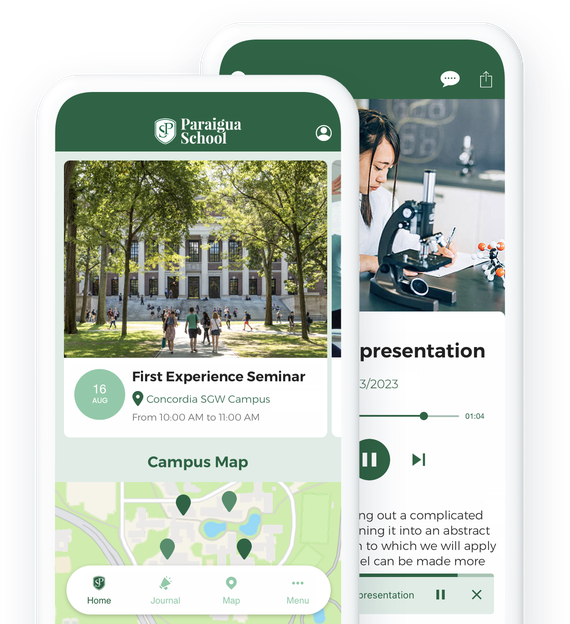
### De litar på GoodBarber

## Hantera din kommunikation perfekt
En enda plattform för att kommunicera med dina olika kontakter, 100% anpassningsbar
#### Alla nyheter från din skola
Håll föräldrar och elever informerade, liksom lärare och alumner. Använd bloggfunktionen för att publicera all information om det dagliga livet på din skola. Du kan skapa så många bloggavsnitt du vill och/eller kategorisera dem för att skapa en navigering som är helt anpassad efter dina behov.
#### Ett multifunktionellt CMS
GoodBarber erbjuder dig ett integrerat CMS med vilket du kan skapa alla typer av innehåll. Artiklar, videor, podcasts... skapa ditt innehåll direkt i ditt backoffice och välj hur du vill publicera det: omedelbart eller schemalagt. Om du vill kan du också använda någon av våra 30 connectorer för att publicera externt innehåll i din app (YouTube, Wordpress, RSS-flöden och många andra).
#### Ett interaktivt kursmaterial
Använd din skolas app för att leverera lektioner i olika format: videor, podcasts eller till och med livesessioner. Ge dina lärare möjlighet att välja det format de föredrar för att bäst förmedla sina kunskaper. Dina elever kommer att bli glada över att kunna komma åt sina lektioner var som helst och när som helst från sina smartphones, surfplattor eller datorer.
#### En offentlig kalender
Använd våra kalenderavsnitt för att lyfta fram viktiga datum i din skolas liv. Utbildningsevenemang, pedagogiska möten, klassråd eller skolutflykter, inget datum kommer att glömmas bort. Alla medlemmar i skolan får en tydlig bild av skolans liv.
#### Din skolanda i en app
Gör din app till en sann återspegling av din skolas värderingar. Avsnittet "Om" gör att du kan uttrycka de idéer som kännetecknar din skola och dina undervisningsmetoder.
Om du befinner dig på ett campus är avsnittet "Karta" perfekt för att hjälpa dina elever att hitta vägen mellan dina olika byggnader. Slutligen kommer de många designalternativen att ge dig möjlighet att skapa ett utrymme med din skolas färger så att alla känner sig lite som hemma.
#### Skräddarsydda kommunikationsverktyg (push-meddelanden, e-post)
Som skola är det viktigt att ha snabba och effektiva kommunikationsmedel, oavsett om det handlar om att informera elever, föräldrar eller lärare. För detta finns det inget bättre än push-meddelanden, som du kan skicka manuellt eller automatiskt. Det är också möjligt att skapa geolokaliserade push-meddelanden. Dina användare kan välja vilka typer av meddelanden de vill prenumerera på. Du kan också skicka e-postmeddelanden genom att ansluta din app till externa tjänster som Gmail eller Mailchimp. Du har gott om valmöjligheter för att bygga en snabb och idiotsäker kommunikationsprocess.
## Erbjud en säker plats för dina användare
Endast medlemmar i din skola har tillgång till innehållet i din app
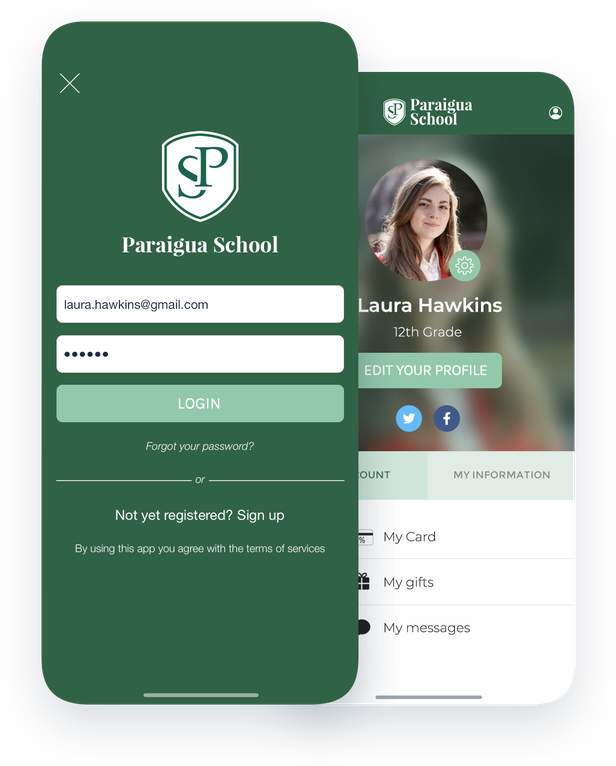
Ett inbyggt system för autentisering
En av de största utmaningarna för en skola är att garantera säkerheten för de uppgifter som distribueras i appen till dina elever och deras föräldrar. Lösningen är enkel: integrera ett tillförlitligt och skalbart autentiseringssystem i din app så att åtkomsten begränsas. Du behåller kontrollen över identiteten på din publik genom att skapa nominativa åtkomster. Dina användare kommer sedan att kunna hantera sin profil och fritt ta del av det innehåll som du erbjuder i din app.
## Hantera appens innehåll som ett team
Ge tillgång till backoffice för din app till medlemmar i ditt utbildningsteam
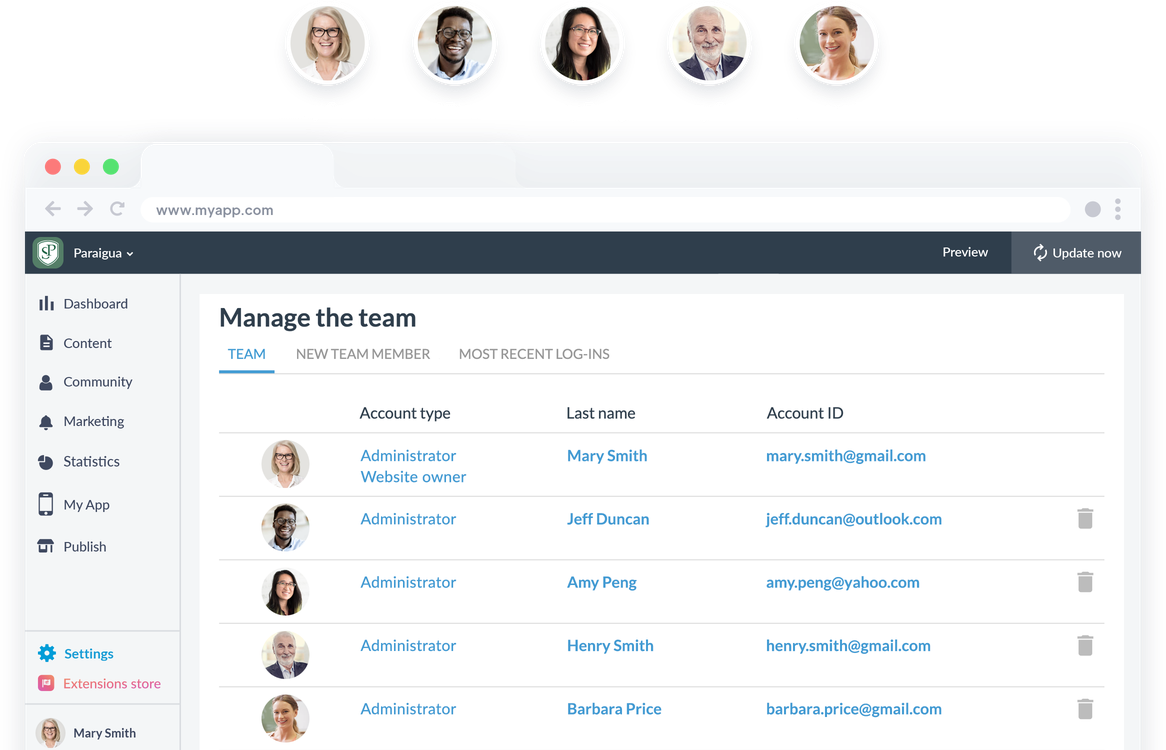
Med GoodBarbers backoffice har du möjlighet att skapa och hantera så många åtkomster till ditt backoffice som du vill. Som administratör kan du hantera nivån på åtkomsträttigheterna för varje medlem och välja exakt var de ska få bidra: åtkomst till CMS, val av avsnitt, sändning av meddelanden, ändring av appens design ... På så sätt kan du delegera produktionen av innehåll till dina professorer, administrativ personal och varför inte till studentdelegater, föreningsmedlemmar eller redaktörer för skoltidningen. Möjligheterna är oändliga och du kommer alltid att ha kontroll.
## Skapa ett verkligt levande rum
Främja kommunikation och interaktion mellan dina medlemmar
### En interaktiv katalog
Med avsnittet "Användarlista" kan du skapa ett riktigt trombinoskop som grupperar alla medlemmar i din app. Du kommer att kunna välja mellan flera olika visningsmodeller med ett listläge och ett kartläge. Dina användare kommer att kunna bläddra i listan utifrån sina senaste anslutningar eller sin geografiska plats.
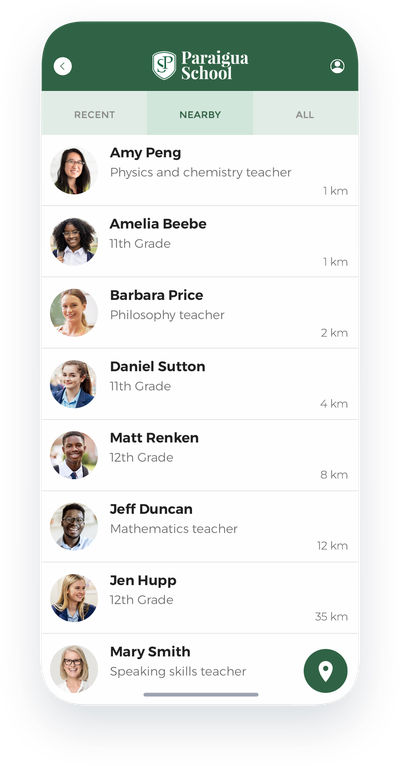
### Funktioner för lyssning
Låt dina användare komma till tals med avsnitten "Form" och "Submission". Använd formulären för att samla in åsikter och skapa enkäter. I avsnittet "Submission" kan dina användare skicka foton, videor eller text fritt. Det är perfekt för att lämna en öppen dörr till alla studenter eller lärare som vill dela med sig av sina idéer.
### Direkta interaktioner
Erbjud dina användare en plats där de kan utbyta information genom att integrera en chatt i din app. De kommer att kunna kontakta varandra via användarlistan och utbyta textmeddelanden på ett gratis och säkert sätt.
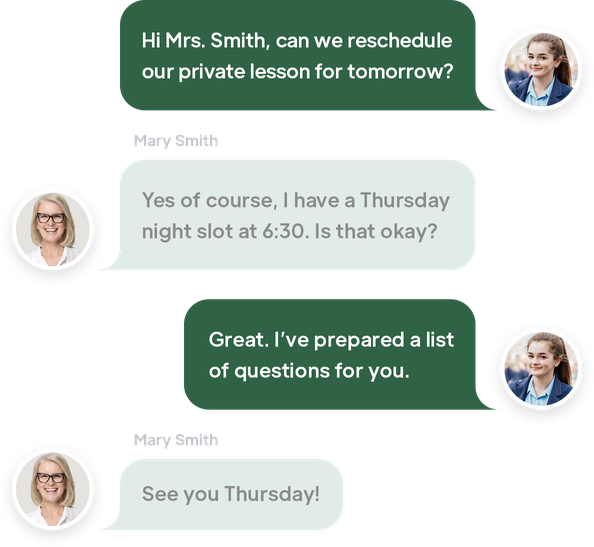
## Skapa användargrupper
Anpassa dina publikationer och din kommunikation till varje målgrupp
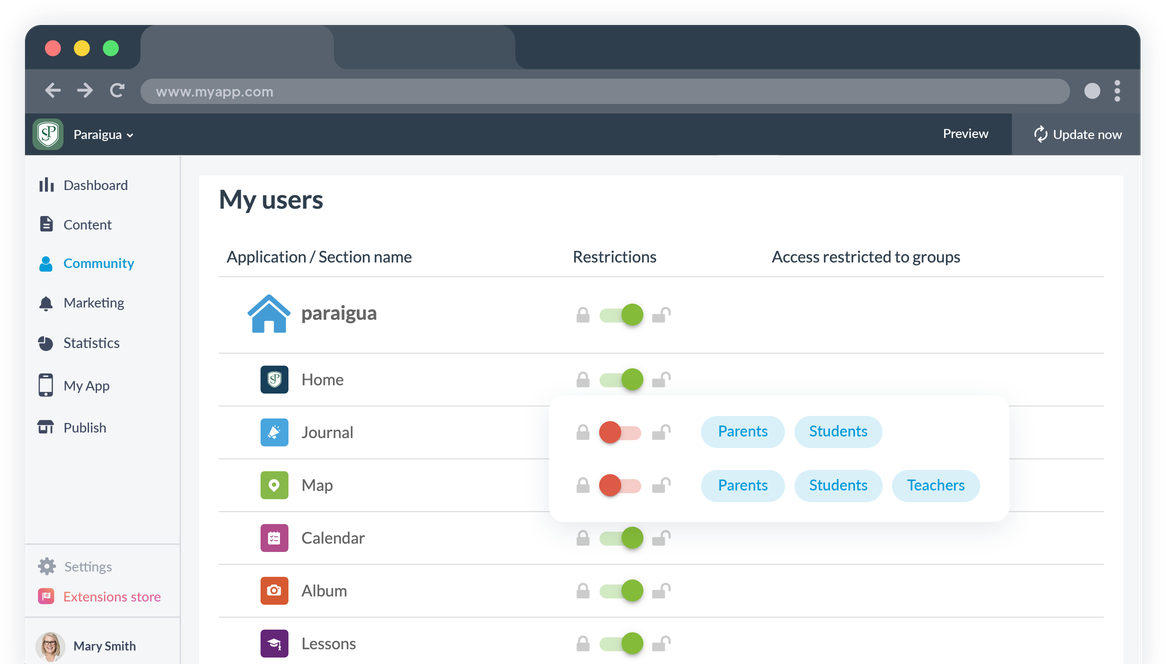
### Användargrupper
Som skolapp vänder du dig till olika målgrupper och du måste publicera innehåll i din app som är specifikt för varje målgrupp: administrativa anteckningar för dina lärare, onlinekurser för dina elever eller skolnyheter för föräldrar, dina behov är olika.
För att förenkla den här uppgiften behöver du bara dela upp din publik i olika användargrupper och kommunicera specifikt med varje grupp.
### Begränsningar
Varje medlem i en grupp kan bara komma åt det innehåll som är tillgängligt för den grupp som han eller hon tillhör. Du kan enkelt hantera åtkomsten till de olika avsnitten i varje grupp och använda grupperna för att rikta dina meddelanden. En enda app för att kommunicera med alla dina målgrupper.
## Extension Store
Tillägg som kan intressera dig
### Autentisering
Integrera en inloggningsmodul i din app och begränsa tillgången till ditt innehåll till medlemmar i din institution.
[Upptäck](https://se.goodbarber.com/extensions/authentication/)

### Gemenskap
Publicera listan över dina medlemmar i din app och underlätta utbytet och interaktionen mellan dem.
[Upptäck](https://se.goodbarber.com/extensions/community/)

### Användargrupper
Dela in medlemmarna i flera grupper och skapa innehålls- och kommunikationsstrategier för varje grupp.
[Upptäck](https://se.goodbarber.com/extensions/user-groups/)

### Chatt
Skapa en interaktionsyta i din app med hjälp av chatten. Varje användare kommer att kunna välja om de vill bli kontaktade eller inte.
[Upptäck](https://se.goodbarber.com/extensions/chat/)

### Automatiska push-meddelanden
Automatisera utskick av push-meddelanden som skickas baserat på nytt innehåll som publiceras i de tidsluckor du definierar och till de användare du väljer.
[Upptäck](https://se.goodbarber.com/extensions/scheduled-push/)

### Direktsänt ljud
Sänd direktsänt ljud i din app från en vacker spelare. Perfekt för en campusradio.
[Upptäck](https://se.goodbarber.com/extensions/live-audio/)

### Live-video
Streama dina lektioner och föreläsningar live i din app. Dina elever kommer att kunna följa dina lektioner var de än befinner sig.
[Upptäck](https://se.goodbarber.com/extensions/live-video/)

### Inlämning
Skapa en koppling mellan dig och dina användare genom att låta dem skicka bilder, text eller videor till dig på ett ögonblick.
[Upptäck](https://se.goodbarber.com/extensions/content-submission/)
## Och så mycket mer...
### Design
Anpassa utformningen av din app helt och hållet: logotyp, färgschema, teckensnitt ...
### Domännamn
Lägg till ditt eget domännamn i din PWA för att förstärka din skolas identitet.
### Anpassningsbar profil
Varje användare har en offentlig profil som är synlig för andra användare av appen. Du kan anpassa profilfälten för dina användare efter dina behov och den information du vill visa.
### Förvaring
Du får gott om lagringsutrymme och obegränsad bandbredd för att hosta allt ditt innehåll.
### Automatisering
Med GoodBarbers connectorer för Zapier och Make har du tillgång till tusentals onlinetjänster för att automatisera och förenkla ditt arbetsflöde. Fokusera på att undervisa dina elever och låt dessa verktyg ta hand om de repetitiva uppgifterna.
### Ingen kod
Dra nytta av GoodBarbers kraft och [över 500 funktioner](https://se.goodbarber.com/extensions/collections/schools/) utan att behöva skriva en enda rad kod. Inget behov av ett tekniskt team eller specifika resurser.

### ChattGPT
Integrera en virtuell AI-assistent i din skolapp! Svara direkt på frågor om scheman, skolevenemang och viktig information. Underlätta kommunikationen och erbjud personligt stöd till elever, lärare och föräldrar med vårt integrerade tillägg.
## Varför behöver skolor en app?
### För studenter
Fördelarna med en skolapp för eleverna är många: den ger direkt tillgång till akademiska resurser, gör det möjligt för dem att hålla koll på skolaktiviteter, men också att skapa speciella kontakter med sina kamrater och lärare. Nya generationer av studenter är mycket tekniskt kunniga och tycker om att använda dem. En app ökar studenternas engagemang och håller kontakten stark oavsett förutsättningar eller plats.
### För föräldrar
När det gäller elevernas föräldrar gör en app det möjligt för dem att dra nytta av en enhetlig kommunikationsplattform. Den är en verklig länk mellan lärare och föräldrar tack vare den snabba kommunikation som den erbjuder. Föräldrarna kan använda appen för att följa sina barns framsteg på nära håll och reagera mycket snabbt för att bättre kunna stödja dem. Den kan också användas som ett meddelandesystem mellan dem och lärarna för att bättre förstå deras barns skolgång och dagliga liv.
### För fakulteten
En app är den bästa möjligheten att erbjuda mer attraktiva och engagerande kurser. De olika kursformat som finns tillgängliga gör det möjligt för dem att testa vad som fungerar bäst med deras elever och att göra sina kurser perfekta. Appen är också det perfekta verktyget för att centralisera all kommunikation med elever, föräldrar och skoladministrationen.
## Vad kunderna säger
### [GoodBarber är en kraftfull appbyggare.](https://www.trustpilot.com/reviews/60f08679f9f48702a8e6869e)
#### Melissa Okta
GoodBarber är en kraftfull appbyggare. Om du vill bygga din app med hjälp av en förbyggd mall är GoodBarber perfekt för dig. På Global Academy har vi nästan avslutat det femte året med att använda deras lättanvända förbyggda plattformar för att bygga premiumappar för våra kunder. Goodbarbers kundsupport är också utmärkt. Rekommenderas varmt.
-
-
-
-
-
### [Bra support och alltid mycket hjälpsamma svar.](https://www.trustpilot.com/reviews/60c0ca7cf9f487099ce24eb9)
Bra support och alltid mycket hjälpsamma svar. Inget är för trivialt för att teamet ska kunna svara.
-
-
-
-
-
### [Lyhörd support och oftast snabb.](https://www.trustpilot.com/reviews/60ad3c03f9f4870a94ace1d1)
Lyhörd support och vanligtvis snabb. Programvaran är den överlägset bästa på marknaden, med enorma möjligheter till konfigurationer.
-
-
-
-
-
### [Jag gillar verkligen systemet.](https://www.trustpilot.com/reviews/60551146f85d7509fc10d732)
#### Gene Hieber
Jag har varit en resller-medlem i en månad nu. Jag har byggt flera demo-appar. Jag gillar verkligen systemet. Lätt att navigera och jag har sålt ett par progressiva webbappar och arbetar också med inbyggda appar. Jag rekommenderar starkt Good Barber.
-
-
-
-
-
### [Teamet på GoodBarber har varit otroligt informativt och hjälpsamt](https://www.trustpilot.com/reviews/6054cff7f85d7509fc1090eb)
#### W. Monahan
Teamet på GoodBarber har varit otroligt informativa och hjälpsamma under både skapandet och underhållet av min app. Jag är inte så tekniskt kunnig, och de ger mig alltid bra vägledning om hur jag kan åtgärda problem eller förbättra min app. Jag letade efter olika alternativ när jag ville bygga min app, och jag är glad att jag valde det här företaget.
-
-
-
-
-
### [De hjälpte mig att skapa en vacker och framgångsrik app](https://www.trustpilot.com/reviews/60511fb2f85d75064c43947b)
#### Mary Davis
Jag har varit med GoodBarber sedan 2014 och jag kan inte säga tillräckligt bra saker om dem och min erfarenhet av dem. De hjälpte mig att skapa en vacker, framgångsrik app; de har funnits där för mig varje steg på vägen för att lösa kundproblem och hjälpa till med uppdateringar; och de har en lättanvänd, oändligt anpassningsbar instrumentpanel för att skapa appen du drömmer om - vilket är vad jag gjorde. Tack GoodBarber. Du är den bästa
-
-
-
-
-
### [Bra verktyg, det har alla funktioner du behöver för att bygga din egen app eller webbplats.](https://www.trustpilot.com/reviews/60a22025f9f4870a94a45023)
#### Manuel Ventura
Bra verktyg, det har alla funktioner du behöver för att bygga din egen app eller webbplats.
-
-
-
-
-
### [GoodBarber är en underbar plattform.](https://www.trustpilot.com/reviews/604e93b7f85d7503942a6703)
#### Mini Maestro
GoodBarber är en underbar plattform. Deras supportpersonal är hjälpsam och gränssnittet är lätt att navigera! Tack för att ni gör det möjligt för oss att ge extra stöd till våra kunder med vår kundapp.
-
-
-
-
-
### [Den bästa appbyggaren på marknaden](https://www.trustpilot.com/reviews/604c6024f85d75064c40265c)
#### Draculapp
Den bästa appbyggaren på marknaden, PWA lätt och Native iOS-hjälp för publiceringsproblem. Mycket bra support och ständiga uppdateringar. Många funktioner och vackra designlayouter och en hög anpassningsnivå. Rekommenderas för enskilda företag eller byråer med en mycket bra lösning för återförsäljarprogrammet. Och sist men inte minst, vänlig personal! Det är värt ett försök...
-
-
-
-
-
### [En av de bästa leverantörerna i branschen.](https://www.trustpilot.com/reviews/604ba651f85d75064c3fd1ab)
#### K. Linton
En av de bästa leverantörerna i branschen. Lätt att använda, väldokumenterad och utmärkt kundservice. Om du vill skapa en mobilappslösning för ditt företag eller dina kunder är GoodBarber definitivt rätt väg att gå.
-
-
-
-
-
## Upptäck
### [Hur man skapar en app för onlinekurser ?](https://www.goodbarber.com/blog/how-to-create-an-app-for-online-courses-a1116/)
Genom att skapa en app kan du särskilja dig genom att bryta mot traditionella metoder med olika typer av innehåll!

### [Petit Signe, en pedagogisk app för små barn](https://www.goodbarber.com/blog/petit-signe-an-educational-app-for-babies-a1111/)
Petit Signe är en e-Learning-app som är specialiserad på babyspråk och mer specifikt på teckenspråk,
### [Chatta med dina användare](https://www.goodbarber.com/blog/offer-a-live-chat-support-to-your-users-with-tawk-to-a1177/)
Att erbjuda chatt i din app är en praktisk lösning som hjälper dig att lösa dina studenters problem
## Prissättning
[Månadsvis](#)[Årligen](#)[En gång](#)
||Standard 340kr/månadfaktureras årsvisSpara 840kr varje år|Premium 620kr/månadfaktureras årsvisSpara 2040kr varje år|Pro 1190kr/månadfaktureras årsvisSpara 4080kr varje år|Byrån 2450kr/månadfaktureras årsvisSpara 8880kr varje år|Pro 52000krEngångsbetalningSpara 131600kr på en gång|Byrån 136000krEngångsbetalningSpara 246800kr på en gång|
|---|---|---|---|---|---|---|
|Teknik|||||||
|PWA-teknik|yes|yes|yes|yes|yes|yes|
|Inhemsk teknik||Android + iOS (iPhone & iPad) (iPhone & iPad)|Android + iOS (iPhone & iPad) (iPhone & iPad)|Android + iOS (iPhone & iPad) (iPhone & iPad)|Android + iOS (iPhone & iPad) (iPhone & iPad)|Android + iOS (iPhone & iPad) (iPhone & iPad)|
|Tillgänglig i Google Play Store||yes|yes|yes|yes|yes|
|Tillgänglig på App Store||yes|yes|yes|yes|yes|
|Kapacitet|||||||
|Förvaring info 22,7kr för 10 GB|2 GB|10 GB|50 GB|100 GB|50 GB|100 GB|
|Push-meddelanden info 114kr för 100K extra push-meddelanden(per månad)|10K|30K|250K|500K|250K|500K|
|Personalkonton|1|3|obegränsad|obegränsad|obegränsad|obegränsad|
|Antal projekt|1|1|1|obegränsad|1|obegränsad|
|Sidvisningar (bandbredd & trafik)|obegränsad|obegränsad|obegränsad|obegränsad|obegränsad|obegränsad|
|Nedladdningar av appar||obegränsad|obegränsad|obegränsad|obegränsad|obegränsad|
|Kundansvarig|||yes|yes|yes|yes|
|TilläggsbutikStort bibliotek 190+ [tillägg](https://se.goodbarber.com/extensions/). Nya tillägg varje månad info Utöka funktionerna i din app med tillägg : Automatiseringar (Zapier, Make), Analytics, Monetisering, Försäljningsoptimering, Integration (Wordpress, Squarespace, RSS).|||||||
|Gratis tillägg|Upp till 5|Upp till 20|obegränsad|obegränsad|obegränsad|obegränsad|
|Autentisering||136kr/månad (faktureras 1360kr/år. Du sparar 2 månader)|yes|yes|yes|yes|
|Chatt info Chat-tillägget kräver att Authentification-tillägget är installerat||227kr/månad (faktureras 2270kr/år. Du sparar 2 månader)|yes|yes|yes|yes|
|Medlemskap info Erbjud betalda prenumerationer till dina användare för att få tillgång till ditt innehåll. Köp görs enkelt från deras Apple / Google-konto||559kr/månad (faktureras 5590kr/år. Du sparar 2 månader). Ingen extra avgift baserad på dina intäkter.|yes|yes|yes|yes|
|Centrala funktioner|||||||
|NO CODE drag&drop; app-byggare|yes|yes|yes|yes|yes|yes|
|Fullständigt anpassningsbar design|yes|yes|yes|yes|yes|yes|
|System för innehållshantering(artikel, video, podcast, evenemang, karta, foto, live)|yes|yes|yes|yes|yes|yes|
|SEO-vänlig, AMP, ASO-vänlig|yes|yes|yes|yes|yes|yes|
|Support (riktig mänsklig support, av GoodBarber-teamet självt)|yes|yes|yes|yes|yes|yes|
|Pris för prenumeration på årsplan|Standard4080kr/år|Premium7440kr/år|Pro14280kr/år|Byrån29400kr/år|/år|/år|
### Skapa din app nu
[Börja gratis](https://se.goodbarber.com/create/)
## VANLIGA FRÅGOR
### Hur skapar man en skolapp?
GoodBarber School App builder låter dig bygga en mobilapp för din skola eller universitet på ett mycket enkelt sätt.
Din skolapp är centrum för din kommunikation mellan elever, föräldrar och lärare.
Våra skolapplikationer gör det möjligt för familjer och lärare att enkelt få tillgång till viktig information som evenemang, kurser och innehåll direkt från sin smartphone.
Institutionell administrativ personal kan skicka varningar och aviseringar i realtid från mobilappen och informera hela samhället direkt.
>
Med programvaran School App builder kan du dela videor, podcasts, formulär, widgets och evenemangsplatser. Du kommer att kunna lägga till annonser och skolans varumärke i din app som kommer att finnas tillgänglig i både iOS- och Android-appbutiker och kan användas från skrivbord, smartphone och surfplatta.
### Vem är skolapparna till för?
Skolappar används i allmänhet av utbildningsinstitutioner och inrättningar:
- Förskola
- Grundskola
- Sekundär / gymnasium
- Universitet
### Vad finns det för lösningar och fördelar med att skapa en skolapp med GoodBarber App Builder?
En app är ett mångfacetterat verktyg som gör det möjligt att informera elever, föräldrar och lärare om skolans nyheter och evenemang
- Publik schemaläggning i form av en agenda
- Använd push-notiser, geofences, beacons, QR-koder för att upprätta kommunikation mellan skolinstitutioner och elever.
- Hantera appanvändare: skapa användargrupper och regler för innehållsåtkomst
- Export/import av användarlistor
- Hantera privat/offentligt innehåll
- Våra skolappar möjliggör omedelbara innehållsuppdateringar
- Säkerställ din närvaro på både webben och i appbutikerna med en unik app
- Live chatt
- Notiser om kommande evenemang
- Hantering av annonsering
- Live video / Live audio-avsnitt för onlinekurser
- Kartsektion för att visa bästa vägbeskrivning till skolbyggnader och evenemangsplatser
### Hur mycket kostar det att skapa en skolapp?
Du kan börja köra din skolapp gratis med vår 30 dagars kostnadsfria provperiod.
Sedan är det upp till dig att prenumerera på den plan som bäst passar dina behov: den grundläggande planen för att skapa din skolapp börjar på 340kr/månad.
Observera att ytterligare kostnader tillkommer för att publicera iOS-appar på App Store och Android-appar på Play Store.
### Hur tjänar jag pengar på min skolapp?
Det finns många strategier där ute för att tjäna pengar med en skolapp:
1. Premiuminnehåll: sälj dina bästa bilder och videohöjdpunkter inom prenumerationsplaner med hjälp av medlemskapsfunktionen.
2. Monetisera din skolapp med annonseringsfunktioner.
Vi rekommenderar 2 strategier:
- Generell stor publik: tjäna pengar på din skolapp med tredje parts annonstjänster: aktivera tredje parts AD-nätverk (Facebook, Google Admob, Ads Manager, Google AdSense) för att visa annonser och få betalt
- Kvalificerad liten publik: aktivera GoodBarbers interna annonsserver: Den interna annonsservern är det enklaste sättet att marknadsföra din mobilapplikation för skolan och visa skräddarsydda, anpassade splashskärmar och annonsbanners. Du kommer också att kunna välja en eller flera plattformar för att distribuera dina kampanjer: iOS och/eller Android.
3. Sälj din skolapp i butikerna mot en avgift
### Hur kan jag anpassa min skolapps design och användarupplevelse (UX)?
Med över 200 layoutalternativ, en imponerande temasamling och modulär design kan du skapa en unik app som återspeglar din skolas varumärke.
Det finns många alternativ och nivåer av anpassning. Du kan välja olika "globala stilar" för att anpassa appen i sin helhet eller kanske bara anpassa ett visst avsnitt.
Vår skolappsbyggare erbjuder 9 mallar för listningssidor och 4 mallar för innehållssidor.
Du kommer också att kunna anpassa rubriker, teckensnitt, bakgrundsfärger och navigeringsmenyer.
Dessutom kommer du att kunna berika din School-apps innehållsupplevelse med ljud, video, artiklar och live videostreaming för din publik under kurser och konferenser.
### Kommer min skolapp att vara tillgänglig i alla länder?
Ja, den kan vara tillgänglig i alla länder. Du kommer att besluta om geodistribution och välja de länder där appen kommer att finnas tillgänglig i appbutikerna innan den publiceras i Apples App Store och Google Play Store
### Erbjuder ni någon support och eftermarknadshjälp för skolappar?
Ja, det stämmer verkligen! GoodBarbers support- och hjälpprogram tillhandahåller:
- Gratis support
- Gratis support
- Obegränsat antal supportärenden
- App livstids support
- Support på 5 språk
- 4 kontor i 3 länder
- 3 tidszoner support
### Vem är utvecklaren av min skolapp?
Du måste köpa ditt eget utvecklarkonto från Apple och Google. Därför är du utvecklaren av din app. GoodBarber är helt enkelt verktyget för att skapa den.
### Kan jag sälja min School-app till en annan utvecklare?
Ja, du kan sälja din skolapp. För att göra detta måste du överföra äganderätten till din app till den nya ägaren i varje appbutik.
Dessutom måste du överföra ägandet av GoodBarbers backoffice till den nya ägaren. För att göra detta måste du kontakta Goodbarbers supportteam.
[Börja gratis](https://se.goodbarber.com/create/)
Från 340kr/månad
30 dagars gratis provperiod. Inget kreditkort krävs
---
# Appar för trossamfund
Source: https://se.goodbarber.com/faith-app/
---
title: "Skapa en app för ditt religiösa samfund"
description: "Med en mobilapp kan du hålla dina följare engagerade och ge din grupp en chans att hålla sig uppdaterad genom att använda de lämpligaste kommunikationsverktygen."
canonical_url: "https://se.goodbarber.com/faith-app/"
lang: sv
---
# Skapa en app för ditt religiösa samfund
### GoodBarber för Religiösa samfund
# En app för att engagera och föra samman människor
## Håll dina följare engagerade och ge din gemenskap en chans att hålla sig uppdaterad genom att använda de lämpligaste kommunikationsverktygen.
- Live-video
- Video på begäran
- Donationer
- Integration av YouTube, Vimeo och Wordpress
- Podcast
- Automatiska push-meddelanden när predikningar börjar
[Starta nu](https://se.goodbarber.com/create/)
Från 340kr/månad
30 dagars gratis provperiod. Inget kreditkort krävs
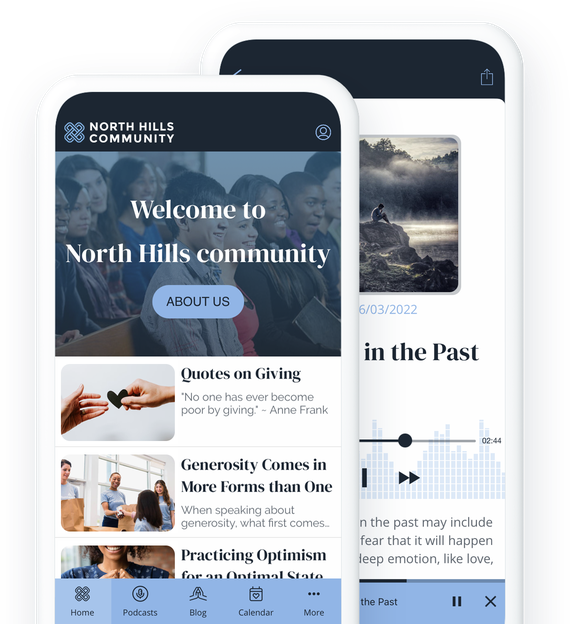
### De litar på Goodbarber

## Förbättra din kommunikation
Behåll dina medlemmar och nå nya följare
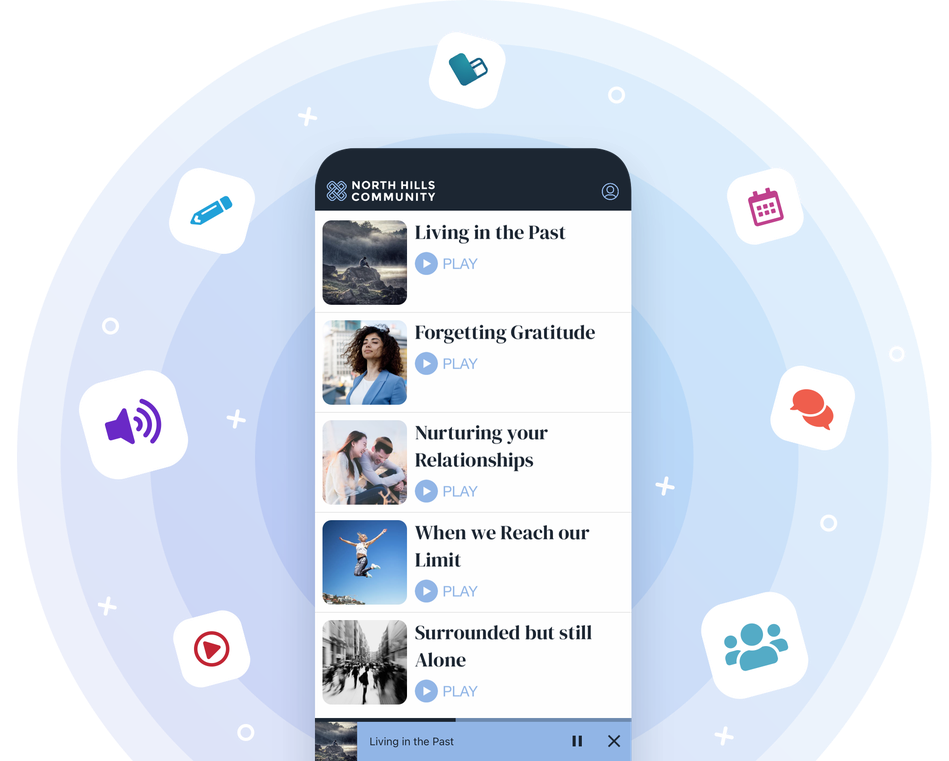
Genom att skapa en app för din religiösa gemenskap får du ett verktyg för omedelbar kommunikation som gör att du kan hålla ständig kontakt med dina medlemmar. Det gör det också möjligt för dig att främja din tro och dela den med världen.
## Dela din kalender
Marknadsför dina evenemang, högtider och firanden
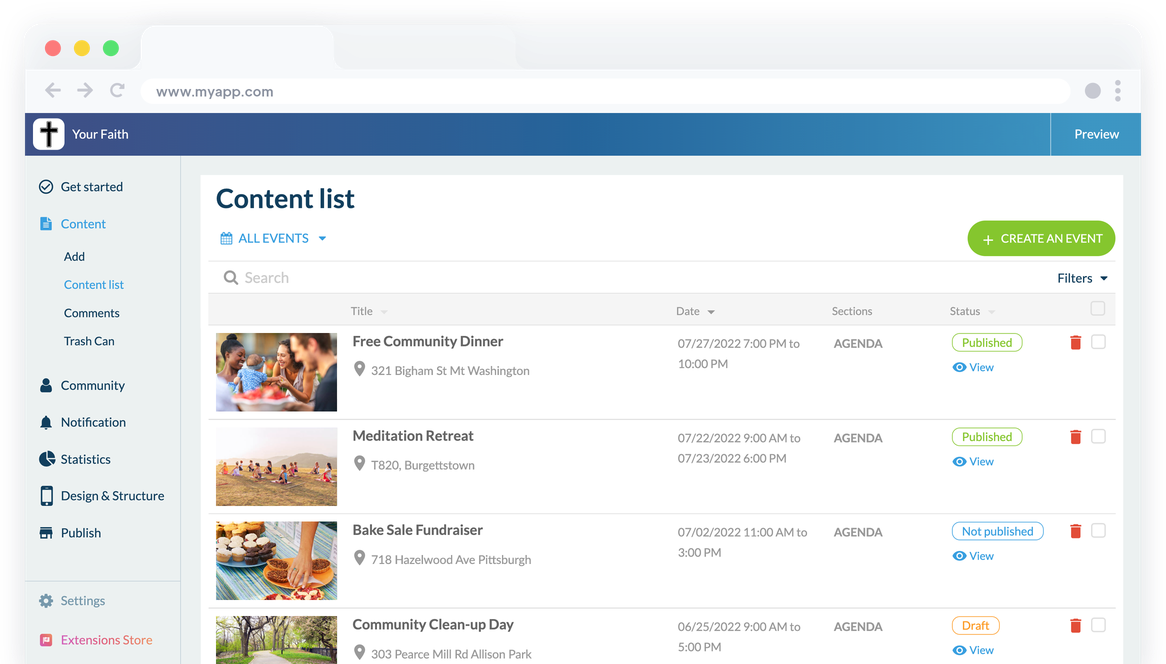
### En anpassad kalender
Skapa dina evenemang direkt från GoodBarbers backoffice eller anslut en extern källa för att centralisera alla dina evenemang i din app. På så sätt kan dina följare på ett ögonblick se alla fester, firanden och möten i din community. Du kan lägga till en adress till varje evenemang, liksom tider. Du kan också skapa heldagsevenemang och visa flera evenemang på samma dag.
### En universell kalender
Tack vare GoodBarber visas datum och tid för evenemang automatiskt i enlighet med tidszonen för den användare som konsulterar din communitykalender.
## Sprid ditt budskap
På det medium som passar dig bäst
### Blogg
Detta är ett av de mest klassiska medierna: Blogginlägg. Skriv dina artiklar, täck alla ämnen som passar din tro och publicera dem i din app. Bloggavsnitt kan också användas för att skapa mer statiskt innehåll som heliga böcker eller utdrag ur grundläggande texter.
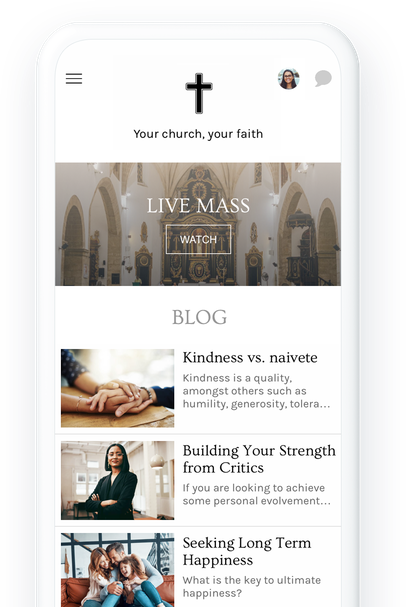
### Poddsändningar
Podcasts är ett utmärkt sätt att predika ditt ord på ett mer dynamiskt sätt. Din församling kommer att kunna lyssna på dina predikningar och samtal var de än befinner sig. De kan till och med lyssna på dem medan de använder andra appar på sin telefon. För att sända dina podcasts kan du ladda upp dem direkt till ditt GoodBarber-backoffice, eller ansluta en extern källa som redan är värd för dina podcasts som Anchor, Ausha, Simplecast eller Spreaker.
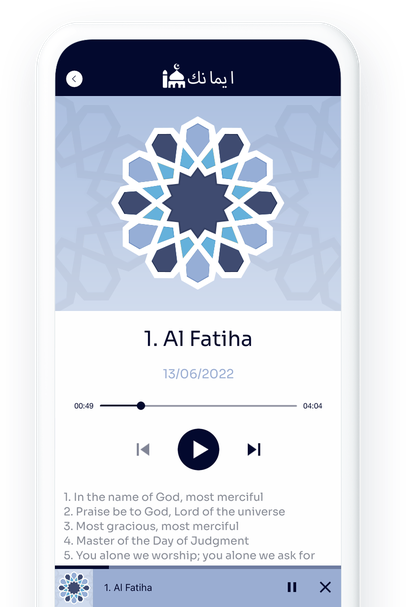
## Nå ut till största möjliga antal människor
Sänd dina mässor, gudstjänster och evenemang live
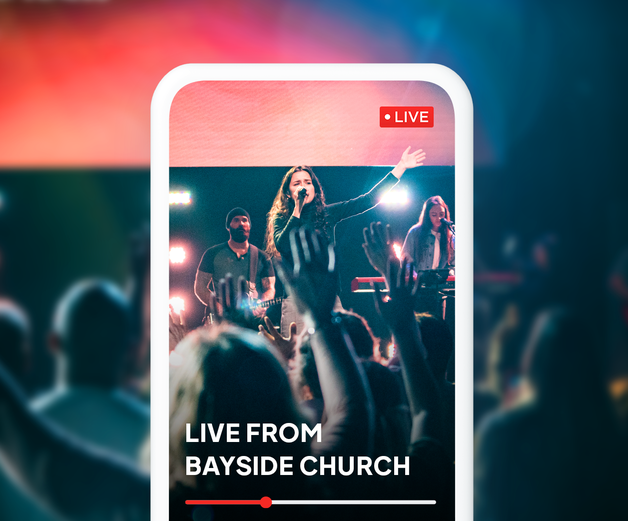
### Live video och ljud
Med våra Live-funktioner kan du erbjuda dina följare möjligheten att följa alla dina aktiviteter live från sina telefoner. Oavsett om det handlar om enkelt ljud eller video kan du med Live nå en mycket stor publik, locka nya medlemmar och hålla dina följare engagerade, som kan följa dig utan att nödvändigtvis vara i närheten. Du kan schemalägga dina livesändningar och bara ge tillgång till dem vid rätt tidpunkt.
## Samla in donationer
Ett enkelt och effektivt sätt att samla in pengar

### Donately
Länka ditt Donately-konto till din app och använd den som ett verktyg för insamling av donationer. Det går snabbt och enkelt att installera Donately-tillägget och du kommer att kunna hantera dina donationer från ditt Donately-konto. Du kommer att kunna integrera donationsformulär och insamlingssidor i din app för en ännu bättre donationsupplevelse.
[lab](https://se.goodbarber.com/extensions/donately/)

## Håll kontakten med och bland dina följare
Alla verktyg du behöver för att bygga upp en stark gemenskap
### Inlämning
Ge dina följare möjlighet att skicka innehåll till dig när som helst. Foto, text eller video kan användas av dina appanvändare för att skicka dig sina böner, önskningar, frågor eller tankar.
### Sociala funktioner
Gör din app till en verklig plats för utbyte och delning mellan medlemmarna i din community genom att [integrera sociala funktioner](https://se.goodbarber.com/extensions/collections/faith/): en användarprofil, en användarlista och en chatt.
### Push-meddelanden
Skicka meddelanden manuellt till dina följare eller schemalägg dem för att påminna dem om högtider, ceremonier, firanden eller böner.
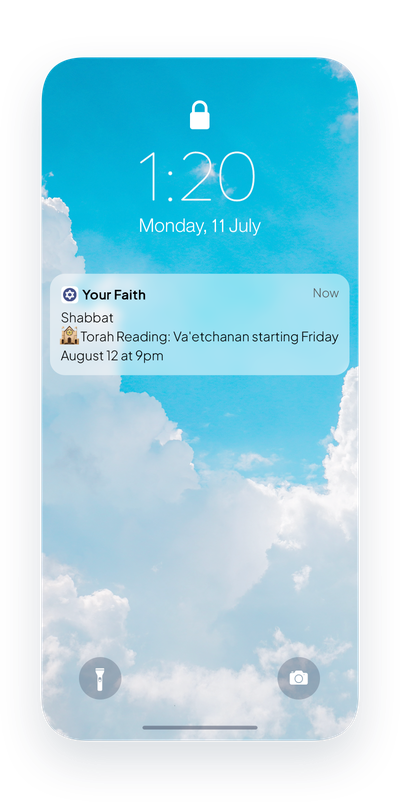
## Butik för tillägg
Tillägg som kan intressera dig
### Autentisering
Integrera en inloggningsruta i din app. Dina användare kommer att kunna skapa sin profil och fylla i den information som du har begärt.
[Upptäck](https://se.goodbarber.com/extensions/authentication/)

### Chatt
Skapa en verklig utbytesplats genom att lägga till en snabbmeddelandetjänst i din app. Varje användare kommer att kunna välja om de vill bli kontaktade av andra medlemmar i appen eller inte.
[Upptäck](https://se.goodbarber.com/extensions/chat/)

### Gemenskap
Visa listan över dina medlemmar i din app. Listan kan också visas som en geolokaliserad karta för att göra det ännu enklare för dina medlemmar att träffa varandra.
[Upptäck](https://se.goodbarber.com/extensions/community/)

### Automatiska push-meddelanden
Ställ in automatiska push-meddelanden. Notiser skickas baserat på nytt innehåll som publiceras under de tidsluckor du anger och till de användare du riktar dig till.
[Upptäck](https://se.goodbarber.com/extensions/scheduled-push/)

### Inlämning
Skapa interaktion mellan dig och din community genom att erbjuda dem en direkt interaktionsyta med dig, direkt i appen.
[Upptäck](https://se.goodbarber.com/extensions/content-submission/)

### Donately (lab)
Länka din app till ditt Donately-konto och samla in donationer direkt från din app. Din community kommer att kunna stödja dig på enklast möjliga sätt.
[Upptäck](https://se.goodbarber.com/extensions/donately/)

### Direktsänt ljud
Streama live-ljud i din app och sända alla dina evenemang från en fantastisk spelare
[Upptäck](https://se.goodbarber.com/extensions/live-audio/)

### Live-video
Streama dina evenemang live och på video. Din grupp kommer att kunna delta i alla dina möten utan att behöva resa.
[Upptäck](https://se.goodbarber.com/extensions/live-video/)
## Och så mycket mer...
### Format för datumvisning
Det format för datumvisning som kommer att användas i dina evenemang kan väljas för att matcha vanorna i ditt samhälle.
### Lägg till i telefonens kalender
Erbjud en knapp som gör det möjligt för dina användare att lägga till en händelse från din app till sin smartphones kalenderapp med ett enda klick.
### Försenad publicering
Allt innehåll i din app kan publiceras offline: du kan i förväg välja dag och tid för publiceringen.
### Kategorisering av innehåll
Organisera ditt innehåll i kategorier för att skapa en smidig och tydlig navigering. Välj bland 5 visningsmallar och hantera enkelt aktivering och avaktivering av varje kategori.
### Ledning av ett redaktionellt team
Hantera din app- och innehållsproduktion med flera personer. Du kan ge alla dina medarbetare åtkomst till ditt backoffice och hantera åtkomsträttigheterna för var och en.
## Varför är en app användbar för religiösa samfund?
### Tro och teknik
Tekniken har alltid spelat en viktig roll när det gäller att hjälpa religiösa samfund att sprida sitt budskap. Efter den tryckta tidsåldern är det nu dags att fullt ut anamma den digitala tidsåldern. Denna utveckling kommer också att göra det möjligt för dig att fortsätta engagera en ung och aktiv gemenskap som inte längre kan föreställa sig sin vardag utan teknik. Alla studier visar att även om vi har tillgång till mer information så har vår uppmärksamhet aldrig varit kortare. Det är ett bra skäl till att erbjuda ett kommunikationsformat som motsvarar vårt sätt att leva.
### Ett verktyg för att utöva din tro
Heliga läsningar, bönetider, meditation, andakter, bekännelser... Många religiösa praktiker kan underlättas och uppmuntras med hjälp av en app. Heliga texter kan göras tillgängliga, böner kan påminnas genom meddelanden, mässor och firanden kan följas live och på distans. Oavsett vad som händer i världen kommer dina följare med din app alltid att ha en länk till din gemenskap och kommer att kunna fortsätta sin religiösa upplevelse med dig.
### En app för att samla in intäkter
En app kan vara ett bra sätt att samla in pengar till ditt trossamfund. Oavsett om det är genom att ta betalt för din app, tjäna pengar på innehåll i din app, integrera reklam eller länka den till Donately, en insamlingstjänst. En app ger dig möjlighet att välja de intäktsströmmar som fungerar bäst för dig.
## Vad våra kunder säger
### [GoodBarber är en kraftfull appbyggare.](https://www.trustpilot.com/reviews/60f08679f9f48702a8e6869e)
#### Melissa Okta
GoodBarber är en kraftfull appbyggare. Om du vill bygga din app med hjälp av en förbyggd mall är GoodBarber perfekt för dig. På Global Academy har vi nästan avslutat det femte året med att använda deras lättanvända förbyggda plattformar för att bygga premiumappar för våra kunder. Goodbarbers kundsupport är också utmärkt. Rekommenderas varmt.
-
-
-
-
-
### [Bra support och alltid mycket hjälpsamma svar.](https://www.trustpilot.com/reviews/60c0ca7cf9f487099ce24eb9)
Bra support och alltid mycket hjälpsamma svar. Inget är för trivialt för att teamet ska kunna svara.
-
-
-
-
-
### [Lyhörd support och oftast snabb.](https://www.trustpilot.com/reviews/60ad3c03f9f4870a94ace1d1)
Lyhörd support och vanligtvis snabb. Programvaran är den överlägset bästa på marknaden, med enorma möjligheter till konfigurationer.
-
-
-
-
-
### [Jag gillar verkligen systemet.](https://www.trustpilot.com/reviews/60551146f85d7509fc10d732)
#### Gene Hieber
Jag har varit en resller-medlem i en månad nu. Jag har byggt flera demo-appar. Jag gillar verkligen systemet. Lätt att navigera och jag har sålt ett par progressiva webbappar och arbetar också med inbyggda appar. Jag rekommenderar starkt Good Barber.
-
-
-
-
-
### [Teamet på GoodBarber har varit otroligt informativt och hjälpsamt](https://www.trustpilot.com/reviews/6054cff7f85d7509fc1090eb)
#### W. Monahan
Teamet på GoodBarber har varit otroligt informativa och hjälpsamma under både skapandet och underhållet av min app. Jag är inte så tekniskt kunnig, och de ger mig alltid bra vägledning om hur jag kan åtgärda problem eller förbättra min app. Jag letade efter olika alternativ när jag ville bygga min app, och jag är glad att jag valde det här företaget.
-
-
-
-
-
### [De hjälpte mig att skapa en vacker och framgångsrik app](https://www.trustpilot.com/reviews/60511fb2f85d75064c43947b)
#### Mary Davis
Jag har varit med GoodBarber sedan 2014 och jag kan inte säga tillräckligt bra saker om dem och min erfarenhet av dem. De hjälpte mig att skapa en vacker, framgångsrik app; de har funnits där för mig varje steg på vägen för att lösa kundproblem och hjälpa till med uppdateringar; och de har en lättanvänd, oändligt anpassningsbar instrumentpanel för att skapa appen du drömmer om - vilket är vad jag gjorde. Tack GoodBarber. Du är den bästa
-
-
-
-
-
### [Bra verktyg, det har alla funktioner du behöver för att bygga din egen app eller webbplats.](https://www.trustpilot.com/reviews/60a22025f9f4870a94a45023)
#### Manuel Ventura
Bra verktyg, det har alla funktioner du behöver för att bygga din egen app eller webbplats.
-
-
-
-
-
### [GoodBarber är en underbar plattform.](https://www.trustpilot.com/reviews/604e93b7f85d7503942a6703)
#### Mini Maestro
GoodBarber är en underbar plattform. Deras supportpersonal är hjälpsam och gränssnittet är lätt att navigera! Tack för att ni gör det möjligt för oss att ge extra stöd till våra kunder med vår kundapp.
-
-
-
-
-
### [Den bästa appbyggaren på marknaden](https://www.trustpilot.com/reviews/604c6024f85d75064c40265c)
#### Draculapp
Den bästa appbyggaren på marknaden, PWA lätt och Native iOS-hjälp för publiceringsproblem. Mycket bra support och ständiga uppdateringar. Många funktioner och vackra designlayouter och en hög anpassningsnivå. Rekommenderas för enskilda företag eller byråer med en mycket bra lösning för återförsäljarprogrammet. Och sist men inte minst, vänlig personal! Det är värt ett försök...
-
-
-
-
-
### [En av de bästa leverantörerna i branschen.](https://www.trustpilot.com/reviews/604ba651f85d75064c3fd1ab)
#### K. Linton
En av de bästa leverantörerna i branschen. Lätt att använda, väldokumenterad och utmärkt kundservice. Om du vill skapa en mobilappslösning för ditt företag eller dina kunder är GoodBarber definitivt rätt väg att gå.
-
-
-
-
-
## Upptäck

### [Coral Hill Church App](https://www.goodbarber.com/blog/coral-hill-church-app-the-most-accessible-way-to-communicate-with-their-congregation-a1147/)
GoodBarber var verkligen till stor hjälp och gjorde det möjligt för mig att få ut något snabbt, professionellt och hålla det uppdaterat på ett enkelt sätt.
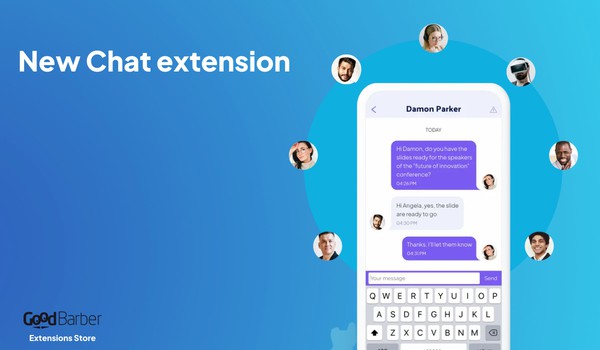
### [Gör din app mer social](https://www.goodbarber.com/blog/make-your-app-more-social-with-our-brand-new-chat-add-on-a731/)
Skapa en mer social dimension i din app genom att integrera en tjänst för snabbmeddelanden från en användare till en annan
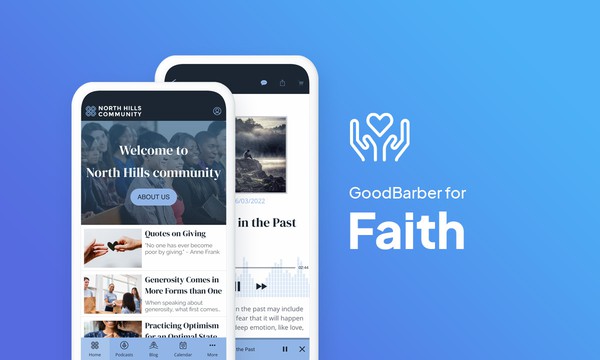
### [Hur man skapar en app för gudstjänst eller trosbaserad verksamhet](https://www.goodbarber.com/blog/how-to-create-a-worship-or-faith-based-app-a1203/)
Att skapa en religiös eller andlig app kan vara den perfekta lösningen för att låta ditt samhälle ...
## Prissättning
[Månadsvis](#)[Årligen](#)[En gång](#)
||Standard 340kr/månadfaktureras årsvisSpara 840kr varje år|Premium 620kr/månadfaktureras årsvisSpara 2040kr varje år|Pro 1190kr/månadfaktureras årsvisSpara 4080kr varje år|Byrån 2450kr/månadfaktureras årsvisSpara 8880kr varje år|Pro 52000krEngångsbetalningSpara 131600kr på en gång|Byrån 136000krEngångsbetalningSpara 246800kr på en gång|
|---|---|---|---|---|---|---|
|Teknik|||||||
|PWA-teknik|yes|yes|yes|yes|yes|yes|
|Inhemsk teknik||Android + iOS (iPhone & iPad) (iPhone & iPad)|Android + iOS (iPhone & iPad) (iPhone & iPad)|Android + iOS (iPhone & iPad) (iPhone & iPad)|Android + iOS (iPhone & iPad) (iPhone & iPad)|Android + iOS (iPhone & iPad) (iPhone & iPad)|
|Tillgänglig i Google Play Store||yes|yes|yes|yes|yes|
|Tillgänglig på App Store||yes|yes|yes|yes|yes|
|Kapacitet|||||||
|Förvaring info 22,7kr för 10 GB|2 GB|10 GB|50 GB|100 GB|50 GB|100 GB|
|Push-meddelanden info 114kr för 100K extra push-meddelanden(per månad)|10K|30K|250K|500K|250K|500K|
|Personalkonton|1|3|obegränsad|obegränsad|obegränsad|obegränsad|
|Antal projekt|1|1|1|obegränsad|1|obegränsad|
|Sidvisningar (bandbredd & trafik)|obegränsad|obegränsad|obegränsad|obegränsad|obegränsad|obegränsad|
|Nedladdningar av appar||obegränsad|obegränsad|obegränsad|obegränsad|obegränsad|
|Kundansvarig|||yes|yes|yes|yes|
|TilläggsbutikStort bibliotek 190+ [tillägg](https://se.goodbarber.com/extensions/). Nya tillägg varje månad info Utöka funktionerna i din app med tillägg : Automatiseringar (Zapier, Make), Analytics, Monetisering, Försäljningsoptimering, Integration (Wordpress, Squarespace, RSS).|||||||
|Gratis tillägg|Upp till 5|Upp till 20|obegränsad|obegränsad|obegränsad|obegränsad|
|Autentisering||136kr/månad (faktureras 1360kr/år. Du sparar 2 månader)|yes|yes|yes|yes|
|Chatt info Chat-tillägget kräver att Authentification-tillägget är installerat||227kr/månad (faktureras 2270kr/år. Du sparar 2 månader)|yes|yes|yes|yes|
|Medlemskap info Erbjud betalda prenumerationer till dina användare för att få tillgång till ditt innehåll. Köp görs enkelt från deras Apple / Google-konto||559kr/månad (faktureras 5590kr/år. Du sparar 2 månader). Ingen extra avgift baserad på dina intäkter.|yes|yes|yes|yes|
|Centrala funktioner|||||||
|NO CODE drag&drop; app-byggare|yes|yes|yes|yes|yes|yes|
|Fullständigt anpassningsbar design|yes|yes|yes|yes|yes|yes|
|System för innehållshantering(artikel, video, podcast, evenemang, karta, foto, live)|yes|yes|yes|yes|yes|yes|
|SEO-vänlig, AMP, ASO-vänlig|yes|yes|yes|yes|yes|yes|
|Support (riktig mänsklig support, av GoodBarber-teamet självt)|yes|yes|yes|yes|yes|yes|
|Pris för prenumeration på årsplan|Standard4080kr/år|Premium7440kr/år|Pro14280kr/år|Byrån29400kr/år|/år|/år|
### Skapa din app nu
[Börja gratis](https://se.goodbarber.com/create/)
## VANLIGA FRÅGOR
### Hur skapar man en religiös app enkelt?
GoodBarber Religious App Builder låter dig bygga en mobilapp för att samla och engagera din religiösa eller andliga gemenskap oavsett konfession och tro.
En religiös app kan vara ett värdefullt verktyg för att främja din tro, gemenskapsevenemang och skicka kommunikation effektivt:
* dela evenemang och religiösa kalendrar
* samla in donationer
* dela erfarenheter
* platser för nöjesställen
**För att skapa din Religious app följ dessa steg:**
1. Välj ett tema
2. Välj ett tema för din religiösa app
3. Bygg upp startskärmen för din religiösa app
4. Bygg din navigationsmeny för din app
5. Lägg till innehåll i din religiösa app
6. Designa din startskärm och appikon
7. Testa och publicera din religiösa app
### Vem är andliga/religiösa appar till för?
**Religiösa appar** används i allmänhet av:
- Religiösa samfund
- Spirituella grupper
- Lokala församlingar
### Vilka är lösningarna och fördelarna med att skapa en religiös app med GoodBarber App Builder?
- Platformsoberoende appbyggare: din religiösa app kommer att finnas tillgänglig för iOS- och Android-smartphones. Dessutom kommer den att publiceras online och nås från vilken enhet som helst tack vare en PWA. Allt detta genom samma och unika gränssnitt
- Visa religiös kalender enligt din bekännelse och / eller schema för enskilda evenemang för din gemenskap
- Push-meddelanden för att engagera din gemenskap
- Rikt medieinnehåll och Live Podcast;: använd videor, bilder, blogginlägg, musik och podcast för att liva upp din gemenskap Efter evenemanget kan du sända rapporter och evenemangshöjdpunkter med hjälp av bilder, artiklar och videor
- Donately: ett dedikerat tillägg för att samla in donationer
- Hantera appanvändare: skapa användargrupper och regler för innehållsåtkomst
- Export/import av användarlistor
- Hantera privat/offentligt innehåll
- Live video / Live audio-avsnitt för live-täckning av evenemang
- Kartavsnitt för att ange bästa vägbeskrivning till evenemangsplatserna
### Hur mycket kostar det att skapa en religiös app?
Du kan börja köra din religiösa app gratis med vår 30 dagars gratis provperiod.
Sedan är det upp till dig att prenumerera på den plan som bäst passar dina behov: den grundläggande planen för att skapa din religiösa app börjar på 340kr/Månad.
Observera att ytterligare kostnader tillkommer för att publicera iOS-appar i App Store och Android-appar i Google Play Store.
### Hur kan jag anpassa min appdesign och användarupplevelsen (UX) för religiösa appar?
Med över 200 layoutalternativ, en imponerande temakollektion och modulär design kan du skapa en unik app som återspeglar ditt religiösa appvarumärke.
Det finns många alternativ och nivåer av anpassning. Du kan välja olika "globala stilar" för att anpassa din religiösa app i sin helhet eller kanske bara anpassa ett visst avsnitt.
Vår Religious app builder erbjuder 9 mallar för listningssidor och 4 mallar för innehållssidor.
Du kommer också att kunna anpassa rubriker, teckensnitt, bakgrundsfärger och navigeringsmenyer.
Dessutom kommer du att kunna berika din religiösa appupplevelse med ljud, video, artiklar och live videostreaming för din publik under kurser och konferenser.
### Behöver jag tekniska kunskaper för att bygga en religiös app?
Tack vare GoodBarber Religious App builder behöver du inga programmeringskunskaper för att skapa din app. Du kan skapa en religiös app för Android, iOS eller en mobil webbplats med hjälp av en Progressive Web App (PWA) utan att skriva en enda rad kod.
### Kommer min religiösa app att vara tillgänglig i alla länder?
Ja, den kan vara tillgänglig i alla länder. Du kommer att besluta om geodistribution och välja de länder där appen kommer att finnas tillgänglig i appbutikerna innan den publiceras i Apples App Store och Google Play Store.
### Erbjuder ni någon support och eftermarknadshjälp för religiösa appar?
Ja, det stämmer verkligen! GoodBarbers support- och hjälpprogram tillhandahåller:
- Gratis support
- Gratis support
- Obegränsat antal supportärenden
- App livstids support
- Support på 5 språk
- 4 kontor i 3 länder
- 3 tidszoner support
### Vem är utvecklaren av min religiösa app?
Du måste köpa ditt eget utvecklarkonto från Apple och Google. Därför är du utvecklaren av din app. GoodBarber är helt enkelt verktyget för att skapa den.
### Kan jag sälja min Religious-app till en annan utvecklare?
Ja, du kan sälja din Religious-app. För att göra detta måste du överföra äganderätten till din app till den nya ägaren, i varje appbutik.
.
Dessutom måste du överföra ägandet av GoodBarbers backoffice till den nya ägaren. För att göra detta måste du kontakta Goodbarbers supportteam.
[Börja gratis](https://se.goodbarber.com/create/)
Från 340kr/månad
30 dagars gratis provperiod. Inget kreditkort krävs
---
# Appar för ideella organisationer
Source: https://se.goodbarber.com/nonprofit-app/
---
title: "Skapa en app för att förespråka och mobilisera"
description: "Skapa en app för att hjälpa din sak"
canonical_url: "https://se.goodbarber.com/nonprofit-app/"
lang: sv
---
# Skapa en app för att förespråka och mobilisera
### Goodbarber för ideella organisationer
# En app för att förespråka och sammanföra människor
## Sprid ordet om ditt projekt och håll dina aktivister och volontärer engagerade genom att använda en app som ett kommunikationsverktyg och en plats för utbyte.
- Donationer
- Geolokaliserad användarlista
- Offentlig kalender
- Sända liveinnehåll
- Leda ett redaktionellt team
- Push-meddelanden
[Starta nu](https://se.goodbarber.com/create/)
Från 340kr/månad
30 dagars gratis provperiod. Inget kreditkort krävs
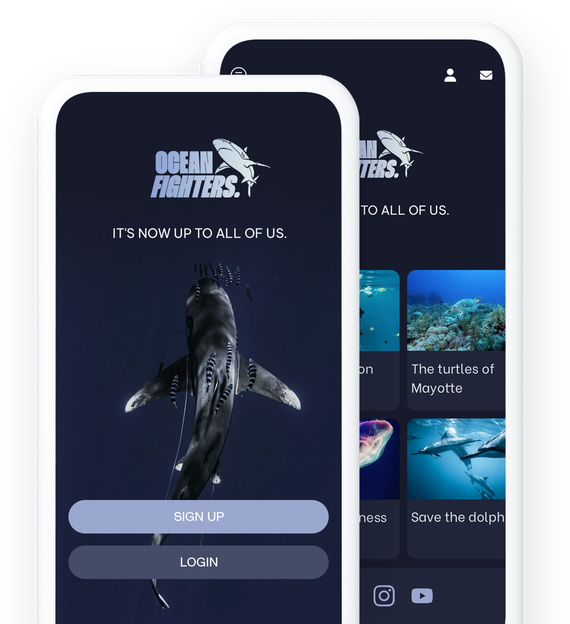
### De litar på GoodBarber

## En app i din saks tjänst
Samla så många människor som möjligt till ditt projekt och underlätta kommunikationen med dina aktivister och volontärer
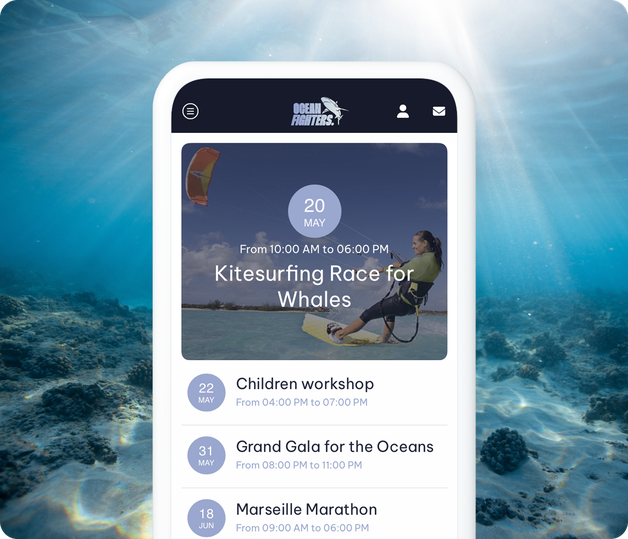
### Kommunikation och lojalitet
Med en app erbjuder du din sak det bästa kommunikations- och lojalitetsstödet. Du kommer att kunna presentera din struktur, dina åtgärder och dina evenemang på ett tydligt sätt, och du kommer att uppmuntra kommunikation mellan och med medlemmarna i din förening. Med hjälp av din app kan du hålla kontakten med dina aktivister och skapa effektiva och hållbara kommunikationsstrategier. Förutom att upprätthålla engagemanget kring din sak, kommer din app att erbjuda dig en stor synlighet tack vare PWA indexerad av sökmotorer.
## Välj ditt format
Presentera de ämnen som är viktiga för dig i det lämpligaste formatet
### Ett kraftfullt CMS
Med GoodBarber kan du välja hur du vill presentera ditt innehåll. Du kan skapa alla typer av innehåll, inklusive videor, foton, artiklar, podcasts eller till och med live video- eller ljudsessioner. Valet är ditt.
### Allt ditt innehåll i din app
Om du redan producerar innehåll på andra plattformar kan du visa det med hjälp av våra connectorer. Ditt innehåll kommer automatiskt att hämtas och integreras i din appdesign.

## Bygg en stark gemenskap
Sociala funktioner för att presentera dig själv och främja utbyten mellan dina medlemmar
### Presentera era medlemmar och representanter
Ge din app en ultra-social dimension genom att integrera ett inloggningssystem och användarprofiler. Du kan välja att tillåta alla att skapa användarkonton eller att filtrera enbart dina medlemmar. För att göra saker och ting så tydliga som möjligt kan du klassificera dina användare i olika grupper och erbjuda dem mer relevant innehåll och kommunikation.
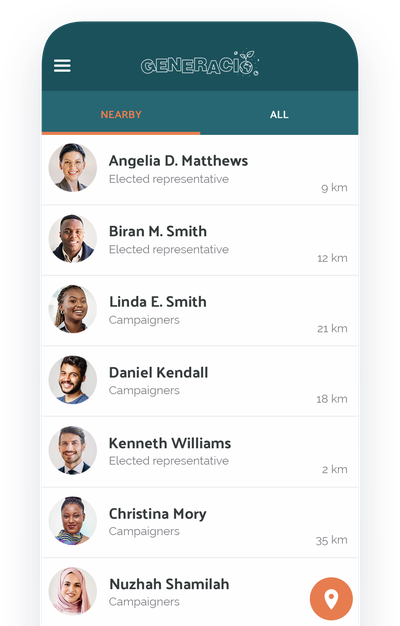
### Låt dina medlemmar få kontakt via chatt
Vad kan vara bättre än att diskutera ämnen som är viktiga för oss? Användarna av din app är passionerade och engagerade. Ge dem möjlighet att utbyta information med varandra tack vare en chatt som är integrerad i din app eller till och med att träffa varandra tack vare den geolokaliserade användarlistan.
## Publicera föreningens kalender
Kommunicera kring dina evenemang, möten, konferenser eller andra evenemang
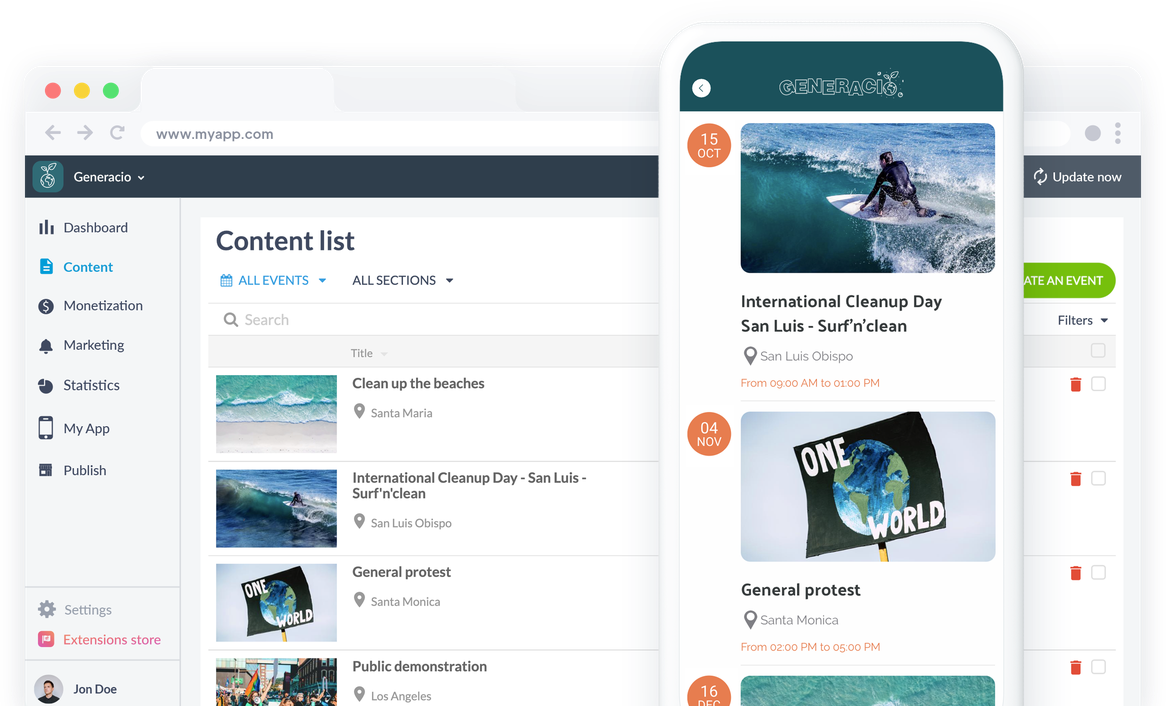
Visa de händelser som du har skapat från ditt backoffice eller som kommer att hämtas från en extern källa och centralisera dem alla i din app. Dina medlemmar får en översikt över din organisations kalender. De kan till och med lägga till dem direkt i sin egen kalender.
## Insamling av medel
De bästa lösningarna för att göra livet enklare för dina givare
### Donately eller Buy me a coffee
Länka din app till ditt Donately- eller Buy me a coffee-konto och samla in donationer direkt från din app. Installera ett av dessa två tillägg med ett klick och hantera dina donationer på ett enkelt sätt. Dina donatorer kommer att kunna komma åt dina donationsformulär och insamlingssidor.
[lab](https://se.goodbarber.com/extensions/donately/)
## Kommunicera på bästa möjliga sätt
Allt du behöver för att dela med dig till dina medlemmar
### Push-meddelanden
Nå din publik direkt på deras telefoner med pushnotiser. Du kan skicka dem manuellt eller schemalägga dem för att till exempel marknadsföra dina kommande evenemang eller meddela nya pressmeddelanden.
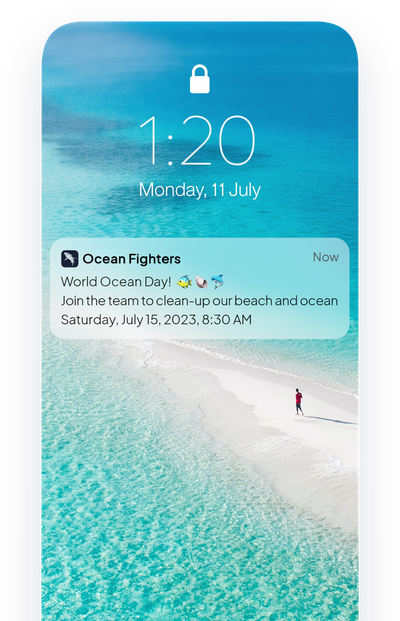
### Inlämning
Öppna en dialog med dina förespråkare genom att låta dem skicka innehåll till dig direkt från appen. De kan skicka foton, text eller till och med videor. Det är ett utmärkt sätt att upprätthålla kommunikationen mellan alla nivåer i din organisation.
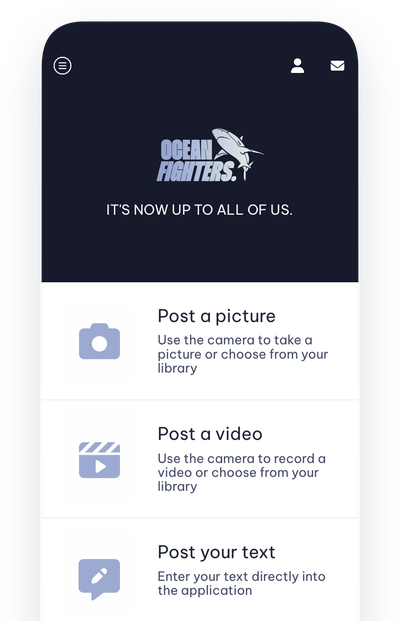
## Extensions Store
Tillägg som kan intressera dig
### Autentisering
Ge dina användare möjlighet att skapa en profil i din app och fylla i den information som du har begärt.
[Upptäck](https://se.goodbarber.com/extensions/authentication/)

### Gemenskap
Visa listan över dina användare i form av en geolokaliserad karta för att göra det ännu enklare för medlemmarna i din organisation att träffas.
[Upptäck](https://se.goodbarber.com/extensions/community/)

### Grupper
Dela in användarna i grupper och utveckla innehålls- och kommunikationsstrategier som är specifika för varje grupp.
[Upptäck](https://se.goodbarber.com/extensions/user-groups/)

### Automatiska push-meddelanden
Automatisera sändningen av dina pushnotiser beroende på när ditt innehåll publiceras. Pressmeddelanden, nyheter, nya evenemang eller offentliga möten, dina medlemmar kommer inte att missa någon av dina nyheter.
[Upptäck](https://se.goodbarber.com/extensions/scheduled-push/)
## Och så mycket mer...
### Leda ett redaktionellt team
Underlätta hanteringen av din app och skapandet av ditt innehåll genom att ge ditt team tillgång till ditt backoffice. Du hanterar rättigheterna för varje medlem i ditt team.
### Lägg till i telefonens kalender
Låt dina användare lägga till händelser från din app direkt i kalenderappen på sin telefon.
### Schemalagd publicering
Förbered ditt innehåll i förväg och använd senarelagd publicering för att hantera din redaktionella kalender. Du väljer i förväg tid och datum för publicering av varje innehåll.
### Sortering av användare
Dina användare kan sökas på namn och sorteras efter grupp, senaste inloggningsdatum och registreringsdatum.
### Import/export av användare
Importera och exportera din användarlista med ett klick med .csv-import/export.
### Genvägar till sociala nätverk
Infoga direktlänkar till dina sociala nätverk på startsidan för din app och centralisera din digitala närvaro i din app.
## Varför behöver ideella organisationer en app?
### Colect data
För ideella organisationer är det viktigt att registrera information om sina givare och förespråkare. Organisationer kan behöva kontakta dem med olika intervall för att hålla dem informerade om nya händelser och annan information. Det blir faktiskt opraktiskt att hantera allt manuellt; det är tids- och energikrävande. Med en app kan du automatisera hela processen och få korrekta och felfria data.
### Öka insamlingen av medel
Insamling av medel är grundläggande för hållbarheten och tillväxten hos alla ideella eller politiska organisationer. Att investera i en app eliminerar kritiska hinder för dina insamlingsinsatser. Donatorer kan göra en donation direkt via appen, och det finns en större chans till upprepade och pågående donationer på grund av appens enkelhet och tillgänglighet.
### Bygga upp en gemenskap
Ditt mål är inte bara att samla in pengar utan också att föra samman människor kring gemensamma frågor eller idéer. En app är en social plattform par excellence som gör det möjligt för givare och medlemmar att få information, ge förslag eller till och med interagera med varandra. Appens funktioner möjliggör enkel kommunikation och kopplar samman medlemmar med varandra vid varje evenemang.
## Kundomdömen
### [GoodBarber är en kraftfull appbyggare.](https://www.trustpilot.com/reviews/60f08679f9f48702a8e6869e)
#### Melissa Okta
GoodBarber är en kraftfull appbyggare. Om du vill bygga din app med hjälp av en förbyggd mall är GoodBarber perfekt för dig. På Global Academy har vi nästan avslutat det femte året med att använda deras lättanvända förbyggda plattformar för att bygga premiumappar för våra kunder. Goodbarbers kundsupport är också utmärkt. Rekommenderas varmt.
-
-
-
-
-
### [Bra support och alltid mycket hjälpsamma svar.](https://www.trustpilot.com/reviews/60c0ca7cf9f487099ce24eb9)
Bra support och alltid mycket hjälpsamma svar. Inget är för trivialt för att teamet ska kunna svara.
-
-
-
-
-
### [Lyhörd support och oftast snabb.](https://www.trustpilot.com/reviews/60ad3c03f9f4870a94ace1d1)
Lyhörd support och vanligtvis snabb. Programvaran är den överlägset bästa på marknaden, med enorma möjligheter till konfigurationer.
-
-
-
-
-
### [Jag gillar verkligen systemet.](https://www.trustpilot.com/reviews/60551146f85d7509fc10d732)
#### Gene Hieber
Jag har varit en resller-medlem i en månad nu. Jag har byggt flera demo-appar. Jag gillar verkligen systemet. Lätt att navigera och jag har sålt ett par progressiva webbappar och arbetar också med inbyggda appar. Jag rekommenderar starkt Good Barber.
-
-
-
-
-
### [Teamet på GoodBarber har varit otroligt informativt och hjälpsamt](https://www.trustpilot.com/reviews/6054cff7f85d7509fc1090eb)
#### W. Monahan
Teamet på GoodBarber har varit otroligt informativa och hjälpsamma under både skapandet och underhållet av min app. Jag är inte så tekniskt kunnig, och de ger mig alltid bra vägledning om hur jag kan åtgärda problem eller förbättra min app. Jag letade efter olika alternativ när jag ville bygga min app, och jag är glad att jag valde det här företaget.
-
-
-
-
-
### [De hjälpte mig att skapa en vacker och framgångsrik app](https://www.trustpilot.com/reviews/60511fb2f85d75064c43947b)
#### Mary Davis
Jag har varit med GoodBarber sedan 2014 och jag kan inte säga tillräckligt bra saker om dem och min erfarenhet av dem. De hjälpte mig att skapa en vacker, framgångsrik app; de har funnits där för mig varje steg på vägen för att lösa kundproblem och hjälpa till med uppdateringar; och de har en lättanvänd, oändligt anpassningsbar instrumentpanel för att skapa appen du drömmer om - vilket är vad jag gjorde. Tack GoodBarber. Du är den bästa
-
-
-
-
-
### [Bra verktyg, det har alla funktioner du behöver för att bygga din egen app eller webbplats.](https://www.trustpilot.com/reviews/60a22025f9f4870a94a45023)
#### Manuel Ventura
Bra verktyg, det har alla funktioner du behöver för att bygga din egen app eller webbplats.
-
-
-
-
-
### [GoodBarber är en underbar plattform.](https://www.trustpilot.com/reviews/604e93b7f85d7503942a6703)
#### Mini Maestro
GoodBarber är en underbar plattform. Deras supportpersonal är hjälpsam och gränssnittet är lätt att navigera! Tack för att ni gör det möjligt för oss att ge extra stöd till våra kunder med vår kundapp.
-
-
-
-
-
### [Den bästa appbyggaren på marknaden](https://www.trustpilot.com/reviews/604c6024f85d75064c40265c)
#### Draculapp
Den bästa appbyggaren på marknaden, PWA lätt och Native iOS-hjälp för publiceringsproblem. Mycket bra support och ständiga uppdateringar. Många funktioner och vackra designlayouter och en hög anpassningsnivå. Rekommenderas för enskilda företag eller byråer med en mycket bra lösning för återförsäljarprogrammet. Och sist men inte minst, vänlig personal! Det är värt ett försök...
-
-
-
-
-
### [En av de bästa leverantörerna i branschen.](https://www.trustpilot.com/reviews/604ba651f85d75064c3fd1ab)
#### K. Linton
En av de bästa leverantörerna i branschen. Lätt att använda, väldokumenterad och utmärkt kundservice. Om du vill skapa en mobilappslösning för ditt företag eller dina kunder är GoodBarber definitivt rätt väg att gå.
-
-
-
-
-
## Upptäck

### [Thalas Expedition](https://www.goodbarber.com/blog/the-thalas-expedition-shares-their-around-the-world-journey-with-an-app-a1174/)
Thalas åker för att träffa "havets och oceanernas hjältar" som arbetar tillsammans för att rädda det marina ekosystemet.
### [Hur skapar man en app för en ideell förening eller en politisk organisation?](https://www.goodbarber.com/blog/how-to-create-an-app-for-an-non-profit-association-or-a-political-organization-a1210/)
I den här artikeln hittar du de viktigaste stegen för att designa en app för föreningar och ...
### [Hur skriver man en övertygande annons i App Store?](https://www.goodbarber.com/blog/how-to-write-a-compelling-app-store-listing-a1059/)
Låt oss gå in på detaljerna för att skriva en App Store-lista
## Prissättning
[Månadsvis](#)[Årligen](#)[En gång](#)
||Standard 340kr/månadfaktureras årsvisSpara 840kr varje år|Premium 620kr/månadfaktureras årsvisSpara 2040kr varje år|Pro 1190kr/månadfaktureras årsvisSpara 4080kr varje år|Byrån 2450kr/månadfaktureras årsvisSpara 8880kr varje år|Pro 52000krEngångsbetalningSpara 131600kr på en gång|Byrån 136000krEngångsbetalningSpara 246800kr på en gång|
|---|---|---|---|---|---|---|
|Teknik|||||||
|PWA-teknik|yes|yes|yes|yes|yes|yes|
|Inhemsk teknik||Android + iOS (iPhone & iPad) (iPhone & iPad)|Android + iOS (iPhone & iPad) (iPhone & iPad)|Android + iOS (iPhone & iPad) (iPhone & iPad)|Android + iOS (iPhone & iPad) (iPhone & iPad)|Android + iOS (iPhone & iPad) (iPhone & iPad)|
|Tillgänglig i Google Play Store||yes|yes|yes|yes|yes|
|Tillgänglig på App Store||yes|yes|yes|yes|yes|
|Kapacitet|||||||
|Förvaring info 22,7kr för 10 GB|2 GB|10 GB|50 GB|100 GB|50 GB|100 GB|
|Push-meddelanden info 114kr för 100K extra push-meddelanden(per månad)|10K|30K|250K|500K|250K|500K|
|Personalkonton|1|3|obegränsad|obegränsad|obegränsad|obegränsad|
|Antal projekt|1|1|1|obegränsad|1|obegränsad|
|Sidvisningar (bandbredd & trafik)|obegränsad|obegränsad|obegränsad|obegränsad|obegränsad|obegränsad|
|Nedladdningar av appar||obegränsad|obegränsad|obegränsad|obegränsad|obegränsad|
|Kundansvarig|||yes|yes|yes|yes|
|TilläggsbutikStort bibliotek 190+ [tillägg](https://se.goodbarber.com/extensions/). Nya tillägg varje månad info Utöka funktionerna i din app med tillägg : Automatiseringar (Zapier, Make), Analytics, Monetisering, Försäljningsoptimering, Integration (Wordpress, Squarespace, RSS).|||||||
|Gratis tillägg|Upp till 5|Upp till 20|obegränsad|obegränsad|obegränsad|obegränsad|
|Autentisering||136kr/månad (faktureras 1360kr/år. Du sparar 2 månader)|yes|yes|yes|yes|
|Chatt info Chat-tillägget kräver att Authentification-tillägget är installerat||227kr/månad (faktureras 2270kr/år. Du sparar 2 månader)|yes|yes|yes|yes|
|Medlemskap info Erbjud betalda prenumerationer till dina användare för att få tillgång till ditt innehåll. Köp görs enkelt från deras Apple / Google-konto||559kr/månad (faktureras 5590kr/år. Du sparar 2 månader). Ingen extra avgift baserad på dina intäkter.|yes|yes|yes|yes|
|Centrala funktioner|||||||
|NO CODE drag&drop; app-byggare|yes|yes|yes|yes|yes|yes|
|Fullständigt anpassningsbar design|yes|yes|yes|yes|yes|yes|
|System för innehållshantering(artikel, video, podcast, evenemang, karta, foto, live)|yes|yes|yes|yes|yes|yes|
|SEO-vänlig, AMP, ASO-vänlig|yes|yes|yes|yes|yes|yes|
|Support (riktig mänsklig support, av GoodBarber-teamet självt)|yes|yes|yes|yes|yes|yes|
|Pris för prenumeration på årsplan|Standard4080kr/år|Premium7440kr/år|Pro14280kr/år|Byrån29400kr/år|/år|/år|
### Skapa din app nu
[Börja gratis](https://se.goodbarber.com/create/)
## VANLIGA FRÅGOR
### Hur skapar man enkelt en app för ideella organisationer?
GoodBarber Non-Profit App Builder låter dig bygga en mobilapp för att samla och engagera dina volontärer och givare kring ett gemensamt mål.
.
Dessutom kommer en välgörenhetsapp att vara ett centralt element för att öka den ideella organisationens medvetenhet såväl som dina insamlingskampanjer.
>
En app för ideella organisationer kan vara ett värdefullt verktyg för att främja en god sak, välgörenhetsevenemang och skicka kommunikation effektivt:
* Dela kalendrar för evenemang
* Samla in donationer
* Dela information
* Introducera organisationens grundare och nya medlemmar
* Venusplatser
* Kontaktformulär
Kontaktformulär
### Vem är välgörenhets- / ideella appar för?
**Non-Profit-appar** används vanligtvis av:
- Non-governmental organizations (NGO) (icke-statliga organisationer)
- Non-profit organisationer och föreningar
- Hobbygrupper
- Religiösa samfund
### Vilka är lösningarna och fördelarna med att skapa en Non-Profit-app med GoodBarber App Builder?
- Plattformsoberoende appbyggare: din ideella app kommer att finnas tillgänglig för iOS- och Android-smartphones. Dessutom kommer den att publiceras online och kunna nås från alla enheter tack vare en PWA. Allt detta genom samma och unika gränssnitt
- Visa evenemangskalender och/eller enstaka evenemangsschema för ditt community
- Push-meddelanden för att engagera din community
- Rikt medieinnehåll och Live Podcast: använd videor, bilder, blogginlägg, musik och podcast för att liva upp din community. Efter evenemanget kan du sända rapporter och evenemangshöjdpunkter med hjälp av bilder, artiklar och videor
- Donately: en dedikerad tillägg för att samla in donationer
- Hantera appanvändare: skapa användargrupper och regler för innehållsåtkomst
- Export/import av medlemslistor
- Hantera privat/offentligt innehåll
- Live video / Live audio-avsnitt för live-täckning av evenemang
- Kartavsnitt för att ange bästa vägbeskrivning till platser för evenemang
### Hur mycket kostar det att skapa en app för icke-vinstdrivande organisationer?
Du kan börja köra din Non-Profit-app gratis med vår 30-dagars kostnadsfria provperiod.
Sedan är det upp till dig att prenumerera på den plan som bäst passar dina behov: den grundläggande planen för att skapa din Non-Profit-app börjar på 340kr/Månad.
Observera att ytterligare kostnader tillkommer för att publicera iOS-appar på App Store.
### Hur kan jag anpassa min appdesign och användarupplevelsen (UX) för min app för ideella organisationer?
Med över 200 layoutalternativ, en imponerande temakollektion och modulär design kan du skapa en unik app som återspeglar ditt varumärke för icke-vinstdrivande appar.
Det finns många alternativ och nivåer av anpassning. Du kan välja olika "globala stilar" för att anpassa din ideella app i sin helhet eller kanske bara anpassa ett visst avsnitt.
Vår appbyggare för ideella organisationer erbjuder 9 mallar för listningssidor och 4 mallar för innehållssidor.
Du kommer också att kunna anpassa rubriker, teckensnitt, bakgrundsfärger och navigeringsmenyer.
Dessutom kommer du att kunna berika din Non-Profit app-upplevelse med ljud, video, artiklar och live video streaming för din publik under kurser och konferenser.
### Behöver jag tekniska kunskaper för att bygga en app för ideella organisationer?
Tack vare GoodBarber Non-Profit app builder behöver du inga programmeringskunskaper för att skapa din app. Du kan skapa en Non-Profit-app för Android, iOS eller en mobil webbplats med en Progressive Web App (PWA) utan att skriva en enda rad kod.
### Kommer min Non-Profit-app att vara tillgänglig i alla länder?
Ja, den kan vara tillgänglig i alla länder. Du kommer att besluta om geodistribution och välja de länder där appen kommer att finnas tillgänglig i appbutikerna innan den publiceras i Apples App Store och Google Play Store.
### Erbjuder ni någon support och eftermarknadshjälp för appar för ideella organisationer?
Ja, det stämmer verkligen! GoodBarbers support- och hjälpprogram tillhandahåller:
- Gratis support
- Gratis support
- Obegränsat antal supportärenden
- App livstids support
- Support på 5 språk
- 4 kontor i 3 länder
- 3 tidszoner support
### Vem är utvecklaren av min app för ideella organisationer?
Du måste köpa ditt eget utvecklarkonto från Apple och Google. Därför är du utvecklaren av din app. GoodBarber är helt enkelt verktyget för att skapa den.
### Kan jag sälja min Religious-app till en annan utvecklare?
Ja, du kan sälja din Non-Profit-app. För att göra detta måste du överföra äganderätten till din app till den nya ägaren, i varje appbutik.
.
Dessutom måste du överföra äganderätten till GoodBarbers backoffice till den nya ägaren. För att göra detta måste du kontakta Goodbarbers supportteam.
[Börja gratis](https://se.goodbarber.com/create/)
Från 340kr/månad
30 dagars gratis provperiod. Inget kreditkort krävs
---
# Bokningsappar
Source: https://se.goodbarber.com/booking-app/
---
title: "Skapa en app för tidsbokning"
description: "Skapa en app för tidsbokning utan kodning och ge dina kunder möjlighet att välja den tidslucka som passar dem"
canonical_url: "https://se.goodbarber.com/booking-app/"
lang: sv
---
# Skapa en app för tidsbokning
### GoodBarber för Tidsbokning
# En app för att hantera tidsbokning
## Låt dina kunder boka tid direkt via din app.
- Hantering av flera kalendrar
- Integration med Google Kalender
- Omfattande CMS för att presentera dina tjänster
- Lojalitetsprogram
- Kontaktformulär
- Push-meddelanden
[Starta nu](https://se.goodbarber.com/create/)
30 dagars gratis provperiod. Inget kreditkort krävs
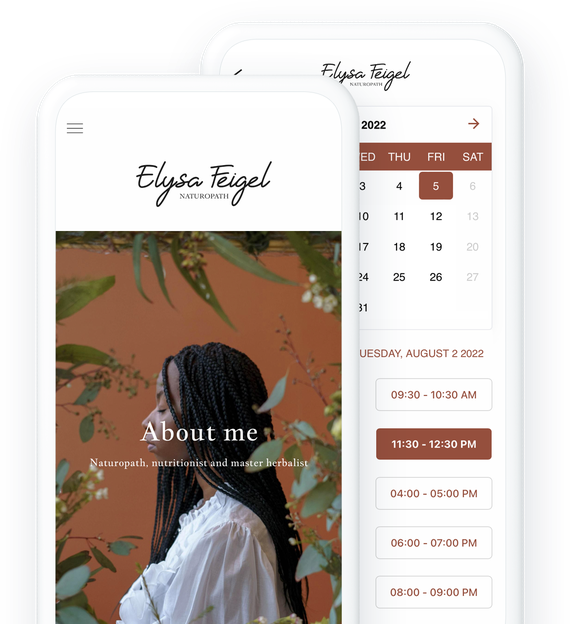
### De litar på GoodBarber

## Organisera ditt företag med en skräddarsydd och 100% tillförlitlig bokningstjänst
Erbjud dina kunder möjlighet att boka tid 24/7
### Skapa den kalender som passar dig
För att din bokningstjänst ska bli ett verkligt plus för dig och dina kunder måste du ha en kalender som passar dig helt och hållet. Med GoodBarbers tidsbokningstjänst kan du ställa in din kalender in i minsta detalj: öppettider, exceptionell stängning, varaktighet för varje lucka ... Du kan ställa in alla dessa alternativ för att dra nytta av ett kraftfullt verktyg som är skräddarsytt för dig och ditt företag.
### En kundupplevelse utan frustration och felfri hantering
Visa din tillgänglighet så att dina kunder snabbt kan se vilka tider som kan passa dem. Det är ett avgörande argument bland dina kunder som strävar efter maximal bekvämlighet och minimalt krångel. Din tillgänglighet synkroniseras i realtid, vilket garanterar ett ofelbart bokningssystem som är lika effektivt för dig som för dina kunder: avsnittet för tidsbokning i din app är länkat till den Google-kalender du väljer. På så sätt, om en tid är blockerad i din Google-kalender, kommer den automatiskt och omedelbart att blockeras i din app, och vice versa.
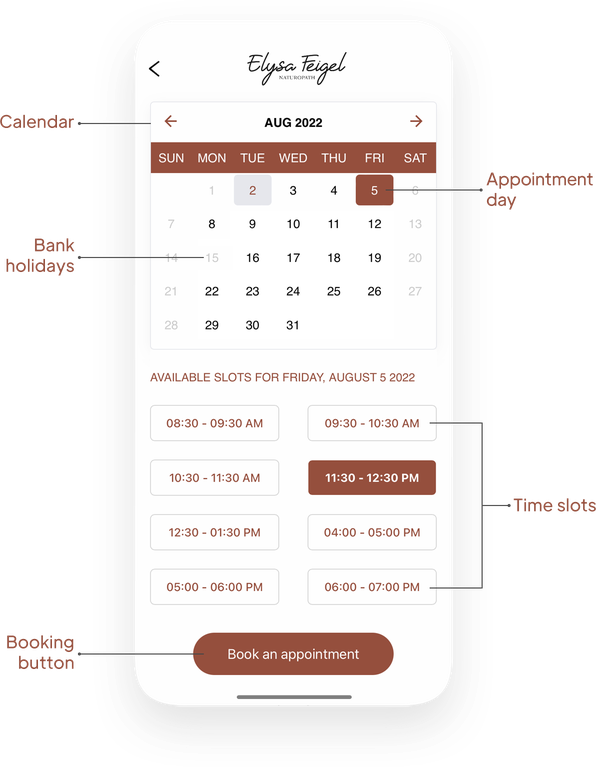
## Hantera flera kalendrar
Flera leverantörer, olika typer av tjänster, kataloger ... skapa det system för tidsbokning som du behöver
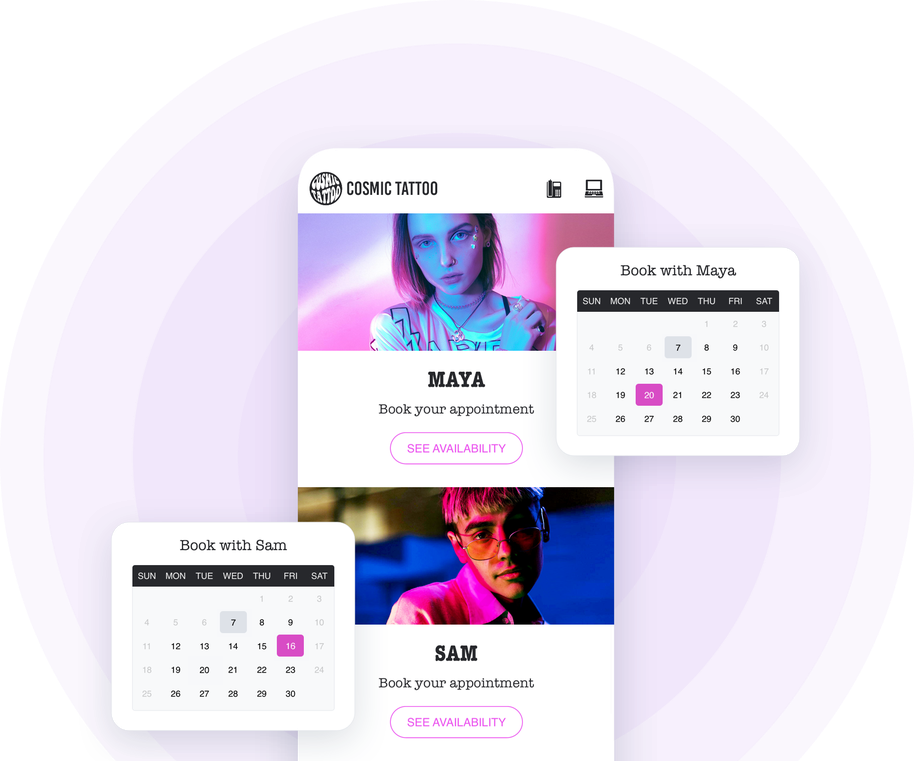
Är ni flera tjänsteleverantörer inom samma struktur? Erbjuder ni tjänster som kräver en egen kalender? Du kan lägga till och hantera så många kalendrar som du vill i din app. Så oavsett vilken verksamhet du har kommer du inte att begränsas i hanteringen av dina möten: varje kalender kan ställas in och hanteras oberoende för en verksamhet som är helt anpassad till varje verksamhet.
## Presentera dina tjänster
Din app är ditt bästa skyltfönster
### Vikten av att presentera din katalog
Använd din app för att presentera din tjänstekatalog för dina kunder. Oavsett om du är frisör, garageägare, tatuerare, naturopat, coach eller någon annan tjänsteleverantör måste du presentera din katalog på ett tydligt sätt. Du måste få dina kunder eller framtida kunder att vilja boka ett möte med dig genom att förklara dina färdigheter och de tjänster du erbjuder, dina priser och varför inte resultaten av ditt arbete och vittnesmål från dina kunder.
### Avsnittet Artiklar för att visa din katalog
Artiklar, bilder, videor, allt är bra för att lyfta fram dina färdigheter och visa din prissättning. Artiklar är särskilt lämpliga för att presentera dina tjänster i detalj. Du kan illustrera varje tjänst, beskriva processen i detalj och naturligtvis ange priset. Artiklar kan också vara särskilt användbara för att presentera ditt företag, din bakgrund, ditt team, kort sagt allt som kan vara användbart för att vinna dina kunders förtroende och övertyga dem om dina färdigheter och din professionalism.
### Dina kunder är dina bästa ambassadörer
Feedback från dina nöjda kunder är ditt bästa argument. Andras erfarenheter är mycket viktiga när det gäller att välja tjänsteleverantör, så tveka inte att samla in deras omdömen och publicera dem i din app så att dina framtida kunder kan se dem. För att göra detta använder du avsnittet Submission som gör det möjligt för dina kunder att skicka bilder, videor eller text som du sedan kan återpublicera i din app. På så sätt ger du dina kunder möjlighet att kontakta dig på ett snabbt och enkelt sätt, samtidigt som du bygger upp ett gott rykte.
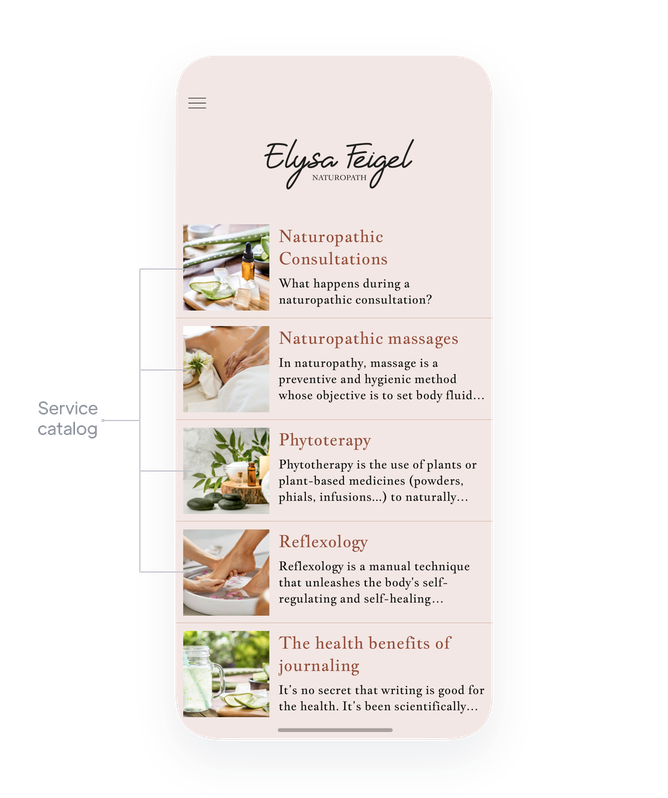
## Vårda kundrelationerna
Du har aldrig varit så nära dina kunder som nu
### Utbyte
Som tjänsteleverantör är det viktigt för dig att hålla kontakten med dina kunder och potentiella kunder. Tack vare din GoodBarber-app kan du bygga en solid och diversifierad kommunikationsstrategi: automatiska, manuella eller till och med geolokaliserade push-meddelanden, e-post... [många verktyg står till ditt förfogande](https://se.goodbarber.com/extensions/collections/booking/) för att kommunicera rätt budskap, vid rätt tidpunkt och på rätt sätt.
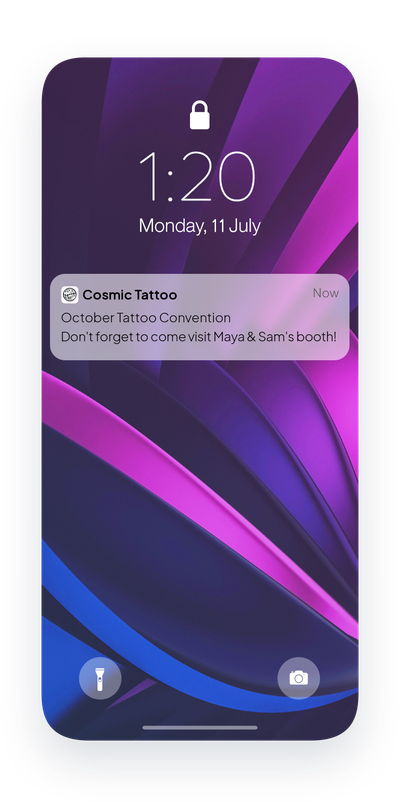
### Upptäck dina kunder
När du står framför dem är du nära dina kunder och du kan enkelt lära dig mer om dem och identifiera deras behov. Med din app kan du göra (nästan) samma sak. Be dina användare att skapa sin profil i din app och lär dig mer om dem: anpassa de fält som behövs för att skapa deras profil efter de tjänster du erbjuder och vad som kan vara användbart för att bättre tillfredsställa dem.
### Presentera dig själv
Förutom att ta emot bokningar och presentera dina tjänster är din app den perfekta platsen för att presentera dig själv. I avsnittet Om kan du berätta mer om dig själv, din historia, din expertis... Berätta vem du är och inspirera dina användare att välja dig. Sedan kan du välja ett kontaktavsnitt och ett kartavsnitt så att dina kunder och framtida kunder enkelt kan kontakta dig och hitta dig.
### Skapa lojalitet
En app är ditt bästa verktyg för att bygga kundlojalitet. Förutom att erbjuda onlinebokning kan du bygga ditt eget lojalitetsprogram med dedikerade verktyg som det digitala lojalitetskortet, medlemskortet som erbjuder exklusiva fördelar till dina lojala kunder eller utfärdande av rabattkuponger.
## Erbjud dina kunder mer bekvämlighet och marknadsför dina tjänster
Publicera din app på webben och i Apple- och Google-butikerna
### PWA: På webben
Publicera webbversionen av din app och gör den tillgänglig för så många människor som möjligt. Du kommer att få en högpresterande app som är perfekt optimerad för SEO. PWA är tillgänglig från mobiler, surfplattor och datorer och är en utmärkt möjlighet att nå en ny publik och därmed nya potentiella kunder.
### Inbyggd iOS och Android
Din app är speciellt utformad för iOS och Android. Den drar nytta av GoodBarbers expertis inom native-appar. När din app har publicerats kommer den att finnas tillgänglig på Apples App Store och Googles Play Store. Förutom att vara listad i butikerna (ASO) erbjuder GoodBarbers native-appar bästa möjliga användarupplevelse och hjälper dig att bygga upp kundlojalitet.
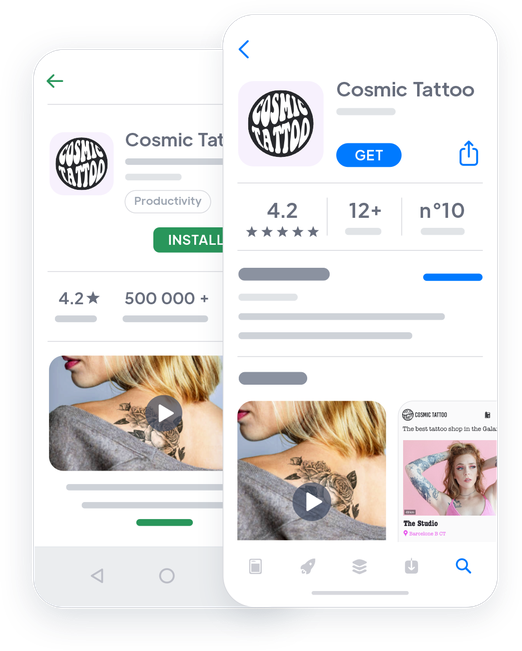

## Extensions Store
Tillägg som kan intressera dig

### Tidsbokning
Lägg upp din tillgänglighet och bjud in dina kunder att boka tid med dig när som helst med hjälp av avsnittet Tidsbokning.
[Upptäck](https://se.goodbarber.com/extensions/appointment-booking/)

### Push-meddelanden
Håll kontakten med dina kunder med hjälp av push-meddelanden. Skicka dem automatiskt eller manuellt, och använd inriktningsalternativen för att skapa en anpassad kommunikationskampanj.
[Upptäck](https://se.goodbarber.com/extensions/scheduled-push/)

### Geofencing
Skapa geolokaliserade meddelanden som skickas automatiskt baserat på dina användares aktivitet runt det geografiska område du har valt. De kommer att vara perfekta för att välkomna dem som anländer till din butik eller för att önska en god dag till dem som lämnar.
[Upptäck](https://se.goodbarber.com/extensions/geofencing/)
### Autentisering
Lägg till en inloggningsruta i din app och låt dina användare skapa sin egen profil. Anpassa användarprofilens fält och samla in information som kan vara användbar för att lära känna dina kunder.
[Upptäck](https://se.goodbarber.com/extensions/authentication/)

### Sektion för inlämning
Interagera med dina användare genom att erbjuda dem en plats där de kan uttrycka sig själva. Tack vare avsnittet Submission kan de skicka text, foton eller videor till dig med 1 klick.
[Upptäck](https://se.goodbarber.com/extensions/content-submission/)

### Kontaktformulär
Skapa det kontaktformulär som passar dig bäst genom att välja bland de olika typer av fält som finns tillgängliga.
[Upptäck](https://se.goodbarber.com/extensions/form/)

### Menyavsnitt
Strukturera din app efter dina behov tack vare menyavsnittet: det gör att du kan skapa så många navigeringsnivåer du vill och organisera dina avsnitt för att presentera ditt utbud av tjänster på bästa sätt.
[Upptäck](https://se.goodbarber.com/extensions/menu-section/)

### Lojalitetskort
Erbjud ett digitalt lojalitetskort till dina kunder och uppmuntra dem att besöka din butik om och om igen. Varje gång de besöker din butik samlar de poäng. När deras kort är helt fyllt får de en gåva.
[Upptäck](https://se.goodbarber.com/extensions/loyalty-card/)

### Medlemskort
Belöna dina mest lojala kunder genom att låta dem gå med i en medlemsklubb. Ställ in upp till 3 nivåer av uppgraderingar för dina privata medlemmar och definiera de åtkomstmodaliteter och privilegier som varje nivå av medlem kommer att ha tillgång till.
[Upptäck](https://se.goodbarber.com/extensions/club-card/)

### Rabattkuponger
Skapa uppmärksamhet kring ditt företag genom att skapa dina egna rabattkampanjer. Oavsett om det är för att lansera ett nytt erbjudande, kompensera för ett säsongsbetonat kundtapp eller helt enkelt för att locka nya användare, kan du erbjuda dina egna anpassade kuponger direkt i din app.
[Upptäck](https://se.goodbarber.com/extensions/couponing/)
## Och så mycket mer...
### En app som speglar dig
Du kan helt anpassa utformningen av din app så att den passar perfekt till ditt företag och dess identitet och verkligen känns igen av dina kunder.
### Anpassningsbart domännamn
Gör det lilla extra och anpassa ditt domännamn. På så sätt behåller du din identitet och dina kunder hittar lätt vägen till din PWA.
### Kategorier
Förutom huvudnavigeringsläget och menyavsnittet kan du använda kategorier för att organisera dina tjänster
### Skapa dina egna annonser
Använd reklamutrymmet i din app för att marknadsföra dina egna tjänster eller till och med dina partners. Skapa dina annonser, organisera deras visning och kom igång!
### Statistik
Analysera din appstatistik med GoodBarbers interna statistik och/eller Google Analytics. Visa dina data och lär dig mer om dina kunders konsumtionsvanor och din apps prestanda.
## Varför är en app användbar för att boka möten?
### Oavbruten service
Med ett telefonbokningssystem är dina kunder tvungna att nå dig under dina öppettider, som ofta sammanfaller med deras arbetstider. Detta system kan vara mycket frustrerande för dem som mer och mer är vana vid en viss grad av självständighet. Med en app erbjuder du en bokningstjänst dygnet runt utan att du behöver lägga någon extra börda på det. Alla vinner på det.
### Mer bekvämlighet och självständighet för dina kunder
Med en app kan dina kunder se din kalender och i lugn och ro välja den tid som passar dem bäst. Din kalender uppdateras automatiskt, vilket säkerställer att dina kunders möten respekteras. Dina kunder ställer nya krav på tillgänglighet och genom att byta till ett tidsbokningssystem online kan du behålla din konkurrenskraft: enligt en amerikansk studie skulle möjligheten att boka en tid online vara en avgörande faktor för valet av tjänsteleverantör för [94%](https://www.getapp.com/resources/research-online-booking-importance-of-appointment-scheduling/) av konsumenterna och till och med en god anledning att lämna sin nuvarande leverantör.
### Mindre krångel och bortkastad tid för dig
Förutom att erbjuda bekvämlighet för dina kunder kommer detta autonoma system att spara tid: att använda en app för din schemaläggning av möten kommer oundvikligen att leda till en minskning av antalet telefonsamtal du får, oavsett din aktivitet. Oavsett om du arbetar inom sjukvård, skönhet, personlig service, fritid eller till och med underhåll, kommer du att bli mindre avbruten i ditt arbete, du kommer att ha färre telefonsamtal att komma ikapp i slutet av dagen. Kort sagt, du kommer att vinna tid och produktivitet och du kommer att kunna ägna dig fullt ut åt ditt jobb.
## Vad våra kunder säger
### [GoodBarber är en kraftfull appbyggare.](https://www.trustpilot.com/reviews/60f08679f9f48702a8e6869e)
#### Melissa Okta
GoodBarber är en kraftfull appbyggare. Om du vill bygga din app med hjälp av en förbyggd mall är GoodBarber perfekt för dig. På Global Academy har vi nästan avslutat det femte året med att använda deras lättanvända förbyggda plattformar för att bygga premiumappar för våra kunder. Goodbarbers kundsupport är också utmärkt. Rekommenderas varmt.
-
-
-
-
-
### [Bra support och alltid mycket hjälpsamma svar.](https://www.trustpilot.com/reviews/60c0ca7cf9f487099ce24eb9)
Bra support och alltid mycket hjälpsamma svar. Inget är för trivialt för att teamet ska kunna svara.
-
-
-
-
-
### [Lyhörd support och oftast snabb.](https://www.trustpilot.com/reviews/60ad3c03f9f4870a94ace1d1)
Lyhörd support och vanligtvis snabb. Programvaran är den överlägset bästa på marknaden, med enorma möjligheter till konfigurationer.
-
-
-
-
-
### [Jag gillar verkligen systemet.](https://www.trustpilot.com/reviews/60551146f85d7509fc10d732)
#### Gene Hieber
Jag har varit en resller-medlem i en månad nu. Jag har byggt flera demo-appar. Jag gillar verkligen systemet. Lätt att navigera och jag har sålt ett par progressiva webbappar och arbetar också med inbyggda appar. Jag rekommenderar starkt Good Barber.
-
-
-
-
-
### [Teamet på GoodBarber har varit otroligt informativt och hjälpsamt](https://www.trustpilot.com/reviews/6054cff7f85d7509fc1090eb)
#### W. Monahan
Teamet på GoodBarber har varit otroligt informativa och hjälpsamma under både skapandet och underhållet av min app. Jag är inte så tekniskt kunnig, och de ger mig alltid bra vägledning om hur jag kan åtgärda problem eller förbättra min app. Jag letade efter olika alternativ när jag ville bygga min app, och jag är glad att jag valde det här företaget.
-
-
-
-
-
### [De hjälpte mig att skapa en vacker och framgångsrik app](https://www.trustpilot.com/reviews/60511fb2f85d75064c43947b)
#### Mary Davis
Jag har varit med GoodBarber sedan 2014 och jag kan inte säga tillräckligt bra saker om dem och min erfarenhet av dem. De hjälpte mig att skapa en vacker, framgångsrik app; de har funnits där för mig varje steg på vägen för att lösa kundproblem och hjälpa till med uppdateringar; och de har en lättanvänd, oändligt anpassningsbar instrumentpanel för att skapa appen du drömmer om - vilket är vad jag gjorde. Tack GoodBarber. Du är den bästa
-
-
-
-
-
### [Bra verktyg, det har alla funktioner du behöver för att bygga din egen app eller webbplats.](https://www.trustpilot.com/reviews/60a22025f9f4870a94a45023)
#### Manuel Ventura
Bra verktyg, det har alla funktioner du behöver för att bygga din egen app eller webbplats.
-
-
-
-
-
### [GoodBarber är en underbar plattform.](https://www.trustpilot.com/reviews/604e93b7f85d7503942a6703)
#### Mini Maestro
GoodBarber är en underbar plattform. Deras supportpersonal är hjälpsam och gränssnittet är lätt att navigera! Tack för att ni gör det möjligt för oss att ge extra stöd till våra kunder med vår kundapp.
-
-
-
-
-
### [Den bästa appbyggaren på marknaden](https://www.trustpilot.com/reviews/604c6024f85d75064c40265c)
#### Draculapp
Den bästa appbyggaren på marknaden, PWA lätt och Native iOS-hjälp för publiceringsproblem. Mycket bra support och ständiga uppdateringar. Många funktioner och vackra designlayouter och en hög anpassningsnivå. Rekommenderas för enskilda företag eller byråer med en mycket bra lösning för återförsäljarprogrammet. Och sist men inte minst, vänlig personal! Det är värt ett försök...
-
-
-
-
-
### [En av de bästa leverantörerna i branschen.](https://www.trustpilot.com/reviews/604ba651f85d75064c3fd1ab)
#### K. Linton
En av de bästa leverantörerna i branschen. Lätt att använda, väldokumenterad och utmärkt kundservice. Om du vill skapa en mobilappslösning för ditt företag eller dina kunder är GoodBarber definitivt rätt väg att gå.
-
-
-
-
-
## Upptäck
### [6 bästa metoder för att få ut mesta möjliga av dina push-meddelanden](https://www.goodbarber.com/blog/6-best-practices-to-get-the-most-value-for-your-push-notifications-a975/)
I den här artikeln kommer vi att dela med oss av 6 bästa metoder för att få ut mesta möjliga av dina push-meddelanden
### [Instagram, WhatsApp & Skype inbjudna i ditt kontaktavsnitt](https://www.goodbarber.com/blog/instagram-whatsapp-skype-get-invited-in-your-contact-section-a952/)
Länkar till Instagram, WhatsApp och Skype finns nu i avsnittet Kontakt.
### [Kupong för mobilappar](https://www.goodbarber.com/blog/goodbarber-feature-highlight-couponing-a938/)
Med tillägget Couponing erbjuder vi dig ett utmärkt verktyg för att engagera och behålla dina kunder
## Prissättning
[Månadsvis](#)[Årligen](#)[En gång](#)
||Standard 340kr/månadfaktureras årsvisSpara 840kr varje år|Premium 620kr/månadfaktureras årsvisSpara 2040kr varje år|Pro 1190kr/månadfaktureras årsvisSpara 4080kr varje år|Byrån 2450kr/månadfaktureras årsvisSpara 8880kr varje år|Pro 52000krEngångsbetalningSpara 131600kr på en gång|Byrån 136000krEngångsbetalningSpara 246800kr på en gång|
|---|---|---|---|---|---|---|
|Teknik|||||||
|PWA-teknik|yes|yes|yes|yes|yes|yes|
|Inhemsk teknik||Android + iOS (iPhone & iPad) (iPhone & iPad)|Android + iOS (iPhone & iPad) (iPhone & iPad)|Android + iOS (iPhone & iPad) (iPhone & iPad)|Android + iOS (iPhone & iPad) (iPhone & iPad)|Android + iOS (iPhone & iPad) (iPhone & iPad)|
|Tillgänglig i Google Play Store||yes|yes|yes|yes|yes|
|Tillgänglig på App Store||yes|yes|yes|yes|yes|
|Kapacitet|||||||
|Förvaring info 22,7kr för 10 GB|2 GB|10 GB|50 GB|100 GB|50 GB|100 GB|
|Push-meddelanden info 114kr för 100K extra push-meddelanden(per månad)|10K|30K|250K|500K|250K|500K|
|Personalkonton|1|3|obegränsad|obegränsad|obegränsad|obegränsad|
|Antal projekt|1|1|1|obegränsad|1|obegränsad|
|Sidvisningar (bandbredd & trafik)|obegränsad|obegränsad|obegränsad|obegränsad|obegränsad|obegränsad|
|Nedladdningar av appar||obegränsad|obegränsad|obegränsad|obegränsad|obegränsad|
|Kundansvarig|||yes|yes|yes|yes|
|TilläggsbutikStort bibliotek 190+ [tillägg](https://se.goodbarber.com/extensions/). Nya tillägg varje månad info Utöka funktionerna i din app med tillägg : Automatiseringar (Zapier, Make), Analytics, Monetisering, Försäljningsoptimering, Integration (Wordpress, Squarespace, RSS).|||||||
|Gratis tillägg|Upp till 5|Upp till 20|obegränsad|obegränsad|obegränsad|obegränsad|
|Autentisering||136kr/månad (faktureras 1360kr/år. Du sparar 2 månader)|yes|yes|yes|yes|
|Chatt info Chat-tillägget kräver att Authentification-tillägget är installerat||227kr/månad (faktureras 2270kr/år. Du sparar 2 månader)|yes|yes|yes|yes|
|Medlemskap info Erbjud betalda prenumerationer till dina användare för att få tillgång till ditt innehåll. Köp görs enkelt från deras Apple / Google-konto||559kr/månad (faktureras 5590kr/år. Du sparar 2 månader). Ingen extra avgift baserad på dina intäkter.|yes|yes|yes|yes|
|Centrala funktioner|||||||
|NO CODE drag&drop; app-byggare|yes|yes|yes|yes|yes|yes|
|Fullständigt anpassningsbar design|yes|yes|yes|yes|yes|yes|
|System för innehållshantering(artikel, video, podcast, evenemang, karta, foto, live)|yes|yes|yes|yes|yes|yes|
|SEO-vänlig, AMP, ASO-vänlig|yes|yes|yes|yes|yes|yes|
|Support (riktig mänsklig support, av GoodBarber-teamet självt)|yes|yes|yes|yes|yes|yes|
|Pris för prenumeration på årsplan|Standard4080kr/år|Premium7440kr/år|Pro14280kr/år|Byrån29400kr/år|/år|/år|
### Skapa din app nu
[Börja gratis](https://se.goodbarber.com/create/)
## VANLIGA FRÅGOR
### Hur skapar man en bokningsapp?
GoodBarber Booking App Builder gör det möjligt för dig att bygga en mobilapp för att boka och hantera möten direkt via din app.
Med GoodBarbers tidsbokningstjänst kan du ställa in din kalender ner till minsta detalj; lägga till och hantera flera kalendrar.
Din bokningstjänst är tillgänglig 24/7 tack vare din bokningsapp!
Följ dessa steg för att skapa din bokningsapp:
1. Välj ett tema för din bokningsapp
2. Bygg din bokningsapps startskärm
3. Bygg din navigeringsmeny för din app
4. Lägg till innehåll i din bokningsapp
5. Designa din startskärm och appikon
6. Testa och publicera din bokningsapp
### Vem är bokningsappar för?
Bokningsappar används vanligtvis av:
- Läkare
- Hälsovårdgivare
- skönhetsinstitut
- Hårfrisörer
- Bilmekaniker
- Automobiltekniker
- Personliga tjänsteleverantörer
Exempel finns i överflöd. Hitta inspiration genom att utforska [olika användningsområden för tidsbokning i en app](https://se.goodbarber.com/booking-app/explore/).
### Vad finns det för lösningar och fördelar med att skapa en bokningsapp med GoodBarber App Builder?
- Appbyggare för flera plattformar: din bokningsapp kommer att finnas tillgänglig för iOS- och Android-smartphones. Dessutom kommer den att publiceras online och nås från vilken enhet som helst tack vare en PWA. Allt detta genom samma och unika gränssnitt
- Visa bokningsscheman, lediga tider alltid synkroniserade
- Skapa flera kalendrar i en unik app
- Fullt anpassningsbar design
- Push-meddelanden för att engagera din community
- Rikt medieinnehåll och Live Podcast: använd videor, bilder, blogginlägg, musik och podcast för att presentera dig själv och marknadsföra din tjänstekatalog
### Hur mycket kostar det att skapa en Booking-app?
Du kan börja köra din Booking-app gratis med vår 30 dagars gratis provperiod.
Sedan är det upp till dig att prenumerera på den plan som bäst passar dina behov: den grundläggande planen för att göra din Booking-app börjar på 340kr / månad.
Observera att ytterligare kostnader tillkommer för att publicera iOS-appar på App Store.
### Hur kan jag anpassa min appdesign och användarupplevelsen (UX) för bokningsappen?
Med över 200 layoutalternativ, en imponerande temasamling och modulär design kan du skapa en unik app som återspeglar ditt varumärke för bokningsappar.
Det finns många alternativ och nivåer av anpassning. Du kan välja olika "globala stilar" för att anpassa din bokningsapp i sin helhet eller kanske bara anpassa ett visst avsnitt.
Vår bokningsappbyggare erbjuder 9 mallar för listningssidor och 4 mallar för innehållssidor.
.
Du kommer också att kunna anpassa rubriker, teckensnitt, bakgrundsfärger och navigeringsmenyer.
Dessutom kommer du att kunna berika din upplevelse av Booking-appen med ljud, video, artiklar och live videostreaming för din publik under kurser och konferenser.
### Behöver jag tekniska kunskaper för att bygga en Booking-app?
Tack vare GoodBarber Booking App Builder behöver du inga programmeringskunskaper för att skapa din app. Du kan skapa en bokningsapp för Android, iOS eller en mobil webbplats med hjälp av en Progressive Web App (PWA) utan att skriva en enda rad kod.
### Kommer min Booking-app att vara tillgänglig i alla länder?
Ja, den kan vara tillgänglig i alla länder. Du kommer att besluta om geodistribution och välja de länder där appen kommer att finnas tillgänglig i appbutikerna innan den publiceras i Apples App Store och Google Play Store
### Erbjuder ni någon support och eftermarknadshjälp för bokningsappar?
Ja, det stämmer verkligen! GoodBarbers support- och hjälpprogram tillhandahåller:
- Gratis support
- Obegränsat antal supportärenden
- App livstids support
- Support på 5 språk
- 4 kontor i 3 länder
- 3 tidszoner support
### Vem är utvecklaren av min bokningsapp?
Du måste köpa ditt eget utvecklarkonto från Apple och Google. Därför är du utvecklaren av din app. GoodBarber är helt enkelt verktyget för att skapa den.
### Kan jag sälja min Booking-app till en annan utvecklare?
Ja, du kan sälja din Booking-app. För att göra detta måste du överföra äganderätten till din app till den nya ägaren, i varje appbutik.
.
Dessutom måste du överföra äganderätten till GoodBarbers backoffice till den nya ägaren. För att göra detta måste du kontakta Goodbarbers supportteam.
[Börja gratis](https://se.goodbarber.com/create/)
Tidsbokning kräver Premium-abonnemanget.
30 dagars gratis provperiod. Inget kreditkort krävs
---
# Medlemsappar
Source: https://se.goodbarber.com/membership/
---
title: "Skapa en medlemsapp utan kodning - Återkommande intäkter med prenumerationer i appen"
description: "Så här skapar du en medlemsapp och genererar intäkter från din app med hjälp av köp i appen och prenumerationer. Testa nu vår appbyggare för medlemskap gratis!"
canonical_url: "https://se.goodbarber.com/membership/"
lang: sv
---
# Skapa en medlemsapp utan kodning - Återkommande intäkter med prenumerationer i appen
### GoodBarber för Medlemskap
# Utöka ditt företag med en app för medlemskap
## Erbjud exklusivt innehåll och generera återkommande intäkter med prenumerationer i appen
- Finansiell stabilitet
- Anpassade abonnemang
- Ökad lojalitet
- Bättre kunskap om din community
- Utöka din publik
- Förbättrad varumärkesimage
[Start](https://se.goodbarber.com/create/)
Från 340kr/månad
30 dagars gratis provperiod. Direkt tillgång utan kreditkort
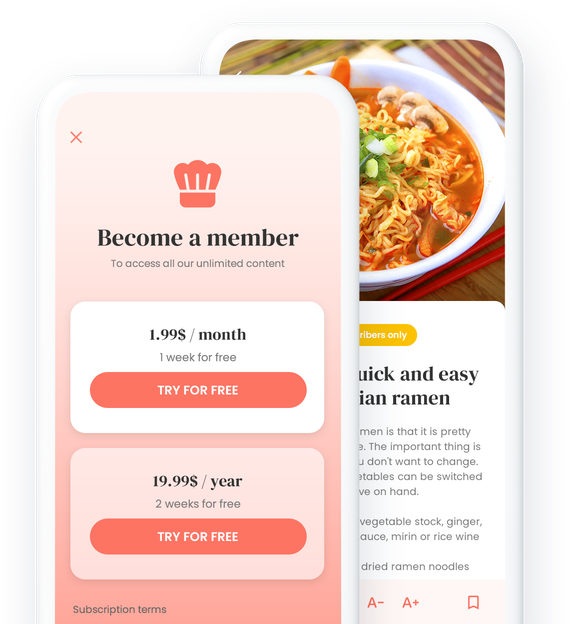
### De litar på GoodBarber

## Utnyttja kraften i ditt arbete
Uppfinn ditt eget prenumerationssystem och förvandla ditt innehåll till en intäktsström
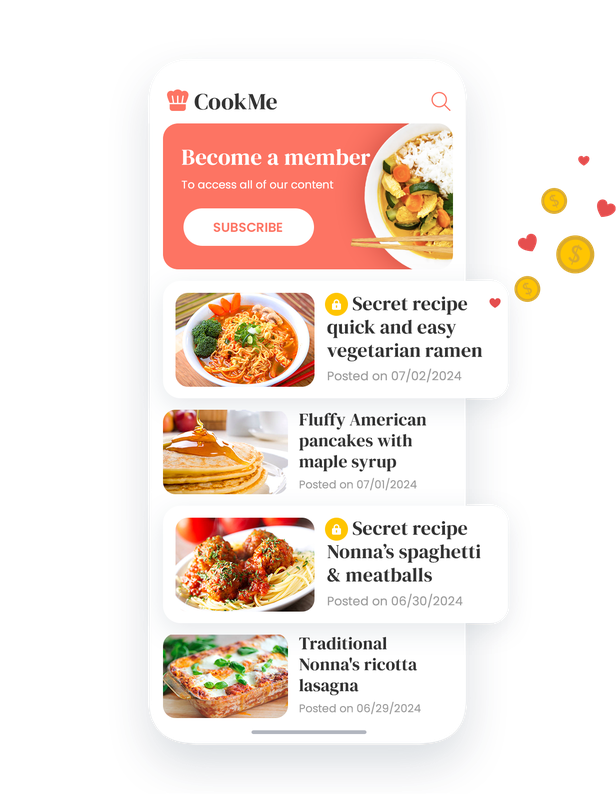

### Exklusiv tillgång för prenumeranter
Prenumerationssystemet är ett verkligt strategiskt verktyg för att berika användarupplevelsen i din applikation. Genom att erbjuda dem en prenumeration på ditt innehåll ger du dina användare exklusiv tillgång till ett värdefullt urval. Dina prenumeranter blir privilegierade medlemmar i din community och befinner sig i hjärtat av en uppslukande upplevelse, där varje klick avslöjar kvalitetsinnehåll, noggrant reserverat för en engagerad publik. Genom att använda den här funktionen på ett klokt sätt kan du bygga upp ett verkligt bålverk mot kommersialiseringen av innehåll och positionera din app som en viktig referens i din bransch.
## Prenumeration som en katalysator för framgång
Öka din tillväxt med premiuminnehåll

### Skapa lojalitet hos publiken med exklusivt innehåll
Erbjud exklusivt innehåll som skapar lojalitet hos publiken genom att ge dem en unik och givande upplevelse. Prenumeranter får privilegierad tillgång till artiklar, videor, podcasts och annat premiuminnehåll som uppmuntrar dem att återvända regelbundet för att upptäcka vad din applikation har att erbjuda. Genom att erbjuda en unik och berikande upplevelse skapar du ett starkt band med din publik och förstärker den långsiktiga lojaliteten.

### Öka din inkomst med betalda prenumerationer
Generera återkommande intäkter med betalda prenumerationer som utnyttjar det premiuminnehåll du erbjuder. Genom att erbjuda exklusivt innehåll med högt värde lockar du användare att registrera sig för prenumerationer, vilket skapar en stabil, återkommande intäktsström från din app.
### Etablera din auktoritet genom att erbjuda innehåll av hög kvalitet
Positionera dig som en ledande auktoritet inom ditt område genom att erbjuda premiuminnehåll som attraherar och behåller din publik. Genom att erbjuda djupgående artiklar, banbrytande analyser, exklusiva intervjuer, djupgående kurser och handledning eller annat premiuminnehåll etablerar du din auktoritet och trovärdighet hos din publik. Detta gör att du kan sticka ut från konkurrenterna och bli den destination som väljs för dem som söker kvalitetsexpertis inom ditt område.
## Kraftfulla funktioner, oslagbara resultat
Utforska våra verktyg för att stärka ditt innehåll
### Anpassad prenumerationshantering
Definiera olika prenumerationsnivåer med anpassad prissättning och innehåll för att tillgodose din målgrupps specifika behov och preferenser. Vår funktionalitet för prenumerationshantering gör att du kan segmentera din målgrupp och erbjuda skräddarsydda erbjudanden, vilket garanterar en optimal användarupplevelse och högre konverteringsgrad.
### Enkel och säker betalning
Integrera säkra betalningslösningar för att underlätta transaktioner och ge dina användare en sömlös shoppingupplevelse. För ett köp i appen behöver användarna inte skapa ett konto eller ange sin faktureringsinformation: alla deras uppgifter och deras betalkort finns redan lagrade i butikerna. Tack vare betalning med ett klick och de metoder som butikerna använder, t.ex. betalning med FaceID eller TouchID, går köpet snabbt och enkelt. Du kan lugna dina abonnenter och maximera förtroendet för din applikation, vilket resulterar i ökad försäljning och intäkter.
[https://portal.ww-cdn.com/portal_static/images/membership/membership-anim.df8491e5ec6e.mp4](https://portal.ww-cdn.com/portal_static/images/membership/membership-anim.df8491e5ec6e.mp4)
## Ett mångsidigt verktyg för alla
Optimera din applikation för alla typer av användare
1. 
### Tjäna pengar på dina kurser
För plattformar för lärande online, t.ex. näringscoacher, gitarrlärare eller skapare av onlinekurser, ger prenumeration möjlighet att tjäna pengar på kurser och utbildningsresurser. En näringscoach kan till exempel erbjuda exklusiva måltidsplaner och tips till medlemmar som prenumererar. På så sätt kan användarna dra nytta av högkvalitativt innehåll samtidigt som de finansiellt stöder coachens arbete.
- [Kom igång gratis](https://se.goodbarber.com/create/)
- [Utforska vidare](https://se.goodbarber.com/elearning-app/)
2. 
### Erbjud exklusivt innehåll
För redaktionella plattformar som onlinetidningar, radiostationer, nyhetskällor eller specialiserade tidningar gör prenumerationen det möjligt att erbjuda exklusivt innehåll till prenumeranterna. Tänk dig en onlinetidning som erbjuder huvudartiklar, exklusiva intervjuer och djupgående analyser som endast är tillgängliga för betalande medlemmar. Denna funktion stärker läsarnas lojalitet och skapar en engagerad gemenskap kring premiuminnehåll.
- [Kom igång gratis](https://se.goodbarber.com/create/)
- [Utforska vidare](https://se.goodbarber.com/news-app/)
3. 
### Tillgång till praktiska guider
För plattformar som erbjuder resurser som matlagningsrecept, astrologiska guider eller konstnärers verk gör prenumerationen det möjligt att begränsa tillgången till detta värdefulla innehåll till betalande medlemmar. En app med matrecept kan till exempel erbjuda exklusiva recept eller matlagningsvideor med kända kockar som är reserverade för prenumeranter. Detta skapar ett incitament att prenumerera, samtidigt som det ger mervärde till användare som vill ha tillgång till exklusiv och detaljerad information.
- [Kom igång gratis](https://se.goodbarber.com/create/)
- [Utforska vidare](https://se.goodbarber.com/travel-app/)
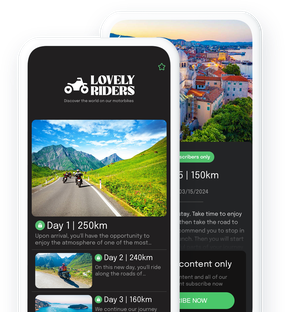
1.
2.
3.
[Bläddra bland alla lösningar](https://se.goodbarber.com/solutions/)
## Butik för tillägg
Tillägg som kan intressera dig

### Medlemskap
Detta tillägg gör det möjligt att erbjuda återkommande prenumerationer, vilket banar väg för en effektiv strategi för att tjäna pengar på innehåll. Det är utformat för att ge prenumeranter tillgång till värdefullt innehåll. Prenumerationer är bara ett klick bort. Detta gör inte bara prenumerationsprocessen enkel, utan uppmuntrar också till att upptäcka nytt och exklusivt innehåll, vilket ökar chanserna för konvertering och kundlojalitet.
[Upptäck](https://se.goodbarber.com/extensions/in-app-purchase/)

### CMS
Med CMS-tillägget kan du enkelt skapa och hantera ett brett utbud av innehåll (artiklar, videor, foton etc.) från ditt backoffice. Det erbjuder avancerade funktioner för att anpassa sidlayouter, säkerställa kompatibilitet på olika enheter och optimera SEO. Dessutom integrerar det en kraftfull textredigerare, anpassningsbara designalternativ och underlättar hanteringen av din redaktionella kalender, vilket gör innehållspublicering flytande och intuitiv.
[Upptäck](https://se.goodbarber.com/extensions/cms/)

### Automatiska push-notiser
Det automatiska Push-tillägget möjliggör en smidig och målinriktad kommunikation med användarna. Det gör det möjligt att skicka aviseringar enligt specifika händelser, vilket gör det enkelt att distribuera relevant information utan ansträngning. Du kan konfigurera sändningsregler enligt olika scenarier, rikta in användare efter plats, appanvändning eller enhet och erbjuda avancerad meddelandeanpassning.
[Upptäck](https://se.goodbarber.com/extensions/scheduled-push/)

### Favoriter
Med tillägget Favorites kan användare markera och spara favoritinnehåll i en särskild del av applikationen. Det här alternativet ger snabb och enkel åtkomst till valt innehåll, oavsett om det är foton, videor, ljud eller text. Det är enkelt att hantera och anpassar användarupplevelsen genom att samla allt favoritinnehåll på ett ställe, vilket gör det mer intuitivt och tillfredsställande att surfa.
[Upptäck](https://se.goodbarber.com/extensions/cms-bookmark/)

### Serveur d'annonces interne
Med tillägget Ad Server Internal kan du skapa och hantera dina egna reklamkampanjer direkt från ditt backoffice. Denna funktion erbjuder total autonomi för att visa personliga annonser, med avancerade inriktningsalternativ per enhet och möjlighet att spåra prestanda med detaljerad statistik. Den stöder en mängd olika format, inklusive interstitialer och banners, och anpassar sig perfekt till skärmstorlekar för att garantera en optimal användarupplevelse.
[Upptäck](https://se.goodbarber.com/extensions/internal-ad-server/)

### Google AdMob
Generera regelbundna inkomster med Google AdMob-tillägget. Anslut enkelt ditt AdMob-konto och sälj reklamutrymme till ett brett utbud av annonsörer och se till att de annonser som visas är relevanta för dina användare. Denna integration stöder olika reklamformat, t.ex. banners och interstitiella annonser, och möjliggör exakt hantering av reklamkampanjer för att optimera dina intäkter.
[Upptäck](https://se.goodbarber.com/extensions/google-admob/)

### Google Ad Manager
Google Ad Manager-tillägget ger fullständig annonshantering i din applikation, vilket ger möjlighet att sälja annonsluckor och hantera ditt lager direkt. Den här lösningen är idealisk för att öka intäkterna och samtidigt ge en högkvalitativ annonsupplevelse tack vare exakta optimeringsverktyg och omfattande kompatibilitet med olika annonsnätverk.
[Upptäck](https://se.goodbarber.com/extensions/google-ad-manager/)

### Offline
Offline-tillägget gör det möjligt för applikationer att göra sitt innehåll tillgängligt utan en internetanslutning. Det ger en förbättrad användarupplevelse tack vare intelligent cacheoptimering som garanterar tillgång till innehåll även när det inte finns något nätverk. Den här funktionen är särskilt användbar för innehåll i stora format, t.ex. podcasts, som kan laddas ner och visas offline, vilket ger användarna maximal frihet och flexibilitet.
[Upptäck](https://se.goodbarber.com/extensions/offline-mode/)
## Och så mycket mer

### CMS
Skapa alla typer av innehåll direkt i ditt backoffice: artiklar, videor, podcasts osv.
### Kategorisering av innehåll
Förutom huvudnavigeringsläget och avsnittet Meny kan du använda kategorier för att organisera ditt innehåll.
### Domännamn
Lägg till ditt eget domännamn i din PWA för att förstärka ditt varumärke och göra det lättare för användarna att hitta och komma ihåg det.
### Favoriter
Dina användare kan bokmärka ditt innehåll för enkel åtkomst var som helst, även utan uppkoppling.
### En app som speglar din identitet
Du kan helt anpassa utformningen av din app så att den passar perfekt till ditt företag och dess identitet och verkligen känns igen av dina användare.
### Display-annonser
Integrera ytterligare en lösning för intäktsgenerering i din app genom att visa annonser från annonsnätverk eller genom att skapa egna.
## Varför erbjuda premiumabonnemang i en app?
### Integrerad betalningsmöjlighet
Köp i appar står för nästan 50% av de intäkter som genereras av inbyggda appar. Abonnemang i appar gör det möjligt för användare att prenumerera och betala direkt via de betalningsalternativ som är integrerade i appdistributionsplattformar som Apple App Store eller Google Play Store. Denna integration förenklar processen, minskar hindren för köp och ökar konverteringen jämfört med en webbplatsbaserad betalningsprocess.
### Fördjupad användarupplevelse
Appar erbjuder den mest uppslukande och personliga användarupplevelsen. Användarna tillbringar mer tid i appar och är ofta mer engagerade, vilket gör prenumerationserbjudandet mer attraktivt och stimulerande. Prenumerationer i appar är bättre integrerade med det mobila ekosystemet som helhet. Användarna kan hantera sina prenumerationer direkt från enhetens inställningar, få påminnelser om förnyelse av prenumerationer via push-meddelanden och dra nytta av en konsekvent och smidig användarupplevelse på sin mobila enhet, vilket främjar användarretention och långsiktig lojalitet.
### Förbättrad transaktionssäkerhet
Plattformar för distribution av applikationer som App Store och Google Play Store inför strikta säkerhetsstandarder för transaktioner i appar, vilket försäkrar användarna om att deras betalningsinformation är säker. Detta ökade förtroende för transaktionssäkerhet kan uppmuntra fler användare att prenumerera på abonnemang i appen.
## Feedback från kunder
### [GoodBarber är en kraftfull appbyggare.](https://www.trustpilot.com/reviews/60f08679f9f48702a8e6869e)
#### Melissa Okta
GoodBarber är en kraftfull appbyggare. Om du vill bygga din app med hjälp av en förbyggd mall är GoodBarber perfekt för dig. På Global Academy har vi nästan avslutat det femte året med att använda deras lättanvända förbyggda plattformar för att bygga premiumappar för våra kunder. Goodbarbers kundsupport är också utmärkt. Rekommenderas varmt.
-
-
-
-
-
### [Bra support och alltid mycket hjälpsamma svar.](https://www.trustpilot.com/reviews/60c0ca7cf9f487099ce24eb9)
Bra support och alltid mycket hjälpsamma svar. Inget är för trivialt för att teamet ska kunna svara.
-
-
-
-
-
### [Lyhörd support och oftast snabb.](https://www.trustpilot.com/reviews/60ad3c03f9f4870a94ace1d1)
Lyhörd support och vanligtvis snabb. Programvaran är den överlägset bästa på marknaden, med enorma möjligheter till konfigurationer.
-
-
-
-
-
### [Jag gillar verkligen systemet.](https://www.trustpilot.com/reviews/60551146f85d7509fc10d732)
#### Gene Hieber
Jag har varit en resller-medlem i en månad nu. Jag har byggt flera demo-appar. Jag gillar verkligen systemet. Lätt att navigera och jag har sålt ett par progressiva webbappar och arbetar också med inbyggda appar. Jag rekommenderar starkt Good Barber.
-
-
-
-
-
### [Teamet på GoodBarber har varit otroligt informativt och hjälpsamt](https://www.trustpilot.com/reviews/6054cff7f85d7509fc1090eb)
#### W. Monahan
Teamet på GoodBarber har varit otroligt informativa och hjälpsamma under både skapandet och underhållet av min app. Jag är inte så tekniskt kunnig, och de ger mig alltid bra vägledning om hur jag kan åtgärda problem eller förbättra min app. Jag letade efter olika alternativ när jag ville bygga min app, och jag är glad att jag valde det här företaget.
-
-
-
-
-
### [De hjälpte mig att skapa en vacker och framgångsrik app](https://www.trustpilot.com/reviews/60511fb2f85d75064c43947b)
#### Mary Davis
Jag har varit med GoodBarber sedan 2014 och jag kan inte säga tillräckligt bra saker om dem och min erfarenhet av dem. De hjälpte mig att skapa en vacker, framgångsrik app; de har funnits där för mig varje steg på vägen för att lösa kundproblem och hjälpa till med uppdateringar; och de har en lättanvänd, oändligt anpassningsbar instrumentpanel för att skapa appen du drömmer om - vilket är vad jag gjorde. Tack GoodBarber. Du är den bästa
-
-
-
-
-
### [Bra verktyg, det har alla funktioner du behöver för att bygga din egen app eller webbplats.](https://www.trustpilot.com/reviews/60a22025f9f4870a94a45023)
#### Manuel Ventura
Bra verktyg, det har alla funktioner du behöver för att bygga din egen app eller webbplats.
-
-
-
-
-
### [GoodBarber är en underbar plattform.](https://www.trustpilot.com/reviews/604e93b7f85d7503942a6703)
#### Mini Maestro
GoodBarber är en underbar plattform. Deras supportpersonal är hjälpsam och gränssnittet är lätt att navigera! Tack för att ni gör det möjligt för oss att ge extra stöd till våra kunder med vår kundapp.
-
-
-
-
-
### [Den bästa appbyggaren på marknaden](https://www.trustpilot.com/reviews/604c6024f85d75064c40265c)
#### Draculapp
Den bästa appbyggaren på marknaden, PWA lätt och Native iOS-hjälp för publiceringsproblem. Mycket bra support och ständiga uppdateringar. Många funktioner och vackra designlayouter och en hög anpassningsnivå. Rekommenderas för enskilda företag eller byråer med en mycket bra lösning för återförsäljarprogrammet. Och sist men inte minst, vänlig personal! Det är värt ett försök...
-
-
-
-
-
### [En av de bästa leverantörerna i branschen.](https://www.trustpilot.com/reviews/604ba651f85d75064c3fd1ab)
#### K. Linton
En av de bästa leverantörerna i branschen. Lätt att använda, väldokumenterad och utmärkt kundservice. Om du vill skapa en mobilappslösning för ditt företag eller dina kunder är GoodBarber definitivt rätt väg att gå.
-
-
-
-
-
## Att upptäcka
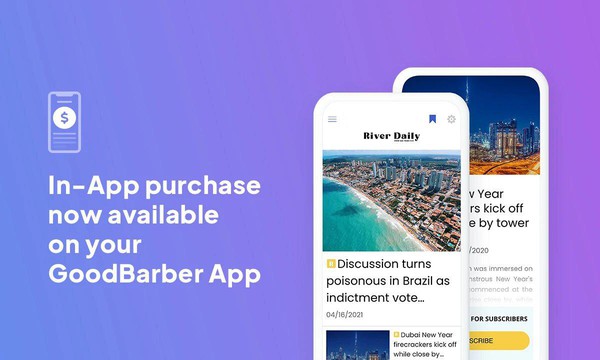
### [Prenumerera med köp i appen](https://www.goodbarber.com/blog/in-app-purchases-are-here-a1136/)
Genom köp i appen kan man tjäna pengar på en app genom att sälja premiuminnehåll, en metod som genererar 48% av intäkterna från mobilappar.
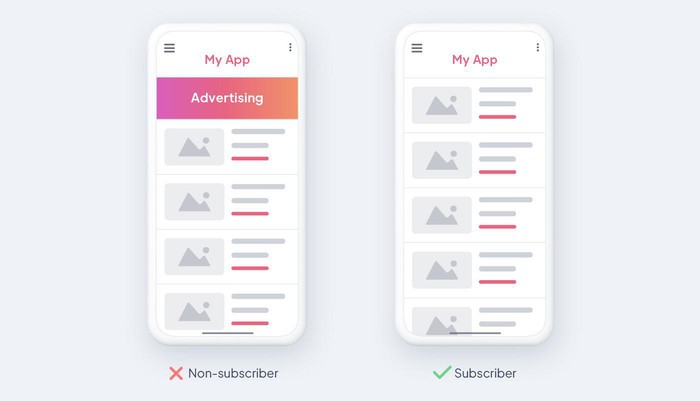
### [Annonsfritt innehåll för prenumeranter](https://www.goodbarber.com/blog/offer-ads-free-content-to-your-subscribers-a1165/)
GoodBarber erbjuder ett alternativ för att tillhandahålla annonsfritt innehåll till abonnenter, vilket förbättrar användarupplevelsen och stöder intäktsgenerering.
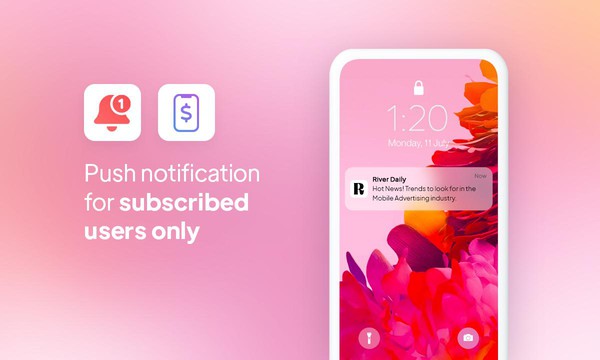
### [Push-meddelanden och köp i appar](https://www.goodbarber.com/blog/in-app-purchases-x-push-notifications-optimize-user-engagement-a1315/)
Öka interaktionen med riktade push-meddelanden baserade på köp i appen
## Priser
[Månadsvis](#)[Årligen](#)[En gång](#)
||Standard 340kr/månadfaktureras årsvisSpara 840kr varje år|Premium 620kr/månadfaktureras årsvisSpara 2040kr varje år|Pro 1190kr/månadfaktureras årsvisSpara 4080kr varje år|Byrån 2450kr/månadfaktureras årsvisSpara 8880kr varje år|Pro 52000krEngångsbetalningSpara 131600kr på en gång|Byrån 136000krEngångsbetalningSpara 246800kr på en gång|
|---|---|---|---|---|---|---|
|Teknik|||||||
|PWA-teknik|yes|yes|yes|yes|yes|yes|
|Inhemsk teknik||Android + iOS (iPhone & iPad) (iPhone & iPad)|Android + iOS (iPhone & iPad) (iPhone & iPad)|Android + iOS (iPhone & iPad) (iPhone & iPad)|Android + iOS (iPhone & iPad) (iPhone & iPad)|Android + iOS (iPhone & iPad) (iPhone & iPad)|
|Tillgänglig i Google Play Store||yes|yes|yes|yes|yes|
|Tillgänglig på App Store||yes|yes|yes|yes|yes|
|Kapacitet|||||||
|Förvaring info 22,7kr för 10 GB|2 GB|10 GB|50 GB|100 GB|50 GB|100 GB|
|Push-meddelanden info 114kr för 100K extra push-meddelanden(per månad)|10K|30K|250K|500K|250K|500K|
|Personalkonton|1|3|obegränsad|obegränsad|obegränsad|obegränsad|
|Antal projekt|1|1|1|obegränsad|1|obegränsad|
|Sidvisningar (bandbredd & trafik)|obegränsad|obegränsad|obegränsad|obegränsad|obegränsad|obegränsad|
|Nedladdningar av appar||obegränsad|obegränsad|obegränsad|obegränsad|obegränsad|
|Kundansvarig|||yes|yes|yes|yes|
|TilläggsbutikStort bibliotek 190+ [tillägg](https://se.goodbarber.com/extensions/). Nya tillägg varje månad info Utöka funktionerna i din app med tillägg : Automatiseringar (Zapier, Make), Analytics, Monetisering, Försäljningsoptimering, Integration (Wordpress, Squarespace, RSS).|||||||
|Gratis tillägg|Upp till 5|Upp till 20|obegränsad|obegränsad|obegränsad|obegränsad|
|Autentisering||136kr/månad (faktureras 1360kr/år. Du sparar 2 månader)|yes|yes|yes|yes|
|Chatt info Chat-tillägget kräver att Authentification-tillägget är installerat||227kr/månad (faktureras 2270kr/år. Du sparar 2 månader)|yes|yes|yes|yes|
|Medlemskap info Erbjud betalda prenumerationer till dina användare för att få tillgång till ditt innehåll. Köp görs enkelt från deras Apple / Google-konto||559kr/månad (faktureras 5590kr/år. Du sparar 2 månader). Ingen extra avgift baserad på dina intäkter.|yes|yes|yes|yes|
|Centrala funktioner|||||||
|NO CODE drag&drop; app-byggare|yes|yes|yes|yes|yes|yes|
|Fullständigt anpassningsbar design|yes|yes|yes|yes|yes|yes|
|System för innehållshantering(artikel, video, podcast, evenemang, karta, foto, live)|yes|yes|yes|yes|yes|yes|
|SEO-vänlig, AMP, ASO-vänlig|yes|yes|yes|yes|yes|yes|
|Support (riktig mänsklig support, av GoodBarber-teamet självt)|yes|yes|yes|yes|yes|yes|
|Pris för prenumeration på årsplan|Standard4080kr/år|Premium7440kr/år|Pro14280kr/år|Byrån29400kr/år|/år|/år|
### Skapa din egen app nu
[Börja gratis](https://se.goodbarber.com/create/)
## VANLIGA FRÅGOR
### Hur skapar man en medlemsapp på ett enkelt sätt?
Det är enkelt att skapa en medlemsapp med GoodBarber! Registrera dig, välj din appmall, anpassa den så att den matchar ditt varumärke, lägg till ditt innehåll och publicera. Vårt intuitiva gränssnitt säkerställer en enkel och problemfri process för att skapa en app.
### Vem är medlemskapsapparna till för?
Medlemskapsappar passar en mängd olika företag och organisationer. De är idealiska för klubbar, föreningar, gym, utbildningsplattformar, innehållsskapare och alla enheter som vill erbjuda exklusivt innehåll, tjänster, funktioner eller fördelar till betalande prenumeranter. Detta kan inkludera:
- Medieföretag: Erbjuder premiumartiklar, videor eller podcasts
- Utbildningsinstitutioner: Tillhandahålla exklusiva kurser, workshops eller resurser
- Fitnessproffs: Levererar personliga träningsplaner eller coachning
- Konsulter eller coacher: Ger tillgång till exklusivt innehåll eller konsultationer
Hitta inspiration genom att utforska [olika typer av medlemsappar](https://se.goodbarber.com/membership/explore)
### Vad finns det för lösningar och fördelar med att skapa en medlemsapp med GoodBarber App Builder?
GoodBarber App Builder är en användarvänlig plattform med anpassningsbara mallar och kraftfulla funktioner som push-notiser, säkra betalningar i appen och innehållssegmentering. Fördelarna inkluderar användarvänlighet, skalbarhet och möjligheten att skapa en personlig och engagerande upplevelse för dina medlemmar:
Hantering av prenumerationer: Skapa olika nivåer med varierande priser och innehåll. Köp i appen: Tillåt användare att prenumerera direkt i appen.
Content management system (CMS): Lägg enkelt till och hantera ditt exklusiva innehåll.
Anpassning: Anpassa appens design och användarupplevelse (UX) till ditt varumärke.
Dessa kan potentiellt erbjuda:
Ökade intäkter: Generera återkommande intäkter genom prenumerationer. Förbättrat användarengagemang: Ge exklusivt värde för att behålla användare.
Varumärkesbyggande: Positionera din app som en auktoritet inom ditt område.
### Hur mycket kostar det att skapa en app för medlemskap?
GoodBarber erbjuder olika planer för att passa olika behov.
Du kan börja köra din medlemsapp gratis med vår 30 dagars gratis provperiod.
Sedan är det upp till dig att prenumerera på den plan som bäst passar dina behov: den grundläggande planen för att skapa din medlemsapp börjar på 340kr/Månad.
Observera att ytterligare kostnader tillkommer för att publicera iOS-appar på App Store.
### Hur kan jag anpassa designen och användarupplevelsen (UX) för min app för medlemskap?
Med GoodBarber har du full kontroll över din apps design. Anpassa layout, färgschema, typsnitt och mycket mer via vårt intuitiva designgränssnitt. Säkerställ en unik och engagerande användarupplevelse som är skräddarsydd för ditt varumärke.
Med över 200 layoutalternativ, en imponerande temasamling och modulär design kan du skapa en unik app som återspeglar ditt varumärke för medlemsappar.
Det finns många alternativ och nivåer av anpassning. Du kan välja olika "globala stilar" för att anpassa din medlemsapp i sin helhet eller kanske bara anpassa ett visst avsnitt.
Dessutom kommer du att kunna berika din upplevelse av medlemsappen med ljud, video, artiklar och direktsändning av video för din publik under kurser och konferenser.
### Behöver jag tekniska kunskaper för att bygga en medlemsapp?
Nej, tekniska färdigheter krävs inte. GoodBarbers dra-och-släpp-gränssnitt gör att du kan skapa din medlemsapp utan att koda. Vår plattform är utformad för att vara användarvänlig, vilket gör apputveckling tillgänglig för alla.
Du behöver inte ha några programmeringskunskaper för att skapa din app. Du kan skapa en medlemsapp för Android, iOS eller en mobil webbplats med hjälp av en Progressive Web App (PWA) utan att skriva en enda rad kod.
### Kommer min Membership-app att vara tillgänglig i alla länder?
Ja, GoodBarber ser till att din medlemsapp är tillgänglig globalt. Publicera din app i de största appbutikerna så kan användare från hela världen få tillgång till och prenumerera på ditt exklusiva innehåll eller dina tjänster. Du kanske dock vill besluta om geodistribution, välja de länder där appen kommer att finnas tillgänglig i appbutikerna, innan du publicerar den på Apples App Store och Google Play Store.
### Erbjuder ni någon support och eftermarknadshjälp för medlemsappar?
Ja, vi erbjuder omfattande support. GoodBarber tillhandahåller hjälp under appens skapandeprocess och löpande support efter lanseringen. Vårt team är dedikerat till att hjälpa dig att få ut mesta möjliga av din medlemsapp:
- Gratis support
- Gratis support
- Obegränsat antal supportärenden
- Appens livstidsstöd
- Support på 5 språk
- 4 kontor i 3 länder
- 3 tidszoner support
### Vem är utvecklaren av min medlemsapp?
Du är utvecklaren av din medlemsapp som använder GoodBarber. Vår plattform gör det möjligt för individer och företag att skapa och hantera sina appar självständigt. Du måste köpa ditt eget utvecklarkonto från Apple och Google.
### Kan jag sälja min Membership-app till en annan utvecklare?
Ja, du kan sälja din Membership-app. För att göra detta måste du överföra äganderätten till din app till den nya ägaren, i varje appbutik.
.
Dessutom måste du överföra ägandet av GoodBarbers backoffice till den nya ägaren. För att göra detta måste du kontakta Goodbarbers supportteam
[Kom igång kostnadsfritt](https://se.goodbarber.com/create/)
Från 340kr/månad
30 dagars gratis provperiod. Direkt tillgång utan kreditkort
---
# Appar med AI-chattbot (RAG)
Source: https://se.goodbarber.com/rag-chatbot/
---
title: "AI RAG Chatbot: AI-driven samtalsassistent för din app"
description: "Med RAG Chatbot kan du berika din mobilapp: en chatbot baserad på ditt innehåll, som ger tillförlitliga, tydliga och kontinuerligt tillgängliga svar dygnet runt tack vare AI."
canonical_url: "https://se.goodbarber.com/rag-chatbot/"
lang: sv
---
# Skapa en mobilapp med en integrerad AI-chatbot
Med RAG Chatbot kan du erbjuda en flytande konversationsupplevelse, baserad på ditt innehåll, för svar som alltid är tydliga och relevanta.
- Konversationell sökning
- AI baserat på ditt innehåll
- Pålitliga och relevanta svar
[Kom igång kostnadsfritt](https://se.goodbarber.com/create/)
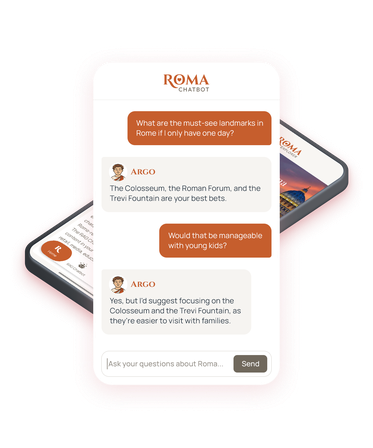
[https://portal.ww-cdn.com/portal_static/images/rag/vid/rag_chatbot-why_gb-video.e47b5299d56f.mp4](https://portal.ww-cdn.com/portal_static/images/rag/vid/rag_chatbot-why_gb-video.e47b5299d56f.mp4)
## Det bästa sättet att integrera en AI-chatbot i din app
### Med RAG Chatbot (Retrieval-Augmented Generation) är en fråga bättre än en sökning. AI:n bygger på det innehåll som publiceras i din app för att omedelbart ge tydlig, exakt information som är anpassad till sammanhanget.
Funktionaliteten läggs till med ett klick, utan någon utveckling, och gör ditt innehåll direkt tillgängligt via konversationen:
- → Omedelbar aktivering, utan utveckling
- → Tillförlitliga svar från ditt innehåll
- → En differentierande upplevelse som stärker engagemanget
Idealisk för media, utbildning och fortbildning, turism, företagskommunikation och många andra användningsområden.
[Utforska RAG Chatbot](https://se.goodbarber.com/extensions/rag-chatbot-ai/)
## Erbjud intelligent åtkomst till ditt innehåll

### Flera innehåll
RAG Chatbot använder olika typer av innehåll som **artiklar, händelser och kartpunkter** för att berika sina svar.
---
**Varje svar kan länka direkt till källan** och peka på det ursprungliga innehållet i din app.
---
Skapa ditt innehåll från GoodBarbers **backoffice** (CMS) eller synkronisera **externa** RSS- eller **WordPress-flöden**.

### Relevansen av svaren tack vare RAG
**Intelligenta sökningar i ditt innehåll** identifierar de mest lämpliga passagerna för att formulera ett relevant svar.
---
LLM genererar svar på **naturligt språk**, vilket garanterar en **flytande och begriplig** dialog.

### En chatbot som alltid är uppdaterad
Varje **nytt innehåll** **indexeras automatiskt**, så att dina svar alltid är uppdaterade och relevanta.
---
**Manuellt val av innehåll som ska indexeras** gör att du kan behålla kontrollen över vad chatboten kan använda.

### Kompatibilitet med tillägget för prenumerationer
**Differentierade svar**, rikare för dina prenumeranter än för icke-prenumeranter.
---
Tillgång till RAG Chatbot kan också reserveras för dina prenumeranter, som en**premiumförmån**.
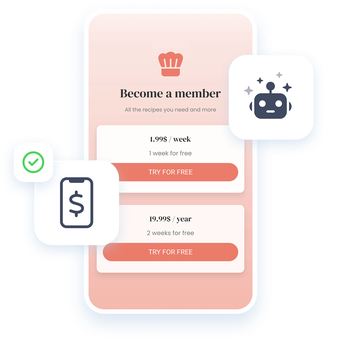
## Skapa en app med inbyggd AI, utan någon teknisk ansträngning
Native iOS-, Android- och PWA-appar redo att integrera RAG Chatbot med bara några få klick.
- Intuitivt, 100 % kodfritt gränssnitt, tillgängligt för alla
- Modern, anpassningsbar design för en unik visuell identitet
- Enkel integration av RAG Chatbot, utan krav på ytterligare utveckling
## En mångsidig chatbot
### Ett brett spektrum av användningsområden
1. 
#### En intelligent guide
Med RAG Chatbot förvandlas ditt praktiska innehåll till en intelligent, interaktiv guide som är utformad för att möta dina användares behov.
- 
App för turister
- 
Receptbok
- 
Astrologi guide
- 
Konstnärlig portfölj
- 
App för välbefinnande
Dina användare kan ställa en fråga och omedelbart få ett tydligt, relevant svar som är anpassat till deras sammanhang. **Du gör ditt innehåll mer tillgängligt, mer personligt och genuint användbart varje dag.**
[Skapa min app](https://se.goodbarber.com/create/)
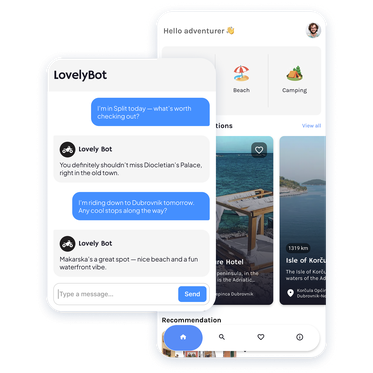
2. 
#### Relevanta svar tack vare AI
RAG Chatbot förändrar hur dina användare konsulterar din app. Inga fler menyer eller långa listor: De ställer en fråga och får ett svar baserat på ditt innehåll.
- 
Kök
- 
Utbildning
- 
Turism
- 
Intern kommunikation
**Tillgången till information blir snabbare och mer flytande.**
[Skapa min app](https://se.goodbarber.com/create/)
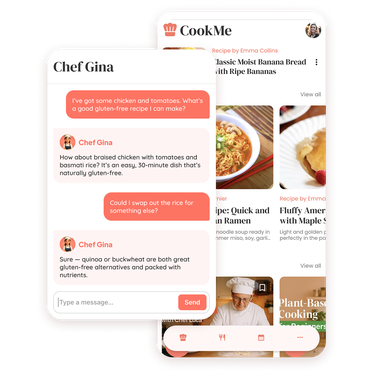
3. 
#### Förvandla ditt innehåll till tydliga svar
Med RAG Chatbot får dina publikationer en helt ny dimension. Oavsett om det är :
- 
En intern kunskapsbas
- 
En lokaltidning
- 
En tidning på nätet
- 
Ett specialiserat medium
Varje fråga som ställs av dina användare omvandlas till ett tydligt svar, baserat på ditt innehåll. **På så sätt förstärker du användbarheten och värdet av din app.**
[Skapa min app](https://se.goodbarber.com/create/)
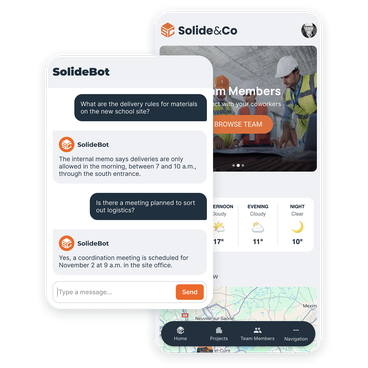
1.
2.
3.
## RAG Chatbot: dina frågor, våra svar
Allt du behöver veta för att få ut mesta möjliga av RAG Chatbot i din GoodBarber-app.
Du behöver inte vara en AI-expert: RAG Chatbot aktiveras med bara några klick och omvandlar ditt innehåll till tydliga, omedelbara svar.
[Utforska RAG Chatbot](https://se.goodbarber.com/extensions/rag-chatbot-ai/)
Vad är RAG Chatbot?
RAG Chatbot är en funktion som låter dig integrera en AI-assistent i din app. Den använder sig av ditt innehåll (artiklar, evenemang, kartpunkter, externa flöden) för att ge tillförlitliga och relevanta svar på användarnas frågor.
Hur fungerar RAG (Retrieval-Augmented Generation)?
RAG-tekniken kombinerar sökandet efter information i ditt innehåll med AI-textgenerering. När en användare ställer en fråga identifierar chatboten de relevanta avsnitten i dina publikationer och formulerar sedan ett tydligt svar på naturligt språk.
Vilka typer av innehåll hanterar RAG Chatbot?
RAG Chatbot indexerar artiklar, händelser och kartpunkter som publiceras i din app. Detta innehåll kan skapas från det integrerade CMS eller från externa flöden (RSS, WordPress, Custom etc.) som synkroniseras med din app.
Kan jag välja vilket innehåll som ska vara tillgängligt för RAG Chatbot?
Ja. Från GoodBarbers backoffice väljer du det innehåll du vill indexera. Detta ger dig total kontroll över vad chatboten kan använda för att svara.
Kan jag välja vilken AI-modell som används?
Ja, du väljer AI-modell för indexering och generering av svar. Vissa modeller är snabbare och billigare, medan andra ger svar av högre kvalitet. Detta val påverkar kreditförbrukningen, vilket gör att du kan anpassa RAG Chatbot till dina prioriteringar: optimera kostnaderna eller prioritera svarens noggrannhet.
Kostar RAG Chatbot-tillägget något?
Ja, RAG Chatbot är tillgängligt som ett betalt tillägg till din GoodBarber-prenumeration. Du aktiverar det med ett klick och drar automatiskt nytta av en månatlig kvot av krediter som ingår. Allt ingår i priset för tillägget, utan några dolda avgifter.
Hur fungerar kreditsystemet?
RAG Chatbot använder ett månatligt kreditsystem. Varje svar förbrukar ett visst antal krediter, beroende på vilken AI-modell som valts och komplexiteten i utbytet. Din kvot förnyas automatiskt varje månad och är dimensionerad så att du kan ställa tusentals frågor till RAG Chatbot.
Är det möjligt att begränsa åtkomsten till RAG Chatbot till endast mina prenumeranter?
Ja, RAG Chatbot är kompatibel med tillägget för prenumerationssystem. Du kan göra den tillgänglig endast för dina betalande prenumeranter, eller låta den vara tillgänglig för alla men erbjuda mer detaljerade svar till dina premiummedlemmar.
Fungerar RAG Chatbot på flera språk?
Ja, även om din app är på ett enda språk kan användarna ställa frågor till RAG Chatbot på det språk de vill. Chatboten kommer att ge ett svar på användarens språk, baserat på ditt innehåll.
Behöver jag tekniska kunskaper för att installera RAG Chatbot?
Nej. Precis som alla GoodBarber-funktioner kan RAG Chatbot integreras med bara några klick från back office. Inga utvecklingsfärdigheter krävs.
Är RAG Chatbot tillgänglig på alla plattformar?
Ja, chatboten är tillgänglig i dina iOS- och Android-appar samt i Progressive Web App (PWA).
Vilka är de konkreta användningsfallen för RAG Chatbot?
RAG Chatbot är lämplig för många sektorer: eLearning och coaching, onlinepress och media, turism och praktiska guider, intern kommunikation, föreningar, andlighet och mycket mer. Varje app bygger på sitt eget innehåll för att svara på användarnas frågor.

## Skapa din mobilapp med integrerad RAG Chatbot
### Kom igång utan några tekniska kunskaper och erbjud dina användare en relevant konversationsupplevelse.
[Kom igång kostnadsfritt](https://se.goodbarber.com/create/)
---
# Alla lösningar
Source: https://se.goodbarber.com/solutions/
---
title: "Business Solutions | Skapa anpassade affärsappar utan kodning"
description: "GoodBarber App Builder erbjuder ett omfattande urval av affärslösningar, skräddarsydda efter dina affärsbehov och marknadsutmaningar. Hitta din appmall och starta den app som passar dig bäst."
canonical_url: "https://se.goodbarber.com/solutions/"
lang: sv
---
# Oavsett vilken verksamhet du har, skapa en app som passar till den
Vinn fler kunder, prenumeranter, leads, besökare, beställningar, medlemmar, ... genom att lägga till en mobilapplikation till ditt företag. Upptäck och testa gratis den bästa lösningen utan kod för att skapa en app, utan teknisk kunskap
App för e-handel
## [En app för att sälja online](https://se.goodbarber.com/ecommerce/)
Tänk om du hade en e-handelsapp, som Amazon? Med GoodBarber App Builder kan du erbjuda den bästa shoppingupplevelsen på mobilen och öka din konverteringsfrekvens med 3 gånger.
- 1-klicksbetalning med Google och Apple Pay
- Push-meddelanden (rabatter, frakt, ...)
- Spårning av leverans
- Automatisk inloggning
- Kuponger
- Påminnelse om övergivna varukorgar
[Testa gratis](https://se.goodbarber.com/create/)
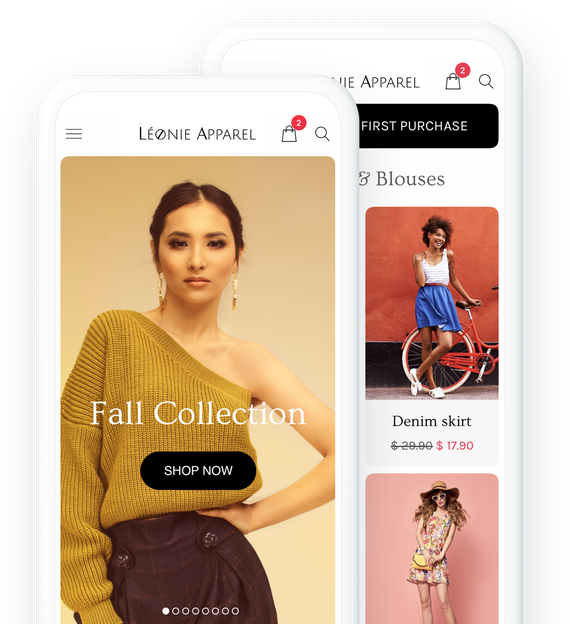
Restaurang-app
## [En app för att sälja mat som ska levereras/tas med](https://se.goodbarber.com/restaurant-app/)
Vinn fler kunder genom att erbjuda avhämtning eller matleverans från din restaurang. Det finns inget bättre än en mobilapp för att göra en beställning. Det är tydligt, snabbt och effektivt.
- Click & Collect
- Hemleverans
- Hantering av beställningar
- Hantering av tidsluckor
- Återkommande inköp
- Inga provisioner på försäljning
[Testa gratis](https://se.goodbarber.com/create/)
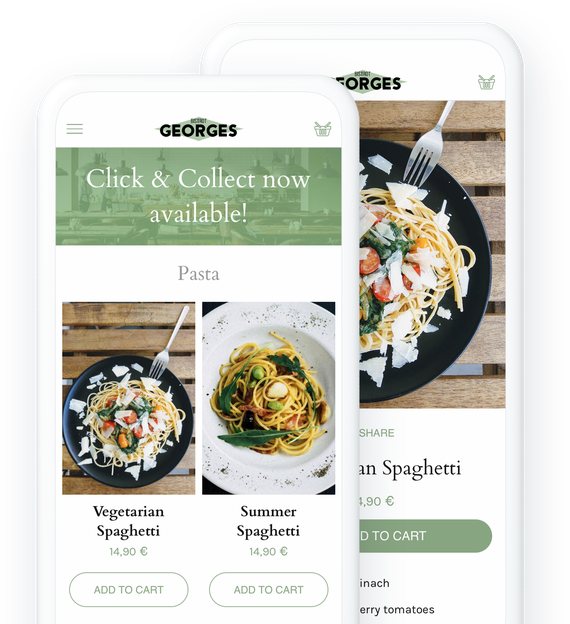
App för upphämtning och leverans
## [En app för kundleveranser](https://se.goodbarber.com/local-delivery-apps/)
Låt ditt företag växa genom att erbjuda olika leveransmetoder och ge dina kunder mer flexibilitet. Bygg en mobilapp för Pick-Up & Delivery utan kodning.
- Snabb utcheckning
- Leverans per postnummer eller radie
- Tidsluckor
- Förnyelse av en order med 1 klick
- Anteckningar från kunder
- Permanent vagn
[Testa gratis](https://se.goodbarber.com/create/)
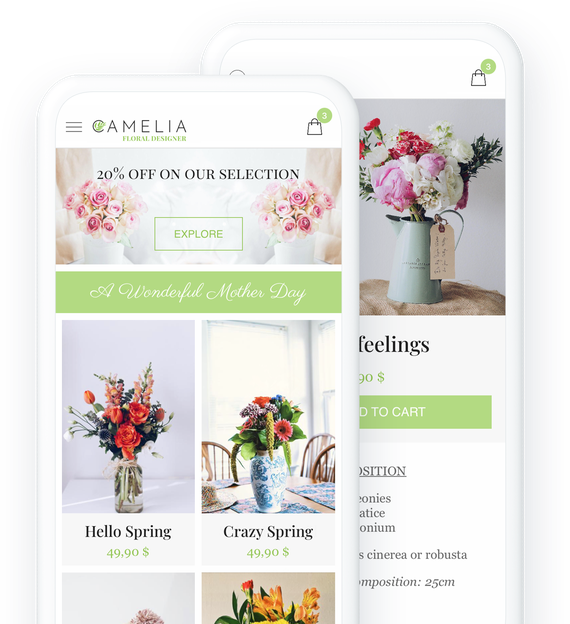
Tidningsapp
## [En app för att hålla människor informerade](https://se.goodbarber.com/news-app/)
Skapa en app och bli synlig där dina läsare har sin största uppmärksamhet: på mobiltelefonens skärm
- Medlemskap
- Annonsnätverk
- Redaktionen
- Redaktionell planering
- Automatiska push-meddelanden
- Wordpress-integration
[Testa gratis](https://se.goodbarber.com/create/)
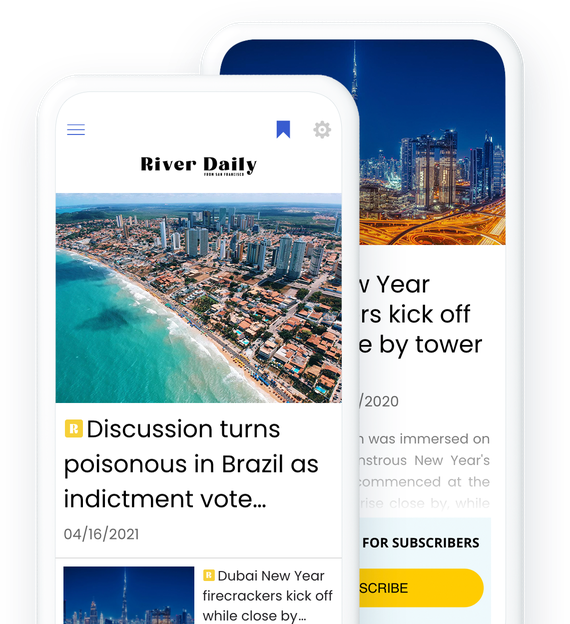
Radio-app
## [En app för att sända din radio](https://se.goodbarber.com/radio-station-app/)
Håll dig nära dina lyssnare med din radioapp. Direktsändning eller podcast, dina lyssnare har aldrig varit så välinformerade
- Live
- Podcasts (med offline-åtkomst)
- Hälsningar via formulärsektionen
- Viloläge
- Ljudspelare i bakgrunden
- Olika innehåll: text, video, foto, ljud
[Testa gratis](https://se.goodbarber.com/create/)
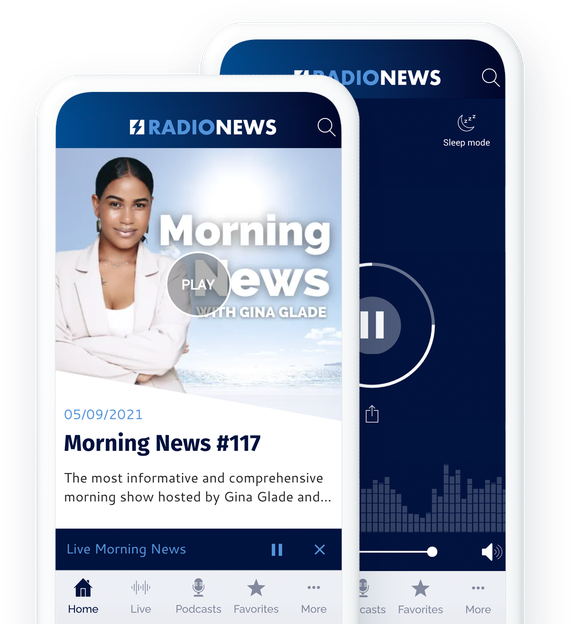
App för turism
## [En app för att visa upp ditt område](https://se.goodbarber.com/travel-app/)
Erbjud dina restips i en app. Den kommer snabbt att bli den oumbärliga guiden för turister som besöker din region.
- Offline-åtkomst
- Uppdateringar i realtid
- Enkel hantering av innehåll
- Mycket omfattande kartor och vägbeskrivningar
- KML-import
- Kuponger
[Testa gratis](https://se.goodbarber.com/create/)
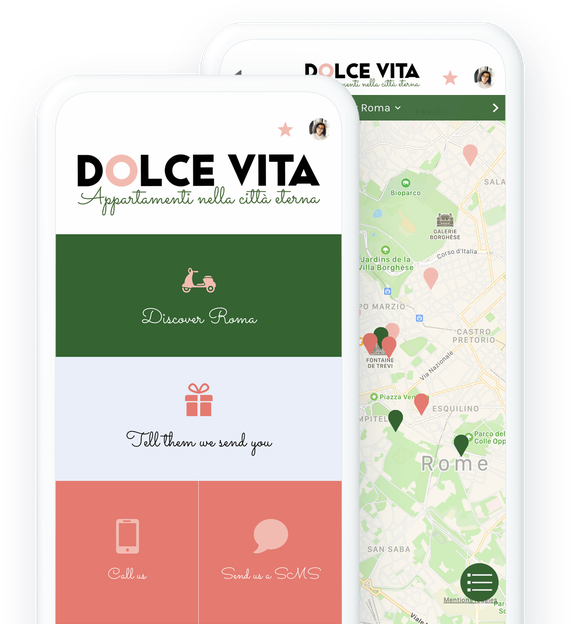
App för onlinekurser
## [En app för att dela kunskap](https://se.goodbarber.com/elearning-app/)
Erbjud den bästa inlärningsupplevelsen online. Vad kan vara mer bekvämt än en mobilapp för att få tillgång till kunskap, överallt, hela tiden.
- 1 klickprenumerationer (medlemskap)
- Live-kurser
- Text, video och ljud
- Elevernas kommentarer
- Riktade push-meddelanden
- Kursplanering och organisation
[Testa gratis](https://se.goodbarber.com/create/)
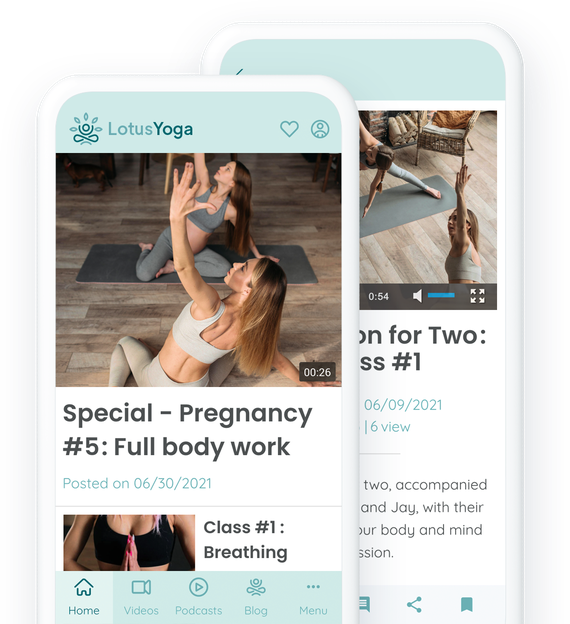
App för kommunikation med anställda
## [En app för att kommunicera med medarbetarna](https://se.goodbarber.com/employee-communication-app/)
Ta ditt företags intranät till nästa nivå med en app. Alla informations- och kommunikationsverktyg till hands.
- Logga in
- Kraftfullt CMS
- Push-meddelanden per användargrupp
- Personregister
- Direktmeddelanden
- Ledning av redaktionella team
[Testa gratis](https://se.goodbarber.com/create/)
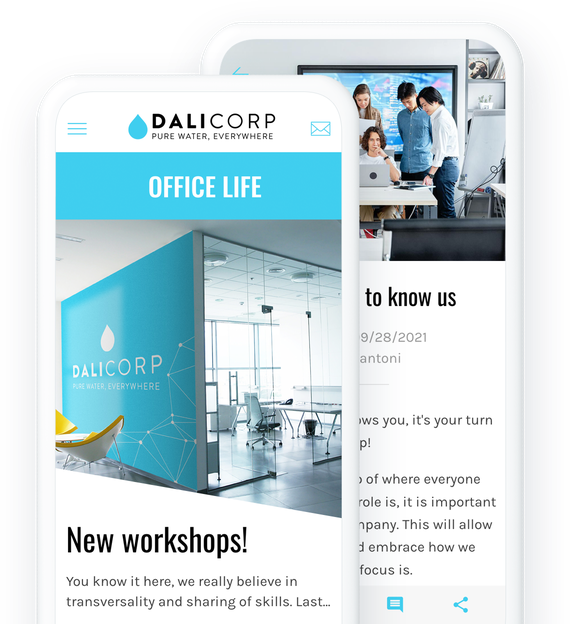
App för innehållsskapare
## [En app för att interagera med dina följare](https://se.goodbarber.com/content-creator-app/)
Bygg en unik och direkt relation med dina följare genom din app. Exklusivt innehåll för sociala medier, specialerbjudanden, intäktsgenerering för publiken.
- 1-klicks prenumeration på premiuminnehåll
- Kontroll av reklam
- Kampanjkoder
- Integration av YouTube, WordPress, Vimeo, ...
- Formulär
- Innehåll som skickas in av följare
[Testa gratis](https://se.goodbarber.com/create/)
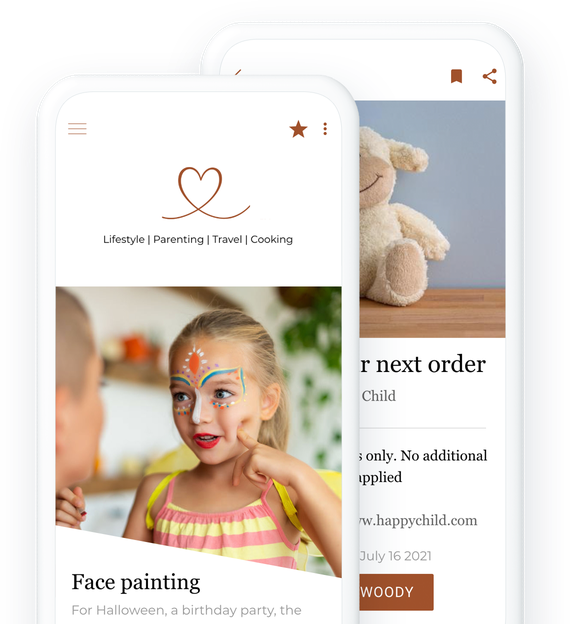
Anpassad app
## [Lösningen för att skapa din egen app](https://se.goodbarber.com/custom-app/)
GoodBarber är en appbyggare utan kod. Det gör att du kan bygga den app som passar perfekt för dina behov, utan teknisk kunskap. Alla kan använda den.
- Inbyggt CMS
- Integrationer (WordPress, YouTube, Vimeo, SquareSpace, Zapier, Make...)
- Medlemskapssystem
- Logga in
- Chatt
- Push-meddelanden
[Testa gratis](https://se.goodbarber.com/create/)
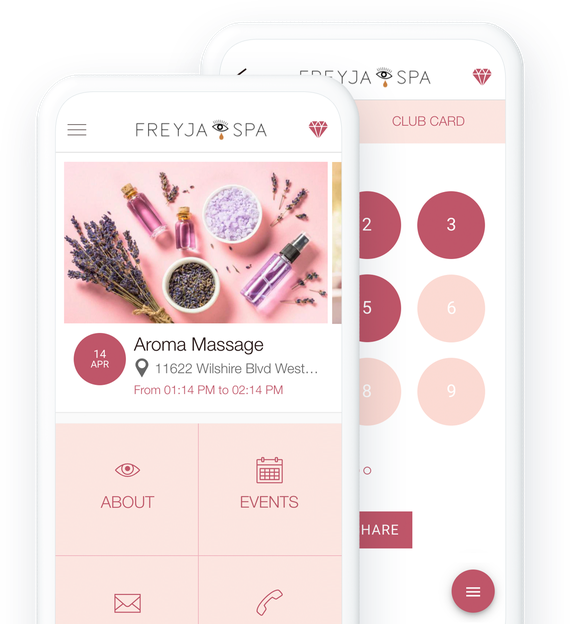
App för livsmedelsbutiker
## [En app för att handla mat på mobilen](https://se.goodbarber.com/grocery-app/)
Expandera utanför din butiks väggar. Med din livsmedelsbutiks mobilapp kan dina kunder handla från soffan, på tunnelbanan eller under lunchrasten.
- Betalning med kort och kontanter
- Kollektioner och produktvarianter
- Upphämtning i butik med tidslucka
- Snabba inköp av ofta beställda produkter
- Lagerhantering / Zapier och Make-synkronisering
- Push-notis när ordern är klar
[Testa gratis](https://se.goodbarber.com/create/)
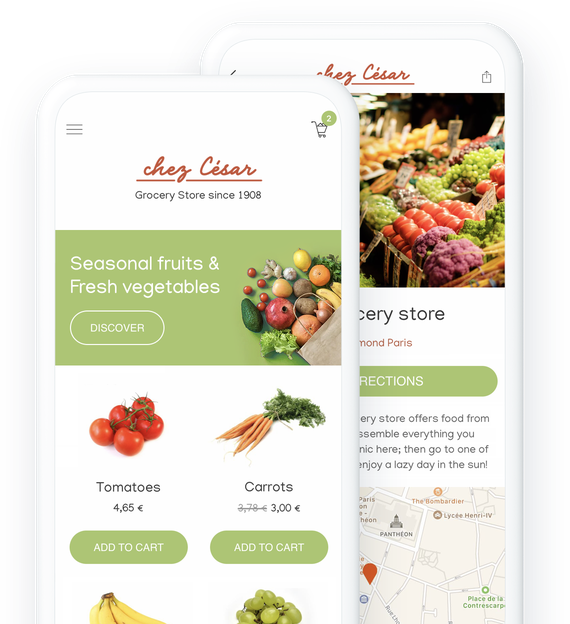
App för evenemang
## [En app för ett lyckat event, före, under och efter](https://se.goodbarber.com/event-app/)
Det är omöjligt att tänka sig ett evenemang idag utan en tillhörande mobilapplikation. Appen gör att du kan förbereda evenemanget väl, snabbt ge all användbar information när det äger rum och göra det möjligt att komma ikapp när det är över.
- Dagordning
- Förteckning över talare/deltagare
- Push-meddelanden och platsbaserade meddelanden
- Chatt
- Sponsring och annonsering
- Videoåterspelning
[Testa gratis](https://se.goodbarber.com/create/)
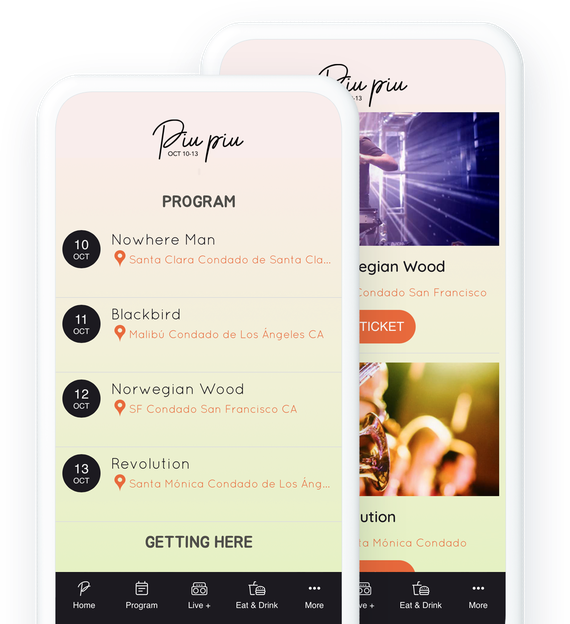
App för skolor
## [En app för att kommunicera med dina studenter](https://se.goodbarber.com/schools-app/)
Skapa en app för att förse din skola eller ditt universitet med ett virtuellt campus med många tjänster
- Kalender
- Användargrupper
- Push-meddelanden
- Interaktiv karta
- Inlämning av formulär och innehåll
- Direktmeddelanden
[Testa gratis](https://se.goodbarber.com/create/)
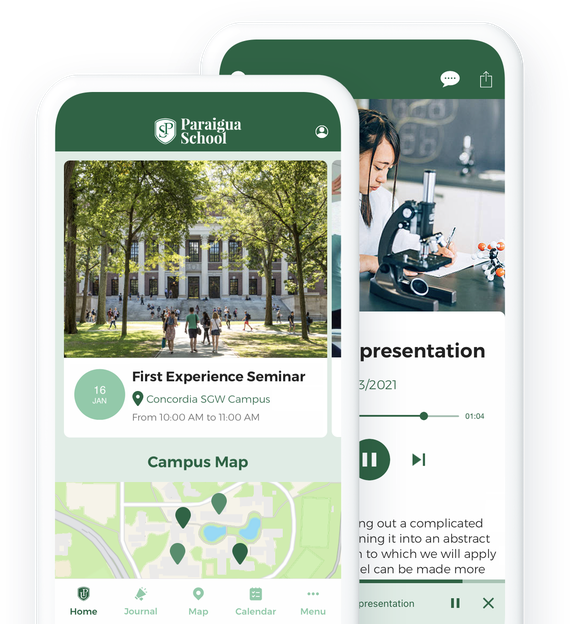
Appen Tro
## [En app för att föra samman din gemenskap](https://se.goodbarber.com/faith-app/)
Samla dina följare i en lättanvänd app för att leverera dina predikningar och samla in donationer.
- Live-video
- Video på begäran
- Donationer
- Integration av YouTube, Vimeo och Wordpress
- Podcast
- Automatiska push-meddelanden när predikningar börjar
[Testa gratis](https://se.goodbarber.com/create/)
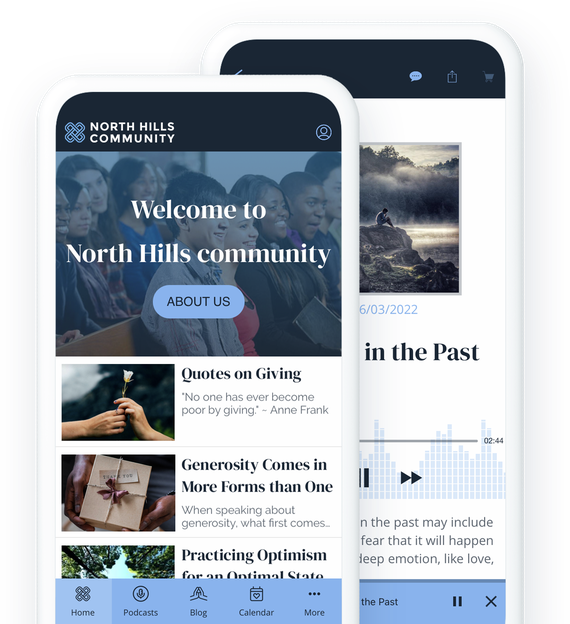
Ideell organisation
## [En app för att förespråka och sammanföra människor](https://se.goodbarber.com/nonprofit-app/)
Sprid ordet om ditt projekt och håll dina aktivister och volontärer engagerade genom att använda en app som ett kommunikationsverktyg och en plats för utbyte.
- Donationer
- Geolokaliserad användarlista
- Offentlig kalender
- Sända liveinnehåll
- Leda ett redaktionellt team
- Push-meddelanden
[Testa gratis](https://se.goodbarber.com/create/)
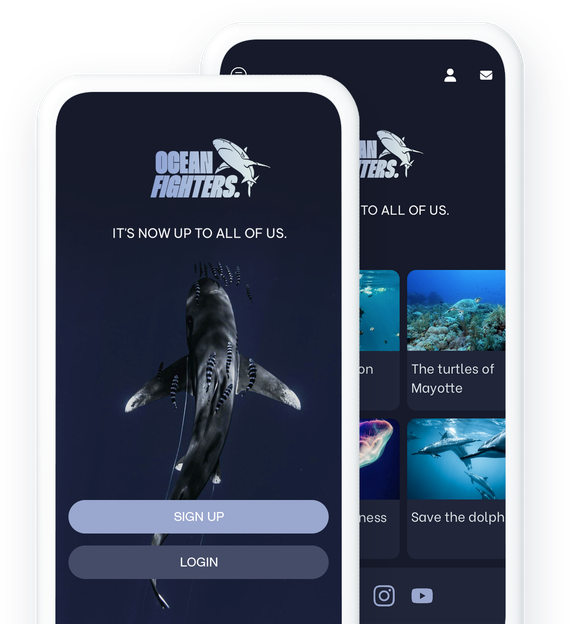
Schemaläggning
## [En app för att ta emot onlinebokningar](https://se.goodbarber.com/booking-app/)
Hantera bokningsförfrågningar direkt från din app. Dina kunder väljer bland de tillgängliga tidsluckorna den som passar dem bäst.
- Hantering av flera kalendrar
- Integration med Google Kalender
- Omfattande CMS för att presentera dina tjänster
- Lojalitetsprogram
- Kontaktformulär
- Push-meddelanden
[Testa gratis](https://se.goodbarber.com/create/)
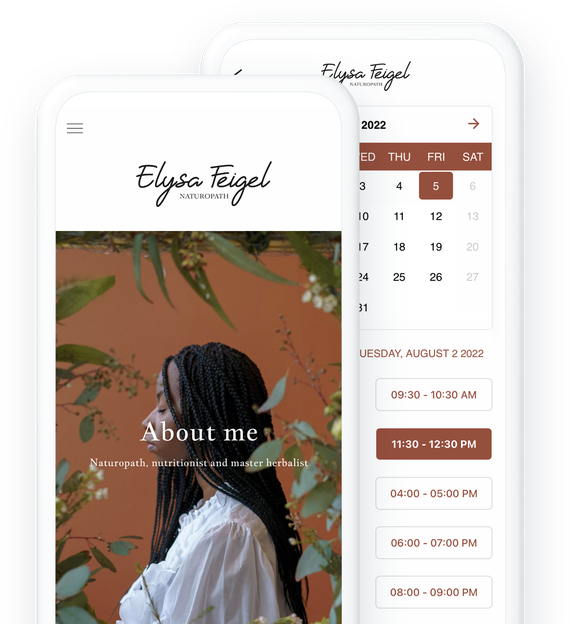
Medlemskap
## [En app för att sälja prenumerationer](https://se.goodbarber.com/membership/)
Förvandla ditt innehåll till en stabil inkomstkälla med återkommande prenumerationer. Erbjud en berikad användarupplevelse med exklusivt innehåll.
- Finansiell stabilitet
- Anpassade abonnemang
- Ökad lojalitet
- Bättre kunskap om din community
- Utöka din publik
- Förbättrad varumärkesimage
[Testa gratis](https://se.goodbarber.com/create/)

RAG Chatbot IA
## [En app som besvarar utifrån ditt innehåll](https://se.goodbarber.com/rag-chatbot/)
Erbjud en relevant samtalsupplevelse tack vare en AI-chatbot som använder det innehåll som publiceras i din app för att omedelbart ge tydlig och korrekt information som är anpassad till sammanhanget.
- Konversationell sökning
- AI baserat på ditt innehåll
- Pålitliga och relevanta svar
- RAG (Retrieval-Augmented Generation)
- Omedelbar aktivering, utan utveckling
- Kontinuerlig indexering av innehåll
[Gratis provperiod](https://se.goodbarber.com/create/)
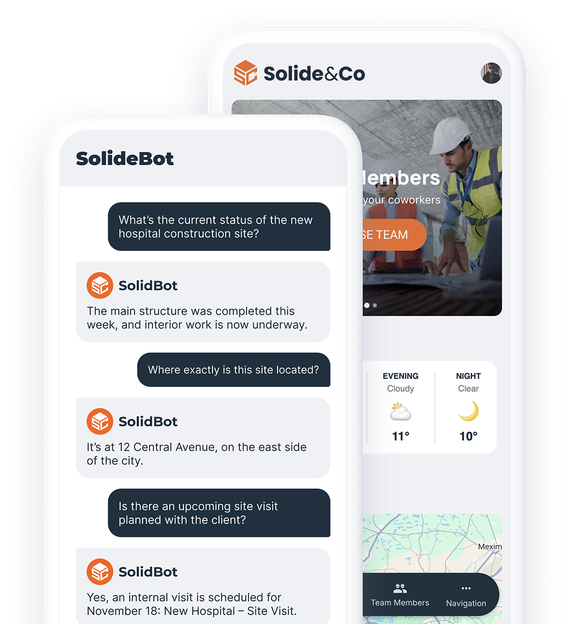
## [Utforska fler lösningar](https://se.goodbarber.com/industry-apps/explore)
---
# Priser för innehållsappar
Source: https://se.goodbarber.com/pricing/content/
---
title: "Prissättning för Content Apps - Prissättning för Content App Builder"
description: "Kolla in våra prisplaner för tidningar, onlinekurser, innehållsskapare, radio, turism, evenemang, kommunikation med anställda, trosappar. Gratis 30-dagars provperiod. Börja från 340kr/månad. Support, underhåll och uppdateringar ingår."
canonical_url: "https://se.goodbarber.com/pricing/content/"
lang: sv
---
# Prissättning för Content Apps - Prissättning för Content App Builder
Kolla in våra prisplaner för tidningar, onlinekurser, innehållsskapare, radio, turism, evenemang, kommunikation med anställda, trosappar. Gratis 30-dagars provperiod. Börja från 340kr/månad. Support, underhåll och uppdateringar ingår.
## Plans and prices
|Plan|Monthly|Yearly (per month)|Yearly total|One-time license|
|---|---|---|---|---|
|Standard|410|340|4080||
|Premium|790|620|7440||
|Pro|1530|1190|14280||
|Byrån|3190|2450|29400||
|Pro||||52000|
|Byrån||||136000|
---
# Priser för e-handel
Source: https://se.goodbarber.com/pricing/ecommerce/
---
title: "Shopping App-priser - priser och planer för appbyggare för e-handel"
description: "Prissättning för appbyggare för shoppingapp. Kolla in hur mycket det kostar att skapa en e-handelsapp.\r\nFrån endast 450kr/månad. Med en 30-dagars gratis provperiod."
canonical_url: "https://se.goodbarber.com/pricing/ecommerce/"
lang: sv
---
# Shopping App-priser - priser och planer för appbyggare för e-handel
Prissättning för appbyggare för shoppingapp. Kolla in hur mycket det kostar att skapa en e-handelsapp. Från endast 450kr/månad. Med en 30-dagars gratis provperiod.
## Plans and prices
|Plan|Monthly|Yearly (per month)|Yearly total|One-time license|
|---|---|---|---|---|
|Standard|565|450|5400||
|Premium|1020|790|9480||
|Pro|2050|1590|19080||
|Byrån|4290|3290|39480||
|Pro||||68000|
|Byrån||||180000|
---
# Priser för återförsäljare
Source: https://se.goodbarber.com/pricing/reseller/
---
title: "Återförsäljarpriser - Priser för återförsäljarprogram för White Label-appar"
description: "Priser och planer för App Reseller Program. Från 2450kr per månad. 30 dagars gratis provperiod. Med återförsäljarprogrammet kan du skapa ett obegränsat antal White Label-appar."
canonical_url: "https://se.goodbarber.com/pricing/reseller/"
lang: sv
---
# Återförsäljarpriser - Priser för återförsäljarprogram för White Label-appar
Priser och planer för App Reseller Program. Från 2450kr per månad. 30 dagars gratis provperiod. Med återförsäljarprogrammet kan du skapa ett obegränsat antal White Label-appar.
## Plans and prices
|Plan|Monthly|Yearly (per month)|Yearly total|One-time license|
|---|---|---|---|---|
|Innehåll för återförsäljare|3190|2450|29400||
|Återförsäljarinnehåll + e-handel|4290|3290|39480||
|Innehåll för återförsäljare||||136000|
|Återförsäljarinnehåll + e-handel||||180000|
---
# Prisöversikt
Source: https://se.goodbarber.com/pricing/
---
title: "GoodBarber-priser - Alla våra prislistor - Priser för App Builder"
description: "GoodBarber-priser: Content Apps från 340kr/mån, eCommerce Apps från 450kr/mån, faktureras årligen. 30 dagars gratis provperiod, utan kreditkort."
canonical_url: "https://se.goodbarber.com/pricing/"
lang: sv
---
# GoodBarber-priser
GoodBarbers pris inkluderar allt din app behöver för att fungera: hosting, pushnotiser, betalningar och uppdateringar, inga tredjepartstjänster att lägga till. Alla planer börjar med 30 dagars gratis provperiod, utan kreditkort.
## Innehåll
### Dela innehåll med en app
För tidningar, onlinekurser, innehållsskapare, radio, turism, evenemang, kommunikation med anställda, tro
- Press
- Kurser online
- Skapande av innehåll
- Radio
- Händelser
- Samhällen
Från
340kr/månad
faktureras årsvis
Gratis 30-dagars provperiod - Inget kreditkort krävs
[Kom igång](https://se.goodbarber.com/create/content/)[Se mer information](https://se.goodbarber.com/pricing/content/)
## E-handel
### Sälj produkter med en app
För detaljhandel, livsmedelsbutiker, restauranger, lokal leverans och upphämtning
- Detaljhandel
- Livsmedelsbutiker
- Restauranger
- Lokal leverans
- Klicka och hämta
Från
450kr/månad
faktureras årsvis
Gratis 30-dagars provperiod - Inget kreditkort krävs
[Kom igång](https://se.goodbarber.com/create/shop/)[Se mer information](https://se.goodbarber.com/pricing/ecommerce/)
## Återförsäljare
### Bygg så många appar som du vill
Är du en byrå?
Använd vår teknik för att skapa appar för dina kunder.
- Byråer
- Utvecklare
- Konsulter
- Entreprenörer
Från
2450kr/månad
faktureras årsvis
Gratis 30-dagars provperiod - Inget kreditkort krävs
[Kom igång](https://se.goodbarber.com/create/reseller/)[Se mer information](https://se.goodbarber.com/pricing/reseller/)
Priserna på denna sida kommer från GoodBarbers officiella prislista. De visas i EUR, USD, GBP, CAD, MXN, SEK, DKK eller NOK beroende på din plats. Innehåll granskat i september 2026.
---
# Återförsäljarprogram
Source: https://se.goodbarber.com/reseller/
---
title: "Återförsälj appar med GoodBarber: App Reseller Program - White Label App Builder"
description: "Starta upp ditt App Reseller-företag. Tack vare GoodBarbers App Reseller-program kan du skapa och sälja obegränsat med appar utan tekniska kunskaper. Anpassa, hantera och öka dina intäkter med unika appar för dina kunder. 30 dagars gratis provperiod, inget kreditkort krävs."
canonical_url: "https://se.goodbarber.com/reseller/"
lang: sv
---
# Skapa ett obegränsat antal appar utan tekniska kunskaper
## Generera nya intäkter och erbjud dina kunder en komplett, enkel white label-tjänst. [Vad är en white label-app?](https://se.goodbarber.com/glossary/white-label-app/)

### GoodBarber återförsäljarprogram
[Bli återförsäljare](https://se.goodbarber.com/create/reseller/)
30 dagars gratis provperiod. Direkt tillgång utan kreditkort.

## Ett program utan gränser
### Skapa och sälj så många appar du vill, utan några begränsningar. Det är på riktigt.

En komplett white label
Dina kunder, ditt varumärke: anpassa din logotyp, ditt domännamn och din e-post för **en tjänst som är 100% din**.

Unika appar
Med avancerade alternativ kan du enkelt skräddarsy varje app efter dina kunders unika behov. Ingen app kommer att vara den andra lik.

0 tidsförlust
Lansera appar på rekordtid från första användningstillfället. Vår plattform genererar automatiskt **iOS-, Android- och PWA**-appar från ett enda projekt. Du fokuserar på din verksamhet, vi tar hand om resten.

Den bästa tekniken på marknaden
Tack vare native och PWA: **oöverträffad smidighet, hastighet och prestanda**. Du kommer inte att hitta bättre någon annanstans.

Verkligt mänskligt stöd
Bakom plattformen finns riktiga människor: våra experter är med dig varje steg på vägen för att garantera din framgång. Inga robotar, bara proffs som står till din tjänst.

Ditt företag, dina regler
**Skapa din egen affärsmodell:** Fakturera dina appar som du vill och [genererar återkommande](https://www.goodbarber.com/blog/resellers-how-to-set-your-prices-to-ensure-healthy-margins-a1277/) eller engångsintäkter.
## Ett erbjudande anpassat till ditt företag
### Skapa kundlojalitet, spara tid och öka dina intäkter med högpresterande, personliga appar.


Byråer
**Erbjud mer än bara en tjänst:** Bygg kundlojalitet med white label-appar som är enkla att hantera och perfekt anpassade till deras behov.

Utvecklare
**Få ökad produktivitet med ett kraftfullt verktyg.** Fokusera på anpassning och låt plattformen sköta driftsättning och underhåll.

Konsulter
som hjälper dina kunder att digitalisera, samtidigt som du genererar återkommande intäkter.

Entreprenörer
Slå dig in på mobilmarknaden med vår nyckelfärdiga lösning. Bygg kraftfulla appar utan kodning och **ta del av en blomstrande marknad.**
## En app för alla behov
### **Möt varje förfrågan** med skräddarsydda, färdiga att använda och helt anpassningsbara lösningar, utan att skriva kod.


Appar för innehåll
Perfekt för bloggar, tidskrifter, media och innehållsskapare.

Appar för e-handel
Nyckelfärdiga onlinebutiker med säker betalning och lagerhantering.
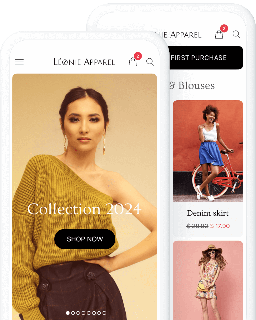

Community Apps
Sammanslut grupper med funktioner som chatt, användarlistor och push-meddelanden.

Lokala appar och serviceappar
Lämplig för restauranger, evenemang som mässor och bokningstjänster.
Upptäck ännu fler lösningar för unika projekt inom alla sektorer.
[Utforska alla lösningar](https://se.goodbarber.com/extensions/)
## Anpassa din apps design på djupet
### Tack vare det intuitiva gränssnittet ger GoodBarber dig maximal flexibilitet att anpassa varje detalj till kundens image, utan att det krävs några designkunskaper.

Förlita dig på förfinade mallar
**Skapa eleganta, moderna applikationer** med mallar som utformats av experter. Dessa mallar, som är bland de bästa på marknaden, garanterar **en optimal användarupplevelse.**
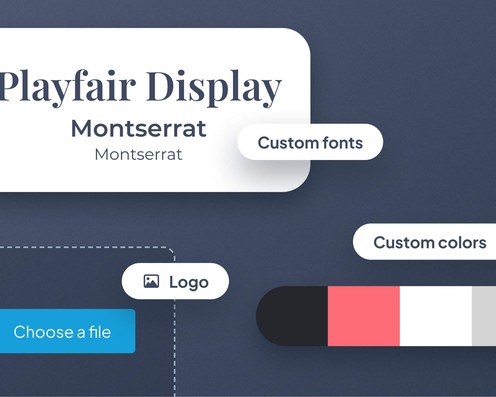
Anpassa varje detalj
Anpassa varje element, från färger till logotyper och typografi. Forma en unik visuell identitet i perfekt harmoni med din kunds image.
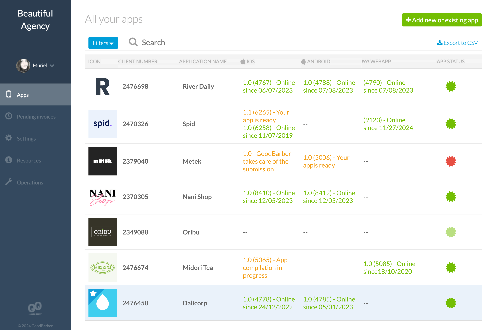

## Hantera alla dina appar på ett enkelt sätt
### Med **Reseller interface** kan du styra din framgång med ett kraftfullt verktyg

**Visa och hantera alla dina applikationer på ett ställe** tack vare en enda, intuitiv instrumentpanel.

**Tilldela roller, hantera behörigheter** och samarbeta enkelt, oavsett antalet teammedlemmar.

**Erbjud varje kund en anpassad, white-label instrumentpanel,** med din visuella identitet för en premiumupplevelse.
## De bästa verktygen för unika projekt
### Avancerade integrationer för att uppfylla dina kunders specifika behov.

Importera externt innehåll
WordPress, YouTube, RSS-anslutningar och anpassade flöden för att hålla kundens app alltid uppdaterad.
Publika API:er
Använd GoodBarbers [API content](https://classic.goodbarber.dev/publicapi/v1/documentation/) och [API eCommerce](https://commerce.goodbarber.dev/publicapi/v2/documentation/) för att ansluta din kunds applikation till externa tjänster.
Automatisering utan kod
Anslut GoodBarber till andra tjänster via [Zapier](https://se.goodbarber.com/extensions/zapier-integration/) och
och [Make](https://se.goodbarber.com/extensions/make-integration/), utan att skriva en enda rad kod.
Anpassning med låg kodnivå
[Använd anpassad kod](https://goodbarber.github.io/) (HTML5, CSS, JavaScript) för att integrera unika funktioner, eller samarbeta med en utvecklare om så krävs.

## De ökade sin verksamhet med GoodBarber
### Mobila yrkesverksamma förklarar varför de valde GoodBarber.

Appbyggaren gör det möjligt för oss att göra ändringar i farten, samtidigt som vi minskar kostnaderna för både vår kund och oss. Vi valde GoodBarber efter en djupgående analys och ett rigoröst urval av 5 appbyggare, under en period på nästan ett år.

Draculapp, Storbritannien/Italien/Mellanöstern
Martin de Bonis, CIO
- 
- 
- 
- 
- 

## Gå med i GoodBarbers återförsäljarprogram
### Ta nästa steg för att skapa ett obegränsat antal personliga appar och öka dina intäkter.
[Bli återförsäljare](https://se.goodbarber.com/create/reseller/)
30 dagars gratis provperiod. Direkt tillgång utan kreditkort.
## Våra priser
[Månadsvis](#)[Årligen](#)[En gång](#)
Spara 8880kr varje årÅterförsäljareInnehåll
2450kr/månad
faktureras årsvis
Spara 12000kr varje årÅterförsäljareInnehåll + e-handel
3290kr/månad
faktureras årsvis
Spara 246800kr
på en gångÅterförsäljareInnehåll
136000kr
Engångsbetalning
Spara 334800kr
på en gångÅterförsäljareInnehåll + e-handel
180000kr
Engångsbetalning
Typ av appar
Appar för innehåll
yes
yes
yes
yes
Appar för e-handel
yes
yes
Teknik
PWA-teknik
yes
yes
yes
yes
App-nativ Android + iOSiPhone & iPad
yes
yes
yes
yes
Tillgänglig i Google Play Store
yes
yes
yes
yes
Tillgänglig på App Store
yes
yes
yes
yes
Kapacitet
Förvaring
100 GB
100 GB
100 GB
100 GB
Push-meddelanden
info
114kr för 100K extra push-meddelanden
(per månad/per app)
500K
500K
500K
500K
Personalkonton
obegränsad
obegränsad
obegränsad
obegränsad
Antal projekt
obegränsad
obegränsad
obegränsad
obegränsad
Sidvisningarbandbredd och trafik
obegränsad
obegränsad
obegränsad
obegränsad
Nedladdningar av appar
obegränsad
obegränsad
obegränsad
obegränsad
Kundansvarig
yes
yes
yes
yes
Varianter per produkt
100
100
Antal produkter
obegränsad
obegränsad
Extension Store
info
Utöka funktionerna i din app med tillägg : Automatiseringar (Zapier, Make), Analytics, Monetisering, Försäljningsoptimering, Integration (Wordpress, Squarespace, RSS).
Gratis tillägg
info
Antal kostnadsfria tillägg som du kan lägga till i ditt projekt.
obegränsad
obegränsad
obegränsad
obegränsad
Autentisering
yes
yes
yes
yes
Katt
info
Chat-tillägget kräver att Authentification-tillägget är installerat
direktmeddelanden
yes
yes
yes
yes
Övergivna order
yes
yes
Leveranstider
yes
yes
Produktimport
yes
yes
Betalningar
Ytterligare transaktionsavgifterkostnadsfritt!
0%
0%
Randig
yes
yes
Apple Pay
yes
yes
PayPal
yes
yes
Mercado Pago
yes
yes
Betalningar med 1 klick
yes
yes
Betalning med kontanter eller check
yes
yes
Viktiga funktioner
App-byggare NO CODEdra och släpp
yes
yes
yes
yes
Fullständigt anpassningsbar design
yes
yes
yes
yes
System för innehållshantering(artikel, video, podcast, evenemang, karta, foto, live)
yes
yes
yes
yes
Optimerad för sökmotoroptimeringi Google, butikerna (SEO, ASO) och AMP
yes
yes
yes
yes
Teknisk supportav formgivarna av GoodBarber
yes
yes
yes
yes
Pris för prenumeration på årsplan
Innehåll för återförsäljare
29400kr/år
Återförsäljarinnehåll + e-handel
39480kr/år
/år
/år
Spara 8880kr varje årÅterförsäljareInnehåll
2450kr/månad
faktureras årsvis
|||
|---|---|
|Typ av appar||
|Appar för innehåll|yes|
|Appar för e-handel||
|Teknik||
|PWA-teknik|yes|
|App-nativ Android + iOS|yes|
|Tillgänglig i Google Play Store|yes|
|Tillgänglig på App Store|yes|
|Kapacitet||
|Förvaring|100 GB|
|Push-meddelanden info 114kr för 100K extra push-meddelanden|500K|
|Personalkonton|obegränsad|
|Antal projekt|obegränsad|
|Sidvisningar|obegränsad|
|Nedladdningar av appar|obegränsad|
|Kundansvarig|yes|
|Varianter per produkt||
|Antal produkter||
|Extension Store||
|Gratis tillägg info Antal kostnadsfria tillägg som du kan lägga till i ditt projekt.|obegränsad|
|Autentisering|yes|
|Katt info Chat-tillägget kräver att Authentification-tillägget är installerat|yes|
|Övergivna order||
|Leveranstider||
|Produktimport||
|Betalningar||
|Ytterligare transaktionsavgifter||
|Randig||
|Apple Pay||
|PayPal||
|Mercado Pago||
|Betalningar med 1 klick||
|Betalning med kontanter eller check||
|Viktiga funktioner||
|App-byggare NO CODE|yes|
|Fullständigt anpassningsbar design|yes|
|System för innehållshantering|yes|
|Optimerad för sökmotoroptimering|yes|
|Teknisk support|yes|
Pris för prenumeration på årsplan
Innehåll för återförsäljare
29400kr/år
Spara 12000kr varje årÅterförsäljareInnehåll + e-handel
3290kr/månad
faktureras årsvis
|||
|---|---|
|Typ av appar||
|Appar för innehåll|yes|
|Appar för e-handel|yes|
|Teknik||
|PWA-teknik|yes|
|App-nativ Android + iOS|yes|
|Tillgänglig i Google Play Store|yes|
|Tillgänglig på App Store|yes|
|Kapacitet||
|Förvaring|100 GB|
|Push-meddelanden info 114kr för 100K extra push-meddelanden|500K|
|Personalkonton|obegränsad|
|Antal projekt|obegränsad|
|Sidvisningar|obegränsad|
|Nedladdningar av appar|obegränsad|
|Kundansvarig|yes|
|Varianter per produkt|100|
|Antal produkter|obegränsad|
|Extension Store||
|Gratis tillägg info Antal kostnadsfria tillägg som du kan lägga till i ditt projekt.|obegränsad|
|Autentisering|yes|
|Katt info Chat-tillägget kräver att Authentification-tillägget är installerat|yes|
|Övergivna order|yes|
|Leveranstider|yes|
|Produktimport|yes|
|Betalningar||
|Ytterligare transaktionsavgifter|0%|
|Randig|yes|
|Apple Pay|yes|
|PayPal|yes|
|Mercado Pago|yes|
|Betalningar med 1 klick|yes|
|Betalning med kontanter eller check|yes|
|Viktiga funktioner||
|App-byggare NO CODE|yes|
|Fullständigt anpassningsbar design|yes|
|System för innehållshantering|yes|
|Optimerad för sökmotoroptimering|yes|
|Teknisk support|yes|
Pris för prenumeration på årsplan
Återförsäljarinnehåll + e-handel
39480kr/år
Spara 246800kr
på en gångÅterförsäljareInnehåll
136000kr
Engångsbetalning
|||
|---|---|
|Typ av appar||
|Appar för innehåll|yes|
|Appar för e-handel||
|Teknik||
|PWA-teknik|yes|
|App-nativ Android + iOS|yes|
|Tillgänglig i Google Play Store|yes|
|Tillgänglig på App Store|yes|
|Kapacitet||
|Förvaring|100 GB|
|Push-meddelanden info 114kr för 100K extra push-meddelanden|500K|
|Personalkonton|obegränsad|
|Antal projekt|obegränsad|
|Sidvisningar|obegränsad|
|Nedladdningar av appar|obegränsad|
|Kundansvarig|yes|
|Varianter per produkt||
|Antal produkter||
|Extension Store||
|Gratis tillägg info Antal kostnadsfria tillägg som du kan lägga till i ditt projekt.|obegränsad|
|Autentisering|yes|
|Katt info Chat-tillägget kräver att Authentification-tillägget är installerat|yes|
|Övergivna order||
|Leveranstider||
|Produktimport||
|Betalningar||
|Ytterligare transaktionsavgifter||
|Randig||
|Apple Pay||
|PayPal||
|Mercado Pago||
|Betalningar med 1 klick||
|Betalning med kontanter eller check||
|Viktiga funktioner||
|App-byggare NO CODE|yes|
|Fullständigt anpassningsbar design|yes|
|System för innehållshantering|yes|
|Optimerad för sökmotoroptimering|yes|
|Teknisk support|yes|
Pris för prenumeration på årsplan
/år
Spara 334800kr
på en gångÅterförsäljareInnehåll + e-handel
180000kr
Engångsbetalning
|||
|---|---|
|Typ av appar||
|Appar för innehåll|yes|
|Appar för e-handel|yes|
|Teknik||
|PWA-teknik|yes|
|App-nativ Android + iOS|yes|
|Tillgänglig i Google Play Store|yes|
|Tillgänglig på App Store|yes|
|Kapacitet||
|Förvaring|100 GB|
|Push-meddelanden info 114kr för 100K extra push-meddelanden|500K|
|Personalkonton|obegränsad|
|Antal projekt|obegränsad|
|Sidvisningar|obegränsad|
|Nedladdningar av appar|obegränsad|
|Kundansvarig|yes|
|Varianter per produkt|100|
|Antal produkter|obegränsad|
|Extension Store||
|Gratis tillägg info Antal kostnadsfria tillägg som du kan lägga till i ditt projekt.|obegränsad|
|Autentisering|yes|
|Katt info Chat-tillägget kräver att Authentification-tillägget är installerat|yes|
|Övergivna order|yes|
|Leveranstider|yes|
|Produktimport|yes|
|Betalningar||
|Ytterligare transaktionsavgifter|0%|
|Randig|yes|
|Apple Pay|yes|
|PayPal|yes|
|Mercado Pago|yes|
|Betalningar med 1 klick|yes|
|Betalning med kontanter eller check|yes|
|Viktiga funktioner||
|App-byggare NO CODE|yes|
|Fullständigt anpassningsbar design|yes|
|System för innehållshantering|yes|
|Optimerad för sökmotoroptimering|yes|
|Teknisk support|yes|
Pris för prenumeration på årsplan
/år
## Vanliga frågor och svar
Vad menar vi med "obegränsat antal appar"?
Du kan skapa så många appar som du vill för dina kunder, utan begränsningar, och fritt bestämma priset för varje app.
Vad exakt ingår i en white label?
Som en white label bär varje app och kundpanel din identitet: domännamn, logotyp och kommunikationsmeddelanden. GoodBarber håller sig i bakgrunden, så ditt varumärke är alltid i centrum.
Vad innebär graden av appanpassning?
Med GoodBarber kan du anpassa varje grafisk detalj - färger, typografi, logotyper och layout - för att skapa unika, effektfulla appar som bygger på en solid estetisk grund.
Kan jag integrera externa system?
Ja, du kan ansluta publika API:er, importera externt innehåll och automatisera med verktyg utan kod. Plattformen anpassar sig för att erbjuda dig flexibel funktionalitet.
Hur fungerar åtkomsthanteringen för mina kunder och min personal?
Du kan tilldela roller och hantera behörigheter för varje användare, oavsett om de är dina kunder eller medarbetare. En idealisk lösning för säker åtkomst och apphantering i samarbete.
Vad är skillnaden mellan en native app och en PWA?
Native iOS- och Android-appar ger maximal prestanda med sömlös integrering av enhetens funktionalitet. PWA:er möjliggör bred tillgänglighet via webbläsaren, utan behov av applikationsbutiker.
Hur kan GoodBarber stödja sina återförsäljare?
GoodBarber erbjuder dig skräddarsydd support med experter som svarar på dina frågor och hjälper dig varje steg på vägen med att skapa och hantera dina appar.
Är det möjligt att utveckla ytterligare funktioner med GoodBarber?
Självklart kan du det. Detta är möjligt för både innehålls- och e-handelsappar. Som återförsäljare kan du använda avsnitten "Anpassad kod" för att utveckla specifika funktioner i din applikation. För att göra detta behöver du kunskaper i följande programmeringsspråk: html, javascript, css. Men det är inte allt: du kan också få tillgång till din applikations dolda inställningsfil, vilket möjliggör avancerad designanpassning. Dessutom kan du skapa automatiseringsprocesser mellan din app och externa verktyg via offentliga API:er eller tack vare verktyg utan kod som vi erbjuder tillägg till: vi pratar här om Zapier och Make, två plattformar utan kod som gör att du kan ansluta en app till tusentals tjänster som Gmail, Excel och Mailchimp. GoodBarber låter dig också importera innehåll som finns på andra plattformar direkt till din app, tack vare anpassade innehållsflöden. Slutligen, om du inte har de nödvändiga resurserna kan du kontakta vårt team av experter som erbjuder skräddarsydda utvecklingar för återförsäljare. Fullständig information om de verktyg som finns tillgängliga för dig för att utveckla ytterligare funktionalitet finns på sidan [GoodBarber för utvecklare](https://se.goodbarber.com/developers/).
Hur hanterar min kund sin app?
Du kan ge dina kunder tillgång till backoffice i deras app och välja exakt vilka delar de kan bidra till och vilka som ska begränsas. Skicka push-meddelanden, kontrollera statistik, skapa reklamkampanjer, publicera innehåll ... det är upp till dig att välja vilka sidor som är synliga och vilka som inte är det.
Kan jag ersätta en befintlig app i butikerna med en som är byggd med GoodBarber?
Det är fullt möjligt. När du har byggt din app med GoodBarber är allt du behöver göra att skicka in en uppdatering för appen i Store. För att göra detta måste du (eller din kund) äga de Apple Developer- och Google Publisher-konton som används för att publicera appen. Slutanvändarna (som har laddat ner appen) behöver bara uppdatera den på sin smartphone (de behöver inte ladda ner appen på nytt).
Till vilket pris ska jag sälja de appar jag skapar?
GoodBarber ingriper inte i den kommersiella relationen mellan dig och din kund. Vi tar ingen provision på din försäljning. Så du är fri att sälja appen till vilket pris du vill. För att fastställa priset måste du ta hänsyn till skapandet av själva appen, men inte bara. En app kräver regelbundna uppdateringar, och du kommer säkert att bli ombedd att uppdatera den. Dessutom kan din kund kontakta dig flera gånger om året för att begära ändringar. Fundera på att inkludera dessa tjänster i dina priser. Sist men inte minst, glöm inte att göra en marknadsundersökning för att ta reda på vad din målgrupp har för budget och hur konkurrensen ser ut i din bransch.
Hur kan jag testa Reseller-kontot gratis?
Följ bara den här länken och fyll i formuläret:
[https://www.goodbarber.com/create/reseller/](https://se.goodbarber.com/create/reseller/)
Vilka är de olika alternativen för att ta emot betalningar för min mobilappsbyrå?
För att ta emot betalningar för ditt appförsäljningsföretag kan du använda olika betalningsalternativ online. Här är några av de vanligaste alternativen:
- Betalningsprocessorer som PayPal, Stripe eller Square är populära alternativ för små onlineföretag. Du kan skapa ett konto och följa instruktionerna för att börja acceptera onlinebetalningar.
- Betalningsgateways som Betalningshantering: Acceptera betalningar var som helst | Authorize.net eller Braintree är också populära alternativ för onlineföretag. De kan erbjuda avancerade funktioner för betalningshantering och transaktionssäkerhet.
- Mobila betalningslösningar som Apple Pay, Google Pay eller Samsung Pay blir alltmer populära för onlineköp, särskilt på mobilen.
- Faktureringslösningar som Freshbooks eller Quickbooks kan också göra det möjligt för dig att skicka fakturor och ta emot betalningar online.
Det är viktigt att tänka på transaktionsavgifter, transaktionssäkerhet samt användarvänlighet för dig och dina kunder när du väljer ett betalningsalternativ online.
Hur går man tillväga för att ta fram en avtalsmall som man kan erbjuda sina kunder för skapande och försäljning av mobilapplikationer?
Att ta fram en avtalsmall för dina kunder kan vara ett viktigt steg när du startar din appförsäljningsverksamhet. Här är några steg du kan ta för att utveckla ett grundläggande kontrakt:
- Bestäm villkor och förutsättningar: Innan du skriver kontraktet bör du identifiera de villkor som du vill inkludera. Det kan handla om information om betalningar, leveranser, garantier, användarvillkor etc.
- Skriv ditt avtal: Använd ordbehandlingsprogram eller en avtalsmall online för att skapa ditt avtal. Se till att inkludera alla villkor som är relevanta för din verksamhet och dina kunder.
- Inkludera sekretessbestämmelser: om det behövs, inkludera sekretessbestämmelser för att skydda ditt företags och dina kunders konfidentiella information.
- Läs igenom avtalet: Låt en advokat eller annan jurist läsa igenom avtalet för att säkerställa att det är tydligt, fullständigt och förenligt med lokala lagar.
- Signera avtalet: Se till att avtalet signeras av dig och din kund för att formalisera avtalet.
Glöm inte att avtal kan variera beroende på lokala lagar och ditt företags specifika behov. Det är därför viktigt att du samarbetar med en advokat eller jurist för att säkerställa att ditt avtal är skräddarsytt för dina specifika behov.
---
# Skräddarsydd utveckling
Source: https://se.goodbarber.com/custom-development/
---
title: "Anpassad apputveckling | Anpassad appdesigntjänst - GoodBarber"
description: "Anpassad utvecklingstjänst för mobilappar för att möta dina unika affärsbehov. GoodBarbers expertdesigners och utvecklare ger dig skräddarsydda designappar som är anpassade efter dina krav."
canonical_url: "https://se.goodbarber.com/custom-development/"
lang: sv
---
# Anpassad utveckling av mobilapplikationer
## Skaffa den app som passar dina behov
GoodBarber erbjuder en anpassad tjänst för att skapa mobilappar för att möta dina unika affärsbehov.
Vi arbetar nära dig för att förstå dina mål och behov, och sedan ställer vi vår expertis inom mobilutveckling till ditt förfogande för att skapa en anpassad app som perfekt uppfyller dina förväntningar.

pen and ruler icon
### Anpassad app
Med vår tjänst för att skapa anpassade mobilappar får du en unik app som perfekt återspeglar ditt företag och dess värderingar. Vi tar hänsyn till alla aspekter av din verksamhet, från ergonomi till säkerhet, för att skapa en intuitiv och pålitlig app som uppfyller dina användares förväntningar.
## Användarupplevelse (UX) och design på hög nivå
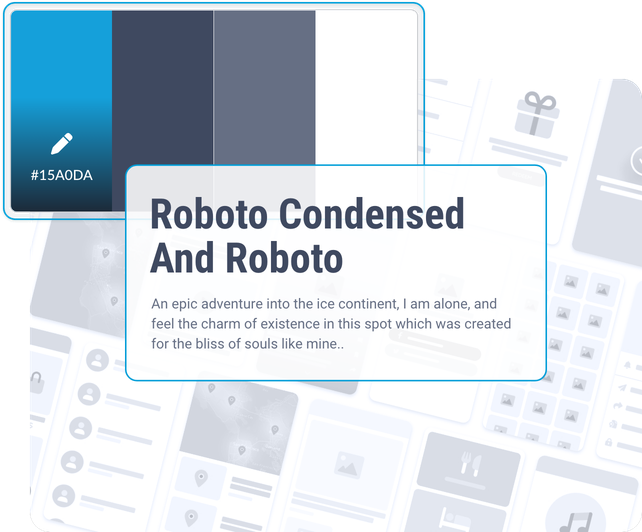
GoodBarber är stolta över att kunna leverera de bästa användarupplevelserna och den bästa designen till sina kunder. Vi tror starkt på att kvaliteten på användarupplevelsen (UX) är en av de viktigaste faktorerna för en apps framgång, och det är därför vi investerar mycket tid och ansträngning i att utforma intuitiva och engagerande användargränssnitt.
Våra erfarna designers arbetar nära våra utvecklare för att säkerställa att varje aspekt av appen är perfekt genomtänkt och utformad för att ge en smidig och trevlig användarupplevelse. Vi använder också analys- och testverktyg för att utvärdera effektiviteten i våra designer och göra förbättringar i enlighet med detta.
Som ledande inom UX och design är vi stolta över vår förmåga att skapa appar som inte bara uppfyller våra kunders behov, utan som också är roliga att använda och engagerar användarna. Vi är övertygade om att vår strategi för användarupplevelse är en av anledningarna till att våra kunder väljer oss för sina projekt.
[Upptäck vårt designsystem](https://se.goodbarber.com/uxdesign/)
## Spjutspetsteknik

### Inbyggda appar
Vårt team av erfarna utvecklare designar native-appar. En native-app är en app som är utformad för att köras på ett specifikt operativsystem, t.ex. iOS för Apple-enheter eller Android för enheter som körs på det operativsystemet. Den är skriven i ett programmeringsspråk som är specifikt för det operativsystemet, vilket gör att den kan dra full nytta av enhetens funktioner och ge en optimal användarupplevelse.

### Progressiva webbappar
GoodBarber gör också Progressive Web Apps (PWA). En PWA är en webbapp som använder de senaste framstegen inom webbteknik för att ge en användarupplevelse som liknar den hos en inbyggd app. Den kan användas via en webbläsare, men erbjuder också några av funktionerna i en inbyggd app, till exempel möjligheten att installeras på användarens hemskärm och användas offline. PWA:er är utformade för att vara snabba, säkra och enkla att använda.

### Distribution: App Store och Google Play Store
Vårt team av experter publicerar din app i de mest populära appbutikerna, Apple App Store och Google Play Store. Vi tar hand om varje steg i publiceringen av din app, från att skicka in den binära filen till att visa upp din app i butikerna. Vi tar också hand om hanteringen av uppdateringar och versioner av din app, så att du kan fokusera på relationen med dina användare genom din app. Med den här tjänsten får du tillgång till en stor publik och kan enkelt utöka din räckvidd via App Store och Google Play Store.
## Metodik: UX först
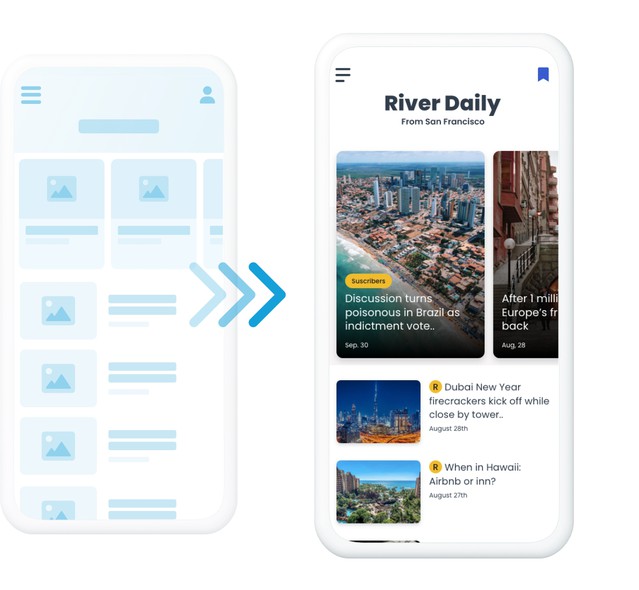
Den metod vi följer för att skapa en anpassad applikation består av två huvudsteg.
Först tar vi skärmdumpar av den app du vill skapa. Detta gör att vi kan visualisera användargränssnittet och bestämma vilka funktioner och interaktioner som krävs för att uppfylla dina och dina användares behov. Vi arbetar nära dig för att se till att appen uppfyller dina förväntningar och att dess design och funktion är i linje med vad du ursprungligen avsåg.
Vi fortsätter sedan med att utveckla appen med hjälp av lämplig teknik och lämpliga verktyg. När appen är klar testar vi den för att säkerställa att den fungerar korrekt och är stabil innan vi släpper den.
Genom att följa denna metodik kan vi skapa en anpassad app som perfekt uppfyller dina behov och ger en användarupplevelse av hög kvalitet.
## Kontakta oss
Om du vill veta mer om fördelarna med att skapa en mobilapp för ditt företag kan du boka ett möte med en av våra konsulter för skapande av mobilappar redan idag. Vi hjälper dig gärna att avgöra hur en mobilapp kan hjälpa dig att uppnå dina affärsmål och vägleder dig genom processen för att skapa en app. Missa inte chansen att lära dig hur en mobilapp kan ge ditt företag en skjuts framåt
---
# Verktyg för utvecklare
Source: https://se.goodbarber.com/developers/
---
title: "GoodBarber för utvecklare: API:er, MCP-server och AI-skills | GoodBarber"
description: "Publika API:er, hostad MCP-server, 44 skills med öppen källkod, no-code-integrationer, egen kod och data: allt du behöver för att bygga på din GoodBarber-app."
canonical_url: "https://se.goodbarber.com/developers/"
lang: sv
---
# Bygg med GoodBarber
Publika API:er, en hostad MCP-server, skills med öppen källkod, Zapier- och Make-integrationer, egen kod och dataverktyg. Oavsett om du skriver kod, automatiserar utan kod eller lämnar över jobbet till en AI-agent körs allt på samma app: din.
[Utforska API:erna](#apis)[Koppla en AI-agent](#agents)
Fungerar med Claude, ChatGPT, Cursor, VS Code, Codex CLI, Gemini CLI och alla MCP-kompatibla klienter.
Claude Code
`claude mcp add goodbarber --transport http https://mcp.goodbarber.dev/mcp/sse`
Cursor · VS Code · Windsurf
```
{
"mcpServers": {
"goodbarber": {
"url": "https://mcp.goodbarber.dev/mcp/sse"
}
}
}
```
## Allt du behöver för att bygga
Sex ingångar, en app. Välj den som passar ditt sätt att arbeta.
[Publika API:er REST-API:er för innehållsappar och e-handelsappar, plus App API. Läs och skriv användare, produkter, ordrar, innehåll och statistik från din egen kod. Se detaljer](#apis)[MCP-server En hostad Model Context Protocol-server. Claude, ChatGPT, Cursor och alla MCP-klienter hanterar din app genom konversation, med OAuth-inloggning och åtkomst begränsad till en enda app. Se detaljer](#mcp)[Skills & plugin 44 skills med öppen källkod gör MCP-verktygen till kompletta arbetsflöden: bästsäljare, kampanjer, redaktionell kalender, prenumerationsgranskning. Paketerade som ett Claude Code-plugin, och går även att använda i Cursor, Codex CLI och Gemini CLI. Se detaljer](#skills)[No-code-integrationer Zapier och Make kopplar din app till tusentals onlinetjänster utan kod: en ny användare hamnar i Mailchimp, en ny order blir en rad i Google Sheets. Se detaljer](#no_code)[Egen kod & design Bygg egna sektioner, menyer och widgetar med vanliga webbspråk, utgå från exemplen på vår GitHub och redigera appens designkonfigurationsfil för djupare anpassning. Se detaljer](#custom_features)[Data: flöden & CSV Synka innehåll från ett externt CMS till appens native-layouter med anpassade flöden, och importera eller exportera användare, produkter, kunder, ordrar och trafikstatistik som CSV. Se detaljer](#content_sync)
## AI-agenter välkomna
Agenter är fullvärdiga användare av GoodBarber. Det du gör i backoffice kan en assistent göra genom en enda MCP-anslutning, begränsad till din app och inget annat.
1
### Koppla MCP-servern
Ett klick från Claudes kopplingskatalog eller ChatGPT:s pluginkatalog, ett kommando i Claude Code, eller en URL i Cursor eller VS Code. Logga in med en API-nyckel från ditt backoffice, så sköter OAuth resten.
`claude mcp add goodbarber --transport http https://mcp.goodbarber.dev/mcp/sse`
2
### Lägg till skills
Installera GoodBarber-pluginet i Claude Code, eller kopiera skills till den assistent du använder. Varje skill kör ett komplett arbetsflöde, från datahämtning till en formaterad rapport.
```
git clone https://github.com/goodbarber/goodbarber-skills.git
claude --plugin-dir ./goodbarber-skills
```
3
### Fråga med vanliga ord
”Schemalägg en push i kväll som annonserar sommarrean.” Agenten väljer rätt verktyg, kör dem mot din app och rapporterar tillbaka i konversationen.
[Koppla Claude](https://se.goodbarber.com/connect-claude-app/)[Koppla ChatGPT](https://se.goodbarber.com/connect-chatgpt-app/)[Läs den kompletta MCP-guiden](https://se.goodbarber.com/mcp-complete-guide/)[Se skills på GitHub](https://github.com/goodbarber/goodbarber-skills)
## GoodBarbers MCP-server
GoodBarber MCP öppnar din app för AI-assistenter via Model Context Protocol: 150 verktyg som täcker butik, ordrar, innehåll, pushnotiser, kunder och analys, varav en session bara ser de som matchar din apps funktioner. Inloggning sker med OAuth 2.0, varje session är begränsad till en enda app och servern talar Streamable HTTP. Den finns med i det officiella MCP-registret.
[Upptäck GoodBarber MCP](https://se.goodbarber.com/mcp/)
**Din AI-assistent**Frågar på vanligt språk
**GoodBarber MCP**En väldefinierad koppling
**Din GoodBarber-app**Innehåll · butik · åtgärder
- `shop-best-sellers`
- `shop-promo-campaign`
- `shop-stock-check`
- `cms-article-publish`
- `cms-editorial-calendar`
- `community-push-broadcast`
- `membership-expiration-calendar`
- `membership-subscription-audit`
## Skills med öppen källkod
En skill är en instruktionsfil som lär en assistent att köra ett komplett arbetsflöde med MCP-verktygen, från datahämtning till en formaterad rapport. Vi publicerar 44 av dem på GitHub, i public domain, grupperade efter eCommerce, CMS, Community och Membership och paketerade som ett Claude Code-plugin.
[Hämta skills på GitHub](https://github.com/goodbarber/goodbarber-skills)
## Ditt första anrop
Tre steg från ett GoodBarber-konto till en fungerande integration.
1
### Hämta en API-nyckel
Öppna sidan Public API / MCP server i appens backoffice och skapa en nyckel. Varje nyckel hör till en enda app: den app som din kod eller din assistent ska hantera.
2
### Anropa API:et
Använd nyckeln med innehålls-API:et, e-handels-API:et eller App API. Dokumentationen listar varje endpoint, så ditt första anrop tar bara några minuter.
3
### Eller lämna över till en agent
Koppla MCP-servern med samma nyckel och be din assistent göra jobbet. Ingen klientkod att skriva, inga endpoints att lära sig.
[Läs API-dokumentationen](#apis)
- [Integrationer utan kod](#no_code)
- [API:er](#apis)
- [Anpassade funktioner](#custom_features)
- [Avancerad designutgåva](#advanced_design)
- [Synkronisering av innehåll](#content_sync)
- [Import och export av data](#imp_exp)
- [Anlita våra experter](#hire)
## Integrationer utan kod+
Använd GoodBarber-integrationer för Zapier och Make för att automatisera arbetsflöden. Du kan ansluta din app till 1000+ tjänster från tredje part.
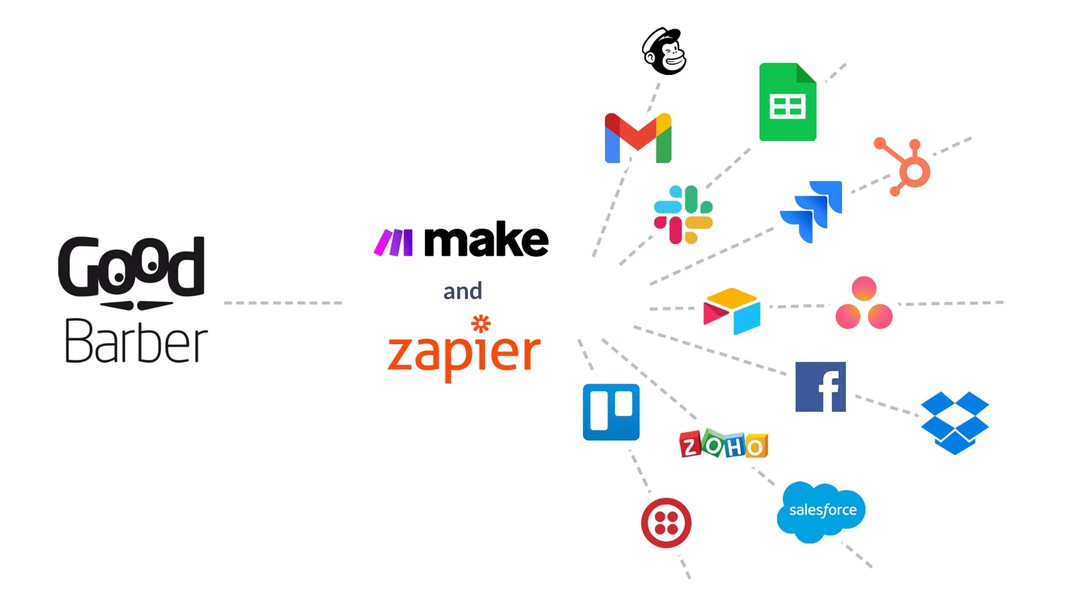
### Zapier
Med Zapier-tillägget har du möjlighet att ansluta din app till tusentals andra onlinetjänster. När en ny användare skapar ett konto i din GoodBarber-app kan Zapier till exempel be Mailchimp att lägga till dem i en av dina målgrupper
[Visa tillägget](https://se.goodbarber.com/extensions/zapier-integration/)
### Gör
Make är det perfekta tillägget för att skapa automatiseringar utan att behöva koda. Du kan till exempel skapa ett scenario som lägger till e-postadressen för dina nya användare i en Salesforce-kampanj
[Visa tillägget](https://se.goodbarber.com/extensions/make-integration/)
### Zapier (för e-handel)
Zapier är ett verktyg som hjälper dig att automatisera repetitiva uppgifter mellan din GoodBarber-app och andra onlinetjänster, utan någon kodning. När en beställning görs i din GoodBarber-app kan Zapier till exempel be Google Sheet att skapa en ny rad i ett kalkylblad.
[Visa tillägget](https://se.goodbarber.com/extensions/zapier/)
### Make (för e-handel)
Anslut din e-handelsapp till Make och automatisera operationer. Du kan t.ex. skapa ett scenario som uppdaterar lagret av en produkt när en rad läggs till i en Google Sheet-tabell.
[Visa tillägget](https://se.goodbarber.com/extensions/make/)
## API:er+
Bygg med GoodBarber
### För din innehållsapp
Använd våra API:er för att bygga ett skräddarsytt arbetsflöde. Du kan t.ex. skapa en integration som lägger till en användare i en grupp när ett e-postmeddelande läggs till i ett Google Sheet.
[Läs dokumentationen](https://classic.goodbarber.dev/publicapi/latest/documentation/)
### För din e-handelsapp
Med GoodBarbers API:er kan du bygga lösningar runt din e-handelsapp för att få igång din verksamhet. När en beställning görs i din GoodBarber-app kan du till exempel automatiskt skriva ut den i ditt kök eller på ditt lager.
[Läs dokumentationen](https://commerce.goodbarber.dev/publicapi/latest/documentation/)
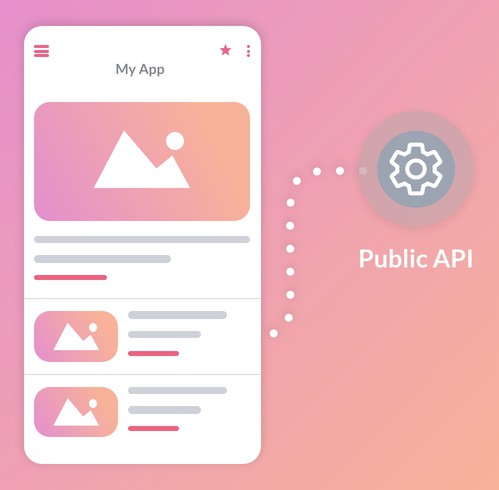
## Anpassade funktioner+
Lägg till dina egna anpassade funktioner i din app
### Skapa din egen funktion
Använd våra Custom-sektioner för att skapa anpassade funktioner som är djupt integrerade i din applikation. Meny, widget, navigeringsläge eller fullfjädrad sektion - du kan skapa dina egna element från grunden med hjälp av vanliga språk som HTML, JS och CSS.
Vi förser dig med [GoodBarber App API](https://app.goodbarber.dev/v2/documentation/), som erbjuder förenklad åtkomst för att interagera med inbyggda delar av appen. GoodBarber App API ger dig fullständig flexibilitet, vilket öppnar upp en värld av möjligheter att skräddarsy din applikation efter dina specifika behov.
[Upptäck Custom Code-tilläggen](https://se.goodbarber.com/extensions/usecases/goodbarber-open-custom-code/)
### Exempel på kod
Ge utlopp för din kreativitet genom att utforska de praktiska exempel som finns på vår Github. Dessa konkreta exempel hjälper dig att skapa unika funktioner och ger dig en ständig källa till inspiration.
[Bläddra bland exempel på GitHub](https://goodbarber.github.io/)
## Avancerad designutgåva+
Avancerad designredigering
### Konfigurationsfil för appdesign
Få direktåtkomst till konfigurationsfilen för din app. Du kommer att kunna redigera dolda parametrar för att göra djupa designanpassningar.
[Mer information](https://se.goodbarber.com/extensions/advanced-edition/)
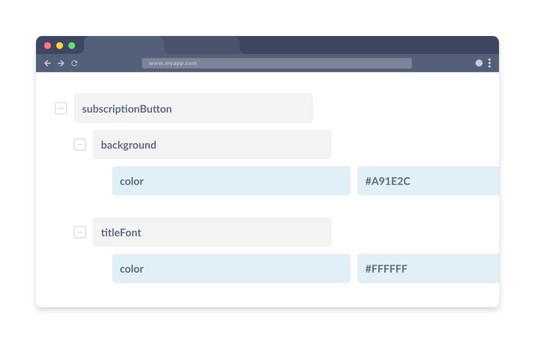
## Synkronisering av innehåll+
Bygg en anpassad anslutning för att visa innehåll i din app
### Anpassade innehållsflöden
Med en anpassad innehållsfeed kan du synkronisera det innehåll du hanterar med ett CMS från tredje part till din app. Innehållet visas i GoodBarbers inbyggda mallar och drar nytta av alla funktioner i din app.
[Utforska dokumentationen för anpassade flöden](https://www.goodbarber.com/help/custom-feeds-r111/)
## Import och export av data+
Använd CSV-import och -export för att ta in data i din app, hantera eller återanvända dina data utanför GoodBarber
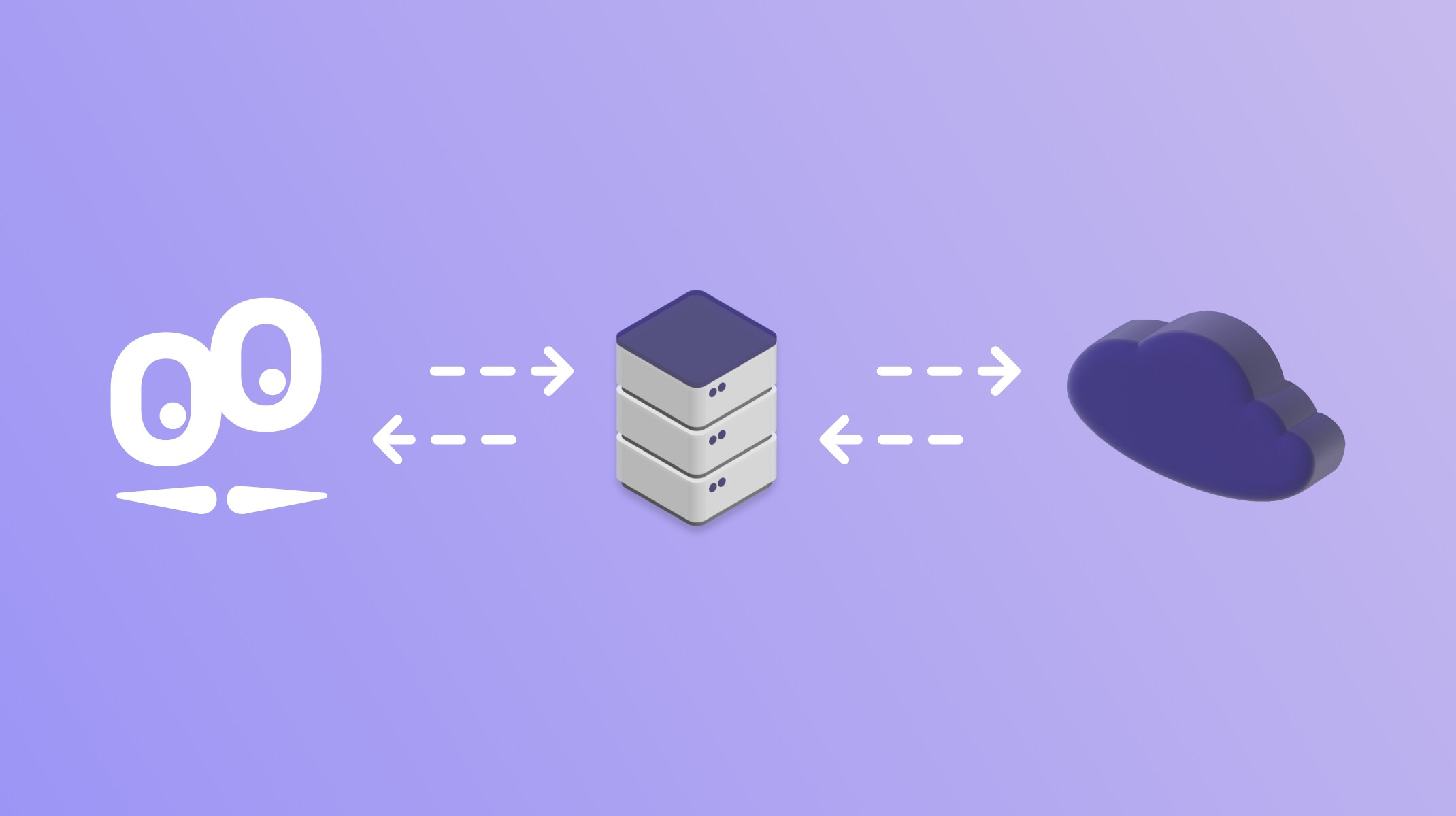
### För din innehållsapp
Du kan hantera data som rör dina användare (med tillägget Authentication) samt ta fram trafikstatistik för din app.
[Online-hjälp](https://www.goodbarber.com/help/authentication-and-users-groups-r102/export-or-import-a-list-of-users-a184/)
### För din e-handelsapp
Du kan hantera data som rör dina produkter, kunder och beställningar i din butik samt ta fram trafikstatistik för din app.
[Online-hjälp](https://www.goodbarber.com/help/shop/import-export-csv-r140/product-import-csv-a457/)
## Anlita våra experter
Om du inte är utvecklare kan du också anlita vårt Service+-team.
[Kom i kontakt med Service+](https://se.goodbarber.com/custom-development/)
---
# GoodBarber Academy
Source: https://se.goodbarber.com/academy/
---
title: "GoodBarber Academy"
description: "17 guider som hjälper dig få ut mesta möjliga av din app. Var och en läses i ett svep och täcker sitt ämne från början till slut."
canonical_url: "https://se.goodbarber.com/academy/"
lang: sv
---
17 guider som hjälper dig få ut mesta möjliga av din app. Var och en läses i ett svep och täcker sitt ämne från början till slut, från valet av innehåll till hanteringen av dina order.
Innehållsapp10
E-handelsapp10
[Alla appar Sköta din app med AI Funktionen som byggs från en enkel beskrivning, appen som sköts från Claude eller ChatGPT, assistenten som skriver med dig, och paletten som genereras med ett klick. 12 min läsning 6 kapitel](https://se.goodbarber.com/academy/managing-with-ai/)[Alla appar Mäta vad din app gör Var talen finns, vilken fråga vart och ett svarar på, och hur du läser dem så att de blir ett beslut. 12 min läsning 8 kapitel](https://se.goodbarber.com/academy/measuring/)[Alla appar Få din app att följa reglerna Vad din app samlar in på grund av funktionerna du lagt in i den, de fyra skärmarna som avgör saken, och de två formulären från appbutikerna. 7 min läsning 4 kapitel](https://se.goodbarber.com/academy/compliance/)[Innehållsapp Vilket innehåll till din app De nio innehållsavsnitten genomgångna ett och ett: vad vart och ett tillåter, hur du använder det, och vilken layout du ska välja. 23 min läsning 12 kapitel](https://se.goodbarber.com/academy/content/)[Innehållsapp Skicka push-meddelanden Aviseringen du skriver för hand, den som går ut vid varje publicering, den som en plats utlöser, och SMS när du måste vara säker på att komma fram. 12 min läsning 8 kapitel](https://se.goodbarber.com/academy/push-notifications/)[Innehållsapp AI i din app Två assistenter som liknar varandra på skärmen: RAG-chatboten svarar med ditt innehåll, ChatGPT-tillägget svarar med det modellen har lärt sig. 12 min läsning 5 kapitel](https://se.goodbarber.com/academy/ai-in-your-app/)[Innehållsapp Bygga en community med din app Autentisering av användare som grund, sedan användarlistan, grupperna och chatten som kopplas på den. 7 min läsning 4 kapitel](https://se.goodbarber.com/academy/community/)[Innehållsapp Skapa ett lojalitetsprogram i din app Lojalitetskort, klubbkort och kuponger: tre verktyg som förvandlar förbipasserande besökare till kunder som kommer tillbaka. 9 min läsning 3 kapitel](https://se.goodbarber.com/academy/loyalty-program/)[Innehållsapp Tjäna pengar på din innehållsapp Medlemskapet i appen, annonsering som lämnas till ett nätverk eller sköts av dig, och den betalda nedladdningen i appbutikerna. 9 min läsning 3 kapitel](https://se.goodbarber.com/academy/monetization/)[Innehållsapp Ta betalt för ditt innehåll Att välja vad som hamnar bakom betalväggen, att avväga förhandsvisningen som skapar lust, och att göra ditt erbjudande synligt för dem som ännu inte tagit det. 11 min läsning 7 kapitel](https://se.goodbarber.com/academy/memberships/)[E-handelsapp Organisera din butik Kollektioner, kollektionslistor och taggar: tre nivåer av ordning för en katalog som förblir läsbar. 8 min läsning 3 kapitel](https://se.goodbarber.com/academy/shop-organization/)[E-handelsapp Slipa dina produktsidor Skrivandet, bilderna, strukturen, SEO, varianterna och korsförsäljningen, med en regel: skriv från kundens stol. 20 min läsning 9 kapitel](https://se.goodbarber.com/academy/product-pages/)[E-handelsapp Hantera katalogen med en fil När kalkylbladet tar över från skärmen, vad som avgör om en import uppdaterar, och hur du förbereder en priskampanj tillsammans med dess utgång. 6 min läsning 6 kapitel](https://se.goodbarber.com/academy/bulk-catalog/)[E-handelsapp Välja betalningsmetoder Betaltjänst online, offlinebetalning för lokal leverans, och varför du gör klokt i att erbjuda båda. 4 min läsning 3 kapitel](https://se.goodbarber.com/academy/payment-methods/)[E-handelsapp Bestämma din leveransstrategi Vilken typ av leverans du ska erbjuda, vilken prisstrategi du ska anta, och hur du ställer in den i back office. 7 min läsning 4 kapitel](https://se.goodbarber.com/academy/shipping/)[E-handelsapp Öka din försäljning Rabatter, push-meddelanden, genvägar i köpresan och ett lojalitetsprogram: att sälja mer utan att skaffa nya kunder. 11 min läsning 4 kapitel](https://se.goodbarber.com/academy/boosting-sales/)[E-handelsapp Få ordning på dina order Följa dina order, informationen som skickas till kunden vid varje steg, och återvinningen av övergivna order. 6 min läsning 3 kapitel](https://se.goodbarber.com/academy/orders/)
## Redo att lansera din app?
Guiderna gäller ditt projekt i samma stund som din app finns.
[Skapa min app](https://se.goodbarber.com/create/)[Se priser](https://se.goodbarber.com/pricing/)
---
# Sköta din app med AI
Source: https://se.goodbarber.com/academy/managing-with-ai/
---
title: "Sköta din app med AI"
description: "Funktionen som byggs från en enkel beskrivning, appen som sköts från Claude eller ChatGPT, assistenten som skriver med dig, och paletten som genereras med ett klick."
canonical_url: "https://se.goodbarber.com/academy/managing-with-ai/"
lang: sv
---
# Sköta din app med AI
GoodBarbers AI arbetar inte bara på appen dina användare ser. Fyra verktyg arbetar på din sida av skärmen, och vart och ett öppnar en dörr som förut var stängd: att få en funktion som inte finns någon annanstans, att sköta din app från Claude eller ChatGPT, att skriva ditt innehåll med ett extra par händer, att hitta en färgskala utan att förlora en dag på det.
## Fyra verktyg, och var du hittar dem
De finns redan i din app. Inget att installera, inget att slå på innan du börjar: du behöver bara veta var du ska titta.
VerktygetVad det görVar du hittar det**AI Extension Builder**Bygger ett avsnitt utifrån din beskrivningMy App > Structure > Add, första rutan i listan**MCP Server**Öppnar din app för Claude, ChatGPT, Cursor och andra AI-verktygSettings > MCP Server & Public APIs**AI Assistant**Skriver, sammanfattar, översätter och skriver om ditt innehållFörsta knappen i redigerarens verktygsfält**Genius Palette**Föreslår en färgskala för hela appenMy App > App style > Colors
Funktionsbyggaren, MCP-servern och paletten fungerar likadant i innehållsappar och i e-handelsappar. Skrivassistenten dyker upp överallt där det finns en redigerare för formaterad text: artiklar, evenemang, platser.
## Beskriv en funktion, och få den
Det här är det senaste av de fyra, och det mest överraskande att se arbeta. Dess ingång ligger inte där du skulle leta efter den: den sitter i väljaren för avsnittstyp.
Gå till My App › Structure, klicka på Add, och titta på den första rutan i listan, före artiklar och foton: den som bygger ett avsnitt med AI. I stället för att välja en befintlig avsnittstyp beskriver du den som inte finns.
### Hur det fungerar
Skärmen öppnas i två kolumner. En konversation till vänster. En förhandsvisning av det som byggts till höger. Du beskriver vad du vill ha, på vilket språk du vill, så detaljerat du vill. Assistenten bygger det, talar om i en mening vad den gjorde, och förhandsvisningen fylls i.
Du håller konversationen igång för att justera. Varje utbyte ger en version, och historiken behåller dem alla, var och en märkt med förfrågan som gav den. Att gå tillbaka är alltid möjligt, och det är det som gör det tryggt att experimentera.
En andra flik ger dig den genererade koden, med tilläggets filer. Du behöver inte gå dit, och den stora majoriteten av användarna kommer aldrig att göra det. Den finns till för dem som kan läsa den, eller för en utvecklare du kallar in till hjälp.
När resultatet passar dig publicerar en knapp det till din app, där det blir ett avsnitt som vilket annat som helst, i din meny.
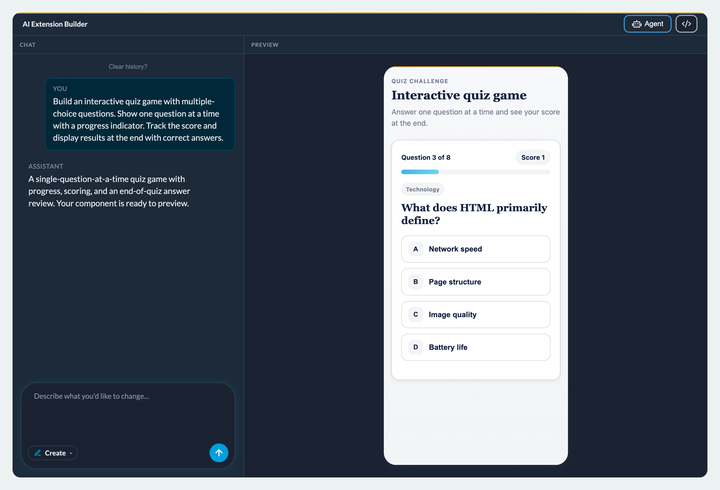
### Beskriv resultatet, inte metoden
Det här är vanan som ändrar kvaliteten på det du får mer än något annat. Säg vad funktionen ska göra, inte hur den ska bära sig åt. ”En knapp för att komma ihåg var jag parkerat bilen, och en till som lotsar mig tillbaka till den” räcker: assistenten hittar plattformens egna verktyg själv, platsbehörigheten din app redan har, telefonens kartapp, enhetens minne.
Namnger du en bestämd teknik eller en utomstående tjänst puttar du ut den ur den ramen. Då måste du uttryckligen tillåta åtkomst till den tjänsten, och det som fungerade som en inbyggd funktion blir en funktion kopplad till omvärlden.
### Tre inställningar som vidgar fältet betydligt
Studion rymmer tre diskreta paneler som ändrar arten av det du kan be om.
Den första tar emot **dina filer**: bilder, i så gott som alla format, och datatabeller i CSV, TSV eller JSON. Släppta där ligger de hos GoodBarber och får en stabil adress, så att funktionen kan använda dem utan att vara beroende av en utomstående tjänst. För att peka på en i din förfrågan skriver du snabel-a följt av början på dess namn.
Det är den här panelen som förvandlar en fil till ett avsnitt: en katalog, en prislista, ett prisrutnät blir bläddringsbara i appen utan att gå via CMS:et. Med en begränsning värd att känna till i dag: assistenten läser dina tabeller på deras adress, den analyserar dem inte kolumn för kolumn. Att visa dem, ja; att korsköra dem i detalj, inte ännu.
Den andra lagrar **åtkomstnycklar** till utomstående tjänster, för när funktionen du beskriver måste fråga en tjänst som är din egen.
Den tredje kopplar in **en delad databas**. Utan den stannar allt dina användare skriver in i funktionen på deras enhet, och ingen annan ser det. Med den lagras uppgifterna på servern och delas av alla. Det är skillnaden mellan en personlig kaloriräknare och en topplista delad av hela din community: samma funktion, två olika produkter.
Du behöver inte lista ut det på egen hand: när det du beskriver kräver ett gemensamt minne erbjuder sig studion att koppla in ett själv. En knapp, en anslutning till ditt Supabase-konto, och tabellerna och åtkomstreglerna skapas åt dig. Senare funktioner återanvänder samma anslutning med ett klick.
### Begränsningen värd att känna till
Det du får är en funktion byggd på beställning, inte en byggsten i produkten. Den byggs med det som finns till hands: inget utomstående bibliotek, ingen upphovsrättsskyddad bild, allt på skärmen är original. Och den förblir ett avsnitt inne i din app, inte ett program för sig: studion bygger ett minispel, den är ingen spelmotor.
Rätt sätt att placera den: när det du vill ha redan finns som en avsnittstyp eller som ett tillägg i butiken ska du ta det inbyggda blocket, det kommer alltid att vara bättre integrerat och bättre underhållet. När det du vill ha inte finns någonstans och en utvecklares offert skulle döda projektet, beskriv det. Det är där den gör något inget annat gjorde.
Och testa den som du skulle testa en hantverkares arbete: på en riktig telefon, med riktigt innehåll, innan du publicerar den.
### Fyra exempel, med resultaten i sikte
Bloggen går igenom varje punkt i det här kapitlet och visar vad det ger på riktigt, prompten inkluderad.
- **Att beskriva resultatet snarare än metoden**: sju ord räcker för att få en komplett geolokaliseringsfunktion, plockad isär steg för steg i [Prompt teardown: GPS memory and Maps from a single sentence](https://www.goodbarber.com/blog/prompt-teardown-gps-memory-and-maps-from-a-single-sentence-a1564/).
- **Dina filer**: vad assistenten kan göra med dem, format för format, i [AI Extension Builder: upload your own files](https://www.goodbarber.com/blog/ai-extension-builder-upload-your-own-files-a1546/).
- **Den delade databasen**: vad studion skapar åt dig, tabeller och åtkomstregler inkluderade, i [AI Extension Builder: add a Supabase database to your app](https://www.goodbarber.com/blog/ai-extension-builder-add-a-supabase-database-to-your-app-a1550/).
- **Och begränsningen, ordentligt testad**: ett spelbart spel med sin delade topplista, som ändå är ett avsnitt i din app, i [Can a no-code app builder make Flappy Bird? I tried](https://www.goodbarber.com/blog/can-a-no-code-app-builder-make-flappy-bird-i-tried-a1557/).
## Att sköta din app från Claude eller ChatGPT
De andra tre verktygen bor i back office. Det här gör tvärtom: det öppnar din app för de AI-verktyg du redan använder på annat håll, Claude, ChatGPT, Cursor eller något annat.
Mekanismen kallas en **MCP-server**, för *Model Context Protocol*. Versionen på en mening: det är ett standarduttag som låter en AI agera på din app, i stället för att bara tala om den. Du frågar vilka tio produkter som sålde bäst den här månaden, och den går faktiskt och hämtar svaret i din butik. Du ber den schemalägga en avisering till klockan sex på kvällen, och aviseringen schemaläggs.
### Var du ställer in det
Skärmen är medvetet kort.
Den rymmer två saker. **Din serveradress**, med sin kopieringsknapp, som identifierar din app och ingen annan. Och dina **API-nycklar**, som du skapar i uppsättningar från den här sidan, där varje uppsättning kan återkallas utan att de andra berörs.
Själva anslutningen sker inte här. **Den utgår från andra hållet**: det är i Claude eller i ChatGPT du lägger till GoodBarber, på samma sätt som du skulle lägga till vilket annat verktyg som helst, och nyckeln du skapat på den här sidan är det som identifierar dig där. Håll den riktningen i minnet, den förklarar varför skärmen är så kort: GoodBarber öppnar uttaget, din AI kommer och kopplar in sig i det.
Tillvägagångssättet är publicerat verktyg för verktyg: [anslut Claude](https://www.goodbarber.com/connect-claude-app/), [anslut ChatGPT och Codex](https://www.goodbarber.com/connect-chatgpt-app/), och den [fullständiga MCP-översikten](https://www.goodbarber.com/mcp/).
Settings › MCP Server & Public APIs
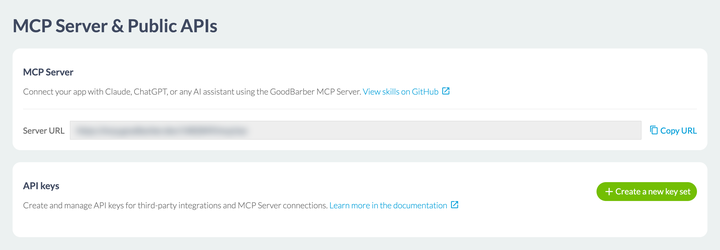
### De 44 färdiga recepten
Ett öppet uttag talar inte om vad du ska be om. Det är jobbet för de **44 färdigheter** GoodBarber publicerar öppet på GitHub, nåbara från länken på samma skärm. Var och en är ett nedskrivet recept som lär din AI att ta en vanlig uppgift från början till slut.
FamiljHur mångaSortens förfrågningar de täcker**eCommerce**18Bästsäljare, lagersaldon, kampanjer, kundkännedom**Innehåll och CMS**11Att publicera en artikel, att granska det som är live, att hålla en redaktionell kalender**Medlemskap**10Att följa prenumerationer, att bevaka förnyelsedatum, att rikta en avisering**Community**5Publikrapporter, aviseringar till alla, enhetsöversikt
De är öppna och får spridas vidare, vilket betyder mest för återförsäljare: de kan döpas om och publiceras på nytt under eget varumärke.
### Vad det ändrar, och vad det inte ändrar
Vad det ändrar: repetitiva handgrepp och bevakningsfrågor. Att få sin bild av läget på måndagsmorgonen utan att öppna fyra skärmar, att rätta tjugo produktsidor på ett svep, att förbereda en kampanj genom att diktera den. Det är uppgifter där back office kräver många klick och väldigt få beslut.
Vad det inte ändrar: **ansvaret förblir ditt**. Plattformen är redo för agenter, den är inte på autopilot. En AI som är kopplad till din app agerar i ditt namn, på verkliga data, och den har inte ditt omdöme om vad som bör publiceras. Börja med förfrågningar som läser före förfrågningar som skriver, kontrollera vad som gjorts, och håll handen på det som går ut till dina användare.
## Assistenten som skriver med dig
En ikon öppnar redigerarens verktygsfält, till vänster om formateringsknapparna. Du hittar den på samma ställe i en artikel, i ett evenemang och i en plats. Den fäller ut fem kommandon, och skillnaden mellan dem är värd att förstå innan du klickar.
Fyra av dem arbetar på **texten du har markerat**: fyll i den, sammanfatta den, översätt den, ändra dess ton. Aldrig på hela sidan, alltid på det markerade stycket, vilket låter dig arbeta om ett stycke utan att röra de andra. Översättningen täcker sju språk: engelska, franska, italienska, nederländska, portugisiska, spanska och tyska. Tonen finns i fem register, från pedagogisk till vardaglig, via professionell, empatisk och neutral.
Det femte, mitt i menyn, är en fri assistent, och det är det enda som utgår från ingenting: du beskriver vad du vill få.
Därav verktygets logik, värd att förstå innan du klickar: **assistenten arbetar om en text, den fyller inte ett tomt blad**, om du inte säger exakt vad som ska stå där. Vanan som följer är enkel, och den besparar dig att undra varför ingenting händer: markera först, fråga sedan.
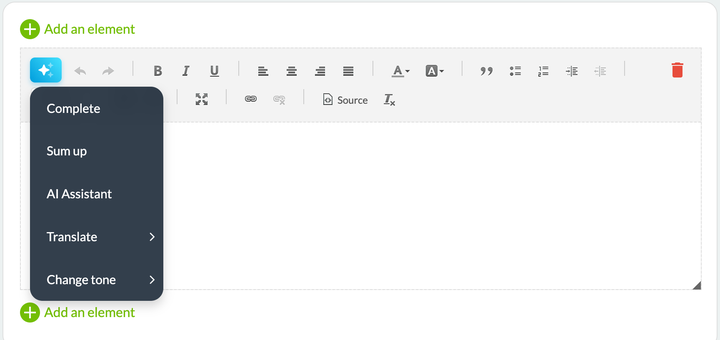
### Vad den faktiskt ändrar
Vinsten syns på volym, inte på det enstaka stycket. En butik som lägger ut fyrtio produkter på nätet har fyrtio beskrivningar att skriva, alla uppbyggda på samma sätt, alla tröttsamma att producera och ändå avgörande för både SEO och försäljning. En utgivare som arbetar på tre språk gör samma översättningsjobb tre gånger. De upprepningarna är det assistenten tar upp.
Den tar också upp missmatchningar i register. En text skriven av en ingenjör, körd genom den pedagogiska tonen, blir läsbar för en kund utan att någon behöver förhandla med författaren.
### Begränsningen värd att känna till
Assistenten skriver **korrekt**, den skriver inte **som du**. Den producerar ren, medelmåttig prosa utan skrovligheter, och skrovligheterna är just det som skiljer din app från de trettio andra i din bransch. Använd den till det otacksamma materialet, behåll din röst till det dina läsare kommer till dig för, och läs allt som går ut i ditt namn.
En enkel regel, som hålls av de team som använder den väl: AI skriver det första utkastet, aldrig det sista.
## En färgskala med ett klick
Verktyget heter **Genius Palette** i Extensions Store, och länken som drar igång det heter **Magic palette** på färgskärmen. Det är samma sak.
Länken sitter uppe till höger i blocket med färgteman. Ett klick, och hela skalan ändras på en gång: de två sidhuvudsfärgerna, de fyra huvudfärgerna som Smart Design använder för att bygga resten av appen, och sekundärfärgerna nedanför.
Klicka igen och du får ett helt annat förslag: du genererar om tills du landar på en skala som talar till dig. En knapp lägger tillbaka ursprungsfärgerna, och framför allt **tillämpas ingenting på din app förrän du bekräftar**, där sidfoten lämnar dig fri att avbryta ända in i slutet. Du kan alltså prova femton av dem utan att riskera något.
Vad paletten inte gör: den vet ingenting om din logotyp, dina varumärkesriktlinjer, eller branschen du konkurrerar i. Den är utmärkt för att komma bort från ett tomt blad, eller för att visa tre riktningar för någon som inte kan bestämma sig. Den ersätter inte en varumärkesidentitet när du har en.
En nyttig vana: när du väl tillämpat en palett ska du öppna två eller tre riktiga skärmar i förhandsvisningen, en lista, en artikel, ett formulär. En skala som ser tilltalande ut på fyra färgprover kan visa sig oläslig på en tät lista.
My App › App style › Colors
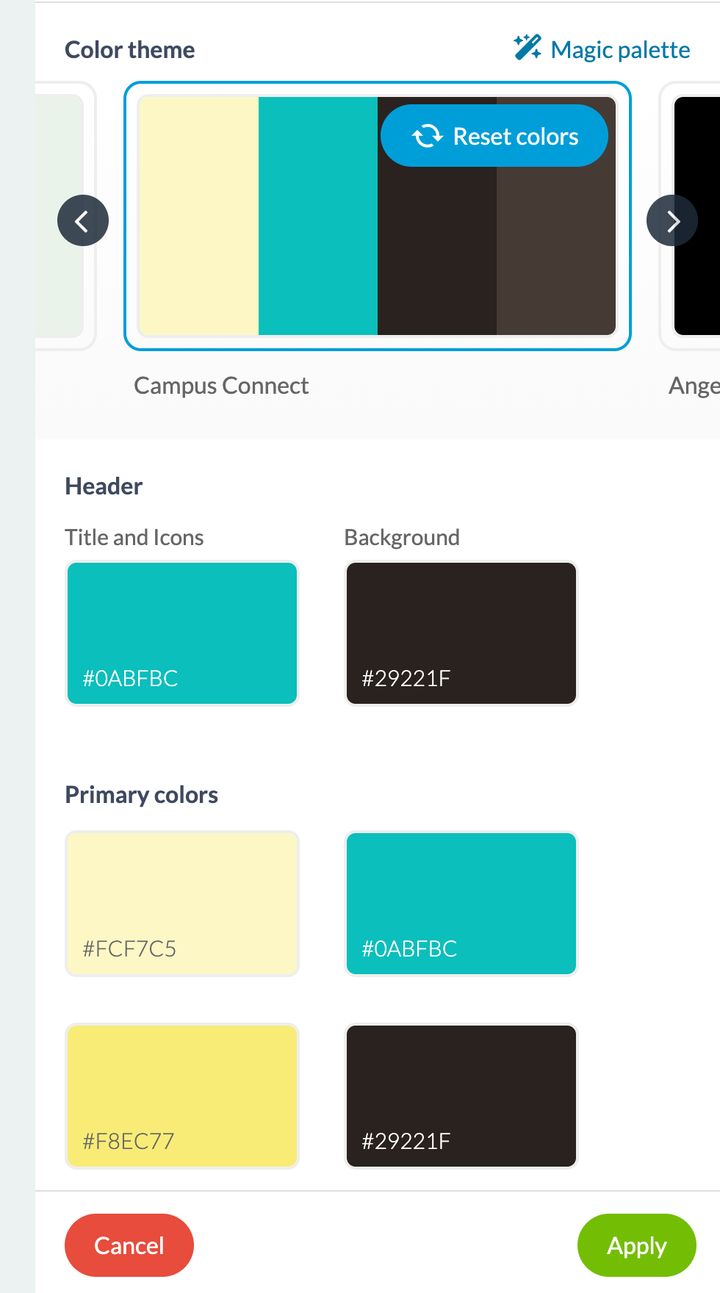
## Tre saker att veta innan du börjar
**GoodBarber öppnar dörren, det säljer inte det som kommer genom dörren.** De fyra verktygen finns inom räckhåll från ditt back office, men MCP-servern förutsätter att du redan har Claude, ChatGPT eller ett likvärdigt verktyg på din sida, med prenumerationen som hör till.
**AI fungerar bra på det som redan är i ordning.** Det gäller alla fyra verktygen, och det är det minst uppenbara de har gemensamt. En AI som arbetar om en förvirrad text producerar en förvirrad text som läses väl. En palett lagd över en app vars struktur är oläslig gör den inte läslig. Städa först, snabba på sedan.
**Börja med ett.** De fyra verktygen berör fyra mycket olika stunder i ditt arbete, och ingenting säger att du måste ta dem till dig samtidigt. Ta det som motsvarar din mest smärtsamma vecka: funktionsbyggaren om ett projekt står stilla i brist på en utvecklare, MCP-servern om du lägger mer tid på att konsultera din app än på att driva den, skrivassistenten om du publicerar mycket, paletten om du precis har börjat.
---
# Mäta vad din app gör
Source: https://se.goodbarber.com/academy/measuring/
---
title: "Mäta vad din app gör"
description: "Var talen finns, vilken fråga vart och ett svarar på, och hur du läser dem så att de blir ett beslut."
canonical_url: "https://se.goodbarber.com/academy/measuring/"
lang: sv
---
# Mäta vad din app gör
Du har publicerat innehåll, skickat aviseringar, öppnat en butik. Kvar står frågan varje annan guide ställer utan att svara: fungerar det? Ditt back office räknar redan allt åt dig, utan att du behöver ställa in eller installera något. Den här guiden säger var talen finns, vilken fråga vart och ett svarar på, och hur du läser dem så att de blir ett beslut.
## Två ställen, inte ett
Det första är **Dashboard**, den första posten i din meny, som öppnar en sida med titeln Overview. Den sammanfattar de senaste trettio dagarna, färdig att läsa, inget att konfigurera. Dess uppgift är att på tio sekunder visa dig om något har rört på sig.
Det andra är menyn **Statistics**, ett snäpp längre ner. Var och en av dess skärmar täcker ett ämne, och det är dit du går för ett exakt svar. Reglagen beror på skärmen: trafiken är bäst utrustad, med en period, ett plattformsfilter och en export; de tekniska och internationella skärmarna visas som de är.
De två produktlinjerna har inte samma skärmar, för de mäter inte samma sak. En innehållsapp räknar läsningar, en butik räknar försäljning.
Din frågaSkärmen som svarar på denI vilken appVäxer min publik?Statistics › TrafficBådaVilka telefoner har mina användare?Statistics › TechnicalInnehållsappVilka länder, vilket språk?Statistics › SocialInnehållsappHur mycket sålde jag, och var stannar det upp?Statistics › ActivityE-handelsappKom min senaste avisering fram?Notification › Push › History, eller Marketing › Push historyBådaFungerar mitt lojalitetsprogram?Business › Loyalty › StatisticsInnehållsappAtt följa resor och trafikkällorStatistics › External toolsBåda
Två riktmärken som tar dig raka vägen till rätt ställe. Posten **Social** öppnar skärmen International, den med länder, städer och språk. Och på butikssidan öppnar posten External analytics samma skärm External tools som på innehållssidan.
## Vad trafiken räknar
Det här är den enda skärm de två produktlinjerna delar. Den öppnas med tre tal som liknar varandra och svarar på tre olika frågor: att skilja dem åt ändrar allt du kommer att ta med dig från dem.
Statistics › Traffic
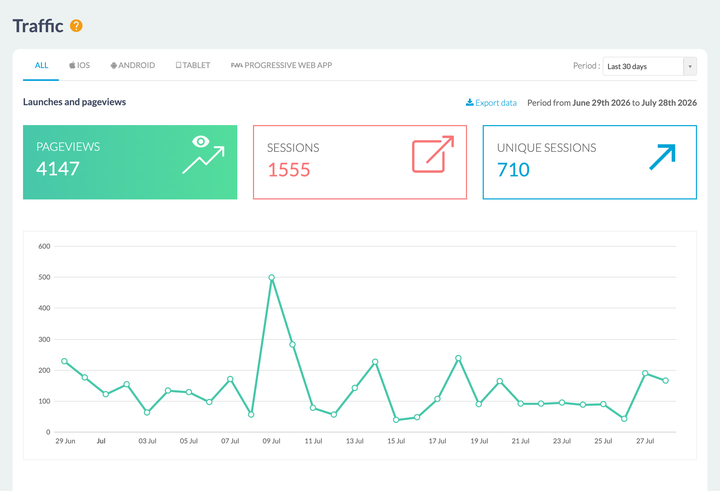
### Tre räknare, tre olika frågor
**Pageviews** räknar visade skärmar. En läsare som öppnar tre artiklar ger minst tre: det är ett mått på konsumtion, inte på närvaro.
**Sessions** räknar appöppningar. Samma läsare som kommer tillbaka tre gånger på en dag ger tre. Det här är ditt vanemått, och det är talet din Dashboard hämtar upp under samma namn.
**Unique sessions** räknar personer som kommer tillbaka flera gånger bara en gång. Det här är talet att titta på när du vill veta hur många personer du når, och det enda av de tre som inte rör sig när en stammis blir mer trogen.
Förhållandet mellan de två sista säger mycket i sig: om dina sessioner klättrar medan dina unika sessioner ligger platt har du inte vidgat din publik, du har gjort den mer hängiven. Båda är vinster, de kräver bara olika beslut.
De tre blocken är inte tre tal som står bredvid varandra: de är tre flikar. Den du väljer avgör vilken kurva som ritas nedanför, vilket ger dig tre avläsningar av samma månad utan att du lämnar skärmen.
### Nedladdningar, tid på plats, bästa dagar
Blocket **Downloads** ger installationer för perioden, deras förändring, ett dagligt snitt, och en löpande summa. Varje tal har sin användning: summan är den du lyfter fram, perioden är den du styr efter.
**Visit Duration** delar upp dina sessioner i fem intervall, från under tio sekunder till det sista, som löper från tre till tio minuter. Det här är måttet som bäst justerar förväntningarna: i många appar är det kortaste intervallet det fullaste, och det är inte nödvändigtvis ett misslyckande. Någon som öppnar en avisering, läser rubriken och stänger har konsumerat exakt det du skickade.
**Top days** rangordnar sidvisningar efter veckodag. Kör det mot dina publiceringsvanor: om din bästa dag är den du inte publicerar något har du ett enkelt beslut att fatta.
### De två filtren, och exporten
Högst upp på skärmen erbjuder en periodväljare de senaste 7 eller 30 dagarna, den här månaden, förra månaden, eller ett anpassat intervall du sätter med två datum. Bredvid den smalnar ett filter av visningen till en plattform: iOS, Android, surfplatta eller Progressive Web App.
Det andra filtret är omvägen värt. Dina iOS-användare och dina PWA-användare har varken samma installationsresa eller samma förhållande till appen, och genomsnittet av de två beskriver ingendera.
Slutligen har varje block på den här skärmen sin egen länk **Export data**, som ger en CSV-fil. Det är den som öppnar kalkylbladet för dig: att ställa två perioder sida vid sida, att räkna ut en förändring, att hålla bok månad efter månad, allt blir möjligt på fem minuter.
## Vilka dina användare är, och var de finns
Två skärmar reserverade för innehållsappar, och två konkreta beslut i slutet av dem.
Statistics › Technical ger fördelningen mellan plattformar, detaljerna för operativsystemens versioner, och listan över de vanligaste enheterna. OS-versionerna är det som spelar roll: de talar om för dig om den gamla telefonen en användare klagar på representerar en person eller en tredjedel av din publik.
Statistics › Social öppnar skärmen International, som rangordnar dina installationer efter land, efter stad och efter enhetens språk. Två användningar: att avgöra om du ska lägga till ett språk i din app, och att veta vilken tid du ska skicka en avisering. En publik spridd över flera tidszoner gör alternativet att skicka i lokal tid, som beskrivs i ”Skicka push-meddelanden”, långt mindre bagatellartat än det ser ut.
En sak som hjälper dig läsa rätt: språket som mäts är enhetens. En fransk läsare bosatt i Portugal dyker alltså upp som fransk, vilket gör det till rätt mått för att välja ditt gränssnittsspråk, att köras mot landkolumnen när du bestämmer vilket språk du ska publicera på.
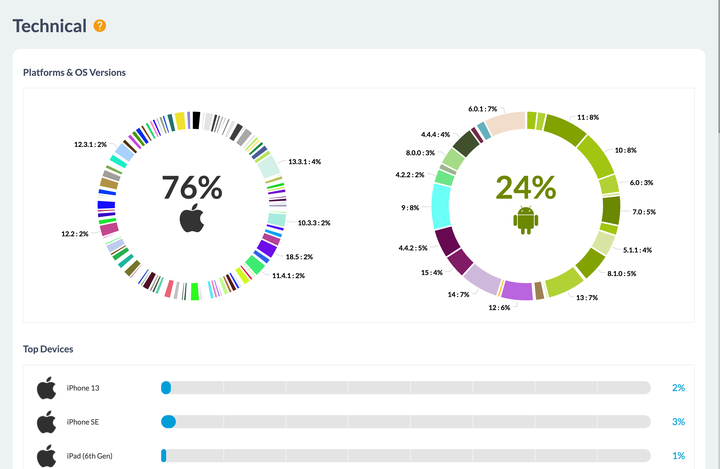
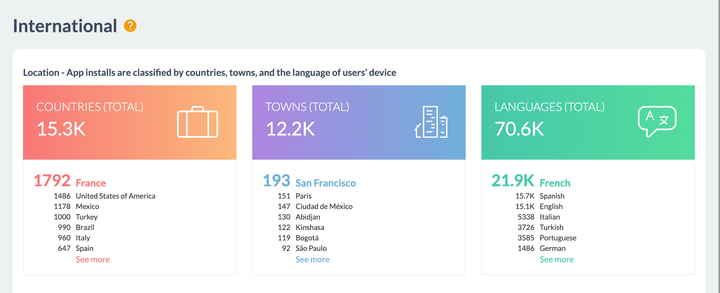
## Vad en butik drar in
E-handelsappar har sin egen skärm, Statistics › Activity, som samlar allt som rör försäljningen. Dess period sätts per vecka, månad eller år, innevarande eller föregående, med en anpassad vy om du vill ha andra gränser.
Fyra mått inleder den: **Total sales**, **Average cart**, **Orders**, och **Conversion rate of the checkout process**. Vart och ett bär en pil och en procentandel som jämför det med den föregående perioden. Den jämförelsen är det som gör det till information: en intäktssiffra i sig säger ingenting förrän du vet om den klättrar.
### Konverteringstratten, skärmen som visar var du ska agera
Nedanför ställer **Conversion funnel** upp tre steg: påbörjade varukorgar, påbörjade utcheckningar, och sedan order. De två första räknar besökare, det sista räknar betalda order, och vart och ett visar sin andel av summan.
De två tappen läses var för sig, för de har inte samma orsaker. Mellan varukorgen och utcheckningen är det oftast frakten som står på spel, dess kostnad som upptäcks i det ögonblicket eller en registrering som begärs för tidigt: ”Bestämma din leveransstrategi” täcker den marken. Mellan utcheckningen och försäljningen är det betalningen: ett formulär som är för långt, en väntad betalningsmetod som saknas, ett tvivel om säkerheten. ”Välja betalningsmetoder” täcker den.
Räknaren **Abandoned orders**, alldeles bredvid, ger volymsidan av samma historia, med en länk till detaljerna. De är inte förlorade: ”Få ordning på dina order” förklarar hur du vinner tillbaka dem en och en.
Skärmen avslutas med **Top sellers** och **Distribution of sales by channel**, mellan PWA i mobilen, PWA på datorn, iOS och Android. Den sista uppdelningen är användbar när du bestämmer var du ska lägga din kraft, och den rymmer ofta en överraskning för den som bara någonsin tittat på sina nedladdningssiffror.
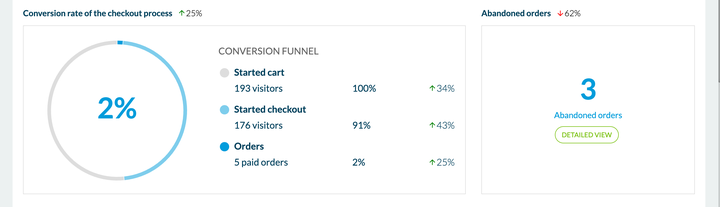
## Effekten av ett utskick
Varje avisering du skickar behåller sin egen rapport, som öppnas från din utskickshistorik: Notification › Push › History i en innehållsapp, Marketing › Push › Push history i en butik. Den visar antalet skickade aviseringar och antalet öppnade aviseringar, vart och ett uppdelat mellan iOS, Android och PWA, klickfrekvensen, och ett diagram över öppningar per timme.
Den sista kurvan är den mest direkt användbara: den talar inte om när du skickade, utan när folk öppnade. Två eller tre utskick räcker för att ett tidsfönster ska framträda.
### Ett jämförelsetal, räknat på dina egna utskick
Rapporten bär ett block med titeln **Expected rates based on previous notifications**, med din genomsnittliga klickfrekvens, din högsta och din lägsta. Back office räknar alltså åt dig, på din egen historik.
Det är rätt instinkt, och den slår ett branschgenomsnitt: en daglig nyhetsapp, en idrottsklubbsapp och en butik har varken samma utskicksrytm eller samma publik. Jämförelsen som faktiskt berör dig är ditt föregående utskick.
En tolkningsfråga, så att du läser de talen rätt. Mottagarräkningen omfattar **registrerade enheter**: alla som har din app installerad och accepterar dina aviseringar, inklusive folk som inte öppnat den på ett tag. Det är rätt tal för att mäta din räckvidd. När du vill mäta engagemang ska du i stället jämföra dina öppningar med månadens unika sessioner: båda avläsningarna är korrekta, de svarar bara på olika frågor.
## Slingan som gör mätningen nyttig
Ett tal som inte ändrar något du gör är inte värt något. Tre skärmar talar med varandra, och den kretsen är det som förvandlar en iakttagelse till en handling.
Du lägger märke till ett beteende i din statistik. Du bygger en **grupp** i Community › User list, där listan över dina registrerade användare visar deras senaste inloggning och låter dig flytta dem från en grupp till en annan. Den gruppen blir sedan ett målgruppskriterium när du skickar en avisering, och den tjänar också till att begränsa åtkomsten till ett avsnitt: det är samma objekt på båda sidor, och ”Bygga en community med din app” beskriver tillägget som ger det.
Push-målgruppsstyrningen kan också göra en del av jobbet på egen hand: den erbjuder beteendekriterier, däribland antalet öppningar under de senaste trettio dagarna, utan att du behöver förbereda något.
I en innehållsapp har lojalitetsprogrammet sin egen mätskärm i Business › Loyalty › Statistics: registreringar, tilldelade poäng, fyllda kort, uttagna gåvor, och en uppdelning per belöning mellan de som erbjudits och de som öppnats. Du ser alltså direkt vad en belöning gav, vilket talar om vilken du ska köra igen. Skärmen lägger till en uppskattning av intäkterna programmet drog in: en storleksordning, att läsa som sådan.
## Att gå längre med ett analysverktyg
Skärmarna ovan svarar på frågor om närvaro, utrustning och försäljning, och de svarar utan att du behöver installera något. Andra frågor kräver ett specialiserat verktyg: att veta vilken artikel som lästes mest, att följa resan skärm för skärm, eller att tillskriva en våg av installationer den kampanj som gav den.
GoodBarber låter dig koppla in det verktyg du väljer, och det är jobbet för skärmen Statistics › External tools. Den är organiserad i tre paneler, en per plattform, för kopplingen ser inte likadan ut.
På **iOS** ansluter du din app till Google Analytics for Firebase: skärmen ger dig appens identifierare att uppge i Firebase-konsolen, och sedan skickar du tillbaka konfigurationsfilen du laddat ner från den konsolen. På **Android** finns inget att skicka, Firebase ställs in automatiskt när appen kompileras och skärmen slår bara på eller av det. På **Progressive Web App** klistrar du in ett mät-ID från Google Analytics, och eventuellt ett behållar-ID från Google Tag Manager om du hellre styr dina taggar därifrån. Innehållsappar erbjuder också Count.ly, en öppen plattform du kan drifta själv.
De två kompletterar varandra mer än de ersätter varandra, och tabellen nedan hjälper dig avgöra vilken du ska öppna beroende på frågan.
GoodBarbers back officeEtt analysverktyg från tredje part**Att komma igång**Inget att göra, det finns redanEtt konto att skapa, en nyckel att klistra in, en app att kompilera om**Vad det ger dig**Närvaro, enheter, länder, försäljning, aviseringar, lojalitetResor skärm för skärm, innehåll som konsulterats, var installationerna kommer ifrån**Var uppgifterna bor**Hos GoodBarber, vid sidan av din appHos leverantören du väljer**Vad det kräver av dig**IngentingEn samtyckesbanner och en rad i din integritetspolicy
Den sista punkten förtjänar din uppmärksamhet, och skärmen hjälper dig hantera den: varje panel har sin egen kryssruta för anonymisering, anpassad till sin plattform. iOS avstår från Apples annonsidentifierare, Android avstår från Googles, och PWA:n anonymiserar IP-adresser samtidigt som den drar ner lagringen av mätcookies från tjugofyra månader till sex. Om du inte kör riktad annonsering ska du kryssa i dem: du behåller dina mätningar och du gör din efterlevnad mycket enklare.
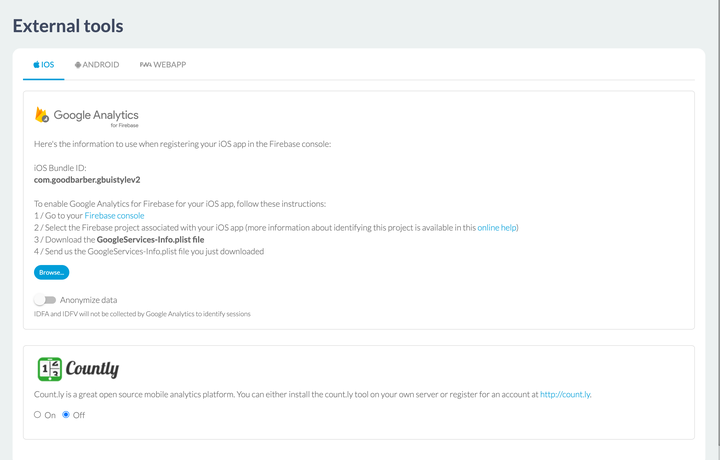
## Rätt jämförelse är du själv
Kvar står frågan alla ställer när de upptäcker de här skärmarna: vilken öppningsfrekvens är en bra frekvens, hur många sessioner per användare bör man sikta på, vilken retention är normal. Svaret ryms i en mening: det din app gjorde förra månaden.
De värdena beror på din bransch, din publiceringsrytm, hur länge din app varit ute och hur dina användare hittade dig. Genomsnitten som cirkulerar på nätet blandar appar som inte har med varandra att göra, medan din egen historik beskriver din situation exakt. Det är för övrigt precis det en aviserings rapport ger dig: dina egna referensfrekvenser, inte ett branschgenomsnitt.
Tre vanor får ut mest av dem. Jämför två perioder av samma längd, vilket kalkylexporten gör omedelbart. Ändra en sak i taget, så att du vet vad du ska tillskriva en rörelse. Och håll ögonen på riktningen snarare än på värdet: en kurva som stiger sakta under tre månader lär dig mer än ett utmärkt tal taget för sig.
---
# Få din app att följa reglerna
Source: https://se.goodbarber.com/academy/compliance/
---
title: "Få din app att följa reglerna"
description: "Vad din app samlar in på grund av funktionerna du lagt in i den, de fyra skärmarna som avgör saken, och de två formulären från appbutikerna."
canonical_url: "https://se.goodbarber.com/academy/compliance/"
lang: sv
---
# Få din app att följa reglerna
Du beslutade dig aldrig för att samla in data. Du valde funktioner.
Du lade till autentisering, alltså har du konton. Du kopplade in ett annonsnätverk, alltså cirkulerar en annonsidentifierare. Du öppnade ett avsnitt med evenemang, alltså ber din app om åtkomst till dina användares kalendrar. Inget av de stegen ser ut som ett integritetsbeslut, och ändå lägger vart och ett en rad till det du kommer att behöva uppge till Apple och till Google.
Det är det särskilda med att bygga utan kod, och det är vad den här guiden handlar om: **att inventera vad din app samlar in, med utgångspunkt i det du lagt in i den**, och sedan omsätta det i inställningar och uppgifter.
Steg för steg för varje formulär finns i vårt hjälpcenter. Det som följer är den andra halvan, den som avgör vad du kommer att svara.
## Vad din app samlar in
### Skärmen som inventerar åt dig
Gå till Settings › Privacy center, fliken **Permissions**.
Där hittar du listan över de behörigheter din app kan begära från dina användares enheter, och för var och en en kolumn **Usage** som namnger funktionen eller funktionerna som utlöser den.
Det är det som gör den här skärmen värdefull: den ber dig inte gissa, den talar om varifrån varje behörighet kommer.
Listan är inte lika lång i alla appar, eftersom den följer det din app bär på. En butik visar tjugo behörigheter; en innehållsapp som bär mediauppspelning och geolokaliserade aviseringar visar fler.
Några rader, för att ge dig en känsla:
BehörighetVad som utlöser denKalenderAvsnittet med evenemang, för att lägga till ett evenemang i enhetens kalenderMikrofonAvsnitten för formulär och inskickat innehåll, för att spela in videoKameraSkanning av QR-koder, lojalitetskortet, inskickat innehåll, formulär, användarprofilenÅtkomst till bildgallerietInskickat innehåll, formulär, och profilbildenPosition i förgrundenKartor, evenemang, push, formulär som hämtar in en adressBakgrundstjänstLjudspelaren för poddar och livesändningar, iBeaconsAnnons-IDAnalys- och annonsverktyg
Läs den kolumnen som en inventering. Om en behörighet överraskar dig ska du leta efter funktionen som står bredvid: det är den funktionen som bett om den, inte plattformen.
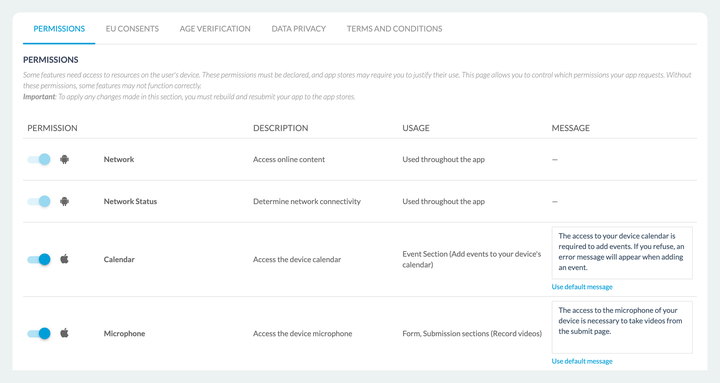
### Meningen dina användare kommer att läsa
Varje behörighet som avbryter användaren har ett fält **Message**. Det är texten som systemet visar i det ögonblick din app ber om åtkomst, och en standardtext föreslås.
Det fältet förtjänar bättre än sitt standardvärde, av ett enkelt skäl: det är det enda stället där du kan förklara **varför** du frågar. En användare som förstår accepterar, en användare som inte förstår vägrar, och en vägran betalas i försämrade funktioner. Skriv alltså vad behörigheten är till för i din app, inte vad den är.
Länken **Use default message** lägger tillbaka ursprungstexten om du vill ångra dig.
### En ändring innebär omkompilering
Skärmen säger det själv: varje ändring av behörigheterna når dina användare först när din app har kompilerats om och skickats in till appbutikerna på nytt. Det gäller alla tre utgångarna, iOS, Android och Progressive Web App.
Det här är ingen detalj i planeringen. Det betyder att det här kapitlet betas av **före** din inlämning, inte under den.
## Skärmarna, och vilken som berör dig
Privacy center sorterar sina inställningar under flikar, och de talar inte alla till varje app.
FlikDen berör dig om**Permissions**Alltid. Det är inventeringen från föregående kapitel**EU Consents**Du visar annonser eller mäter din publik, och du har europeiska besökare**Age verification**Din app är publicerad i appbutikerna och innehållet inte är avsett för alla åldrar**Data Privacy**Du behandlar personuppgifter som tillhör personer bosatta i Europa**Terms and Conditions**Du publicerar en innehållsapp. En butik har en egen skärm, se nedan
### EU Consents
Skärmen skiljer på två mekanismer, för de gäller inte på samma ställe.
**För dina nativeappar** går aviseringen via Funding Choices, och den slås på plattform för plattform, där iOS, Android och Progressive Web App var och en har sin egen brytare, med din annonskontoidentifierare att fylla i. Skärmen lämnar inget tvivel om vad som står på spel: utan den slutar dina annonser levereras till dina europeiska besökare.
**För din Progressive Web App** handlar det om cookie-aviseringen. Du väljer mellan ett **snabbt samtycke** och ett **detaljerat samtycke**, du skriver dess rubrik och dess text, du väljer sidan som dess länk leder till, och du klär den i din logotyp, din huvudfärg och ditt typsnitt.
Det här kapitlet överlappar med ”Tjäna pengar på din innehållsapp”, som täcker samma skärm från annonsvinkeln.
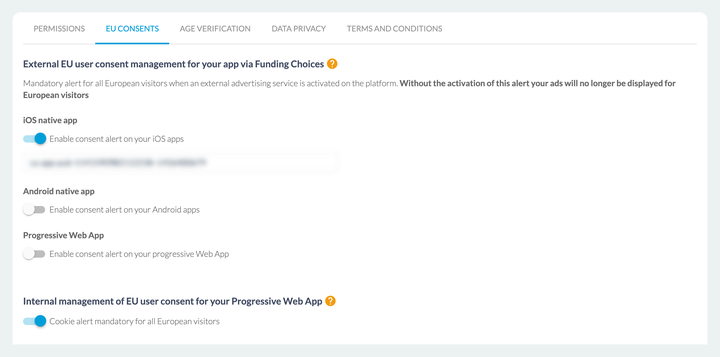
### Age verification
Den här skärmen slår på åldersverifiering för nativeappar. När den är på anpassar din app sina funktioner till den uppgivna åldern och stänger av de delar som inte är avsedda för minderåriga.
Det är den enda av de här flikarna som ändrar vad dina användare ser, snarare än vad du uppger.
### Data Privacy
Två kontaktblock, vart och ett med ett namn, en adress, ett telefonnummer och en e-postadress: ditt **dataskyddsombud**, och din **representant i Europeiska unionen**. Fyll i de som gäller dig.
Samma skärm ber dig ladda ner och underteckna **personuppgiftsbiträdesavtalet**, som är en integrerad del av användarvillkoren.
### Terms and Conditions
**Det är här de två produktlinjerna går isär**, och förväxlingen är vanlig. En innehållsapp sköter sina villkor och sin integritetspolicy från en femte flik i Privacy center, och guiden ”Ta betalt för ditt innehåll” beskriver den vägen. En butik har inte den fliken: den har en egen skärm, Settings › Terms and Conditions, där butikens försäljningsvillkor och integritetspolicy ställs in.
## De två formulären från appbutikerna
Apple och Google ber dig båda uppge vad din app samlar in, var och en i sitt eget formulär. Vårt hjälpcenter ger steg för steg, skärm för skärm, inklusive hur du fyller i adressen till din integritetspolicy på var sida.
Det som räknas här är **varifrån svaren kommer**.
Båda formulären ställer sina frågor per datakategori: plats, identifierare, aktivitet i appen, foton och video, personuppgifter. Och för nästan var och en av dem beror svaret på vad du har slagit på. Platsen uppges bara om motsvarande behörighet är aktiv. En användaridentifierare uppges bara om du har autentisering eller köp i appen. Annonsdata uppges bara om annonsidentifieraren är det.
Med andra ord: **kapitel 1 i den här guiden är svaret på formuläret**. Inventera först, fyll i sedan, så kryssar du varken för mycket eller för lite.
En sak som vårt hjälpcenter säger rent ut, och som tål att upprepas: du ansvarar för att det du uppger stämmer. Plattformen talar om vad den samlar in för att få din app att fungera, den känner inte till de användningar du lägger till ovanpå.
## Tajmning
Hela den här guiden går tillbaka på en fråga om tajmning.
Alla fyra skärmarna ställs in **före inlämningen**. En ändring av behörigheterna innebär att kompilera om och skicka in på nytt. En saknad samtyckesavisering syns inte medan du bygger, den syns när dina annonser slutar levereras i Europa, eller när en granskare avvisar din app.
Kostnaden för ett avslag är inte avslaget i sig, det är när det landar: när allt är byggt, utannonserat och ofta daterat. En kvart på de här fyra skärmarna innan du trycker på inlämningsknappen sparar dig en tur och retur på flera dagar.
Och om ett avslag ändå kommer har vårt hjälpcenter en hel kategori för att hantera dem, på Apples sida såväl som på Googles.
---
# Vilket innehåll till din app
Source: https://se.goodbarber.com/academy/content/
---
title: "Vilket innehåll till din app"
description: "De nio innehållsavsnitten genomgångna ett och ett: vad vart och ett tillåter, hur du använder det, och vilken layout du ska välja."
canonical_url: "https://se.goodbarber.com/academy/content/"
lang: sv
---
# Vilket innehåll till din app
”Innehållsapp” är en bred term. Mellan avsnitten och funktionerna som finns i ditt back office kan du täcka i stort sett vilket projekt som helst, oavsett bransch.
Den här guiden går igenom de nio innehållsavsnitten, med, för vart och ett, vad det tillåter, hur du använder det, och vilken layout du ska välja när det finns en. Den avslutas med CMS:et och kopplingarna, som avgör en grundläggande fråga: att skapa ditt innehåll i GoodBarber, eller att ta in innehållet du redan producerar på annat håll.
## De sju demoapparna
Exemplen nedan vilar på sju appar, fördelade på tre familjer. Hitta den som liknar ditt projekt, och anpassa sedan.
### Appar för innehållsskapare
River Daily för en lokaltidning, Piu Piu för en festival, Portland för en reseguide.
- **Blogg**: skapa artiklar fritt, illustrerade med bilder och videor.
- **Galleri**: visa dina bilder i flera presentationer.
- **Video**: dela ditt filmade innehåll.
- **Ljud**: publicera dina poddar.
- **Karta**: skapa innehåll knutet till bestämda platser.
- **Formulär**: ställ frågor till dina användare, samla in och analysera svaren.
- **Evenemang**: kommunicera om evenemang, presenterade efter datum.
- **Intern och extern annonsering**: skapa intäkter från ditt innehåll.
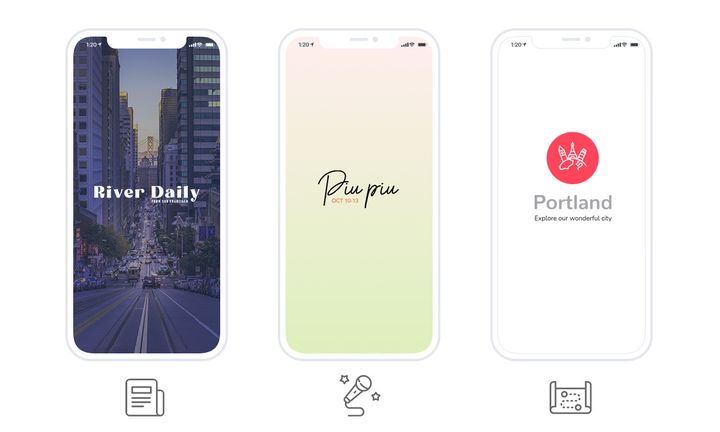
### Tjänsteföretag
Freyja Spa för en skönhetssalong, Ivar Madsen för en inredningsbyrå.
- **Blogg**: presentera dina tjänster och behandlingar, eller bygg en portfölj.
- **Kontakt**: samla dina kontaktuppgifter på en enda sida.
- **Om**: presentera dig på en egen sida.
- **Formulär**: förvandla det till en bokningsförfrågan.
- **Lojalitetskort och klubbkort**: bygg ett lojalitetsprogram och öka engagemanget.
### Utbildning och organisationer
Paraigua för en skola, Dali Corp för en intern företagsapp.
- **Blogg**: sprid ditt innehåll till din publik.
- **Autentisering**: låt dina användare skapa en profil.
- **Användare**: publicera listan över dina användare och deras profiler.
- **Användargrupper**: segmentera din publik och leverera innehåll som är särskilt för varje grupp.
- **Chatt**: öppna ett diskussionsutrymme i appen.
- **Evenemang**: kommunicera om dina evenemang.
- **Formulär**: ställ frågor till dina användare och analysera svaren.
## Att lägga till ett avsnitt
Draget är detsamma för varje avsnitt som beskrivs i den här guiden. Gå till My App › Structure, klicka på **Add**, och välj sedan typen du vill ha.
Du kan lägga till upp till **120 avsnitt** i en app, och samma innehåll kan dyka upp i flera avsnitt samtidigt. Det är det som gör organisationen så flexibel: ett avsnitt är ingen förseglad låda, det är en vy över ditt innehåll.
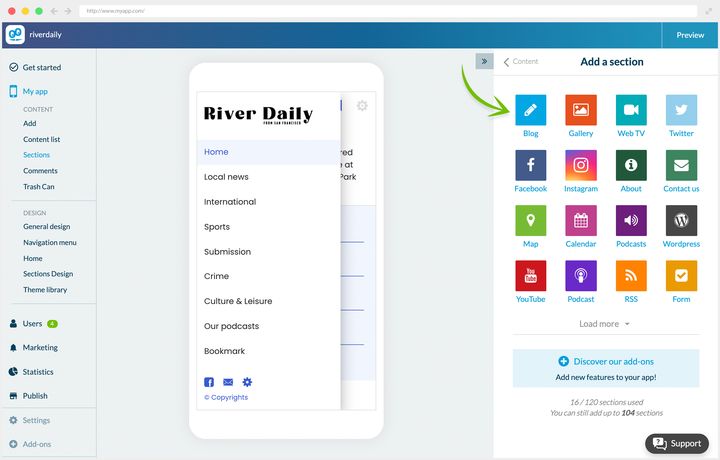
## Bloggen
### Vad det är till för
Avsnittet Blogg låter dig skapa innehåll direkt från back office, i form av artiklar berikade med foton och videor.
För en innehållsskapare är det det centrala avsnittet. Men oavsett ditt projekt kommer du att använda det minst en gång: det är det mest mångsidiga avsnittet av alla, och du kommer att se nedan att det böjer sig lätt till andra användningar.
**Att skapa artiklar.** En artikel byggs i stycken av text, som du lägger till foton, videor, citat eller inbäddningskod till.
Redigeraren öppnas från Content › Add › An article. Artiklar du redan publicerat finns i Content › Content list › All articles.
När innehållet väl är skapat ställer du in:
- avsnittet eller avsnitten artikeln hör till
- författaren
- miniatyrbilden
- en sammanfattning, som kommer att synas i artikellistan
- om kommentarer är påslagna eller inte
Fliken SEO låter dig dessutom fylla i metadata och anpassa adressen.
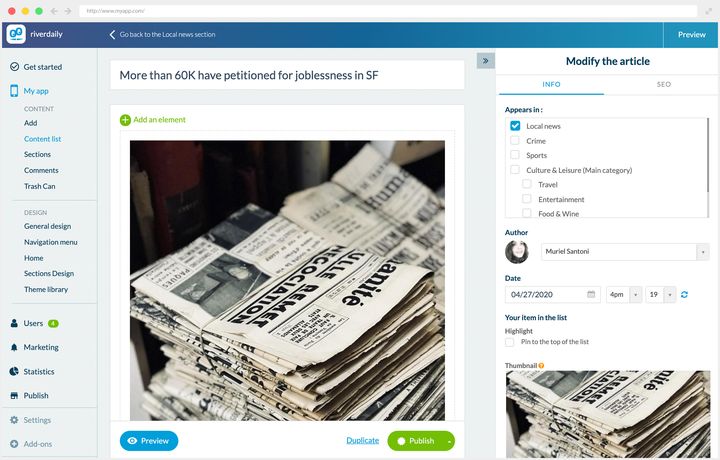
### Tre sätt att använda det
**Dynamiskt innehåll.** Det är dess första syfte. I nyhetsappen River Daily täcker flera Blogg-avsnitt tidningens olika redaktioner, vissa med kategorier för att förfina navigeringen ytterligare.
I artikelns detaljvy visas publiceringsdatumet, kommentarer är påslagna, tillsammans med delning och favoritmarkering.
**En katalogpresentation.** Hos Freyja Spa presenterar Blogg-avsnitten salongens behandlingar. De tre avsnitten som används är samlade inne i ett menyavsnitt.
Den intressanta omvägen finns här: sammanfattningsfältet, avsett för en ingress, används för att visa varje behandlings längd i listan. Den mest avgörande informationen är alltså läsbar med en blick, utan att sidan öppnas.
Detaljvyn upprepar längden, priset, beskrivningen av behandlingen och en länk till bokningsformuläret. Kommentarerna är påslagna och fungerar som en samling kundomdömen.
**Statiskt innehåll.** Appen Portland är en reseguide, och dess Blogg-avsnitt levererar tips till besökarna.
Här finns varken författare eller publiceringsdatum: den informationen skulle inte tillföra något till innehåll som inte blir inaktuellt.
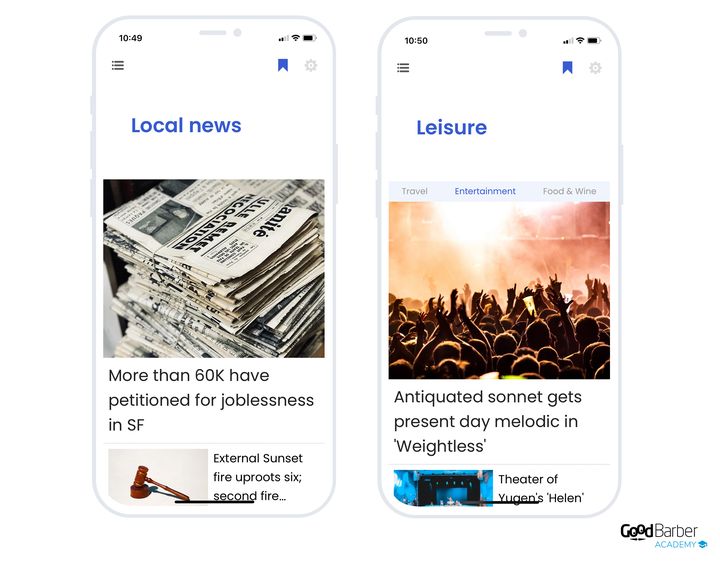
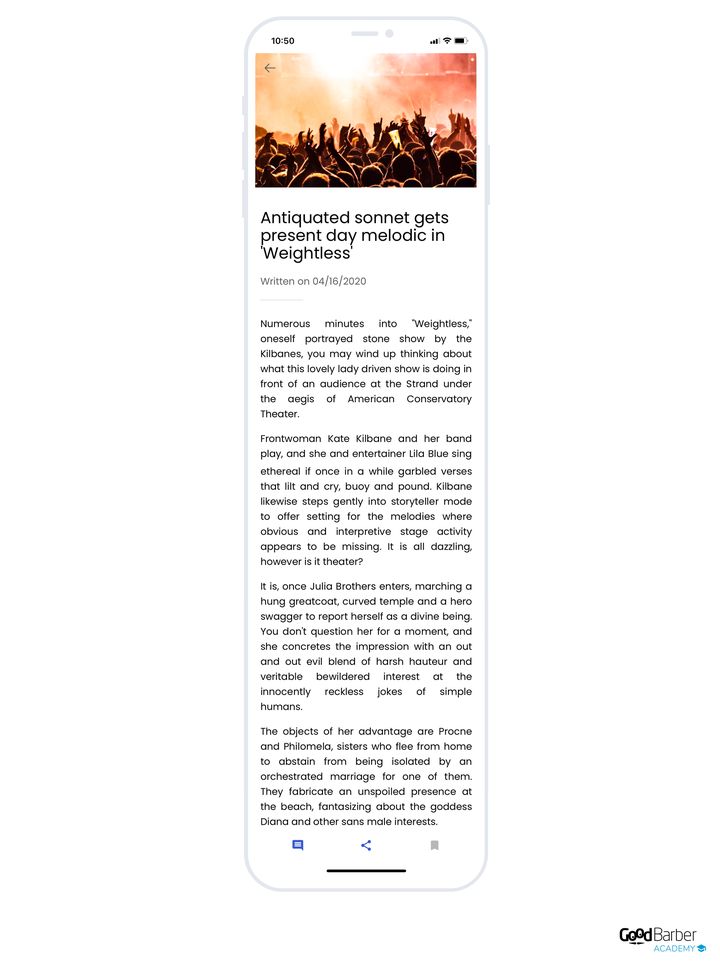
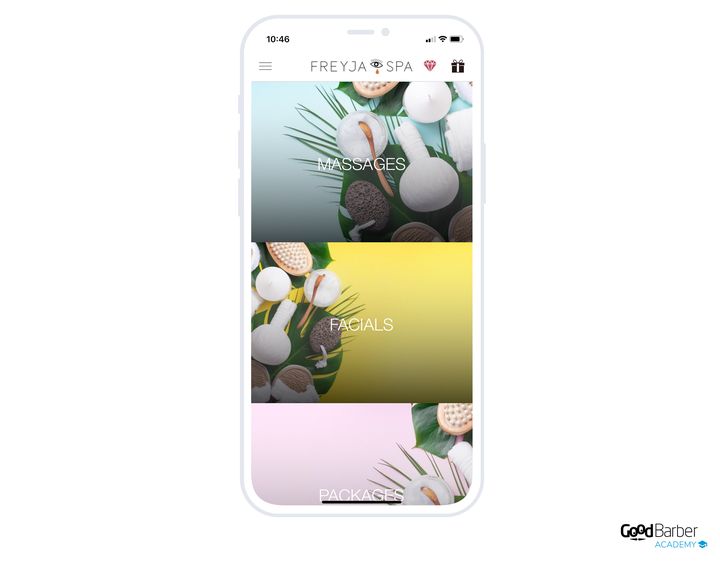
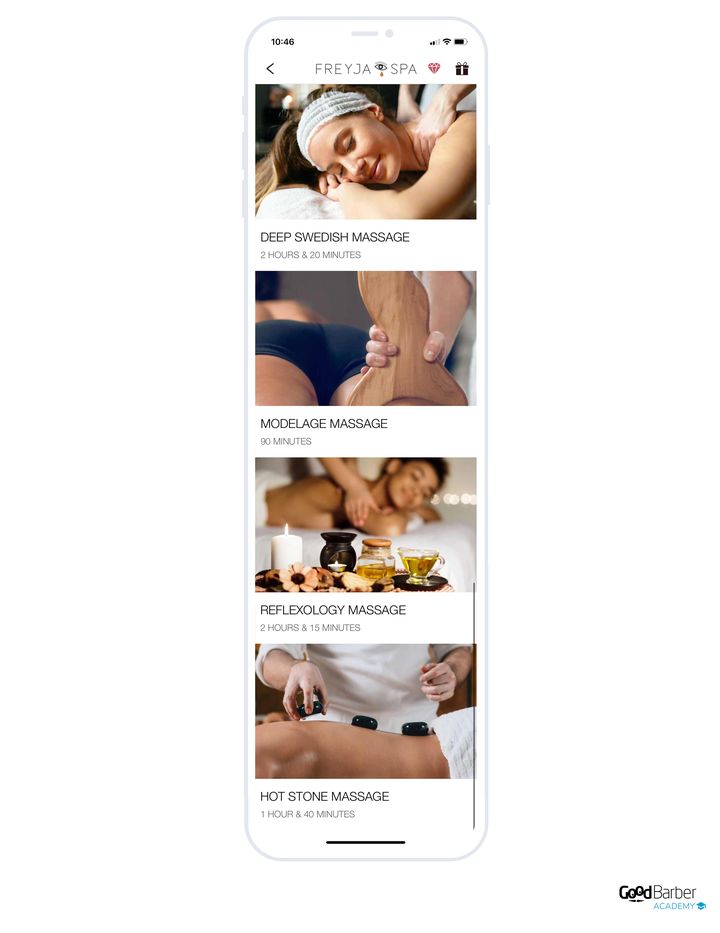
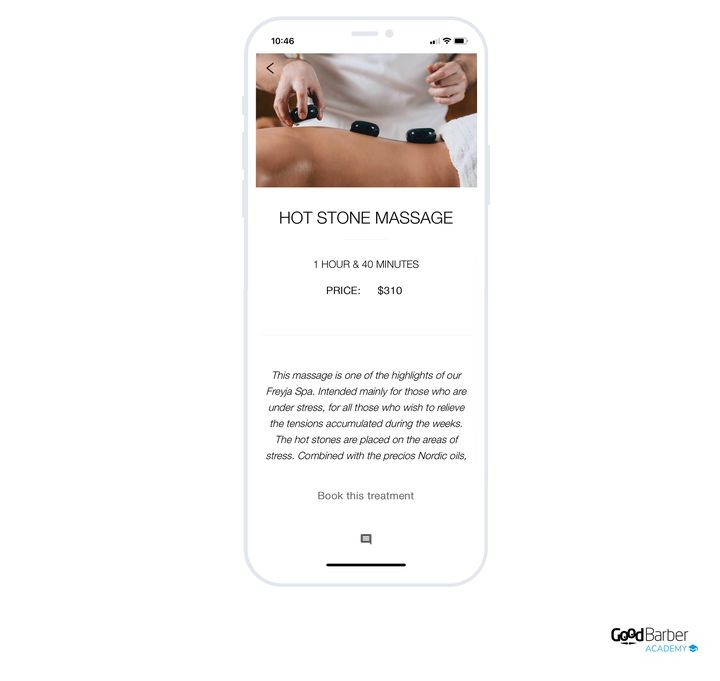
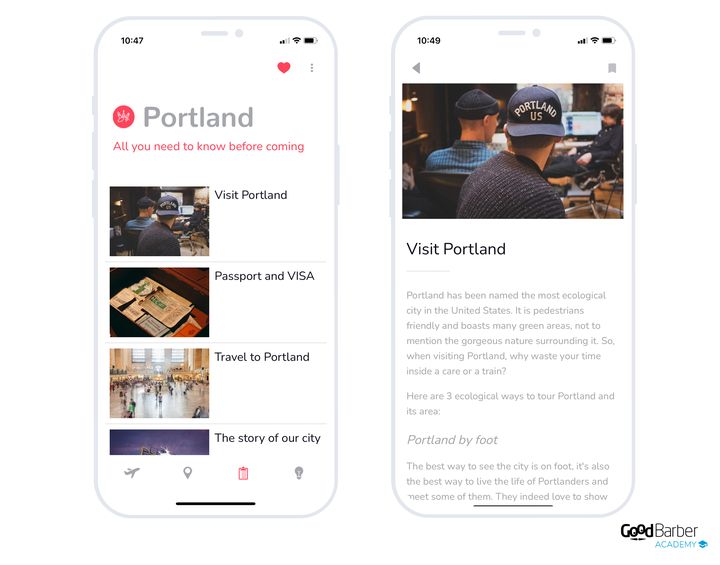
### Vilken layout du ska välja
Nio layouter finns tillgängliga för listan. De skiljs åt på tre kriterier: volymen artiklar du publicerar, dina bilders styrka, och om du vill framhäva en artikel eller inte.
Layouten ändras i My App › Structure: öppna menyn för det berörda avsnittet, och sedan **Edit the design**.
**Utan framhävd post, alla artiklar på samma nivå:**
- **Enriched Classic**, det universella standardvalet. Måttlig rytm, viktiga metadata synliga. Ta den när ingenting puttar dig mot en mer specialiserad layout.
- **Condensed**, för hög redaktionell volym som ska skummas snabbt. Bilden kommer i andra hand.
- **Visual Card**, kort i full bredd i en enda kolumn: stor bild överst, titel och ingress nedanför. För när det är bilden som får folk att klicka.
- **Checkerboard**, för statiskt innehåll, med titlar som läses i ett ”Z”-mönster.
- **Grid Visual**, ett rutnät med likställda artiklar. Kräver en bild på **varje** post.
**Med en framhävd artikel:**
- **Une Condensed**, en flaggskeppsartikel följd av många kompakta poster. Flödet tar upp volymen.
- **Une Grid Visual**, en framhävd artikel och sedan ett rutnät. Kräver en bild på varje post också.
- **Une Story**, flera ”förstasidor” i en svepbar karusell, i stil med sociala nätverk, med ett kompakt flöde nedanför. För mycket regelbunden publicering med starka bilder. **Finns bara för artiklar.**
**Specialfallet:**
- **Immersive**, en artikel per skärm, dominerande bild och navigering genom lodrätt svep. Praktfull med starka bilder, men den håller inte för hög volym.
**Regeln som går före alla andra:** om dina artiklar saknar bilder, eller har bilder av dålig kvalitet, ska du utesluta Visual Card, Checkerboard, Une Grid Visual, Grid Visual, Une Story och Immersive. Kvar blir Condensed om volymen är hög, annars Enriched Classic.
**För artikelns detaljvy** lägger standardvyn omslagsbilden i toppen, sedan titeln, datumet och författaren, handlingsfältet (dela, favoritmarkera, kommentera) och brödtexten. När en artikel saknar omslag kommer titeln först i stället för att lämna en tom topp.
En anmärkning som gäller för varje avsnitt: även om vi ibland förknippar en layout med en typ av användning är ingen reserverad för ett bestämt område. Allt beror på dina behov och på din apps övergripande design.
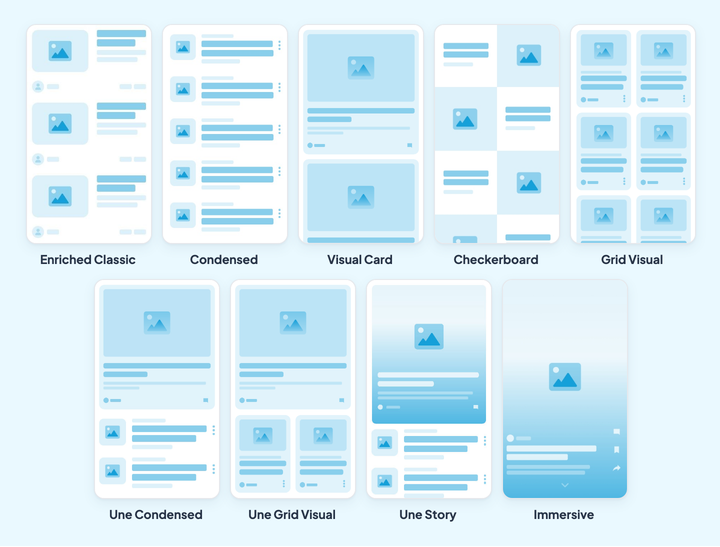
## Galleriet
### Vad det är till för
Avsnittet Galleri visar ett galleri med bilder. Hur det fungerar är minimalt: du lägger till dina foton, du väljer layouten, och det är allt.
Lägg till dina foton med knappen Add a photo, eller genom att dra och släppa från din dator. Flera uppladdningar samtidigt är möjliga, vilket snabbar upp arbetet betydligt.
Den skärmen finns i Content › Content list › All photos, och direkt tillägg finns i Content › Add › A photo.
När dina bilder väl är i back office kan du ge dem en titel och en beskrivning, som kommer att synas i detaljvyn.
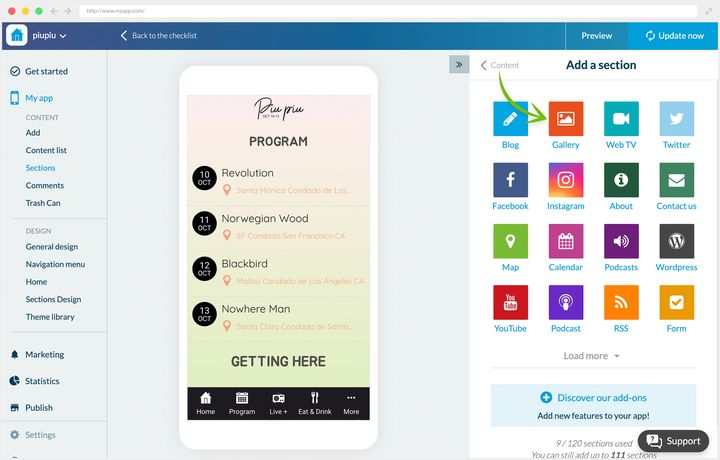
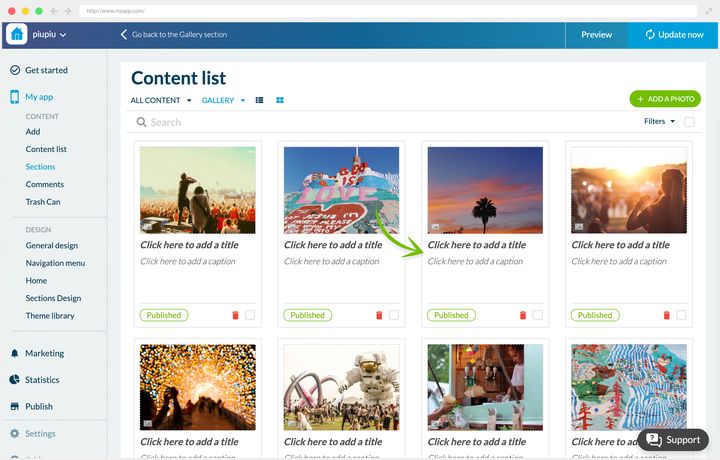
### Två sätt att använda det
**Livet på en skola.** Appen Paraigua levererar information till elever och föräldrar, och siktar på att bygga en community kring skolan. Dess Galleri-avsnitt publicerar regelbundet foton från livet på skolan. Den valda layouten lämnar varje bilds titel och beskrivning synliga, för att sätta dem i sitt sammanhang.
**En musikfestival.** Appen Piu Piu fräschas upp varje år inför den nya upplagan. Galleriet fungerar som ett arkiv: det samlar foton från tidigare år, vilket håller minnet levande för stammisarna och för festivalens anda vidare till nykomlingarna.
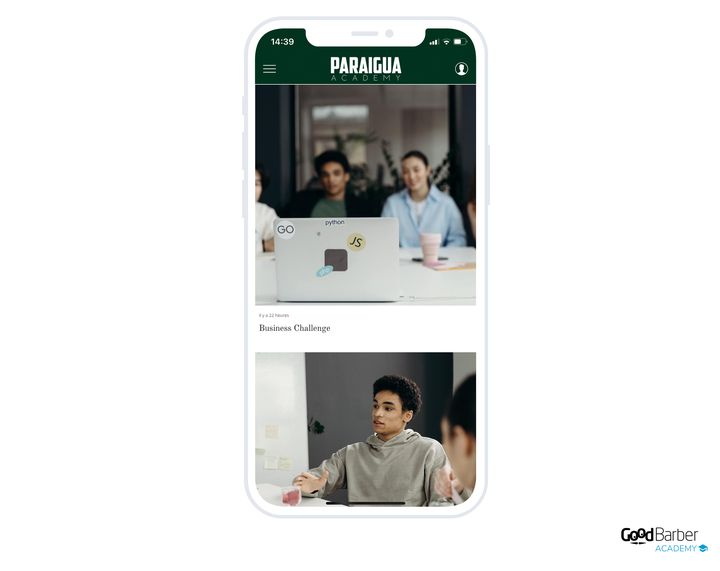
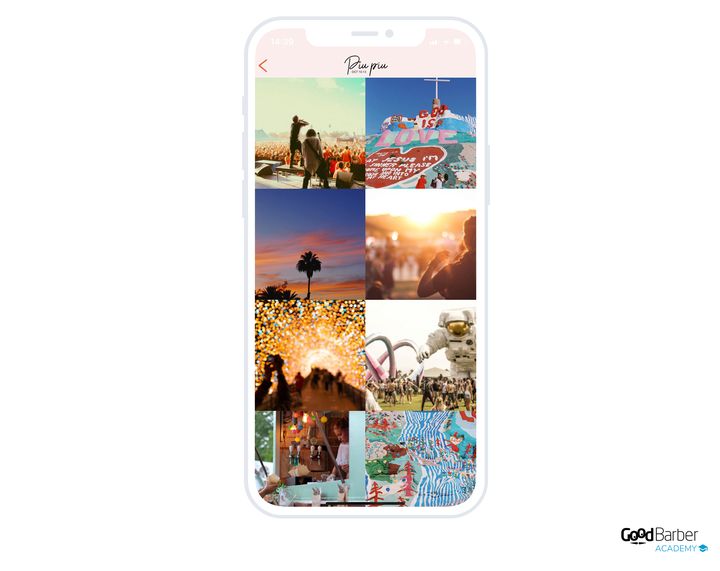
### Vilken layout du ska välja
Tre layouter, som svarar mot tre olika avsikter.
Layouten ändras i My App › Structure: öppna menyn för det berörda avsnittet, och sedan **Edit the design**.
- **Visual Card**, standardvalet. En kolumn, kort i full bredd, och framför allt **en titel och en bildtext per foto**. Det är den enda av de tre som låter dig sätta dina bilder i sitt sammanhang.
- **Square**, ett rutnät i två kolumner med kvadrater, utan titlar. För ett mycket komprimerat bildarkiv, när helhetens sammanhang betyder mer än varje foto för sig.
- **Ratio**, en mosaik i två kolumner som respekterar varje bilds ursprungliga proportioner. För en portfölj med blandade format.
Med andra ord: om dina foton behöver förklaras ska du ta Visual Card. Om de talar för sig själva och det är många av dem, Square eller Ratio beroende på om de är enhetliga eller inte.
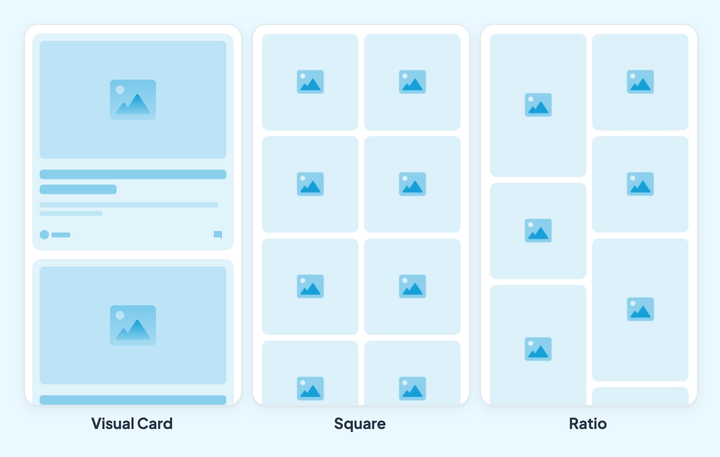
## Videor
### Vad det är till för
Avsnittet Video levererar videor i din app, oavsett om de redan ligger på en extern sajt eller inte.
Lägg till dina videor genom att ladda upp dem från din dator, eller genom att fylla i deras inbäddningskod om de redan bor på annat håll. Precis som för bloggen väljer du sedan visningsavsnitten, författaren, publiceringsdatumet, sammanfattningen och om kommentarer är på.
Redigeraren öppnas från Content › Add › A video.
Slutligen kan du strukturera sidan genom att vid behov lägga till stycken av text, foton och citat.
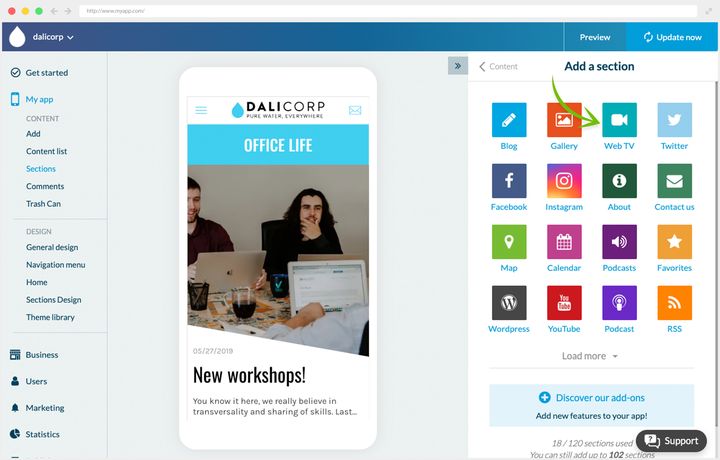
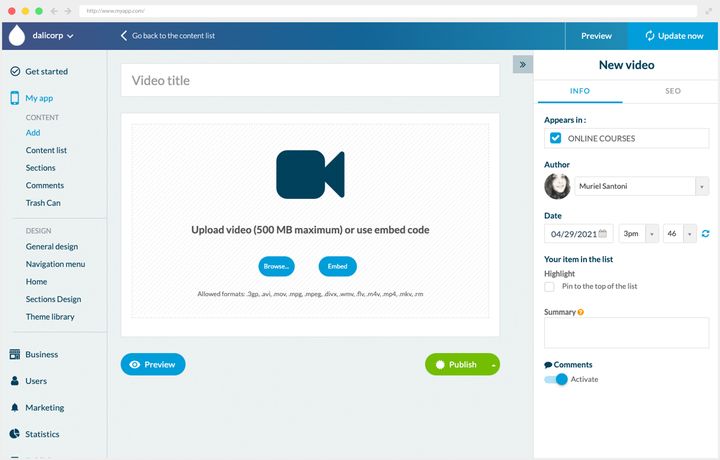
### Två sätt att använda det
**En lokaltidning.** River Daily har ingen tv-kanal, men sänder regelbundna program på YouTube, däribland ett dagligt. De är samlade i appens avsnitt Video News.
**En intern företagsapp.** Hos Dali Corp levererar Video-avsnittet onlinekurser skapade av anställda för anställda. Upplägget gör två jobb på en gång: det samlar personalen kring ett gemensamt projekt, och det ger dem gratis fortbildning.
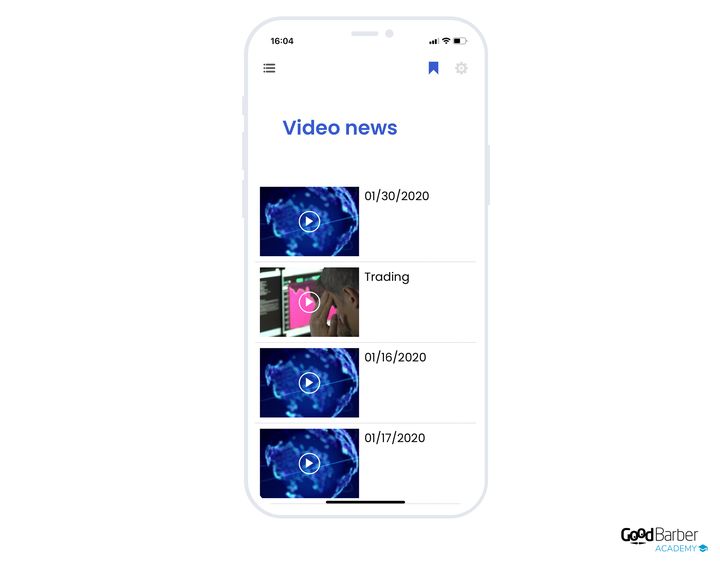
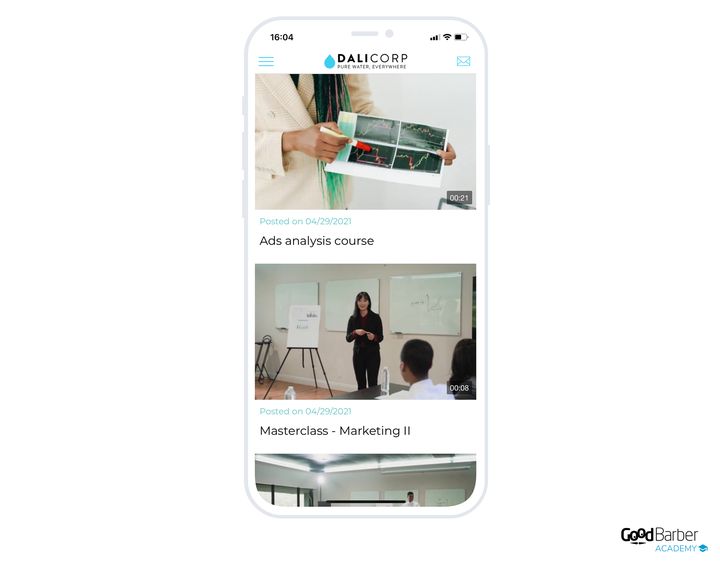
### Vilken layout du ska välja
Tre layouter för listan.
Layouten ändras i My App › Structure: öppna menyn för det berörda avsnittet, och sedan **Edit the design**.
- **Enriched**, standardvalet. Kompakt lista, liten miniatyrbild i 16:9, metadata i förgrunden (titel, datum, författare, beskrivning). Det är rätt val för hög volym som ska skummas.
- **Une Condensed**, en framhävd video visad stor med sin ingress, och sedan ett kompakt flöde nedanför. Det här är ”videotidningen”, med dagens förstasida. Håller för måttlig till hög volym.
- **Visual Card**, stora kort i full bredd med 16:9-ramen och uppspelningsknappen centrerad. Ta den när det är miniatyrbilden som får folk att klicka.
**För detaljvyn** tar videospelaren toppen, följd av titeln, datumet, handlingarna, beskrivningen och, om du fyller i en, adressen.
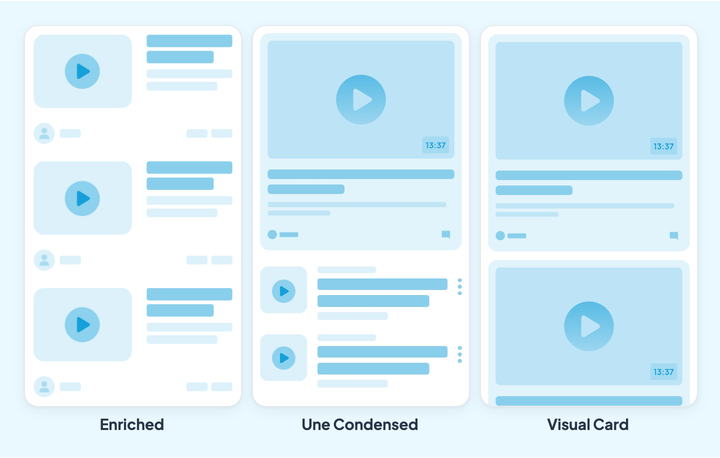
## Poddar
### Vad det är till för
Avsnittet Poddar levererar ljud i din app.
Lägg till ditt ljud genom att ladda upp det från din dator. Precis som för bloggen väljer du visningsavsnitten eller kategorierna, författaren, datumet, sammanfattningen och kommentarerna. Du kan också lägga till externa länkar för att köpa spåret.
Redigeraren öppnas från Content › Add › A sound.
Sidan struktureras sedan med stycken av text, foton, videor, inbäddningskod och citat.
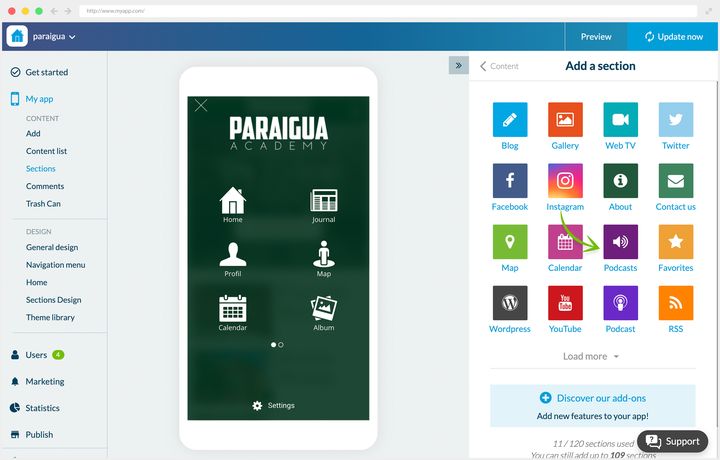
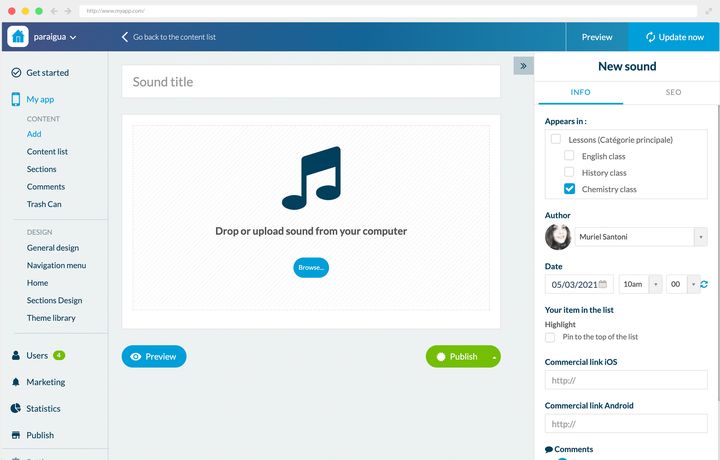
### Två sätt att använda det
**En nyhetsapp.** River Daily sänder också en radiokanal live. Avsnittet Poddar gör vissa program permanent tillgängliga. Datumen visas i listan, för att hjälpa lyssnarna hitta programmet de är ute efter. Detaljsidan förblir avskalad, utan extra information.
**En skola.** Paraigua behövde leverera sina lektioner på distans. De presenteras som en lista, kategoriserade efter ämne.
Idén värd att ta med sig finns i detaljsidan: en utskrift av lektionen publiceras där som stycken och bilder. Eleven följer texten och illustrationerna medan hen lyssnar på ljudversionen, vilket gör lektionen användbar i mycket olika situationer.
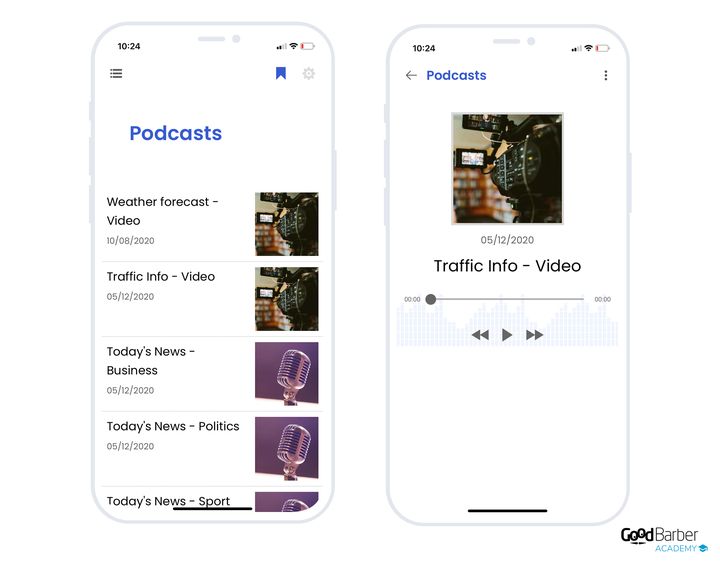
### Vilken layout du ska välja
Två layouter, och kriteriet som skiljer dem åt är miniatyrbildens storlek. Båda bäddar in spelaren i cellen, med uppspelningsknappen och längden: det är alltså inte uppspelningen som skiljer dem åt.
Layouten ändras i My App › Structure: öppna menyn för det berörda avsnittet, och sedan **Edit the design**.
- **Classic Play**, standardvalet. Mindre miniatyrbild, text och metadata dominerar. Det är layouten för långa avsnittslistor, och den för radiomönstret.
- **Enriched**, större miniatyrbild, som lyfter fram omslaget. Välj den när omslagsbilden är en del av ditt innehålls identitet, vid måttlig volym.
**För detaljvyn** fungerar omslaget som ett omslutande täcke, med ljudspelaren, titeln, handlingarna och brödtexten.
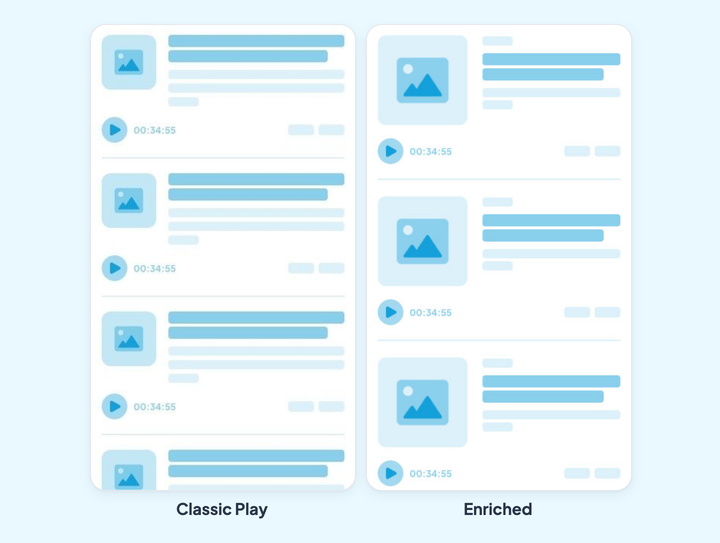
## Live
### Vad det är till för
Avsnitten ovan publicerar inspelat innehåll, tillgängligt när din lyssnare bestämmer. Live gör tvärtom: det sänder i realtid, och det är tiden som gör evenemanget.
Tre byggstenar, att kombinera efter vad du sänder.
- **Live-ljud** är grundstenen: avsnittet finns utan att något läggs till. Du fyller i adressen till din ström, och appen sänder den. IceCast-kodare stöds inbyggt, vilket täcker den stora majoriteten av radiouppsättningar.
- **Live-video** gör samma sak för en bildsändning. Det är ett tillägg, och dess sida visar priset som gäller för din app.
- **Live+** är ett lager ovanpå live-ljudet, som också kommer med ett tillägg. Det visar din ströms metadata bredvid spelaren: spåret som går, programledaren, programmet. Utan det ser din lyssnare en uppspelningsknapp och inget mer; med det ser hen vad hen lyssnar på.
Två egenskaper är värda att känna till innan du bestämmer dig.
**Ljudet stannar inte när din lyssnare navigerar.** Spelaren följer användaren från skärm till skärm och fortsätter med skärmen avstängd. I praktiken kan folk lyssna på din kanal medan de läser dina artiklar, vilket helt ändrar hur en radioapp används.
**Du kan öppna flera live-avsnitt.** En radiokanal med två kanaler, en festival med två scener, en församling med två gudstjänster: varje ström har sitt eget avsnitt.
En sista skillnad mot avsnitten ovan: live har bara en presentation. Det finns ingen layout att välja.
### Två sätt att använda det
**En lokal radiokanal.** River Dailys radio, som nämndes i föregående kapitel, bor i ett Live-avsnitt. Poddarna behåller programmen på begäran, live-avsnittet bär kanalen. Live+ visar spåret som går och dess artist, vilket ger en lyssnare som kommer in mitt i programmet något att placera sig efter.
**En festival.** Piu Piu sänder sin scen live under alla fyra dagarna. Publiken som inte kunde komma följer kvällen, och stammisarna hittar tillbaka till stämningen hemifrån. Live arbetar vid sidan av Evenemang-avsnittet, som förblir appens huvudavsnitt: programmet meddelar, live sänder.
Två detaljer på den skärmen är värda att peka ut. **Sovläget** stoppar uppspelningen efter en vald fördröjning, vilket räknas i en kanal folk lyssnar på om kvällen. Och spelaren tar upp appens färger och typografi: det är samma skärm som hos River Daily, och ändå ser det inte ut som samma produkt.
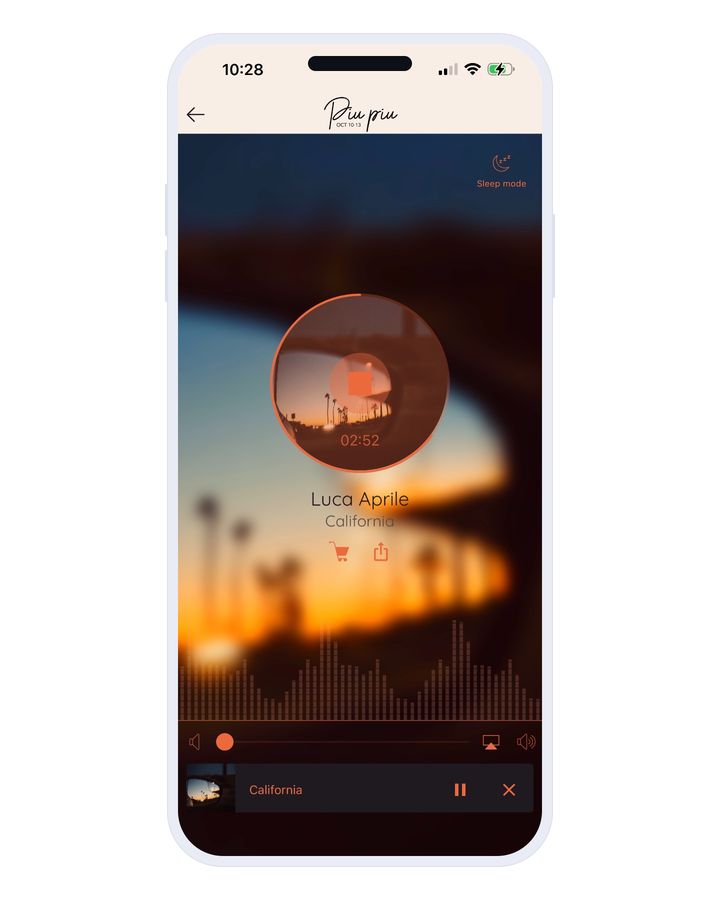
## Karta
### Vad det är till för
Avsnittet Karta skapar geolokaliserade punkter som visas på en karta. Dina användare upptäcker platserna och får vägbeskrivning dit.
För att skapa en punkt fyller du i dess adress eller dess koordinater på redigeringssidan.
Redigeringssidan öppnas från Content › Add › A location.
Sedan fyller du på beskrivningen med text, foton, videor, citat eller inbäddningskod. Högerpanelen låter dig välja visningsavsnitten och lägga till handlingsknappar:
- en ringknapp
- en mejlknapp
Slutligen kan du lägga till en extern länk, och anpassa formen och färgen på ikonen som representerar punkten.
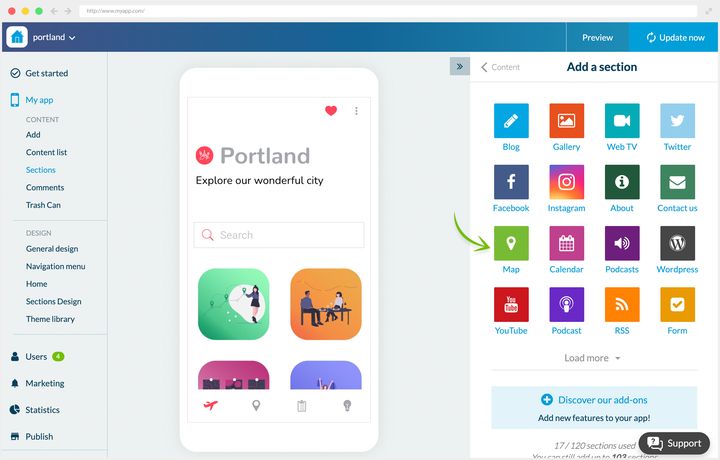
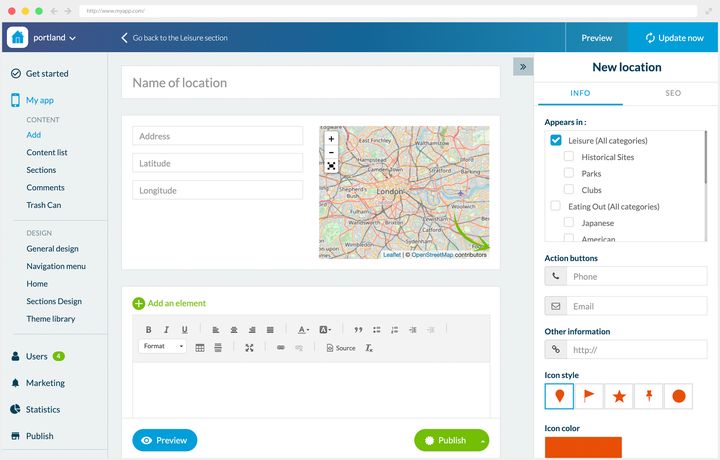
### Tre sätt att använda det
**Ett skolcampus.** Paraigua är utspritt över flera byggnader. Nykomlingar, elever såväl som föräldrar, behövde kunna identifiera dem med en blick och få vägbeskrivning.
Fyra platser skapades, presenterade först som en lista. Kartvyn visar alla punkter och avstånden. Att klicka på en punkt ger en sammanfattning och åtkomst till detaljvyn, där vägbeskrivningsknappen är huvudsaken, kompletterad av en beskrivning och en bild.
**Ett företag på flera orter.** Dali Corp har kontor i flera amerikanska städer, och bryr sig om sin företagskultur. Ett Karta-avsnitt presenterar de tre kontoren.
Detaljvyn är fylligare än hos Paraigua: foton beskriver kontoret och dess stämning, och vägbeskrivningsknappen sitter under fotona. Kartan finns inte bara till för att orientera folk, den finns till för att låta de andra orterna existera för dem som aldrig åker dit.
**En reseguide.** I appen Portland är kartan produktens hjärta. Flera Karta-avsnitt presenterar stadens platser, sorterade efter typ.
Detaljvyn innehåller en fullständig beskrivning, foton där det behövs, vägbeskrivningsknappen framhävd, och en extern länk till varje ställes webbplats när det har en.
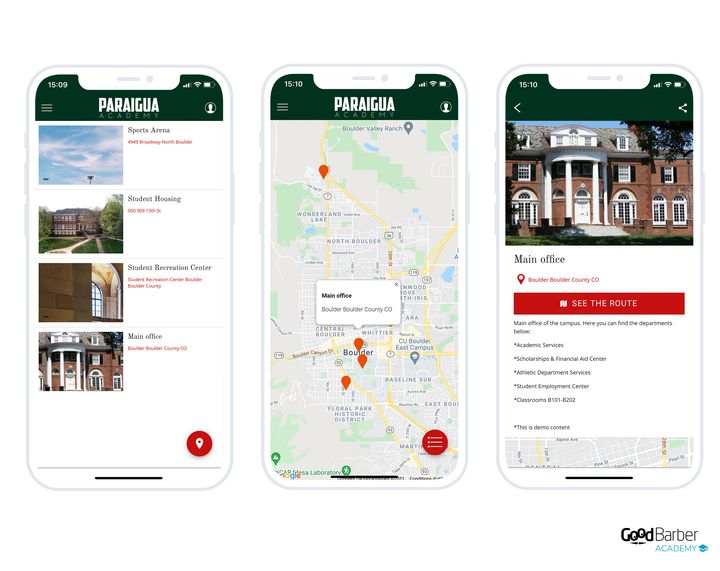
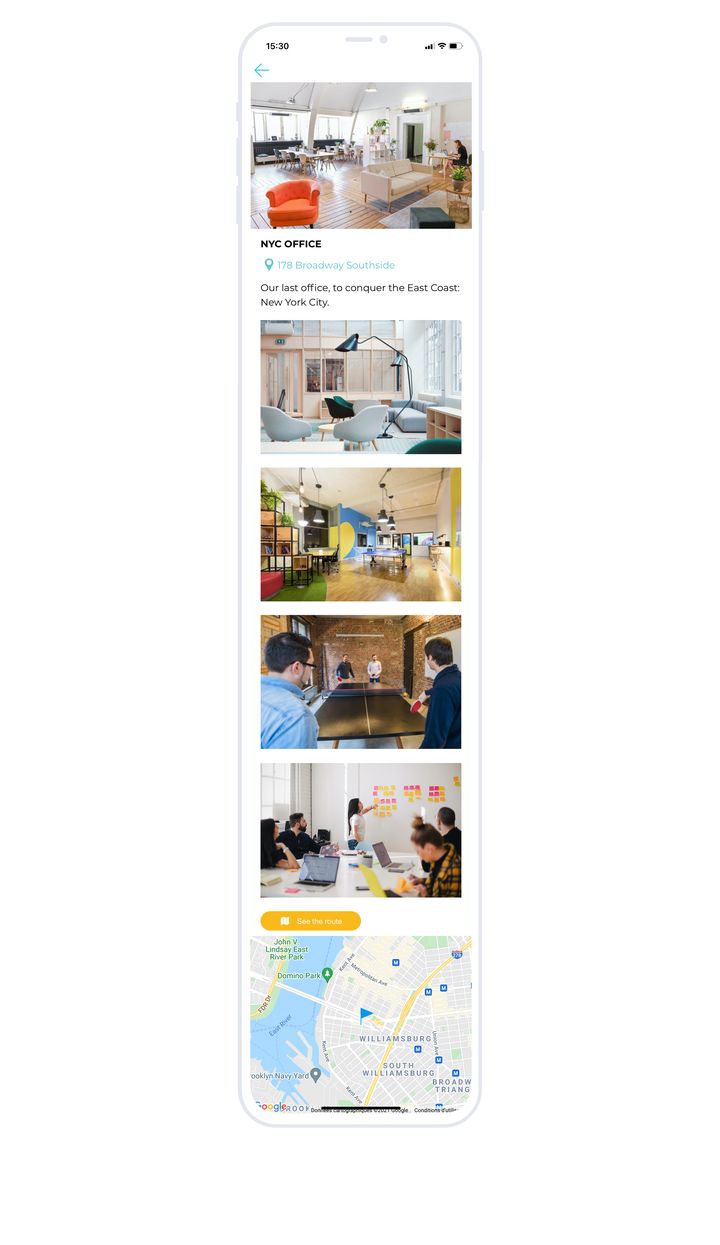
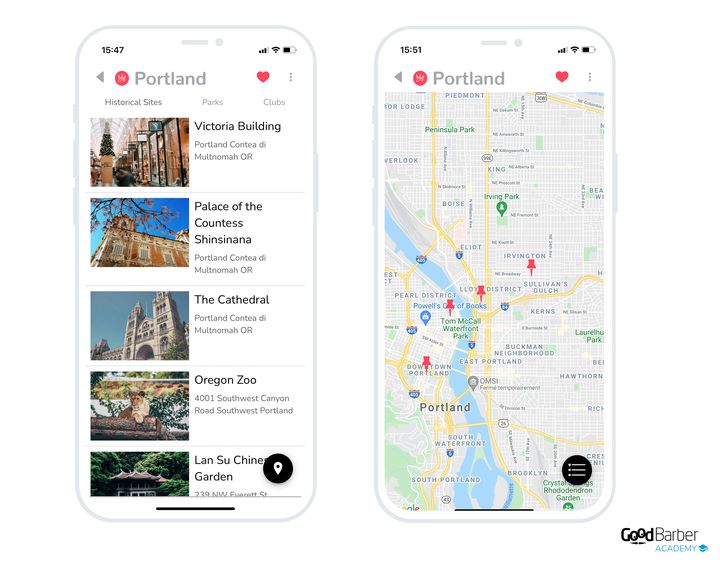
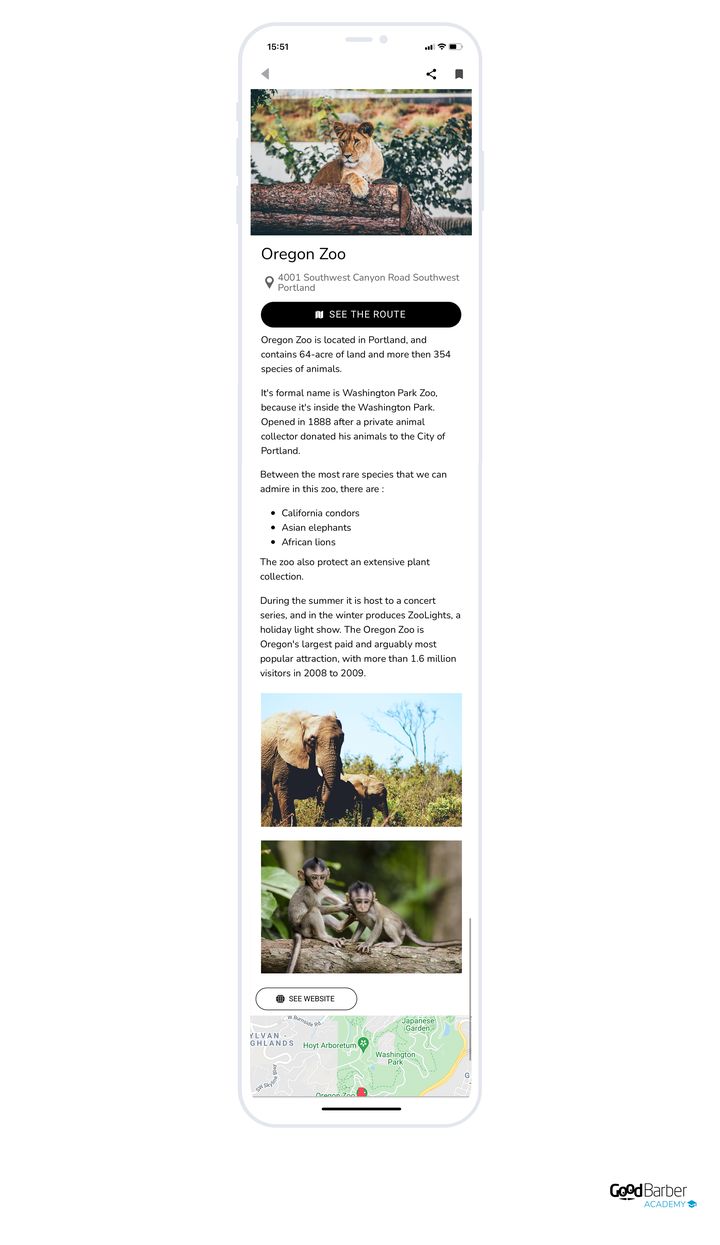
### Vilken layout du ska välja
Tre layouter, och det verkliga kriteriet är hur mycket plats du ger själva kartan.
Layouten ändras i My App › Structure: öppna menyn för det berörda avsnittet, och sedan **Edit the design**.
- **Enriched**, standardvalet. Kompakt lista, liten miniatyrbild, titel och adress, flera platser per skärm. Kartan är dold bakom en knapp. Det är kataloglayouten, för när användaren redan vet vad hen letar efter.
- **Visual**, stor dominerande miniatyrbild, få platser per skärm. Kartan förblir dold bakom en knapp. För ett galleri av platser där det är bilden som lockar.
- **Split Enriched**, den interaktiva kartan tar toppen av skärmen och listan syns nedanför. Välj den när det rumsliga förhållandet mellan platserna bär mening, alltså när kartan **är** ämnet.
Du bestämmer också om en sammanfattande lista ska visas över kartan eller inte. Gå till My App › Structure, öppna Karta-avsnittet, och sedan vyn med punktlistan: inställningen finns i innehållsytan, under ”Map view”.
**För en plats detaljvy** får du fotot, namnet, adressen, vägbeskrivningsknappen, ett galleri och den lokaliserade kartan.
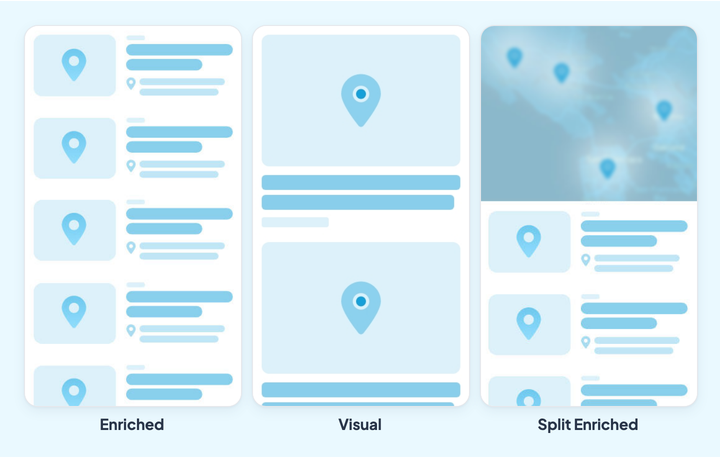
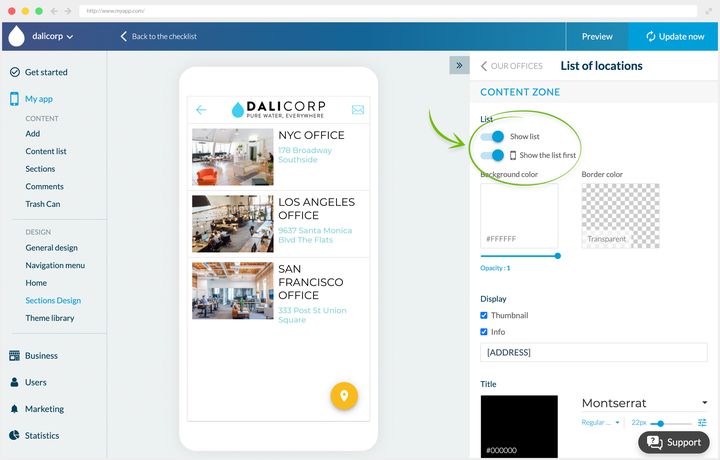
## Formuläret
### Vad det är till för
Avsnittet Formulär samlar in information från dina användare, genom fält av olika slag.
Dina formulär listas i Content › Content list › All forms. Att öppna ett visar formulärets redigeringspanel till höger, vars fältflik bär paletten nedan.
Sexton fälttyper finns tillgängliga:
- en enda textrad
- ett stycke text
- flerval
- namn
- datum
- e-postadress
- extern länk
- filuppladdning
- tal
- kryssrutor
- rullgardinsmeny
- adress
- tid
- telefon
- pris
- avsnittsbrytning
Klicka på typen du vill ha så dyker den upp i redigeringsytan, där du anpassar dess innehåll.
Glöm inte att berika formuläret med foton, videor, text, citat eller inbäddningskod också: ett avskalat formulär får färre svar än ett formulär som förklarar vad det är ute efter.
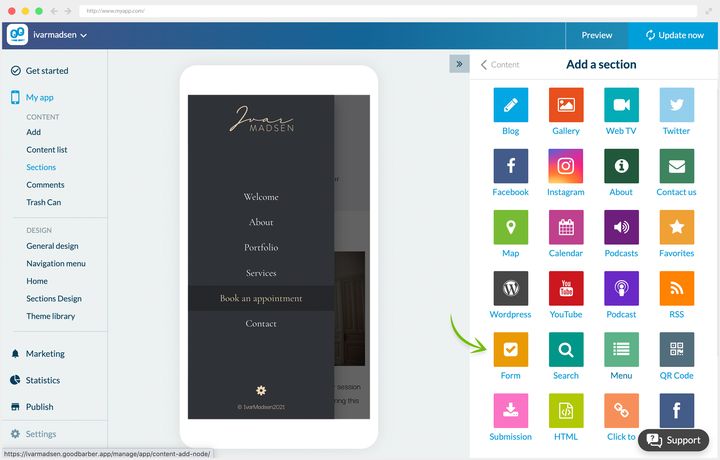
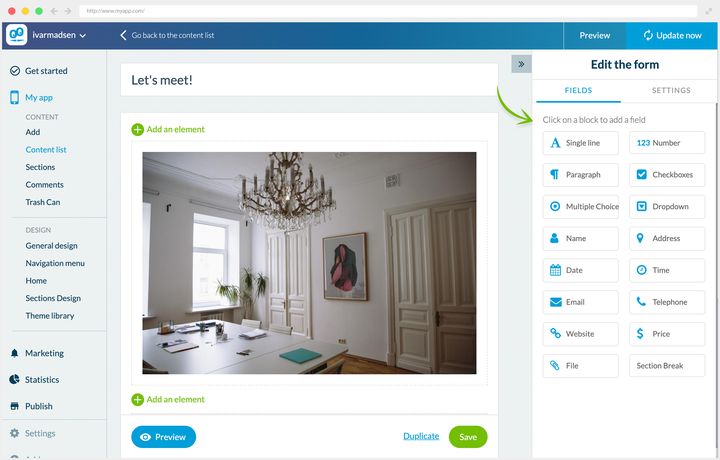
### Två sätt att använda det
**En tjänsteapp.** Hos Ivar Madsen, inredningsarkitekt, sköter formuläret bokningsförfrågningar och offertförfrågningar.
Sidan har tre mål: att presentera erbjudandet, att lära känna den blivande kunden, att tillåta en första kontakt. En bild och en förklarande text sätter sammanhanget, och sedan går formuläret rakt på sak:
- ett namnfält och ett e-postfält för att identifiera kunden
- två styckefält för att uttrycka hens behov och hens projekt
- ett datumfält för att ange hens tillgänglighet
**En företagsapp.** Hos Dali Corp kör HR regelbundet enkäter för att mäta de anställdas välbefinnande och samla in deras åsikter.
Formuläret är medvetet mycket kort, för att maximera svarsfrekvensen. En inledande text, sedan fem fält:
- ett namnfält och ett teamfält för att identifiera den anställda
- två flervalsfält för att svara på ledningens frågor
- ett styckefält för att tala fritt
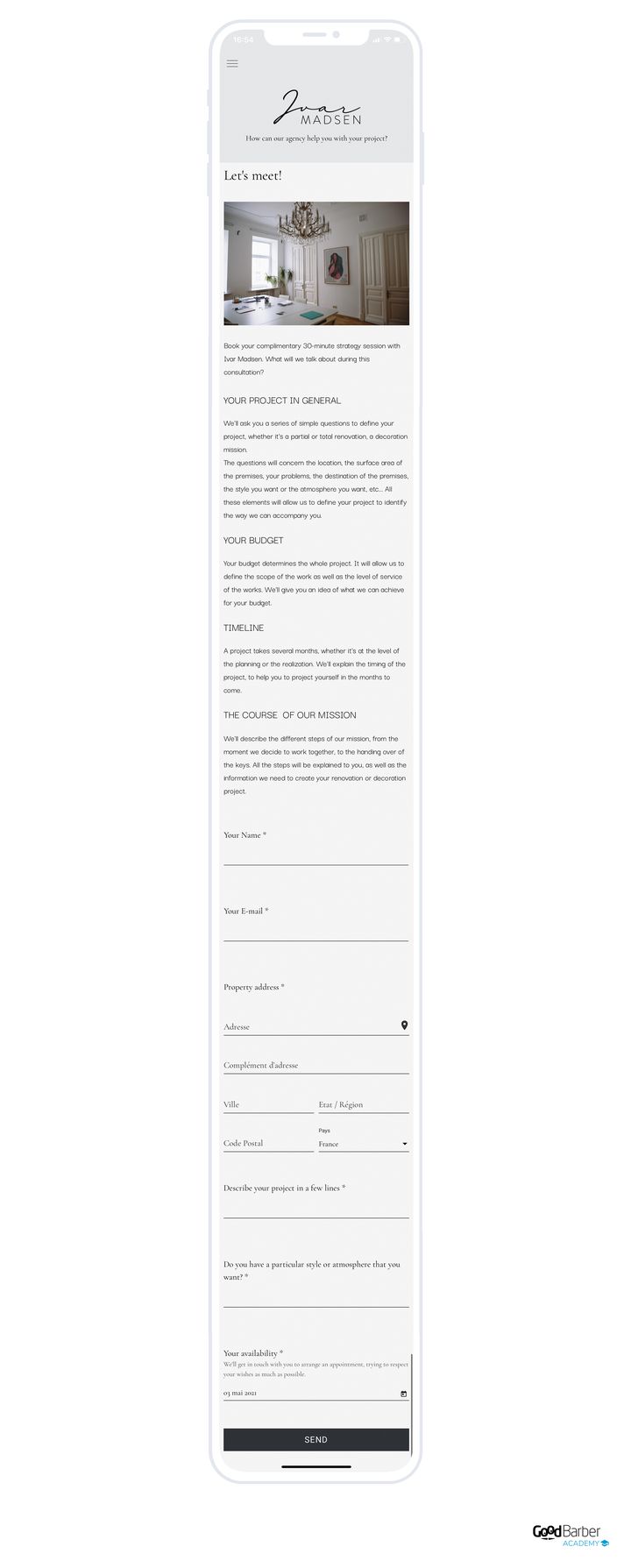
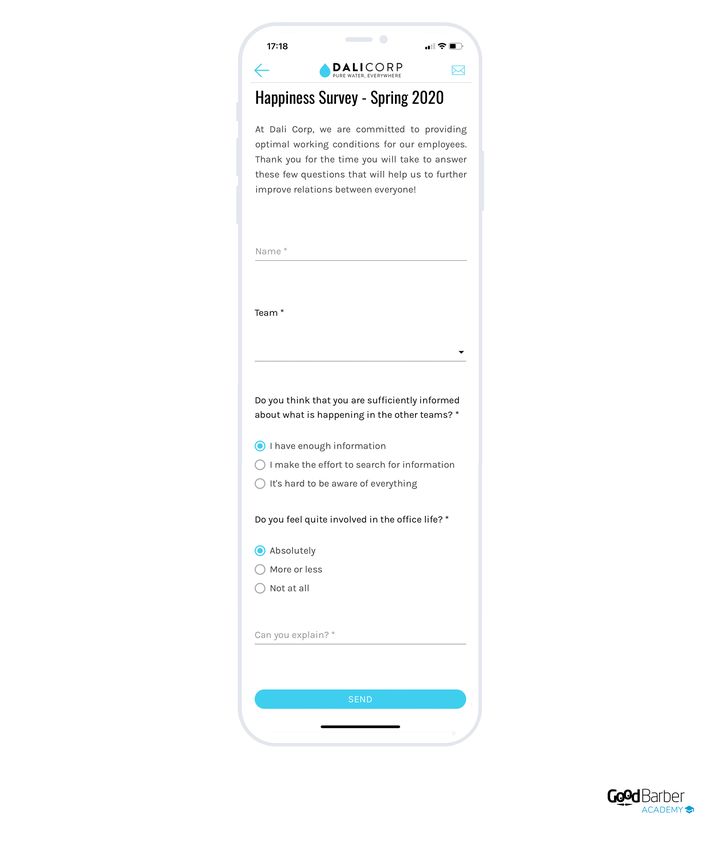
### Att dra nytta av svaren
Gå till Content › Content list. Håll muspekaren över det berörda Formulär-avsnittet och klicka på länken som visar dess innehåll. Där hittar du listan över mottagna svar.
Att klicka på en rad visar en användares svar, som du kan exportera som en .csv via **Export data**. Samma knapp, från listvyn, exporterar alla svar.
Den exporten är det som gör avsnittet verkligt användbart: utan den läser du svar ett och ett; med den analyserar du dem som helhet.
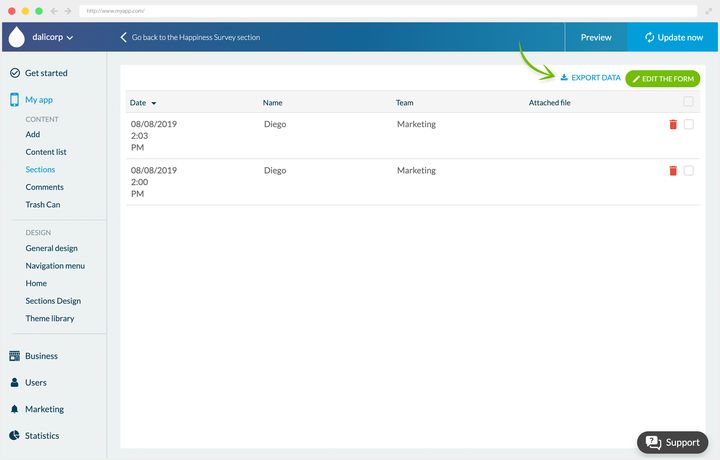
## Inskickat innehåll
### Vad det är till för
Avsnittet Inskickat innehåll låter dina användare skicka innehåll till dig från appen, som text, foton eller videor. Allt landar i ditt back office.
Det du tar emot hamnar i Content › Content list › All sent in content.
Det finns inget att konfigurera, om du inte vill begränsa vilka innehållstyper som accepteras. I så fall lägger du till tillägget **API Access** och redigerar avsnittets JSON. Det är en enkel åtgärd och steg-för-steg-hjälp finns i ditt back office.
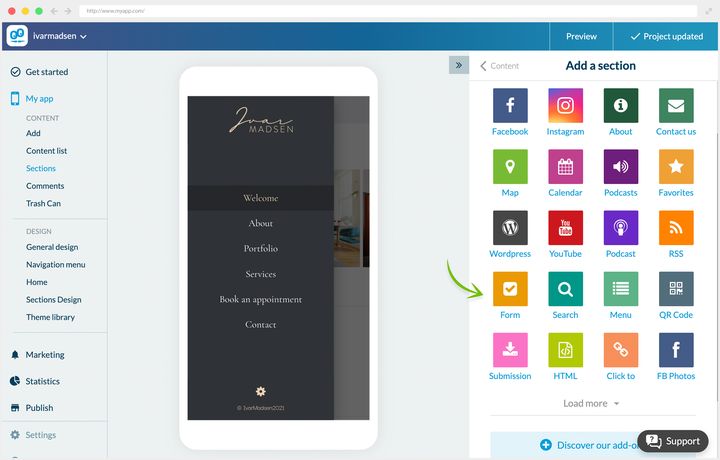
### Tre sätt att använda det
**En intern förslagslåda.** Hos Dali Corp öppnade ledningen ett utrymme där de anställda kan lämna sina synpunkter och rekommendationer när som helst. Innehållet som kommer in publiceras inte: det analyseras för att förbättra arbetsvillkoren.
**En festivals minnen.** Piu Piu satsar på sin community och vill visa festivalens verkliga stämning. Avsnittet Your Memories samlar in deltagarnas foton och videor. Att skicka text stängdes av.
**Läsartips.** River Daily vill vara först med lokala nyheter. Ett öppet avsnitt låter läsarna föra vidare sin information, som journalisterna arbetar om innan publicering.
De tre fallen visar tre olika regimer: innehåll som aldrig kommer att publiceras, innehåll som publiceras nästan som det är, och innehåll som tjänar som råmaterial för redaktionellt arbete. Bestäm vilken som är din innan du öppnar avsnittet, för det ändrar vad du meddelar dina användare.
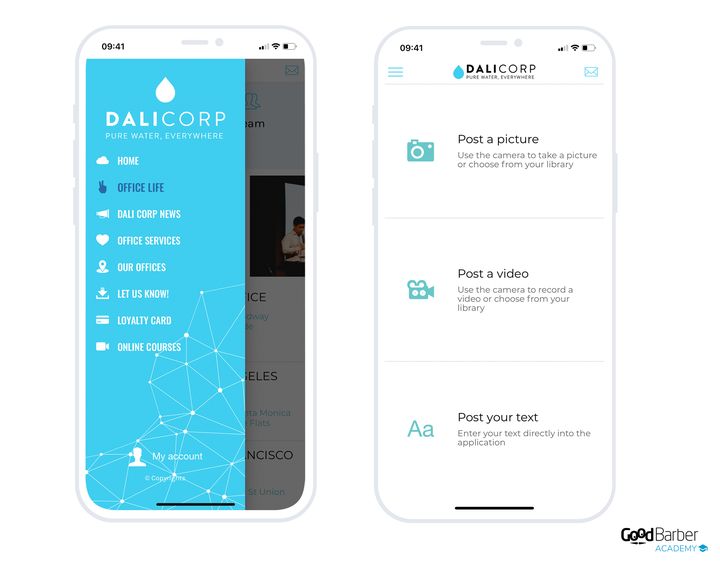
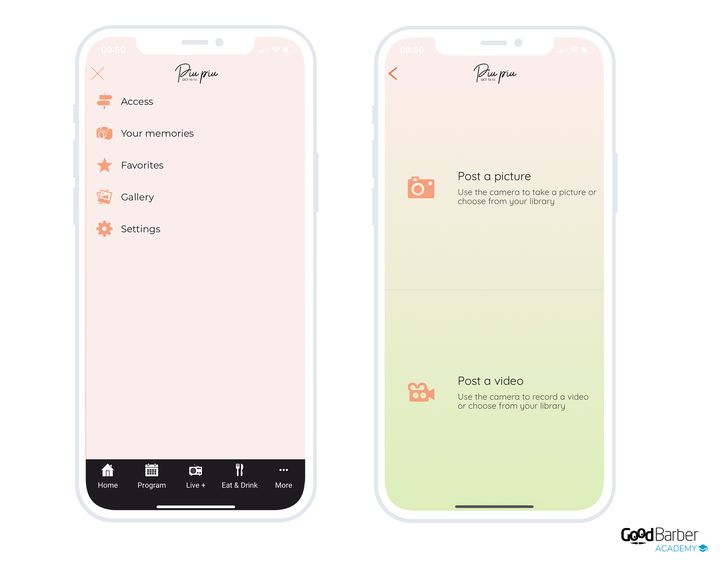
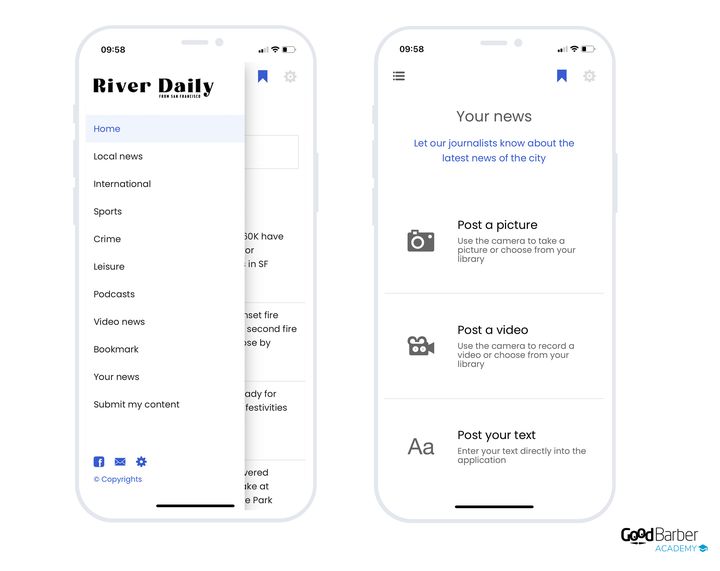
### Att sköta det du tar emot
Gå till Content › Content list, håll muspekaren över ditt avsnitt för inskickat innehåll och klicka på länken som visar dess innehåll.
Du sköter publiceringen i klump, via kryssrutorna till höger om varje rad, eller fall för fall genom att öppna en post. Du kan alltså redigera och sedan publicera med ett klick det dina användare har skickat dig.
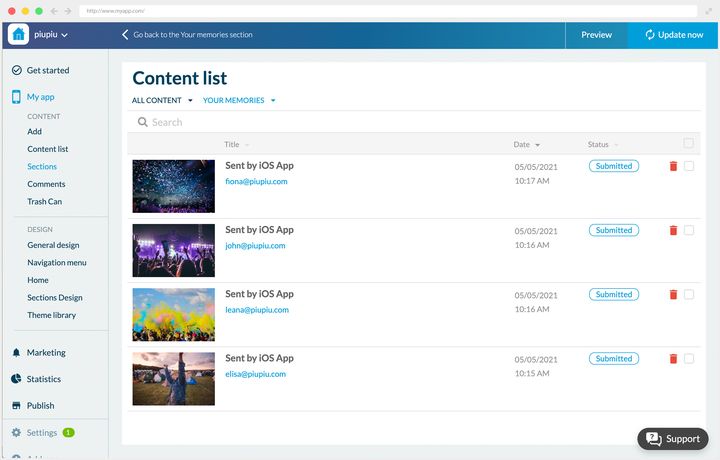
## Evenemang
### Vad det är till för
Avsnittet Evenemang presenterar ditt innehåll som daterade evenemang.
För att skapa ett evenemang väljer du först dess datum och dess längd. Alternativet ”hela dagen” besparar dig att fylla i ett tidsintervall. Sedan kan du koppla en adress till det.
Redigeraren öppnas från Content › Add › An event.
Sidan byggs i stycken, med text, foton, videor, citat och inbäddningskod.
Högerpanelen låter dig välja visningsavsnitten eller kategorierna, lägga till handlingsknappar (ringa, mejla), en extern länk och en knapp för att köpa biljett.
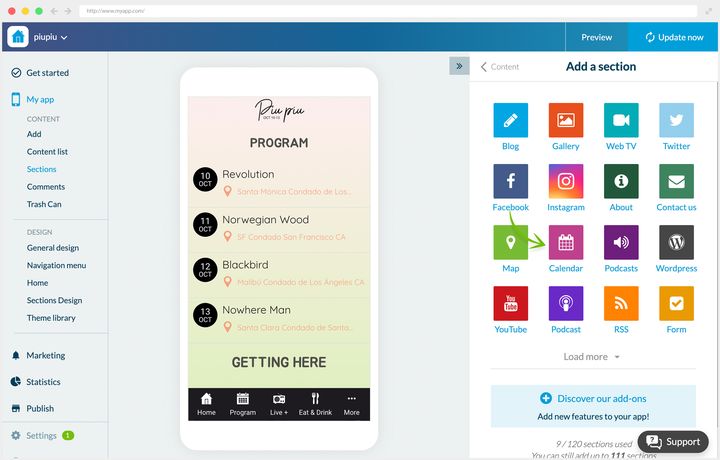
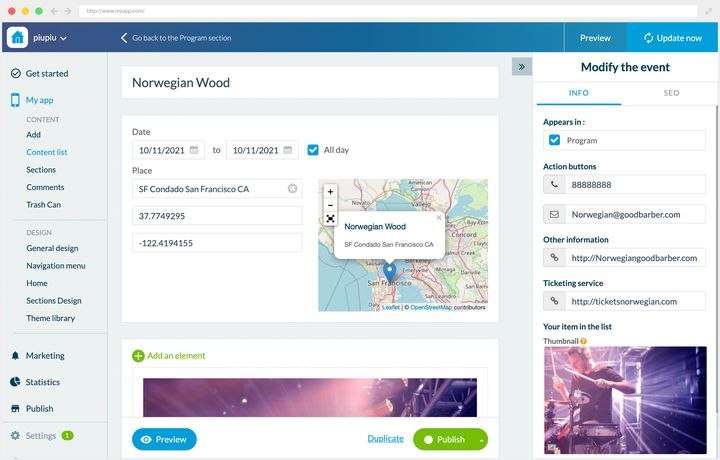
### Två sätt att använda det
**En intern företagsapp.** Dali Corp använder två Evenemang-avsnitt. Det första kommunicerar om interna evenemang: workshoppar, afterwork, öppet hus. Det andra delar företagets färdplan, så att alla känner till tidsfristerna och projekten som pågår.
Den andra användningen är den mest överförbara: evenemangsavsnittet är inte reserverat för evenemang du går på, det tjänar också till att göra en kalender synlig.
I detaljvyn dyker adressen och vägbeskrivningsknappen upp när de är relevanta.
**En festival.** Hos Piu Piu är Evenemang appens huvudavsnitt: det är festivalprogrammet.
Detaljvyn är fullständig: adress, datum, knapp för att köpa biljett, beskrivning, länk till artisternas webbplats, ringknapp, mejlknapp, vägbeskrivningsknapp, tillsammans med favoritmarkering och delning.
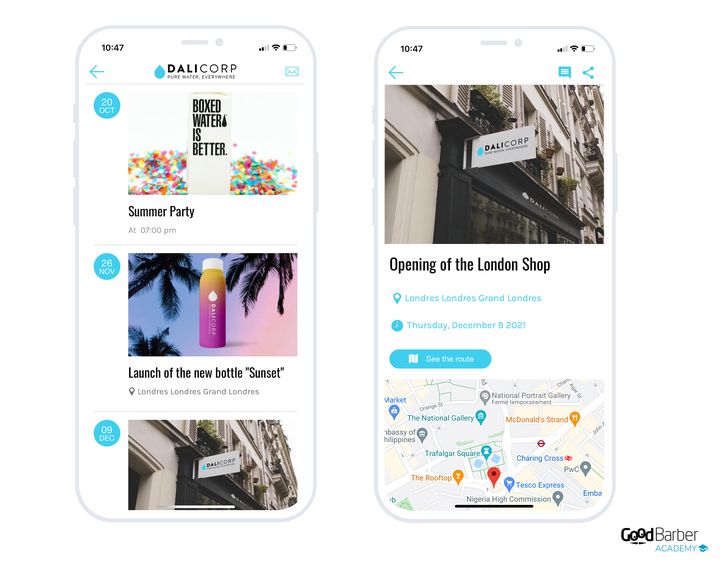
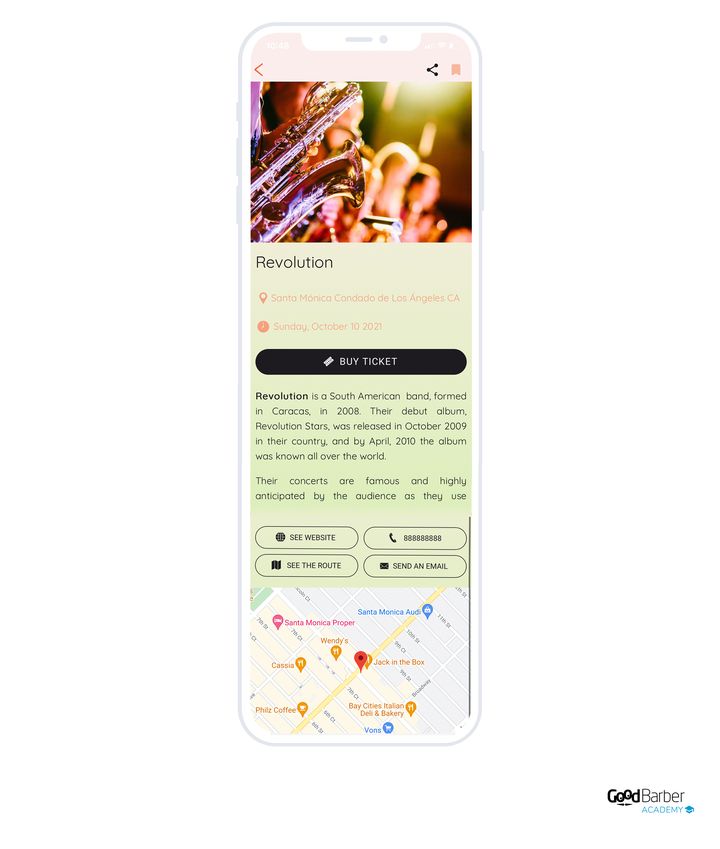
### Vilken layout du ska välja
Två layouter, som motsvarar två motsatta hållningar.
Layouten ändras i My App › Structure: öppna menyn för det berörda avsnittet, och sedan **Edit the design**.
- **Classic**, standardvalet. Evenemangen är grupperade under dagsrubriker, med en liten miniatyrbild, tiden, titeln och platsen, flera per skärm. Det är kalendern du bläddrar i efter datum, när ”när” och ”var” betyder mer än bilden.
- **Classic Bullet**, varje evenemang i en stor dominerande miniatyrbild med en datumbricka, ett eller två per skärm. Det är skyltfönstret, när det är evenemangets affisch som får folk att vilja komma.
Valet går alltså tillbaka på en fråga: kommer dina användare för att läsa ett program, eller för att bli lockade?
**För ett evenemangs detaljvy** får du omslagsbilden, titeln, adressen, datumen, beskrivningen, vägbeskrivningen och kartan över platsen.
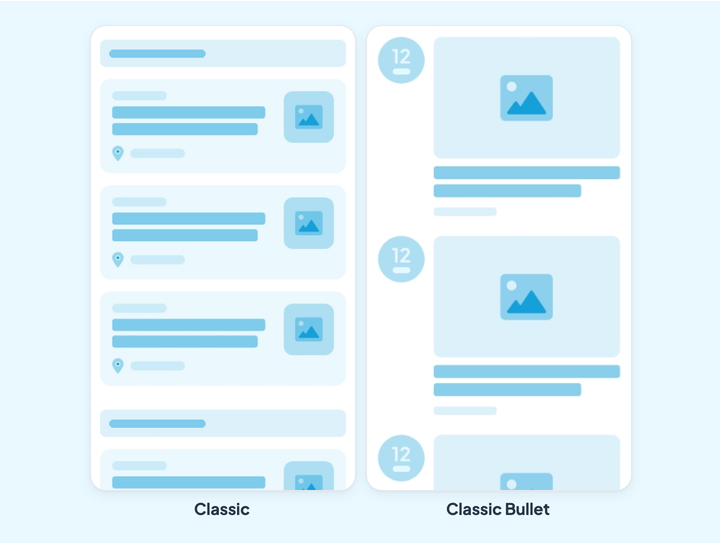
## CMS:et och kopplingarna
### Vad CMS:et tillför
Ett CMS (content management system) låter dig skapa och formatera ditt innehåll från ett back office för att publicera det. Hos GoodBarber är det plattformens hjärta.
Utöver skapandet ger det dig:
- **Hantering av innehållsstatus.** Published, In stock eller Draft, för att styra vad du publicerar.
- **Schemalagd publicering.** Du sätter dagen och tiden för lanseringen i förväg, vilket spelar särskilt stor roll för nyhets- eller bloggappar.
- **Kategorisering.** Ett obegränsat antal kategorier för att sortera ett avsnitts innehåll, alltså en extra navigeringsnivå utan att din meny överbelastas.
- **Sortering.** Efter skrivdatum, i bokstavsordning eller efter antal kommentarer.
- **Centraliserad hantering.** En instrumentpanel samlar allt innehåll som skapats i CMS:et, med filter för att hitta och hantera poster i klump.
- **Avancerad anpassning av metadata.** Den tjänar både till att uppmuntra läsning och till din SEO, och du behåller kontrollen över hur den visas.
- **Framhävning av innehåll.** Företrädesvisning för innehållet du väljer, från dess redigeringssida.
- **Avancerad designanpassning.** Varje posts design kan ställas in oberoende av appens allmänna inställningar.
### Vad kopplingarna tillför
Om du redan producerar innehåll på annat håll behöver du inte publicera det igen. Fler än 30 kopplingar utvecklade av GoodBarber tar in det i din app, och formaterar det så att appens visningsstandarder och design respekteras.
Ett cachesystem garanterar laddningstider och stabilitet, utan att dina servrar överbelastas. Dina bilder skalas om, komprimeras och cachas av GoodBarber.
Den avgörande fördelen är synkroniseringen: innehåll som produceras på din externa källa hålls uppdaterat i appen, med en visning anpassad till mobil, surfplatta, bärbar dator och stationär dator. Du behöver aldrig mer publicera två gånger.
### Listan över kopplingar
Varje koppling matar en bestämd innehållstyp, och innehållet som tas in beter sig sedan som om det hade skapats i CMS:et.
**Artiklar**: WordPress, Squarespace, Wix, Medium, Substack, X, RSS
**Foton**: Flickr
**Videor**: YouTube, Vimeo, RSS
**Ljud och poddar**: Ausha, Spreaker, Simplecast, Spotify for Podcasters, poddflöde, RSS
**Evenemang**: iCal och vCalendar, RSS
**Kartor**: KML, RSS
**Egna kopplingar.** Om din källa inte täcks producerar du ett flöde i formatet som den avsedda innehållstypen väntar sig, och du uppger dess adress. Skräddarsömmen begränsas till att producera flödet: visningen, layouterna, sökningen och metadatan förblir plattformens. Detaljerad dokumentation beskriver det förväntade formatet.
Ingenting tvingar dig att välja mellan de två: du kan blanda internt innehåll, skapat i CMS:et, och externt innehåll som tas in av kopplingarna, i en och samma app.
---
# Skicka push-meddelanden
Source: https://se.goodbarber.com/academy/push-notifications/
---
title: "Skicka push-meddelanden"
description: "Aviseringen du skriver för hand, den som går ut vid varje publicering, den som en plats utlöser, och SMS när du måste vara säker på att komma fram."
canonical_url: "https://se.goodbarber.com/academy/push-notifications/"
lang: sv
---
En innehållsapp lever av det den publicerar, men en publicering ingen ser är inte värd något. Aviseringen är den enda kanal som sätter dig på dina läsares skärm utan mellanhand, och GoodBarber erbjuder tre former av den. De utlöses inte på samma sätt, de når inte samma enheter, och de kräver inte samma abonnemang.
## Vad push gör, och vad det inte gör
### Tre skäl till att det fortfarande fungerar
**Det går omedelbart.** Att meddela en livesändning som börjar, ett avsnitt som just lagts upp, en nyhet som inte kan vänta till i morgon: leveransen sker direkt, och det gör läsningen också. Ingen annan kanal håller den tajmningen.
**Det är byggt för mobilen.** En avisering som inte öppnas direkt försvinner inte: den ligger kvar i aviseringscentret och på ikonens bricka. Den väntar på startskärmen, bredvid appen.
**Ingen står i vägen.** På ett socialt nätverk avgör en algoritm vem som ser ditt inlägg. I en inkorg avgör ett filter om ditt meddelande kommer fram. En avisering lämnar ditt back office och landar på enheten, utan domare däremellan. Det är just det du köper genom att ha en app i stället för en sida.
### Var den här guiden slutar
Den här guiden behandlar push som ett publikverktyg. Två närliggande användningar täcks på annat håll, för de hör till ett annat jobb.
Aviseringar som skickas automatiskt vid varje steg i en order, från bekräftelse till leverans, beskrivs i ”Få ordning på dina order”. En butiks kampanjer, från rabattkoder till nya kollektioner, finns i ”Öka din försäljning”.
## Tre sorters avisering, plus SMS
De går alla under samma namn i vardagligt tal, men de delar varken utlösare eller räckvidd. Tabellen nedan är den här guidens disposition.
Vad som utlöser denVar den ställs inI vilka appar**Den manuella aviseringen**Du, i det ögonblick du klickar på SendNotification › Push › SendiOS, Android och PWA**Den automatiska pushen**Att innehåll publiceras i ett avsnitt du utsettNotification › Push › AutomateiOS, Android och PWA, från abonnemanget Premium och uppåt**Platsaviseringen**Att användaren går in i ett område, eller att en Bluetooth-sändare upptäcksNotification › GeoalertBara iOS och Android, från abonnemanget Premium och uppåt**SMS**Du, på en separat skärmNotification › Push › Send SMSTillägg, i alla typer av appar
En vokabulärfråga med praktiska följder: platsaviseringen **är ingen push**. Ingenting lämnar våra servrar. Området och sändaren ligger inbäddade i appen, och det är enheten som bestämmer sig för att visa meddelandet när villkoret är uppfyllt. Kapitlet som ägnas åt den drar två gränser av det.
## Att skicka en avisering för hand
Det här är grundmanövern, och skärmen är densamma för alla.
Notification › Push › Send
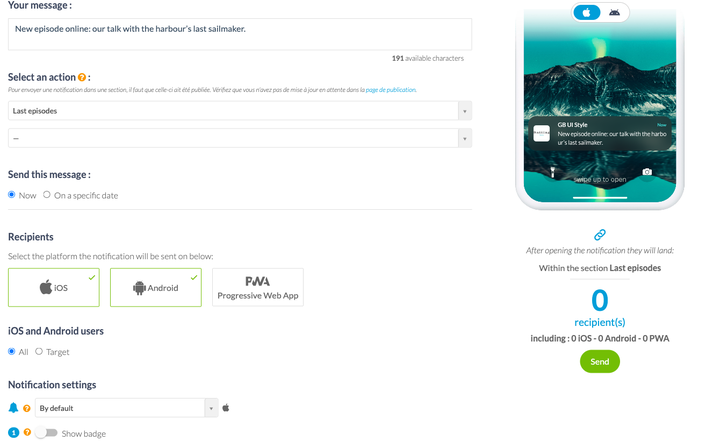
### Att skriva meddelandet
Ett fält, 256 tecken, och ingen separat rubrik: rubriken som visas på enheten är din apps namn. Skriv alltså en mening som står på egna ben, utan att räkna med en överskrift ovanför.
Förhandsvisningen till höger visar iOS-återgivningen och Android-återgivningen medan du skriver. Använd den, de två systemen kapar inte på samma ställe.
### Att välja vad som öppnas
En avisering som öppnar appen på startsidan tvingar läsaren att gå och leta efter det du just meddelat. Väljaren **Select an action** undviker det felsteget: du väljer att öppna appen, ett bestämt avsnitt, eller en extern länk.
En reservation innan du lutar dig mot den: ett avsnitt dyker upp i listan först när det har publicerats. Om du just skapat det ska du först kontrollera att ingen uppdatering väntar på din publiceringssida.
### Att skicka nu, eller vid ett bestämt datum
Samma skärm gör båda. **Now** går ut vid klick; **On a specific date** öppnar en kalender och en tid.
Alternativet värt att känna till är kryssrutan **local time**. Ikryssad går din avisering schemalagd till klockan 8 ut klockan 8 för var och en, inte klockan 8 din tid. Det är skillnaden mellan ett godmorgonmeddelande och en väckning klockan 3 på natten för dina läsare på andra sidan jorden.
### Ljud och bricka
Två inställningar som ser sekundära ut, men de avgör hur påträngande du är. Du väljer ett ljud ur en lista, eller inget ljud alls. Du slår på eller av brickan, den lilla röda räknaren på appikonen.
Ett eget ljud på varje avisering ger dina samma status som ett telefonsamtal. Spara det till det som förtjänar det.
## Att välja vem som får den
Under meddelandet börjar blocket **Recipients** med plattformarna: iOS, Android, Progressive Web App. Sedan kommer valet som räknas, **All** eller **Target**.
Räknaren längst ner på sidan räknar om antalet mottagare vid varje ändring, uppdelat per plattform. Titta på den innan du skickar: det är det enda stället som talar om för dig om din målgruppsstyrning håller eller om den har tömt din publik.
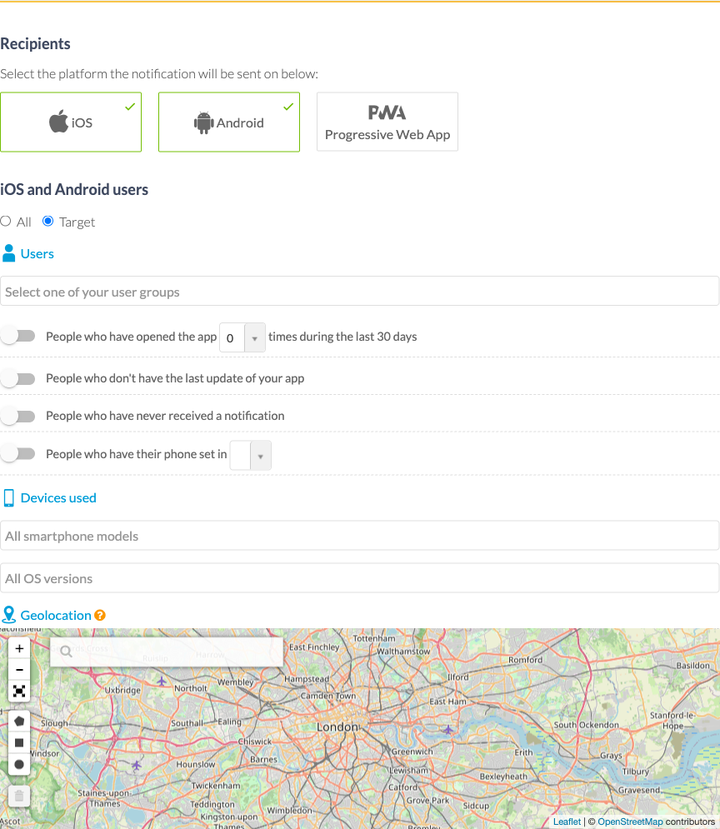
### Användare
Tre kriterier som utgår från personerna, och det tredje är det mest intressanta.
Dina **användargrupper**, de du byggt i ditt communityutrymme, erbjuds som de är. De kräver tillägget Authentication, som beskrivs i ”Bygga en community med din app”.
**Antalet appöppningar under de senaste trettio dagarna** ger dig beteendebaserad målgruppsstyrning utan något att förbereda: de som aldrig har öppnat den, en till fem gånger, fem till tio, femton till trettio. Det är det som låter dig skriva ett återvinningsmeddelande till dem som glider bort, och lämna de dagliga stammisarna i fred.
Två specialfall fullbordar listan: de som inte har appens senaste uppdatering, och de som aldrig har fått en avisering. Du kan också filtrera på telefonens språk, vilket snyggt löser fallet med en publik spridd över två länder.
### Enheter
Du begränsar utskicket till iOS-telefoner, till Android-telefoner, eller till vissa OS-versioner. Det här filtret tjänar framför allt ett fall: att inte meddela en funktion till personer vars enhet ännu inte kan köra den.
### Det geografiska området
En karta, en punkt, en radie. Aviseringen går bara ut till användare inom cirkeln du ritat.
Ska inte förväxlas med nästa kapitel: här är det du som bestämmer när det ska skickas, och positionen fungerar som ett filter. I en platsavisering är det användarens förflyttning som utlöser meddelandet.
### PWA:n målgruppsstyrs separat
Användare av Progressive Web App har sitt eget målgruppsblock, och det är kortare: dina grupper, antalet öppningar under trettio dagar, webbläsarens språk, enheten och webbläsaren. Ingen geolokalisering, ingen OS-version.
Det är ingen glömska, det är vad en webbläsare går med på att säga om en besökare. Räkna med det om din publik mest finns på PWA.
## Att meddela varje gång du publicerar
Att skriva en avisering efter varje artikel innebär att göra samma jobb två gånger, och att glömma det varannan dag. Den automatiska pushen tar över det: du utser ett avsnitt, och varje publicering utlöser en avisering som bär innehållets titel.
Notification › Push › Automate
### Att skapa en regel
Att skapa en regel öppnar samma formulär som ett manuellt utskick, förutom att meddelandet ersätts av ett val av avsnitt. Du kan gå ett snäpp längre ner och bara utlösa på en kategori: hela avsnittet med artiklar, eller bara kategorin Konserter.
Ett fält för **prefix** låter dig lägga till en notis framför titeln, i stil med ”Nytt avsnitt”. Det är det enda stället där du skriver någon text, eftersom resten kommer från det publicerade innehållet.
### Att välja när den får gå ut
Att publicera klockan 23 betyder inte att väcka dina läsare klockan 23. Väljaren **Send this message** erbjuder tre regimer: när som helst, under ett tidsintervall du definierar dag för dag, eller under en period avgränsad av två datum.
Det andra alternativet är det som skyddar din publik, och det är också det folk glömmer att ställa in. En regel som körs utan tidsintervall slutar alltid med att gå ut vid fel tillfälle. Passa på att kontrollera tidszonen som visas under veckans sju rader: det är den som avgör vad klockan 9 betyder.
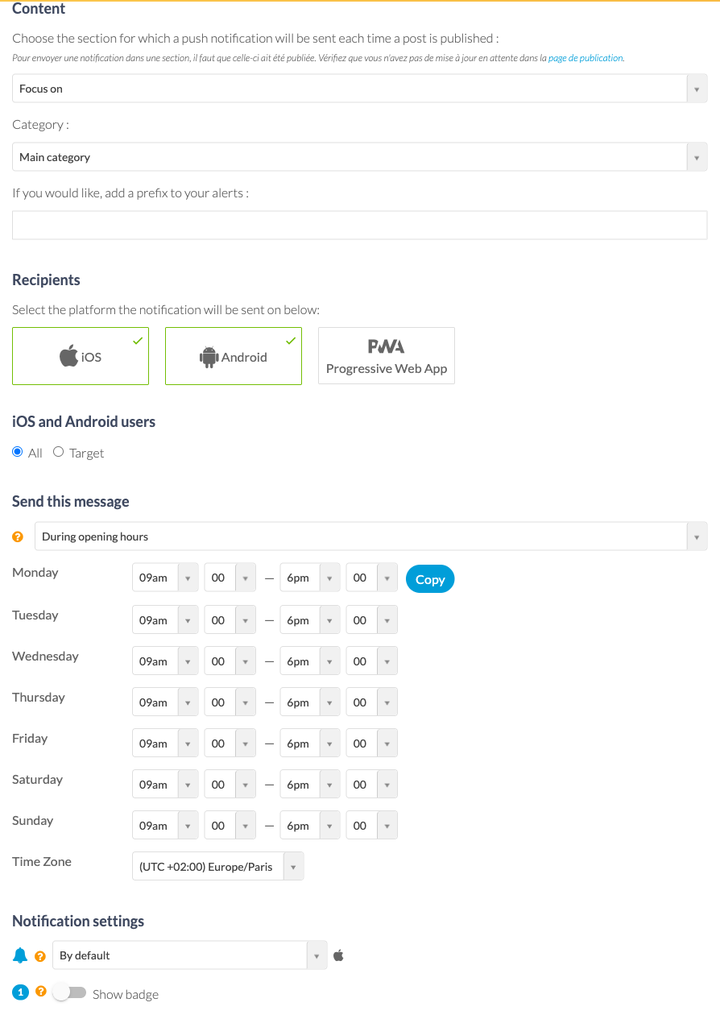
### Begränsningen värd att känna till
Den automatiska pushen är ett tillägg, och den finns inte i abonnemanget Standard. En Standard-app skickar aviseringar, men bara för hand.
Din lista över regler visar en brytare för var och en, dess inställningar, dess statistik och dess status. En regel kan alltså slås av utan att raderas, vilket är rätt drag för ett säsongsbetonat meddelande.
## Aviseringar som utlöses av en plats
Ett museum som förklarar en sal när en besökare kliver in i den, en butik som flaggar för dagens erbjudande när en kund går förbi, en festival som välkomnar folk vid entrén: platsaviseringen svarar på ögonblicket snarare än på din kalender.
Gruppen Geoalert dyker upp i din meny först när de motsvarande tilläggen är påslagna.
Notification › Geoalert › Notifications
### Två sätt att definiera en plats
**Geostängslet** är en cirkel på en karta: en adress, en radie i meter. Du sköter dem i Notification › Geoalert › Geofences, som lista eller på en karta, och vart och ett visar antalet aviseringar som är kopplade till det.
**iBeacon** är en Bluetooth-sändare placerad på en plats. Den tjänar där GPS inte räcker: inne i en byggnad, i en entré, framför en bestämd gång. Du fyller i dess unika identifierare i Notification › Geoalert › iBeacons.
### Att ställa in utlösaren
Tre möjliga ögonblick: när användaren går in i området, när hen lämnar det, eller efter en vistelse av en längd du bestämmer.
Sedan kommer inställningen som förhindrar trakasseri, och den förtjänar en paus: du bestämmer hur länge det dröjer innan samma person kan få meddelandet igen. Vid varje ny inträdelse i området, eller efter 12 timmar, 24 timmar, två dagar, två veckor, upp till ett år. En butik med förbipasserande kunder vill ha dagligen; ett museum vill inte upprepa samma förklaring i varje sal.
Precis som för den automatiska pushen begränsar ett tidsintervall timmarna då den får visas.
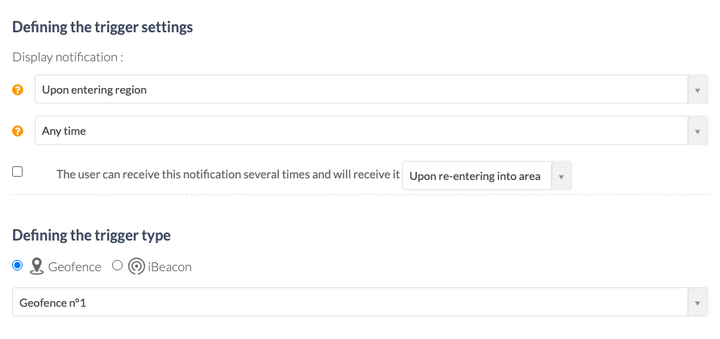
### Två begränsningar värda att känna till
**Bara nativeappar.** Mottagarräknaren nämner bara iOS och Android: din PWA tar inte emot platsaviseringar. Det är den direkta följden av det som gör dem intressanta från början, att positionsbevakningen sker inne i den installerade appen.
**En sändare placeras före kompileringen.** Dina iBeacons identifierare reser inuti appens binärfil. Att ändra den innebär alltså att kompilera om appen och skicka in den till appbutikerna på nytt, vilket back office flaggar för på skärmen. Ett geostängsel kan däremot ändras utan att publiceras om.
En tredje reservation, ovanligare men brutal: att slå på läget Apps for Kids inaktiverar automatiskt geostängsel och iBeacons, tillsammans med chatten. En app för barn geolokaliserar inte sina användare.
## SMS, när du vill vara säker på att komma fram
En avisering når bara personer som har installerat din app och accepterat aviseringar. SMS talar till ett telefonnummer, vilket gör det till den enda kanal som återstår när appen väl avinstallerats.
Notification › Push › Send SMS
### Hur det fungerar
Ett meddelande på 140 tecken, en knapp, en mottagarräknare. Ingen målgruppsstyrning, ingen schemaläggning: det du skriver går ut som det är till de personer som gett dig sitt nummer.
Det samtycket förbereds i fliken **Settings** på samma skärm. Där skriver du dialogrutan som ber om numret inne i appen, dess två knappar, dess meddelanden vid lyckat och misslyckat försök, standardlandskoden, och välkomst-SMS:et som skickas vid registrering. En omsorgsfullt skriven förfrågan är skillnaden mellan en lista med nummer och en tom lista.
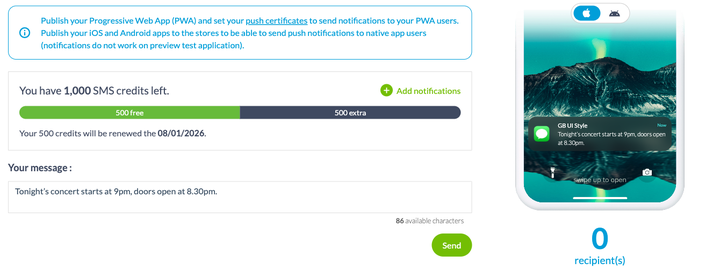
### Vad det kostar
SMS är ett tillägg, och dess sida visar priset som gäller för din app. Det innehåller 500 SMS i månaden, som förnyas ett fast datum, och skärmen visar det återstående saldot tillsammans med nästa förnyelsedatum. Därutöver köps extra krediter från samma sida.
Med 140 tecken och en verklig kostnad per utskick är SMS ingen publiceringskanal. Spara det till sådant som motiverar att avbryta någon: en inställning, en ändrad tid, en upplysning som din publik skulle hålla emot dig att du inte skickat.
## Före det första utskicket
### Tre tekniska villkor
De påminns om högst upp på varje aviseringsskärm, och de förklarar de flesta fall av ”jag fick ingenting”.
Din PWA måste vara publicerad och dess push-certifikat inställda, i Publish › PWA › Push Certificates. Dina iOS- och Android-appar måste vara publicerade i appbutikerna. Och förhandsvisningsappen tar inte emot aviseringar: att testa ett utskick från testappen bevisar ingenting, åt något håll.
### Vad ditt abonnemang tillåter
Antalet aviseringar du kan skicka varje månad beror på ditt abonnemang.
StandardPremiumPro**Aviseringar per månad**10 00030 000250 000**SMS per månad**500500500**Automatisk push**nejjaja**Geostängsel och iBeacon**nejjaja
En sak att läsa åt rätt håll: kvoten räknar skickade aviseringar, inte skrivna meddelanden. En avisering riktad till 5 000 personer förbrukar 5 000. Det är ett skäl till att målgruppsstyra.
### Vad dina läsare styr över
Det första låset är inte ditt: operativsystemet ber om lov att skicka aviseringar, och användaren kan vägra eller dra tillbaka det när som helst.
Det andra kan du öppna. Om din app har ett medlemsområde låter Settings › Profile settings dig visa historiken över mottagna aviseringar i profilen, och tillåta dina användare att prenumerera på eller avsluta prenumerationen på dina schemalagda aviseringar. Det här alternativet kräver tillägget Authentication.
Det är värt att slå på, även om tanken på att släppa prenumeranter är obehaglig. Mellan en läsare som avslutar sina aviseringar och en läsare som avinstallerar appen är den första fortfarande nåbar.
---
# AI i din app
Source: https://se.goodbarber.com/academy/ai-in-your-app/
---
title: "AI i din app"
description: "Två assistenter som liknar varandra på skärmen: RAG-chatboten svarar med ditt innehåll, ChatGPT-tillägget svarar med det modellen har lärt sig."
canonical_url: "https://se.goodbarber.com/academy/ai-in-your-app/"
lang: sv
---
Dina läsare kommer med en fråga. I dag frågar de antingen en sökmotor, som svarar i ditt ställe, eller så gräver de i din app tills de hittar den. GoodBarber låter dig öppna en tredje väg: en assistent som svarar inne i appen, alldeles intill ditt innehåll.
Två tillägg gör det här. På skärmen liknar de varandra: en konversation, en fråga, ett svar. Under huven hämtar de inte svaret från samma ställe, och det är hela skillnaden. Att välja fel betyder att lova ett tillförlitligt svar och leverera ett påhittat.
## Två assistenter, två källor till svar
Tabellen nedan är den här guidens disposition. Läs den först: den förhindrar tre fjärdedelar av de dåliga valen.
RAG-chatbotenChatGPT-tillägget**Varifrån svaret kommer**Ditt publicerade innehåll, och inget annatModellens allmänna kunskap**Vad du ställer in**Avsnitten som matar dess kunskapsbasEn instruktion som beskriver dess roll och dess ton**Vem som betalar för AI:n**GoodBarber, via tilläggets krediterDu, direkt hos OpenAI**API-nyckel att lämna**NejJa, din egen**I vilka appar**InnehållsapparInnehållsappar och e-handelsappar**Vad det kostar**Dess sida visar priset som gäller för din app, krediter inkluderadeDess sida, plus din användning hos OpenAI
En mening att minnas skillnaden med: **RAG-chatboten vet vad du har publicerat, ChatGPT-tillägget vet vad modellen har lärt sig.** Den första kan inte svara på ett ämne du aldrig har tagit upp. Den andra svarar ändå, och det är ibland precis vad du inte vill.
De två kan samexistera i samma app. En allmän samtalsassistent på startskärmen och en dokumentarisk chatbot i arkivavsnittet konkurrerar inte.
## RAG-chatboten, som svarar med ditt innehåll
RAG står för *retrieval-augmented generation*. Principen ryms i en mening: innan assistenten svarar går den och hämtar de relevanta styckena i **ditt** innehåll, och skriver sitt svar utifrån de styckena.
Det är skillnaden mellan en assistent som kan ämnet och en assistent som kan ditt ämne. För ett tioårigt artikelarkiv, en reseguide, en intern handbok eller en bas med vanliga frågor är det den enda form som håller: svaren håller sig inom gränserna för det du har skrivit, och de åldras i samma takt.
Chatboten är ett tillägg innan den är ett avsnitt, och ordningen spelar roll. Allt utgår från posten **RAG Chatbot** i huvudmenyn, på första nivån mellan Notification och Statistics: det är där du lägger till tillägget, och **först när det har lagts till blir avsnittet tillgängligt** i din app. Att leta efter det i listan över avsnitt innan du gått den vägen betyder att du inte hittar det.
När det väl är på plats beter det sig som vilket annat avsnitt som helst: det tar sin plats i din meny, det räknas mot dina 120 avsnitt, och det tar upp din apps färger och typografi.
Dess inställningar öppnas från samma menypost, på en skärm med fyra flikar: inställningar, design, källavsnitt och rapporter.
### Du väljer vad den får veta
Det här är inställningen som avgör kvaliteten på din chatbot, och det är också den folk hastar förbi.
Fliken **Sections** listar dina, sorterade per innehållstyp: dina artiklar, dina evenemang, dina platser. Du kryssar för dem som ska mata kunskapsbasen, och du kan gå ner på **kategorinivå**: hela avsnittet med artiklar, eller bara kategorin Praktiskt.
Allt du publicerar i de avsnitten därefter hamnar där automatiskt. Det finns ingen uppdateringsknapp att komma ihåg, ingen export att göra om: din kunskapsbas följer det du publicerar.
En sista inställning fullbordar bilden: ett tak för hur många poster som behålls från varje vald källa, räknat bakåt från den senaste. Att höja det ger assistenten mer material och drar mer krediter. En utgivare som publicerar varje dag och en stabil reseguide behöver inte samma värde.
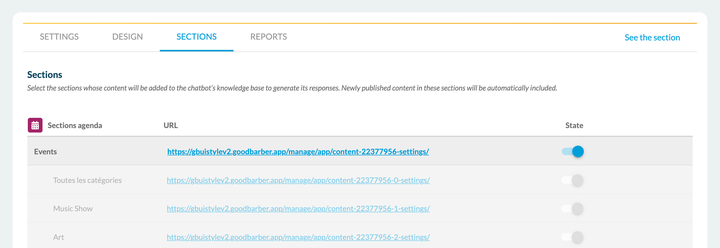
### Att välja modell är att väga detalj mot kostnad
Två modeller ställs in var för sig, och de gör inte samma jobb.
**Genereringsmodellen** är den som skriver svaret. Listan går från de senaste modellerna ner till deras Mini- och Nano-varianter, snabbare och sparsammare. Den innehåller modeller från OpenAI och modeller från **Mistral**, vilket låter dig stanna på europeisk infrastruktur när det spelar roll för dig.
**Indexeringsmodellen** är den som förvandlar ditt innehåll till något sökningen kan arbeta med. Dess stora version klarar långa och nyanserade texter bättre; dess sparsamma version är snabbare och drar mindre.
Den praktiska regeln: börja med en sparsam variant, mät kvaliteten på svaren utifrån dina verkliga frågor, och gå sedan upp om du inte är framme. Att göra tvärtom kostar pengar i onödan.
### Tonen, och vad man gör när svaret inte finns
Ett fält för skrivton låter dig beskriva hur assistenten tilltalar dina läsare: graden av formalitet, stilen. Det fältet finns inte till för att lägga till kunskap, det finns till för att ställa in rösten.
Det bär däremot den nyttigaste instruktionen på hela skärmen: den som säger **vad den ska svara när svaret inte finns i ditt innehåll**. Utan den föredrar en assistent ofta att improvisera framför att erkänna det. Skriv det uttryckligen: säg åt den att säga att den inte vet och att hänvisa till din kontaktsida. En mening, och din chatbot slutar hitta på.
### Att visa varifrån svaret kommer
Två brytare avgör vad som dyker upp under svaren. Interaktiva källkort visar artikeln, evenemanget eller platsen som svaret byggdes på, och läsaren öppnar den med ett enda drag. En andra brytare lägger till en kopieringsknapp på varje meddelande i konversationen.
Titta på det svaret: det är inte bara korrekt, det säger var det kommer ifrån. Varje recept som citeras bär sin länk till artikeln, och raden med kort under konversationen tar läsaren tillbaka in i innehållet. Det är den synliga skillnaden mellan en assistent som öser ur dig och en assistent som talar ur minnet.
Slå på källkorten. De gör tre saker på en gång: de bevisar att svaret verkligen kommer från dig, de för läsaren tillbaka in i ditt innehåll i stället för att lämna hen i konversationen, och de ger dig ett sätt att kontrollera din chatbot med en blick.
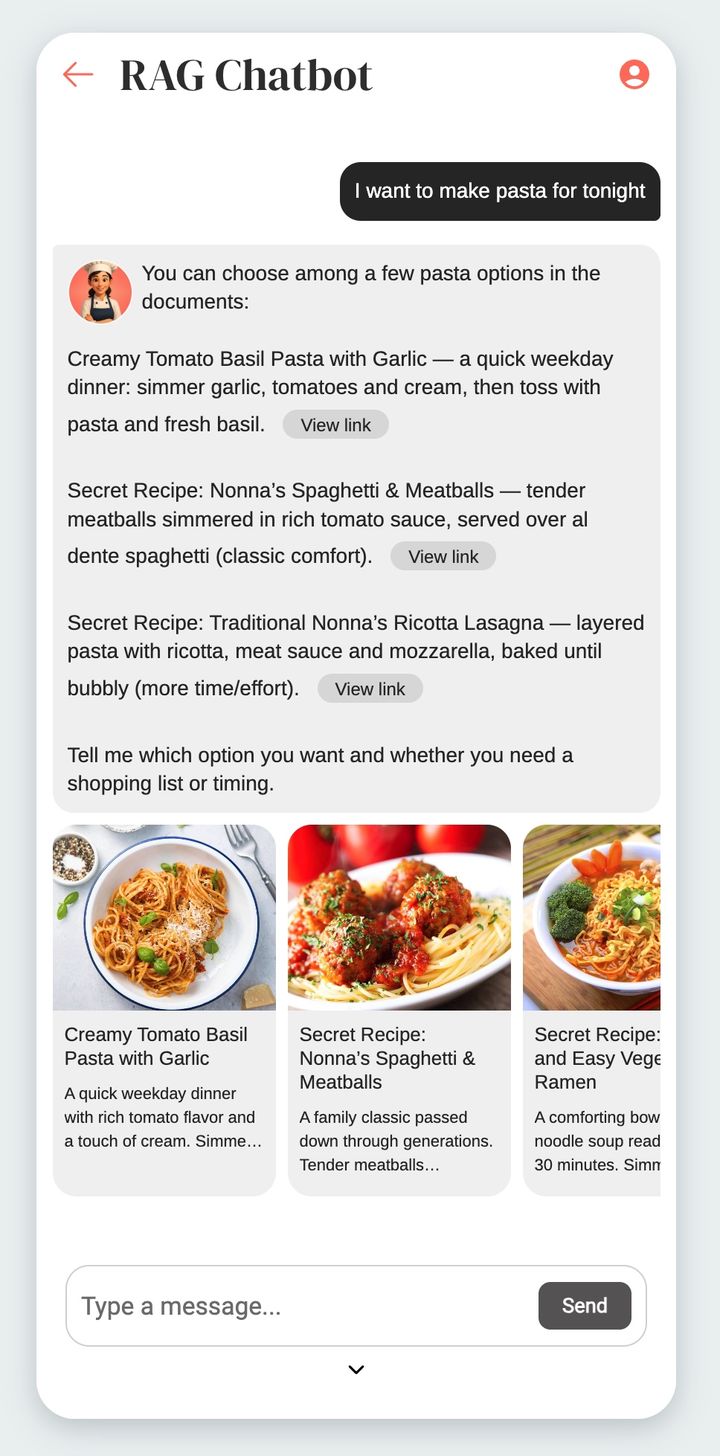
### Att reservera den för dina prenumeranter
Ett alternativ för åtkomstbegränsning stänger chatboten för förbipasserande besökare och reserverar den för personer som är inloggade eller prenumererar. Det lutar sig mot en av plattformens två åtkomstfamiljer, tillägget för medlemskap i appen eller tillägget **Authentication**, så en av de två måste vara aktiv i din app.
De två familjerna staplas inte: det är vägdelningen som beskrivs i ”Bygga en community med din app”, och den avgörs i förväg, inte efteråt. Om din app lever på ett medlemskap i appen är det den vägen begränsningen går.
Det är en bra kandidat för reserverat innehåll. En assistent som kan tio år av ditt arkiv har ett värde som en läsare fattar omedelbart, vilket sällan gäller ännu en artikel.
### Vad den kostar
RAG-chatboten är ett tillägg, och **dess sida visar priset som gäller för din app**. Det innehåller en volym krediter, som förnyas varje månad, och en räknare högst upp på skärmen visar det återstående saldot tillsammans med nästa förnyelsedatum. Volymen som ingår står på samma sida.
Två saker drar de krediterna, och inte i samma proportioner. Att indexera ditt innehåll kostar lite och sker en gång, och sedan vid varje publicering. Dina användares frågor kostar resten, och deras förbrukning beror på vald modell och på frågans komplexitet. Med andra ord följer din räkning din publik: det är goda nyheter, förutsatt att du såg det komma.
## ChatGPT-tillägget, en assistent du ramar in
Den andra sortens assistent läser inte ditt innehåll. Den kopplar in en instans av ChatGPT i din app, och du ger den en roll.
Som alla tillägg **visar dess sida priset som gäller för din app**, och det fungerar på båda produktlinjerna, innehållsappar såväl som e-handelsappar.
Precis som RAG-chatboten är det **ett tillägg innan det är ett avsnitt**, och samma ordning gäller: du slår på det först i Extensions Store › All extensions, och avsnittet dyker upp i listan över typer först när det är gjort. Sedan hittar du statusen för alla dina tillägg i Extensions Store › Management.
Dess inställningar öppnas från avsnittets meny, via posten som konfigurerar assistenten. Dess skärm har bara två flikar, inställningar och design, där RAG-chatboten har fyra. Det är skillnaden i natur, synlig för blotta ögat.
### Din nyckel, din räkning
Den första skillnaden finns direkt där, och den är inte oväsentlig. Ett block för OpenAI-åtkomst ber dig om en hemlig API-nyckel, som du skapar på ditt OpenAI-konto. Affärsrelationen stannar mellan dig och OpenAI: GoodBarber tar inget betalt för konversationerna och tar ingenting på vägen.
Vad det betyder i praktiken: du öppnar ett konto hos OpenAI, du lägger en betalningsmetod på det, och du följer förbrukningen från deras instrumentpanel, inte från ditt back office. Vissa nyare modeller kräver dessutom att din organisation är verifierad hos OpenAI, vilket skärmen flaggar för.
### Systemmeddelandet gör hela jobbet
Bara tre fält, och det tredje bär allt det övriga. Du fyller i assistentens namn, du väljer en genereringsmodell ur en lista som går från den senaste till den mest sparsamma, och sedan skriver du systemmeddelandet.
Den texten är det enda som skiljer din assistent från en vanlig ChatGPT. Den beskriver dess roll, dess ton, och framför allt vidden av de ämnen den går med på att hantera. En assistent som inte har fått veta vad den talar om kommer att tala om allt, inklusive sådant du inte vill ha i din app.
Skriv den i två delar. Först rollen, enkelt uttryckt: vem den är, vem den talar med, om vilket ämne. Sedan avgränsningen, precis lika viktig: vad den ska svara när frågan faller utanför ämnet. Den andra halvan är den folk glömmer, och det är den som håller assistenten i sitt spår.
Precis som RAG-chatboten kan ChatGPT-tillägget reserveras för dina inloggade användare, via samma begränsningsalternativ, och dess utseende ställs in i designfliken.
### Begränsningen värd att känna till
Det följer direkt av hur den fungerar: **den här assistenten känner inte till ditt innehåll**. Den vet inte vad du publicerade i går, eller dina öppettider, eller dina priser, eller namnet på din nya kollektion. Om en användare frågar kommer den att svara i alla fall, med det modellen tror sig veta.
Systemmeddelandet minskar den risken, det tar inte bort den. Spara därför det här tillägget till användningar där svaret inte behöver vara ditt: en assistent som ger råd, som omformulerar, som lotsar någon genom sina första steg. Så snart svaret måste vara exakt och kontrollerbart är det RAG-chatboten du behöver.
## Vilken du ska välja
Frågan avgörs på en enda rad: **måste svaret komma från dig?**
Vad du vill göraTillägget att väljaSvara om dina tider, dina priser, dina nyheter, ditt arkivRAG-chatbotenFörvandla en samling dokument till direkta svarRAG-chatbotenGöra en intern handbok eller en uppsättning rutiner sökbarRAG-chatbotenGuida en besökare runt en stad, en plats, ett evenemangRAG-chatbotenErbjuda en tematisk rådgivare som föreslår och omformulerarChatGPT-tilläggetHjälpa folk att upptäcka appen, på vanligt språkChatGPT-tilläggetTesta dina användares aptit på en assistent, utan prenumerationskostnadChatGPT-tillägget
Tre exempel för att förankra regeln.
**En skola.** Paraigua publicerar sina kalendrar, sina regler och sina cirkulär. Samma frågor återkommer varje år, på samma datum, och vart och ett av svaren står redan skrivet någonstans. Det här är RAG:s skolboksfall: materialet finns, det är bara illa nåbart.
**En reseguide.** Portland beskriver platser, evenemang, rutter. En besökare som frågar ”vad har öppet på söndagsmorgonen nära hamnen” frågar om något innehållet svarar på, men som ingen meny låter hen formulera. RAG igen.
**En skönhetssalong.** Freyja Spa har ingen samling dokument, men däremot kunder som tvekar mellan två behandlingar. En assistent som ramas in av ett systemmeddelande, ställer två eller tre frågor och styr mot rätt tjänst, är nyttig utan att behöva kunna katalogen utantill. ChatGPT-tillägget räcker, och det kostar inget mer.
## Tre saker att veta innan du börjar
**RAG-chatboten finns bara i innehållsappar.** En e-handelsapp kan inte slå på den i dag. På den linjen är ChatGPT-tillägget fortfarande tillgängligt.
**En chatbot svarar bara bra om ditt innehåll svarar.** Det här är begränsningen som oftast upptäcks för sent. En assistent inkopplad på trettio vaga artiklar producerar trettio vaga svar, och den gör ett innehållsproblem synligt som gick obemärkt förbi så länge ingen ställde frågan rakt ut. Innan du slår på den ska du läsa om det du publicerar och fråga dig om en läsare skulle hitta sitt svar där. Om inte är det innehållet som behöver arbete, inte modellen.
**Du är fortfarande ansvarig för vad din app säger.** En assistent talar i ditt namn, i din app, i dina färger. Testa den med dina verkliga frågor innan du publicerar, inklusive de obekväma, och behåll instruktionen som säger åt den att erkänna vad den inte vet. En assistent som svarar ”jag vet inte, skriv till oss” kostar dig ingenting. En assistent som hittar på dina öppettider kostar dig en kund.
---
# Bygga en community med din app
Source: https://se.goodbarber.com/academy/community/
---
title: "Bygga en community med din app"
description: "Autentisering av användare som grund, sedan användarlistan, grupperna och chatten som kopplas på den."
canonical_url: "https://se.goodbarber.com/academy/community/"
lang: sv
---
Att bygga en community kring din app gör den mer värdefull och får dina användare att komma tillbaka. Mekanismen är enkel: när en användare väl är inloggad lär du känna hen bättre, och möter därför hens behov bättre.
Vid nedladdningen fyller användarna ofta i ett första formulär med personuppgifter. Det är ett första åtagande gentemot varumärket. Ett communityutrymme förvandlar det engångsåtagandet till varaktig användning.
Allt vilar på en grundfunktion, autentiseringen av användare, som användarlistan, grupperna och chatten sedan kopplas på.
## Autentisering av användare
### Vad den är till för
Den skapar en inloggningsmodul, som du gör obligatorisk eller inte vid ingången till appen.
Att kunna stänga hela eller delar av din app är avgörande för många kreatörer: det är det som låter dig reservera innehåll och funktioner för medlemmar. Utöver att skydda innehåll uppmuntrar en stängd app dina användare att skapa en profil, och berättar därmed mer för dig om din publik.
Dali Corps interna app, avsedd för de anställda, är helt stängd för alla utan inloggningsuppgifter.
Två inställningar kombineras fritt:
- du stänger **hela** appen, eller **bara en del av den**
- du låter **alla dina användare skapa en profil**, eller så slår du av det alternativet och släpper bara in utvalda personer, vars profiler du skapar för hand från back office innan du skickar dem deras inloggningsuppgifter
Den flexibiliteten är det som gör funktionen universell: samma verktyg tjänar en publik app som vill lära känna sina läsare och en strikt sluten företagsapp.
Kom framför allt ihåg att autentiseringen är **moderfunktionen** till många andra: lojalitetsfunktionerna vilar på den, liksom alla communityfunktioner som följer.
**En vägdelning att känna till innan du börjar.** Den här guiden beskriver det vanliga autentiseringsflödet, det som öppnar konton, grupper, rättigheter per avsnitt, chatt och lojalitetsverktygen. Det finns ett andra, reserverat för appar som säljer åtkomst till sitt innehåll via ett medlemskap i appen, och det ger bara binär åtkomst: prenumererar, eller prenumererar inte.
**De två flödena utesluter varandra.** En app använder det ena eller det andra, aldrig båda. Om det ingår i ditt projekt att sälja medlemskap ska du avgöra det innan du bygger din community, för att byta från det ena flödet till det andra gör det du satt upp om intet. Back office varnar dig uttryckligen i bytesögonblicket. Ämnet behandlas i ”Tjäna pengar på din innehållsapp”.
En lugnande detalj medan du bestämmer dig: om du byter migrerar vi konton som skapats med en e-postadress, så din lista över registrerade användare följer med dig. Bara konton som öppnats via ett socialt nätverk migrerar inte.
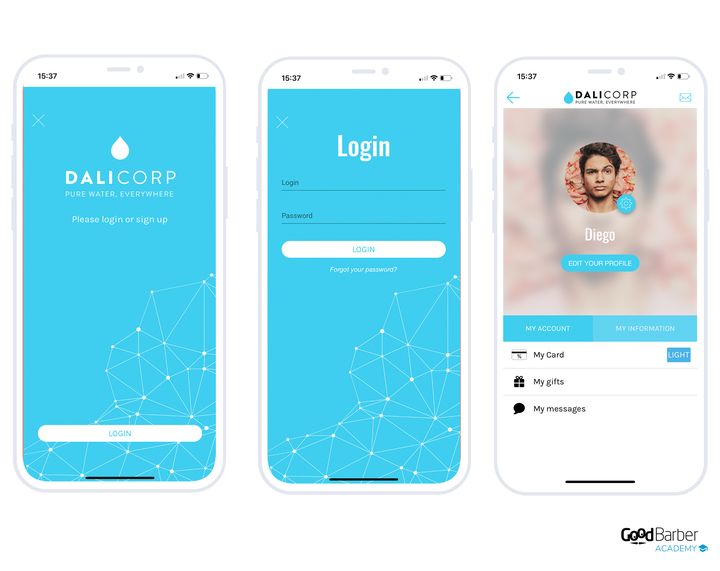
### Ställa in den
Att lägga till tillägget **Authentication** skapar en ny meny **Community** i ditt back office. Själva inställningarna finns i Settings › Registration process.
Det lägger också till två avsnitt i din app: inloggningsavsnittet, som back office kallar **Log box** och som stannar högst upp i din struktur, och **User profile**, varje registrerad användares personliga utrymme. Det senare gör du åtkomligt via en länk på startskärmen, en menypost eller en knapp i sidhuvudet.
Där bestämmer du om du ska tillåta kontoskapande från appen, om du ska tillåta åtkomst utan inloggning, och du redigerar meddelandet som visas för besökare utan profil.
Ett alternativ på samma skärm förtjänar att vara känt innan du öppnar registreringarna: **Force email validation at registration (double opt-in)**. Påslaget öppnar det kontot först när bekräftelselänken har klickats. Det är ett steg till, och det kommer att kosta dig ett par registreringar på vägen. I gengäld fylls din användarlista inte med feltryckta eller lånade adresser, och varje konto motsvarar någon som faktiskt tog emot ditt meddelande. I en app där kontot ger åtkomst till reserverat innehåll är det rätt inställning.
**Fliken User profile** låter dig tillåta profilbilder, länkar till sociala nätverk, och hantering av push-meddelanden per användare. Det sista alternativet förtjänar uppmärksamhet: dina användare kan då gå igenom historiken över aviseringar de fått och välja vilka flöden de prenumererar på.
Det är också här du ställer in profilfälten. Du kan lägga till flera typer av extrafält, obligatoriska vid registrering eller inte.
**Externa inloggningar** besparar dina besökare att skapa ännu ett lösenord. Det finns tre av dem, och var och en har sin egen skärm: Settings › Connection with Facebook, Settings › Connection with X och Settings › Sign in with Apple.
Två saker att veta innan du slår på dem. Ingen av dem kopplas in genom att kryssa i en ruta: var och en kräver ett utvecklarkonto hos den berörda tjänsten, och ett anmälningsförfarande för appen som back office beskriver steg för steg. Räkna med tid för det, och slå framför allt inte på dem dagen före en lansering.
Och de ersätter inte kontoskapande via e-post, som förblir grunden. Det är den som låter dig få tillbaka din lista om du någon gång byter autentiseringssystem: som noterats ovan migrerar inte konton som öppnats via ett socialt nätverk.
Community › Public/Private sköter åtkomsten till avsnitten. Du stänger hela appen eller bara vissa avsnitt, med ett klick.
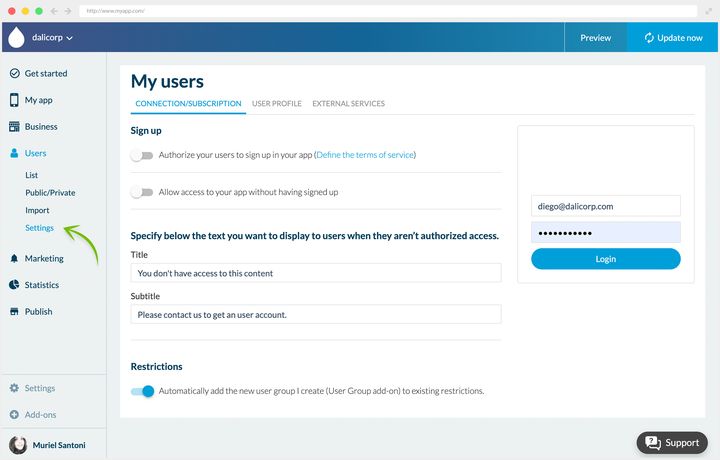
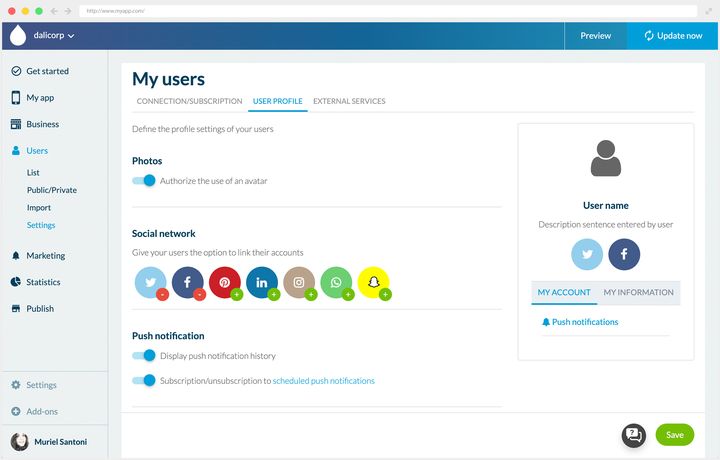
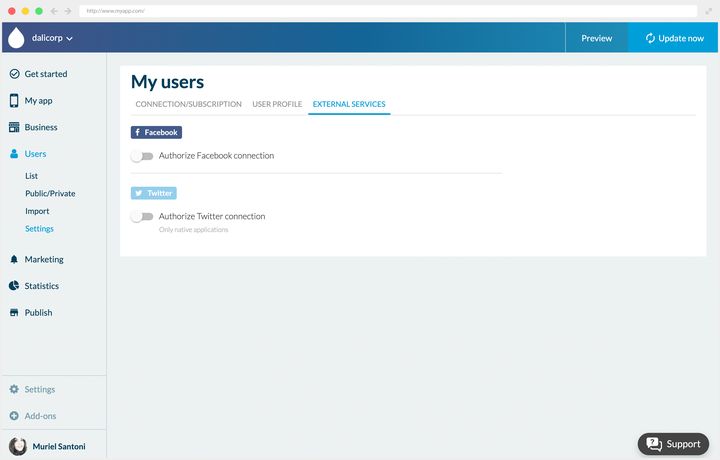
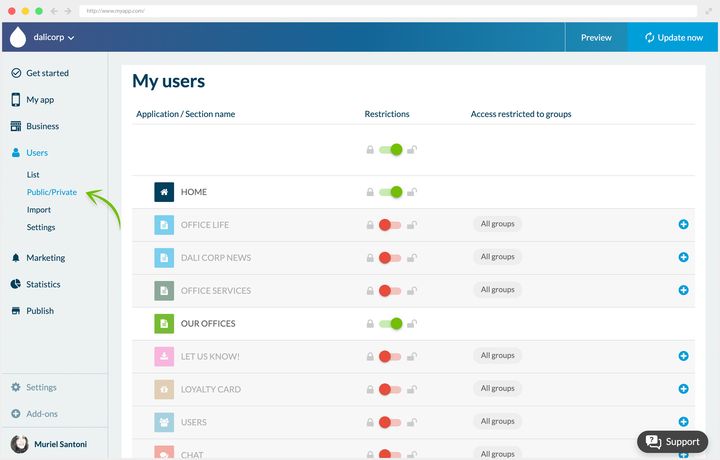
## Användarlistan
När autentiseringen har lagts till får du Community › User list, varifrån du sköter alla dina registrerade användare.
Listan visar deras huvuduppgifter och filtrerar efter senaste registreringar eller senaste inloggningar. Du kan exportera uppgifterna som en .csv, lägga till en användare för hand, eller radera flera med kryssrutorna i slutet av varje rad.
Att klicka på en användare öppnar hens profil i detalj, som du kan redigera. Där hittar du standardfälten tillsammans med dem du själv ställt in.
**Massimport** görs från Community › User list, via länken **Import** högst upp i listan, från en .csv-fil.
Två kolumner är obligatoriska och inleder filen: **email**, som fungerar som identifierare, och **password**, i klartext. Kolumnerna därefter fyller på profilen. En import bär upp till **10 000 användare**, och ett mejl talar om när behandlingen är klar.
Ett praktiskt tips: börja med att köra en export. Den ger dig ett kalkylblad som redan har rätt format, och som du bara behöver fylla med dina nya användare, med lösenordskolumnen tillagd. Det säkra draget är att lägga samma neutrala lösenord för alla, och sedan be dina användare byta det vid första inloggningen.
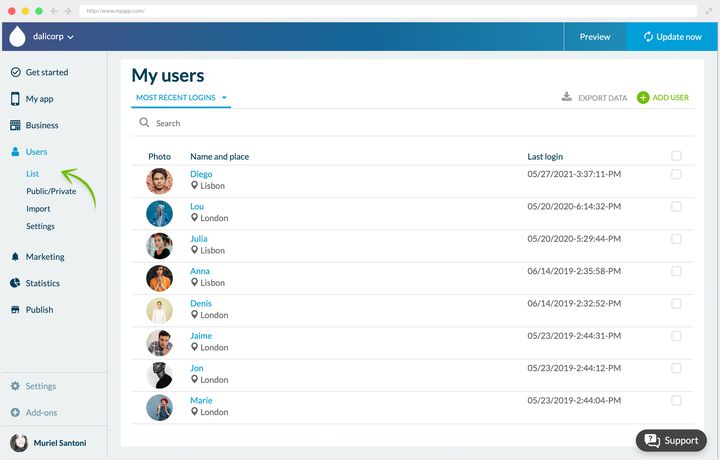
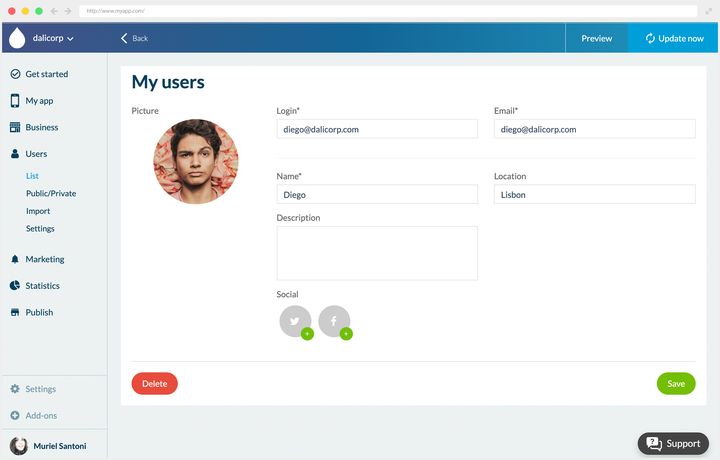
## Användargrupper
Tillägget **User Groups** kommer till sin rätt om du planerar att begränsa delar av ditt innehåll. Det låter dig skapa grupper och reservera avsnitt av appen för en eller flera av dem. Som alla tillägg i den här familjen kräver det tillägget Authentication, och dess sida visar priset som gäller för din app.
En användare kan tillhöra ingen grupp, en grupp eller flera. Tillhör hen ingen hamnar hen automatiskt i gruppen **Default**. Grupperna sköts från Community › User list, fliken **Groups**.
Du skapar så många du vill. Hos Dali Corp motsvarar de företagets avdelningar: varje anställd når innehållet som är avsett för sitt team och har ett privat kommunikationsutrymme inne i appen.
Grupperna tjänar också till att **rikta push-meddelanden**, vilket ändrar kvaliteten på din kommunikation en hel del: du slutar skicka till alla det som bara berör några av dem.
Mekanismen bär långt utanför företagsmiljön, in i en skola eller en redaktionell app som vill rikta sig bättre till sina läsare.
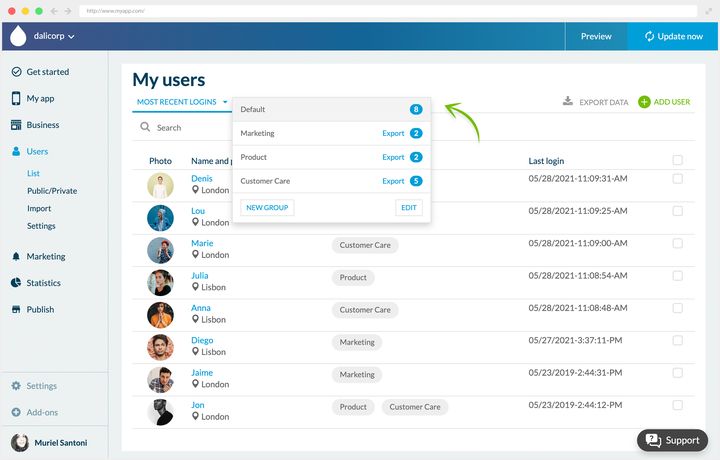
## Chatt
Chatten är också ett tillägg, som läggs till från butiken, och den kräver tillägget Authentication precis som grupperna gör. Dess sida visar priset som gäller för din app.
Chatten för först och främst dina användare närmare varandra, vilket tjänar en app med ett socialt syfte. Men framför allt skapar den ett utrymme för utbyte och diskussion, och den förbättrar ett företags interna kommunikation genom att låta de anställda kontakta varandra.
Medlemskatalogen är ett eget avsnitt, som kommer med ett annat tillägg i samma familj. Dina registrerade användare bläddrar där bland andra medlemmars offentliga profiler och kontaktar dem från deras kort, och en kartvy låter dem upptäcka de som finns i närheten. Det avsnittet, inte chatten, är det som gör din community synlig inne i appen.
**Två begränsningar att känna till innan du rullar ut den**: det är en chatt mellan två personer, och bara text kan utbytas.
Chatten är central för att bygga en verklig community. Företagsappar och rena communityappar har mest nytta av den, men tänk också på att böja den till andra användningar, för att driva en kundtjänst eller för att få en evenemangsapp att kännas mer levande.
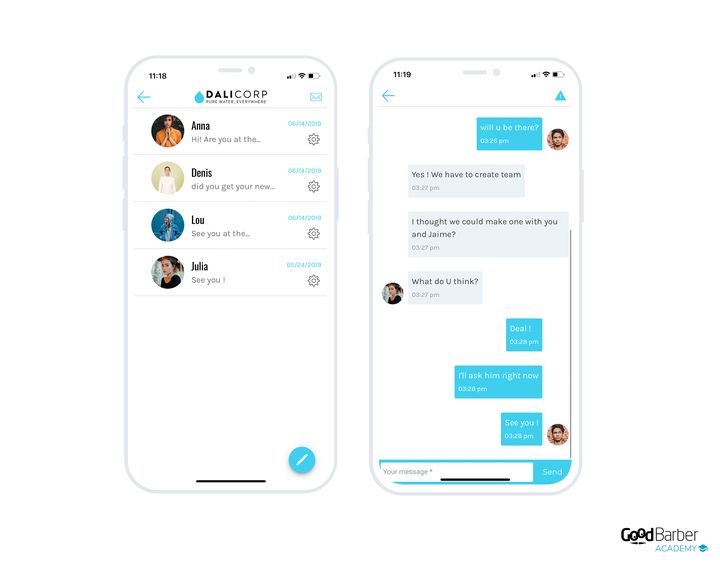
---
# Skapa ett lojalitetsprogram i din app
Source: https://se.goodbarber.com/academy/loyalty-program/
---
title: "Skapa ett lojalitetsprogram i din app"
description: "Lojalitetskort, klubbkort och kuponger: tre verktyg som förvandlar förbipasserande besökare till kunder som kommer tillbaka."
canonical_url: "https://se.goodbarber.com/academy/loyalty-program/"
lang: sv
---
Många appskapare använder en app vid sidan av en fysisk butik eller för att presentera ett tjänsteutbud. I det fallet ändrar ett lojalitetsprogram appens ekonomi: det förvandlar förbipasserande besökare till kunder som kommer tillbaka, och det sätter mun-till-mun-metoden i arbete åt dig.
## Lojalitetskortet
### Principen
GoodBarbers lojalitetskort är ett poängkort. Vid varje besök i din lokal validerar din kund en poäng. När kortet är fullt får hen sin gåva. Du ställer in alltihop: antalet poäng som ska nås, valideringsmetoden, gåvans natur.
Hela modulen sitter i Business › Loyalty › The cards, där varje panel, lojalitetskort, valideringsprocess, gåva och klubbkort, har sin egen knapp **Settings**.
Fördelen mot ett papperskort är direkt. Dina kunder tappar det inte, glömmer det inte hemma, och har det alltid med sig eftersom det bor i deras telefon. Programmet fungerar alltså på riktigt, i stället för att vittra sönder med varje bortkommet kort.
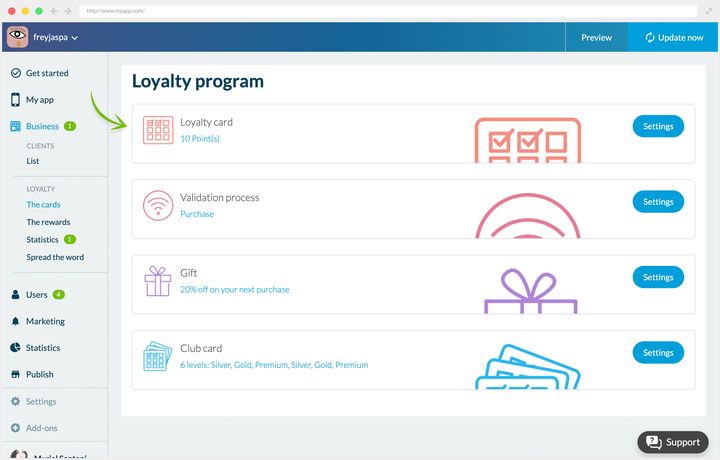
### Välja valideringsmetod
Tre processer finns tillgängliga, och rätt process beror på vad du försöker åstadkomma.
**Köpet**, validerat genom att skanna en QR-kod. Det är metoden att använda om du vill validera poängen i kassan: du gör QR-koden tillgänglig, kunden skannar den när hen har betalat.
**Manuell incheckning**, baserad på ett geografiskt område som du definierar i ditt back office. Så snart dina kunder befinner sig inom det validerar de sin poäng själva. Praktiskt för kaféer och livligt trafikerade platser. Det är också rätt val om ditt mål är att öka besöksflödet snarare än varukorgens storlek, eftersom valideringen inte kräver något köp.
**Delning på sociala nätverk**, där kunden validerar sin poäng genom att dela en adress du väljer. Poängen kostar dig ingen marginal och ger dig synlighet.
I samtliga fall kan du kräva en obligatorisk fördröjning mellan två valideringar, vilket skyddar dig mot missbruk.
Inställningen finns i Business › Loyalty › The cards, panelen **Validation process**, knappen **Settings**.
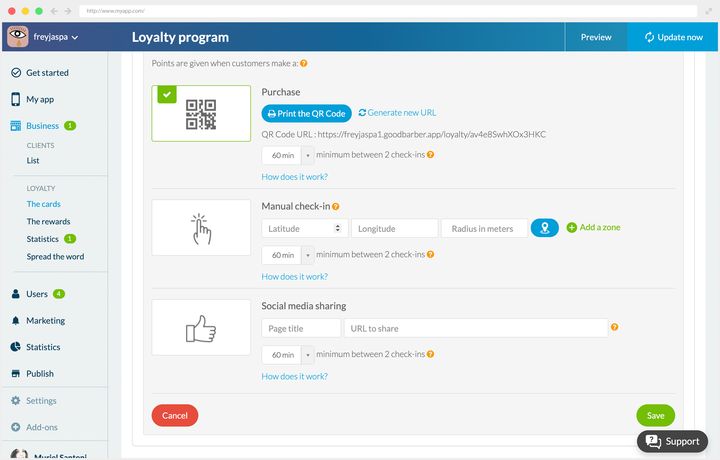
### Gåvor och belöningar
Gåvan i slutet av kortet är inte ditt enda verktyg. Du har också två typer av belöning.
**Automatiska belöningar** utlöses på egen hand, när de väl är påslagna i ditt back office. De täcker de ögonblick som räknas: att välkomna en ny användare, att fylla lugna timmar, att vinna tillbaka en kund som dröjer med att komma åter, eller att fånga uppmärksamheten hos folk som passerar i närheten.
**Manuella belöningar** skickas när du bestämmer, med sina egna inställningar: titel, beskrivning, belöning, utgångsdatum.
Båda ställs in i Business › Loyalty › The rewards, under flikarna **Automatic** och **Manual**.
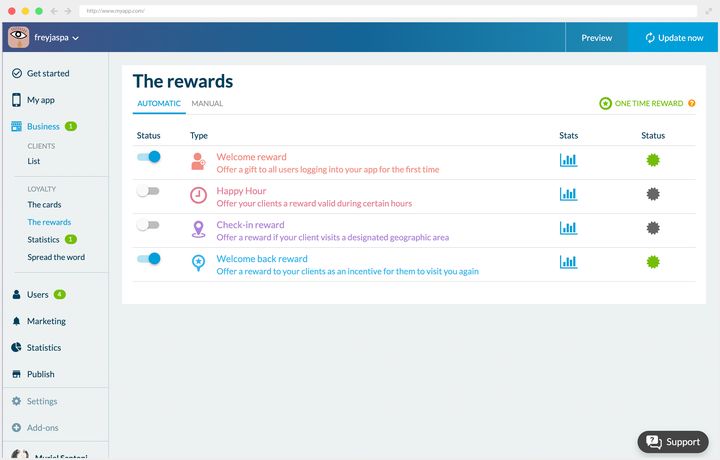
### Välja rätt gåva
Ett lojalitetsprogram är bara värt lika mycket som sin belöning. Två frågor avgör den: vad är ditt mål, och vem är din kund.
Om du försöker göra något nytt känt ska du ge bort det. Ett spa som lanserar en behandling gör bättre i att ge bort en session än en vag rabatt: gåvan gör då det marknadsförande arbetet.
Om du är ute efter synlighet ska du satsa på delning, och välja validering via sociala nätverk.
Gåvans värde beror på din modell. På små belopp, ett kaffe till exempel, är räkningen enkel: du sätter ett antal order efter vilket drycken är gratis. På ett brett sortiment tillfredsställer ett enda pris sällan alla, och en rabatt är ofta rättvisare. Den har dessutom en nyttig sidoeffekt: varukorgarna är i allmänhet större när det finns en rabatt att utnyttja.
### I praktiken
#### Ett spa
Freyja Spa validerar en poäng vid varje besök, för en behandling såväl som för ett köp, med QR-kod. När kortet är fullt får kunden 20 % rabatt vid sitt nästa besök. Salongen har också slagit på välkomst- och återvinningsbelöningarna, för att fånga upp nya kunder och få dem att komma tillbaka snabbt.
#### En intern företagsapp
Dali Corp böjer verktyget bort från dess kommersiella bruk: kortet uppmuntrar närvaro vid utbildningar och teambuildingworkshoppar. Varje närvaro är värd en poäng, och ett fullt kort ger tillgång till förmåner hos partnerbutiker runt om i stan. Företaget använder inte automatiska belöningar, men använder de manuella för att markera höjdpunkterna, ett projekt som levereras eller helgerna vid årsskiftet.
## Klubbkortet
### Principen
Klubbkortet arbetar i ett annat register än lojalitetskortet: där det senare belönar upprepning, etablerar det förra en status. Kunden belönas inte längre bara, hen erkänns, och det erkännandet består över tid.
Tre nivåer finns som standard, Silver, Gold och Premium, och du kan skapa upp till sex. Du är fri att ändra namnen, och för var och en definierar du antalet poäng som krävs för att nå den och för att gå upp till nästa.
Det ställs in i Business › Loyalty › The cards, panelen **Club card**, knappen **Settings**.
Till varje nivå kopplar du den förmån du väljer: fri leverans, en procentandel i rabatt online eller i butik, reserverad åtkomst. Det är där en verkligt personlig mekanik byggs.
Låt oss återvända till spat för att se hur de två korten fogas ihop. Med lojalitetskortet får kunden efter 10 behandlingar en kroppsolja. Med klubbkortet blir hon efter 30 behandlingar, alltså 3 fyllda kort, Silver-medlem och får en gratis behandling i månaden plus 5 % rabatt i butiken. Vid 50 behandlingar går hon till Gold: två behandlingar i månaden och 10 %. Vid 100 sessioner blir hon Premium, med 30 % på livstid i butiken och på behandlingarna.
Back office ger dig detaljerad statistik och listan över dina medlemmar. Det är det som låter dig justera: om ingen når nästa nivå ligger den för högt; om alla når den kostar belöningen dig utan att ge något.
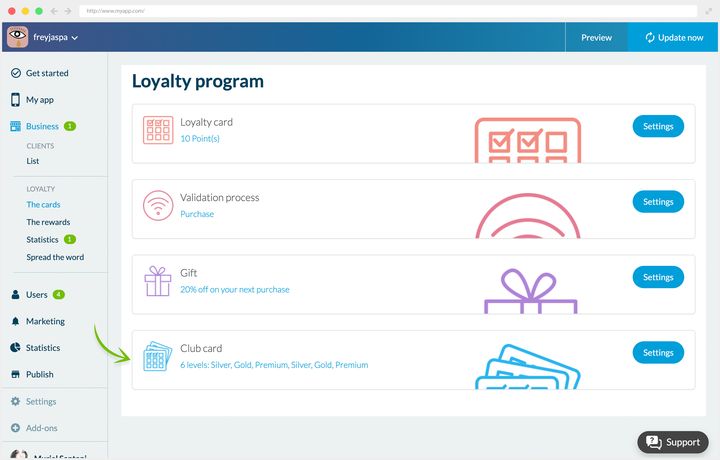
### Ställa in statusarna
Inställningen finns på samma ställe som lojalitetskortet, i Business › Loyalty › The cards, panelen Club card, knappen **Settings**.
Där definierar du, för varje nivå du slår på, antalet poäng som krävs, formuleringen av förmånen och en notering som förklarar hur den hämtas ut. Var noga med den formuleringen: en tvetydigt formulerad förmån förvandlas till en diskussion vid disken när det är dags att lösa in den. Det är också här du ändrar kortens design och statusarnas namn.
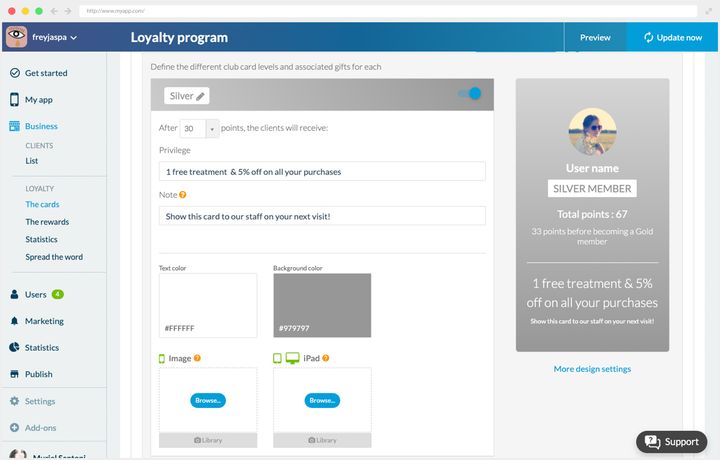
### I praktiken
#### Ett spa
Freyja Spa skapade tre egna statusar, Freyja Light, Medium och Star, som ger en månatlig behandling plus 5 % rabatt i butiken, 10 % på alla köp, respektive 30 % på alla köp. Belöningarna kalibrerades så att de bär tillräckligt värde i kundernas ögon samtidigt som de förblir hållbara för salongen.
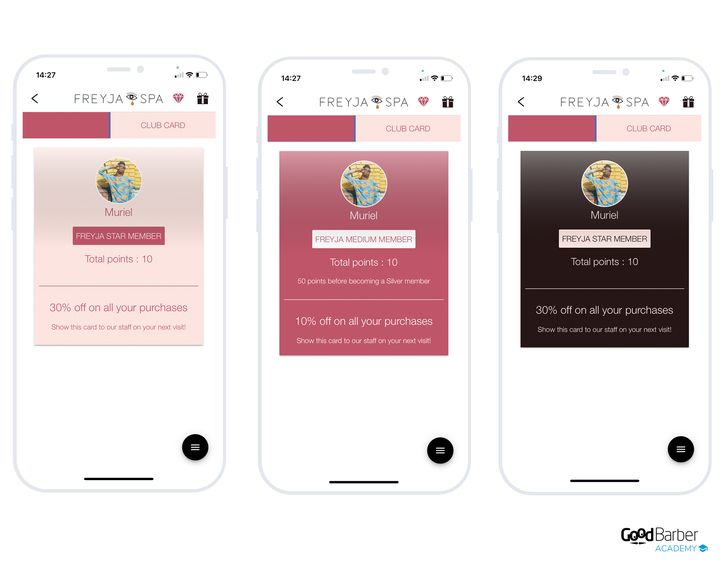
#### En företagsapp
Dali Corp tillämpar samma logik som för sitt lojalitetskort. De anställda som samlar mest poäng under aktiviteterna når statusar som gäller i ett år: obegränsad tillgång till biblioteket, två gratis kaffe om dagen i matsalen, eller en parkeringsplats för året.
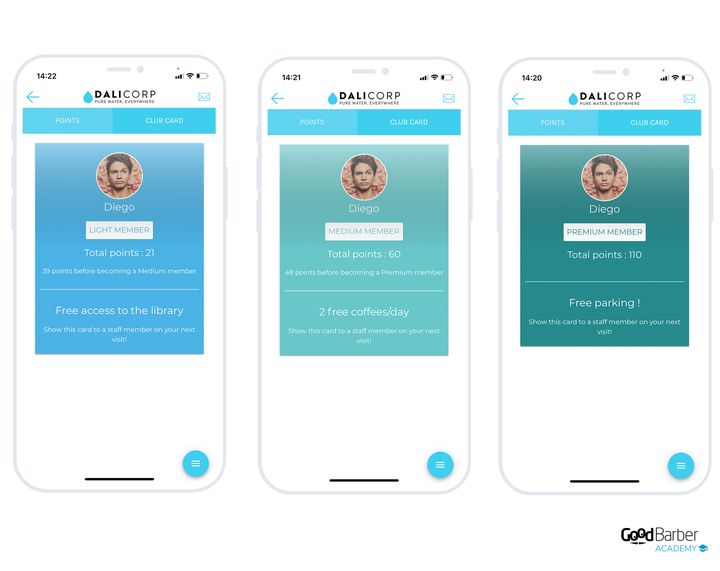
## Rabattkuponger
### Varför erbjuda dem
Båda korten belönar kunder du redan har. Kupongen finns till för att framkalla en handling, och den fungerar lika bra för att rekrytera som för att behålla. Du kan skapa ett obegränsat antal av dem från ditt back office.
Fyra användningar återkommer oftast:
- **Att skapa besöksflöde.** En kupong som går att använda i butik ger ett konkret skäl att ta sig dit.
- **Att uppmuntra impulsköp.** När folk väl är på plats växer varukorgarna, och en tydlig kampanj skiljer dig från konkurrensen.
- **Att skjuta fram en bestämd produkt.** För att lansera något nytt eller väcka liv i ett befintligt erbjudande är det det mest direkta verktyget.
- **Att arbeta med din image.** En välplacerad rabatt etablerar dig som en handlare att lita på.
### Två valideringsmetoder
Valideringsmetoden beror på var försäljningen avslutas.
För en fysisk butik bär kupongen en **aktiveringsknapp**, som du klickar på i kassan.
För en nätbutik erbjuder du en anpassningsbar **rabattkod**, som kunden fyller i vid beställningen.
Kupongernas design går att ställa in fullt ut: typsnitt, bakgrundsfärg eller bakgrundsbild, ytterligare information.
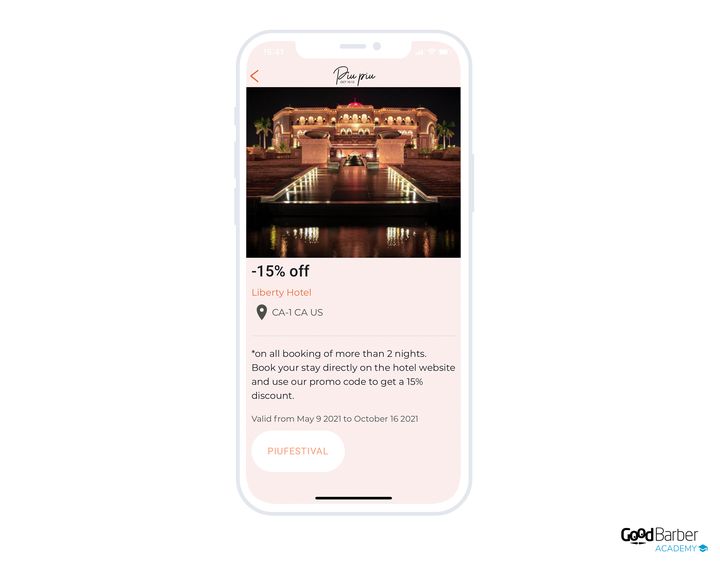
### Skapa en kupong
Du fyller i titeln, ytterligare information som användarvillkoren, sedan valideringsmetoden och villkoren: giltighetstid, antal tillgängliga kuponger, antal användningar per kund.
Du kan också kategorisera dina kuponger, välja en bakgrundsbild och fylla i namn och adress för den berörda butiken. Förhandsvisningen syns till höger under hela skapandet. Länken under den förhandsvisningen leder till My App › Structure, där avsnittets avancerade designalternativ finns.
När dina kuponger väl är ute håller Business › Couponing › My redeemed coupons loggen över valideringarna: kundens foto och namn, kupongen, butiken och användningsdatumet. Det är där du ser vad som slog an, och hos vem.
Business › Couponing › My coupons
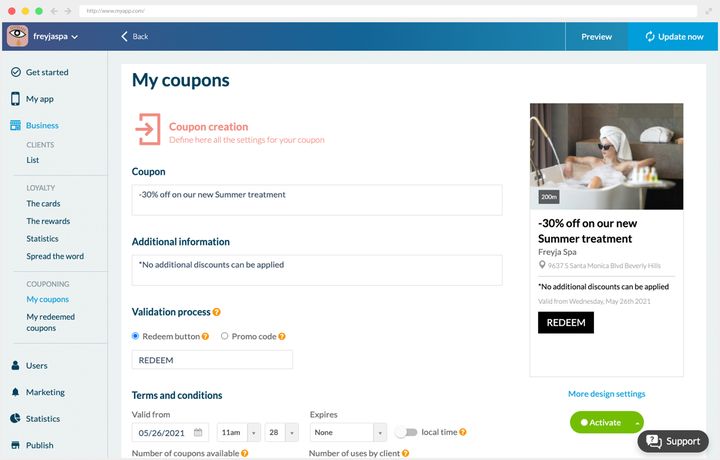
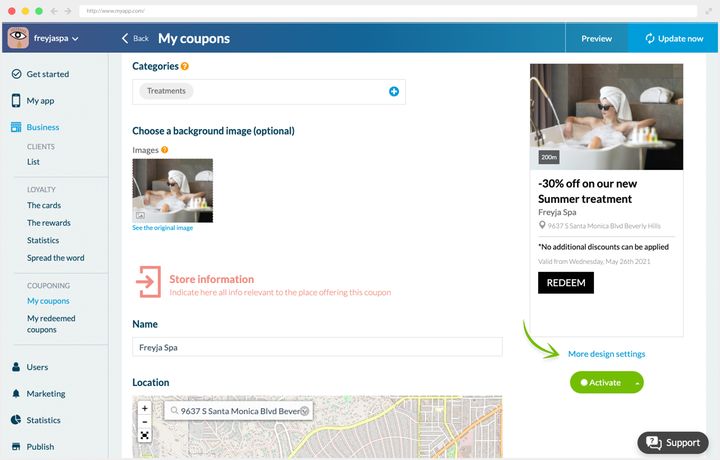
### I praktiken
#### En fysisk butik
Freyja Spa kompletterar sitt lojalitetsprogram med enstaka kuponger, främst för att göra en ny behandling känd. Kupongen gäller utan slutdatum, med högst en användning per kund, och lite ytterligare information. Aktiveringen sker i salongen: kunden visar sin kupong, receptionisten validerar den med ett klick.
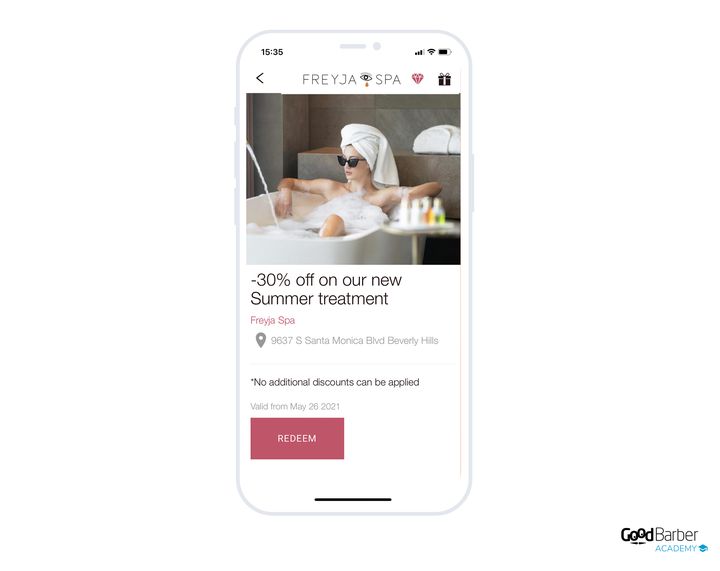
#### Kuponger över flera varumärken
Arrangörerna av festivalen Piu Piu förhandlade fram rabatter med lokala företag, i utbyte mot en närvaro i appen. Varje kupong bär erbjudandets belopp, ställets namn och adress, och valideringsmetoden.
Tillvägagångssättet varierar mellan partnerna. På King's Taste gäller de 15 % bara vissa menyer som växlar från dag till dag: kunden visar sin kupong för servitören, som talar om vilka rätter som omfattas, och valideringen sker i kassan. För hotellen går rabatten via en kampanjkod som fylls i vid bokningen, på ställets egen webbplats.
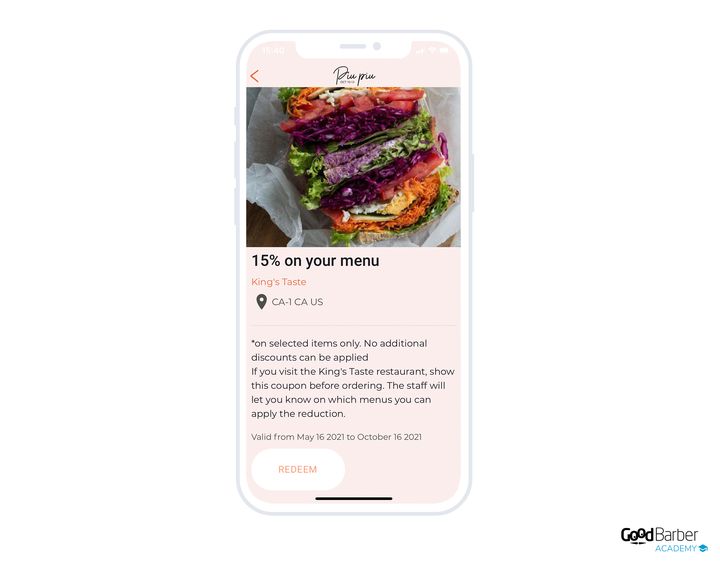
---
# Tjäna pengar på din innehållsapp
Source: https://se.goodbarber.com/academy/monetization/
---
title: "Tjäna pengar på din innehållsapp"
description: "Medlemskapet i appen, annonsering som lämnas till ett nätverk eller sköts av dig, och den betalda nedladdningen i appbutikerna."
canonical_url: "https://se.goodbarber.com/academy/monetization/"
lang: sv
---
# Tjäna pengar på din innehållsapp
Tre sätt att tjäna pengar på en innehållsapp: medlemskapet i appen, som tar betalt för åtkomsten till ditt innehåll, annonseringen, som du kan delegera eller sköta själv, och den betalda nedladdningen i appbutikerna, som förtjänar en närmare titt innan du satsar på den.
De utesluter inte alla varandra. Medlemskap och annonsering kombineras mycket väl, där gratisinnehållet finansieras med annonser för det medlemskapet inte täcker. Men medlemskapet binder dig till ett val som påverkar resten av din app, och det är det första att avgöra.
## Medlemskapet i appen
### Principen
Du säljer åtkomst till ditt premiuminnehåll: artiklar, videor, poddar, kurser, eller hela avsnitt reserverade för prenumeranter. Dina läsare prenumererar inifrån appen, och betalningen går via appbutiken, Apple StoreKit på iOS och Google Play Billing på Android.
Från din läsares sida är det ett enda handgrepp. Inget betalformulär, inget kortnummer att knappa in, ingen faktureringsadress, inget konto att skapa på en sajt hen inte känner till. Appbutiken har redan hens betalningsmetod, och prenumerationen sluts med en bekräftelse.
### Vad plattformen tar hand om
Du definierar erbjudandet: ett namn, en beskrivning, en löptid, ett pris, och om du vill en gratis provperiod. Resten angår inte dig. Att registrera produkterna hos båda appbutikerna, att validera kvitton på serversidan, förnyelser, återbetalningar och varje appbutiks specialfall sköts av plattformen. Ingen betalnings-SDK att integrera, ingen server att driva, ingen efterlevnadskod att skriva.
Håll det i minnet inför nästa avsnitt: en del av det appbutikerna tar betalar för arbete du slipper göra.
### Appbutikens provision, och varför den går att försvara
Apple och Google tar **15 till 30 %** på varje prenumeration, beroende på vilket program du kvalificerar dig för och din historik hos appbutiken. Det är en verklig kostnad, och den förtjänar att ses rakt i ögonen.
Det den köper är den kortaste köpvägen på mobilen. Alternativet är att skicka din läsare till en betalsida på webben, där hen måste öppna en webbläsare, fylla i ett kort och skapa ett konto. På de publiker som räknas här, ett beslut som fattas på fläcken, i mobilen, för innehåll, är skillnaden i konvertering mellan de två vägarna betydande. Provisionen är ingen skatt på funktionen, den är priset för det enda handgreppet.
Avvägningen är din att göra, men gör den på båda kolumnerna, inte enbart på provisionen.
### De tre modellerna, sida vid sida
Tre sätt att ta betalt existerar sida vid sida hos GoodBarber, och de blandas ofta ihop. De säljer inte samma sak.
Medlemskap i appenE-handelsbutikBetald nedladdningVad du säljeråtkomst till ditt innehållvaror och tjänstersjälva appenVem som inkasserarApple och Googledin betaltjänstApple och GoogleProvision15 till 30 %0 % för GoodBarber, betaltjänstens avgifter undantagna15 till 30 %Insats för användarenett handgreppett betalformulärett handgrepp, men innan hen provatTyp av intäktåterkommandeper orderen gång per användareProduktlinjeinnehållsappe-handelsappbåda
### Vad du bör veta innan du börjar
**Du behöver en app i appbutikerna.** Medlemskapen vilar på Apples och Googles betalmekanismer: utan en iOS- eller Android-app finns det inget att koppla dem till. Abonnemanget Standard producerar bara en Progressive Web App, och tillåter därför inte försäljning av medlemskap. Det blir möjligt från abonnemanget Premium och uppåt.
Medlemskapet i appen är ett tillägg: dess sida visar priset som gäller för din app.
**Och framför allt binder det upp resten av din app.** Medlemskapet i appen vilar på ett eget autentiseringsflöde, och det flödet utesluter det andra. En app använder det ena eller det andra, aldrig båda samtidigt.
Vanligt flödeMedlemskapsflödeVad det tillåterkonton, användargrupper, rättigheter per avsnitt, chatt, lojalitetskort, klubbkort, kupongerbinär åtkomst till innehåll, prenumererar eller prenumererar inteVad det tjänaratt driva en community, att bygga lojalitetatt sälja åtkomst till innehåll
Att slå på medlemskapet i appen gör alltså allt som beskrivs i ”Bygga en community med din app” och ”Skapa ett lojalitetsprogram i din app” otillgängligt. Back office varnar dig uttryckligen i bytesögonblicket, så att valet blir medvetet.
Avgör det innan du bygger, inte efteråt: att byta flöde gör det du satt upp om intet.
**Du förlorar dock inte dina registrerade användare.** Om du byter migrerar vi konton som skapats med en e-postadress till det nya flödet: din lista följer med dig. Bara konton som öppnats via ett socialt nätverk migrerar inte.
När det beslutet är fattat tar guiden ”Ta betalt för ditt innehåll” vid: att välja vad som ska ligga bakom betalväggen, att avväga vad icke-prenumeranter ser, att bygga ditt erbjudande och göra det synligt.
## Annonsering
### Annonsnätverk eller egna kampanjer
Du slår på annonsering i din app helt på egen hand, via två vägar som kompletterar varandra mycket väl.
**Externa annonsnätverk** levererar annonser via en tredje part. Du säljer din yta till dem, de fyller den. Beroende på tjänsten och inställningarna du väljer finslipar du den kontextuella målgruppsstyrningen i högre eller lägre grad.
En frestelse att undvika: att vidga dina kriterier för att inte lämna någon annonsyta tom. En välriktad kampanj, även med begränsad räckvidd, ger i allmänhet mer än en massiv okvalificerad visning.
GoodBarber låter dig förbättra den avkastningen ytterligare genom att **välja flera nätverk och rangordna dem efter prioritet**. Om det första inte har någon annons att leverera tar det andra över, och så vidare.
Ett annonsnätverks lönsamhet beror på din trafik och på nätverket självt. Det är just därför du är fri att byta: tveka inte att testa dem för att hitta det som betalar bäst i ditt fall.
**Den interna annonsservern** lämnar över kontrollen till dig från början till slut. Du levererar dina egna annonser, uppsatta från ditt back office, och du följer dina kampanjers utfall där.
Principen är densamma som med ett nätverk, förutom att du säljer din yta själv och förhandlar dina egna villkor med dina partner. Vinsten går utöver intäkten: du väljer vad som visas, och garanterar därmed att annonserna passar din redaktionella linje. Annonser som passar håller kvar dina läsares uppmärksamhet, vilket översätts till klick.
### Ställa in dem
Slå på tilläggen du vill ha först. Det finns två av dem, ett för externa nätverk och ett för dina egna kampanjer, och vart och ett visar i butiken priset som gäller för din app. Sedan får du Monetization › Advertising, som rymmer de tre särskilda skärmarna.
**För externa nätverk**, gå till Monetization › Advertising › External service. Där slår du på nätverken du väljer genom att fylla i uppgifterna de har gett dig.
De tillgängliga nätverken beror på typen av app:
- **Nativeappar**: AdMob, Ad Manager, Meta Audience Network
- **Progressive Web Apps**: Ad Manager, Google AdSense
Dina nätverk levererar sedan helskärmsannonser eller banners.
**För dina egna annonser**, gå via Monetization › Advertising › Internal ad network.
Du skapar en kampanj genom att ge den en titel, välja plattformarna den körs på och ställa in dess visningsregler:
- ingen regel
- visning under en given period
- antal visningar
- antal klick
Den andra fliken låter dig lägga till bilderna, välja deras format och sätta en länk på dem.
**För att kombinera flera kampanjer**, använd Monetization › Advertising › Strategy. Om du blandar externa nätverk och den interna annonsservern dyker alla dina kampanjer upp där tillsammans.
Där sätter du visningsordningen, med i åtanke att **bara en kampanj levereras åt gången**. Om kampanjen på första plats inte har något att leverera tar den andra över, sedan den tredje, och så vidare.
För interna kampanjer gäller samma kaskad för de gränser du satt: så snart en gräns för löptid, visningar eller klick nås tar nästa kampanj över i prioritetsordning.
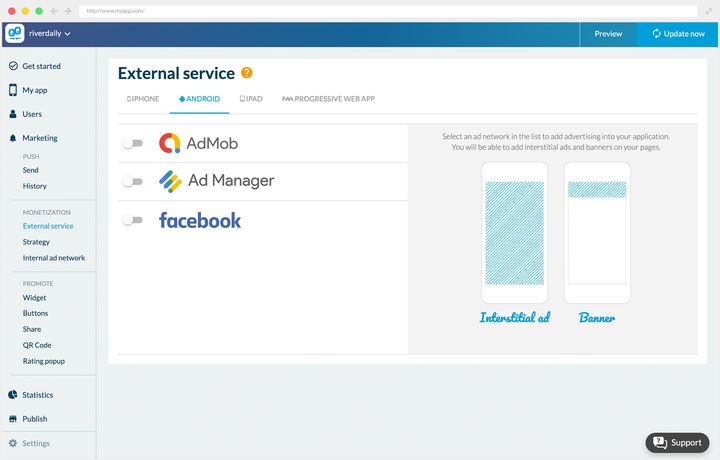
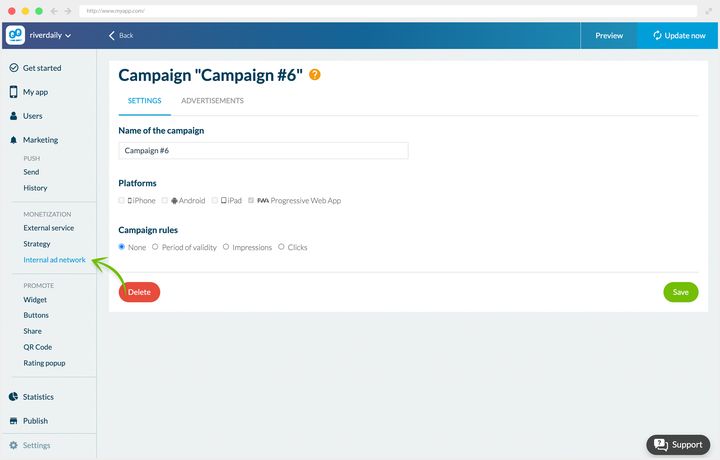
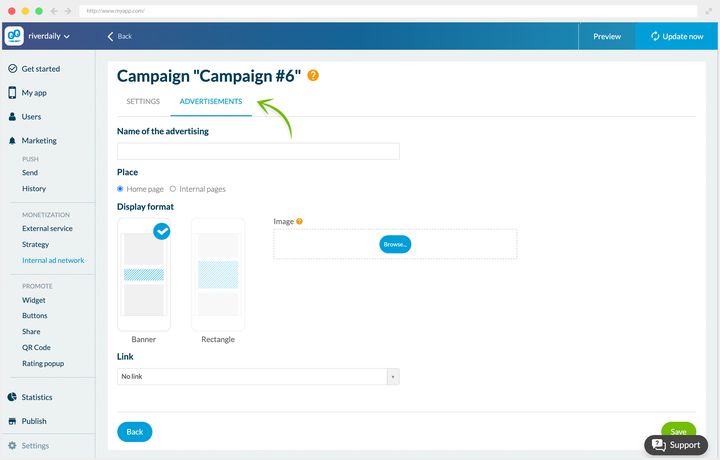
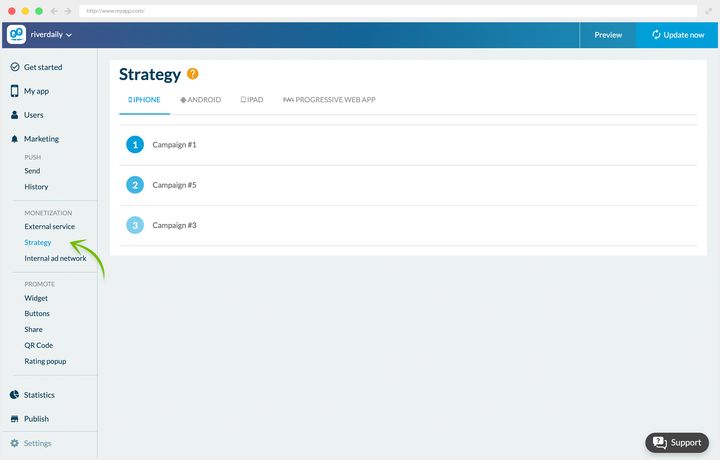
### Samtycket, före den första visningen
Att leverera annonser i Europa innebär att ha samlat in dina användares samtycke i förväg. Det här är ingen formalitet i slutet av projektet: en app som levererar annonser utan den insamlingen riskerar ett avslag vid inlämningen, och bryter mot GDPR.
GoodBarber bygger in samtyckesplattformen i ditt back office Privacy center, fliken **EU Consents**. Den stöder standarden **IAB TCF v2**, som är det gemensamma ramverket för att samla in samtycke för annonsnätverk, och **Google Funding Choices** för appar som tjänar pengar med Googles annonsverktyg. Dina användare ser en tydlig valskärm, och appen registrerar och respekterar sedan deras beslut.
Skärmen skiljer på två saker. Högst upp samtyckesaviseringen för nativeappar, påslagen plattform för plattform, med din annonskontoidentifierare. Längst ner aviseringen för Progressive Web App, som är cookie-aviseringen, med en förhandsvisning av vad dina besökare kommer att se och var din logotyp hamnar. Texten på skärmen är otvetydig om vad som står på spel: utan den aviseringen slutar dina annonser levereras till europeiska besökare.
Ställ in den innan du drar igång din första kampanj, inte efteråt.
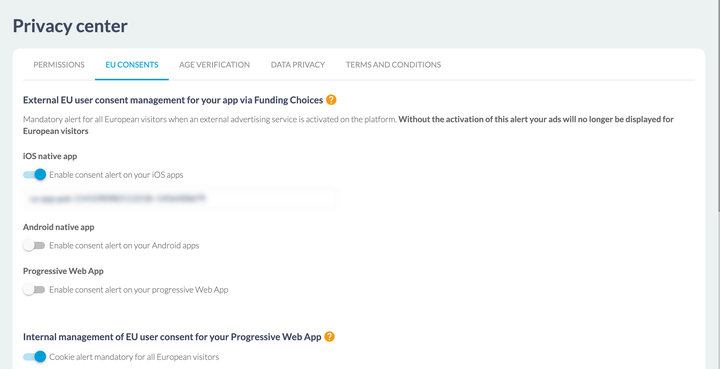
## Ta betalt för din app i appbutikerna
Först en fråga att svara ärligt på: vilket värde tillför din app dina användare? Den betalda nedladdningen blir bara ett seriöst verktyg om din app erbjuder något de inte hittar gratis någon annanstans i appbutiken.
Två villkor att uppfylla:
- **En användarbas som redan är lojal.** Det gäller vissa magasin, tidningar, specialiserade bloggar, tidskrifter och vetenskapliga publikationer.
- **Innehåll som möter ett verkligt behov, otäckt och svårt att ersätta.** Appar för att plugga inför prov är ett bra exempel.
Var medveten om att en betald app antagligen kommer att skära ner dina nedladdningssiffror betydligt. Innan du bestämmer dig ska du gå och titta på vilka strategier dina konkurrenter har valt i appbutikerna.
### Vår uppfattning
Affärsmodellen för betalappar är fortfarande skör. Bortsett från spel, och några nischappar som pluggappar inför prov, är det riskabelt att ta betalt för din app i appbutiken.
Räkna på det: vid en eller två euro styck krävs ett betydande antal nedladdningar bara för att gå jämnt upp. Ett lågt pris skyddar dig inte från risken, det flyttar den till volymen.
Det är upp till dig att avgöra, med allt det i bagaget, om din app ska vara gratis eller betald.
---
# Ta betalt för ditt innehåll
Source: https://se.goodbarber.com/academy/memberships/
---
title: "Ta betalt för ditt innehåll"
description: "Att välja vad som hamnar bakom betalväggen, att avväga förhandsvisningen som skapar lust, och att göra ditt erbjudande synligt för dem som ännu inte tagit det."
canonical_url: "https://se.goodbarber.com/academy/memberships/"
lang: sv
---
# Ta betalt för ditt innehåll
Att sälja åtkomst till ditt innehåll från din app är den mest direkta intäktskanal plattformen erbjuder: din läsare prenumererar med ett handgrepp, utan att lämna appen, och betalningen går via hens appbutik. Själva uppsättningen är dokumenterad steg för steg i vårt hjälpcenter, komma-igång-guiden inkluderad. Den här guiden täcker den andra halvan av ämnet, den ingen gör åt dig: att bestämma vad som hamnar bakom betalväggen, vad du lämnar öppet, och hur ditt betalda innehåll håller sitt löfte när någon väl har betalat.
## Vad du faktiskt säljer
Ett engångsköp avgörs av det läsaren har framför sig. En prenumeration avgörs av det hen tror sig hitta nästa månad.
Det är hela skillnaden, och den driver resten av den här guiden. Frågan är alltså inte ”vilket innehåll är värt pengar”, utan ”vad ger någon ett skäl att komma tillbaka”. Ett arkiv är ofta värt mindre än en tid att passa: tio år av artiklar tillgängliga på en gång konsumeras på en vecka och motiverar ingen andra månad, medan en veckokrönika, en serie som fortsätter, eller ett format din läsare hittar vid en fast tidpunkt motiverar varje förnyelse.
Ditt erbjudande förbereds från Monetization › Memberships › Settings guide, en skärm som listar de sex konfigurationsstegen med sin status, och som du kommer tillbaka till så länge något av dem är kvar.
## Två villkor innan du börjar
Det går inte att komma runt dem, och det är bättre att känna till dem innan du byggt din app kring medlemskap.
**Du behöver en app i appbutikerna.** Medlemskapen vilar på Apples och Googles betalmekanismer: utan en iOS- eller Android-app finns det inget att koppla dem till. Abonnemanget Standard producerar bara en Progressive Web App, och tillåter därför inte försäljning av medlemskap. Det blir möjligt från abonnemanget Premium och uppåt. Medlemskapssystemet är ett tillägg, och dess sida visar priset som gäller för din app.
**Och det binder upp resten av din app.** Medlemskapet i appen vilar på ett eget autentiseringsflöde, och det flödet utesluter det andra. Att slå på medlemskapen gör allt som beskrivs i ”Bygga en community med din app” och ”Skapa ett lojalitetsprogram i din app” otillgängligt: vanliga användarkonton, grupper, rättigheter per avsnitt, chatt, lojalitetskortet, klubbkortet och kupongerna. Back office varnar dig i bytesögonblicket, så att valet blir medvetet.
Avgör det innan du bygger, inte efteråt. Om själva den ekonomiska avvägningen, appbutikens provision och vad den köper, lägger guiden ”Tjäna pengar på din innehållsapp” fram jämförelsen med de andra sätten att tjäna pengar.
## Att välja vad som hamnar bakom betalväggen
Det här är beslutet som avgör en prenumerations öde, och det enda back office inte fattar åt dig.
Det sätter en enda regel, och det är ett golv: **du behöver minst tio begränsade poster** för att tillägget ska fungera, och begränsningsskärmen säger det rent ut. Den säger ingenting om ett tak, för det finns inget. Allt över tio är ditt omdöme.
### Gratisinnehållet bevisar det, det betalda håller löftet
Den naturliga impulsen är att låsa allt, med argumentet att varje post som lämnas öppen är en förlorad prenumeration. Det motsatta händer. En besökare som inte kan läsa någonting har inget sätt att övertyga sig själv om att ditt arbete är värt hens pengar: du ber hen betala för att få veta, och det gör ingen. Ditt gratisinnehåll är ingen förlorad intäkt, det är ditt argument.
Den symmetriska risken finns också. Om ditt betalda innehåll bara är samma sak i större mängd bedöms det på volym, och volym behåller ingen. Det som behåller folk är en skillnad i art: ett format gratisinnehållet inte har, tidigare åtkomst, ett djup du inte hade råd att ge bort.
Ett bra sätt att avgöra det: din läsare ska kunna **namnge det hen köper**. ”Måndagsanalyserna”, ”serien om rättegångarna”, ”de fullständiga avsnitten” är svar. ”Vissa av artiklarna” är inte ett, och att begränsa post för post ger exakt det. Välj efter sorts innehåll snarare än stycke för stycke, även om själva inställningen tillämpas en post i taget.
### Vad som kan läggas bakom betalväggen
Omfattningen är skarpt avgränsad, och den är värd en titt innan du väljer dina innehållskällor.
Begränsning möjligBegränsning omöjligCMS-innehållartiklar, kartpunkter, evenemang, poddar, videorbildgallerierExternt innehållWordPress, RSS-flöden, YouTube, egna flöden, XAvsnittChatGPT, RAG ChatbotAbout, Contact, Form, Search, QR Code, Settings, Favorites, Menu, egen HTML
Den mellersta raden är den som väger tyngst på ett projekt. Det du publicerar från ditt back office går att sälja; det du hämtar in från annat håll visas, fritt. En app som matas av ett WordPress-flöde eller en YouTube-kanal levererar alltså innehåll som förblir öppet för alla, och dess prenumerationserbjudande byggs på det den publicerar själv. Värt att veta innan du väljer dina källor.
### Inställningen, och kontrollverktyget som följer med
Begränsningen tillämpas från Content › Content list, i kolumnen Restriction, genom att klicka på brickan på raden, som växlar mellan **Free** och **Paid**. Du kan också kryssa för flera poster och växla dem allihop på en gång.
Samma skärm bär ett **begränsningsfilter**: gratis, betalt, eller alla. Det är din redaktionella instrumentpanel, och det enda ställe som talar om vad någon som inte prenumererar faktiskt ser. Gör det till en vana att öppna det på ”gratis” då och då: om listan är tom eller banal övertygar din app inte längre någon om att prenumerera.
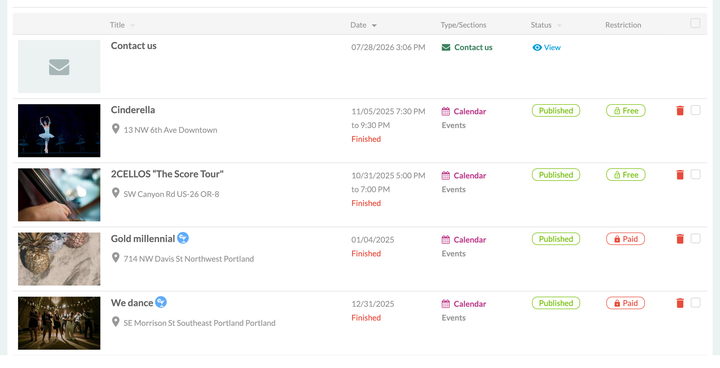
## Att avväga förhandsvisningen
Du behöver inte välja mellan att visa allt och att dölja allt. **På en artikel** avgör två inställningar vad en besökare utan prenumeration ser: de finns i fliken **Restriction**, under rubriken **Free preview**, och det är där lusten skapas.
**Det första verktyget är antalet synliga element**, från noll till fem. Ett element är ett block i ditt innehåll, ett stycke, en bild, en video. Taket på fem är strukturellt: du visar aldrig halva en lång artikel, bara dess inledning.
**Det andra är sammanfattningen i listor.** Brytaren **Display the summary in your list pages** avgör om sammanfattningen förblir synlig på dina listsidor medan innehållet är betalt. Det är ofta det mest lönsamma av de två, för det verkar där din läsare rör sig, redan innan hen klickat.
Vad det ställer inVad det ändrar för läsarenSynliga elementbörjan på innehållet, 0 till 5 blockhen kommer in i ämnet, och möter sedan erbjudandetSammanfattning i listorsammanfattningen på listsidornahen vet vad det hen inte kan läsa handlar om
**Annat innehåll ställs in i sin helhet.** Ett evenemang, en video, en podd eller en kartpunkt är gratis eller betald, utan mellansteg: deras flik Restriction bär bara valet mellan de två brickorna. Om ditt erbjudande vilar på de formaten byggs lusten någon annanstans, i avsnitten du lämnar öppna och på din prenumerationssida. Det är också ett argument för att para ihop en video- eller ljudserie med artiklar, som kan öppnas till hälften.
**Var du ska kapa.** Rätt stoppunkt är där löftet har getts men ännu inte infriats: läsaren vet vad det handlar om, hen vet ännu inte vad du har att säga om det. Vid noll element sätter du upp en mur, och en mur klättras bara över på ett rykte du redan skaffat dig. Vid fem på ett kort stycke har du gett bort allt och prenumerationen tjänar inget syfte.
Den sista anmärkningen får en följd: **ett kort format hanterar förhandsvisningar illa.** Om ditt betalda innehåll ryms i sex stycken är det nyttiga verktyget inte förhandsvisningen utan sammanfattningen, och ditt argument flyttar till prenumerationssidan.
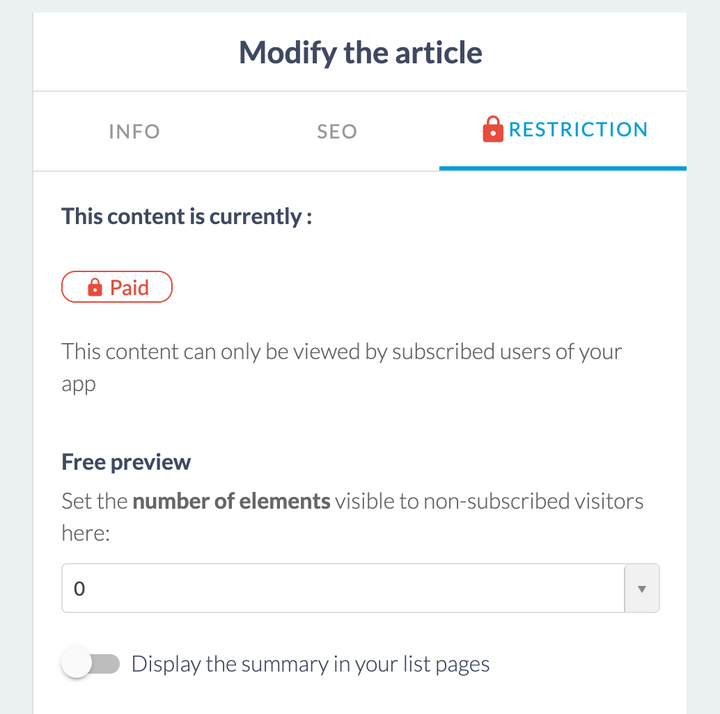
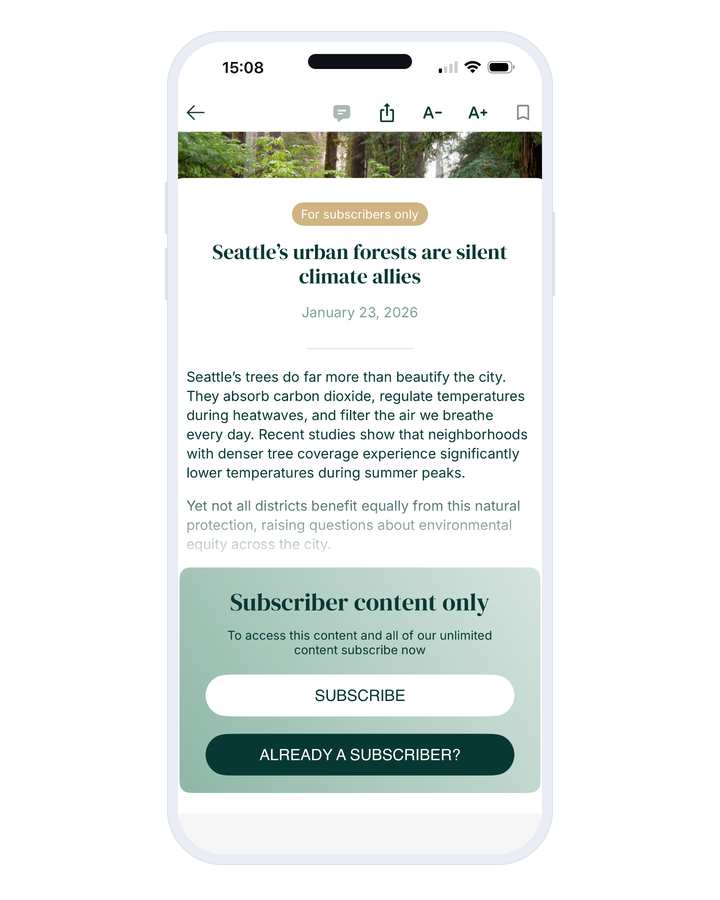
## Att visa det folk inte kan se
En läsare som inte ser något går inte miste om något. Det är den vanligaste bristen i en illa inställd prenumeration: det betalda innehållet är osynligt för icke-prenumeranter, alltså saknar ingen det, alltså prenumererar ingen. Fyra ytor finns för att svara på det, och konfigurationsguiden samlar dem.
**Klistermärket Subscribers** markerar ditt betalda innehåll, i listor och i själva innehållet. I en lista tar det formen av en ikon eller din logotyp. Det är det som håller ditt erbjudande synligt hela tiden, utan att du skriver ett ord.
**Prenumerationsblocket i det begränsade innehållet** är det en läsare möter i slutet av sin förhandsvisning: en rubrik, en beskrivning, en knapp för att prenumerera och en knapp för att logga in, allt i dina färger. Skriv den rubriken som ett löfte, inte som en spärr. ”Den här artikeln är för prenumeranter” beskriver ett lås; ”Resten av den här analysen, och de som kommer” beskriver vad du får.
**Prenumerationssidan** är din säljsida. Den bär en titelyta med din logotyp, sedan **en slagkraftig mening, en beskrivning och en knapptext per erbjudande**, vilket låter dig säga varför kvartalet slår månaden i stället för att ställa upp tre priser. Dess sidfot bär villkoren och länken för att återställa köp, som låter någon som byter telefon hitta tillbaka till sin prenumeration.
Varje erbjudandes detaljer infogas med variabler. De ger dig en förhandsvisning av sidan medan du testar; när appen väl är publicerad kommer priset och löptiden som visas från appbutikerna, så de följer det verkliga lokala priset i varje land utan att du behöver hålla dem uppdaterade.
**Versionen av den här sidan för Progressive Web App har ett annat jobb.** Eftersom prenumerationen går via appbutikerna bor den i nativeappen: den här sidan finns alltså till för att ta besökaren dit. Den rymmer en rubrik och en beskrivning, och standardrubriken säger det rakt ut, ”Ladda ner vår app och bli Premium-medlem”. Det är din bro från webben till appen, och den förtjänar samma omsorg som resten.
**Widgeten som marknadsför prenumerationserbjudandet** visar ditt erbjudande i appens navigering, med sin rubrik, sin beskrivning och sin knapp.
Ett krav binder ihop alla fyra: **de måste säga samma sak.** Ett klistermärke som lovar premium, ett block som talar om reserverat innehåll och en prenumerationssida som säljer en community beskriver tre olika produkter. Skriv löftet en gång, och böj det sedan.
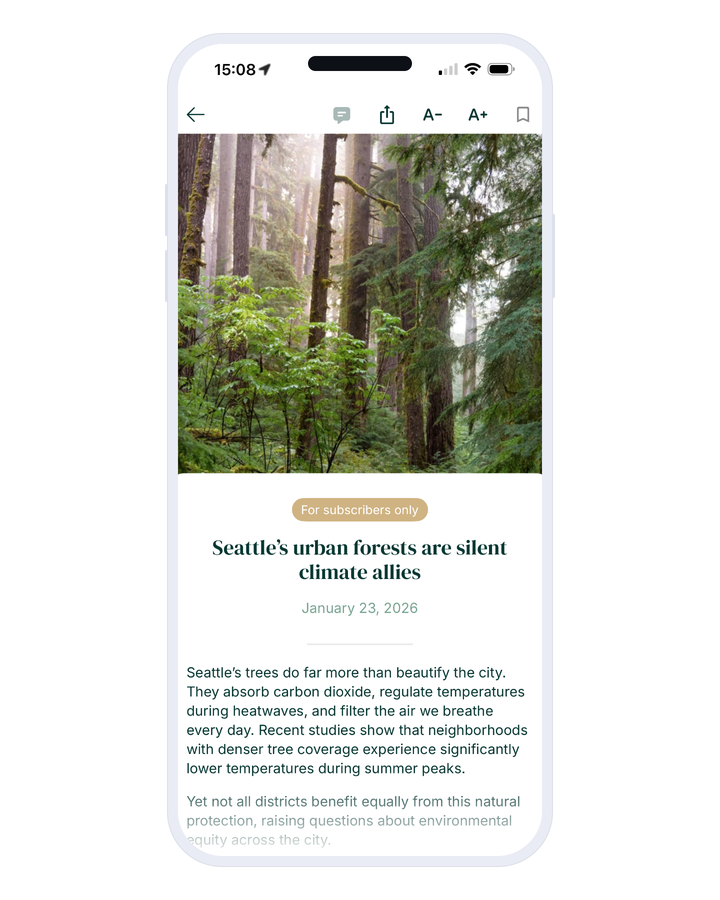
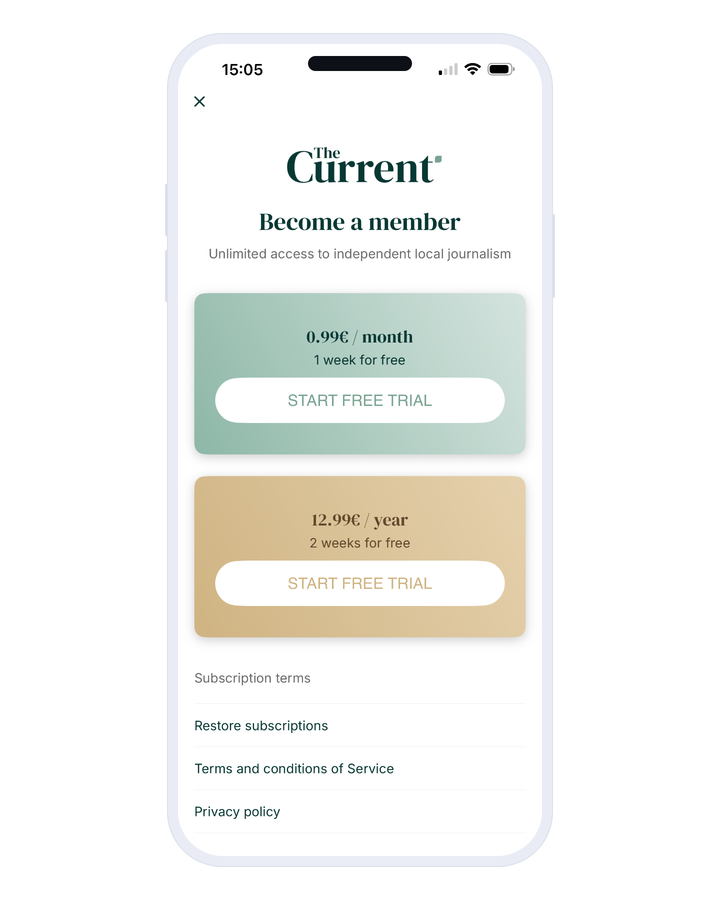
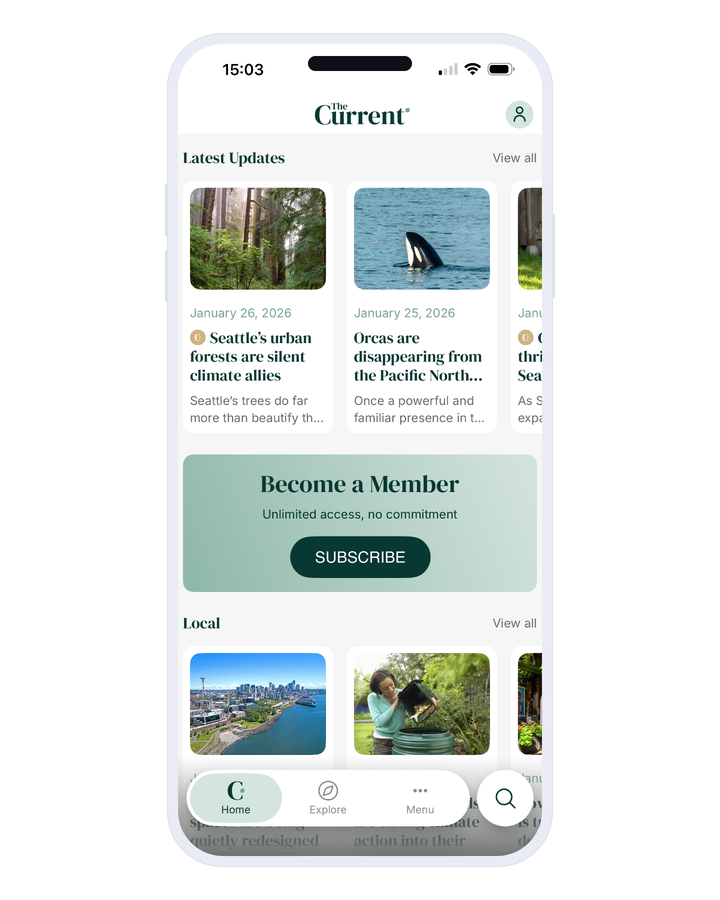
## Att bygga ditt erbjudande
Formuläret för ett erbjudande ber om ett namn och en beskrivning, som kommer att läsas i appbutikerna, en löptid, ett pris, och om du vill en provperiod.
**Fem löptider** erbjuds, från en vecka till ett år, med månaden, kvartalet och halvåret däremellan. **Den gratis provperioden** löper från tre dagar till ett år, och prenumerationen börjar när den tar slut till fullt pris, om den inte sägs upp under tiden.
**Priset ställs in separat för de två appbutikerna**, för de frågar inte efter det på samma sätt. Apple vill ha ett pris inklusive moms, valt ur ett rutnät av prissteg. Google vill ha ett pris exklusive moms och räknar själv ut vad användaren kommer att se. Båda växlar om till de senaste växelkurserna.
En sista inställning, bland de ytterligare alternativen: **att stänga av annonser för dina medlemmar**. Om ditt gratisinnehåll finansieras av annonser säljer prenumerationen då två saker på en gång, åtkomst och bekvämlighet.
**Ett kundkonto är däremot aldrig obligatoriskt.** Skärmen **Subscription process** ger dig två alternativ: ”Ett konto är valfritt”, som låter folk prenumerera som gäster, eller ”Ett konto föreslås”, som erbjuder kontoskapande efter prenumerationen utan att någonsin tvinga fram det. Det är en verklig avvägning. Att inte be om något tar bort friktion i exakt det ögonblick din läsare har bestämt sig; att erbjuda ett konto ger dig en e-postadress och ett sätt att hitta tillbaka till hen, men bara för dem som accepterar. På en prenumeration som köps på impuls kostar friktionen mer än adressen ger.
Sedan följer du dina prenumeranter från Monetization › Memberships › Subscribers, som listar aktiva prenumerationer, utgångna sådana och dina användare, med en dataexport. Utgångna prenumerationer förtjänar en regelbunden titt: det är det enda mått du har på din förmåga att hålla ditt löfte över tid.
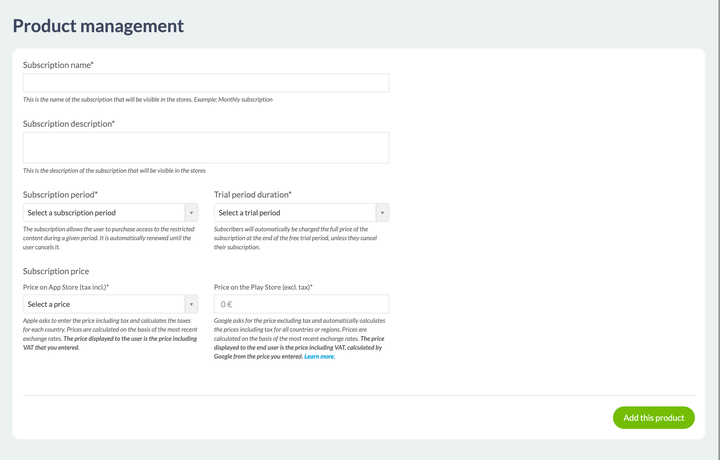
## Innan du publicerar
Två saker att förbereda, och den första tar tid.
**Begränsningarna träder i kraft först när appen har publicerats eller uppdaterats i appbutikerna.** Men appbutikerna kräver innehåll som redan är begränsat innan de accepterar din app med sina prenumerationer. Däremellan, under granskningen, är ditt begränsade innehåll inte åtkomligt och ingen kan prenumerera ännu. Det är ingen incident, det är den normala ordningsföljden, och den går att planera för: försök att inte låta den landa när du väntar dig som mest trafik.
**Användarvillkoren och integritetspolicyn** skrivs i Settings › Privacy center, i villkorsfliken, och konfigurationsguiden tar dig dit. Båda appbutikerna kräver dem så snart du säljer en prenumeration.
Resten hör till steg-för-steg-anvisningarna, och vårt hjälpcenter täcker det helt och hållet: avtalen och bankuppgifterna i App Store Connect, betalprofilen i Google Play, att skapa produkterna på appbutikens sida, och att testa dina prenumerationer innan du publicerar. Öppna det när du kommer till konfigurationen; avsnittet ”Monetize your app with subscriptions” följer exakt stegen i din konfigurationsguide.
---
# Organisera din butik
Source: https://se.goodbarber.com/academy/shop-organization/
---
title: "Organisera din butik"
description: "Kollektioner, kollektionslistor och taggar: tre nivåer av ordning för en katalog som förblir läsbar."
canonical_url: "https://se.goodbarber.com/academy/shop-organization/"
lang: sv
---
Tre verktyg strukturerar din katalog, och de arbetar på olika nivåer. Kollektionerna är din butiks gångar. Kollektionslistorna städar de gångarna så att din meny inte svämmar över. Taggarna arbetar i bakgrunden, som osynliga sekundära kollektioner.
## Kollektioner
### Vad de är
Kollektionerna strukturerar din Shopping App och organiserar dina produkter. **Om din app vore en fysisk butik skulle kollektionerna vara dess gångar.**
De avgör också vad din kund kan nå. En produkt som inte hör till någon kollektion finns visserligen i din butik, och den säljs visserligen, men den nås via sin direkta adress: via en länk du skickar, via en sökning, via en widget på startskärmen. Att koppla varje produkt till minst en kollektion är alltså den första reflexen, redan innan du tänker på hur du ska organisera dig.
De är flexibla på två sätt. I tiden först: en kollektion läggs till, raderas, visas eller döljs med ett klick, vilket gör tillfälliga kollektioner möjliga. I organisationen sedan: de korsar varandra, och samma produkt hör hemma i flera kollektioner samtidigt.
Just det korsande draget förtjänar din uppmärksamhet när du skapar dem. Ta vår inredningsbutik. En kund som letar efter ett dekorationsföremål kan tänka längs tre olika linjer: rummet det gäller, typen av föremål, trenden för stunden. Vi skapade alltså nio kollektioner fördelade över de tre linjerna:
**Per rum**: Bedroom, Bathroom, Kitchen
**Per typ av föremål**: Frames, Vases, Pillows
**Per trend**: Big in Japan, Keep it Slow, Words matter
Varje produkt hör alltså hemma i flera kollektioner. Den har större chans att bli sedd, och kunden har större chans att hitta den längs den väg som faller sig naturlig för hen.
Ovanpå det kommer en reakollektion, som samlar de nedsatta produkterna. Den ändras över tid, och hålls dold utanför reasäsongen.
### Skapa dem
Gå till Products › Collections. Klicka på Create a collection.
Sedan fyller du i titeln, en illustrationsbild, och visningsordningen för produkterna. Titeln är begränsad till **32 tecken**, vilket är en nyttig begränsning: ett gångnamn läses i en meny, på en telefonskärm, och där vinner korta namn alltid.
För visningsordningen är regeln alltid densamma: fråga dig vad din kund letar efter.
Sex automatiska ordningar erbjuds, parvis: skapandedatum, nyast till äldst eller tvärtom, pris, lägst till högst eller tvärtom, och titel, A till Ö eller Ö till A. Det sjunde läget är manuellt.
- **Datum** sätter nyheterna först. Det är rätt val för en klädbutik som fylls på regelbundet, eller för en bokhandel vars kunder kommer tillbaka och letar efter något nytt att läsa.
- **Stigande pris** passar en livsmedelsbutik, där kunden vill hålla koll på sin budget. Fallande pris tjänar snarare en exklusiv kollektion, där den första varan sätter nivån.
- **Bokstavsordning** är till för kataloger som folk bläddrar i när de redan känner namnet på det de vill ha: reservdelar, tekniska referenser, viner.
- **Manuellt läge** låter dig skjuta upp det du vill sälja först, och ger dig full kontroll över hur din lista ser ut.
**Den ordningen tillhör kollektionen, inte butiken.** Dina nyheter kan alltså sorteras efter datum medan ditt månadsurval förblir ordnat för hand. Det är det som gör det manuella läget hållbart: automatiska ordningar tillämpar sig själva på produkter du lägger till senare, det manuella läget kräver att du kommer tillbaka till det, så spara det till de kollektioner som förtjänar det.
**Glöm inte SEO.** Dina kollektioner går att indexera precis som dina produktsidor. Fyll i taggarna Title och Meta description, och anpassa adresserna med dina nyckelord.
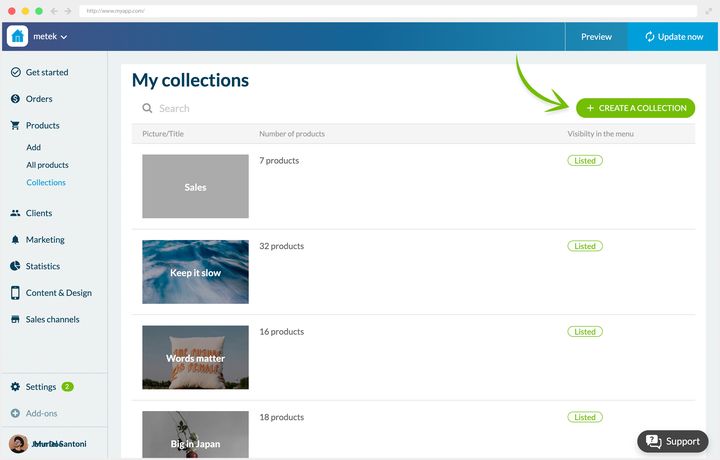
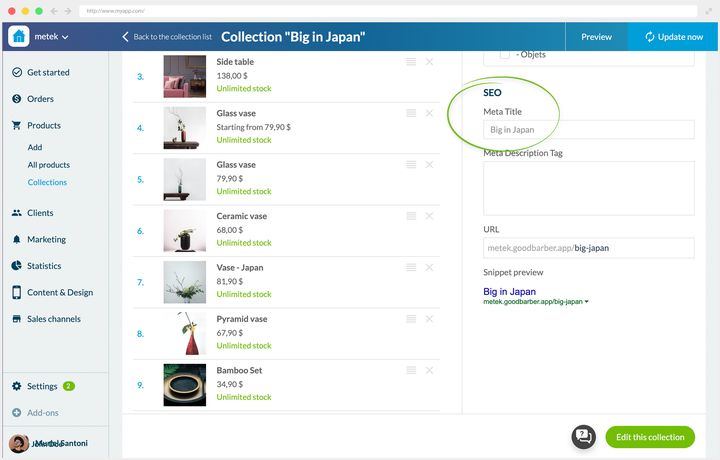
## Kollektionslistor
### Vad de är till för
En kollektion når din apps meny på två sätt, och det är där utseendet på din navigering avgörs.
**På egen hand.** Varje kollektion bär sitt block för menysynlighet, där du kryssar för alternativet som listar kollektionen i menyn och väljer dess plats. Den blir en post i egen rätt, i nivå med ett avsnitt. En butik med tre gångar visar dem så, och dess kund tar in hela katalogen med en blick.
**Grupperade.** Avsnittet Collection list samlar flera av dem under en enda post. Det användbara riktmärket: bortom fem gångar vinner menyn på att grupperas.
I e-handelns vokabulär är det andra sättet skillnaden mellan kategori och underkategori, där listan är kategorin och kollektionerna underkategorierna. Om du kommer från en annan plattform är det här draget du känner under ett annat namn.
Låt oss återvända till inredningsbutiken och dess tio kollektioner. Utan gruppering skulle appens meny bli överfull.
Vi skapade alltså tre listor, som tar upp de tre söklinjerna, med tre kollektioner var:
- **Rooms**: Bedroom, Bathroom, Kitchen
- **Objects**: Frames, Vases, Pillows
- **Trends**: Big in Japan, Keep it Slow, Words matter
Reakollektionen står utanför alla listor: vi vill att den ska vara så direkt nåbar som möjligt. Det är ett beslut värt att hålla i minnet, städningen får aldrig begrava det som måste ligga kvar i ytan.
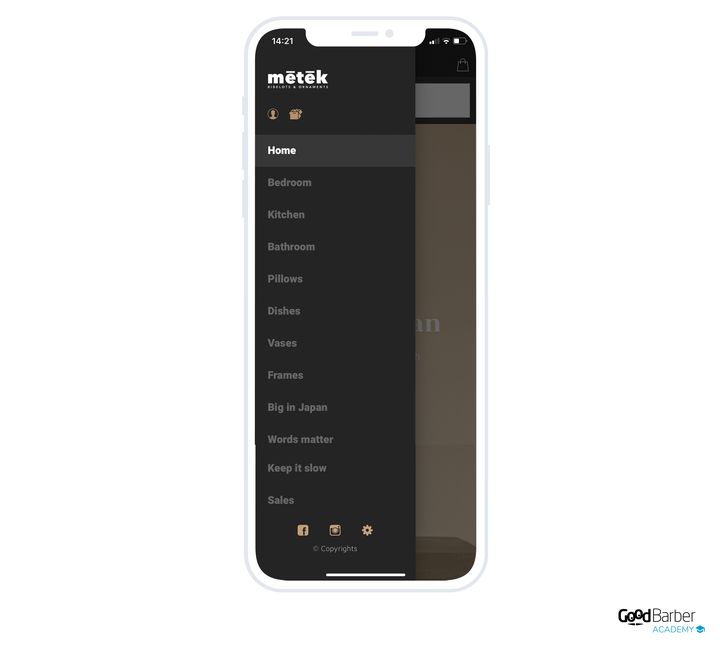
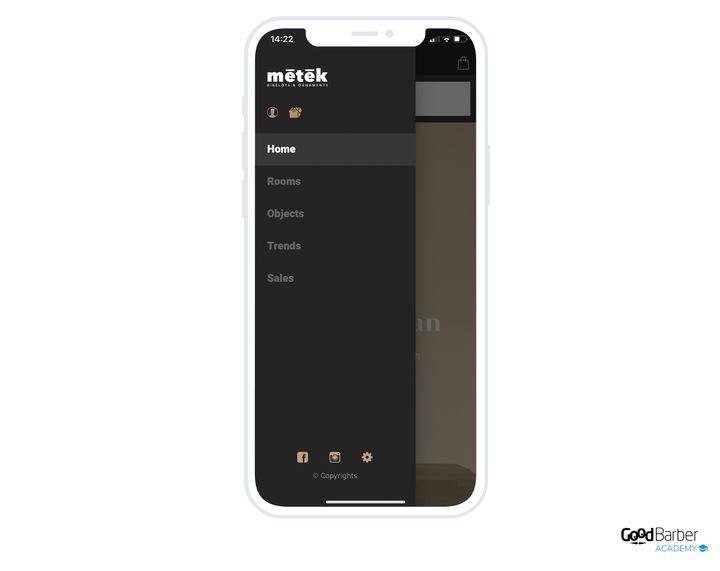
### Skapa dem
En kollektionslista är ett avsnitt i din Shopping App. Den läggs till som vilket avsnitt som helst, från My App › Structure. Klicka på Add a section, och välj sedan Collection list.
Ge ditt avsnitt en titel, koppla en bild till det, och bekräfta.
**För att lägga in dina kollektioner i det**, två metoder:
- klicka på ikonen ”+” för att välja kollektionerna att ta med
- eller dra kollektionerna direkt under avsnittet Collection list
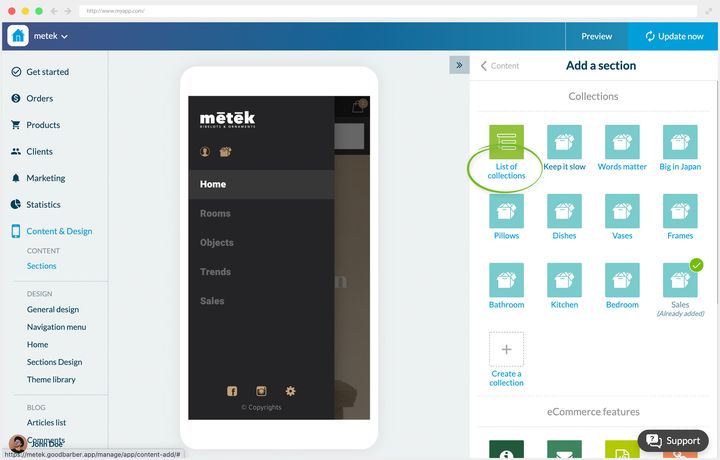
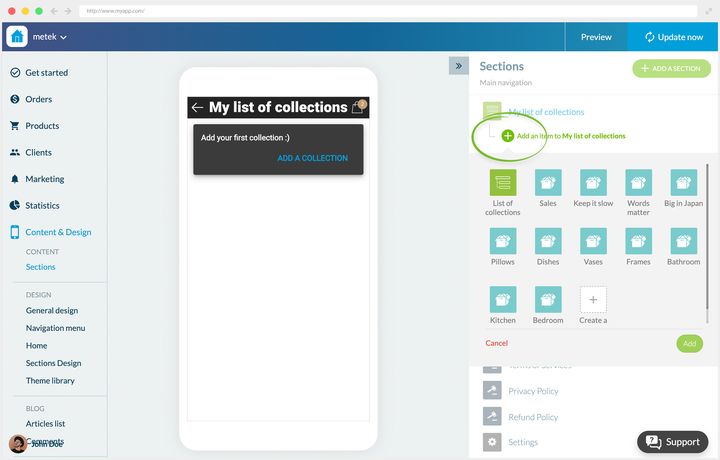
### Vilken layout du ska välja
Tre layouter, varav en beror på ditt navigeringsläge.
**Swipe Submenu** lägger dina kollektioner i en undermeny, under appens huvudnavigering. Den finns bara i navigeringsläget ”Swipe”, det där du går från avsnitt till avsnitt genom att svepa horisontellt över skärmen. Det är katalogens standardlayout, men den är **bunden till navigeringen**: välj den bara om din app satsar på det läget, aldrig som en enkel reservlösning.
**Classic** presenterar dina gångar i rader, med en liten miniatyrbild och namnet i fetstil, flera per skärm. Det är katalogens hållning: den passar dig när du har många gångar, när namnet betyder mer än bilden, och när det måste fungera även utan starka bilder. Den är också den naturliga reservlösningen från de två andra.
**Visual** är ett skyltfönster: stora kort i full bredd, gångens bild som bakgrund och namnet ovanpå. Välj den när gångarna väljs med ögat, inom mode, inredning eller mat.
En reservation kring den sista: den kräver bra bilder på **samtliga** dina kollektioner. Om vissa saknar bilder, eller har dåliga, ska du falla tillbaka på Classic.
Valet görs i My App › Structure, på ditt avsnitts meny, **Edit the design**. Classic och Visual gäller i alla navigeringslägen. Om din app inte är i Swipe-läge gråmarkerar back office Swipe Submenu och erbjuder dig en länk för att byta meny.
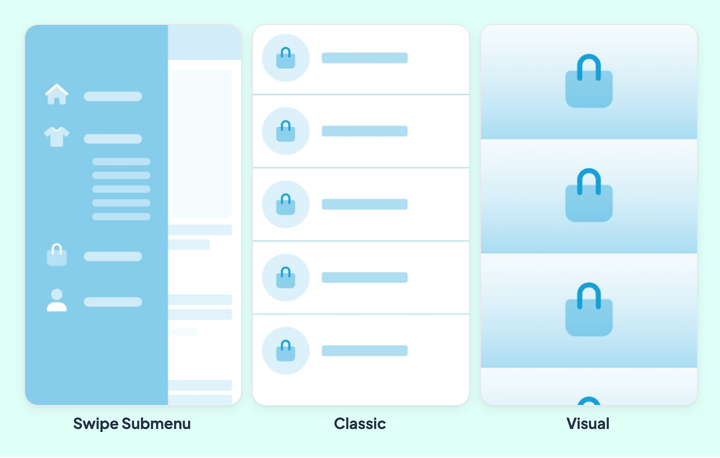
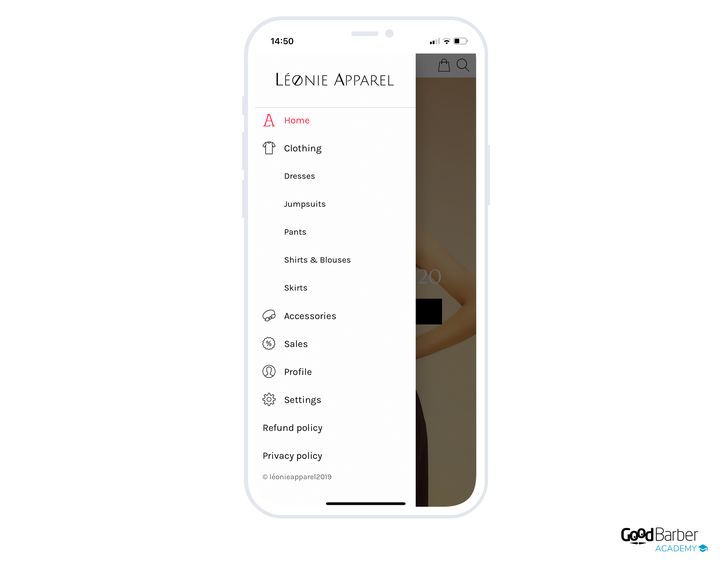
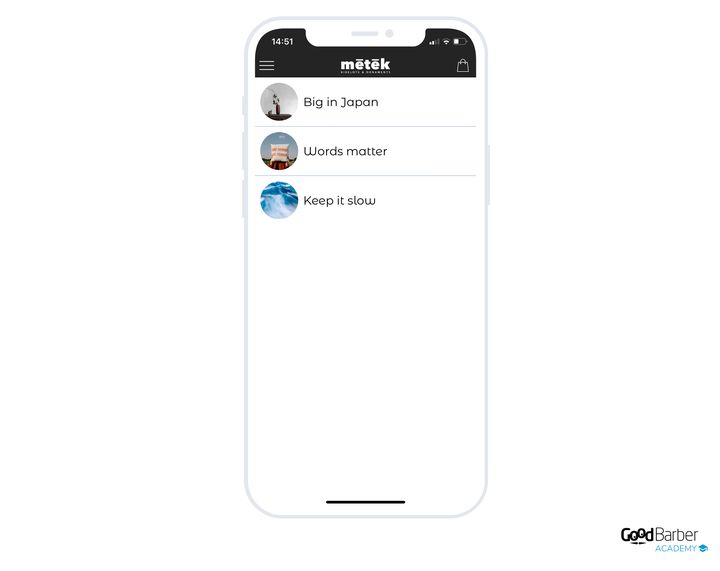
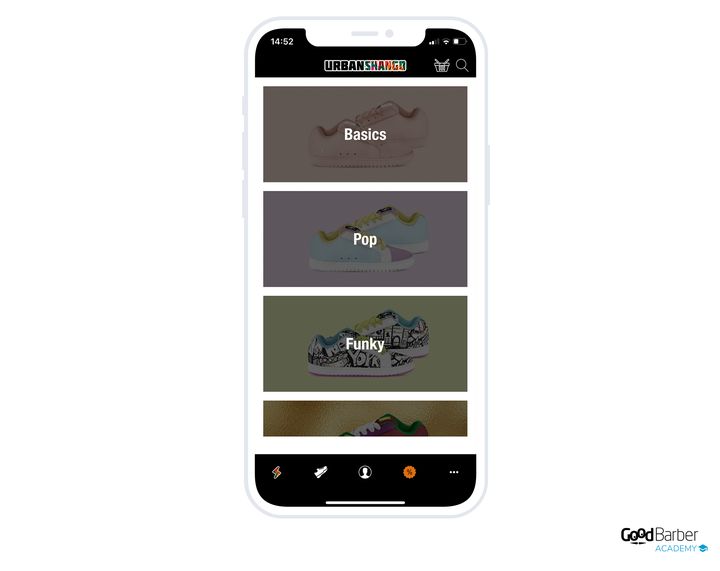
### Ska du använda samma layout överallt
Nej, och den detaljen kan spela roll. Vi rekommenderar att du håller designen konsekvent genom hela din app, men att variera layouter låter dig markera en hierarki.
Ta en livsmedelsbutik vars katalog är upplagd så här:
- **Food**
- Fresh: Fruit, Vegetables
- Bulk: Cereals, Rice & Pasta
- **Health & Beauty**: Cosmetics, Essential oils
Här innehåller vissa kollektionslistor inte kollektioner utan andra kollektionslistor. Det finns alltså två nivåer att skilja åt. Att tillämpa en annan layout på nivå 1 och nivå 2 hindrar kunden från att gå vilse i trädet.
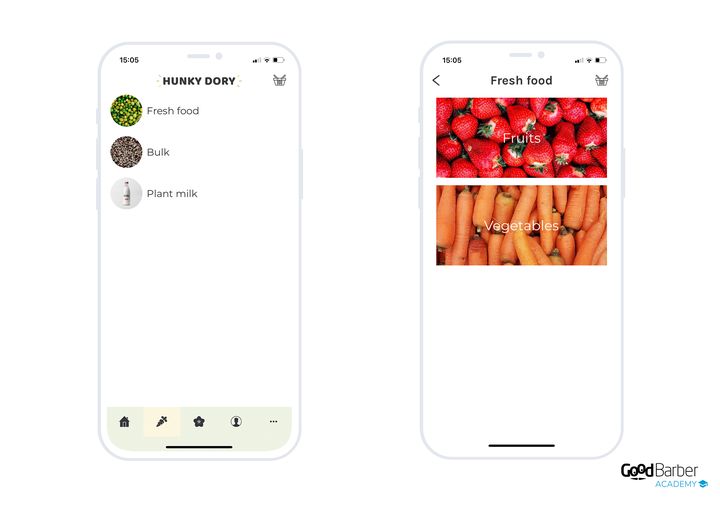
## Taggar
### Vad de är
En tagg är ett nyckelord kopplat till en produkt, som en markör. Du kan koppla flera till samma produkt.
De tjänar först och främst till att hitta tillbaka till dina produkter i ditt back office. Men deras främsta värde ligger någon annanstans: de styr det som visas på kundens sida.
- de filtrerar produktlistewidgetarna på din startskärm
- de matar, tillsammans med kollektionerna, blocket med liknande produkter på dina produktsidor
- de matar resultaten i din butiks sökavsnitt
### Hur du väljer dem
Se taggarna som sekundära kollektioner, osynliga i navigeringen men aktiva i visningen. De byggs i allmänhet på dina produkters egenskaper: färg, material, form.
Ett exempel. I en klädbutik hamnar en brun polotröja i ull i kollektionslistan *”Clothing”*, kollektionen *”Sweaters”*. Den får taggarna *”polokrage”*, *”brun”*, *”ull”*.
Två användningar följer omedelbart. För att visa alla dina ullplagg på startskärmen filtrerar du helt enkelt på taggen *”ull”*. Och tröjan kan dyka upp som kompletterande produkt under ett par bruna byxor.
Det är den grundläggande skillnaden mot kollektionerna: kollektionen organiserar det kunden bläddrar igenom, taggen organiserar det du lägger fram för hen.
### Skapa dem
De läggs till när du skapar eller redigerar en produkt. I högermenyn på produktens redigeringssida fyller du i dina taggar i fältet **Tags**. Publicera för att bekräfta.
Två skrivregler avgör hur din vokabulär mår på sikt. **En tagg skrivs som ett ord, utan mellanslag**, och därför står det ”polokrage” i exemplet ovan. Och **versaler ignoreras**, ull och Ull är samma tagg, så du behöver inte hålla ordning på dina stora bokstäver.
Resten är disciplin, och back office ger dig verktyget: ovanför fältet öppnar **View all tags** listan över dem som redan finns i din butik, med en sökfunktion och en sortering efter bokstavsordning eller efter användningsfrekvens. Gör det till en vana att välja därifrån i stället för att skriva om. En vokabulär som driver iväg mot ull, ylle och rentull filtrerar tre gånger färre produkter än det finns, och det är en drift du upptäcker efter tvåhundra produktsidor.
---
# Slipa dina produktsidor
Source: https://se.goodbarber.com/academy/product-pages/
---
title: "Slipa dina produktsidor"
description: "Skrivandet, bilderna, strukturen, SEO, varianterna och korsförsäljningen, med en regel: skriv från kundens stol."
canonical_url: "https://se.goodbarber.com/academy/product-pages/"
lang: sv
---
Produktsidan är det mest försummade inslaget i nätbutiker, och det mest avgörande. Det är där din kund bedömer kvaliteten på det du säljer, avgör om hen ska lita på dig, och antingen köper eller går. Allt nedan utgår från en enda regel: en bra produktsida skrivs från kundens stol, inte från säljarens.
Den här guiden täcker skrivandet, bilderna, strukturen, bilagorna, SEO, varianterna, korsförsäljningen och framhävandet.
## De nio demobutikerna
Exemplen i den här guiden vilar på nio demoappar, fördelade på två familjer. Hitta den som mest liknar ditt projekt: råden anpassar sig sedan till vilken verksamhet som helst.
### Försäljning på nätet
Yogii för en butik, Léonie för en konfektionsbutik, Urban Shango för modeartiklar, Metek för en inredningsbutik.
Funktionerna som strukturerar den här familjen:
- **Product Import**: sköt din katalog i klump, utan gräns för antalet.
- **Produktvarianter**: flera alternativ för samma produkt.
- **Abandoned Orders Recovery**: mejl och push-meddelanden som uppmuntrar till att slutföra.
- **Popup med varukorgspåminnelse**: när kunden kommer tillbaka, om det ligger kvar varor från ett tidigare besök, leder en popup direkt till utcheckningen.
- **Knappen ”Buy again”**: lägger alla produkter från en befintlig order i varukorgen med ett klick.
- **Snabbköp**: köpknappar på startskärmen och i produktlistor, för att lägga i varukorgen utan att lämna sidan.
- **Blogg**: extra innehåll i appen, och extra synlighet i sökmotorerna.
- **Betalning med ett klick**: åtkomst till digitala plånböcker.
### Click & Collect
Augustin för en cateringfirma, Oribu för en lokal producent, Camelia för en blomsterhandel, Hunky Dory för en livsmedelsbutik, Bistrot Georges för en restaurang.
Funktionerna som strukturerar den här familjen:
- **Offlinebetalning**: kunden betalar utanför appen, när hen får sin order.
- **Lokal leverans efter postnummer**: dina leveransområden ställs in med postnummer.
- **Delivery slots**: du definierar fönstren då du levererar eller lämnar över order, och din kund väljer sitt vid beställningen.
- **Försäljningsställen**: en snabb överblick över dina olika lokaler.
- **Click & Collect**: ordern hämtas direkt i butiken.
- **Fast checkout**: de onödiga stegen försvinner, bara informationen som hör till leveranssättet efterfrågas.
- **Orderinstruktioner**: kunden lämnar en kommentar.
- **Automatisk inloggning**: kunden identifierar sig en gång, och känns sedan igen vid varje start.
## Att skriva en produktsida
### Att sätta sig i kundens stol
Om du bara kommer ihåg en regel är det den här. Och den börjar med en varning som går emot intuitionen: satsa inte allt på SEO.
Sökmotoroptimering är fortfarande nödvändig, den styr din synlighet. Men en produktsida skriven enbart för motorerna kommer inte att läsas uppmärksamt av dina prospekt. Och det är de som köper.
Att sätta sig i kundens stol utspelar sig på två plan.
**Formen.** Välj din målgrupps ord, inte dina. Alltför tekniska termer talar ofta bara till säljaren. De uttryck dina kunder faktiskt använder gör sidan mer läsbar, och de känner igen sig i den.
**Innehållet.** Det är dina säljargument. Var försiktig: fördelarna du ser i din produkt är inte nödvändigtvis de din kund letar efter. Utgå från hens behov, och lyft sedan fram produktens egenskaper som svarar mot dem.
Ta Oribu, vår lokala producent, på en sylts produktsida. Den kommersiella titeln meddelar smaken: kunden vet omedelbart vad det är. Underrubriken preciserar att produkten är ekologiskt odlad, och det är ingen tillfällighet. Oribu talar till engagerade konsumenter, uppmärksamma på ursprung och etik. Beskrivningen använder alltså deras ord: ”ekologiskt jordbruk”, ”lokal och hållbar produktion”, ”frukt som skördas i säsong”. Leveransvillkoren, längst ner i beskrivningen, lyfter fram samma värden.
### Att skriva unika sidor
När dina argument väl är valda ska du se till att de tillhör dig.
Hos Oribu är produkterna unika till sin natur eftersom de tillverkas på plats. Men andra säljer också hantverksmässig sylt, och beskrivningen får inte vara utbytbar mot deras.
Risken är ännu större när du säljer vidare en leverantörs produkter, inom inredning till exempel. Du är antagligen inte den enda som öst ur deras katalog. Det värsta misstaget är då att kopiera och klistra in leverantörens sida, eller ännu värre, en konkurrents.
Konsumenterna jämför från butik till butik. En unik sida skiljer dig från mängden och bevisar att du är seriös.
I appen Metek presenteras porslinsserien tekniskt, men också med råd om styling och inredning, vilket är butikens kärnkompetens. Sedan kommer tips om användning och skötsel. De omtankarna bygger förtroende och placerar Metek som en referens.
Ett sista, mer mekaniskt argument: Google tycker inte om kopiera och klistra. Att inte personanpassa dina produktsidor håller direkt tillbaka din placering.
### Att berätta en historia
Utöver att vara unik kan en produktsida bära en berättelse. Storytelling tar in din kund i ditt varumärkes historia, fångar hens intresse och förbereder hen för lojalitet.
Du har med nödvändighet ett skäl till att du satt upp den här butiken, och koder du delar med din målgrupp. Produktsidan är rätt plats att lyfta fram dem. Villkoret är ärlighet: det handlar inte om att hitta på en historia, det handlar om att framkalla en känsla, för det är den din kund kommer att minnas.
Målet är inte att berätta en fullständig historia på sidan, utan att lägga en gnutta sinnlighet till beskrivningen.
Appen Augustin, en cateringfirma, ger ett bra exempel. Utöver ingredienserna doppar beskrivningen läsaren i rättens stämning. Här är texten som lagts till på deras burratasida:
Kunden köper inte längre en mejeriprodukt, hen köper en flykt. Det går att göra på en produkt av total enkelhet, vilket gör metoden användbar var som helst.
## Bilder
### Varför bilden avgör
I en fysisk butik rör kunden vid, väger, luktar. På nätet har hen bara synen kvar. Dina bilder är alltså den enda sinnliga kontakten med din produkt, och den mänskliga kontakt som finns naturligt i en butik måste vägas upp på annat sätt, genom det visuella och genom berättelsen.
Den mest talande jämförelsen: skulle du lita på en handlare som säljer dig sina varor i sönderrivet emballage? På nätet ger ett pixligt eller mörkt foto exakt den effekten. Dina bilder måste vara tillräckligt bra för att kunden ska se sig själv hålla i produkten.
Är bilden viktigare än texten? Ingendera: de kompletterar varandra, och att försumma den ena förstör den andra. Ett vackert foto på en slarvig beskrivning lämnar kunden utan svar på sina frågor; en omsorgsfull beskrivning på ett medelmåttigt foto får hen aldrig att vilja läsa den.
Tänk också på att variera format. Video förenklar ditt budskap, eftersom kunden inte längre behöver korsläsa text och bilder för att bilda sig en uppfattning. Den placerar produkten i rummet, visar den i användning, demonstrerar hur lätt den är att använda. Det är det format som ligger närmast vad det hade varit att hantera den i en butik, och det är därför det väger så tungt i beslutsögonblicket. Det kan också tjäna till att bära kundomdömen på ett livligare sätt.
GoodBarber låter dig visa en eller flera videor på dina produktsidor, på beskrivningsnivå.
https://youtu.be/scpB6PnaShM
**GIF-bilder, ett alternativ till video.** Att producera en video kräver ofta en professionell, och därmed en budget. En GIF är långt enklare att skapa, den animerar din sida och skiljer dig från dina konkurrenter, för samma användningar: att sätta scenen, att demonstrera. GoodBarber låter dig lägga in GIF-bilder på produktsidan, även bland huvudbilderna.
https://youtu.be/yLgQ-47DnJ4
### Principerna för produktfotografering
**Föredra naturligt ljus.** I dagsljus får du bäst resultat. Om det är omöjligt fungerar artificiell belysning, på ett villkor: ju mindre ljuskällan är, desto hårdare blir skuggorna. En källa som är mindre än produkten ger hårda skuggor. Gynna alltså diffusa, dominerande källor som sprider sig runt produkten. Om du använder blixt hindrar en diffusor skuggorna från att förorena fotot, och en enkel bit tejp eller en plastfilm klistrad över blixten gör jobbet.
**Satsa på vit bakgrund.** Den koncentrerar uppmärksamheten på produkten, ger sidan en ren stil, och framför allt gör den din produktlista enhetlig.
**Fotografera från flera vinklar.** Det är det bästa sättet att presentera en produkt i detalj och låta kunden föreställa sig den. Lägg till närbilder, som låter folk uppskatta finishen, och foton i sitt sammanhang, som ger en uppfattning om verklig storlek.
### Att sätta upp en studio hemma
**Kameran.** Du behöver inte investera tungt. De senaste generationernas smarttelefoner räcker mer än väl för mycket bra foton. Utrustningen spelar roll, men den får aldrig bli ursäkten som hindrar dig från att börja. För mer erfarna handlare, eller för mycket exakta bilder, blir en systemkamera nödvändig: den ger tillgång till vitbalans och skärpa.
**Bakgrund och ljus.** Du behöver en slät vit bakgrund och särskild belysning. Köp pappersrulle i en hobbyaffär, så vit som möjligt. Lägg till en vit frigolitskiva eller en bit kartong för att studsa tillbaka ljus på produkten och få jämn belysning. Det finns prisvärda belysningskit, det är en liten investering som lönar sig.
**Utrymmet.** För små föremål räcker ett bord mot en vit vägg. Kontrollera dekoren runt omkring och undvik starkt färgade rum: en blank produkt speglar allt runt sig. Om du inte kan byta rum ska du täcka utrymmet med vitt papper eller tyg.
Draget som ändrar allt: tejpa fast det vita pappret på väggen och för ner det på bordet, så att du skapar en mjuk kurva. Det mjukar upp skuggorna och sprider ljuset bättre. Placera sedan belysningen och flytta den vita skivan så att hela produkten ligger i den upplysta zonen.
### Retuschering
Retuscheringen är det sista steget innan publicering. Den förbättrar verkligen ett foto genom korrigeringar av färg, ljusstyrka och kontrast. Men den räddar inte ett dåligt foto: ett dåligt foto förblir dåligt, oavsett dina färdigheter.
Adobe Photoshop och Lightroom är mycket kraftfulla, med två nackdelar: du måste lära dig dem, och de kostar pengar. För inlärningen finns det gott om guider på nätet. För priset går det inte att komma runt. Om du letar efter gratis gör GIMP och Pixlr jobbet.

### Att välja din rekvisita
**Föremål.** Titta dig omkring: du hittar med säkerhet föremål som kan visa upp dina produkter. För en klädbutik ska du välja rekvisita som stämmer med den storytelling du etablerat och med bilden du vill ge. Principen gäller för varje typ av produkt.
**Människor.** Utöver foton där produkten är ensam ska du ta med människor. Nyttan är uppenbar för kläder, där det visar snittet och fallet. Men den gäller på annat håll också: inom inredning sätter en mänsklig närvaro tillbaka föremålet i sitt sammanhang och ger dess skala. Inom mat hjälper det kunden att föreställa sig det.
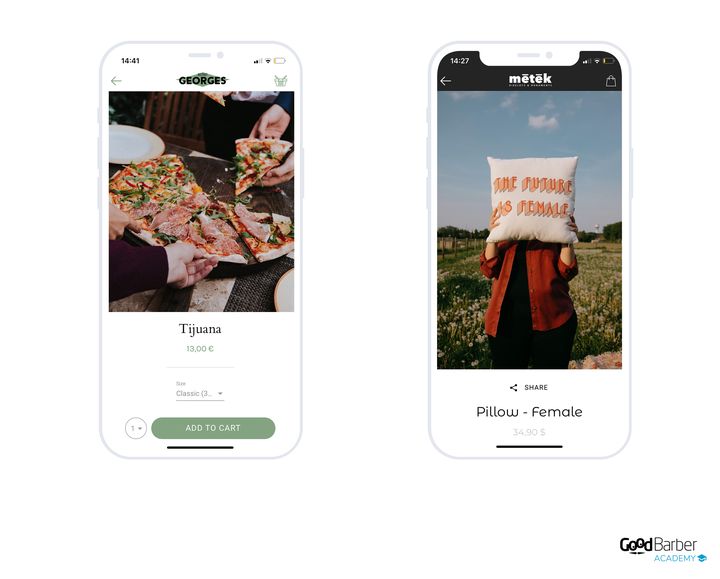
### Att organisera bilderna och välja miniatyrbild
**De tekniska egenskaperna.** GoodBarber tar emot upp till 25 bilder per produkt.
- Största storlek: 4 MB
- Rekommenderat format: JPEG
Det finns ingen begränsning för måtten, men håll det här i minnet: när du lägger till flera bilder **sätter måtten på den första höjden på bildspelet** din kund ser. Valet av den första bilden är alltså inte neutralt.
**Ordningen.** När alla dina bilder är tillagda bestämmer du ordningen de visas i. Sätt den mest övertygande först, efter typen av produkt.
Tänk på vad varje bild är till för. Det nyttiga minimumet:
- en bild av produkten mot vit bakgrund
- en närbild på de viktiga detaljerna
- en bild i sitt sammanhang, som visar upp produkten
**Miniatyrbilden.** Du väljer manuellt den som kommer att synas i din produktlista och i widgetarna på din startskärm. Den enda principen att komma ihåg är harmonisering: miniatyrbilder ses nästan alltid flera i taget, sida vid sida. Tänk alltså på helhetsintrycket, inte på varje miniatyrbild för sig. Vit bakgrund är den säkraste lösningen.
Om vit bakgrund inte passar dig ska du åtminstone hålla en enhetlig behandling. I appen Hunky Dory är alla produkter utan vit bakgrund fotograferade i närbild, som ett mönster.
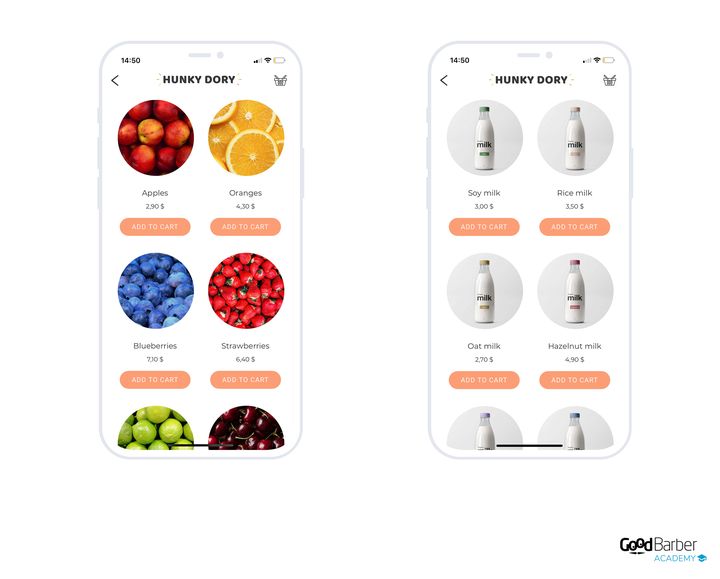
## Att strukturera innehållet
### Vad en produktsida är, och vad den är till för
En produktsida samlar alla en produkts egenskaper, en sida per produkt. Det är din bästa chans att övertyga.
Dess första syfte är att informera: pris, vikt, mått, material, ingredienser, beroende på vad du säljer. Den ska vara så detaljerad som möjligt, av två skäl:
- dina kunder behöver så mycket information som möjligt för att välja rätt
- en detaljerad sida etablerar dig som expert i din bransch
Innehåll och organisation varierar med produkten. Vissa behöver många bilder, andra exakta tekniska egenskaper. Utöver beskrivningen och bilderna kan sidan rymma dynamiska inslag som tjänar dina säljstrategier.
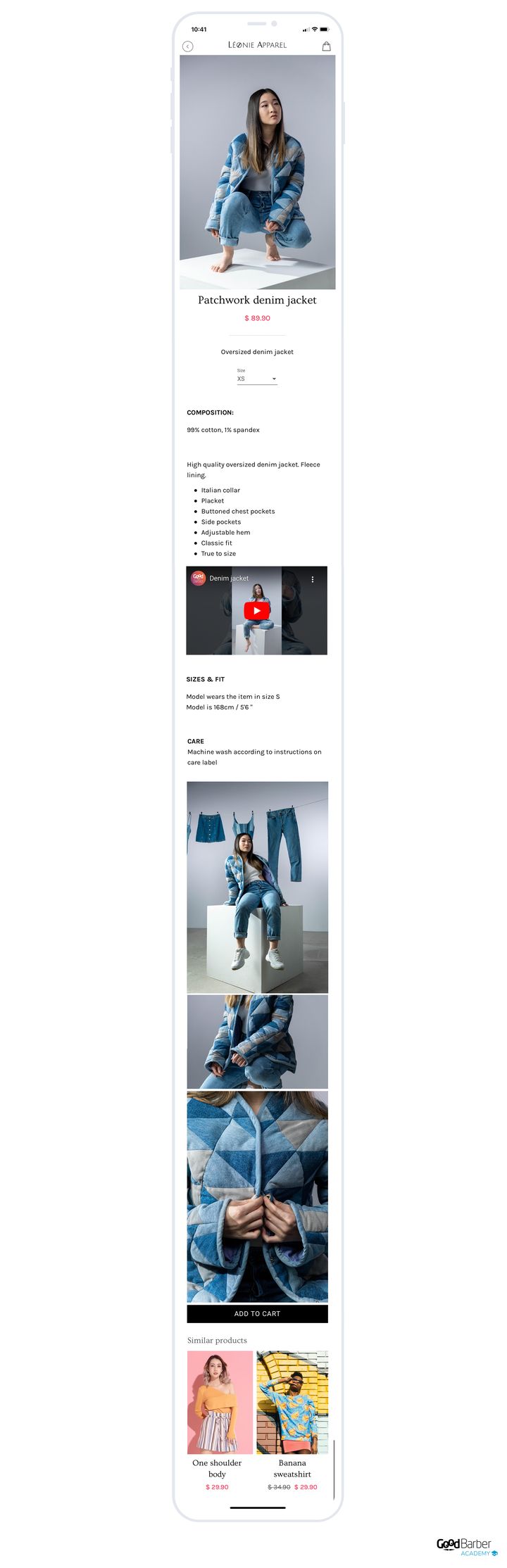
### Informationen att ta med
Ditt back office låter dig lägga till, utöver huvudbilderna, text, extra bilder och videor.
Strukturera beskrivningen. Kunden måste omedelbart förstå var hen hittar det hen är ute efter. Det finns ingen idealstruktur, den beror på produkten, men här är en grund att anpassa.
- **Huvudegenskaperna.** Den viktigaste informationen: material för ett plagg, mått för en möbel, ingredienser eller sammansättning för en rätt. Den här delen behöver inte vara lång, men den måste vara tydlig och direkt, så att kunden genast vet vad hen står i begrepp att köpa.
- **Användningsfallen.** Sätt produkten i en situation. Foton av plagget på en person, arrangerade bilder för inredning. Om du kan ska du lägga till en video här: att visa produkten i användning är fortfarande den bästa utlösaren.
- **Anvisningarna.** Den tekniska delen, presenterad kortfattat. Ingen väntar sig en fullständig manual, men den nyttiga informationen: en skötselanvisning för textilier, tillagningstips eller allergener för mat.
Två vanor till sist. Ta dig tid att lista, från din kunds stol, all information som behövs för att sälja produkten på ett tydligt sätt. Och håll en enhetlig struktur från sida till sida: om sammansättningen står i sista stycket ska den stå där överallt. Dina kunder vet då omedelbart var de ska titta, i stället för att orientera om sig på varje sida.
## PDF-bilagor
### När en PDF är nyttig
Ibland räcker inte sidan. Då kan du koppla en PDF-fil till den.
Det är nyttigt för en komplex produkt som kräver en mycket exakt beskrivning, inom hemelektronik eller vitvaror till exempel. Att pressa in en kaffemaskins fullständiga manual på en produktsida skulle vara meningslöst: du skulle dränka dina säljargument i teknisk dokumentation. PDF:en gör den informationen tillgänglig utan att förorena huvudinnehållet.
Andra fördelen: den går att ladda ner. Din kund behåller den, konsulterar den senare, skriver ut den om det är en manual. Det är en länk som överlever även när köpet inte avslutas på en gång.
### Att skapa och optimera PDF:en
Innan du kopplar den ska du veta att sökmotorer behandlar PDF-filer som webbsidor och indexerar deras innehåll. Din fil kan alltså ge dig trafik, vilket omedelbart utesluter tanken på att duplicera din produktsida i den.
Några optimeringsregler:
- Skapa dokumentet i standardformat för utskrift (A4), för dem som kommer att skriva ut det.
- Fyll i metadata: titel, författare, ämne, nyckelord. De redigeras i allmänhet i avsnittet ”Egenskaper” i ditt redigeringsprogram.
- Undvik filer som är för tunga, som visas långsamt.
- Var noga med filnamnet. Inte *manual.pdf*, utan *manual_ditt_produktnamn_modellnamn_år.pdf*.
- Lägg en länk till din app i dokumentet. Det hjälper navigeringen, och det tjänar din länkbyggnad.
### Att lägga in den
Öppna produkten från Products › All products. I panelen **Edit Product**, fliken **Info**, erbjuder blocket **PDF attachment** knappen **Browse...**, som sedan lägger till din .pdf-fil.
Välj din fil, och klicka sedan på Add. Den är omedelbart tillgänglig på sidan.
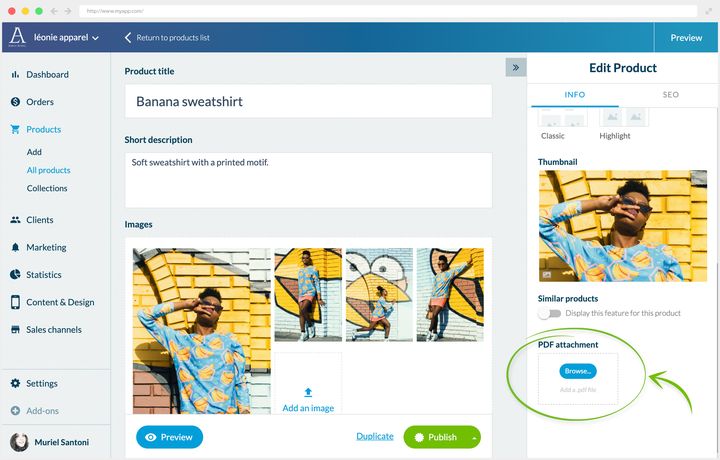
## SEO
### Att välja dina nyckelord
Produktsidorna är huvudinnehållet i din Shopping App. Hur du placerar dina nyckelord i dem avgör kvaliteten på trafiken du drar till dig.
Den självklara strategin är att sikta på de mest sökta nyckelorden. Den bär en snedvridning: avsikten. Att söka på *”oversize-skjorta”* betyder inte att man vill köpa en. Personen kan vara ute efter outfit-idéer, för att hen redan äger en.
Tre sätt att rätta till den snedvridningen:
- **Analysera de tio översta träffarna** för nyckelordet du siktar på. Om de sidorna liknar din har motorn förstått kopplingen mellan det nyckelordet och din sidas syfte.
- **Titta på sökvolymen.** Ju lägre den är, desto mer är sökningen en nischsökning. En användare som söker på en nischterm känner redan till din bransch och konverterar lättare.
- **Upptäck avsiktsmarkörerna.** Handlingsverb och geografiska uppgifter röjer en köpavsikt: *”köpa”*, *”beställa”*, *”billig”* signalerar någon som letar efter en säljare. Ett produktnamn följt av en ort eller en region betyder ofta någon som letar efter ett fysiskt försäljningsställe.
### Var du ska placera dem
När dina nyckelord väl är valda ska du placera dem på de strategiska ställena:
- produktsidans titel
- den korta beskrivningen
- den övergripande beskrivningen, minst två gånger per nyckelord
- sidans adress
Två kompletterande vanor: arbeta med fraser snarare än enskilda ord, och sätt i fetstil de termer du vill flagga för motorerna.
### Fälten i back office
Öppna produkten från Products › All products: högerpanelen, **Edit Product**, bär två flikar, Info och SEO. I fliken **SEO** hittar du tre fält:
- taggen Title
- taggen Meta description
- adressen
Det är exakt de tre strategiska ställen som nämns ovan. Back office ger dig dessutom en förhandsvisning av sökresultatet så som det kommer att se ut.
I exemplet en restaurang som erbjuder en Click & Collect-tjänst: nyckelorden svarar på de tre frågor köparen ställer, vad som säljs, var, och hur.
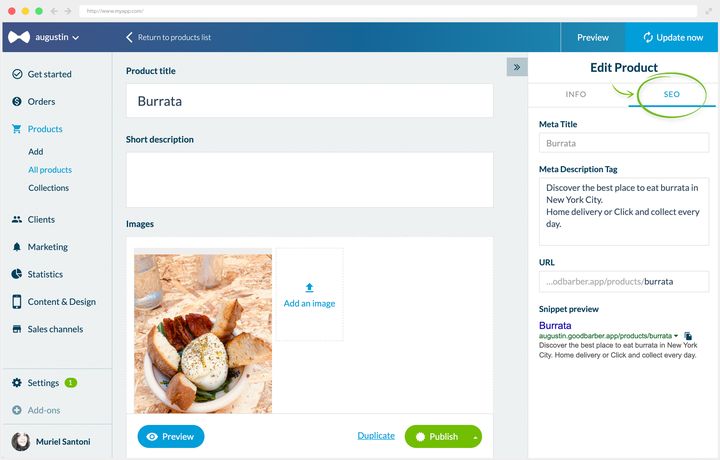
## Varianter
### Vad de är till för
Med varianter säljer du en produkt med flera alternativ, utan att duplicera den.
Ta en kjol som finns från XS till XL. Produkten KJOL bär ett alternativ STORLEK med 5 varianter. Finns kjolen också i en andra färg i samma storlekar bär produkten två alternativ, STORLEK och FÄRG, och räknar 10 varianter.
Varje variant kan ha en egen bild och ett eget pris, vilket lämnar dig fri att sköta ditt sortiment som du vill. Mekanismen gäller för varje verksamhet: en livsmedelsbutik säljer samma matvara i flera storlekar, en restaurang erbjuder flera tillbehör till en rätt.
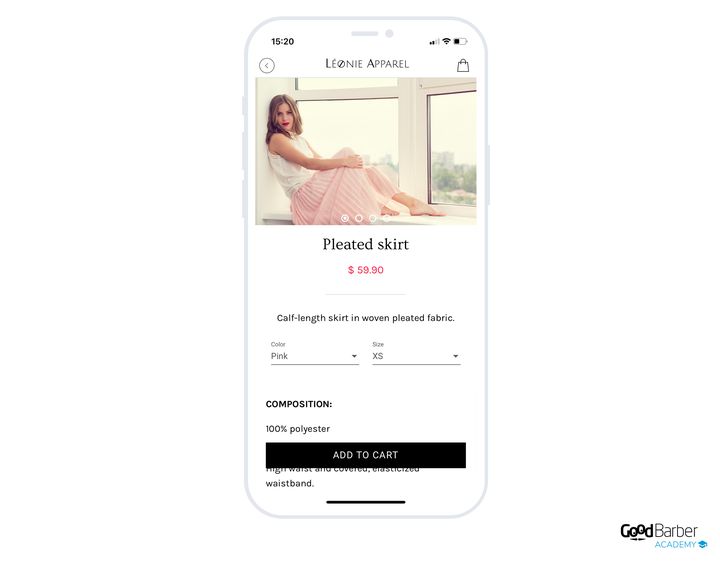
### Att skapa dem
Öppna din produkt från Products › All products, och klicka sedan, i blocket **Pricing and variants**, på **Add an option**.
Ge ditt alternativ ett namn. Tillbaka till kjolen: det första heter *”FÄRG”*.
Skapa sedan alternativet *”STORLEK”*.
Skapa slutligen så många varianter som behövs för att täcka alla kombinationer. Om bilderna skiljer sig per alternativ ska du koppla en egen bild till varje variant.
Du kan göra samma sak med priserna. Om den gröna kjolen är nedsatt:
Dina kunder väljer sedan sina alternativ direkt på produktsidan.
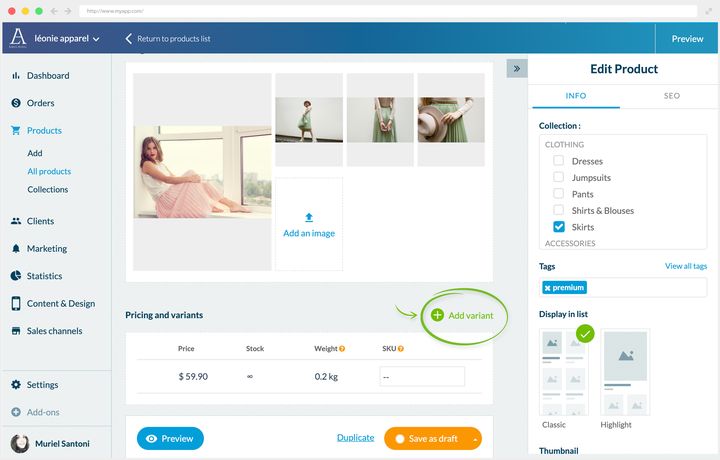
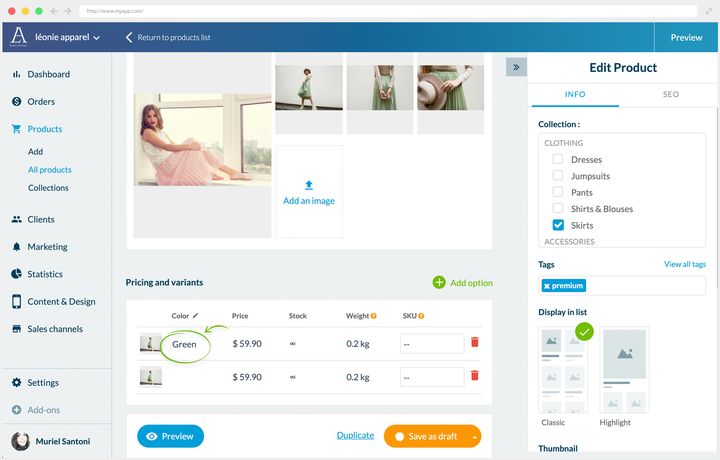
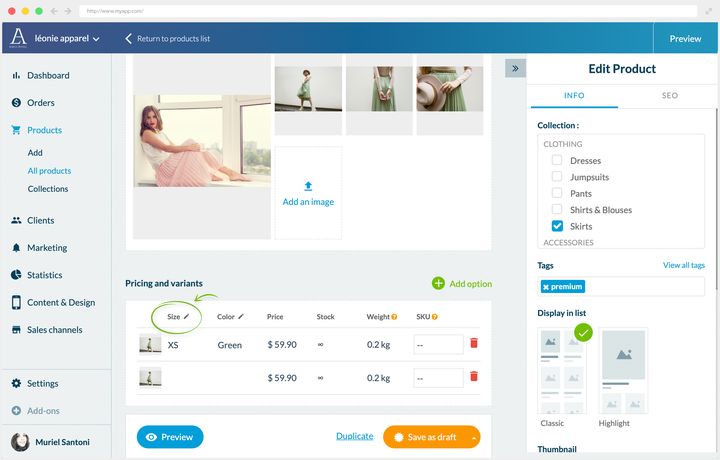
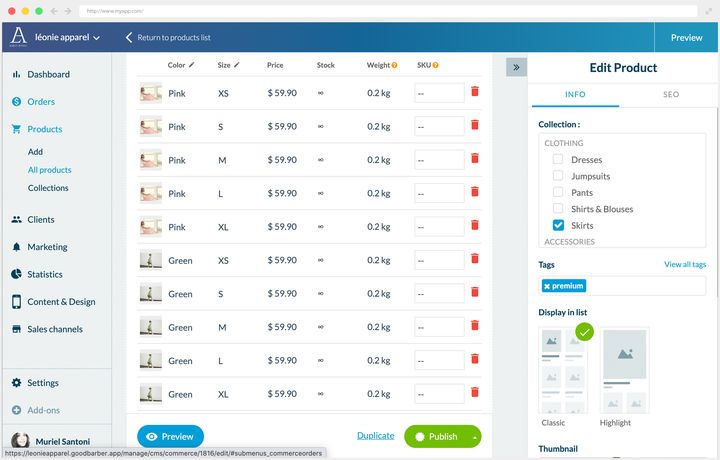
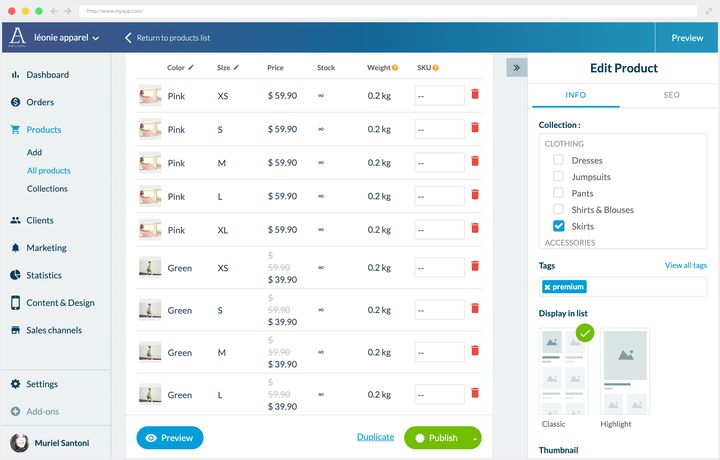
### Att veta när man ska sluta
Varianter är ibland oumbärliga, men använd dem sparsamt: för många alternativ tynger sidan och komplicerar beslutet.
Tillbaka till kjolen. Två alternativ, färg och storlek, förblir läsbara: kunden förstår omedelbart.
Om den modellen däremot också fanns i flera material skulle du behöva lägga till ett alternativ *”MATERIAL”* med varianterna *”LÄDER”*, *”TYLL”* och *”SILKE”*. Antalet kombinationer exploderar.
Produkten kommer för övrigt till slut att stoppa dig: en sida tar emot **högst 100 varianter**, och back office flaggar för det först när taket är nått. Det går, men det är varken det mest intuitiva för kunden eller det mest smickrande för dina produkter. Bättre då att dela upp i tre separata produkter: en tyllkjol, en i läder, en i silke.
Vinsten är dubbel. De tre alternativen blir synliga direkt i produktlistan. Och nyckelorden *”silke”*, *”tyll”*, *”läder”* blir användbara, eftersom varje version då har en egen sida, en egen titel och egna taggar.
Med andra ord: varianterna tjänar sekundära skillnader, separata produkter tjänar de skillnader din kund betraktar som avgörande. Den gränsen är det som avgör, och den beror på vad du säljer.
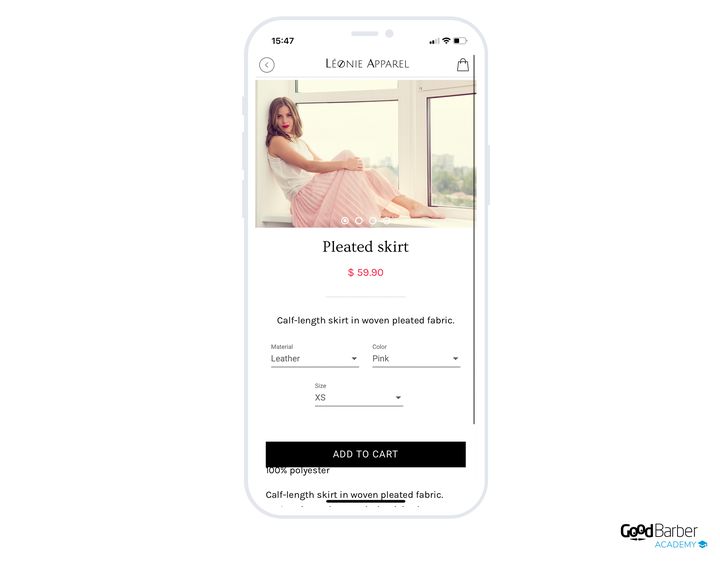
## Korsförsäljning
### Varför göra det
Korsförsäljning föreslår ytterligare köp för en kund som redan är på en av dina sidor. Den höjer det genomsnittliga ordervärdet utan att kosta dig något, och verkar på tre nivåer.
**Det genomsnittliga ordervärdet**, först. Utöver antalet försäljningar optimerar du dina hanteringskostnader: att sälja tre produkter i en order slår tre separata order. Mindre handläggningstid, fraktkostnader betalda en gång. Besparingen ser löjligt liten ut per enhet, den slutar vara det i skala.
**Lojaliteten**, sedan. Ur kundens synvinkel innebär ett relevant förslag att du föregriper hens behov. Du blir en möjliggörare, och det väger på hens anknytning till ditt varumärke.
**Synligheten för vissa produkter**, slutligen. Korsförsäljningen för fram en föga känd vara eller en nyhet i ljuset, och visar hur nyttig den är när den väl paras ihop med andra.
### De fyra strategierna
**Liknande produkter.** Den vanligaste: du erbjuder produkter som möter samma behov. En kund tittar på en kuddes sida, du visar hen andra kuddar i jämförbar prisklass.
**Produkter som säljs separat.** Särskilt effektivt, för det rör vid användningen. Du visar det som behövs för att använda produkten som visas. På ett kuddöverdrags sida erbjuder du den matchande innerkudden. Principen är att det kompletterande köpet villkorar användningen av huvudprodukten. Kunden kan redan äga den, men om inte besparar ett klick hen en sökning. En försiktighetsåtgärd dock: var mycket tydlig med vad som ingår och inte ingår i köpet, annars skapar du besvikelse vid leveransen.
**Produkter i stil med ”du kommer också att gilla”.** Du visar varor som delar egenskaper med huvudprodukten: färg, material, stil, kollektion. Det är här ditt expertöga räknas mest. Rätt fråga att ställa är enkel: vad hade du rått till om kunden stått framför dig?
På sidan för en terrakottaservis är den främsta tillgången materialet, som är mycket eftertraktat. Du satsar alltså på det för att erbjuda andra terrakottavaror i samma prisklass.
**Produkter i stil med ”köp hela uppsättningen”.** Du erbjuder hela paketet. Om din sida presenterar produkten i en arrangerad bild ska du erbjuda scenens övriga inslag. Strategin fungerar särskilt väl inom kläder, inom inredning och inom delikatesser kring recept.
Föreställ dig skivad tryffel serverad på rostat bröd över en krassesallad: från den sidan ska du erbjuda lantbrödet, krassen, havssaltet och olivoljan. Du är experten, din kund är det inte nödvändigtvis, och hen har kanske varken tid eller självförtroende att kombinera produkterna själv. Ju mer stöttad hen känner sig, desto mer köper hen och kommer tillbaka.
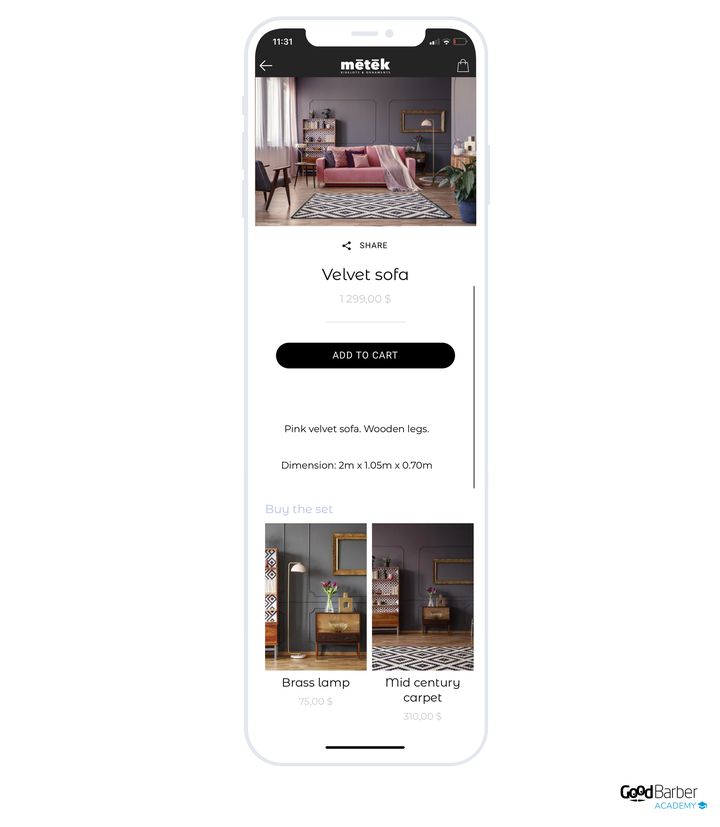
### Att ställa in dem
Öppna sidan från Products › All products: blocket **Similar products** finns i panelen **Edit Product**, fliken **Info**.
Som standard läggs varor till automatiskt, utifrån taggarna som satts på dina produkter och kollektionerna de tillhör.
Det automatiska beteendet räcker redan för vissa strategier. För strategin ”du kommer också att gilla” ovan hade det räckt att sätta taggen ”terrakotta” på de berörda produkterna för att de skulle dyka upp bland servisens förslag.
För mer exakta strategier ska du ta tillbaka kontrollen: radera de automatiskt tillagda produkterna, och sök sedan efter dem du vill visa.
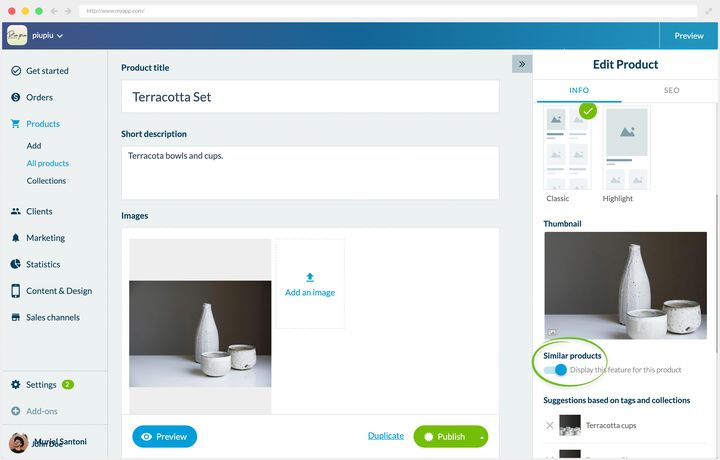
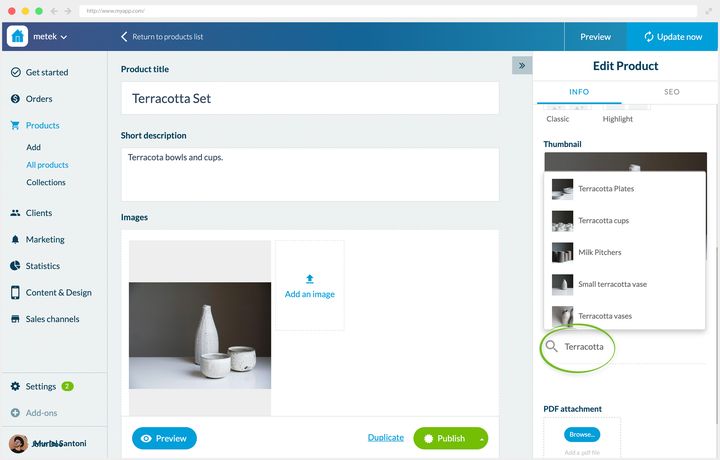
## Att framhäva en produkt
### Vad du ska framhäva
Att framhäva en produkt ger den en större plats än de andra i en lista, och riktar dina kunders uppmärksamhet dit du bestämmer.
Tre huvudanvändningar:
- att visa dina bästsäljare, för att visa butikens framgångar
- att presentera dina signaturprodukter, för att etablera ditt rykte
- att skjuta fram dina kampanjvaror, för att öka din försäljning
En fjärde, mindre uppenbar användning: att presentera mittpunkten i en kollektion. På en lista tillägnad en trend visas keramikservisen stort, och kollektionens övriga produkter ordnar sig runt den.
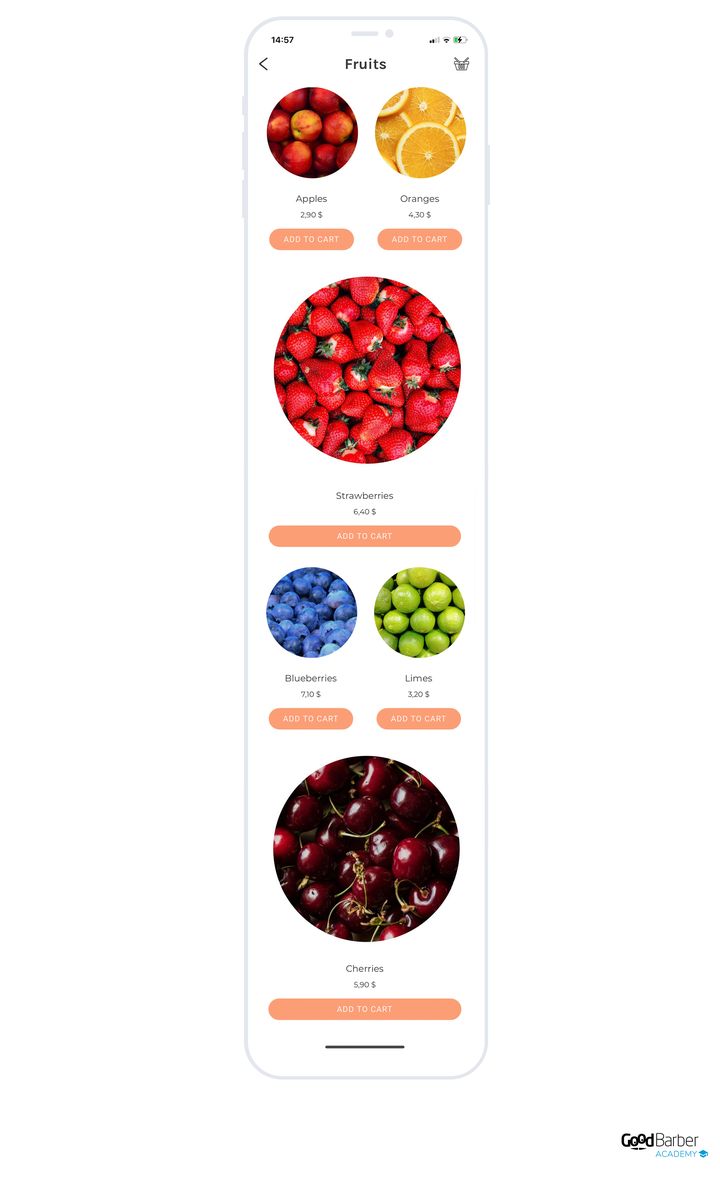
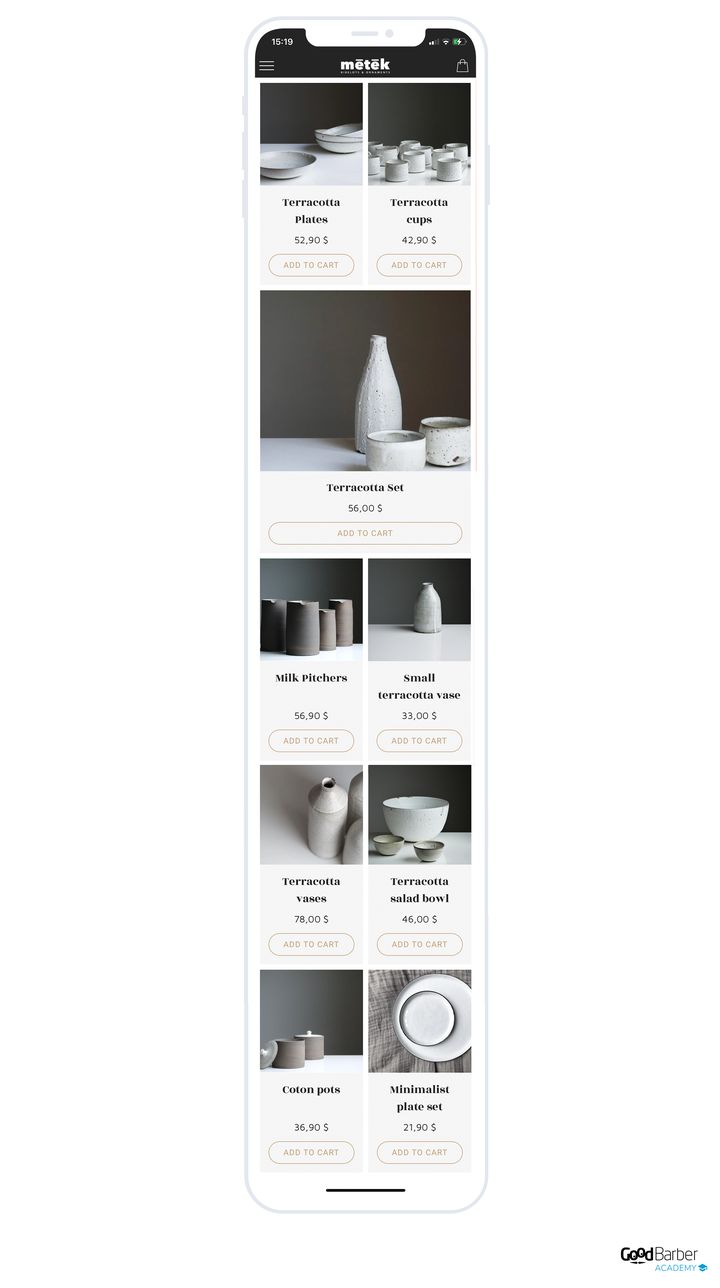
### Hur du gör det
På produktens redigeringssida, högerpanelen, avsnittet **Display in list**: välj **Highlight** i stället för **Classic**. Din produkt visas då med en större miniatyrbild än de andra.
Du kan framhäva flera produkter i samma lista, efter dina behov.
---
# Hantera katalogen med en fil
Source: https://se.goodbarber.com/academy/bulk-catalog/
---
title: "Hantera katalogen med en fil"
description: "När kalkylbladet tar över från skärmen, vad som avgör om en import uppdaterar, och hur du förbereder en priskampanj tillsammans med dess utgång."
canonical_url: "https://se.goodbarber.com/academy/bulk-catalog/"
lang: sv
---
En katalog bearbetas på två ställen. I back office, produkt för produkt, när du finslipar en sida. I ett kalkylblad, hela katalogen på en gång, när du upprepar samma ändring över hundra produkter. Tillägget **Product Import** bygger bron mellan de två: det exporterar din katalog till en .csv-fil och tar tillbaka den när den är ändrad. Tillvägagångssättet, kolumnnamnen och exempelfilerna är dokumenterade steg för steg i vårt hjälpcenter. Den här guiden täcker den andra halvan, den som avgör utfallet: när du ska gå via filen, vad som gör åtgärden säker, och vad den låter dig göra som skärmen gör på ett annat sätt.
## När filen tar över
Länkarna **Import** och **Export** väntar högst upp i listan, i Products › All products.
Uppdelningen mellan de två arbetssätten är ganska tydlig. Filen är gjord för fält som bär ett värde: ett pris, ett lagersaldo, en referens, att koppla en variant till sin produkt. Den klarar samma ändring över tusen rader lika snabbt som över en enda. Produktsidan är gjord för det som övertygar: beskrivningen, ordningen på bilderna, de kompletterande produkterna. Det är ämnet för guiden ”Slipa dina produktsidor”, och det avgörs en produkt i taget.
En enkel regel som avgör saken. Om du står i begrepp att upprepa samma handgrepp mer än ett tiotal gånger är det ett jobb för filen. Om varje produkt kräver ett eget beslut är det ett jobb för skärmen.
Ett ord om rytmen, för den påverkar hur du lägger upp arbetet. Exporten förbereds i bakgrunden: ett mejl talar om när den är klar, och filen väntar på dig i Settings › My files. Importen fungerar likadant, med sin egen bekräftelse per mejl. På en stor katalog ska du starta åtgärden vid en tidpunkt då du kan komma tillbaka till den några minuter senare.
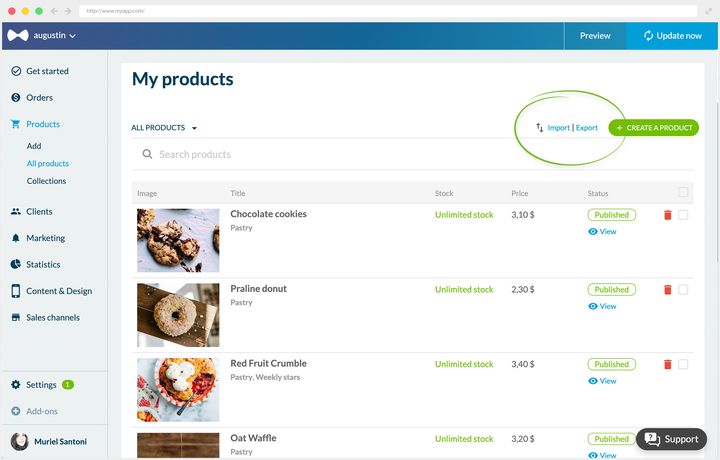
## Vad som avgör om en import uppdaterar
Det här är den enda mekanismen du behöver förstå, och den förklarar de flesta importer som ger något annat än det förväntade.
Varje rad i din fil bär en produktidentifierare, och varje variant bär sin egen. Är identifieraren ifylld känner plattformen igen posten och uppdaterar den. Är den tom skapar den posten. Det är det som gör att samma fil kan rätta till din katalog eller bygga en andra katalog vid sidan av den.
Därav reflexen som gäller vid varje uppdatering: **utgå alltid från en export, aldrig från ett tomt blad.** Exporten ger dig tillbaka två saker som du omöjligt kan rekonstruera ur minnet. Först identifierarna. Sedan de exakta kolumnnamnen, som importen läser bokstavligt: en felstavad kolumn får hela filen att gå fel.
Två saker hänger ihop med detta, och de avgör hur din fil ska se ut. En variants referens är unik i butiken, och det är den som gör att du hittar rätt i en fil på tusen rader. Och en produkt som finns i tre storlekar tar tre rader, kopplade till varandra av en gemensam kolumn: pris, lager och referens hör hemma på varianten, inte på produkten.
## Metoden som gör åtgärden säker
En import tillämpas som den är: den ändrar dina produkter direkt, och det tidigare läget finns bara kvar i din fil. Hela säkerheten i åtgärden vilar alltså på vad du gör innan du klickar, och det handlar om tre steg.
**Exportera först hela din katalog.** Inte en produkt, inte bara kollektionen du arbetar med: hela katalogen, med samtliga attribut. Den filen är inte till för åtgärden, den är din referenskopia, och det är den som låter dig gå tillbaka.
**Arbeta på en dubblett.** Referensfilen ligger stängd i ett hörn, du redigerar en kopia. Ett kalkylblad som stått öppet i två timmar råkar alltid ut för ett oavsiktligt tangenttryck, och det vill du ska hamna på kopian.
**Börja i liten skala.** Exporten kan omfatta en enda kollektion. Första gången du genomför en åtgärd ska du exportera en kollektion, tillämpa din ändring på den, importera, och sedan gå och titta på resultatet i din produktlista och i förhandsvisningen av din app. Det som fungerar på tolv produkter kommer att fungera på tusen.
## En kampanj, och dess utgång
Det är här filen blir ett handlarverktyg, för den gör på ett svep det som skulle ta en dag för hand.
Rea över hela katalogen, till exempel. Åtgärden ryms i två kolumner: grundpriset flyttas till det överstrukna priset, det nedsatta priset tar dess plats i priset. Du importerar, och hela katalogen växlar över, överstrukna priser inkluderade. När åtgärden är slut sätter den omvända importen tillbaka allt.
Det som är värt att komma ihåg är inte handgreppet, utan vad det låter dig planera för: **förbered utgångsfilen samtidigt som ingångsfilen.** Att sätta tillbaka allt som det var är det som glöms bort, och det är det som kostar, för du upptäcker det en måndagmorgon med katalogen fortfarande på rea. Din referensexport är redan den utgångsfilen, förutsatt att du behållit den orörd.
En generell åtgärd på priserna är ett verktyg bland andra. När din rabatt riktar sig mot en period, ett ordervärde eller en del av din kundkrets ställs den in i Marketing › Discounts › Discount list, utan att katalogen berörs. Guiden ”Öka din försäljning” går igenom jämförelsen mellan de två.
## Lagret, i din verksamhets takt
Lagret läses av produkt för produkt i din lista, det har en egen skärm i Products › Stock, och det redigeras på produktsidan. Den takten passar dig så länge rörelserna är de som kommer från försäljningen online, som butiken räknar ner på egen hand.
Det ändras så snart ditt lager rör sig någon annanstans än i appen: en leverans som kommer in, en dag på marknaden, en inventering vid månadsskiftet. Då har du femtio kvantiteter att rätta på en gång, och det är precis vad filen är bra på. Du exporterar, du fyller i lagerkolumnen för varje variant, du importerar tillbaka.
Ett värde är värt att känna till innan du fyller den kolumnen: obegränsat lager är ett värde som vilket annat, det som tas av produkter du inte räknar, en tjänst eller en produkt som tillverkas på beställning. Du hittar det som det är i exporten, och du kan lägga in det på andra rader.
## Ta över en katalog från ett annat håll
Importen är också till för inflyttningen, när din katalog redan finns på en annan plattform och du öppnar din app. Det är fallet där tidsvinsten syns tydligast, och där ordningen på stegen betyder mest.
Filen bär skelettet: titlar, referenser, priser, varianter, lagersaldon, koppling till kollektioner. Den ställer en butik på benen med en enda import.
Med skelettet på plats återstår det som får folk att köpa. Planera alltså för en andra omgång med beskrivningarna och bilderna, sida för sida, och håll i minnet att ett foto reser via sin adress: för att det ska följa med din import måste det redan ligga ute någonstans och vara offentligt åtkomligt. Många migreringar sker i två etapper av det skälet, och det är en bra handlingsplan: filen ger dig strukturen på en timme, produktsidorna arbetas sedan igenom i den takt du finslipar dem.
Guiden ”Slipa dina produktsidor” täcker den andra omgången, och guiden ”Organisera din butik” täcker kollektionerna att sortera in alltihop i.
---
# Välja betalningsmetoder
Source: https://se.goodbarber.com/academy/payment-methods/
---
title: "Välja betalningsmetoder"
description: "Betaltjänst online, offlinebetalning för lokal leverans, och varför du gör klokt i att erbjuda båda."
canonical_url: "https://se.goodbarber.com/academy/payment-methods/"
lang: sv
---
# Välja betalningsmetoder
Det klassiska mönstret är att din kund beställer i appen och betalar online. Det fungerar utmärkt via en betaltjänst. Men när lokal leverans är inblandad blir offlinebetalning ett seriöst alternativ.
Ingenting tvingar dig att välja: att erbjuda båda maximerar dina chanser att passa så många som möjligt.
Ett ord om omfattningen, för förväxlingen är vanlig. Den här guiden handlar om att ta betalt för varor och tjänster i en e-handelsapp. Om du säljer åtkomst till premiuminnehåll via prenumeration går du inte via de här betaltjänsterna: du går via appbutikernas köp i appen, som följer andra regler och en annan ekonomi. Den modellen beskrivs i ”Tjäna pengar på din innehållsapp”.
## Betalningar online
### Vad en betaltjänst är
För att ta betalt online måste du gå via en betaltjänst.
Det är tredjepartsleverantörer. När din kund fyller i sina betaluppgifter i din app ser betaltjänsten till att de skickas säkert vidare till betalväxeln.
Resan sker i tre steg:
- din kund lägger sin order och fyller i sina betaluppgifter
- betaltjänsten tar emot uppgifterna och skickar dem till betalväxeln
- kunden skickas vidare till betalväxeln och slutför sin betalning
Betaltjänsten sköter hela inkasseringen och krypterar känsliga kortuppgifter.
Du behöver inte behärska hur det fungerar i detalj. Ditt ansvar slutar vid att välja dina betaltjänster och erbjuda dem till dina kunder.
### Punkten att hålla ögonen på
Betaltjänster är tredjepartstjänster, och de tar en avgift. Avgiften kan se ut på flera sätt: en månatlig prenumeration, ett fast belopp per transaktion, en procentandel av det inkasserade beloppet, eller en kombination av de tre. Vissa tillämpar också begränsningar för vilka produkter som får säljas via deras tjänster.
Läs därför deras användarvillkor noggrant innan du binder dig, särskilt om din katalog innehåller känsliga eller reglerade produkter.
### Lösningarna som finns
**Stripe** låter dig ta emot de vanligaste bankkorten, från kunder över hela världen, både på webben och i appar. När den är påslagen kan dina kunder:
- betala med kreditkort
- betala med Apple Pay
Apple Pay fungerar som en mobil plånbok och gör det möjligt att betala med ett klick hos de tjänster som accepterar den. Att använda Stripe kräver ett Stripe-konto.
**PayPal** är en global betallösning i realtid, och ett av de största nätverken för köp på nätet. Även här krävs ett PayPal-konto.
**Testbetaltjänsten** finns inte för att ta emot pengar, den finns för att kontrollera. Med den kan du köra igenom en hel order utan att några pengar rör sig, så att du hinner kontrollera din köptratt, dina bekräftelsemejl och dina orderstatusar innan du öppnar butiken. Varje betaltjänst har dessutom ett eget **testläge** och **liveläge**, som du växlar mellan när du är redo.
## Offlinebetalningar
Du kan också ta emot betalningar utanför din app. När lokal leverans är inblandad förenklar det köpresan betydligt.
Offlinebetalning är ett tillägg: du lägger till det från butiken, där dess sida visar priset som gäller för din app, och sedan slås det på bland dina betaltjänster. Precis som betaltjänsterna har det ett testläge och ett liveläge.
**Du når en bredare publik.** Alla känner sig inte bekväma med att fylla i sina bankuppgifter online, och de personerna hoppar ibland av köpet. Offlinebetalning låter dem beställa och betala dig personligen, vid leverans eller vid upphämtning.
**Du tar bort en broms på försäljningen.** Att betala utanför appen är omedelbart begripligt, även för personer som har svårt med betalningar online.
**Du är inte beroende av någon betaltjänst.** Du kan sälja online utan att skapa ett Stripe- eller PayPal-konto. Betalningarna är direkta, utan extra avgifter. Det är ett argument värt att väga in om dina volymer är låga och betaltjänsternas fasta avgifter skulle väga tungt.
När alternativet är påslaget bekräftar dina kunder sin order utan att betala, och gör upp senare, vid mottagandet eller vid upphämtningen.
## Vad appen tillför betalningen
Betalningsprocessen är en av de främsta orsakerna till att varukorgar överges inom e-handeln. Det är precis där en Shopping App tar hem fördelen, tack vare betalning med ett klick.
### Apple Pay och digitala plånböcker
Med Apple Pay tar det en enda blick att bekräfta en transaktion. De här inbyggda lösningarna skickar din kunds adress direkt till din app och bekräftar betalningen utan att något behöver fyllas i på nytt.
Vinsten är inte bara bekvämlighet: varje fält som försvinner är ett tillfälle mindre att hoppa av, vilket syns direkt i konverteringsgraden.
### Sparade kort och fast checkout
Att optimera din betalsida är den mest lönsamma åtgärden mot övergivna varukorgar.
**Fast checkout** tar bort de onödiga stegen. Dina kunder lämnar bara den information som hör till leveranssättet de valt, utan att fylla i överflödiga uppgifter innan de beställer. Det är ett tillägg, och det vilar på Click & Collect: det är just för att ordern hämtas personligen som formuläret kan skalas ner till det väsentliga.
**Betalning med ett klick** vilar på Payment Request API, som använder ett redan sparat kreditkort för att göra betalningen omedelbar.
---
# Bestämma din leveransstrategi
Source: https://se.goodbarber.com/academy/shipping/
---
title: "Bestämma din leveransstrategi"
description: "Vilken typ av leverans du ska erbjuda, vilken prisstrategi du ska anta, och hur du ställer in den i back office."
canonical_url: "https://se.goodbarber.com/academy/shipping/"
lang: sv
---
# Bestämma din leveransstrategi
Frakten är ingen formalitet i slutet av resan. Den avgör din marginal, ditt genomsnittliga ordervärde, och ofta själva försäljningen. Den här guiden täcker tre frågor: vilken typ av leverans du ska erbjuda, vilken prisstrategi du ska anta, och hur du ställer in den i ditt back office.
## Vilken typ av leverans
Du kan slå på ett eller flera alternativ. Den enda frågan att avgöra är vilken typ av verksamhet du driver.
### Frakt med fraktbolag
Det här är det vanligaste. Dina kunder beställer, du skickar per post eller med fraktbolag. Du väljer de länder och regioner du betjänar, och kopplar till var och en ett pris som motsvarar dina fraktkostnader. I dina inställningar heter det **Shipping by carrier**.
Det är alternativet som öppnar för den bredaste publiken, eftersom GoodBarber låter dig sälja var som helst i världen.
### Lokal leverans
Det riktar sig till kvartersföretag, fysiska butiker som lägger ut sin katalog på nätet, och restaurangbranschen.
Det är ett tillägg, precis som Click & Collect som följer: du lägger till det från butiken, där dess sida visar priset som gäller för din app.
Principen är densamma som för postfrakt, men leveransen är nästan omedelbar: du definierar ett geografiskt område och levererar snabbt till kunderna inom det. Området ritas upp på två sätt, med **postnummer** eller med **radie kring din butik**. Radien går fort, postnumren låter dig utesluta en ort eller ett kvarter du inte betjänar. En blomsterhandlare i Paris levererar buketter samma dag, en sushirestaurang i New York levererar till kontoret. Du kan lägga till tidsluckor för att jämna ut dina order.
Snabb leverans erbjuds fortfarande sällan utanför restaurangbranschen, samtidigt som konsumenterna står ut allt sämre med att vänta. Det är alltså mark där du enkelt får ett försprång.
### Click & Collect
Samma princip som lokal leverans, förutom att kunden kommer och hämtar sin order hos dig. Dina leveranskostnader sjunker till noll.
Om du har en fysisk butik har det här alternativet enbart fördelar, och de sträcker sig längre än portot du sparar.
**Dina kunder sparar tid och pengar.** De förbereder sin order i appen och tittar förbi för att hämta den. De väljer sina produkter i lugn och ro på nätet, och besöker din butik när de hämtar.
**Du mångdubblar impulsköpen.** Det är den verkliga dolda vinsten med Click & Collect: det får in folk i din butik igen. Väl på plats tittar dina kunder på vad du har, och lägger ofta till det de glömt i sin order.
**Du skär ner dina fraktkostnader.** Arbetstid och emballage växer snabbt. Upphämtning i butik tar bort dem.
**Du begränsar returerna.** Att hantera en retur är dyrt: transport tillbaka, ompaketering, utebliven intäkt. En kund som hämtar sin order personligen granskar produkten direkt och byter den om det behövs, vilket undviker returen.
**Du bygger lojalitet.** Tillägget **Click & Collect** erbjuder en enkel resa utan friktion: beställ på nätet, gå därifrån med produkten på en gång. Att förbättra den resan är en lojalitetsstrategi i sig.
## Välja din prissättning
Oavsett om du valt lokal leverans eller postfrakt bestämmer du de avgifter som gäller för order. Två beräkningsgrunder är möjliga, och rätt val beror på vad du säljer.
### På ordervärdet
Du sätter dina avgifter efter beloppet. Till exempel 7 euro på alla order, sedan fritt över 150 euro. Det är det mest utbredda sättet inom e-handeln.
### På ordervikten
Principen är densamma, men den vilar på totalvikten, alltså på vad frakten faktiskt kostar dig. Logiken är omvänd: gratis eller billig leverans upp till en viss vikt, sedan dyrare därutöver. En möbelbutik ger leveransen gratis under 10 kg och tar 30 euro däröver, utan att ordervärdet spelar någon roll.
Med andra ord: prissättning efter värde tjänar till att öka varukorgen, prissättning efter vikt tjänar till att skydda din marginal. Välj efter vilken av de två som hotar dig mest.
## Fem leveransstrategier
### Erbjuda en längre leveranstid
Fraktkostnaderna tynger dina marginaler, och långsammare leveranssätt skär ner dem betydligt. Många handlare avfärdar den vägen, av rädsla för att skada köpupplevelsen.
Det är en reflex värd att ifrågasätta: en betydande andel av konsumenterna accepterar att vänta längre i utbyte mot lägre porto. Ingenting tvingar dig att välja, i vilket fall, eftersom du kan erbjuda flera alternativ inom samma område, med olika tider och priser.
Håll den här principen i minnet: ju ovanligare eller skrymmande din produkt är, desto mer accepterar dina kunder att vänta.
### Sätta en lägsta order
Din leveransstrategi kan höja ditt genomsnittliga ordervärde. Leveransen blir gratis över ett visst belopp, vilket uppmuntrar folk att lägga till en vara.
Om dina varor ligger på 80 euro i snitt kan du sätta leveransen till 5 euro och ge den gratis från 120 euro i köp.
Håll ögonen på balansen: oproportionerliga avgifter eller en tröskel som ligger för högt jämfört med ditt genomsnittliga ordervärde får dig att tappa trovärdighet i stället för att vinna marginal.
### Räkna in leveransen i priset
Leveransen presenteras som gratis, men den ligger redan inbakad i försäljningspriset.
Det är den mest riskabla av strategierna, eftersom den höjer ditt visade pris och kan placera dig i ett högre spann än dina konkurrenter.
Den håller på två typer av produkter: de vars pris redan är högt, där portot väger lite mot värdet, och exklusiva produkter, svåra att jämföra eftersom konkurrensen är liten.
### Ge leveransen gratis på villkor
Generellt fri leverans är inte den mest lönsamma lösningen. Att ta emot en order utan avgift upplevs som ett privilegium: då kan du lika gärna använda det som ett.
Två sätt att villkora den:
- **Fri leverans vid enstaka tillfällen**, kopplad till en kampanj: en säsong, rean, din butiks födelsedag. Förmånen är tillfällig, alltså utlöser den handling.
- **Fri leverans för dina lojala kunder**, som belöning till dem som redan har beställt av dig.
### Göra snabb leverans attraktiv
Nu handlar det inte längre om att få fri leverans att löna sig, utan om att få dina kunder att välja ett snabbt, och alltså betalt, alternativ.
Hur mycket dina kunder accepterar att betala för att få leverans snabbare beror starkt på produkten: det folk accepterar för ett plagg som ska bäras i morgon har ingenting att göra med vad de accepterar för en möbel. Testa på din egen katalog i stället för att flytta över ett pris du sett någon annanstans.
## Ställa in dina priser
### Erbjuda flera priser
GoodBarber låter dig sälja var som helst, och dina transportkostnader varierar med kundens plats. Du definierar alltså de geografiska områden du betjänar, och avgifterna som hör till vart och ett.
Inom samma område kan du skapa flera priser. Vid utcheckningen väljer din kund det som passar. Priserna räknas ut i det ögonblicket, utifrån reglerna du har definierat.
Till exempel finns två priser sida vid sida:
- standardleverans till en fast avgift på 7 euro
- expressleverans till en fast avgift på 15 euro
Till vilket du lägger en regel om fri leverans över 100 euro i köp.
### Erbjuda tidsluckor
För Click & Collect liksom för lokal leverans är datumet och tidsluckan avgörande. Med tillägget **Delivery Slots** definierar du dem, vilket hindrar att för många order kommer in samtidigt.
Tre fördelar:
- dina kunder väljer när de ska få sin order, så deras nöjdhet stiger
- du behärskar din förberedelsetid genom att begränsa antalet order per dag och per lucka
- du bygger lojalitet och ökar återkommande order genom att hålla dina leveranslöften
Allt ställs in i Settings › Opening and delivery times, i tre flikar: **Opening hours**, där du sätter dina dagar och tidsintervall, **Delivery slots**, där de fem kriterierna nedan finns, och **Exceptional closings**, för dagarna du inte har öppet.
Fem kriterier styr systemet:
- **Orderfrekvensen**: hur ofta du öppnar en lucka för leverans eller upphämtning.
- **Det maximala antalet order** per lucka: hur många du klarar av, och alltså hur många du gör tillgängliga.
- **Fördröjningen mellan ordern och den första lediga luckan**: din oundvikliga förberedelsetid.
- **Visningsbegränsningen**: förhandsbeställningar för dagarna framåt, eller bara samma dag.
- **Vad kunden ser**: ett urval av luckor, eller bara nästa lediga.
Två konkreta uppsättningar visar hur kriterierna kombineras beroende på bransch.
**En restaurang.** Upphämtningsluckor på 15 minuter, högst 5 order per lucka, 30 minuters fördröjning mellan ordern och den första lediga luckan, och bara luckor samma dag. Målet är att ta upp flödet utan att störa serveringen.
**En livsmedelsbutik.** Luckor på 15 minuter också, men högst 2 order per lucka, och en obligatorisk fördröjning på 120 minuter, för att plocka ihop en butiksorder tar tid. Kunderna kan å andra sidan boka en lucka samma dag eller inom de följande 6 dagarna.
Samma tillägg, två motsatta uppsättningar: begränsningen är inte antalet order, utan förberedelsetiden per order. Utgå från det när du ställer in dina.
---
# Ãka din försäljning
Source: https://se.goodbarber.com/academy/boosting-sales/
---
title: "Öka din försäljning"
description: "Rabatter, push-meddelanden, genvägar i köpresan och ett lojalitetsprogram: att sälja mer utan att skaffa nya kunder."
canonical_url: "https://se.goodbarber.com/academy/boosting-sales/"
lang: sv
---
# Öka din försäljning
Fyra verktyg för att sälja mer utan att skaffa nya kunder: rabatterna, som utlöser köpet, push-meddelandena, som låter dig tala med din publik i rätt ögonblick, verktygen som kortar köpresan, och lojalitetsprogrammet, som får dem som redan köpt att komma tillbaka.
## Rabatter
### Varför använda dem
En rabatt belönar en lojal kund eller övertygar en ny att ta steget. Dess styrka ligger i en skillnad mot rean: rean gäller alla, en rabatt ger känslan av ett privilegium. Den känslan är det som förvandlar ett prospekt till en kund.
Det vi talar om här är ekonomiska nedsättningar, i form av ett fast belopp eller en procentandel.
**Att dra till sig trafik.** Det är det vanligaste målet. Konsumenter letar efter ett bra fynd, och kan handla utan att ha behövt något, helt enkelt för att de fått en rabattkod. Idén är alltså att kommunicera brett:
- på dina sociala nätverk
- via mejl till din bas av kunder och prospekt
- genom samarbeten eller influerare
Den här sortens kampanj bygger ut din community på vägen, en community du sedan talar till i senare kampanjer. Det är en god cirkel.
**Att utlösa ett köp.** Ett fynd som uppfattas som bra leder i allmänhet till ett impulsköp, ett som inte svarar mot något tidigare identifierat behov. Kunden skummar snabbt igenom din butik för att utnyttja erbjudandet.
Nedsättningens format ändrar utfallet, och det väljs utifrån dina priser:
- **Som procentandel**, för verksamheter med höga priser.
- **Som belopp**, för billigare produkter, där en konkret summa ser mer attraktiv ut än en procentandel.
**Att öka lojaliteten.** Rabattkoder belönar dina kunder, ökar deras köpfrekvens och deras genomsnittliga ordervärde.
En reservation dock: använd dem inte året runt. Du skulle skada både deras trovärdighet och dina prisers, utöver att permanent äta av dina marginaler.
### Hur du skapar dem
Rabattkoderna är ett tillägg: lägg till det från Extensions Store, där dess sida visar priset som gäller för din app.
När det väl är på plats väntar skärmen på dig i Marketing › Discounts › Discount list, och formuläret rymmer sju block, som vart och ett svarar på en av frågorna ovan.
**Koden** knappas antingen in av dig eller genereras slumpmässigt, och den är unik inom butiken. Fältet **Name** hör ihop med den, synligt bara för dig: det är det som låter dig känna igen kampanjen ett halvår senare.
**Typen av rabatt** är ditt val:
- **Fixed amount.** Du bestämmer beloppet som ska dras av. En nedsättning på 5 dollar tar bort 5 dollar från priset att betala.
- **Percentage.** Beloppet räknas på summan. En nedsättning på 10 % på en varukorg för 200 dollar tar bort 20 dollar.
**Vad den gäller** avgör vad nedsättningen berör, och erbjuder fyra omfattningar:
- **Hela ordern**: nedsättningen täcker hela varukorgen.
- **En bestämd produkt**: den gäller bara en produkt, vald ur den särskilda rullgardinsmenyn.
- **En eller flera kollektioner**: den berör bara produkterna i de kollektionerna.
- **En eller flera taggar**: den berör bara produkterna som bär de taggarna.
Det är det som gör hela skillnaden mellan en rabatt du underkastar dig och en du styr: du siktar exakt på det lager du vill få i rörelse.
**Validity date** öppnar och stänger kampanjen på timmen, med en kryssruta **local time** så att alla får den samtidigt där de befinner sig. Slutdatumet är valfritt, skärmen erbjuder också **None**, och ändå är det det som tillämpar reservationen ovan: en rabatt utan utannonserat slut blir ett pris.
**Limitations of use** avgör vem som kan använda den, och hur många gånger. Du väljer publiken mellan **Everyone**, **Customers and prospects**, och bestämda kunder och prospekt, namngivna en och en. Du sätter det maximala antalet gånger rabatten kan användas, obegränsat som standard, och du kan kryssa för en användning per användare. Det är här känslan av privilegium som en rabatt lever på tillverkas: en kod vem som helst kan använda hur ofta som helst är en prissänkning, en namngiven kod är en gåva.
**Conditions of use** bär slutligen tröskeln, och den finns i två sorter: ett **ordervärde**, med sitt lägsta och högsta pris, eller ett **minsta antal produkter**. Det är verktyget för det genomsnittliga ordervärdet, det som får folk att lägga till en vara för att nå ribban.
Två saker om den tröskeln, som besparar dig en reklamation. Den räknas **enbart på försäljningen**, fraktkostnaderna hålls utanför räkningen. Och den bedöms i din butiks visningsläge: en butik som visar priser exklusive moms jämför tröskeln med beloppet före moms, vilket kan avvisa en varukorg vars summa inklusive moms faktiskt klarar ribban.
## Push-meddelanden
### Varför använda dem
Utöver transaktionsaviseringarna, som skickas automatiskt vid varje steg i hanteringen av en order, kan du skicka push-meddelanden till dina kunder och prospekt när som helst.
Mejlet är fortfarande relevant, men push har blivit mer praktiskt för att nå en publik, av tre skäl.
**De är omedelbara.** Att meddela en prissänkning, att öppna en blixtrea, att reagera på en konkurrent: leveransen sker direkt, och det gör läsningen också.
**De är byggda för mobilen.** Formatet passar hur folk använder sin telefon. Öppnas aviseringen inte direkt ligger den kvar i aviseringscentret och syns på appikonen. Svår att missa.
**De passar e-handeln.** Dina kunder är mobila och vill få information där de är. Push låter dig också anpassa meddelandet, vilket ligger i tiden. Med en nästan obefintlig sändningskostnad är det ett bra sätt att få din trafik att löna sig i en konkurrensutsatt miljö.
### Hur du skickar dem
Från ditt back office, i Marketing › Push › Send push. Skärmen rymmer tre block:
- **Audience**: alla dina användare, eller några av dem, valda bland dina kunder och prospekt.
- **Content**: meddelandet, med sin teckenräknare under fältet, sedan handlingen vid öppning. Du öppnar appen, en produkt, en extern länk, eller vilket avsnitt som helst i din app, valt ur en lista som speglar din struktur.
- **Send date**: nu, skickat omedelbart, eller vid det datum och den tid du sätter.
Ett villkor att känna till innan du siktar på ett avsnitt: det måste ha publicerats för att en push ska kunna öppna det. Om din app har en väntande uppdatering ska du gå via publiceringssidan först.
Tre exempel visar vad de här inställningarna tillåter.
**Att samla in kundernas åsikter.** För vår restaurangapp vill vi förbättra servicen och visa positiva omdömen på startskärmen. Under en vecka går en push ut varje dag klockan 15, när luncherna är över, till kunderna som beställt den dagen.
Att öppna den leder till ett formulär som frågar hur ordern gick. Svaren analyseras, och några publiceras på nytt som bevis på servicens kvalitet.
**Att belöna dina kunder.** Butiken firar sitt första år. Pushen går ut till alla användare som beställt under året, med en kampanjkod till deras nästa order.
**Att öka trafiken.** Den nya kollektionen har kommit in, och pushen går ut till hela användarbasen för att meddela det.
Lägg märke till stegringen: den första pushen är riktad och tajmad på timmen, den andra är segmenterad på köpbeteende, den tredje är allmän. Målgruppsstyrning är ingen fråga om publikens storlek, det är en fråga om vad du vill uppnå.
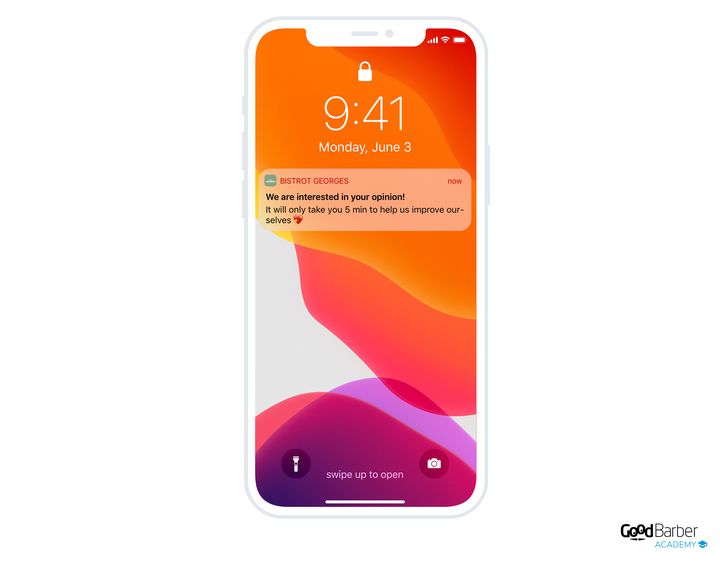
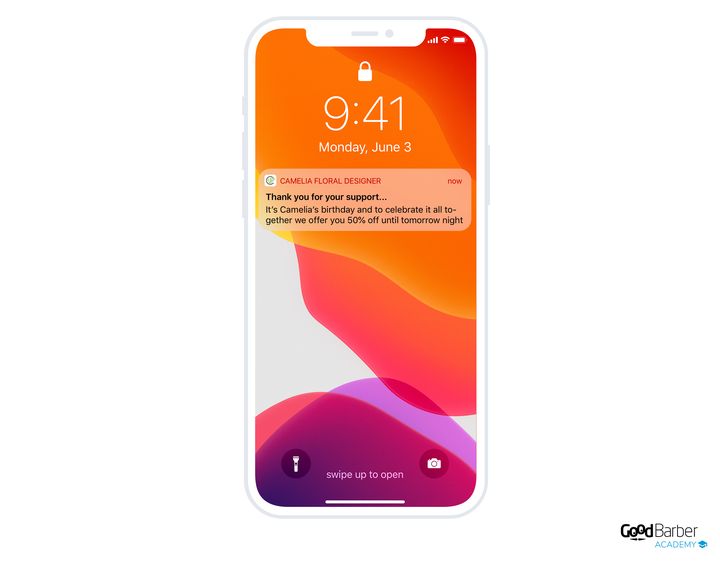
## Att korta köpresan
De tre verktygen i det här kapitlet är tillägg, som ska läggas till i din app innan du kan ställa in dem. Det är goda nyheter redan i konstruktionen, eftersom din köpresa bara bär det din verksamhet kräver, men det är också ett steg värt att känna till: så länge tillägget inte har lagts till väntar inte den motsvarande inställningen på dig någonstans. Deras sida, i Extensions Store, visar priset som gäller för din app.
### Snabbköpsknappen
Smidig navigering och en snabb utcheckning är de två villkoren för att en Shopping App ska lyckas. I stället för att tvinga dina kunder att öppna varje produktsida ska du låta dem köpa direkt ur en lista.
Dina kunder väljer snabbare, köper oftare, och din konverteringsgrad stiger.
Funktionen passar särskilt billiga produkter eller vardagsvaror. I en livsmedelsbutik vet dina kunder vad de vill ha: att gå in i varje produkts detaljvy innan de lägger den i varukorgen har inget intresse för dem.
Inom kosmetik kommer dina kunder ofta tillbaka för att köpa varor de redan känner till, och behöver inte läsa sidan igen. En köpknapp placerad direkt på startskärmen kan också utlösa en impuls på en framhävd produkt.
Det underliggande värdet ligger där: kunden lämnar aldrig sidan hen befinner sig på, ser alltså fler produkter, och varukorgen växer.
När tillägget väl är tillagt tillämpas knappen som ett visningsalternativ i din katalog: den dyker upp i varje produkts cell i listan, och du bestämmer den på avsnittets designnivå.
### Varukorgspåminnelsen
När en kund kommer tillbaka till din app och varukorgen innehåller varor från ett tidigare besök låter en popup hen gå direkt till utcheckningen. Det är det enklaste sättet att föra ett redan påbörjat köp i hamn.
Funktionen finns även på dator. Där ser kunden sin varukorg bara genom att hålla muspekaren över den, och popupen öppnas automatiskt vid återkomsten om varukorgen innehåller varor.
### Knappen ”Buy again”
Den lägger alla produkter från en befintlig order i varukorgen med ett klick. Dina kunder upprepar en order utan att bygga om den.
Den passar särskilt livsmedelsverksamheter och restauranger, där samma order återkommer ofta, och den höjer din andel återkommande köp.
En detalj som spelar roll för styrningen: knappen identifieras som en förvärvskanal i orderhistoriken. Du kan alltså följa återkommande köp och analysera dina lojala kunders beteende, i stället för att bara konstatera att de kommer tillbaka.
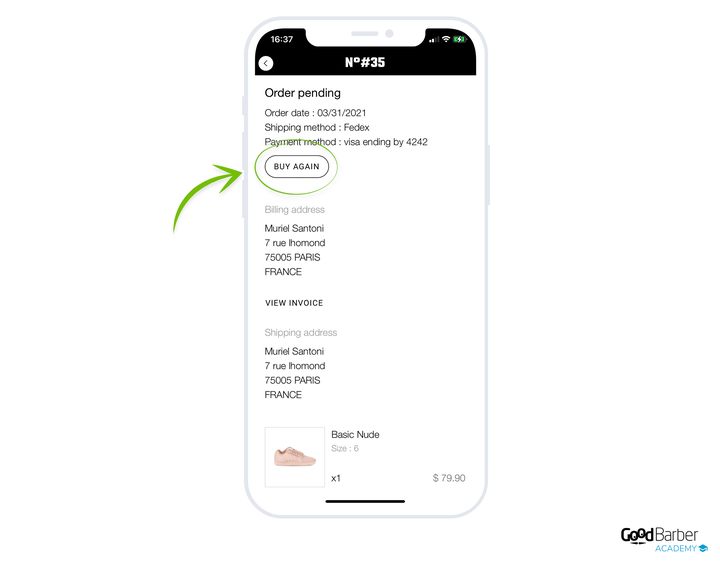
## Lojalitetsprogrammet
### Vad det gör
De tre föregående verktygen verkar på ett besök. Lojalitetsprogrammet verkar på nästa: dina kunder samlar poäng genom att köpa, och de poängen förvandlas till en rabatt. Det är det enda verktyget i den här guiden som arbetar över tid.
Det är ett tillägg, och dess sida visar priset som gäller för din app. När det väl är tillagt väntar det på dig i Marketing › Loyalty › Loyalty program, i två flikar, regler och belöning.
### Reglerna, eller hur poäng tjänas in
Regelfliken går tillbaka på en mening att fylla i: dina kunder får ett visst antal poäng när de handlat för ett visst belopp. Du sätter båda, och du döper dina poäng till vad du vill. Poäng, stjärnor, bönor: ordet tillhör ditt varumärke.
Förhållandet mellan de två avgör effekten. En poäng per euro läses utan ansträngning. Tio poäng per euro ger större tal, alltså ett intryck av snabbare framsteg för exakt samma värde. Välj efter vad du är ute efter, men håll räkningen enkel: en kund som måste ta fram miniräknaren är inte med i leken.
Samma flik ställer in **poängens utgång**. Du väljer mellan ingen utgång, tre månader, sex månader, ett år och två år, med ett **påminnelsemejl** som skickas en vecka, två veckor, en månad eller två månader före tidsfristen.
En utgång är inget straff, det är det som ger ett skäl att komma tillbaka nu. I en vardagsverksamhet håller en kort tidsfrist rytmen uppe. Vid sällanköp utplånar samma tidsfrist programmet innan det hunnit tjäna något syfte: ställ den mot din verkliga köpfrekvens, inte mot en löptid som känns rimlig. Och om du sätter en ska du behålla påminnelsemejlet, det är det som förvandlar en tidsfrist till ett besök.
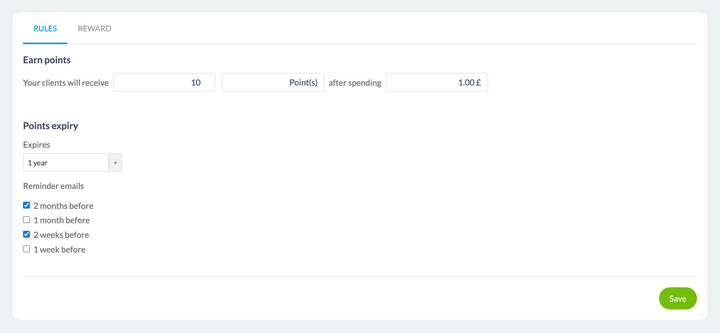
### Belöningen, eller vad poängen är värda
Belöningsfliken avgör vad kunden får. Du sätter först **antalet poäng som krävs** för att generera en kupong, och sedan beskriver du nedsättningen precis som du skulle beskriva en rabattkod: typ av rabatt, fast belopp eller procentandel, och vad den gäller, hela ordern, en bestämd produkt, en eller flera kollektioner, en eller flera taggar.
Två fält tjänar din administration snarare än din kund: ett kodprefix, som låter dig känna igen lojalitetskuponger med en blick, och ett namn som bara syns för dig.
Det är där det här kapitlet möter det första: belöningen är en rabattkupong. Allt som sagts ovan gäller alltså här, med början i avvägningen mellan en procentandel och ett belopp utifrån dina priser.
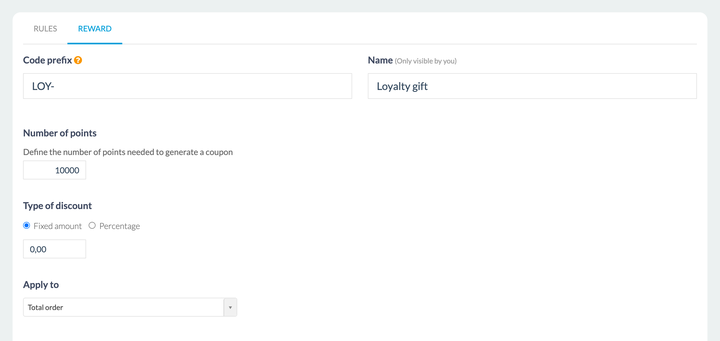
### Inställningen som avgör
Tre tal svarar varandra: vad en spenderad euro är värd, hur många poäng som krävs, och vad belöningen är värd. Det är deras förhållande som utgör mekanismen, aldrig deras värde taget för sig.
Det användbara riktmärket ryms i en fråga: efter hur många order plockar en stamkund ut sin första belöning? För tidigt, och du ger en rabatt till någon som ändå hade kommit tillbaka. För sent, och ingen når tröskeln och programmet ger ingenting. Utgå från din verkliga köpfrekvens och ställ den första belöningen mot en kund som redan kommer tillbaka: det är hen du försöker behålla.
---
# Få ordning på dina order
Source: https://se.goodbarber.com/academy/orders/
---
title: "Få ordning på dina order"
description: "Följa dina order, informationen som skickas till kunden vid varje steg, och återvinningen av övergivna order."
canonical_url: "https://se.goodbarber.com/academy/orders/"
lang: sv
---
# Få ordning på dina order
Orderhanteringen är ögonblicket då din kund bedömer hur seriös du är. Den här guiden täcker uppföljningen av de order du tar emot, informationen som skickas till kunden vid varje steg, och återvinningen av övergivna order.
## Följa dina order
### Ordertabellen
Dina order samlas i Orders › Orders list, under tre flikar:
- **Pending**: alla dina pågående order, oavsett om de är nya, under förberedelse, eller redan överlämnade till fraktbolaget.
- **Closed**: de order som nått kunden eller hämtats av denne.
- **Canceled**: de order som avbrutits, av dig eller av kunden.
Varje inkommande order landar automatiskt i fliken Pending. Sedan är det upp till dig att flytta fram dess status, från kolumnen **Status** i tabellen:
- **Pending**: ordern har bekräftats och betalats av kunden.
- **Processed**: ordern har förberetts och överlämnats till fraktbolaget.
- **Delivered**, eller **Finished** för en order som hämtats via Click & Collect: kunden har sin order. Formuleringen följer leveranssättet som valdes vid köpet, och de två ligger sida vid sida i samma lista.
- **Canceled**: du eller kunden avbröt ordern.
**Fliken Pending och statusen Pending är inte samma sak**, även om de delar namn. Fliken samlar allt som pågår, inklusive order som redan flyttats till Processed; statusen omfattar bara order som ännu inte förberetts.
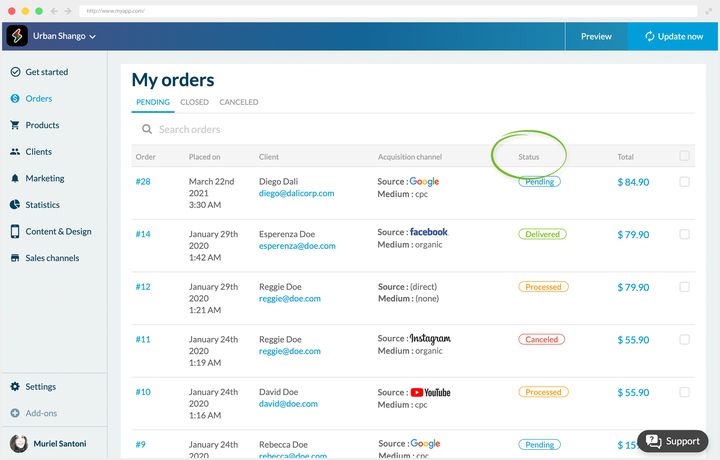
### Förvärvskanaler
Detaljerna för en order talar också om vilken kanal din kund kom in via. Blocket med förvärvskanaler bär två rader, första interaktionen och sista interaktionen, var och en med sitt datum, sin källa, sitt medium och sin kampanj.
Den dubbla avläsningen är det som gör informationen användbar: den första kontakten talar om vad som rekryterar, den sista talar om vad som utlöser köpet. Det är sällan samma kampanjer.
### Fyra vanor för orderhantering
Orderhantering kräver noggrannhet och regelbundenhet, oavsett om du är ensam eller i ett team.
- Håll koll på antalet order som ska skickas, så att du inte blir överväldigad.
- Hantera varje order snabbt, men utan att jäkta.
- Undvik förseningar, vars följder syns direkt i intäkterna.
- Ta hand om dina strategiska kunder.
### Hantera order utan dator
De vanorna förutsätter att du har back office till hands, vilket beskriver en handlares dag ganska illa. I köket, i butiken, i lagret går ingen tillbaka och sätter sig framför en skärm för varje inkommande order.
**Shop Companion** är appen som svarar på det. Dina order kommer in där i realtid, grupperade per dag, med upphämtningsluckan när du erbjuder sådana.
Du hittar samma tre flikar som i back office, så ingen behöver lära sig två system. Att öppna en order ger hela detaljbilden, och statusen ändras från samma skärm.
Ditt lager kan rättas till på plats också, i det ögonblick du upptäcker bristen i stället för i slutet av dagen.
Det är också det som gör uppföljningen genomförbar för flera personer: den som förbereder ordern är inte nödvändigtvis den som har åtkomst till back office, och behöver inte längre vara det.
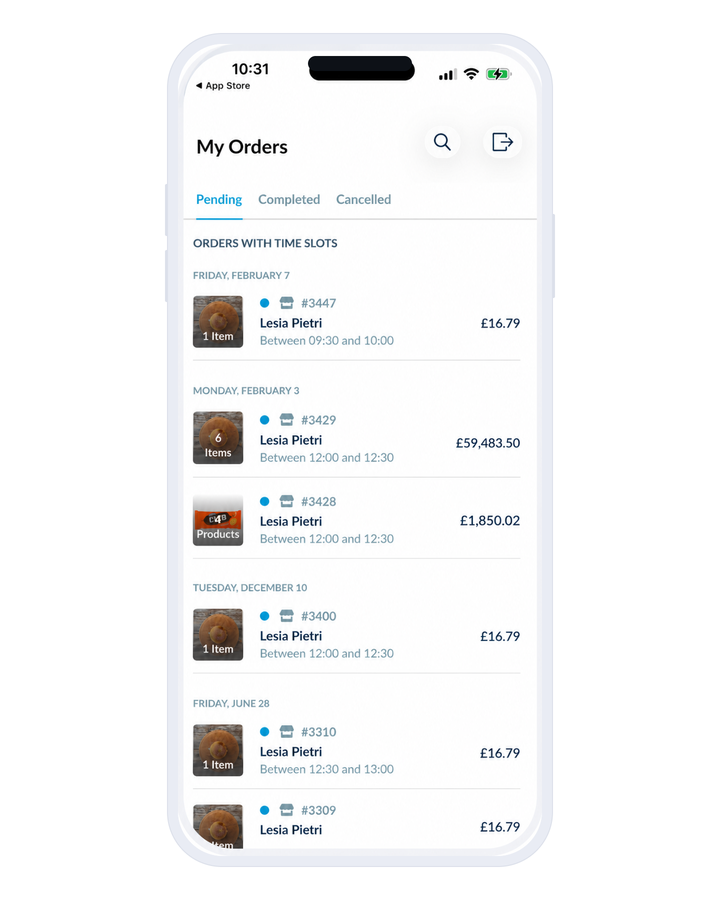
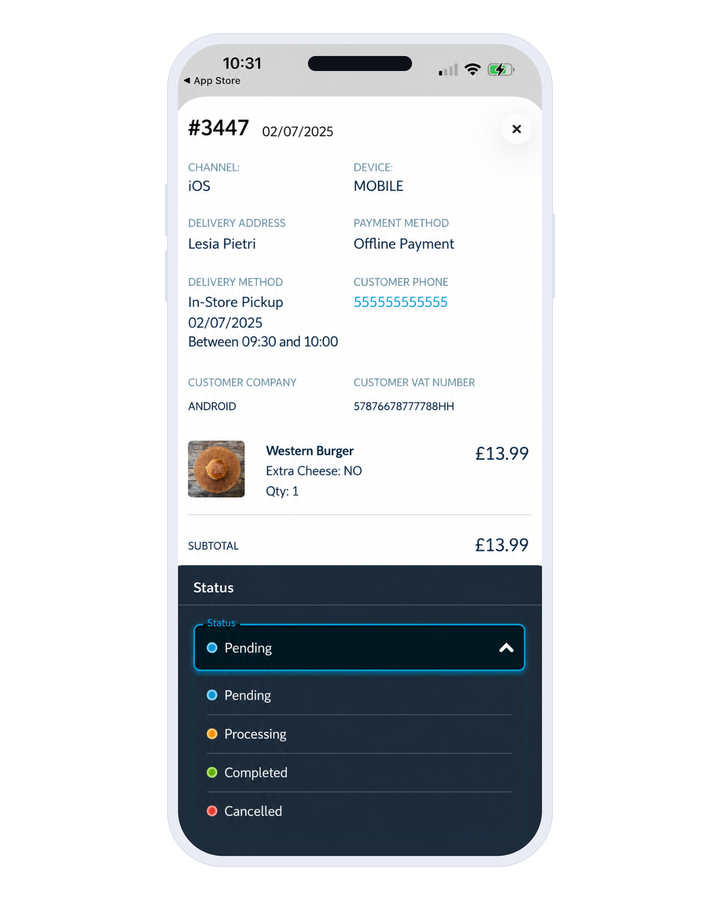
## Hålla dina kunder informerade
Mejl och push-meddelanden går ut automatiskt vid varje steg i processen:
- när ordern bekräftas
- när den behandlas
- när den avbryts
Meddelandet om behandling finns i tre versioner, en per leveranssätt: fraktbolag, Click & Collect och lokal leverans efter postnummer. Du meddelar en avsändning, en upphämtning eller en avlämning, som inte kräver samma ord.
De här aviseringarna **kan inte stängas av**, men deras innehåll kan redigeras. Du kan alltså anpassa dem helt och hållet och sätta dem i din butiks färger.
Deras texter redigeras i Settings › Email templates för mejlen, och i Settings › Push template för aviseringarna. Båda skärmarna täcker samma orderhändelser.
Glöm inte variablerna, som låter dig tilltala varje kund vid namn.
Här är ett exempelmejl att inspireras av.
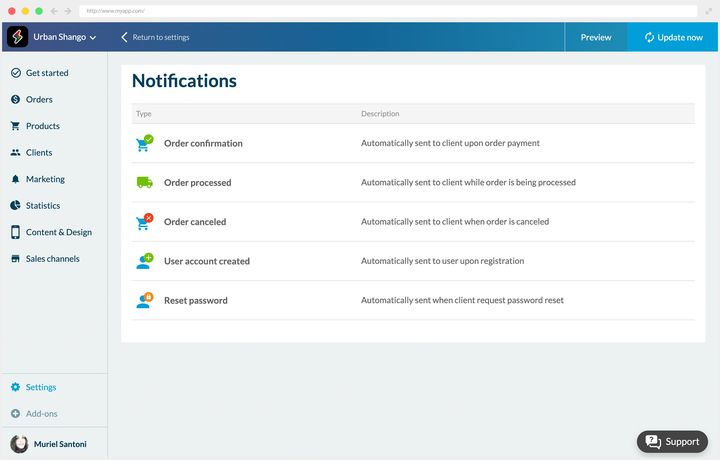
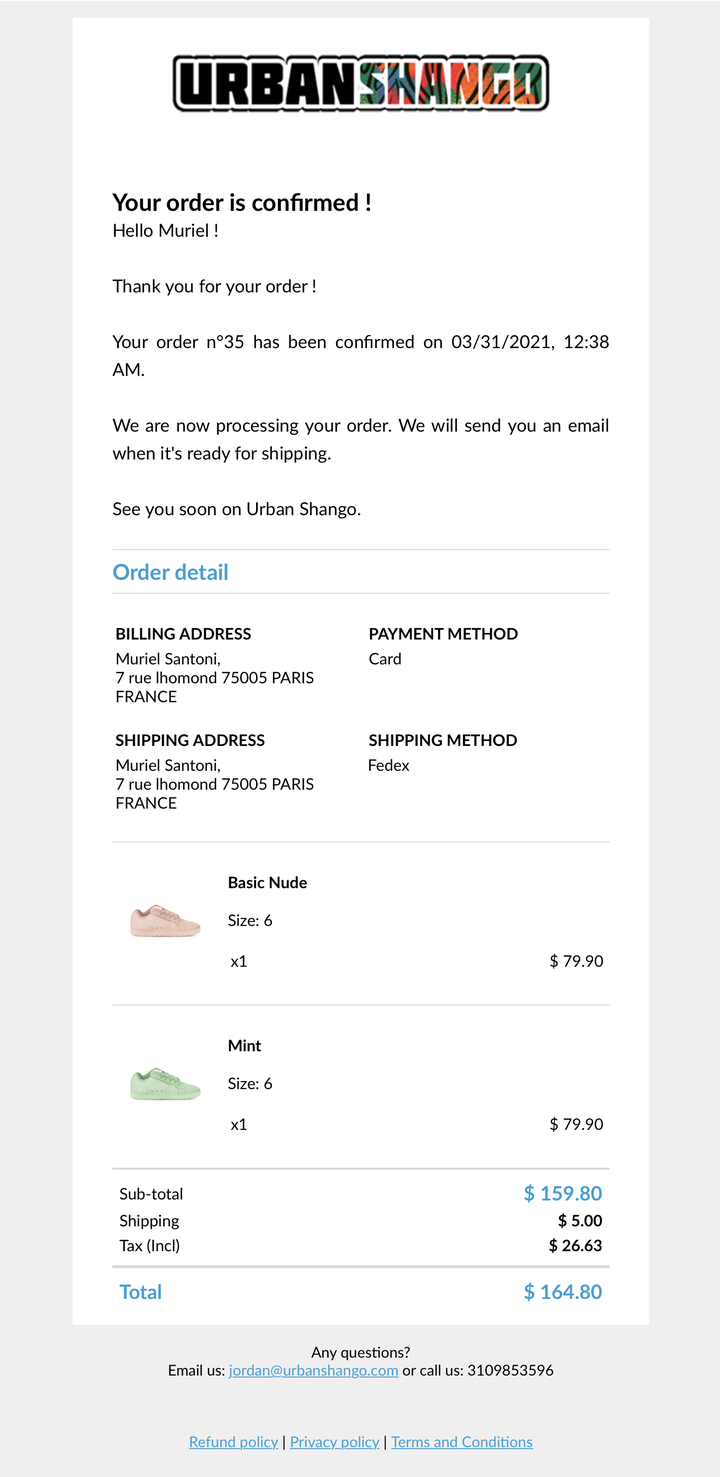
## Övergivna order
### Varför ta hand om dem
När en kund påbörjar en order utan att slutföra den registreras den i Orders › Abandoned orders.
Tre saker att veta för att läsa den listan rätt. En order hamnar där bara om kunden **påbörjat betalningen**: en varukorg som fyllts och sedan lämnats därhän syns inte. Betalsessionen går ut efter en timme. Och skärmen visar **de senaste två månaderna**.
En mycket stor andel av besökarna i en nätbutik når aldrig fram till slutet av köpresan. Det är frustrerande, just för att de personerna var intresserade och nära att avsluta.
De vanligaste skälen till att hoppa av:
- de jämförde dina priser med dina konkurrenters
- fraktkostnaderna höll dem tillbaka
- de funderar fortfarande
Inget av de tre skälen är ett slutgiltigt nej, och det är det som motiverar en påminnelse.
Tillägget **Abandoned Orders Recovery** låter dig skicka, från den listan, ett mejl, ett push-meddelande, eller båda.
### Få påminnelsen att fungera
Meddelandena som hör till de åtgärderna kan anpassas, och det rekommenderas starkt att du gör det.
**Ämnesraden.** Det är den som avgör om meddelandet öppnas, så var noga med den.
- Anpassa den efter kunden, med hens namn till exempel.
- Nämn minst en produkt ur varukorgen. Det tar längre tid att förbereda, men det är det som skiljer en påminnelse från ett automatiskt utskick.
**Innehållet.** Det här rådet gäller framför allt mejlet, eftersom push-meddelandet är mycket kortare.
- Sammanfatta varukorgen, med listan över produkter och ordersumman.
- Lägg till en knapp som tydligt tar kunden tillbaka till sin varukorg.
**Tajmningen.** Det finns ingen fast regel. Vissa påminner inom en minut, andra väntar flera dagar. Luta dig mot informationen i ditt back office för att avgöra: kundens köpfrekvens, värdet på hens varukorg. Erfarenheten skärper ditt omdöme.
### Två påminnelsekampanjer
De två exemplen nedan visar att rätt rytm beror helt och hållet på verksamheten.
**En klädbutik.** Hos Léonie Apparel kommer den övergivna ordern från en lojal kund som har beställt flera gånger tidigare. Hon känner alltså till våra priser och våra fraktkostnader: vi drar slutsatsen att hon fortfarande tvekar, eller att hon inte hann bli klar.
Första påminnelsen samma dag, via push-meddelande, för dess snabbhet och dess synlighet.
Om inget händer, andra påminnelsen dagen därpå, via mejl den här gången. Innehållet är fylligare och sammanfattar hela ordern, vilket kan väcka impulsen till liv igen.
En tredje och sista påminnelse kommer därefter om det behövs.
**En restaurang.** Förutsättningarna ändras helt: säljfönstret är mycket kort, eftersom kunden höll på att beställa sitt nästa mål mat.
Vi skickar därför ett sammanfattande mejl och ett mer direkt push-meddelande ungefär 30 minuter efter avhoppet.
Sedan en andra push-påminnelse en timme senare.
Tre dagar i det ena fallet, en timme i det andra. Det avgörande är inte varukorgens värde, utan hur länge behovet lever.
---
# Vanliga frågor
Source: https://se.goodbarber.com/faq/
---
title: "Vanliga frågor - GoodBarber"
description: "Är du nybörjare på att skapa en app med GoodBarber? Upptäck våra vanligaste frågor."
canonical_url: "https://se.goodbarber.com/faq/"
lang: sv
---
# Vanliga frågor - GoodBarber
GoodBarber FAQ
# Saker att veta för att skapa en app med GoodBarber
[Ställ din fråga](https://se.goodbarber.com/faq/#ask)
### Vad är en native-app?
En native-app är en app som är byggd på modersmålet för den enhet som den ska installeras på. Appen är snabb, smidig och ger en enastående användarupplevelse. GoodBarbers iOS- och Android-appar är 100 % inbyggda.
### Vad är en PWA?
En Progressive Web App fungerar i en webbläsare. Den kombinerar det bästa från webbkoncept och mobilappar. GoodBarber genererar progressiva webbappar med Angular. På mobil, surfplatta, laptop och desktop erbjuder de en unik användarupplevelse.
### Äger jag innehållet som levereras via en GoodBarber-app?
GoodBarber är tekniken som gör att du kan skapa, organisera och leverera ditt innehåll till din publik: bilder, logotyp, ljudfiler, text och allt annat innehåll. Du är den enda ägaren av det innehåll som skapas genom vårt verktyg och kommer att förbli så.
### Fungerar min app offline?
Ja, både den inbyggda appen och PWA. När appen startas första gången cachas innehållet, vilket gör att det senare kan användas offline. Den inbyggda appen förlitar sig på iOS eller Androids SDK-funktioner medan PWA förlitar sig på den servicearbetare som konfigureras i webbläsaren. PWA:er fungerar offline i alla webbläsare utom Safari.
### Kan jag skapa ett domännamn för min webbapp?
Ja, alla domäntillägg hanteras. Du kan tilldela ett domännamn till din PWA och dina användare kommer därmed att komma åt den via den URL som du väljer.
### Hur kan jag optimera SEO för min PWA?
Hanteringsgränssnittet låter dig redigera de viktigaste html-taggarna för din PWA. Varje sida har också sin egen URL och GoodBarber-ingenjörerna har utformat koden på ett sådant sätt, tillsammans med att minska genereringstiden så att indexeringen av sökmotorer optimeras.
### Hur lång tid tar det att skapa min app?
Några timmar tack vare de modeller, bilder, innehåll och andra element som står till ditt förfogande med GoodBarber. Det kan ta längre tid om du bestämmer dig för att utforska verktyget ytterligare och utforska de oändliga anpassningsmöjligheter som det erbjuder.
### Hur lång tid tar det innan min app är online?
För en Play Store-publicering kan du räkna med cirka 24 timmar.
iOS-versionen av din app byggs och publiceras av oss, under ditt Apple-utvecklarkonto. För att säkerställa att ditt projekt följer App Stores [riktlinjer](https://developer.apple.com/app-store/review/guidelines/) gör våra team en grundlig genomgång av din app innan de börjar med inlämningsprocessen. Detta steg, som är obligatoriskt innan du skickar in till App Store, kräver mänsklig inblandning. Vi åtar oss att utföra detta steg inom 72 arbetstimmar. Det kan ta flera dagar för Apple att granska din ansökan och publicera den i App Store.
Din PWA kommer att vara tillgänglig från ditt domännamn bara några timmar efter att den har konfigurerats.
### Kommer min app fortfarande att fungera efter att min iPhone eller Android-telefon har uppdaterats?
Ja, våra ingenjörer arbetar för att säkerställa att din app fungerar sömlöst med varje utveckling av din telefons operativsystem. Du behöver bara se till att du uppdaterar din app med den senaste versionen av GoodBarber-tekniken.
### Finns det några begränsningar för antalet användare som jag bör känna till?
Många GoodBarber-applikationer har mer än en miljon användare. Vår tekniska infrastruktur är dimensionerad för att stödja stora trafikvolymer. Det finns ingen gräns för hur många användare som kan ladda ner och visa din app, och varje app har tillgång till minst 10 GB lagringsutrymme (beroende på ditt erbjudande), vilket är mycket mer än det utrymme som vanligtvis används.
### Hur kan jag tjäna pengar på min app?
Det finns flera sätt att tjäna pengar på din app.
Annonsering: Du kan visa reklam i din innehållsapp, antingen via ett externt annonsnätverk eller genom att använda vår interna annonsserver.
Prenumerationer: Du kan tjäna pengar på ditt innehåll med vårt tillägg Medlemskap. Det gör att du kan erbjuda premiuminnehåll som är reserverat för medlemmar som köpt ett av dina prenumerationspaket. Du har total kontroll och kan ställa in de prenumerationsregler som passar ditt företag bäst.
Betald app: Du kan också publicera en betalapp på App Store och Play Store. GoodBarber tar ingen provision på de intäkter som genereras från din app.
Sälj produkter: Med våra e-handelslösningar kan du sälja dina produkter online, lokalt eller över hela världen. Perfekt för livsmedelsbutiker, restauranger, återförsäljare och mycket mer, du kommer enkelt att generera intäkter tack vare flera onlinebetalningsalternativ såväl som offlinealternativ.GoodBarber tar ingen provision på de intäkter som genereras från din app.
### Hur kan jag få hjälp med att skapa min app?
Du kan komma i kontakt med GoodBarber-teamet när du behöver det, direkt från administrationsgränssnittet i din app. I ditt backoffice kan du också bläddra igenom vår användarhandbok, liksom vår blogg som är full av värdefulla råd för att ta din app till nästa nivå
### Kan jag publicera min app under testperioden?
Du behöver en prenumeration för att publicera din app i Stores. Den kostnadsfria 30-dagars testperioden ger dig möjlighet att utforska alla våra funktioner för att se om vår plattform passar ditt projekt. Under denna period kommer du också att kunna bygga och testa din app.
### Kan GoodBarber bygga anpassade funktioner åt mig?
GoodBarber är en Do It Yourself (DIY)-plattform, vilket innebär att vi inte skapar appar eller bygger anpassade funktioner för våra kunder. Tack vare din feedback förbättrar vi dock ständigt vår produkt genom att lägga till nya funktioner.
### Behöver jag skapa 3 olika appar: PWA, Android, iOS?
Nej, det behöver du inte. Tack vare GoodBarbers hanteringsgränssnitt, backoffice, kan du skapa dina PWA- och Native iOS- och Android-appar från ett enda verktyg.
### Kan jag skräddarsy min app?
Du har möjlighet att lägga till plugins eller lägga till din egen kod i HTML-avsnittet. I ditt backoffice kan du bläddra igenom utvecklaravsnittet i vår användarhandbok eller kontakta GoodBarber-teamet för mer information om hur du anpassar din app.
## Behöver du mer information?
### Ställ dina frågor direkt till oss
---
# Supportteam
Source: https://se.goodbarber.com/support-team/
---
title: "GoodBarber kundsupport: svar inom en arbetsdag, hjälp dygnet runt"
description: "Skriv till GoodBarbers support på ditt eget språk och få svar inom en arbetsdag. Utanför kontorstid svarar en assistent dygnet runt utifrån onlinehjälpen."
canonical_url: "https://se.goodbarber.com/support-team/"
lang: sv
---
# GoodBarber kundsupport: svar inom en arbetsdag, hjälp dygnet runt
Kundsupport
# GoodBarbers kundsupport: en riktig människa svarar inom en arbetsdag
Skriv till oss på ditt eget språk, så svarar vi på det – eller på engelska om vi inte täcker det. Måndag till fredag.
Vi svarar inom en arbetsdag, varje gång: en förfrågan som skickas på fredagskvällen får sitt svar under måndagen. Utanför kontorstid svarar assistenten i ditt backoffice direkt utifrån onlinehjälpen och öppnar ett ärende till teamet när din fråga går längre. Varje konversation stannar i ditt backoffice, så ingenting behöver förklaras två gånger.
[Kontakta supporten](https://se.goodbarber.com/login/)[Till onlinehjälpen](https://se.goodbarber.com/help/)
Supporten i korthet
Svarstid
En arbetsdagMåndag till fredag, på varje förfrågan
Språk
Skriv på ditt egetVi svarar på det, annars på engelska
Hjälp direkt
Dygnet runtEn assistent som utgår från onlinehjälpen
Historik
Sparad i ditt backofficeVarje konversation, med sitt sammanhang
## Supporten i korthet
Fakta, rakt på sak: svarstid, språk, hjälp direkt, kanaler och historik.
Svarstid
**Inom en arbetsdag**Teamet arbetar måndag till fredag. En förfrågan som skickas på fredagskvällen får sitt svar under måndagen.
Språk
**Skriv till oss på ditt eget språk**Vi svarar på det – eller på engelska om vi inte täcker det.
Hjälp direkt, när som helst
**En assistent svarar dygnet runt**Den är inbyggd i ditt backoffice och svarar utifrån onlinehjälpen. När det inte räcker öppnar den ett ärende till teamet.
Kanaler
**Supportmeddelandena i ditt backoffice**Du når oss också via onlinehjälpen och videoguiderna.
Konversationshistorik
**Sparad i ditt backoffice**Varje utbyte ligger kvar där, så du behöver aldrig förklara dig två gånger.
Publicering i butikerna
**Ett eget team, GBTC**Det sköter inlämningen av din app till App Store och Google Play.
## Supportens resultat, uppmätta
Siffror vi mäter själva, var och en med perioden de omfattar och datumet för senaste uppdatering.
Kundnöjdhet (CSAT)
93,37 %
av omdömena om supporten är positiva
Baserat på 2 505 omdömen som lämnats mellan mars och augusti 2026 av kunder som betygsatt sin kontakt med supporten. Senast uppdaterad: september 2026.
Publicering i butikerna
91 %
av de förstagångsinlämningar som Apple avvisar blir till slut godkända
Interna GBTC-siffror för de senaste 12 månaderna. Senast uppdaterad: april 2026.
## Så når du supportteamet
Tre sätt att få hjälp, alla ingår i ditt abonnemang.
Snabbast
### Supportmeddelanden
Logga in på ditt GoodBarber-backoffice och öppna supportmeddelandena. Teamet svarar dig just där, och hela konversationen ligger kvar på ditt konto.
Dygnet runt
### Inbyggd assistent
I backofficets meddelanden svarar assistenten direkt utifrån onlinehjälpen – när som helst, även på helgerna. När din fråga går längre öppnar den ett ärende till teamet.
Självbetjäning
### Onlinehjälp
Steg-för-steg-guider och svar, online och tillgängliga när som helst, på ditt språk.
Publicering i butikerna
## Publicering i butikerna: det sköter vi
Att ta sig igenom granskningen hos App Store och Google Play är ett av de knepigaste stegen när en app ska lanseras. Vårt GBTC-team ”GoodBarber Takes Care” lämnar in din app till båda butikerna och hanterar eventuella avslag tills den är godkänd.
[Mer om publiceringstjänsten](https://se.goodbarber.com/app-publishing-service/)
## Dina frågor om supporten
Raka svar på det som oftast frågas om GoodBarbers support.
**Behöver du en hand?**
Nå teamet via supportmeddelandena i ditt backoffice, eller titta i [onlinehjälpen.](https://se.goodbarber.com/help/)
Hur snabbt svarar GoodBarbers support?
GoodBarber svarar inom en arbetsdag. Teamet arbetar måndag till fredag, så en förfrågan som skickas på fredagskvällen får sitt svar under måndagen. När som helst, även på helgerna, svarar assistenten i ditt backoffice direkt utifrån onlinehjälpen och öppnar ett ärende till teamet när din fråga går längre. Varje konversation sparas i ditt backoffice: när teamet tar över finns sammanhanget redan där, och du behöver aldrig förklara dig två gånger.
Är kunderna nöjda med GoodBarbers support?
93,37 % av de kunder som betygsatt sin kontakt med supporten säger att de är nöjda, baserat på 2 505 omdömen insamlade mellan mars och augusti 2026.
Vilka språk finns GoodBarbers support på?
Skriv på det språk du vill: vi svarar på det, eller på engelska om vi inte täcker det. Teamet självt svarar på engelska, franska, italienska, spanska och portugisiska.
Hur kontaktar jag GoodBarbers support?
Logga in på ditt GoodBarber-backoffice och öppna supportmeddelandena: det är den snabbaste vägen, och konversationen ligger kvar på ditt konto. Den inbyggda assistenten svarar där direkt utifrån onlinehjälpen och öppnar ett ärende till teamet när det behöver gå längre. Onlinehjälpen är tillgänglig när som helst.
Kan jag få hjälp utanför kontorstid?
Ja. Assistenten i ditt backoffice svarar dygnet runt, även på helgerna, utifrån onlinehjälpen. När din fråga går utöver vad den klarar öppnar den ett ärende: teamet tar över och svarar inom en arbetsdag.
Hjälper GoodBarber till att publicera min app i App Store och Google Play?
Ja. Ett eget team (GBTC, ”GoodBarber Takes Care”) sköter inlämningen av din app till App Store och Google Play. När Apple avvisar en förstagångsinlämning går teamet in och får 91 % av dem godkända (interna siffror, senaste 12 månaderna, uppdaterade i april 2026).
Ingår supporten i GoodBarber-abonnemanget?
Ja. Supporten och onlinehjälpen ingår i ditt GoodBarber-abonnemang utan extra kostnad.
## En riktig människa svarar dig inom en arbetsdag
Öppna supportmeddelandena från ditt backoffice: assistenten svarar direkt, och teamet tar över så snart det behövs.
[Kontakta supporten](https://se.goodbarber.com/login/)[Till onlinehjälpen](https://se.goodbarber.com/help/)
---
# MCP (Model Context Protocol)
Source: https://se.goodbarber.com/glossary/mcp/
---
title: "Vad är MCP? Model Context Protocol förklarat"
description: "MCP (Model Context Protocol) enkelt förklarat: vad det är, hur AI-assistenter använder det för att nå riktiga appar och data, och vad det betyder för dig."
canonical_url: "https://se.goodbarber.com/glossary/mcp/"
lang: sv
---
# Vad är MCP? Model Context Protocol förklarat
[Tillbaka till ordlistan](https://se.goodbarber.com/glossary/)
# MCP (Model Context Protocol)
MCP (Model Context Protocol) är en öppen standard som låter AI-assistenter som Claude eller ChatGPT ansluta till externa applikationer och datakällor via ett gemensamt gränssnitt. En applikation som exponerar en MCP-server kan läsas och styras av dessa assistenter på ett kontrollerat sätt.
## Därför är det viktigt
AI-assistenter håller på att bli ett verkligt gränssnitt mot mjukvara: människor ställer en fråga, och assistenten gör jobbet bakom kulisserna. Före MCP krävde varje koppling mellan en assistent och ett verktyg skräddarsydd utveckling. Med MCP kan varje assistent som talar protokollet arbeta med varje tjänst som exponerar det, och det är därför standarden har spridit sig så snabbt i AI-ekosystemet.
## Så fungerar det
En tjänst publicerar en MCP-server som beskriver en uppsättning verktyg: typade åtgärder som "lista produkter", "skapa en artikel" eller "uppdatera ett pris". En AI-assistent ansluter till servern, upptäcker de tillgängliga verktygen och anropar dem när en konversation kräver det, och använder resultaten som underlag för sina svar. Användaren behåller kontrollen: anslutningen godkänns uttryckligen, och servern definierar exakt vad assistenten får se och göra. Ingenting sker utanför de verktyg som servern väljer att exponera.
## Ett konkret exempel
Anta att du driver en butiksapp på GoodBarber. Du ansluter Claude till den och frågar sedan: "Vilka produkter är nästan slut i lager? Skriv ett utkast till en kampanjartikel för de tre som säljer sämst." Assistenten upptäcker appens MCP-verktyg, läser katalogen, skriver utkastet i CMS:et och rapporterar tillbaka, allt i en och samma konversation. Ingen integration har kodats för detta: MCP-servern beskriver vad som är möjligt, och assistenten komponerar resten.
## Så förhåller sig GoodBarber till detta
Varje GoodBarber-app levereras med en egen MCP-server. Du kan ansluta Claude, ChatGPT eller vilken MCP-kompatibel assistent som helst till appens back office och hantera innehåll, produkter eller inställningar genom att helt enkelt be om det. [Anslut din app till en AI-assistent](https://se.goodbarber.com/mcp/) för att se det i praktiken, eller följ [den kompletta MCP-guiden](https://se.goodbarber.com/mcp-complete-guide/).
## Vanliga frågor
Vad står MCP för?
MCP står för Model Context Protocol, en öppen standard som Anthropic introducerade 2024 och som sedan dess har antagits av de stora AI-assistenterna. Den definierar ett gemensamt sätt för assistenter att upptäcka och anropa de funktioner en tjänst väljer att exponera.
Måste jag vara utvecklare för att använda MCP?
Nej. När en plattform tillhandahåller en färdig MCP-server är det ett konfigurationssteg att ansluta en assistent, inte ett kodprojekt. I GoodBarber ansluter du din assistent till din app med en URL, utan att skriva en enda rad kod.
Är det säkert att ansluta en AI-assistent till min app?
Anslutningen är uttrycklig och avgränsad. En assistent ser bara de verktyg som servern väljer att exponera, du godkänner anslutningen själv, och du kan återkalla den när som helst. Betrakta verktygslistan som säkerhetsgränsen: det som inte exponeras kan inte röras.
## Användbara länkar
- [Anslut din app till ChatGPT och Claude med MCP](https://se.goodbarber.com/mcp/)
- [Den kompletta MCP-guiden](https://se.goodbarber.com/mcp-complete-guide/)
- [Styr din app med en AI-agent via Zapier MCP](https://www.goodbarber.com/blog/zapier-mcp-goodbarber-drive-your-app-with-an-ai-agent-a1457/)
## Relaterade termer
- [IA-agent](https://se.goodbarber.com/glossary/#ai_agent)
- [Agentiskt arbetsflöde](https://se.goodbarber.com/glossary/#agentic_workflow)
- [Chatbot AI](https://se.goodbarber.com/glossary/#ai_chatbot)
- [API](https://se.goodbarber.com/glossary/#api)
---
# Pushnotis
Source: https://se.goodbarber.com/glossary/push-notification/
---
title: "Vad är ett push-meddelande? Definition och exempel"
description: "Vad push-meddelanden är, hur de fungerar på iOS och Android och hur du använder dem för att få användarna tillbaka till din app utan att vara påträngande."
canonical_url: "https://se.goodbarber.com/glossary/push-notification/"
lang: sv
---
# Vad är ett push-meddelande? Definition och exempel
[Tillbaka till ordlistan](https://se.goodbarber.com/glossary/)
# Push-meddelande
Ett push-meddelande är ett kort meddelande som en app skickar direkt till användarens enhet och som syns på låsskärmen även när appen är stängd. Det är den mest direkta kanalen för återengagemang en mobilapp har.
## Därför är det viktigt
Till skillnad från e-post och sociala medier når ett push-meddelande användaren utan någon algoritm eller inkorg emellan. Rätt använt är det den starkaste retentionshävstången en appägare själv kontrollerar: det får användarna att komma tillbaka för nytt innehåll, en orderuppdatering eller ett erbjudande. Slarvigt använt är det också den snabbaste vägen till en avinstallation, och därför betyder träffsäkerhet och timing mer än volym.
## Så fungerar det
När en användare installerar en app och tackar ja till notiser registreras enheten hos plattformens leveranstjänst: APNs på iOS, FCM på Android. För att skicka ett meddelande lämnar appens server över innehållet till den tjänsten, som levererar det till enheten. Meddelanden kan skickas till alla, schemaläggas i förväg, riktas till segment eller utlösas automatiskt av en händelse, till exempel en övergiven varukorg. Ett meddelande kan bära en djuplänk, så att ett tryck öppnar en specifik skärm i appen i stället för startsidan.
## Ett konkret exempel
En bageriapp schemalägger ett push-meddelande till kl. 16: "Nybakat, direkt ur ugnen." Meddelandet går bara till kunder som har beställt under den senaste månaden, och det djuplänkar till förbeställningsskärmen. De ser det på låsskärmen lagom till fikat, trycker, och landar ett steg från kassan. Det är push när det är som bäst: rätt personer, rätt ögonblick, ett tryck från handlingen.
## Så förhåller sig GoodBarber till detta
Push-meddelanden är en kärnfunktion i GoodBarbers inbyggda appar. Du skriver och skickar dem från ditt back office, schemalägger dem, riktar dem till användarsegment eller automatiserar dem, och varje meddelande kan djuplänka till ett specifikt innehåll eller en specifik produkt. Se [Extension Store](https://se.goodbarber.com/extensions/) för allt som ingår i din app.
## Vanliga frågor
Fungerar push-meddelanden när appen är stängd?
Ja. Leveransen sköts av operativsystemet, inte av appen själv, så ett meddelande når enheten även om appen inte har öppnats på flera veckor. Det är precis det som gör push till referenskanalen för återengagemang.
Måste användarna tacka ja för att få push-meddelanden?
Ja. iOS har alltid krävt ett uttryckligt samtycke, och det gör även senare versioner av Android. Det är en styrka, inte en begränsning: en publik som har sagt ja är en publik som vill höra från dig.
Hur ofta bör en app skicka push-meddelanden?
Det finns ingen universell siffra: rätt frekvens är den som din publik accepterar i utbyte mot verkligt värde. Ett dagligt push-meddelande fungerar för en nyhetsapp men skulle sänka en butiksapp. Håll ögonen på två signaler, andelen som stänger av notiserna och öppningsgraden, och låt dem sätta ditt tak.
## Användbara länkar
- [GoodBarbers Extension Store](https://se.goodbarber.com/extensions/)
- [Teknik för inbyggda appar](https://se.goodbarber.com/native/technology/)
## Relaterade termer
- [Meddelanden i appen](https://se.goodbarber.com/glossary/#in_app_messaging)
- [Djup länk](https://se.goodbarber.com/glossary/#deep_link)
- [Kvarhållande av användare](https://se.goodbarber.com/glossary/#user_retention)
- [Geofencing](https://se.goodbarber.com/glossary/geofencing/)
---
# Progressiv webbapp (PWA)
Source: https://se.goodbarber.com/glossary/progressive-web-app/
---
title: "Vad är en progressiv webbapplikation (PWA)? Definition"
description: "Vad en progressiv webbapplikation är, hur en PWA skiljer sig från en inbyggd app och en klassisk webbplats, och när formatet passar ditt projekt."
canonical_url: "https://se.goodbarber.com/glossary/progressive-web-app/"
lang: sv
---
# Vad är en progressiv webbapplikation (PWA)? Definition
[Tillbaka till ordlistan](https://se.goodbarber.com/glossary/)
# Progressiv webbapplikation (PWA)
En progressiv webbapplikation (PWA) är en webbapp som beter sig som en mobilapp: den öppnas från en webbläsare, kan installeras på hemskärmen och fortsätter fungera med dålig eller obefintlig uppkoppling. Den kombinerar webbens räckvidd med appens upplevelse.
## Därför är det viktigt
En PWA nås via en enkel URL: ingen nedladdning från butiken, ingen installationströskel, och innehållet kan indexeras av sökmotorer. För ett företag betyder det en upplevelse som fungerar på alla enheter och kan delas som en länk. Den ersätter inte en inbyggd app på alla punkter, men den utökar din närvaro till alla användare som aldrig kommer att gå via en butik.
## Så fungerar det
Två delar av webbtekniken gör det mesta av jobbet. En service worker ligger mellan appen och nätverket och cachar innehåll så att sidorna laddas direkt och fortsätter fungera offline. Ett manifest (web app manifest) beskriver appens namn, ikon och färger, vilket låter webbläsaren föreslå installation på hemskärmen. Serverad över HTTPS startar PWA:n sedan i helskärm som vilken app som helst, samtidigt som den i grunden förblir en webbplats: en enda kodbas, alltid uppdaterad, ingen butiksgranskning som krävs.
## Ett konkret exempel
En kvartersrestaurang trycker en QR-kod på sin meny och delar samma länk på Instagram. Den som skannar den öppnar PWA:n direkt i webbläsaren: dagens meny, beställning, lojalitetskort. Webbläsaren erbjuder sedan att lägga till appen på hemskärmen, och från den stunden öppnas den i helskärm som vilken installerad app som helst. Ingen butik, ingen nedladdningströskel, en enda länk som gör en hel tratts jobb.
## Så förhåller sig GoodBarber till detta
Varje GoodBarber-app finns som inbyggda appar för iOS och Android och som en PWA, genererade från samma projekt och samma innehåll. Du hanterar en app; din publik väljer sin ingång. Läs om [GoodBarbers PWA-teknik](https://se.goodbarber.com/pwa/technology/) eller [skapa en PWA](https://se.goodbarber.com/pwa/create/).
## Vanliga frågor
Kan en PWA installeras som en vanlig app?
Ja. När de tekniska kraven är uppfyllda erbjuder webbläsaren att lägga till PWA:n på hemskärmen. Den får då en egen ikon och öppnas i helskärm, utan webbläsarens gränssnitt, precis som vilken installerad app som helst.
Är en PWA bättre än en inbyggd app?
De svarar på olika behov. En inbyggd app ger den djupaste integrationen med enheten och en närvaro i butikerna; en PWA ger direkt åtkomst utan nedladdning och kan indexeras på webben. Många projekt presterar bäst med båda, och det är därför GoodBarber genererar de två från ett och samma projekt.
Fungerar en PWA på iPhone?
Ja. Safari installerar en PWA från delningsmenyn med "Lägg till på hemskärmen", och den körs i helskärm som vilken app som helst. Stödet i iOS har fortsatt att förbättras genom åren; webbpush-meddelanden, den historiska luckan, stöds sedan iOS 16.4.
## Användbara länkar
- [GoodBarbers PWA-teknik](https://se.goodbarber.com/pwa/technology/)
- [Skapa en progressiv webbapplikation](https://se.goodbarber.com/pwa/create/)
## Relaterade termer
- [Servicemedarbetare](https://se.goodbarber.com/glossary/#service_worker)
- [Manifest för webbapplikationer](https://se.goodbarber.com/glossary/#web_app_manifest)
- [Inbyggd applikation](https://se.goodbarber.com/glossary/native-app/)
- [Hybrid tillämpning](https://se.goodbarber.com/glossary/#hybrid_app)
---
# Geofencing
Source: https://se.goodbarber.com/glossary/geofencing/
---
title: "Vad är geofencing? Definition och användningsfall"
description: "Geofencing förklarat: hur appar utlöser åtgärder när en användare går in i eller lämnar ett geografiskt område, med konkreta exempel för lokala företag."
canonical_url: "https://se.goodbarber.com/glossary/geofencing/"
lang: sv
---
# Vad är geofencing? Definition och användningsfall
[Tillbaka till ordlistan](https://se.goodbarber.com/glossary/)
# Geofencing
Geofencing är en platsteknik som utlöser en automatisk åtgärd, oftast ett push-meddelande, när en användares enhet går in i eller lämnar ett definierat geografiskt område.
## Därför är det viktigt
Ett budskap är betydligt mer effektivt när det kommer på rätt plats och i rätt ögonblick. Med geofencing kan ett lokalt företag tala till sina kunder precis när de är i närheten: en butik som annonserar ett erbjudande till människor runt kvarteret, en arena som välkomnar besökare när de anländer, en tjänst som påminner om en upphämtning när användaren närmar sig butiken. Det förvandlar plats till relevans.
## Så fungerar det
Appen definierar en eller flera virtuella zoner, var och en centrerad på koordinater med en given radie. Operativsystemet bevakar enhetens position med en energieffektiv blandning av GPS, Wi-Fi och mobilsignaler och meddelar appen när enheten korsar en zongräns. Appen reagerar då: skickar ett push-meddelande, visar innehåll eller registrerar besöket. Användaren måste ha gett platsbehörighet och kan när som helst dra tillbaka den.
## Ett konkret exempel
En butik definierar en zon som täcker shoppinggatan runt omkring. Kunder som har installerat dess app och tillåtit platsåtkomst får ett välkomstmeddelande när de går in i zonen under öppettiderna: "Du är två minuter bort, den nya kollektionen har just kommit in." Samma mekanism påminner en click and collect-kund om att beställningen är redo när kunden närmar sig butiken.
## Så förhåller sig GoodBarber till detta
GoodBarbers Geofencing-tillägg skickar push-meddelanden baserat på var dina användare befinner sig: du ritar zonen, skriver meddelandet, och appen gör resten. Det passar naturligt ihop med [appar för lokal leverans och upphämtning](https://se.goodbarber.com/local-delivery-apps/), där närheten är hela poängen.
## Vanliga frågor
Drar geofencing mycket batteri?
Inte med moderna system. Zonbevakningen sköts av operativsystemet med energisnåla tekniker, inte genom att appen frågar GPS:en oavbrutet, så påverkan på batteritiden förblir marginell.
Måste användarna ge sitt tillstånd för geofencing?
Ja. Geofencing fungerar bara för användare som har gett platsåtkomst, och behörigheten kan återkallas när som helst. Att vara transparent med vad de får i utbyte är det som får användarna att säga ja.
Hur stor kan en geofencing-zon vara?
Från ungefär området närmast en butiksfasad till en hel stadsdel. Mycket små zoner är mindre tillförlitliga eftersom positioneringen har en felmarginal på några tiotal meter; de flesta scenarier inom handeln fungerar bäst med en radie mellan ett kvarter och ett grannskap.
## Användbara länkar
- [Tillägget Geofencing](https://se.goodbarber.com/extensions/geofencing/)
- [Appar för lokal leverans](https://se.goodbarber.com/local-delivery-apps/)
## Relaterade termer
- [Push-meddelande](https://se.goodbarber.com/glossary/push-notification/)
- [Klicka och hämta](https://se.goodbarber.com/glossary/click-and-collect/)
- [Lojalitetsprogram](https://se.goodbarber.com/glossary/#loyalty_program)
---
# White label-app
Source: https://se.goodbarber.com/glossary/white-label-app/
---
title: "Vad är en white-label-app? Definition för byråer"
description: "Vad en white-label-app är, hur byråer säljer appar vidare under eget varumärke och vad du bör kontrollera innan du väljer en white-label-plattform."
canonical_url: "https://se.goodbarber.com/glossary/white-label-app/"
lang: sv
---
# Vad är en white-label-app? Definition för byråer
[Tillbaka till ordlistan](https://se.goodbarber.com/glossary/)
# White-label-applikation
En white-label-applikation är en app som produceras av ett företag och profileras om av ett annat, som säljer den som sin egen. Slutkunden ser bara återförsäljarens varumärke, aldrig teknikleverantörens.
## Därför är det viktigt
White label är sättet för byråer och entreprenörer att lägga till mobilappar i sitt erbjudande utan att bygga upp ett utvecklingsteam. Leverantören står för tekniken, uppdateringarna och infrastrukturen; återförsäljaren står för varumärket, priset och kundrelationen. Rätt gjort förvandlar det appverksamheten till en återkommande intäktsström med marginaler som återförsäljaren själv styr.
## Så fungerar det
Teknikleverantören driver plattformen: bygger, hostar och uppdaterar apparna. Återförsäljaren skapar varje kunds app på den plattformen, applicerar kundens grafiska profil och publicerar den. Leverantören förblir osynlig: det back office som återförsäljaren och kunderna använder bär återförsäljarens identitet. Återförsäljaren sätter sina egna priser och fakturerar sina kunder direkt; leverantören fakturerar återförsäljaren.
## Ett konkret exempel
En webbyrå lägger till mobilappar i sitt tjänsteutbud. Den bygger varje kunds app på en white-label-plattform, presenterar dem under eget varumärke och paketerar design, publicering och månatligt underhåll i sin egen prissättning. Byråns kunder, ett bageri, ett gym, en lokal tidning, får var och en "byråns apptjänst". Plattformen bakom syns aldrig.
## Så förhåller sig GoodBarber till detta
GoodBarbers [Reseller-program](https://se.goodbarber.com/reseller/) är ett white-label-erbjudande: byråer skapar och hanterar sina kunders appar under eget varumärke, med ett back office i white label och en egen domän. Se [priserna för Reseller](https://se.goodbarber.com/pricing/reseller/) för hur det är paketerat.
## Vanliga frågor
Vad är skillnaden mellan white label och återförsäljning?
Återförsäljning innebär att sälja någon annans produkt, eventuellt under dess ursprungliga varumärke. White label går ett steg längre: själva produkten profileras om, så att slutkunden upplever den som återförsäljarens egen teknik.
Vem äger kundrelationen i en white-label-modell?
Återförsäljaren. Kunderna skriver avtal med återförsäljaren, betalar återförsäljaren och får support av återförsäljaren. Teknikleverantörens roll, och dess varumärke, stannar bakom kulisserna.
Vad kostar det att starta en white-label-appverksamhet?
Betydligt mindre än att anställa utvecklare: white-label-plattformar säljer återförsäljarplaner med ett bestämt antal appar för en månatlig prenumeration, och du sätter själv priset på din tjänst ovanpå. Se [GoodBarbers priser för Reseller](https://se.goodbarber.com/pricing/reseller/) för ett offentligt exempel på hur sådana planer är uppbyggda.
## Användbara länkar
- [GoodBarbers Reseller-program](https://se.goodbarber.com/reseller/)
- [Priser för Reseller](https://se.goodbarber.com/pricing/reseller/)
## Relaterade termer
- [Återförsäljarprogram](https://se.goodbarber.com/glossary/#reseller_program)
- [Inbyggd applikation](https://se.goodbarber.com/glossary/native-app/)
- [Prenumerationsmodell](https://se.goodbarber.com/glossary/subscription-model/)
---
# Native-app
Source: https://se.goodbarber.com/glossary/native-app/
---
title: "Vad är en inbyggd applikation? Definition och fördelar"
description: "Vad som gör en app native, hur inbyggda appar skiljer sig från hybridappar och PWA:er, och varför det spelar roll för prestanda och distribution."
canonical_url: "https://se.goodbarber.com/glossary/native-app/"
lang: sv
---
# Vad är en inbyggd applikation? Definition och fördelar
[Tillbaka till ordlistan](https://se.goodbarber.com/glossary/)
# Inbyggd applikation
En inbyggd applikation byggs specifikt för ett operativsystem, iOS eller Android, med plattformens egna tekniker. Den installeras från App Store eller Google Play och har full tillgång till enhetens funktioner.
## Därför är det viktigt
Inbyggt (native) är riktmärket för mobil kvalitet: det smidigaste gränssnittet, pålitliga push-meddelanden, offlineläge och tillgång till allt enheten kan göra. Att finnas i butikerna väger också tungt i sig: för många målgrupper är närvaron på App Store och Google Play det som får ett företag att kännas etablerat. Priset är att varje plattform normalt kräver sin egen utveckling.
## Så fungerar det
En inbyggd iOS-app och en inbyggd Android-app är separata byggen, skrivna med respektive plattforms tekniker och gränssnittskomponenter, som sedan skickas in till respektive butik för granskning. Väl publicerade installeras de som vilka appar som helst och uppdateras via butikerna. Det är motsatsen till en webbvy inkapslad i ett appskal: skärmarna i en inbyggd app är riktiga plattformskomponenter, och det är det användarna känner i responsen vid varje svep och tryck.
## Ett konkret exempel
Öppna hemskärmen på din telefon: apparna som är installerade från App Store eller Google Play, de som använder din kamera, GPS eller dina notiser, är inbyggda appar. En GoodBarber-app tillhör den familjen. De iOS- och Android-byggen den genererar är riktiga inbyggda appar, distribuerade via butikerna, med samma tillgång till enhetens funktioner.
## Så förhåller sig GoodBarber till detta
GoodBarber bygger riktiga inbyggda appar för iOS och Android, inte webbsidor i ett skal, och genererar dem från ett enda projekt tillsammans med en PWA. Detaljerna om vad det ger finns på [sidan om vår native-teknik](https://se.goodbarber.com/native/technology/).
## Vanliga frågor
Hur skiljer sig en inbyggd app från en hybridapp?
En hybridapp bäddar in webbinnehåll i ett appskal: en enda kodbas, men kompromisser i gränssnitt och prestanda. En inbyggd app använder varje plattforms egna komponenter, vilket ger den respons och integration som användarna förväntar sig av butikerna.
Måste jag bygga två appar för iOS och Android?
Plattformarna är mycket riktigt separata, och det innebär normalt två utvecklingsprojekt. Appbyggare tar bort den bördan: med GoodBarber genererar ett enda projekt den inbyggda iOS-appen, den inbyggda Android-appen och en PWA.
Fungerar inbyggda appar offline?
Det kan de, och bra appar gör det. Eftersom en inbyggd app är installerad på enheten kan den lagra innehåll lokalt och öppnas direkt utan uppkoppling, för att sedan uppdateras när nätverket är tillbaka. Den motståndskraften är en av de praktiska skillnader användarna känner jämfört med en webbplats.
## Användbara länkar
- [GoodBarbers teknik för inbyggda appar](https://se.goodbarber.com/native/technology/)
- [Hur du skapar en app, steg för steg](https://www.goodbarber.com/blog/how-to-make-an-app/)
## Relaterade termer
- [Inbyggd iOS-applikation](https://se.goodbarber.com/glossary/#native_ios_app)
- [Nativ Android-applikation](https://se.goodbarber.com/glossary/#native_android_app)
- [Hybrid tillämpning](https://se.goodbarber.com/glossary/#hybrid_app)
- [Progressiv webbapplikation (PWA)](https://se.goodbarber.com/glossary/progressive-web-app/)
---
# Abonnemangsmodell
Source: https://se.goodbarber.com/glossary/subscription-model/
---
title: "Vad är en prenumerationsmodell? Definition för appar"
description: "Så fungerar prenumerationsmodellen i mobilappar: återkommande betalningar, köp i appen, retention och när prenumerationer slår engångsköp."
canonical_url: "https://se.goodbarber.com/glossary/subscription-model/"
lang: sv
---
# Vad är en prenumerationsmodell? Definition för appar
[Tillbaka till ordlistan](https://se.goodbarber.com/glossary/)
# Prenumerationsmodell
En prenumerationsmodell är en affärsmodell där användarna betalar en återkommande avgift, månadsvis eller årsvis, för fortsatt tillgång till en produkt eller tjänst. I mobilappar faktureras prenumerationer vanligtvis via App Store eller Google Play som köp i appen.
## Därför är det viktigt
Prenumerationer förvandlar oförutsägbara engångsköp till återkommande intäkter, och det är därför modellen har blivit dominerande för innehåll, tjänster och communities. De förändrar också vad du optimerar för: måttet som räknas är inte längre nedladdningen utan förnyelsen, så retention och kontinuerligt värde hamnar i första rummet. Churn blir siffran att hålla ögonen på.
## Så fungerar det
Appen erbjuder en eller flera prenumerationsnivåer som säljs som köp i appen via butikernas betalsystem. Butiken hanterar betalning, förnyelse, provperioder och uppsägning, och tar en provision på varje transaktion. I gengäld tar det två tryck för användaren att prenumerera, med betalningsuppgifter som redan finns sparade. Appen låser sedan upp innehåll eller funktioner utifrån prenumerationens status, som butiken rapporterar till appen.
## Så förhåller sig GoodBarber till detta
GoodBarber-appar kan sälja prenumerationer som köp i appen för att reservera innehåll, community-åtkomst eller tjänster för betalande medlemmar. Att sätta upp butiksprenumerationer innebär konkreta administrativa steg hos Apple och Google, och GoodBarber kombinerar mjukvaran med appbutiksexpertis så att du tar dig igenom dem korrekt. Se [Extension Store](https://se.goodbarber.com/extensions/) för medlemskaps- och köpfunktionerna.
## Vanliga frågor
Tar Apple och Google provision på prenumerationer?
Ja. Båda butikerna tar en provision på prenumerationer i appen; den exakta nivån beror på deras aktuella program och på appens situation. Det är priset för friktionsfri fakturering och måste räknas in i din prissättning.
Ska min app använda prenumerationer eller engångsköp?
Prenumerationer passar löpande värde: innehåll som förnyas, en tjänst som alltid finns där, en community som lever. Engångsköp passar avgränsade produkter. Många appar kombinerar båda, och det rätta svaret följer av vad dina användare gärna skulle betala för varje månad.
## Användbara länkar
- [GoodBarbers Extension Store](https://se.goodbarber.com/extensions/)
- [GoodBarbers priser](https://se.goodbarber.com/pricing/)
## Relaterade termer
- [Integrerat köp](https://se.goodbarber.com/glossary/#in_app_purchase)
- [Freemium](https://se.goodbarber.com/glossary/#freemium)
- [Prenumerationssystem](https://se.goodbarber.com/glossary/#membership_system)
- [Återkommande köp](https://se.goodbarber.com/glossary/#recurring_purchase)
---
# Click and collect
Source: https://se.goodbarber.com/glossary/click-and-collect/
---
title: "Vad är klicka och hämta? Definition och fördelar"
description: "Klicka och hämta förklarat: kunderna beställer online och hämtar i butik. Så fungerar det, därför använder handlare det, och så erbjuder du det i din app."
canonical_url: "https://se.goodbarber.com/glossary/click-and-collect/"
lang: sv
---
# Vad är klicka och hämta? Definition och fördelar
[Tillbaka till ordlistan](https://se.goodbarber.com/glossary/)
# Klicka och hämta
Klicka och hämta är en detaljhandelstjänst där kunderna köper eller reserverar produkter online och hämtar dem i en fysisk butik. Den kombinerar bekvämligheten i att beställa online med omedelbarheten i ett butiksbesök.
## Därför är det viktigt
För kunden betyder klicka och hämta inga fraktkostnader och ingen väntan på ett bud. För handlaren gör det något som e-handeln ensam inte kan: det tar in köparna i butiken, där merförsäljningen sker, och det använder befintligt lager och befintlig personal i stället för en logistikkedja. För lokala företag är det ofta det mest lönsamma sättet att sälja online.
## Så fungerar det
Kunden beställer via appen eller webbplatsen och väljer upphämtning i stället för leverans. Butiken tar emot ordern, plockar ihop den och meddelar kunden när den är klar, ofta med en tidslucka för upphämtningen. I butiken identifierar kunden sin order, vanligtvis med ett ordernummer eller en bekräftelseskärm, och går därifrån med varorna. Det finns varianter, från förbetalda beställningar till enkla reservationer som betalas på plats.
## Så förhåller sig GoodBarber till detta
GoodBarbers e-handelsappar stöder klicka och hämta vid sidan av leverans: kunderna väljer i kassan hur de vill få sin order, och du hanterar plock och notiser från ditt back office. Se [e-handelsappar](https://se.goodbarber.com/ecommerce/) och [appar för lokal leverans](https://se.goodbarber.com/local-delivery-apps/) för helheten.
## Vanliga frågor
Är klicka och hämta gratis för kunden?
Nästan alltid, och det är en stor del av lockelsen: inga fraktkostnader för någon av parterna. Vissa handlare tar en liten avgift för mycket snabb upphämtning, men gratis uthämtning förblir normen.
Är klicka och hämta samma sak som BOPIS?
Ja. BOPIS, buy online, pick up in store, är det amerikanska namnet på samma tjänst. Reservera och hämta är varianten där kunden betalar i butiken i stället för online.
## Användbara länkar
- [GoodBarbers e-handelsappar](https://se.goodbarber.com/ecommerce/)
- [Appar för lokal leverans](https://se.goodbarber.com/local-delivery-apps/)
## Relaterade termer
- [Varukorg](https://se.goodbarber.com/glossary/#shopping_cart)
- [Betalning i appen](https://se.goodbarber.com/glossary/#in_app_checkout)
- [Övergiven korg](https://se.goodbarber.com/glossary/#abandoned_cart)
- [Geofencing](https://se.goodbarber.com/glossary/geofencing/)
---
# Karriär
Source: https://se.goodbarber.com/careers/
---
title: "Karriär på GoodBarber — Bygg framtidens app-byggande"
description: "Bli en del av GoodBarber, en av Europas ledande app-byggare. Upptäck våra värderingar, våra kontor och hur det är att jobba hos oss — från Korsika till hela världen."
canonical_url: "https://se.goodbarber.com/careers/"
lang: sv
---
# Karriär på GoodBarber — Bygg framtidens app-byggande
Karriär på GoodBarber
# Låt oss bygga det tillsammans.
Verklig effekt, i ett företag som inget annat. Vi är nyfikna, öppna och en aning besatta av att få kraftfull teknik att kännas enkel — för användare i 152 länder, från vårt hem på Korsika.
[Se lediga tjänster](#open-roles)[Möt teamet](#team)
2011
App-teknik sedan
152
Länder med aktiva användare
1 / 4s
En app laddas ner var 4:e sekund
3
Tidszoner, ett team
Därför gör vi det här
## Demokratiseringen av tekniken
Vi är en av Europas ledande app-byggare, och i mer än tio år har vi finslipat en enda idé: alla borde kunna skapa en högpresterande, snygg app — utan att skriva en enda rad kod. Smarttelefonen är den universella fjärrkontrollen för det moderna livet, och vi vill att alla ska ha en plats i den världen.
Den övertygelsen formar produkten. Vi ger människor verktygen att uttrycka sig, dela information, bygga en community eller sälja sina produkter — via nativa iOS- och Android-appar och Progressive Web Apps som de själva bygger och äger, oavsett teknisk bakgrund.
Och vi stannar inte vid bygget. Att göra tekniken tillgänglig är vårt jobb. Och även vårt syfte.
Våra värderingar
## Det vi står för
De här principerna styr hur vi bygger, vilka vi anställer och de beslut vi fattar när ingen ser på. Så skapar vi något som är värt att göra — något som består.
### Användarna först
Varje beslut börjar hos de människor som bygger sina appar på GoodBarber. Deras framgång är det enda mått som räknas.
### Engagemang
Vi ställer upp för våra kunder och för varandra — vid lanseringar, i specialfall och i det otacksamma arbete som gör en produkt pålitlig.
### Innovation
Vi var den första app-byggaren med ett riktigt, formaliserat designsystem. Vi fortsätter att driva framåt — nativ output, AI, appar som kan styras av agenter — när det verkligen gagnar användarna.
### Schysthet
Ärliga priser, ärliga svar. Vi tar 0 % provision på mobil handel, och vi säger rakt ut när GoodBarber inte är rätt val.
### Transparens
Resultat och strategi delas öppet internt. Du vet var vi står och vart vi är på väg.
### Långsiktighet och gemensam ambition
Vi bygger för lång sikt, tillsammans. Vi siktar högre än nästa kvartal — på sådant som består.
Vad du får ut av det
## Ett jobb som ger lika mycket som det kräver
### En tech-miljö i högt tempo
Du lanserar snabbt sådant som når en global publik. Tempot är på riktigt, och det är effekten också.
### Utrymme för ditt initiativ och dina idéer
Här vinner de bra idéerna, varifrån de än kommer. Du får utrymme att föreslå dem, testa dem och äga dem.
### Transparens om resultat och strategi
Inga svarta lådor. Du ser hur företaget går och vart vi tar det.
### Stöttande, lättillgängliga chefer
Ledare som lyssnar, röjer hinder och bryr sig om din utveckling — inte bara om dina resultat.
### Ett team av unga och erfarna proffs
Du jobbar sida vid sida med människor tidigt i karriären och andra med djup erfarenhet. Alla lär ut, alla lär sig.
### Och mer på vägen
Från miljön till de små vardagsförmånerna — gott om skäl att trivas där du jobbar. Detaljerna tar vi över ett samtal.
Våra kontor
## Två tidszoner, ett team
Allt började på Korsika, och lämnade aldrig riktigt platsen. I dag jobbar vi i hela Europa — nära våra användare, var de än finns.
### Ajaccio
95, cours Napoléon
20000 Ajaccio, Korsika
Frankrike
### Coimbra
Rua Pedro Nunes, Edifício C
3030-199 Coimbra
Portugal
Från kandidat till kollega
## Så går rekryteringen till hos oss
Vår process är grundlig med flit — så att vi gör rätt val och så att du också kan avgöra om vi passar varandra.
1. 1
#### Ansökan
2. 2
#### Kort samtal med HR
3. 3
#### Första intervjun
4. 4
#### Jobbrelaterade tester
5. 5
#### Andra intervjun
6. 6
#### Utvärdering
7. #### Välkommen ombord!
Lediga tjänster
## Forma din framtid med oss
Så snart en tjänst blir ledig hittar du den här.
### Inga lediga tjänster just nu
Vi har inga lediga tjänster för tillfället — men det ändras ofta. Skicka en spontanansökan, så hör vi av oss när något passande dyker upp.
[Skicka en spontanansökan](#open-application)
## Ser du inte din roll?
Vi är alltid intresserade av människor med ovanliga färdigheter. Skicka ditt CV och några rader — vi hör av oss när något dyker upp som matchar det du söker.
[Hör av dig](https://se.goodbarber.com/contact/)
Nyfiken på oss?
## Vad är GoodBarber?
Se vår video, följ oss i sociala medier, dyk ner i bloggen eller läs vad vårt team säger på Glassdoor. Kom sedan och skriv nästa kapitel tillsammans med oss.
[Upptäck GoodBarber](https://se.goodbarber.com)[Se lediga tjänster](#open-roles)
---
# Dataskydd och säkerhet
Source: https://se.goodbarber.com/privacy-compliance/
---
title: "Dataskydd och integritet – Säkerhet på företagsnivå | GoodBarber"
description: "GoodBarber sätter konfidentialitet i centrum för sina lösningar för att uppfylla säkerhet och skalbarhet på företagsnivå. Säker hosting i Europa, automatisk GDPR-efterlevnad och garanterad transparens."
canonical_url: "https://se.goodbarber.com/privacy-compliance/"
lang: sv
---
# Dataskydd och integritet – Säkerhet på företagsnivå | GoodBarber

# Integritet utan kompromisser
## Säkerhet och transparens, inbyggt redan i designstadiet.
### På GoodBarber omdefinierar vi datahantering. Våra verktyg och vår infrastruktur ger en kompatibel och tillförlitlig lösning som är utformad för att uppfylla de högsta standarderna, var du än befinner dig. Med GoodBarber är efterlevnad inte ett alternativ - det är en självklarhet.
[Kom igång kostnadsfritt](https://se.goodbarber.com/create/)
- [Åtgärder som är specifika för Europeiska unionen](https://se.goodbarber.com/privacy-compliance-eu/)
- [Åtgärder som är specifika för Tyskland](https://se.goodbarber.com/privacy-compliance-de/)
## Privat moln: grunden för oöverträffad säkerhet
### Med GoodBarber finns dina och dina användares data i ett privat moln i Europa, vilket garanterar säkerhet och efterlevnad.
#### **Välj GoodBarber: den viktigaste lösningen för att skydda din information och följa europeisk lagstiftning.**

- ##### Total datasuveränitet
Din information lämnar aldrig vår säkra miljö.
- ##### Automatiserad efterlevnad
Dina projekt uppfyller omedelbart GDPR-standarderna.
- ##### Förbättrad trovärdighet
Erbjud dina användare en transparent och tillförlitlig lösning.
## Privacy Center: kontrollen i dina händer
### Med GoodBarber blir det enkelt och intuitivt att hantera behörigheter tack vare Privacy Center: **ett unikt verktyg som är utformat för att erbjuda transparens och kontroll.**

#### Inventering av behörigheter
Se på en gång alla behörigheter som din applikation behöver (kamera, geolokalisering, aviseringar etc.).
#### Externa bibliotek på begäran
Tredjepartsbibliotek integreras endast om motsvarande funktionalitet är aktiverad.
#### Förenklad aktivering
Aktivera eller avaktivera fritt vissa funktioner som anses vara påträngande, t.ex. kameran.
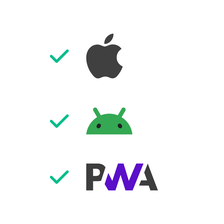
#### Enkel överensstämmelse med App Stores
Våra verktyg säkerställer efterlevnad av kraven i iOS- och Android-butikerna samt PWA:er genom att som standard begränsa behörigheterna till vad som är absolut nödvändigt.
## Inbäddad kod på begäran: bara det viktigaste
### Inga dolda bibliotek, inga onödiga SDK:er, inga förinstallerade komponenter. Din applikation innehåller bara den kod du behöver för de funktioner du väljer.

Aktivera en funktion
→ dess kod integreras automatiskt.

Avaktivera den
→ den tas bort under omkompilering

**Resultatet är** en lättare, helt transparent applikation som som standard uppfyller sekretesskraven och är betryggande för dina användare.
## App Stores efterlevnad
### Med GoodBarber är det enkelt att deklarera din applikation i butikerna tack vare funktioner som är utformade för att göra uppgiften enklare.

#### Förbyggda funktioner
Begränsa antalet behörigheter som krävs samtidigt som du följer app-butikernas regler.

#### Förenklad process
Dra nytta av en integrerad guide som hjälper dig att göra dina deklarationer.

#### Maximal kompatibilitet
Oavsett om det handlar om iOS, Android eller PWA förenklas processerna och följer standarderna.

## Bästa praxis för sekretess och säkerhet
### GoodBarber sätter sekretess i centrum för sina verktyg för rigorös och ansvarsfull datahantering.
Vi respekterar noggrant lagstadgade lagringstider för data och loggar. Våra infrastrukturer granskas regelbundet för att säkerställa att de håller högsta internationella standard, och våra användarvillkor är utformade för att vara helt transparenta för att förenkla efterlevnaden.
## Varför välja GoodBarber?
### GoodBarber sätter sekretess i centrum för sina verktyg för rigorös och ansvarsfull datahantering.
- 
### Säkert privat moln
Dina uppgifter förblir under din exklusiva kontroll.
- 
### Intuitivt sekretesscenter
Fullständig och tydlig kontroll för dig och dina användare.
- 
### Automatiserad efterlevnad
Dina förfaranden förenklas och anpassas till gällande lagstiftning.
- 
### Orubblig säkerhet
Vi sätter de högsta standarderna.
Ta reda på varför GoodBarber är den viktigaste lösningen
[Prova det gratis](https://se.goodbarber.com/create/)